
Desert Gas Station Road Movie Still
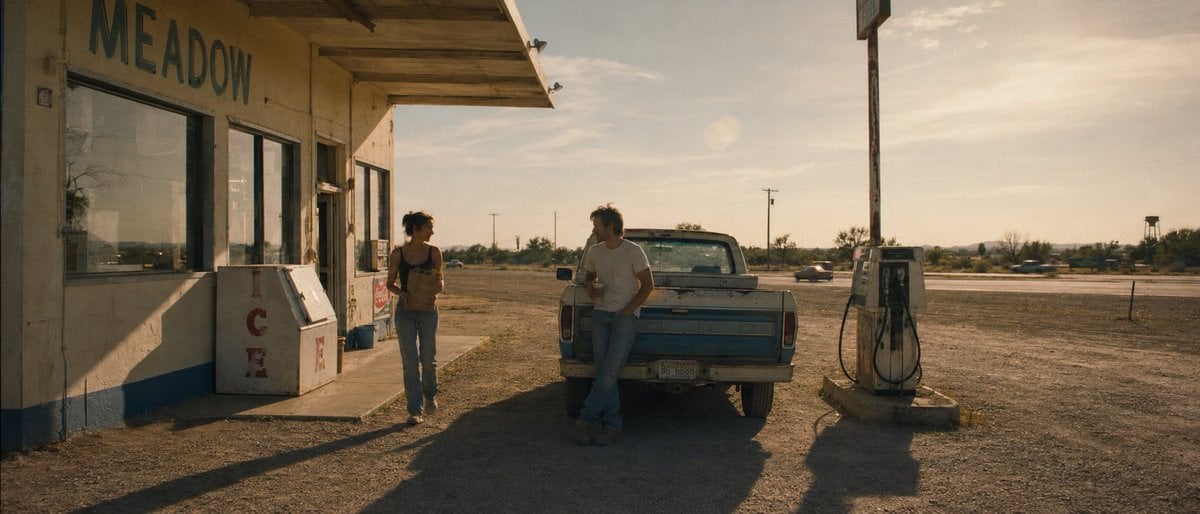
A cinematic prompt for generating a warm vintage Americana scene with two people, a pickup truck, and an old rural gas station.
- Prompt included
- Model and format preset
- Free template
The prompt behind this image
Copy the exact prompt behind Desert Gas Station Road Movie Still, or open it in the studio and make it yours.
Create a cinematic widescreen still from an indie road movie set at a lonely rural desert gas station in the late afternoon golden hour. The scene shows an old beige roadside building on the left with large weathered letters reading {argument name="store sign text" default="MEADOW"} painted high on the wall, glass storefront windows, a faded blue stripe along the bottom, and a white outdoor ice chest with red vertical letters spelling ICE. In the center foreground, place an old dusty blue pickup truck seen from the rear, parked beside the building; one young man in a plain {argument name="man shirt color" default="white"} T-shirt and jeans leans casually against the truck tailgate holding a drink, while one young woman in a dark tank top and jeans walks near the storefront also holding a drink, facing him as if mid-conversation. Count exactly 2 people, 1 pickup truck, 1 ice chest, and 1 vintage gas pump. On the right side, include a single weathered old gas pump on a small concrete island with hoses hanging down, a tall sign pole rising above it, and an empty dusty lot stretching to a distant highway with a few tiny blurred cars, utility poles, scrubby desert vegetation, and a low horizon. Use warm amber sunlight from the right, long dramatic shadows, dusty air, muted beige and teal colors, realistic film grain, soft lens flare, shallow cinematic contrast, and a 1970s Americana atmosphere. Compose as a wide 2.39:1 anamorphic frame, camera at eye level, naturalistic lighting, no modern branding, no extra people, no added text except the storefront sign and ICE letters.
How to use Desert Gas Station Road Movie Still in 3 steps
- 1Upload ImagePNG, JPG or paste
Add your photo
Upload the photo the template builds on. The prompt, model and format are already set.
- 2…a portrait of your subject in softgolden-hour light, 85mm…
Personalize
Edit the subject and creative details for your destination.
- 3Generate
Generate
Press Generate — your image is created in PicX Studio, so you can compare it with the original and refine one variable at a time.
More like this
Templates with the same subject, style or setup. Open one to see its prompt.
Cinematic Roadside Realism at a Gas Station
Love Is Gas Station Sunrise Poster

Saudi Arabia Paper Cut Travel Poster
Urban Night Gas Station Portrait
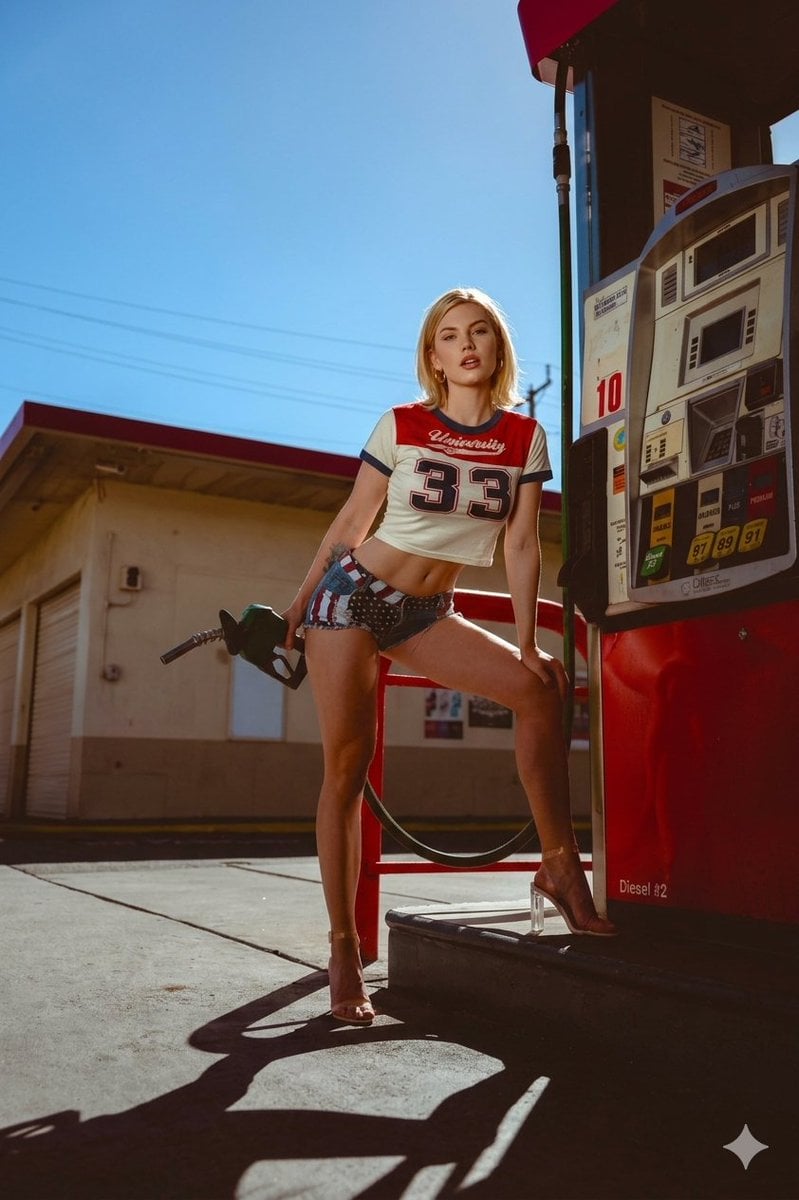
Retro Americana Gas Station Editorial
Station Wagon Road Trip
Gas Station Attendant 60s
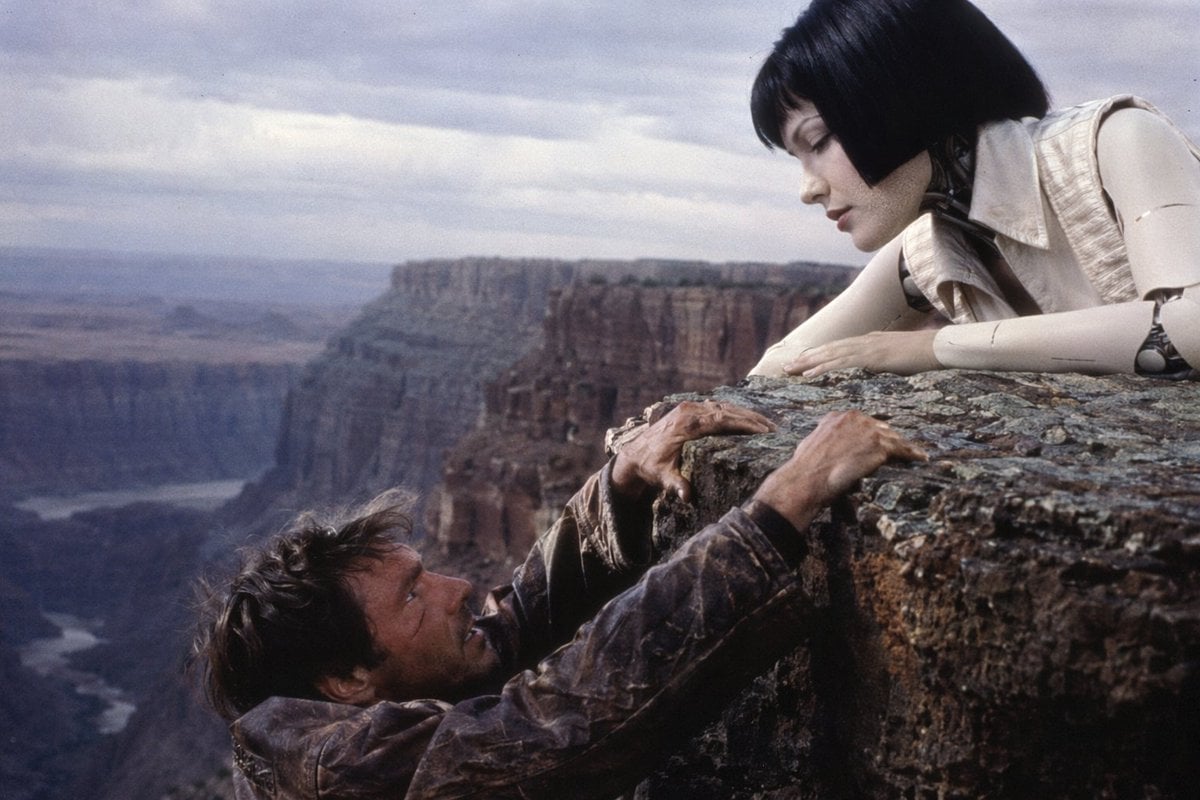
90s Sci-Fi Cliffhanger Movie Still
Anime Movie Poster at Twilight Station
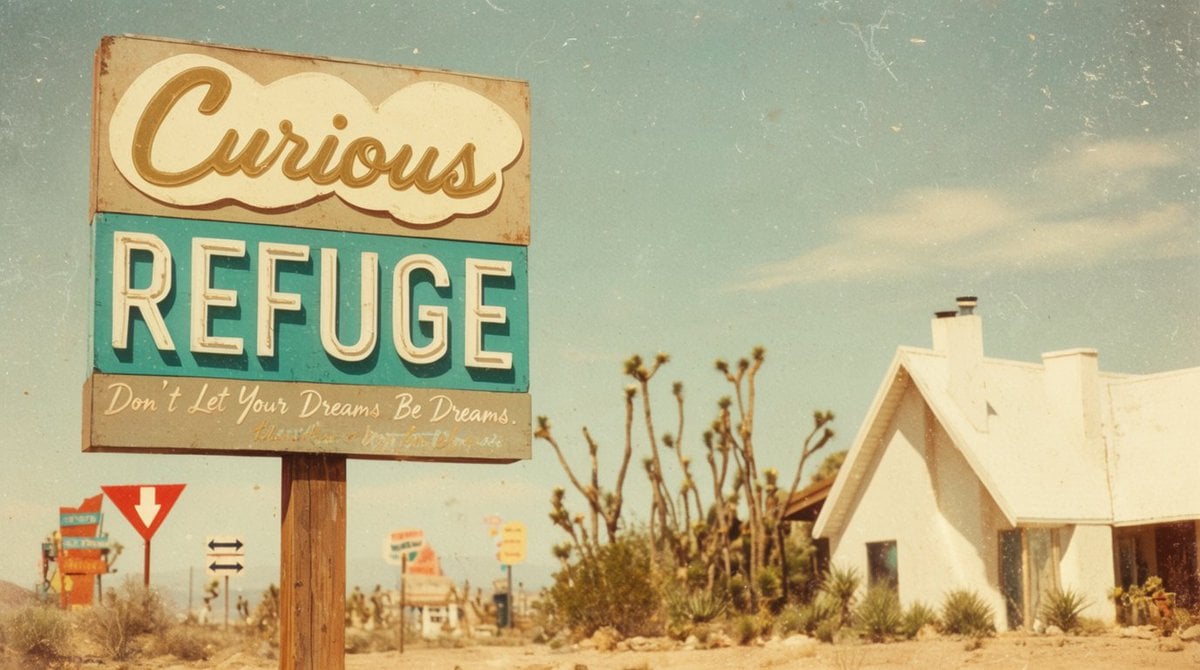
Vintage Desert Refuge Road Sign
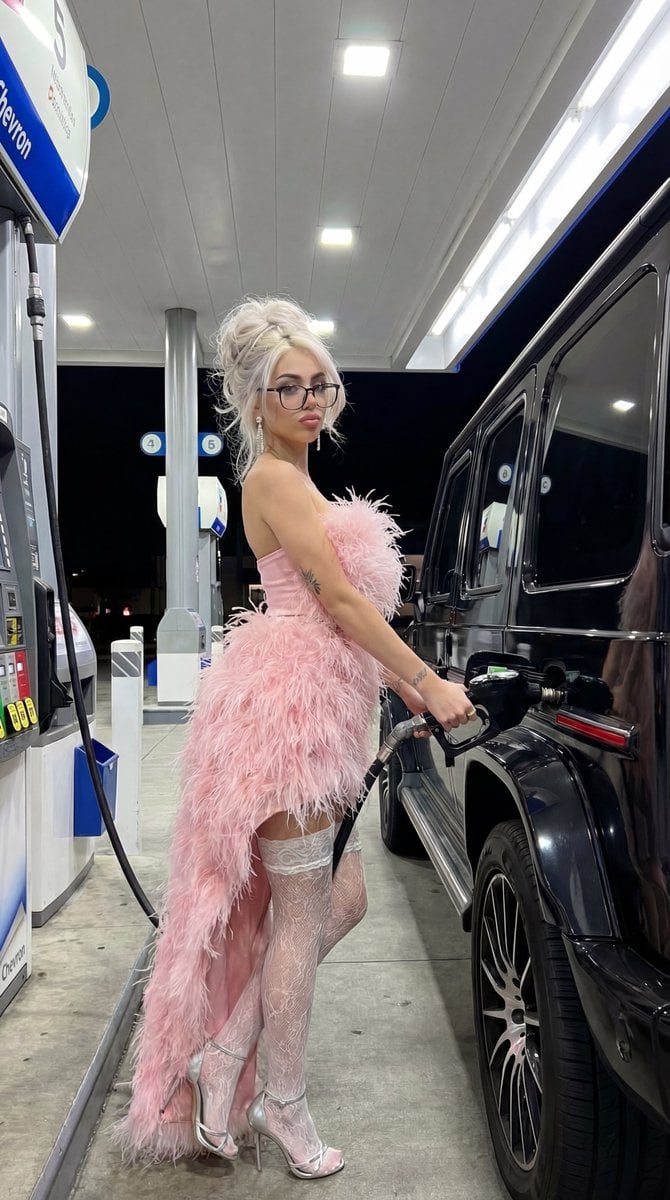
Campy High-Fashion Editorial at a Gas Station
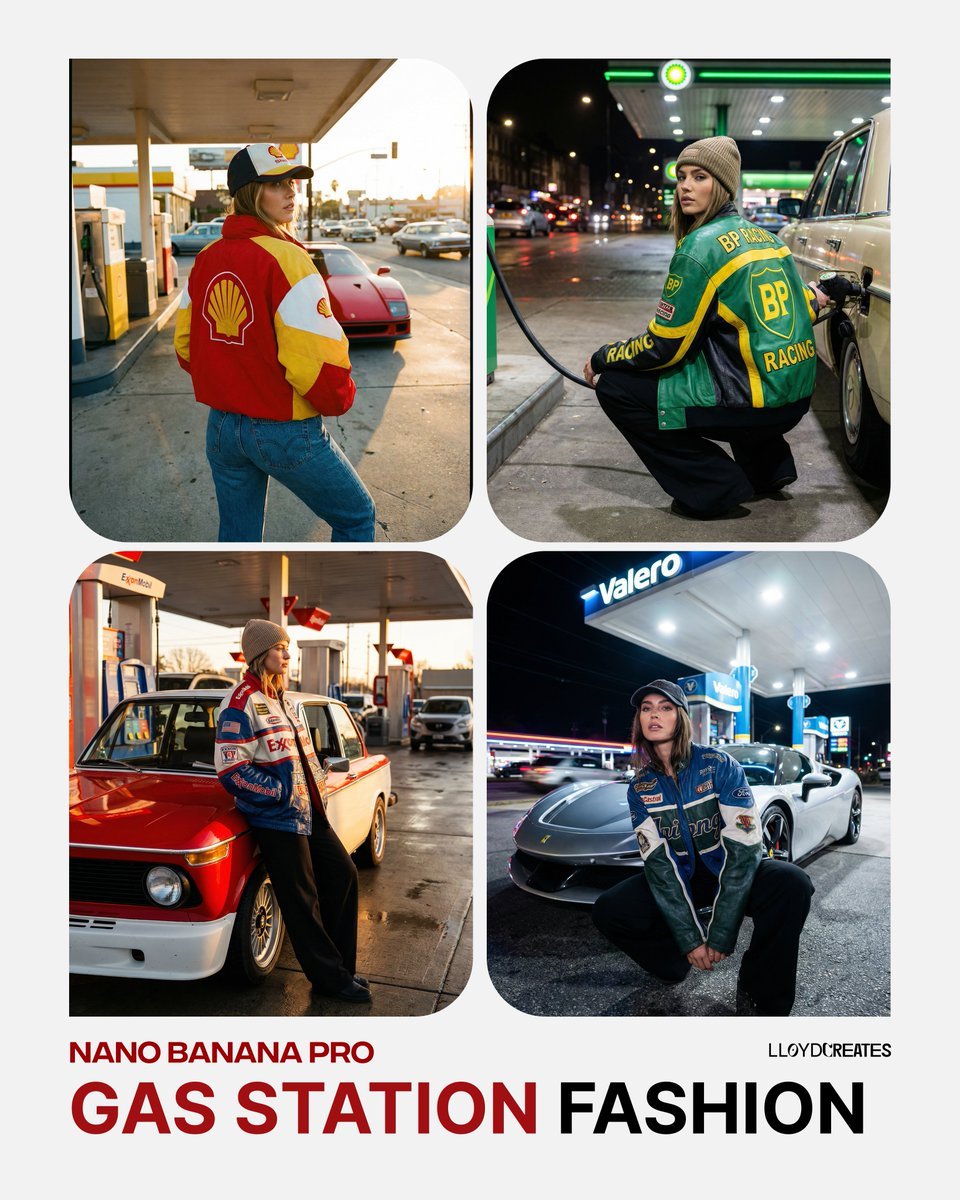
Gas Station Streetwear Fashion Photoshoot Template
Make it yours
Desert Gas Station Road Movie Still works as-is. These are the safest ways to change it without losing the look.
Change one field
Copy a single group, rewrite it, and generate again so you can see what that field is doing.
Keep the frame, change the subject
Hold the composition and light of Desert Gas Station Road Movie Still, then swap wardrobe, props or the person for a new take.
| If the result… | Why | Fix |
|---|---|---|
| The result drifts from the preview | Too many fields changed at once. | Reuse Desert Gas Station Road Movie Still as-is first, then change one group — subject, light, or setting. |
| The model over-stylizes the scene | The prose prompt leaves finish and camera underspecified. | Add one camera or lighting sentence and stay on GPT Image 2. |
More GPT Image 2 templates
Other prompts made for GPT Image 2.

Six VTuber Japanese Logo Sheet

Realistic Portrait of Woman and Deer

The Vista Modular Condo Poster

AI Model Routing Comparison Infographic

2.5D Anime Art Board

Isometric Productivity Desk Scene

New York Double Exposure Poster

Four-Panel AI Landscape Comparison

Japanese Tatami Lifestyle Magazine Cover

NESCAFÉ Coffee Map Poster
More image prompts
Fresh picks from across the catalog.
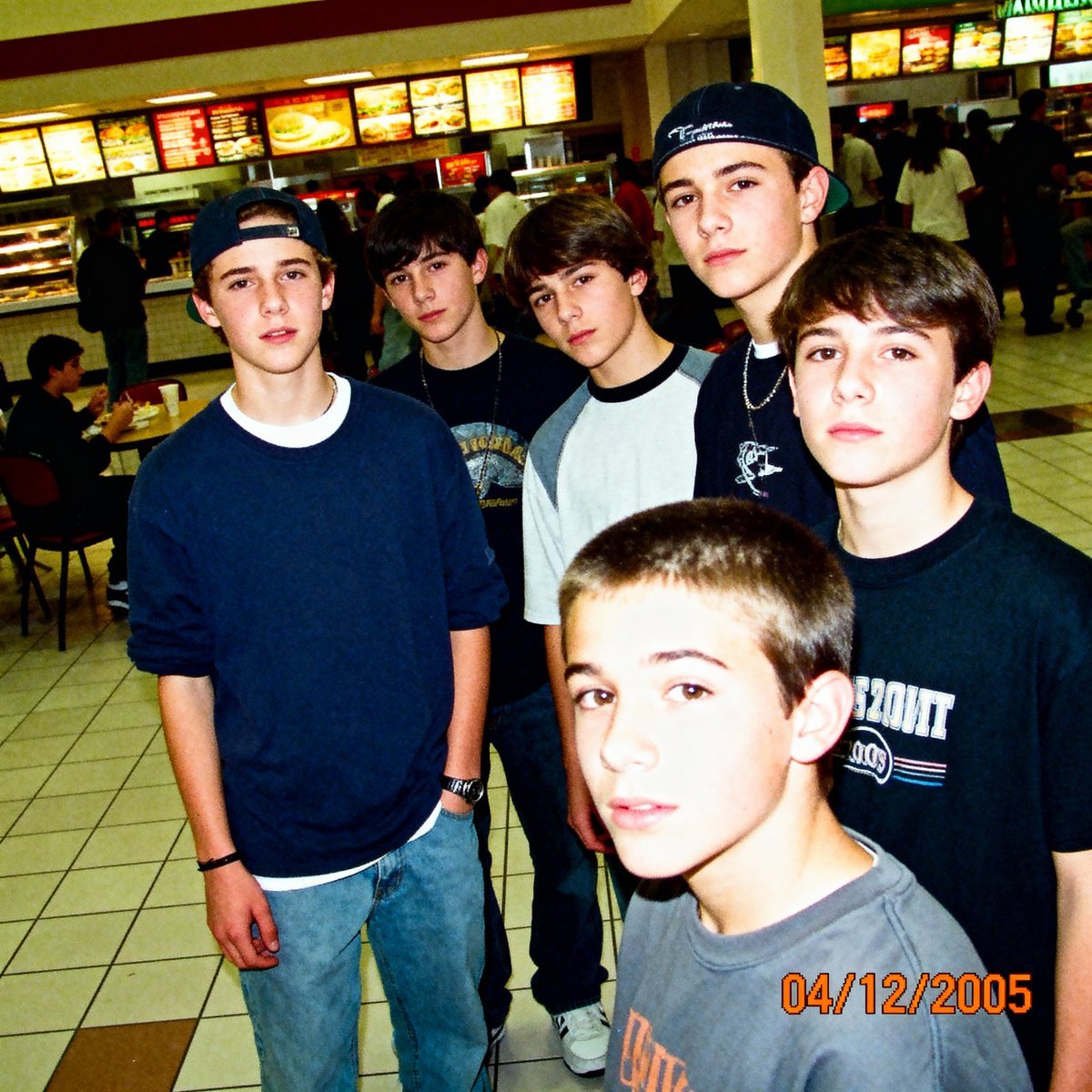
2005 Sony CyberShot mall food court snapshot prompt
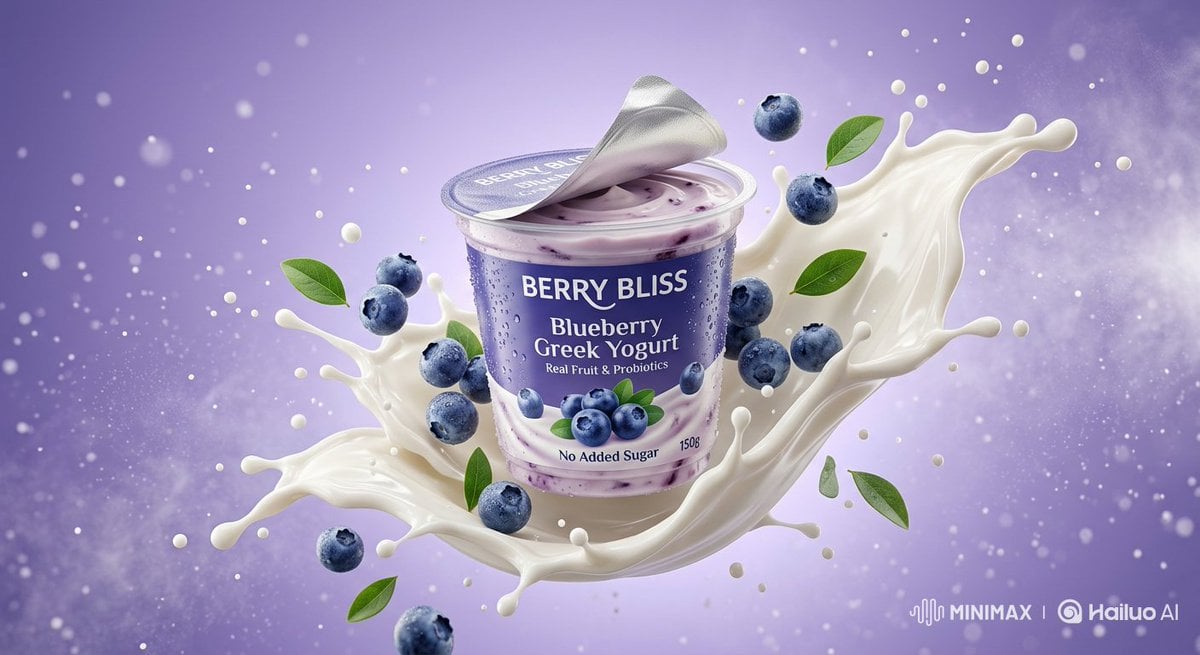
Ultra-Realistic Product Photography of Yogurt
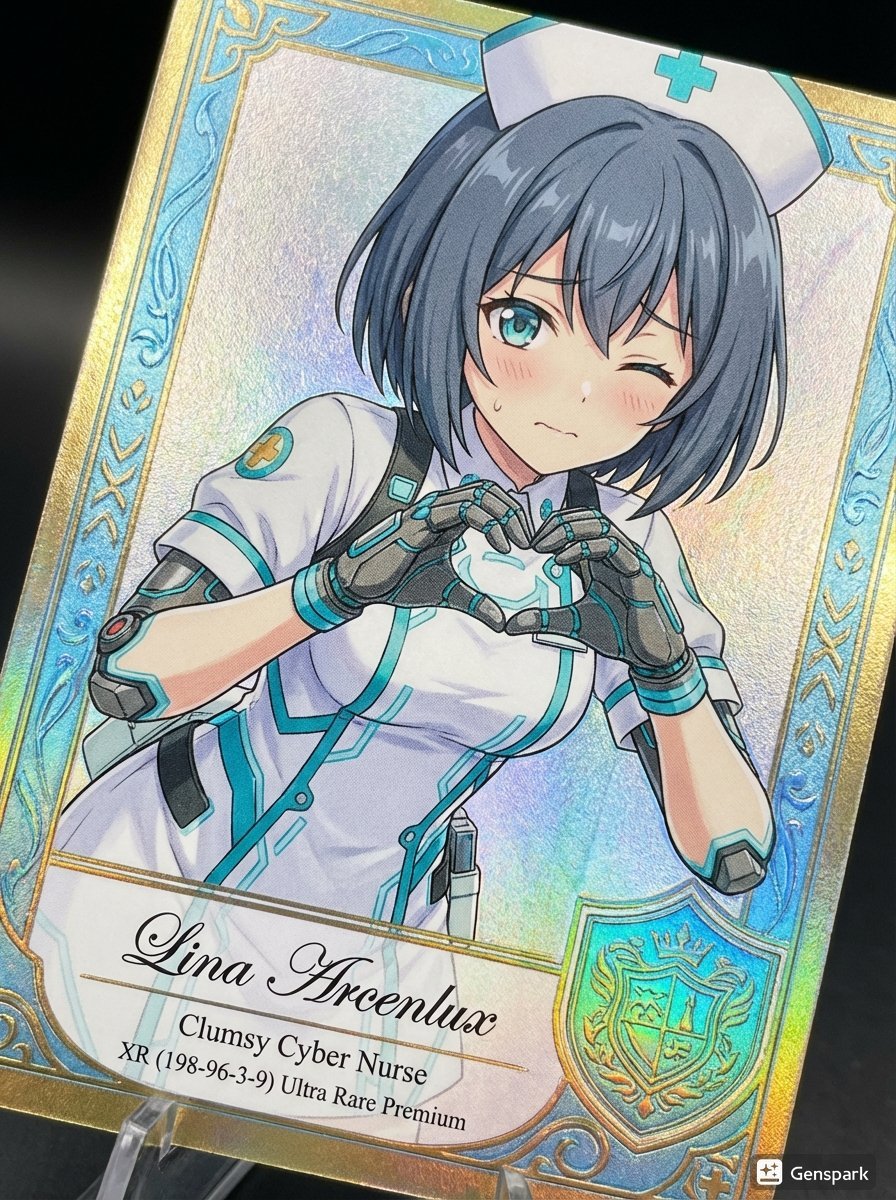
Comparing AI Art Versions with Nano Banana Pro

Luxury Fashion Close-Up Portrait
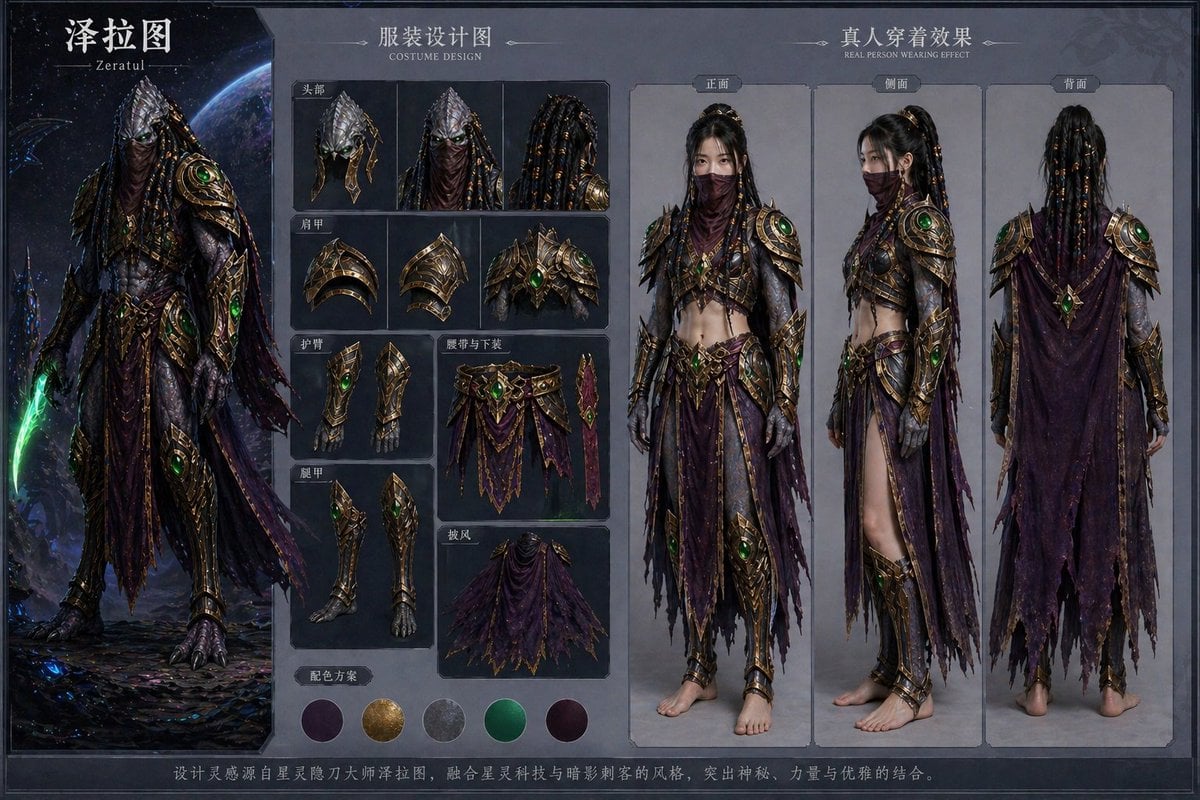
Character Costume Design Transfer
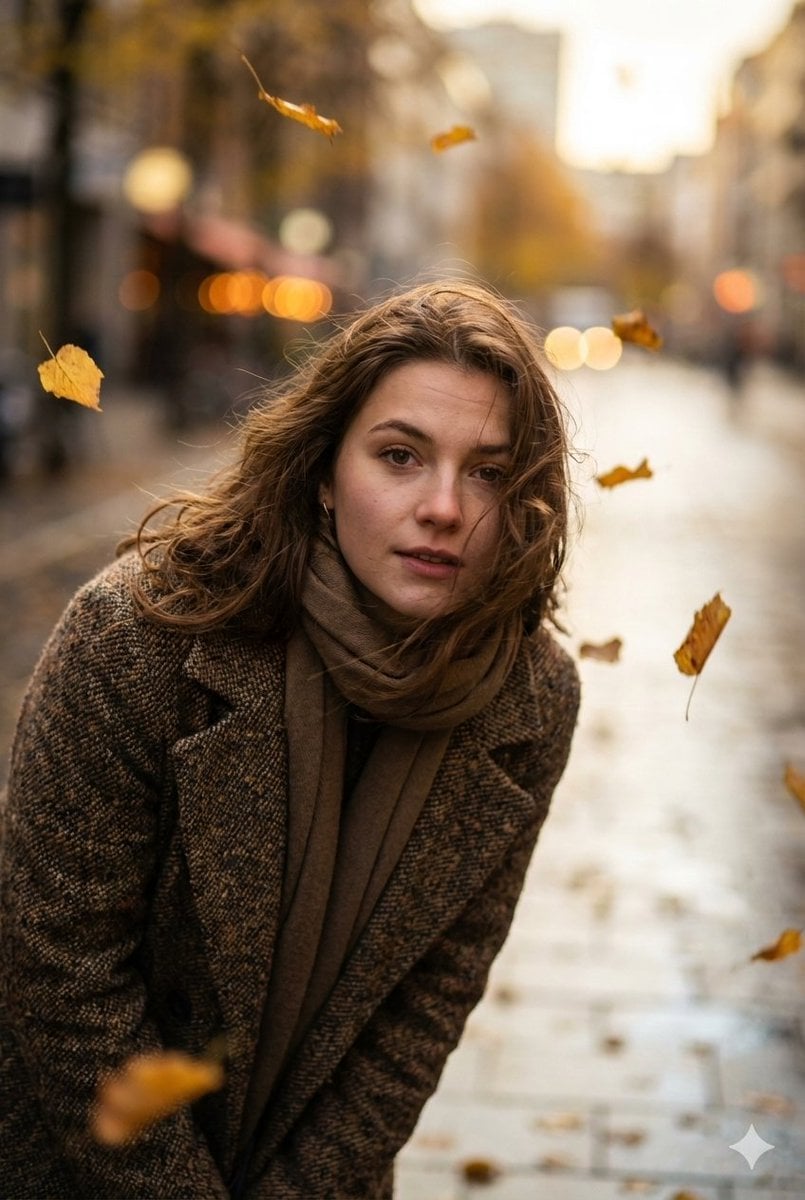
Cinematic Low-Angle Street Portrait Prompt
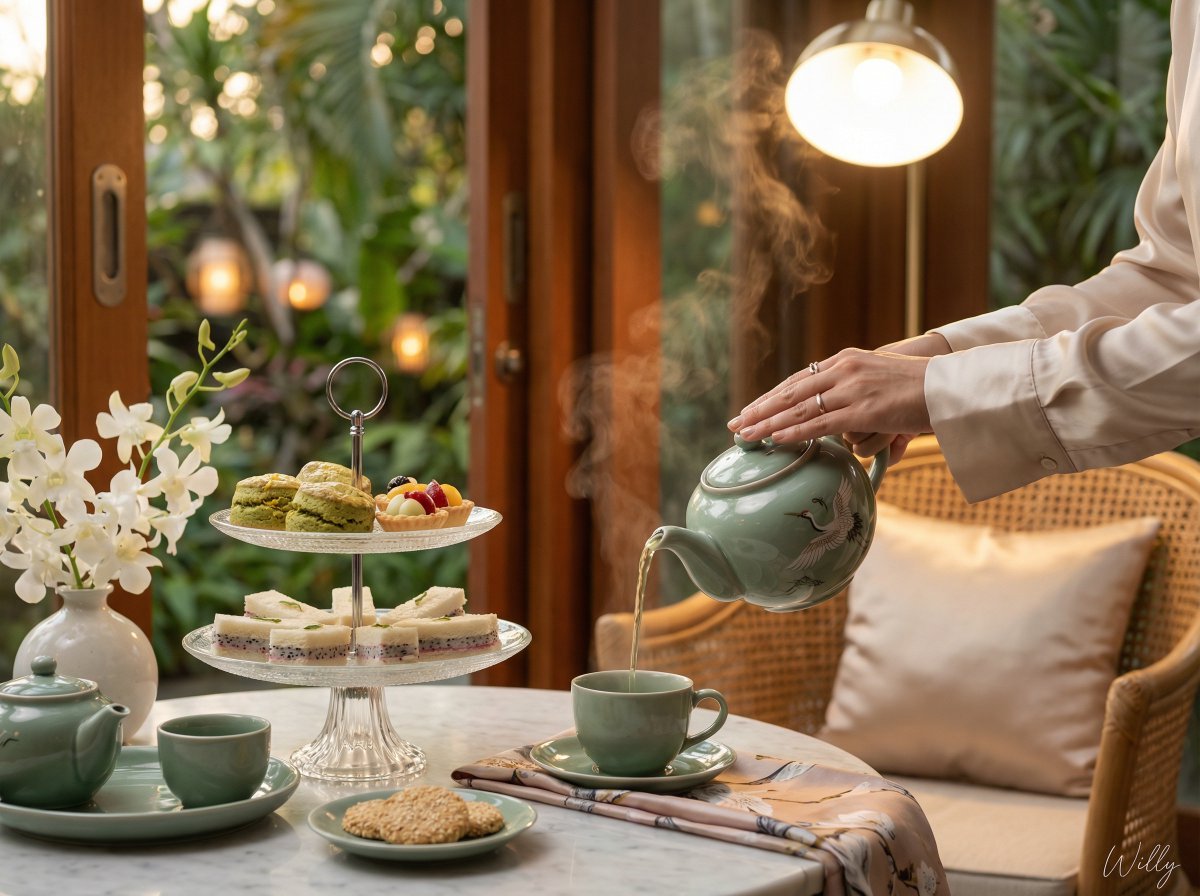
Photorealistic Vietnamese Afternoon Tea Scene

Rainy Premier League Trophy Celebration
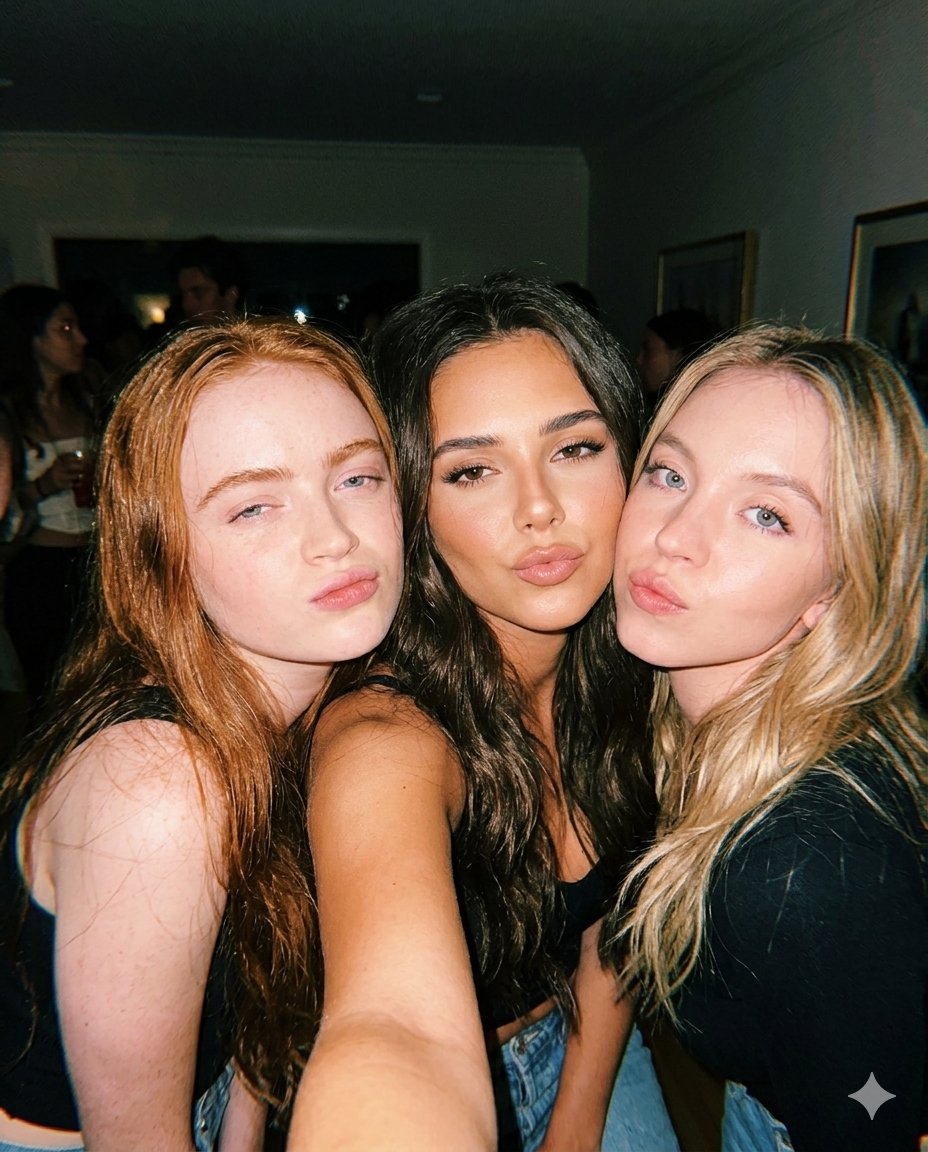
Vintage Flash Group Selfie Prompt for Nano Banana Pro
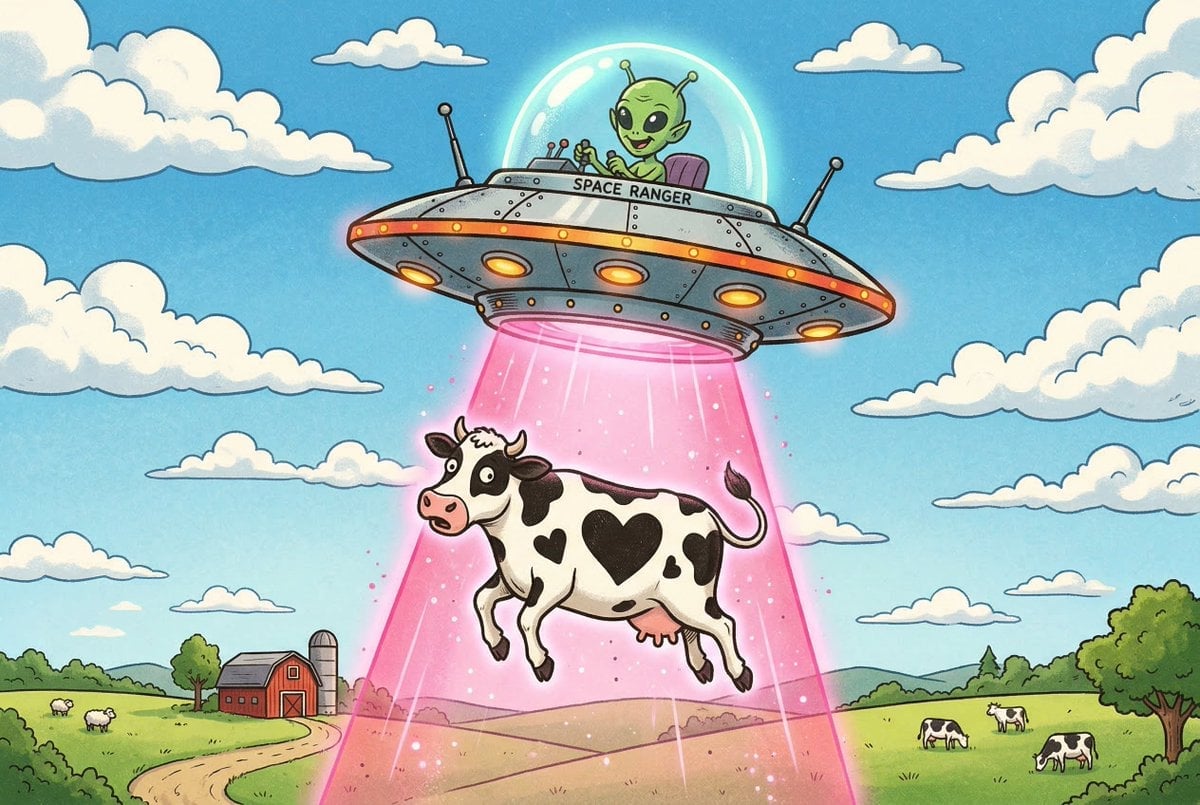
Black and White Cow Abduction by 1950s UFO
Browse template categories
Desert Gas Station Road Movie Still questions
How do I use the Desert Gas Station Road Movie Still template?
Add your photo if the template asks for one, edit the prompt if you like — the template's model and format are already selected — and press Generate. Your version opens in PicX Studio.
Can I customize the Desert Gas Station Road Movie Still template?
Yes. You can change the subject, setting, lighting, mood, format, and available model controls before creating your image.
Is the Desert Gas Station Road Movie Still template free?
Opening and editing this template is free. Generating uses credits, shown on the Generate button when you are signed in.
Which AI model should I use?
Start with GPT Image 2, which is the model associated with this template. You can compare another compatible model for a different finish.
Looking for something else? Browse all templates.

Your photo, any look
Thousands of ready templates for every top image and video model, from one credit balance.