
X Imgopaltiwari Golden Memories in Soft Light Chatgptapp
X Imgopaltiwari Golden Memories in Soft Light Chatgptapp is a ready photo look for GPT Image 2.
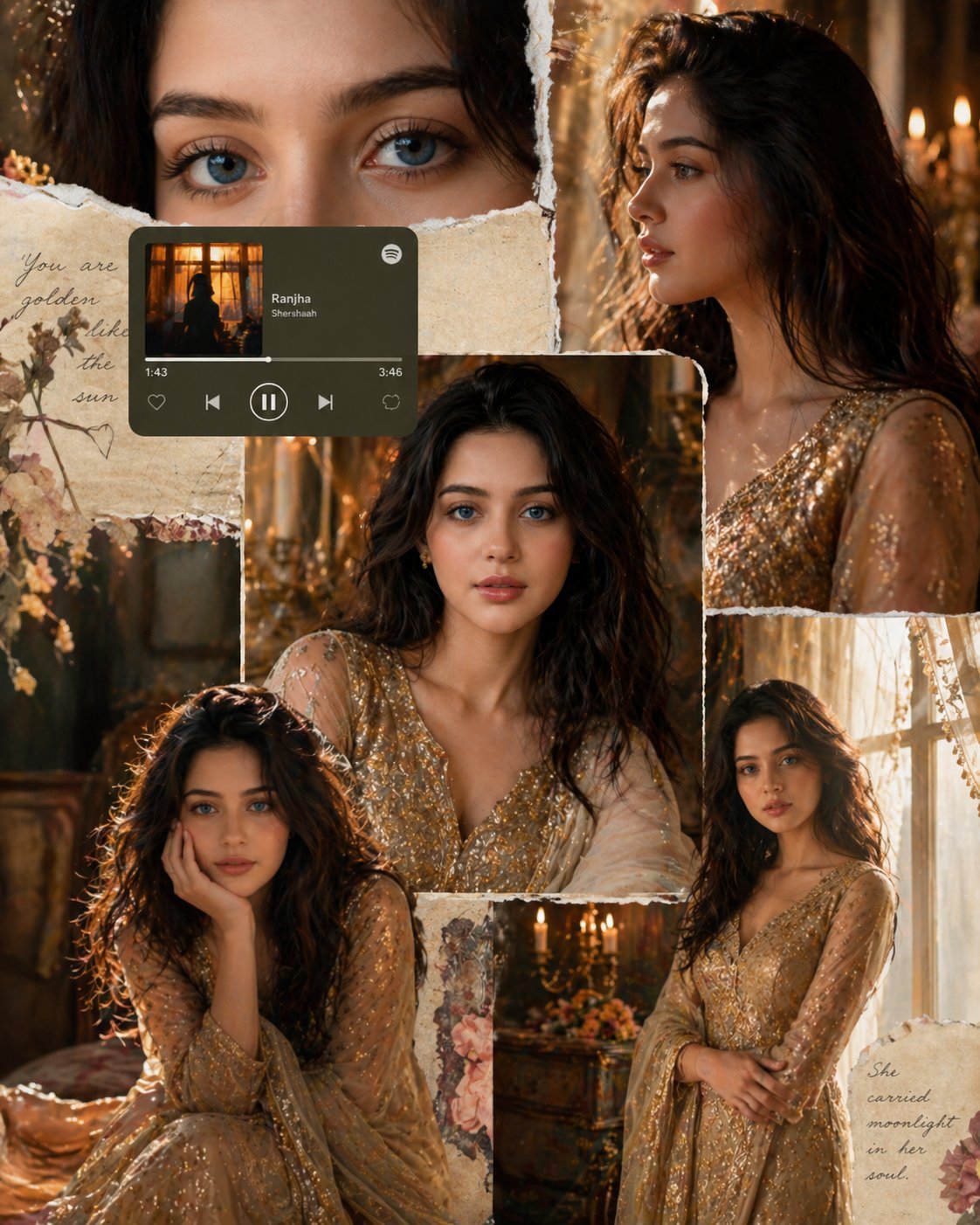
- Prompt included
- Model and format preset
- Free template
The prompt behind this image
Copy the exact prompt behind X Imgopaltiwari Golden Memories in Soft Light Chatgptapp, or open it in the studio and make it yours.
Golden memories in soft light @ChatGPTapp Prompt: Cinematic royal collage of a young woman, using the exact same face identity from the reference (high facial consistency). Multi-panel scrapbook layout (4–6 frames): golden hour window light, warm tones, soft shadows. Shots include close-up eyes, side profile, mid-shot, candid pose. Elegant gold embroidered traditional outfit, minimal jewelry, soft glam makeup. Vintage royal interior with candles, warm bokeh, window light rays, sheer curtains. Add torn paper textures, handwritten notes, subtle florals. Include a small Spotify player UI card blended naturally. Ultra-realistic, editorial photography, 85mm lens, shallow depth of field, cinematic color grading, soft film grain, luxury girly aesthetic. NEGATIVE PROMPT different face, distorted features, asymmetrical eyes, blurry face, over-smoothed skin, extra fingers, duplicate face, cartoon style, low quality, noise, harsh lighting, overexposed highlights, watermark, text artifacts, UI glitches
How to use X Imgopaltiwari Golden Memories in Soft Light Chatgptapp in 3 steps
- 1
Open
The prompt is already in the box next to the preview, with the template's model and format selected.
- 2…a portrait of your subject in softgolden-hour light, 85mm…
Personalize
Edit the subject and creative details for your destination.
- 3Generate
Generate
Press Generate — your image is created in PicX Studio, so you can compare it with the original and refine one variable at a time.
More like this
Templates with the same subject, style or setup. Open one to see its prompt.
X Bubblebrain Soft Backlight By Gpt Image 2
X Doctorwasif Made with Chatpgpt Image 2

X Ayzalnooor24521 Gemini Nano Banana Pro
X Sairah 0 Google Gemini Nano Banana Pro

X Fujimoto Hina Create with Nano Banana Pro on Gemini App
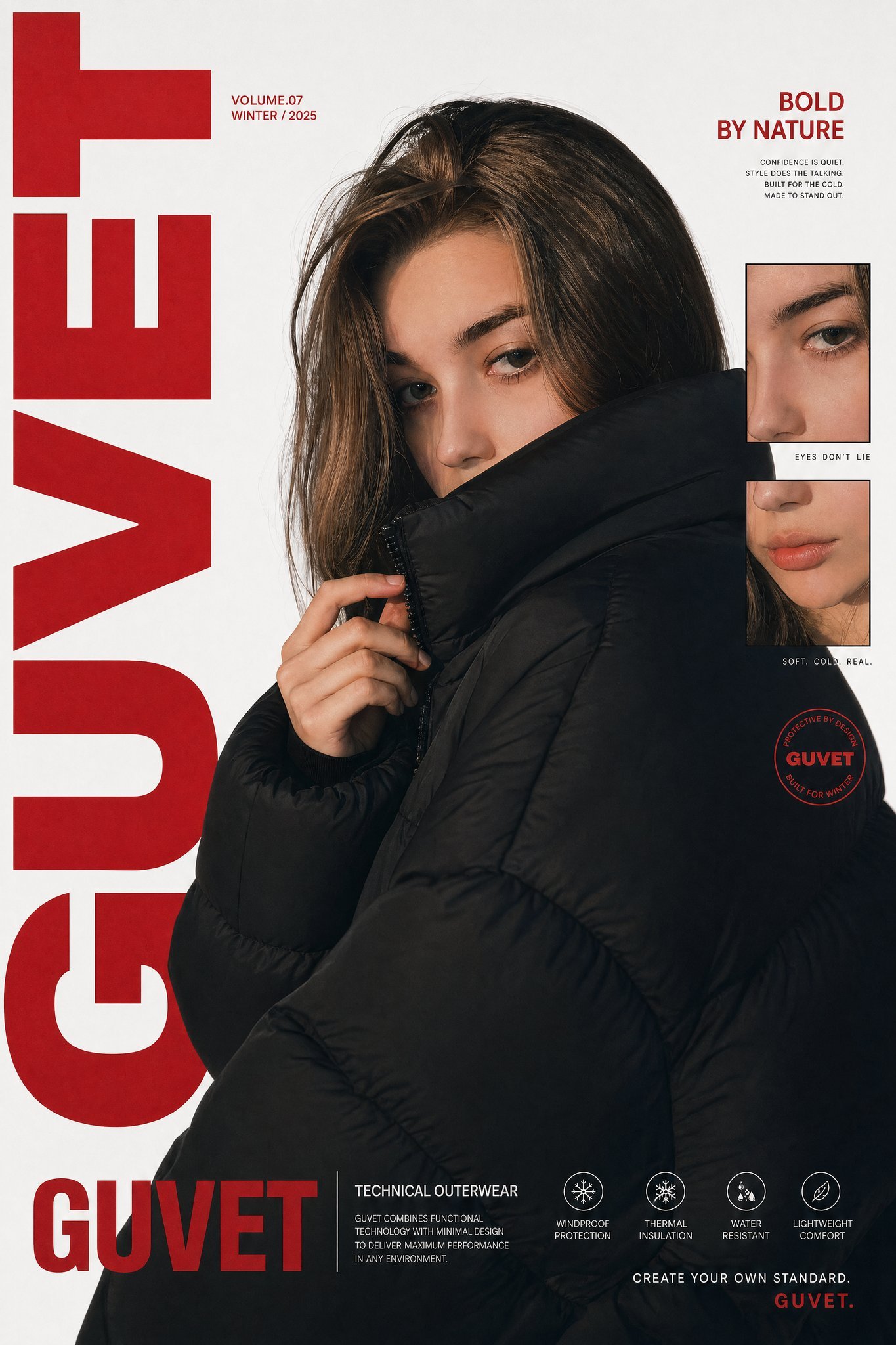
X Saniaspeaks Created with Gpt Image 2 on Chatgpt
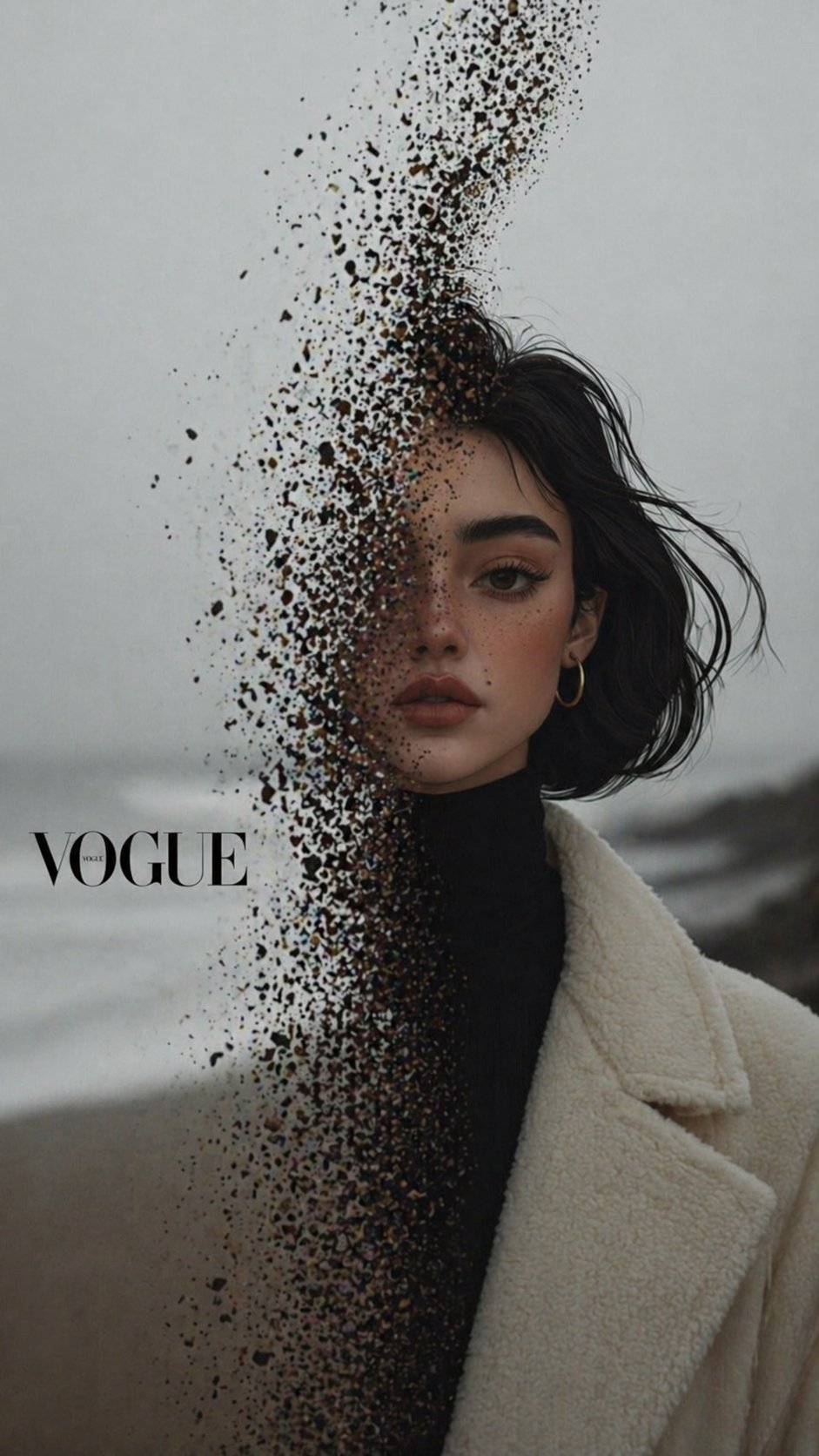
X Noor Ul Ain43 Hard Truth Your Expensive Setup Isnt Special Anymore Prompts Chatgpt Images
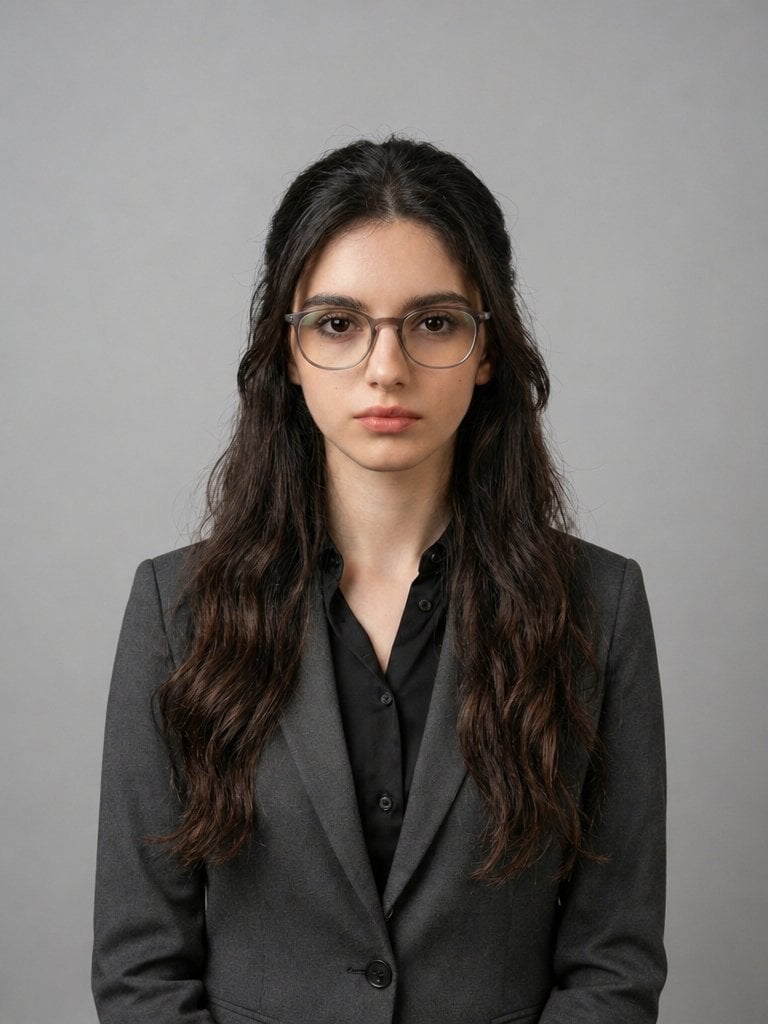
X Iqrasaifiii Pov Du Hast Gerade Erkannt Dass Du Professionelle Corporate Fotos Ganz Bequem
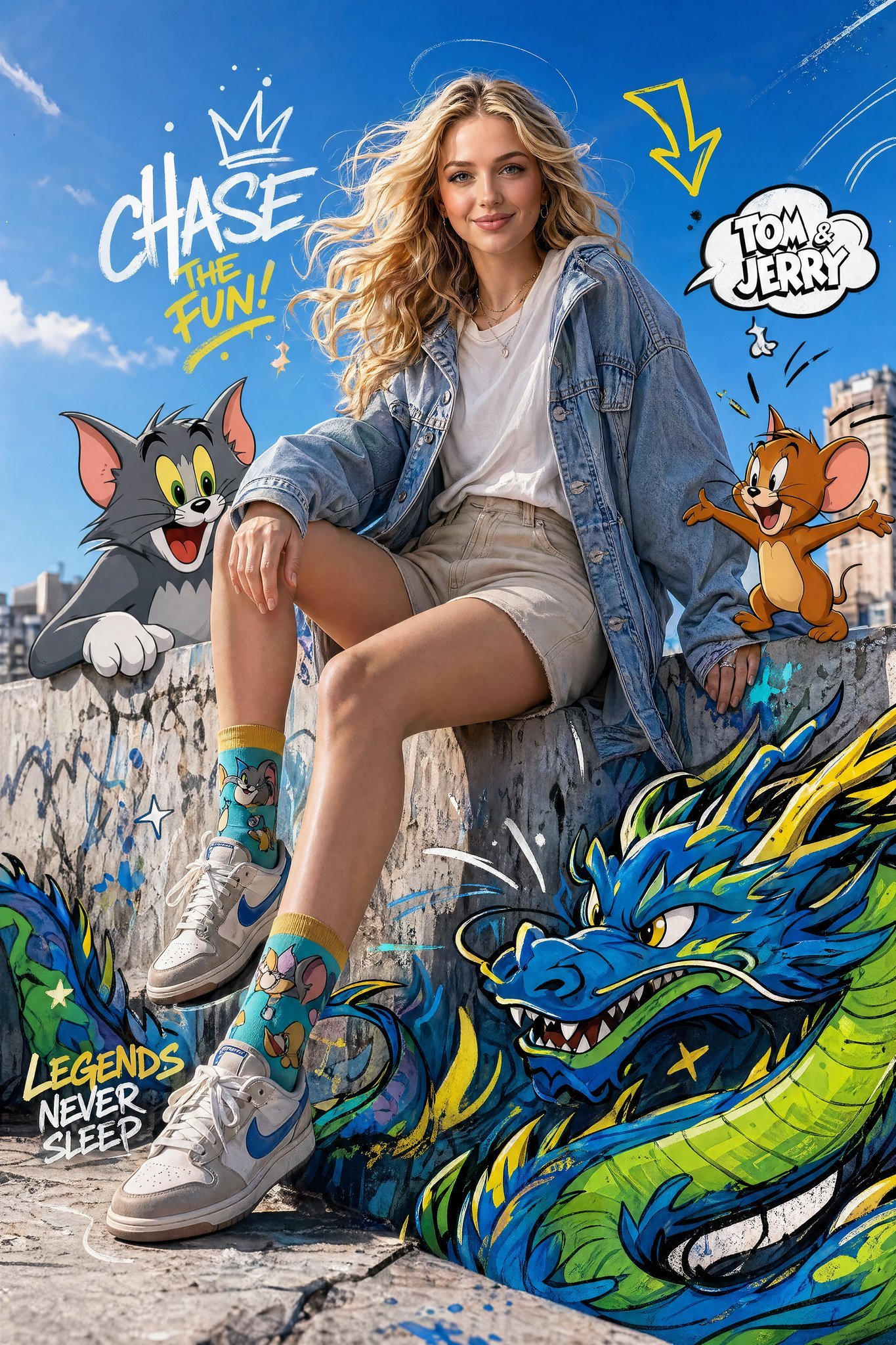
X Just Sharon7 What Were Your Favourite Childhood Cartoons

X Kashberg 0 Gpt Image 20
X Bubblebrain Portrait
X Ohmuyi 那就来个歪头杀吧
Make it yours
X Imgopaltiwari Golden Memories in Soft Light Chatgptapp works as-is. These are the safest ways to change it without losing the look.
Change one field
Copy a single group, rewrite it, and generate again so you can see what that field is doing.
Keep the frame, change the subject
Hold the composition and light of x-imGopalTiwari-golden-memories-in-soft-light-chatgptapp, then swap wardrobe, props or the person for a new take.
| If the result… | Why | Fix |
|---|---|---|
| The result drifts from the preview | Too many fields changed at once. | Reuse x-imGopalTiwari-golden-memories-in-soft-light-chatgptapp as-is first, then change one group — subject, light, or setting. |
| The model over-stylizes the scene | The prose prompt leaves finish and camera underspecified. | Add one camera or lighting sentence and stay on GPT Image 2. |
More GPT Image 2 templates
Other prompts made for GPT Image 2.

Six VTuber Japanese Logo Sheet

Realistic Portrait of Woman and Deer

The Vista Modular Condo Poster

AI Model Routing Comparison Infographic

2.5D Anime Art Board

Isometric Productivity Desk Scene

New York Double Exposure Poster

Four-Panel AI Landscape Comparison

Japanese Tatami Lifestyle Magazine Cover

NESCAFÉ Coffee Map Poster
More image prompts
Fresh picks from across the catalog.

Neon Facebook Creator Poster
Hyper-Realistic Rear-Oblique Pose Replication Prompt
Luxury Jewelry Set Design Prompt for Nano Banana Pro
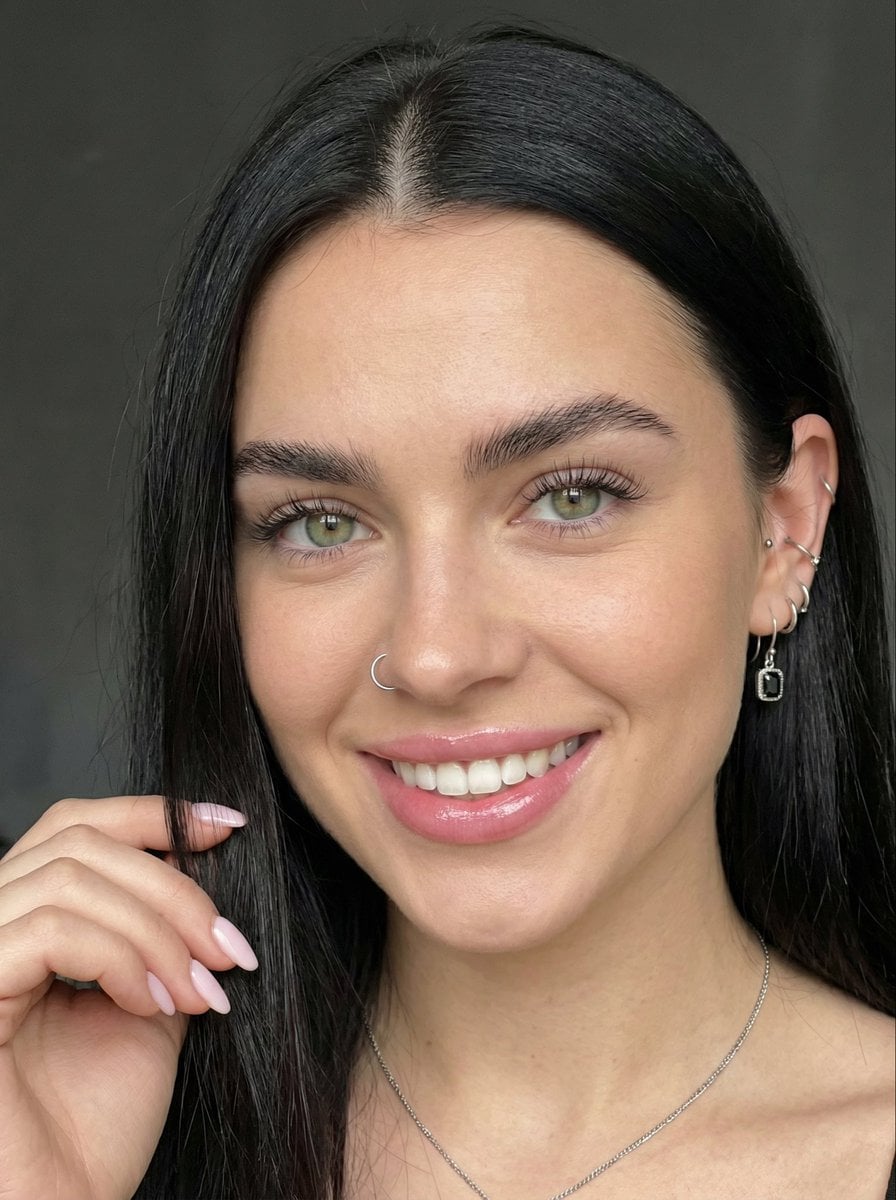
Close-up Portrait with Reference Prompt
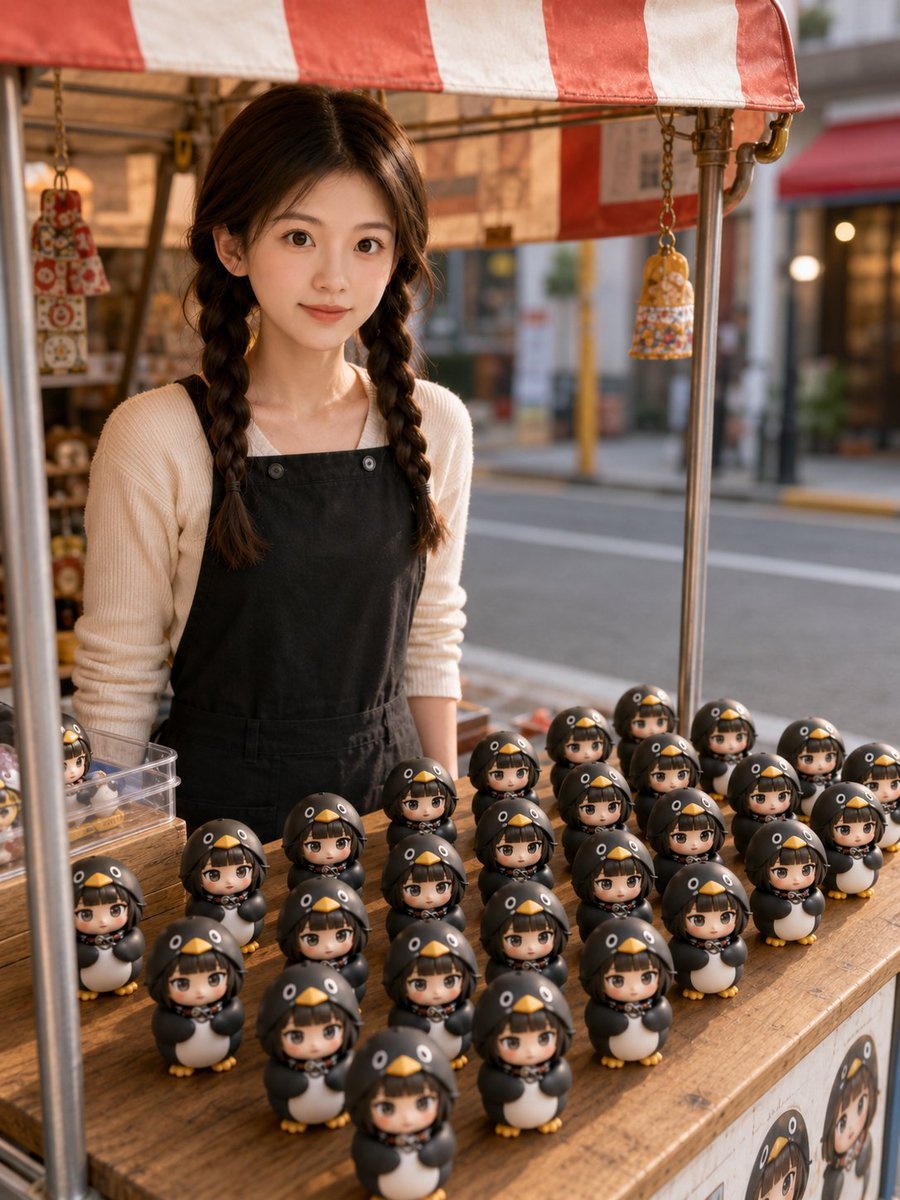
3D Chibi Toy Vendor Portrait
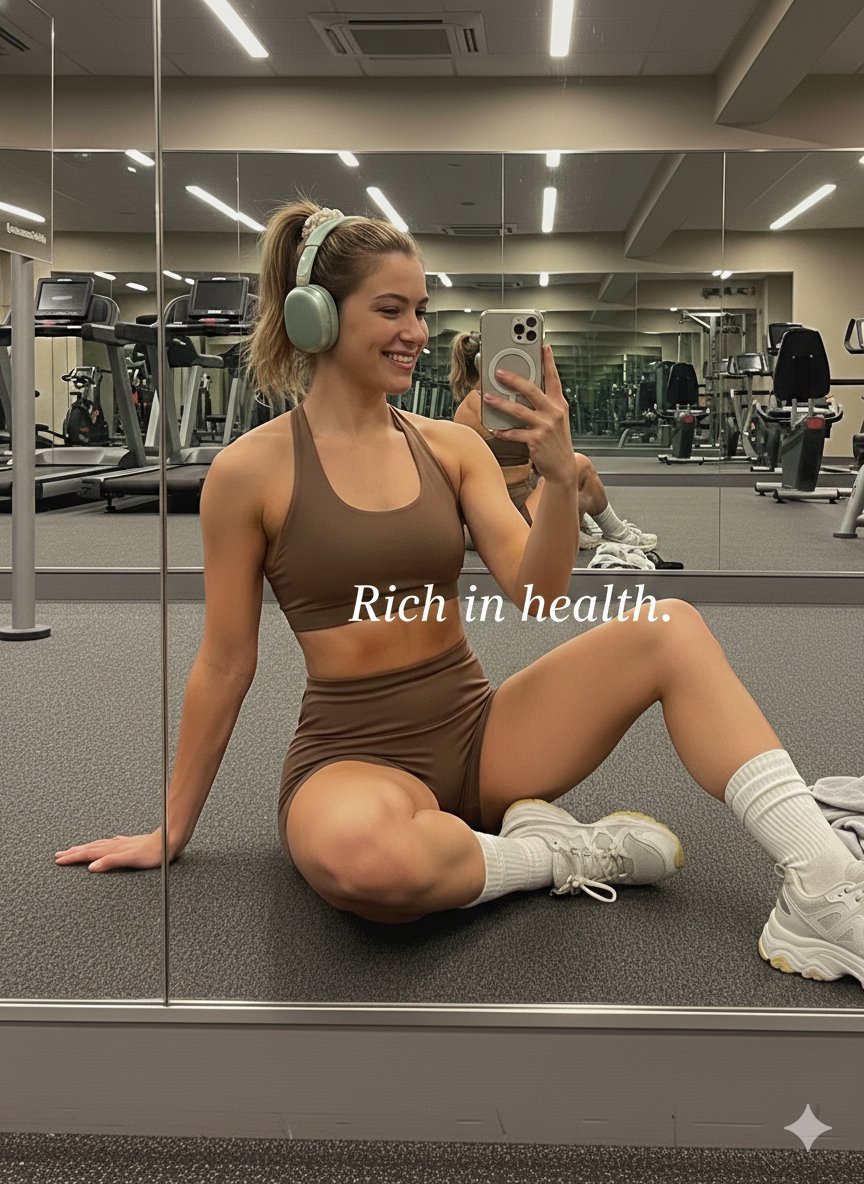
Gym Mirror Selfie Portrait Prompt
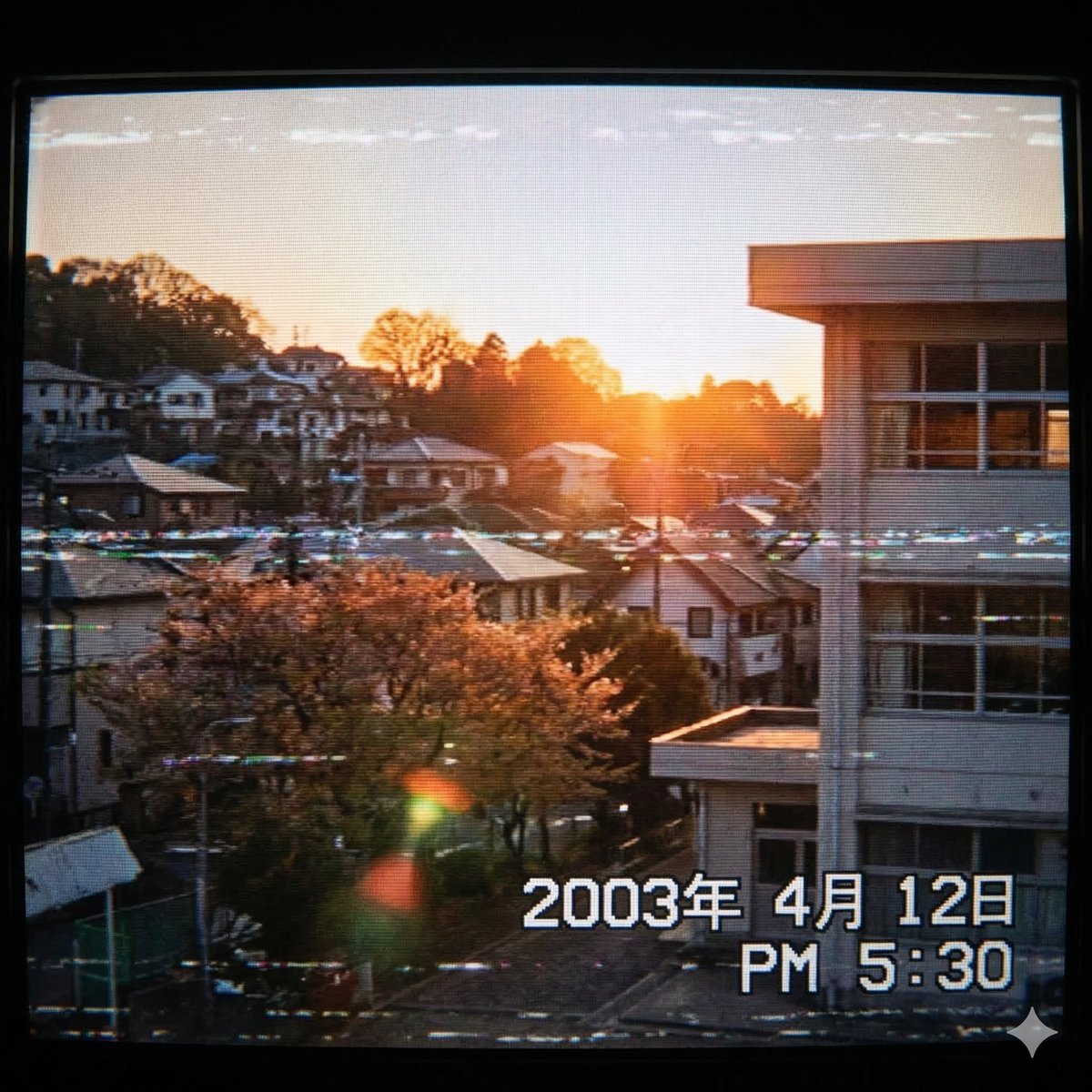
Generate a 2000s Japanese Suburb Atmosphere
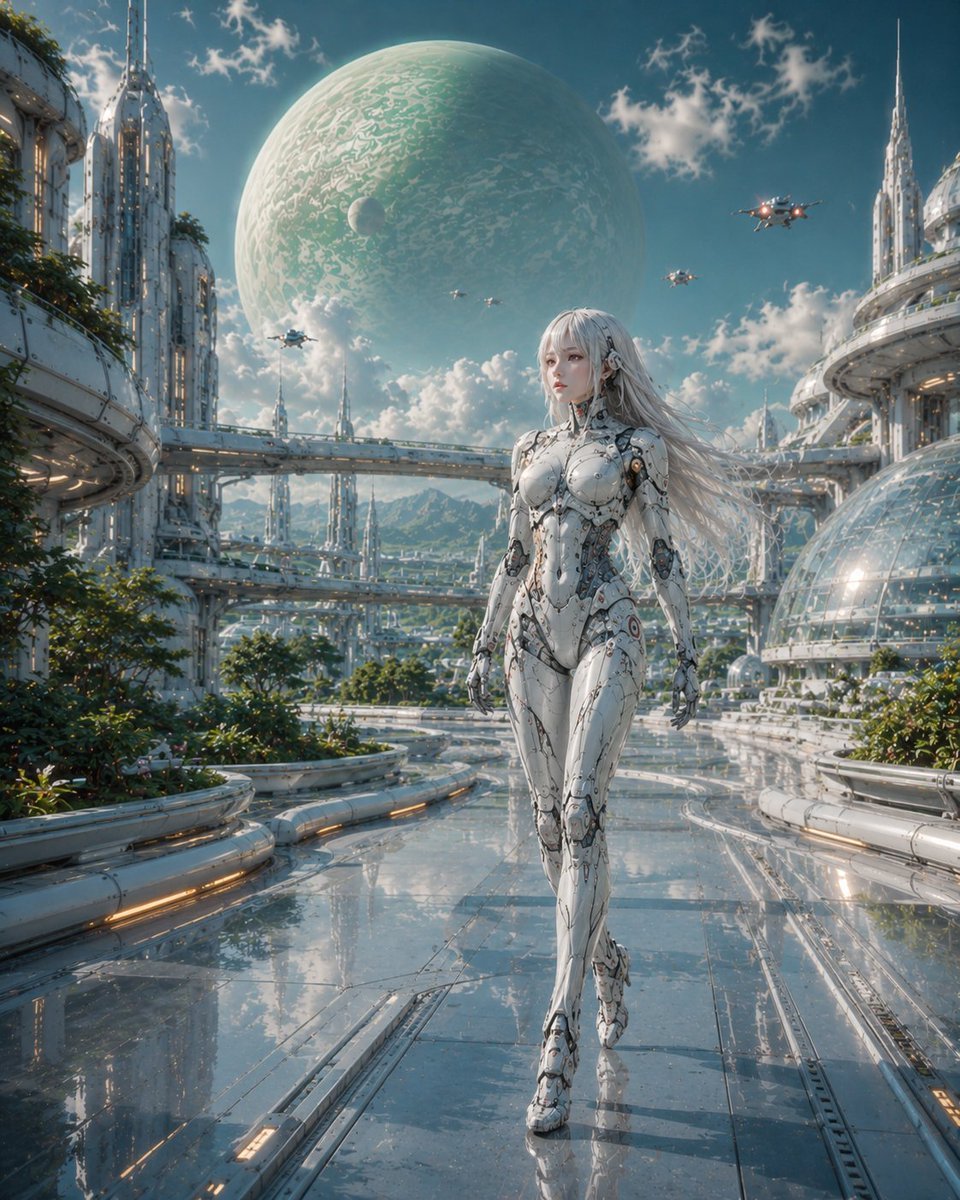
Female Android in Futuristic Space City
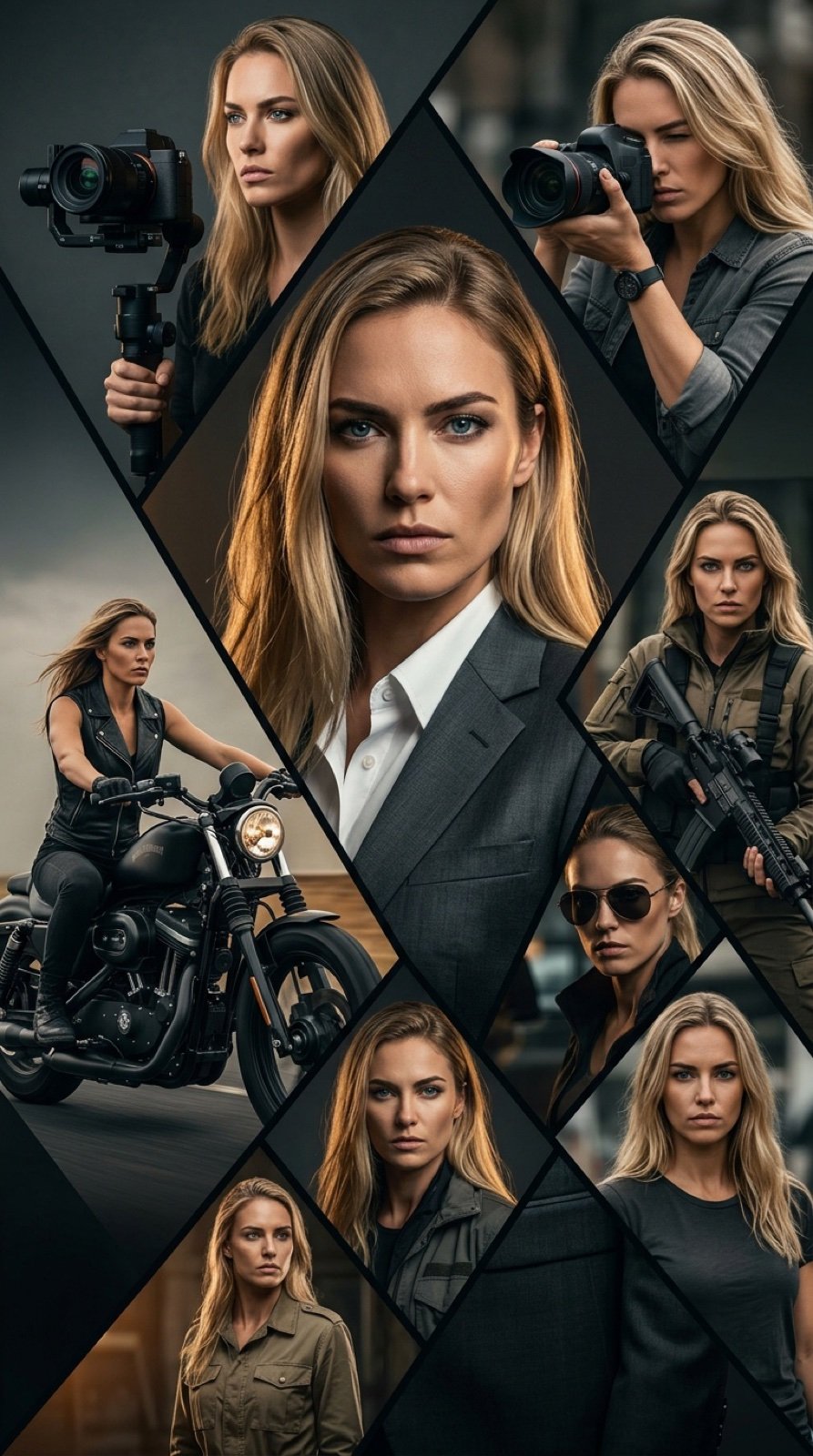
Cinematic Vertical Movie Poster Prompt (Multi-Role)
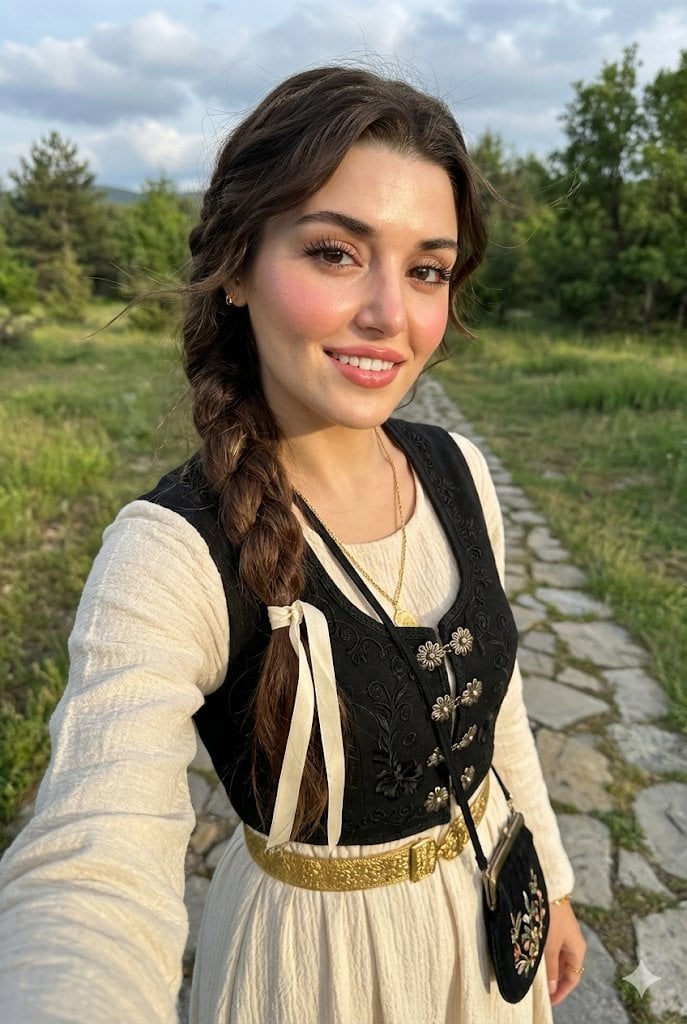
Full-Body Selfie Portrait with Traditional Clothing and Face Lock
Browse template categories
X Imgopaltiwari Golden Memories in Soft Light Chatgptapp questions
How do I use the x-imGopalTiwari-golden-memories-in-soft-light-chatgptapp template?
Add your photo if the template asks for one, edit the prompt if you like — the template's model and format are already selected — and press Generate. Your version opens in PicX Studio.
Can I customize the x-imGopalTiwari-golden-memories-in-soft-light-chatgptapp template?
Yes. You can change the subject, setting, lighting, mood, format, and available model controls before creating your image.
Is the x-imGopalTiwari-golden-memories-in-soft-light-chatgptapp template free?
Opening and editing this template is free. Generating uses credits, shown on the Generate button when you are signed in.
Which AI model should I use?
Start with GPT Image 2, which is the model associated with this template. You can compare another compatible model for a different finish.
Looking for something else? Browse all templates.

Your photo, any look
Thousands of ready templates for every top image and video model, from one credit balance.