
Cinematic Vertical Movie Poster Prompt (Multi-Role)
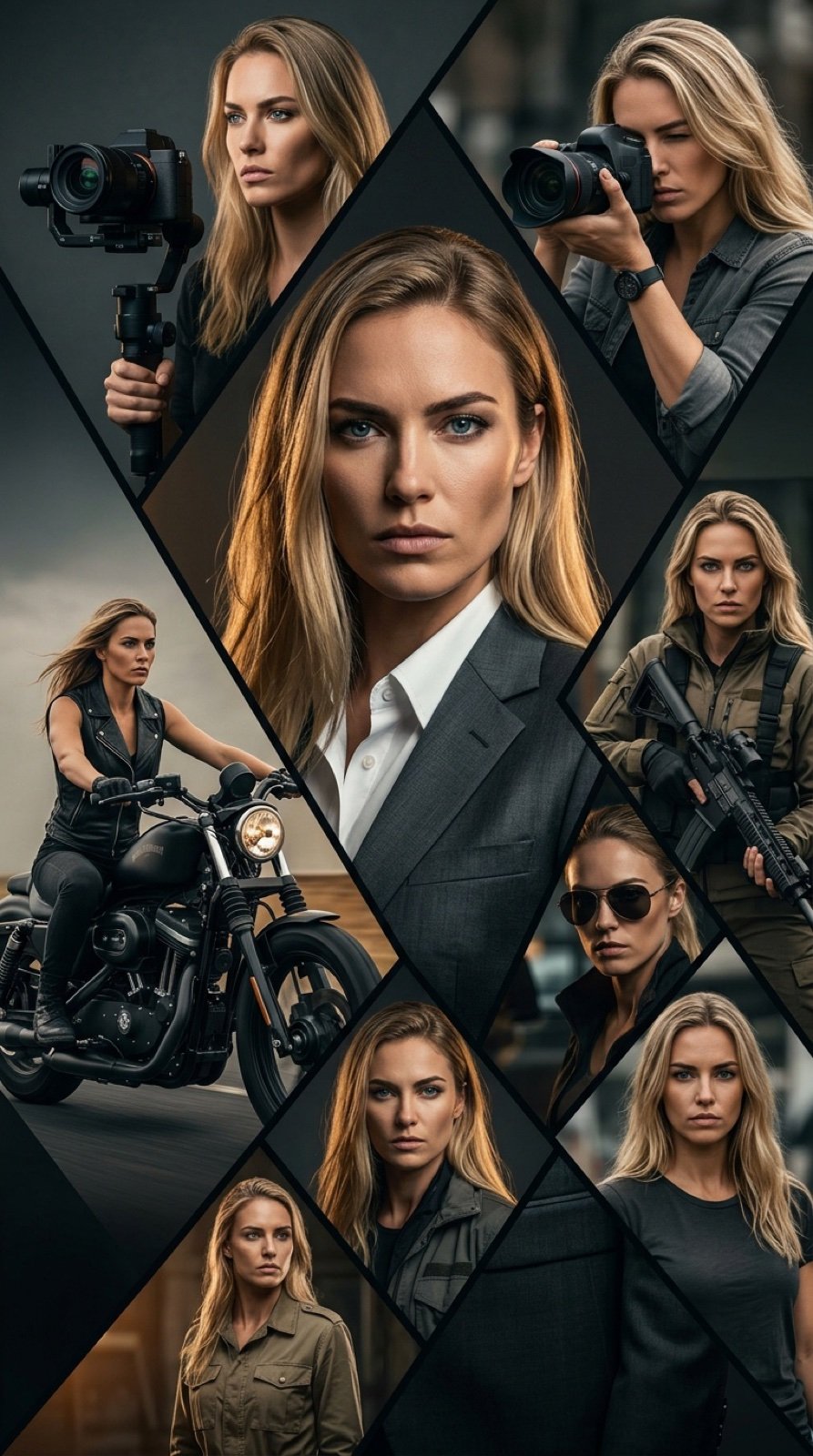
A complex prompt for generating a cinematic vertical movie poster featuring a tough, charismatic western woman.
- Prompt included
- Model and format preset
- Free template
The prompt behind this image
Copy the exact prompt behind Cinematic Vertical Movie Poster Prompt (Multi-Role), or open it in the studio and make it yours.
Use the same face from the reference image without changing facial features { "prompt": "cinematic vertical movie poster of a tough charismatic western woman in her 20s, long blonde hair, intense blue eyes, strong jawline, serious determined expression, Eastern European appearance, multiple layered portraits of the same woman in different outfits and roles, central large confident portrait in stylish dark grey suit white shirt, dramatic lighting, around her smaller dynamic action shots: woman with professional video camera on gimbal, woman with DSLR camera, woman in black leather vest riding black custom motorcycle, woman in tactical jacket holding rifle, woman in sunglasses looking dangerous, woman in khaki military-style jacket, woman in casual dark t-shirt, complex geometric triangular composition with sharp angle divisions, dark moody color palette, graphite grey, charcoal, warm amber accents, cinematic atmosphere, high detail, ultra-realistic faces, film poster style, dramatic rim light, shallow depth of field, professional color grading, 8k resolution", "negative_prompt": "blurry, low quality, deformed face, bad anatomy, extra limbs, cartoon, anime, painting, drawing, illustration, text, watermark, logo, oversaturated, childish, plastic skin, ugly, tiling, out of frame, bad proportions", "aspect_ratio": "9:16", "style": "cinematic movie poster, photorealistic, dramatic portrait composition", "lighting": "dramatic cinematic lighting, rim light, soft key light, moody shadows", "color_palette": "dark grey, charcoal, black, white, warm amber highlights, desaturated tones", "quality_tags": "masterpiece, best quality, ultra detailed, 8k, sharp focus, highly detailed skin texture, realistic eyes", "additional_tags": "action thriller poster style, multiple exposure effect, triangular frame division, professional photographer vibe, war correspondent aesthetic, tough guy with camera and motorcycle" }
How to use Cinematic Vertical Movie Poster Prompt (Multi-Role) in 3 steps
- 1Upload ImagePNG, JPG or paste
Add your photo
Upload the photo the template builds on. The prompt, model and format are already set.
- 2…a portrait of your subject in softgolden-hour light, 85mm…
Personalize
Edit the subject and creative details for your destination.
- 3Generate
Generate
Press Generate — your image is created in PicX Studio, so you can compare it with the original and refine one variable at a time.
More like this
Templates with the same subject, style or setup. Open one to see its prompt.
Skyscraper Symbiote Ascent Vertical Poster
Vertical Football Star Campaign Poster

Panning Motion Soccer Kick Poster
Legendary Icons Mixed Style Poster Pack

Japan Neon Speed City Racing Poster

Hero Portrait Comic Multi-Panel Poster

Global Slugfest Multi Nation Poster

Gpt2 Youtube Thumbnail Wuxia Movie Character Posters

Premium Vertical Product Campaign Poster
Premium Vertical Product Campaign Poster

Japan Travel Brochure Poster

Cartoon TV Show Poster Pack
Make it yours
Cinematic Vertical Movie Poster Prompt (Multi-Role) works as-is. These are the safest ways to change it without losing the look.
Change one field
Copy a single group, rewrite it, and generate again so you can see what that field is doing.
Keep the frame, change the subject
Hold the composition and light of Cinematic Vertical Movie Poster Prompt (Multi-Role), then swap wardrobe, props or the person for a new take.
| If the result… | Why | Fix |
|---|---|---|
| The result drifts from the preview | Too many fields changed at once. | Reuse Cinematic Vertical Movie Poster Prompt (Multi-Role) as-is first, then change one group — subject, light, or setting. |
| The model over-stylizes the scene | The prose prompt leaves finish and camera underspecified. | Add one camera or lighting sentence and stay on Nano Banana 2. |
More Nano Banana 2 templates
Other prompts made for Nano Banana 2.

Photorealistic Leaf Shaped Like a Dragon

K-Pop Idol Portrait Grid for Rapid Selection

Poetic Rain Forest Portrait During Golden Hour

Urban Street Portrait with Cartoon Inner Self Duo

Candid Nighttime Photo with Cat Prompt

High-Concept 3D Diorama Generation Prompt

Cinematic Futuristic Studio Portrait Template

Skincare Editorial Photography Collage Prompt

Hyper-Realistic Commercial Product Photography (Splash Effect)

Hyper-Realistic Nightclub Portrait Prompt
More image prompts
Fresh picks from across the catalog.
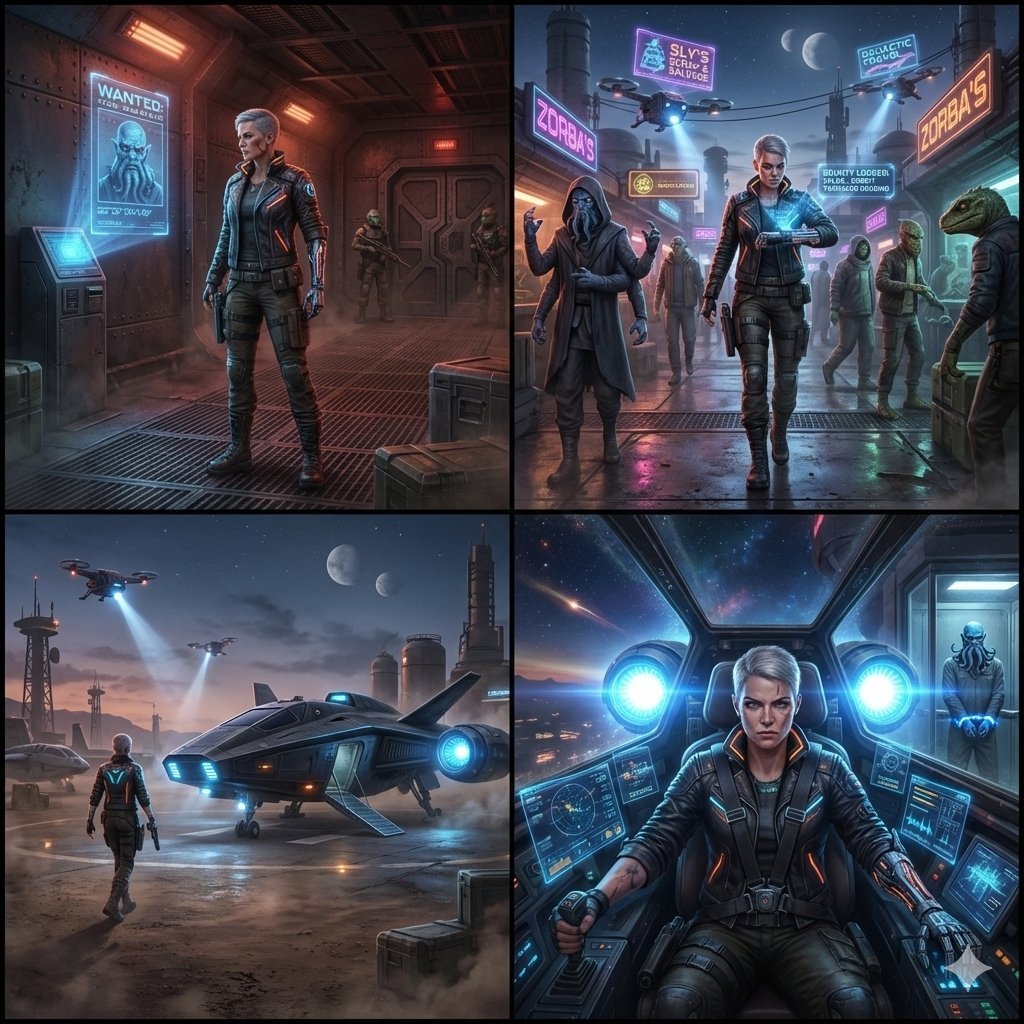
Sequential Sci-Fi Bounty Hunter Story Grid
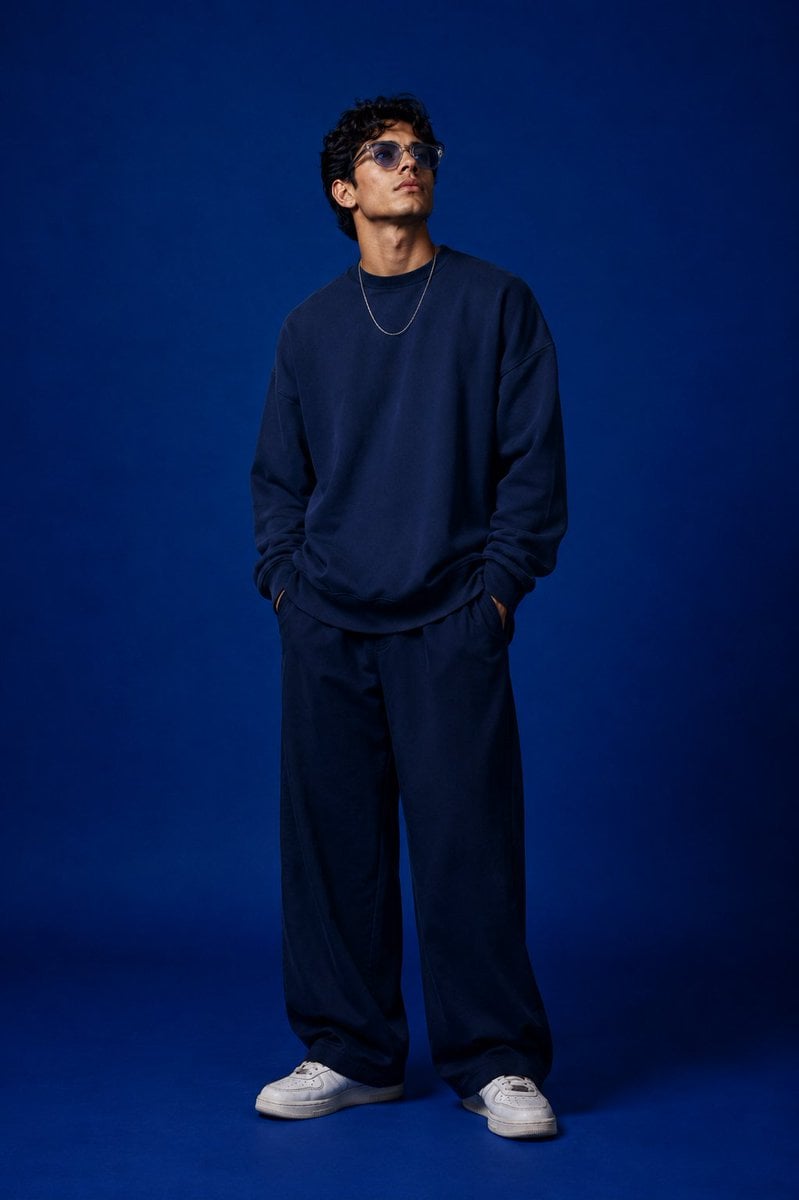
Studio Fashion Portrait Character Swap
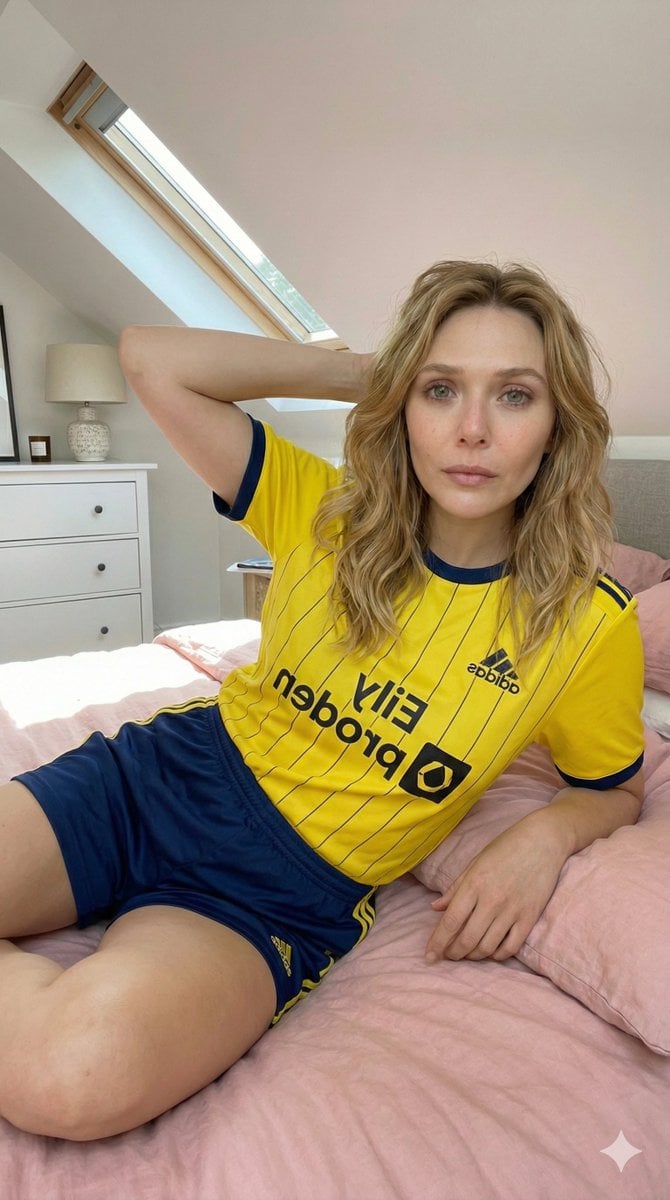
Photorealistic Selfie in Full Soccer Kit in Attic Bedroom
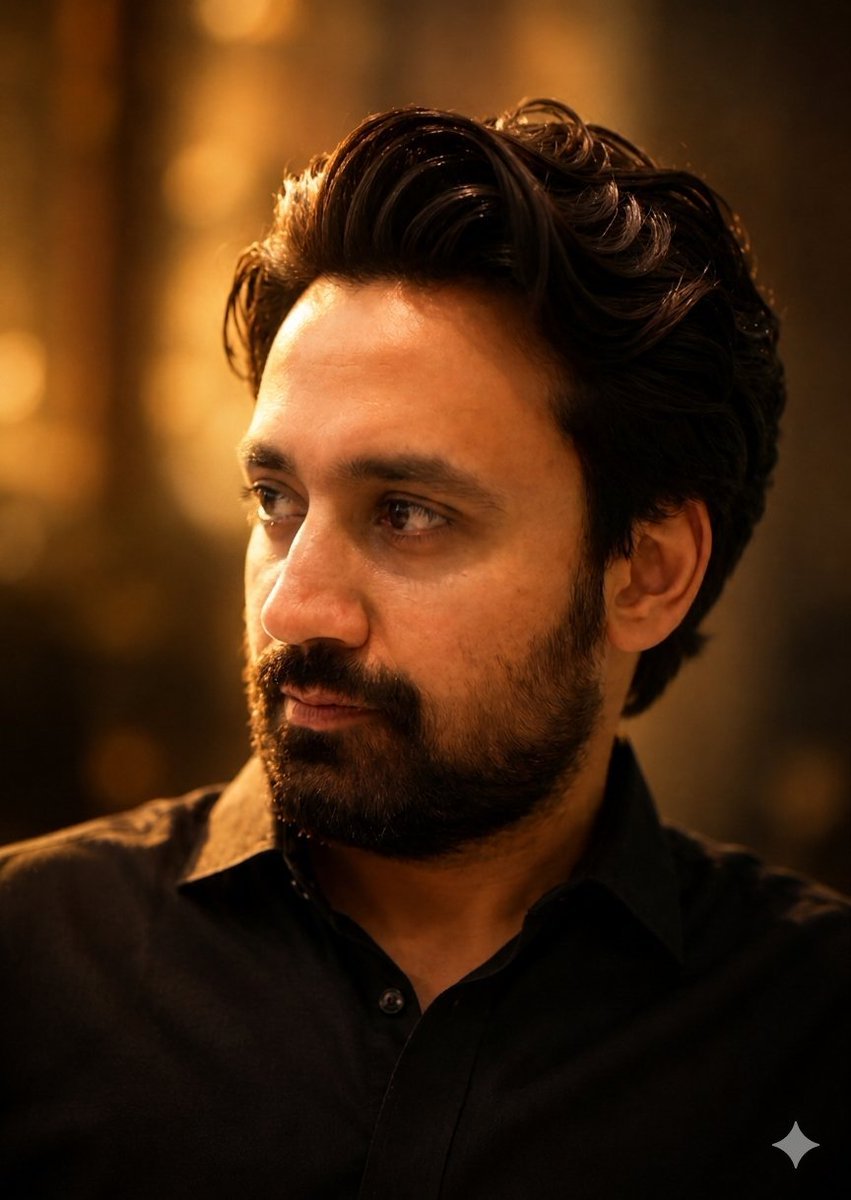
Golden Hour Contemplative Portrait
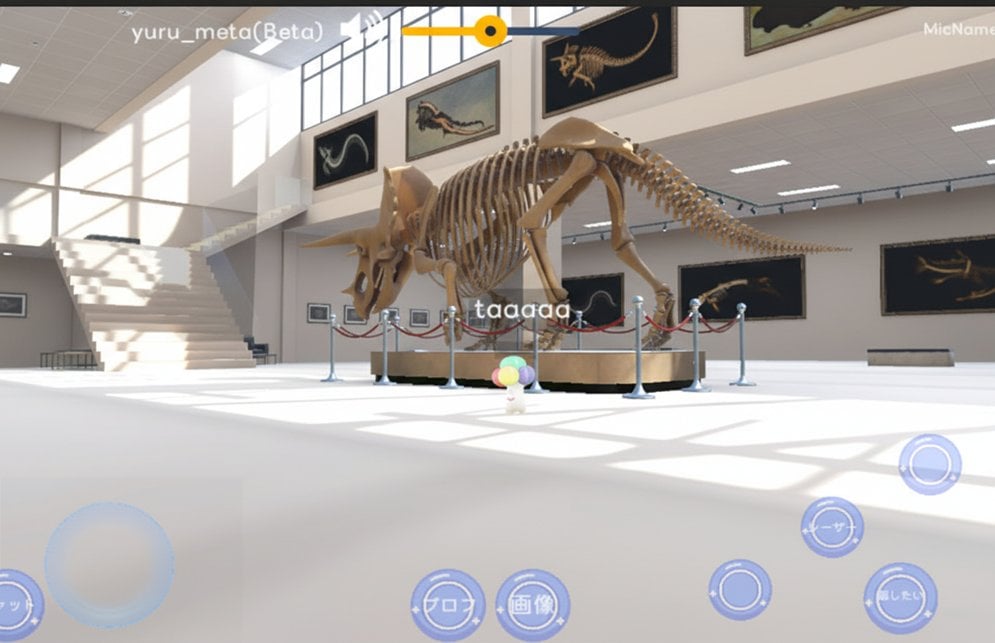
Reframe dinosaur scene to show full body with tilt
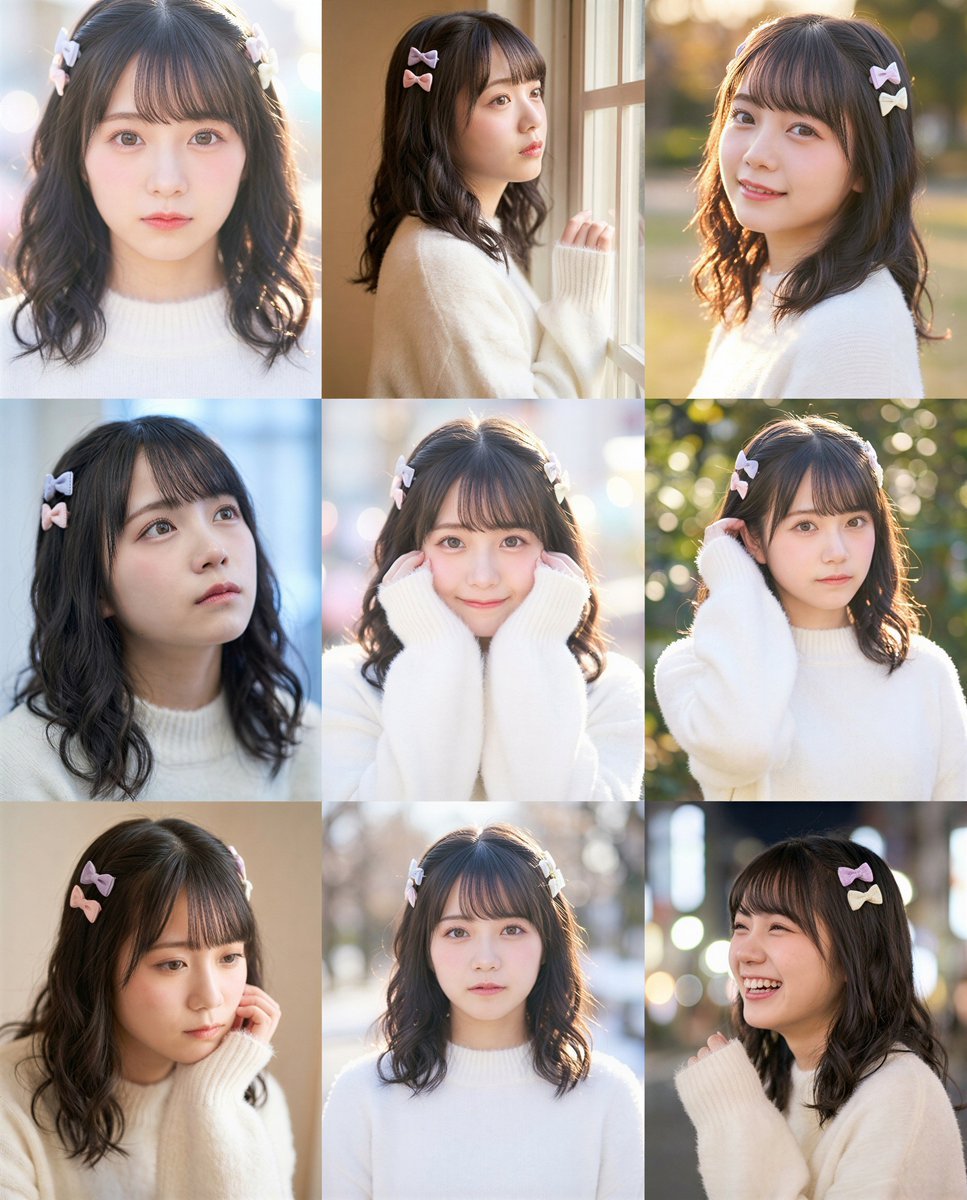
grid Instagram portrait variation prompt for Nano Banana Pro
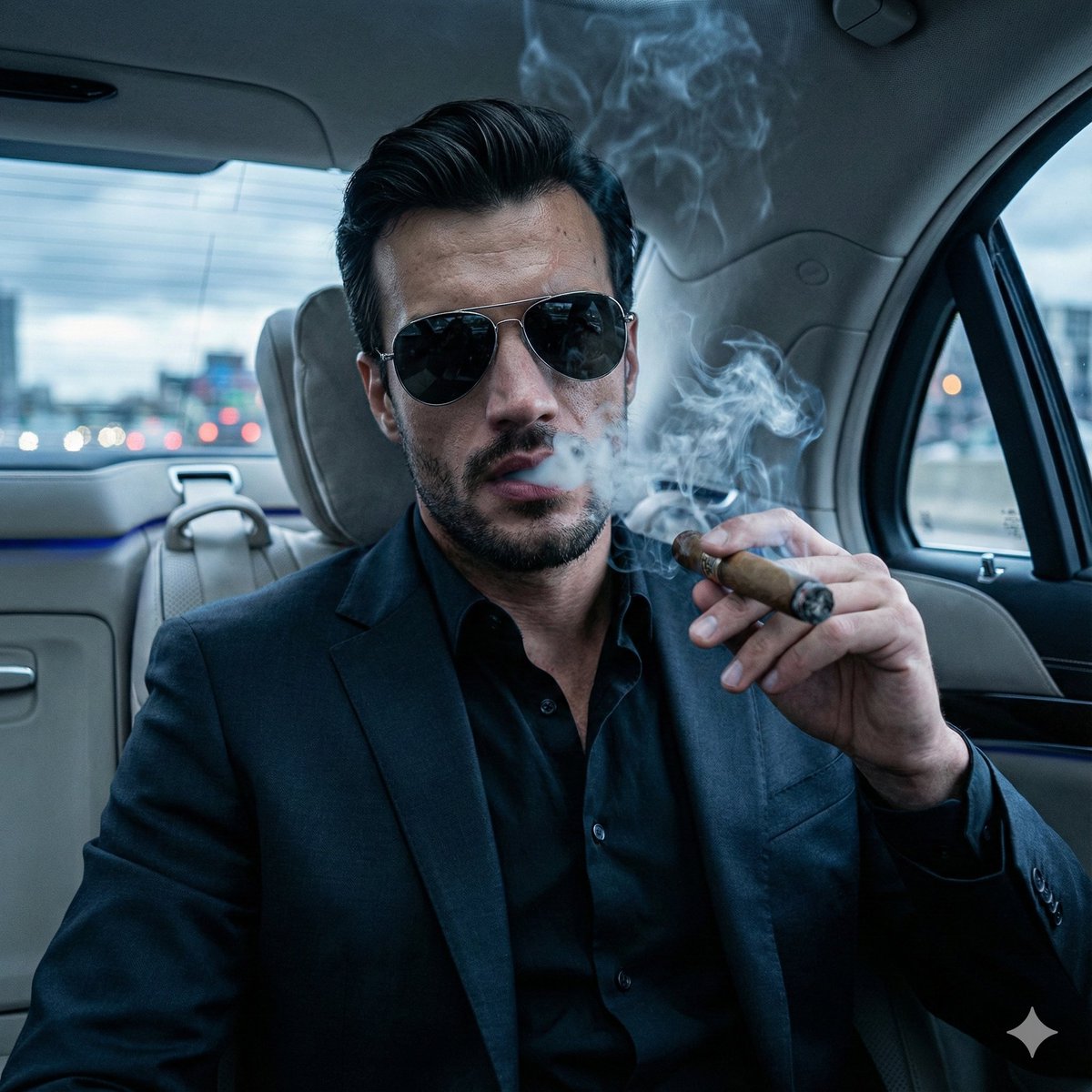
Cinematic Mafia Boss Portrait Prompt
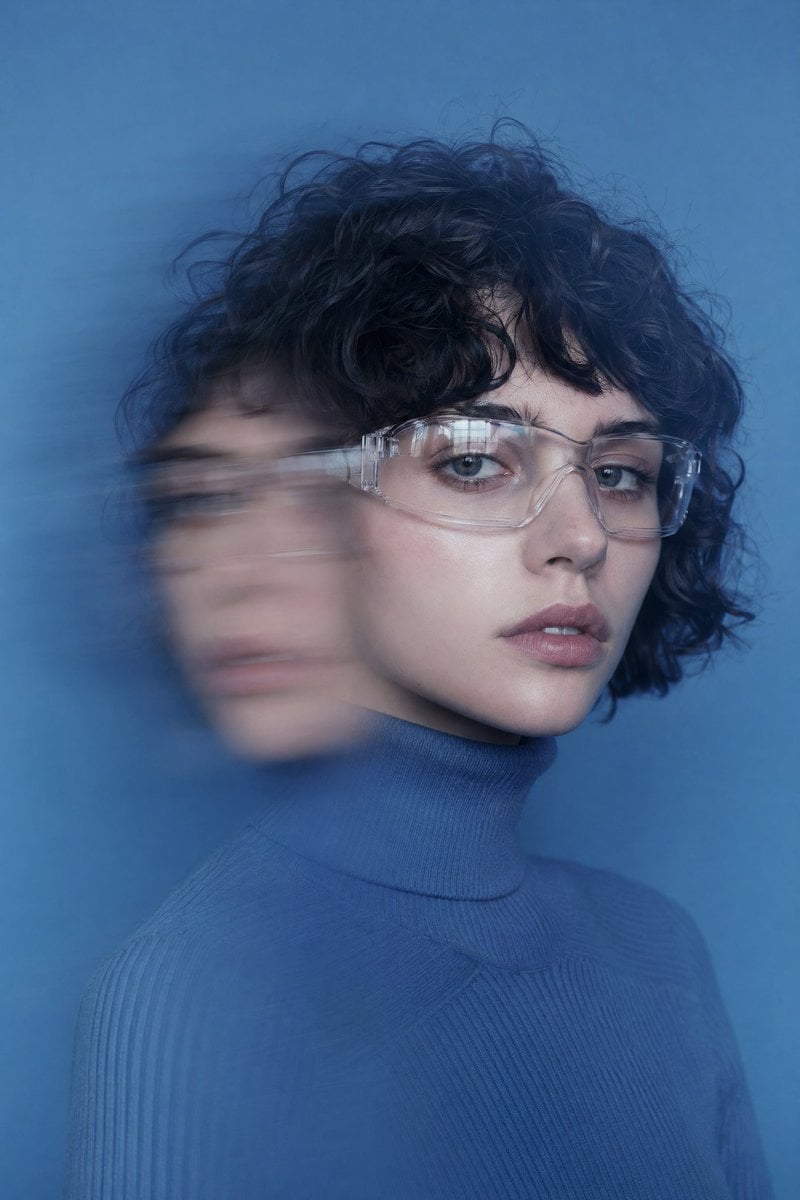
Double Exposure Motion Blur Portrait
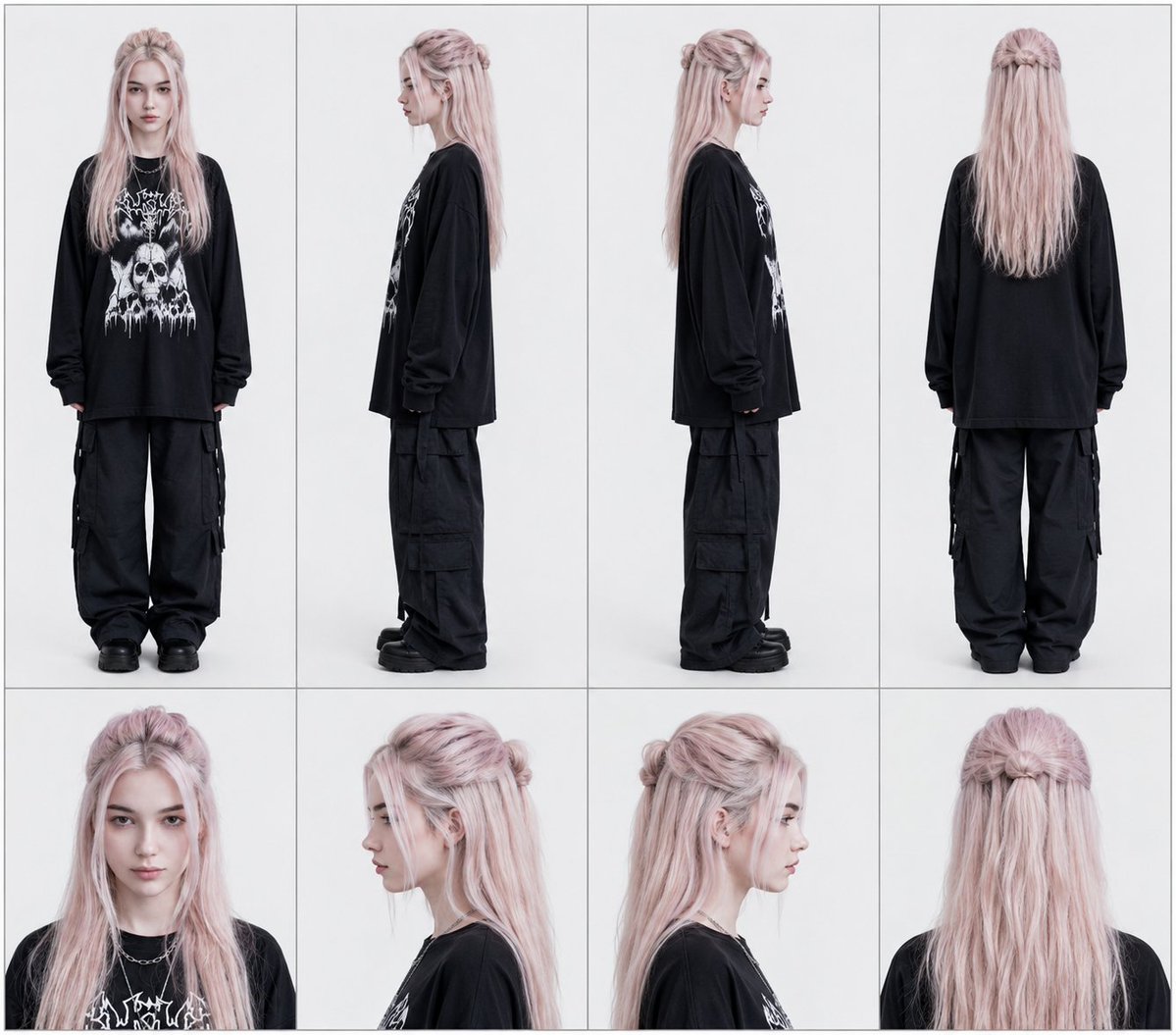
Multi-Angle Character Reference Sheet
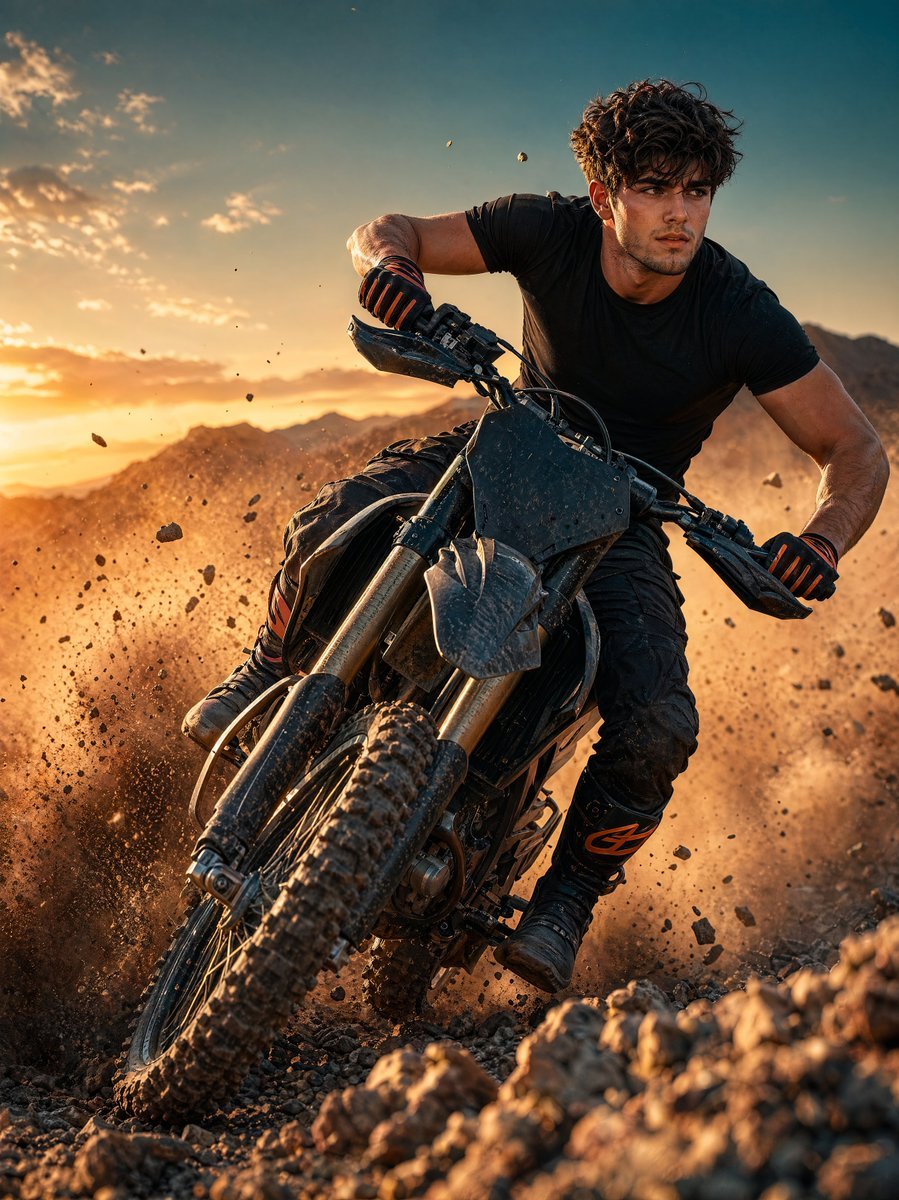
Sunset Motocross Action Portrait
Browse template categories
Cinematic Vertical Movie Poster Prompt (Multi-Role) questions
How do I use the Cinematic Vertical Movie Poster Prompt (Multi-Role) template?
Add your photo if the template asks for one, edit the prompt if you like — the template's model and format are already selected — and press Generate. Your version opens in PicX Studio.
Can I customize the Cinematic Vertical Movie Poster Prompt (Multi-Role) template?
Yes. You can change the subject, setting, lighting, mood, format, and available model controls before creating your image.
Is the Cinematic Vertical Movie Poster Prompt (Multi-Role) template free?
Opening and editing this template is free. Generating uses credits, shown on the Generate button when you are signed in.
Which AI model should I use?
Start with Nano Banana 2, which is the model associated with this template. You can compare another compatible model for a different finish.
Looking for something else? Browse all templates.

Your photo, any look
Thousands of ready templates for every top image and video model, from one credit balance.