
Studio Fashion Portrait Character Swap
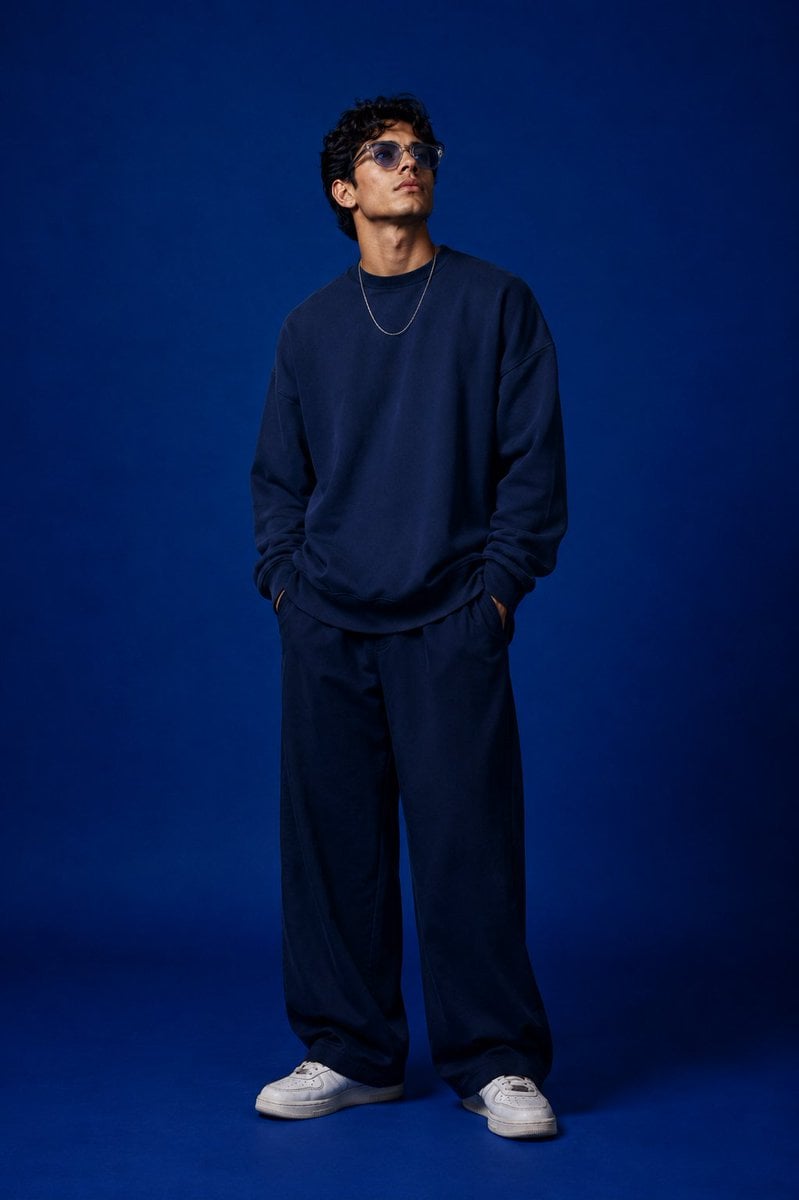
A sophisticated prompt for recreating a professional studio photoshoot, swapping a reference model with a specific character while preserving identity and lighting.
- Prompt included
- Model and format preset
- Free template
The prompt behind this image
Copy the exact prompt behind Studio Fashion Portrait Character Swap, or open it in the studio and make it yours.
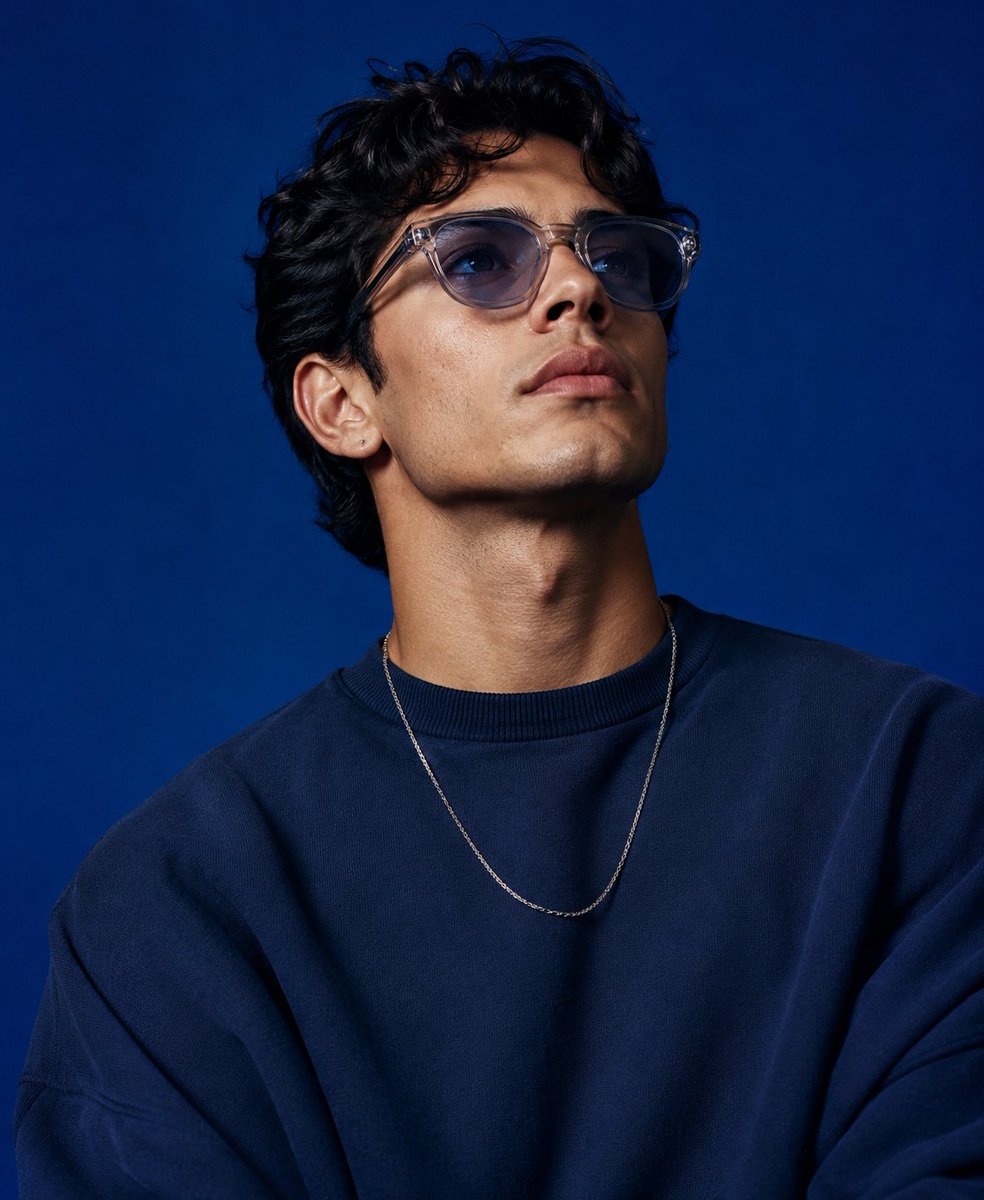
Create a high-end studio fashion portrait inspired by the uploaded blue-background reference photograph. Recreate the original composition with matching framing, focal length feel, camera position, subject scale, perspective, and overall visual balance while maintaining a realistic photographic appearance. Replace the reference model with the character from the supplied character image. Preserve the character's authentic facial identity, bone structure, skin tone, eye shape, hairstyle, proportions, and recognizable features. Avoid beautification that alters identity. The face should remain naturally expressive and true to the source character. Match the original body language closely: upper torso visible, shoulders relaxed, chin slightly elevated, eyes directed upward beyond the camera, conveying quiet confidence and contemplation. Maintain the same sense of presence and spatial positioning within the frame. Retain the rich cobalt-blue studio backdrop and the refined editorial atmosphere. Reproduce the original lighting setup with soft directional illumination, subtle facial highlights, realistic reflections on eyewear and jewelry, and smooth shadow transitions around the jawline, neck, and clothing folds. Preserve depth, dimensionality, and studio realism. Style the character in contemporary oversized street-fashion apparel. Use a premium relaxed-fit knit sweater or sweatshirt with natural fabric draping, layered with a minimalist chain necklace and lightly tinted translucent eyewear. The wardrobe may be customized to suit the character, but should maintain the same luxurious oversized silhouette and fashion-campaign aesthetic. Keep the image tightly composed with the same portrait crop and subject placement. Ensure identical camera-to-subject distance and visual weight in the frame. The final result should feel indistinguishable from a genuine professional photoshoot captured in this exact studio environment. Photorealistic editorial photography, luxury fashion campaign, cinematic studio portrait, premium streetwear styling, deep monochromatic blue backdrop, realistic skin texture, subtle film-grade contrast, detailed fabric rendering, natural lighting falloff, commercial advertising quality, shallow depth of field, magazine-cover aesthetics. Negative Prompt: Do not alter the background color or studio environment. Do not change the pose, framing, crop, perspective, subject distance, lighting direction, or gaze. Do not modify facial identity, facial proportions, skin tone, or hairstyle. Avoid excessive retouching, artificial skin smoothing, stylized illustration effects, exaggerated sharpening, extra accessories, text overlays, logos, watermarks, duplicate subjects, or unrealistic clothing physics.
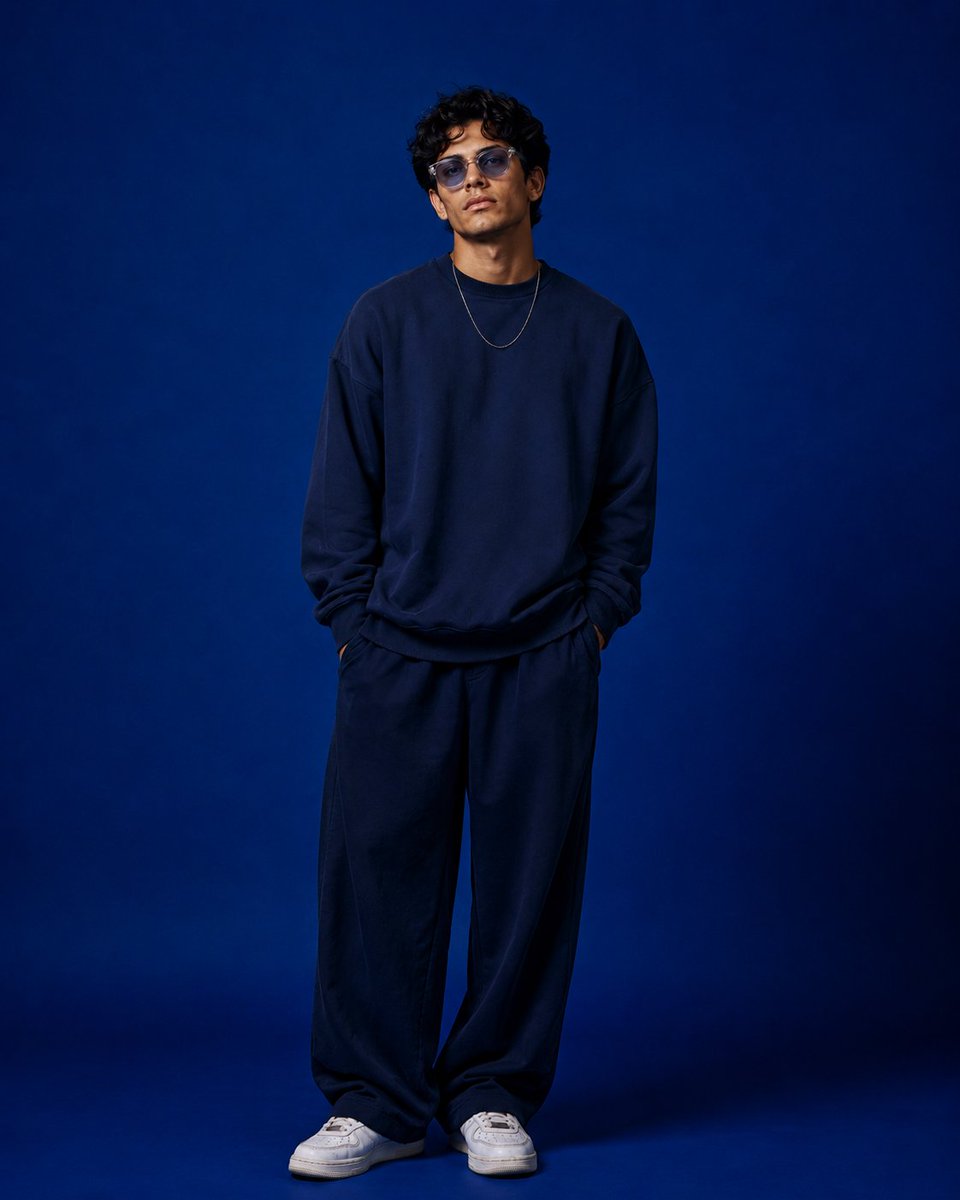
Reference images included
Studio Fashion Portrait Character Swap needs input media to work. They load alongside the prompt when you open it in the studio.
How to use Studio Fashion Portrait Character Swap in 3 steps
- 1Upload ImagePNG, JPG or paste
Add your photo
Upload the photo the template builds on. The prompt, model and format are already set.
- 2…a portrait of your subject in softgolden-hour light, 85mm…
Personalize
Edit the subject and creative details for your destination.
- 3Generate
Generate
Press Generate — your image is created in PicX Studio, so you can compare it with the original and refine one variable at a time.
More like this
Templates with the same subject, style or setup. Open one to see its prompt.

80s Couple Studio Portrait

1985 Studio Portrait

Nano Banana 2 High Fashion Sports Campai

Couture Fashion Editorial Woman and Drag

Ive Yujin Fashion Portrait in Blue

Nano Banana 2 Editorial Fashion Portrait

Caution Tape Fashion — Industrial Editorial

Minimalist Studio Fashion Portrait Grid
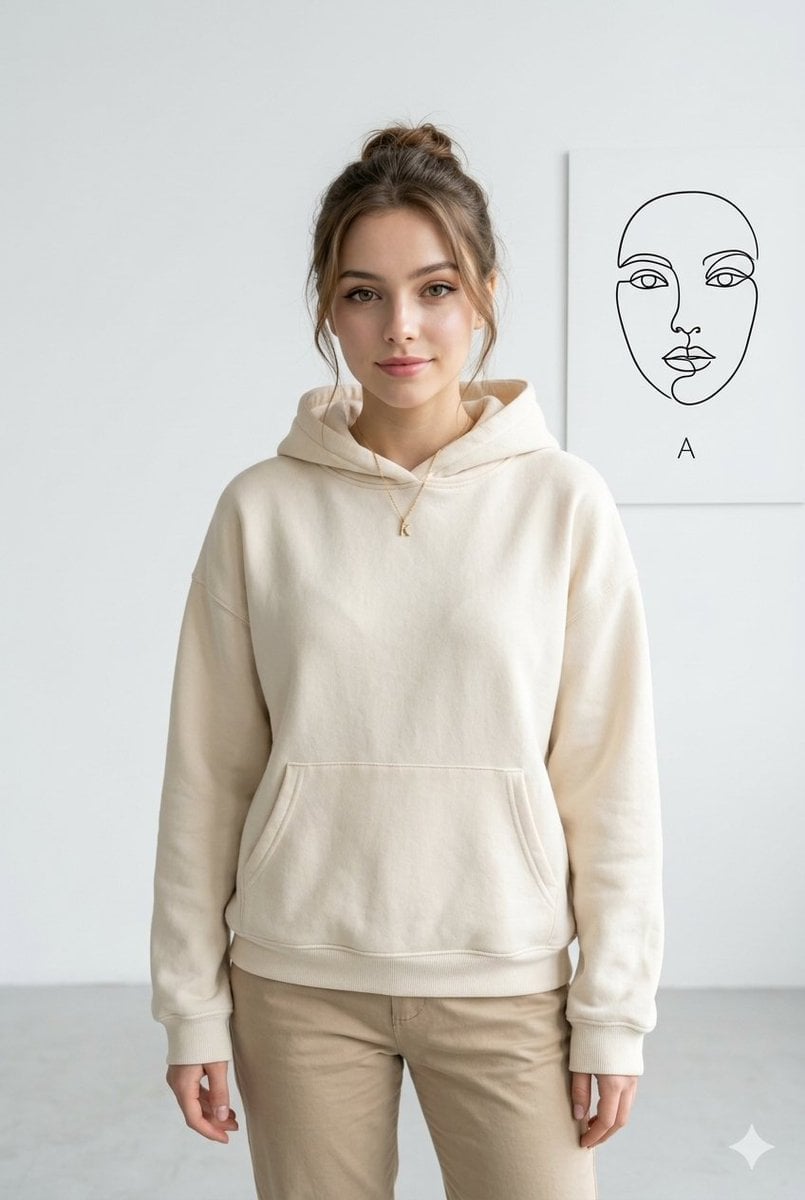
Minimalist Studio Fashion Portrait
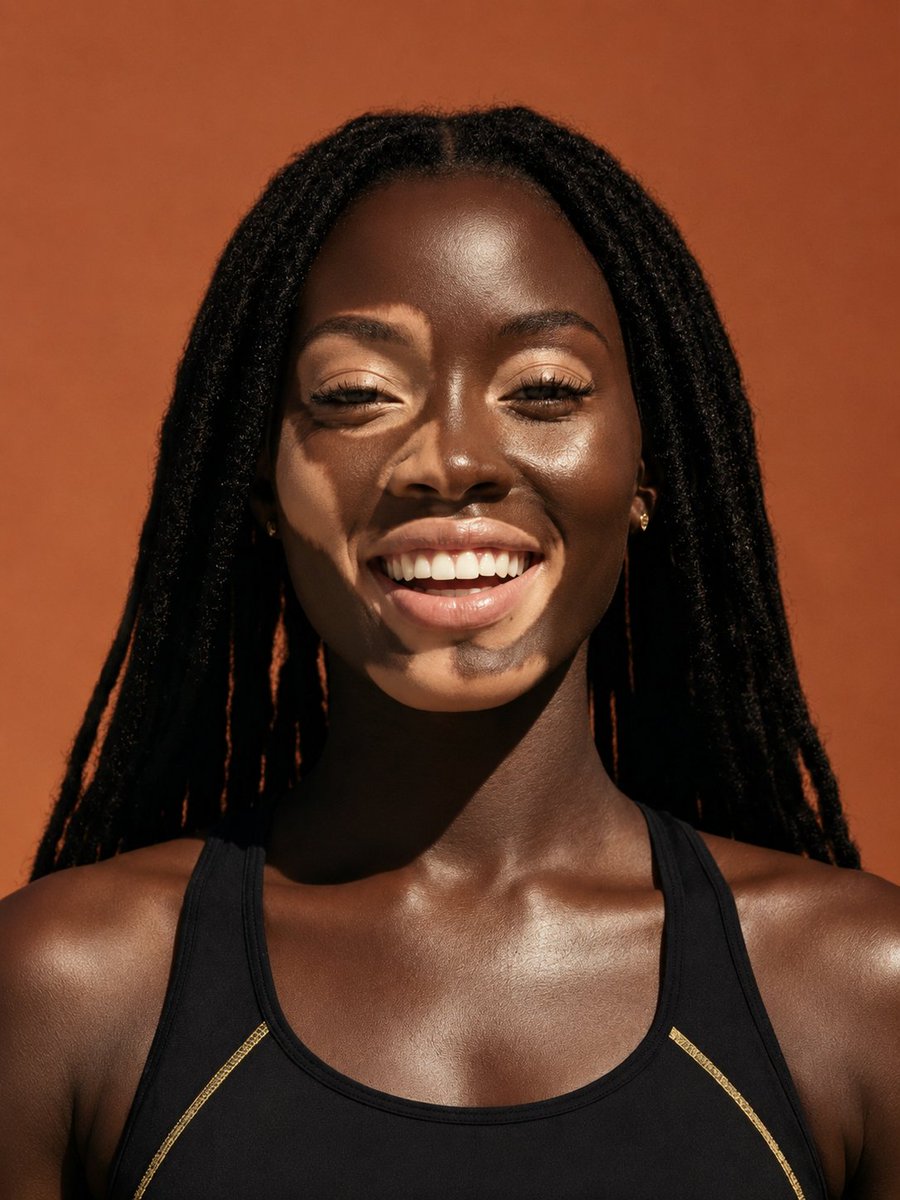
Elevated Fashion Studio Portrait
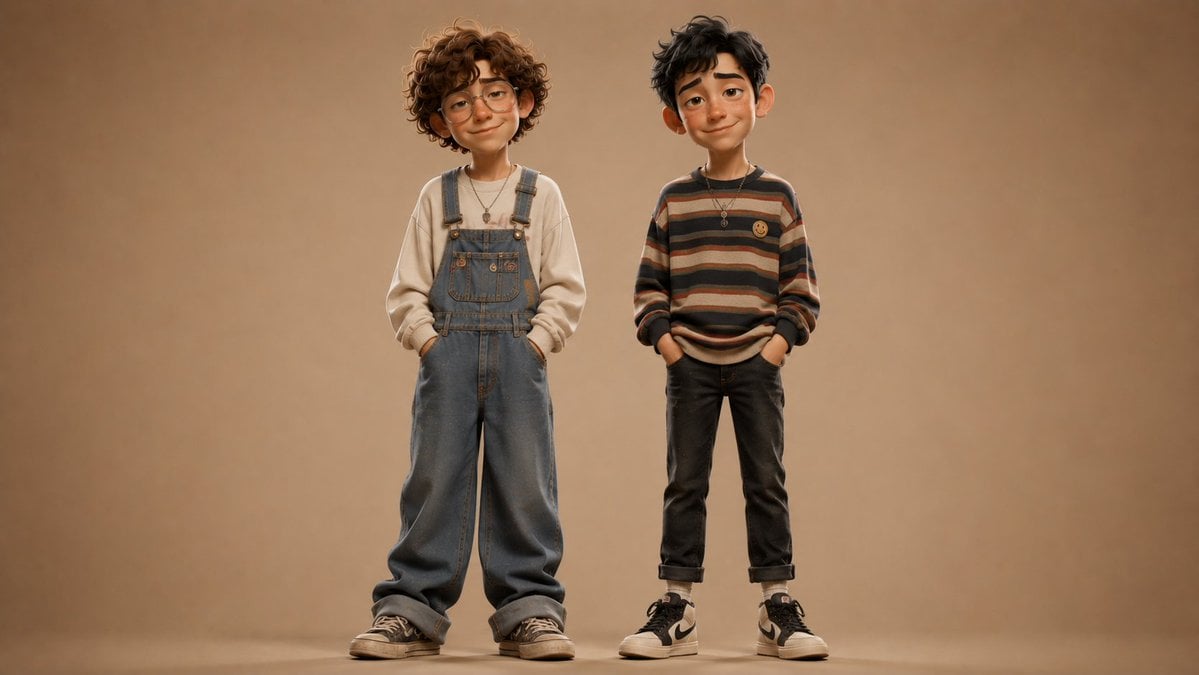
Anonymous Kids Studio Fashion Portrait
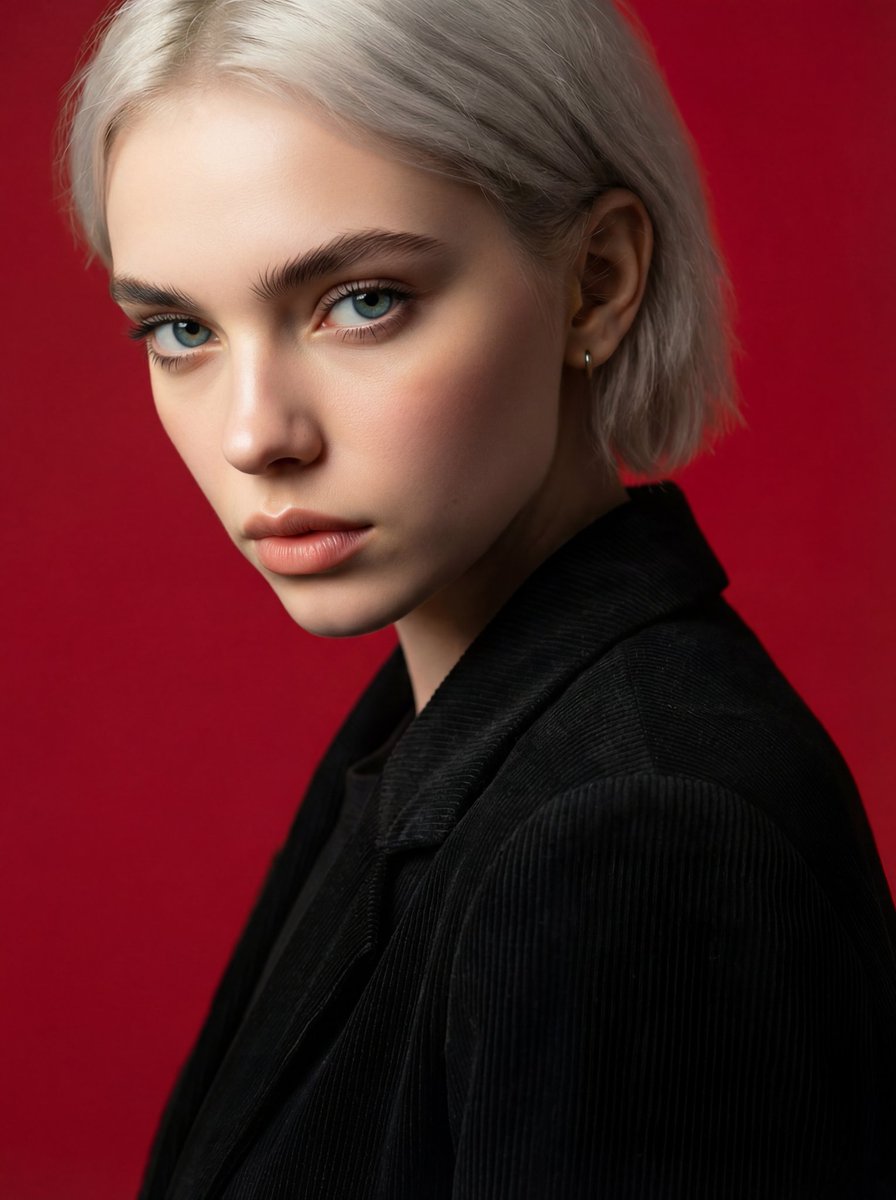
Face and Hairstyle Swap for Studio Portrait
Make it yours
Studio Fashion Portrait Character Swap works as-is. These are the safest ways to change it without losing the look.
Change one field
Copy a single group, rewrite it, and generate again so you can see what that field is doing.
Keep the frame, change the subject
Hold the composition and light of Studio Fashion Portrait Character Swap, then swap wardrobe, props or the person for a new take.
| If the result… | Why | Fix |
|---|---|---|
| The result drifts from the preview | Too many fields changed at once. | Reuse Studio Fashion Portrait Character Swap as-is first, then change one group — subject, light, or setting. |
| The model over-stylizes the scene | The prose prompt leaves finish and camera underspecified. | Add one camera or lighting sentence and stay on GPT Image 2. |
More GPT Image 2 templates
Other prompts made for GPT Image 2.

Six VTuber Japanese Logo Sheet

Realistic Portrait of Woman and Deer

The Vista Modular Condo Poster

AI Model Routing Comparison Infographic

2.5D Anime Art Board

Isometric Productivity Desk Scene

New York Double Exposure Poster

Four-Panel AI Landscape Comparison

Japanese Tatami Lifestyle Magazine Cover

NESCAFÉ Coffee Map Poster
More image prompts
Fresh picks from across the catalog.
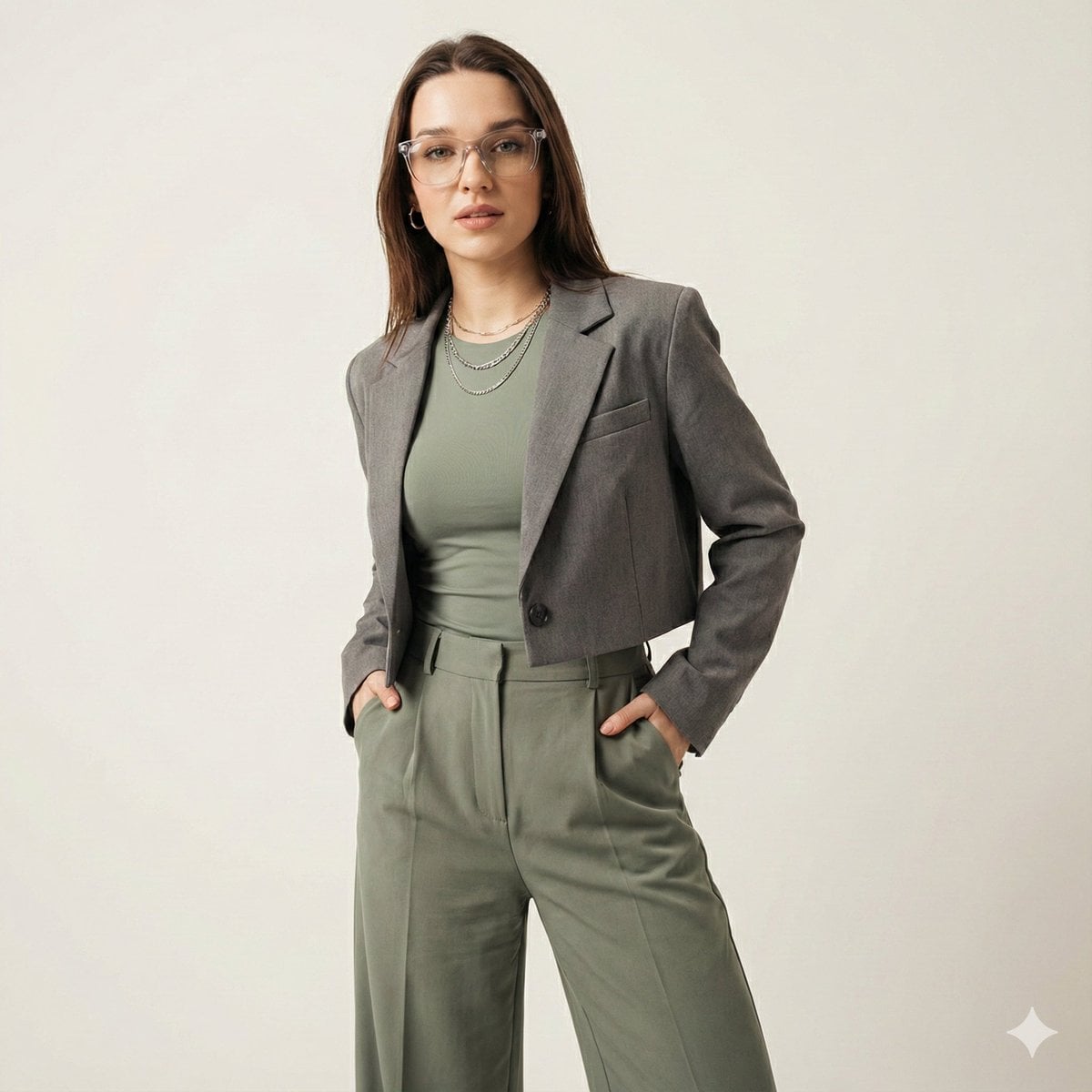
Gen-Z Fashion Editorial Studio Portrait
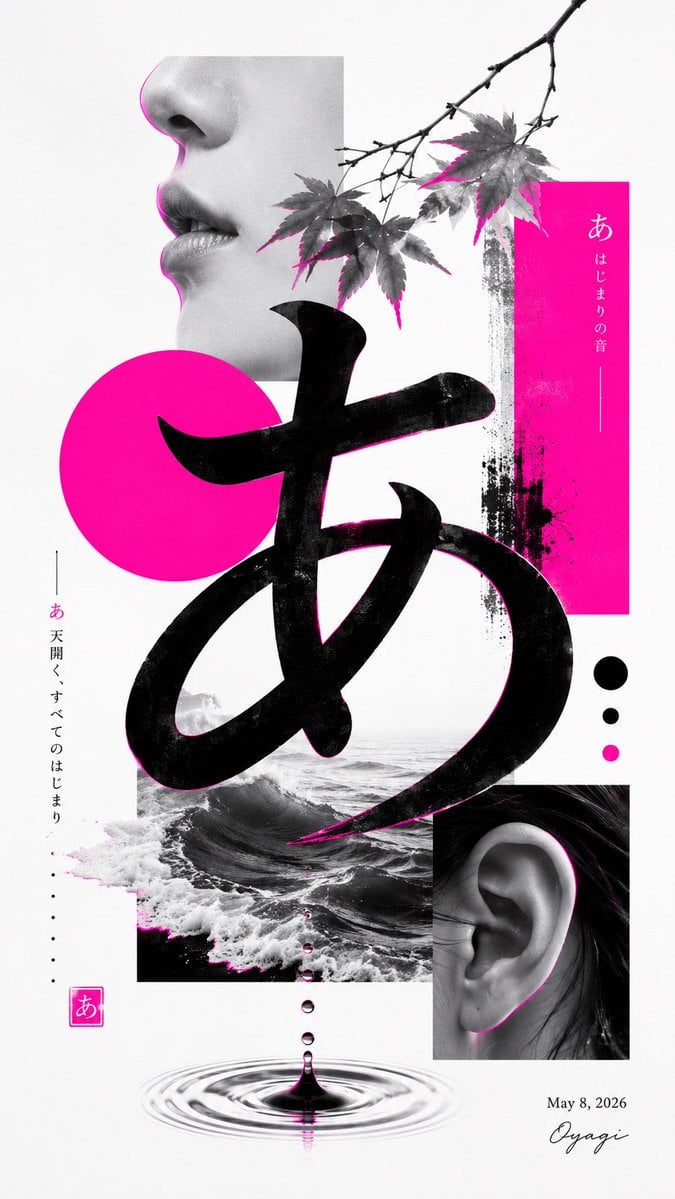
Minimalist Contemporary Typography Art

Deluxe Lantern Market Board Game Box
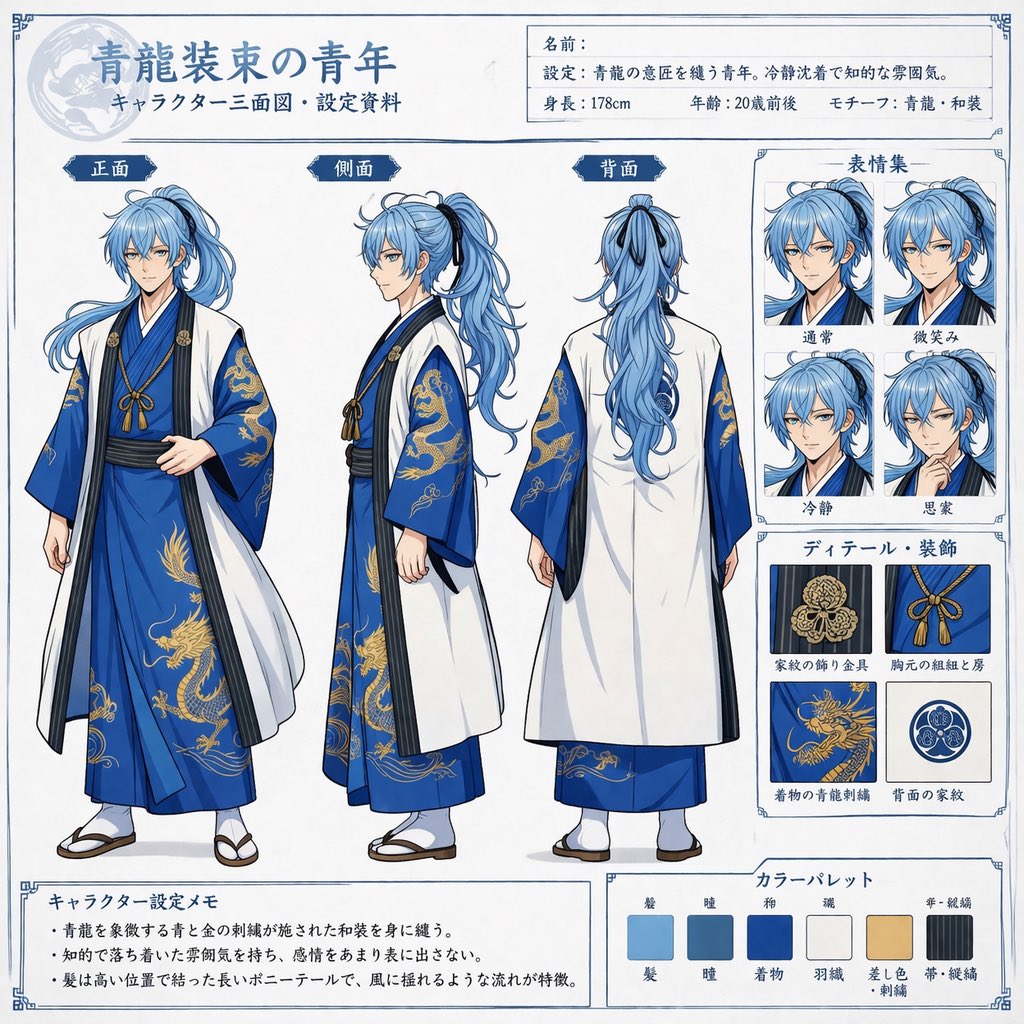
Comprehensive Anime Character Reference Sheet
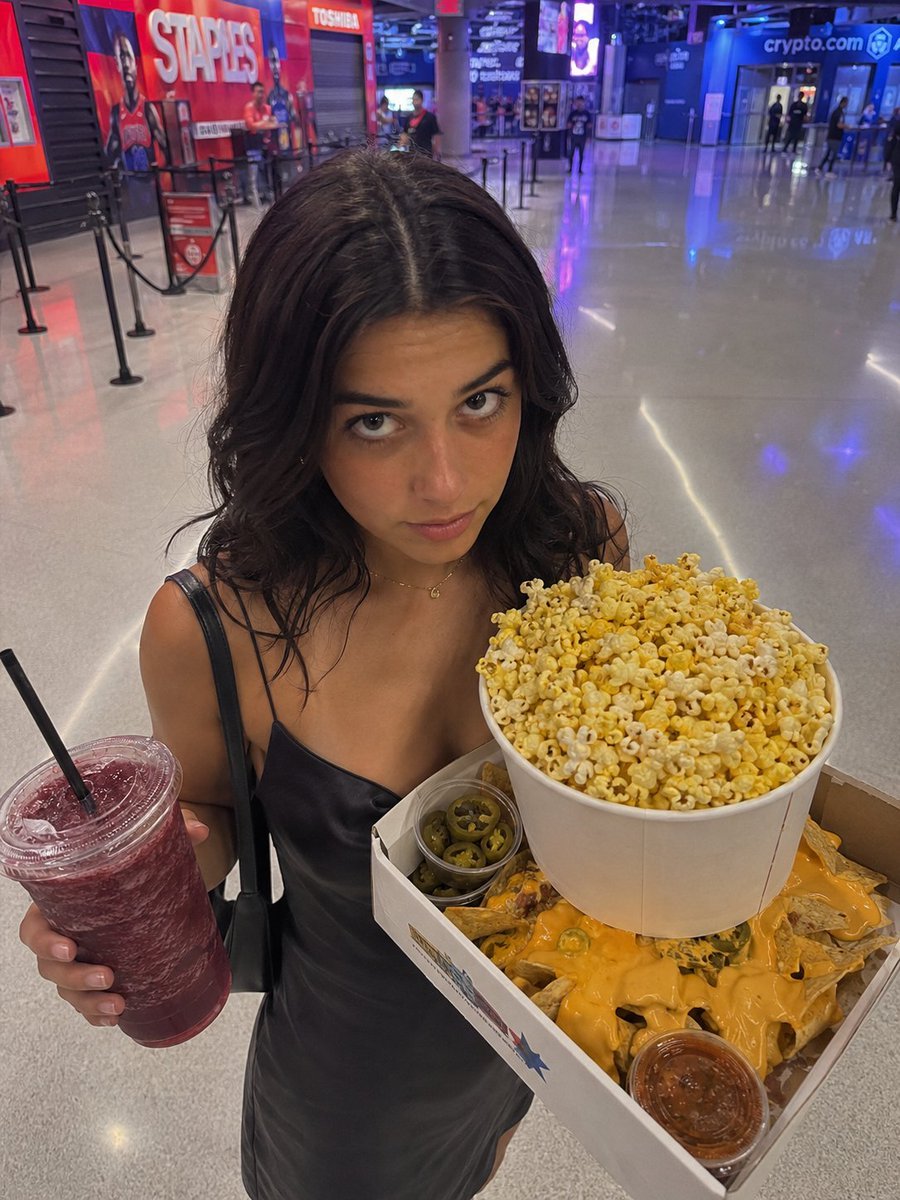
Arena Snack Snapshot
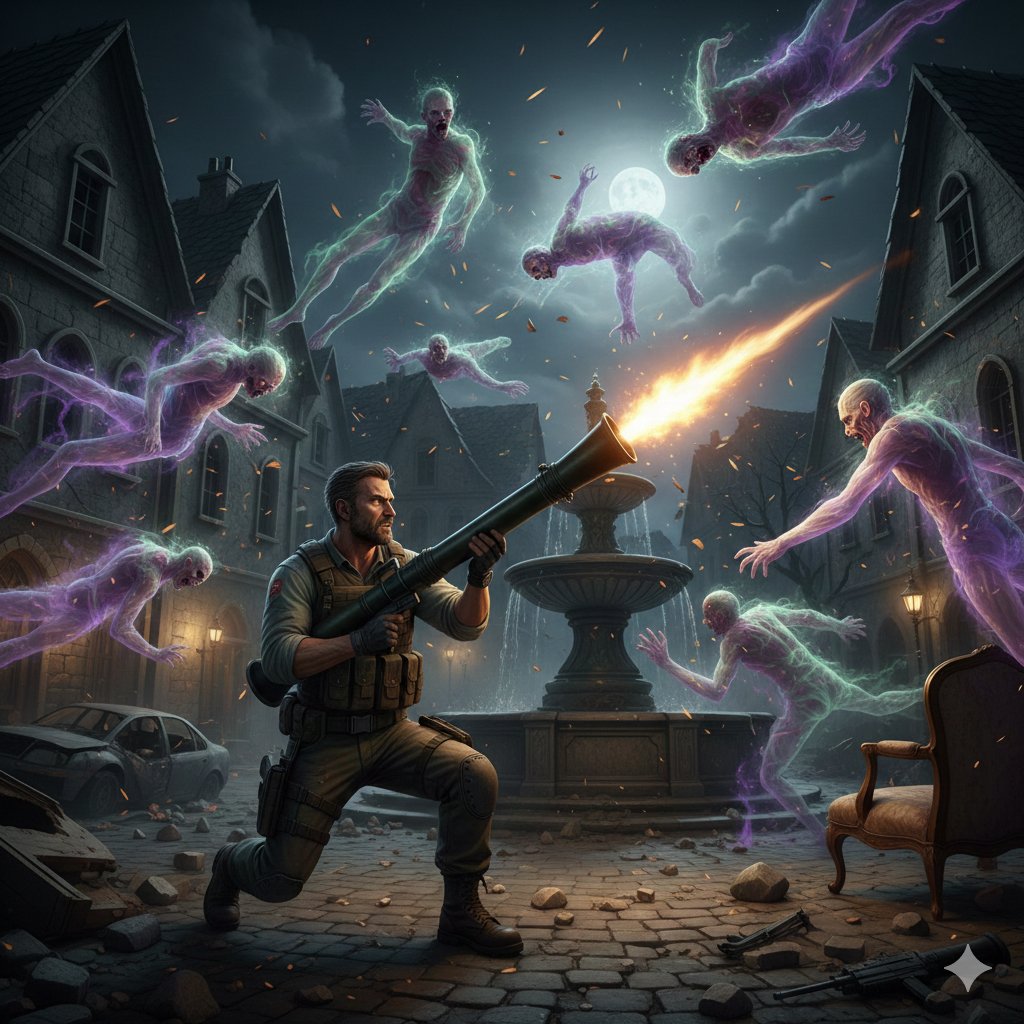
Resident Evil Rocket Launcher with Ethereal Mobs
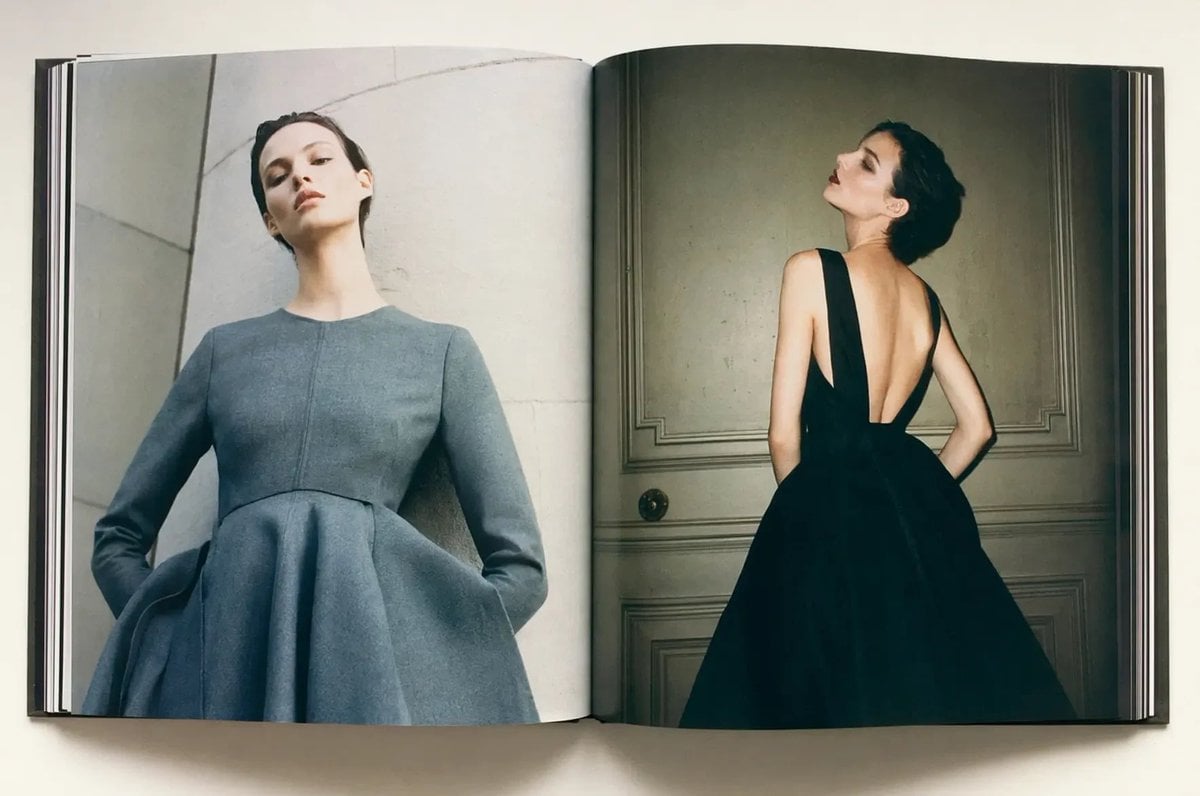
Luxury Fashion Book Spread
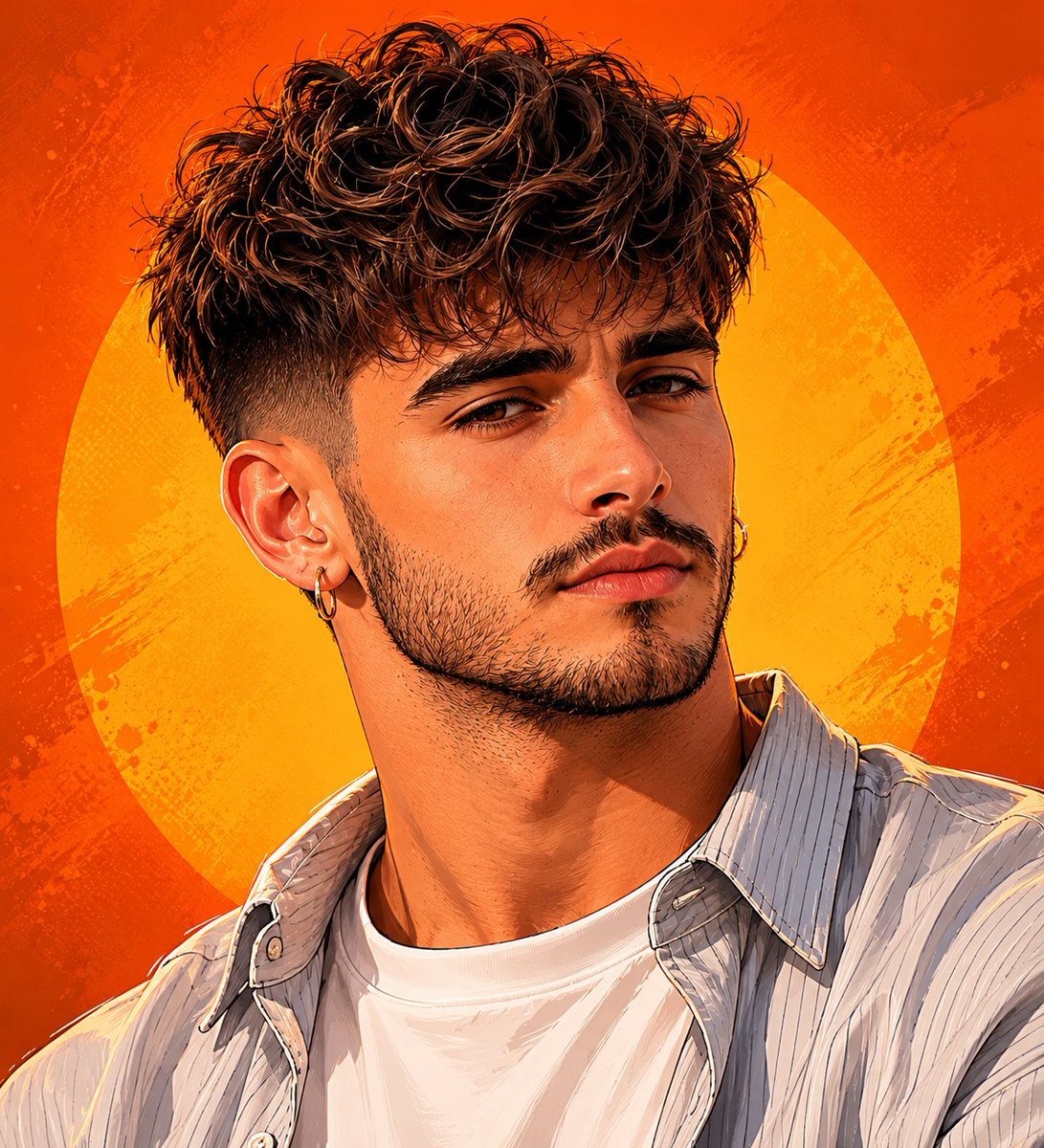
Detailed Digital Vector Portrait with Comic Shading
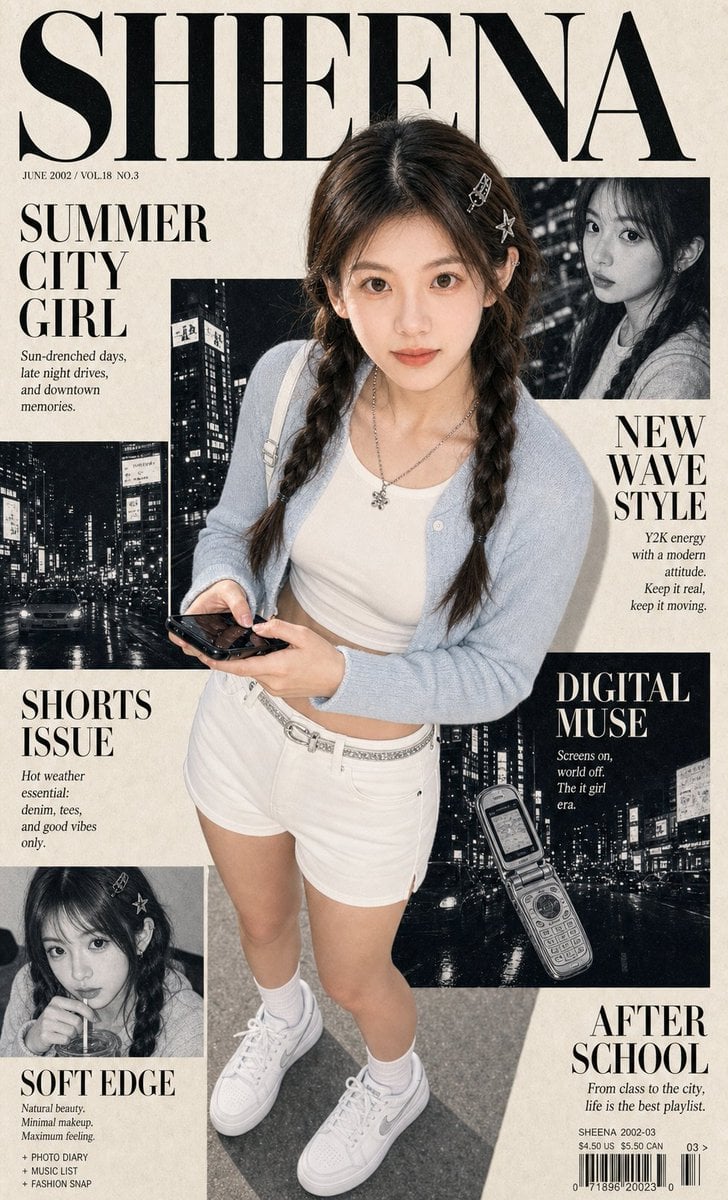
Y2K City Girl Magazine Cover
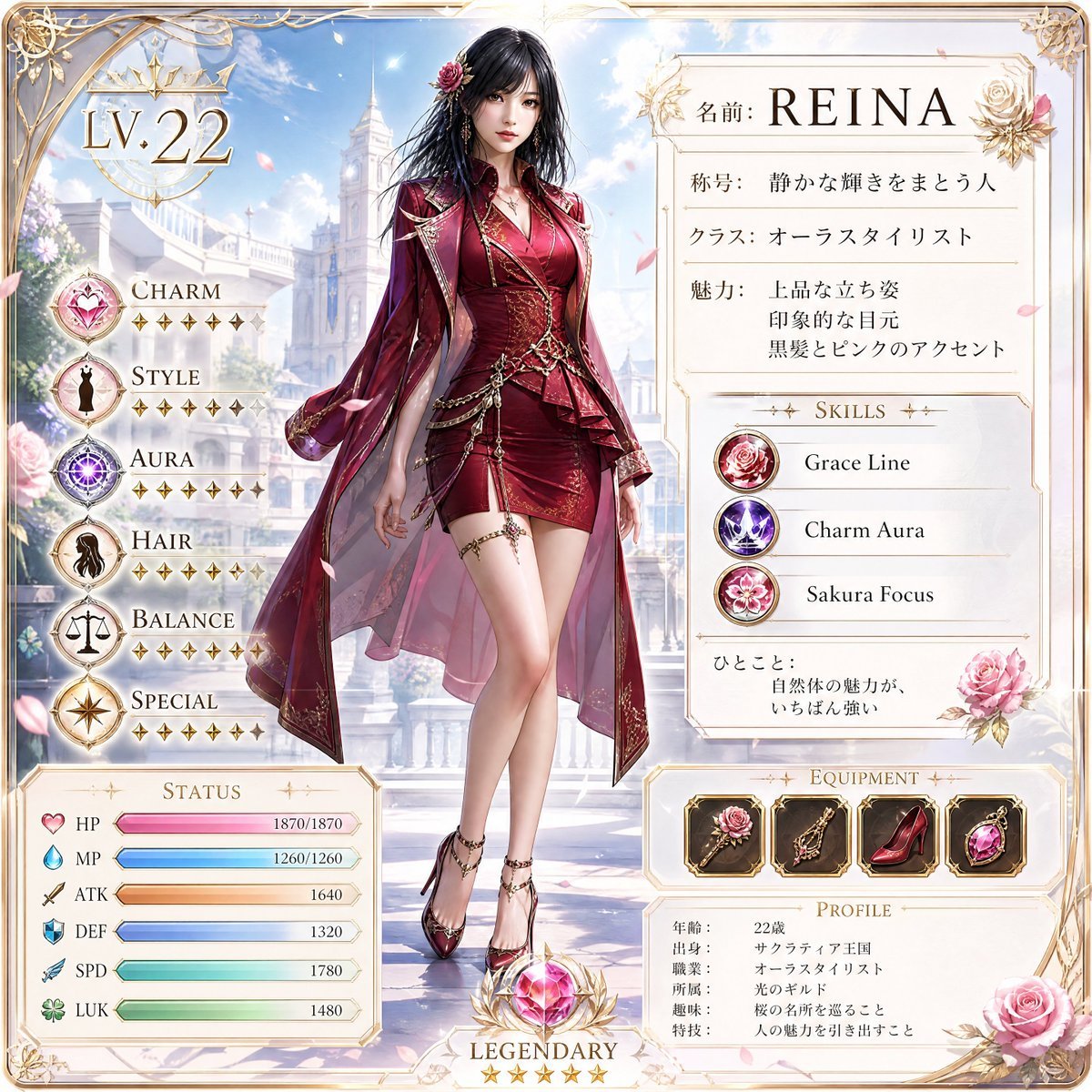
Premium RPG Character Card UI
Browse template categories
Studio Fashion Portrait Character Swap questions
How do I use the Studio Fashion Portrait Character Swap template?
Add your photo if the template asks for one, edit the prompt if you like — the template's model and format are already selected — and press Generate. Your version opens in PicX Studio.
Can I customize the Studio Fashion Portrait Character Swap template?
Yes. You can change the subject, setting, lighting, mood, format, and available model controls before creating your image.
Is the Studio Fashion Portrait Character Swap template free?
Opening and editing this template is free. Generating uses credits, shown on the Generate button when you are signed in.
Which AI model should I use?
Start with GPT Image 2, which is the model associated with this template. You can compare another compatible model for a different finish.
Looking for something else? Browse all templates.

Your photo, any look
Thousands of ready templates for every top image and video model, from one credit balance.