
Hyper-Realistic Rear-Oblique Pose Replication Prompt
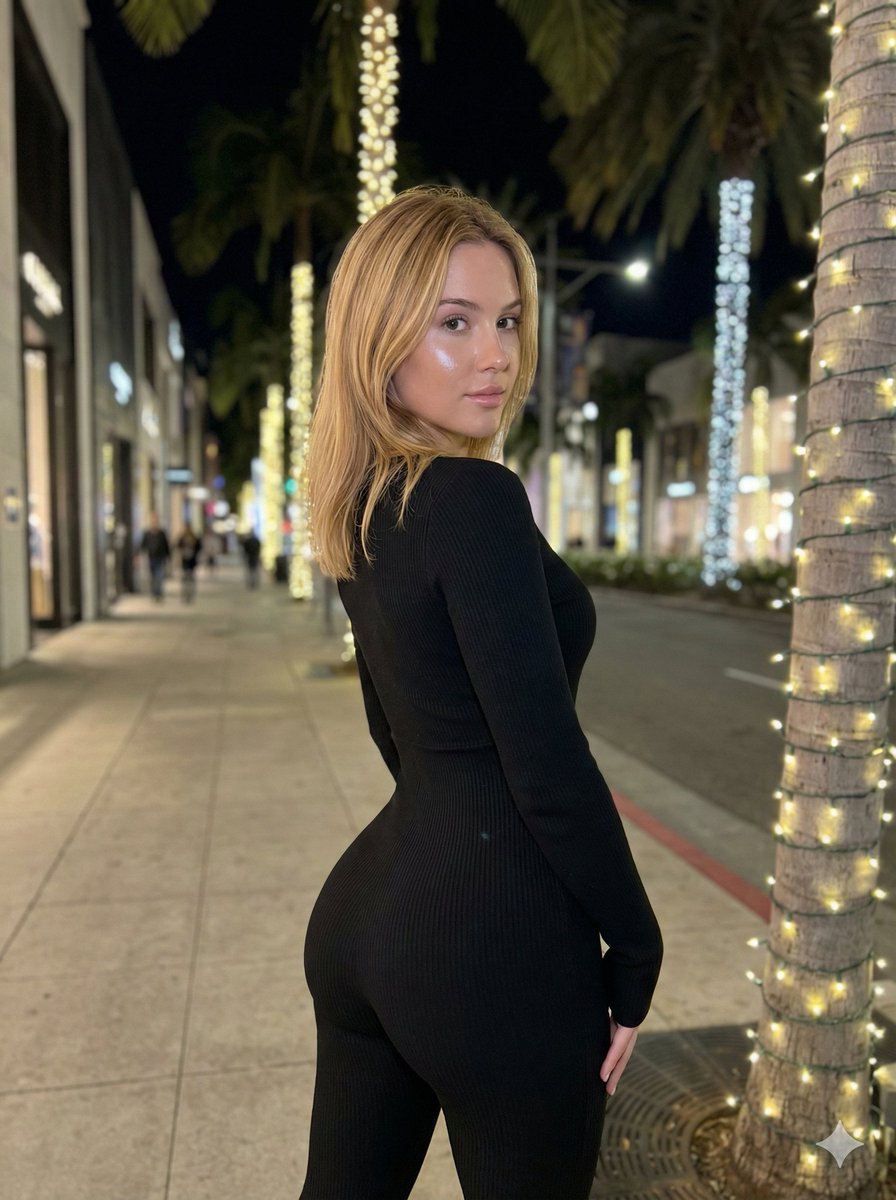
An extremely detailed, structured image generation prompt focused on replicating a specific, anatomically complex pose (extreme lordosis/anterior pelvic tilt) of a young woman in a black ribbed jumpsuit.
- Prompt included
- Model and format preset
- Free template
The prompt behind this image
Copy the exact prompt behind Hyper-Realistic Rear-Oblique Pose Replication Prompt, or open it in the studio and make it yours.
{ "meta": { "task": "exact_visual_replication", "version": "v3_ultra_pose_lock", "aspect_ratio": "3:4", "strictness_level": "absolute_fidelity" }, "subject_morphology": { "demographics": "Young female", "hair": { "color": "Warm blonde", "style": "Shoulder-length lob, straight with slight texture", "behavior": "Falling naturally, slight gravity pull on ends, illuminated by artificial light" }, "skin": { "tone": "Fair/Pale", "texture": "Natural smoothness with slight flash washout on face", "lighting_reaction": "Reflective sheen on cheekbones and nose" } }, "apparel_and_textiles": { "garment": "Full-body tight jumpsuit / unitard", "color": "Deep black", "material": "Ribbed knit fabric", "fit": "Hyper-compressive, skin-tight, confirming exactly to anatomical curves", "texture_visibility": "Vertical ribbing visible where light catches curvature (buttocks, waist, arm)" }, "pose_geometry_and_physics": { "overall_orientation": "Standing, rear-oblique angle (facing away from camera, twisted back)", "spine_curvature": { "lumbar": "Extreme lordosis (deep lower back arch)", "thoracic": "Rotational twist to subject's left", "cervical": "Head rotated approx 80 degrees left to look over shoulder" }, "pelvic_state": { "tilt": "Aggressive anterior pelvic tilt", "rotation": "Square to the rear-diagonal axis", "visual_dominance": "Gluteal region visually magnified by perspective and tilt" }, "limb_placement": { "left_arm": "Hanging straight down side, slight elbow flexion, hand relaxed near thigh", "right_arm": "Obscured by torso rotation, shoulder drop visible", "legs": "Standing straight, weight slightly biased to right leg, knees soft-locked" }, "weight_distribution": "Gravity-centered on heels, posture actively held against gravity to maintain curve" }, "camera_and_framing": { "angle": "Eye-level relative to subject's torso", "focal_length": "Medium-wide (smartphone camera aesthetic)", "composition": { "framing": "Subject centered horizontally, cropped at mid-thigh/knee", "foreground": "Palm tree trunk with lights on immediate right edge", "depth": "Deep perspective of street receding to left" } }, "lighting_and_atmosphere": { "environment": "Urban luxury street at night (sidewalk)", "primary_source": "Mixed artificial street lighting", "key_light": "Frontal flash or bright signage illuminating face and hair (cool/neutral temp)", "ambient_light": "Warm yellow glow from string lights wrapped around palm trees", "shadows": "Soft drop shadows on ground, deep occlusion shadows in clothing folds", "bokeh": "Distant street lights and storefronts slightly out of focus" }, "environmental_details": { "location": "Upscale shopping district sidewalk" } }
How to use Hyper-Realistic Rear-Oblique Pose Replication Prompt in 3 steps
- 1
Open
The prompt is already in the box next to the preview, with the template's model and format selected.
- 2…a portrait of your subject in softgolden-hour light, 85mm…
Personalize
Edit the subject and creative details for your destination.
- 3Generate
Generate
Press Generate — your image is created in PicX Studio, so you can compare it with the original and refine one variable at a time.
More like this
Templates with the same subject, style or setup. Open one to see its prompt.
Santorini Monokini Pose Replication Prompt
Precise Pose and Composition Replication Prompt
Ultra-Hardlock Prone Lounge Pose Replication
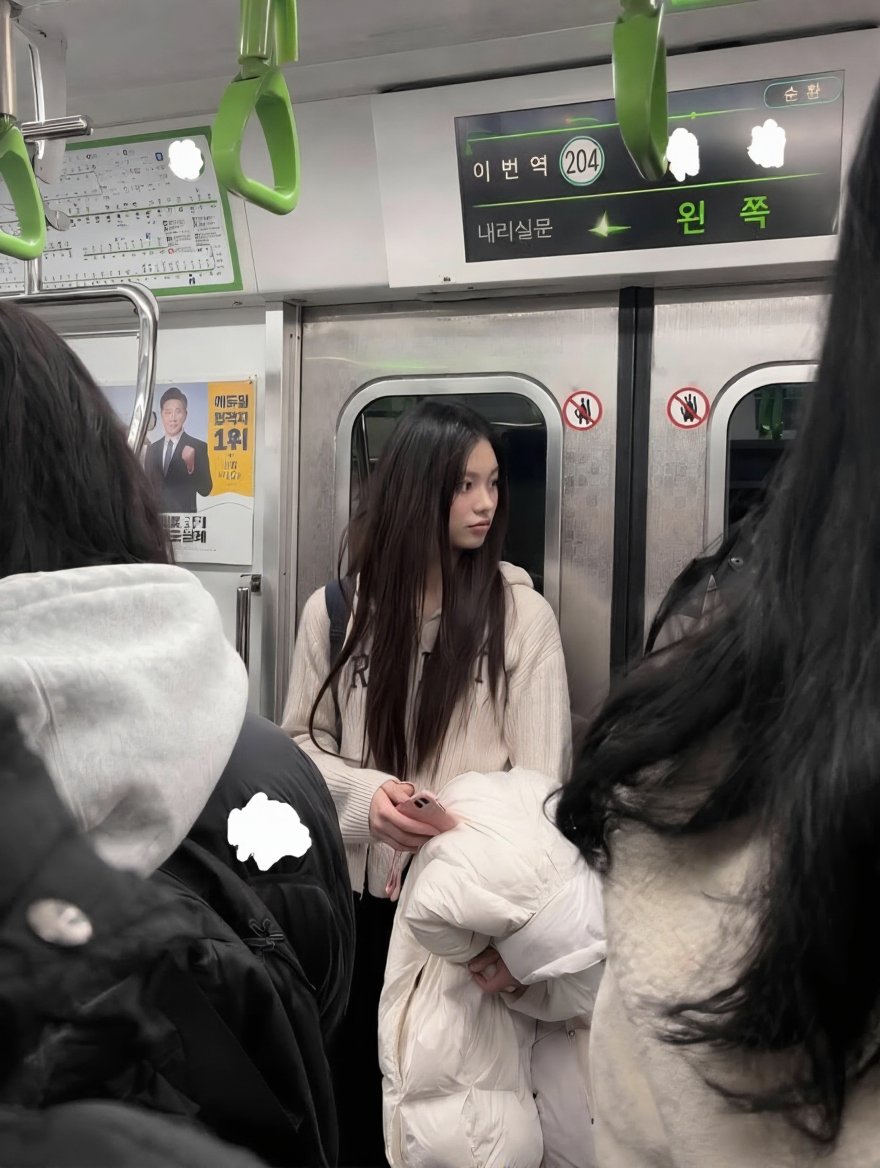
Exact Image Replication
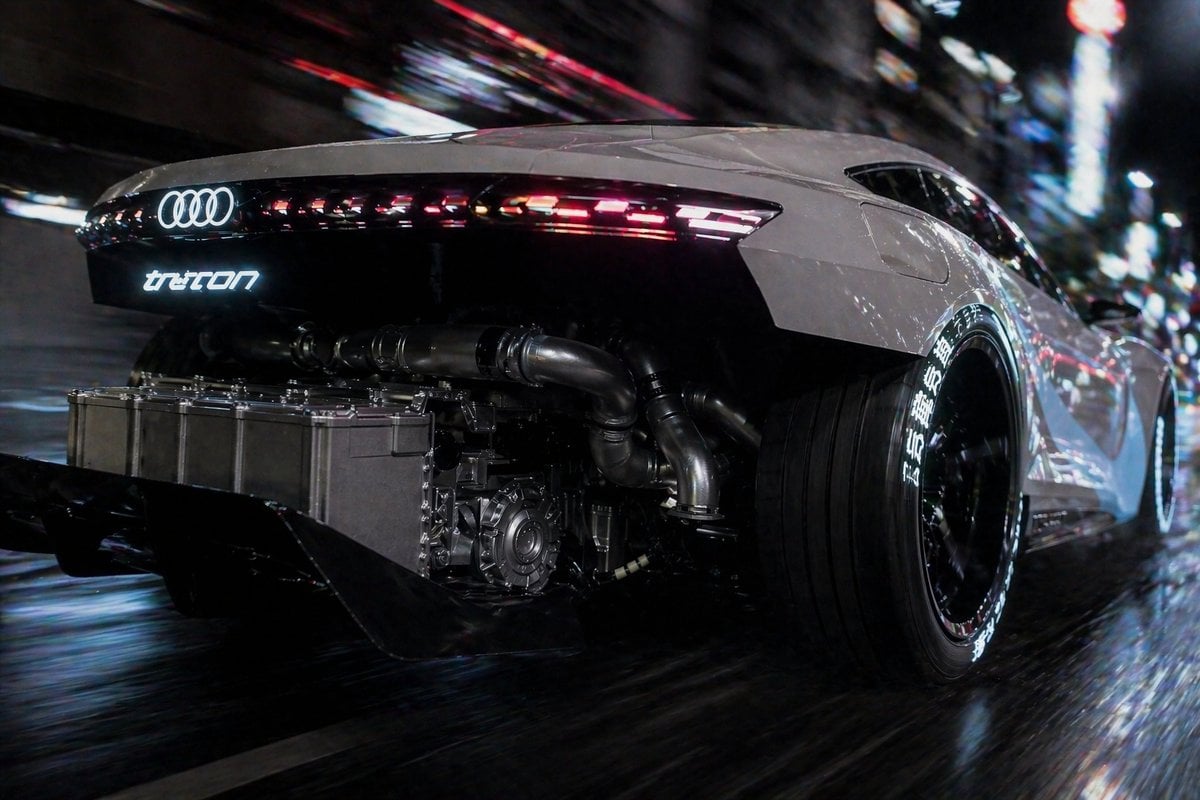
Cyberpunk Audi Rear Chase Shot
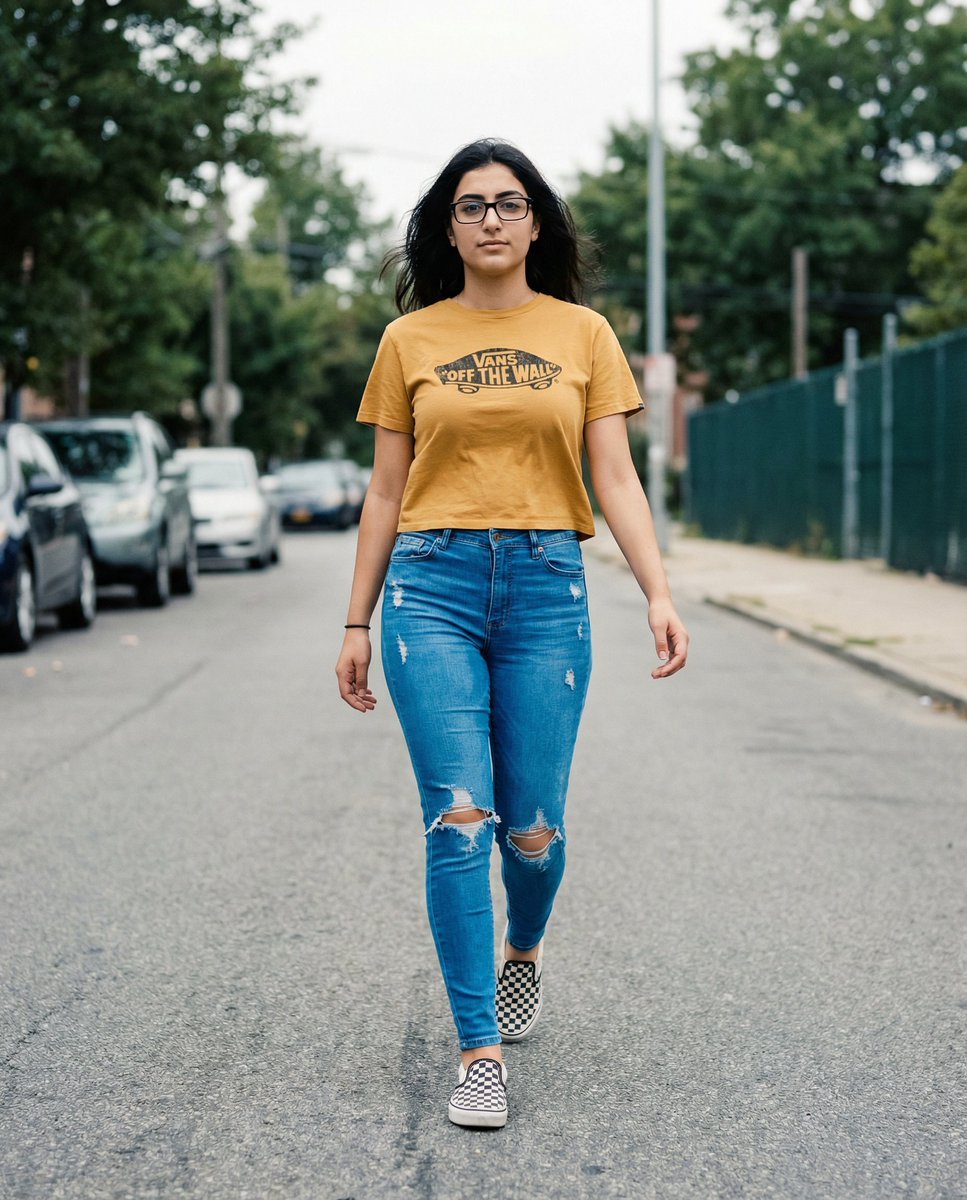
Vans Logo Street Fashion Portrait Replication
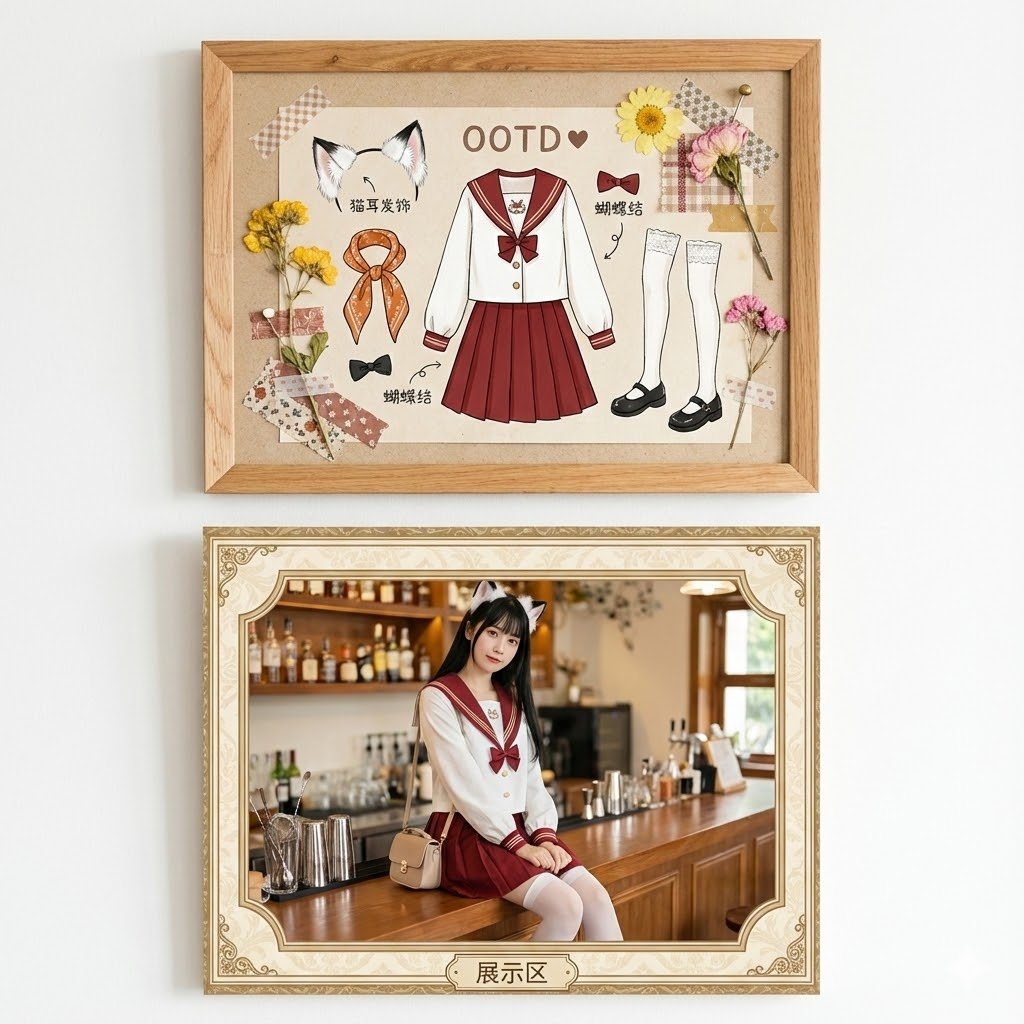
Kawaii Fashion Display Replication
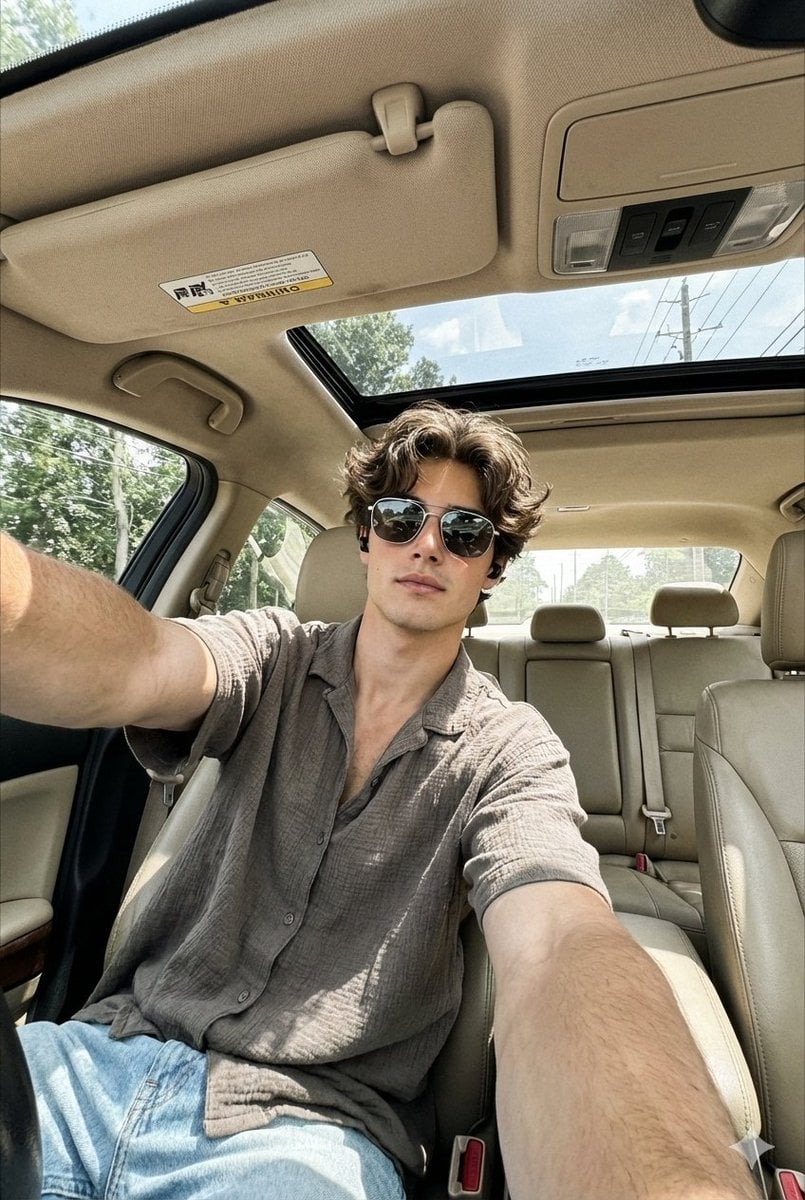
Wide-Angle Car Selfie Replication Prompt
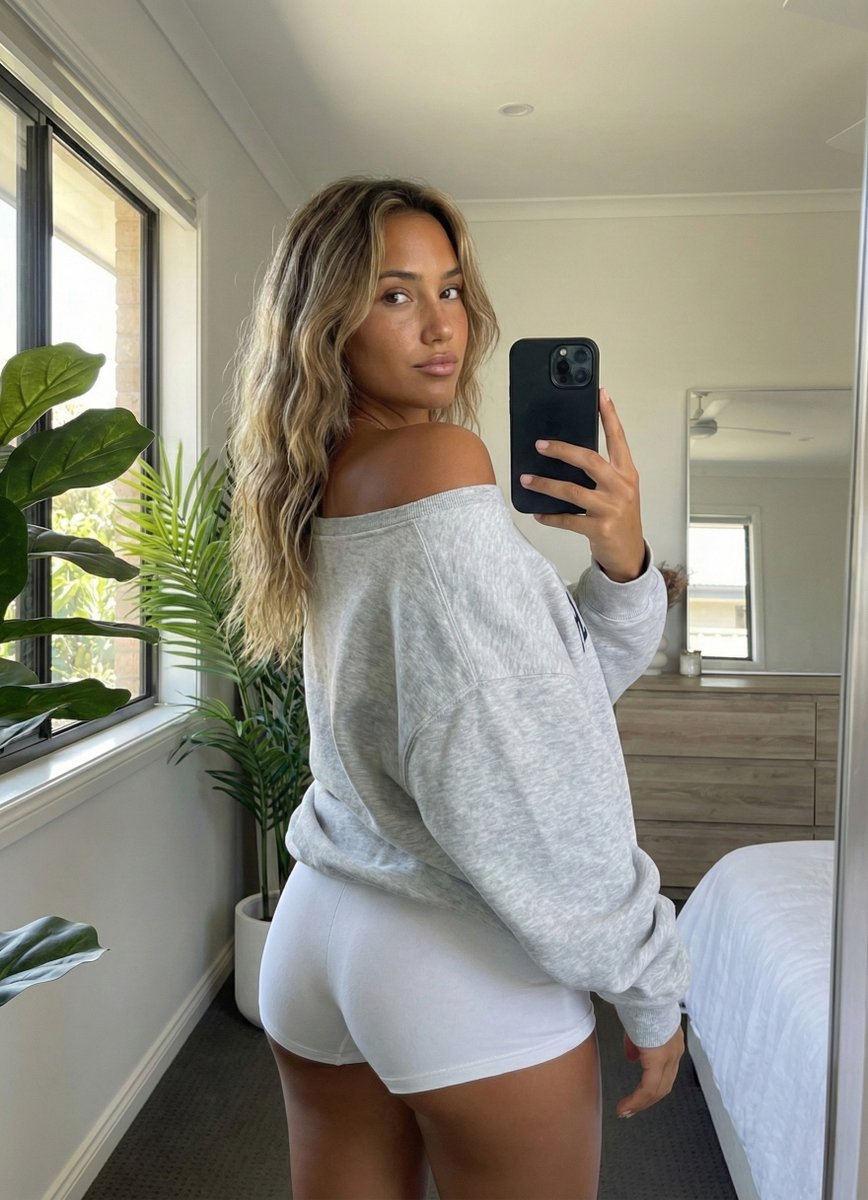
Photorealistic Rear-View Mirror Selfie in a Modern Bedroom
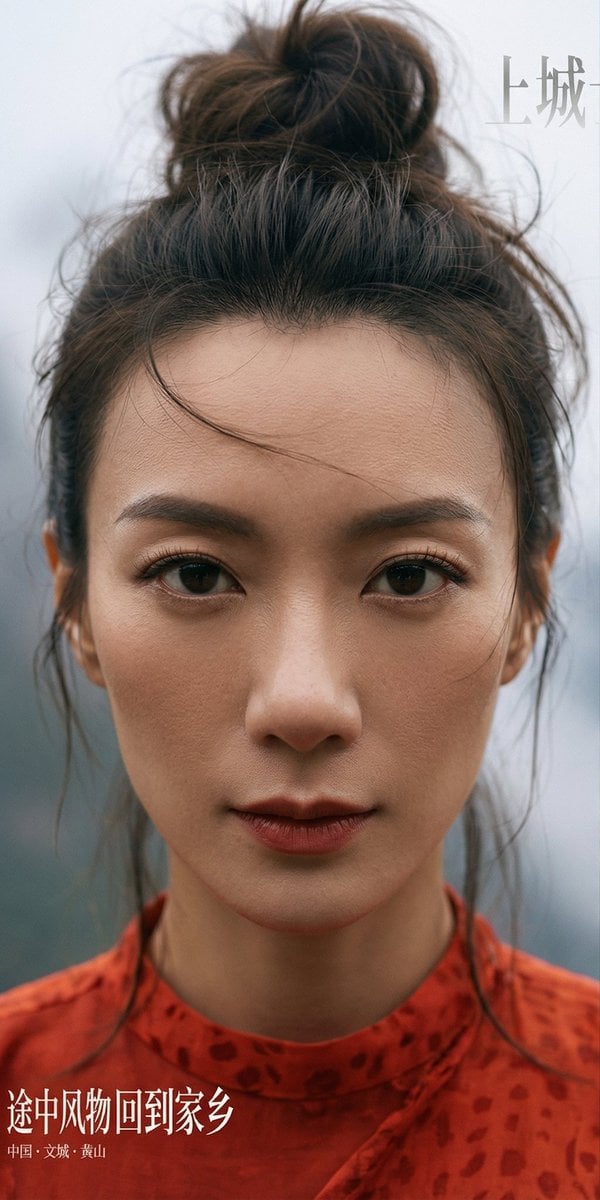
Hyper-Detailed Character and Style Replication Prompt

Passport Photo Style Portrait Replication Prompt
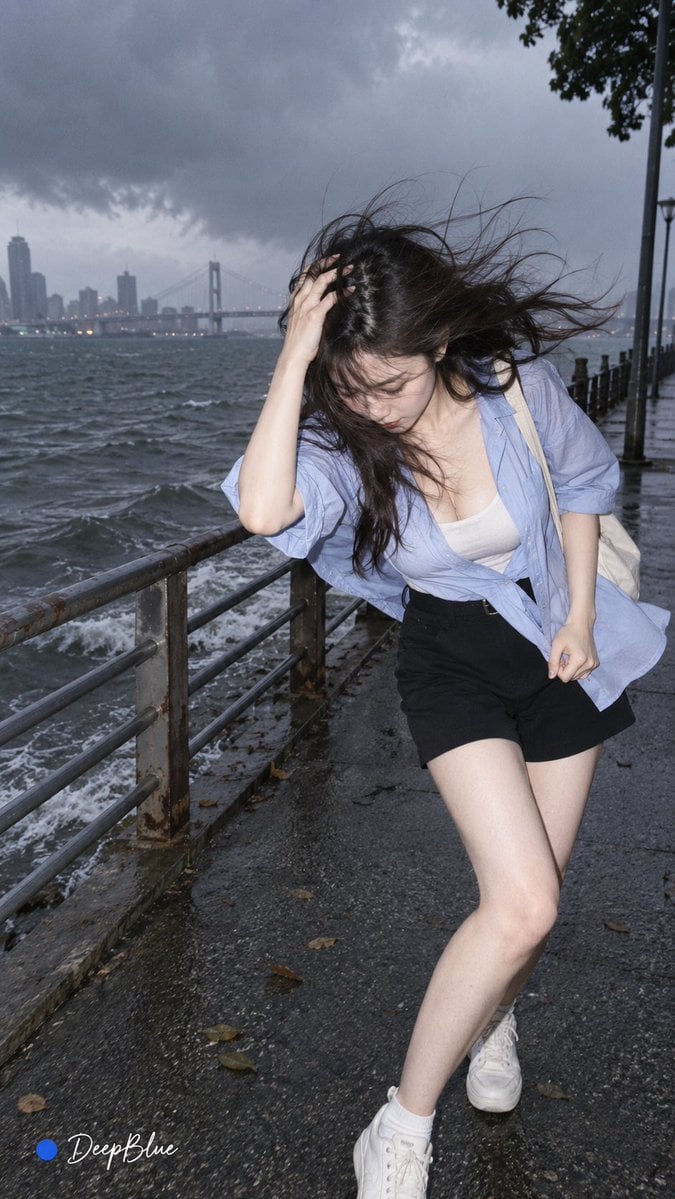
Random Photo Pose Generator
Make it yours
Hyper-Realistic Rear-Oblique Pose Replication Prompt works as-is. These are the safest ways to change it without losing the look.
Change one field
Copy a single group, rewrite it, and generate again so you can see what that field is doing.
Keep the frame, change the subject
Hold the composition and light of Hyper-Realistic Rear-Oblique Pose Replication Prompt, then swap wardrobe, props or the person for a new take.
| If the result… | Why | Fix |
|---|---|---|
| The result drifts from the preview | Too many fields changed at once. | Reuse Hyper-Realistic Rear-Oblique Pose Replication Prompt as-is first, then change one group — subject, light, or setting. |
| The model over-stylizes the scene | The prose prompt leaves finish and camera underspecified. | Add one camera or lighting sentence and stay on Nano Banana 2. |
More Nano Banana 2 templates
Other prompts made for Nano Banana 2.

Photorealistic Leaf Shaped Like a Dragon

K-Pop Idol Portrait Grid for Rapid Selection

Poetic Rain Forest Portrait During Golden Hour

Urban Street Portrait with Cartoon Inner Self Duo

Candid Nighttime Photo with Cat Prompt

High-Concept 3D Diorama Generation Prompt

Cinematic Futuristic Studio Portrait Template

Skincare Editorial Photography Collage Prompt

Hyper-Realistic Commercial Product Photography (Splash Effect)

Hyper-Realistic Nightclub Portrait Prompt
More image prompts
Fresh picks from across the catalog.
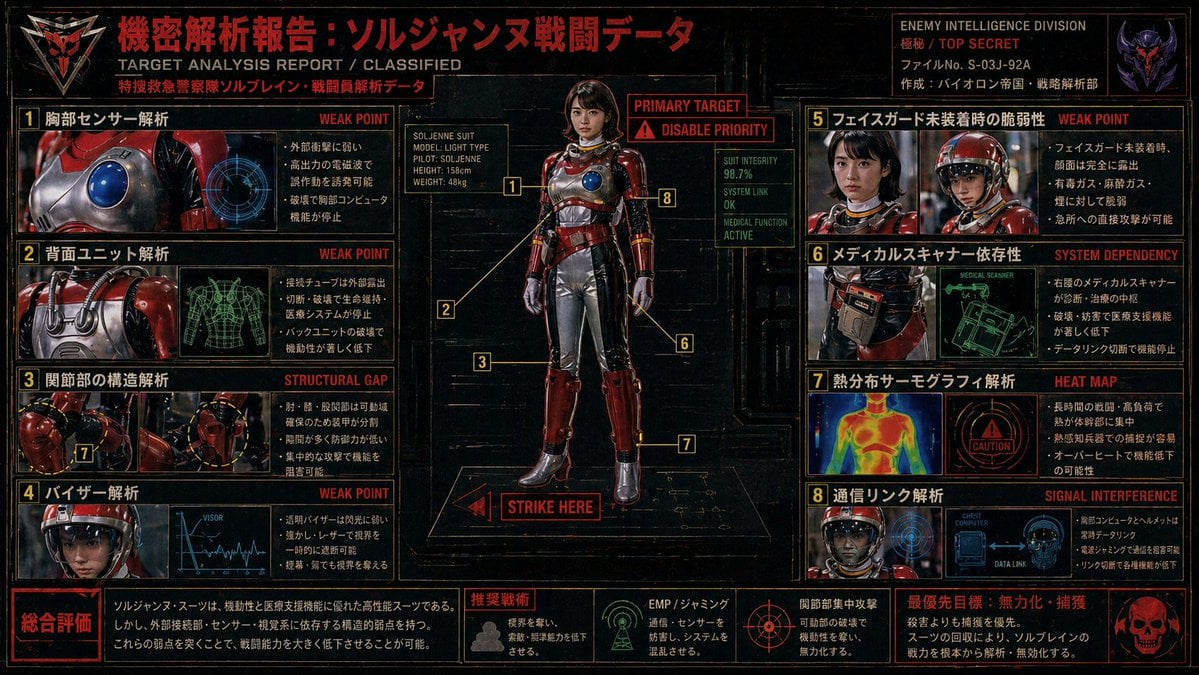
Classified Tokusatsu Target Analysis Poster
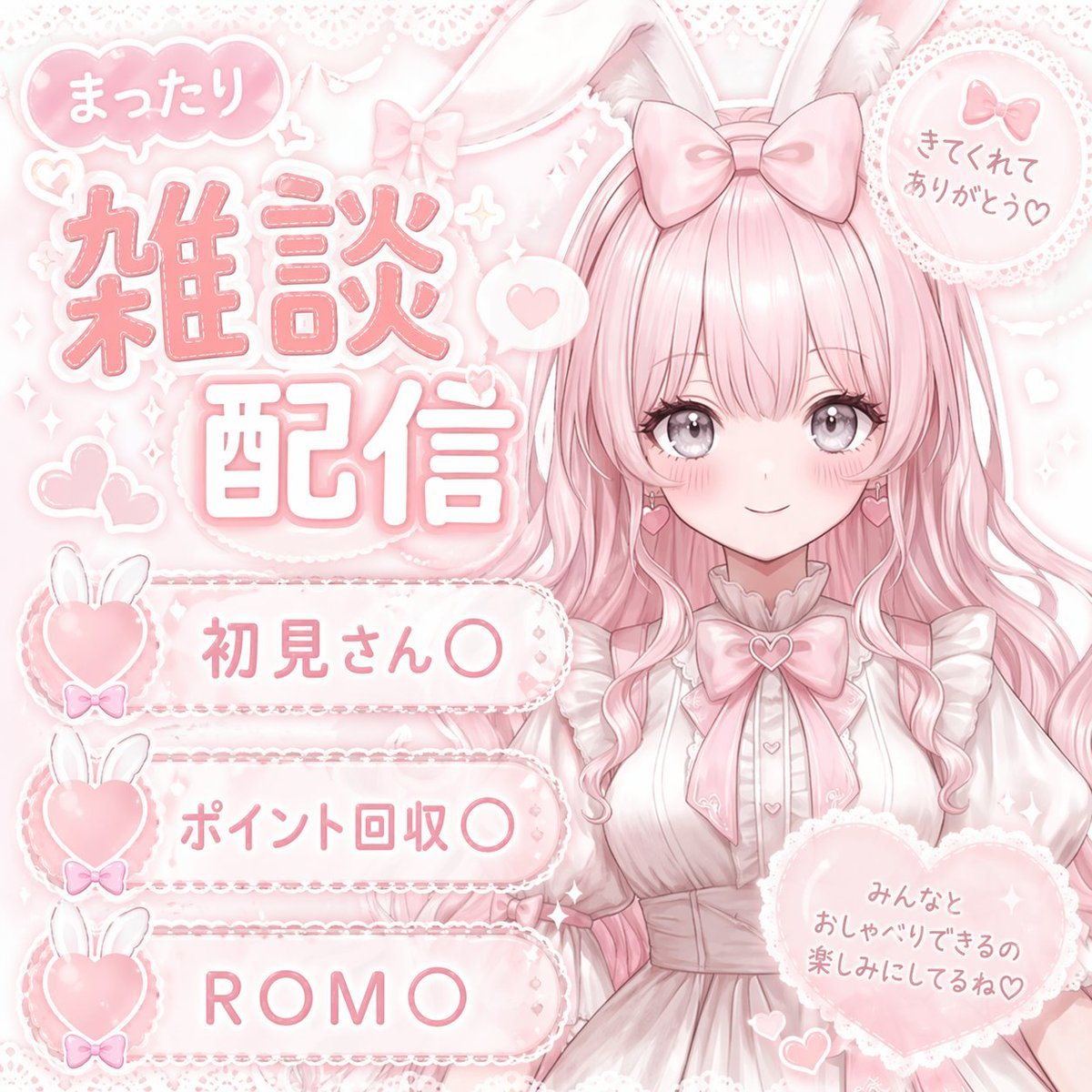
Anime VTuber Daily Essay Comic Page
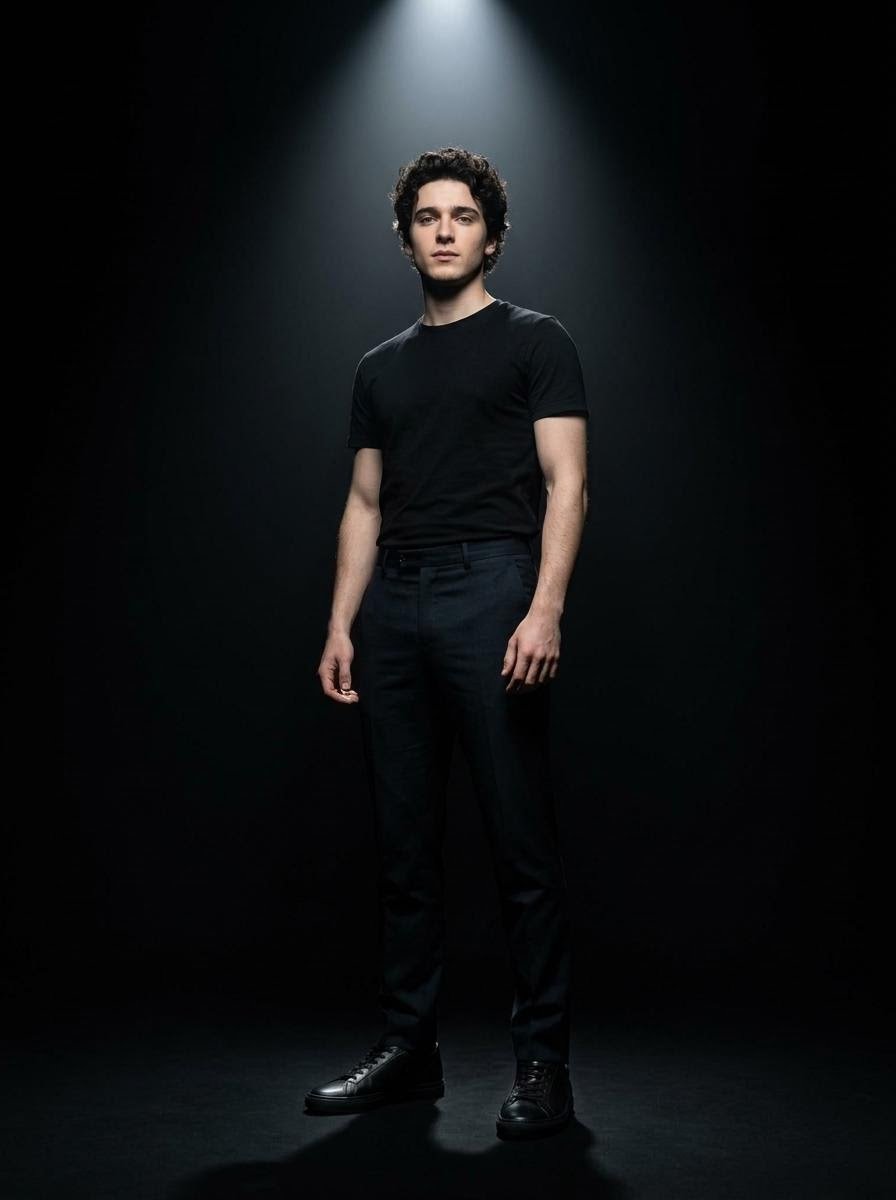
Dramatic Spotlight Studio Portrait
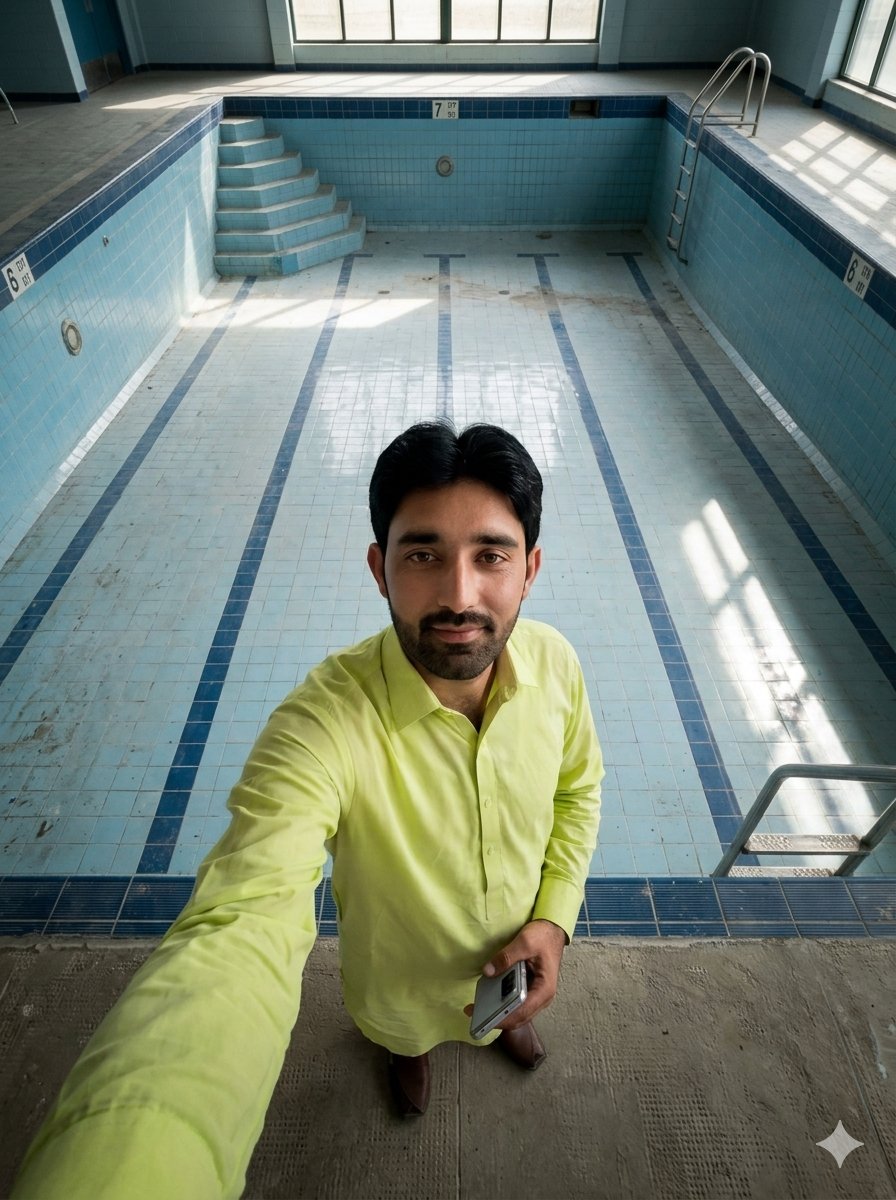
Top-Down Selfie in Empty Indoor Pool
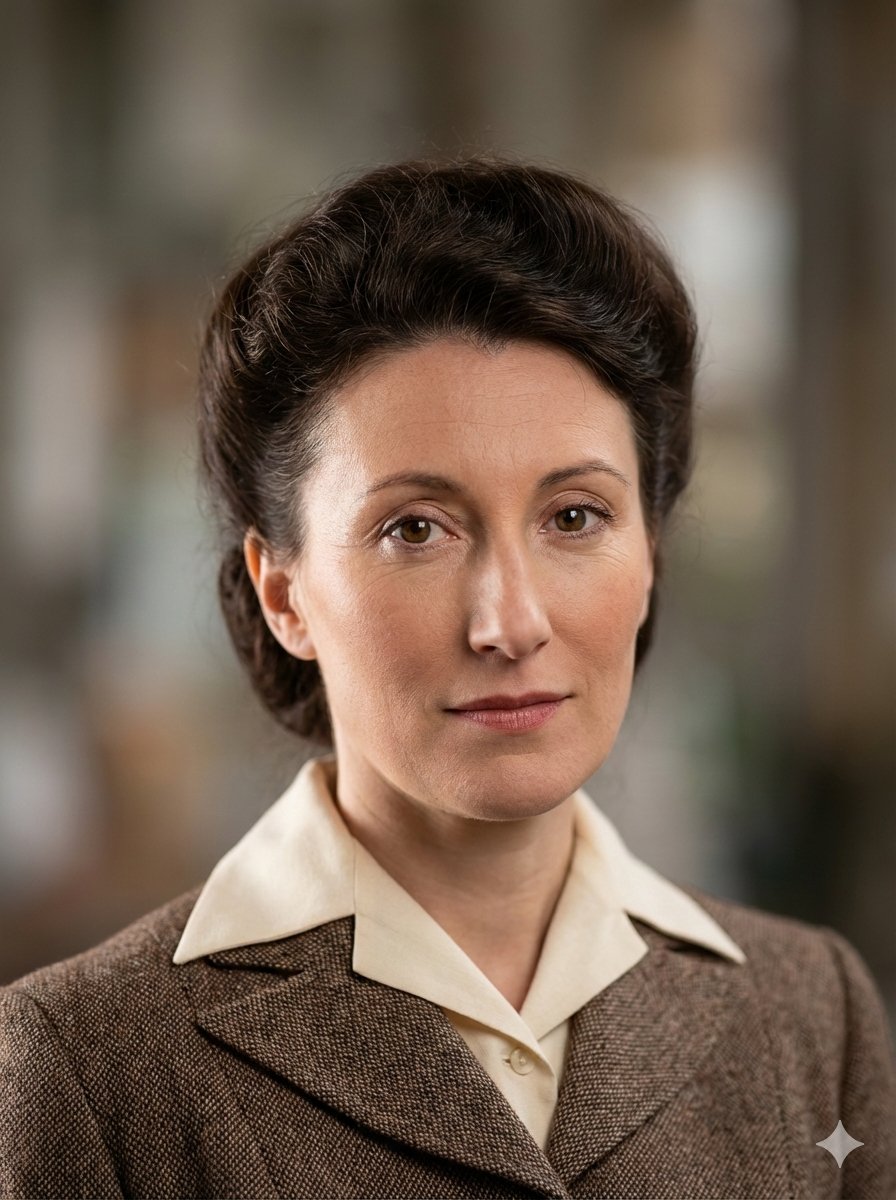
Photo Restoration to DSLR Quality
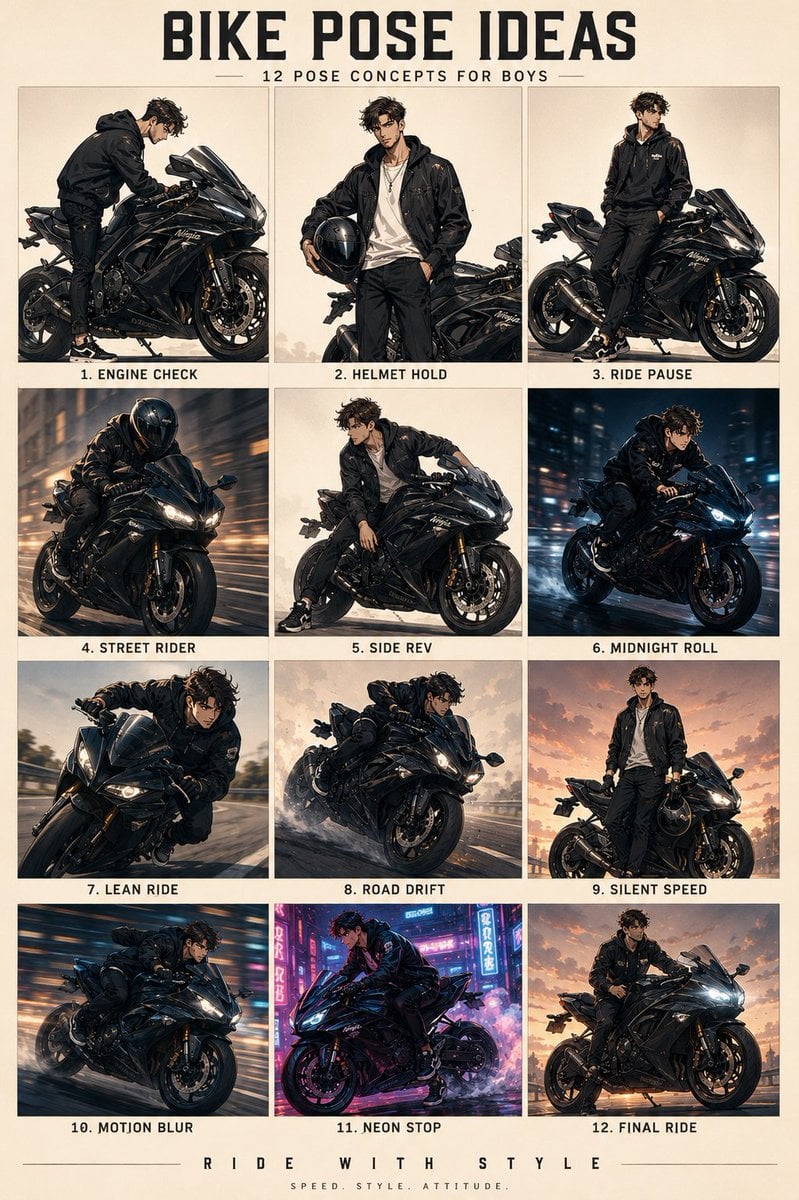
Anime Character Motorbike Pose Sheet
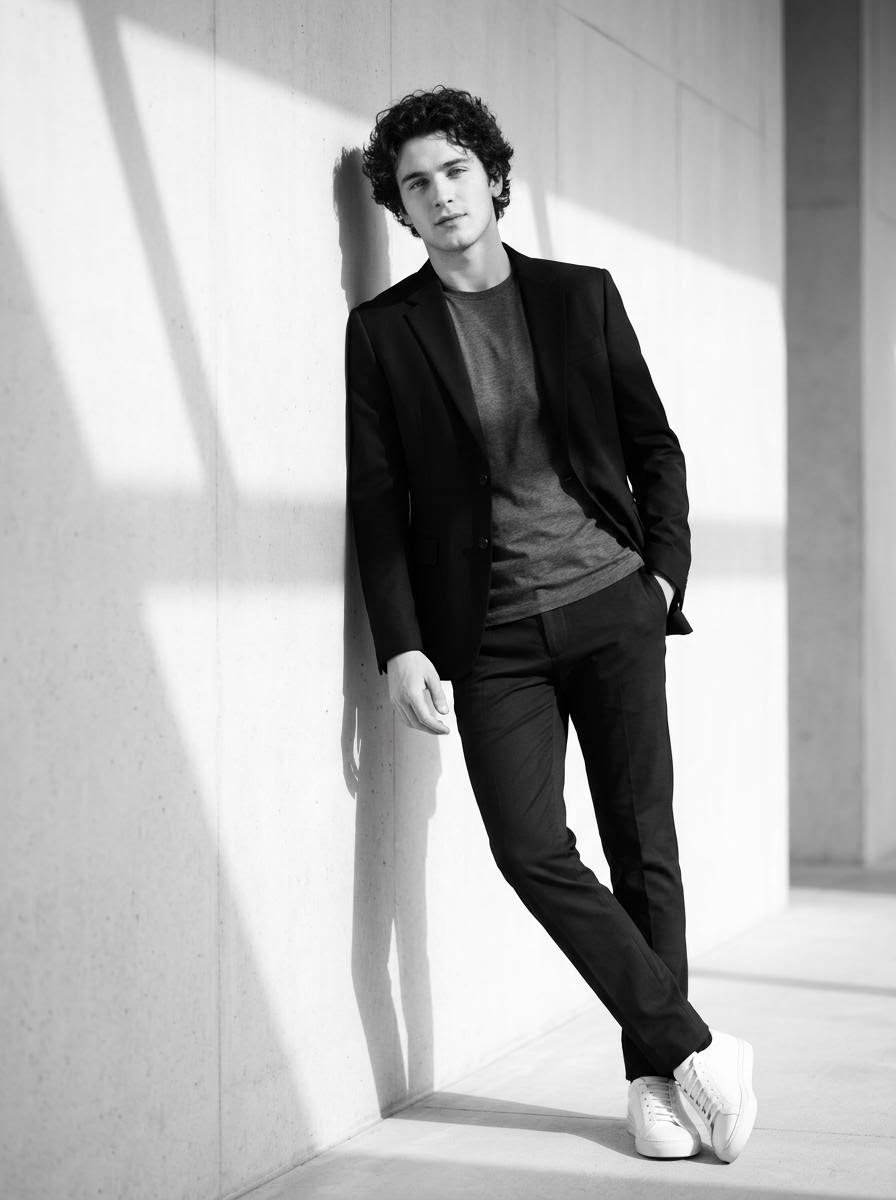
High-Contrast Black and White Cinematic Portrait
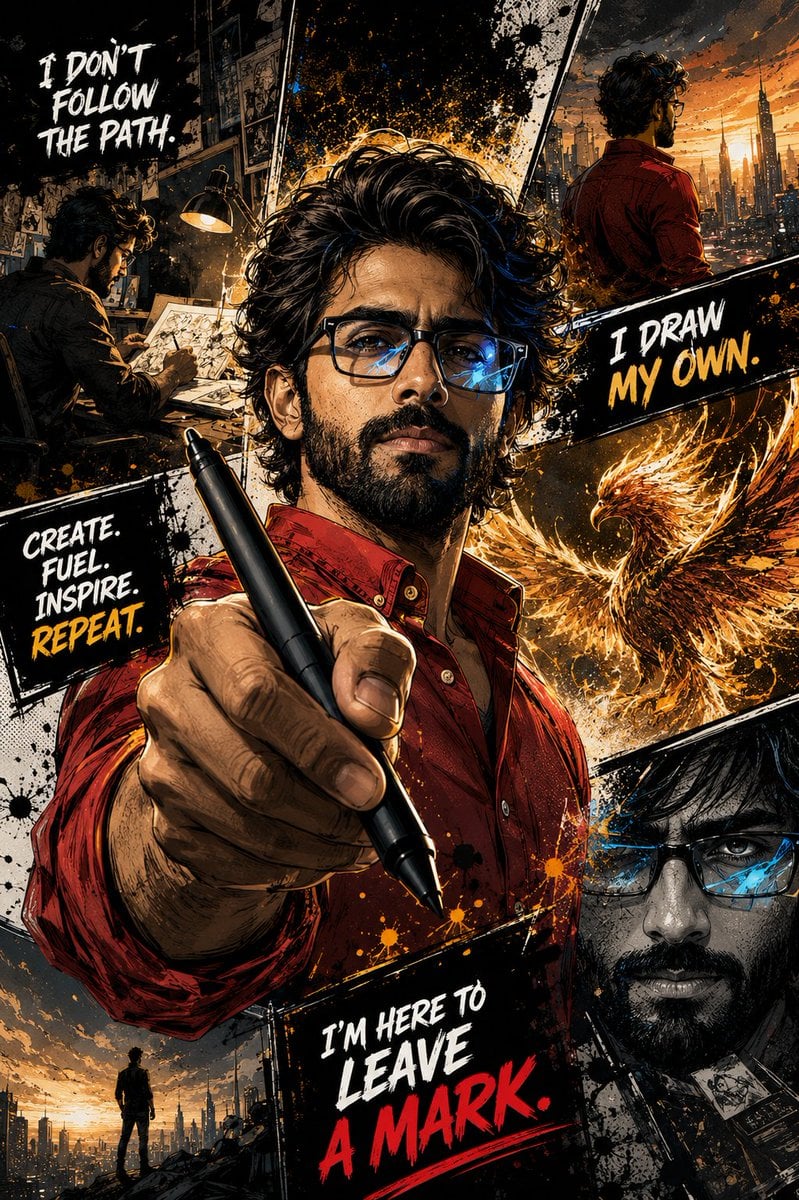
Gritty Comic-Book Graphic Novel Portrait
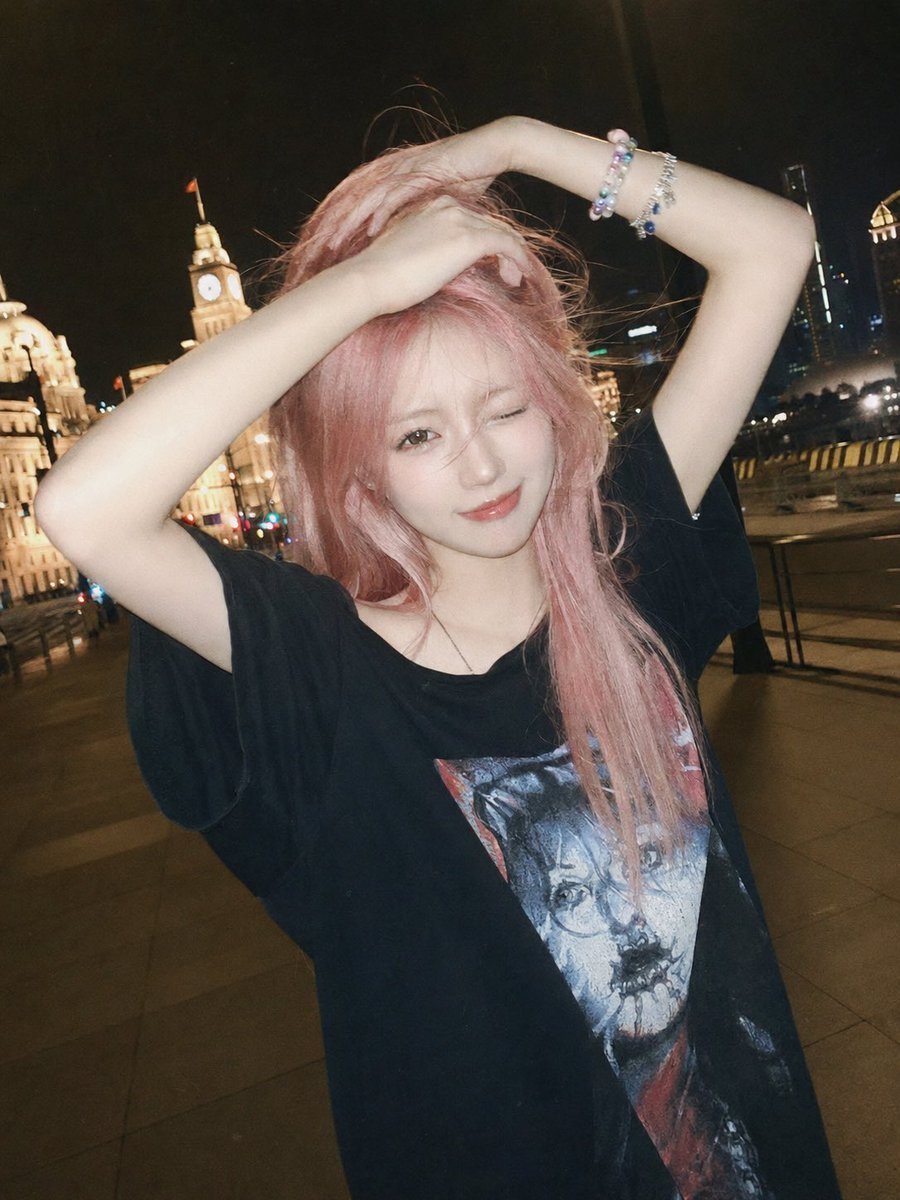
Flash Snapshot on Shanghai Bund
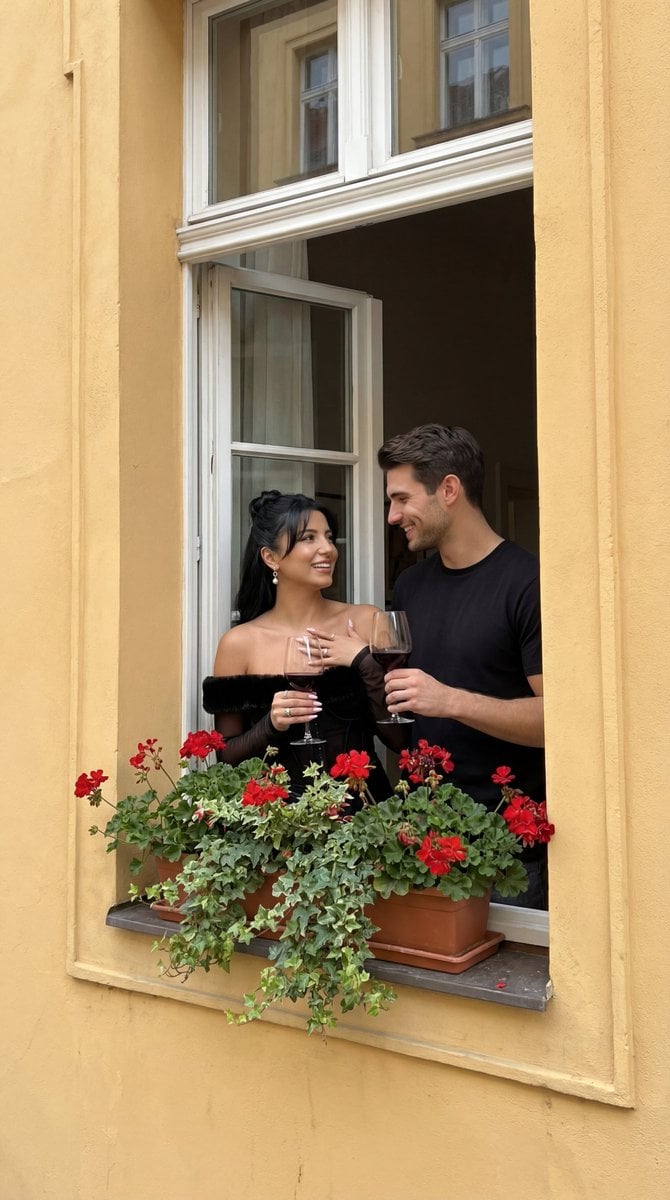
Photorealistic Architectural Edit: Couple in Window
Browse template categories
Hyper-Realistic Rear-Oblique Pose Replication Prompt questions
How do I use the Hyper-Realistic Rear-Oblique Pose Replication Prompt template?
Add your photo if the template asks for one, edit the prompt if you like — the template's model and format are already selected — and press Generate. Your version opens in PicX Studio.
Can I customize the Hyper-Realistic Rear-Oblique Pose Replication Prompt template?
Yes. You can change the subject, setting, lighting, mood, format, and available model controls before creating your image.
Is the Hyper-Realistic Rear-Oblique Pose Replication Prompt template free?
Opening and editing this template is free. Generating uses credits, shown on the Generate button when you are signed in.
Which AI model should I use?
Start with Nano Banana 2, which is the model associated with this template. You can compare another compatible model for a different finish.
Looking for something else? Browse all templates.

Your photo, any look
Thousands of ready templates for every top image and video model, from one credit balance.