
Photorealistic Architectural Edit: Couple in Window
A highly specific prompt for editing an existing architectural photo (reference required).
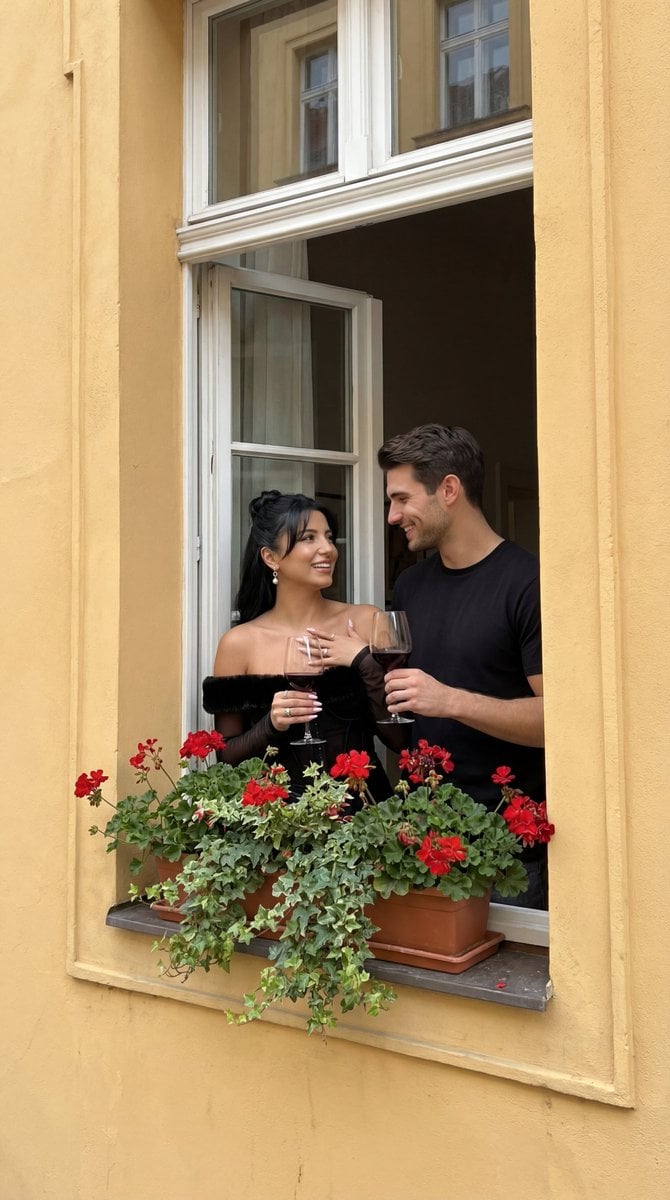
- Prompt included
- Model and format preset
- Free template
The prompt behind this image
Copy the exact prompt behind Photorealistic Architectural Edit: Couple in Window, or open it in the studio and make it yours.
{ "generation_request": { "meta_data": { "tool": "NanoBanana Pro", "task_type": "photoreal_architecture_lifestyle_editorial_edit", "version": "v1.0_WINDOW_COUPLE_CLOSEUP_WINE_YELLOW_FACADE_FLOWERS", "priority": "highest" }, "references": { "reference_image_1": { "source": "UPLOAD_REFERENCE_IMAGE (REQUIRED)", "purpose": "BASE_ARCHITECTURE + PERSPECTIVE + WINDOW_PLACEMENT_LOCK", "strict_lock": true, "lock_strength": "high", "preserve_perspective": true, "preserve_building_geometry": true, "preserve_window_position": true, "preserve_overall_framing": true, "no_layout_drift": true } }, "output_settings": { "aspect_ratio": "match_reference", "orientation": "portrait", "resolution": "ultra_high_res", "render_style": "ultra_photoreal_editorial", "sharpness": "crisp_but_natural", "film_grain": "subtle_analog", "color_grade": "clean_filmic_warm", "retouch_level": "editorial_minimal_keep_texture", "noise_reduction": "low" }, "hard_constraints": [ "Photorealistic only (no illustration, no CGI).", "Keep the same building perspective and window placement as the reference.", "Do not warp architecture lines; keep straight edges and realistic proportions.", "Exactly TWO people in the window only; no extra people anywhere else.", "Remove any existing watermark/text from the reference; output must contain NO text, NO logos, NO watermarks.", "Hands and wine glasses must be anatomically correct and physically plausible." ], "creative_prompt": { "scene_summary": "Edit the reference photo of the European building facade (tall portrait). Keep the same perspective, window placement, and architectural geometry.\n\nKey edits:\n1) Building facade color: Change the main facade (currently blue) to a {argument name="facade color" default="warm, rich yellow painted plaster"}, realistic texture, slightly weathered, European old-town vibe.\n2) Window couple emphasis: Make the couple in the open window appear closer and more prominent (a subtle zoom/crop or optical framing adjustment that brings them forward), while still keeping the window in the same location on the building.\n3) Couple mood & props: The couple is happy and smiling, looking at each other with warm, joyful expressions. Each holds a wine glass (clear stemware) with red or white wine. Natural hand grip, correct reflections and refraction in glass.\n4) Flowers: Add tasteful flowers around the window area (e.g., a small window box or pots with blooming flowers such as {argument name="flower type" default="geraniums"}), and optionally subtle greenery climbing or placed nearby—must look natural and consistent with the architecture.\n\nLighting & realism:\n- Preserve the original time-of-day feel and ambient light; keep it realistic and soft.\n- Ensure natural skin tones and fabric textures; no plastic smoothing.\n- Maintain realist
How to use Photorealistic Architectural Edit: Couple in Window in 3 steps
- 1Upload ImagePNG, JPG or paste
Add your photo
Upload the photo the template builds on. The prompt, model and format are already set.
- 2…a portrait of your subject in softgolden-hour light, 85mm…
Personalize
Edit the subject and creative details for your destination.
- 3Generate
Generate
Press Generate — your image is created in PicX Studio, so you can compare it with the original and refine one variable at a time.
More like this
Templates with the same subject, style or setup. Open one to see its prompt.

Face-Locked Train Window Lifestyle Portrait

Portugal Number 7 Luxury Sports Editorial

Sunday Afternoon, 1988

Two Tickets, One Night

If We Met in 1985

Found Photograph: Us, 1970

One Dance Before Midnight

Before We said Goodbye

Our Song was on a Cassette

Meet Me When It Rains

The Date After College

Two Hearts. One Scooter.
Make it yours
Photorealistic Architectural Edit: Couple in Window works as-is. These are the safest ways to change it without losing the look.
Change one field
Copy a single group, rewrite it, and generate again so you can see what that field is doing.
Keep the frame, change the subject
Hold the composition and light of Photorealistic Architectural Edit: Couple in Window, then swap wardrobe, props or the person for a new take.
| If the result… | Why | Fix |
|---|---|---|
| The result drifts from the preview | Too many fields changed at once. | Reuse Photorealistic Architectural Edit: Couple in Window as-is first, then change one group — subject, light, or setting. |
| The model over-stylizes the scene | The prose prompt leaves finish and camera underspecified. | Add one camera or lighting sentence and stay on Nano Banana 2. |
More Nano Banana 2 templates
Other prompts made for Nano Banana 2.

Photorealistic Leaf Shaped Like a Dragon

K-Pop Idol Portrait Grid for Rapid Selection

Poetic Rain Forest Portrait During Golden Hour

Urban Street Portrait with Cartoon Inner Self Duo

Candid Nighttime Photo with Cat Prompt

High-Concept 3D Diorama Generation Prompt

Cinematic Futuristic Studio Portrait Template

Skincare Editorial Photography Collage Prompt

Hyper-Realistic Commercial Product Photography (Splash Effect)

Hyper-Realistic Nightclub Portrait Prompt
More image prompts
Fresh picks from across the catalog.
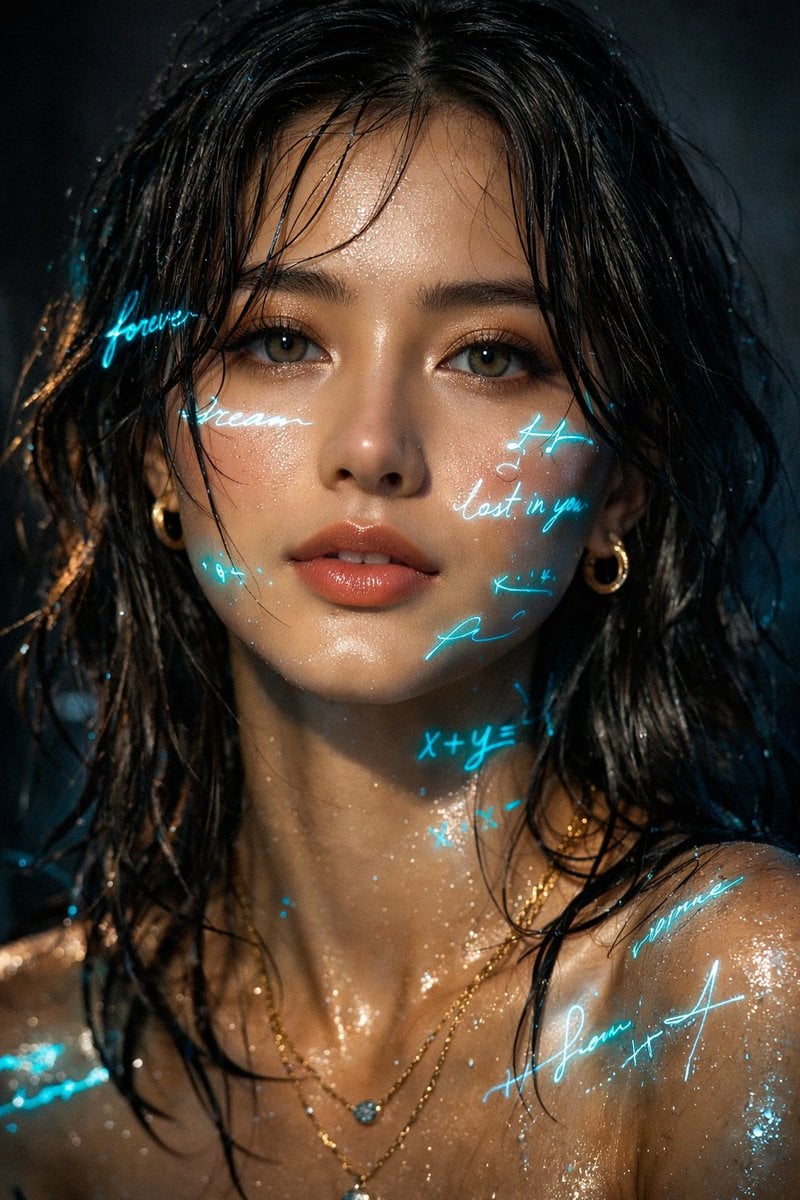
Cyber-Poetry Portrait Projection Prompt

JAL First Class Cabin Interior
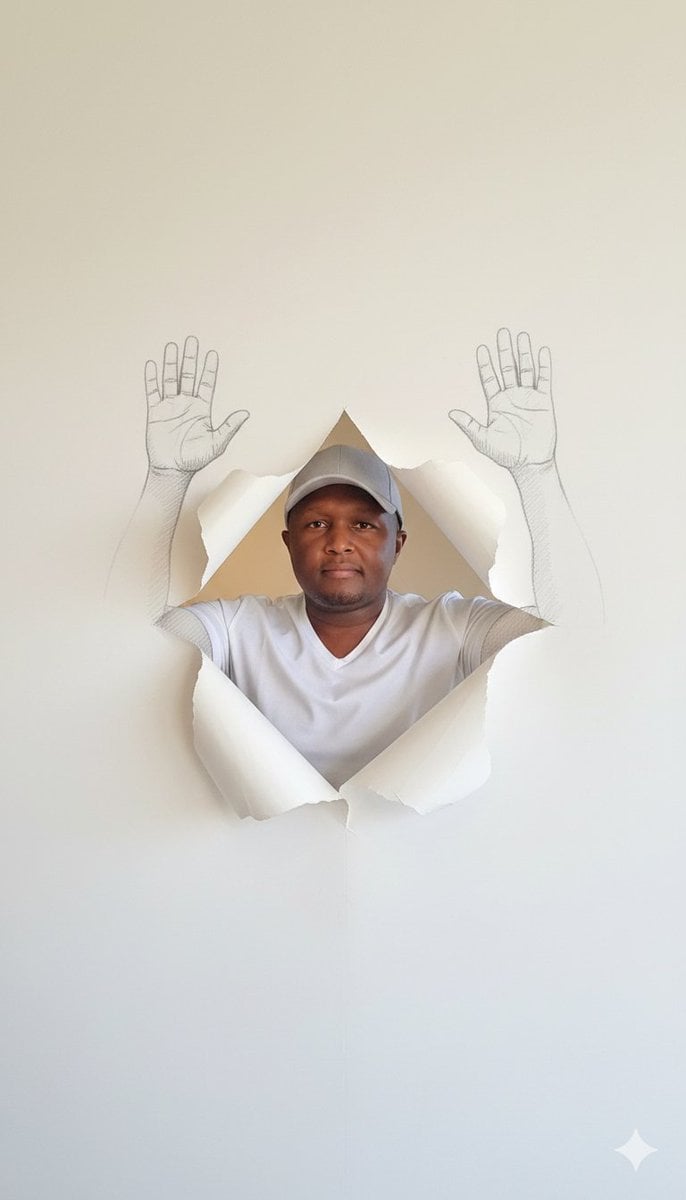
Surreal Portrait with Sketch Hands Emerging from Wallpaper

Elderly Man and Marmot Portrait

Kawaii Puppy Emotion Sticker Sheet
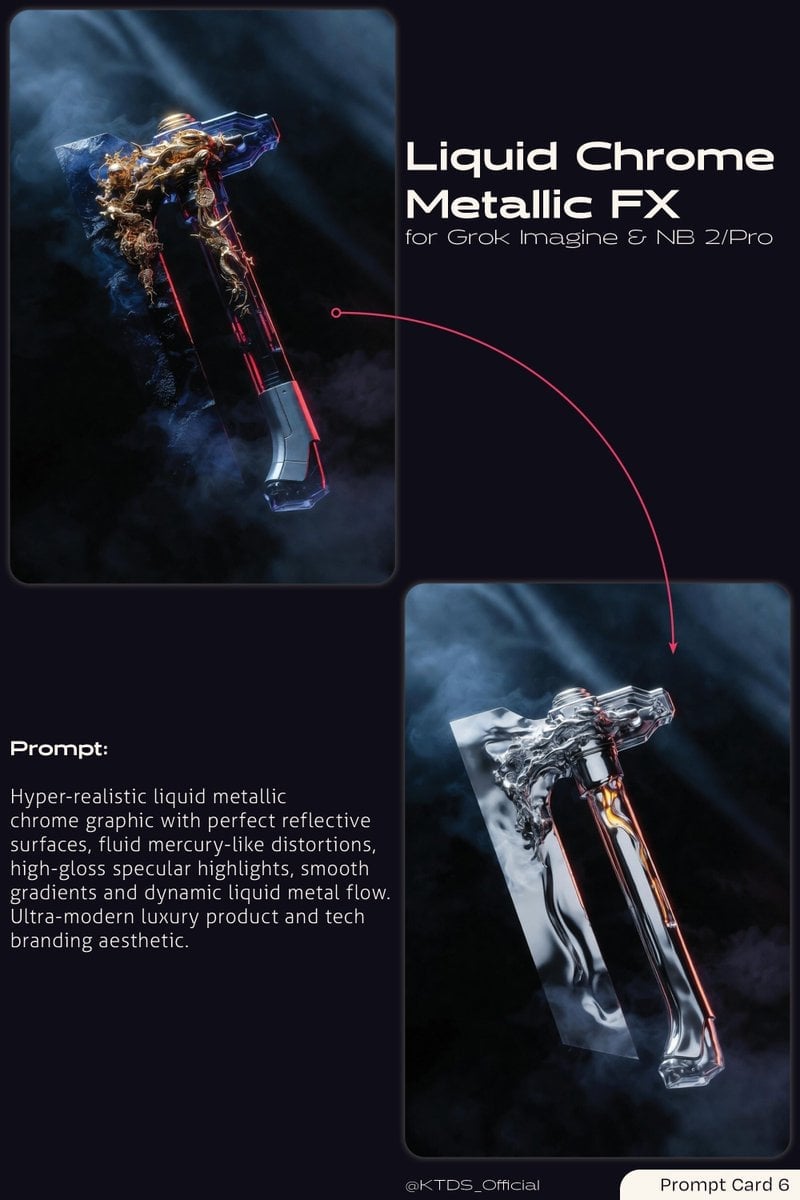
Liquid Chrome Metallic FX Prompt
Editorial Studio Portrait in Olive Tee
Nano Banana Seedance Cinematic Walk
Vogue Magazine Cover Style Fashion Portrait
Japanese Fashion Point Poster Edit
Browse template categories
Photorealistic Architectural Edit: Couple in Window questions
How do I use the Photorealistic Architectural Edit: Couple in Window template?
Add your photo if the template asks for one, edit the prompt if you like — the template's model and format are already selected — and press Generate. Your version opens in PicX Studio.
Can I customize the Photorealistic Architectural Edit: Couple in Window template?
Yes. You can change the subject, setting, lighting, mood, format, and available model controls before creating your image.
Is the Photorealistic Architectural Edit: Couple in Window template free?
Opening and editing this template is free. Generating uses credits, shown on the Generate button when you are signed in.
Which AI model should I use?
Start with Nano Banana 2, which is the model associated with this template. You can compare another compatible model for a different finish.
Looking for something else? Browse all templates.

Your photo, any look
Thousands of ready templates for every top image and video model, from one credit balance.