How do I use the Kawaii Puppy Emotion Sticker Sheet template?
Edit the prompt in the box under the preview — the template's model and format are already selected — and press Generate. Your version appears right on this page.
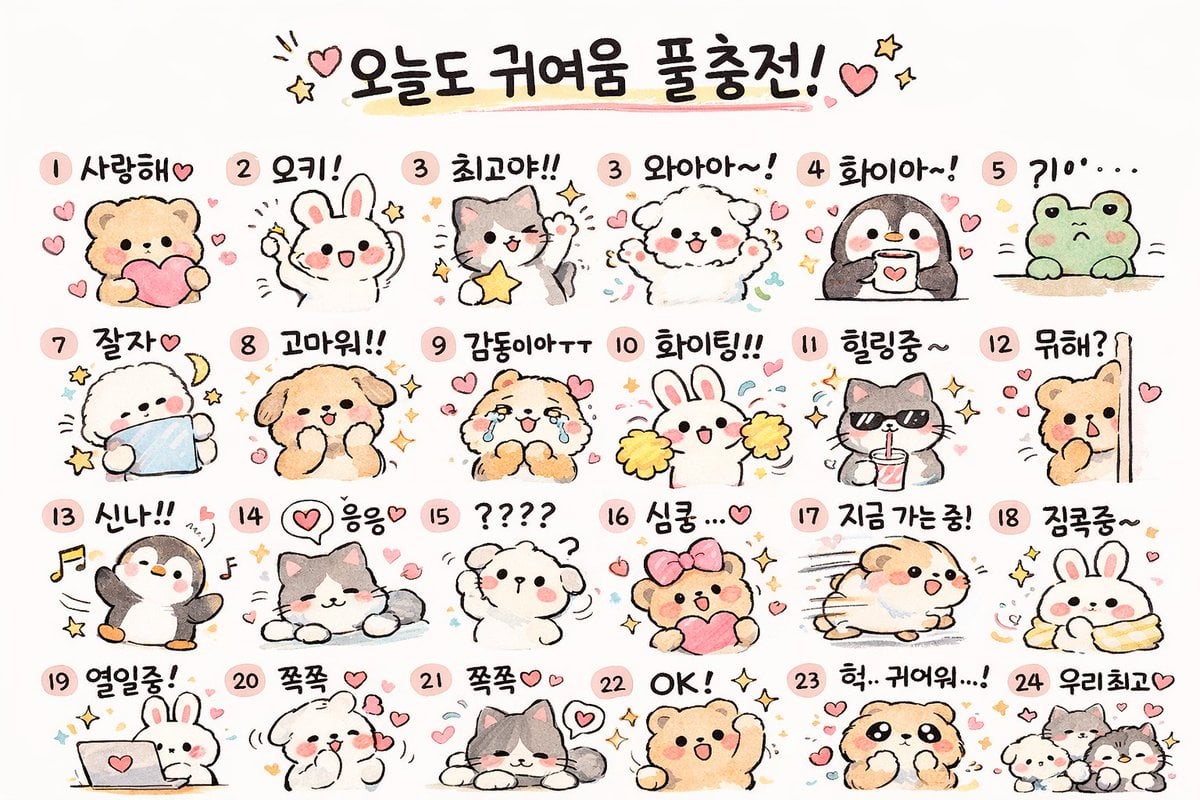
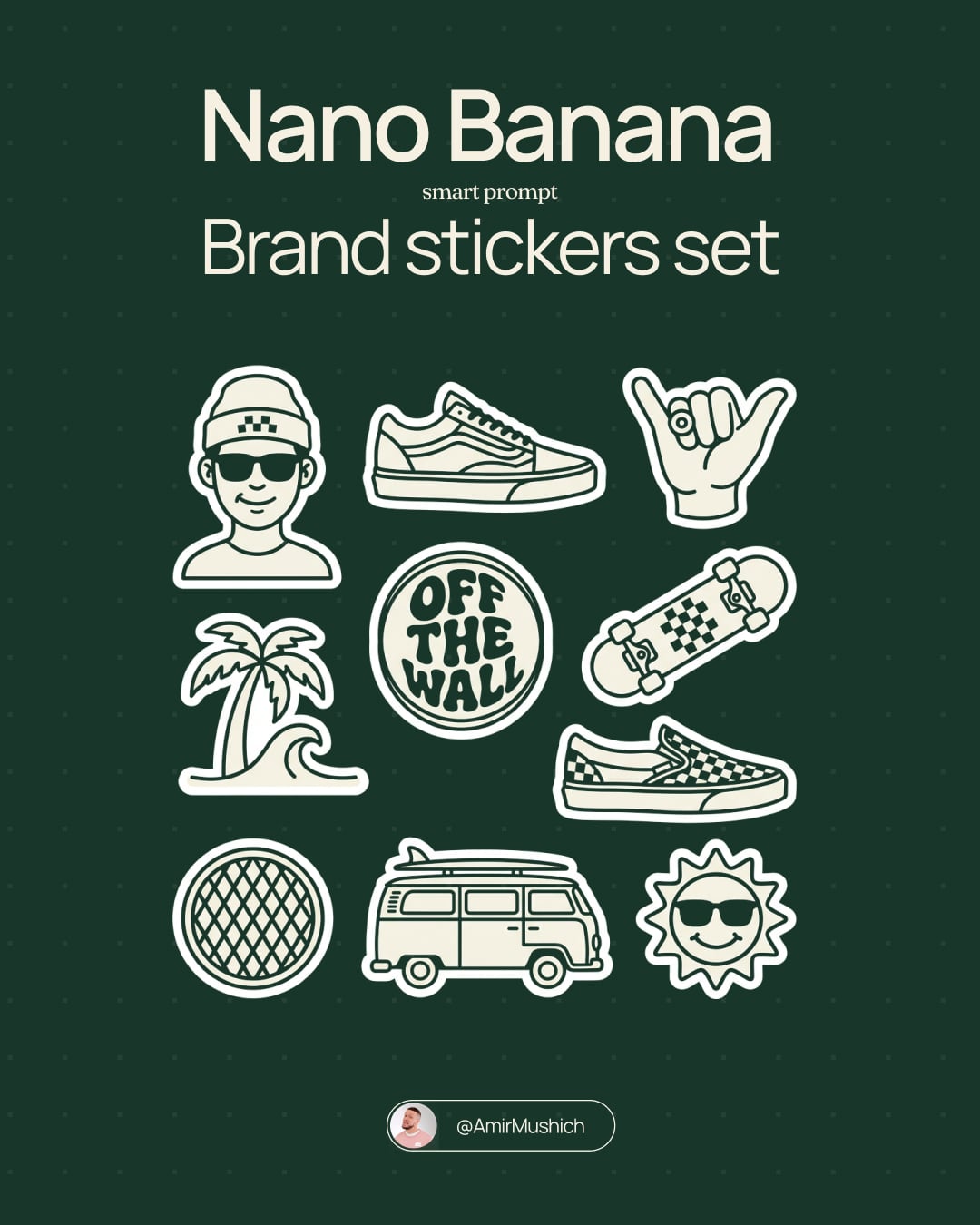
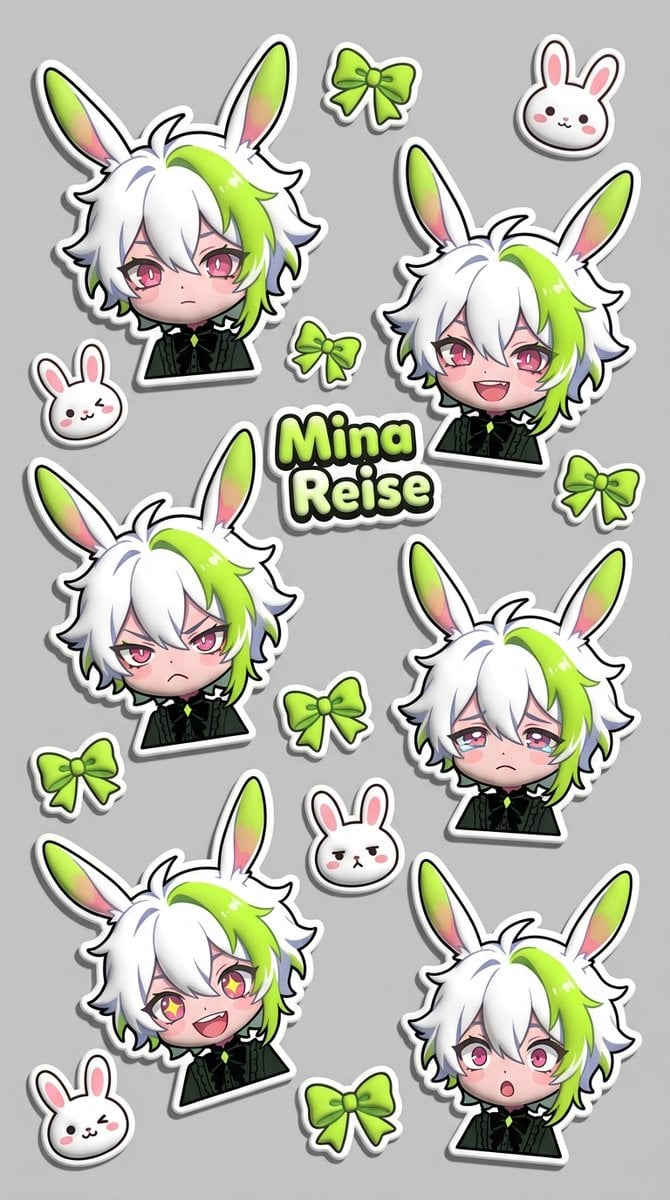
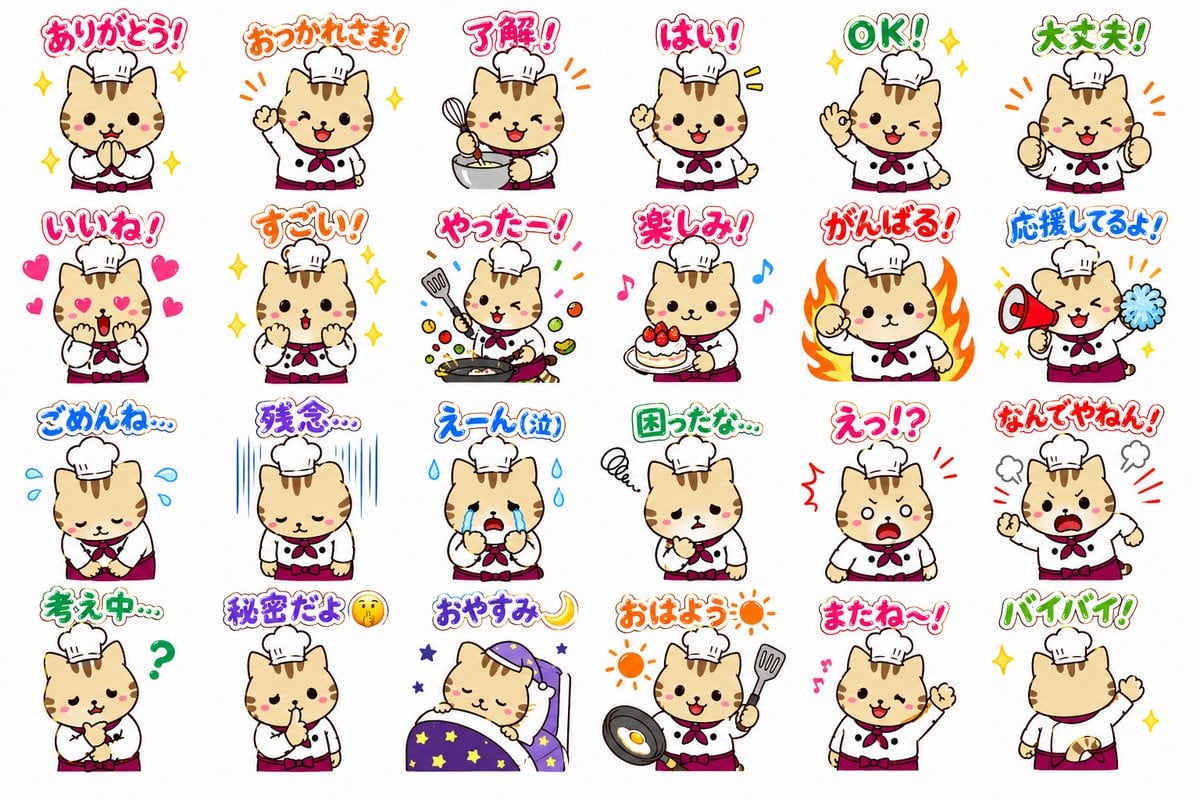
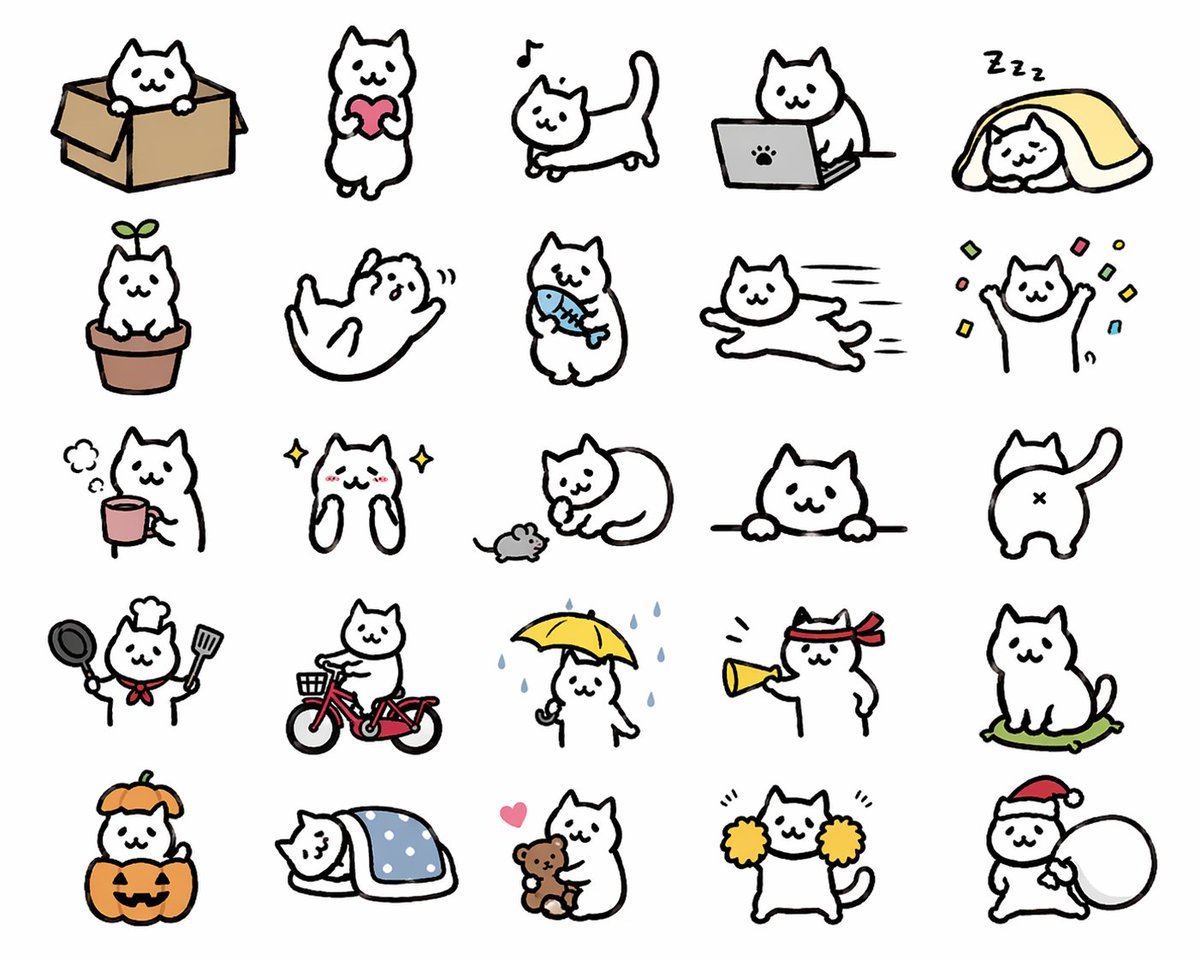
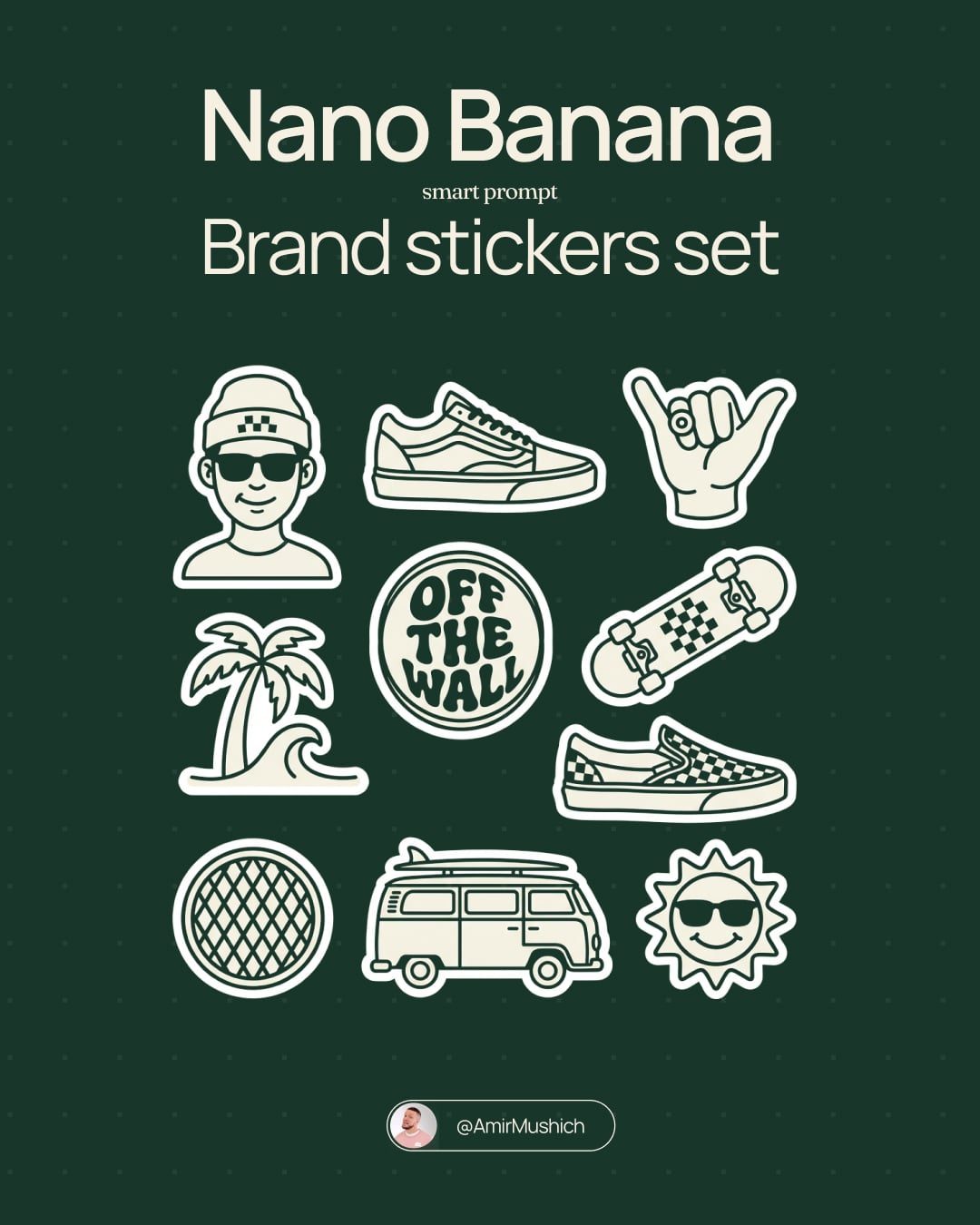
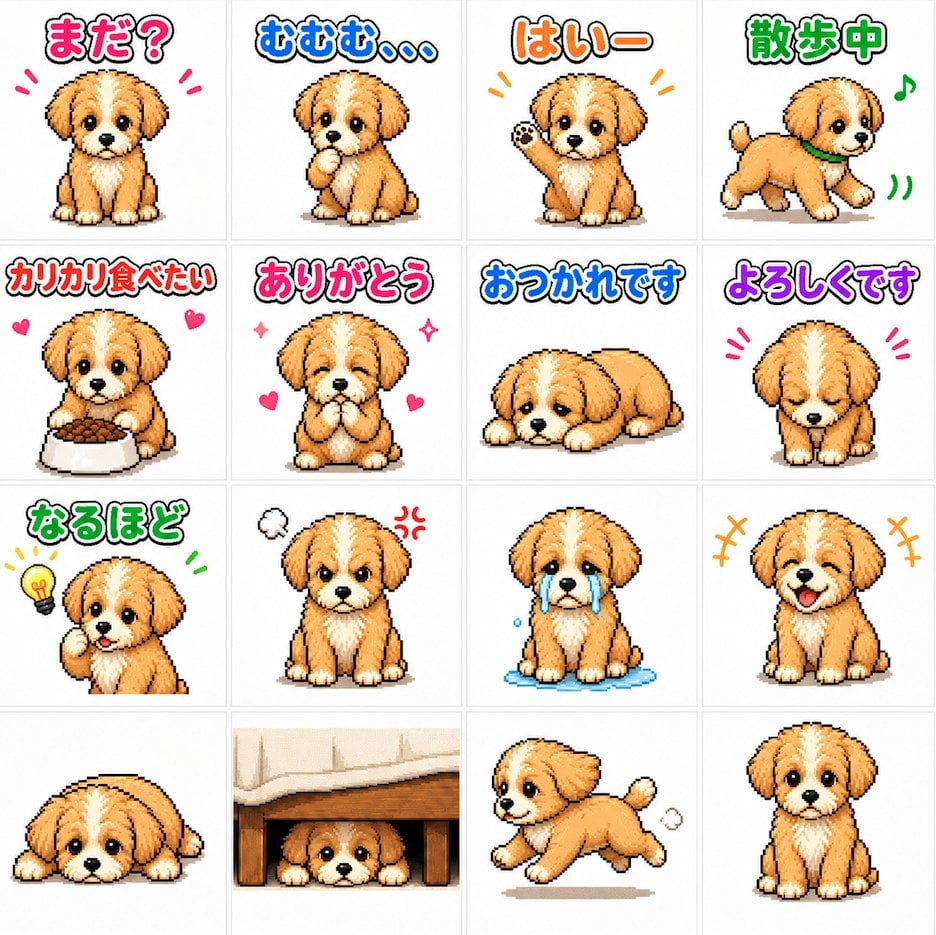
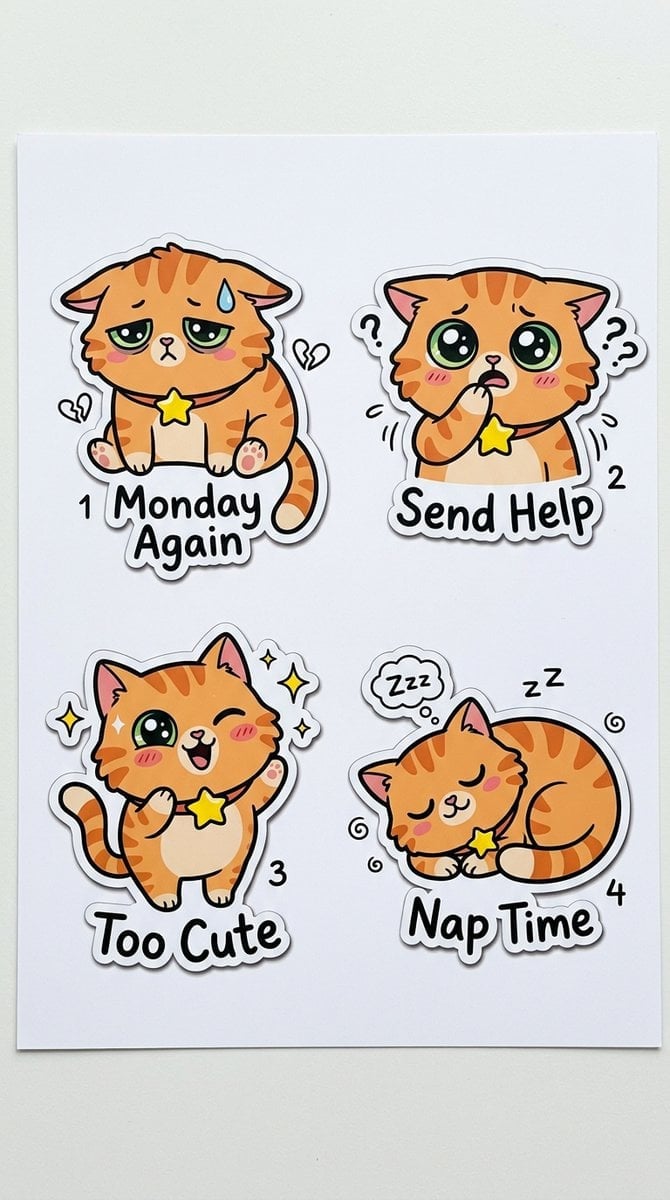
A 3-by-3 sheet of cute chibi puppy mascot expressions for recreating an emoji or sticker set.

This template uses your photo — add one with the + button.
Create a cute sticker-sheet style character illustration on a clean white background: exactly 9 small chibi mascot drawings arranged in a neat 3-by-3 grid with generous spacing. The character is a fluffy cream puppy-like creature with floppy ears tipped in turquoise-blue, a small blue tuft/mark on the chest, big glossy dark eyes, blushy pink cheeks, tiny paws, and a stylized lightning-bolt tail colored yellow with blue accents. Use soft hand-drawn anime line art, slightly sketchy black outlines, pastel watercolor/crayon shading, rounded proportions, and expressive kawaii faces. Show these 9 distinct poses and expressions: top left surprised with mouth open, one paw raised, black exclamation marks around the head; top center delighted and waving both arms, tongue out, smiling; top right pouting/annoyed with one eye squeezed shut, cheeks puffed, small steam-puff marks around the head; middle left crying sadly with downturned mouth and exactly 4 blue teardrops around/under the eyes; middle center happily giggling with eyes closed, one paw raised, pink blush, a small pink heart and handwritten Japanese text “え〜” beside it; middle right confused and bashful, looking upward with exactly 2 black question marks and a small black heart-like doodle above; bottom left sleepy with eyes closed, droopy posture, and exactly 3 handwritten “z” sleep marks; bottom center shy/cute neutral expression with big eyes, tiny mouth, and exactly 3 small pink hearts around it; bottom right cheerful approval pose with one paw making a gesture, tongue out, energetic marks near the paw, and handwritten text “OK!” above. Keep all characters the same design and scale, no borders, no background props, no extra characters, no watermark.
Create a cute sticker-sheet style character illustration on a clean white background: exactly 9 small chibi mascot drawings arranged in a neat 3-by-3 grid with generous spacing. The character is a fluffy cream puppy-like creature with floppy ears tipped in turquoise-blue, a small blue tuft/mark on the chest, big glossy dark eyes, blushy pink cheeks, tiny paws, and a stylized lightning-bolt tail colored yellow with blue accents. Use soft hand-drawn anime line art, slightly sketchy black outlines, pastel watercolor/crayon shading, rounded proportions, and expressive kawaii faces. Show these 9 distinct poses and expressions: top left surprised with mouth open, one paw raised, black exclamation marks around the head; top center delighted and waving both arms, tongue out, smiling; top right pouting/annoyed with one eye squeezed shut, cheeks puffed, small steam-puff marks around the head; middle left crying sadly with downturned mouth and exactly 4 blue teardrops around/under the eyes; middle center happily giggling with eyes closed, one paw raised, pink blush, a small pink heart and handwritten Japanese text “え〜” beside it; middle right confused and bashful, looking upward with exactly 2 black question marks and a small black heart-like doodle above; bottom left sleepy with eyes closed, droopy posture, and exactly 3 handwritten “z” sleep marks; bottom center shy/cute neutral expression with big eyes, tiny mouth, and exactly 3 small pink hearts around it; bottom right cheerful approval pose with one paw making a gesture, tongue out, energetic marks near the paw, and handwritten text “OK!” above. Keep all characters the same design and scale, no borders, no background props, no extra characters, no watermark.
Edit the prompt in the box under the preview — the template's model and format are already selected — and press Generate. Your version appears right on this page.
Yes. You can change the subject, setting, lighting, mood, format, and available model controls before creating your image.
Opening and editing this template is free. Generating uses credits, shown on the Generate button when you are signed in.
Start with GPT Image 2, which is the model associated with this template. You can compare another compatible model for a different finish.
Follow a topic to a crawlable collection of related PicX Studio templates.