
Hyper-realistic Sports Snapshot
A variation of the sports broadcast prompt focusing on skin textures and realistic television watermarks.
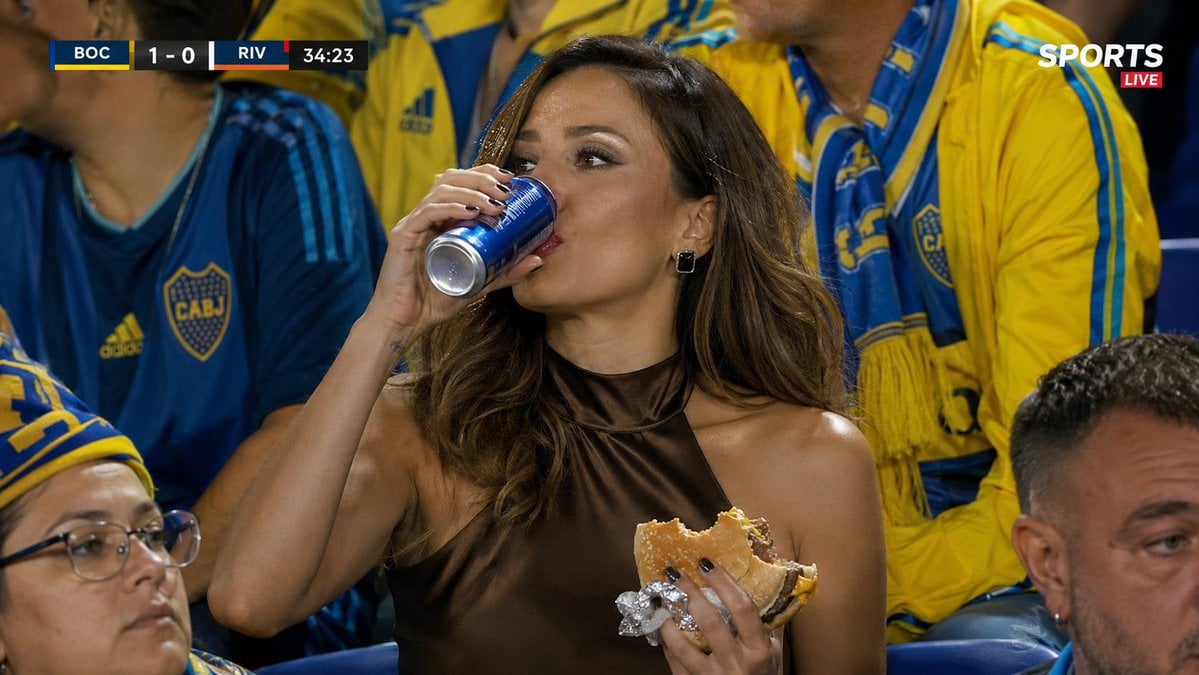
- Prompt included
- Model and format preset
- Free template
The prompt behind this image
Copy the exact prompt behind Hyper-realistic Sports Snapshot, or open it in the studio and make it yours.
A hyper-realistic captured frame from a live sports broadcast: a packed football stadium at night, a strikingly radiant woman among the crowd. She wears a dark brown sleeveless high-neck satin top, square black earrings, and shoulder-length hair in a blend of light brown and golden brown styled in soft waves. She casually drinks from a blue aluminum can while holding a half-eaten cheeseburger in her other hand. Around her, fans dressed in bright yellow and royal blue jerseys and team scarves create a striking visual contrast of team colors. The overall image feels natural and candid, highly cinematic, captured as if from a sports broadcast camera angle at the moment of play, using a shallow depth-of-field effect. Recreate authentic stadium seating and a lively, crowded audience atmosphere; the upper-left corner carries a broadcast overlay caption showing a live football score and match clock, and the upper-right corner carries a sports network watermark logo. Natural stadium lighting, realistic skin texture detail on the subject; the main subject is in sharp focus with the crowd behind moderately blurred, recreating the authentic look of a live sports broadcast. Image ratio 16:9.
How to use Hyper-realistic Sports Snapshot in 3 steps
- 1
Open
The prompt is already in the box next to the preview, with the template's model and format selected.
- 2…a portrait of your subject in softgolden-hour light, 85mm…
Personalize
Edit the subject and creative details for your destination.
- 3Generate
Generate
Press Generate — your image is created in PicX Studio, so you can compare it with the original and refine one variable at a time.
More like this
Templates with the same subject, style or setup. Open one to see its prompt.
Nostalgic Digicam Café Afternoon Portrait

Legendary Player Fragmented Editorial Poster
Goalmaster Youth Sports Poster

Clean Minimalist Player Editorial Poster
Captain Tsubasa Anime World Cup Poster
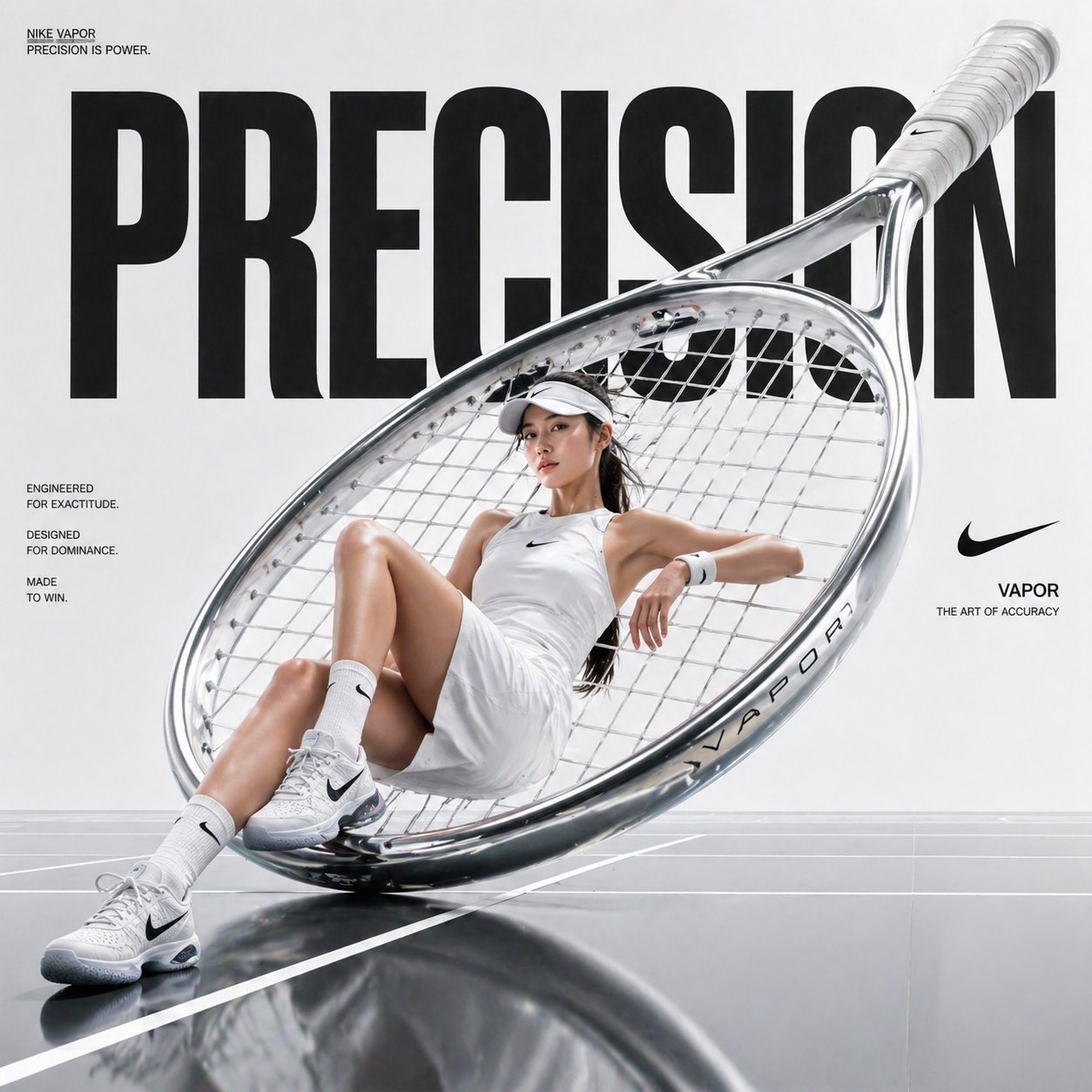
Gpt2 Avant Garde Tennis Fashion
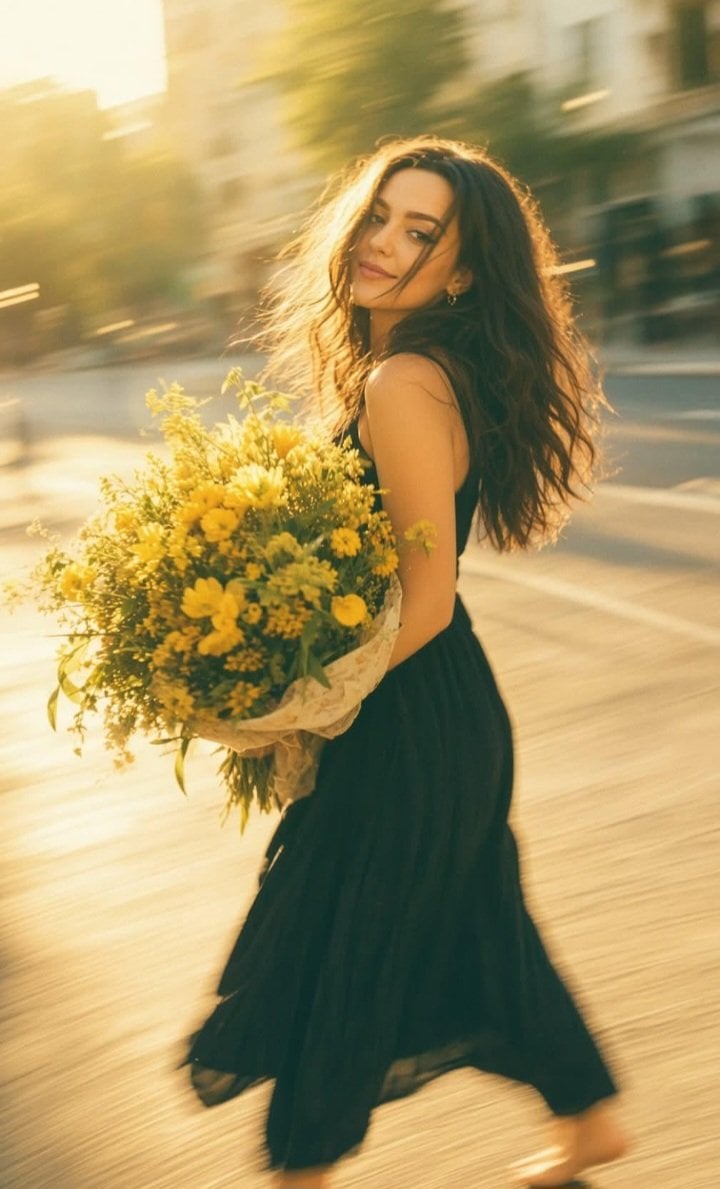
Consistent Series Character Street Snapshot
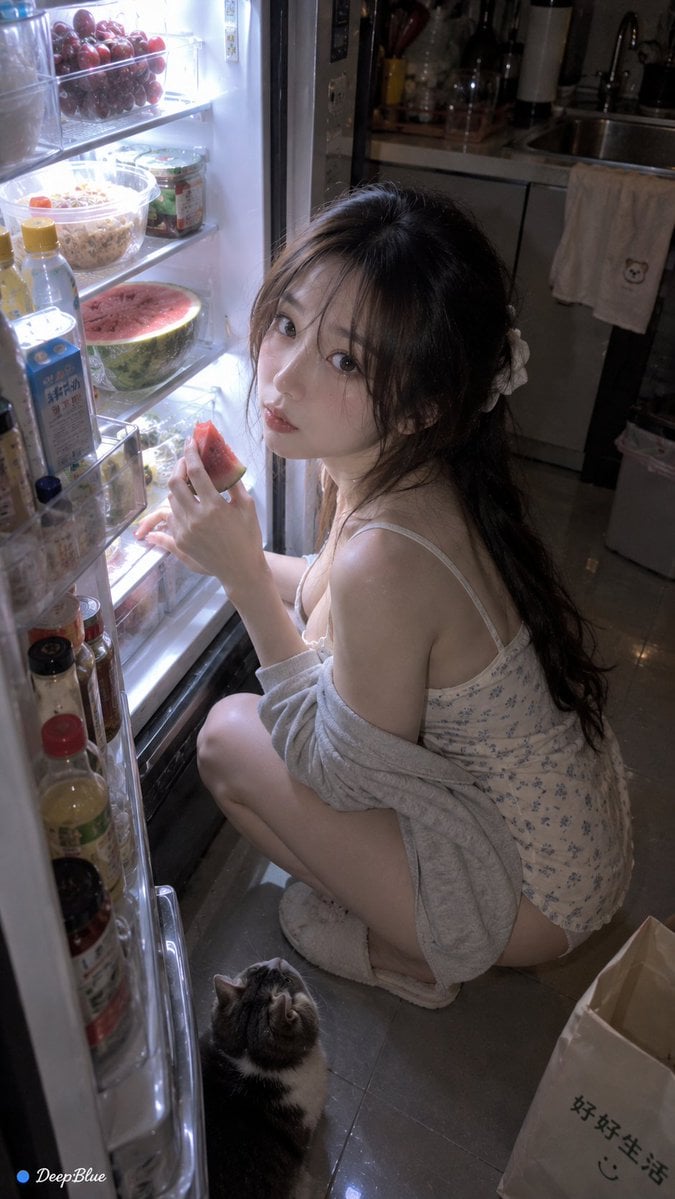
Late Night Fridge Candid Snapshot
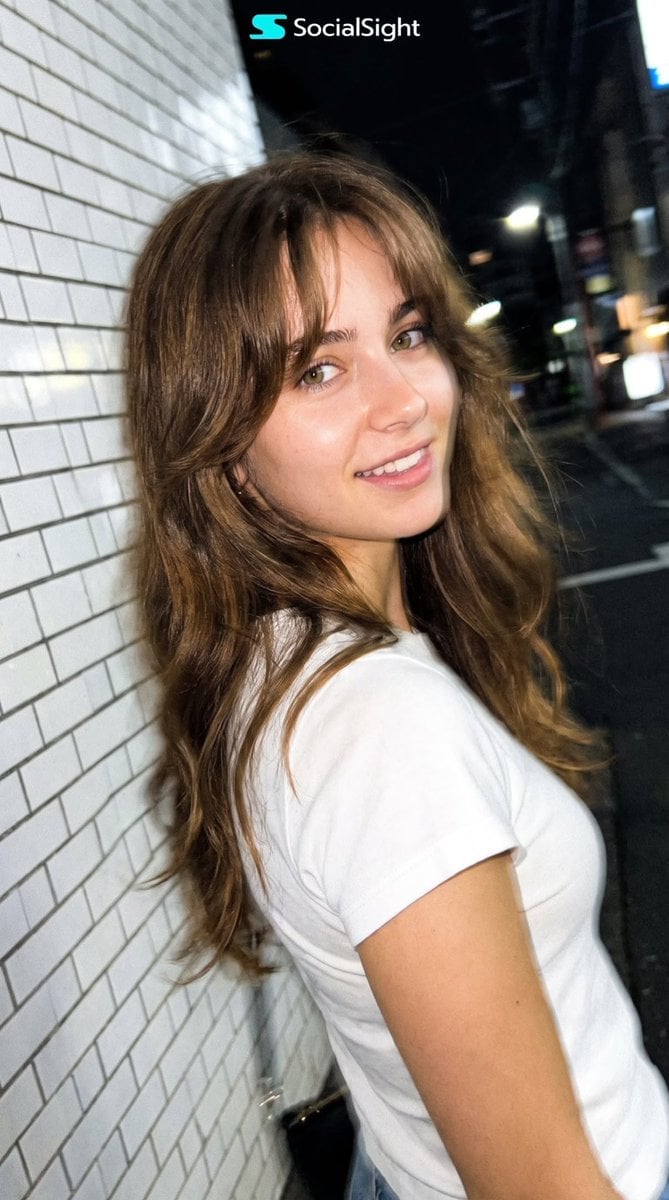
Candid Tokyo Night Smartphone Snapshot
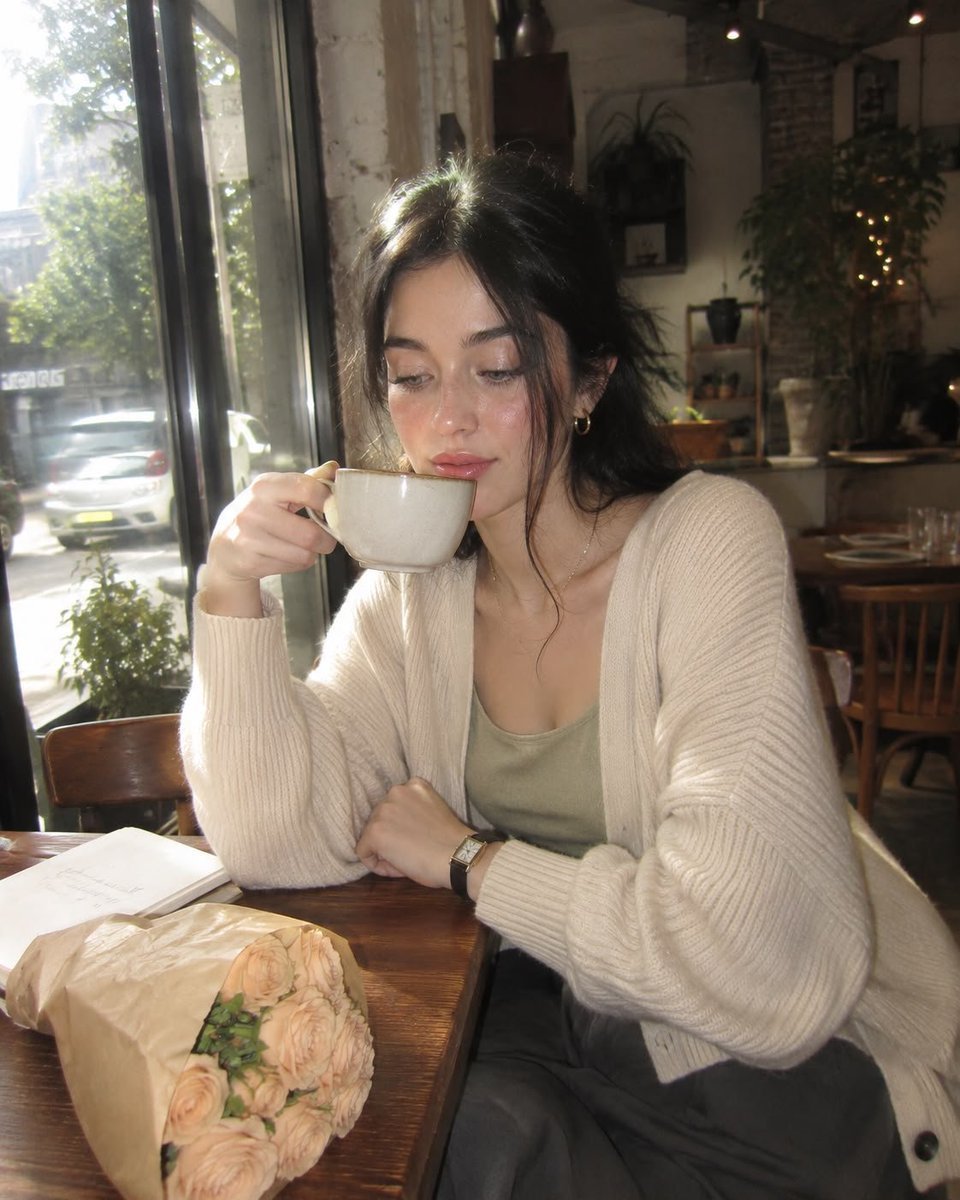
Nostalgic Early-2000s Cafe Snapshot
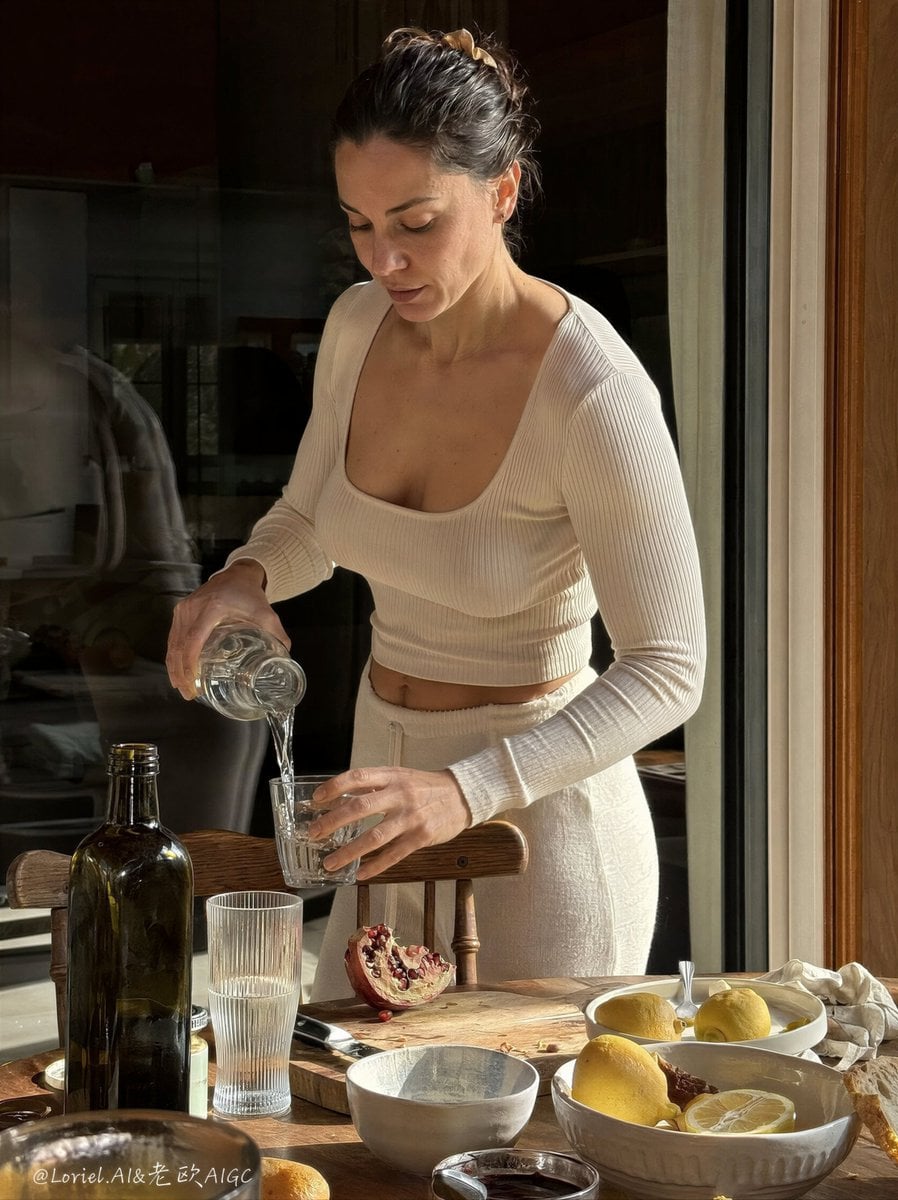
Anti-AI Candid iPhone Snapshot
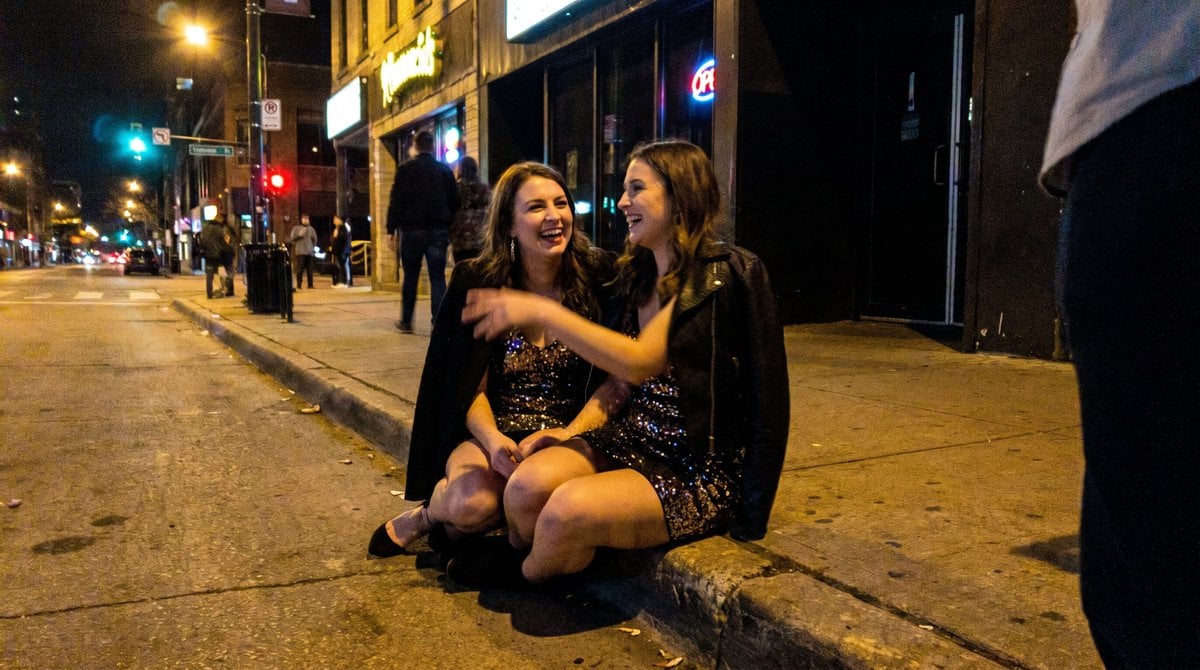
Candid Party Snapshot on Sidewalk
Make it yours
Hyper-realistic Sports Snapshot works as-is. These are the safest ways to change it without losing the look.
Change one field
Copy a single group, rewrite it, and generate again so you can see what that field is doing.
Keep the frame, change the subject
Hold the composition and light of Hyper-realistic Sports Snapshot, then swap wardrobe, props or the person for a new take.
| If the result… | Why | Fix |
|---|---|---|
| The result drifts from the preview | Too many fields changed at once. | Reuse Hyper-realistic Sports Snapshot as-is first, then change one group — subject, light, or setting. |
| The model over-stylizes the scene | The prose prompt leaves finish and camera underspecified. | Add one camera or lighting sentence and stay on GPT Image 2. |
More GPT Image 2 templates
Other prompts made for GPT Image 2.

Six VTuber Japanese Logo Sheet

Realistic Portrait of Woman and Deer

The Vista Modular Condo Poster

AI Model Routing Comparison Infographic

2.5D Anime Art Board

Isometric Productivity Desk Scene

New York Double Exposure Poster

Four-Panel AI Landscape Comparison

Japanese Tatami Lifestyle Magazine Cover

NESCAFÉ Coffee Map Poster
More image prompts
Fresh picks from across the catalog.

wikiHow Article Mockup
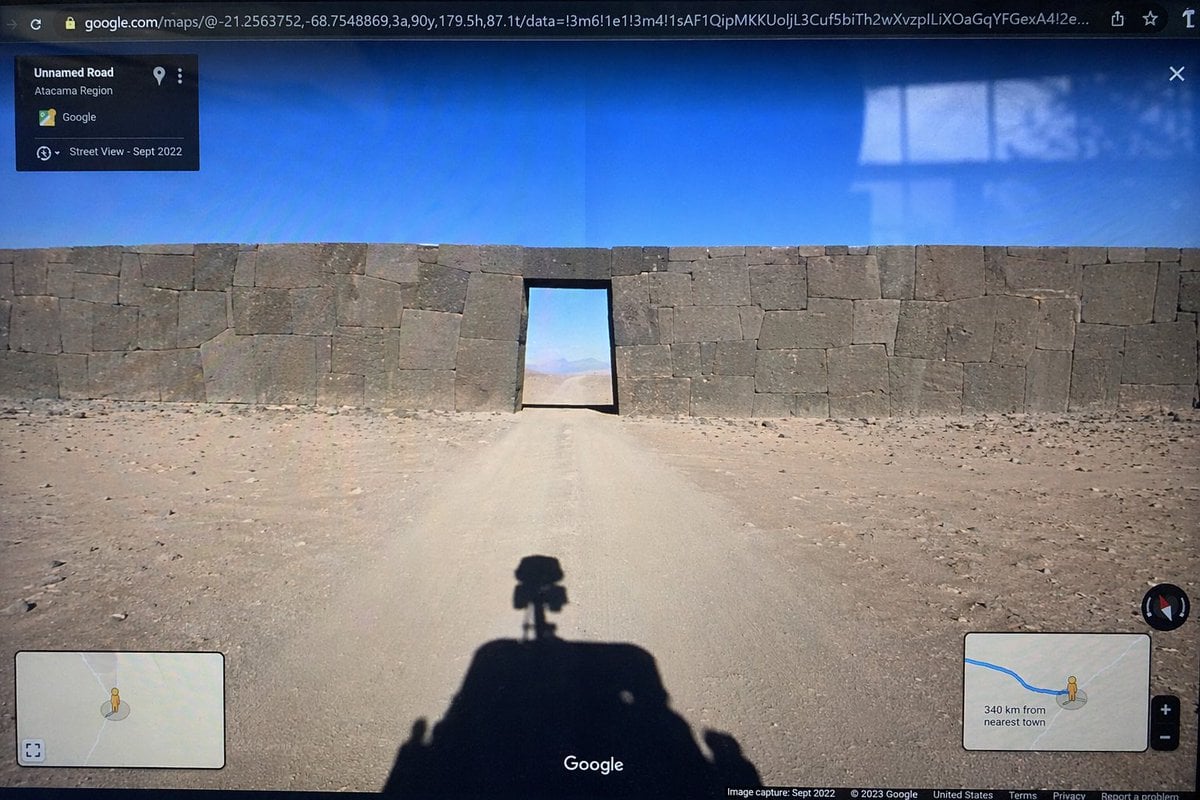
Google Street View Anomaly Screen Photo
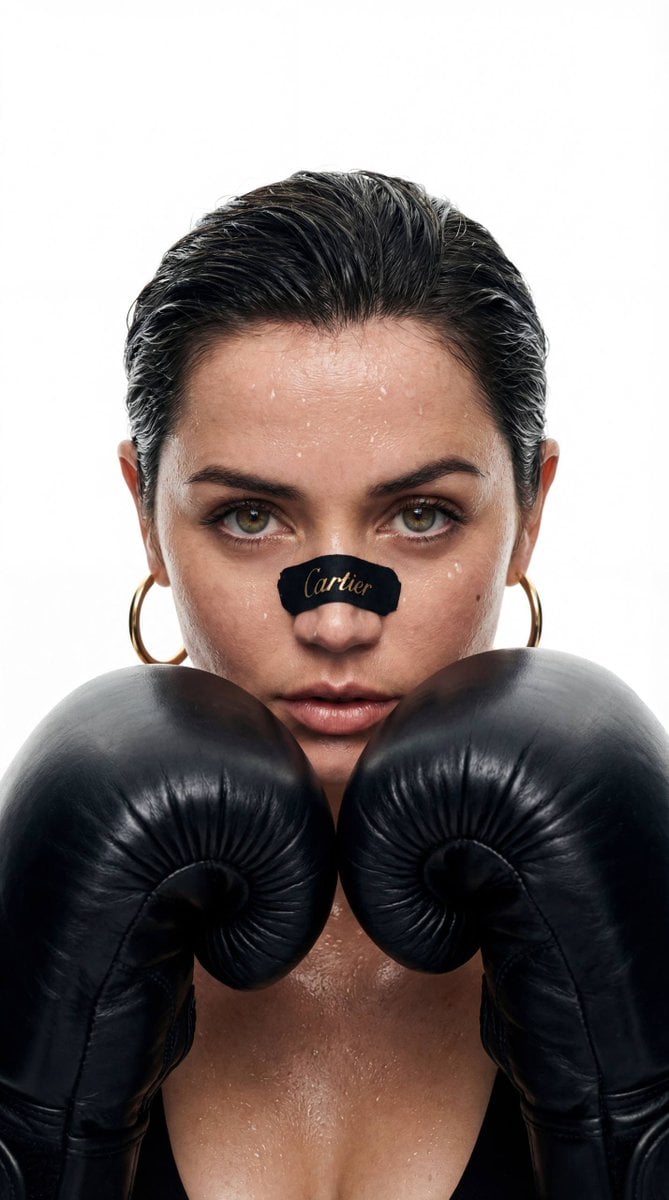
Cinematic Boxer Portrait with Cartier Branding
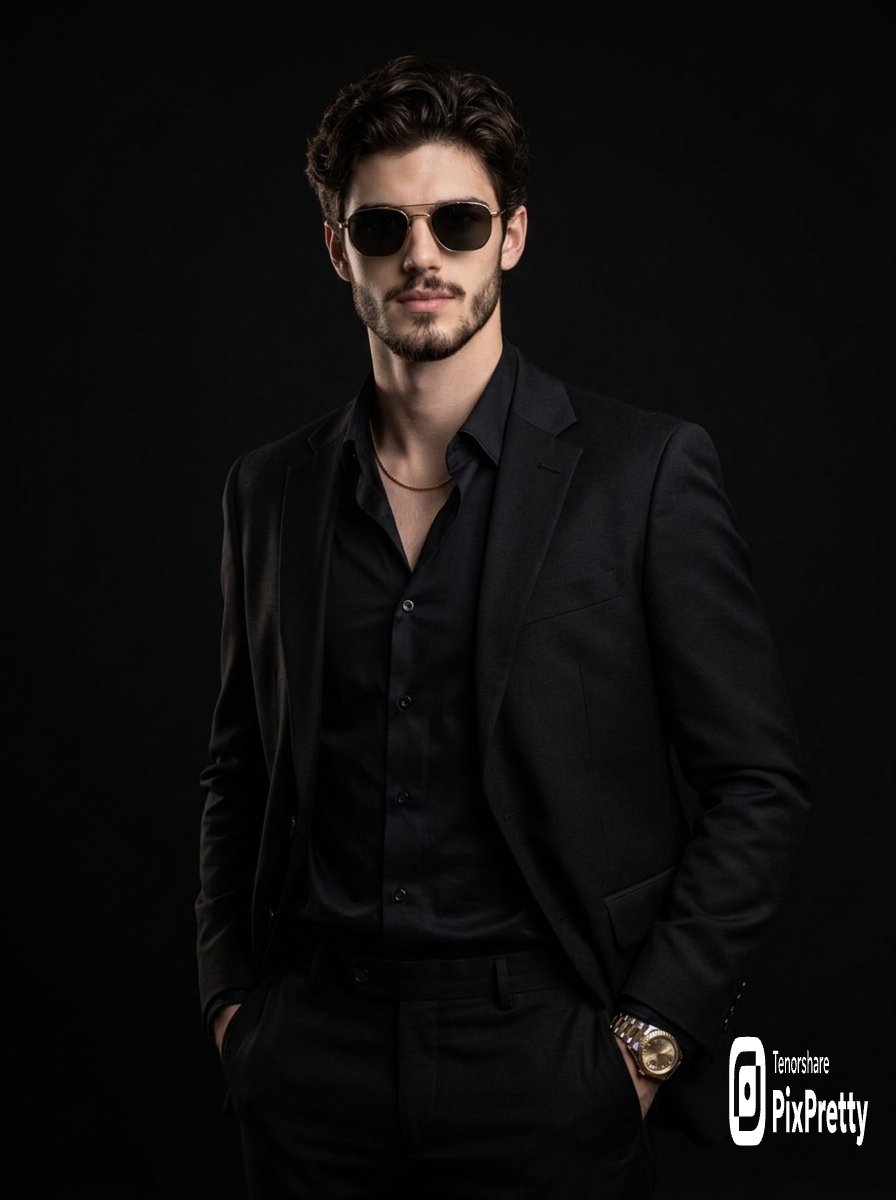
High-Fashion Editorial Prompt for Stylish Man
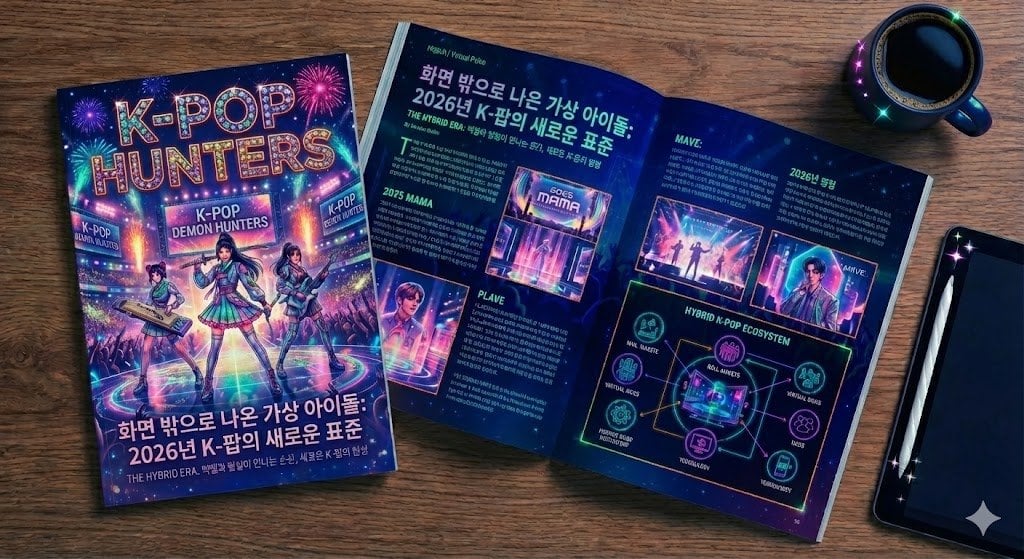
Feature Article Generation Prompt for K-Pop Magazine
Blue Hair Repetition
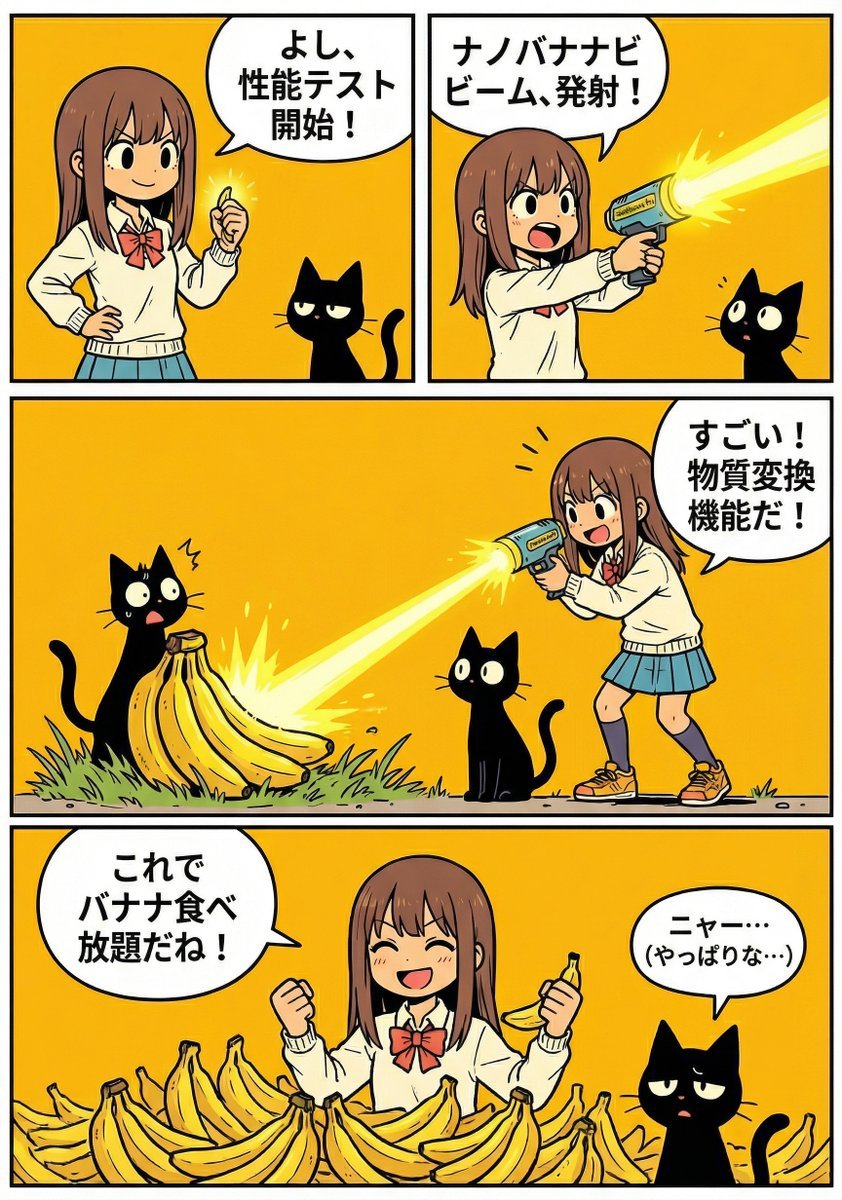
A4 manga about how amazing Nano Banana Pro is
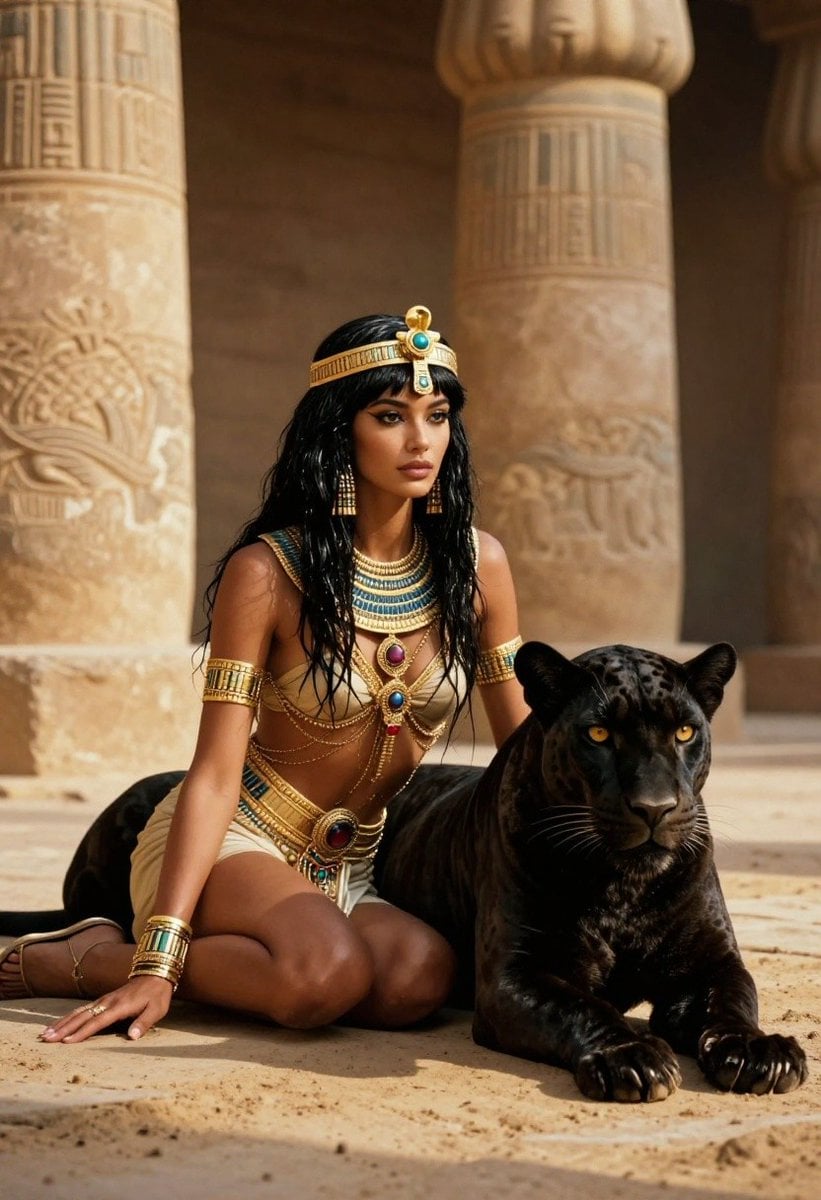
Ancient Egyptian Queen with Black Panther
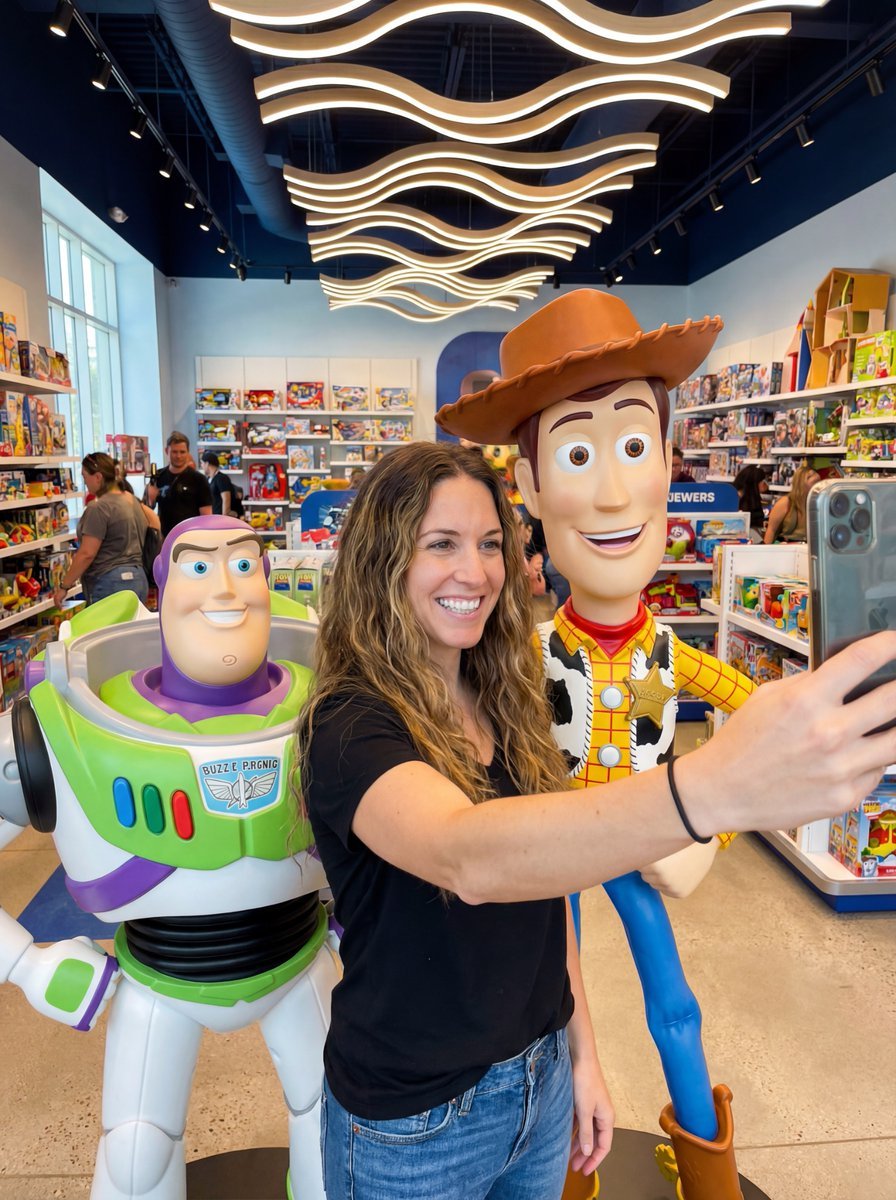
Toy Story Selfie with Identity Lock Prompt
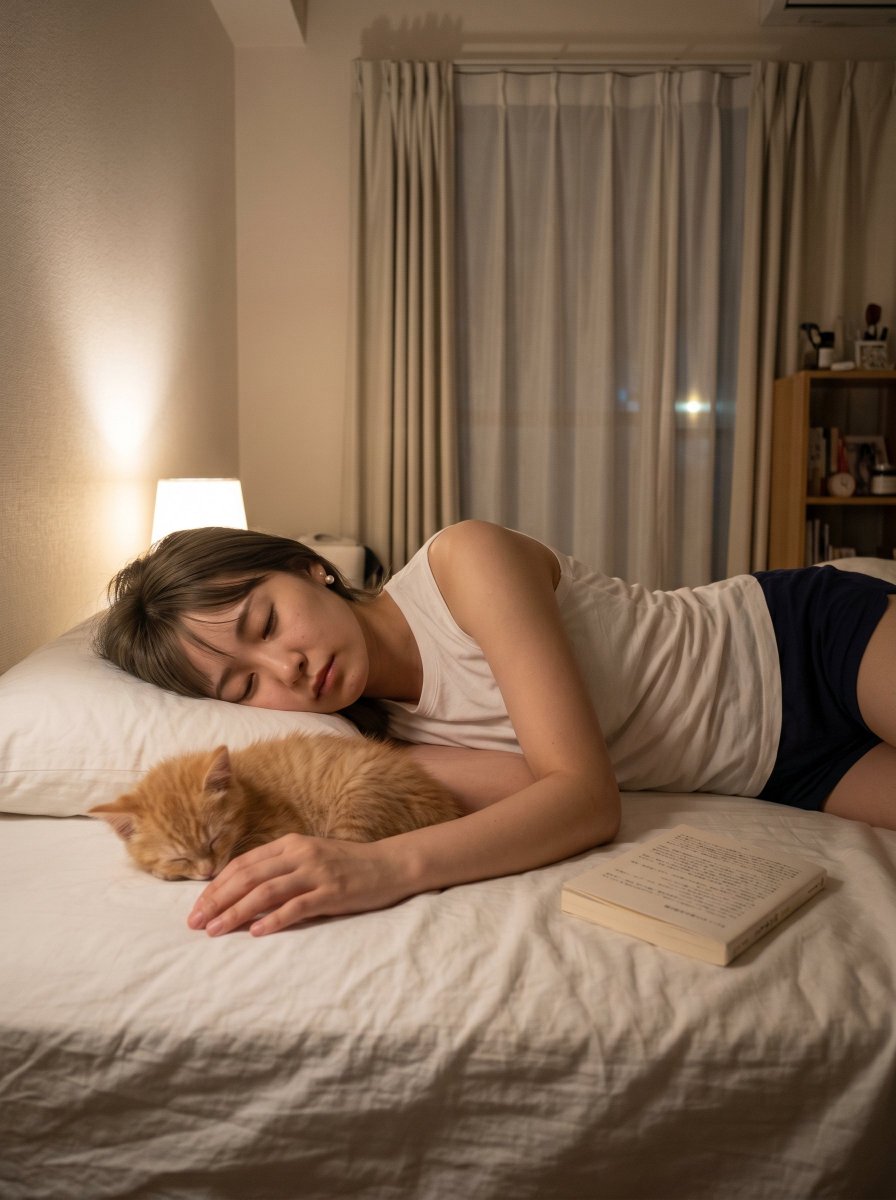
Cozy Bedroom Nap With Cat
Browse template categories
Hyper-realistic Sports Snapshot questions
How do I use the Hyper-realistic Sports Snapshot template?
Add your photo if the template asks for one, edit the prompt if you like — the template's model and format are already selected — and press Generate. Your version opens in PicX Studio.
Can I customize the Hyper-realistic Sports Snapshot template?
Yes. You can change the subject, setting, lighting, mood, format, and available model controls before creating your image.
Is the Hyper-realistic Sports Snapshot template free?
Opening and editing this template is free. Generating uses credits, shown on the Generate button when you are signed in.
Which AI model should I use?
Start with GPT Image 2, which is the model associated with this template. You can compare another compatible model for a different finish.
Looking for something else? Browse all templates.

Your photo, any look
Thousands of ready templates for every top image and video model, from one credit balance.