
Kawaii Cat Sticker Sheet
This prompt generates a 25-pose kawaii white cat sticker sheet suitable for chat stickers, emoji packs, and mascot expression sets.
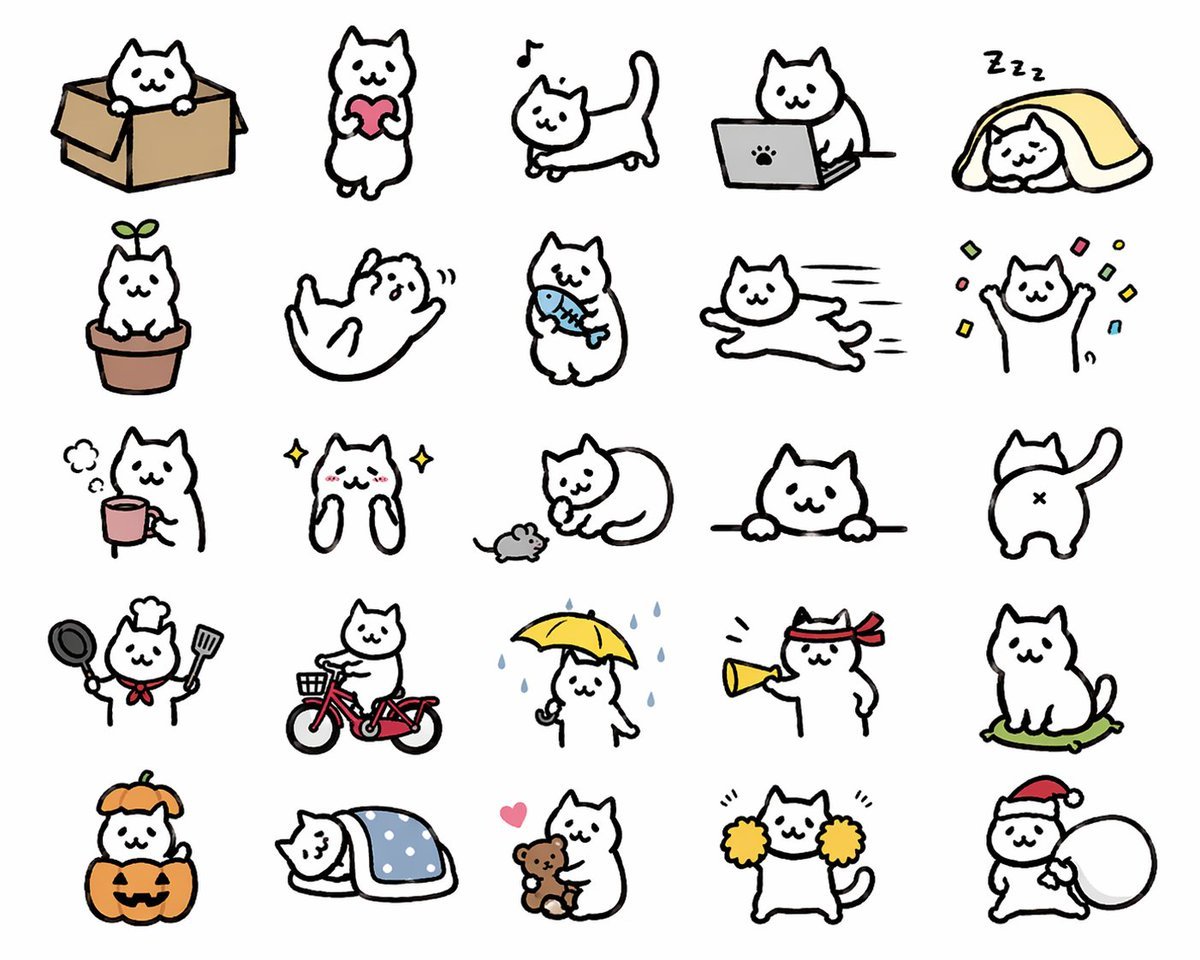
- Prompt included
- Model and format preset
- Free template
The prompt behind this image
Copy the exact prompt behind Kawaii Cat Sticker Sheet, or open it in the studio and make it yours.
- Type
- cute sticker sheet illustration
- Style
- simple hand-drawn kawaii cat doodles, thick black outlines, minimal flat colors, white cat character, clean light gray background, LINE sticker style, playful and expressive
- Subject › Character
- a chubby white cartoon cat with tiny dot eyes, small smiling mouth, triangular ears, rounded body, short limbs, and a consistent simple mascot design
- Layout › Grid › Rows
- 5
- Layout › Grid › Columns
- 5
- Layout › Grid › Count
- 25
- Layout › Sections › 0 › Title
- row 1
- Layout › Sections › 0 › Position
- top
- Layout › Sections › 0 › Count
- 5
- Layout › Sections › 0 › Labels
- cat sitting in a cardboard box, cat standing and holding a pink heart, cat walking with a musical note above its head, cat using a gray laptop with a paw-print logo, cat sleeping under a yellow blanket with Zzz marks
- Layout › Sections › 1 › Title
- row 2
- Layout › Sections › 1 › Position
- upper middle
- Layout › Sections › 1 › Count
- 5
- Layout › Sections › 1 › Labels
- cat sitting in a flowerpot with a green sprout on its head, cat rolling on its back playfully, cat standing and holding a blue fish, cat running stretched out at high speed, cat raising both paws with colorful confetti around it
- Layout › Sections › 2 › Title
- row 3
- Layout › Sections › 2 › Position
- middle
- Layout › Sections › 2 › Count
- 5
- Layout › Sections › 2 › Labels
- cat beside a pink mug with steam, sparkly happy cat with blushing cheeks and paws up near its face, cat curled around a small gray mouse, cat peeking over a horizontal ledge with both paws visible, rear view of cat with tail raised and X-shaped butt mark
- Layout › Sections › 3 › Title
- row 4
- Layout › Sections › 3 › Position
- lower middle
- Layout › Sections › 3 › Count
- 5
- Layout › Sections › 3 › Labels
- cat dressed as a chef holding a frying pan and spatula with a red neckerchief and chef hat, cat riding a red bicycle with a front basket, cat standing in rain holding a yellow umbrella with blue raindrops falling, cat wearing a red hachimaki headband and shouting through a yellow megaphone, cat sitting on a green cushion
- Layout › Sections › 4 › Title
- row 5
- Layout › Sections › 4 › Position
- bottom
Raw JSON
{"type":"cute sticker sheet illustration","style":"simple hand-drawn kawaii cat doodles, thick black outlines, minimal flat colors, white cat character, clean light gray background, LINE sticker style, playful and expressive","subject":{"character":"a chubby white cartoon cat with tiny dot eyes, small smiling mouth, triangular ears, rounded body, short limbs, and a consistent simple mascot design"},"layout":{"grid":{"rows":5,"columns":5,"count":25},"sections":[{"title":"row 1","position":"top","count":5,"labels":["cat sitting in a cardboard box","cat standing and holding a pink heart","cat walking with a musical note above its head","cat using a gray laptop with a paw-print logo","cat sleeping under a yellow blanket with Zzz marks"]},{"title":"row 2","position":"upper middle","count":5,"labels":["cat sitting in a flowerpot with a green sprout on its head","cat rolling on its back playfully","cat standing and holding a blue fish","cat running stretched out at high speed","cat raising both paws with colorful confetti around it"]},{"title":"row 3","position":"middle","count":5,"labels":["cat beside a pink mug with steam","sparkly happy cat with blushing cheeks and paws up near its face","cat curled around a small gray mouse","cat peeking over a horizontal ledge with both paws visible","rear view of cat with tail raised and X-shaped butt mark"]},{"title":"row 4","position":"lower middle","count":5,"labels":["cat dressed as a chef holding a frying pan and spatula with a red neckerchief and chef hat","cat riding a red bicycle with a front basket","cat standing in rain holding a yellow umbrella with blue raindrops falling","cat wearing a red hachimaki headband and shouting through a yellow megaphone","cat sitting on a green cushion"]},{"title":"row 5","position":"bottom","count":5,"labels":["cat inside a jack-o'-lantern pumpkin costume with an orange hood","cat sleeping under a blue polka-dot blanket","cat hugging a brown teddy bear with a pink heart nearby","cat cheering with yellow pom-poms","cat wearing a Santa hat and carrying a large white sack"]}],"spacing":"evenly spaced icons with generous margins, no borders, no text"},"color_palette":{"background":"{argument name=\"background color\" default=\"light gray\"}","accent_colors":["pink","yellow","blue","red","orange","green","brown","gray"]},"quality":"clean sticker-sheet composition, consistent proportions across all 25 poses, charming and commercially usable for messaging stickers","size":"1024x1024"}How to use Kawaii Cat Sticker Sheet in 3 steps
- 1Upload ImagePNG, JPG or paste
Add your photo
Upload the photo the template builds on. The prompt, model and format are already set.
- 2…a portrait of your subject in softgolden-hour light, 85mm…
Personalize
Edit the subject and creative details for your destination.
- 3Generate
Generate
Press Generate — your image is created in PicX Studio, so you can compare it with the original and refine one variable at a time.
More like this
Templates with the same subject, style or setup. Open one to see its prompt.
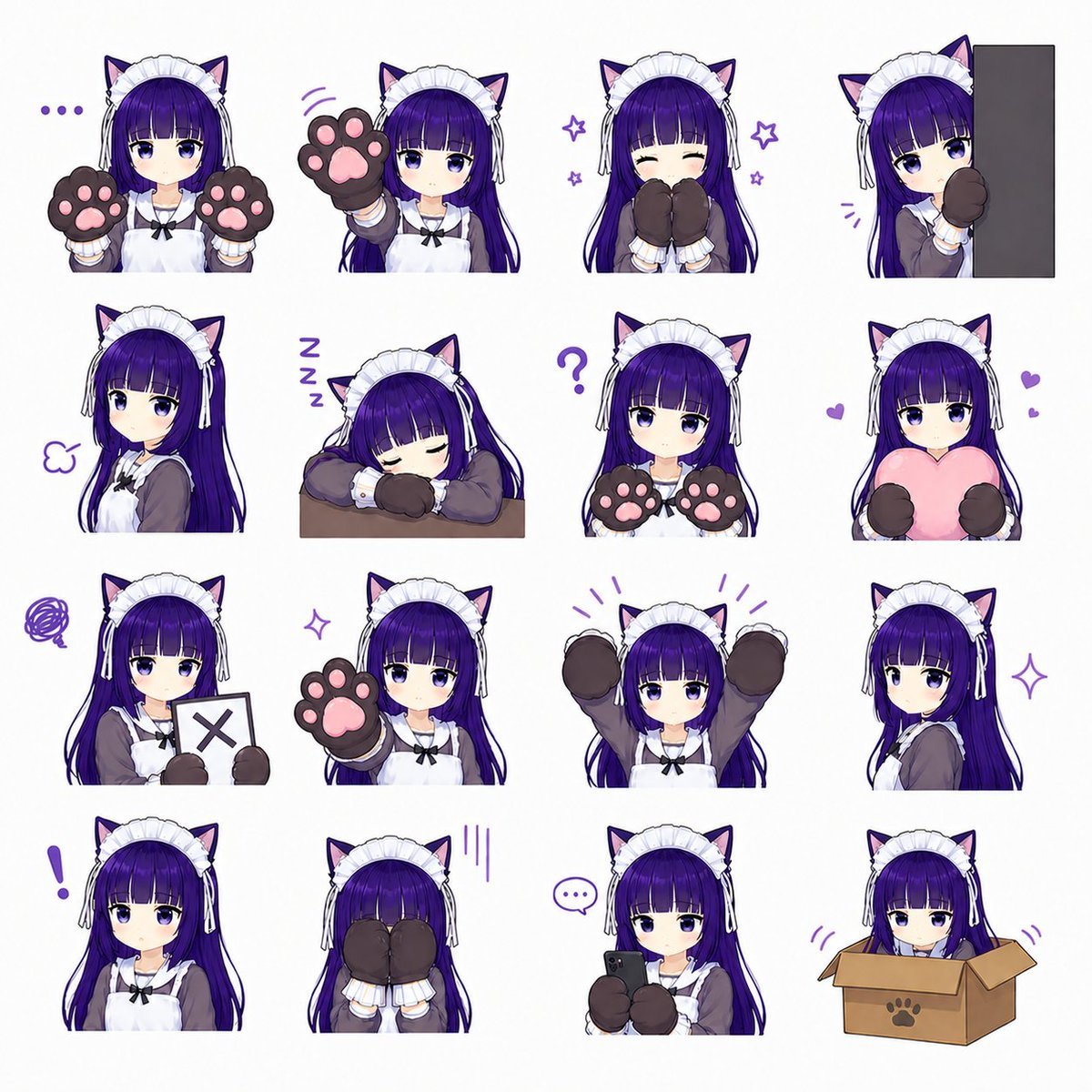
Cat-Eared Maid Emote Sticker Sheet
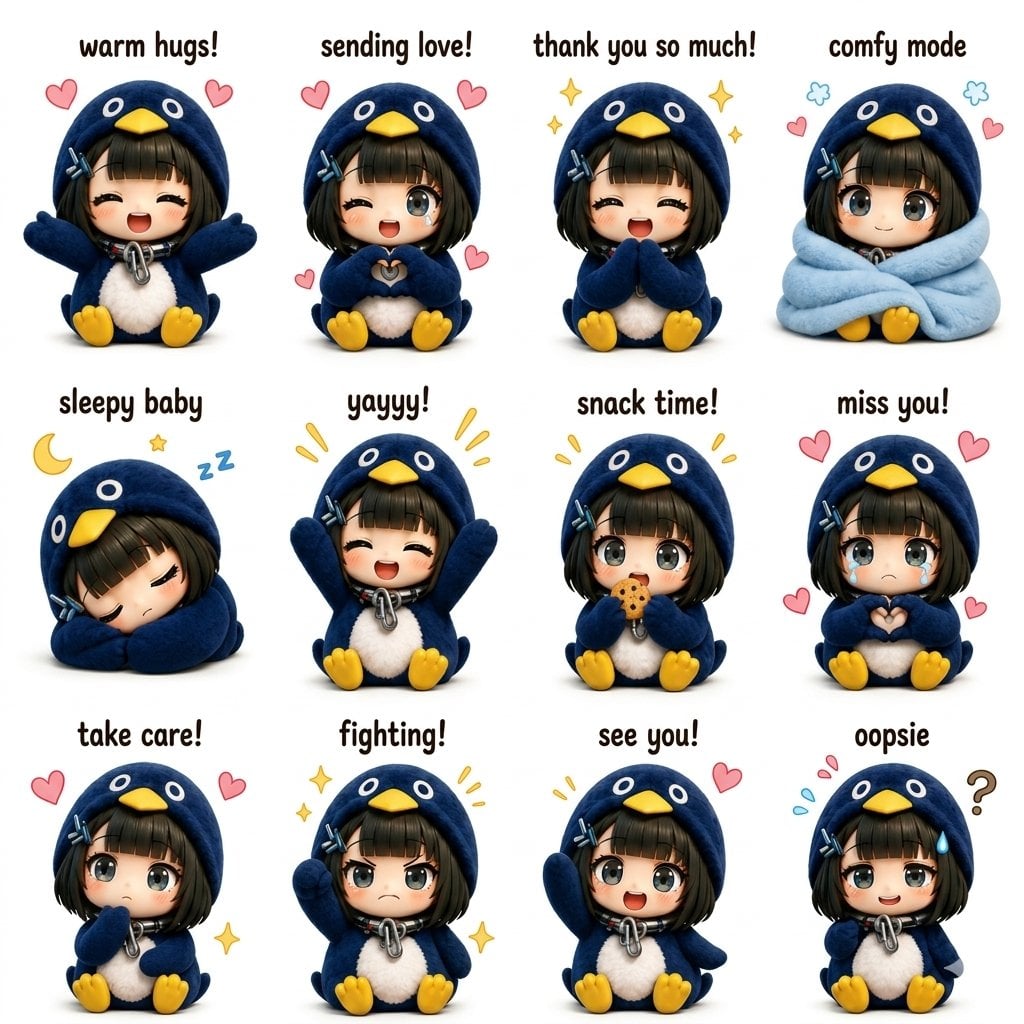
Kawaii Chibi Sticker Sheet
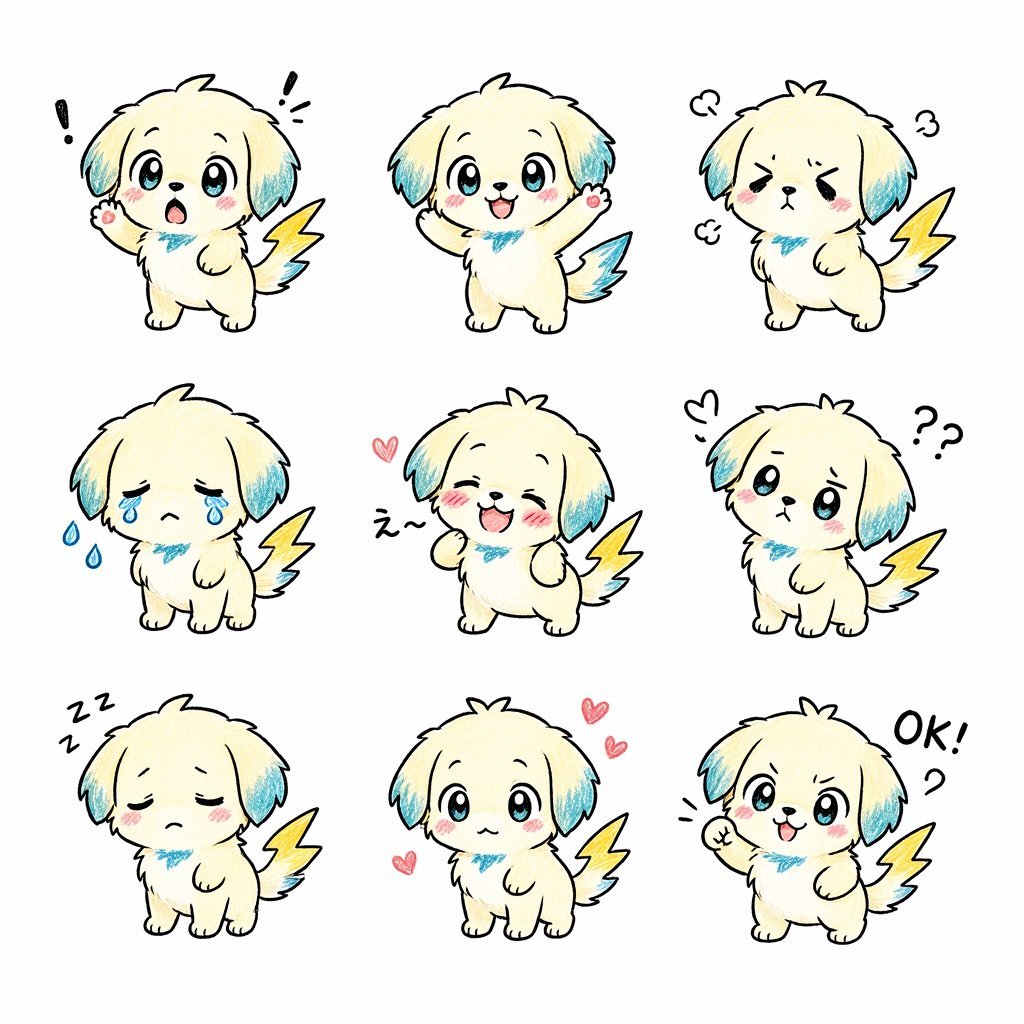
Kawaii Puppy Emotion Sticker Sheet
Chef Cat LINE Sticker Sheet
Kawaii Animal Sticker Sheet Generator

Chibi Anime Ninja Sticker Sheet

Brand Sticker Sheet Monoline Vector

A trendy, high-end Sticker Sheet set
Gray Kitten Sticker Pack Sheet
Cigar Cat Character Sheet

Cat Photobomb Selfie — 0.5x Wide Angle Café Chaos

Surreal Cat Astronaut — Humanoid Face Freefall
Make it yours
Kawaii Cat Sticker Sheet works as-is. These are the safest ways to change it without losing the look.
Swap the setting
Keep the rest of the prompt and replace the location block. The current setting is “{argument name="background color" default="light gray"}”.
Change one field
Copy a single group, rewrite it, and generate again so you can see what that field is doing.
Keep the frame, change the subject
Hold the composition and light of Kawaii Cat Sticker Sheet, then swap wardrobe, props or the person for a new take.
| If the result… | Why | Fix |
|---|---|---|
| The result drifts from the preview | Too many fields changed at once. | Reuse Kawaii Cat Sticker Sheet as-is first, then change one group — subject, light, or setting. |
| GPT Image 2 ignores part of the JSON | Some models flatten or skip nested keys. | Keep the same values and paste them as a short paragraph instead. |
More GPT Image 2 templates
Other prompts made for GPT Image 2.

Six VTuber Japanese Logo Sheet

Realistic Portrait of Woman and Deer

The Vista Modular Condo Poster

AI Model Routing Comparison Infographic

2.5D Anime Art Board

Isometric Productivity Desk Scene

New York Double Exposure Poster

Four-Panel AI Landscape Comparison

Japanese Tatami Lifestyle Magazine Cover

NESCAFÉ Coffee Map Poster
More image prompts
Fresh picks from across the catalog.

Candid Nighttime Photo with Cat Prompt
Kawaii Doll Magical Realism Character Portrait Prompt
Web page design from reference wireframe

Cozy Lifestyle Photography Prompt for Nano Banana Pro

Receptionist Seated at Front Desk

Chinese Ink Animation Poster Style
Jazz Theme Anime Key Visual
Black and White Optical Illusion Portrait
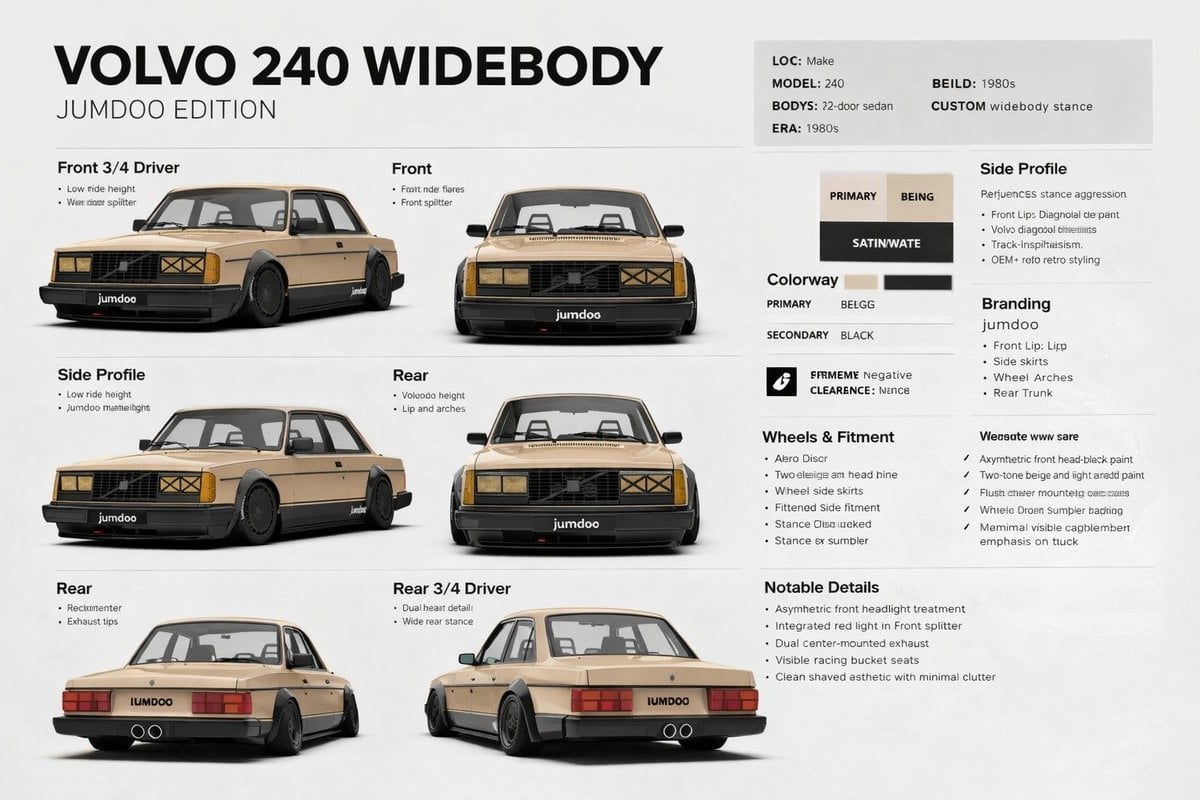
Widebody Volvo 240 Spec Board

Cat drinking cola illustration
Browse template categories
Kawaii Cat Sticker Sheet questions
How do I use the Kawaii Cat Sticker Sheet template?
Add your photo if the template asks for one, edit the prompt if you like — the template's model and format are already selected — and press Generate. Your version opens in PicX Studio.
Can I customize the Kawaii Cat Sticker Sheet template?
Yes. You can change the subject, setting, lighting, mood, format, and available model controls before creating your image.
Is the Kawaii Cat Sticker Sheet template free?
Opening and editing this template is free. Generating uses credits, shown on the Generate button when you are signed in.
Which AI model should I use?
Start with GPT Image 2, which is the model associated with this template. You can compare another compatible model for a different finish.
Looking for something else? Browse all templates.

Your photo, any look
Thousands of ready templates for every top image and video model, from one credit balance.