
Chef Cat LINE Sticker Sheet
A colorful 24-panel Japanese LINE sticker sheet featuring a cute chef cat mascot with expressive poses, useful for recreating chat sticker packs and character merchandise.
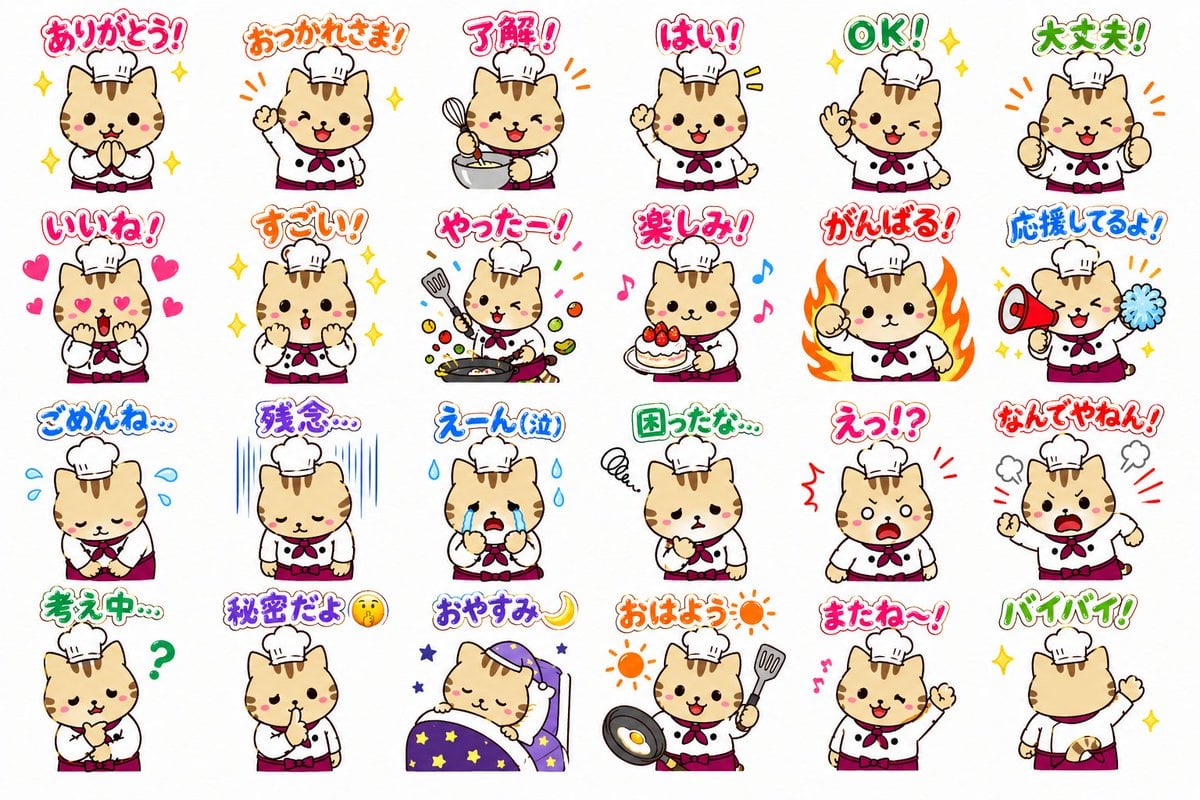
- Prompt included
- Model and format preset
- Premium template
The prompt behind this image
Copy the exact prompt behind Chef Cat LINE Sticker Sheet, or open it in the studio and make it yours.
- Type
- LINE sticker sheet
- Style
- cute Japanese mascot sticker set, clean white background, thick dark outline, soft flat colors, glossy hand-drawn digital illustration, chibi style, designed for transparent-background sticker extraction
- Subject › Count
- 2
- Subject › Characters › 0 › Species
- wolf
- Subject › Characters › 0 › Role
- sommelier
- Subject › Characters › 0 › Visibility
- not clearly distinguished in every sticker, paired mascot concept from the set
- Subject › Characters › 1 › Species
- cat
- Subject › Characters › 1 › Role
- chef
- Subject › Characters › 1 › Visibility
- main visible mascot across the sheet, cream-colored tabby with brown stripes, round face, pink cheeks, tiny dot eyes, small smiling mouth, short chibi body, wearing a white chef hat, white chef jacket, red neckerchief, and dark pink apron or waistband
- Layout › Grid › Rows
- 4
- Layout › Grid › Columns
- 6
- Layout › Grid › Total
- 24
- Layout › Sections › 0 › Position
- row 1
- Layout › Sections › 0 › Count
- 6
- Layout › Sections › 0 › Labels
- ありがとう!, おつかれさま!, 了解!, はい!, OK!, 大丈夫!
- Layout › Sections › 1 › Position
- row 2
- Layout › Sections › 1 › Count
- 6
- Layout › Sections › 1 › Labels
- いいね!, すごい!, やったー!, 楽しみ!, がんばる!, 応援してるよ!
- Layout › Sections › 2 › Position
- row 3
- Layout › Sections › 2 › Count
- 6
- Layout › Sections › 2 › Labels
- ごめんね…, 残念…, えーん(泣), 困ったな…, えっ!?, なんでやねん!
- Layout › Sections › 3 › Position
- row 4
- Layout › Sections › 3 › Count
- 6
- Layout › Sections › 3 › Labels
- 考え中…, 秘密だよ🤫, おやすみ🌙, おはよう☀️, またね〜!, バイバイ!
Raw JSON
{"type":"LINE sticker sheet","style":"cute Japanese mascot sticker set, clean white background, thick dark outline, soft flat colors, glossy hand-drawn digital illustration, chibi style, designed for transparent-background sticker extraction","subject":{"count":2,"characters":[{"species":"wolf","role":"sommelier","visibility":"not clearly distinguished in every sticker, paired mascot concept from the set"},{"species":"cat","role":"chef","visibility":"main visible mascot across the sheet, cream-colored tabby with brown stripes, round face, pink cheeks, tiny dot eyes, small smiling mouth, short chibi body, wearing a white chef hat, white chef jacket, red neckerchief, and dark pink apron or waistband"}]},"layout":{"grid":{"rows":4,"columns":6,"total":24},"sections":[{"position":"row 1","count":6,"labels":["ありがとう!","おつかれさま!","了解!","はい!","OK!","大丈夫!"]},{"position":"row 2","count":6,"labels":["いいね!","すごい!","やったー!","楽しみ!","がんばる!","応援してるよ!"]},{"position":"row 3","count":6,"labels":["ごめんね…","残念…","えーん(泣)","困ったな…","えっ!?","なんでやねん!"]},{"position":"row 4","count":6,"labels":["考え中…","秘密だよ🤫","おやすみ🌙","おはよう☀️","またね〜!","バイバイ!"]}],"spacing":"evenly spaced sticker thumbnails with generous white margins"},"stickers":[{"text":"ありがとう!","pose":"hands pressed together in gratitude","effects":"yellow sparkles","expression":"warm thankful smile"},{"text":"おつかれさま!","pose":"one paw raised in greeting","effects":"orange emphasis lines and yellow sparkles","expression":"happy open-mouth smile"},{"text":"了解!","pose":"holding whisk and mixing bowl","effects":"orange action lines","expression":"cheerful acknowledgment"},{"text":"はい!","pose":"raising one paw","effects":"yellow emphasis lines","expression":"bright attentive smile"},{"text":"OK!","pose":"winking and making an OK hand sign","effects":"yellow sparkles","expression":"playful confidence"},{"text":"大丈夫!","pose":"double thumbs-up or clenched encouraging paws near chest","effects":"orange emphasis lines","expression":"reassuring grin"},{"text":"いいね!","pose":"hands to cheeks","effects":"pink hearts around face","expression":"lovestruck approval with heart eyes"},{"text":"すごい!","pose":"hands clasped near mouth","effects":"yellow sparkles","expression":"amazed admiration"},{"text":"やったー!","pose":"cooking energetically with frying pan and spatula","effects":"flying ingredients and colorful confetti strokes","expression":"excited victory"},{"text":"楽しみ!","pose":"holding a strawberry-topped cake","effects":"pink and blue music notes","expression":"sweet anticipation"},{"text":"がんばる!","pose":"determined fist raised","effects":"large orange flames behind body","expression":"serious motivated face"},{"text":"応援してるよ!","pose":"holding red megaphone and blue pom-pom","effects":"orange cheer lines","expression":"supportive smile"},{"text":"ごめんね…","pose":"bowing apologetically with hands together","effects":"blue tear droplets","expression":"sorry and downcast"},{"text":"残念…","pose":"standing sadly with head lowered","effects":"vertical blue gloom lines","expression":"disappointed"},{"text":"えーん(泣)","pose":"crying with both paws near face","effects":"large blue tears","expression":"sobbing"},{"text":"困ったな…","pose":"one paw at mouth in worry","effects":"small scribble swirl and green framed first character","expression":"troubled"},{"text":"えっ!?","pose":"shocked stance with open mouth","effects":"red jagged surprise marks","expression":"startled"},{"text":"なんでやねん!","pose":"angry comedic outburst with fists up","effects":"steam puffs and red impact lines","expression":"shouting tsukkomi reaction"},{"text":"考え中…","pose":"thinking with one paw on chin","effects":"green question mark","expression":"puzzled"},{"text":"秘密だよ🤫","pose":"finger to mouth shushing gesture","effects":"small face emoji in text","expression":"mischievous secrecy"},{"text":"おやすみ🌙","pose":"sleeping in a purple bed under a star-pattern blanket and nightcap","effects":"small stars","expression":"peacefully asleep"},{"text":"おはよう☀️","pose":"holding frying pan with sunny-side-up egg and spatula","effects":"two orange suns","expression":"cheerful morning greeting"},{"text":"またね〜!","pose":"waving goodbye","effects":"pink music notes","expression":"friendly smile"},{"text":"バイバイ!","pose":"back view with tail visible, waving while walking away","effects":"yellow sparkles","expression":"not visible from back"}],"typography":{"style":"large rounded playful Japanese lettering above each character, each phrase in a different bright color with white interior highlight and thick colored outline","text_count":24},"color_palette":{"dominant":["cream beige fur","brown stripes","white chef uniform","red neckerchief","dark pink apron","pink, orange, green, blue, and purple text accents"]},"quality":"high-resolution sticker sheet, polished commercial mascot design, consistent character proportions, crisp isolated artwork"}How to use Chef Cat LINE Sticker Sheet in 3 steps
- 1Upload ImagePNG, JPG or paste
Add your photo
Upload the photo the template builds on. The prompt, model and format are already set.
- 2…a portrait of your subject in softgolden-hour light, 85mm…
Personalize
Edit the subject and creative details for your destination.
- 3Generate
Generate
Press Generate — your image is created in PicX Studio, so you can compare it with the original and refine one variable at a time.
More like this
Templates with the same subject, style or setup. Open one to see its prompt.

Brand Sticker Sheet Monoline Vector
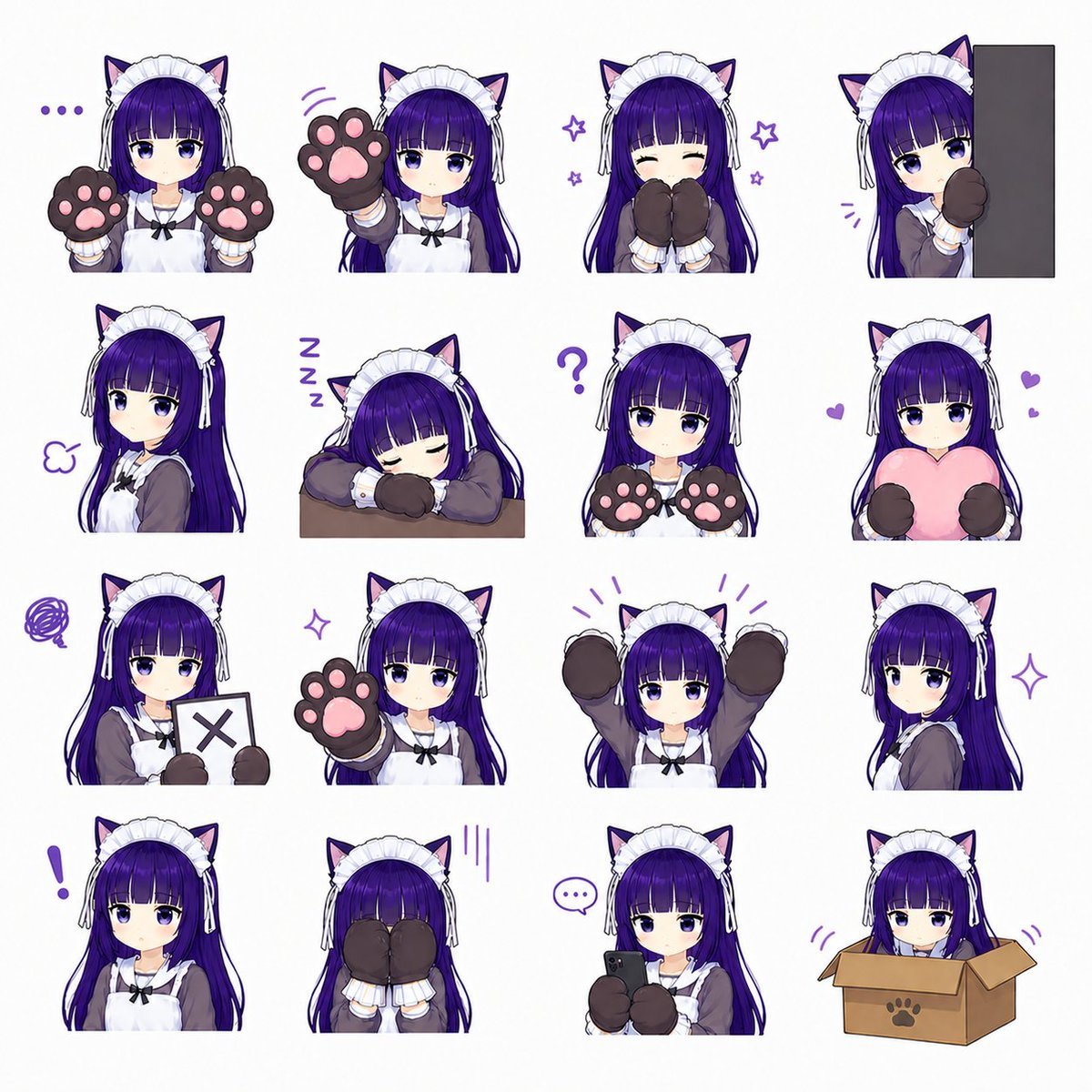
Cat-Eared Maid Emote Sticker Sheet
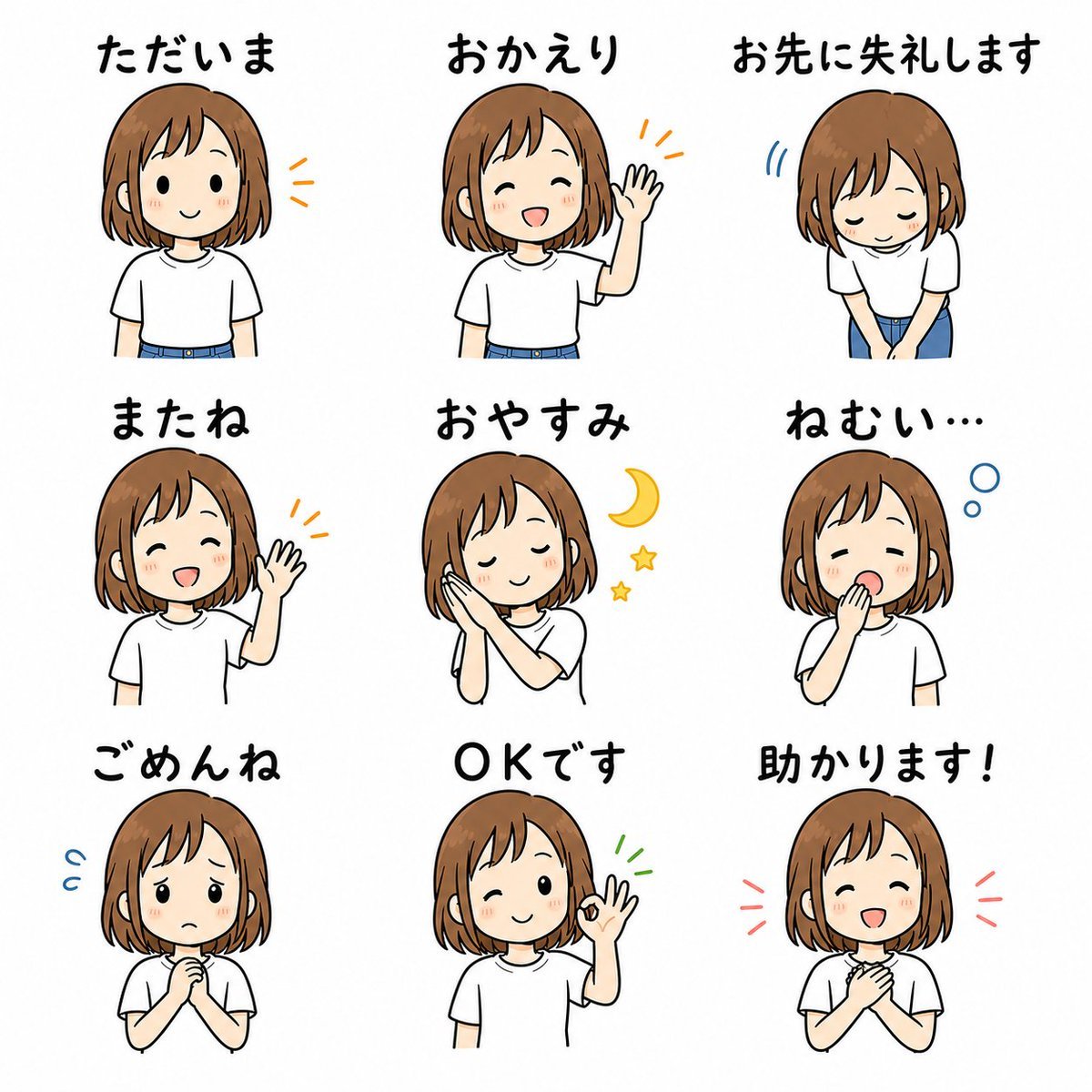
Cute Japanese LINE Sticker Sheet

Chibi Anime Ninja Sticker Sheet

A trendy, high-end Sticker Sheet set
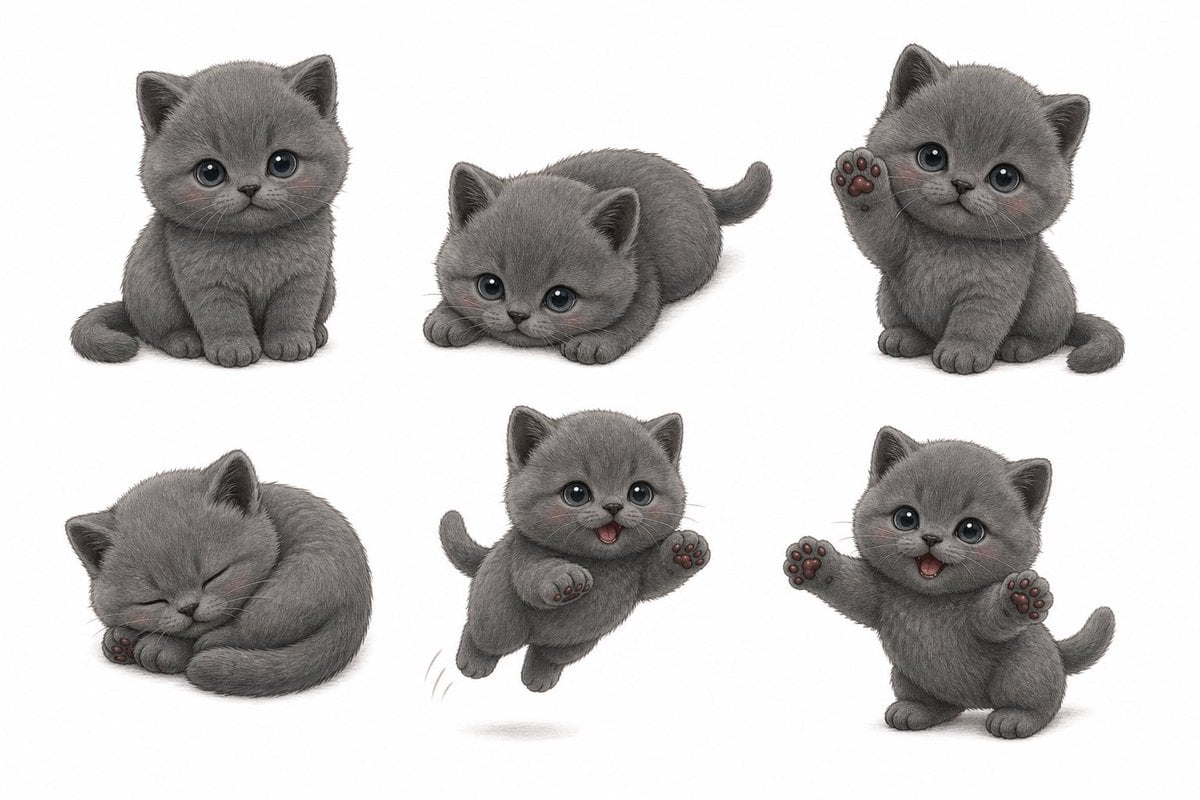
Gray Kitten Sticker Pack Sheet
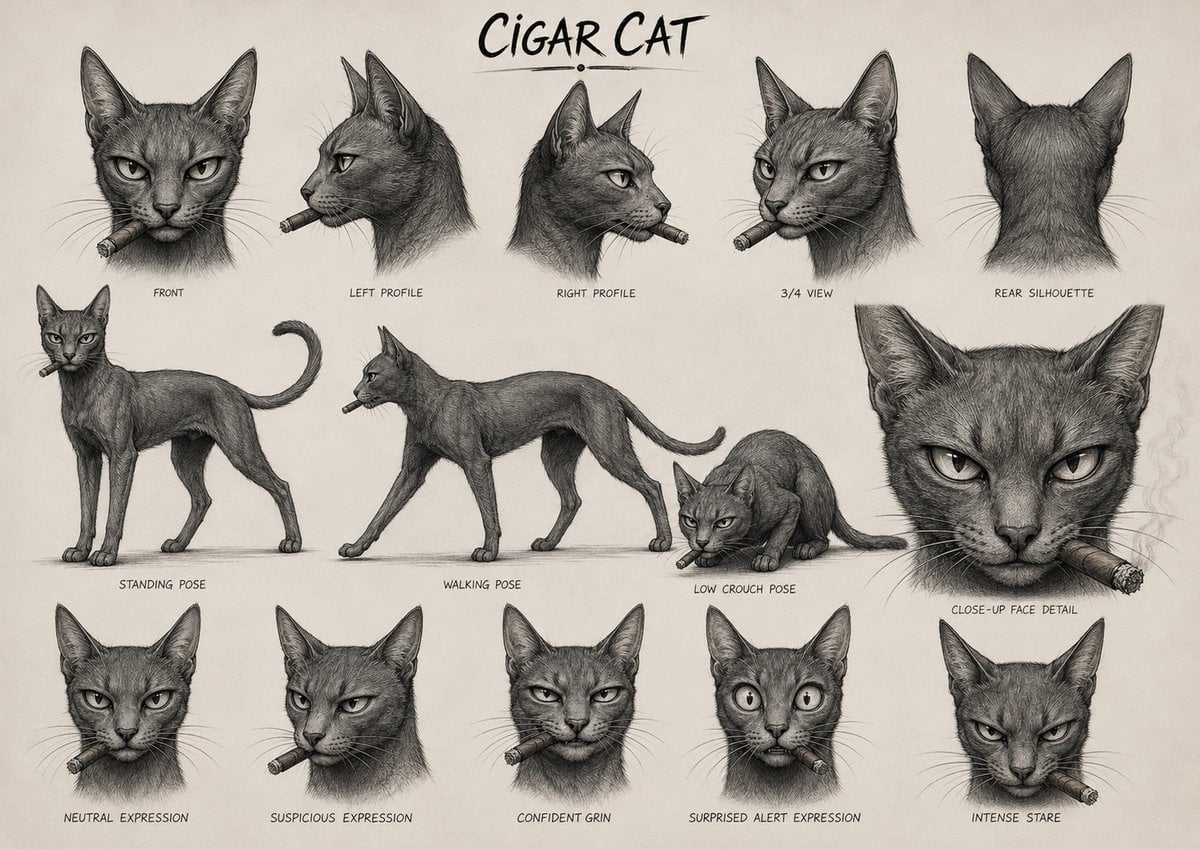
Cigar Cat Character Sheet

Cat Photobomb Selfie — 0.5x Wide Angle Café Chaos

Surreal Cat Astronaut — Humanoid Face Freefall
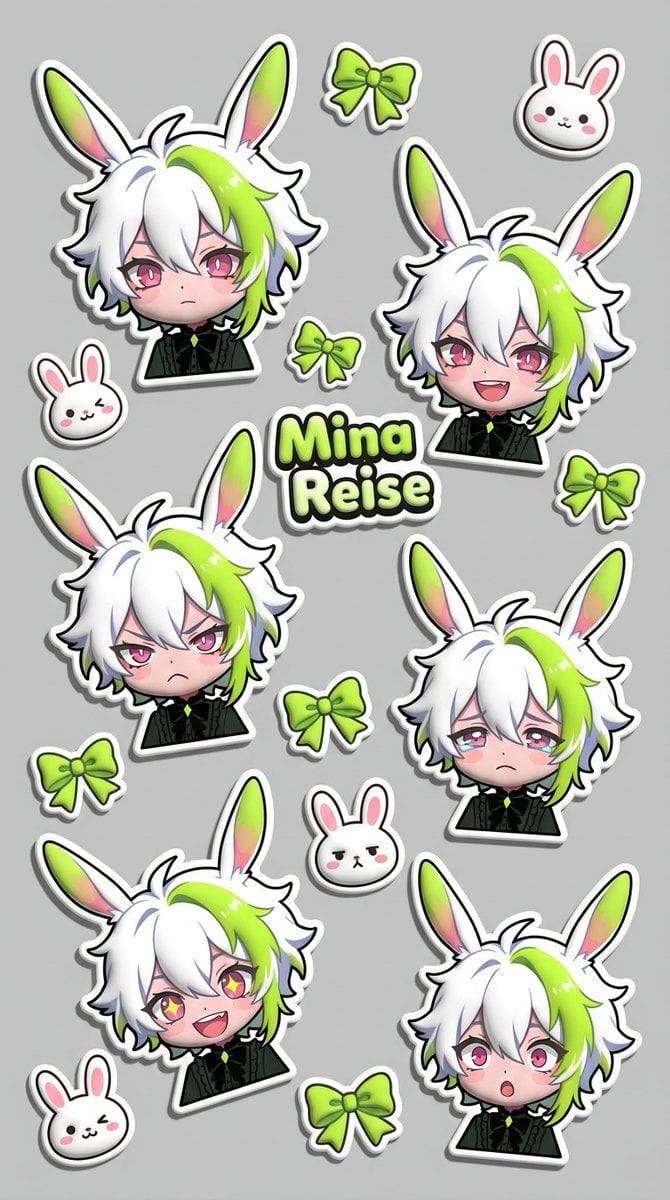
Puffy Chibi Sticker Sheet
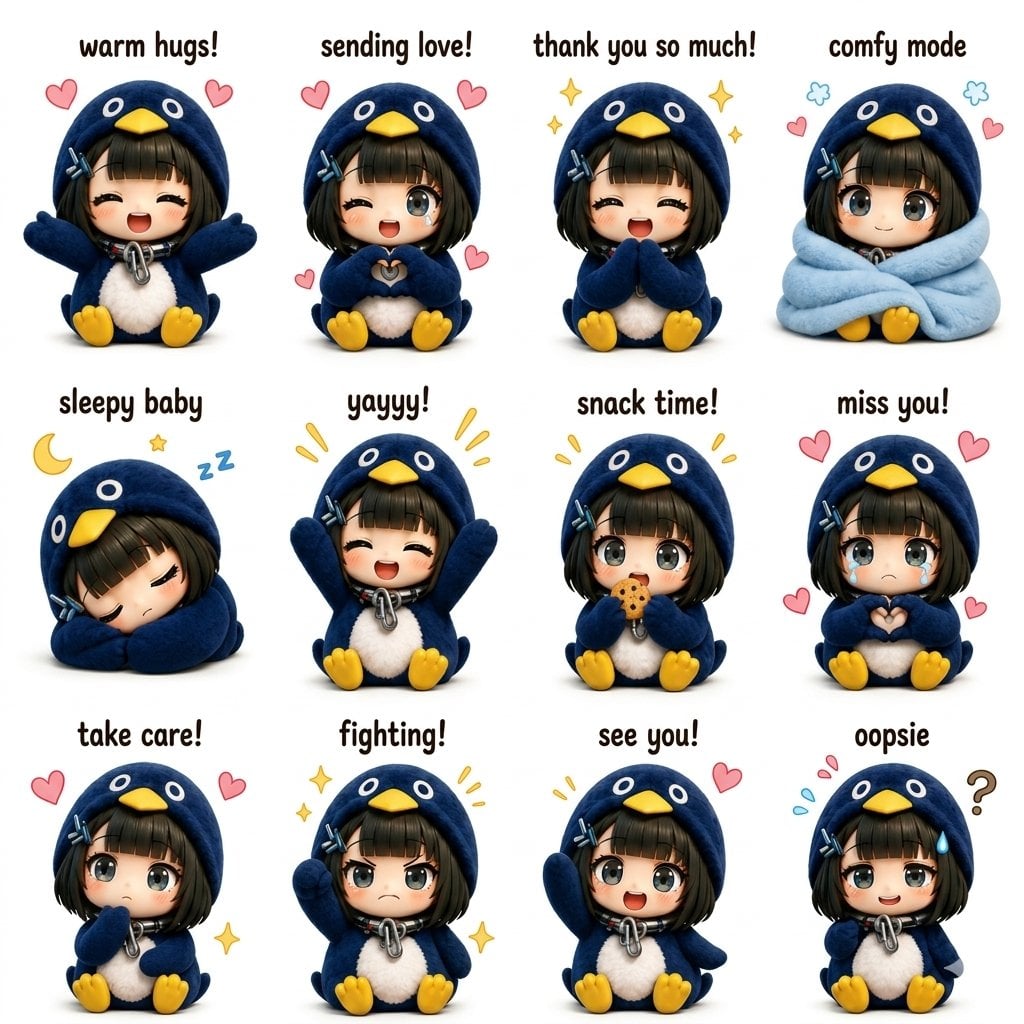
Kawaii Chibi Sticker Sheet

Low Angle Floor Selfie With Upside Down Cat
Make it yours
Chef Cat LINE Sticker Sheet works as-is. These are the safest ways to change it without losing the look.
Change one field
Copy a single group, rewrite it, and generate again so you can see what that field is doing.
Keep the frame, change the subject
Hold the composition and light of Chef Cat LINE Sticker Sheet, then swap wardrobe, props or the person for a new take.
| If the result… | Why | Fix |
|---|---|---|
| The result drifts from the preview | Too many fields changed at once. | Reuse Chef Cat LINE Sticker Sheet as-is first, then change one group — subject, light, or setting. |
| GPT Image 2 ignores part of the JSON | Some models flatten or skip nested keys. | Keep the same values and paste them as a short paragraph instead. |
More GPT Image 2 templates
Other prompts made for GPT Image 2.

Six VTuber Japanese Logo Sheet

Realistic Portrait of Woman and Deer

The Vista Modular Condo Poster

AI Model Routing Comparison Infographic

2.5D Anime Art Board

Isometric Productivity Desk Scene

New York Double Exposure Poster

Four-Panel AI Landscape Comparison

Japanese Tatami Lifestyle Magazine Cover

NESCAFÉ Coffee Map Poster
More image prompts
Fresh picks from across the catalog.
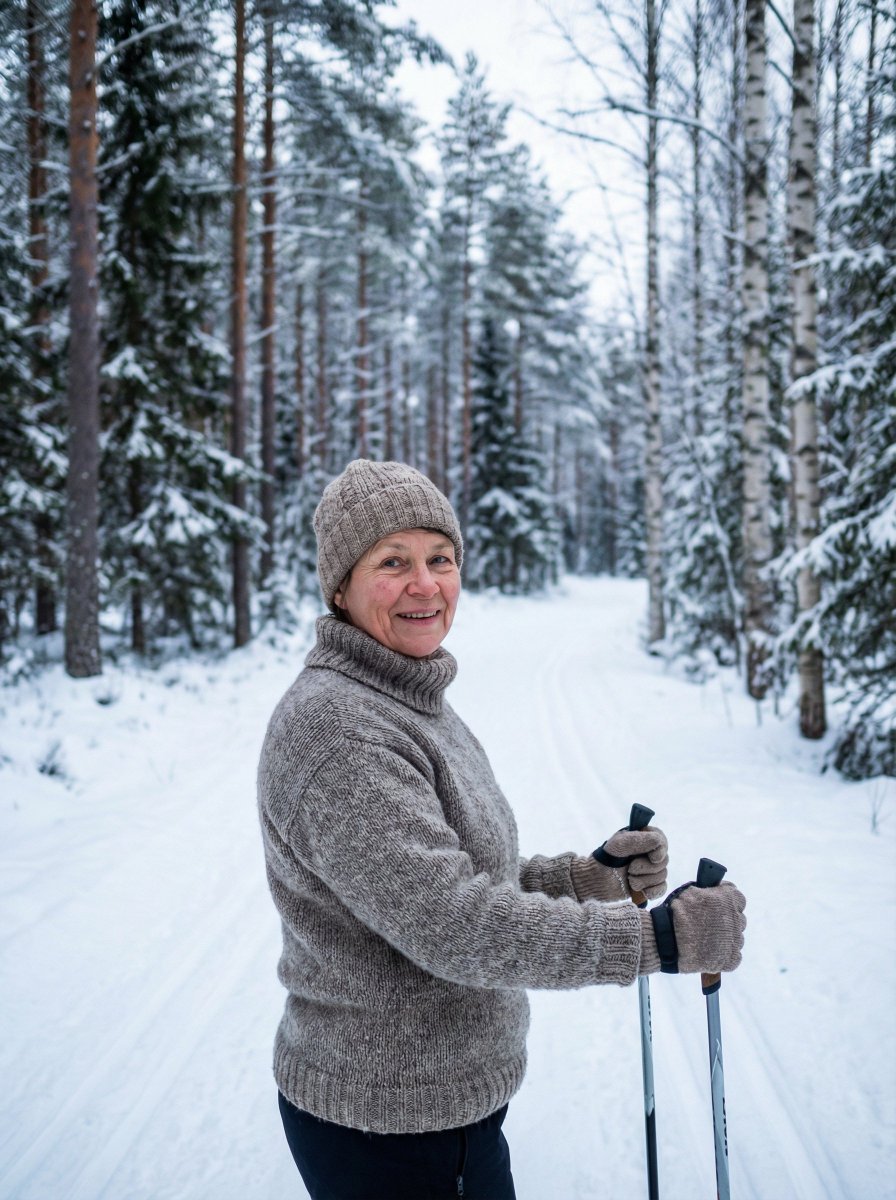
Simple Photorealistic Portrait of a Finnish Woman
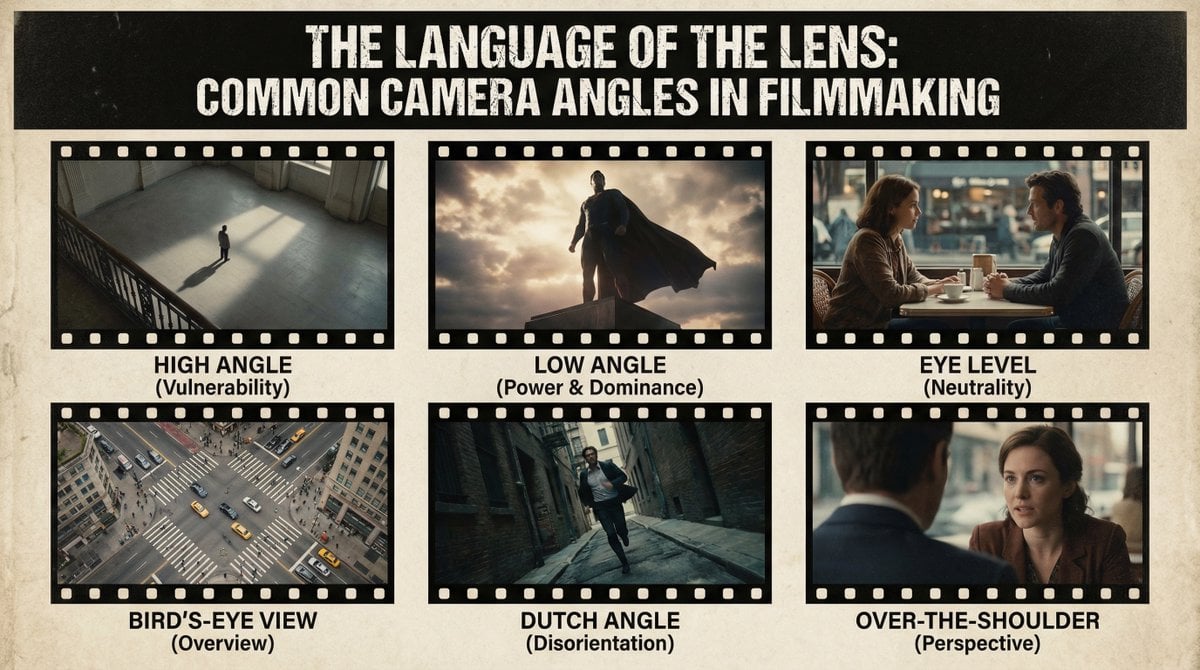
Camera angles poster

90s Hong Kong Cinema Portrait
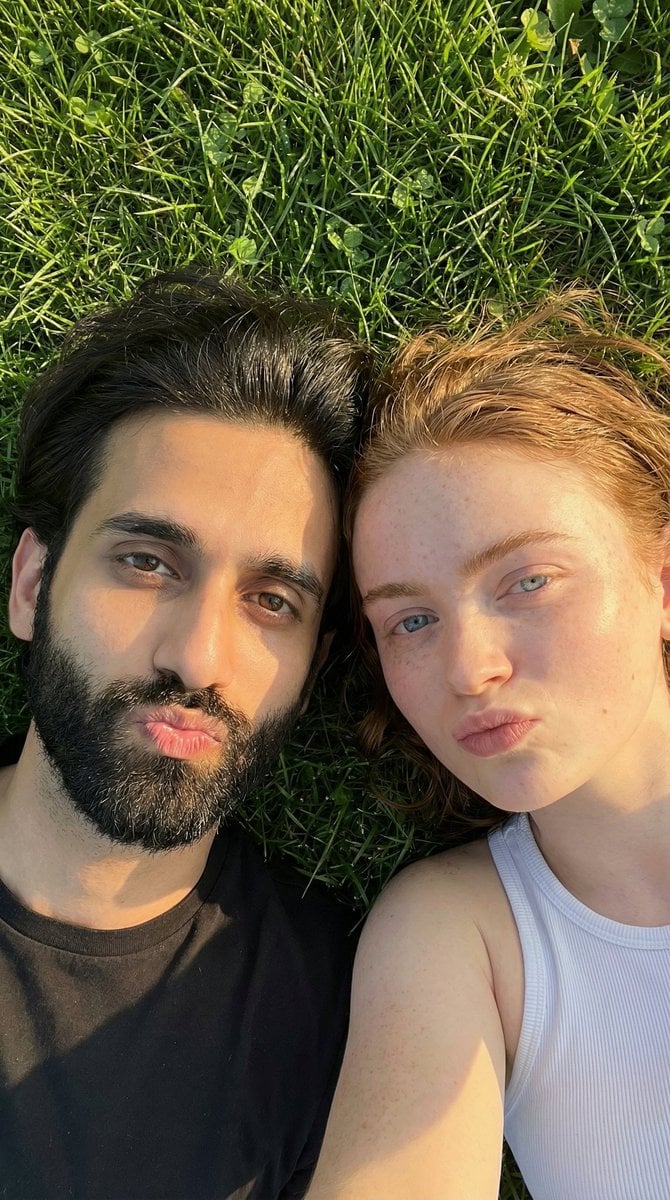
Golden Hour Selfie Couple
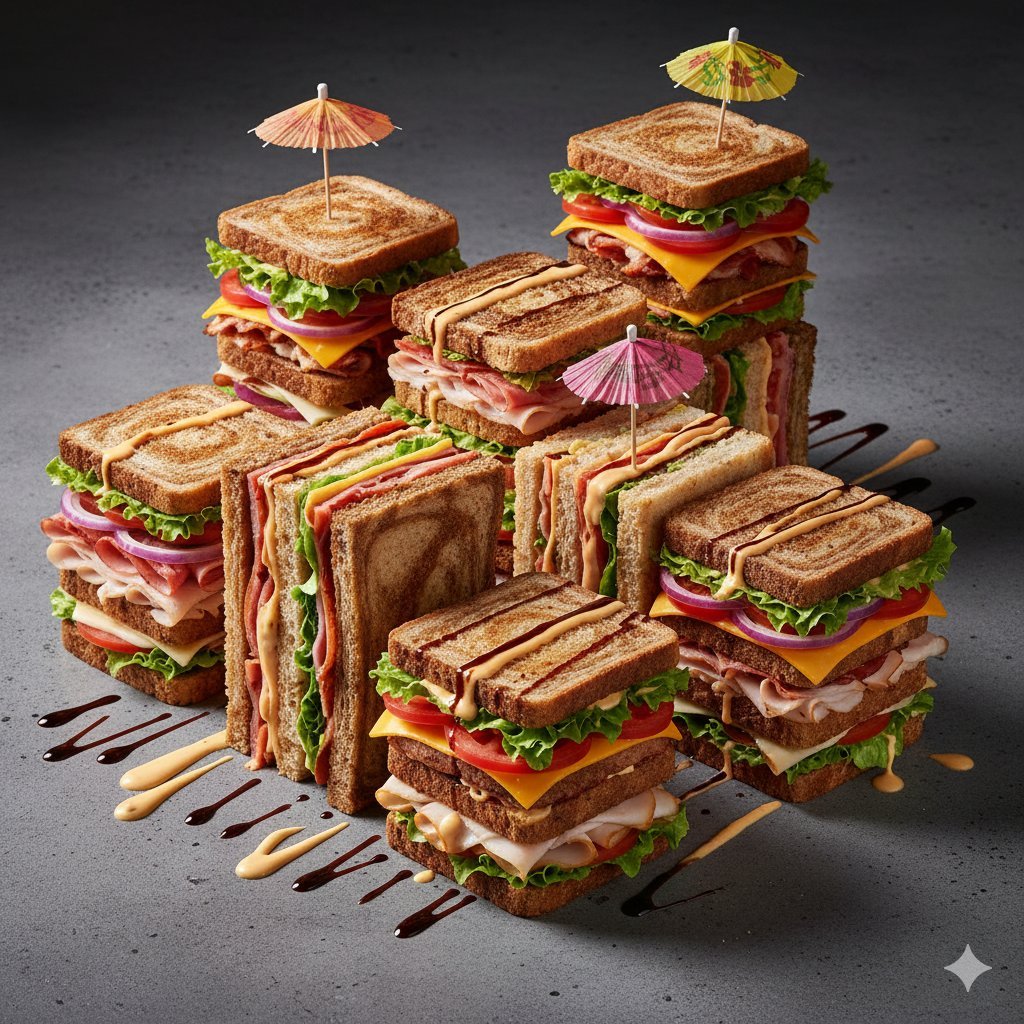
Modernist Fruit Architecture Macro Shot

Layered Reflection Portrait Photography Prompt

Tropical Sunset Ocean Wallpaper
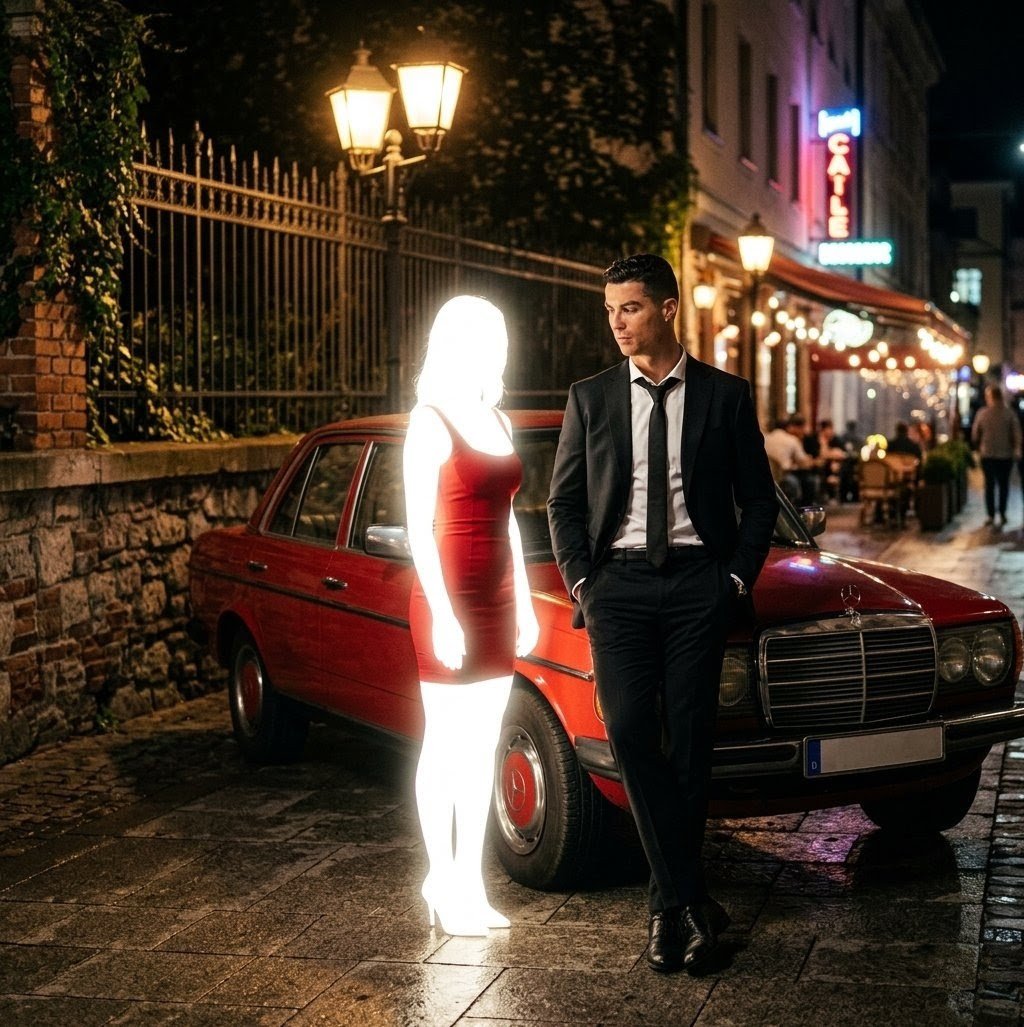
Cinematic Night Scene Prompt for Nano Banana
Nano Banana Pro prompt for Khachaturian's Spartacus
Miniature World Diorama Inside a Sphere
Browse template categories
Chef Cat LINE Sticker Sheet questions
How do I use the Chef Cat LINE Sticker Sheet template?
Add your photo if the template asks for one, edit the prompt if you like — the template's model and format are already selected — and press Generate. Your version opens in PicX Studio.
Can I customize the Chef Cat LINE Sticker Sheet template?
Yes. You can change the subject, setting, lighting, mood, format, and available model controls before creating your image.
Is the Chef Cat LINE Sticker Sheet template free?
Opening and editing this template is free. Generating uses credits, shown on the Generate button when you are signed in.
Which AI model should I use?
Start with GPT Image 2, which is the model associated with this template. You can compare another compatible model for a different finish.
Looking for something else? Browse all templates.

Your photo, any look
Thousands of ready templates for every top image and video model, from one credit balance.