
Cat-Eared Maid Emote Sticker Sheet
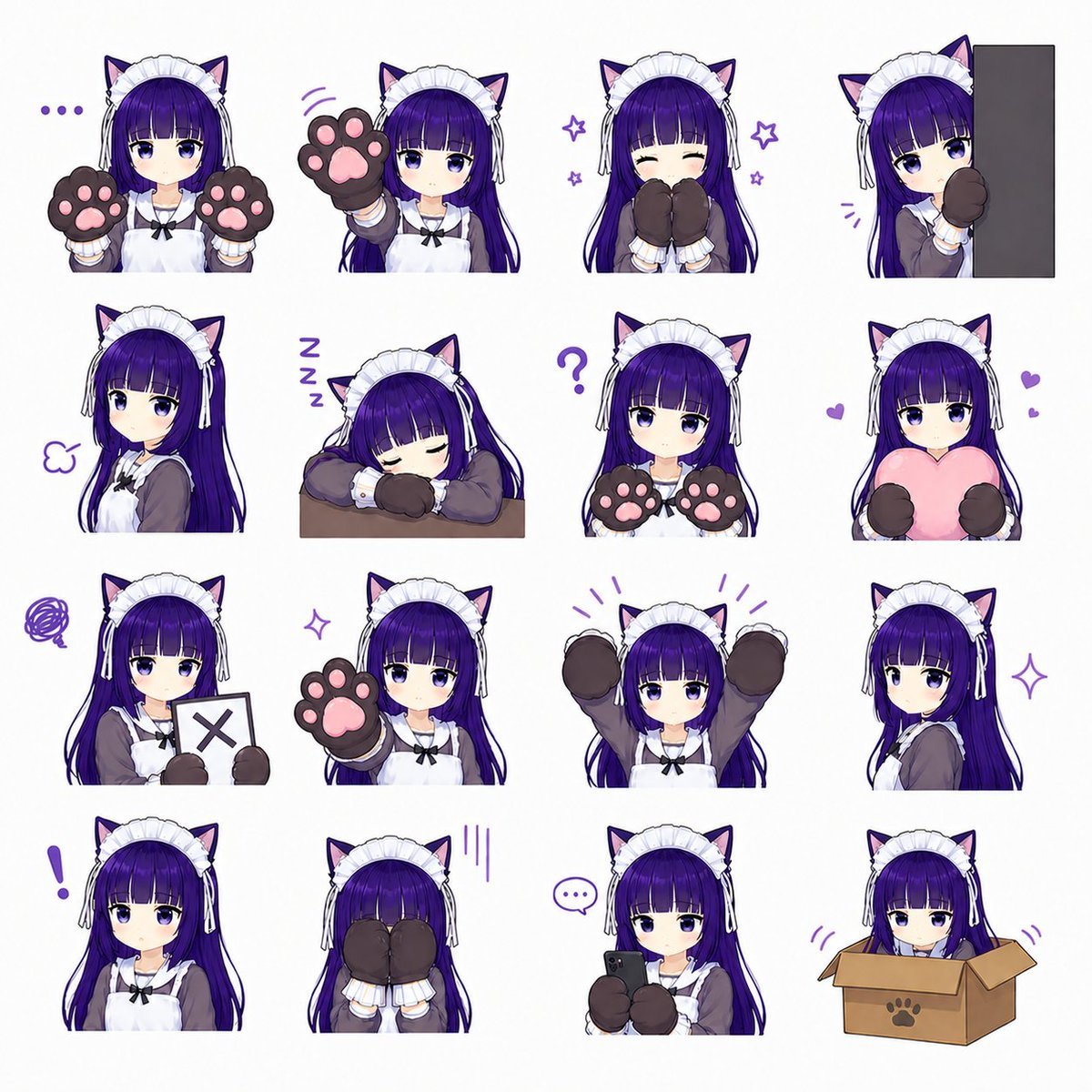
Generates a 16-pose anime catgirl maid sticker sheet for chat emotes, VTuber assets, or social media reactions.
- Prompt included
- Model and format preset
- Premium template
The prompt behind this image
Copy the exact prompt behind Cat-Eared Maid Emote Sticker Sheet, or open it in the studio and make it yours.
Goal: Create a clean anime sticker/emote sheet featuring {argument name="character name" default="a cat-eared maid girl"} in exactly 16 separate chibi-style portrait stickers on a plain white background. Canvas: Square 1:1 image, high resolution, white background, arranged as a neat 4 by 4 grid with generous spacing. Each sticker is cropped around the upper body or head-and-shoulders, with no panel borders. Character design: The same young anime girl appears in every sticker. She has {argument name="hair color" default="long deep purple hair"} with straight bangs, large purple eyes, pale skin, black cat ears with pink inner ears, a white frilly maid headband with side ribbons, a gray-brown maid dress, white apron, black bow at the collar, and oversized dark brown cat-paw mittens with pink paw pads. Use a cute soft-shaded VTuber/anime style, crisp line art, gentle gradients, and a playful purple accent color for small emotion marks. Layout and exact sticker count: Include exactly 16 discrete stickers, arranged left to right and top to bottom as follows: 1) neutral face holding both paw mittens up beside her cheeks, with three purple dots to the left; 2) calm expression reaching one paw forward toward the viewer, with small purple motion lines; 3) happy closed-eye smile with both paw mittens covering her mouth, surrounded by small purple stars; 4) shy girl peeking from behind a tall dark gray vertical rectangle on the right, one paw raised; 5) side-facing slightly unimpressed expression with a small purple puff mark; 6) sleeping pose with head resting on folded arms on a small brown tabletop, with three purple Z letters; 7) confused neutral pose holding both paw mittens forward, with a large purple question mark above; 8) affectionate pose hugging a large pink heart pillow, with two small purple hearts; 9) displeased pose holding a white sign with a dark X mark, with a purple scribble cloud; 10) gentle forward-facing pose raising one paw pad close to the viewer; 11) excited pose with both arms raised high and purple emphasis lines above; 12) elegant side portrait looking over her shoulder, with a purple sparkle; 13) surprised neutral portrait with a large purple exclamation mark to the left; 14) embarrassed or hiding pose with both mittens covering her face, with three vertical purple stress lines; 15) focused pose holding a small black smartphone with both paw mittens, with a purple speech bubble containing three dots; 16) cute pose sitting inside an open cardboard box with a paw-print symbol on the front, only her head and paws visible, with small purple motion marks. Visual style: Make the stickers feel like a social media emote pack, cute and polished, with consistent character proportions, expressive but subtle facial changes, soft cel shading, clean white negative space, and decorative purple doodles only where specified. Constraints: Do not add text labels, captions, watermarks, or extra characters. Keep the exact 4 by 4 arrangement and exactly 16 stickers. Maintain the same outfit, hairstyle, and cat-ear maid identity in every pose.
How to use Cat-Eared Maid Emote Sticker Sheet in 3 steps
- 1Upload ImagePNG, JPG or paste
Add your photo
Upload the photo the template builds on. The prompt, model and format are already set.
- 2…a portrait of your subject in softgolden-hour light, 85mm…
Personalize
Edit the subject and creative details for your destination.
- 3Generate
Generate
Press Generate — your image is created in PicX Studio, so you can compare it with the original and refine one variable at a time.
More like this
Templates with the same subject, style or setup. Open one to see its prompt.
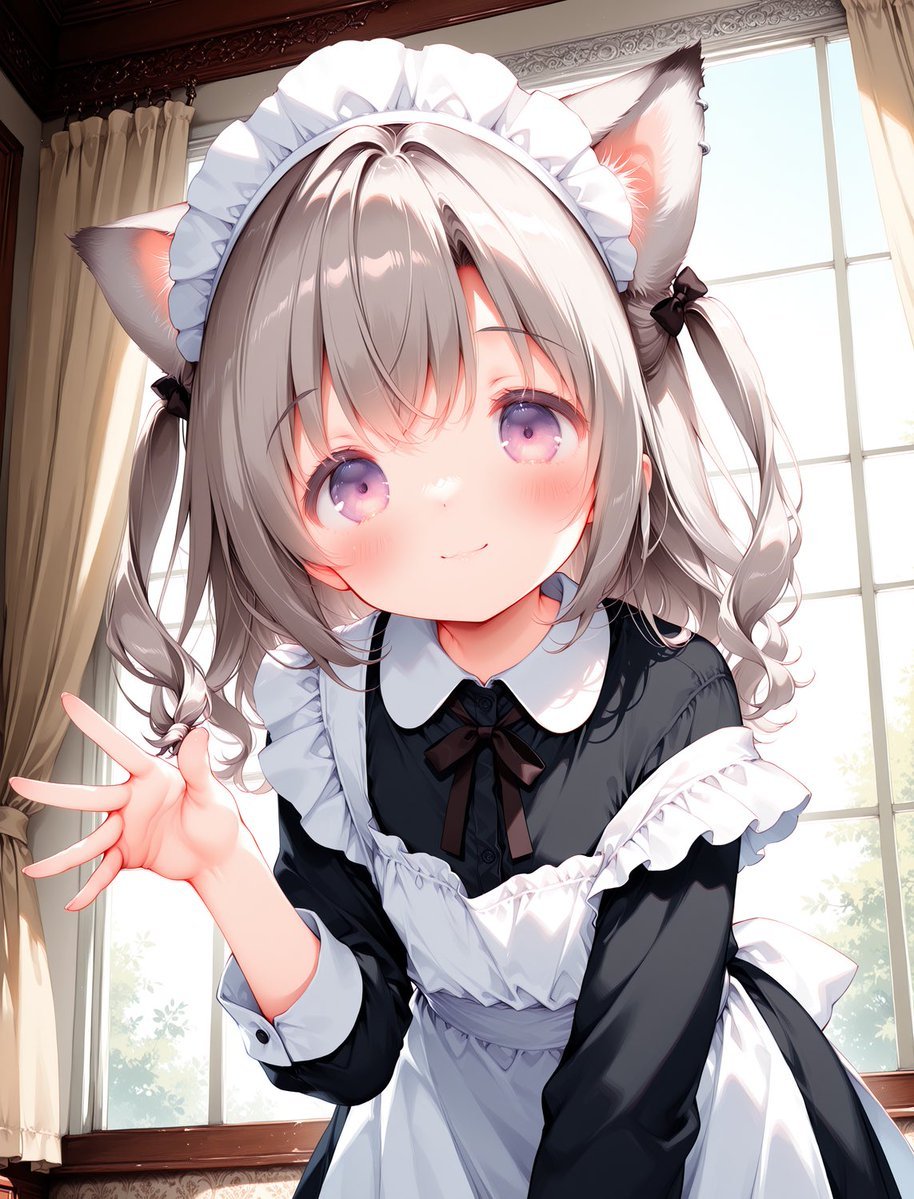
Cat-Eared Maid Portrait
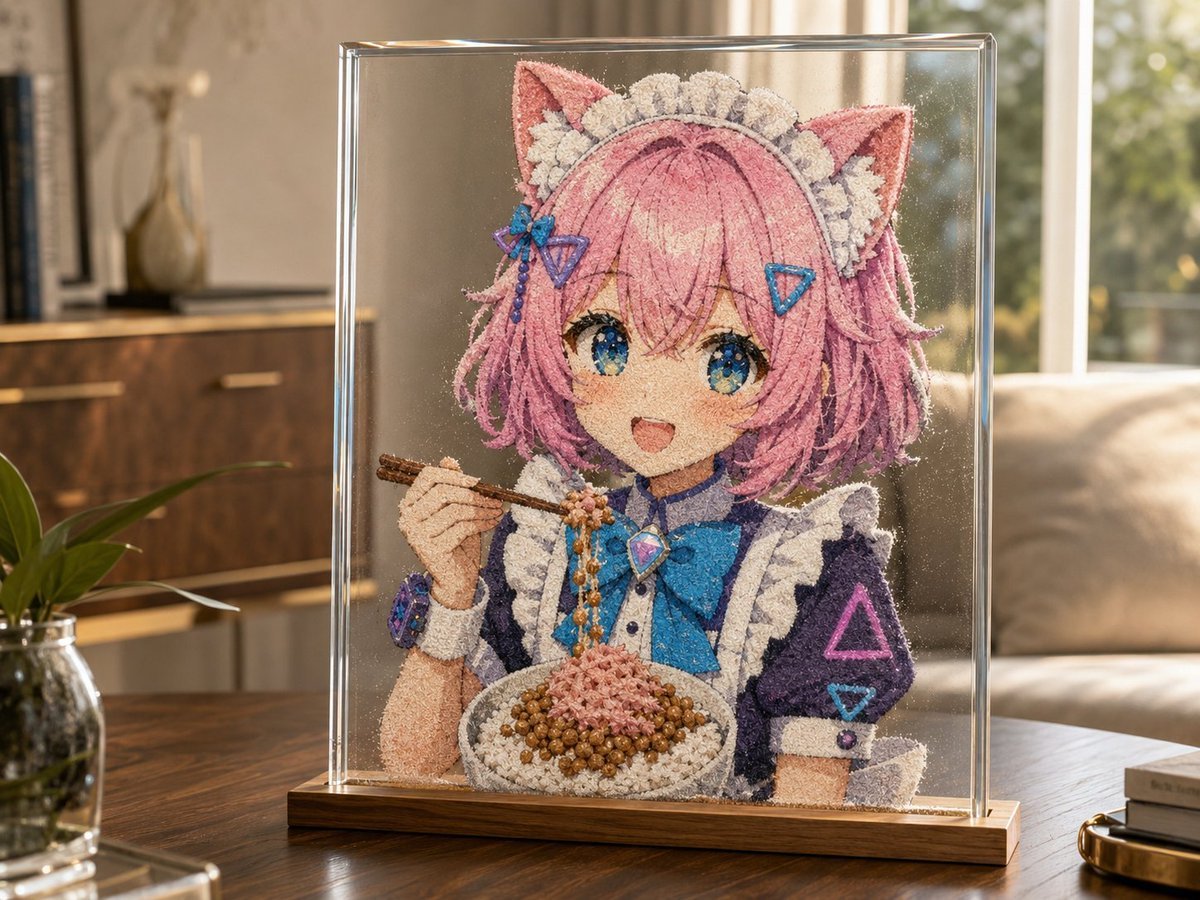
Cat-Eared Maid Sand Art Display
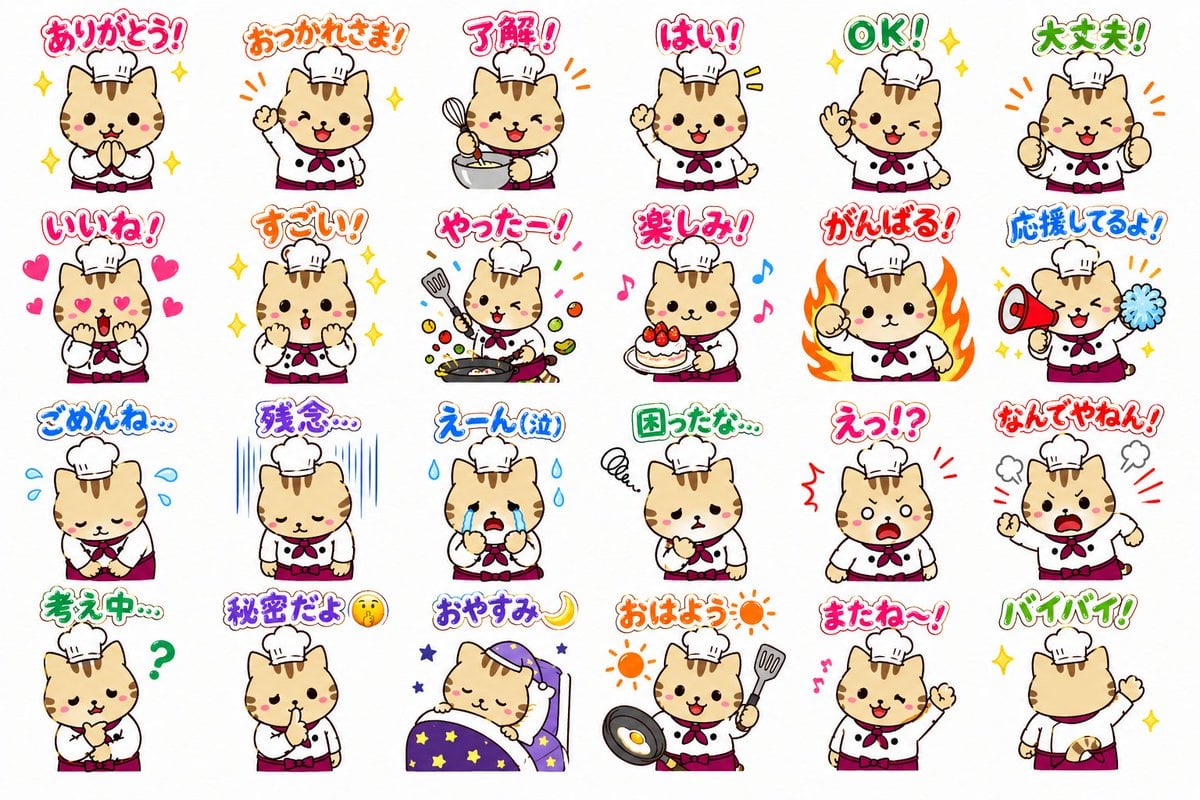
Chef Cat LINE Sticker Sheet
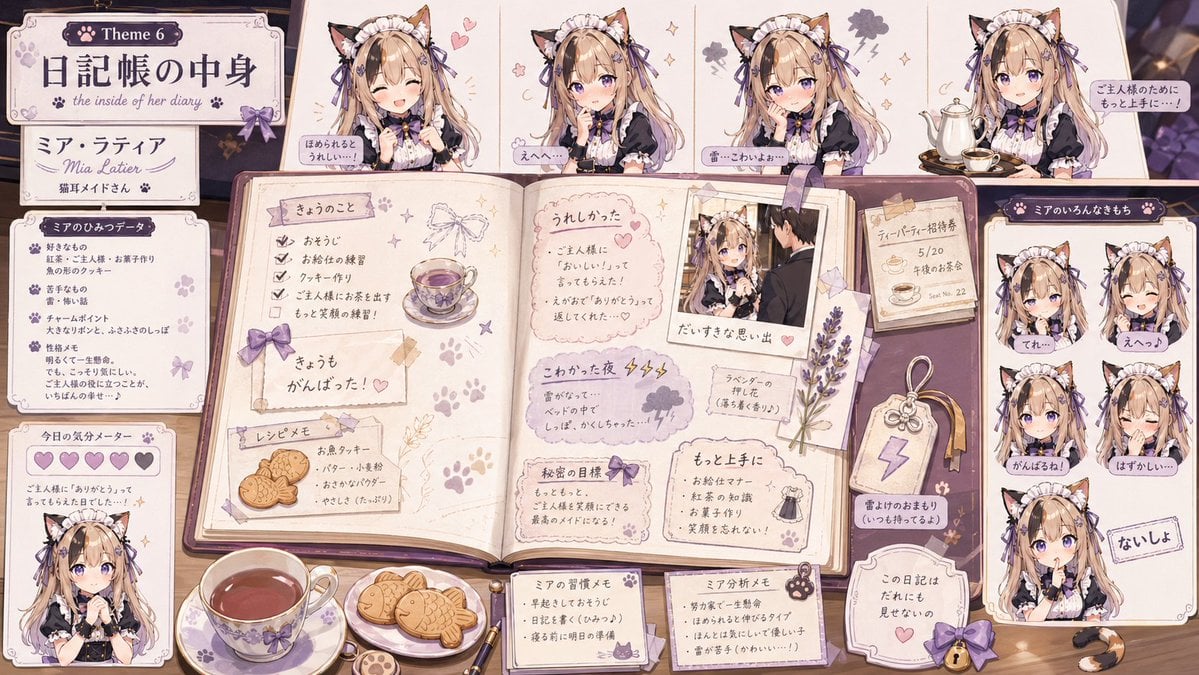
Cat Maid Diary Reference Sheet
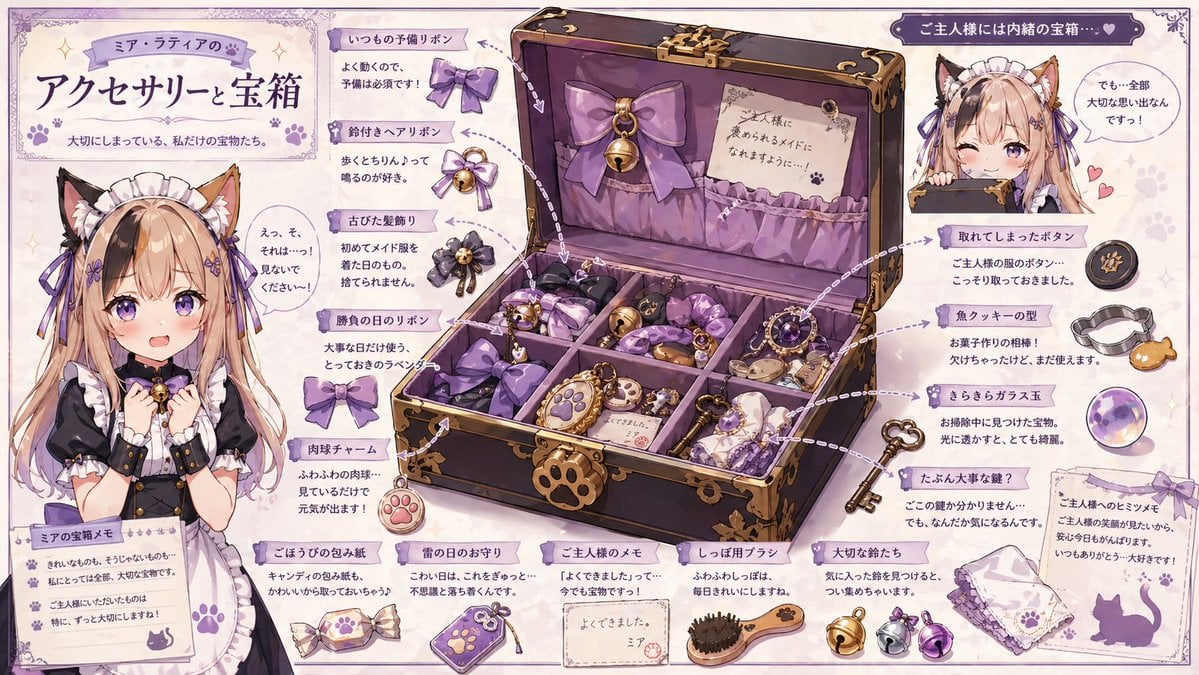
Cat Maid Treasure Box Reference Sheet
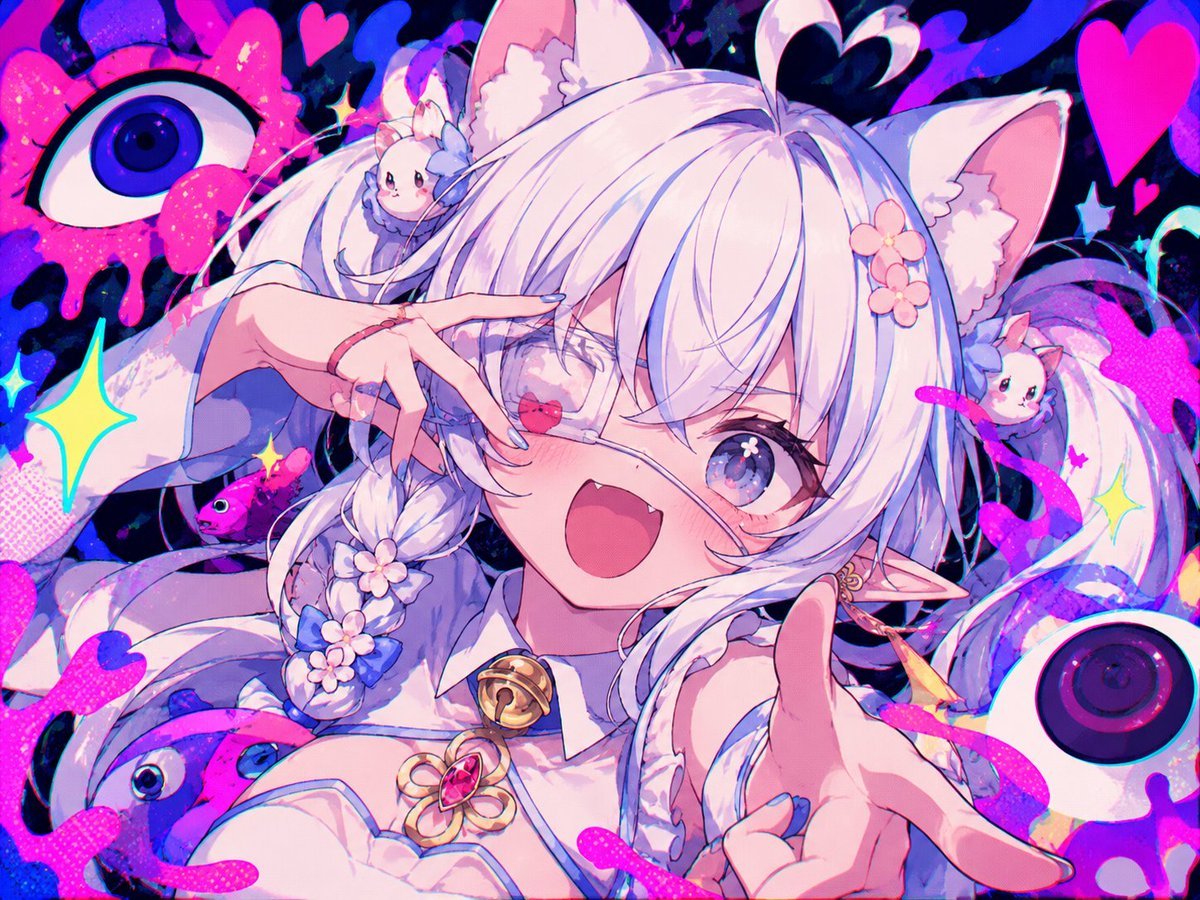
Neon Cat-Eared Idol Close-Up

Cat-Eared Kimono Girl Portrait

Cat-Eared Schoolgirl in Sweets Arcade

Anime Elf Maid Turnaround Sheet

Chibi Anime Ninja Sticker Sheet

Brand Sticker Sheet Monoline Vector

A trendy, high-end Sticker Sheet set
Make it yours
Cat-Eared Maid Emote Sticker Sheet works as-is. These are the safest ways to change it without losing the look.
Change one field
Copy a single group, rewrite it, and generate again so you can see what that field is doing.
Keep the frame, change the subject
Hold the composition and light of Cat-Eared Maid Emote Sticker Sheet, then swap wardrobe, props or the person for a new take.
| If the result… | Why | Fix |
|---|---|---|
| The result drifts from the preview | Too many fields changed at once. | Reuse Cat-Eared Maid Emote Sticker Sheet as-is first, then change one group — subject, light, or setting. |
| The model over-stylizes the scene | The prose prompt leaves finish and camera underspecified. | Add one camera or lighting sentence and stay on GPT Image 2. |
More GPT Image 2 templates
Other prompts made for GPT Image 2.

Six VTuber Japanese Logo Sheet

Realistic Portrait of Woman and Deer

The Vista Modular Condo Poster

AI Model Routing Comparison Infographic

2.5D Anime Art Board

Isometric Productivity Desk Scene

New York Double Exposure Poster

Four-Panel AI Landscape Comparison

Japanese Tatami Lifestyle Magazine Cover

NESCAFÉ Coffee Map Poster
More image prompts
Fresh picks from across the catalog.
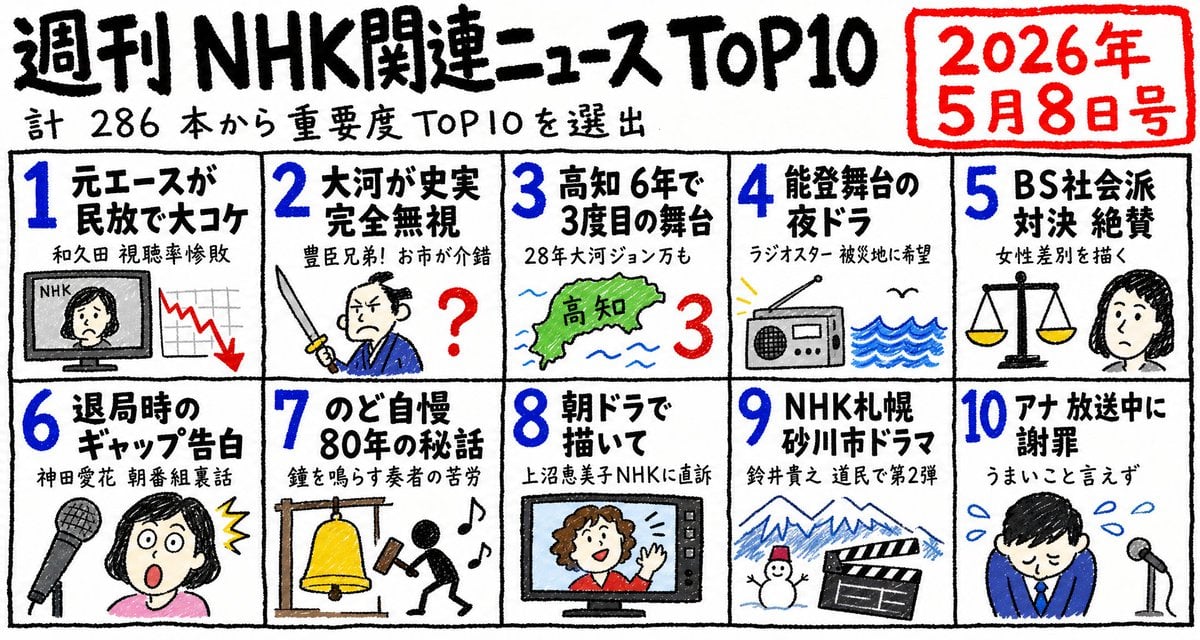
Hand-Drawn NHK News Top 10 Poster

Cyberpunk Fashion Campaign Poster

Surrealist Koi Fish Illustration

Live Stream App Screenshot Generator

Compilation of 18 Nano Banana Pro Prompts (Tennen's Prompt Festival)
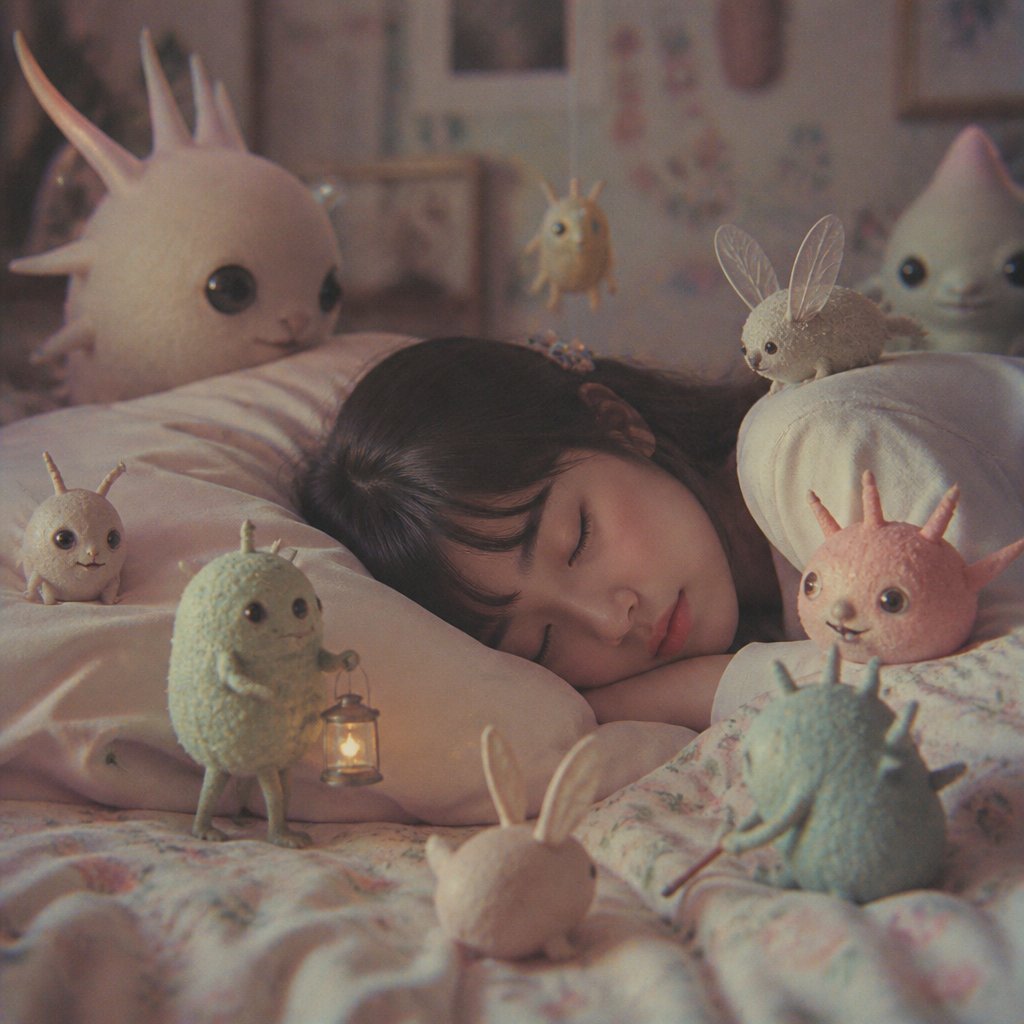
Sleeping Child with Dream Creatures
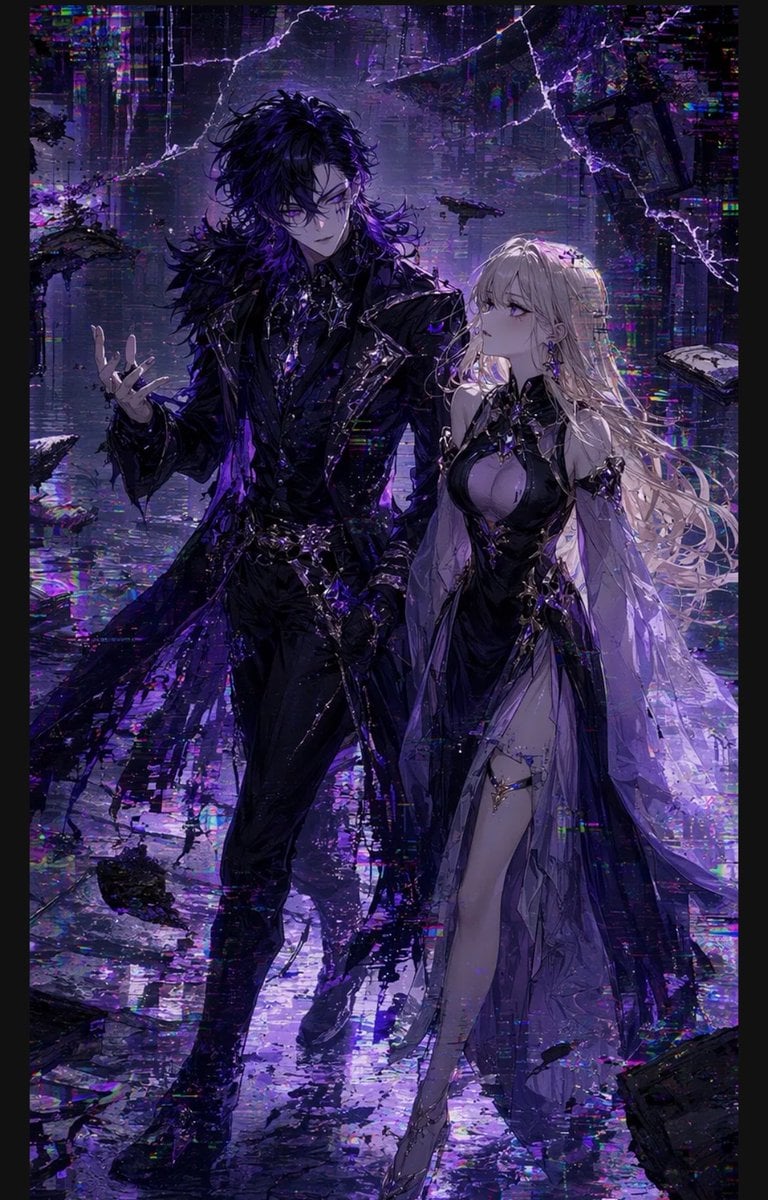
Gothic Cyberpunk Duo in Ruined City

Cinematic Sakura Ronin Poster

Hyper-Realistic 3D Chess Set for Rivalry Themes

Ethereal Anime Character Portrait
Browse template categories
Cat-Eared Maid Emote Sticker Sheet questions
How do I use the Cat-Eared Maid Emote Sticker Sheet template?
Add your photo if the template asks for one, edit the prompt if you like — the template's model and format are already selected — and press Generate. Your version opens in PicX Studio.
Can I customize the Cat-Eared Maid Emote Sticker Sheet template?
Yes. You can change the subject, setting, lighting, mood, format, and available model controls before creating your image.
Is the Cat-Eared Maid Emote Sticker Sheet template free?
Opening and editing this template is free. Generating uses credits, shown on the Generate button when you are signed in.
Which AI model should I use?
Start with GPT Image 2, which is the model associated with this template. You can compare another compatible model for a different finish.
Looking for something else? Browse all templates.

Your photo, any look
Thousands of ready templates for every top image and video model, from one credit balance.