
Cat-Eared Maid Portrait
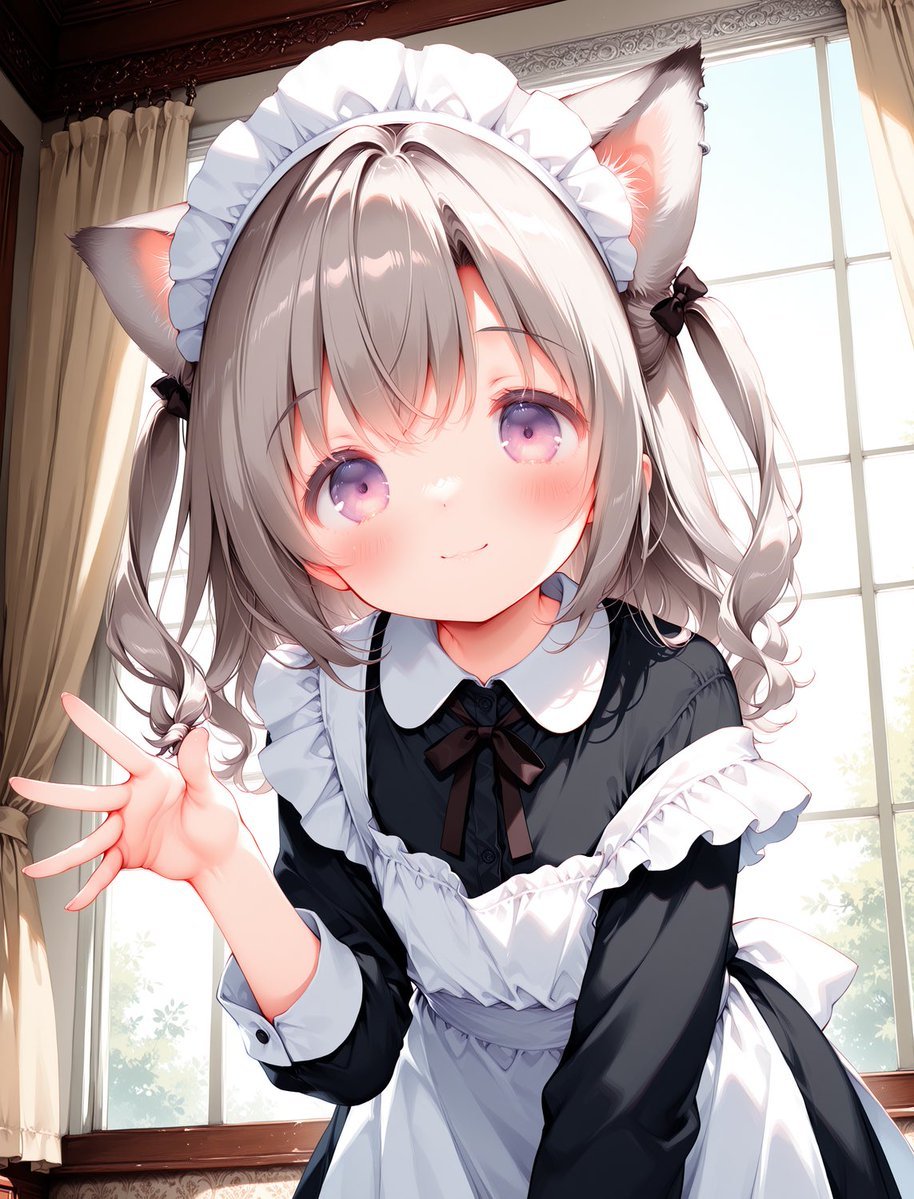
A vertical anime illustration prompt for generating a cute cat-eared maid girl posing in a sunlit Victorian interior.
- Prompt included
- Model and format preset
- Free template
The prompt behind this image
Copy the exact prompt behind Cat-Eared Maid Portrait, or open it in the studio and make it yours.
Create a polished anime-style vertical portrait illustration of a cute kemonomimi maid girl leaning toward the viewer in a bright Victorian room. The subject is a young cat-eared girl with {argument name="hair color" default="silvery ash gray"} twin-tail hair, soft curled side locks tied with small black ribbons, large fluffy cat ears with pale fur and pink inner ears, and big {argument name="eye color" default="pinkish purple"} sparkling eyes. She has a small gentle smile, rosy cheeks, a soft childlike face, and glossy highlights on her hair and eyes. She wears a classic black-and-white maid outfit: black long-sleeved dress, white rounded collar, black bow at the neck, white frilled apron, puffed white shoulder frills, white cuffs, and a large white ruffled maid headband. Pose her in a close-up three-quarter view, upper body filling most of the frame, leaning forward with her head slightly tilted and one hand extended toward the camera in a friendly wave with five visible fingers. Place her in front of tall sunlit window panels with cream curtains, carved dark wooden trim, faint patterned wallpaper, and soft greenery visible outside. Use warm morning backlight streaming through the windows, delicate rim light on the ears and hair, bright high-key highlights, soft shadows, shallow depth of field, and a clean highly detailed Japanese anime illustration style with smooth linework, vibrant pastel lighting, and no text or watermark. Composition should be vertical 3:4, intimate and cute, with the character centered and cropped around the waist.
How to use Cat-Eared Maid Portrait in 3 steps
- 1Upload ImagePNG, JPG or paste
Add your photo
Upload the photo the template builds on. The prompt, model and format are already set.
- 2…a portrait of your subject in softgolden-hour light, 85mm…
Personalize
Edit the subject and creative details for your destination.
- 3Generate
Generate
Press Generate — your image is created in PicX Studio, so you can compare it with the original and refine one variable at a time.
More like this
Templates with the same subject, style or setup. Open one to see its prompt.
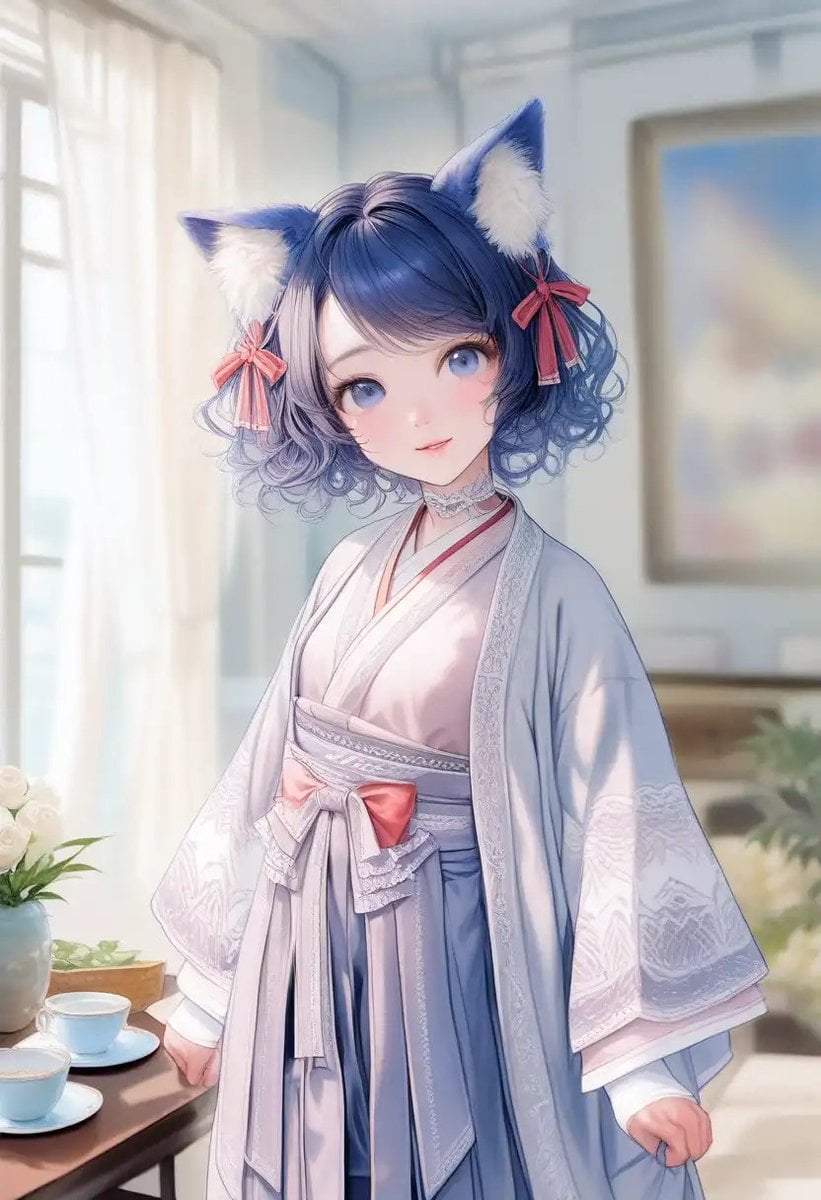
Cat-Eared Kimono Girl Portrait
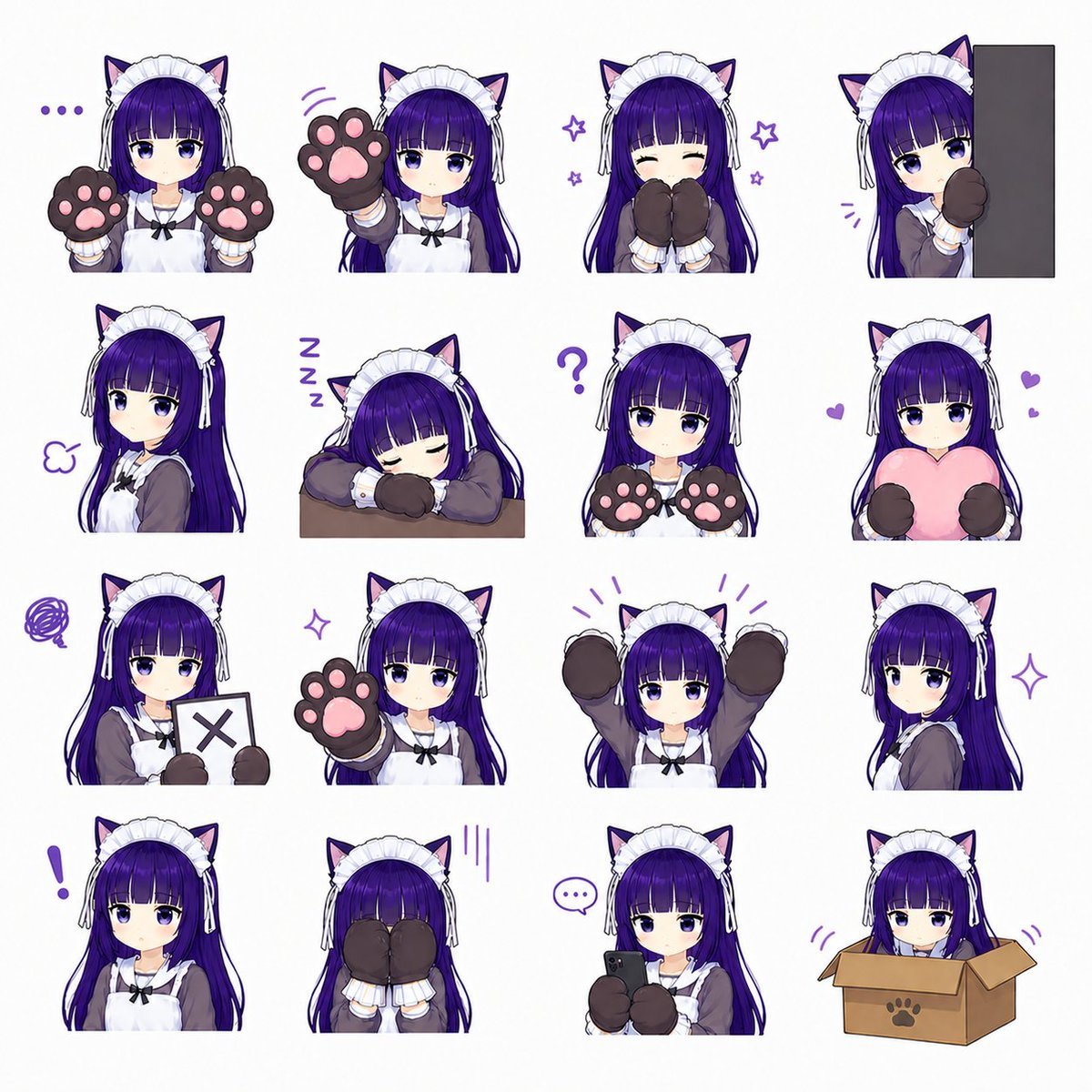
Cat-Eared Maid Emote Sticker Sheet

Rooftop Fisheye — Cat-Ear Balaclava at Golden Hour
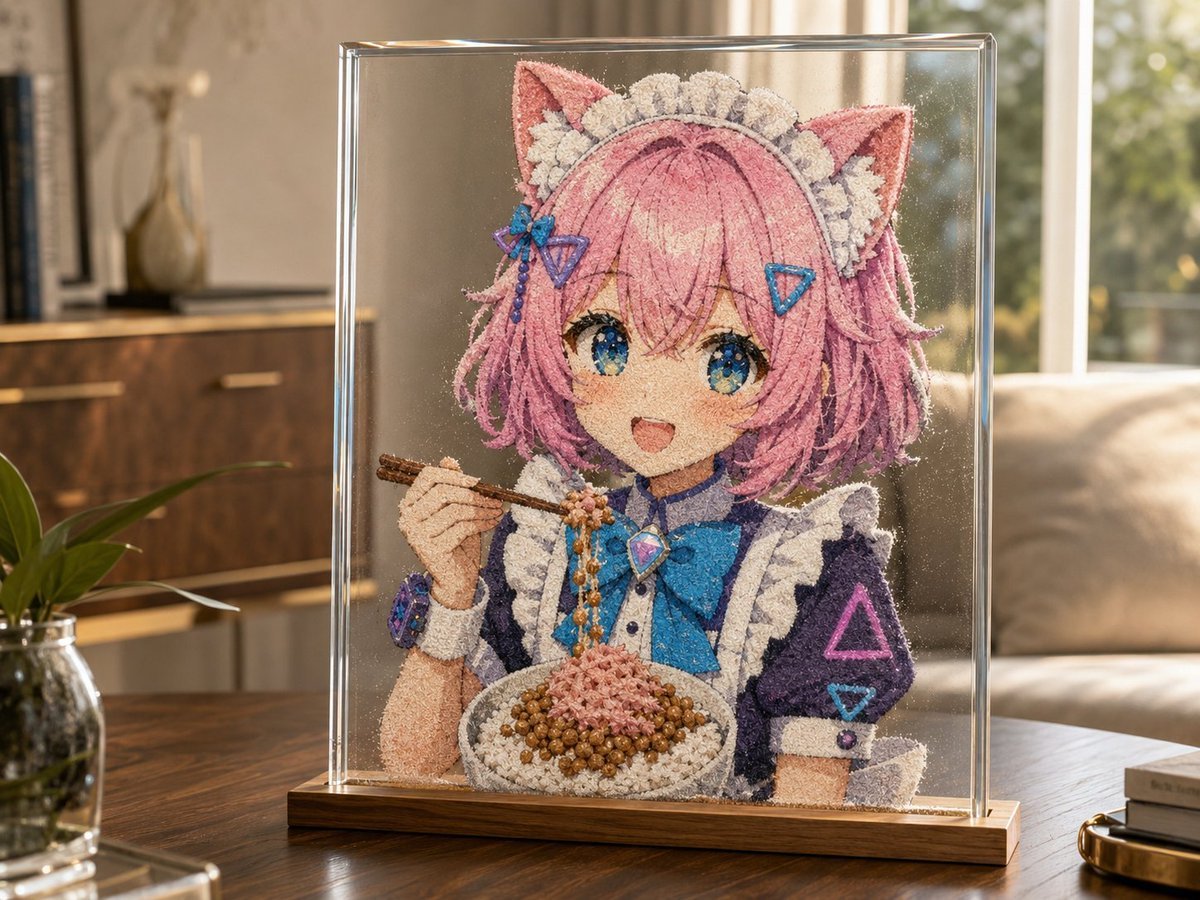
Cat-Eared Maid Sand Art Display

Snowy Locations Views Winter Special

Found Photograph: Us, 1970

80s Couple Studio Portrait

80s Bollywood Star

80s Golden Hour Cinema

Me in 1985

1985 Studio Portrait
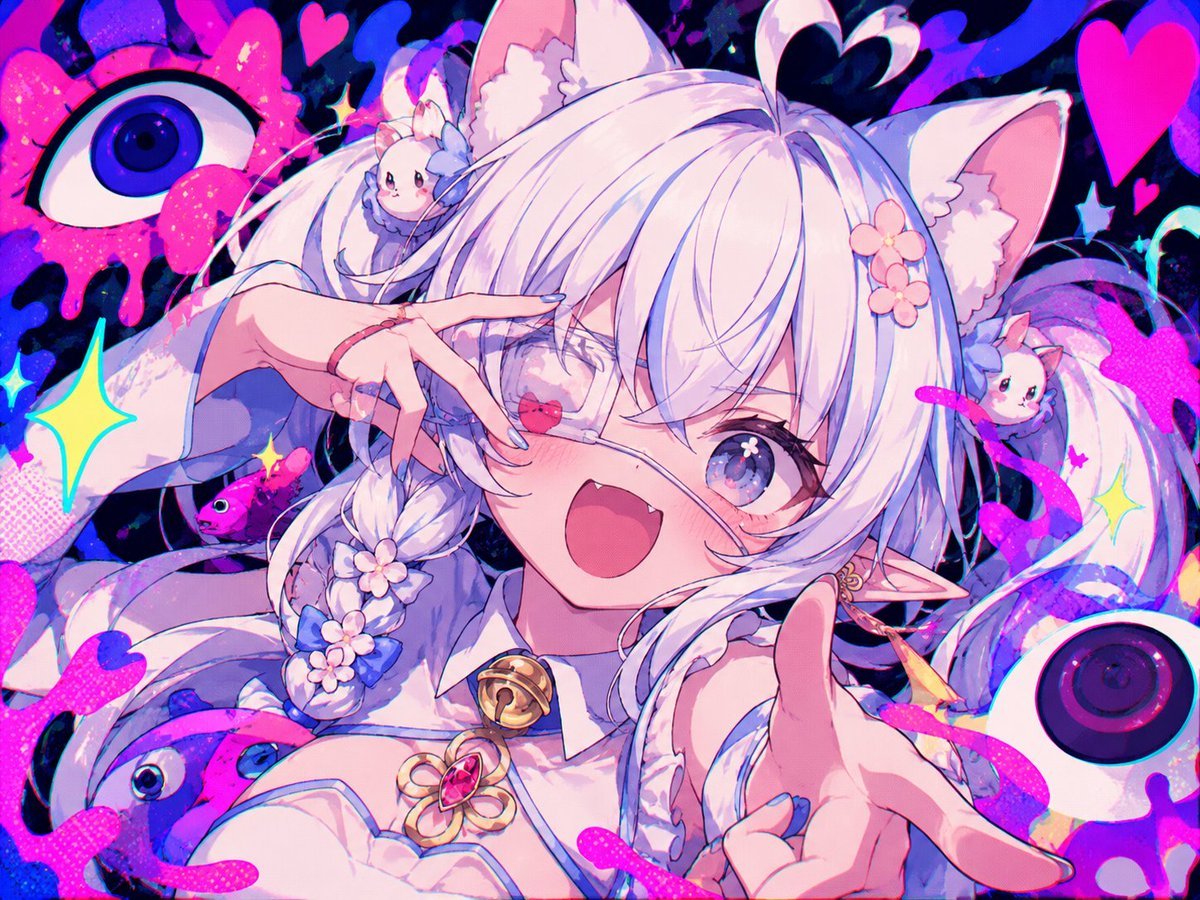
Neon Cat-Eared Idol Close-Up
Make it yours
Cat-Eared Maid Portrait works as-is. These are the safest ways to change it without losing the look.
Change one field
Copy a single group, rewrite it, and generate again so you can see what that field is doing.
Keep the frame, change the subject
Hold the composition and light of Cat-Eared Maid Portrait, then swap wardrobe, props or the person for a new take.
| If the result… | Why | Fix |
|---|---|---|
| The result drifts from the preview | Too many fields changed at once. | Reuse Cat-Eared Maid Portrait as-is first, then change one group — subject, light, or setting. |
| The model over-stylizes the scene | The prose prompt leaves finish and camera underspecified. | Add one camera or lighting sentence and stay on GPT Image 2. |
More GPT Image 2 templates
Other prompts made for GPT Image 2.

Six VTuber Japanese Logo Sheet

Realistic Portrait of Woman and Deer

The Vista Modular Condo Poster

AI Model Routing Comparison Infographic

2.5D Anime Art Board

Isometric Productivity Desk Scene

New York Double Exposure Poster

Four-Panel AI Landscape Comparison

Japanese Tatami Lifestyle Magazine Cover

NESCAFÉ Coffee Map Poster
More image prompts
Fresh picks from across the catalog.
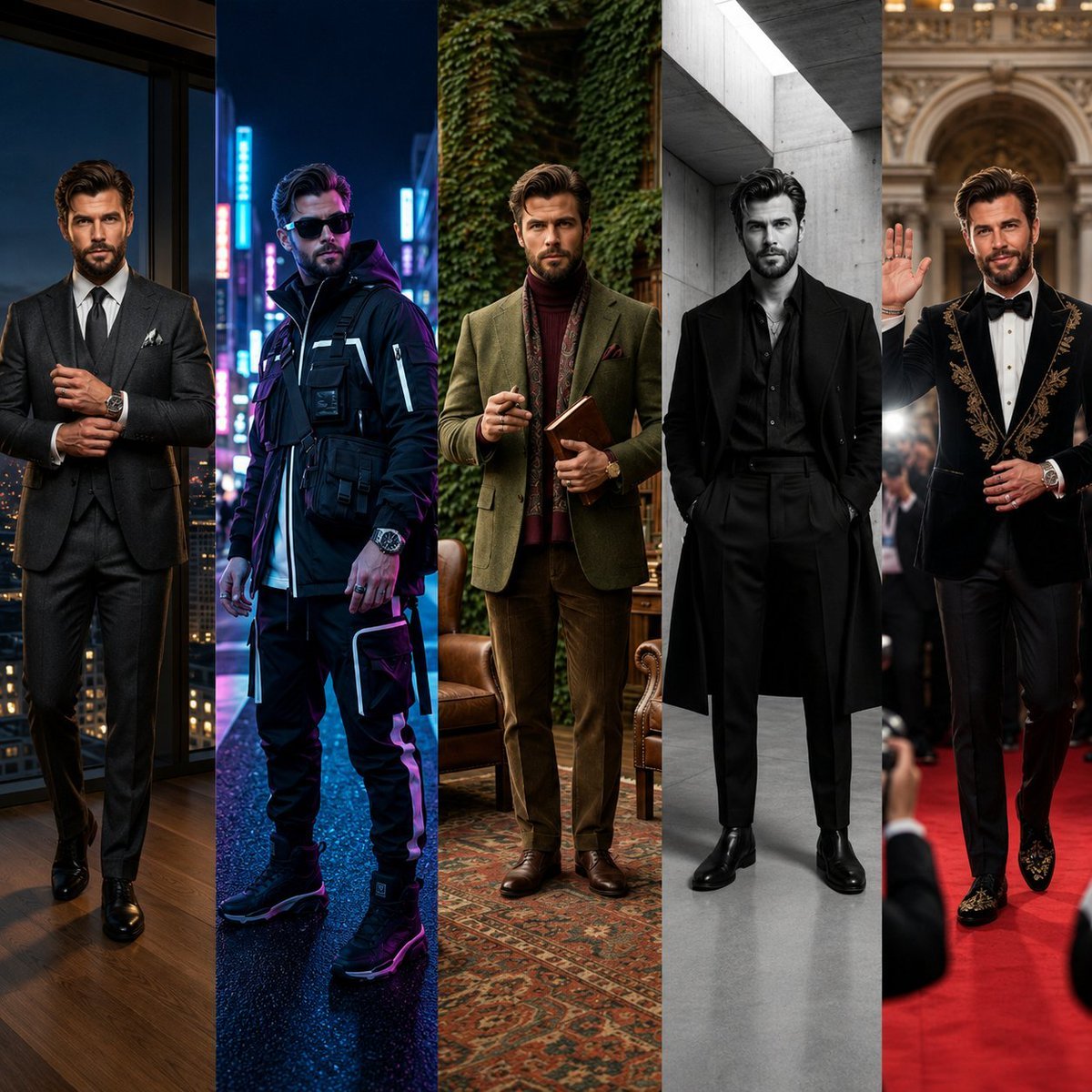
Luxury Editorial Fashion Board
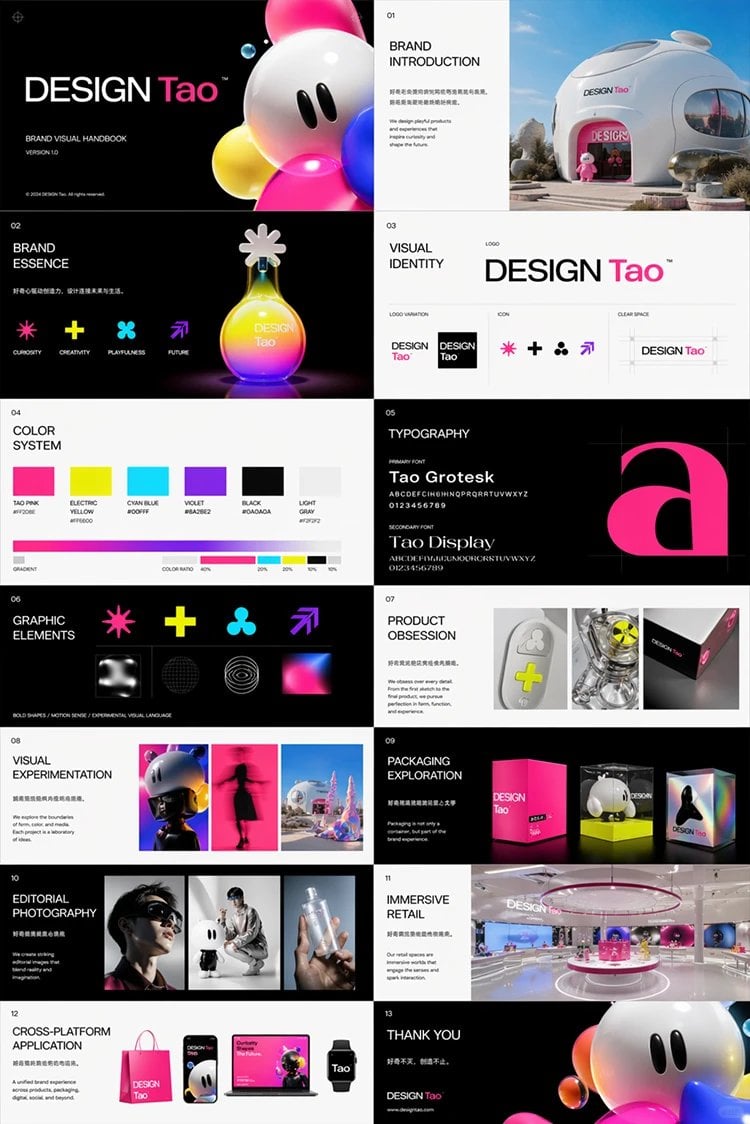
Futuristic Brand Visual Manual
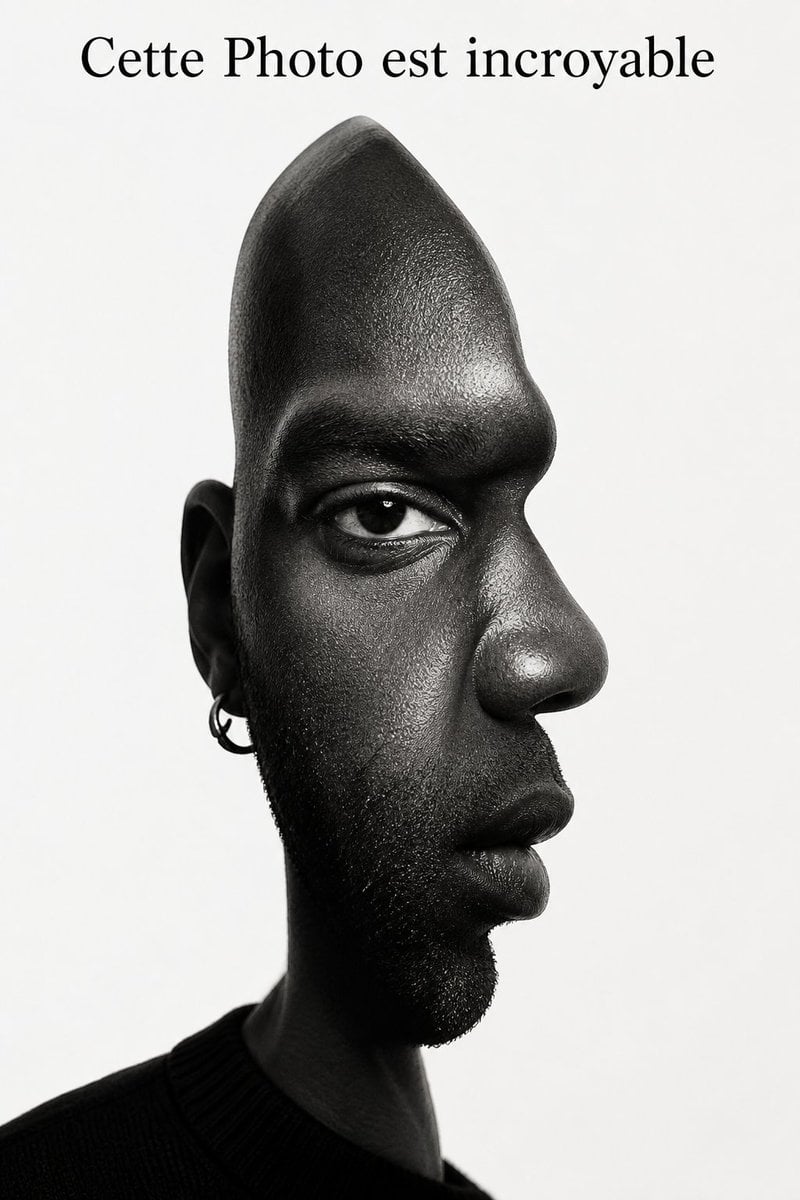
Surreal Optical Illusion Portrait
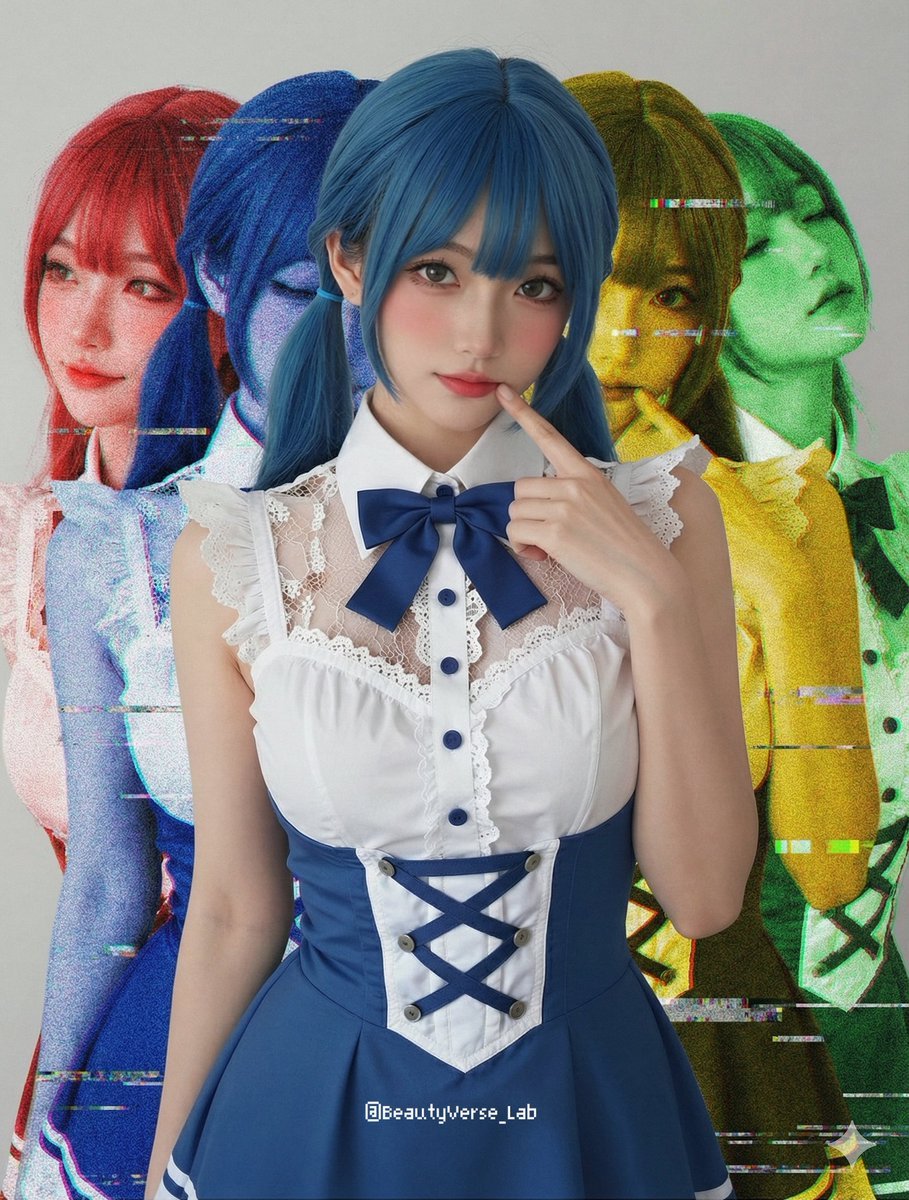
Shadow and Glitch Effect Prompt with Color Separation
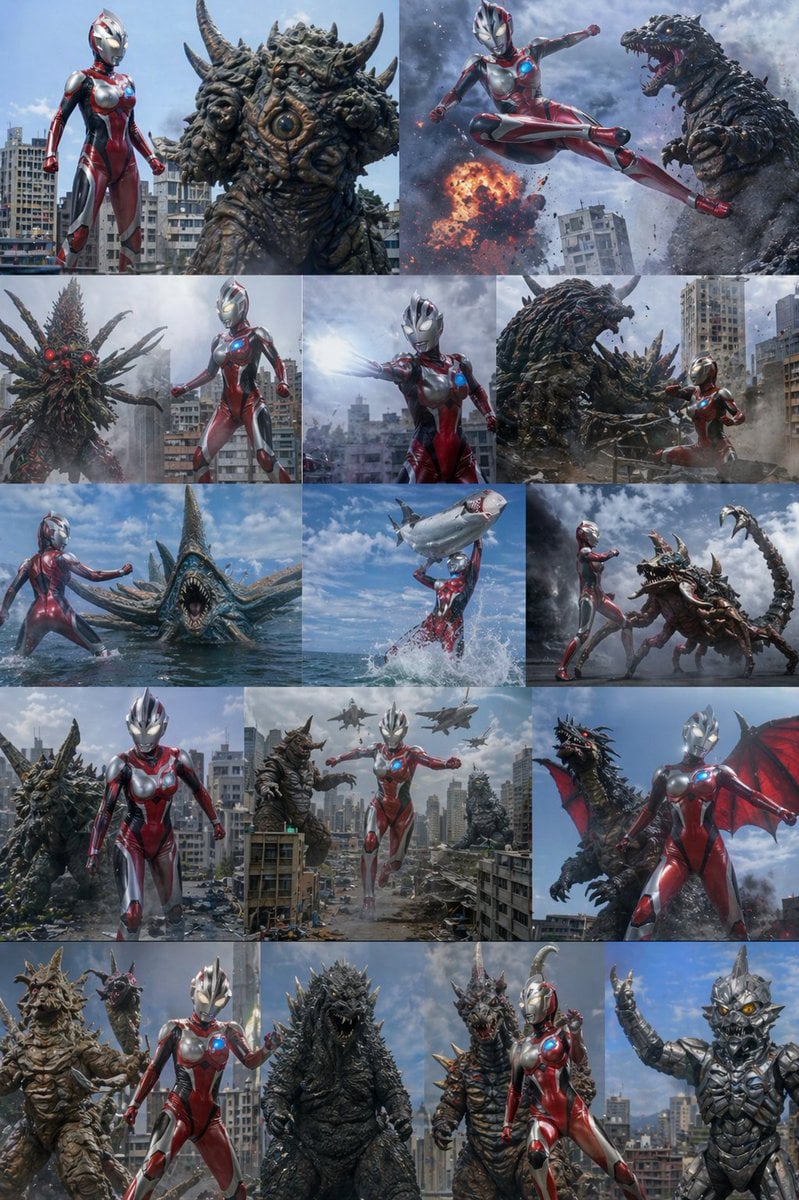
Ultra Woman Kaiju Battle Variations
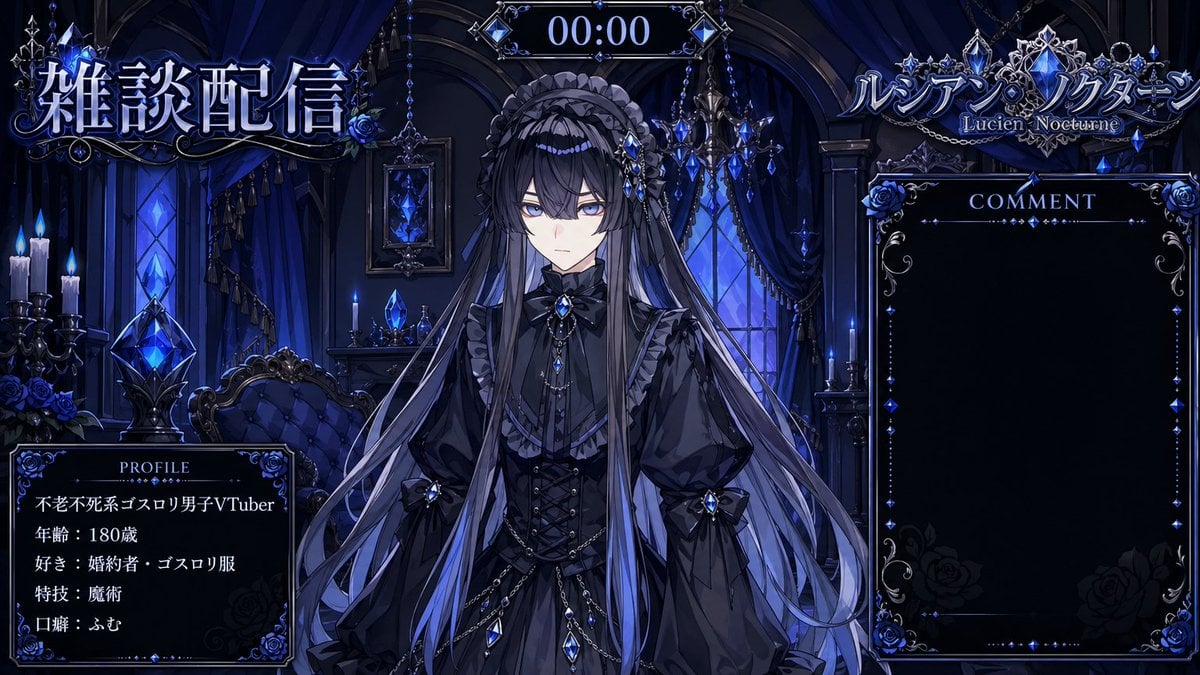
VTuber Streaming Overlay Layout
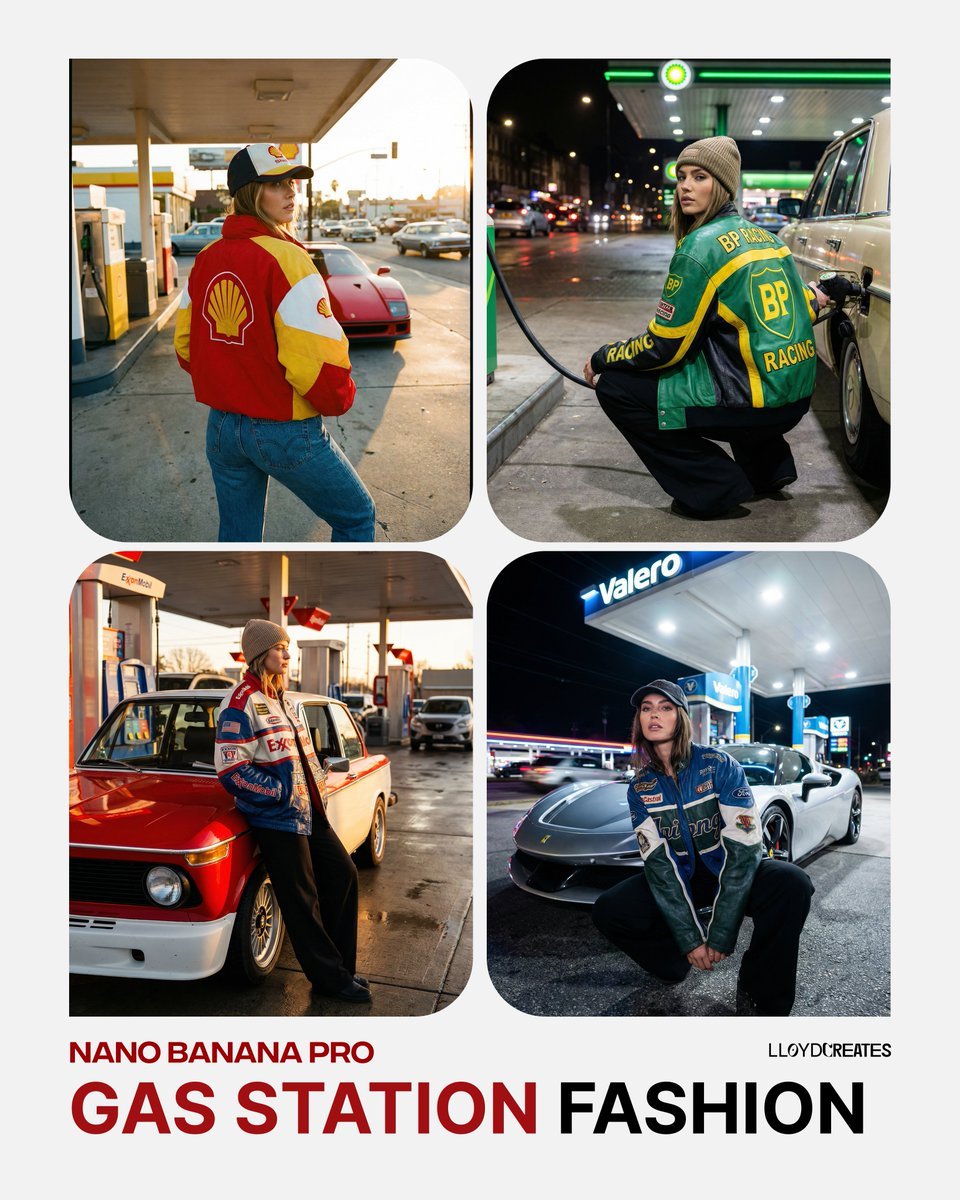
Gas Station Streetwear Fashion Photoshoot Template

80s B-Movie Horror Poster Transformation Prompt
Fashion Editorial with Giant Teddy Bear Prompt
3D Chibi Toy Vendor Portrait
Browse template categories
Cat-Eared Maid Portrait questions
How do I use the Cat-Eared Maid Portrait template?
Add your photo if the template asks for one, edit the prompt if you like — the template's model and format are already selected — and press Generate. Your version opens in PicX Studio.
Can I customize the Cat-Eared Maid Portrait template?
Yes. You can change the subject, setting, lighting, mood, format, and available model controls before creating your image.
Is the Cat-Eared Maid Portrait template free?
Opening and editing this template is free. Generating uses credits, shown on the Generate button when you are signed in.
Which AI model should I use?
Start with GPT Image 2, which is the model associated with this template. You can compare another compatible model for a different finish.
Looking for something else? Browse all templates.

Your photo, any look
Thousands of ready templates for every top image and video model, from one credit balance.