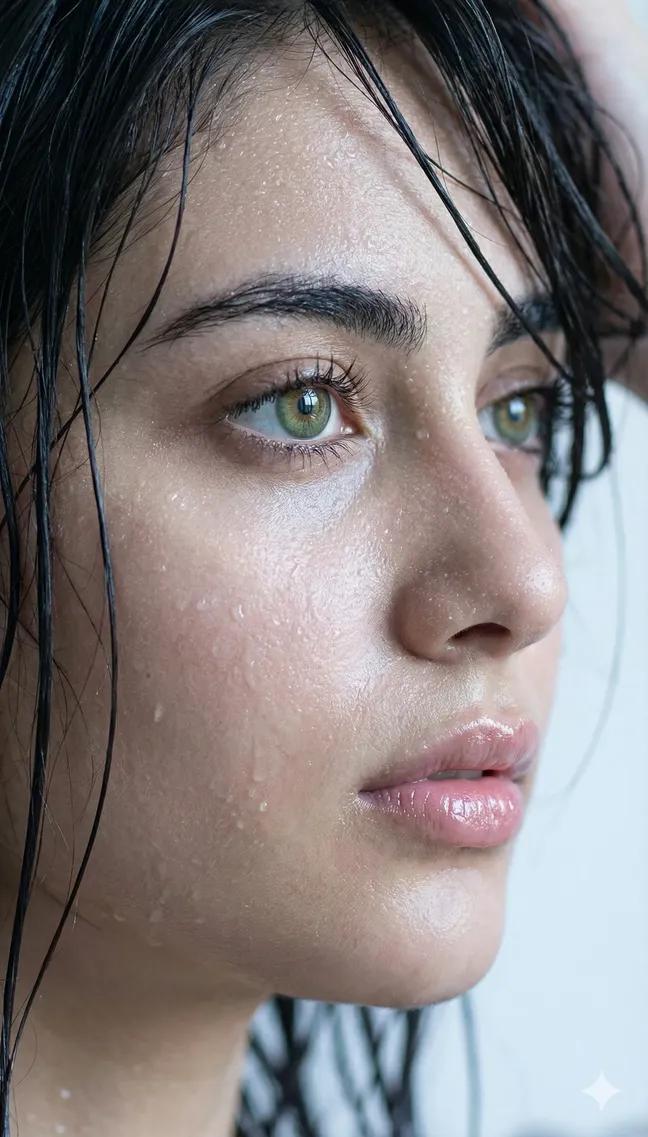
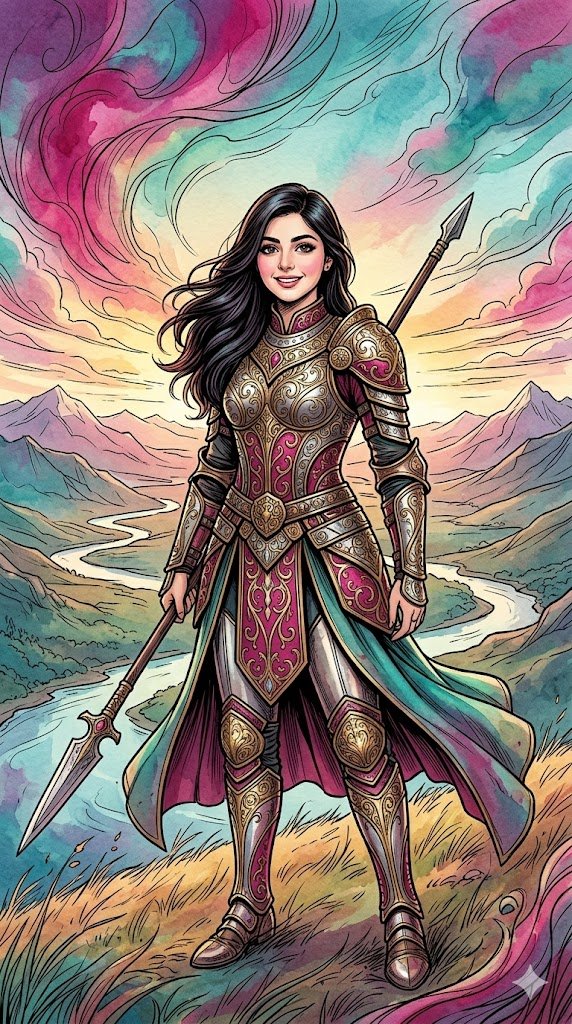
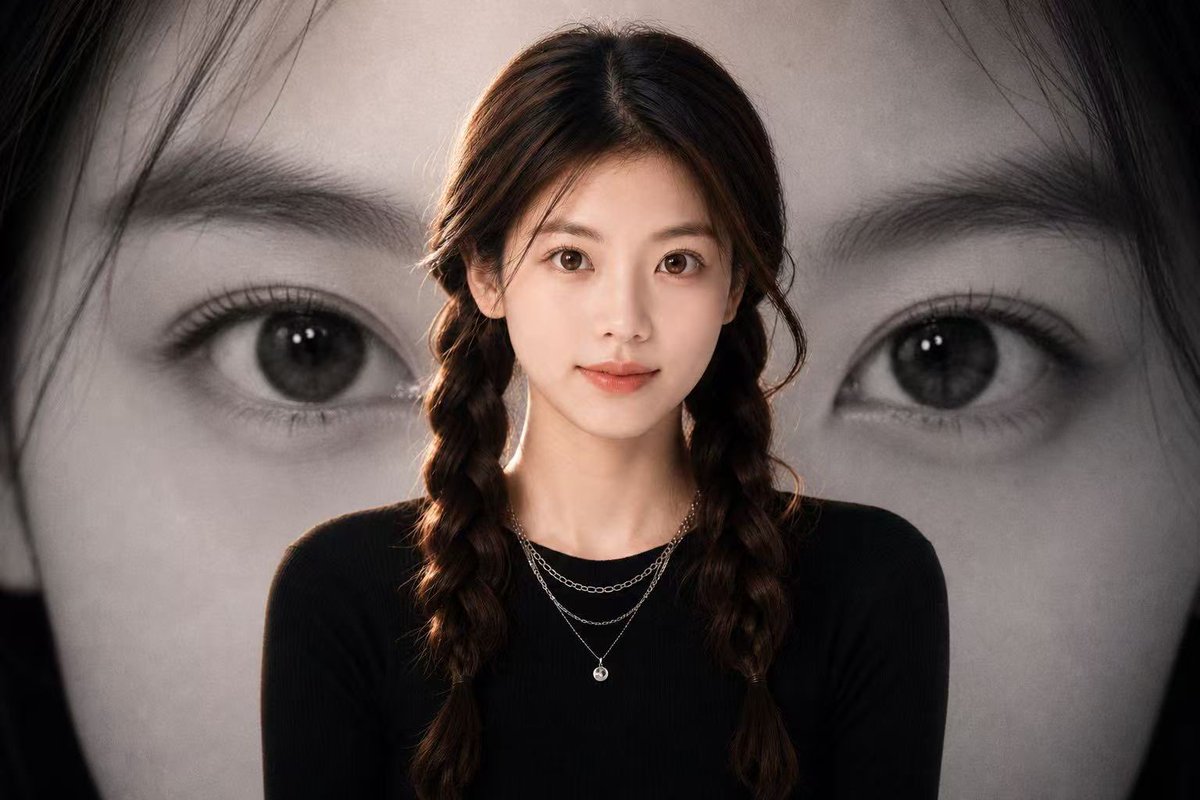
Hyper-Realistic Ana de Armas Look-Alike Editorial Portrait
{
"type": "image_generation_prompt",
"concept": {
"description": "Hyper-realistic, magazine-cover-quality close-up portrait of a beautiful woman with features inspired by {argument name="inspiration identity" default="Ana de Armas"}",
"intent": "High-fashion editorial photography with cinematic realism",
"originality_note": "The subject is a look-alike inspired by Ana de Armas, not an exact replica"
},
"subject": {
"gender": "female",
"age_range": "early 30s",
"ethnicity": "Latina / Cuban-Spanish inspired",
"facial_features": {
"structure": "soft oval face, elegant cheekbones, delicate jawline",
"eyes": "large almond-shaped eyes, warm brown tone, relaxed eyelids",
"lips": "full, natural lips slightly parted",
"expression": "languid, calm, subtly seductive, relaxed confidence"
},
"body_visibility": {
"framing": "close-up portrait extending below the waist",
"posture": "upright but relaxed, natural editorial pose"
}
},
"wardrobe": {
"outfit_type": "two-piece outfit",
"color": "{argument name="outfit color" default="deep vivid red"}",
"top": {
"style": "fitted, minimal, fashion-forward",
"fabric": "smooth, slightly reflective material"
},
"bottom": {
"style": "mini skirt",
"fit": "form-fitting, modern cut",
"visibility": "clearly visible below the waist"
}
},
"skin_and_texture": {
"skin_quality": "highly detailed, natural pores visible",
"finish": "glossy, luminous",
"effect": "subtle sweat or oil sheen on torso and chest, enhancing realism",
"tone": "warm, healthy glow"
},
"hair_and_makeup": {
"hair": {
"style": "softly styled, loose waves",
"color": "deep brown",
"texture": "natural shine with slight movement"
},
"makeup": {
"style": "editorial glamour",
"details": "dewy skin, softly defined eyes, natural lips with slight gloss"
}
},
"background": {
"environment": "indoor setting",
"primary_elements": [
"desk or table surface",
"stacks of papers"
],
"paper_details": {
"brightness": "partially bright white",
"arrangement": "slightly messy, layered stacks",
"focus": "softly blurred to maintain subject dominance"
},
"depth_of_field": "shallow, cinematic bokeh"
},
"lighting": {
"style": "studio cinematic lighting",
"key_light": "soft but directional, highlighting facial structure",
"fill_light": "gentle fill to preserve skin detail",
"highlights": "accentuated on glossy skin areas",
"shadows": "soft, controlled, magazine-style contrast"
},
"camera": {
"shot_type": "close-up portrait",
"lens": "85mm prime lens",
"aperture": "f/1.8",
"focus": "tack-sharp on eyes",
"sensor_quality": "full-frame, ultra-high resolution"
},
"style_and_quality": {
"visual_style": [
"hyper-realistic",
"cinematic",
"luxury fashion editorial"
]
}
}


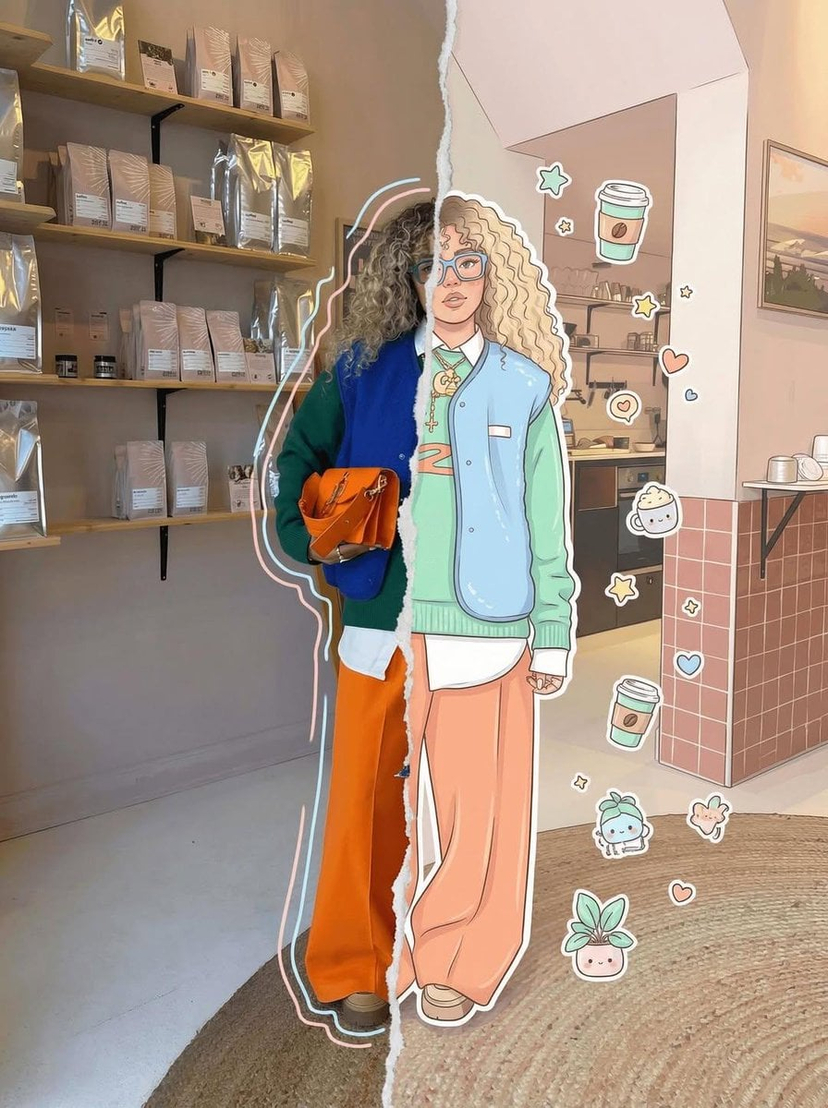
![Blueprint Split Reality Archetype Prompt — A [subject] split vertically down the center. Left half as a technical blueprint. Right half as a 3D render. The seam](/_next/image?url=https%3A%2F%2Fcdn.picxstudio.com%2Fuploads%2Fmeigen_24ef9cf28a0c_7844b725-4555-4a31-b247-59dcc1626cdd.jpg&w=828&q=100)




![Surreal Glitch Cyber-Organic Portrait — Tight frontal portrait of {argument name="subject" default="[Subject]"}, face filling most of the frame, direct gaze, cl](https://cms-assets.youmind.com/media/1786867794479_ud37dw_HPud49jWAAAAsOc-300x533.jpg)


![Effect where the hero s shape tells their story — [Lebron James]. Act as a graphic designer specializing in "Modern Vintage" sports and music memorabi…](https://images.meigen.ai/tweets/2018776000532717836/0.jpg)




![Studio shot placed on a, surrounded by soft shadows and gradient — studio shot of [PRODUCT], placed on a [background], surrounded by soft shadows and gradient b](https://images.meigen.ai/tweets/2035672892294451691/0.jpg)
![Naive doodle-style subject illustration — A doodle-style {argument name="subject" default="[subject]"}, naive lines, humorous shape exaggeration](https://pbs.twimg.com/media/G6Wl2YxbsAARB2b.jpg)