
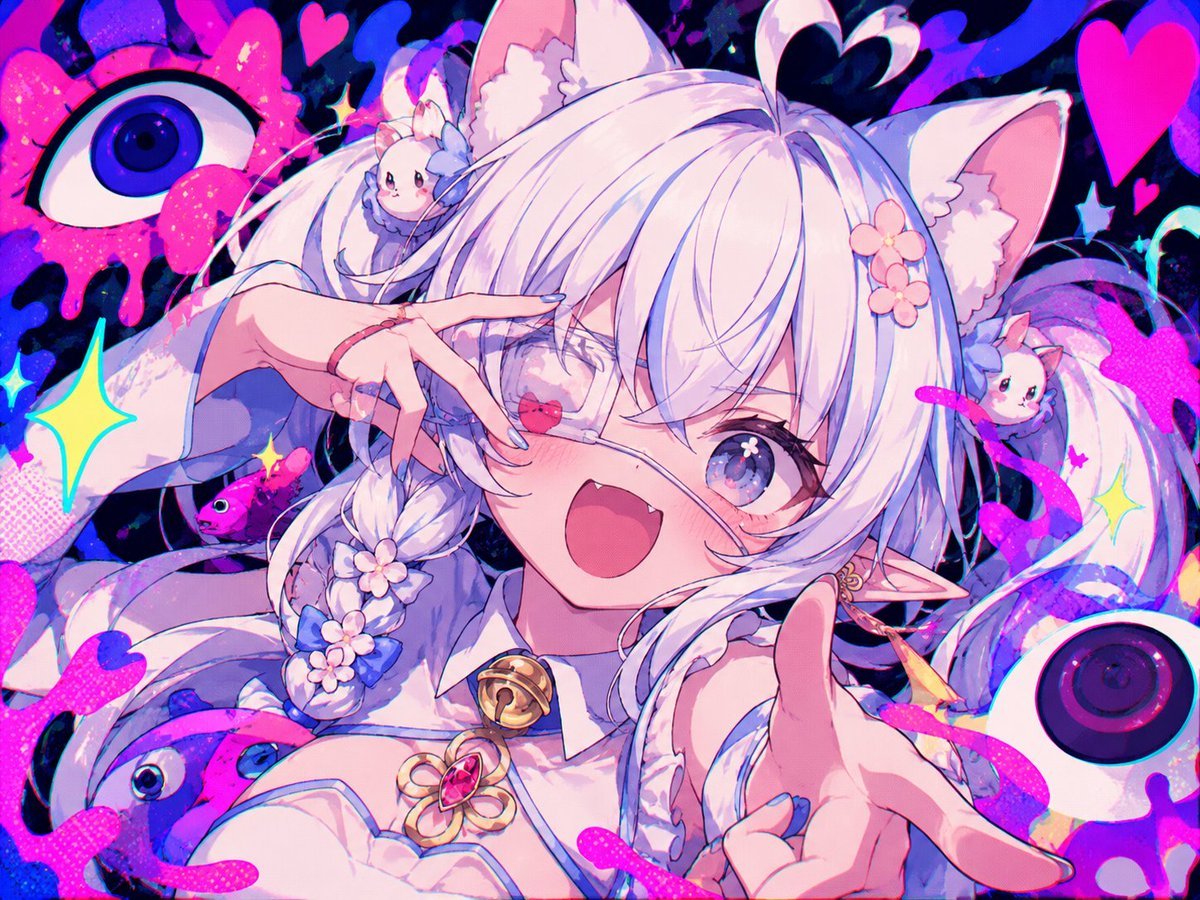
Neon Cat-Eared Idol Close-Up
Generates a colorful pop-art anime cat-girl idol illustration with mascots, eyeball motifs, hearts, splashes, and a dynamic close-up pose.
- Prompt included
- Model and format preset
- Free template
The prompt behind this image
Copy the exact prompt behind Neon Cat-Eared Idol Close-Up, or open it in the studio and make it yours.
Create a vibrant high-energy anime illustration of {argument name="character name" default="a cheerful cat-eared idol girl"} in an extreme close-up, tilted dynamic composition, reaching toward the viewer with one hand while making a V-sign across one eye with the other. She has {argument name="hair color" default="silvery white hair with pale lavender shadows"}, long flowing twin-tail-like hair and a thick side braid, large fluffy white cat ears with pink inner ears, one visible pointed elf-like ear, glossy blue-purple eyes, an open laughing mouth with tiny fang teeth, soft blush, and long blue-painted nails. Her outfit is a white and pale blue frilly idol/cat-girl costume with a small collar, gold bell at the throat, gold flower-shaped pendant with a pink jewel, ribbons, and lace. Add exactly 6 visible flower decorations: 3 small white blossoms along the braid, 1 pink flower hair clip near the right cat ear, 1 pale blue bow-flower near the left small mascot, and 1 gold flower brooch on the chest. Include exactly 3 small companion creatures: 2 tiny white fluffy cat-like mascots perched in her hair, one on the upper left and one on the right side, and 1 round blue fish-like mascot at the lower left. Include exactly 2 large surreal eyeball graphics in the background, one at upper left inside a hot-pink splatter and one at lower right, plus exactly 2 small fish graphics, one bright pink fish near the left hand and one blue fish at the lower left. Surround everything with bold pop-art shapes: hot pink hearts, magenta paint splashes, purple and cobalt abstract blobs, neon starbursts, sparkles, halftone dots, and glossy sticker-like accents. Use a saturated palette of {argument name="accent colors" default="hot pink, electric blue, violet, cyan, and pastel cream"}, crisp clean anime line art, luminous highlights, soft cel shading, intricate hair strands, playful chaotic kawaii energy, no text, no watermark. Canvas should be a horizontal 4:3 image, dense full-frame composition, character face centered and very close to the camera, with depth from the foreshortened reaching hand.
How to use Neon Cat-Eared Idol Close-Up in 3 steps
- 1Upload ImagePNG, JPG or paste
Add your photo
Upload the photo the template builds on. The prompt, model and format are already set.
- 2…a portrait of your subject in softgolden-hour light, 85mm…
Personalize
Edit the subject and creative details for your destination.
- 3Generate
Generate
Press Generate — your image is created in PicX Studio, so you can compare it with the original and refine one variable at a time.
More like this
Templates with the same subject, style or setup. Open one to see its prompt.
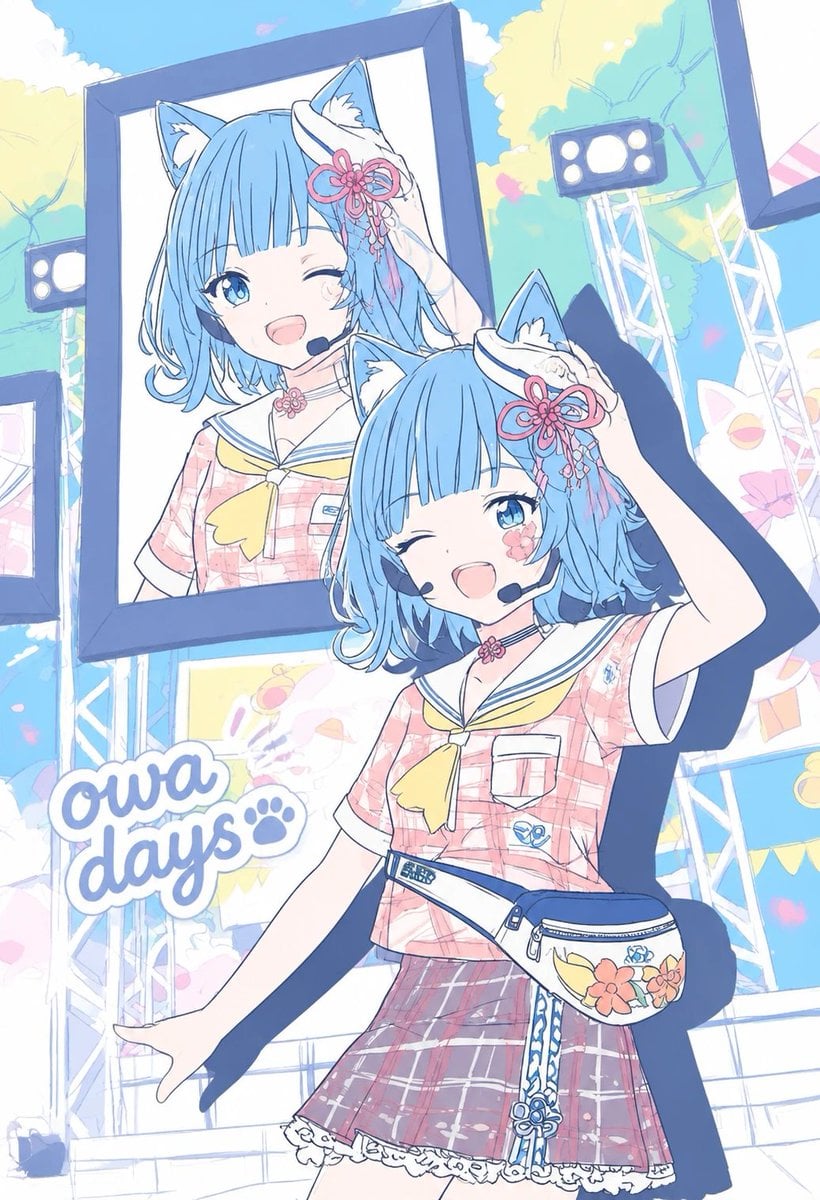
Pastel Cat-Eared Summer Idol Stage
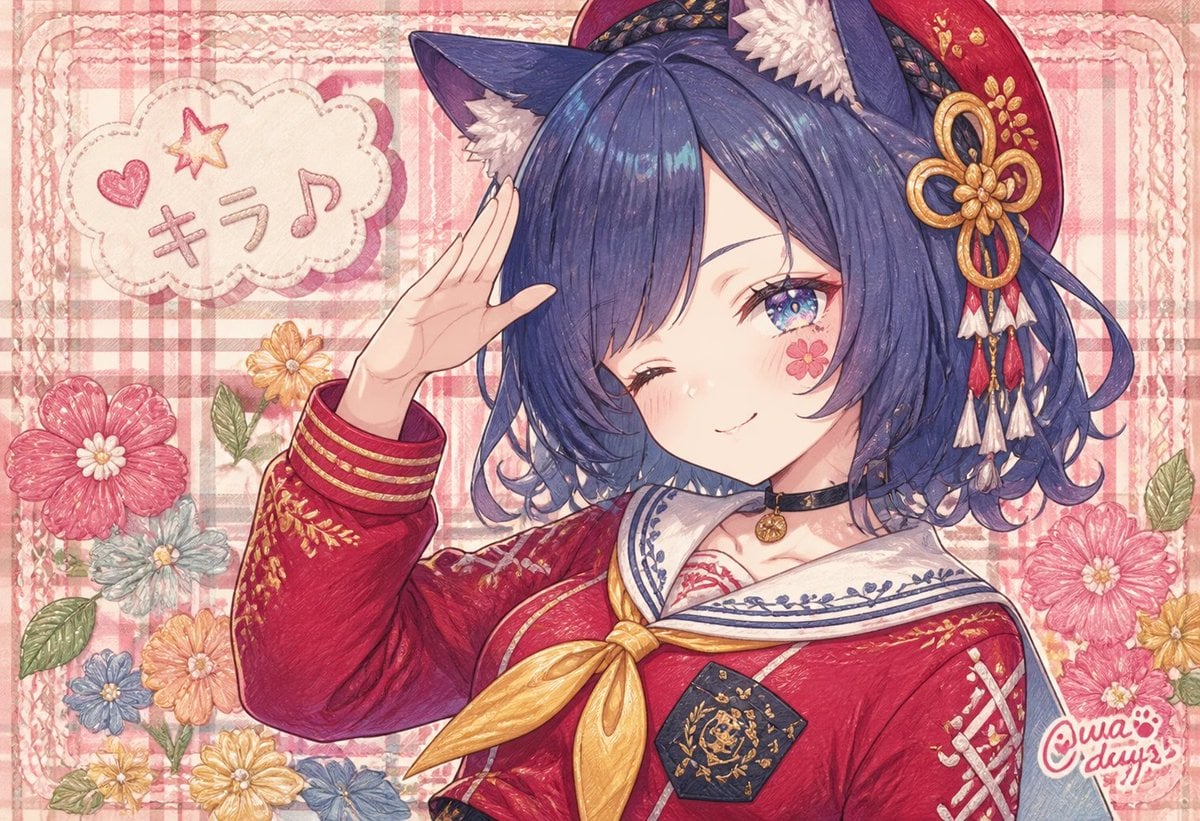
Winking Cat-Eared Idol Card

Korean Idol Partial Shadow Editorial Portrait

80s Neon Disco Night
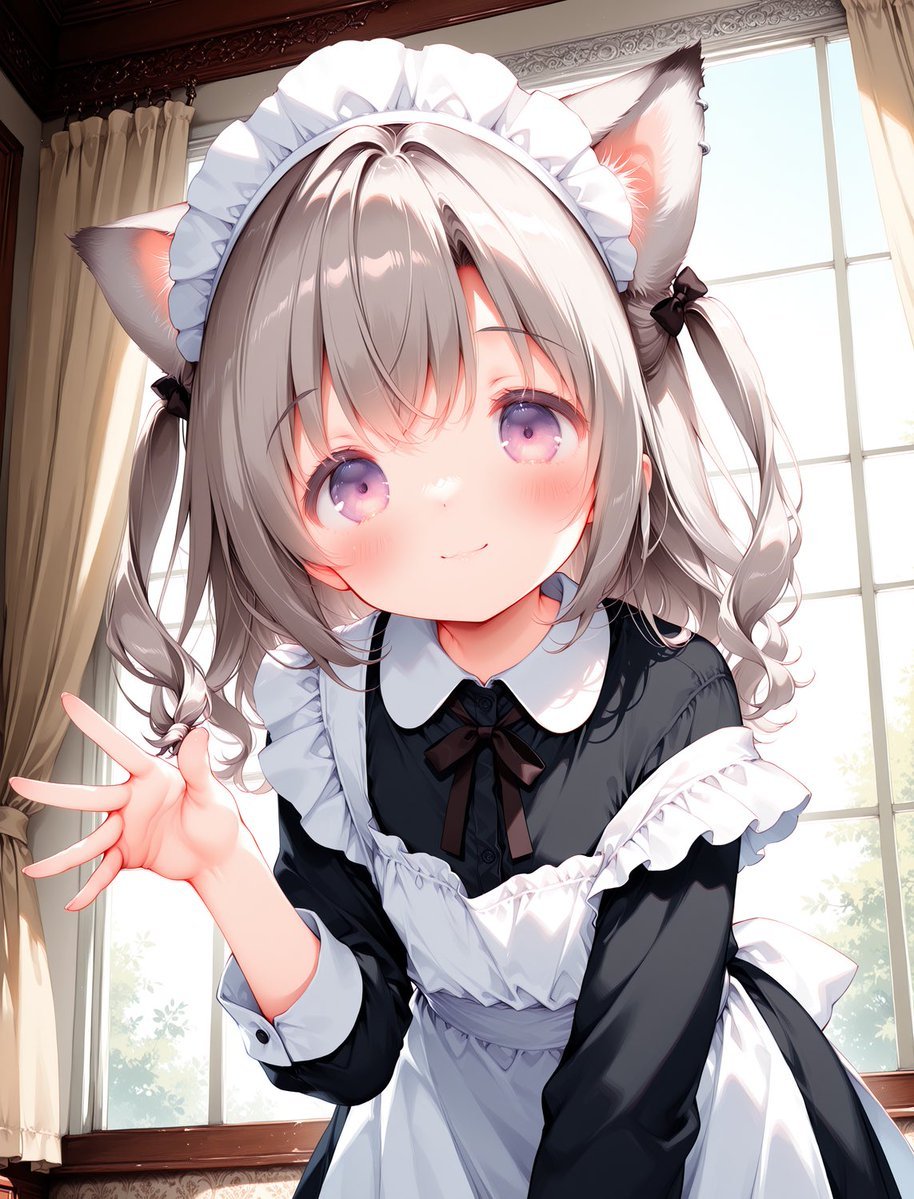
Cat-Eared Maid Portrait
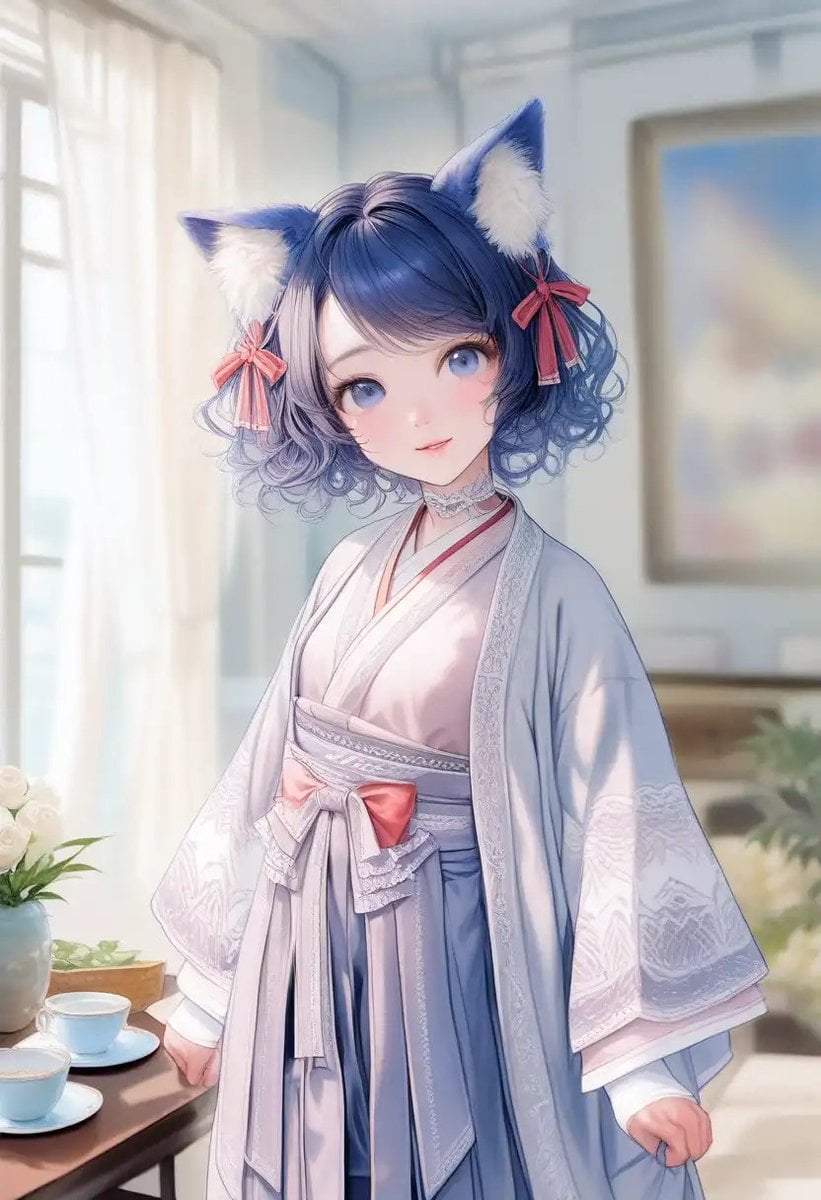
Cat-Eared Kimono Girl Portrait
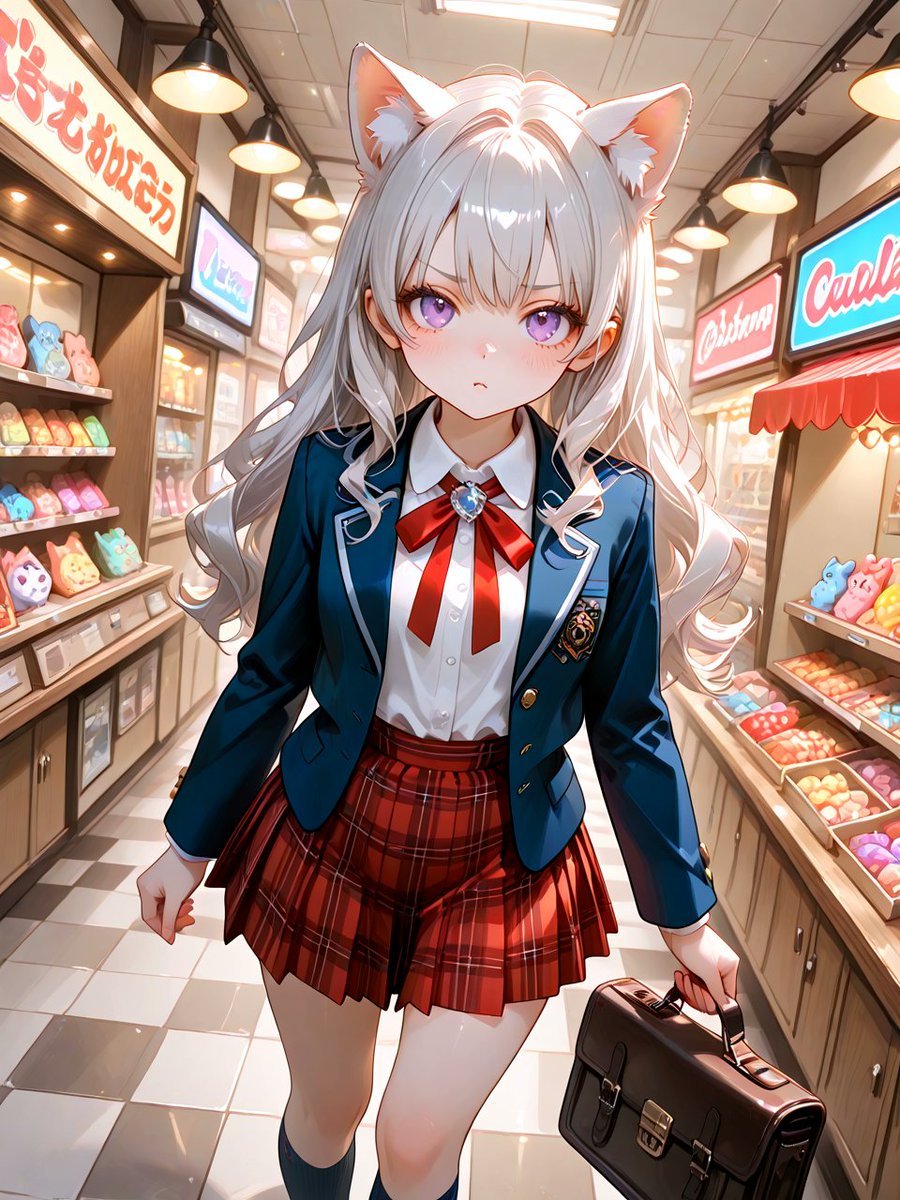
Cat-Eared Schoolgirl in Sweets Arcade
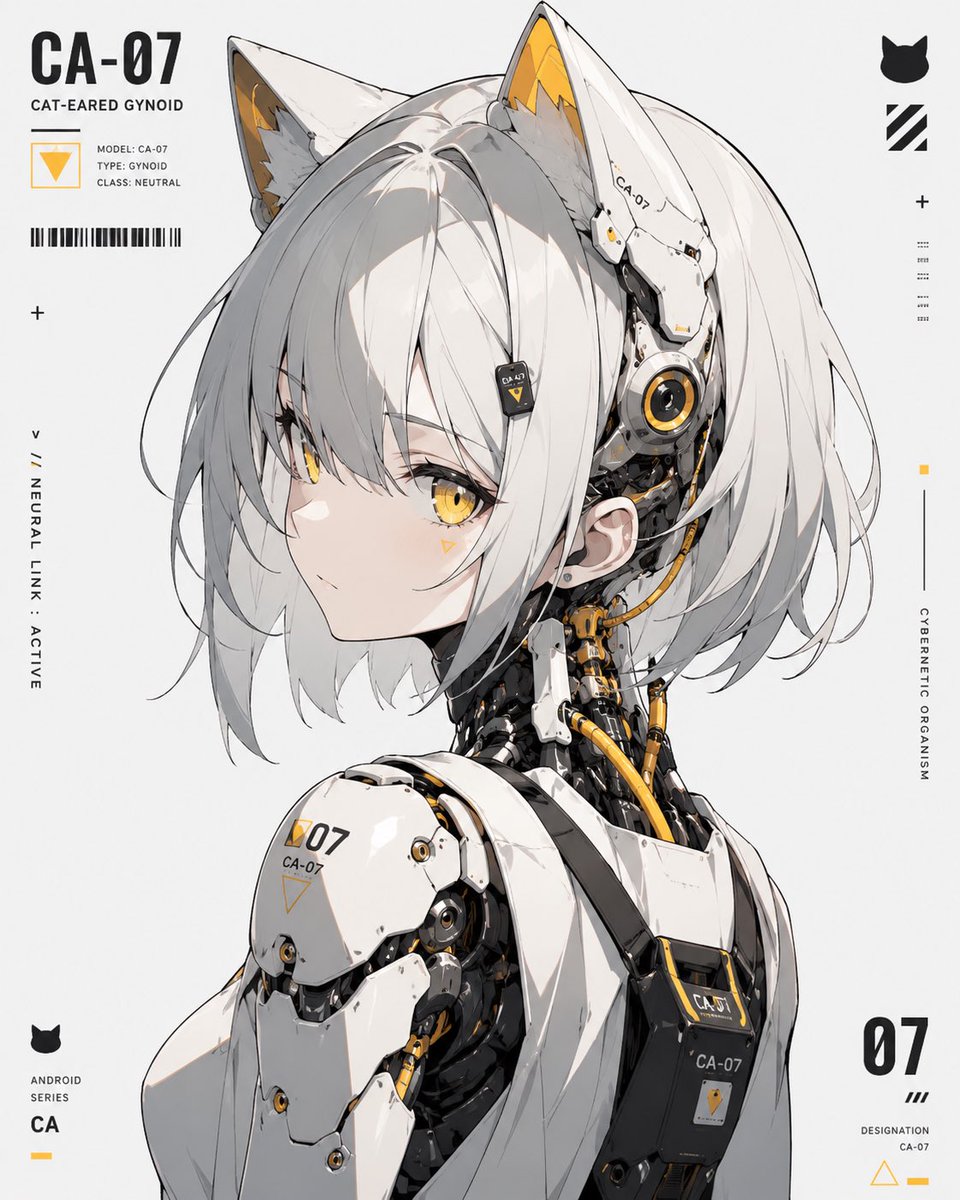
Cat-Eared Gynoid Digital Illustration
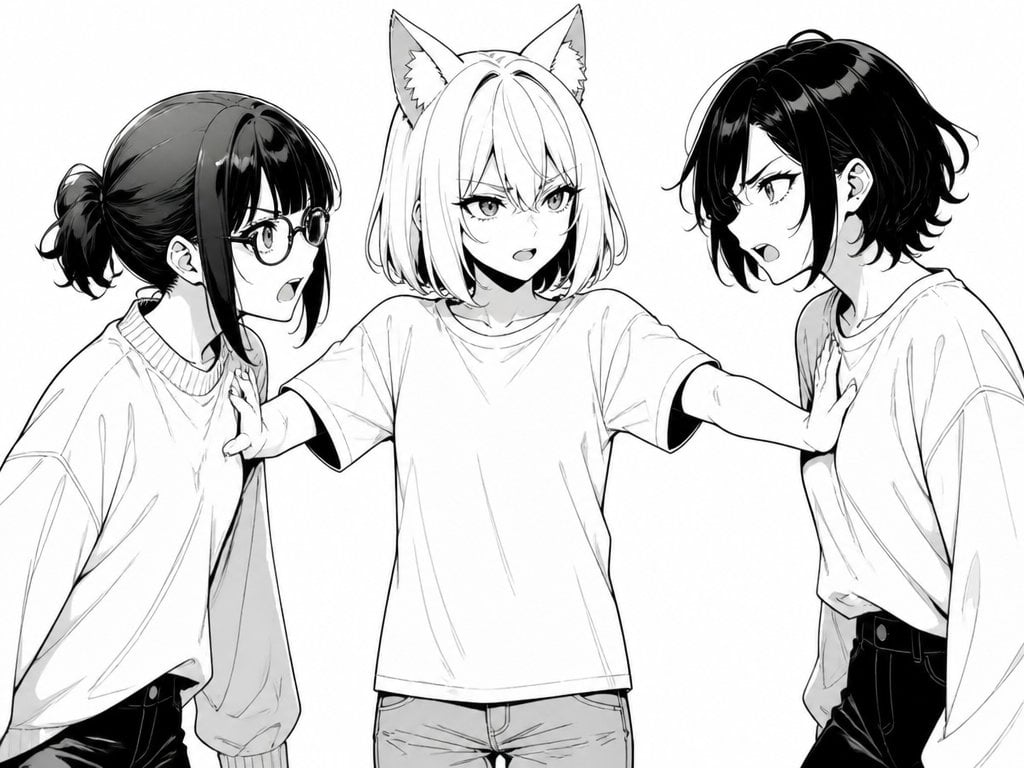
Manga Cat-Eared Girl Breaking Up Fight
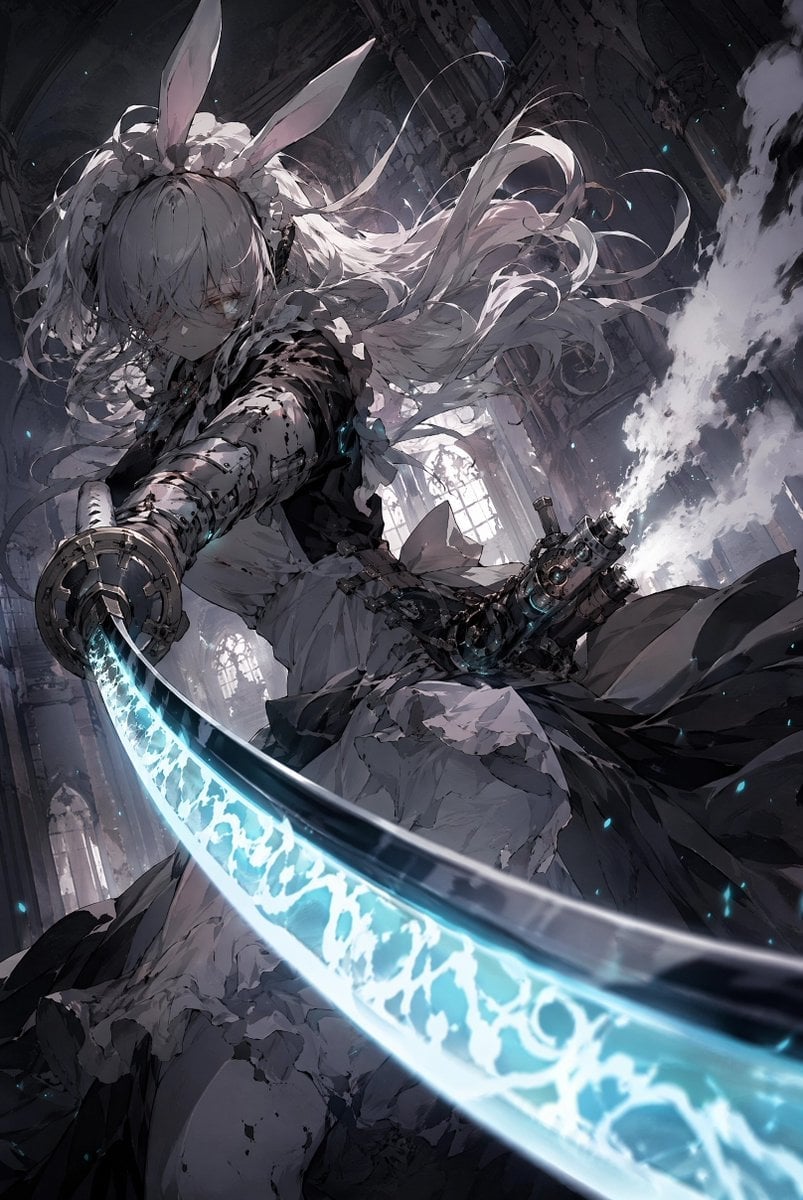
Rabbit-Eared Swordswoman in Ruined Cathedral
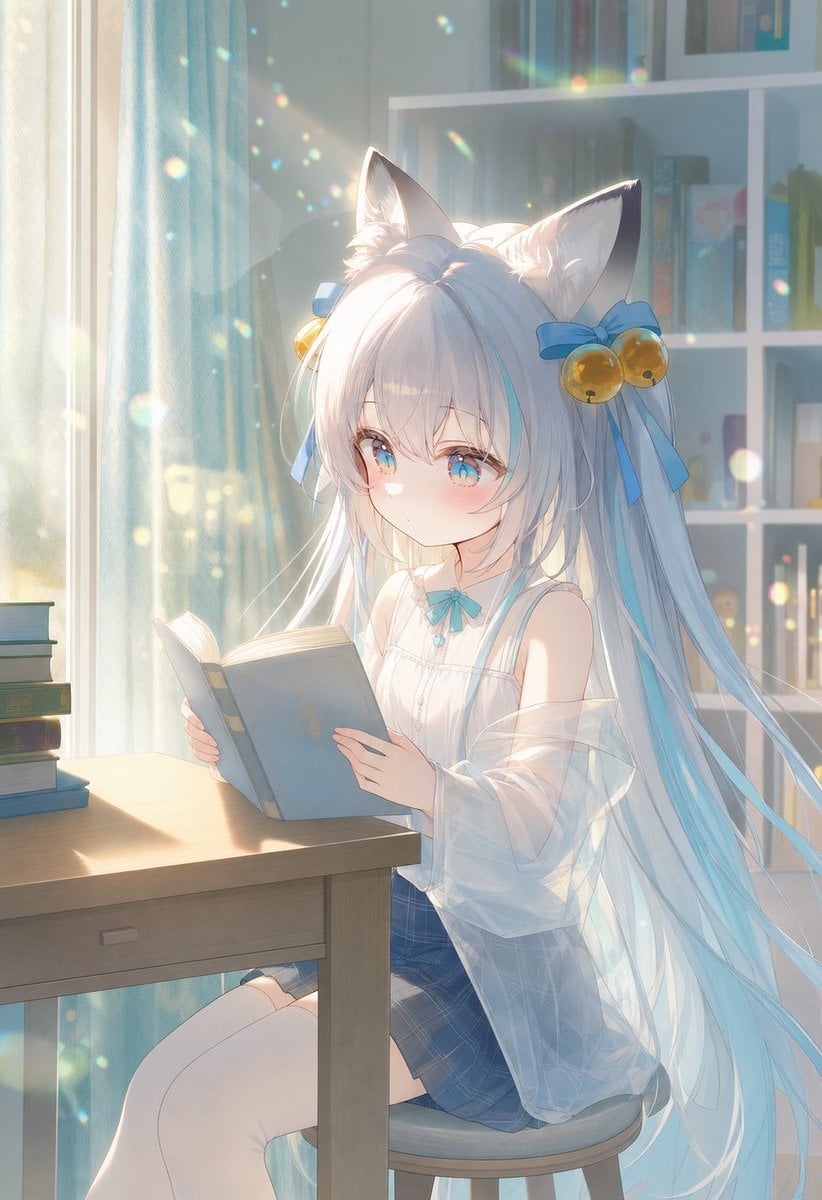
Sunlit Cat-Eared Girl Reading
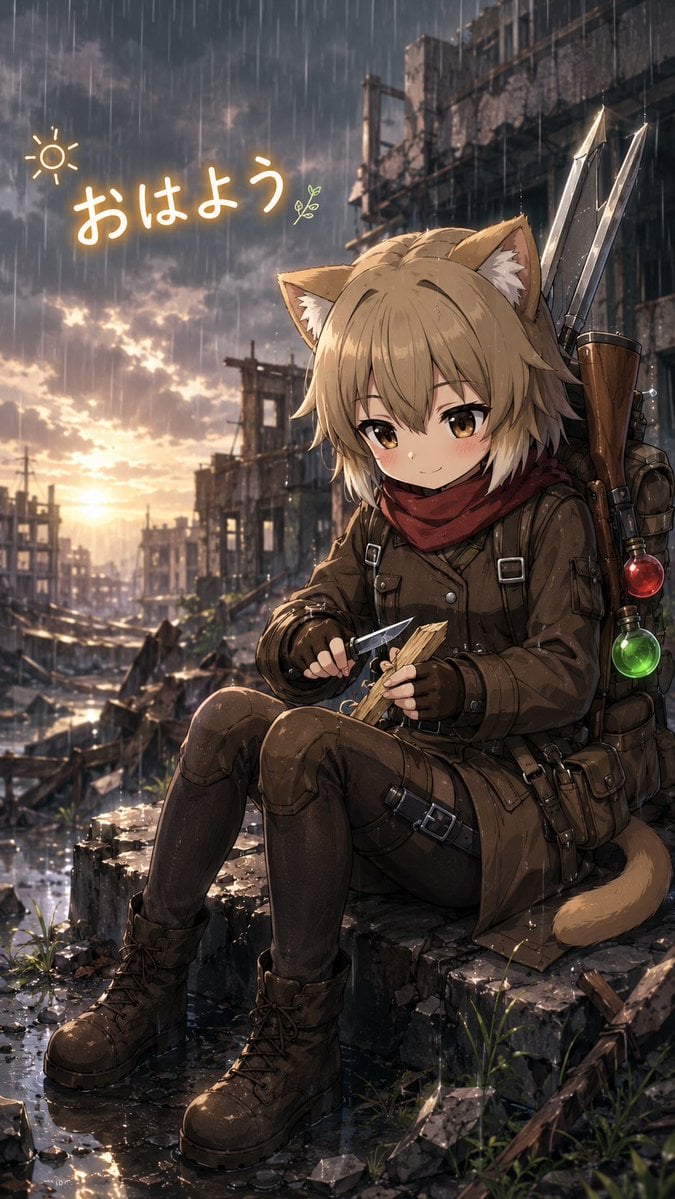
Rainy Cat-Eared Survivor Morning
Make it yours
Neon Cat-Eared Idol Close-Up works as-is. These are the safest ways to change it without losing the look.
Change one field
Copy a single group, rewrite it, and generate again so you can see what that field is doing.
Keep the frame, change the subject
Hold the composition and light of Neon Cat-Eared Idol Close-Up, then swap wardrobe, props or the person for a new take.
| If the result… | Why | Fix |
|---|---|---|
| The result drifts from the preview | Too many fields changed at once. | Reuse Neon Cat-Eared Idol Close-Up as-is first, then change one group — subject, light, or setting. |
| The model over-stylizes the scene | The prose prompt leaves finish and camera underspecified. | Add one camera or lighting sentence and stay on GPT Image 2. |
More GPT Image 2 templates
Other prompts made for GPT Image 2.

Six VTuber Japanese Logo Sheet

Realistic Portrait of Woman and Deer

The Vista Modular Condo Poster

AI Model Routing Comparison Infographic

2.5D Anime Art Board

Isometric Productivity Desk Scene

New York Double Exposure Poster

Four-Panel AI Landscape Comparison

Japanese Tatami Lifestyle Magazine Cover

NESCAFÉ Coffee Map Poster
More image prompts
Fresh picks from across the catalog.

Parisian Golden Hour Portrait
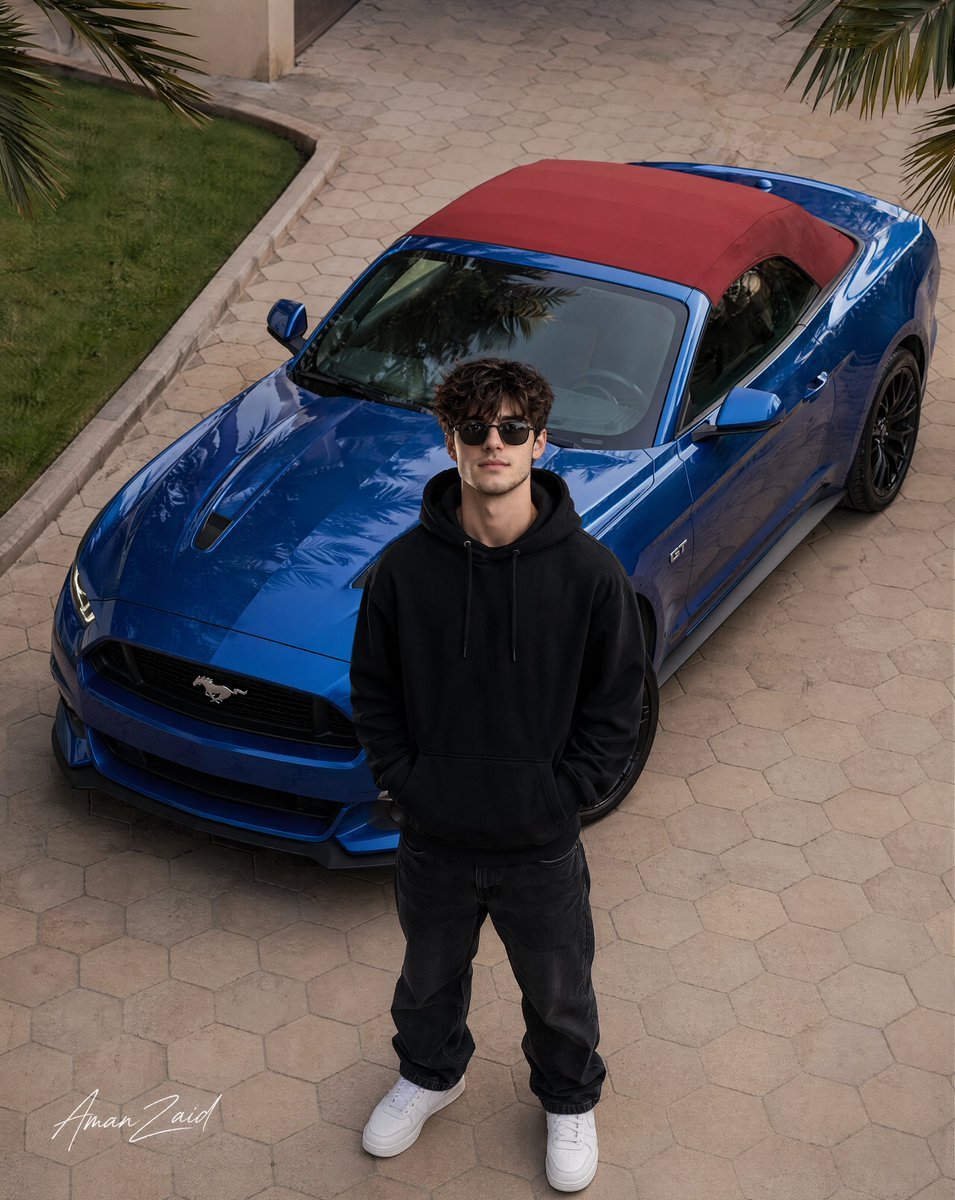
Cinematic portrait of a man with a Ford Mustang
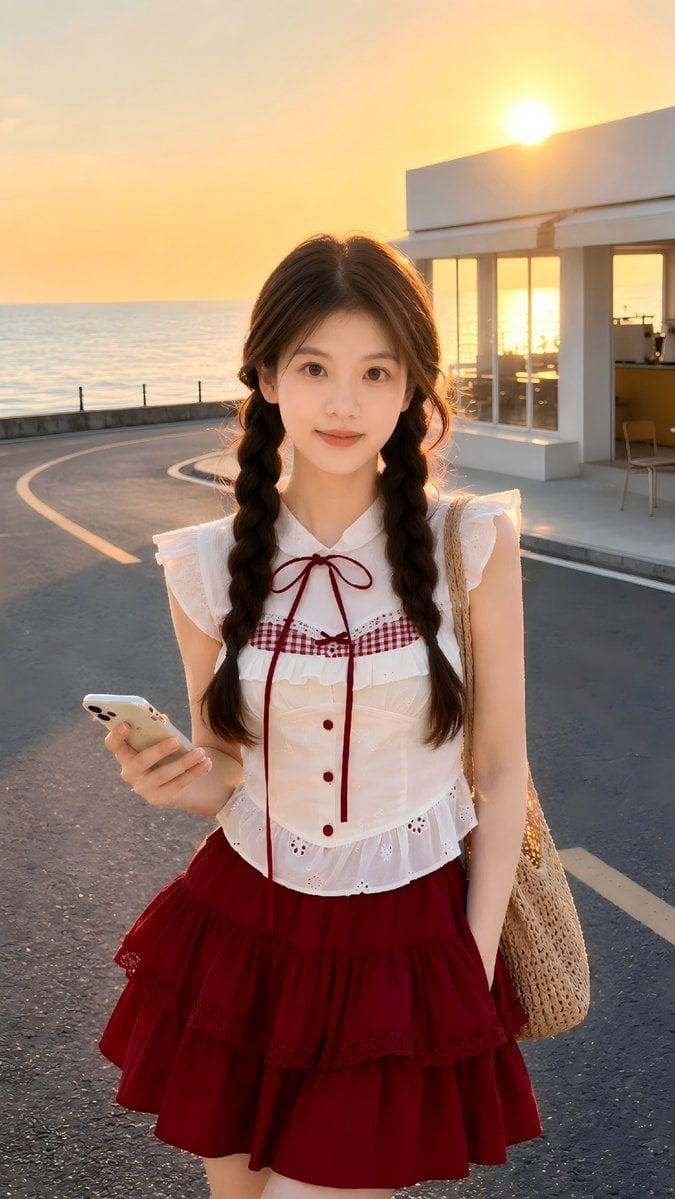
Golden Hour Identity-Preserving Portrait
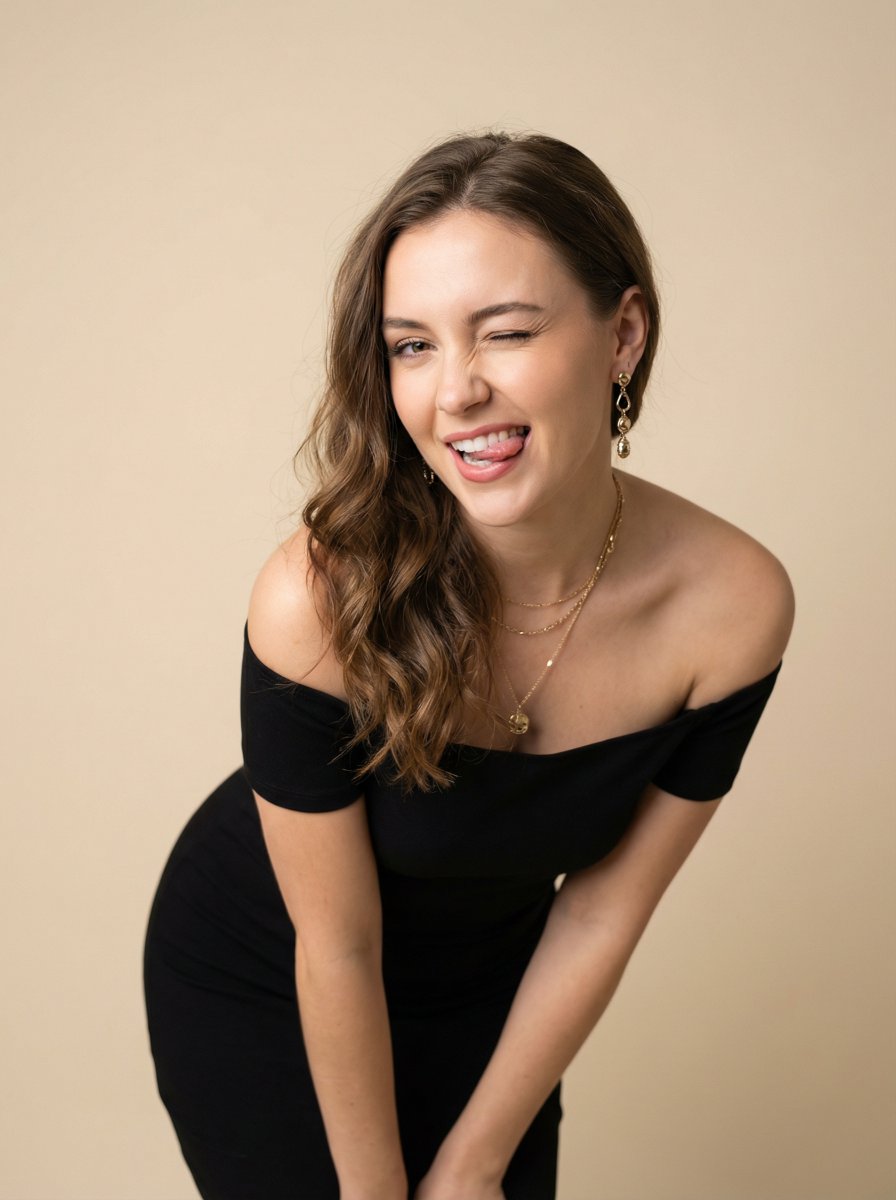
Ultra-Realistic Winking Portrait with Playful Expression

Japanese Mystery Detective Poster
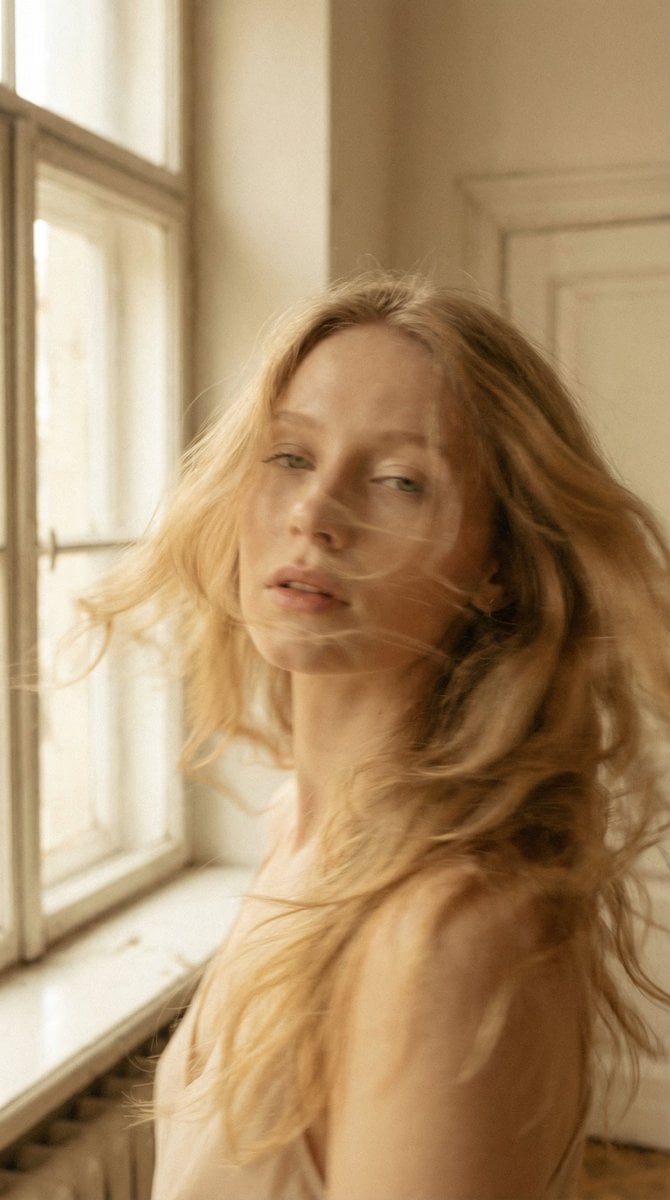
Soft Cinematic Portrait with Motion Blur
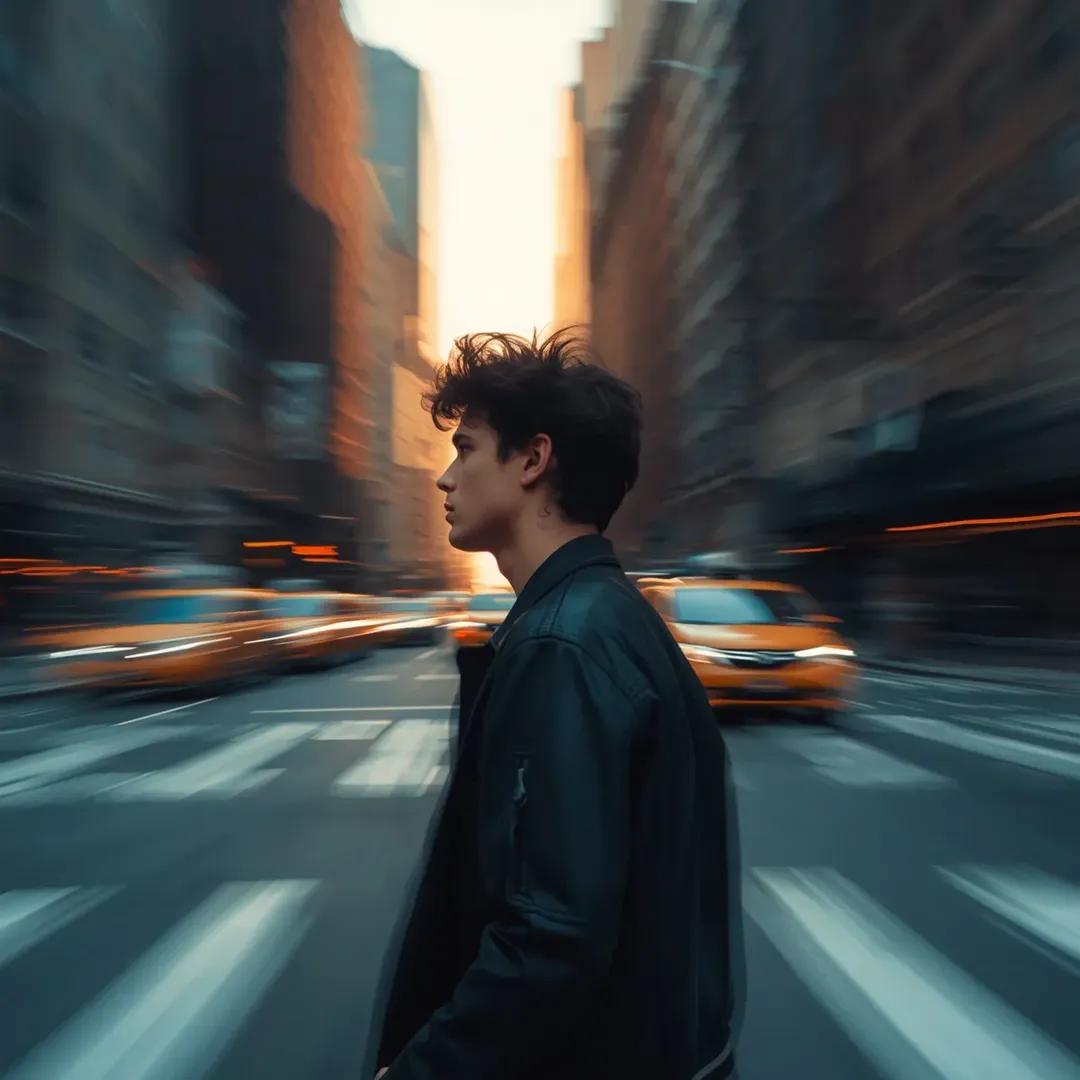
Motion Blur Portrait in NYC at Golden Hour
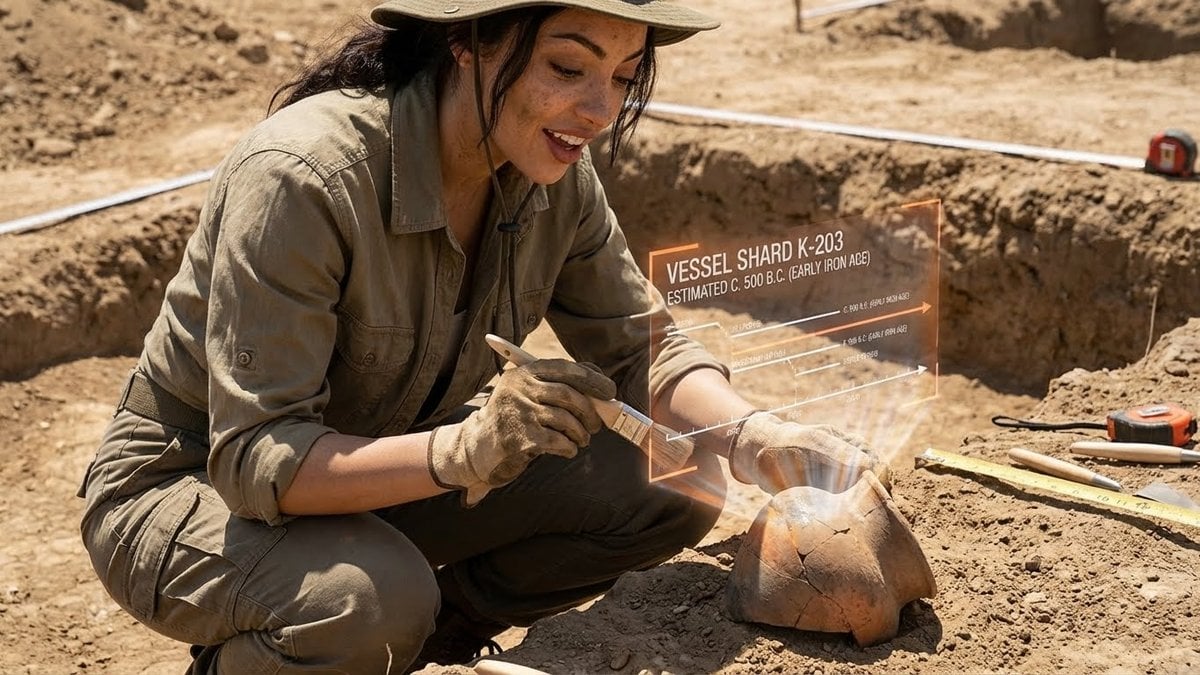
Structured Prompt for Archaeological Dig Scene with 3D Data Overlay
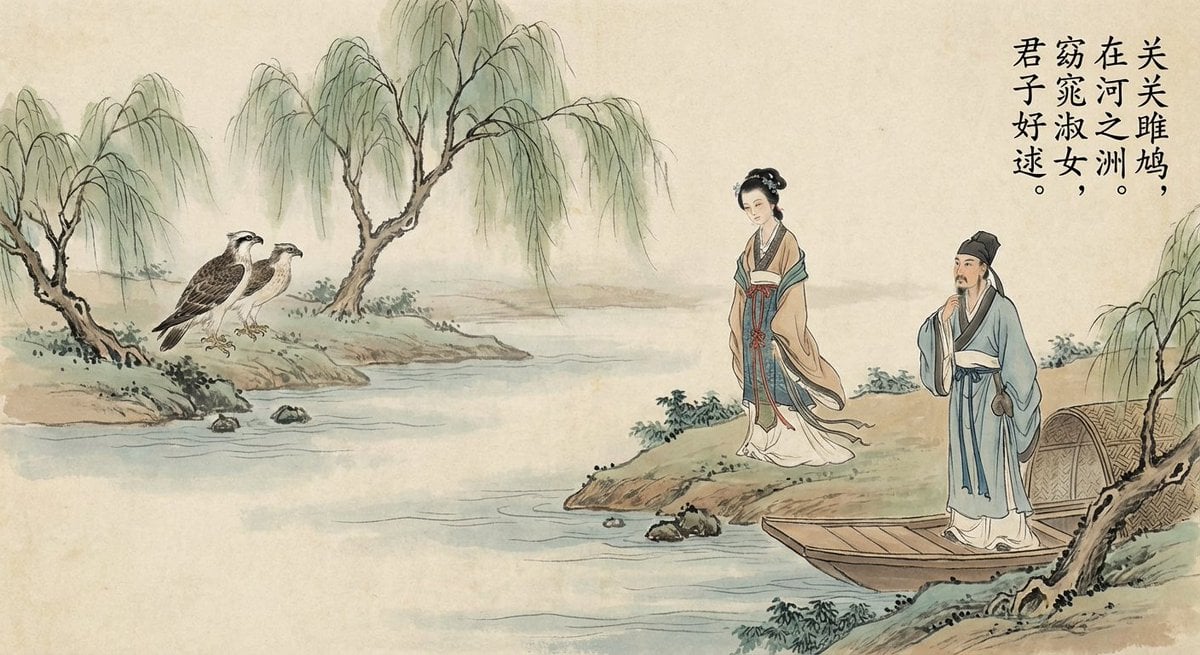
Nano Banana Pro brand hero image (another duplicate)
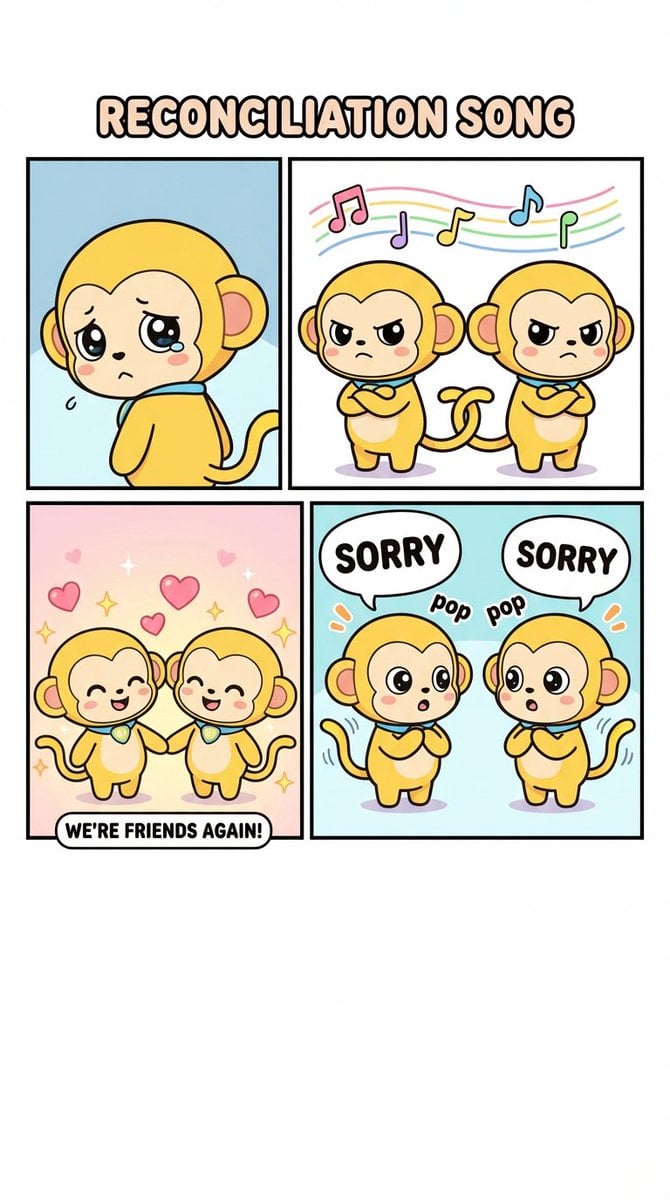
Four-Panel Comic: Reconciliation Song (English Version)
Browse template categories
Neon Cat-Eared Idol Close-Up questions
How do I use the Neon Cat-Eared Idol Close-Up template?
Add your photo if the template asks for one, edit the prompt if you like — the template's model and format are already selected — and press Generate. Your version opens in PicX Studio.
Can I customize the Neon Cat-Eared Idol Close-Up template?
Yes. You can change the subject, setting, lighting, mood, format, and available model controls before creating your image.
Is the Neon Cat-Eared Idol Close-Up template free?
Opening and editing this template is free. Generating uses credits, shown on the Generate button when you are signed in.
Which AI model should I use?
Start with GPT Image 2, which is the model associated with this template. You can compare another compatible model for a different finish.
Looking for something else? Browse all templates.

Your photo, any look
Thousands of ready templates for every top image and video model, from one credit balance.