
Kawaii Animal Sticker Sheet Generator
Generates a 24-piece grid of cute, hand-drawn animal stickers with custom text labels, ideal for messaging app mockups or planner printables.
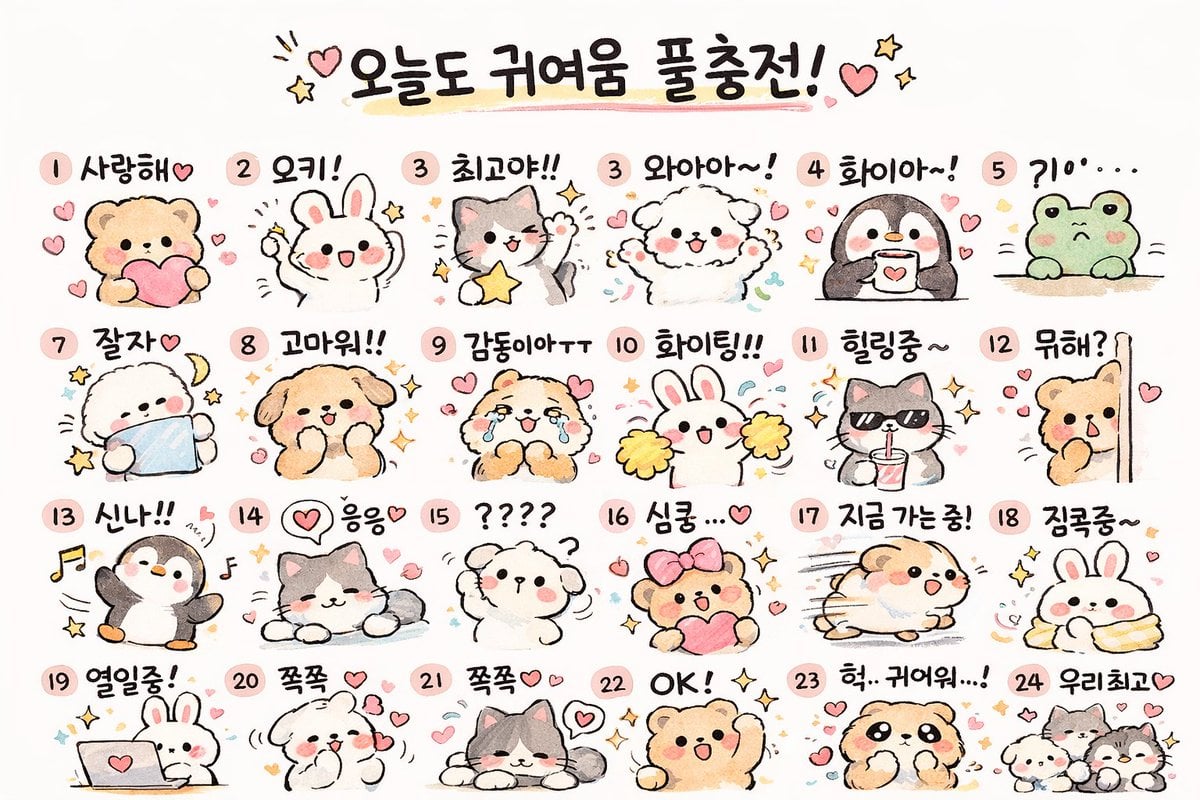
- Prompt included
- Model and format preset
- Free template
The prompt behind this image
Copy the exact prompt behind Kawaii Animal Sticker Sheet Generator, or open it in the studio and make it yours.
- Type
- kawaii animal sticker sheet
- Style
- {argument name="art style" default="hand-drawn watercolor and colored pencil texture, pastel colors, cute, simple outlines"}
- Header › Text
- {argument name="header text" default="오늘도 귀여움 풀충전!"}
- Header › Decorations
- hearts and stars
- Layout › Grid
- 4 rows by 6 columns
- Layout › Total Stickers
- 24
- Stickers › 0 › Id
- 1
- Stickers › 0 › Animal
- bear holding a pink heart
- Stickers › 0 › Label
- 사랑해♡
- Stickers › 1 › Id
- 2
- Stickers › 1 › Animal
- white rabbit cheering
- Stickers › 1 › Label
- 오키!
- Stickers › 2 › Id
- 3
- Stickers › 2 › Animal
- gray and white cat holding a yellow star
- Stickers › 2 › Label
- 최고야!!
- Stickers › 3 › Id
- 4
- Stickers › 3 › Animal
- fluffy white dog cheering
- Stickers › 3 › Label
- 와아아~!
- Stickers › 4 › Id
- 5
- Stickers › 4 › Animal
- penguin holding a coffee mug
- Stickers › 4 › Label
- 화이아~!
- Stickers › 5 › Id
- 6
- Stickers › 5 › Animal
- green frog peeking over an edge
- Stickers › 5 › Label
- ?10'...
Raw JSON
{
  "type": "kawaii animal sticker sheet",
  "style": "{argument name=\"art style\" default=\"hand-drawn watercolor and colored pencil texture, pastel colors, cute, simple outlines\"}",
  "header": {
    "text": "{argument name=\"header text\" default=\"오늘도 귀여움 풀충전!\"}",
    "decorations": "hearts and stars"
  },
  "layout": {
    "grid": "4 rows by 6 columns",
    "total_stickers": 24
  },
  "stickers": [
    {"id": "1", "animal": "bear holding a pink heart", "label": "사랑해♡"},
    {"id": "2", "animal": "white rabbit cheering", "label": "오키!"},
    {"id": "3", "animal": "gray and white cat holding a yellow star", "label": "최고야!!"},
    {"id": "4", "animal": "fluffy white dog cheering", "label": "와아아~!"},
    {"id": "5", "animal": "penguin holding a coffee mug", "label": "화이아~!"},
    {"id": "6", "animal": "green frog peeking over an edge", "label": "?10'..."},
    {"id": "7", "animal": "fluffy white dog sleeping with a crescent moon", "label": "잘자♡"},
    {"id": "8", "animal": "brown dog smiling with sparkles", "label": "고마워!!"},
    {"id": "9", "animal": "crying brown bear", "label": "감동이야ㅜㅜ"},
    {"id": "10", "animal": "white rabbit with yellow cheerleader pom-poms", "label": "화이팅!!"},
    {"id": "11", "animal": "gray cat wearing sunglasses and drinking from a cup", "label": "힐링중~"},
    {"id": "12", "animal": "brown bear peeking from behind a wall", "label": "뭐해?"},
    {"id": "13", "animal": "penguin dancing with music notes", "label": "신나!!"},
    {"id": "14", "animal": "gray and white cat lying down relaxed", "label": "응응♡"},
    {"id": "15", "animal": "confused fluffy white dog with question marks", "label": "????"},
    {"id": "16", "animal": "brown bear with a pink hair bow holding a heart", "label": "심쿵...♡"},
    {"id": "17", "animal": "hamster running fast with motion lines", "label": "지금 가는중!"},
    {"id": "18", "animal": "white rabbit wrapped snugly in a yellow blanket", "label": "집콕중~"},
    {"id": "19", "animal": "white rabbit typing on a laptop", "label": "열일중!"},
    {"id": "20", "animal": "fluffy white dog blowing kisses", "label": "쪽쪽 ♡"},
    {"id": "21", "animal": "gray and white cat lying down with hearts", "label": "쪽쪽♡♡"},
    {"id": "22", "animal": "brown bear cheering with one arm up", "label": "OK! ✧"},
    {"id": "23", "animal": "brown dog looking shocked", "label": "헉.. 귀여워...!"},
    {"id": "24", "animal": "group of three small animals", "label": "우리최고♡"}
  ]
}Reference images included
Kawaii Animal Sticker Sheet Generator needs input media to work. They load alongside the prompt when you open it in the studio.
How to use Kawaii Animal Sticker Sheet Generator in 3 steps
- 1Upload ImagePNG, JPG or paste
Add your photo
Upload the photo the template builds on. The prompt, model and format are already set.
- 2…a portrait of your subject in softgolden-hour light, 85mm…
Personalize
Edit the subject and creative details for your destination.
- 3Generate
Generate
Press Generate — your image is created in PicX Studio, so you can compare it with the original and refine one variable at a time.
More like this
Templates with the same subject, style or setup. Open one to see its prompt.
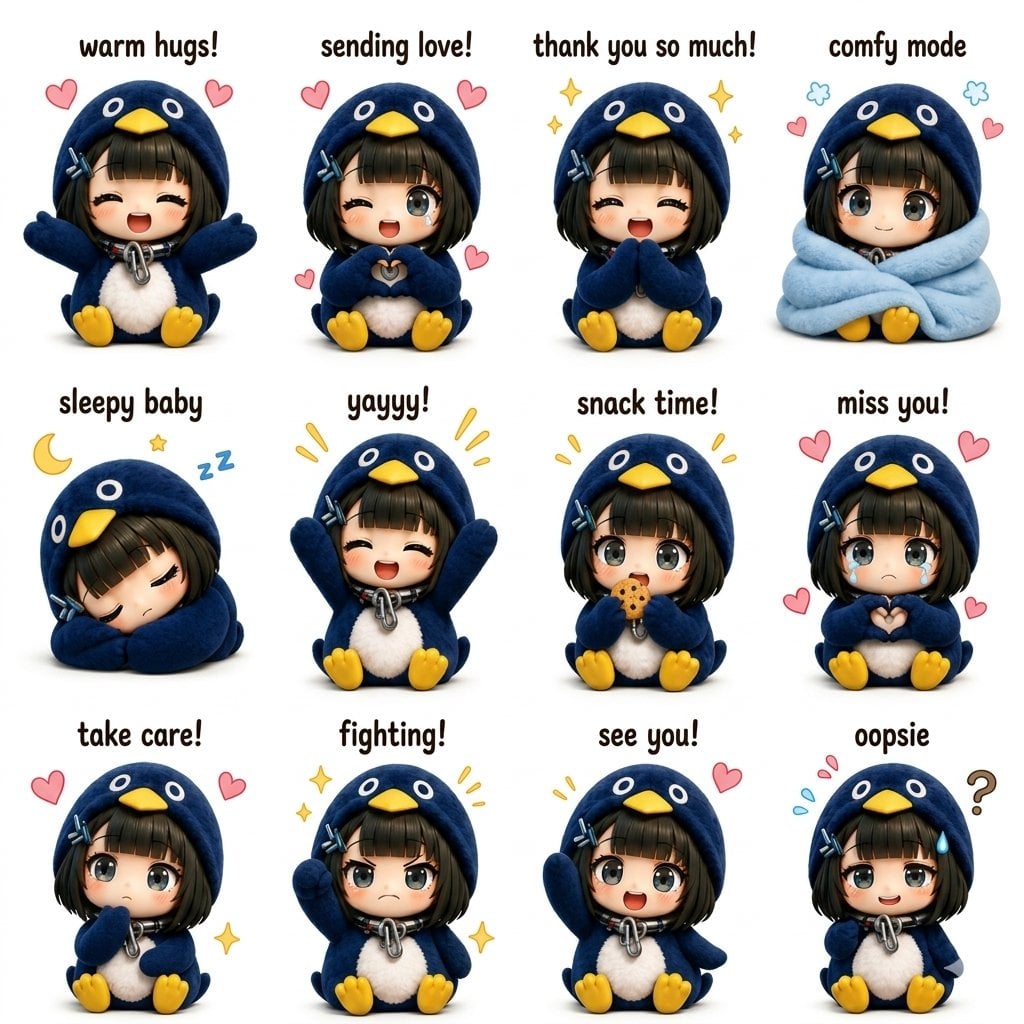
Kawaii Chibi Sticker Sheet
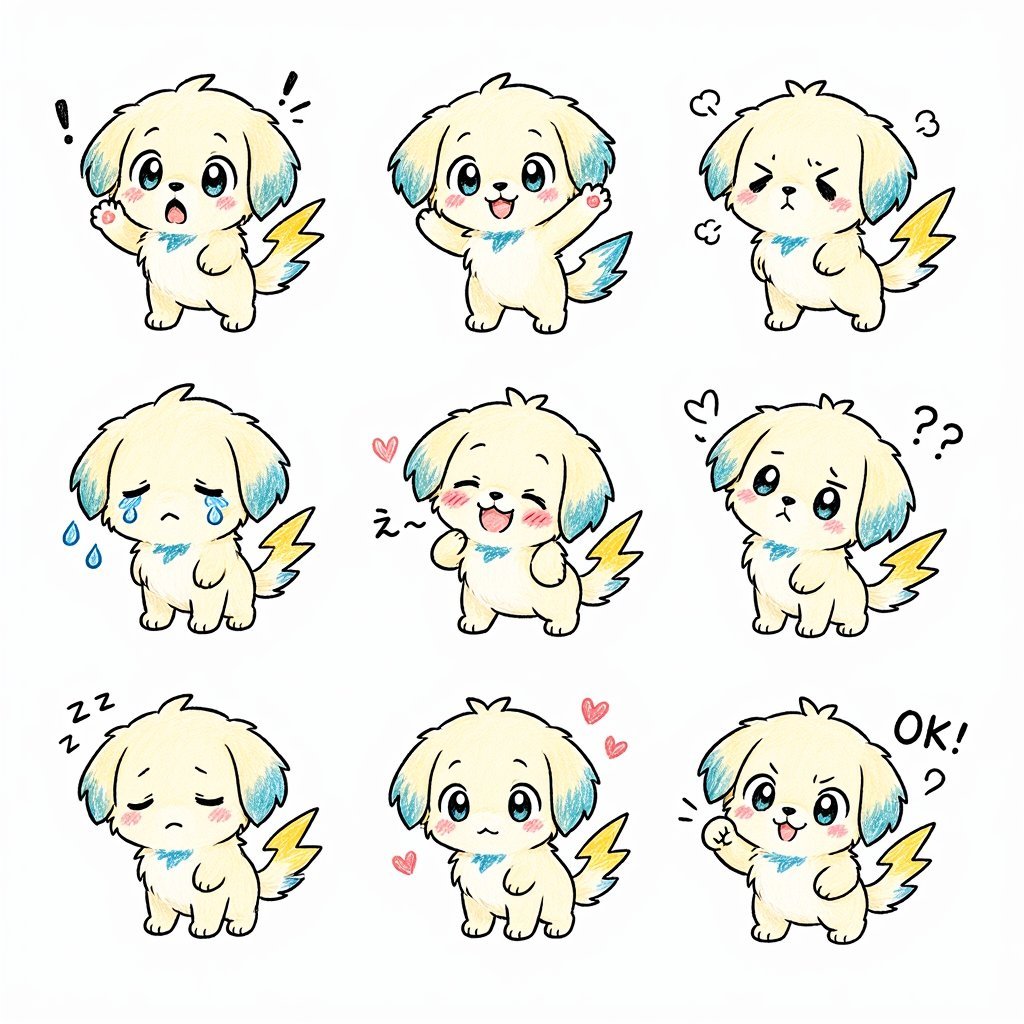
Kawaii Puppy Emotion Sticker Sheet
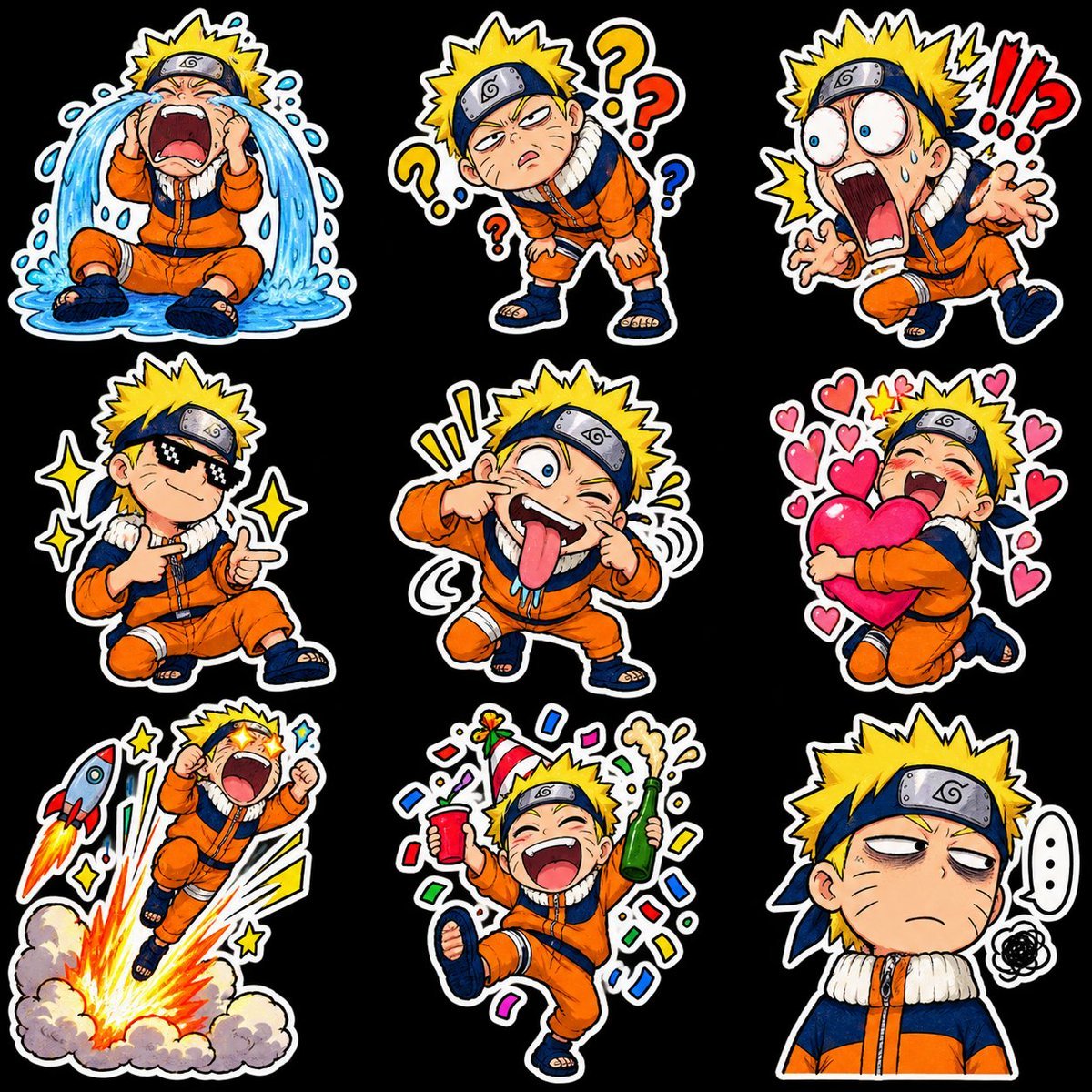
Chibi Anime Ninja Sticker Sheet
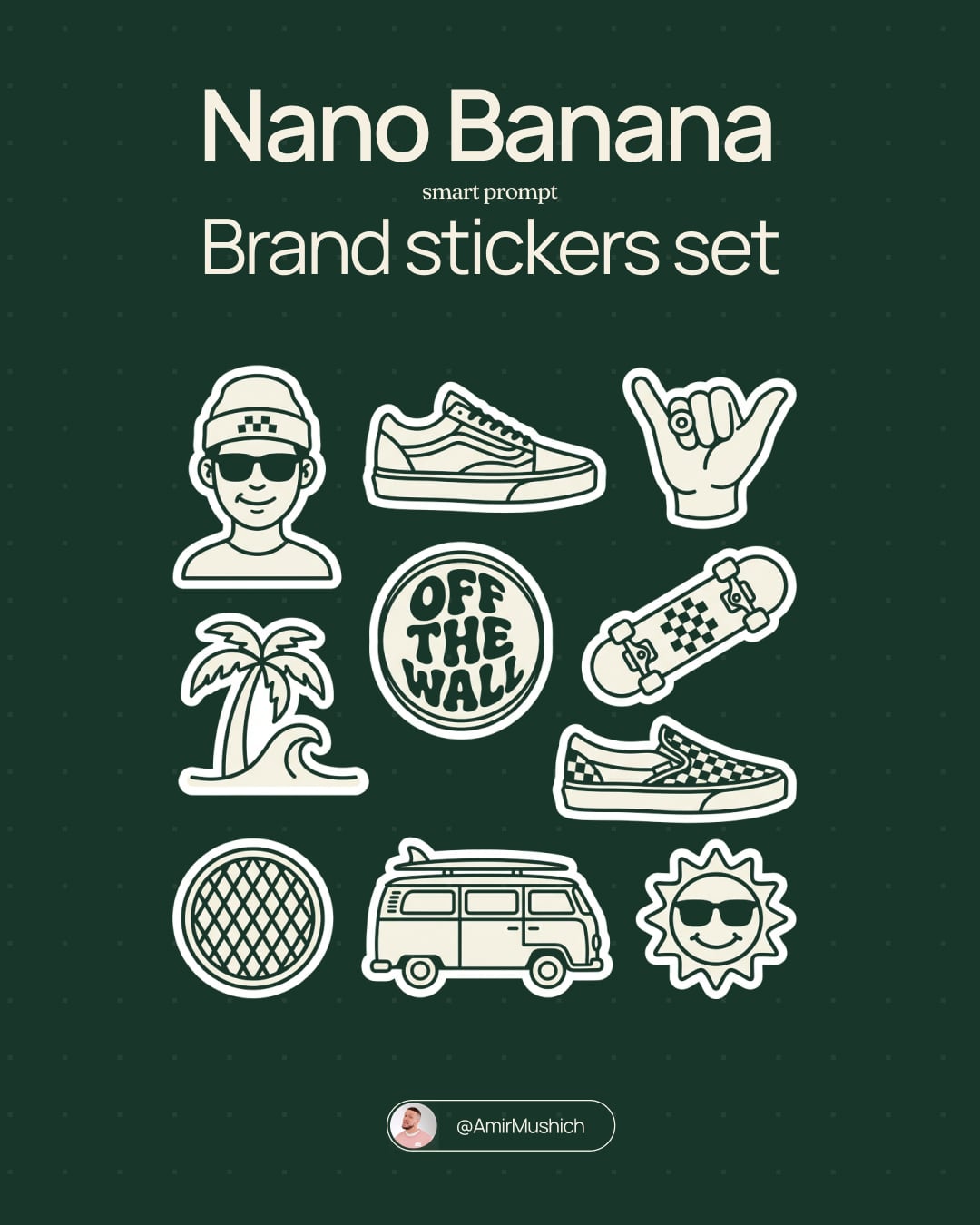
Brand Sticker Sheet Monoline Vector
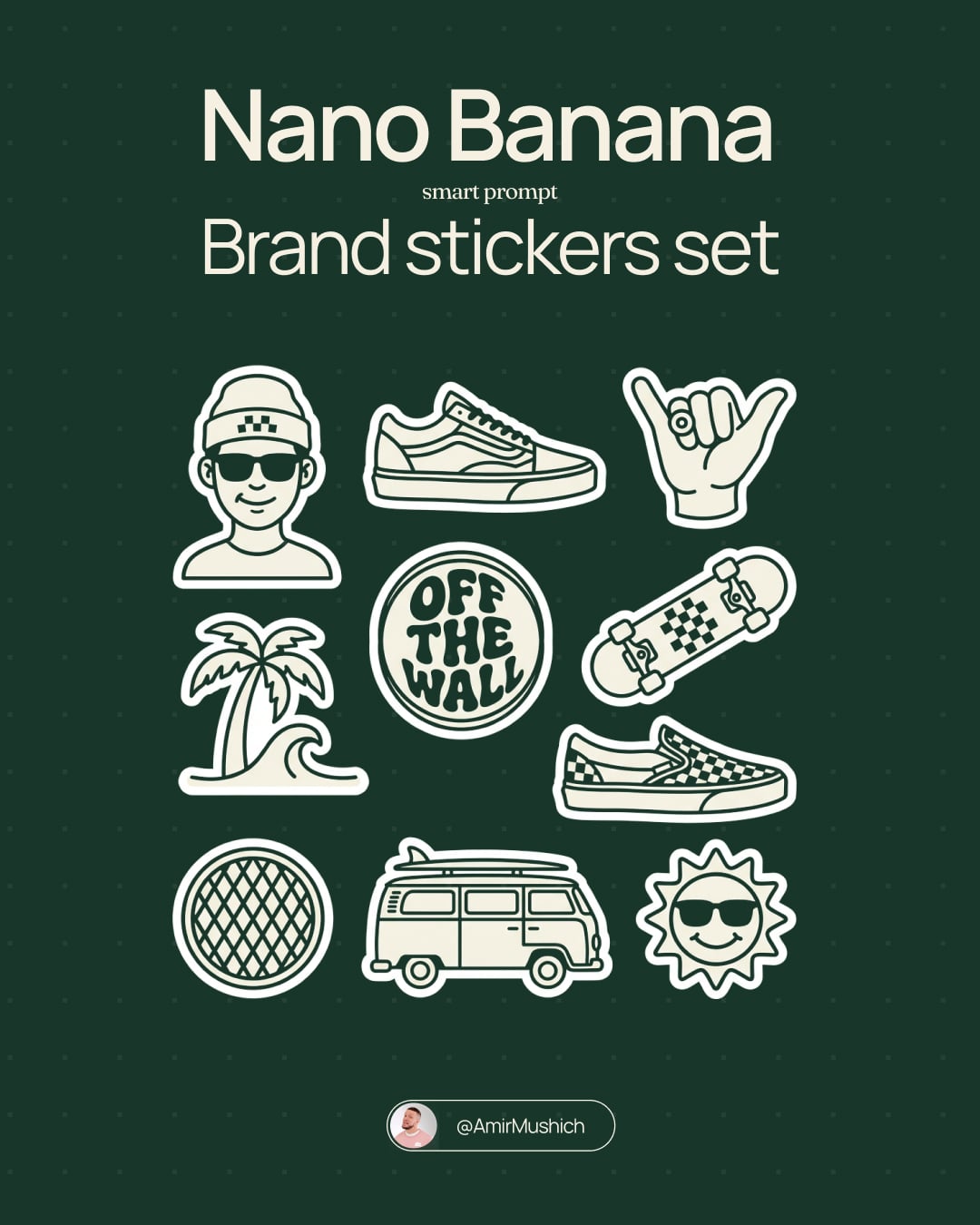
A trendy, high-end Sticker Sheet set
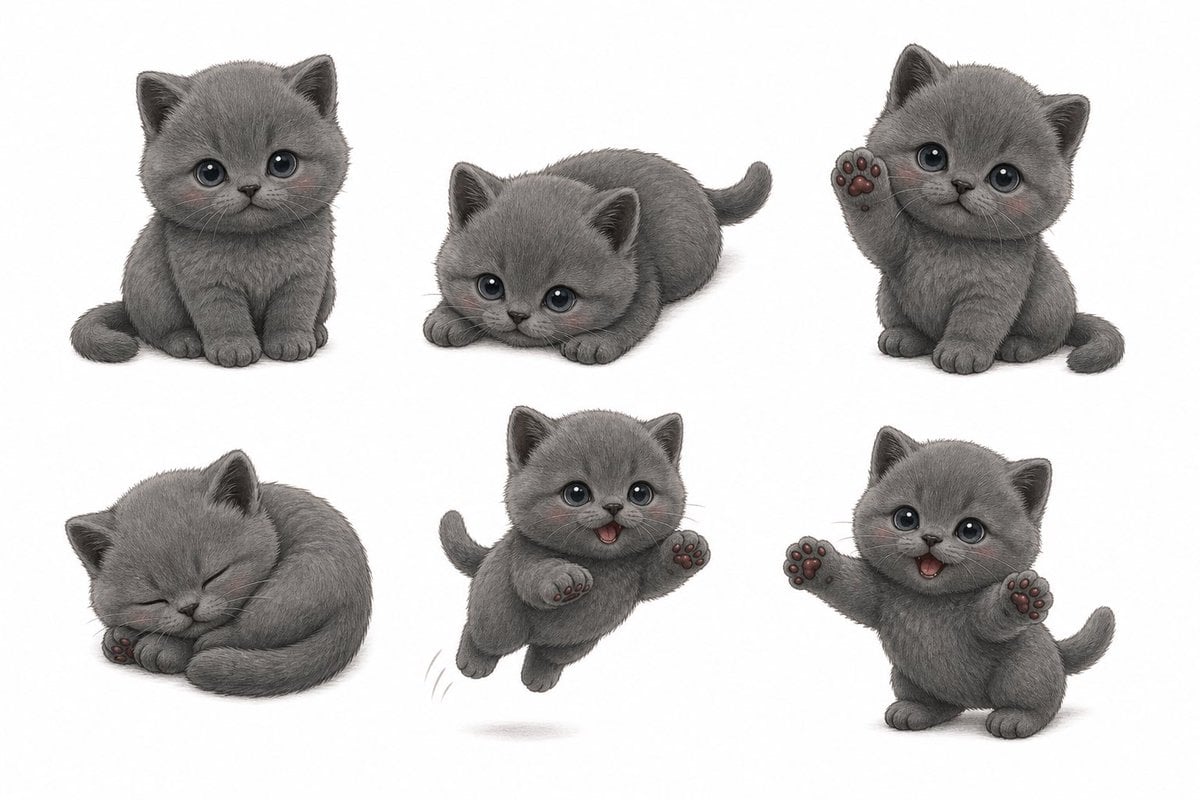
Gray Kitten Sticker Pack Sheet
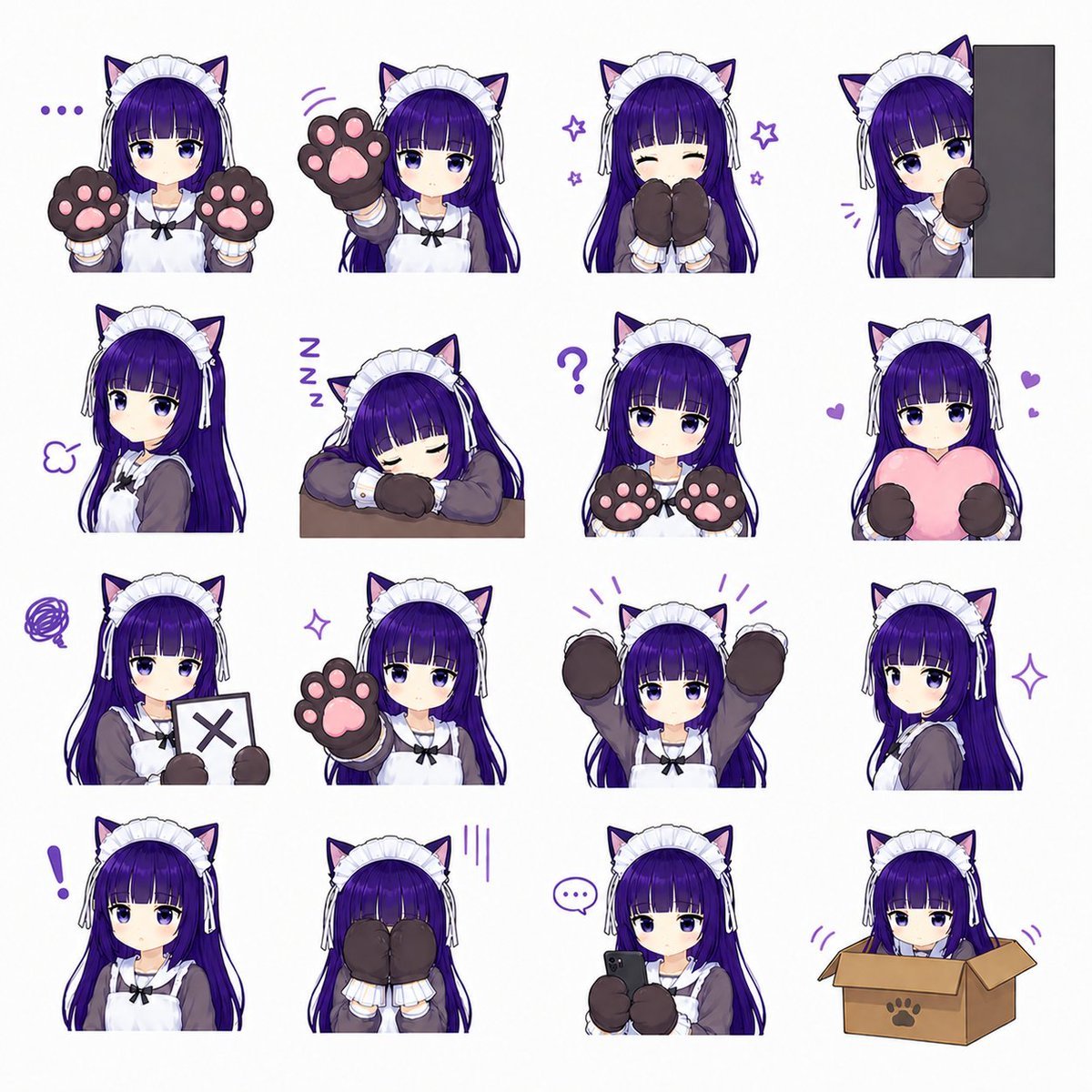
Cat-Eared Maid Emote Sticker Sheet
Cute Layered Paper Cut Chibi Girl
Puffy Chibi Sticker Sheet
Chibi Japanese Schoolgirl Sticker Sheet
Chef Cat LINE Sticker Sheet
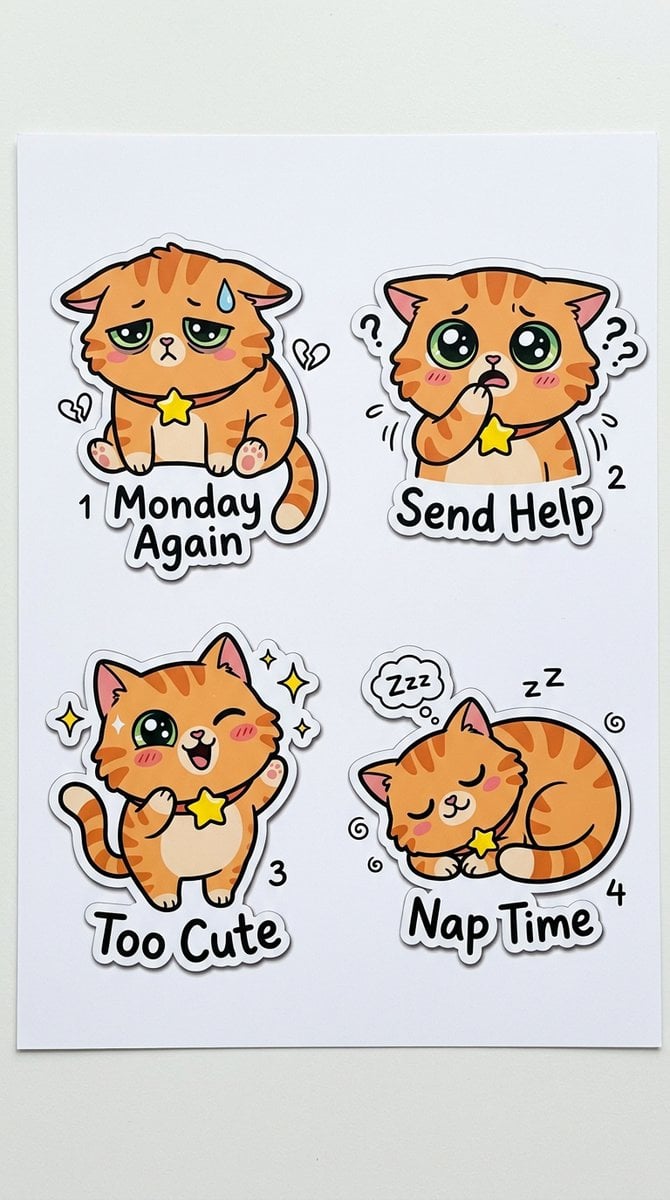
Cartoon Sticker Sheet Generator
Make it yours
Kawaii Animal Sticker Sheet Generator works as-is. These are the safest ways to change it without losing the look.
Change one field
Copy a single group, rewrite it, and generate again so you can see what that field is doing.
Keep the frame, change the subject
Hold the composition and light of Kawaii Animal Sticker Sheet Generator, then swap wardrobe, props or the person for a new take.
| If the result… | Why | Fix |
|---|---|---|
| The result drifts from the preview | Too many fields changed at once. | Reuse Kawaii Animal Sticker Sheet Generator as-is first, then change one group — subject, light, or setting. |
| GPT Image 2 ignores part of the JSON | Some models flatten or skip nested keys. | Keep the same values and paste them as a short paragraph instead. |
More GPT Image 2 templates
Other prompts made for GPT Image 2.

Six VTuber Japanese Logo Sheet

Realistic Portrait of Woman and Deer

The Vista Modular Condo Poster

AI Model Routing Comparison Infographic

2.5D Anime Art Board

Isometric Productivity Desk Scene

New York Double Exposure Poster

Four-Panel AI Landscape Comparison

Japanese Tatami Lifestyle Magazine Cover

NESCAFÉ Coffee Map Poster
More image prompts
Fresh picks from across the catalog.
Simple Silhouette Prompt
Cinematic Photorealistic Portrait Holding a Giant Glowing Moon
Microscopic City Art Addition Prompt
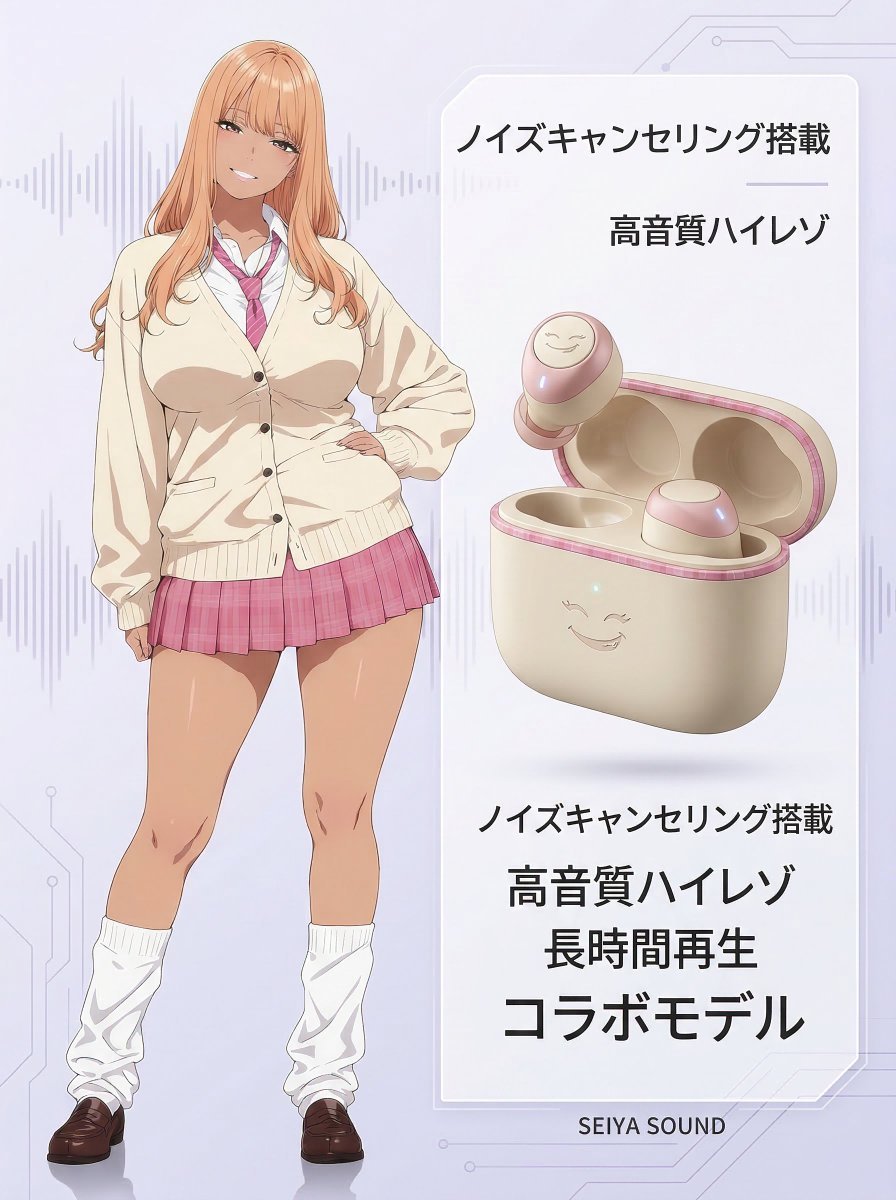
Character-Themed Wireless Earbuds Product Shot
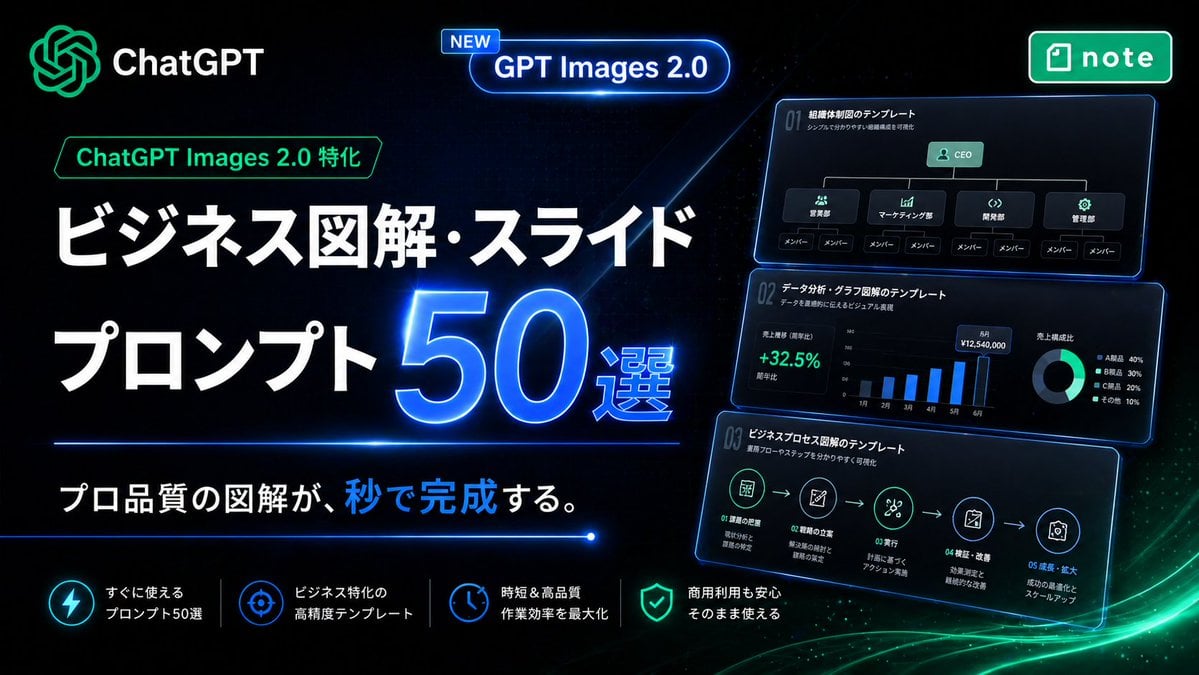
Neon Japanese AI Prompt Promo Banner
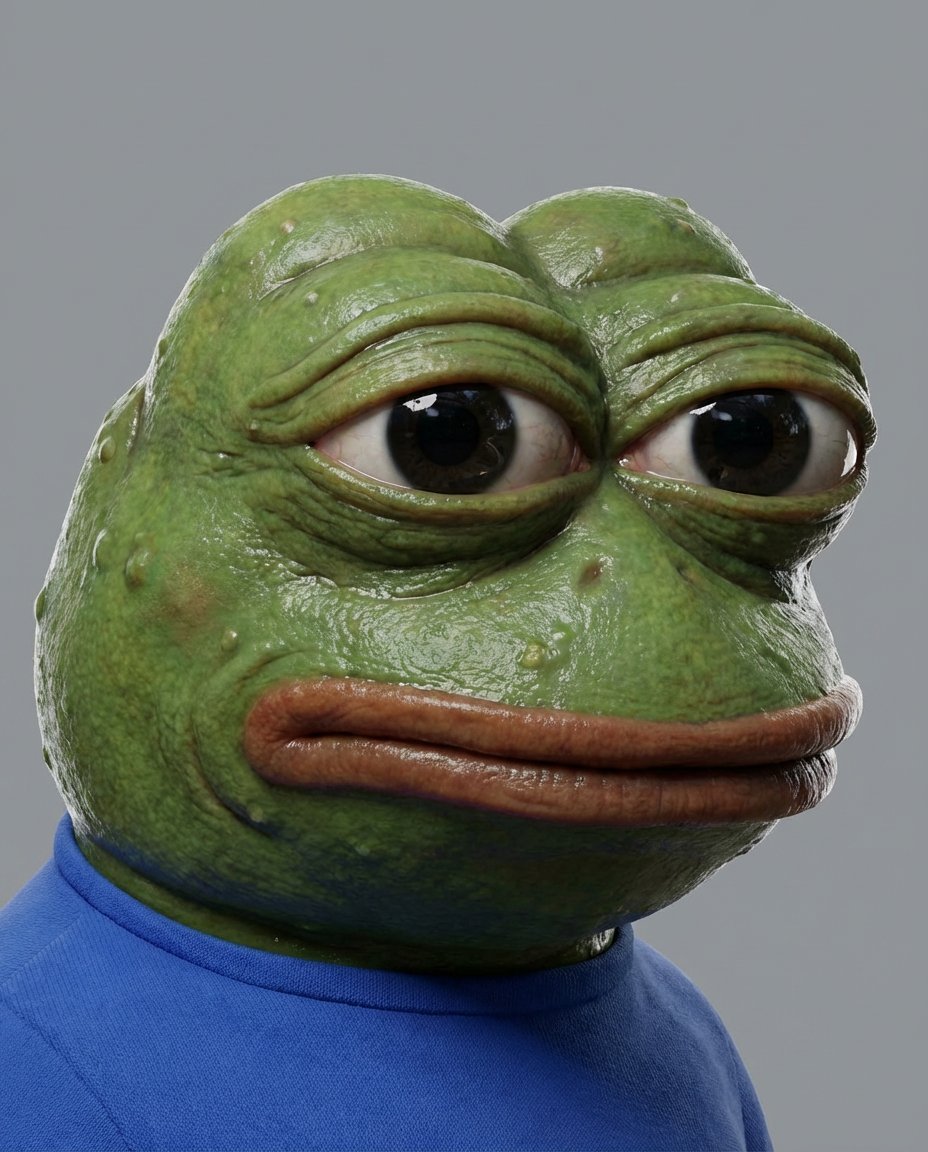
Meme to Ultra-Realistic Image Prompt

Ai Evolution Timeline Infographic
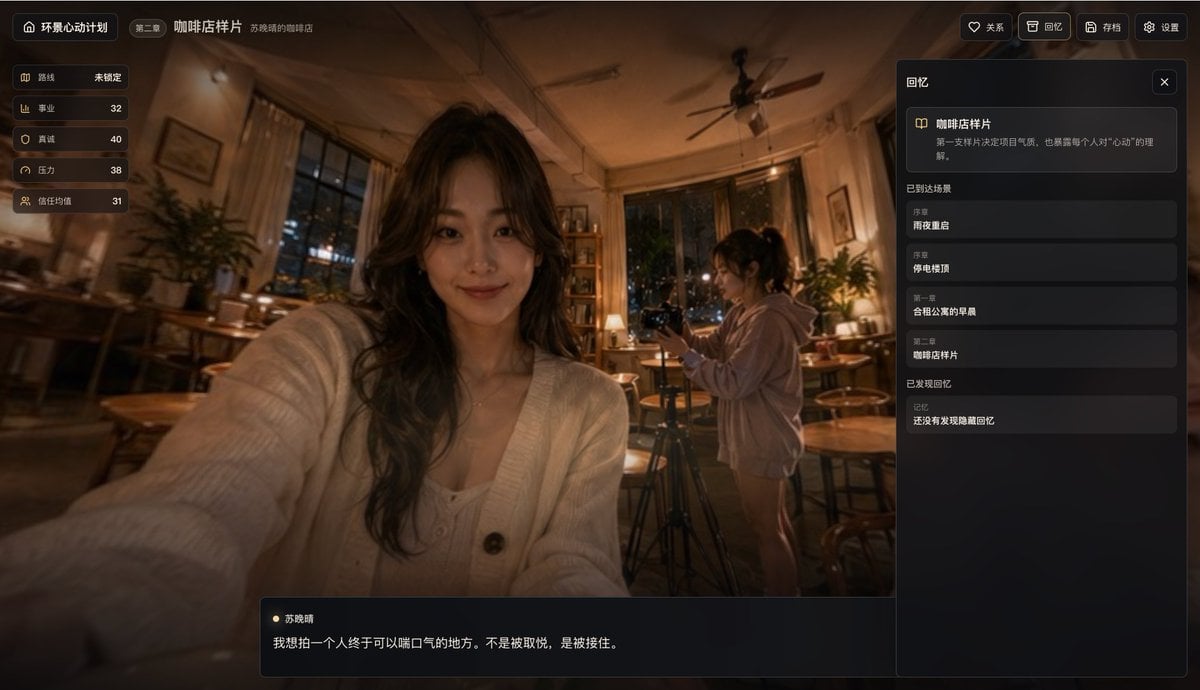
Cinematic Coffee Shop VN UI Mockup
Extreme Wide-Angle Perspective Transformation
Hongdae Street Style Portrait
Browse template categories
Kawaii Animal Sticker Sheet Generator questions
How do I use the Kawaii Animal Sticker Sheet Generator template?
Add your photo if the template asks for one, edit the prompt if you like — the template's model and format are already selected — and press Generate. Your version opens in PicX Studio.
Can I customize the Kawaii Animal Sticker Sheet Generator template?
Yes. You can change the subject, setting, lighting, mood, format, and available model controls before creating your image.
Is the Kawaii Animal Sticker Sheet Generator template free?
Opening and editing this template is free. Generating uses credits, shown on the Generate button when you are signed in.
Which AI model should I use?
Start with GPT Image 2, which is the model associated with this template. You can compare another compatible model for a different finish.
Looking for something else? Browse all templates.

Your photo, any look
Thousands of ready templates for every top image and video model, from one credit balance.