
Dreamy Anime Selfie With Face Overlay
Generates a soft pastel anime schoolgirl selfie scene with flowing hair, cherry blossom bokeh, and a centered opaque face-covering square for stylized or privacy-focused portraits.
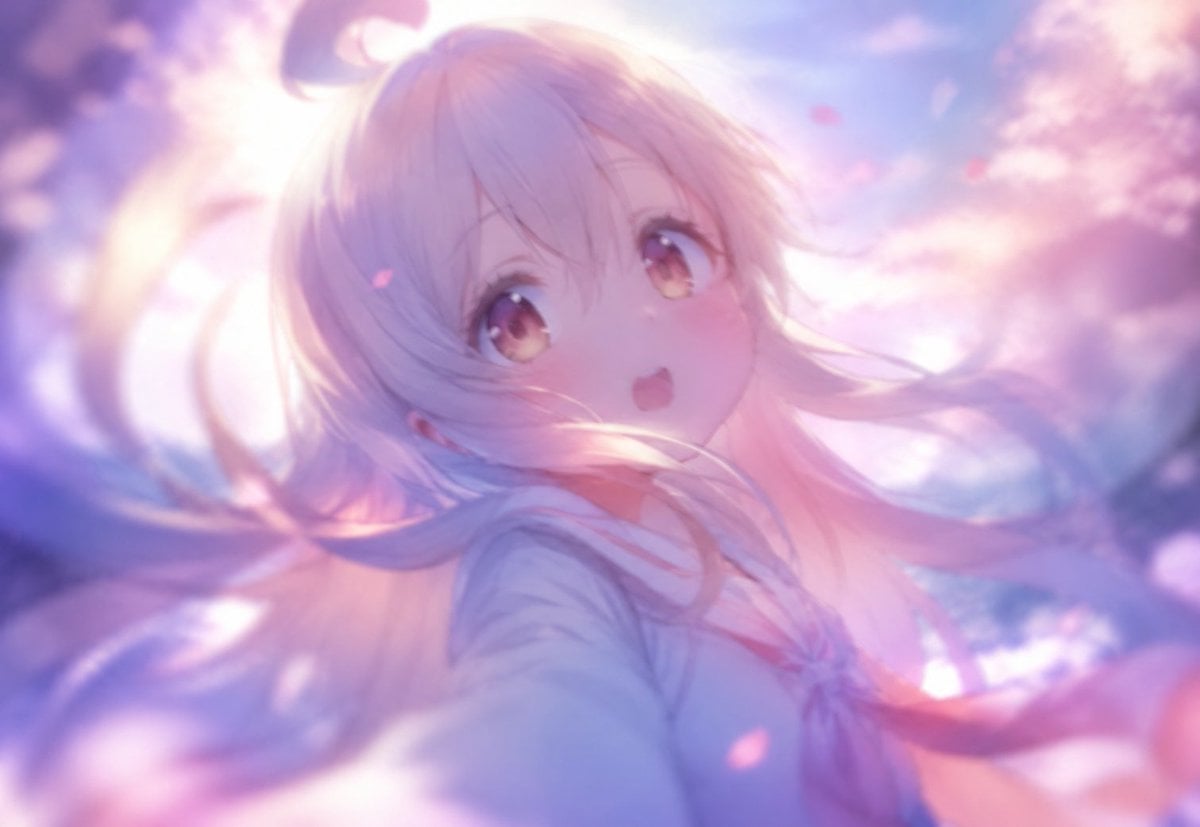
- Prompt included
- Model and format preset
- Free template
The prompt behind this image
Copy the exact prompt behind Dreamy Anime Selfie With Face Overlay, or open it in the studio and make it yours.
Create a dreamy anime-style close-up selfie portrait of a young schoolgirl in a soft spring atmosphere, as if the camera is held very close and slightly above her. The character has long flowing {argument name="hair color" default="pastel blonde with pink and lavender highlights"} hair whipping across the frame in loose strands, with a small ahoge curl visible near the top, wearing a pale {argument name="outfit" default="sailor school uniform with a red necktie"}. The face is deliberately obscured by a large centered opaque square overlay in muted lavender-pink, covering most of the head and upper torso area. The background is a glowing bokeh scene of {argument name="seasonal setting" default="cherry blossoms under a bright blue and pink sky"}, with soft petals drifting through the air, intense backlighting from the upper left, pastel purple and rose color grading, shallow depth of field, bloom, lens softness, and gentle motion blur. Composition should feel natural and candid, like a spontaneous selfie captured in magical sunset light, with the character filling most of the frame and hair extending to both edges. Use high-quality anime illustration rendering, ethereal lighting, soft focus, luminous highlights, and a romantic pastel palette.
How to use Dreamy Anime Selfie With Face Overlay in 3 steps
- 1Upload ImagePNG, JPG or paste
Add your photo
Upload the photo the template builds on. The prompt, model and format are already set.
- 2…a portrait of your subject in softgolden-hour light, 85mm…
Personalize
Edit the subject and creative details for your destination.
- 3Generate
Generate
Press Generate — your image is created in PicX Studio, so you can compare it with the original and refine one variable at a time.
More like this
Templates with the same subject, style or setup. Open one to see its prompt.

Felt & Knit 3D Character — Photo-Exact Face, Pixar-Quality Plush Figurine

Surreal Cat Astronaut — Humanoid Face Freefall
Dreamy Y2K Digital Camera Mirror Selfie
Faceless Anime Man Holding Calico Cat
Floral Face Paint Anime Portrait
Faceless Anime Cosplay Expo Duo

Four-Panel Anime Face Comparison

Rooftop Fisheye — Cat-Ear Balaclava at Golden Hour

Cel 2D Finale Fireworks

Cel 2D Garden Maze

Cel 2D Rooftop Concert

Cel 2D Bicycle Coast
Make it yours
Dreamy Anime Selfie With Face Overlay works as-is. These are the safest ways to change it without losing the look.
Change one field
Copy a single group, rewrite it, and generate again so you can see what that field is doing.
Keep the frame, change the subject
Hold the composition and light of Dreamy Anime Selfie With Face Overlay, then swap wardrobe, props or the person for a new take.
| If the result… | Why | Fix |
|---|---|---|
| The result drifts from the preview | Too many fields changed at once. | Reuse Dreamy Anime Selfie With Face Overlay as-is first, then change one group — subject, light, or setting. |
| The model over-stylizes the scene | The prose prompt leaves finish and camera underspecified. | Add one camera or lighting sentence and stay on GPT Image 2. |
More GPT Image 2 templates
Other prompts made for GPT Image 2.

Six VTuber Japanese Logo Sheet

Realistic Portrait of Woman and Deer

The Vista Modular Condo Poster

AI Model Routing Comparison Infographic

2.5D Anime Art Board

Isometric Productivity Desk Scene

New York Double Exposure Poster

Four-Panel AI Landscape Comparison

Japanese Tatami Lifestyle Magazine Cover

NESCAFÉ Coffee Map Poster
More image prompts
Fresh picks from across the catalog.
8K Cinematic Fantasy Portrait of Woman and Horse
Y2K Frutiger Aero Glass Prismatic Tech Product Shot

Ultra-Realistic Editorial Portrait
untitled
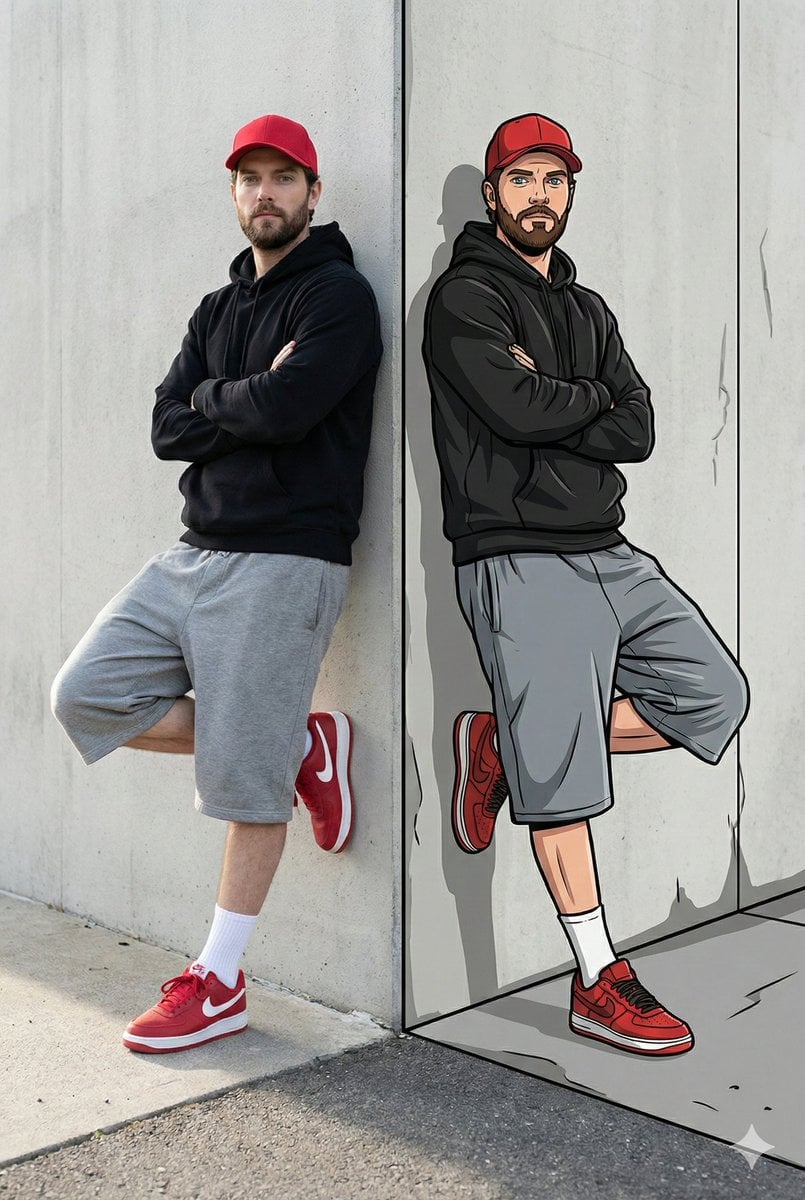
Split-Reality Street Art Portrait with Identity Lock
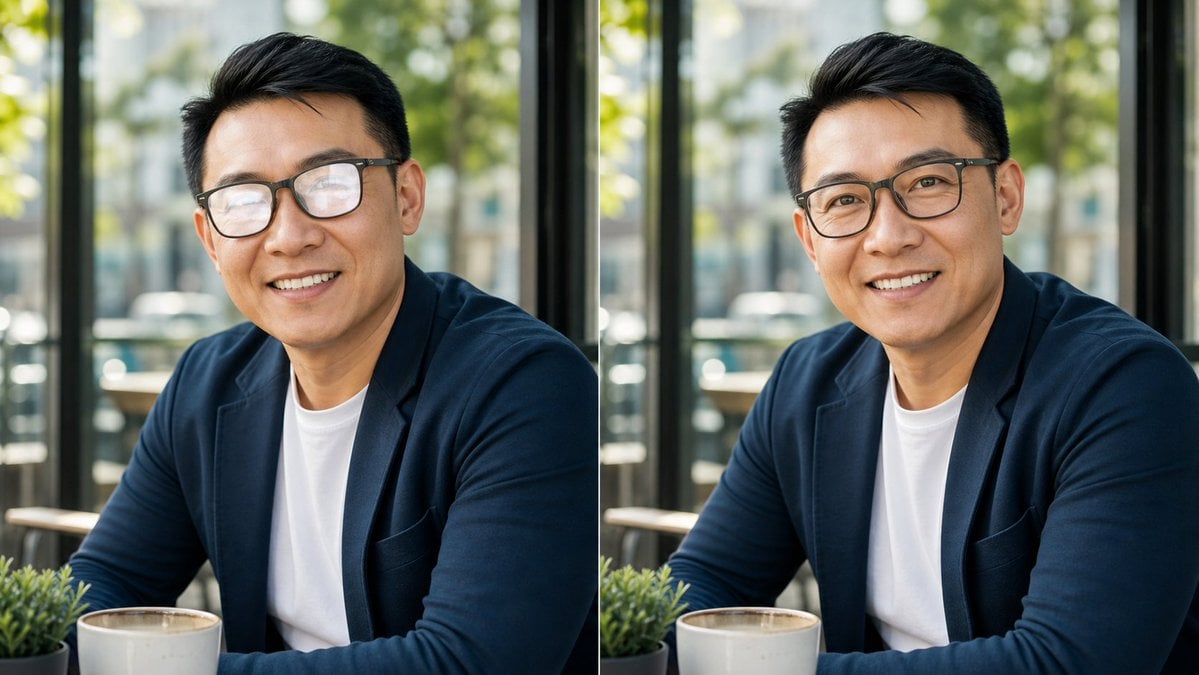
Cafe Portrait Glare Removal Comparison

IP Character Avatar Poster Designer
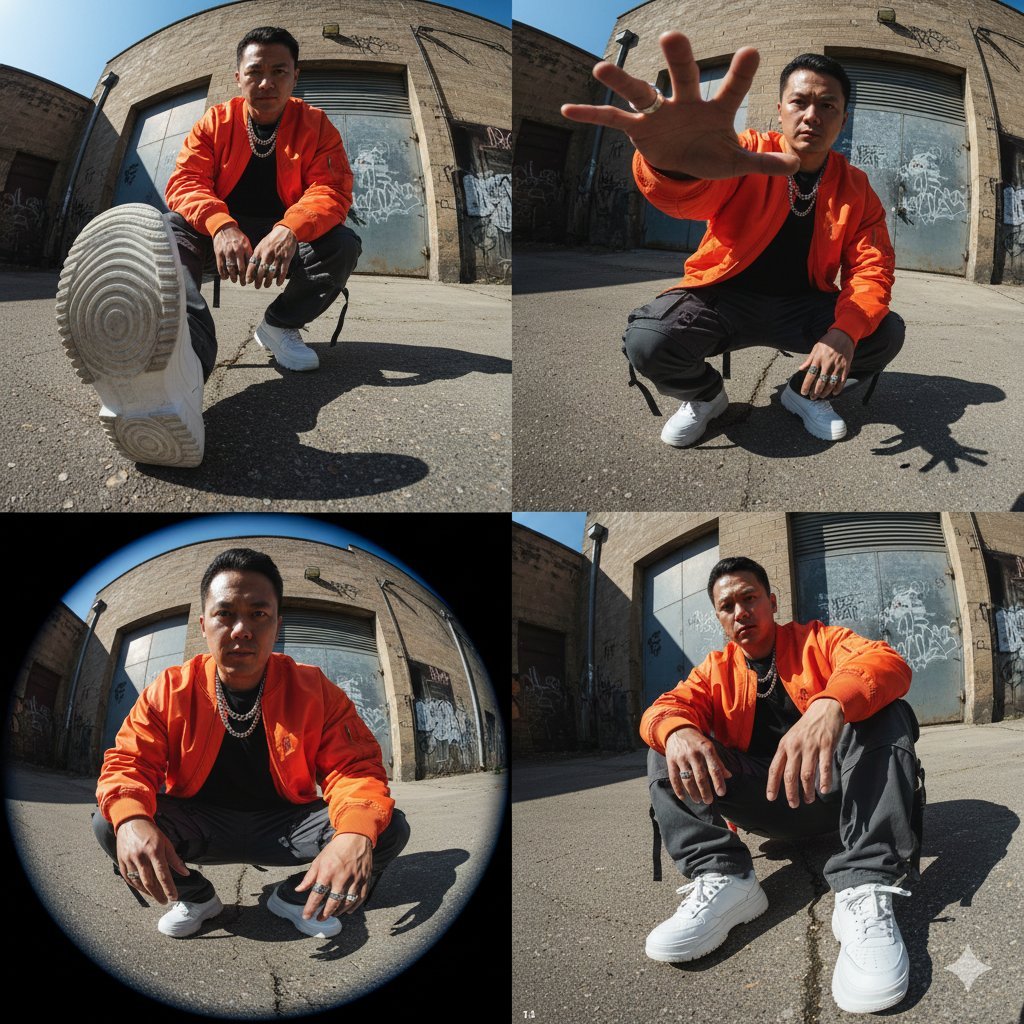
High-Fashion Streetwear Editorial (Multi-Panel, Identity Lock)
Thumbnail text overlay based on attachment
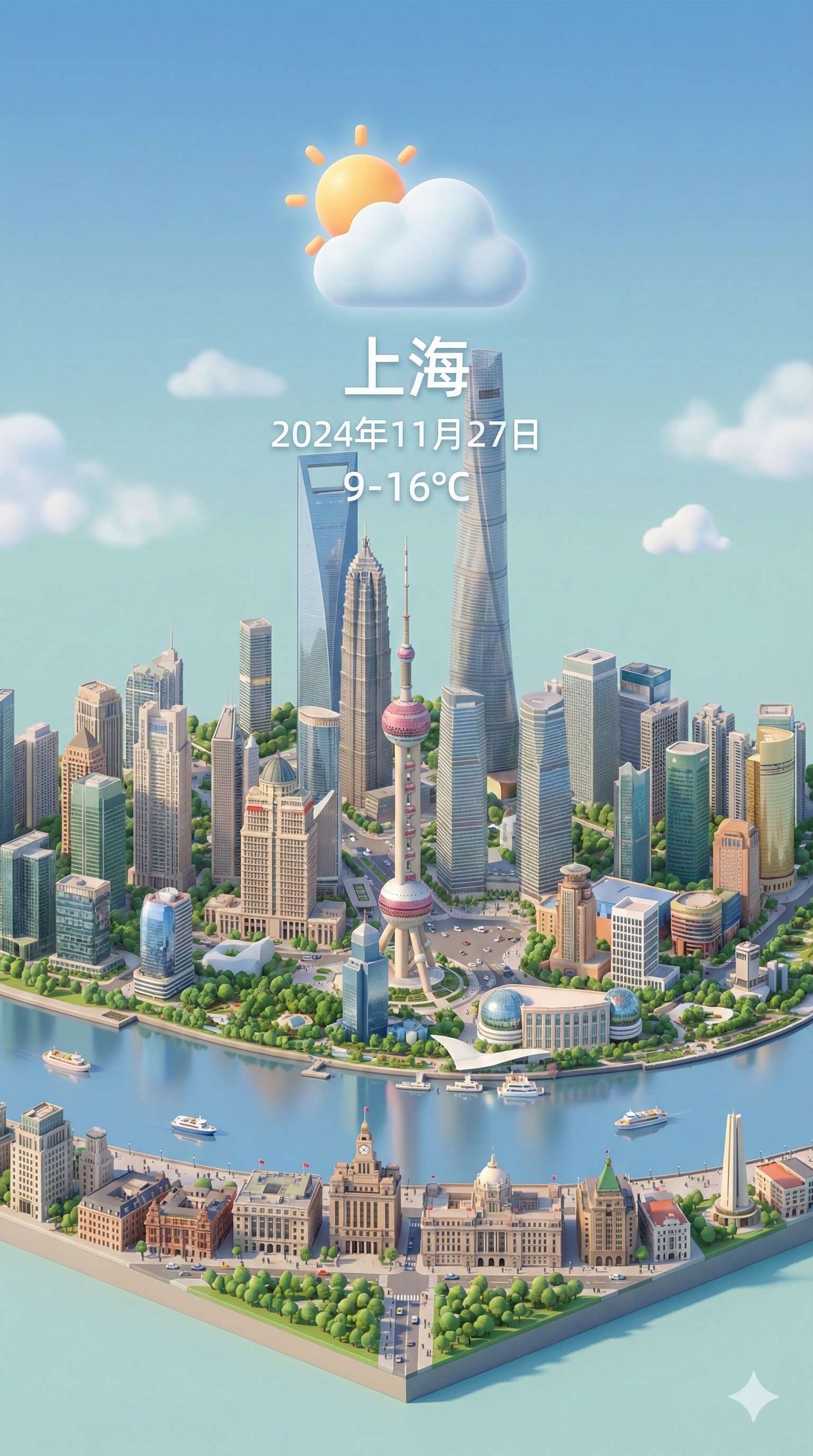
Isometric 3d Weather Card for Shanghai
Browse template categories
Dreamy Anime Selfie With Face Overlay questions
How do I use the Dreamy Anime Selfie With Face Overlay template?
Add your photo if the template asks for one, edit the prompt if you like — the template's model and format are already selected — and press Generate. Your version opens in PicX Studio.
Can I customize the Dreamy Anime Selfie With Face Overlay template?
Yes. You can change the subject, setting, lighting, mood, format, and available model controls before creating your image.
Is the Dreamy Anime Selfie With Face Overlay template free?
Opening and editing this template is free. Generating uses credits, shown on the Generate button when you are signed in.
Which AI model should I use?
Start with GPT Image 2, which is the model associated with this template. You can compare another compatible model for a different finish.
Looking for something else? Browse all templates.

Your photo, any look
Thousands of ready templates for every top image and video model, from one credit balance.