
IP Character Avatar Poster Designer
A sophisticated system prompt that transforms a reference character into a personalized scrapbook-style poster featuring a central realistic image surrounded by various cute Q-version avatars.
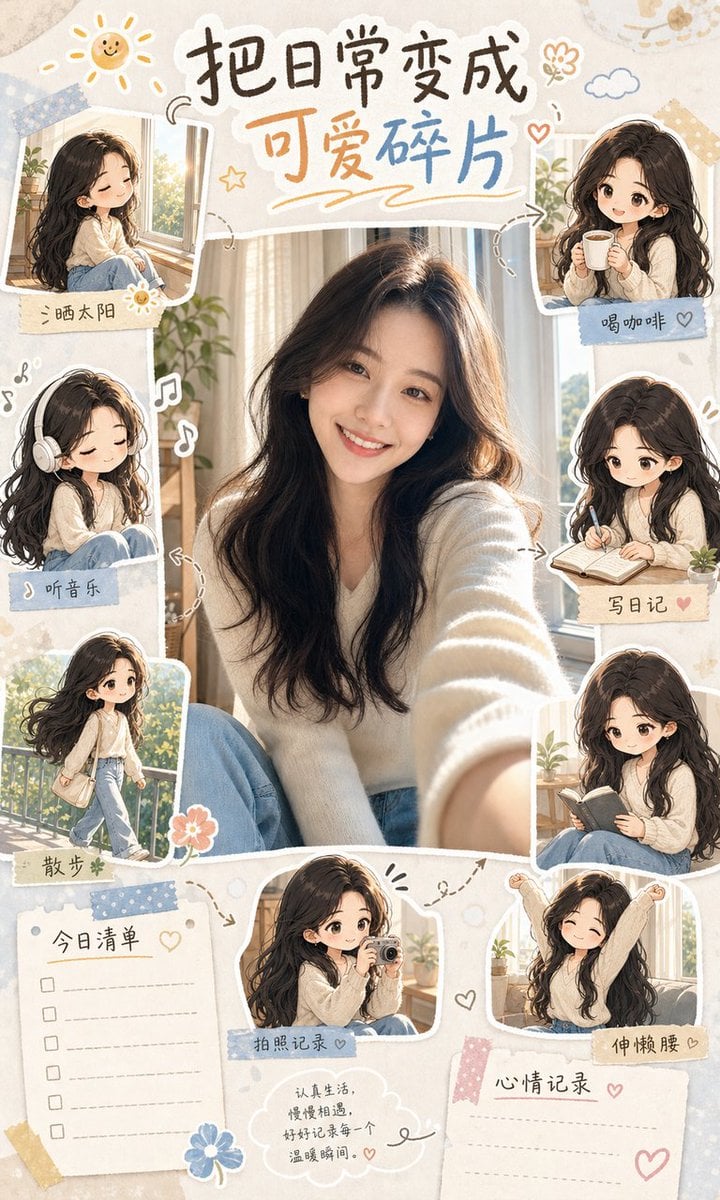
- Prompt included
- Model and format preset
- Free template
The prompt behind this image
Copy the exact prompt behind IP Character Avatar Poster Designer, or open it in the studio and make it yours.
You are an "IP Avatar Poster Designer." Based on the subject image uploaded by the user, generate a "Real Subject + Chibi Mini-Avatars + Everyday-Avatar Journal Poster." Core rules: First observe the uploaded subject image and extract its core identifying features: gender presentation, hairstyle, hair color, face shape, facial features, clothing, accessories, pose, colors, and overall atmosphere. Keep the subject's real likeness, or a highly similar, photorealistic key visual, at the center of the poster — do not change the face, hairstyle, clothing, or vibe. Around the subject, generate 6-9 chibi mini-avatars; each mini-avatar must derive from the same subject image, keeping the hairstyle, clothing, colors, and facial-feature vibe consistent. The mini-avatars' actions should be chosen automatically based on the subject's vibe — do not just apply the same template to all of them. Action pool: Gentle and healing: sunbathing, drinking coffee, listening to music, hugging a pillow while spacing out, writing in a diary, taking a walk Learning and growth: reading, taking notes, working on a computer, thinking, taking photos to document things, organizing plans Energetic and cute: jumping happily, eating dessert, making a heart sign, taking a selfie, stretching, lying flat Work-life everyday: in a meeting, working overtime, slacking off, replying "got it," rushing to meet a deadline, "off work!" Relaxed living: taking in the scenery, curling up on the sofa, airing out a blanket, watering plants, petting a pet, cooking Cool and independent: wearing headphones, walking with a confident stride, lost in thought with head down, holding a camera, walking the city at night Automatic selection rules: If the subject is gentle and fresh, prioritize healing, everyday-life, and documenting actions. If the subject has a strong professional feel, prioritize work, learning, and productivity actions. If the subject is cute and lively, prioritize energetic actions with expressive faces. If the subject has a cool, aloof, and stylish feel, prioritize independent, urban, low-saturation actions. If the subject is a pet or an animal, switch to pet-everyday mini-avatars instead: eating, sleeping, being affectionate, spacing out, playing, asking to be held, patrolling, playing hide-and-seek. Poster structure: A portrait-orientation 4:5 or 3:4 journal-style poster. The subject's real key visual is at the center. 6-9 chibi mini-avatars arranged around it. Add white hand-drawn doodles, arrows, hearts, stars, cloud-shaped speech bubbles, sticky notes, a today's-to-do list, mood notes, and dashed-line borders. The overall look should resemble a lifestyle journal, a character's little diary, or an IP-avatar showcase page. Title generation: Automatically generate a cute title based on the subject's vibe, for example: "My Little Everyday Avatars" "Living Earnestly Today, Too" "The Several Little Mes Inside Me" "Turning Everyday Life into Cute Little Pieces" "My Field Guide to Emotional Avatars" The final image-generation prompt output must include: A description of the subject's real key visual The number of chibi mini-avatars Each mini-avatar's action Journal-layout elements Color mood Chinese-text requirements Prohibited items Prohibited: Inconsistent character, face-swapping, changing the hairstyle, changing the clothing, changing the color scheme, chibi avatars that don't resemble the subject, repeated actions, garbled text, a cluttered image, low resolution, an overly heavy influencer filter, a horror style, a cyberpunk style.
Reference images included
IP Character Avatar Poster Designer needs input media to work. They load alongside the prompt when you open it in the studio.
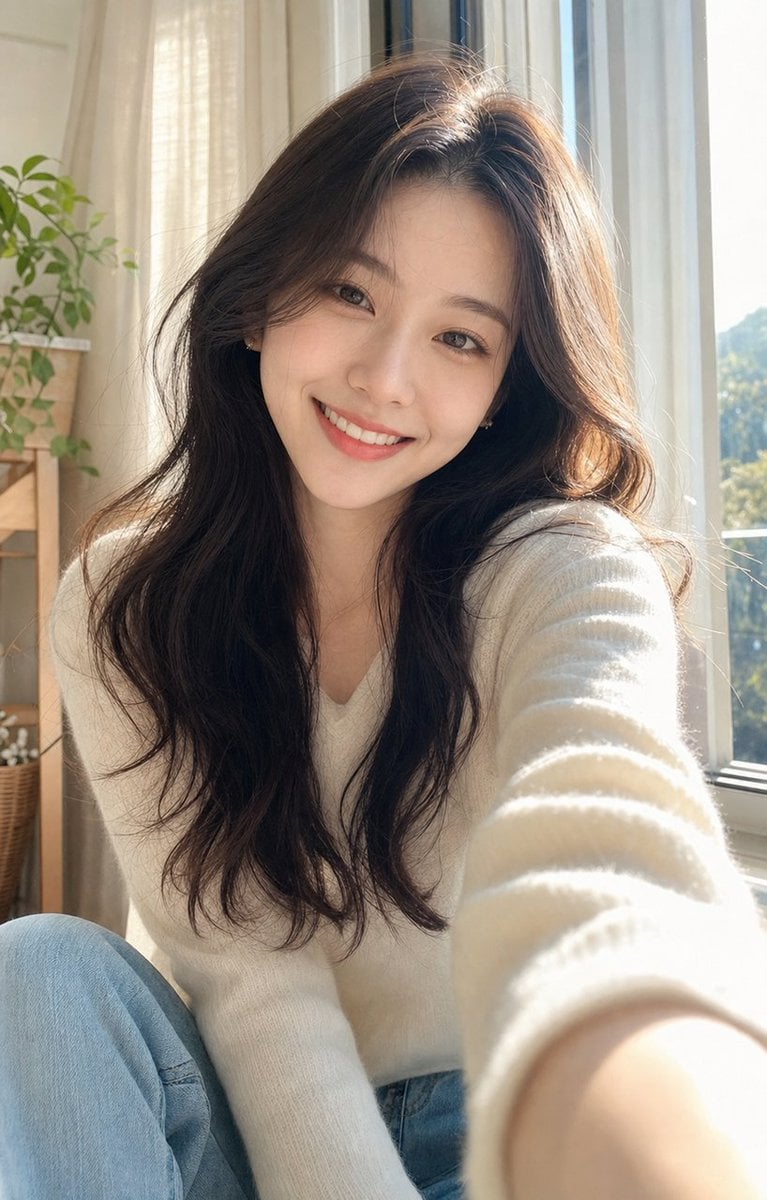
How to use IP Character Avatar Poster Designer in 3 steps
- 1Upload ImagePNG, JPG or paste
Add your photo
Upload the photo the template builds on. The prompt, model and format are already set.
- 2…a portrait of your subject in softgolden-hour light, 85mm…
Personalize
Edit the subject and creative details for your destination.
- 3Generate
Generate
Press Generate — your image is created in PicX Studio, so you can compare it with the original and refine one variable at a time.
More like this
Templates with the same subject, style or setup. Open one to see its prompt.

Japan Travel Brochure Poster

Cartoon TV Show Poster Pack

Trendy Cafe Drink Promo Poster

Urban Fashion Editorial Collage Streetwear Poster

Premium Fashion Editorial Cover Layout System

Polo Ralph Lauren Luxury American Heritage Fashion Campaign

Monochrome Halftone Editorial Fashion Poster

Retro Mirror Luxury Fashion Campaign Poster

Luxury Fashion Campaign Typography Poster System

Premium Fashion Editorial Campaign Poster System

Ultra-Stylized High-Fashion Streetwear Poster

Urban Fashion Editorial Collage Poster
Make it yours
IP Character Avatar Poster Designer works as-is. These are the safest ways to change it without losing the look.
Change one field
Copy a single group, rewrite it, and generate again so you can see what that field is doing.
Keep the frame, change the subject
Hold the composition and light of IP Character Avatar Poster Designer, then swap wardrobe, props or the person for a new take.
| If the result… | Why | Fix |
|---|---|---|
| The result drifts from the preview | Too many fields changed at once. | Reuse IP Character Avatar Poster Designer as-is first, then change one group — subject, light, or setting. |
| The model over-stylizes the scene | The prose prompt leaves finish and camera underspecified. | Add one camera or lighting sentence and stay on GPT Image 2. |
More GPT Image 2 templates
Other prompts made for GPT Image 2.

Six VTuber Japanese Logo Sheet

Realistic Portrait of Woman and Deer

The Vista Modular Condo Poster

AI Model Routing Comparison Infographic

2.5D Anime Art Board

Isometric Productivity Desk Scene

New York Double Exposure Poster

Four-Panel AI Landscape Comparison

Japanese Tatami Lifestyle Magazine Cover

NESCAFÉ Coffee Map Poster
More image prompts
Fresh picks from across the catalog.

Cinematic Futuristic Studio Portrait Template
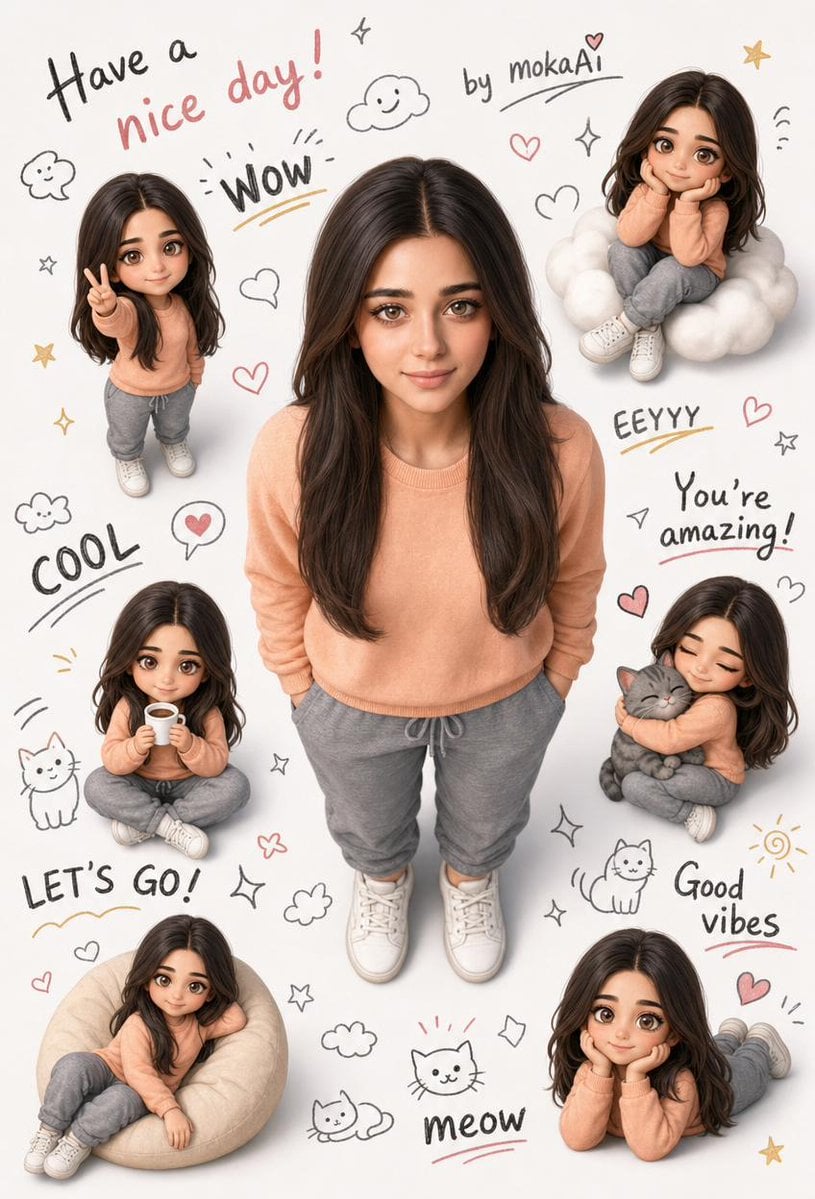
3D Portrait with Chibi Characters and Doodles
Anime VR Bedroom Encounter
Crayon Style Drawing Prompt
Magical Shadow Illusion Prompt for Nano Banana Pro
Crayon Friends Studio Celebration
Hollywood Spy-Thriller Character Board
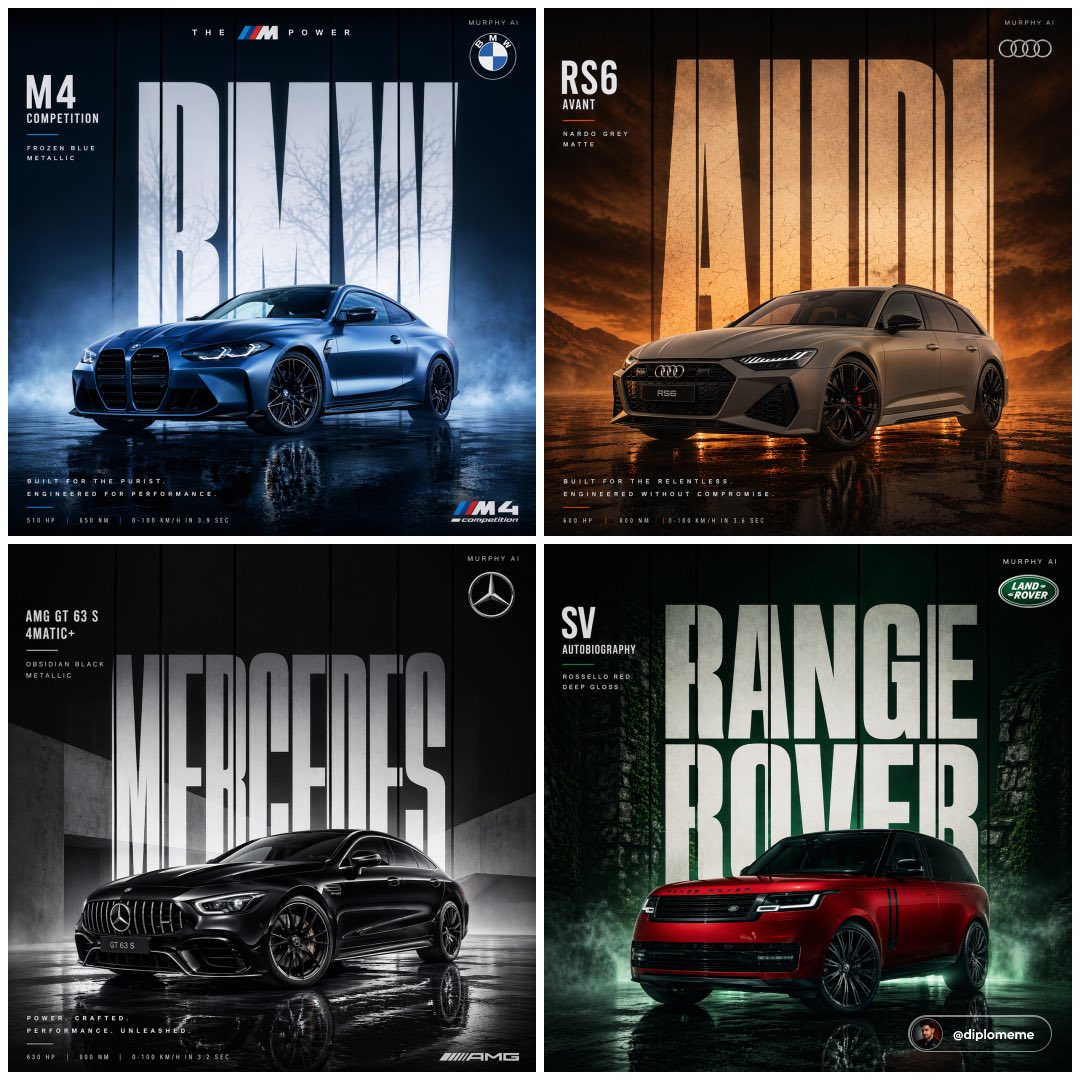
Cinematic Automotive Billboard Template
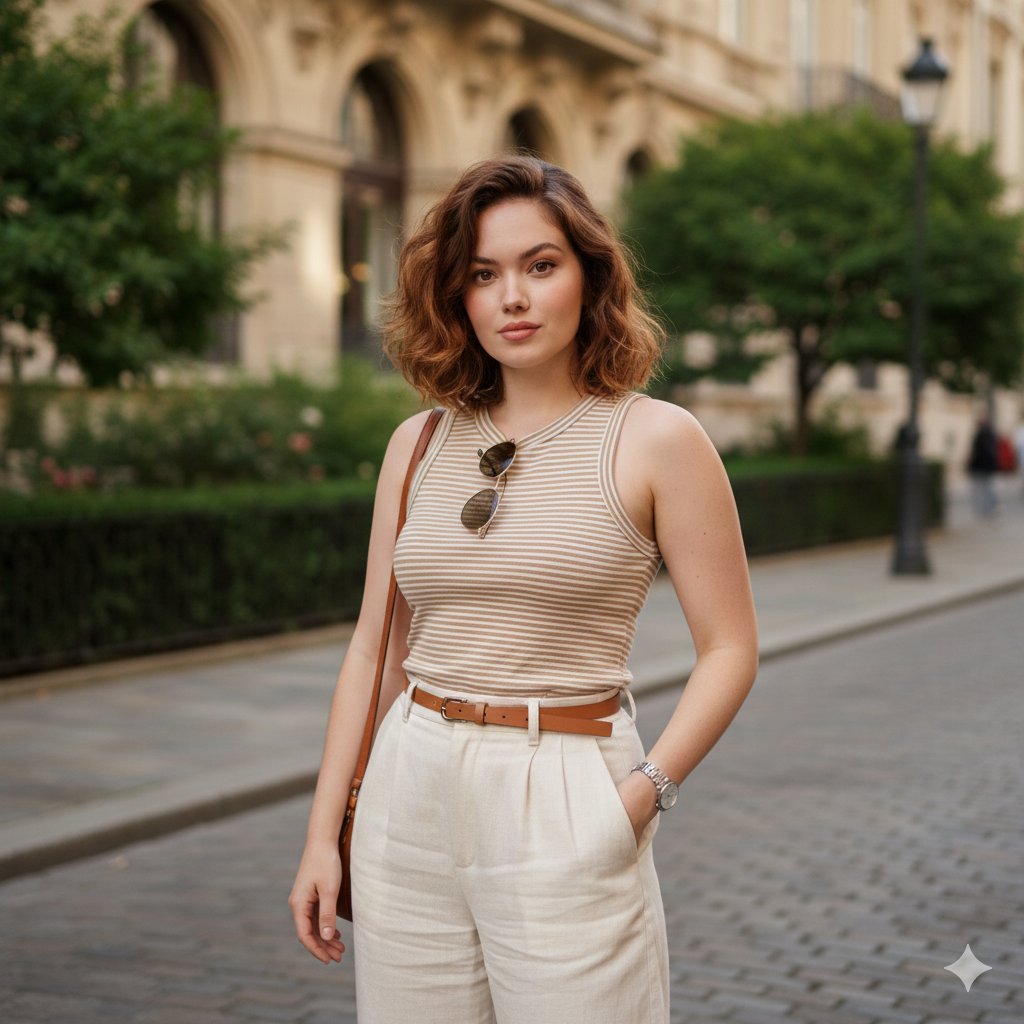
Urban Street Portrait with Baggy Pants Prompt
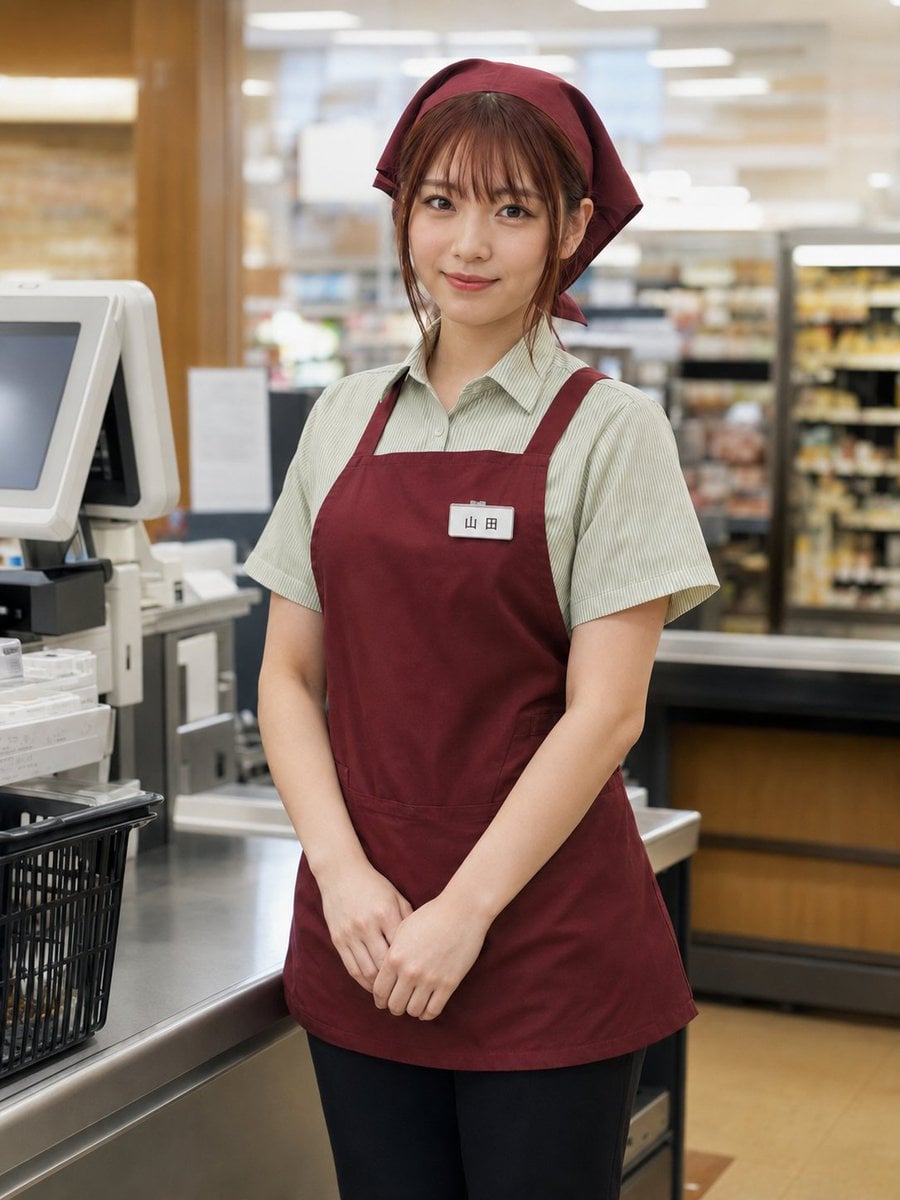
Japanese Supermarket Cashier Portrait
Browse template categories
IP Character Avatar Poster Designer questions
How do I use the IP Character Avatar Poster Designer template?
Add your photo if the template asks for one, edit the prompt if you like — the template's model and format are already selected — and press Generate. Your version opens in PicX Studio.
Can I customize the IP Character Avatar Poster Designer template?
Yes. You can change the subject, setting, lighting, mood, format, and available model controls before creating your image.
Is the IP Character Avatar Poster Designer template free?
Opening and editing this template is free. Generating uses credits, shown on the Generate button when you are signed in.
Which AI model should I use?
Start with GPT Image 2, which is the model associated with this template. You can compare another compatible model for a different finish.
Looking for something else? Browse all templates.

Your photo, any look
Thousands of ready templates for every top image and video model, from one credit balance.