
Crayon Friends Studio Celebration
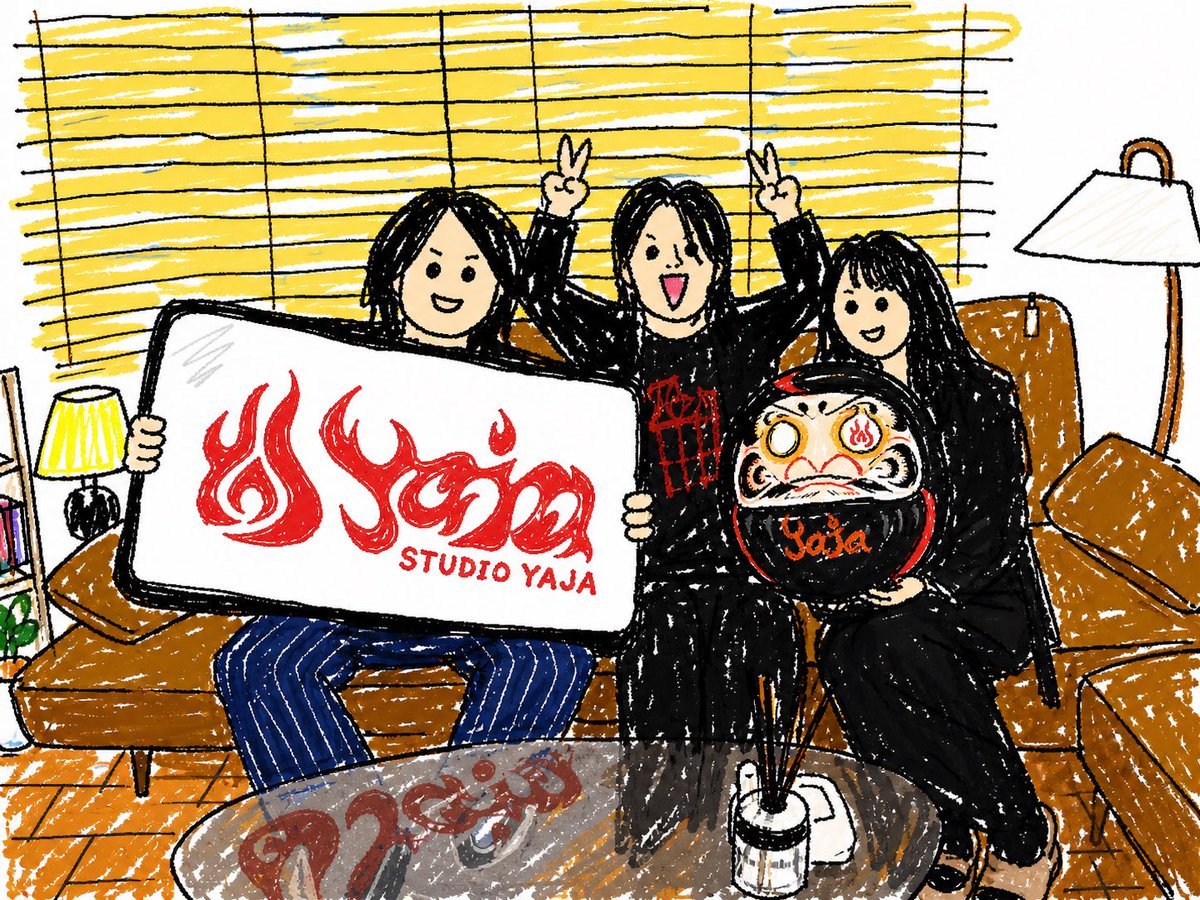
Generates a cute hand-drawn crayon-style living room scene of friends posing with a studio sign and daruma doll, useful for casual event or memory illustrations.
- Prompt included
- Model and format preset
- Free template
The prompt behind this image
Copy the exact prompt behind Crayon Friends Studio Celebration, or open it in the studio and make it yours.
Create a cozy, playful hand-drawn crayon illustration of {argument name="number of friends" default="three"} friends sitting on a caramel-brown sectional sofa in a living room, drawn with thick black sketch lines, rough wax-crayon texture, childlike proportions, and warm casual charm. Their faces are softly blurred or featureless beige rectangles for privacy. The left friend has long black hair, holds a large white rectangular sign with a black border, and wears blue pinstripe pants; the sign shows a bold red flame-style logo and the text {argument name="sign text" default="STUDIO YAJA"}. The center friend has black hair, wears a black outfit with a red graphic on the chest, stands or sits higher in the middle, and raises both hands making peace signs. The right friend has long black hair, wears an all-black outfit, and holds a round black daruma doll with a cream face, red markings, flame symbols in the eyes and forehead, and orange lettering reading {argument name="daruma text" default="Yaja"}. The room includes exactly 2 visible lamps, one small yellow table lamp on the left and one tall white floor lamp on the right, exactly 2 brown sofa cushions on the right, yellow horizontal window blinds covering the background, a small bookshelf and plant on the far left edge, orange wooden flooring, and a round glass coffee table in the foreground reflecting red lettering. Use a cheerful snapshot composition, slightly wide angle, white paper background, energetic scribbled coloring, imperfect outlines, and a warm palette dominated by yellow blinds, brown sofa, black clothing, red logo accents, and blue pants.
How to use Crayon Friends Studio Celebration in 3 steps
- 1Upload ImagePNG, JPG or paste
Add your photo
Upload the photo the template builds on. The prompt, model and format are already set.
- 2…a portrait of your subject in softgolden-hour light, 85mm…
Personalize
Edit the subject and creative details for your destination.
- 3Generate
Generate
Press Generate — your image is created in PicX Studio, so you can compare it with the original and refine one variable at a time.
More like this
Templates with the same subject, style or setup. Open one to see its prompt.

80s Couple Studio Portrait

80s College Gate

1985 Studio Portrait

Cinematic Low-Angle Fashion Portrait Smoke Editorial

Japanese Architectural Concrete Studio Fashion Campaign

Japanese Minimalist Concrete Studio Fashion Editorial
Cinematic Low-Angle Fashion Portrait Smoke Editorial
High-Fashion Bauhaus Geometric Cutout Editorial
High-Fashion Bauhaus Geometric Cutout Editorial

Luxury Black-and-White Fashion Contact Sheet

Ultra-Realistic Vogue-Style Editorial Fashion Grid

Stylized Fashion Portrait Bold Color Contrast Editorial
Make it yours
Crayon Friends Studio Celebration works as-is. These are the safest ways to change it without losing the look.
Change one field
Copy a single group, rewrite it, and generate again so you can see what that field is doing.
Keep the frame, change the subject
Hold the composition and light of Crayon Friends Studio Celebration, then swap wardrobe, props or the person for a new take.
| If the result… | Why | Fix |
|---|---|---|
| The result drifts from the preview | Too many fields changed at once. | Reuse Crayon Friends Studio Celebration as-is first, then change one group — subject, light, or setting. |
| The model over-stylizes the scene | The prose prompt leaves finish and camera underspecified. | Add one camera or lighting sentence and stay on GPT Image 2. |
More GPT Image 2 templates
Other prompts made for GPT Image 2.

Six VTuber Japanese Logo Sheet

Realistic Portrait of Woman and Deer

The Vista Modular Condo Poster

AI Model Routing Comparison Infographic

2.5D Anime Art Board

Isometric Productivity Desk Scene

New York Double Exposure Poster

Four-Panel AI Landscape Comparison

Japanese Tatami Lifestyle Magazine Cover

NESCAFÉ Coffee Map Poster
More image prompts
Fresh picks from across the catalog.
Monochrome Fashion Editorial Comp Card
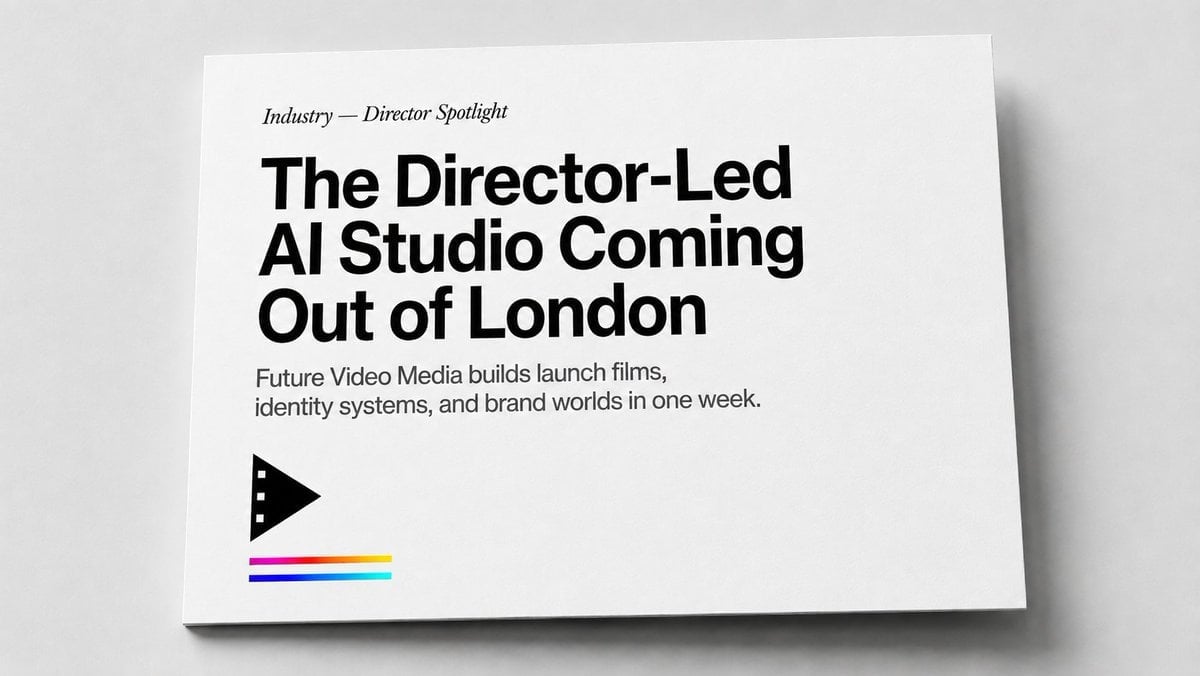
Minimal Director-Led AI Studio Cover
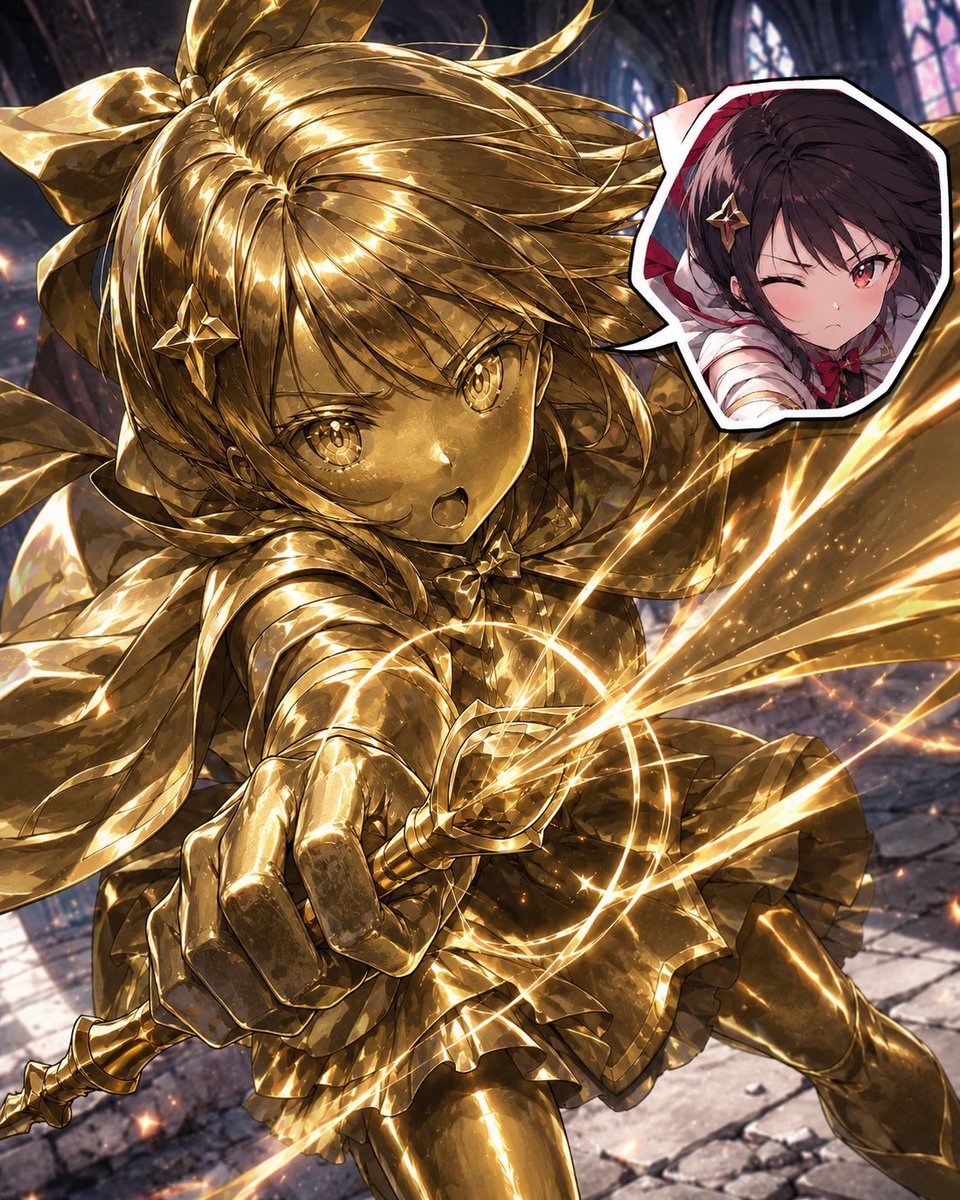
Golden Magical Girl Action Key Visual
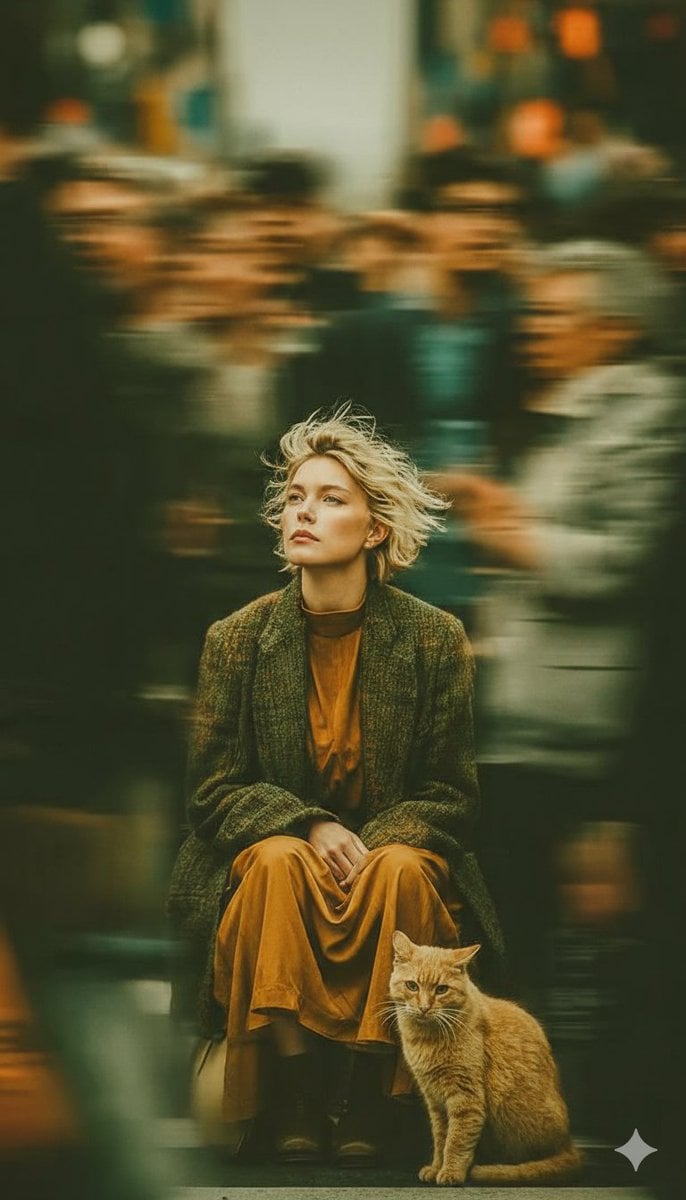
Long-Exposure Cinematic Street Photography Portrait
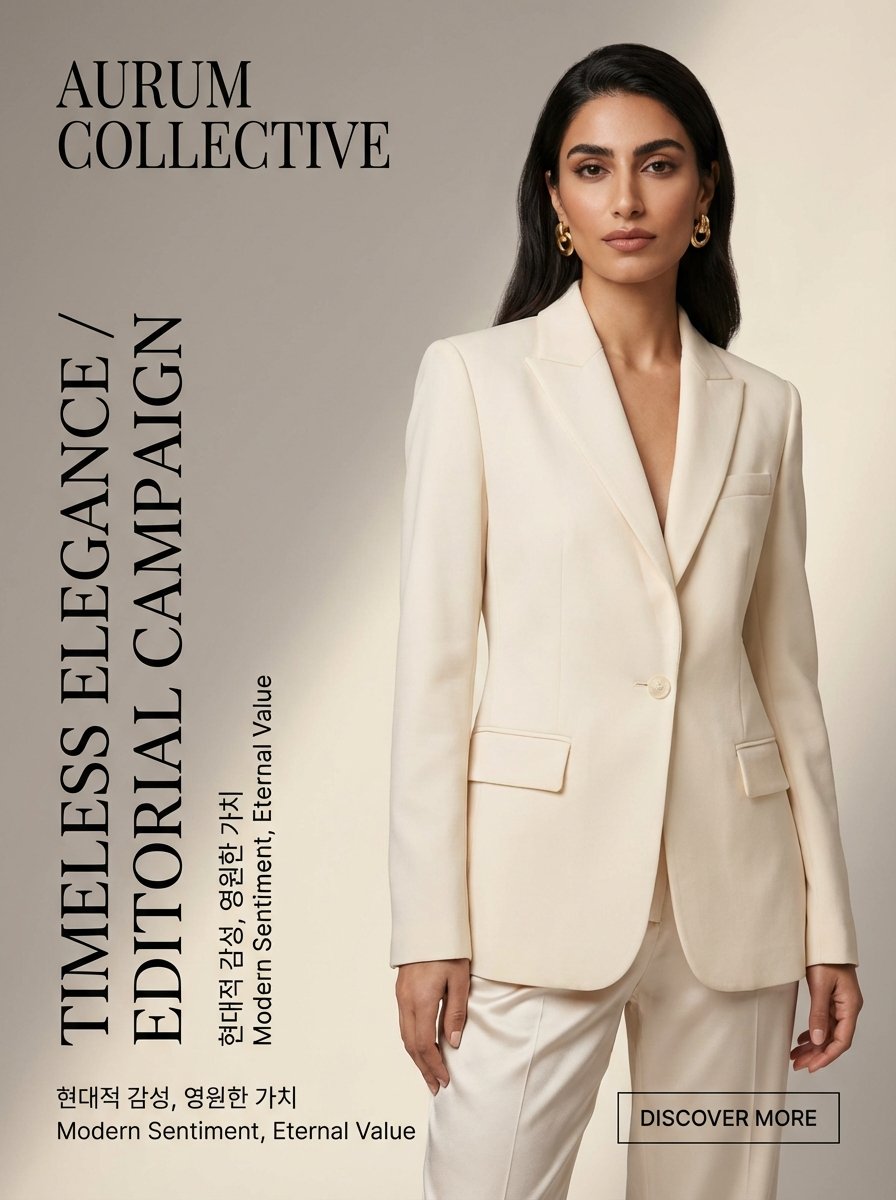
Quiet Luxury Editorial Fashion Template
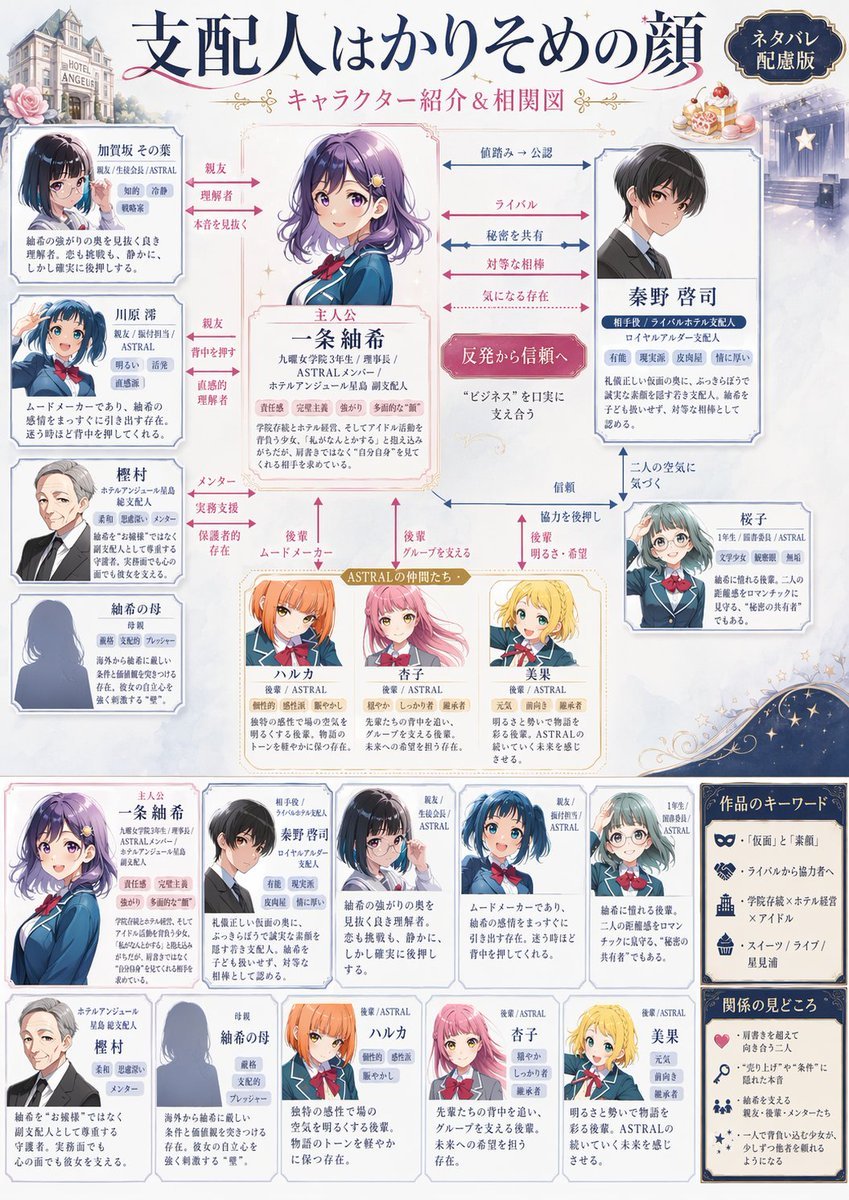
Japanese Character Relationship Chart Poster
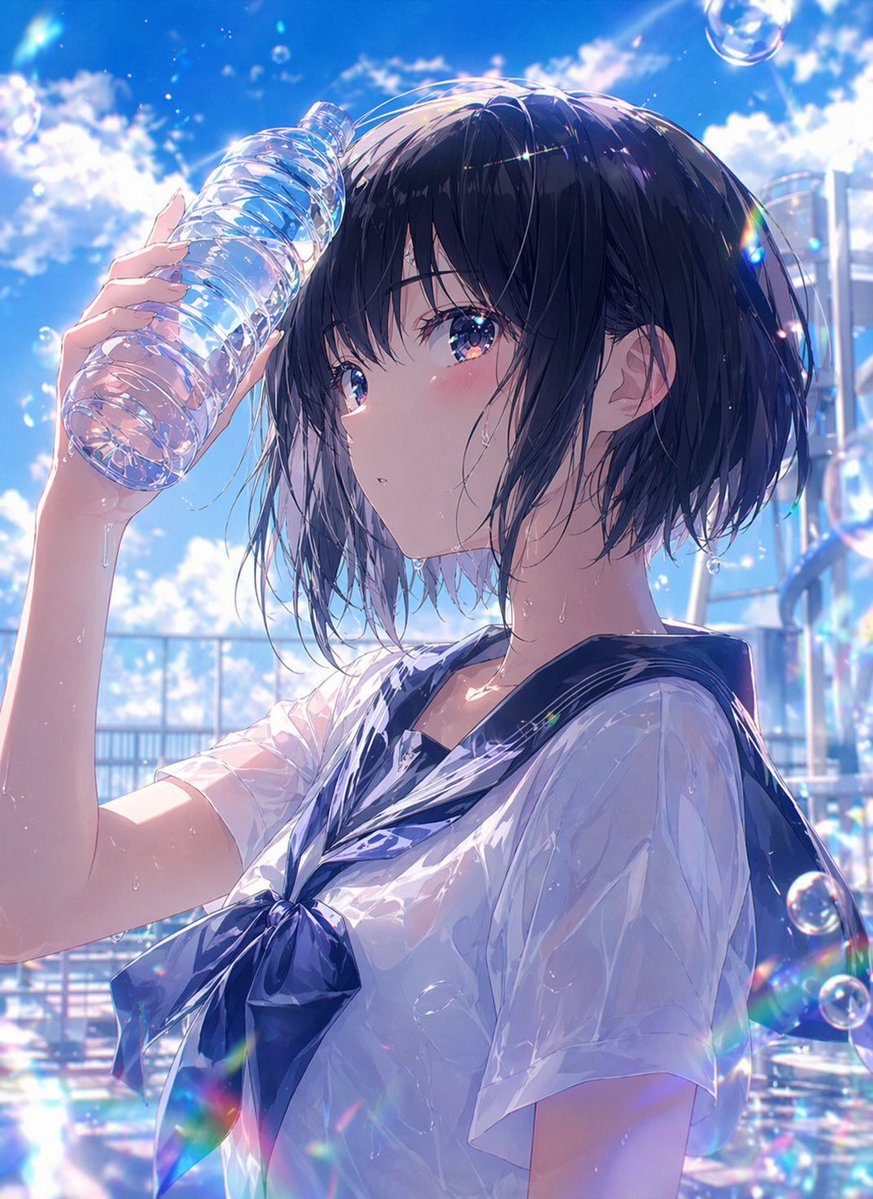
Wet Summer Anime Schoolgirl Portrait
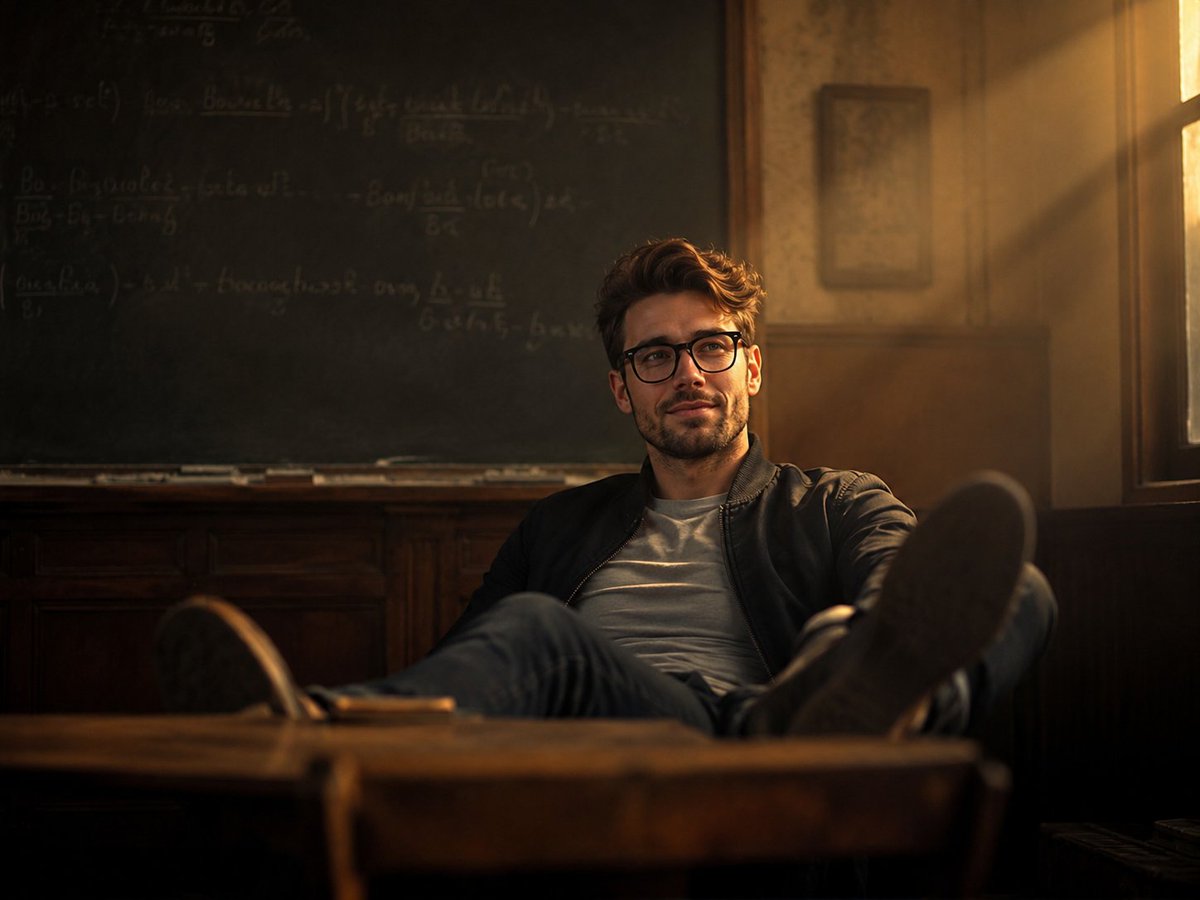
Vintage Classroom Cinematic Portrait
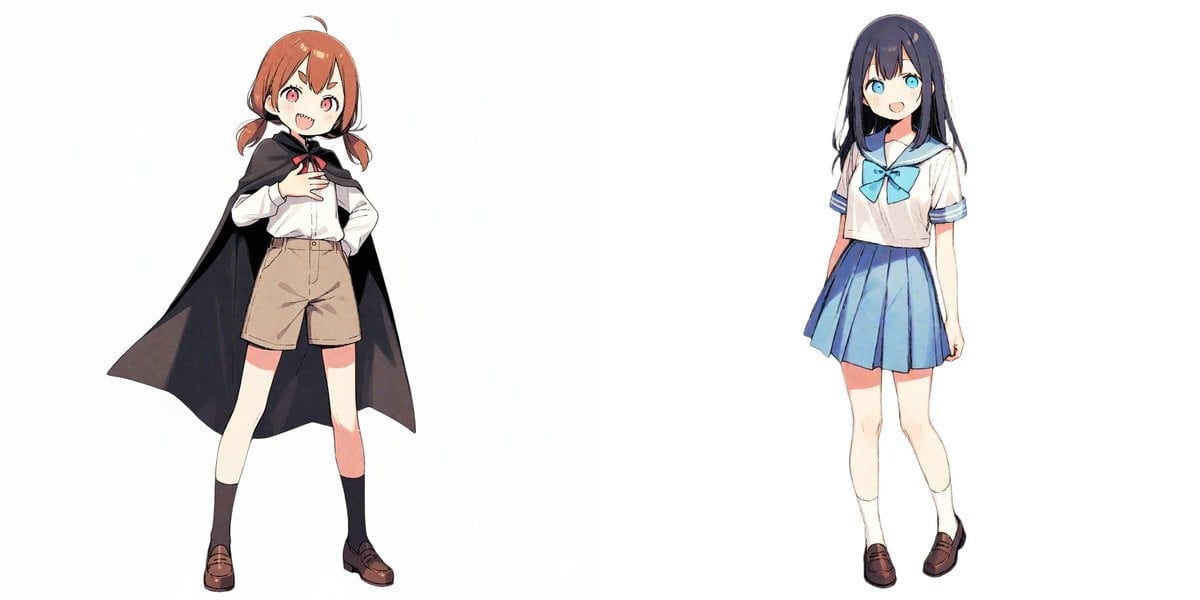
Image-to-Snow Sculpture Conversion Prompt for Nano Banana Pro
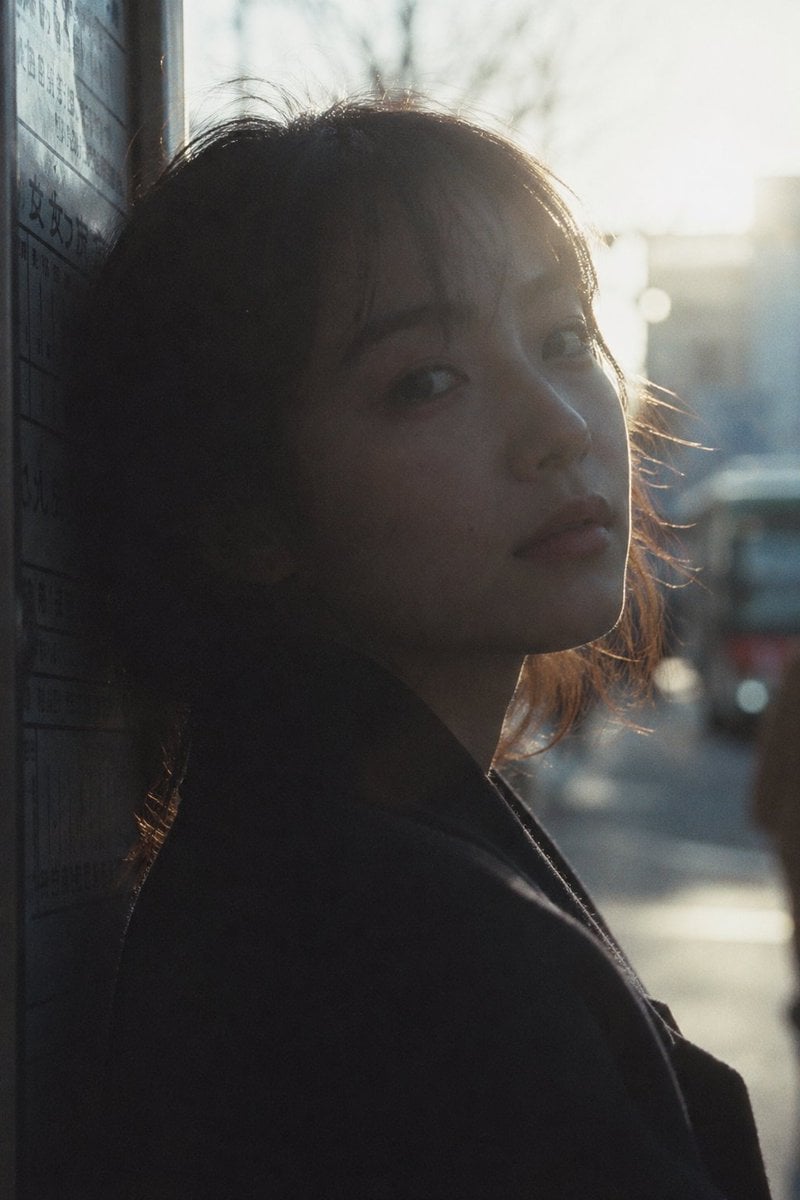
Cinematic Urban Silhouette Portrait
Browse template categories
Crayon Friends Studio Celebration questions
How do I use the Crayon Friends Studio Celebration template?
Add your photo if the template asks for one, edit the prompt if you like — the template's model and format are already selected — and press Generate. Your version opens in PicX Studio.
Can I customize the Crayon Friends Studio Celebration template?
Yes. You can change the subject, setting, lighting, mood, format, and available model controls before creating your image.
Is the Crayon Friends Studio Celebration template free?
Opening and editing this template is free. Generating uses credits, shown on the Generate button when you are signed in.
Which AI model should I use?
Start with GPT Image 2, which is the model associated with this template. You can compare another compatible model for a different finish.
Looking for something else? Browse all templates.

Your photo, any look
Thousands of ready templates for every top image and video model, from one credit balance.