
Sun Wukong Epic Fantasy Poster
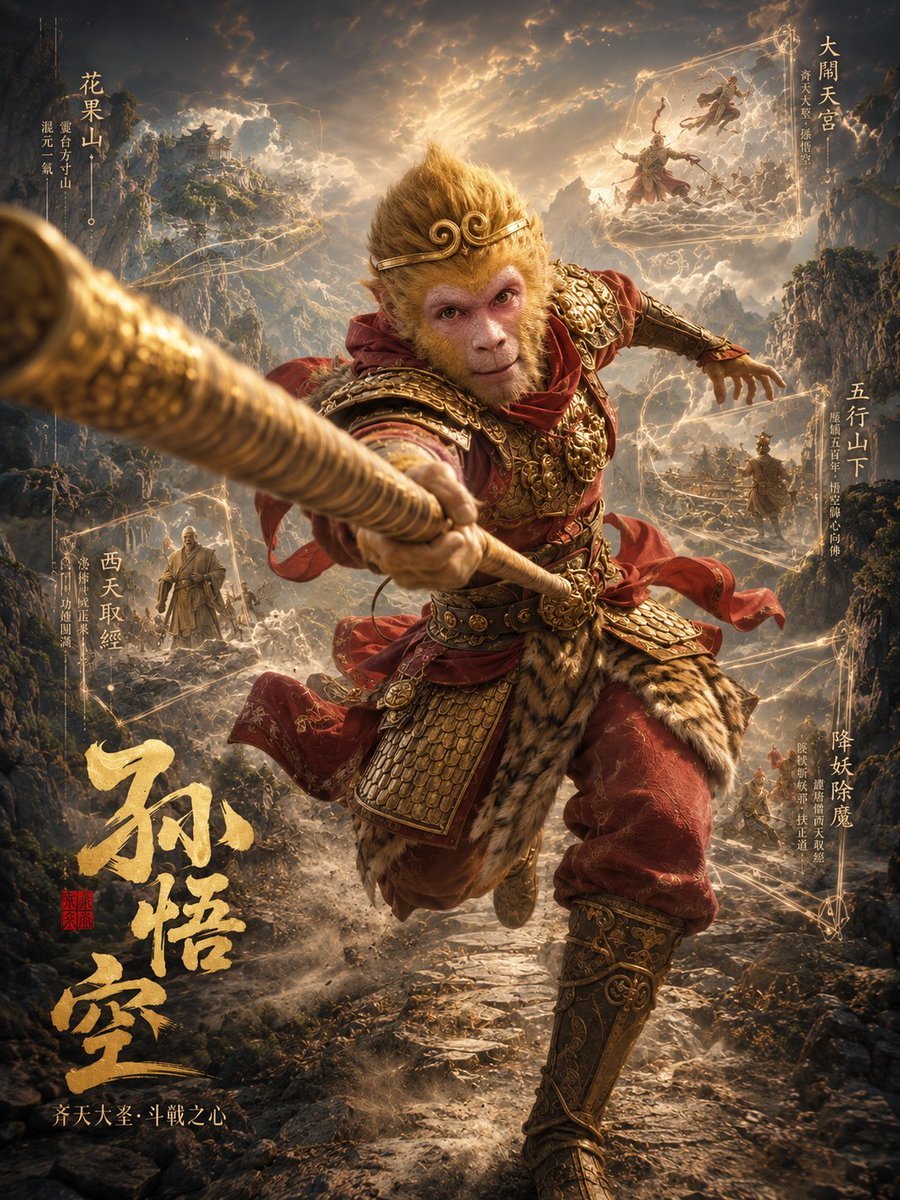
A vertical cinematic Journey to the West poster featuring Sun Wukong lunging forward with a giant staff, ornate armor, Chinese mythic scenery, and labeled story vignettes.
- Prompt included
- Model and format preset
- Free template
The prompt behind this image
Copy the exact prompt behind Sun Wukong Epic Fantasy Poster, or open it in the studio and make it yours.
Goal: Create a cinematic vertical fantasy movie poster for {argument name="character name" default="Sun Wukong"}, inspired by Journey to the West, showing the Monkey King charging out of the frame with overwhelming heroic motion. Canvas: Vertical 3:4 poster, ultra-detailed, high-contrast, epic Chinese mythological fantasy, warm golden storm light, dark mountain valley, volumetric clouds, dust, sparks, magical energy trails, dramatic depth of field. Main subject: One central full-body 3D character, Sun Wukong, leaping toward the viewer from a rocky mountain path. He wears ornate red-and-gold battle armor with engraved shoulder plates, layered scale skirt armor, red cloth ribbons, tiger-fur waist accents, decorated bracers and boots. His golden-brown monkey hair rises upward like a flaming mane. His face is covered by a centered opaque brown square censor block. His right arm thrusts a huge golden staff directly toward the camera, making the staff extremely foreshortened and breaking the poster frame; the staff dominates the left foreground and is motion-blurred at the tip. His left arm extends backward for balance, with red scarf fabric whipping in the wind. Environment: A vast mythic mountain landscape with jagged cliffs on both sides, a winding rocky path below, distant temples and pavilions built on peaks, storm clouds split by heavenly sunlight, flying debris, mist, and radiant golden spell lines connecting scenes across the poster. Background story vignettes: Include exactly 4 small narrative scenes around the main figure: 1) upper left, a distant sacred mountain temple on a cliff; 2) upper right, a floating celestial palace scene with two flying immortal figures inside a glowing rectangular magical frame; 3) lower left, a monk-like Tang Sanzang figure standing on the path among mist and followers; 4) mid-to-lower right, a small warrior or pilgrim figure walking through the mountain trail near glowing spell lines. Chinese poster text: Add exactly 6 vertical or calligraphic text groups in gold. Preserve these visible Chinese titles: 1) large bottom-left brush calligraphy title 「孙悟空」; 2) upper-left vertical label 「花果山」; 3) upper-right vertical label 「大闹天宫」; 4) mid-right vertical label 「五行山下」; 5) lower-right vertical label 「降妖除魔」; 6) lower-left vertical label 「西天取经」. Add tiny supporting Chinese subtext beside each label, but keep it decorative and secondary. Include a small red seal stamp near the large title and a small tagline at the bottom reading 「齐天大圣·斗战之心」. Composition: The staff must protrude aggressively from the center-left foreground toward the viewer; the main body should fill the middle of the poster; the four background vignettes should remain smaller and atmospheric. Use golden linework and faint geometric frames to guide the eye around the poster. Style: Hyper-realistic 3D render mixed with Chinese fantasy concept art, ornate armor detail, cinematic lighting, IMAX poster scale, dynamic action, dust clouds, glowing particles, dramatic clouds, sharp central character, soft atmospheric background. Constraints: No modern objects, no English text on the poster, no extra main characters, no logos or watermarks. Keep the face-obscuring brown square visible exactly over the central character's face.
How to use Sun Wukong Epic Fantasy Poster in 3 steps
- 1Upload ImagePNG, JPG or paste
Add your photo
Upload the photo the template builds on. The prompt, model and format are already set.
- 2…a portrait of your subject in softgolden-hour light, 85mm…
Personalize
Edit the subject and creative details for your destination.
- 3Generate
Generate
Press Generate — your image is created in PicX Studio, so you can compare it with the original and refine one variable at a time.
More like this
Templates with the same subject, style or setup. Open one to see its prompt.
Epic Douluo Fantasy Tower Poster
Epic Fantasy Battle Memory Poster

Anime Fantasy Celestial Movie Poster
Anime Fantasy Celestial Movie Poster
Epic Fantasy Double-Exposure Poster
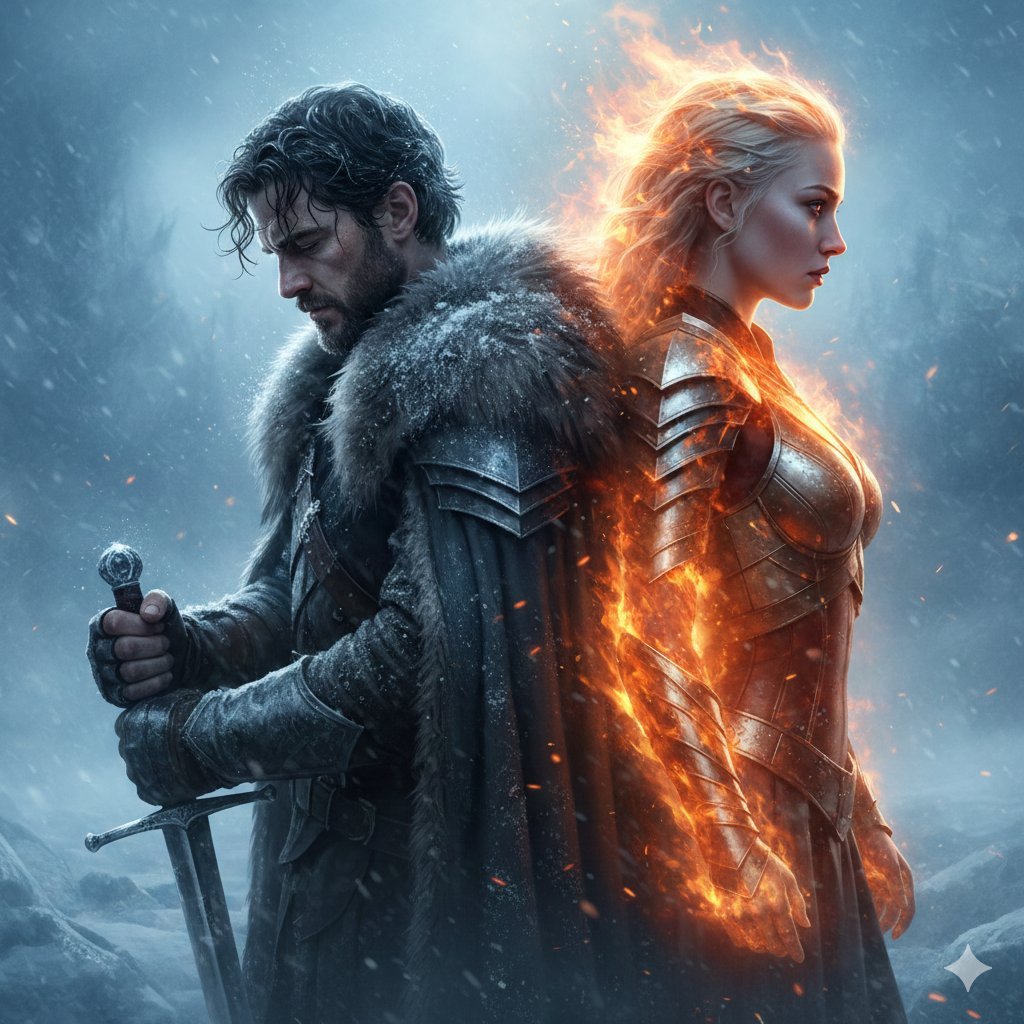
Epic Fantasy Warriors: Fire and Ice Cinematic Poster

Japan Travel Brochure Poster

Cartoon TV Show Poster Pack

Trendy Cafe Drink Promo Poster

Urban Fashion Editorial Collage Streetwear Poster

Premium Fashion Editorial Cover Layout System

Polo Ralph Lauren Luxury American Heritage Fashion Campaign
Make it yours
Sun Wukong Epic Fantasy Poster works as-is. These are the safest ways to change it without losing the look.
Change one field
Copy a single group, rewrite it, and generate again so you can see what that field is doing.
Keep the frame, change the subject
Hold the composition and light of Sun Wukong Epic Fantasy Poster, then swap wardrobe, props or the person for a new take.
| If the result… | Why | Fix |
|---|---|---|
| The result drifts from the preview | Too many fields changed at once. | Reuse Sun Wukong Epic Fantasy Poster as-is first, then change one group — subject, light, or setting. |
| The model over-stylizes the scene | The prose prompt leaves finish and camera underspecified. | Add one camera or lighting sentence and stay on GPT Image 2. |
More GPT Image 2 templates
Other prompts made for GPT Image 2.

Six VTuber Japanese Logo Sheet

Realistic Portrait of Woman and Deer

The Vista Modular Condo Poster

AI Model Routing Comparison Infographic

2.5D Anime Art Board

Isometric Productivity Desk Scene

New York Double Exposure Poster

Four-Panel AI Landscape Comparison

Japanese Tatami Lifestyle Magazine Cover

NESCAFÉ Coffee Map Poster
More image prompts
Fresh picks from across the catalog.
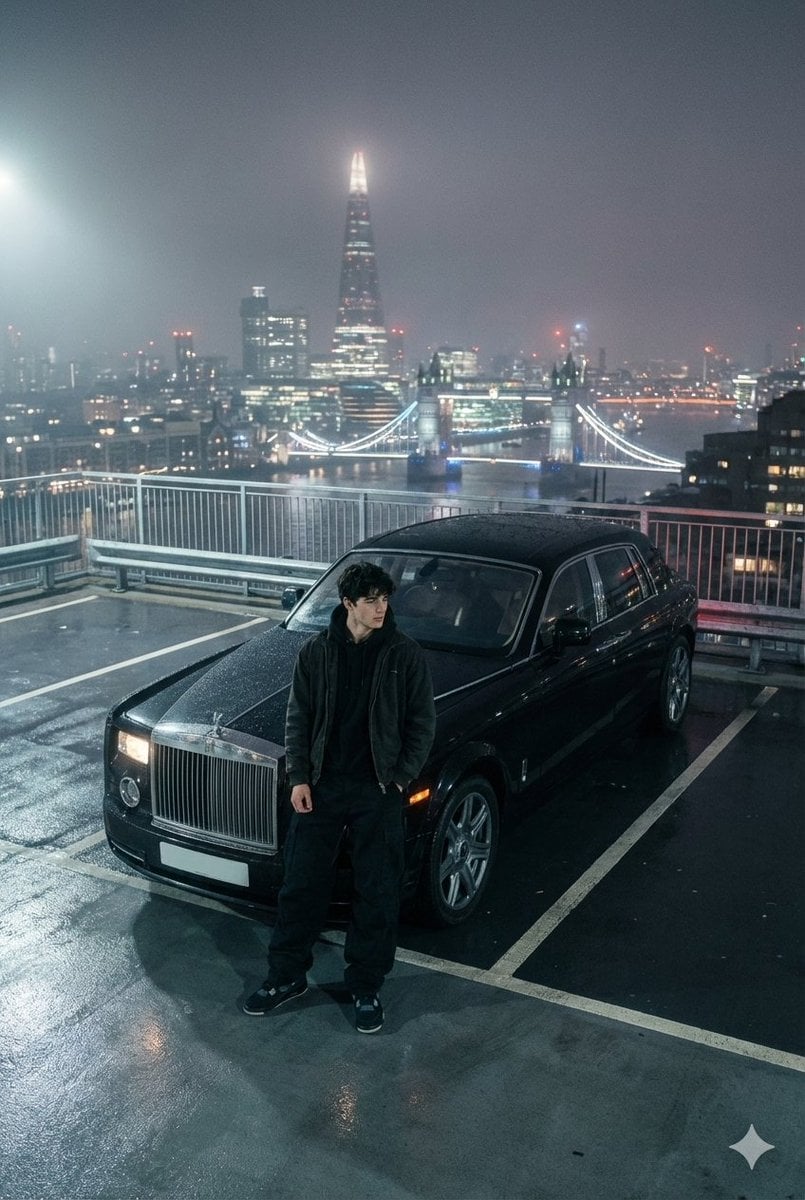
Moody London Rooftop Fashion Editorial
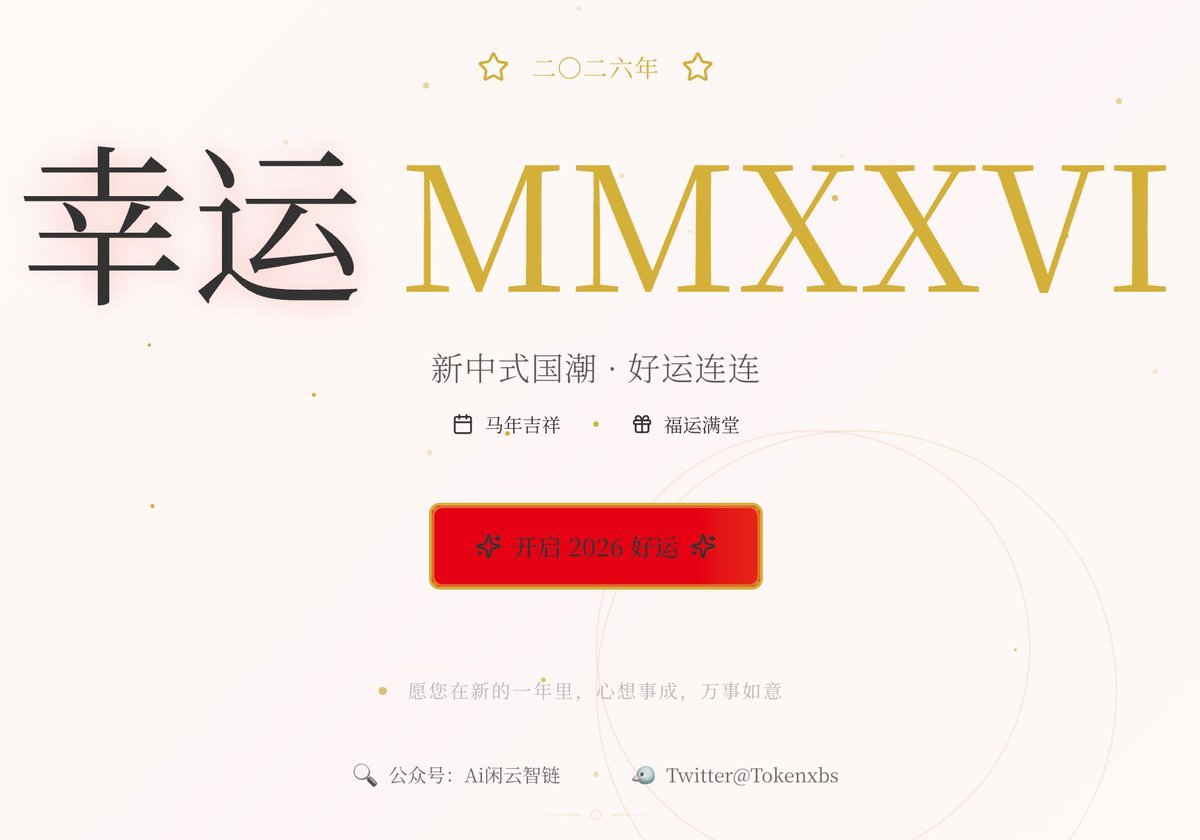
Gemini Prompt for Generating New Year's Blessing Website
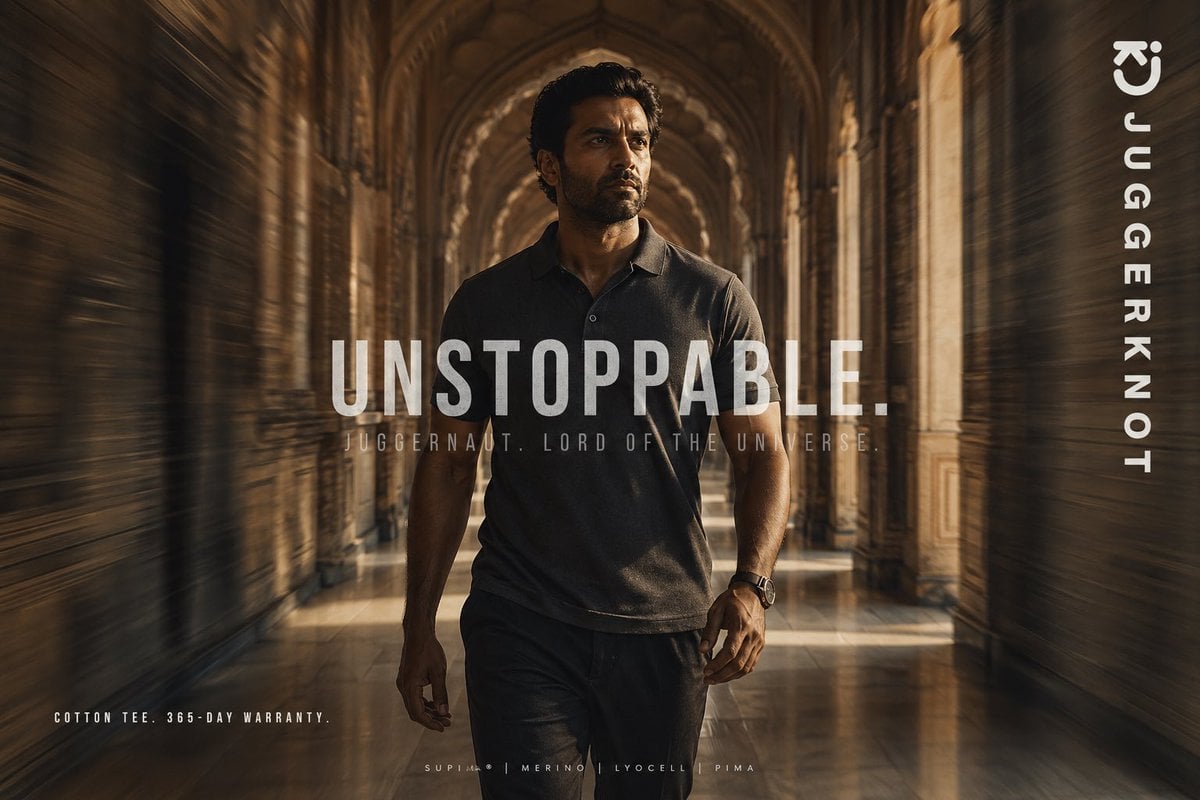
Luxury Tee Campaign Poster
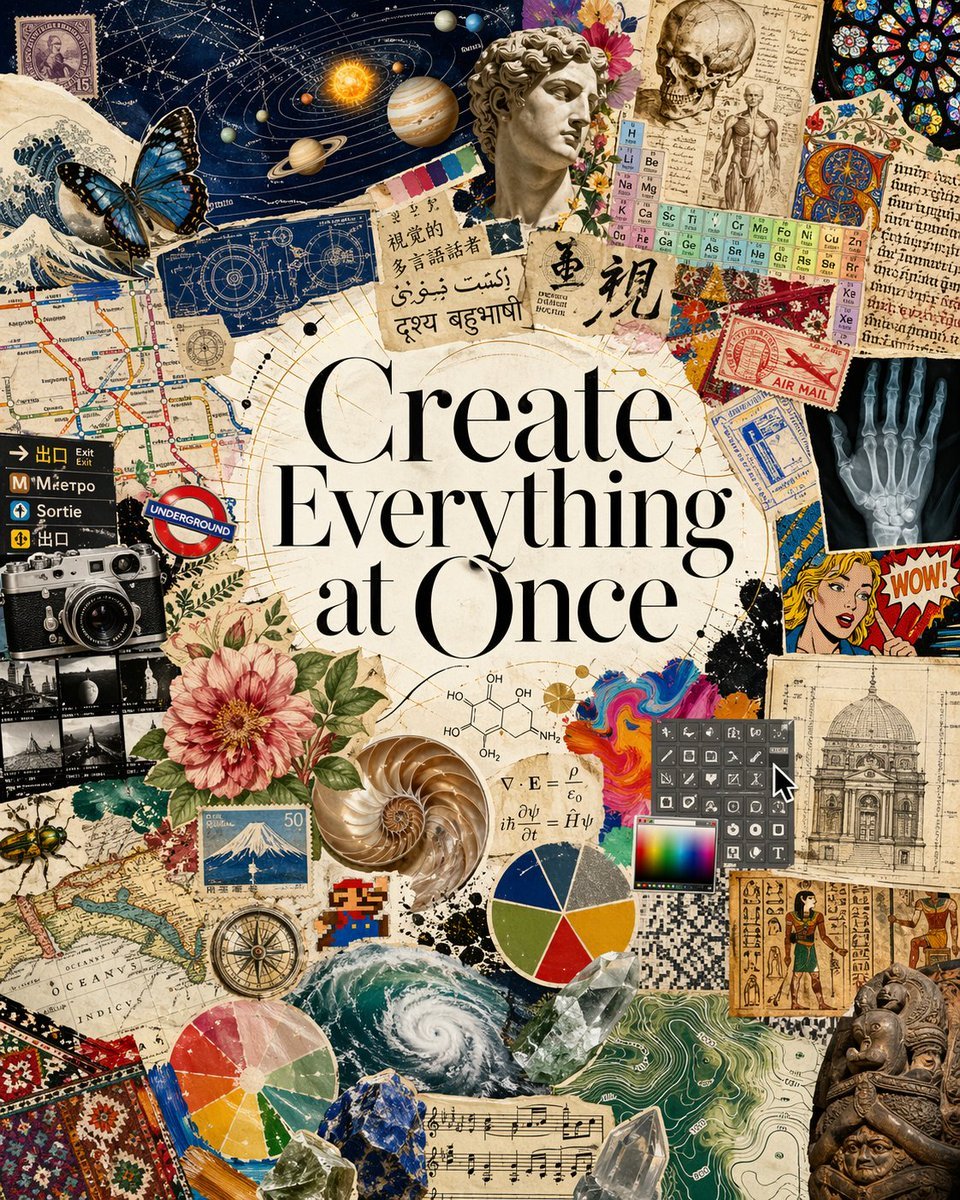
Visual Polyglot Magazine Collage
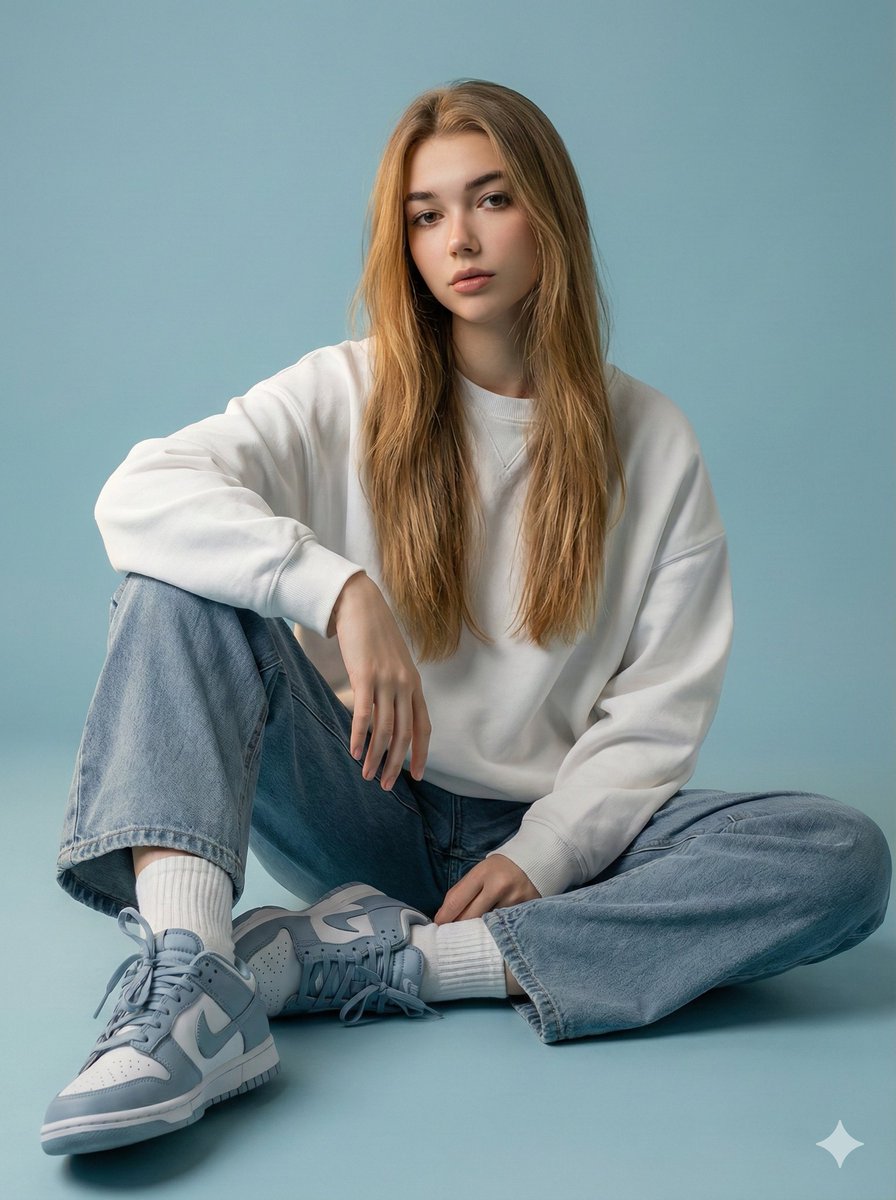
Futuristic Fashion Editorial with Identity Preservation

Inventor Portrait Memory Map
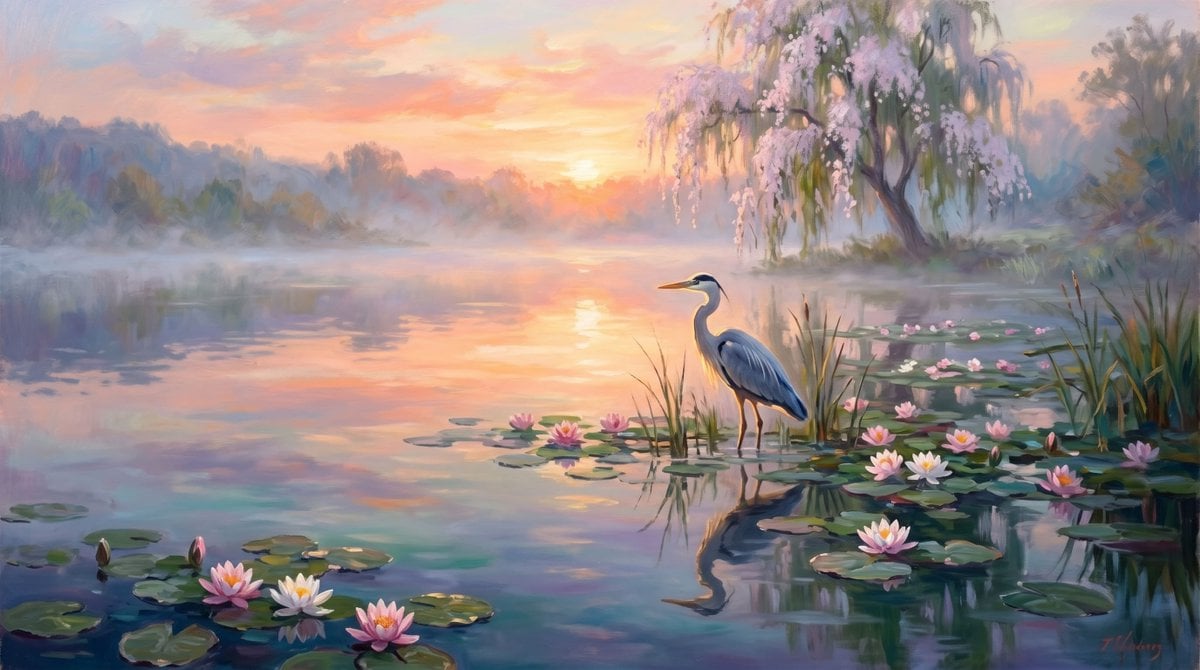
Misty Heron Sunrise Lake

2x2 Grid of Online School Banner Ads
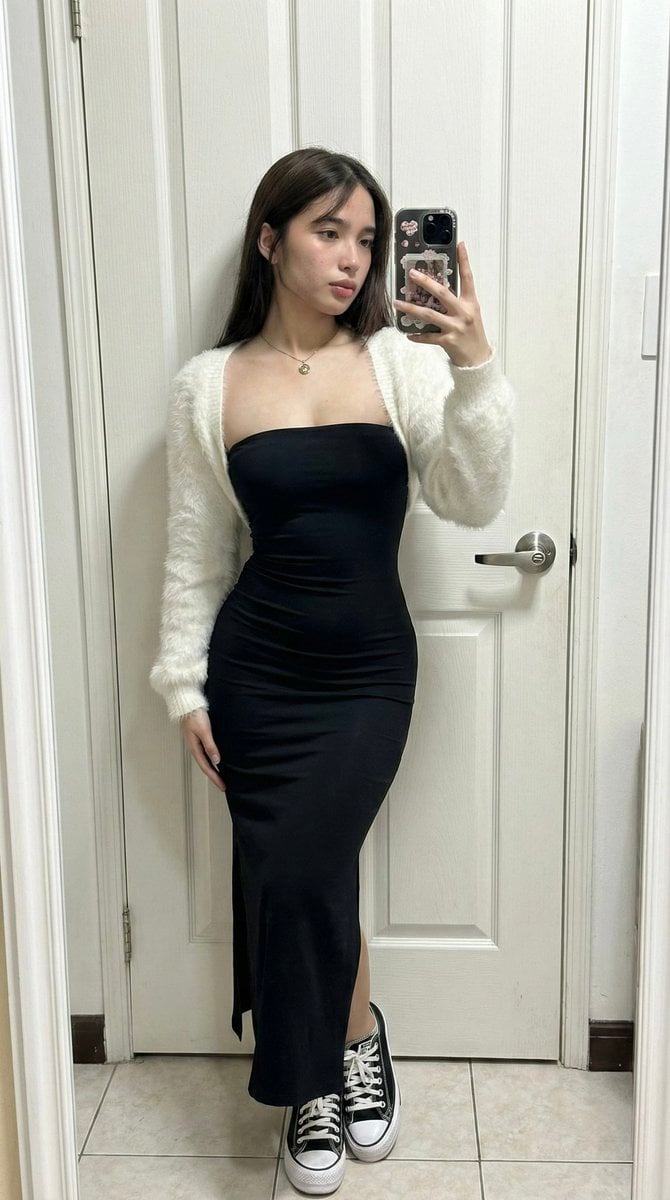
Ultra-Wide Candid Mirror Capture with Bio-Fidelity
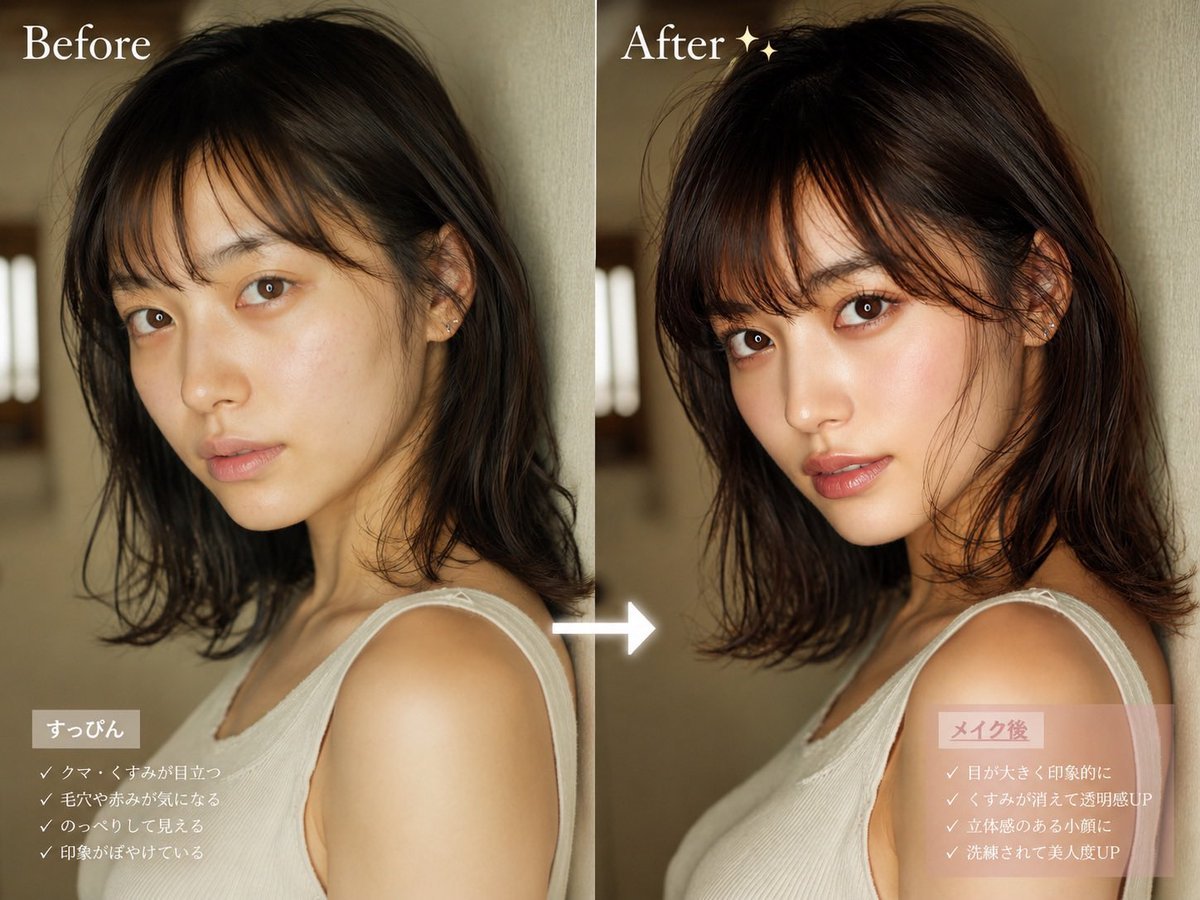
Before After Makeup Transformation
Browse template categories
Sun Wukong Epic Fantasy Poster questions
How do I use the Sun Wukong Epic Fantasy Poster template?
Add your photo if the template asks for one, edit the prompt if you like — the template's model and format are already selected — and press Generate. Your version opens in PicX Studio.
Can I customize the Sun Wukong Epic Fantasy Poster template?
Yes. You can change the subject, setting, lighting, mood, format, and available model controls before creating your image.
Is the Sun Wukong Epic Fantasy Poster template free?
Opening and editing this template is free. Generating uses credits, shown on the Generate button when you are signed in.
Which AI model should I use?
Start with GPT Image 2, which is the model associated with this template. You can compare another compatible model for a different finish.
Looking for something else? Browse all templates.

Your photo, any look
Thousands of ready templates for every top image and video model, from one credit balance.