Bohemian Sydney Sweeney Portrait Prompt (JSON format)
{
"prompt_details": {
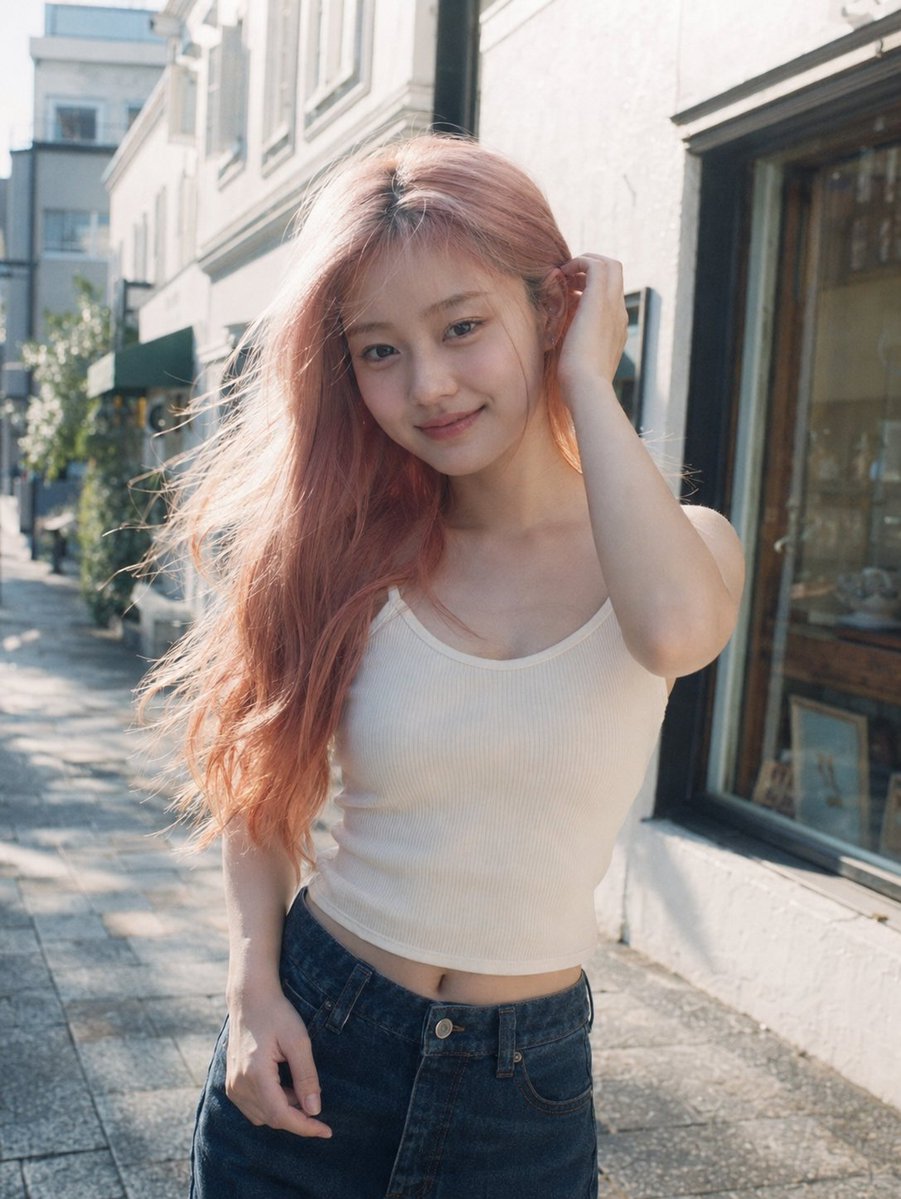
"subject": {
"type": "Young woman {argument name="subject name" default="Sydney Sweeney"} ",
"appearance": {
"hair": "Long, dark chestnut brown, loose waves, falling over face, messy aesthetic",
"skin": "Fair complexion, smooth texture, natural finish",
"face": "Looking downward, face partially obscured by hair, introspective expression",
"body_type": "Slender, fit"
},
"pose": {
"stance": "Leaning against a stone wall, body slightly angled",
"hands": "Right hand resting gently on chest/neck with fingers splayed, left hand holding a green object (boot) down by her side",
"gaze": "Downward, avoiding eye contact"
}
},
"clothing": {
"dress": {
"style": "Off-the-shoulder mini dress, cottagecore/boho style",
"fabric": "Lightweight cotton or linen blend",
"color": "{argument name="dress color" default="Red/off-Red"} base",
"pattern": "Small, delicate floral print with purple and yellow wildflowers",
"details": ["Ruffled tiered skirt", "Puffed short sleeves", "Sweetheart neckline", "Corset-style bodice structure"]
},
"accessories": [
"Thin black choker necklace",
"Multiple silver rings on fingers",
"Red beaded bracelet on left wrist",
"Holding a dark green, crocodile-texture cowboy boot"
]
},
"environment": {
"background": "Textured stone masonry wall",
"details": "Large, irregular grey and beige stone blocks, rough texture, natural architectural backdrop",
"setting": "Outdoor or semi-outdoor daylight setting"
},
"lighting": {
"type": "Soft natural daylight",
"quality": "Diffused, even illumination, soft shadows",
"direction": "Front-lit but soft"
},
"styling": {
"aesthetic": "Bohemian, chic, feminine, soft grunge undertones",
"mood": "Casual, candid, slightly moody, artistic"
},
"camera_details": {
"shot_type": "Medium shot (thigh-up)",
"angle": "Eye-level",
"lens": "85mm prime lens for flattering portrait compression",
"aperture": "f/2.8 for slight depth of field separation from the wall",
"focus": "Sharp focus on the subject and dress texture"
},
"technical_specifications": {
"quality": "Ultra Photorealistic, 8k resolution, highly detailed",
"texture_quality": "High fidelity fabric textures, realistic skin pores, detailed stone masonry",
"engine": "Unreal Engine 5 render style or high-end photography" Ratio 3.4
}
}




![Cartoon TV Show Poster Pack — A bold Cartoon Network-style promotional poster for [SHOW], featuring the main characters in a flat 2D illustrated style with thic](/_next/image?url=https%3A%2F%2Fcdn.picxstudio.com%2Fuploads%2Fimg0_107064d3-b797-488a-a32e-d75dea9d3b4c.jpg&w=828&q=100)
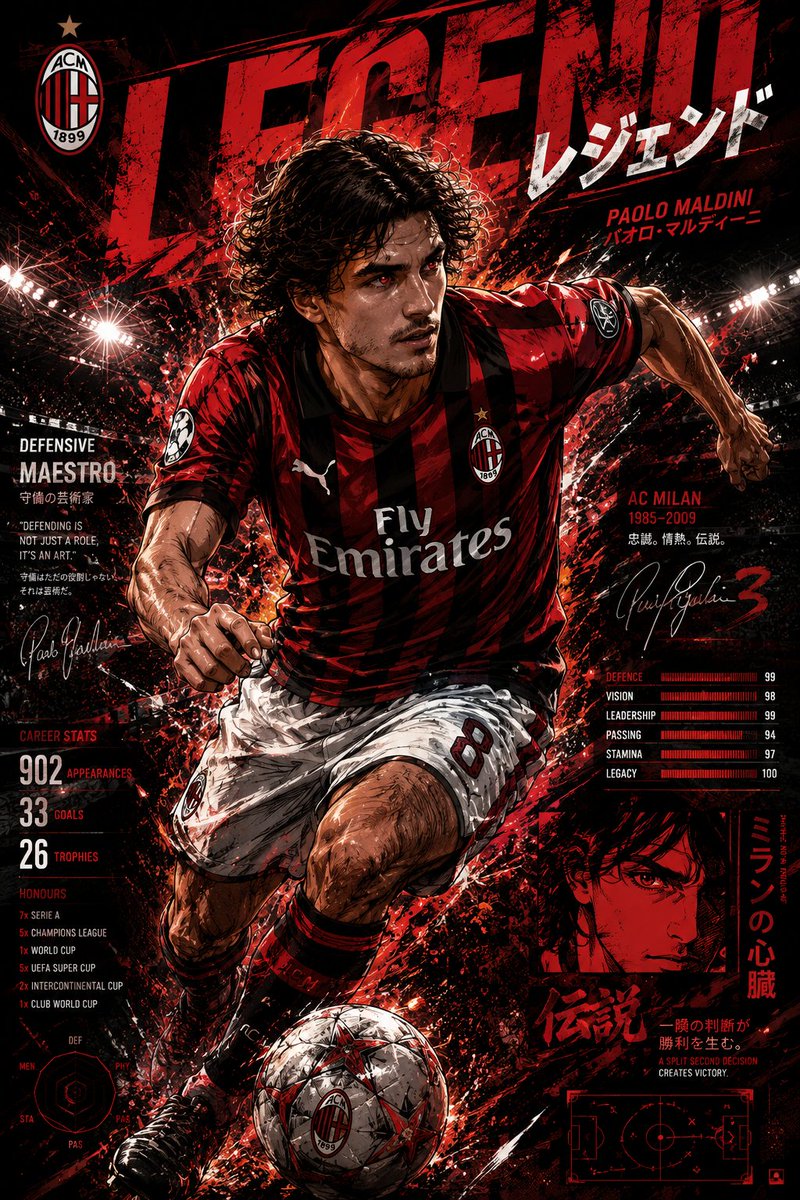
![vertical-football-star-campaign-poster — Create a vertical 9:16 high-resolution football star campaign poster.
Player: [Player Name]
Player concept: [football](/_next/image?url=https%3A%2F%2Fcdn.picxstudio.com%2Fuploads%2Fmeigen_996a192156cb_45d1d198-bb81-4272-be3f-df0eda9f0a74.jpg&w=828&q=100)


![Epic premium automotive poster — Create an epic premium automotive poster of
[CAR MODEL].
Place the car as the heroic central subje…](https://images.meigen.ai/tweets/2048752153343545390/0.jpg)




![Japan Travel Brochure Poster — Create a vertical vintage travel-brochure infographic poster titled “[COUNTRY/DESTINATION]: [TAGLINE]”, using a warm parchment-pa](/_next/image?url=https%3A%2F%2Fcdn.picxstudio.com%2Fuploads%2Fp0_982bf820-bb34-4c43-8a6d-42d799d7282b.jpg&w=828&q=100)



![Naive doodle-style subject illustration — A doodle-style {argument name="subject" default="[subject]"}, naive lines, humorous shape exaggeration](https://pbs.twimg.com/media/G6Wl2YxbsAARB2b.jpg)