
Epic Cao Cao Silhouette Poster
Generates a cinematic collectible historical poster where Cao Cao's side-profile silhouette contains symbolic Three Kingdoms scenes, figures, battles, and artifacts.
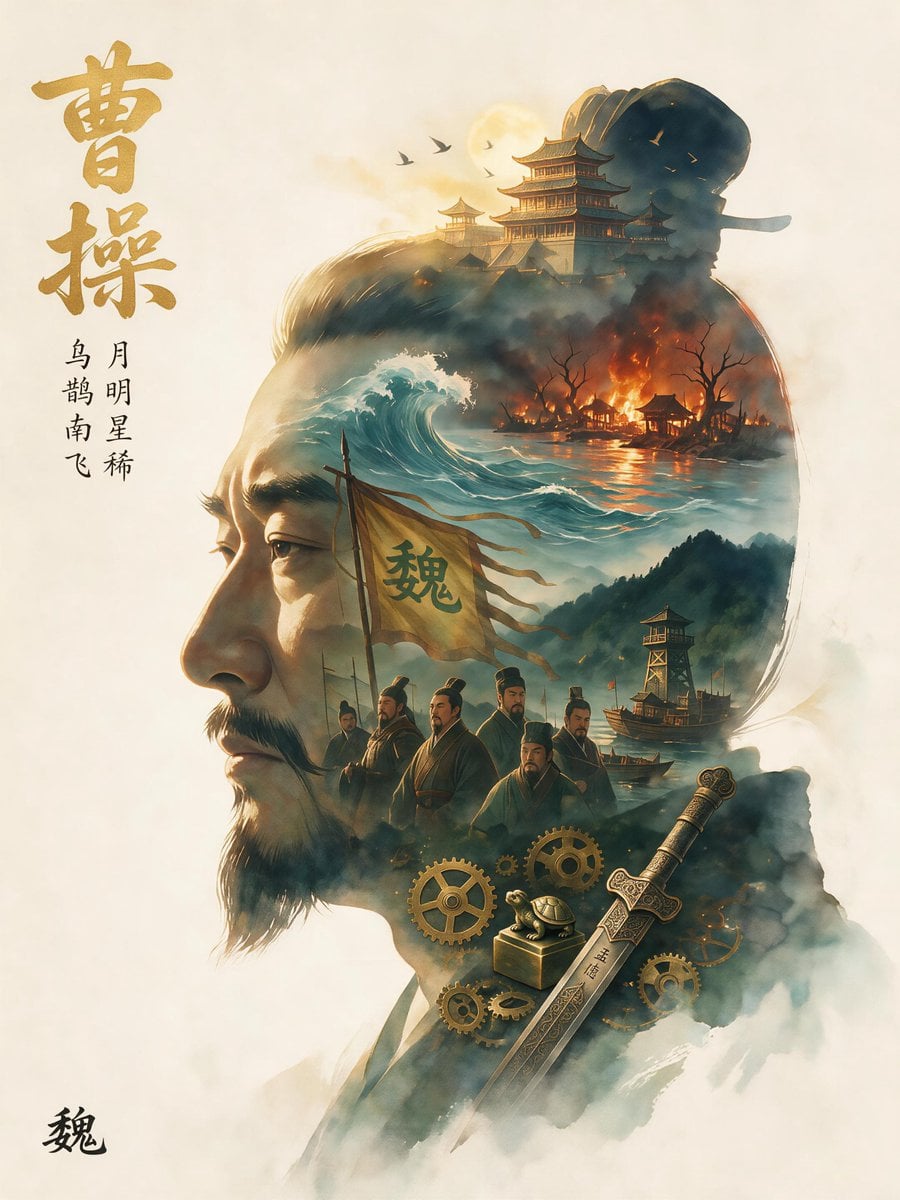
- Prompt included
- Model and format preset
- Premium template
The prompt behind this image
Copy the exact prompt behind Epic Cao Cao Silhouette Poster, or open it in the studio and make it yours.
Goal: Create a collectible epic narrative poster for {argument name="character name" default="曹操"}, styled as a grand historical concept portrait. The main composition is a huge left-facing side-profile silhouette of a middle-aged Chinese warlord with a strong nose, mustache, short beard, tied-back dark hair, and a solemn strategic expression. Inside the silhouette, grow an entire Three Kingdoms-inspired world that visually tells his legend. Canvas: Vertical 3:4 poster on warm ivory parchment, soft empty margins, museum-quality fantasy realism, cinematic golden hour lighting, mist and ink-wash atmosphere, no modern objects. Layout: Place the giant profile head and shoulders on the right two-thirds of the canvas, facing left. On the left margin, add large vertical gold calligraphy reading {argument name="main title text" default="曹操"}. Beneath it, add exactly 4 smaller black vertical Chinese text items: 1) {argument name="line one text" default="乌"}, 2) {argument name="line two text" default="鹊南飞"}, 3) {argument name="line three text" default="月明星稀"}, 4) a continuation-style small poetic line aligned vertically. In the lower-left corner, add one small black calligraphy seal-like character reading {argument name="seal text" default="魏"}. Inner-world elements inside the silhouette, exact count and placement: 1) one golden sun or moon glow near the upper head; 2) three small black birds flying beside it; 3) one grand ancient Chinese palace complex with layered pagoda roofs across the top of the skull; 4) one smoky dark upper head mass forming a helmet-like shadow; 5) one large turquoise ocean wave breaking through the center-left of the head; 6) one burning riverside village with orange flames, black leafless trees, smoke, and reflections on water in the upper-right interior; 7) one torn yellow war banner in the middle with the large character {argument name="banner character" default="魏"}; 8) exactly seven robed historical male figures standing below the banner in dark Han-era clothing and official hats, arranged as a council group; 9) one misty mountain range in the right-center background; 10) one wooden watchtower on the mountain slope; 11) two small wooden war boats on the river near the watchtower; 12) one ornate engraved sword diagonally across the lower-right shoulder with visible Chinese-style markings; 13) one small square box or seal case near the sword hilt; 14) one turtle-like bronze ornament sitting on the box; 15) exactly seven golden bronze gears around the lower shoulder area, varying in size; 16) dense white and blue-gray fog wrapping the bottom of the portrait and fading into the parchment. Visual style: Epic historical Chinese poster, realistic digital painting blended with watercolor and ink, elegant brush textures, teal-and-gold palette with orange fire accents, high-detail face rendering, atmospheric depth, soft rim light, dramatic but refined. The silhouette boundary should remain readable while the inner scenes blend seamlessly into hair, skull, neck, and robe. Constraints: Keep the image as a single vertical poster, not a comic or infographic. Do not add extra readable text beyond the specified calligraphy and symbolic characters. Avoid cartoon style, avoid plastic 3D rendering, avoid modern typography, avoid watermark or logo.
How to use Epic Cao Cao Silhouette Poster in 3 steps
- 1Upload ImagePNG, JPG or paste
Add your photo
Upload the photo the template builds on. The prompt, model and format are already set.
- 2…a portrait of your subject in softgolden-hour light, 85mm…
Personalize
Edit the subject and creative details for your destination.
- 3Generate
Generate
Press Generate — your image is created in PicX Studio, so you can compare it with the original and refine one variable at a time.
More like this
Templates with the same subject, style or setup. Open one to see its prompt.
Epic Silhouetted World Poster

Japan Travel Brochure Poster

Cartoon TV Show Poster Pack

Trendy Cafe Drink Promo Poster

Urban Fashion Editorial Collage Streetwear Poster

Premium Fashion Editorial Cover Layout System

Polo Ralph Lauren Luxury American Heritage Fashion Campaign

Monochrome Halftone Editorial Fashion Poster
Retro Mirror Luxury Fashion Campaign Poster
Luxury Fashion Campaign Typography Poster System
Premium Fashion Editorial Campaign Poster System
Ultra-Stylized High-Fashion Streetwear Poster
Make it yours
Epic Cao Cao Silhouette Poster works as-is. These are the safest ways to change it without losing the look.
Change one field
Copy a single group, rewrite it, and generate again so you can see what that field is doing.
Keep the frame, change the subject
Hold the composition and light of Epic Cao Cao Silhouette Poster, then swap wardrobe, props or the person for a new take.
| If the result… | Why | Fix |
|---|---|---|
| The result drifts from the preview | Too many fields changed at once. | Reuse Epic Cao Cao Silhouette Poster as-is first, then change one group — subject, light, or setting. |
| The model over-stylizes the scene | The prose prompt leaves finish and camera underspecified. | Add one camera or lighting sentence and stay on GPT Image 2. |
More GPT Image 2 templates
Other prompts made for GPT Image 2.

Six VTuber Japanese Logo Sheet

Realistic Portrait of Woman and Deer

The Vista Modular Condo Poster

AI Model Routing Comparison Infographic

2.5D Anime Art Board

Isometric Productivity Desk Scene

New York Double Exposure Poster

Four-Panel AI Landscape Comparison

Japanese Tatami Lifestyle Magazine Cover

NESCAFÉ Coffee Map Poster
More image prompts
Fresh picks from across the catalog.
Seedance - Epic Fight Scene
Candid Medium Shot in Minimalist Studio
Cyberpunk Portrait with Sci-Fi Interface
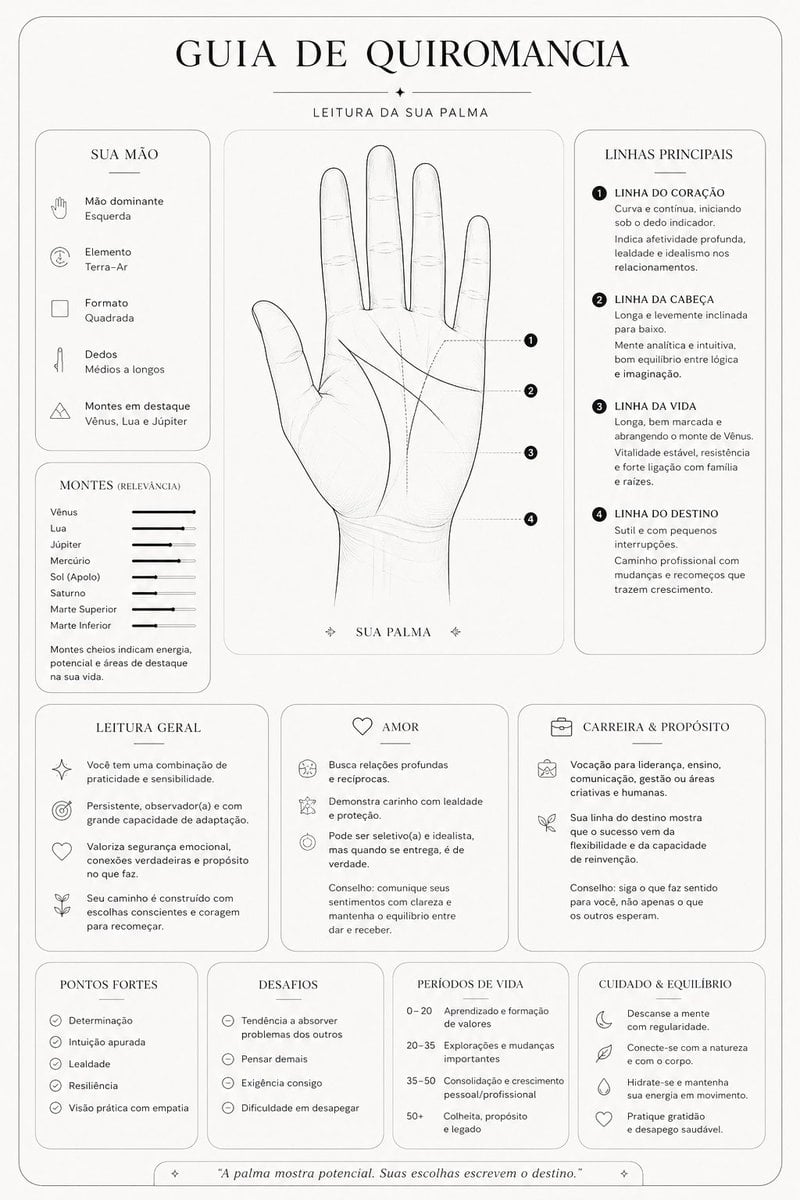
Minimalist Palmistry Guide Prompt
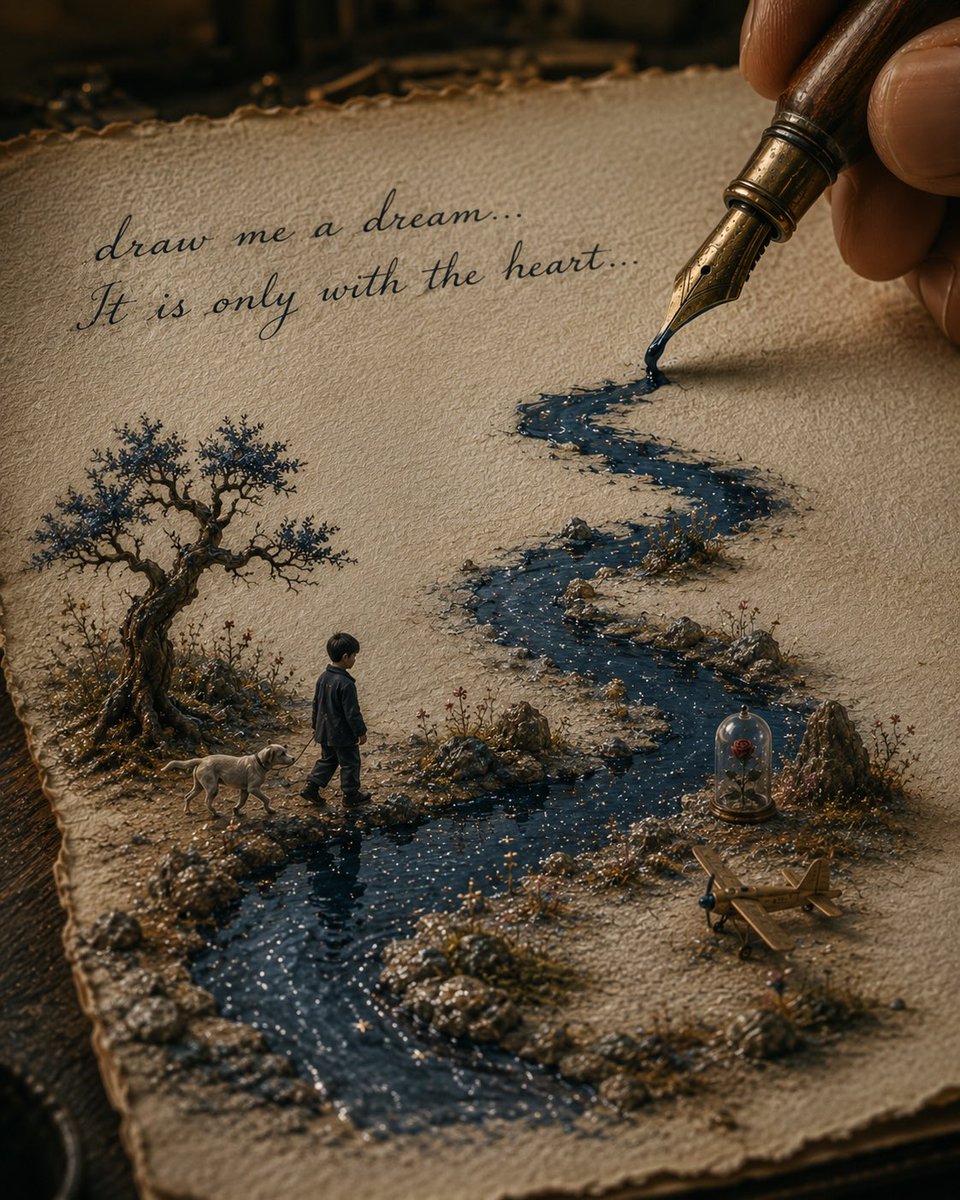
Ink River Fairy Tale Diorama

Colorful Portrait Collage Prompt
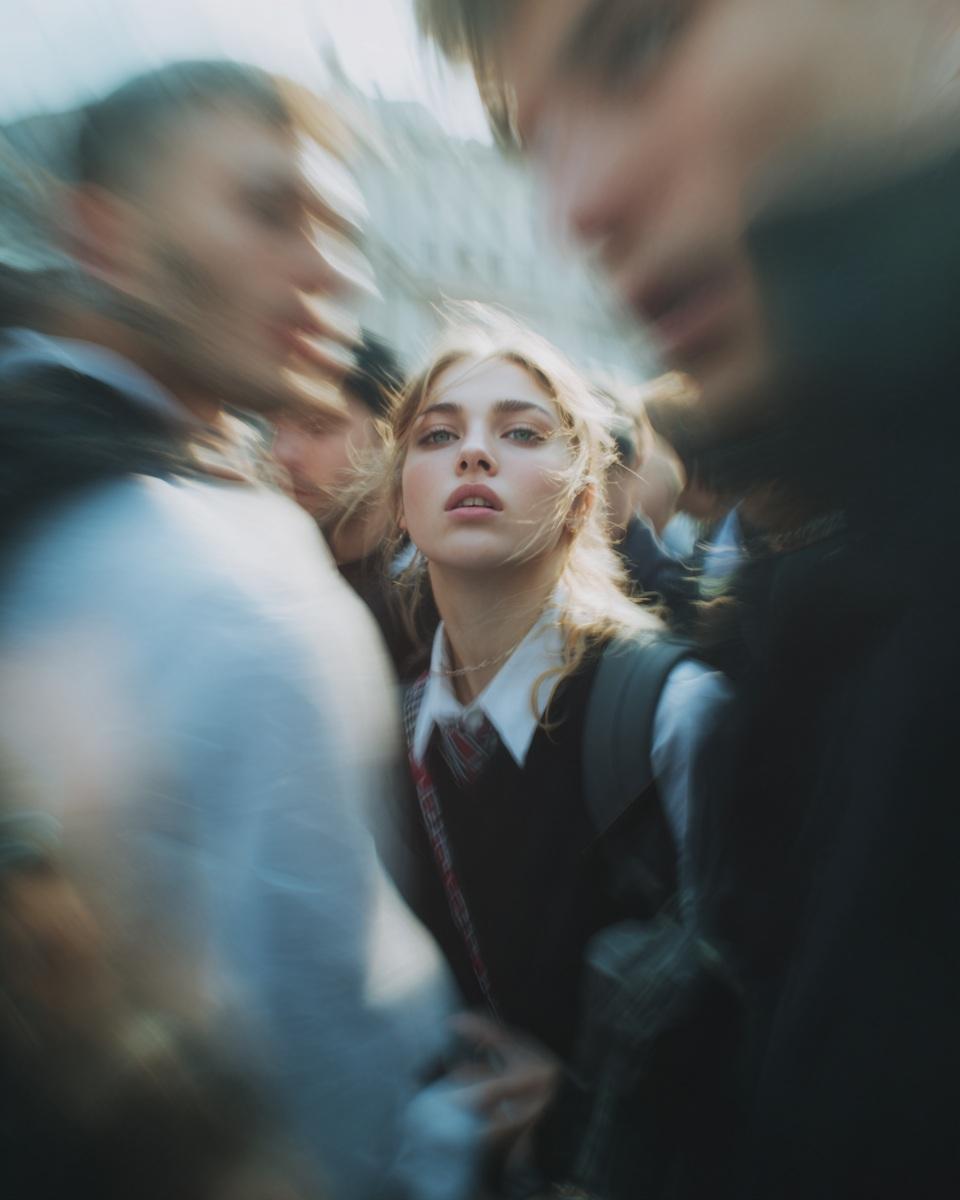
Paparazzi-Style Candid Photo Prompt
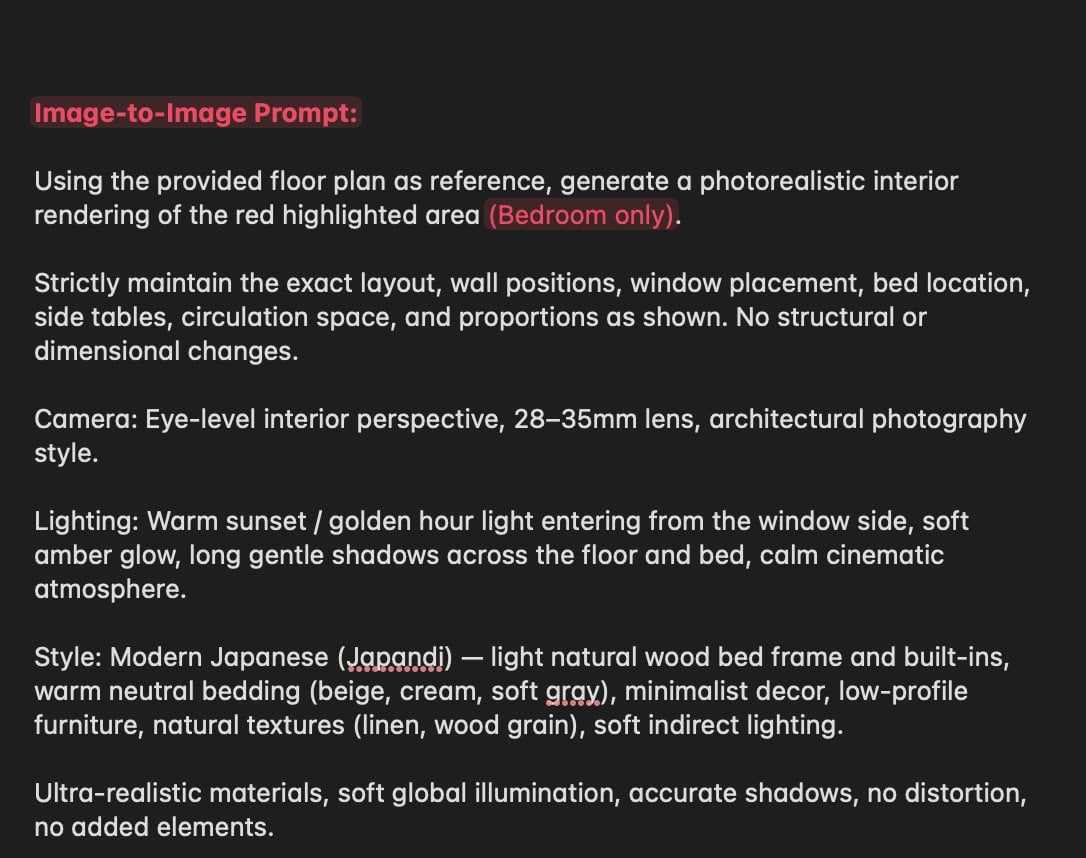
Nano Banana Layout Preservation Prompt
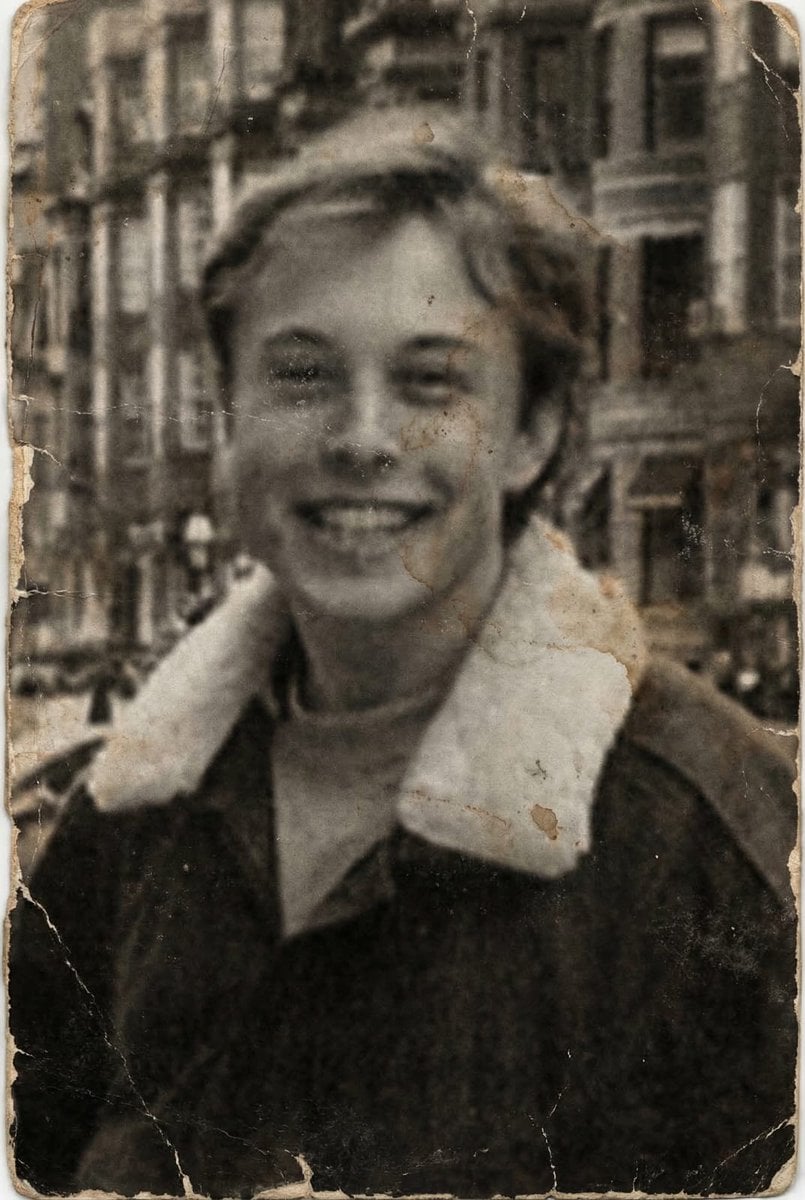
Professional Photo Restoration and Upscaling

Water Vs Thunder Breathing Anime Battle
Browse template categories
Epic Cao Cao Silhouette Poster questions
How do I use the Epic Cao Cao Silhouette Poster template?
Add your photo if the template asks for one, edit the prompt if you like — the template's model and format are already selected — and press Generate. Your version opens in PicX Studio.
Can I customize the Epic Cao Cao Silhouette Poster template?
Yes. You can change the subject, setting, lighting, mood, format, and available model controls before creating your image.
Is the Epic Cao Cao Silhouette Poster template free?
Opening and editing this template is free. Generating uses credits, shown on the Generate button when you are signed in.
Which AI model should I use?
Start with GPT Image 2, which is the model associated with this template. You can compare another compatible model for a different finish.
Looking for something else? Browse all templates.

Your photo, any look
Thousands of ready templates for every top image and video model, from one credit balance.