
Futuristic Fashion Editorial with Identity Preservation
A detailed JSON prompt for generating a photorealistic, futuristic fashion editorial image of a woman seated in a studio.
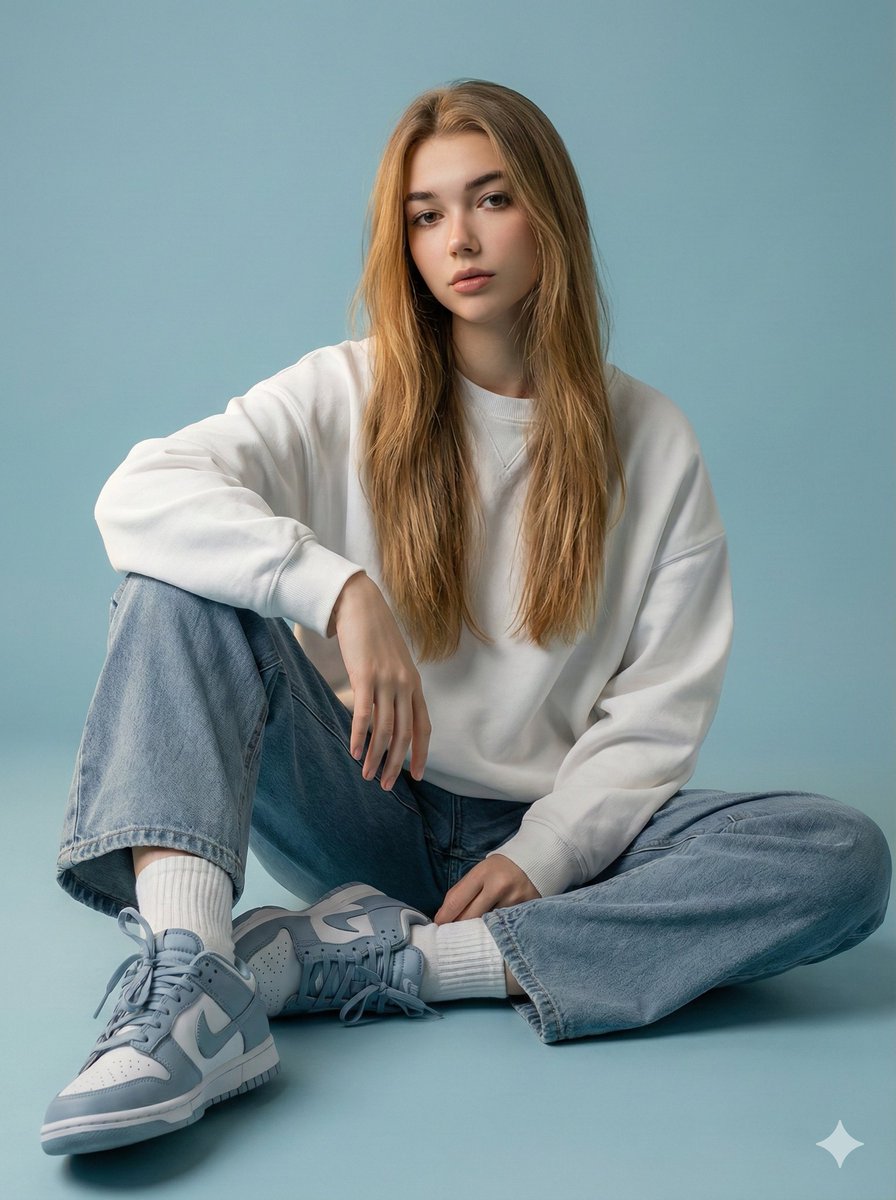
- Prompt included
- Model and format preset
- Premium template
The prompt behind this image
Copy the exact prompt behind Futuristic Fashion Editorial with Identity Preservation, or open it in the studio and make it yours.
- Type
- image_generation_prompt
- Style
- fashion editorial x futuristic
- Identity Preservation › Use Uploaded Image
- true
- Identity Preservation › Alter Face
- false
- Identity Preservation › Notes
- Use the same face and hairstyle from the uploaded photo. Do not change facial features or facial expression.
- Subject › Gender
- female
- Subject › Pose › Position
- seated
- Subject › Pose › Posture
- elegant and relaxed
- Subject › Pose › Expression
- unchanged from the reference image
- Wardrobe › Top
- oversized white sweatshirt
- Wardrobe › Bottoms
- cloudy blue oversized combat jeans
- Wardrobe › Footwear
- cloudy blue neutral sneakers or Nike sneakers
- Wardrobe › Socks
- white ribbed socks
- Environment › Setting
- studio
- Environment › Background › Color
- muted sky-blue tone
- Environment › Background › Style
- clean, minimalist
- Lighting › Type
- soft cinematic glow
- Lighting › Effects
- highlights skin texture, enhances fabric textures
- Composition › Style
- editorial
- Composition › Focus
- model-centered with balanced framing
- Quality › Realism
- photorealistic
- Quality › Detail Level
- high detail in skin and fabric
- Output Goal
- Create a futuristic fashion editorial image of a woman seated with a relaxed posture in a sky-blue studio environment, preserving her exact facial identity and expression from the reference photo.
Raw JSON
{
  "type": "image_generation_prompt",
  "style": "fashion editorial x futuristic",
  "identity_preservation": {
    "use_uploaded_image": true,
    "alter_face": false,
    "notes": "Use the same face and hairstyle from the uploaded photo. Do not change facial features or facial expression."
  },
  "subject": {
    "gender": "female",
    "pose": {
      "position": "seated",
      "posture": "elegant and relaxed",
      "expression": "unchanged from the reference image"
    }
  },
  "wardrobe": {
    "top": "oversized white sweatshirt",
    "bottoms": "cloudy blue oversized combat jeans",
    "footwear": "cloudy blue neutral sneakers or Nike sneakers",
    "socks": "white ribbed socks"
  },
  "environment": {
    "setting": "studio",
    "background": {
      "color": "muted sky-blue tone",
      "style": "clean, minimalist"
    }
  },
  "lighting": {
    "type": "soft cinematic glow",
    "effects": [
      "highlights skin texture",
      "enhances fabric textures"
    ]
  },
  "composition": {
    "style": "editorial",
    "focus": "model-centered with balanced framing"
  },
  "quality": {
    "realism": "photorealistic",
    "detail_level": "high detail in skin and fabric"
  },
  "output_goal": "Create a futuristic fashion editorial image of a woman seated with a relaxed posture in a sky-blue studio environment, preserving her exact facial identity and expression from the reference photo."
}How to use Futuristic Fashion Editorial with Identity Preservation in 3 steps
- 1Upload ImagePNG, JPG or paste
Add your photo
Upload the photo the template builds on. The prompt, model and format are already set.
- 2…a portrait of your subject in softgolden-hour light, 85mm…
Personalize
Edit the subject and creative details for your destination.
- 3Generate
Generate
Press Generate — your image is created in PicX Studio, so you can compare it with the original and refine one variable at a time.
More like this
Templates with the same subject, style or setup. Open one to see its prompt.
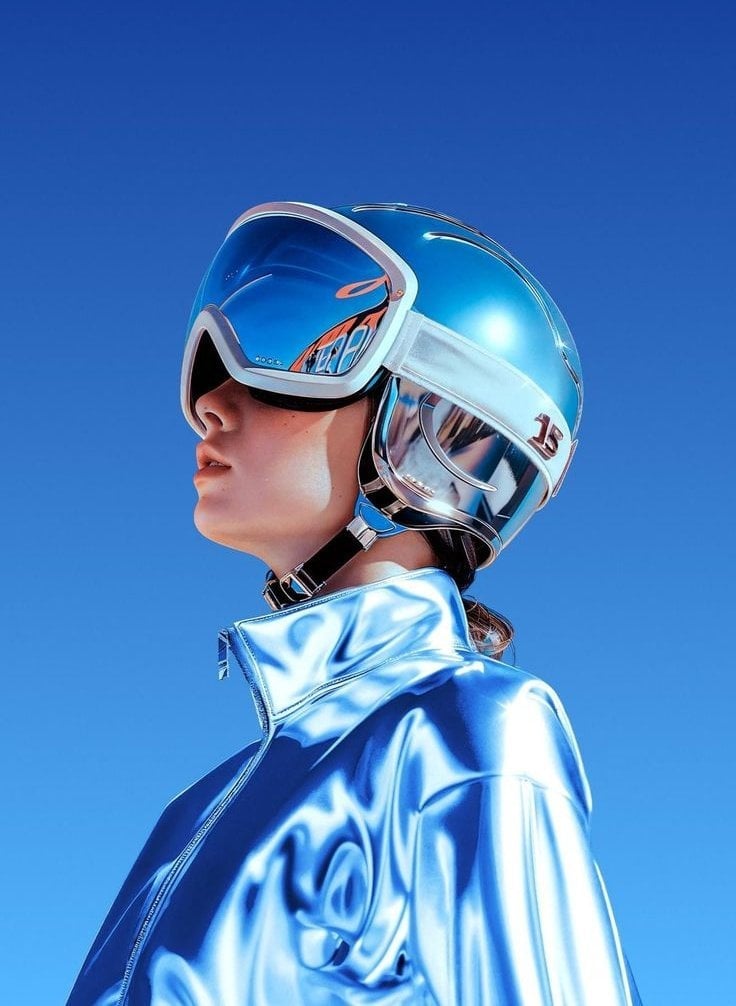
Futuristic Chrome Helmet Fashion Portrait
Futuristic Chrome Helmet Fashion Portrait

Blue Backdrop Luxury Fashion Portrait Campaign
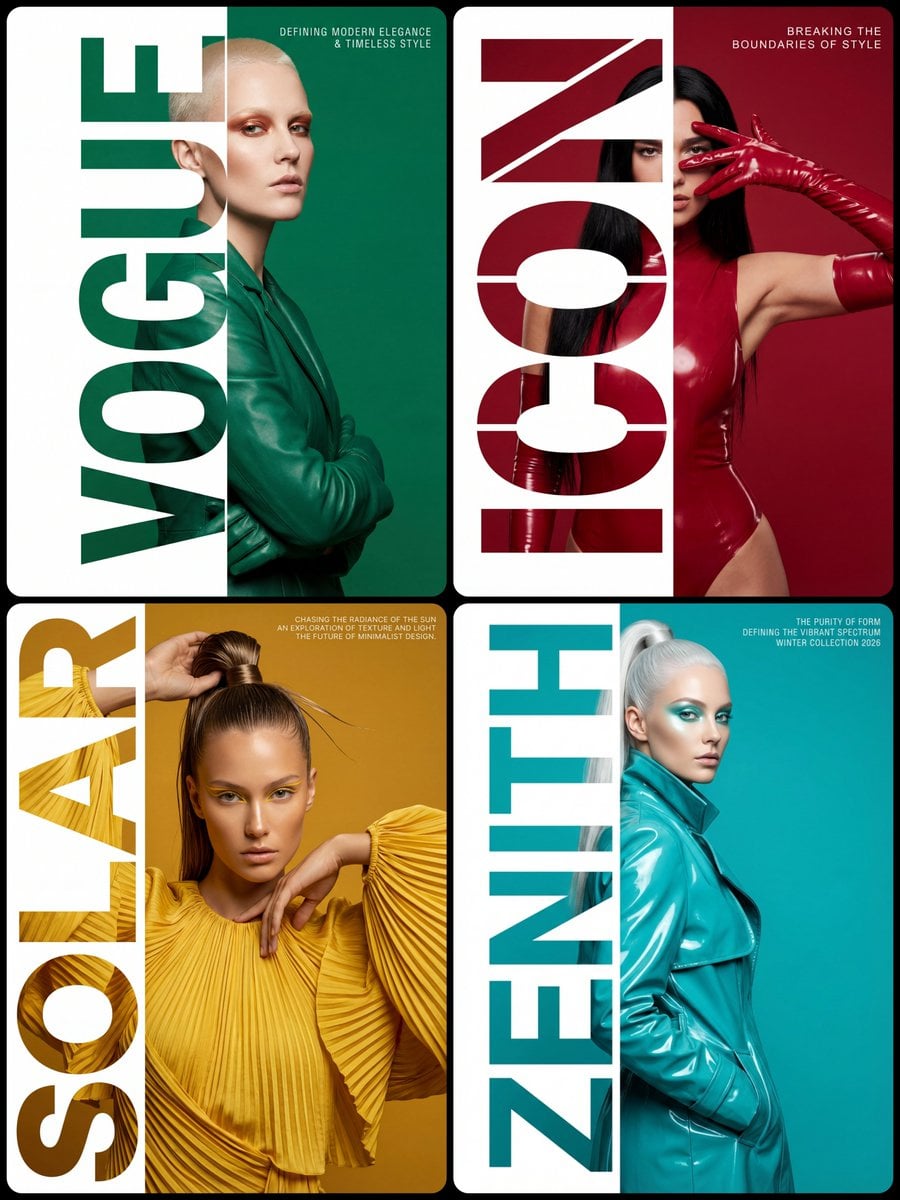
Typography Mask Editorial Fashion Poster
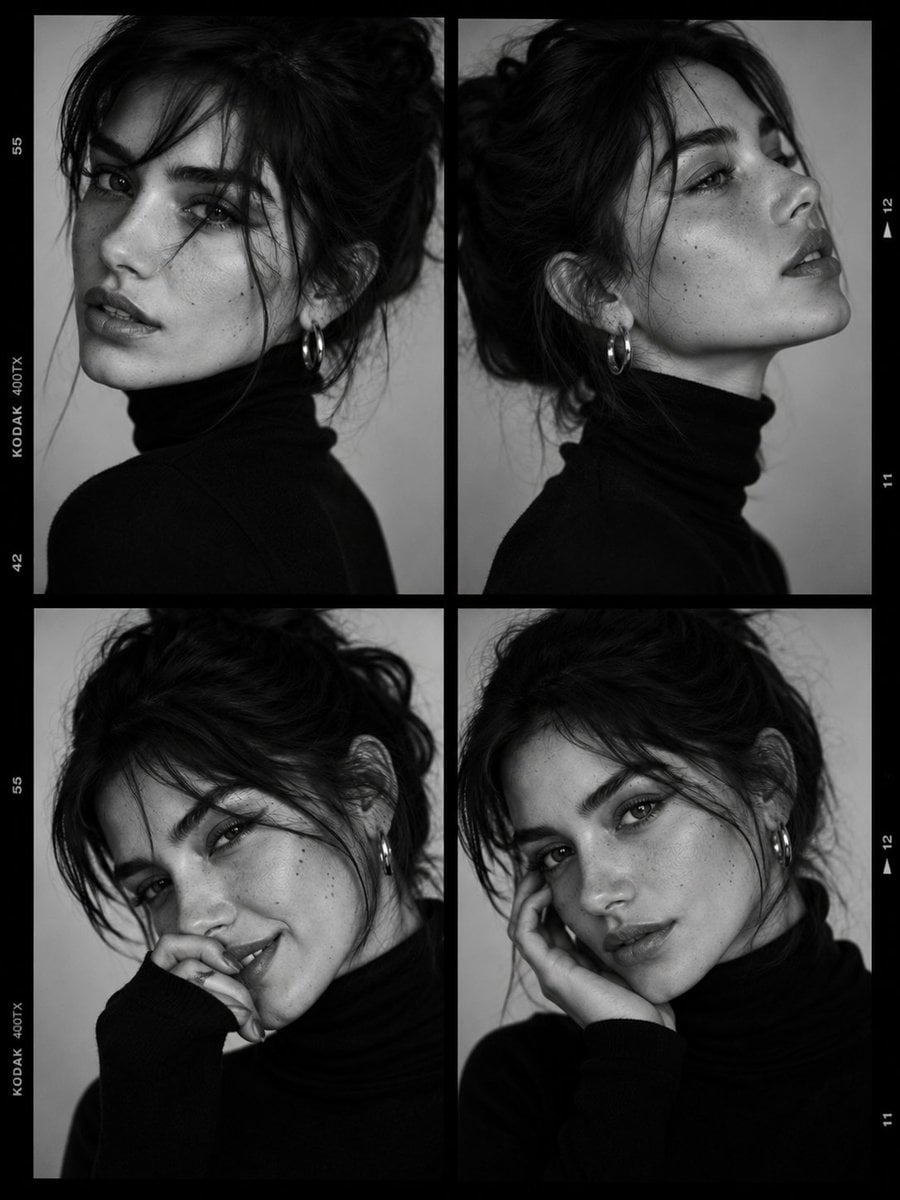
Luxury Black-and-White Fashion Contact Sheet
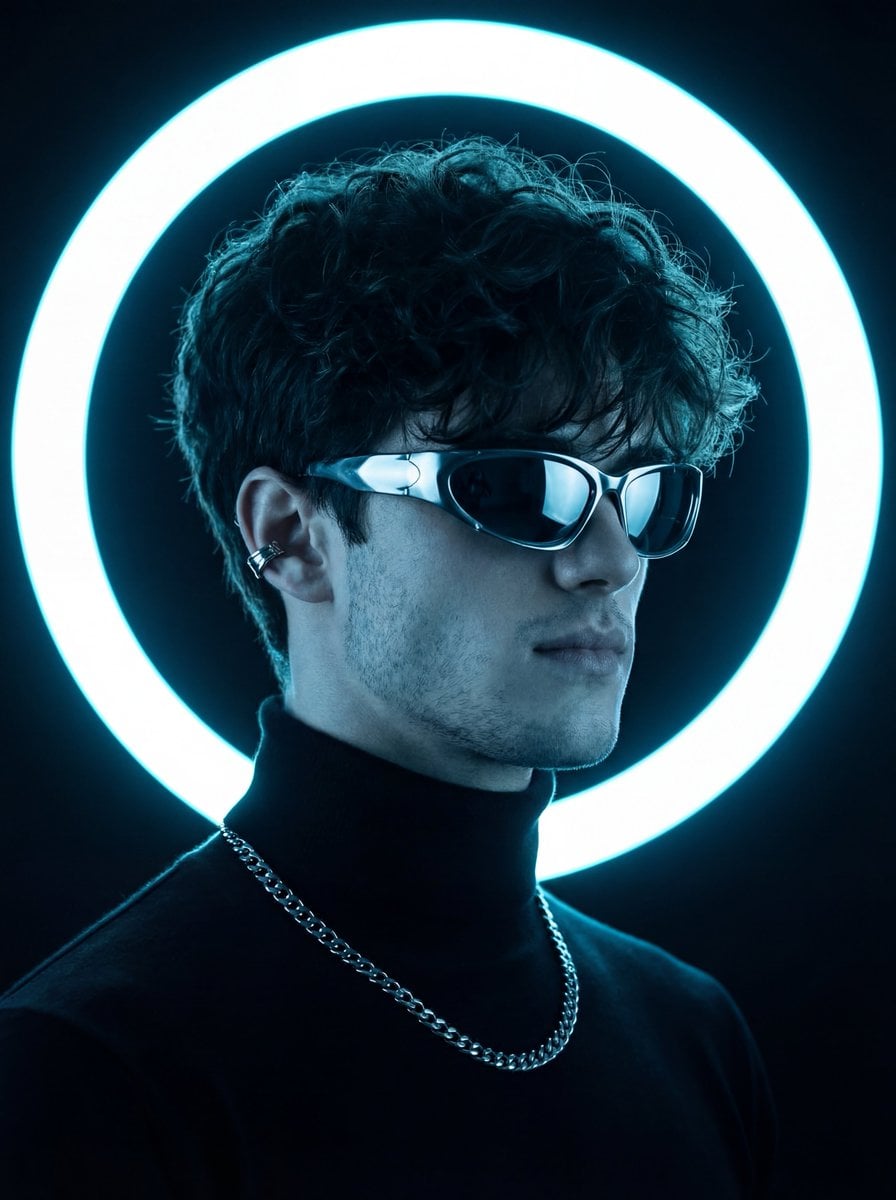
Futuristic Studio Neon Ring Minimalist Portrait
untitled
Google Gemini Nano Banana Pro
Conceptual Fashion Portrait in Spider We
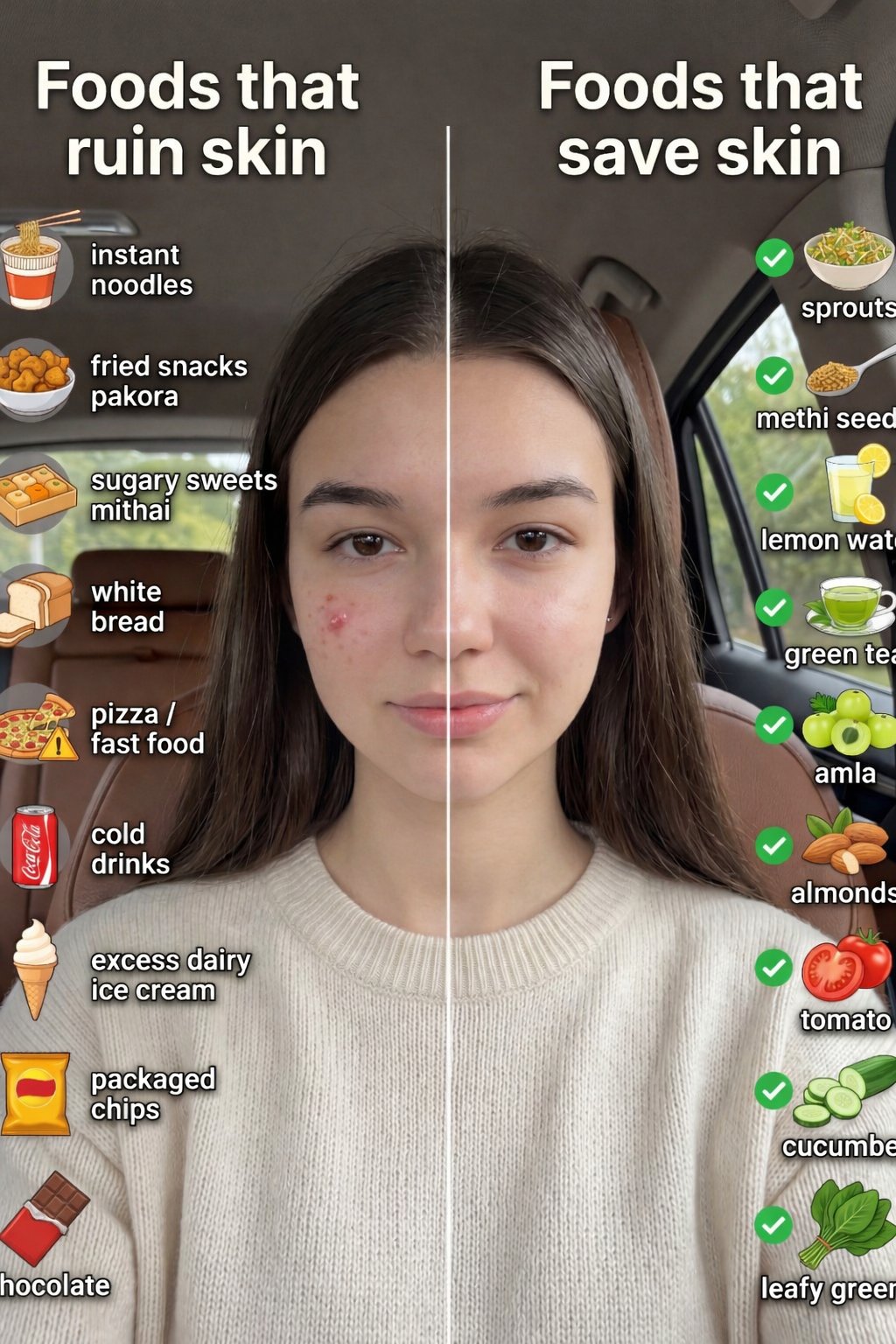
01 Skincare Split Portrait — Nano Banana 2
24 The Getty Center — California Series
21 Glass Floor Skyscraper — California Series
Make it yours
Futuristic Fashion Editorial with Identity Preservation works as-is. These are the safest ways to change it without losing the look.
Swap the setting
Keep the rest of the prompt and replace the location block. The current setting is “studio”.
Swap the light
One lighting change is enough to compare takes. Current light: “soft cinematic glow”.
Change one field
Copy a single group, rewrite it, and generate again so you can see what that field is doing.
| If the result… | Why | Fix |
|---|---|---|
| The result drifts from the preview | Too many fields changed at once. | Reuse Futuristic Fashion Editorial with Identity Preservation as-is first, then change one group — subject, light, or setting. |
| Nano Banana 2 ignores part of the JSON | Some models flatten or skip nested keys. | Keep the same values and paste them as a short paragraph instead. |
More Nano Banana 2 templates
Other prompts made for Nano Banana 2.

Photorealistic Leaf Shaped Like a Dragon

K-Pop Idol Portrait Grid for Rapid Selection

Poetic Rain Forest Portrait During Golden Hour

Urban Street Portrait with Cartoon Inner Self Duo

Candid Nighttime Photo with Cat Prompt

High-Concept 3D Diorama Generation Prompt

Cinematic Futuristic Studio Portrait Template

Skincare Editorial Photography Collage Prompt

Hyper-Realistic Commercial Product Photography (Splash Effect)

Hyper-Realistic Nightclub Portrait Prompt
More image prompts
Fresh picks from across the catalog.
Blonde Woman Backless Dress Portrait Prompt
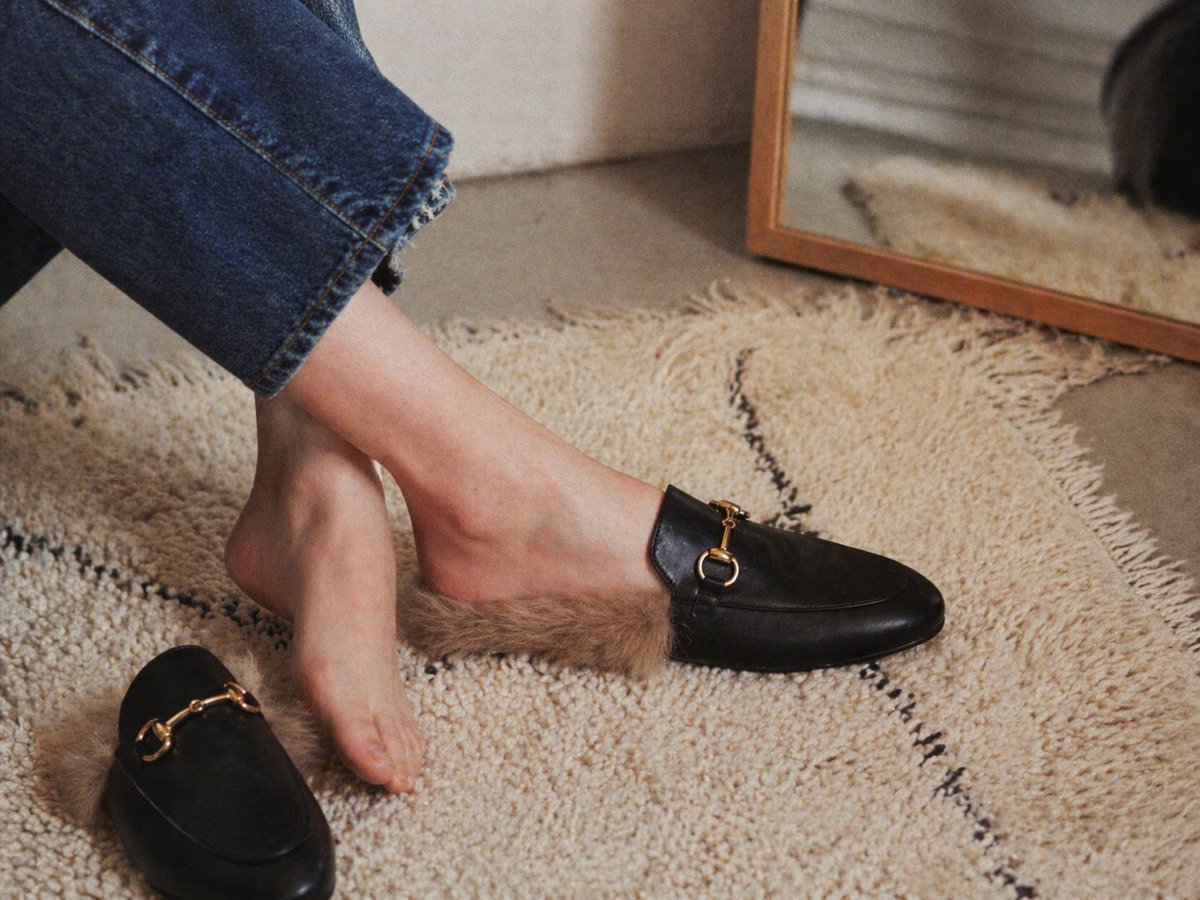
Gpt2 E Commerce Main Image Luxury Fur Lined Loafer Lifestyle Photo

Anime Fashion Lookbook Collage
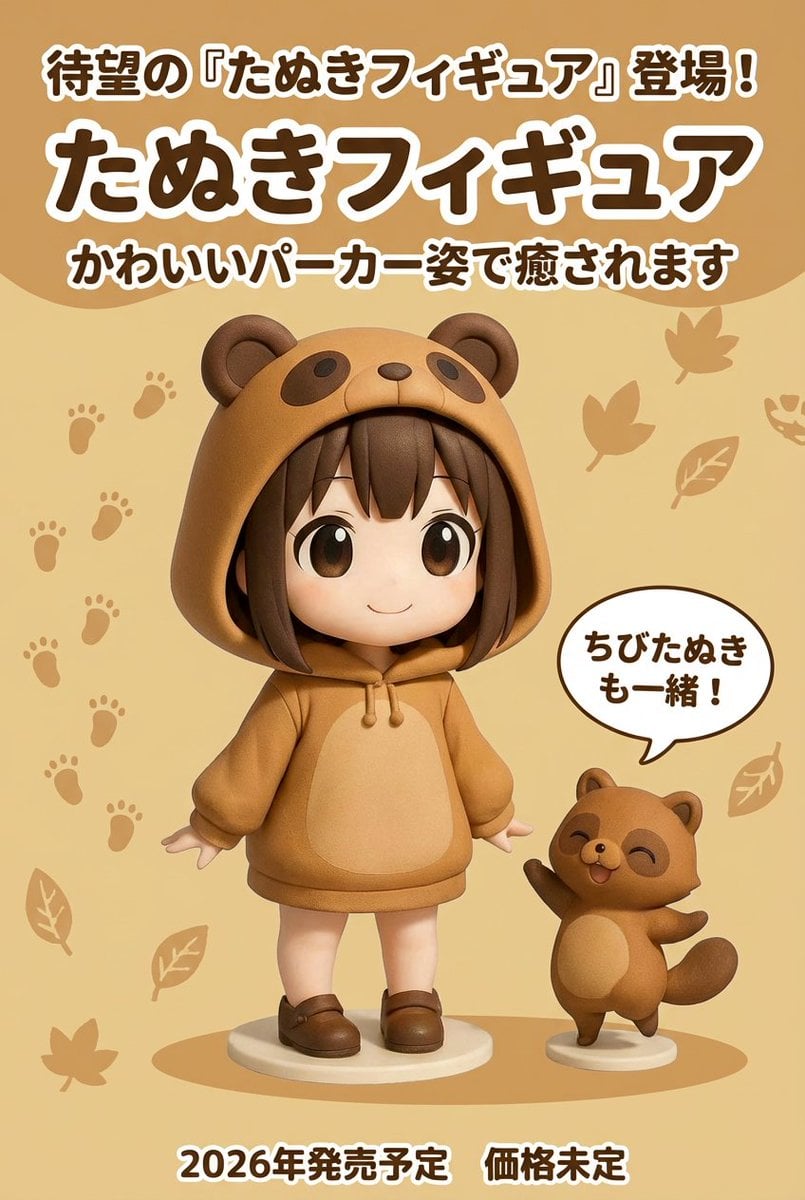
Product ad-style image for a raccoon figure
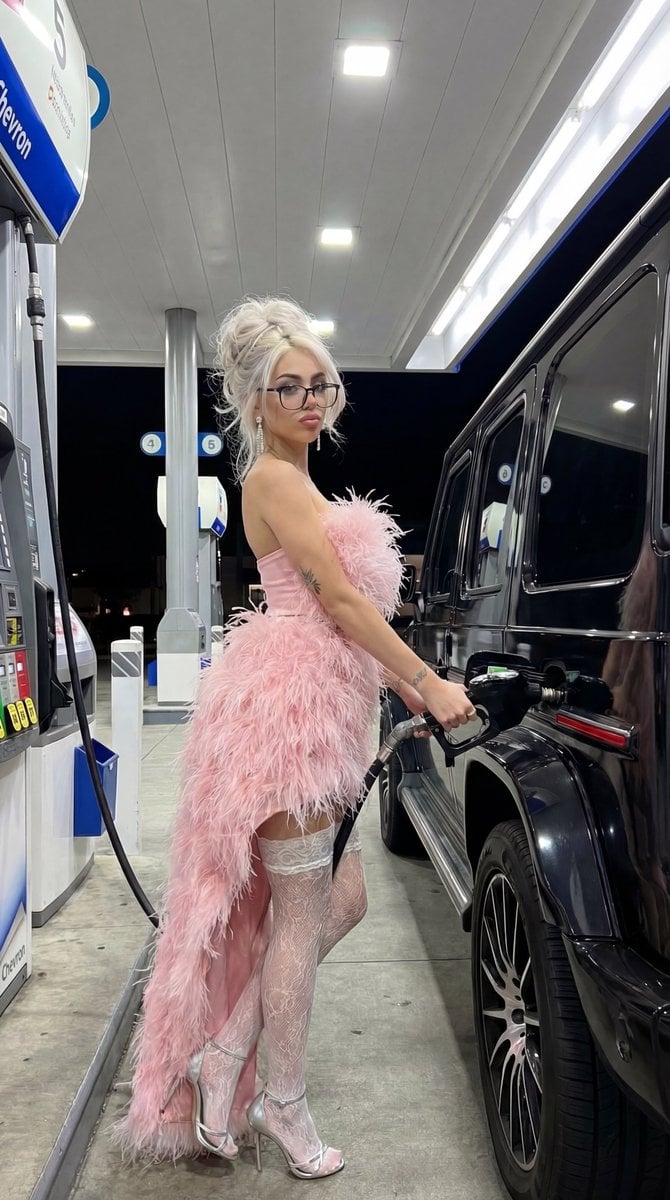
Campy High-Fashion Editorial at a Gas Station
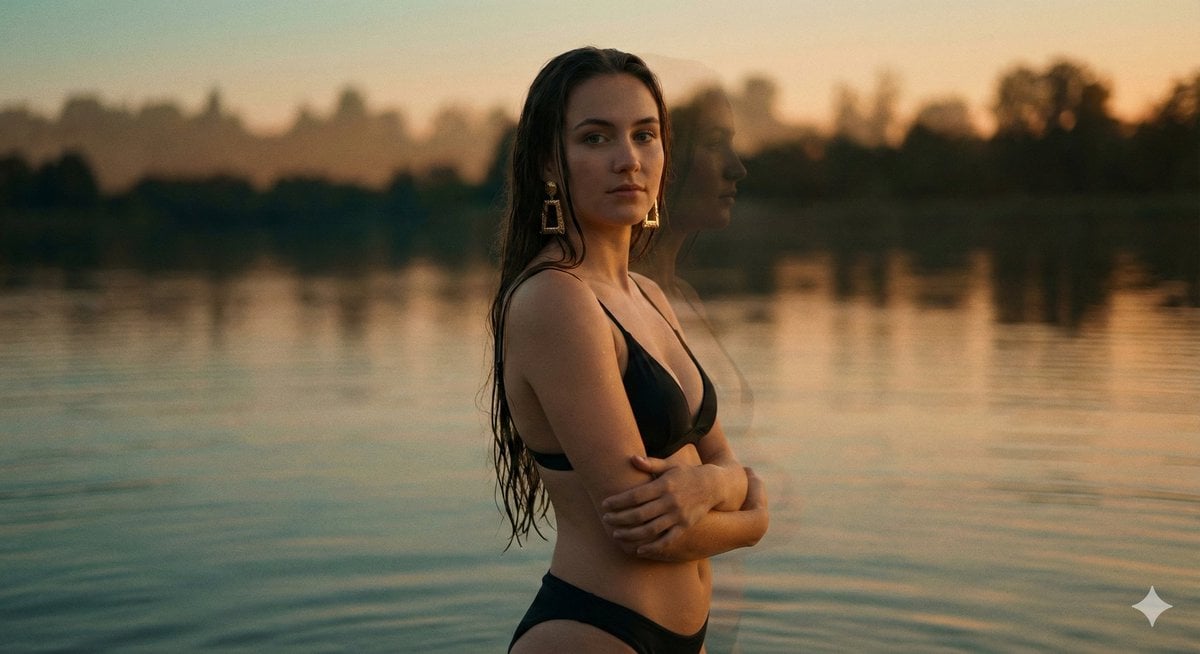
Cinematic Double Exposure Portrait in Moonlight
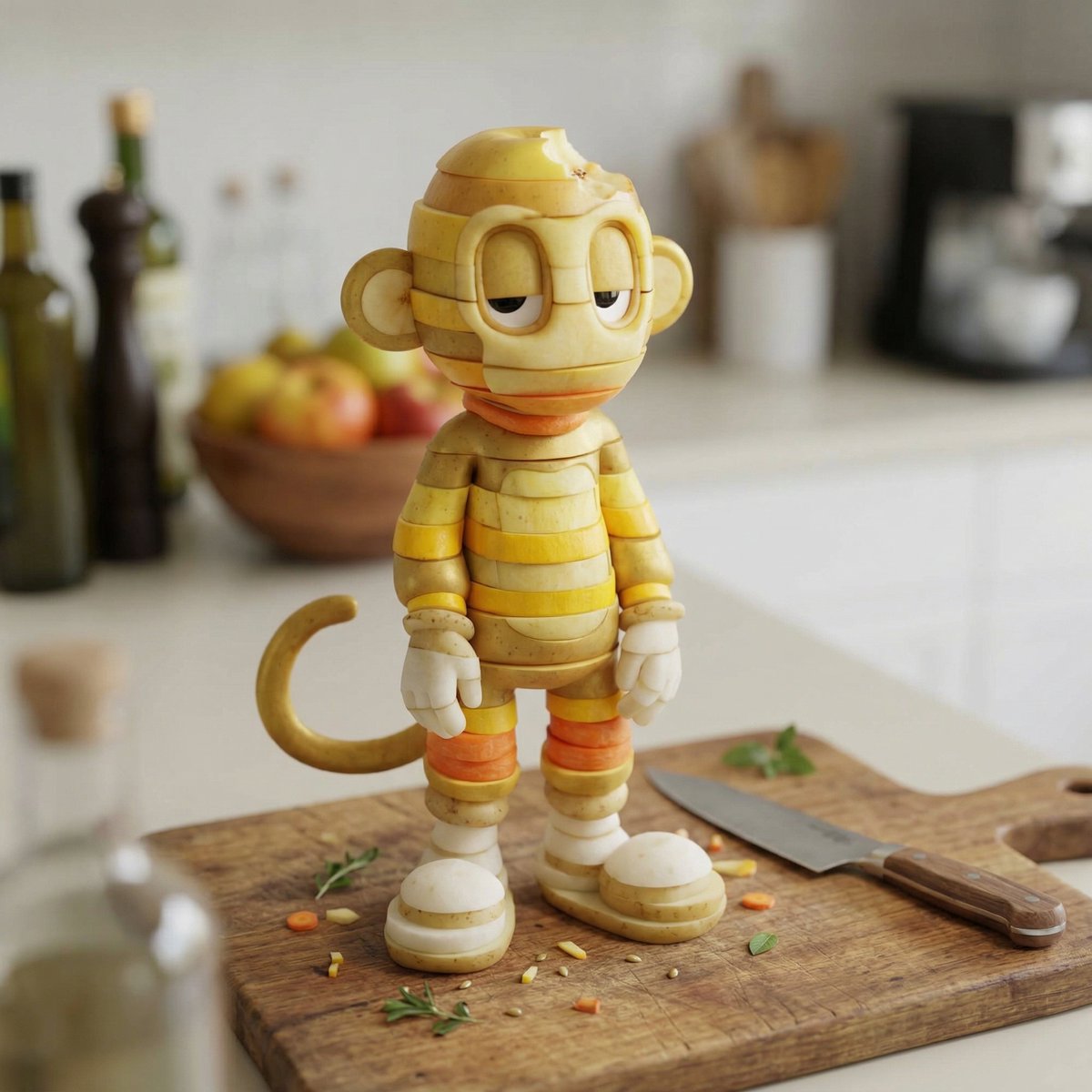
Character Rebuilt from Sliced Fruits and Vegetables
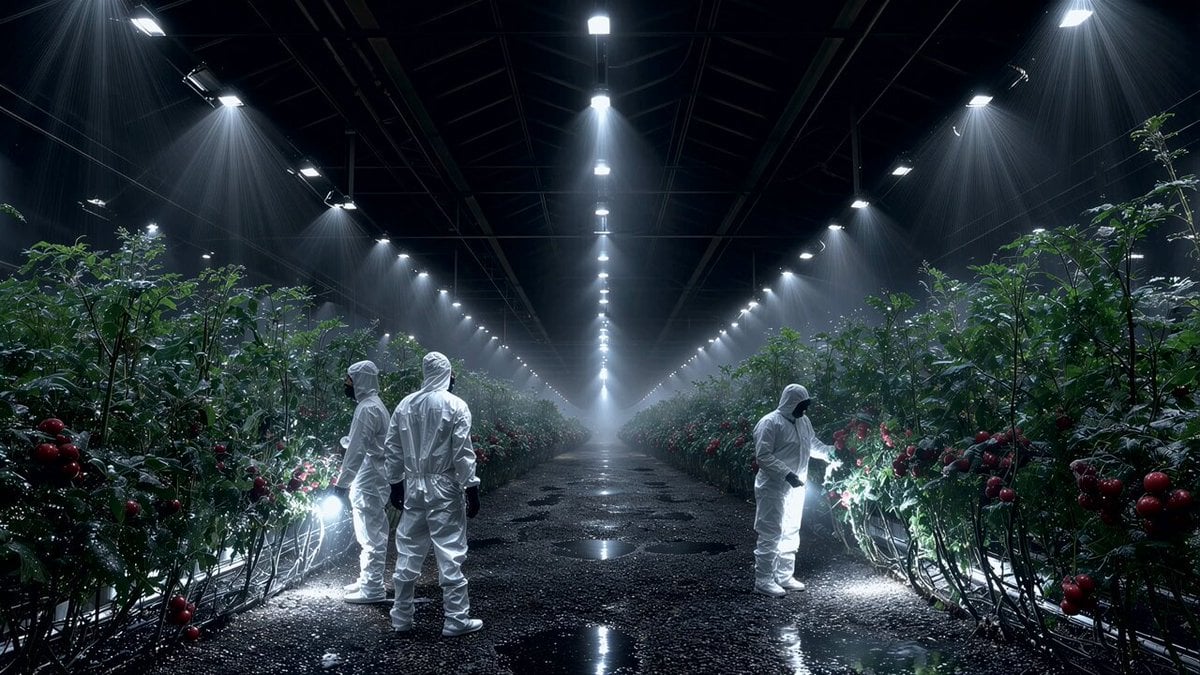
Seedance 2.0 on Runway - Heather Cooper
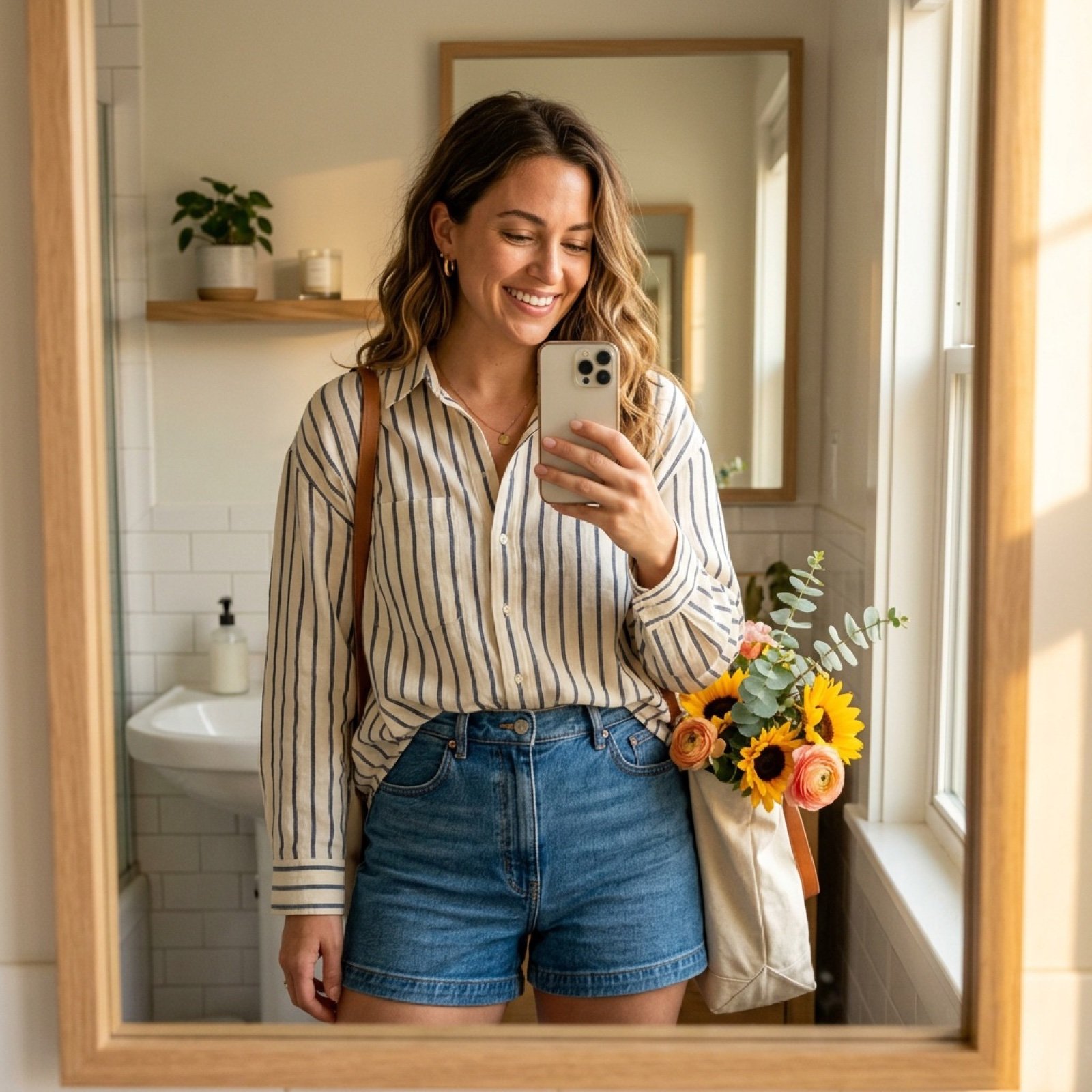
Weekend Farmers Market Mirror Selfie (Reference Image Required)
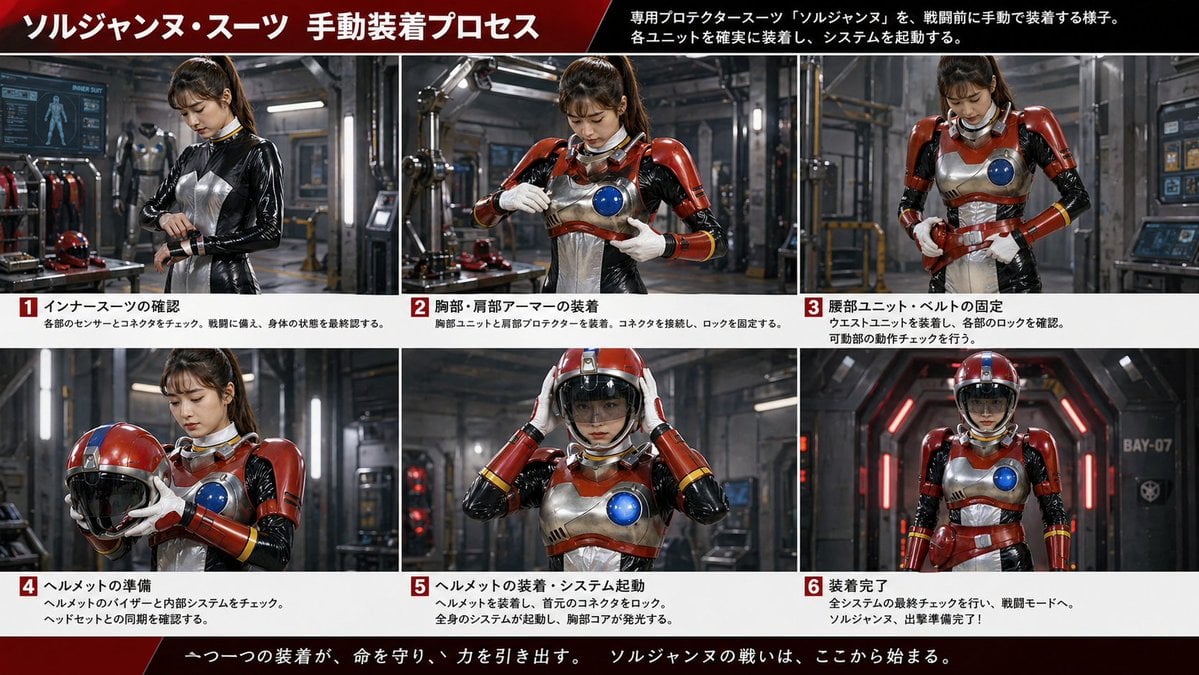
Gpt2 Infographic Edu Visual Japanese Sci Fi Suit Up Process Board
Browse template categories
Futuristic Fashion Editorial with Identity Preservation questions
How do I use the Futuristic Fashion Editorial with Identity Preservation template?
Add your photo if the template asks for one, edit the prompt if you like — the template's model and format are already selected — and press Generate. Your version opens in PicX Studio.
Can I customize the Futuristic Fashion Editorial with Identity Preservation template?
Yes. You can change the subject, setting, lighting, mood, format, and available model controls before creating your image.
Is the Futuristic Fashion Editorial with Identity Preservation template free?
Opening and editing this template is free. Generating uses credits, shown on the Generate button when you are signed in.
Which AI model should I use?
Start with Nano Banana 2, which is the model associated with this template. You can compare another compatible model for a different finish.
Looking for something else? Browse all templates.

Your photo, any look
Thousands of ready templates for every top image and video model, from one credit balance.