
Luxury Tee Campaign Poster
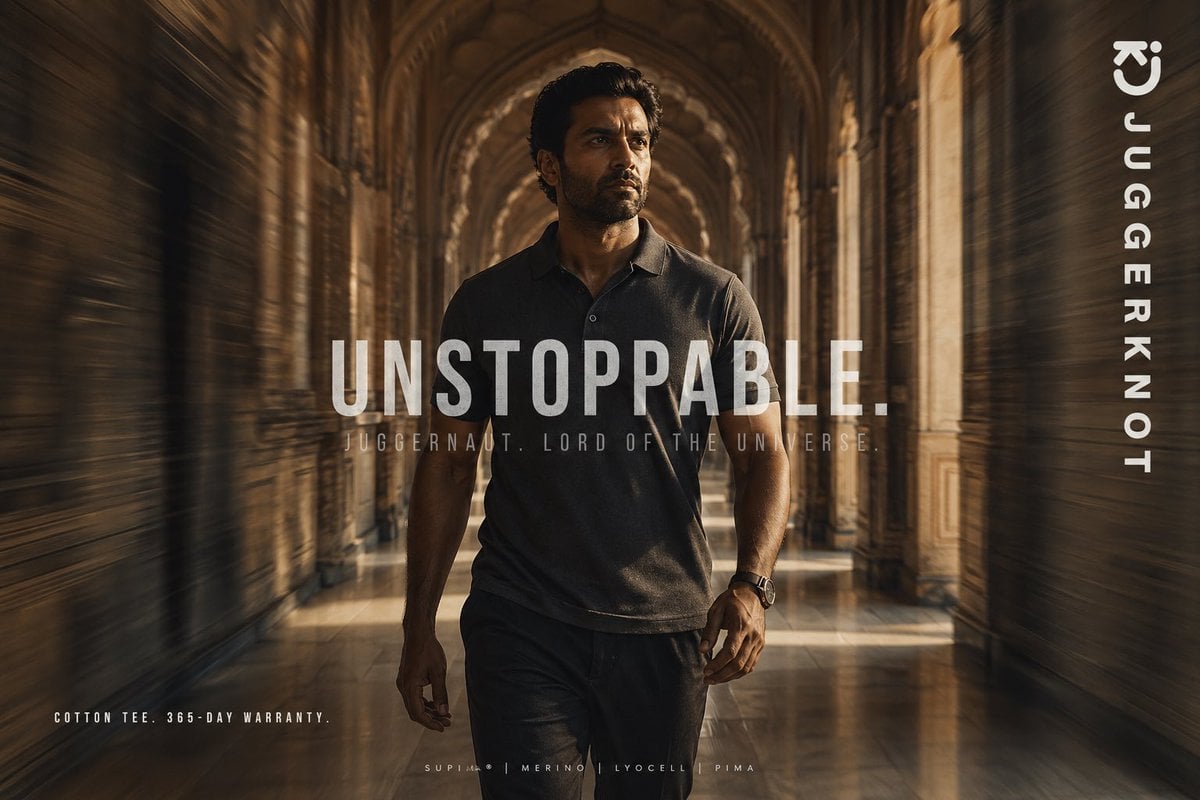
This prompt generates a cinematic premium apparel advertisement poster for a menswear brand, ideal for social media marketing and fashion campaign visuals.
- Prompt included
- Model and format preset
- Free template
The prompt behind this image
Copy the exact prompt behind Luxury Tee Campaign Poster, or open it in the studio and make it yours.
A cinematic fashion advertisement poster featuring a confident athletic man walking directly toward the camera through a grand historic palace corridor with repeating stone arches, carved pillars, and a glossy reflective floor. He is centered in the frame in a powerful full-body stride, wearing a premium dark charcoal short-sleeve polo-style cotton tee and dark trousers, with a watch on one wrist. Use warm golden-brown lighting, dramatic shadows, and a luxurious editorial mood. Add strong radial motion blur along both side walls to create speed and momentum while keeping the man mostly sharp. His face is obscured by a rectangular blur block, giving the image a mysterious branded-campaign look. Overlay large bold condensed white uppercase text across the center reading {argument name="headline text" default="UNSTOPPABLE."}. Beneath it, add smaller spaced uppercase text reading {argument name="tagline text" default="JUGGERNAUT. LORD OF THE UNIVERSE."}. Place vertical white brand text along the right edge reading {argument name="brand name" default="JUGGERKNOT"}, with a minimal curved logo mark near the top right. In the bottom left, add small uppercase copy reading {argument name="product copy" default="COTTON TEE. 365-DAY WARRANTY."}. In the bottom center, add a tiny premium-fabric line with 4 materials separated by vertical bars: {argument name="fabric line" default="SUPIMA | MERINO | LYOCELL | PIMA"}. High-end streetwear campaign aesthetic, symmetrical composition, shallow depth of field, rich sepia grading, poster-ready typography, ultra-detailed, photorealistic.
How to use Luxury Tee Campaign Poster in 3 steps
- 1Upload ImagePNG, JPG or paste
Add your photo
Upload the photo the template builds on. The prompt, model and format are already set.
- 2…a portrait of your subject in softgolden-hour light, 85mm…
Personalize
Edit the subject and creative details for your destination.
- 3Generate
Generate
Press Generate — your image is created in PicX Studio, so you can compare it with the original and refine one variable at a time.
More like this
Templates with the same subject, style or setup. Open one to see its prompt.

Blue Backdrop Luxury Fashion Portrait Campaign

Luxury Sliced Wordmark Player Poster

Campaign Smoke National Symbols World Cup
Chanel Perfume 2x2 Grid Luxury Campaign

Japan Travel Brochure Poster
Luxury Brand Campaign Portrait

Sealing Wax Letter Desk

Ballroom Floor Reflections

Vintage Camera Leather Case

Hedge Maze Aerial Dawn

Tuxedo Cuff Adjust

Carriage House Courtyard
Make it yours
Luxury Tee Campaign Poster works as-is. These are the safest ways to change it without losing the look.
Change one field
Copy a single group, rewrite it, and generate again so you can see what that field is doing.
Keep the frame, change the subject
Hold the composition and light of Luxury Tee Campaign Poster, then swap wardrobe, props or the person for a new take.
| If the result… | Why | Fix |
|---|---|---|
| The result drifts from the preview | Too many fields changed at once. | Reuse Luxury Tee Campaign Poster as-is first, then change one group — subject, light, or setting. |
| The model over-stylizes the scene | The prose prompt leaves finish and camera underspecified. | Add one camera or lighting sentence and stay on GPT Image 2. |
More GPT Image 2 templates
Other prompts made for GPT Image 2.

Six VTuber Japanese Logo Sheet

Realistic Portrait of Woman and Deer

The Vista Modular Condo Poster

AI Model Routing Comparison Infographic

2.5D Anime Art Board

Isometric Productivity Desk Scene

New York Double Exposure Poster

Four-Panel AI Landscape Comparison

Japanese Tatami Lifestyle Magazine Cover

NESCAFÉ Coffee Map Poster
More image prompts
Fresh picks from across the catalog.
Realistic Japanese Character Show Photography
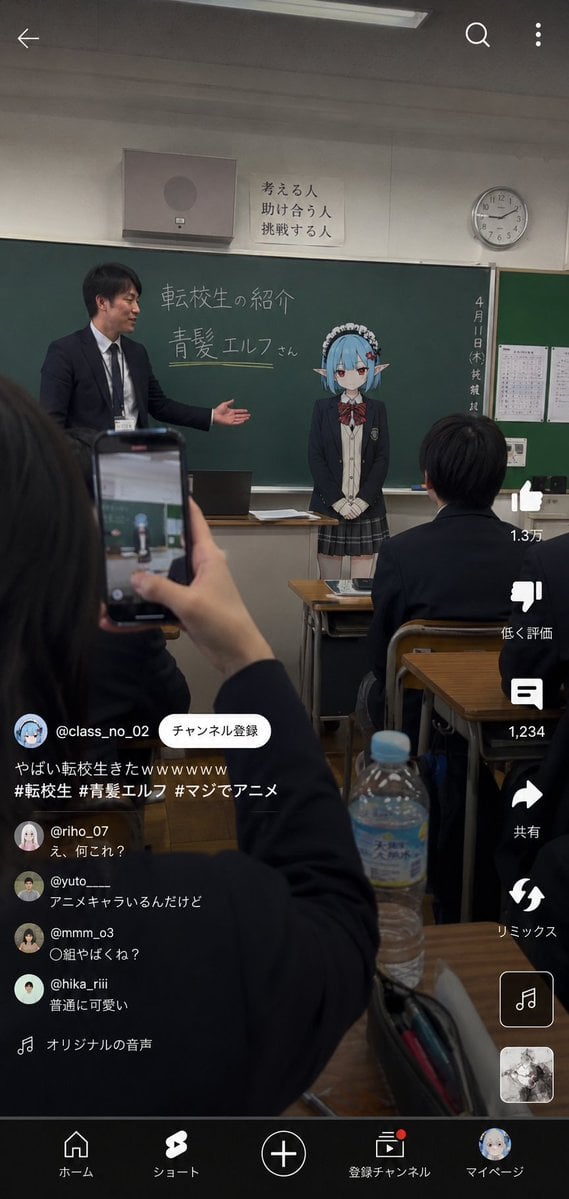
Anime Character Transfer to Reality
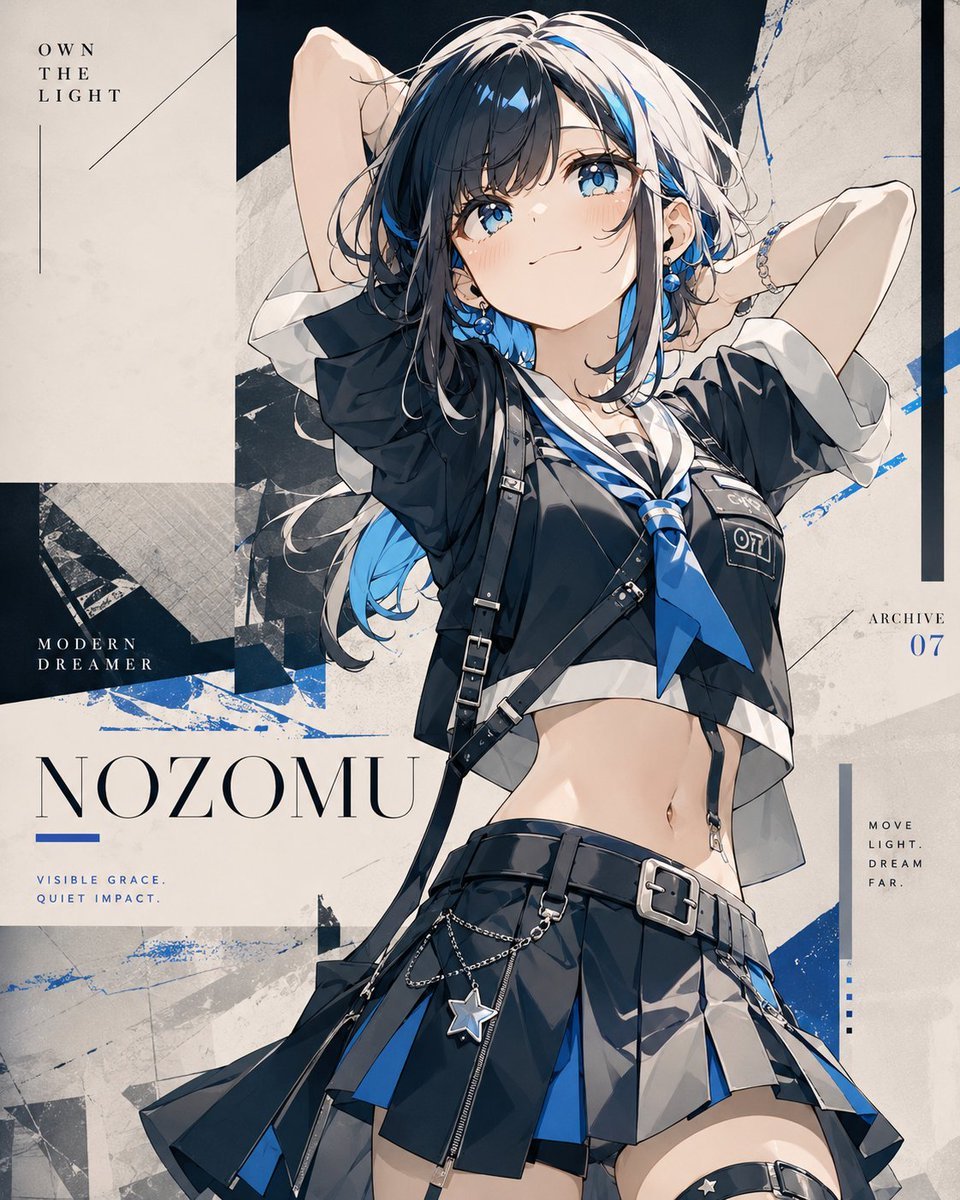
Anime Fashion Poster Nozomu
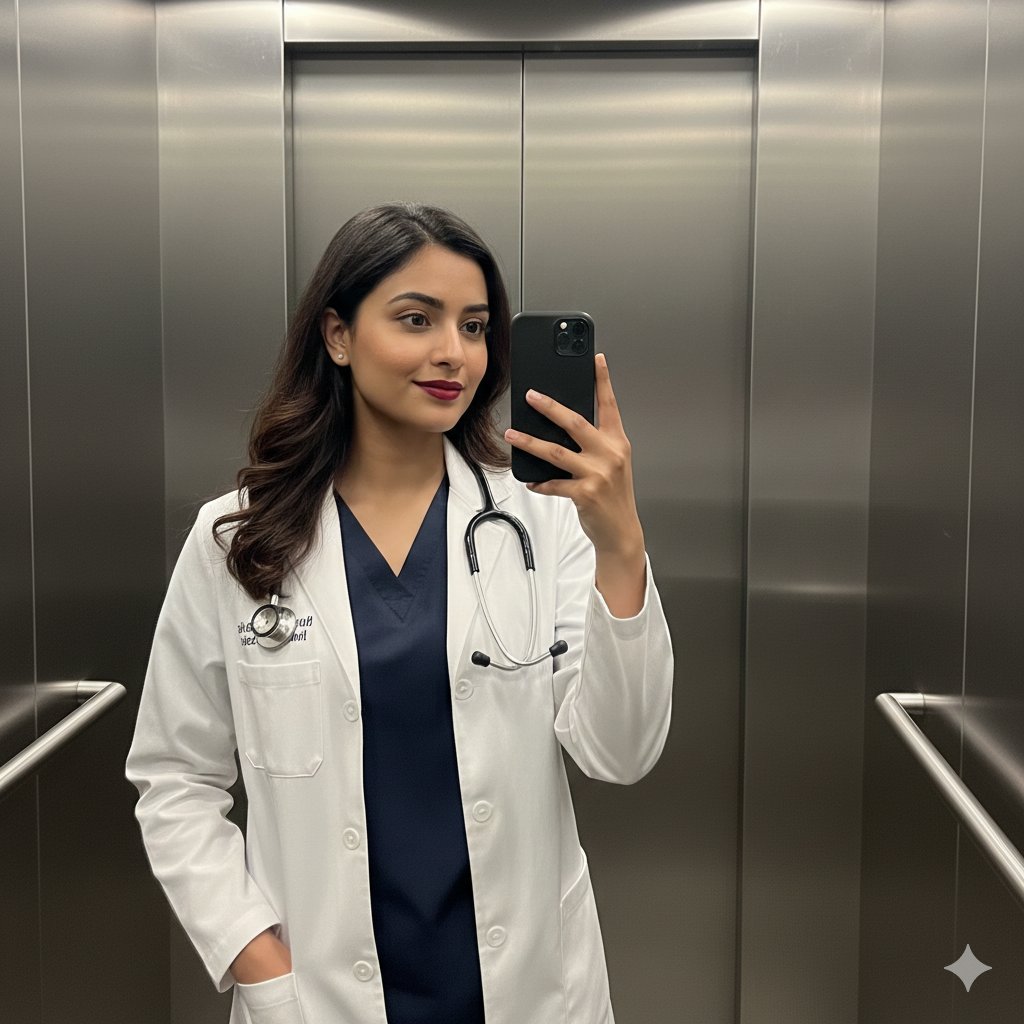
South Asian Doctor Mirror Selfie Prompt
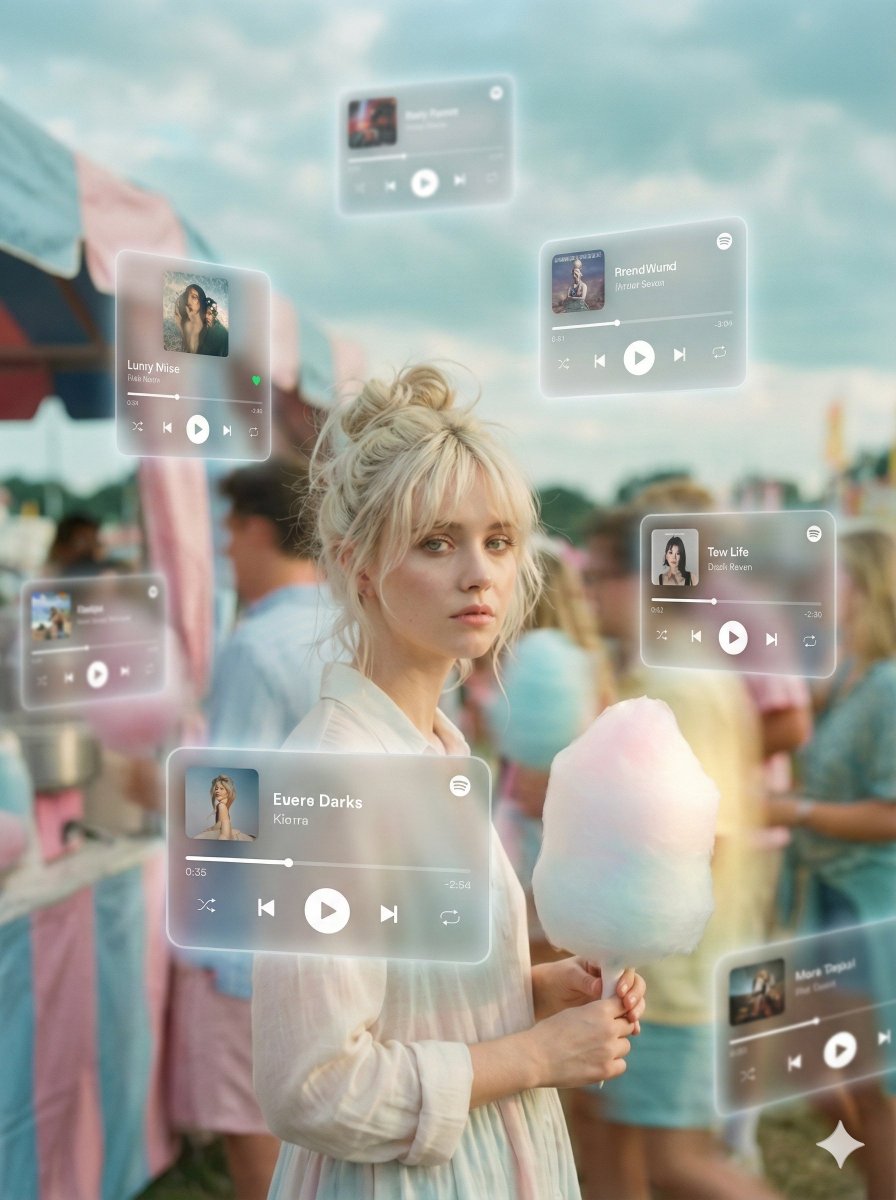
Augmented Reality Music Player Portrait

Write Arabic text on a Nile river image
Prompt for Bollywood Poster Style Indian Actress in Blue Saree
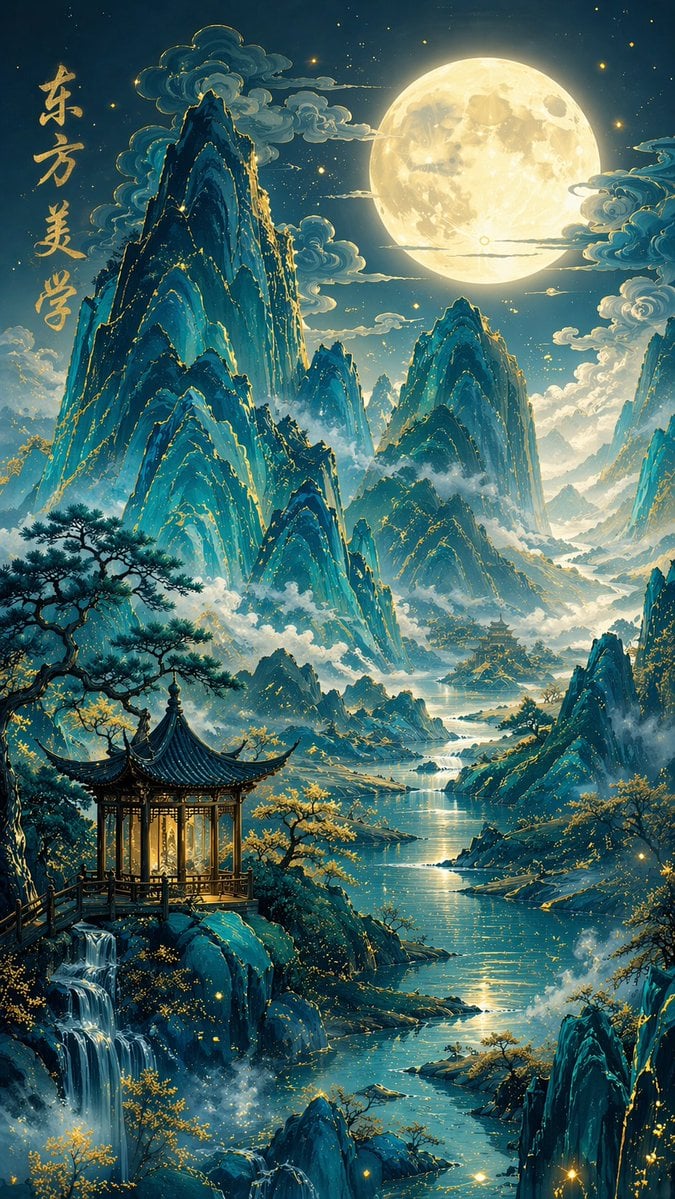
Traditional Chinese Blue-Green Landscape
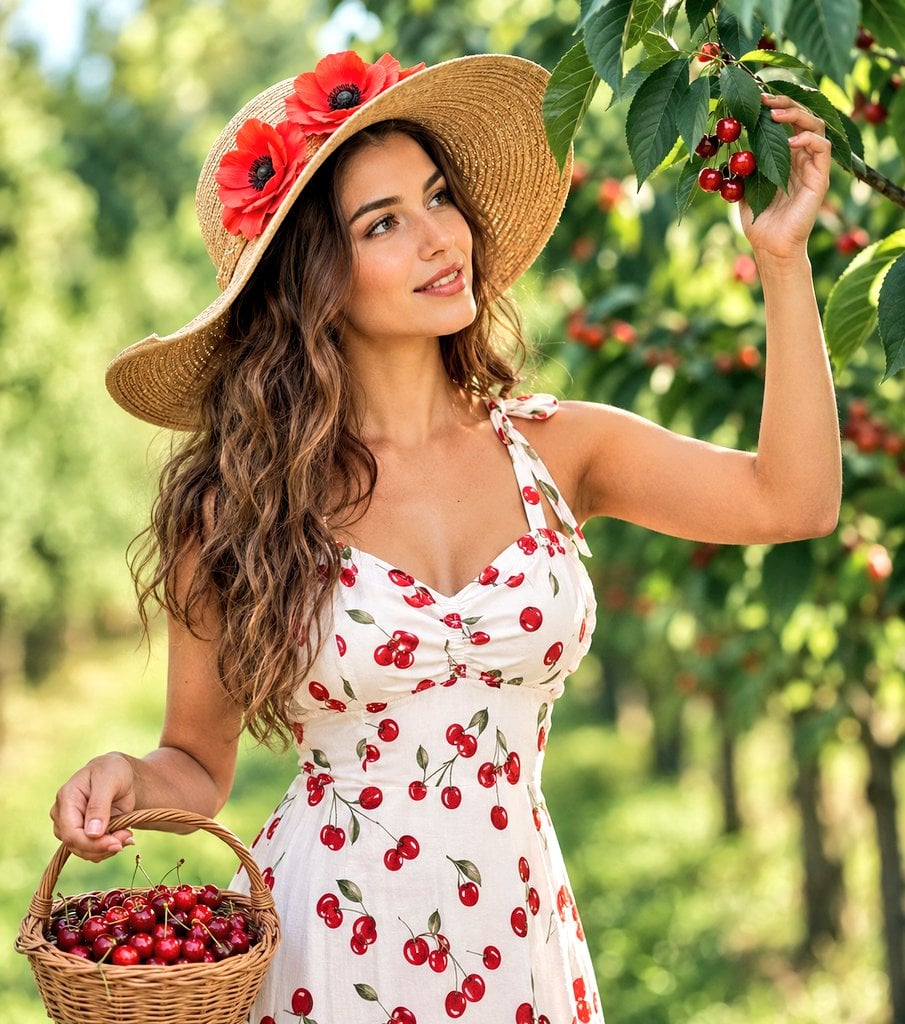
Woman Picking Cherries in Orchard
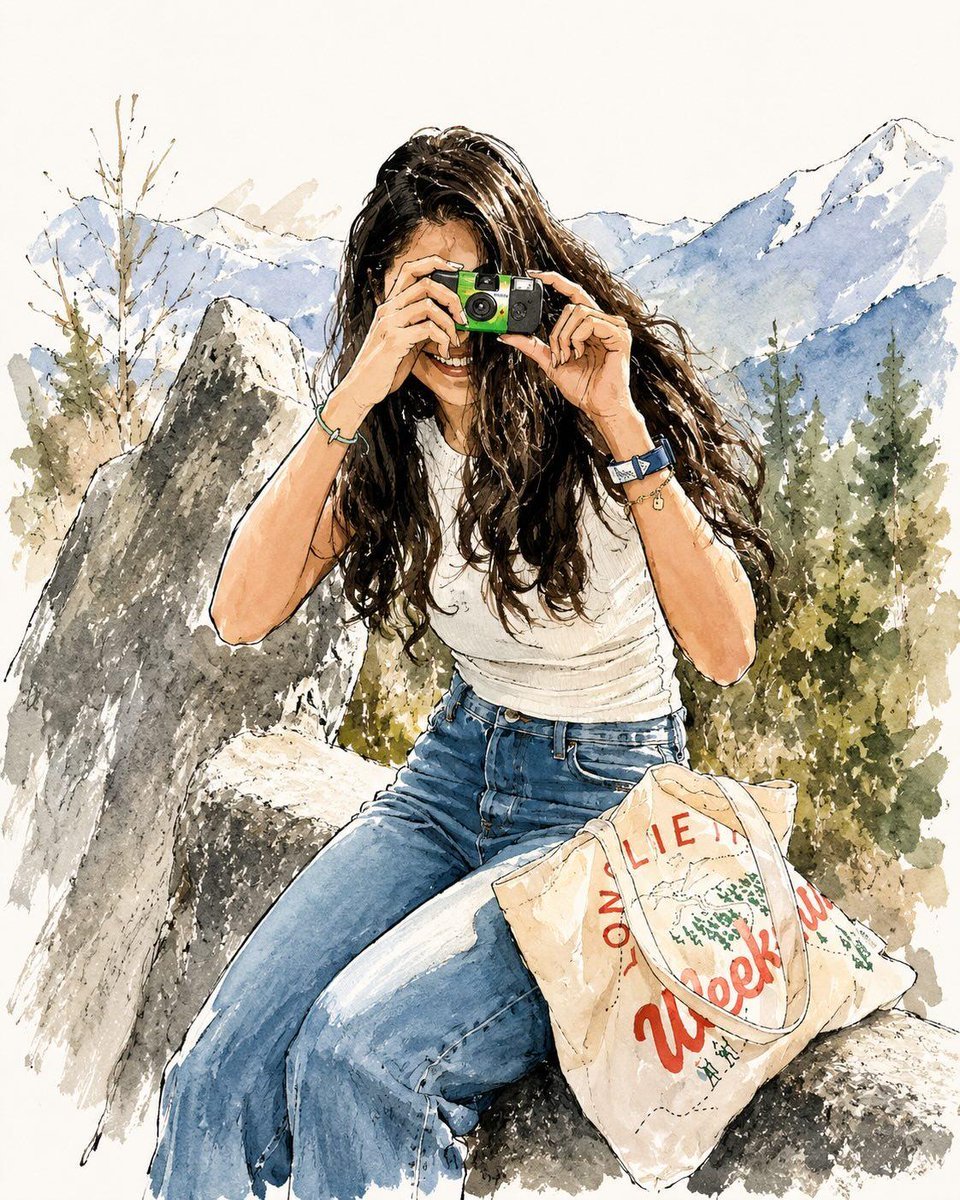
Watercolor Fashion Travel Illustration
Browse template categories
Luxury Tee Campaign Poster questions
How do I use the Luxury Tee Campaign Poster template?
Add your photo if the template asks for one, edit the prompt if you like — the template's model and format are already selected — and press Generate. Your version opens in PicX Studio.
Can I customize the Luxury Tee Campaign Poster template?
Yes. You can change the subject, setting, lighting, mood, format, and available model controls before creating your image.
Is the Luxury Tee Campaign Poster template free?
Opening and editing this template is free. Generating uses credits, shown on the Generate button when you are signed in.
Which AI model should I use?
Start with GPT Image 2, which is the model associated with this template. You can compare another compatible model for a different finish.
Looking for something else? Browse all templates.

Your photo, any look
Thousands of ready templates for every top image and video model, from one credit balance.