
Traditional Chinese Blue-Green Landscape
A detailed prompt for creating high-quality traditional Chinese blue-green landscape illustrations with a modern fantasy aesthetic.
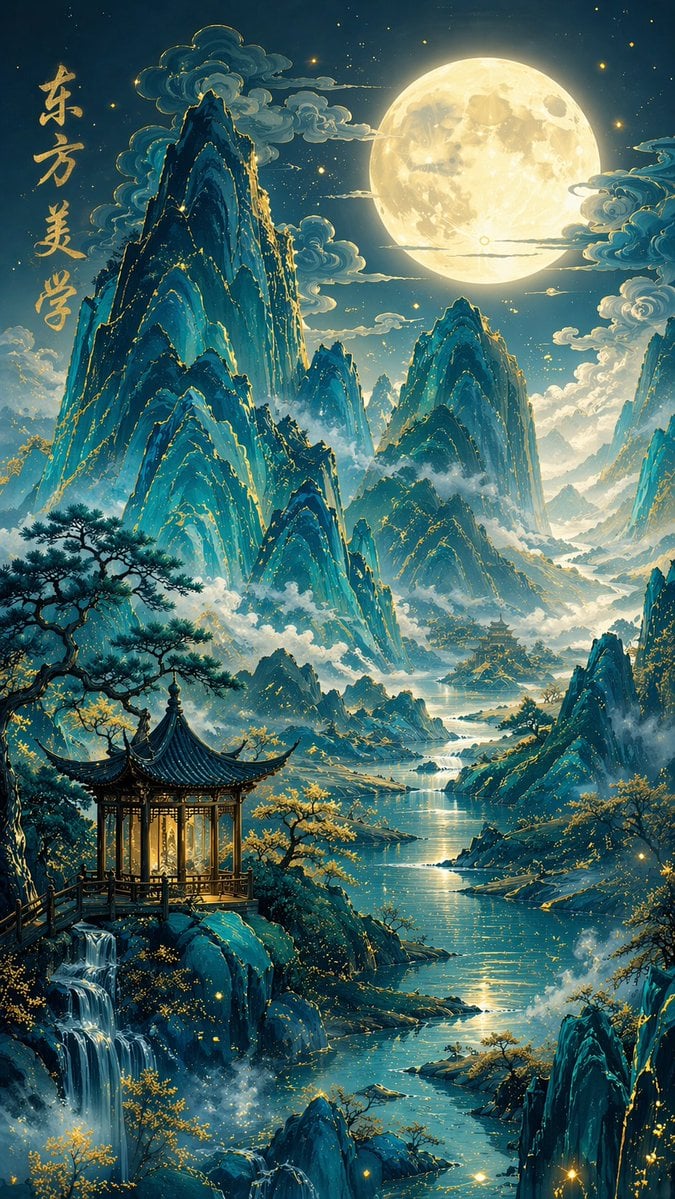
- Prompt included
- Model and format preset
- Free template
The prompt behind this image
Copy the exact prompt behind Traditional Chinese Blue-Green Landscape, or open it in the studio and make it yours.
Traditional Chinese blue-and-green landscape painting style, new Chinese-style fantasy illustration, {argument name="scene" default="a moonlit night fairyland"}, vertical composition; Layered blue-toned mountain peaks, the mountains showing a gem-like translucent glowing texture, a blue-green gradient, the edges of the mountain ranges with delicate gilded outlines and gold accents, mist and clouds swirling among the mountains; In the distance, a huge, bright full moon hangs high in the sky, moonlight spilling over the mountains and rivers; In the foreground, an exquisite classical Chinese pavilion, with warm light glowing softly inside, surrounded by sturdy pine trees, golden trees, streams, waterfalls, mist, and glowing particles, a river winding through the valley; In the upper-left corner of the image, add vertical handwritten calligraphy text: {argument name="calligraphy content" default="Eastern Aesthetics"}, with appropriate text size and spacing; Rich layering in the image, elegant use of negative space, ethereal and tranquil, dreamlike and beautiful, fine-brush heavy-color painting technique, exquisite detail, soft lighting, cinematic atmosphere, refined Chinese-style illustration, ultra-fine detail, 8K, extremely strong artistic sense, a poetic fairyland, 9:16 ratio
How to use Traditional Chinese Blue-Green Landscape in 3 steps
- 1
Open
The prompt is already in the box next to the preview, with the template's model and format selected.
- 2…a portrait of your subject in softgolden-hour light, 85mm…
Personalize
Edit the subject and creative details for your destination.
- 3Generate
Generate
Press Generate — your image is created in PicX Studio, so you can compare it with the original and refine one variable at a time.
More like this
Templates with the same subject, style or setup. Open one to see its prompt.

Ghibli Greenhouse Botany

Teen Girl Alpine Lake Mountain View

Anime Catgirl in Chinese Ink Landscape
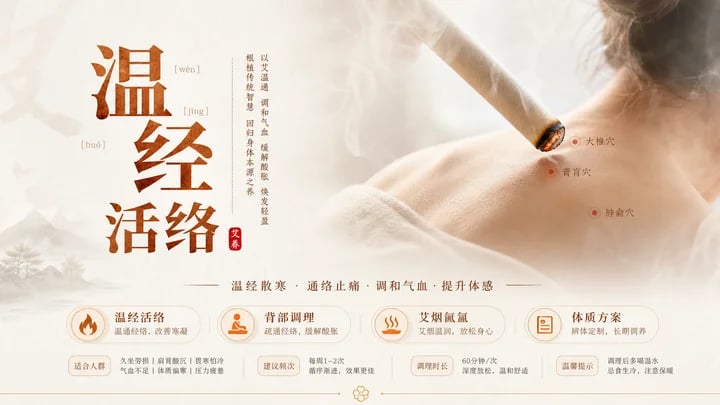
Traditional Chinese Moxibustion Poster

Mountain Lake Sunset Landscape
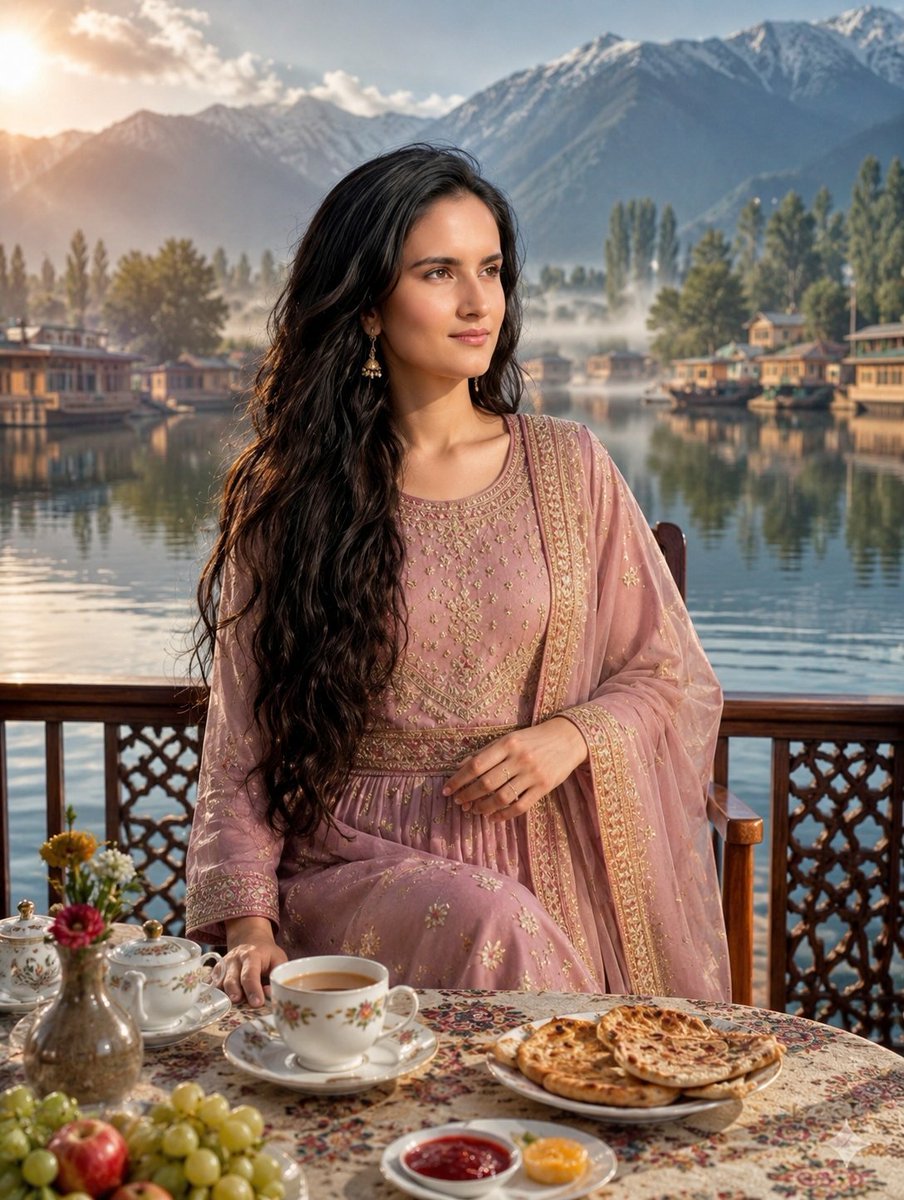
Traditional Kashmiri Breakfast Landscape

Ghibli Final Takeoff Field

Ghibli Rainy Tram Interior

Ghibli Star Observatory

Ghibli Tiny House On Back

Ghibli Lantern River Festival

Ghibli Whale Bone Beach
Make it yours
Traditional Chinese Blue-Green Landscape works as-is. These are the safest ways to change it without losing the look.
Change one field
Copy a single group, rewrite it, and generate again so you can see what that field is doing.
Keep the frame, change the subject
Hold the composition and light of Traditional Chinese Blue-Green Landscape, then swap wardrobe, props or the person for a new take.
| If the result… | Why | Fix |
|---|---|---|
| The result drifts from the preview | Too many fields changed at once. | Reuse Traditional Chinese Blue-Green Landscape as-is first, then change one group — subject, light, or setting. |
| The model over-stylizes the scene | The prose prompt leaves finish and camera underspecified. | Add one camera or lighting sentence and stay on GPT Image 2. |
More GPT Image 2 templates
Other prompts made for GPT Image 2.

Six VTuber Japanese Logo Sheet

Realistic Portrait of Woman and Deer

The Vista Modular Condo Poster

AI Model Routing Comparison Infographic

2.5D Anime Art Board

Isometric Productivity Desk Scene

New York Double Exposure Poster

Four-Panel AI Landscape Comparison

Japanese Tatami Lifestyle Magazine Cover

NESCAFÉ Coffee Map Poster
More image prompts
Fresh picks from across the catalog.
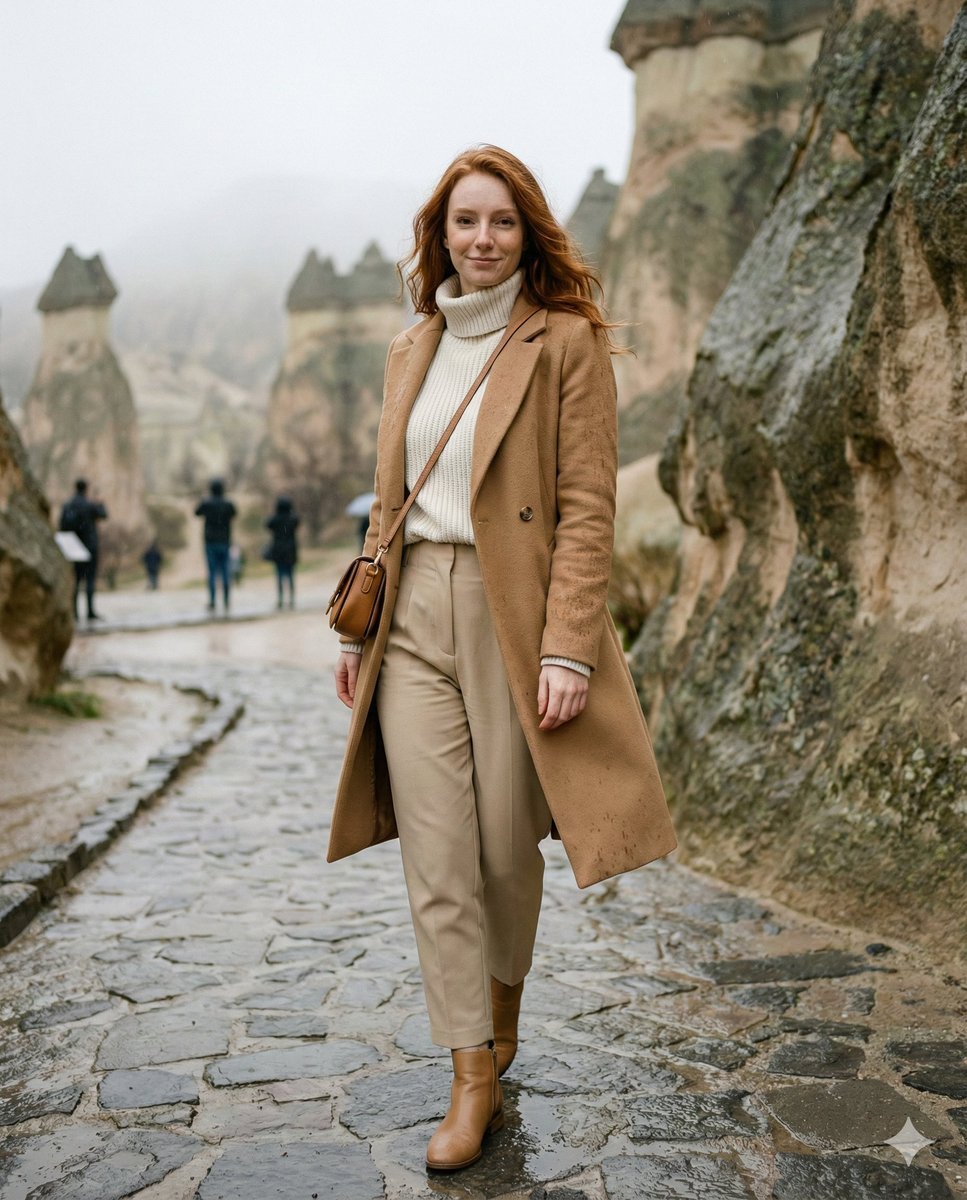
Winter Travel Influencer Editorial Prompt (Cappadocia)
Image Sharpening and Resolution Improvement Prompt for Google Gemini A.I.
Surreal Train Window Scenery
Chopin in Van Gogh's Starry Night Style Prompt
Cinematic Calligraphy Portrait
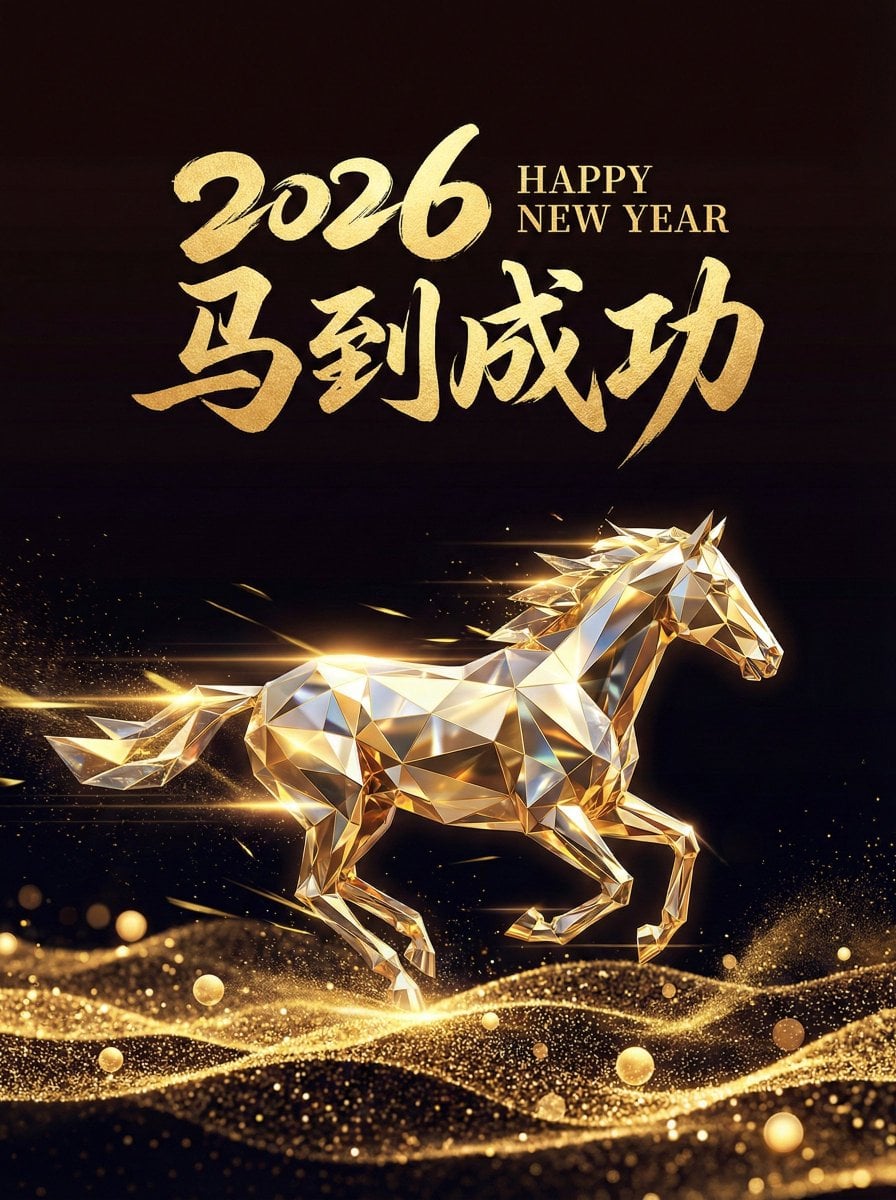
2026 Year of the Horse Poster Design Prompt
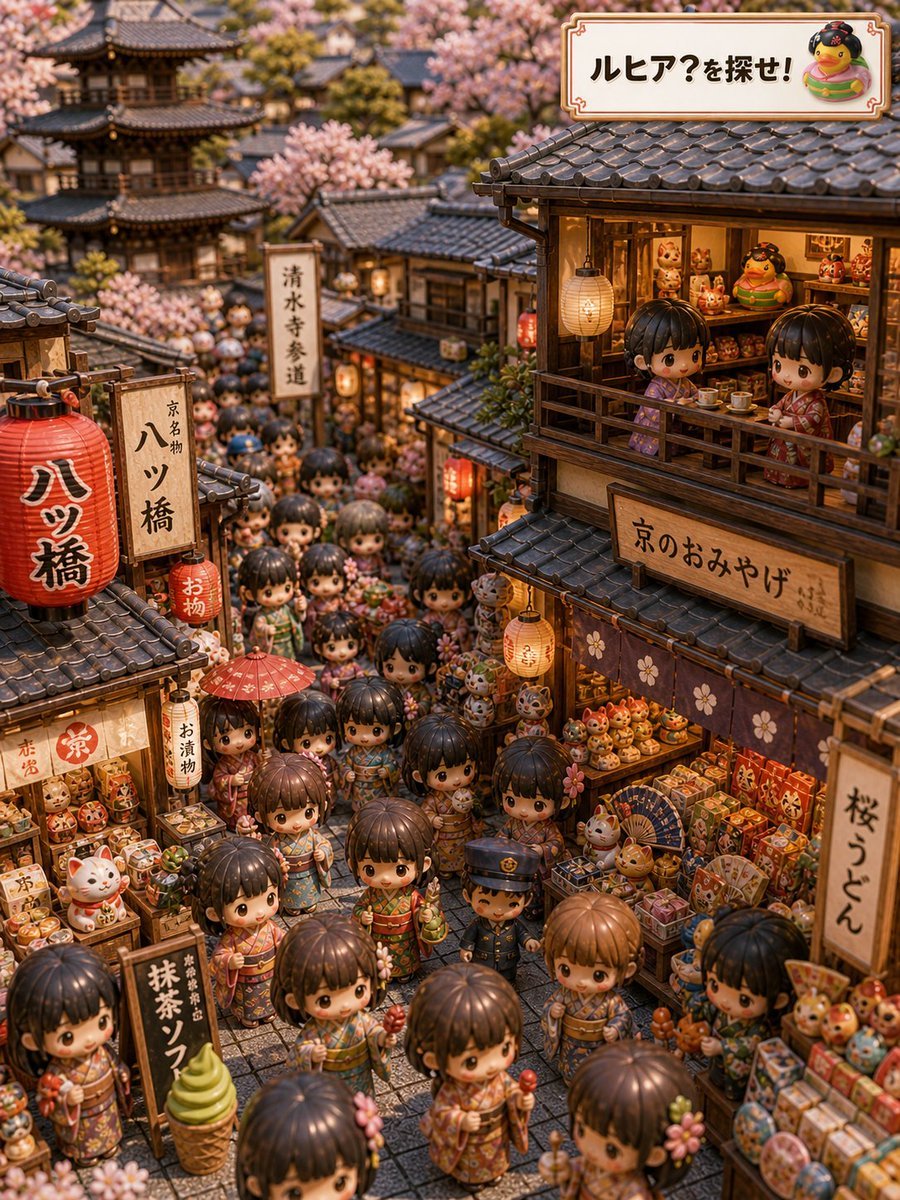
Kyoto Hidden Mascot Diorama
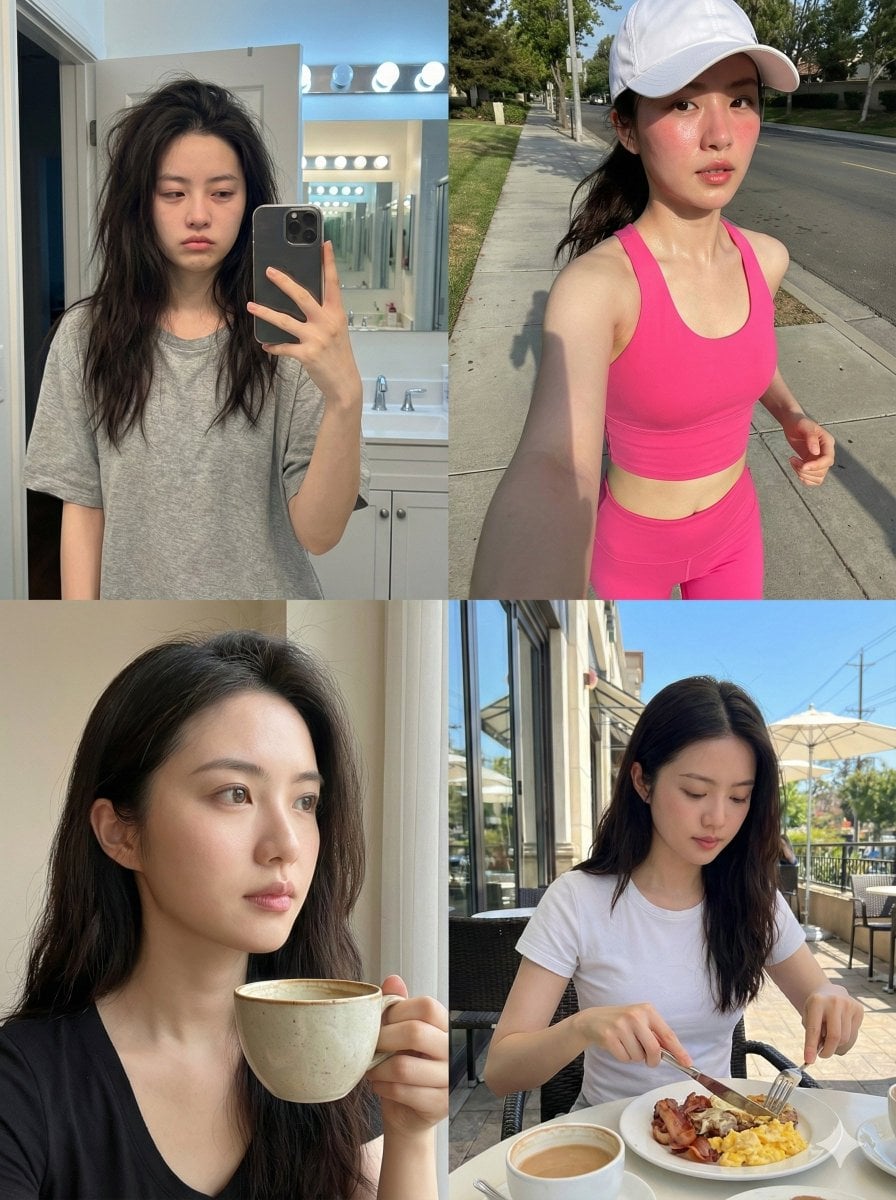
Consistent Identity Daily Routine Log Prompt (4-Quadrant)
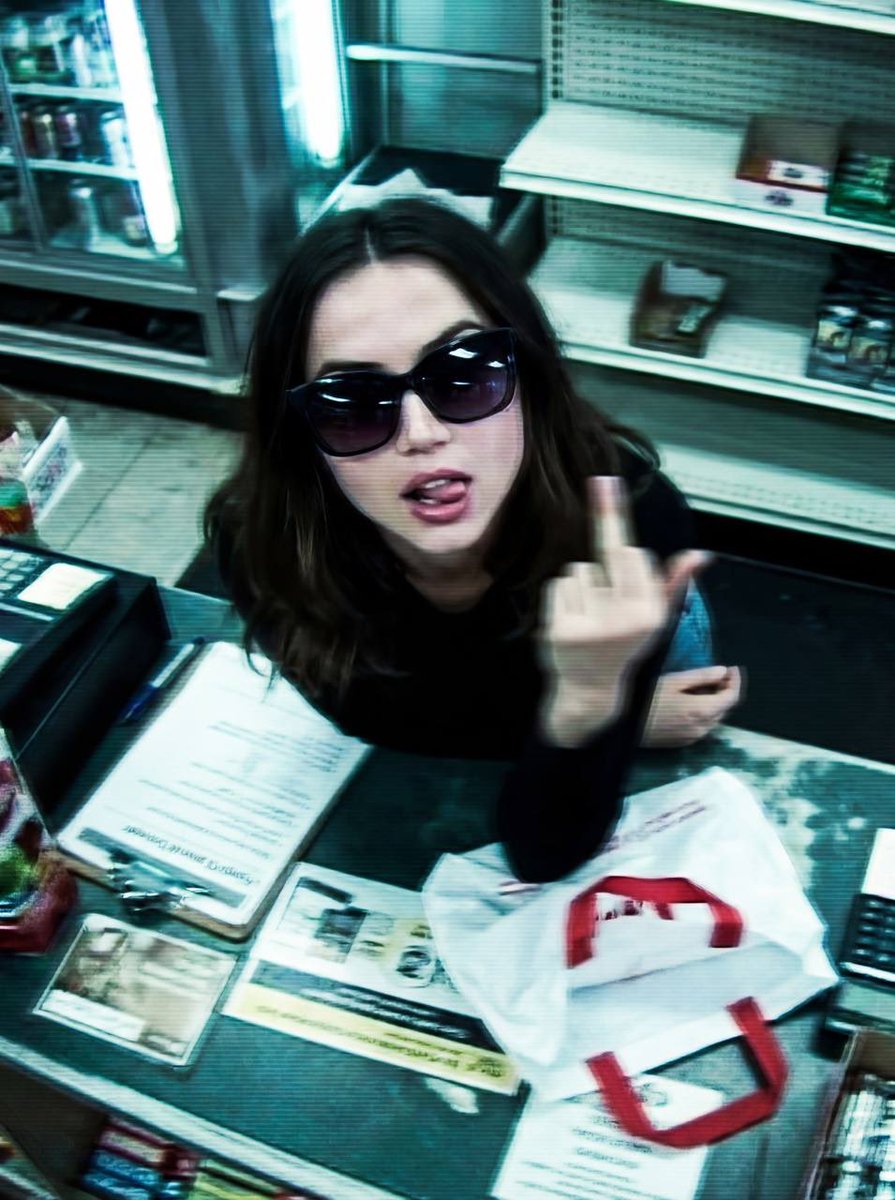
Low-fidelity CCTV image of a defiant subject

Comparing Nano Banana Pro and 2 with a Profile Flyer Prompt
Browse template categories
Traditional Chinese Blue-Green Landscape questions
How do I use the Traditional Chinese Blue-Green Landscape template?
Add your photo if the template asks for one, edit the prompt if you like — the template's model and format are already selected — and press Generate. Your version opens in PicX Studio.
Can I customize the Traditional Chinese Blue-Green Landscape template?
Yes. You can change the subject, setting, lighting, mood, format, and available model controls before creating your image.
Is the Traditional Chinese Blue-Green Landscape template free?
Opening and editing this template is free. Generating uses credits, shown on the Generate button when you are signed in.
Which AI model should I use?
Start with GPT Image 2, which is the model associated with this template. You can compare another compatible model for a different finish.
Looking for something else? Browse all templates.

Your photo, any look
Thousands of ready templates for every top image and video model, from one credit balance.