
Winter Travel Influencer Editorial Prompt (Cappadocia)
A highly detailed, structured prompt for generating an editorial-realism photograph of a woman (Tusina) in Cappadocia's fairy chimneys during a cloudy winter afternoon.
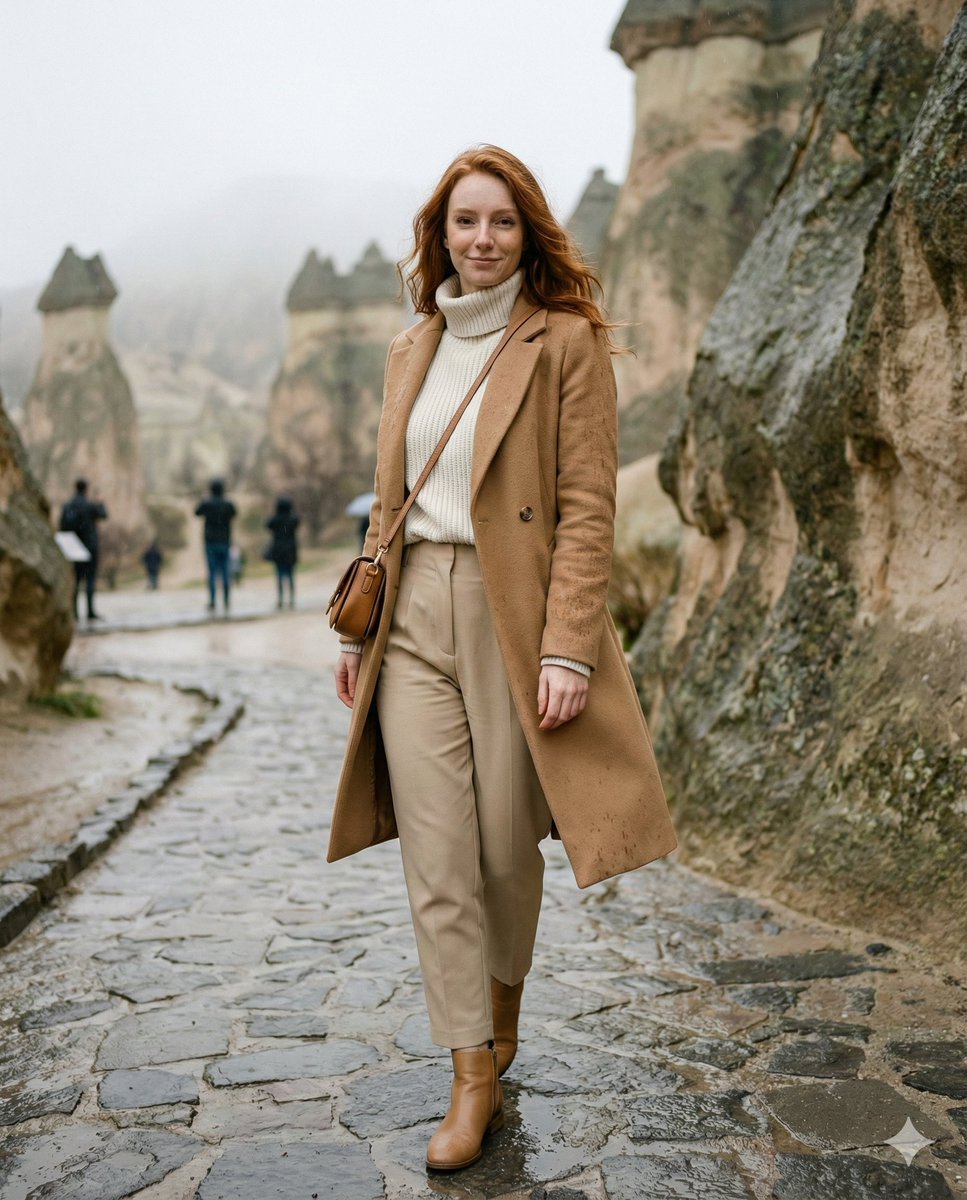
- Prompt included
- Model and format preset
- Premium template
The prompt behind this image
Copy the exact prompt behind Winter Travel Influencer Editorial Prompt (Cappadocia), or open it in the studio and make it yours.
{ "aspect_ratio": "4:5", "prompt_addon": "Cappadocia, Paşabağ (Monks Valley) fairy chimneys on January 30. Cloudy winter afternoon with intermittent light showers; cool air, lightly wet stone path, subtle puddle reflections on tuff rock textures. Tusina walking on the path between tall fairy chimneys, turning her head back toward the camera with a softly flirty, playful smile and quiet confidence—premium travel influencer energy, approachable and warm. Outfit: winter travel-chic—{argument name="coat type" default="camel wool coat"} (or waterproof trench), off-white thick knit turtleneck, high-waist beige trousers, light brown leather ankle boots with good grip, minimal gold jewelry, small leather crossbody bag. Optional prop: folded compact umbrella or a small takeaway hot drink cup; a few tiny raindrops visible on coat fabric (realistic, not dramatic). Hair: natural ginger/copper, slightly wind-touched with a clean natural look (not soaked). Background: fairy chimneys and cave openings with soft mist/haze, wet rocks slightly darker and richer; no crowds, just one or two distant silhouettes heavily blurred. Mood: cozy winter wanderlust, editorial realism, natural skin with freckles, authentic textures, no overprocessing.", "camera": { "shot_type": "full body / 3-4 portrait (head to shoes), walking candid", "lens_mm": 35, "aperture": "f/2.0", "focus": "tack sharp on eyes/face; background softly separated", "composition": "leading lines from wet path toward fairy chimneys; Tusina slightly off-center; strong subject separation", "camera_position": "slightly low angle, close-mid distance for influencer hero shot" }, "lighting": { "time": "late afternoon (winter)", "key_light": "soft diffused overcast light (cloudy), gentle highlights on face", "fill": "natural bounce from wet rock surfaces", "atmosphere": "subtle mist + light drizzle remnants, realistic micro-contrast" }, "style": { "render": "editorial realism, high-detail textures, natural skin", "film": "Kodak Portra 800 vibe, subtle film grain", "color": "warm neutrals + muted winter earth tones, realistic saturation", "post": "clean premium grade, no beauty-filter look, no HDR" }, "identity_lock_notes": [ "Use the reference photo as the primary identity anchor", "Preserve facial features exactly; avoid face drift", "Keep natural freckles visible; keep ginger/copper hair true", "Keep physique slim-fit (pilates/walking-built), natural proportions" ], "negative_prompt": [ "anime, illustration, cartoon, 3d, cgi, doll-like", "over-smoothed skin, plastic skin, heavy beauty filter, waxy face", "face drift, different person, altered facial structure, exaggerated lips", "bad anatomy, deformed hands, extra fingers, awkward pose", "low-res, blurry, noise blobs, jpeg artifacts, watermark, text, logo", "overexposed highlights, harsh flash, unreal HDR, neon colors", "crowds, busy tourists, cluttered backgr"
How to use Winter Travel Influencer Editorial Prompt (Cappadocia) in 3 steps
- 1Upload ImagePNG, JPG or paste
Add your photo
Upload the photo the template builds on. The prompt, model and format are already set.
- 2…a portrait of your subject in softgolden-hour light, 85mm…
Personalize
Edit the subject and creative details for your destination.
- 3Generate
Generate
Press Generate — your image is created in PicX Studio, so you can compare it with the original and refine one variable at a time.
More like this
Templates with the same subject, style or setup. Open one to see its prompt.
Premium Vintage Travel Poster Landscape
Premium Vintage Travel Poster Landscape
Cozy Winter Travel Photo in Cappadocia with Hot Air Balloons

19 Luxury Helicopter Travel — California Series

Japan Travel Brochure Poster

Urban Fashion Editorial Collage Streetwear Poster
Monochrome Hypebeast Street Fashion Editorial Motion
Elegant Green Evening Gown Studio Fashion Portrait
Artistic Patchwork Fashion Portrait Spring Festival
Japanese Architectural Concrete Studio Fashion Campaign
Monroe and Ash Mediterranean Luxury Fashion Campaign
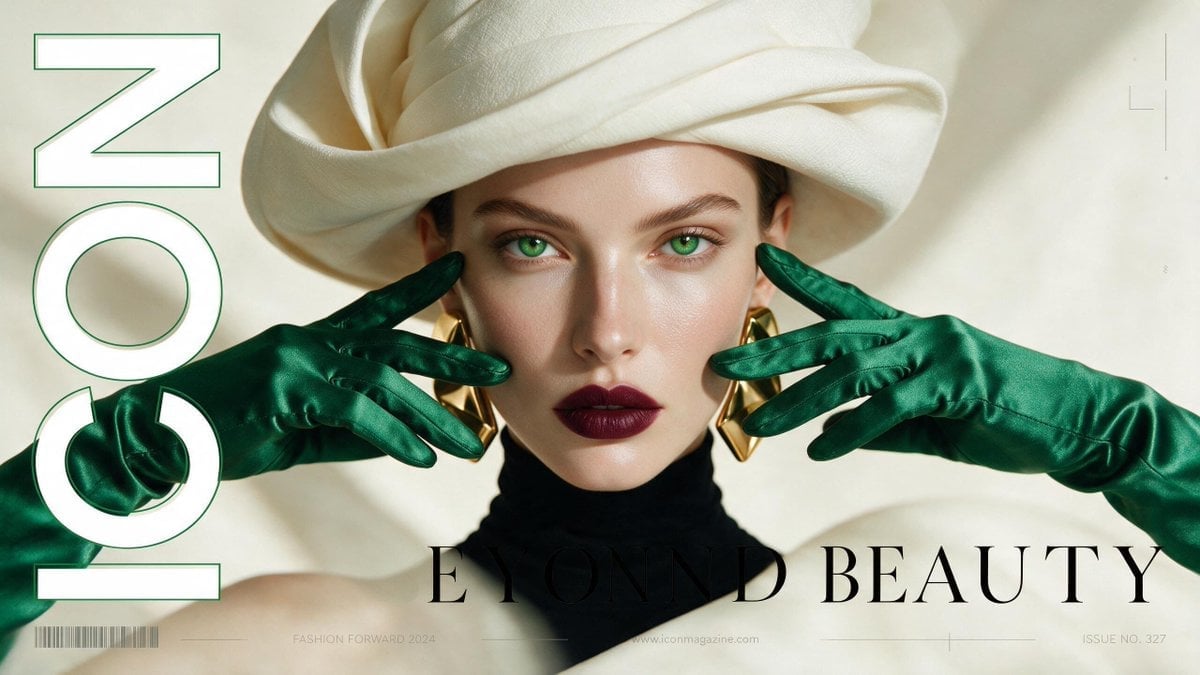
High-Fashion Editorial Magazine Cover ICON
Make it yours
Winter Travel Influencer Editorial Prompt (Cappadocia) works as-is. These are the safest ways to change it without losing the look.
Change one field
Copy a single group, rewrite it, and generate again so you can see what that field is doing.
Keep the frame, change the subject
Hold the composition and light of Winter Travel Influencer Editorial Prompt (Cappadocia), then swap wardrobe, props or the person for a new take.
| If the result… | Why | Fix |
|---|---|---|
| The result drifts from the preview | Too many fields changed at once. | Reuse Winter Travel Influencer Editorial Prompt (Cappadocia) as-is first, then change one group — subject, light, or setting. |
| The model over-stylizes the scene | The prose prompt leaves finish and camera underspecified. | Add one camera or lighting sentence and stay on Nano Banana 2. |
More Nano Banana 2 templates
Other prompts made for Nano Banana 2.

Photorealistic Leaf Shaped Like a Dragon

K-Pop Idol Portrait Grid for Rapid Selection

Poetic Rain Forest Portrait During Golden Hour

Urban Street Portrait with Cartoon Inner Self Duo

Candid Nighttime Photo with Cat Prompt

High-Concept 3D Diorama Generation Prompt

Cinematic Futuristic Studio Portrait Template

Skincare Editorial Photography Collage Prompt

Hyper-Realistic Commercial Product Photography (Splash Effect)

Hyper-Realistic Nightclub Portrait Prompt
More image prompts
Fresh picks from across the catalog.
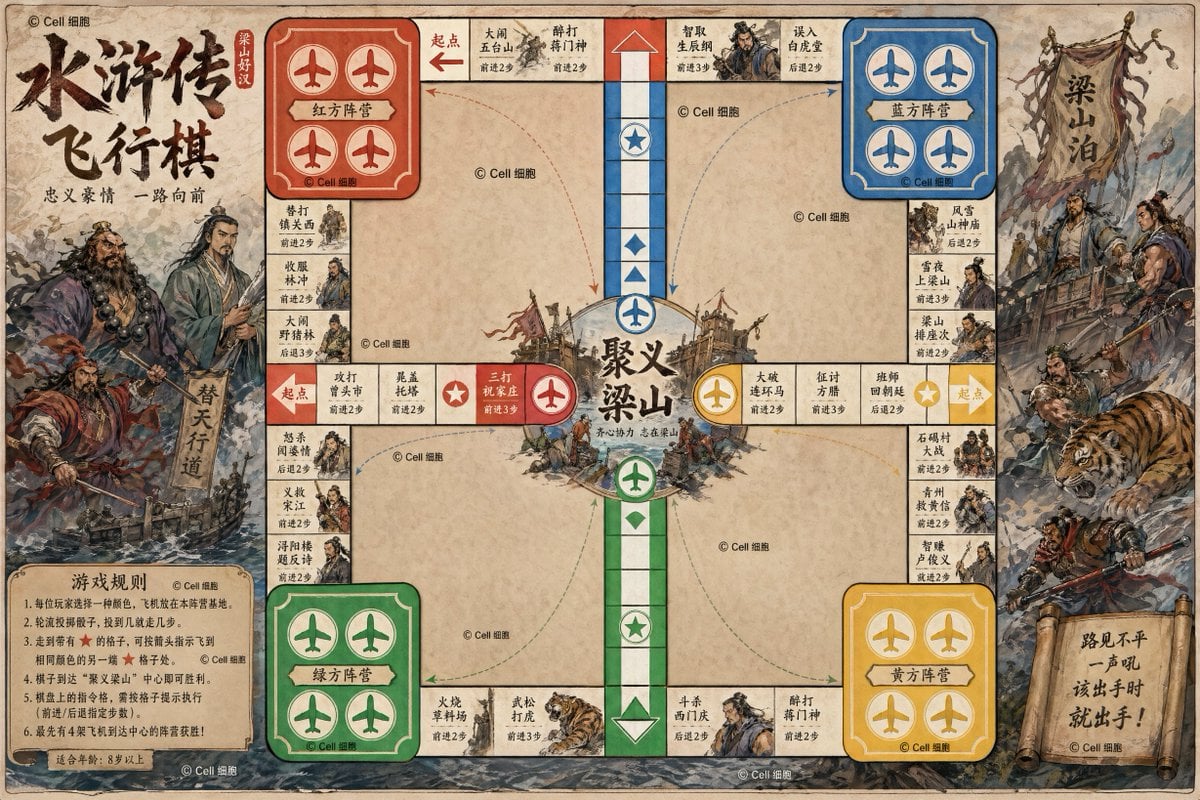
Water Margin Themed Flying Chess Board
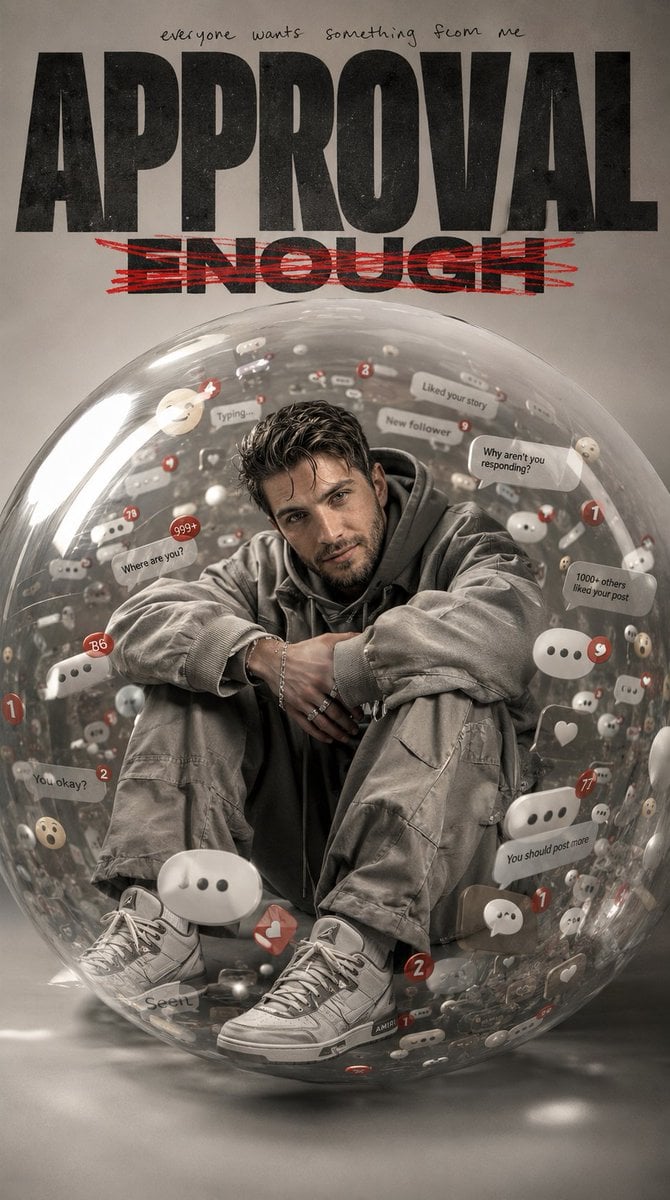
Emotional Surrealism Conceptual Portrait
Image Generation of Umeboshi
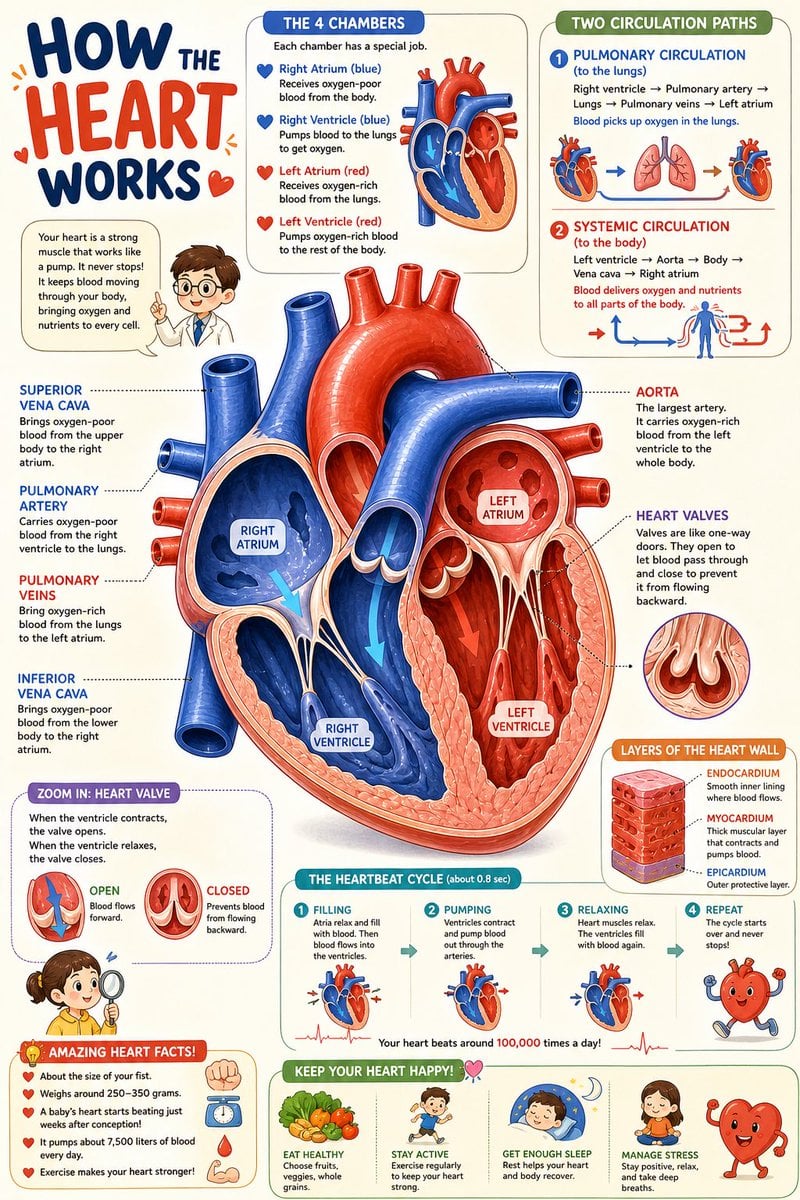
Science Book Illustration with Cutaway Diagram
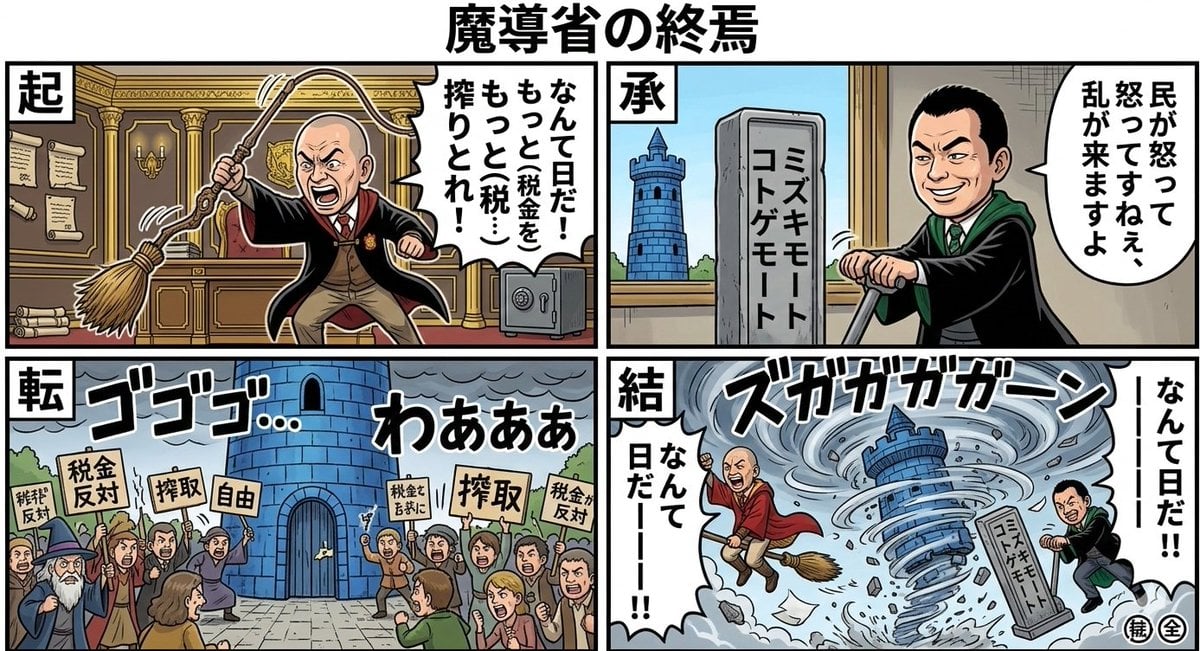
Nano Banana Pro Prompt: Magical Ministry and Viking
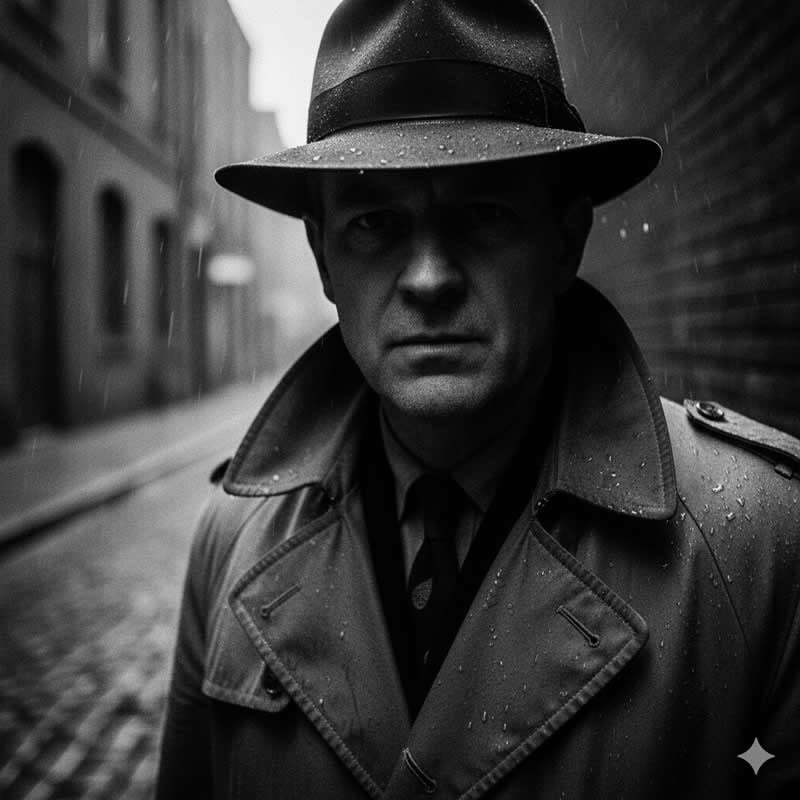
Cinematic Noir Portrait Prompt
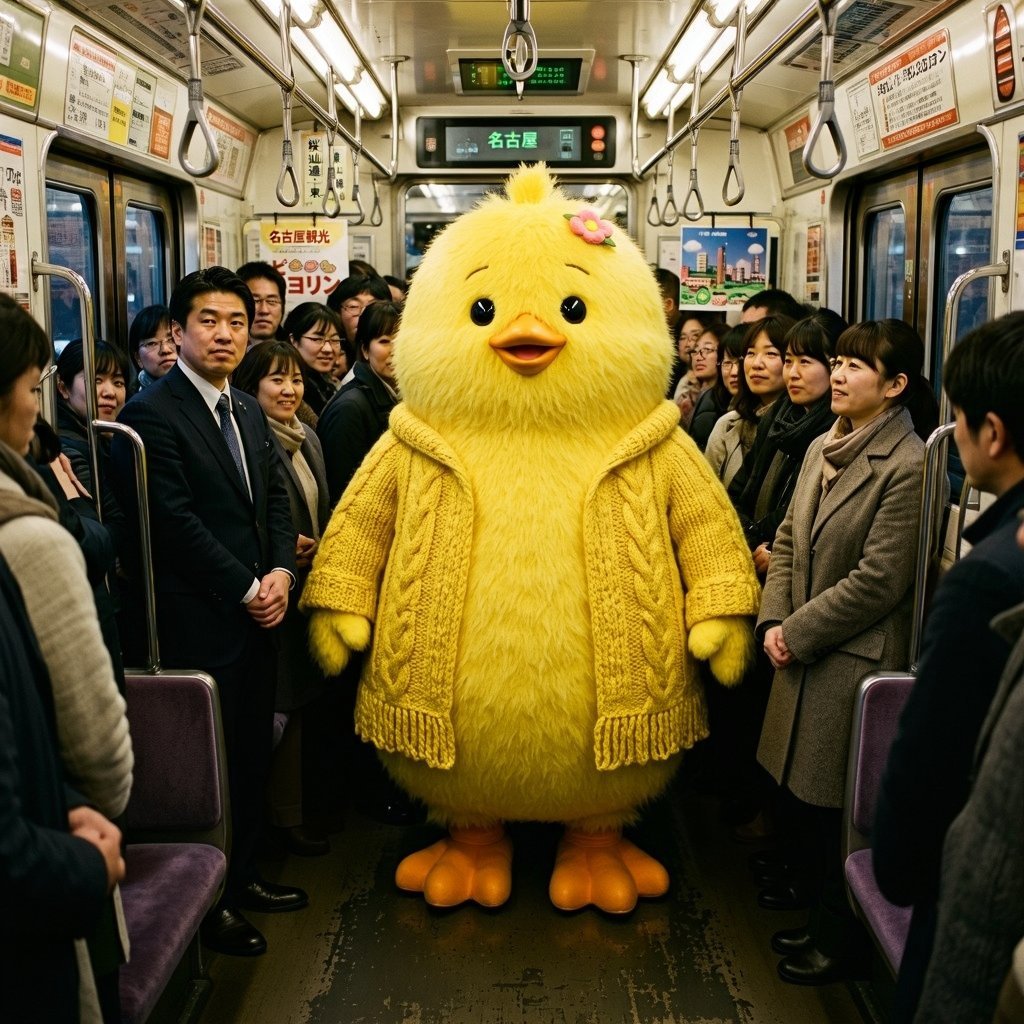
Yellow Chick Mascot on Japanese Train
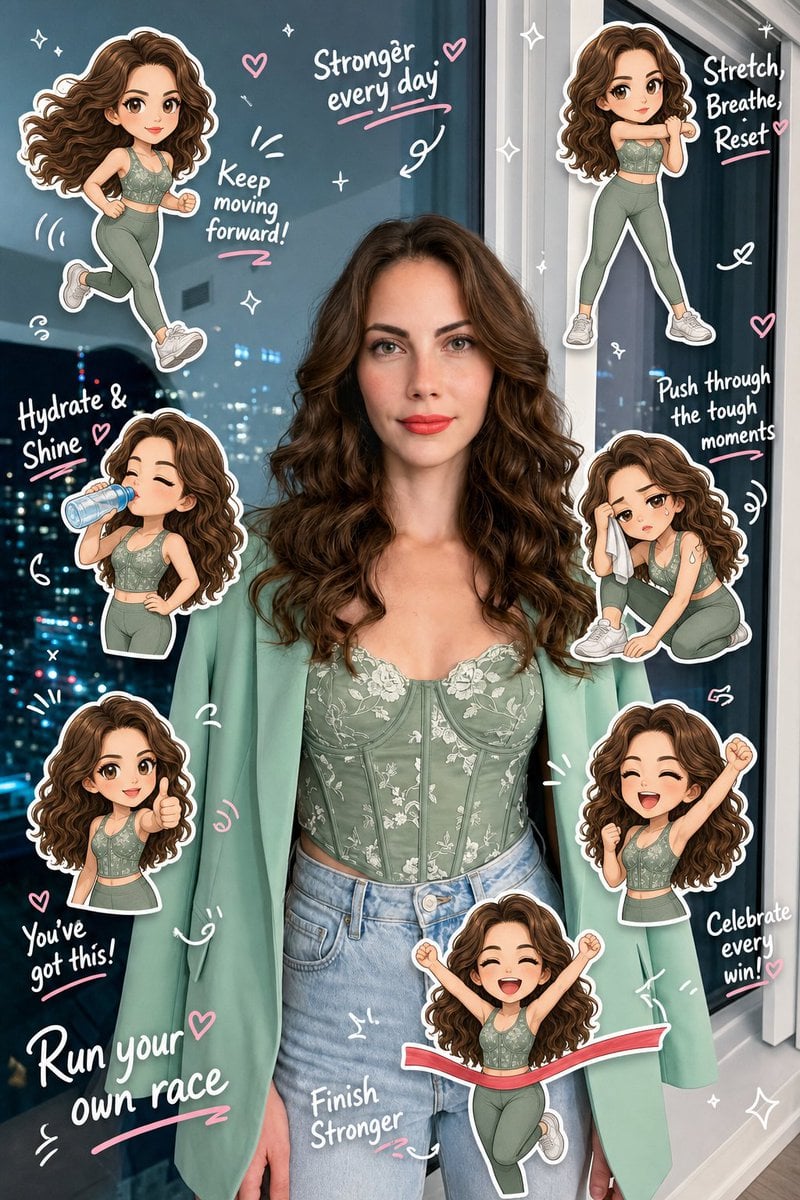
Chibi Clone Sticker Diary
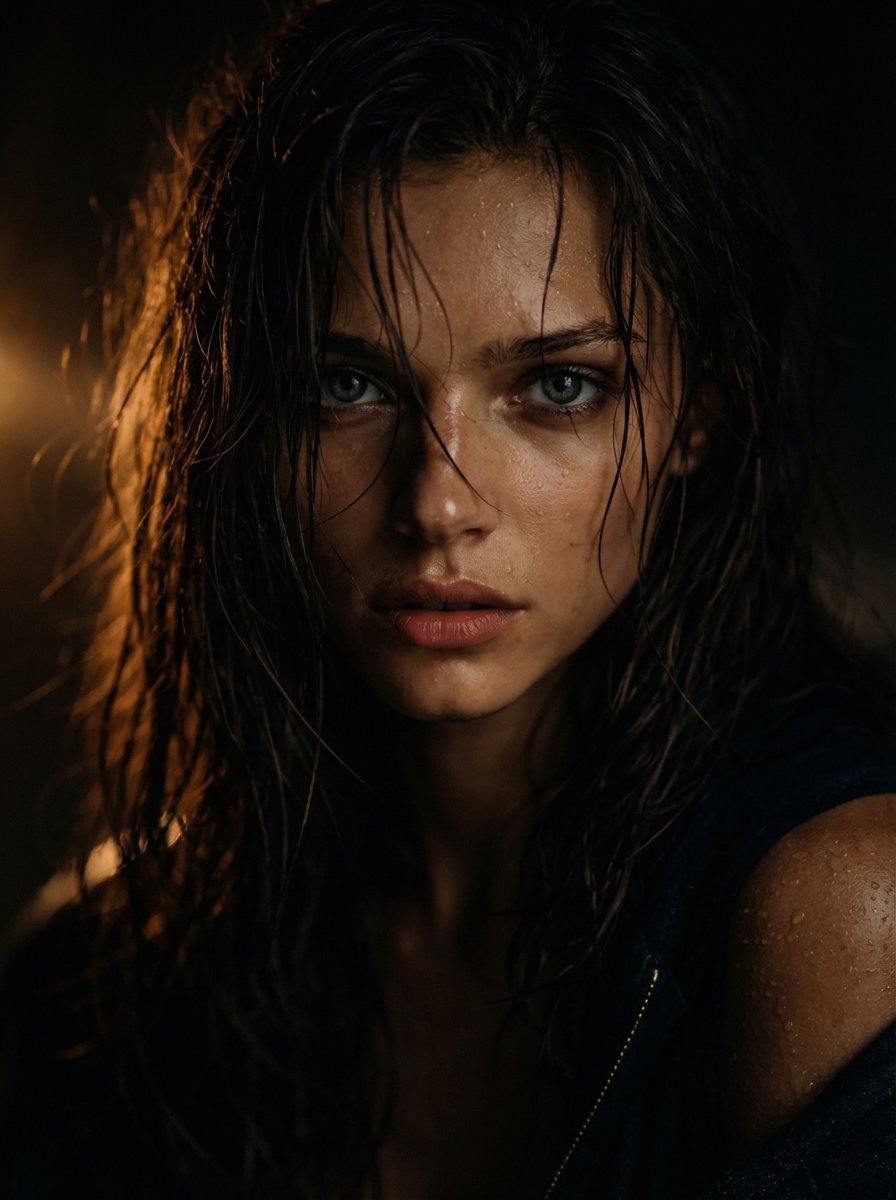
Cinematic Wet Hair Portrait Prompt
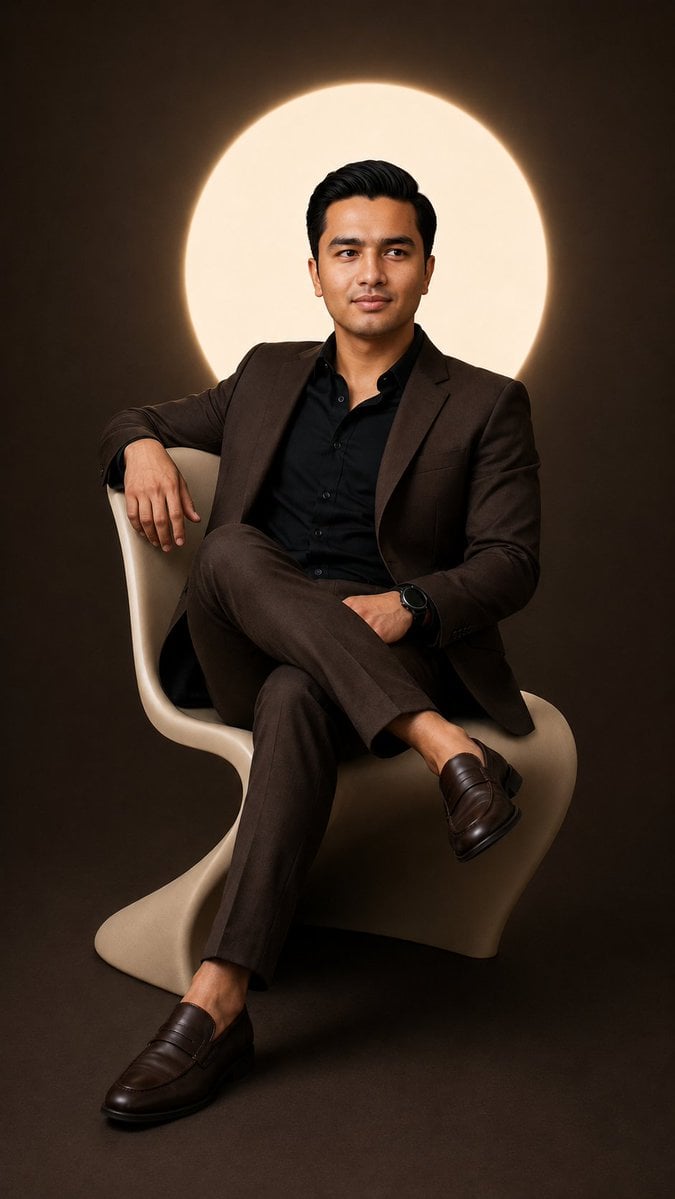
Cinematic Studio Suit Portrait
Browse template categories
Winter Travel Influencer Editorial Prompt (Cappadocia) questions
How do I use the Winter Travel Influencer Editorial Prompt (Cappadocia) template?
Add your photo if the template asks for one, edit the prompt if you like — the template's model and format are already selected — and press Generate. Your version opens in PicX Studio.
Can I customize the Winter Travel Influencer Editorial Prompt (Cappadocia) template?
Yes. You can change the subject, setting, lighting, mood, format, and available model controls before creating your image.
Is the Winter Travel Influencer Editorial Prompt (Cappadocia) template free?
Opening and editing this template is free. Generating uses credits, shown on the Generate button when you are signed in.
Which AI model should I use?
Start with Nano Banana 2, which is the model associated with this template. You can compare another compatible model for a different finish.
Looking for something else? Browse all templates.

Your photo, any look
Thousands of ready templates for every top image and video model, from one credit balance.