How do I use the Anime Catgirl in Chinese Ink Landscape template?
Edit the prompt in the box under the preview — the template's model and format are already selected — and press Generate. Your version appears right on this page.
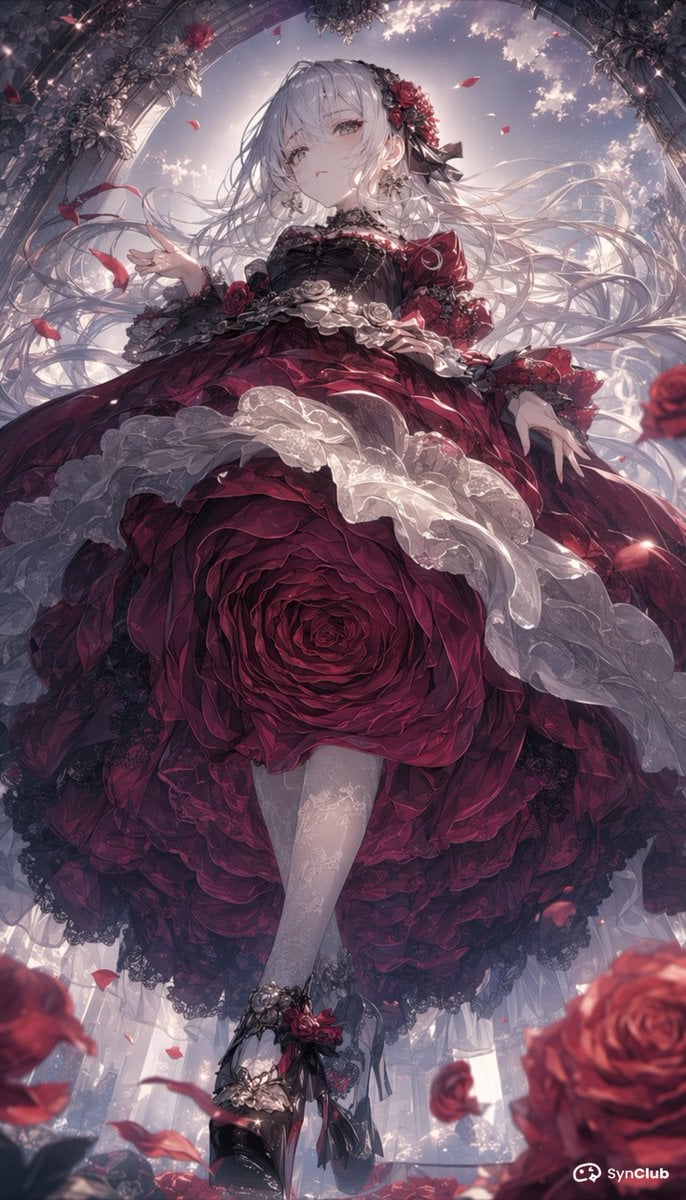
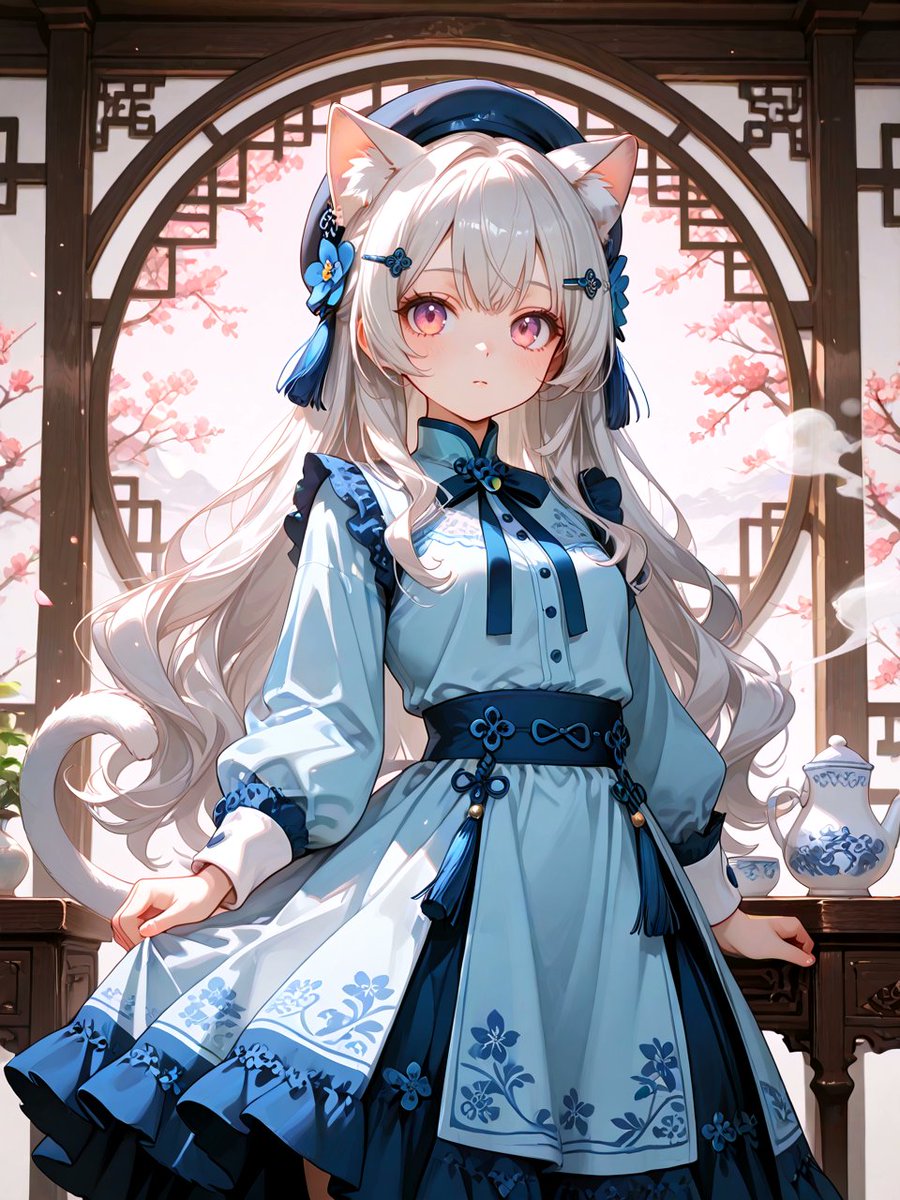
Transforms a reference anime catgirl into an elegant Chinese ink-wash fantasy scene with a qipao outfit and mountain landscape.

This template uses your photo — add one with the + button.
Using REFERENCE_0 as the character base, transform the image into a refined Chinese ink-wash fantasy illustration. Keep the same cat-eared anime girl identity, pale long hair, pink eyes, and elegant blue theme, but change the setting and outfit. Goal: Recreate her as a full-body figure standing outdoors in a misty traditional Chinese mountain-and-water landscape, with a soft xuan-paper watercolor texture and delicate anime rendering. Character transformation: Replace the original pale blue dress with a dark navy Chinese-inspired qipao-style mini dress with sheer layered skirt, puff sleeves, silver-white floral embroidery, frog-button ornaments, tassels, and lace trim. Add ornate blue, white, and red flower hair accessories while keeping the cat ears and small dark headpiece. Pose her gracefully with one hand raised near her hair and the other extended outward; show her legs and tail, with the tail ending in a small tassel ornament. Background additions: Remove the indoor window and tea-room setting. Add a scenic Chinese landscape with misty steep mountains, pine trees, waterfalls, a calm lake, rocky foreground, distant pavilions, and small boats, painted in soft blue-gray ink tones. Text and seals: Add vertical black calligraphy in the upper left reading {argument name="calligraphy text" default="江山如畫\n雲深不知處"}. Include exactly 3 red seal stamps: two small seals beneath the upper-left calligraphy and one larger square seal in the lower-right corner. Style: High-detail anime character blended with classical Chinese shanshui painting, luminous soft lighting, elegant brushwork, pale mist, harmonious navy-blue palette, no modern objects, no watermark.
Using REFERENCE_0 as the character base, transform the image into a refined Chinese ink-wash fantasy illustration. Keep the same cat-eared anime girl identity, pale long hair, pink eyes, and elegant blue theme, but change the setting and outfit. Goal: Recreate her as a full-body figure standing outdoors in a misty traditional Chinese mountain-and-water landscape, with a soft xuan-paper watercolor texture and delicate anime rendering. Character transformation: Replace the original pale blue dress with a dark navy Chinese-inspired qipao-style mini dress with sheer layered skirt, puff sleeves, silver-white floral embroidery, frog-button ornaments, tassels, and lace trim. Add ornate blue, white, and red flower hair accessories while keeping the cat ears and small dark headpiece. Pose her gracefully with one hand raised near her hair and the other extended outward; show her legs and tail, with the tail ending in a small tassel ornament. Background additions: Remove the indoor window and tea-room setting. Add a scenic Chinese landscape with misty steep mountains, pine trees, waterfalls, a calm lake, rocky foreground, distant pavilions, and small boats, painted in soft blue-gray ink tones. Text and seals: Add vertical black calligraphy in the upper left reading {argument name="calligraphy text" default="江山如畫\n雲深不知處"}. Include exactly 3 red seal stamps: two small seals beneath the upper-left calligraphy and one larger square seal in the lower-right corner. Style: High-detail anime character blended with classical Chinese shanshui painting, luminous soft lighting, elegant brushwork, pale mist, harmonious navy-blue palette, no modern objects, no watermark.
Anime Catgirl in Chinese Ink Landscape needs input media to work. Open it in the studio and these load alongside the prompt — pick whichever ones your chosen model can take.
Edit the prompt in the box under the preview — the template's model and format are already selected — and press Generate. Your version appears right on this page.
Yes. You can change the subject, setting, lighting, mood, format, and available model controls before creating your image.
Opening and editing this template is free. Generating uses credits, shown on the Generate button when you are signed in.
Start with GPT Image 2, which is the model associated with this template. You can compare another compatible model for a different finish.
Follow a topic to a crawlable collection of related PicX Studio templates.