
Cinematic Wednesday Anime Poster
This prompt generates a nostalgic Japanese film-poster illustration of a schoolgirl in a sunlit classroom, ideal for cinematic anime key art or social media poster visuals.
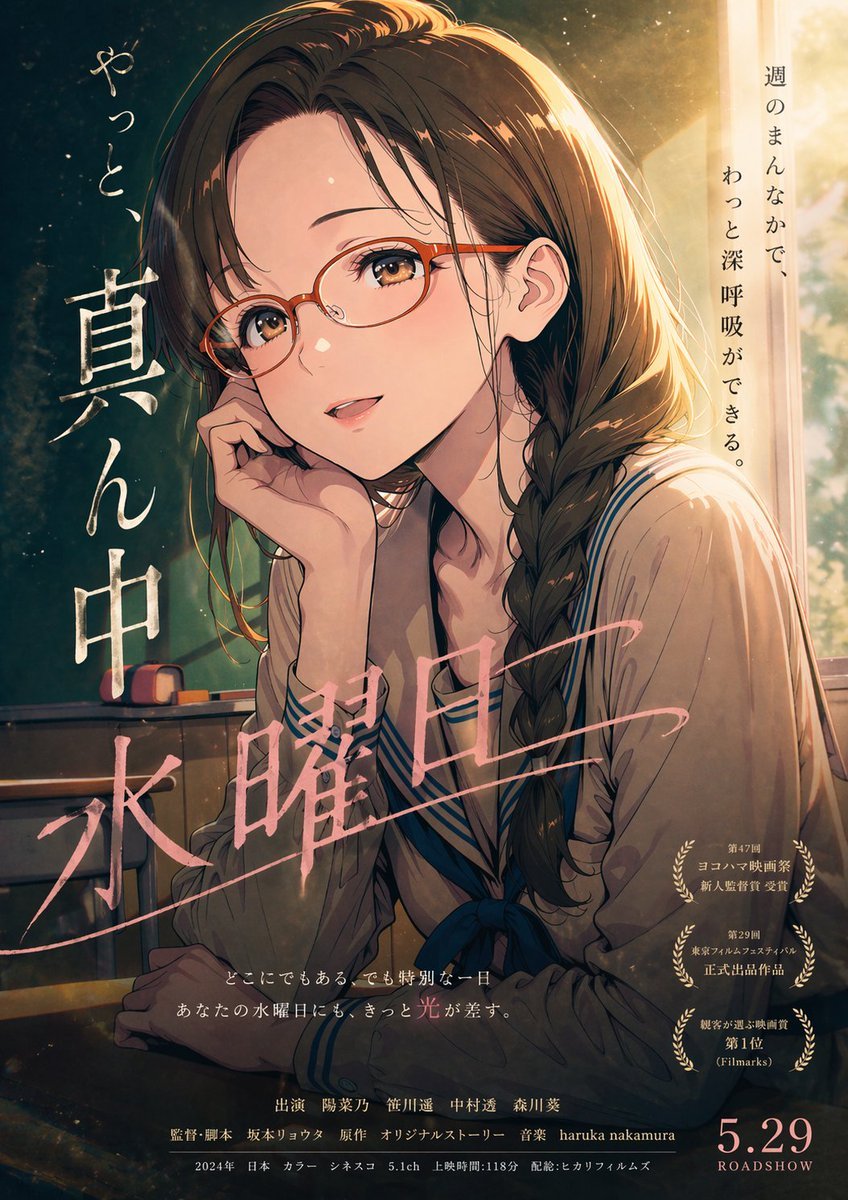
- Prompt included
- Model and format preset
- Free template
The prompt behind this image
Copy the exact prompt behind Cinematic Wednesday Anime Poster, or open it in the studio and make it yours.
A Japanese movie-poster style anime illustration, vertical theatrical one-sheet composition, showing a teenage schoolgirl seated alone in a classroom at golden hour. She has {argument name="hair color" default="dark brown"} hair, long and slightly wavy, gathered into a loose side braid draped over her right shoulder, with soft bangs and warm rim light along the top of her head and hair edges. She wears a cream or light beige sailor-style school uniform with navy trim and a dark blue ribbon bow at the chest. Her pose is quiet and introspective: sitting at a school desk, leaning her cheek into one hand, shoulders slightly curved, looking off to the side with a tired but calm midweek expression. The scene is lit by strong late-afternoon sunlight pouring in from a tall classroom window on the right, creating glowing highlights, dust motes in the air, soft haze, and a nostalgic cinematic mood. In the dimmer left background, include a green classroom chalkboard and 2 small chalkboard erasers or chalk accessories resting on the tray. Use painterly anime realism with rich filmic contrast, delicate facial rendering, textured brushwork, subtle grain, and dramatic poster lighting. Add Japanese poster typography integrated into the artwork: on the left side, large vertical white brush lettering reading "真ん中" with smaller handwritten-style vertical text above reading "やっと、"; across the lower middle, large pink calligraphic title text reading "水曜日" diagonally; on the upper right, a vertical tagline reading "週のまんなかで、わっと深呼吸ができる。" Near the lower right, include 3 stacked gold laurel award emblems with small Japanese text inside each. Along the bottom center, add 2 lines of small Japanese tagline text, then a credits block in small Japanese film-poster typography. In the bottom right corner, place a large release date reading {argument name="release date" default="5.29"} with "ROADSHOW" beneath it. Overall feeling: soft, melancholic, reassuring, like an understated coming-of-age film poster about an ordinary Wednesday becoming quietly special.
How to use Cinematic Wednesday Anime Poster in 3 steps
- 1Upload ImagePNG, JPG or paste
Add your photo
Upload the photo the template builds on. The prompt, model and format are already set.
- 2…a portrait of your subject in softgolden-hour light, 85mm…
Personalize
Edit the subject and creative details for your destination.
- 3Generate
Generate
Press Generate — your image is created in PicX Studio, so you can compare it with the original and refine one variable at a time.
More like this
Templates with the same subject, style or setup. Open one to see its prompt.

Captain Tsubasa Anime World Cup Poster

Gpt2 Youtube Thumbnail Anime Music Bootcamp Promo Poster

Japan Travel Brochure Poster

Cel 2D Finale Fireworks

Cel 2D Garden Maze

Cel 2D Rooftop Concert

Cel 2D Bicycle Coast

Cel 2D Castle Gate

Cel 2D Kitchen Chaos

Cel 2D Carnival Ride

Cel 2D Rainy Bus Stop

Cel 2D Space Dock
Make it yours
Cinematic Wednesday Anime Poster works as-is. These are the safest ways to change it without losing the look.
Change one field
Copy a single group, rewrite it, and generate again so you can see what that field is doing.
Keep the frame, change the subject
Hold the composition and light of Cinematic Wednesday Anime Poster, then swap wardrobe, props or the person for a new take.
| If the result… | Why | Fix |
|---|---|---|
| The result drifts from the preview | Too many fields changed at once. | Reuse Cinematic Wednesday Anime Poster as-is first, then change one group — subject, light, or setting. |
| The model over-stylizes the scene | The prose prompt leaves finish and camera underspecified. | Add one camera or lighting sentence and stay on GPT Image 2. |
More GPT Image 2 templates
Other prompts made for GPT Image 2.

Six VTuber Japanese Logo Sheet

Realistic Portrait of Woman and Deer

The Vista Modular Condo Poster

AI Model Routing Comparison Infographic

2.5D Anime Art Board

Isometric Productivity Desk Scene

New York Double Exposure Poster

Four-Panel AI Landscape Comparison

Japanese Tatami Lifestyle Magazine Cover

NESCAFÉ Coffee Map Poster
More image prompts
Fresh picks from across the catalog.
Toddler Crayon Office Selfie
Haute Couture Editorial Collage
Luxury Fashion Book Spread
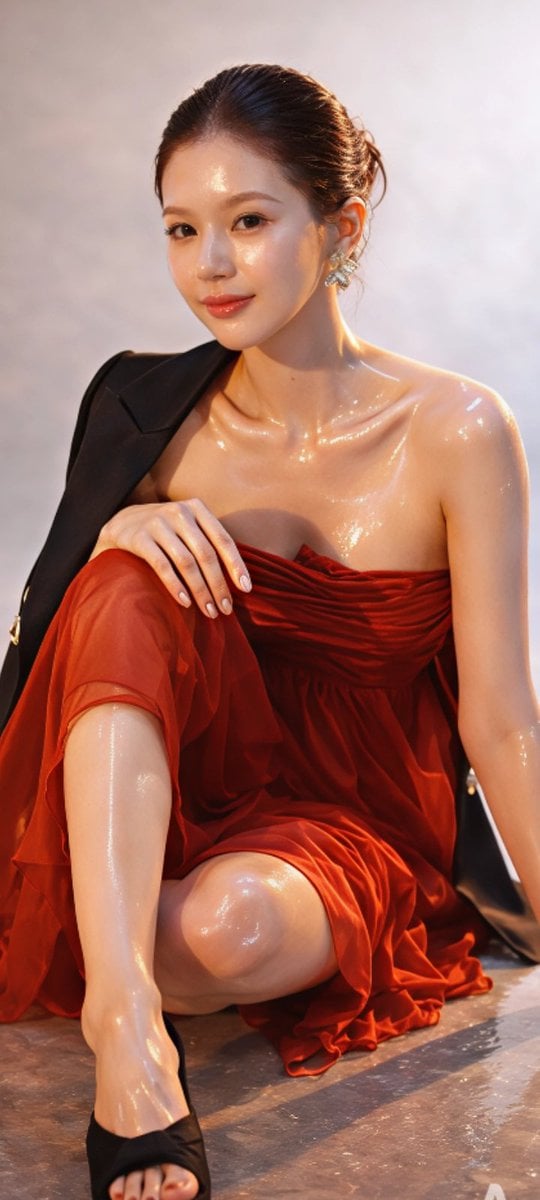
Zhao Lusi High-Fashion Editorial Prompt
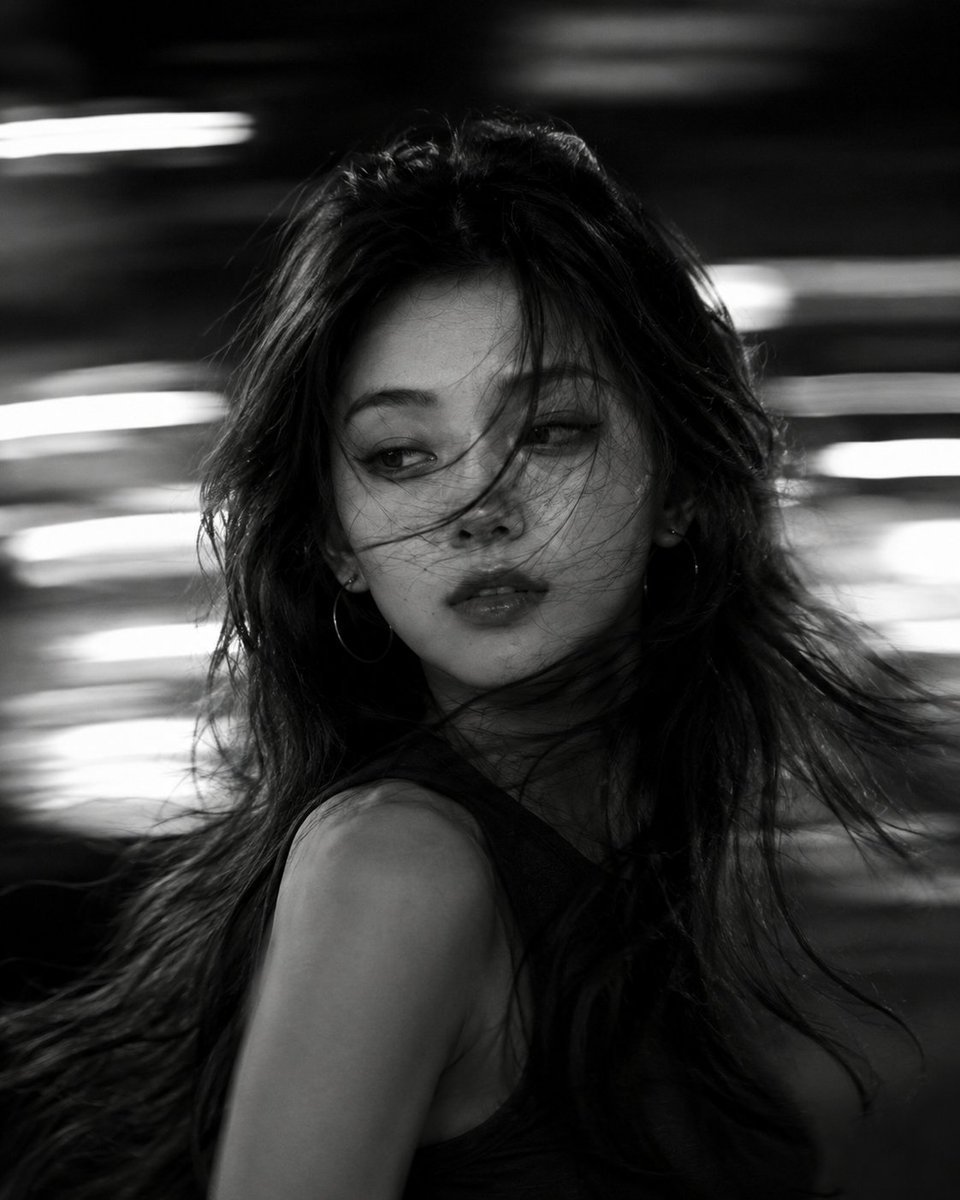
Cinematic Black and White Motion Portrait

City Posters by Nano Banana Pro
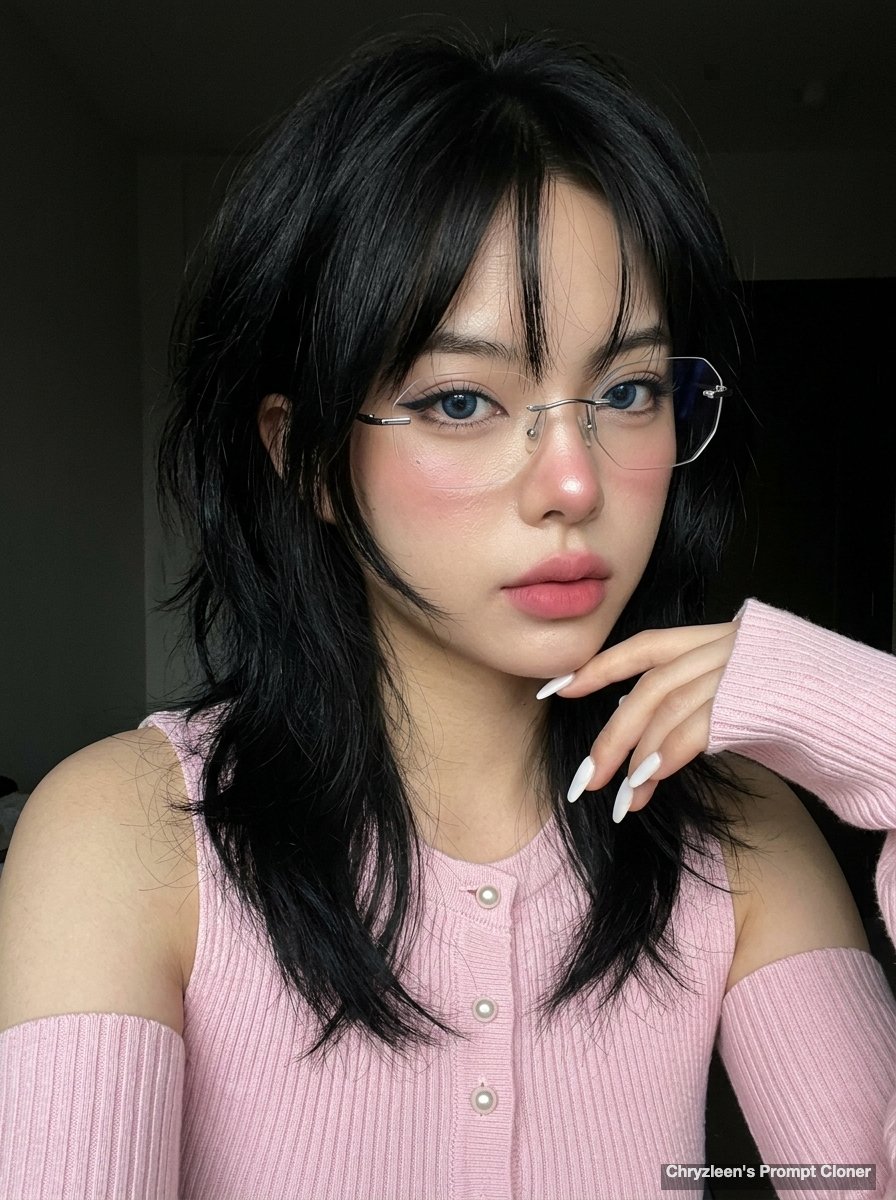
Hyper-realistic iPhone Photo Prompt (Gemini Nano Banana)
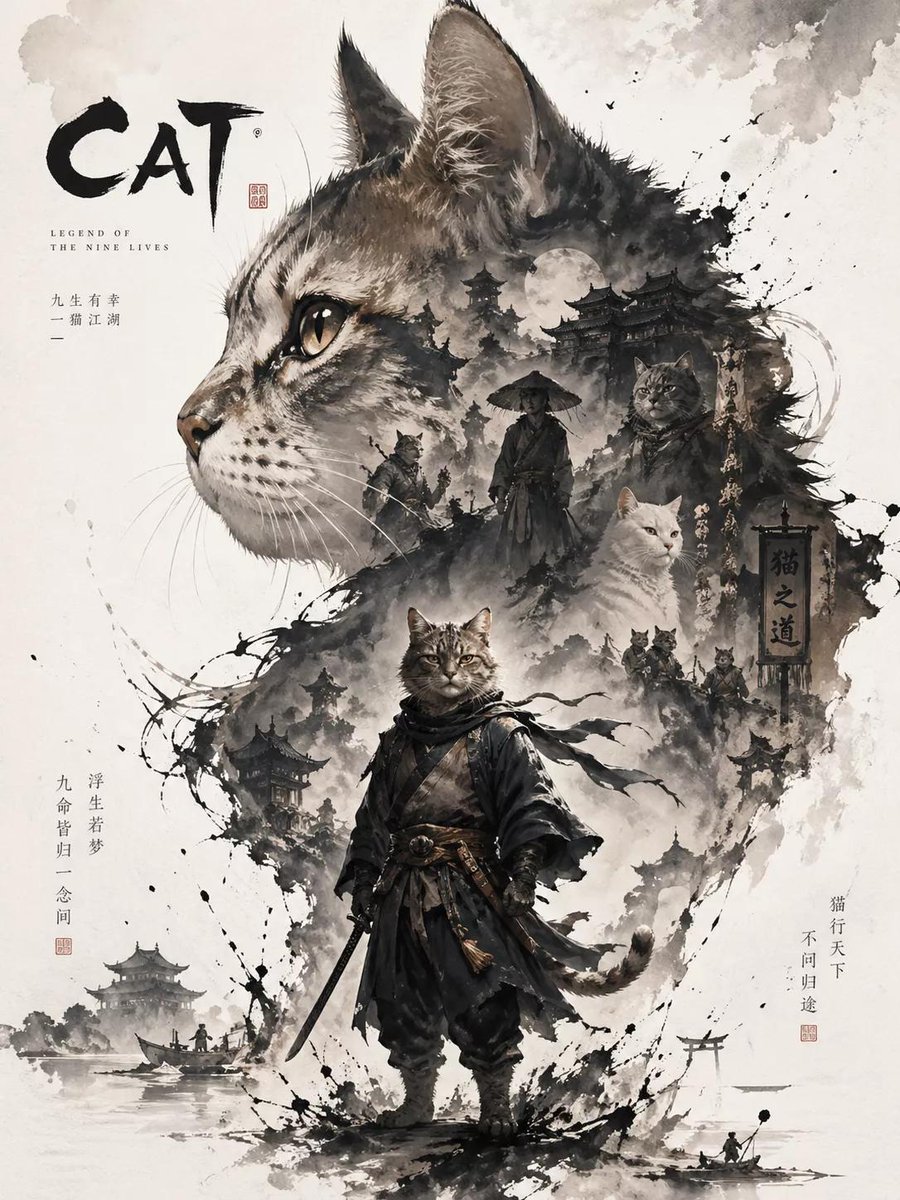
Oriental Aesthetic Poster Design
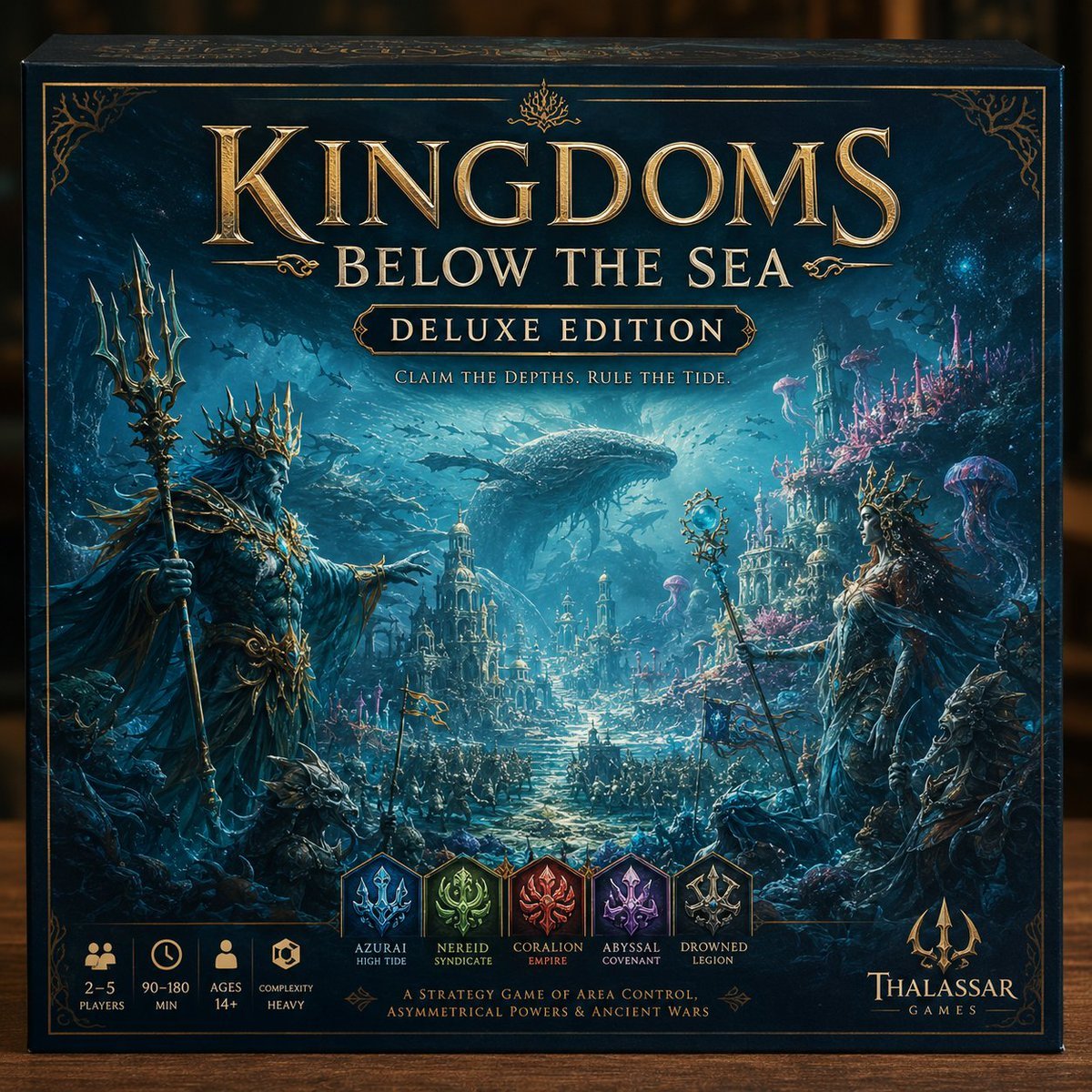
Deluxe Underwater Kingdom Board Game Box
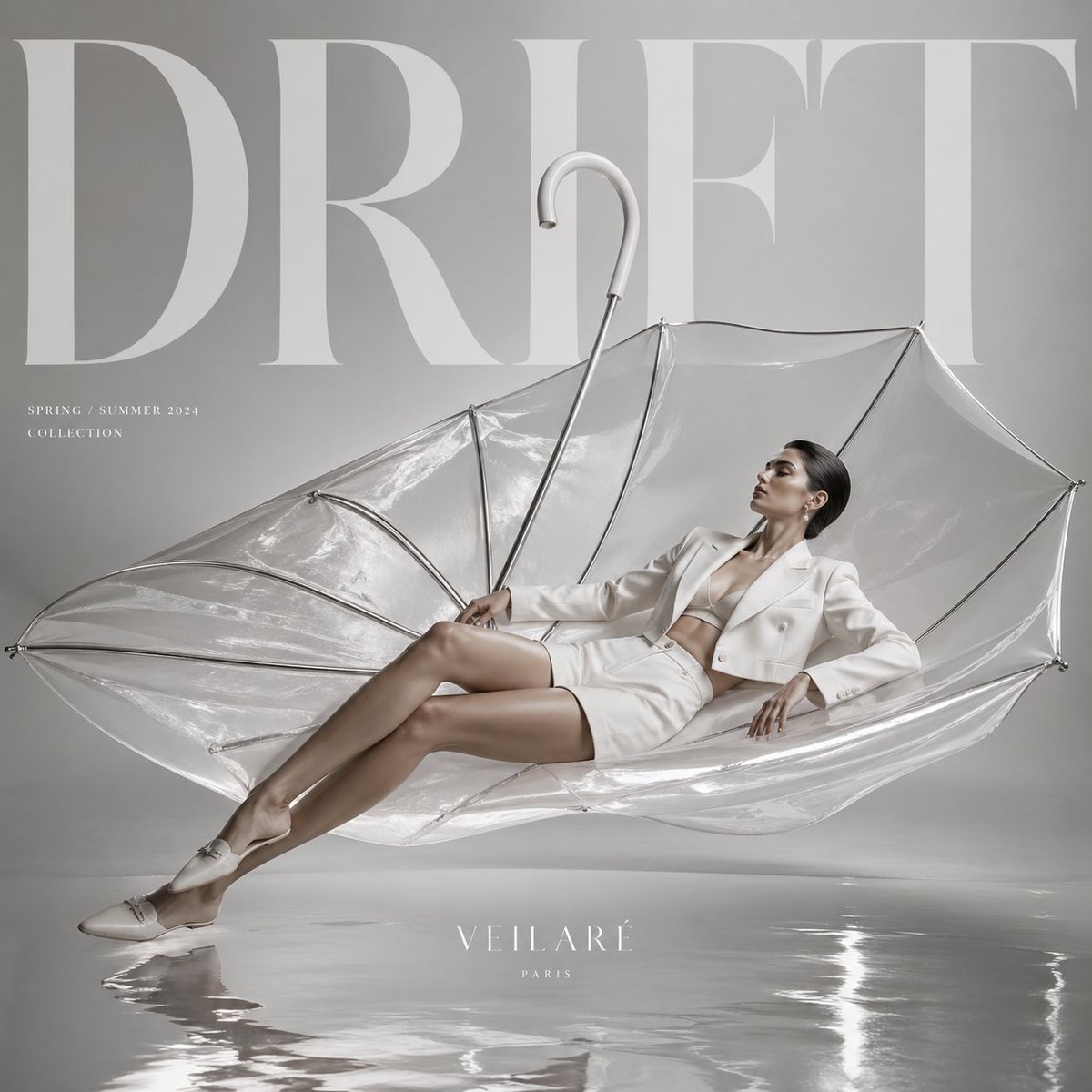
High-Fashion Editorial Advertisement
Browse template categories
Cinematic Wednesday Anime Poster questions
How do I use the Cinematic Wednesday Anime Poster template?
Add your photo if the template asks for one, edit the prompt if you like — the template's model and format are already selected — and press Generate. Your version opens in PicX Studio.
Can I customize the Cinematic Wednesday Anime Poster template?
Yes. You can change the subject, setting, lighting, mood, format, and available model controls before creating your image.
Is the Cinematic Wednesday Anime Poster template free?
Opening and editing this template is free. Generating uses credits, shown on the Generate button when you are signed in.
Which AI model should I use?
Start with GPT Image 2, which is the model associated with this template. You can compare another compatible model for a different finish.
Looking for something else? Browse all templates.

Your photo, any look
Thousands of ready templates for every top image and video model, from one credit balance.