
Deluxe Underwater Kingdom Board Game Box
A premium fantasy board game box front for an underwater strategy game, useful for creating believable hobby-store product artwork.
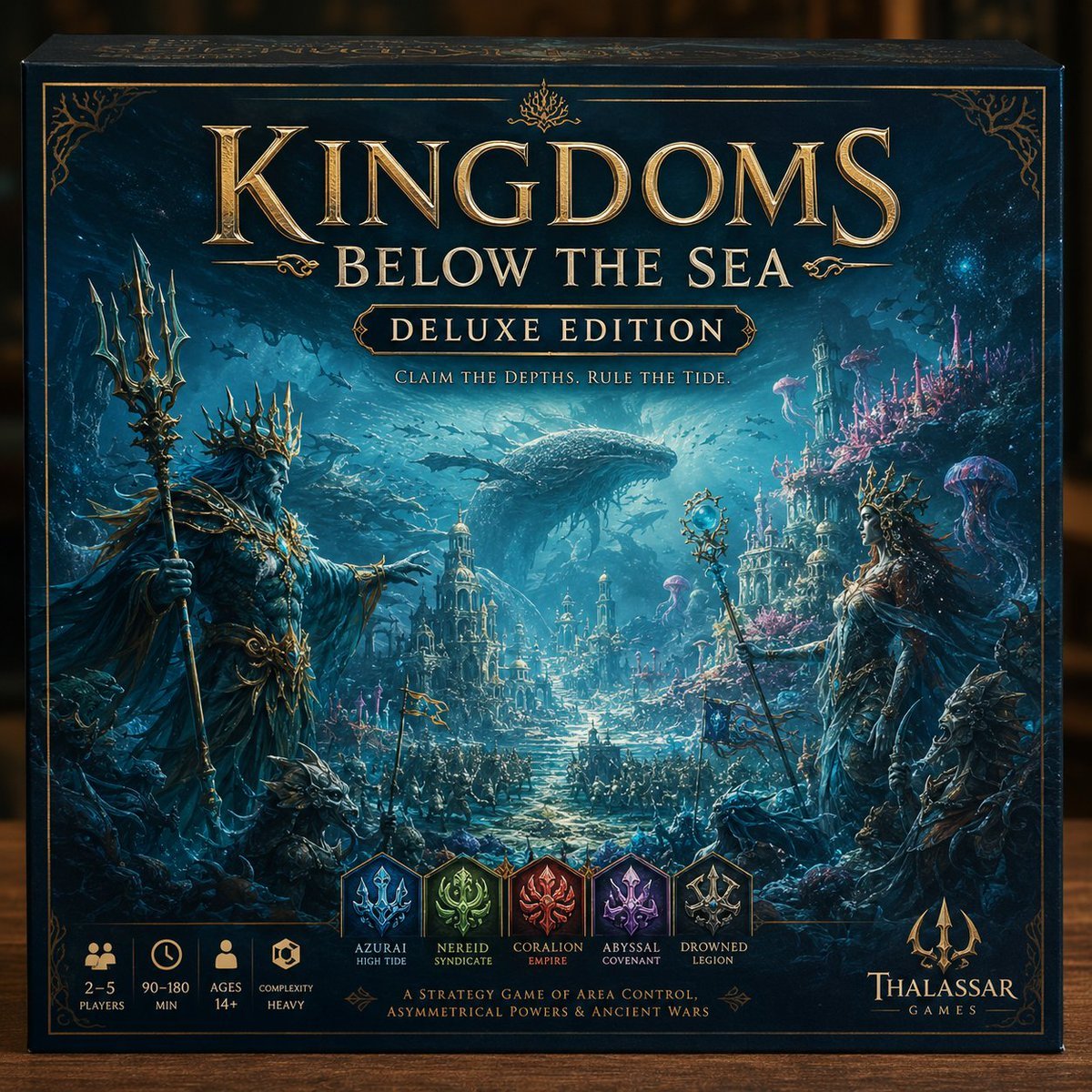
- Prompt included
- Model and format preset
- Free template
The prompt behind this image
Copy the exact prompt behind Deluxe Underwater Kingdom Board Game Box, or open it in the studio and make it yours.
Goal: Create a premium, highly believable deluxe board game box front for an imaginary tabletop strategy game titled {argument name="game title" default="KINGDOMS BELOW THE SEA"}, designed to look like a real shelf-worthy hobby-store product. Canvas: Square board game box front shown straight-on with a slight visible top edge and side depth, realistic product photography lighting, dark blurred tabletop/background. The box is deep navy and teal with ornate antique-gold foil borders, corner filigree, and embossed metallic typography. Main artwork: Epic underwater fantasy kingdom scene in cinematic painterly realism. In the foreground, place two regal sea monarch figures facing inward: on the left, an imposing armored sea king with a spiked coral crown, long dark beard, flowing robes, ornate gold-and-bone armor, and a tall trident; on the right, a queen/priestess figure with a coral crown, elegant dark robes, shell-like armor, and a staff topped with a glowing blue orb. Around them are rocky reefs, coral formations, fish, jellyfish, and shadowy sea creatures. In the midground, show an underwater city of towers, domes, bridges, and illuminated streets with armies or fleets gathering along a central path. In the background, a gigantic whale swims above the city through shafts of blue light, with schools of fish silhouetted in the water. The mood is majestic, strategic, ancient, collectible, and slightly dark. Title and text layout: At the top center, huge embossed gold serif title text: {argument name="game title" default="KINGDOMS BELOW THE SEA"}. Directly underneath, smaller gold serif subtitle: {argument name="edition label" default="DELUXE EDITION"} inside an ornate gold cartouche. Below that, small uppercase tagline: {argument name="tagline" default="CLAIM THE DEPTHS. RULE THE TIDE."} Bottom information strip: Along the bottom left, include exactly 4 gold icon/stat blocks: 1) meeple icon with “2–5 PLAYERS”, 2) clock icon with “90–180 MIN”, 3) person icon with “AGES 14+”, 4) cube/hex icon with “COMPLEXITY HEAVY”. Faction row: Centered above the bottom caption, include exactly 5 shield faction crests with labels: 1) blue crest “AZURAI HIGH TIDE”, 2) green crest “NEREID SYNDICATE”, 3) red crest “CORALION EMPIRE”, 4) purple crest “ABYSSAL COVENANT”, 5) gray-gold crest “DROWNED LEGION”. Bottom caption and publisher: Under the faction row, add small gold uppercase text: {argument name="mechanics caption" default="A STRATEGY GAME OF AREA CONTROL, ASYMMETRICAL POWERS & ANCIENT WARS"}. Bottom right, add a gold trident logo and publisher name: {argument name="publisher name" default="THALASSAR GAMES"}. Visual style: Premium fantasy board game cover, ultra-detailed digital painting, realistic printed box texture, metallic gold foil effect, deep ocean blues and aquamarines, high contrast, dramatic volumetric underwater light rays, ornate luxury packaging, crisp readable typography, no extra text, no watermark.
How to use Deluxe Underwater Kingdom Board Game Box in 3 steps
- 1Upload ImagePNG, JPG or paste
Add your photo
Upload the photo the template builds on. The prompt, model and format are already set.
- 2…a portrait of your subject in softgolden-hour light, 85mm…
Personalize
Edit the subject and creative details for your destination.
- 3Generate
Generate
Press Generate — your image is created in PicX Studio, so you can compare it with the original and refine one variable at a time.
More like this
Templates with the same subject, style or setup. Open one to see its prompt.
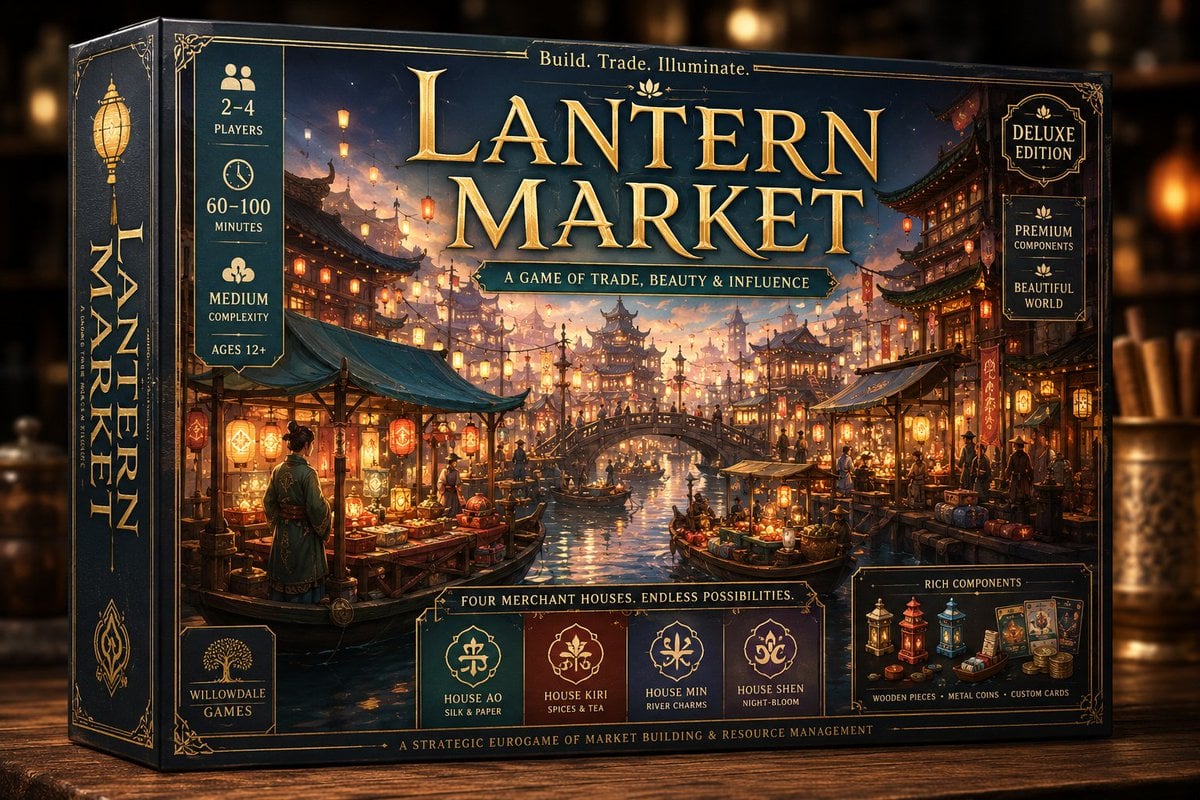
Deluxe Lantern Market Board Game Box
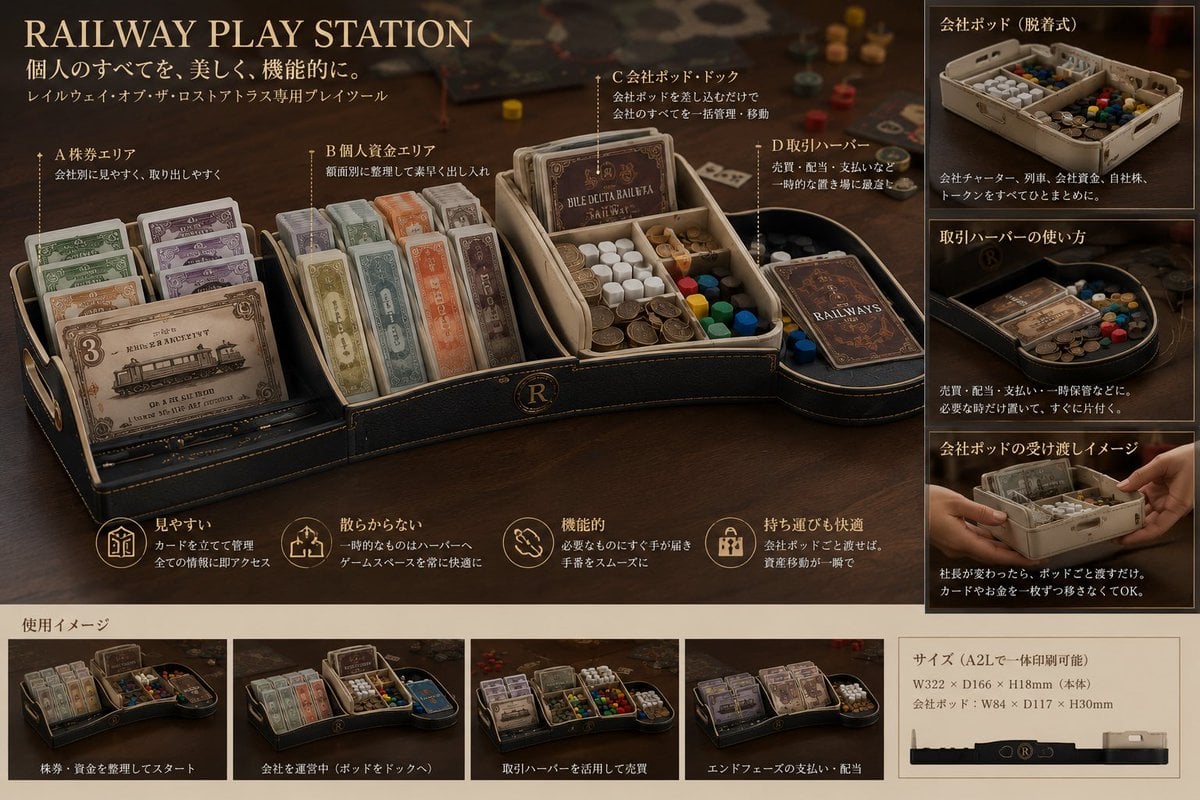
Luxury Railway Board Game Organizer Poster
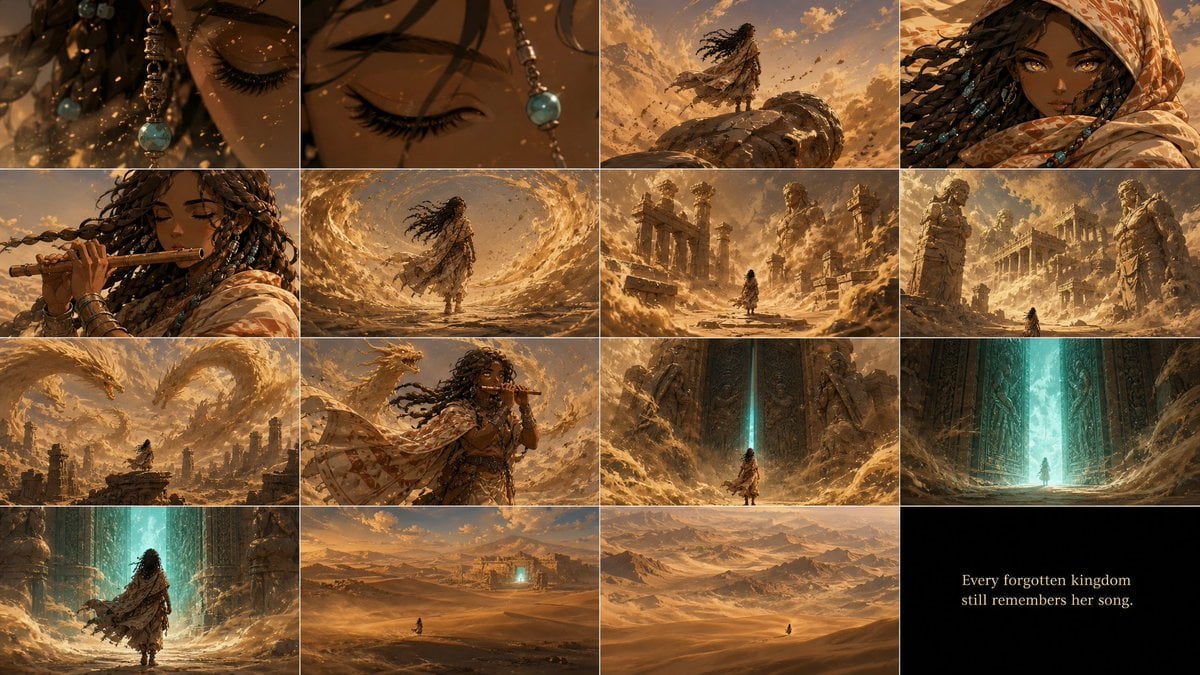
Zareya Desert Kingdom Storyboard
Mermaid in Crystal Clear Underwater Kingdom

Minecraft Fantasy Kingdom Voxel Landscape
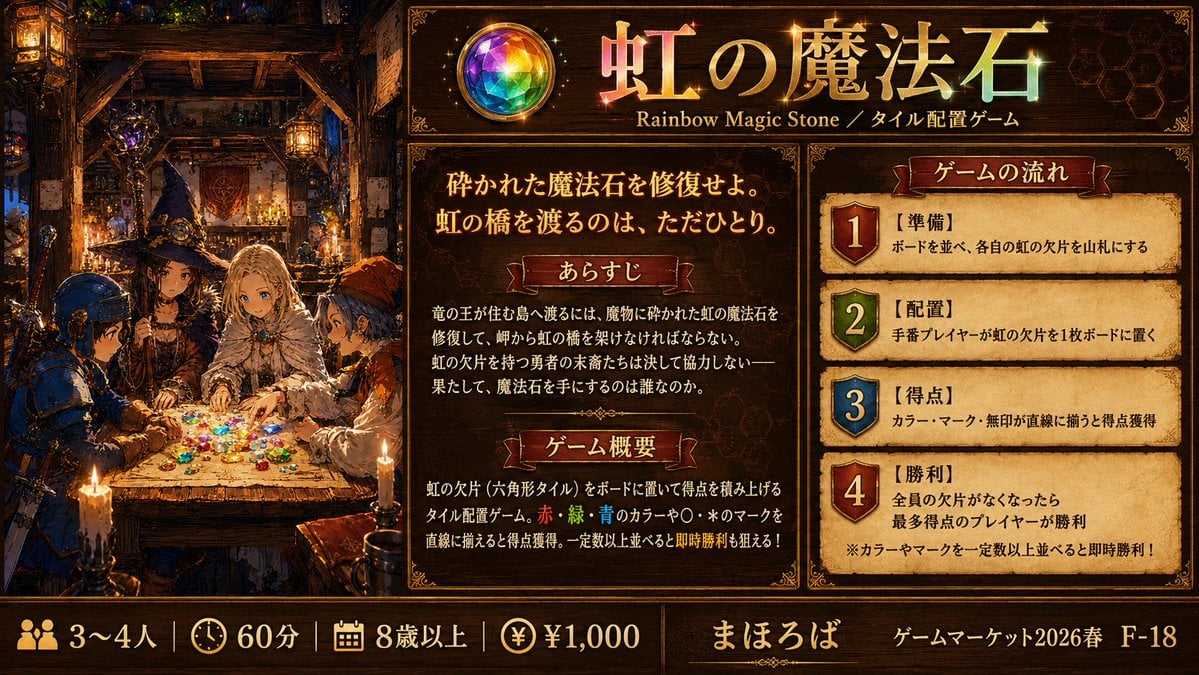
Rainbow Magic Stone Board Game Flyer
Cardboard Box DIY Toy Creation
Underwater Gamer in Diving Helmet
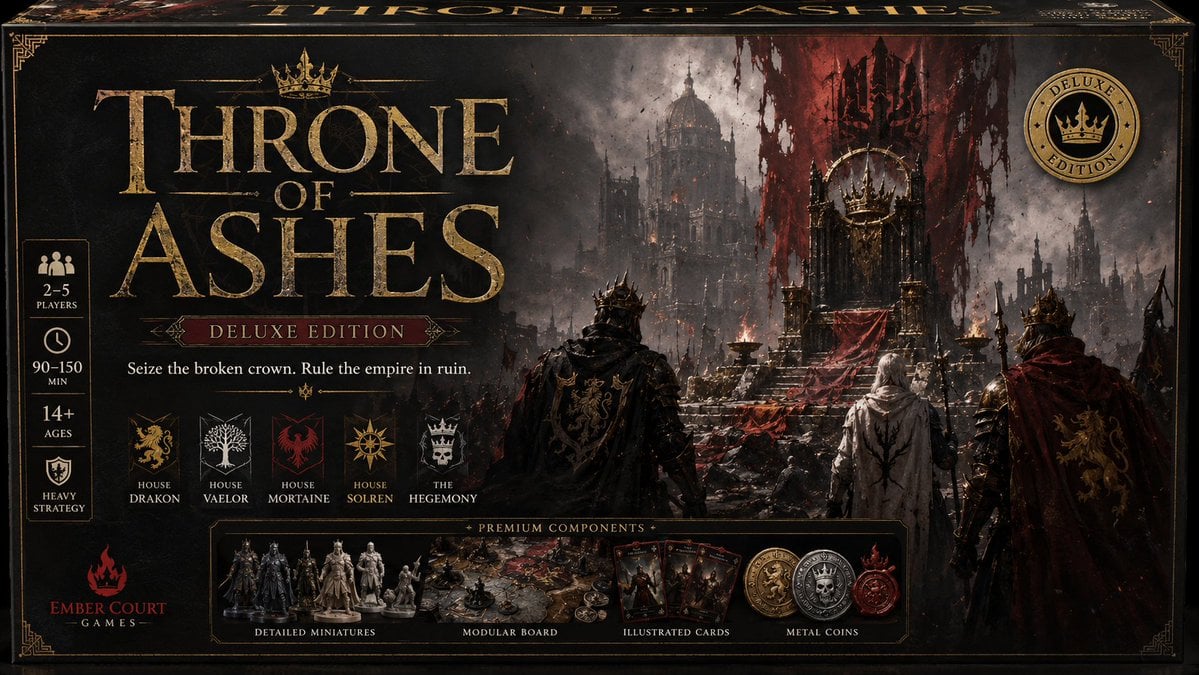
Throne of Ashes Deluxe Box Front
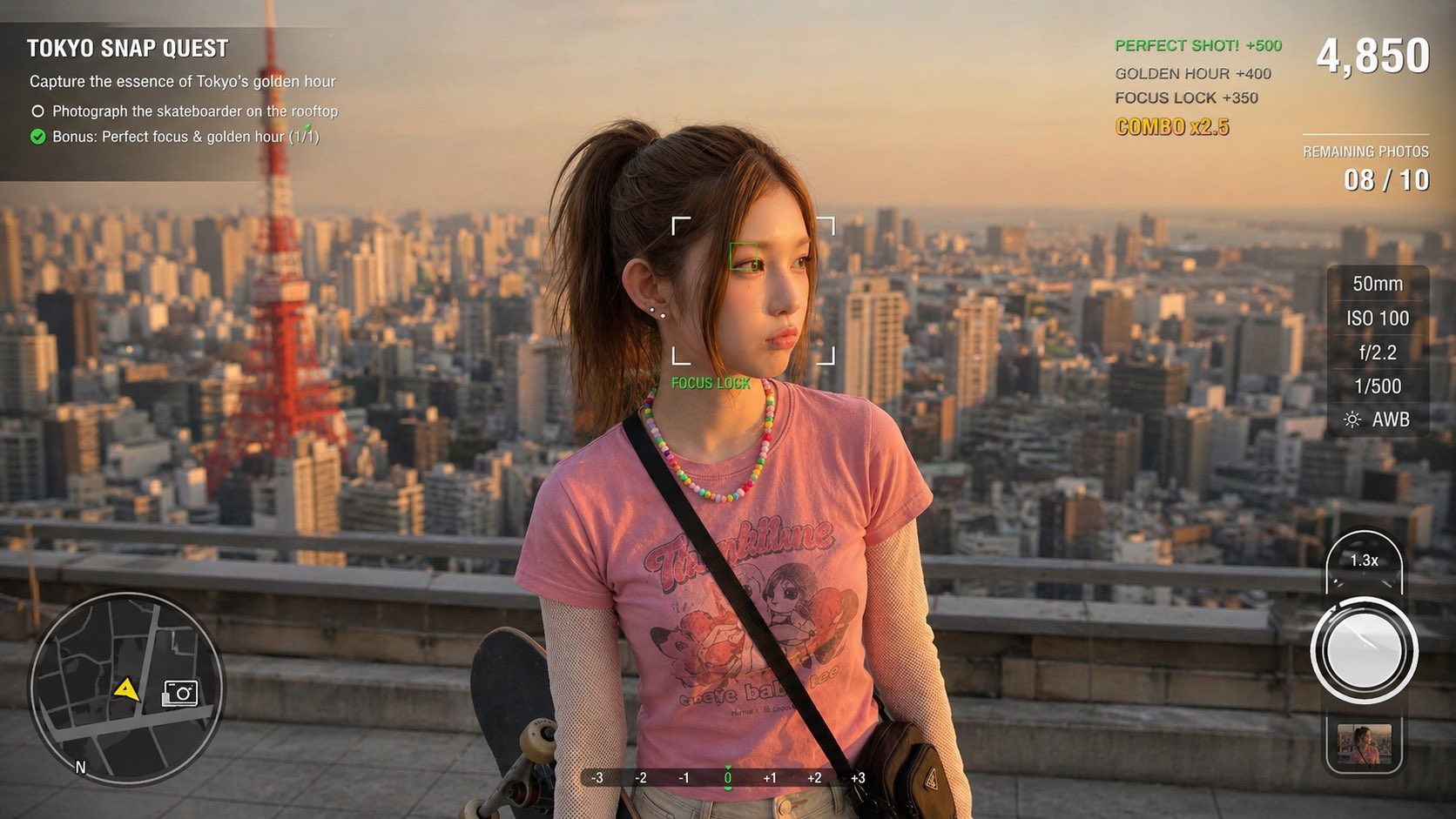
Photography Game Cinematic Capture
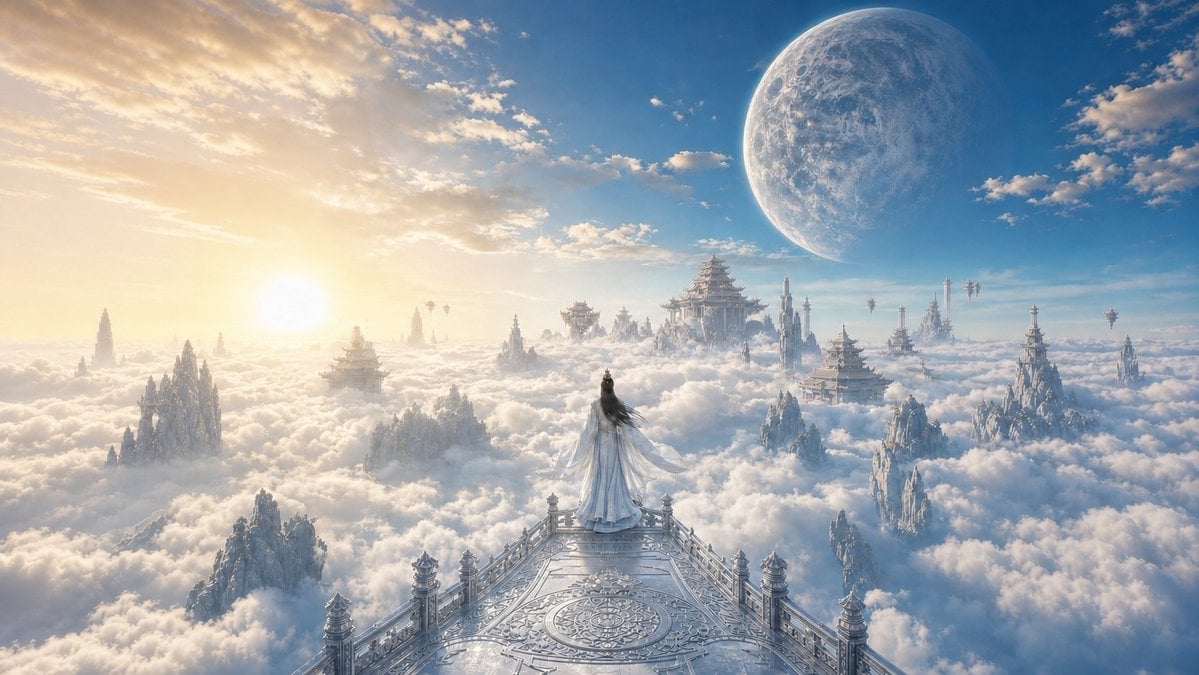
Celestial Xianxia Cloud Kingdom Wallpaper
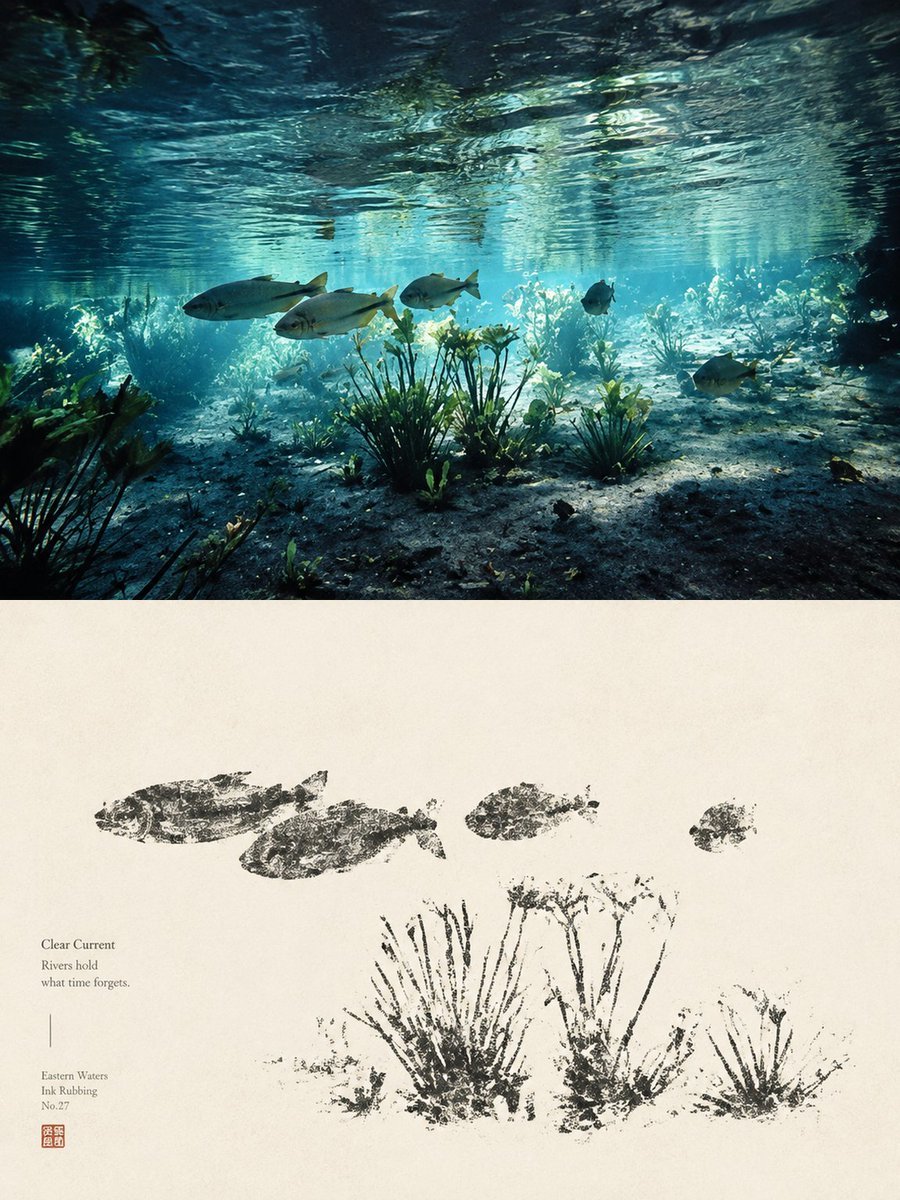
Underwater River Ink Rubbing Diptych
Make it yours
Deluxe Underwater Kingdom Board Game Box works as-is. These are the safest ways to change it without losing the look.
Change one field
Copy a single group, rewrite it, and generate again so you can see what that field is doing.
Keep the frame, change the subject
Hold the composition and light of Deluxe Underwater Kingdom Board Game Box, then swap wardrobe, props or the person for a new take.
| If the result… | Why | Fix |
|---|---|---|
| The result drifts from the preview | Too many fields changed at once. | Reuse Deluxe Underwater Kingdom Board Game Box as-is first, then change one group — subject, light, or setting. |
| The model over-stylizes the scene | The prose prompt leaves finish and camera underspecified. | Add one camera or lighting sentence and stay on GPT Image 2. |
More GPT Image 2 templates
Other prompts made for GPT Image 2.

Six VTuber Japanese Logo Sheet

Realistic Portrait of Woman and Deer

The Vista Modular Condo Poster

AI Model Routing Comparison Infographic

Isometric Productivity Desk Scene

New York Double Exposure Poster

Four-Panel AI Landscape Comparison

Japanese Tatami Lifestyle Magazine Cover

NESCAFÉ Coffee Map Poster

Brutalist Cogito Chinese Typography Poster
More image prompts
Fresh picks from across the catalog.

Dynamic Portrait with Cinematic Motion Blur
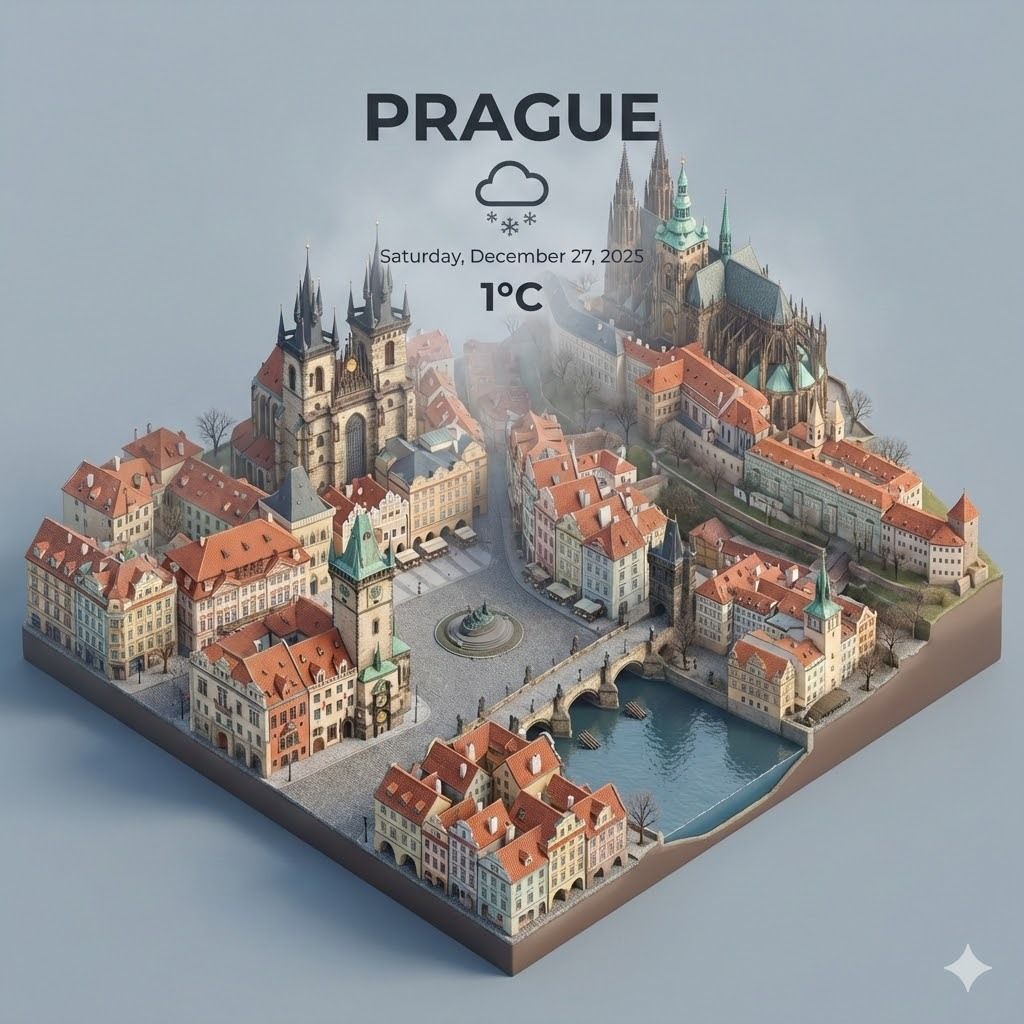
Spectacular City Recreations

Simple Santa Hat Addition Prompt
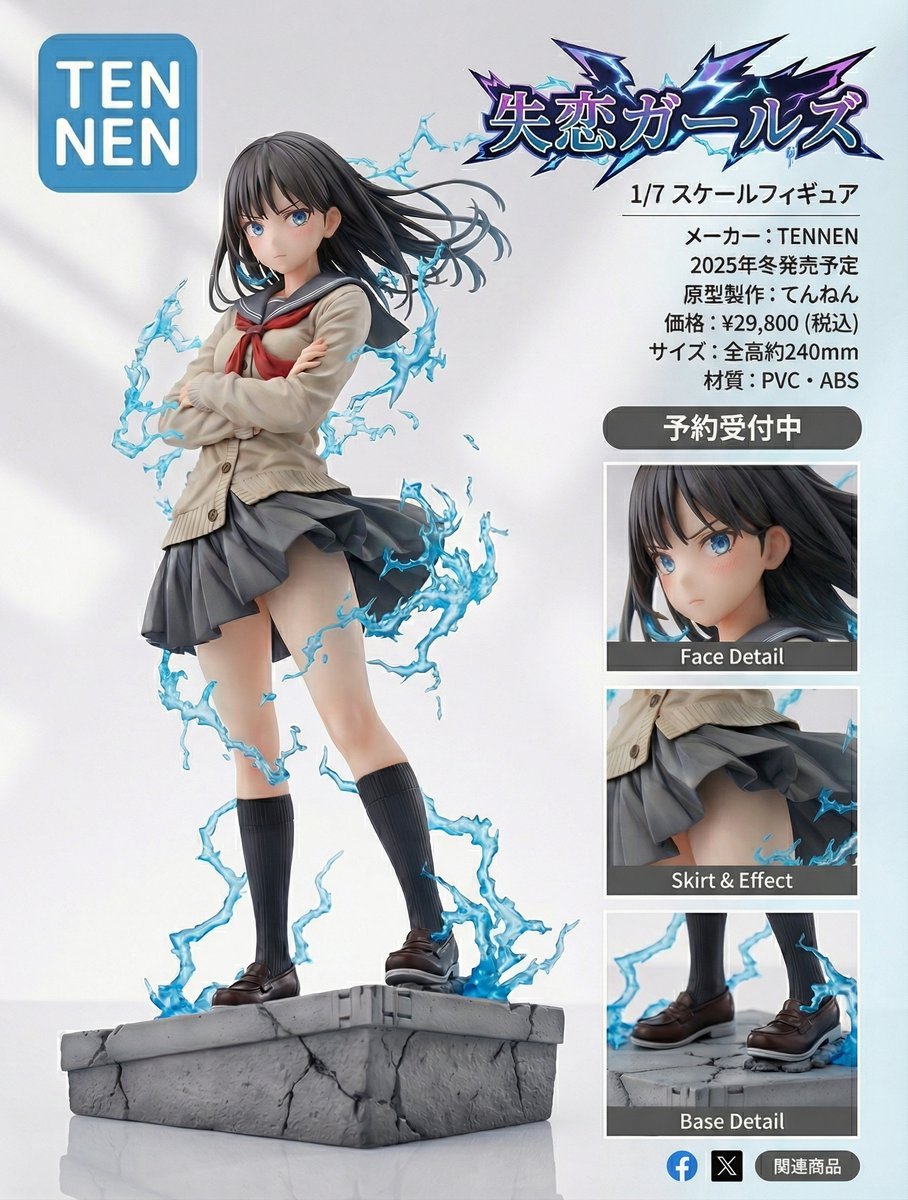
Figure-style product page design for a heartbreak girl figure

Watercolor Blob Doodle Identity Preservation Prompt
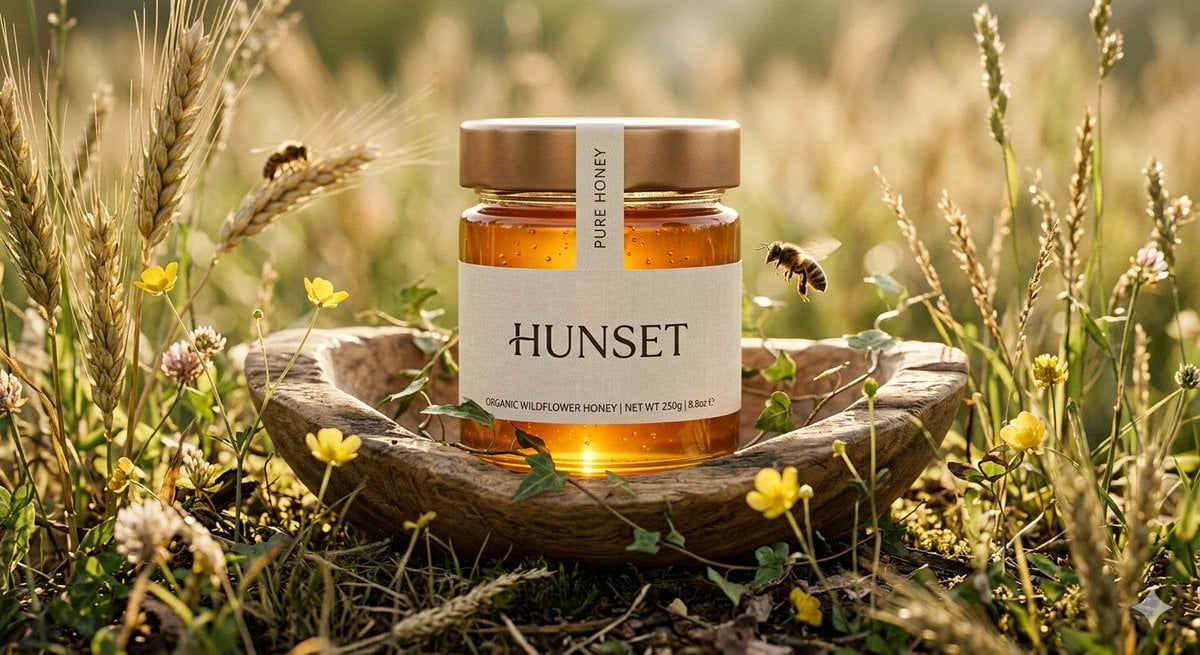
Ultra-Realistic Cinematic Honey Product Shot

Developing a Nano Banana Pro Manga Creation Tool
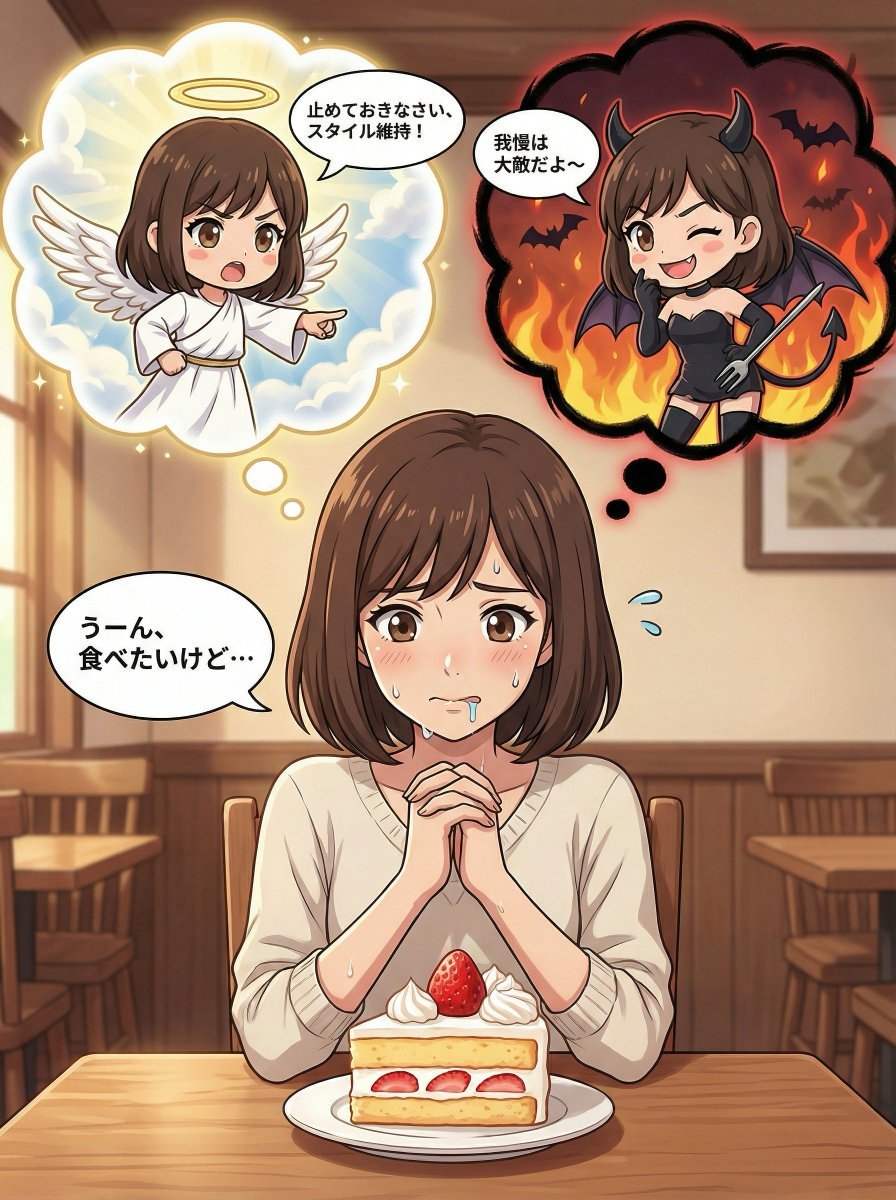
Complex Comic Panel Generation: Speech Bubbles and Identity Separation
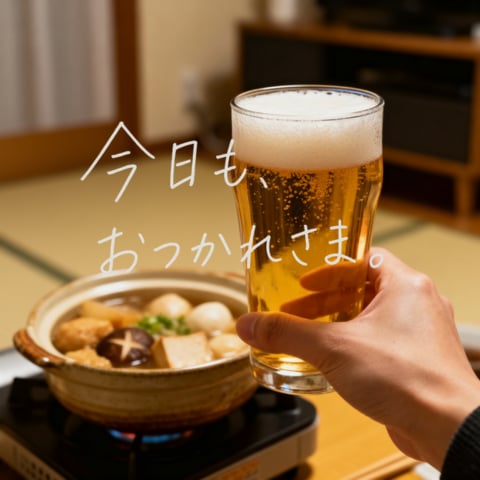
Cozy Beer Toast with Oden

Nano Banana 2 Photo Booth Story
Browse template categories
Deluxe Underwater Kingdom Board Game Box questions
How do I use the Deluxe Underwater Kingdom Board Game Box template?
Add your photo if the template asks for one, edit the prompt if you like — the template's model and format are already selected — and press Generate. Your version opens in PicX Studio.
Can I customize the Deluxe Underwater Kingdom Board Game Box template?
Yes. You can change the subject, setting, lighting, mood, format, and available model controls before creating your image.
Is the Deluxe Underwater Kingdom Board Game Box template free?
Opening and editing this template is free. Generating uses credits, shown on the Generate button when you are signed in.
Which AI model should I use?
Start with GPT Image 2, which is the model associated with this template. You can compare another compatible model for a different finish.
Looking for something else? Browse all templates.

Your photo, any look
Thousands of ready templates for every top image and video model, from one credit balance.