
Underwater Gamer in Diving Helmet
A photorealistic fantasy portrait of a suited woman playing a handheld console inside a vintage diving helmet in a colorful underwater ruin.
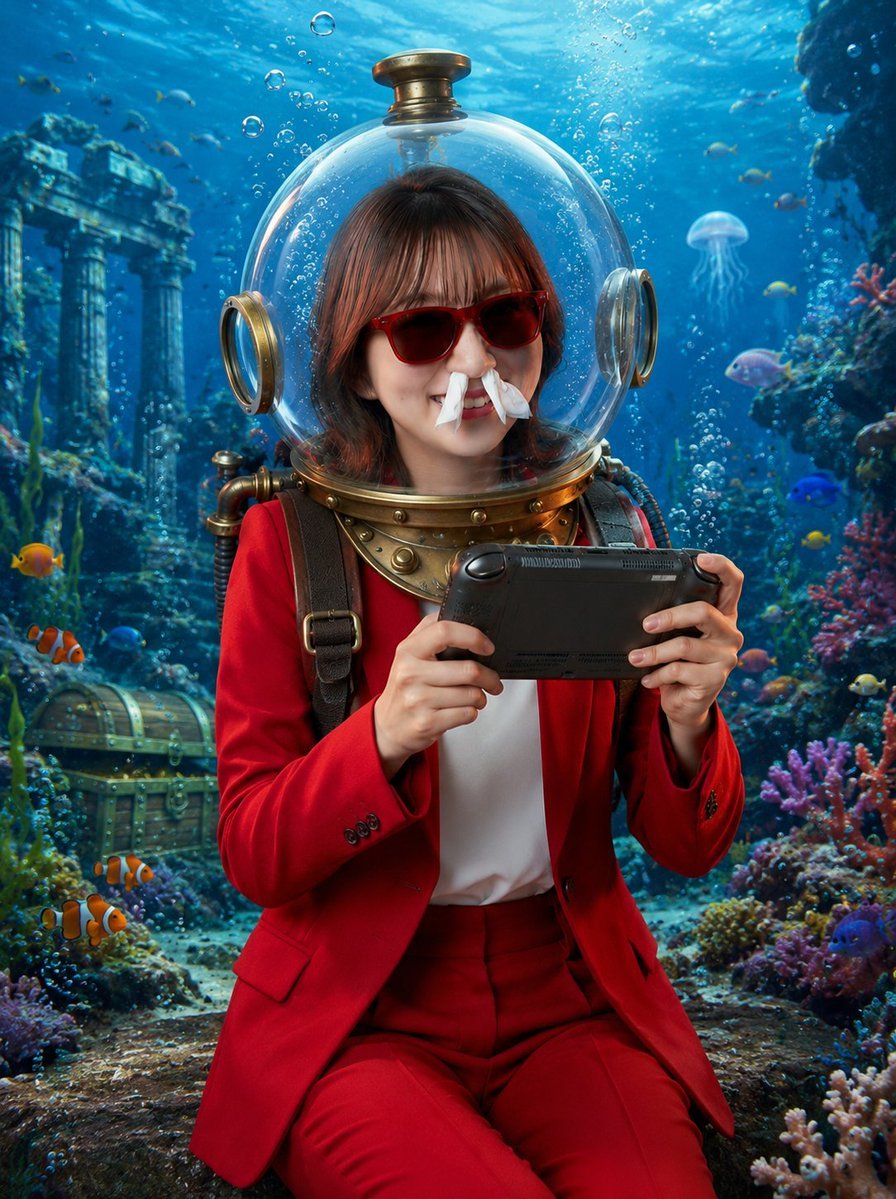
- Prompt included
- Model and format preset
- Free template
The prompt behind this image
Copy the exact prompt behind Underwater Gamer in Diving Helmet, or open it in the studio and make it yours.
Create a photorealistic vertical underwater fantasy portrait of a young woman wearing a vintage brass diving helmet with a clear spherical glass dome, seated in an ancient submerged ruin. Her face should be intentionally obscured by a centered solid square privacy block in muted brown, covering the facial features while leaving the hair, helmet, neck, and outfit visible. She has medium-length dark brown hair visible inside the dome and wears a vivid {argument name="suit color" default="red"} tailored blazer and matching trousers over a white shirt, with dark shoulder straps and brass diving gear around the collar. She holds a black handheld game console horizontally with both hands as if excitedly playing underwater. The scene is bright, cinematic, and highly detailed: turquoise-blue ocean water, sunbeams from above, rising air bubbles, colorful coral reefs on both sides, small tropical fish, two orange clownfish in the lower left foreground, a translucent jellyfish in the mid-right background, an old treasure chest on the seafloor at left, and ancient stone columns and ruins in the rear left. Use realistic lighting, glossy reflections on the glass helmet, brass metal details, soft depth of field, vibrant reef colors, and a magical adventurous mood. Vertical 3:4 composition, centered subject from knees upward, no text, no watermark.
How to use Underwater Gamer in Diving Helmet in 3 steps
- 1Upload ImagePNG, JPG or paste
Add your photo
Upload the photo the template builds on. The prompt, model and format are already set.
- 2…a portrait of your subject in softgolden-hour light, 85mm…
Personalize
Edit the subject and creative details for your destination.
- 3Generate
Generate
Press Generate — your image is created in PicX Studio, so you can compare it with the original and refine one variable at a time.
More like this
Templates with the same subject, style or setup. Open one to see its prompt.
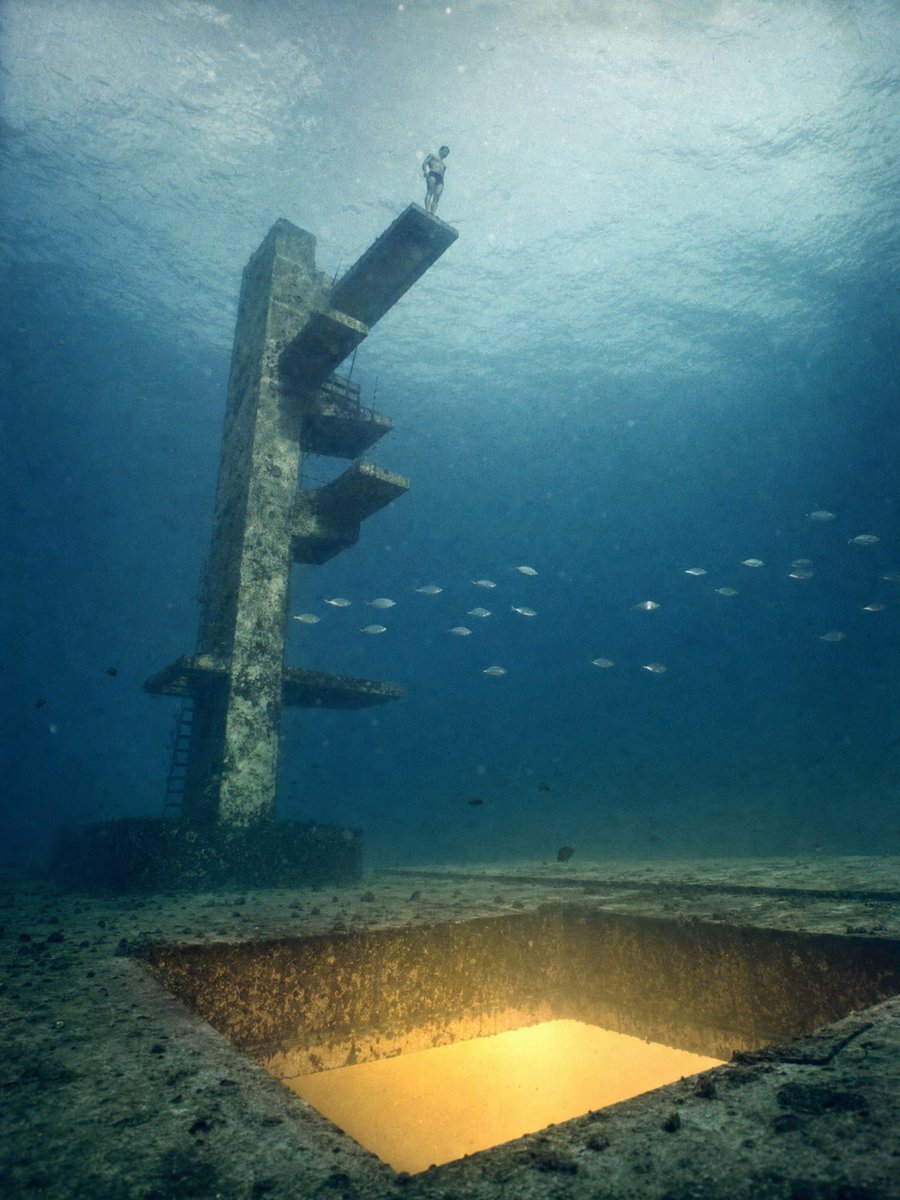
Underwater Diving Tower Portal

Futuristic Chrome Helmet Fashion Portrait
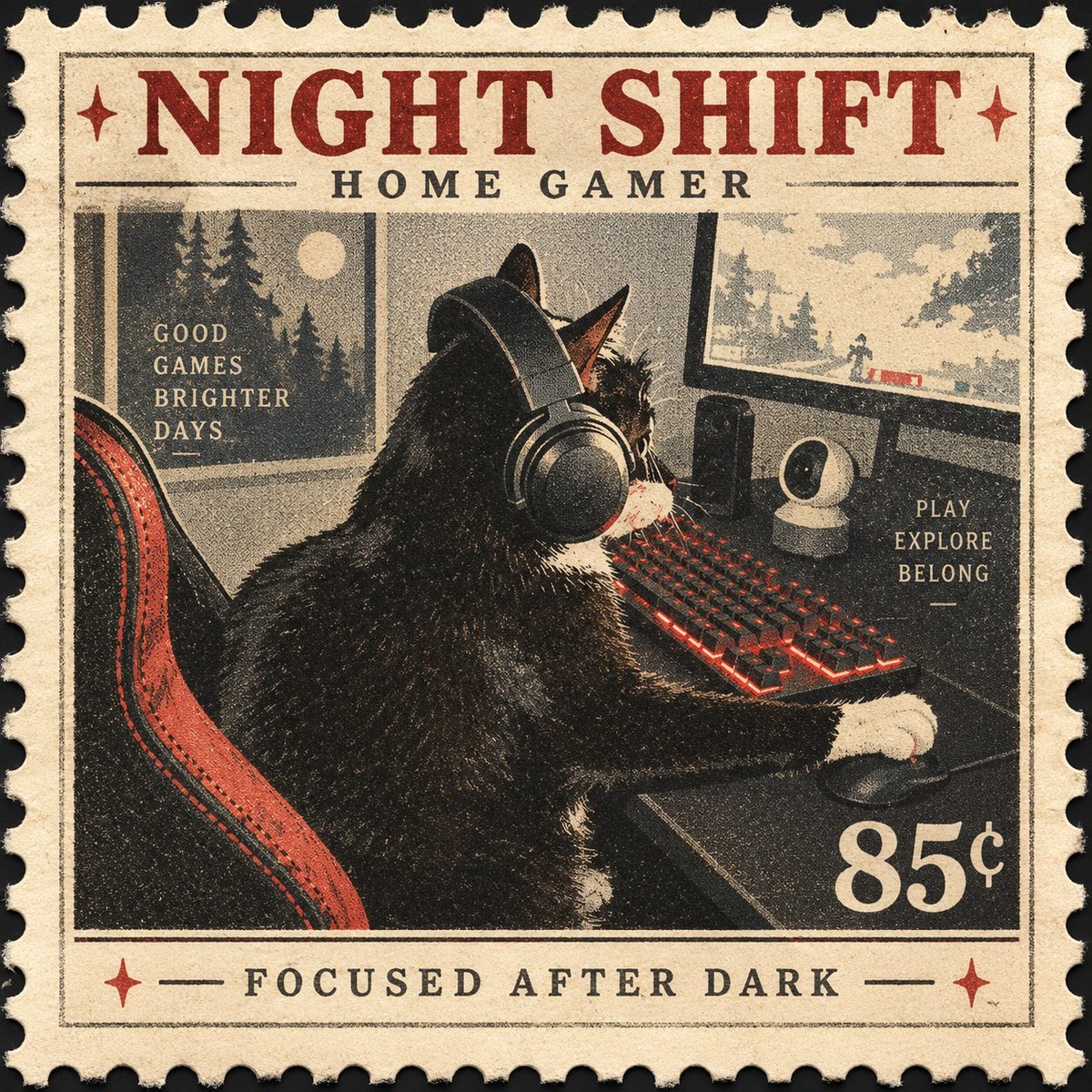
Vintage Night Shift Gamer Cat Stamp
Vintage Knight Helmet Etching
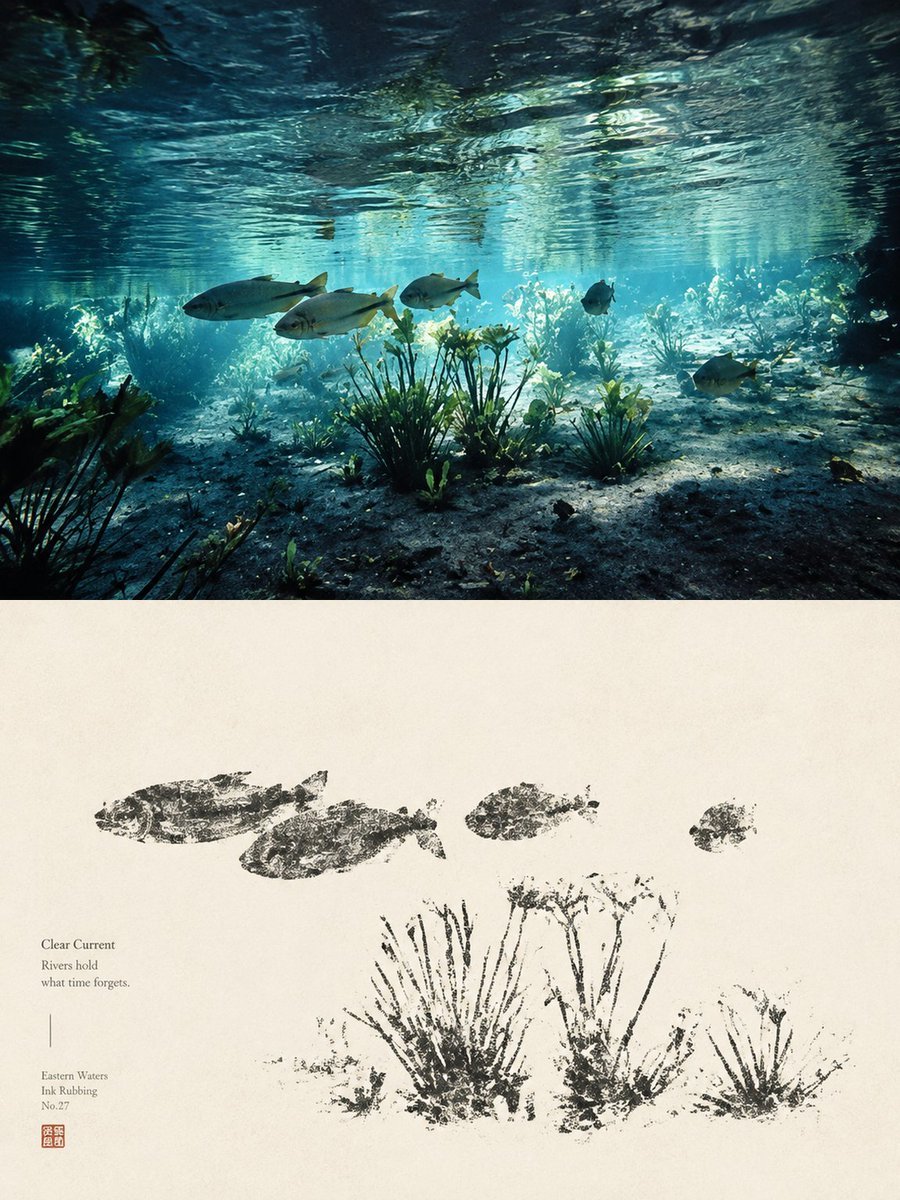
Underwater River Ink Rubbing Diptych

Underwater Macro Face Portrait
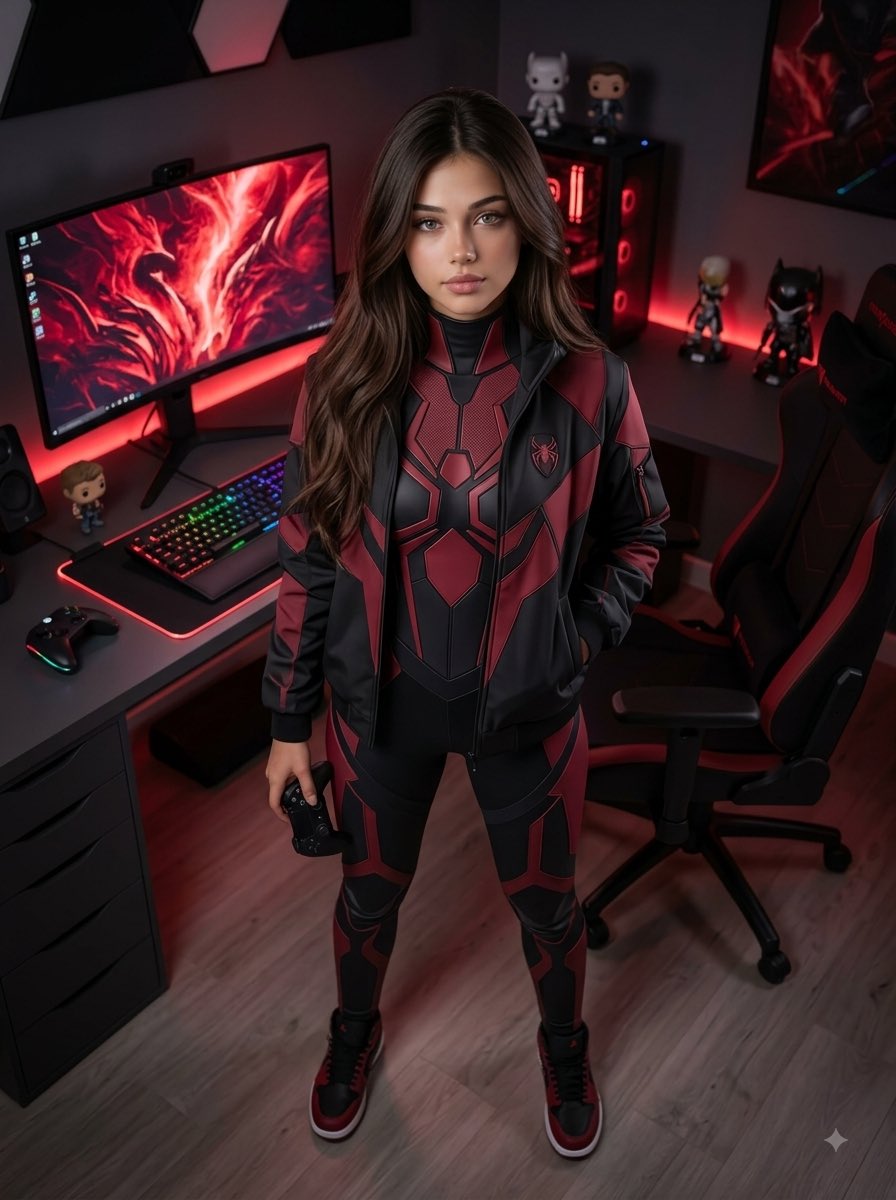
Futuristic Arachnid Gamer Persona
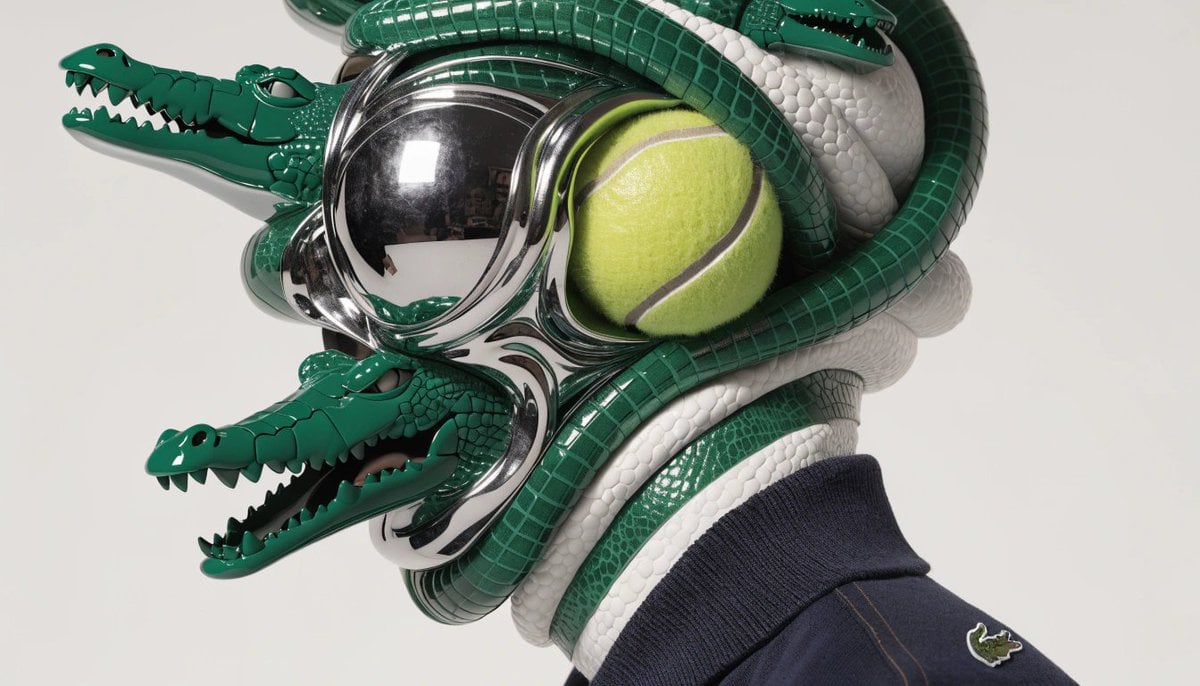
A hyperrealistic editorial photo of a figure wearing a unique helmet
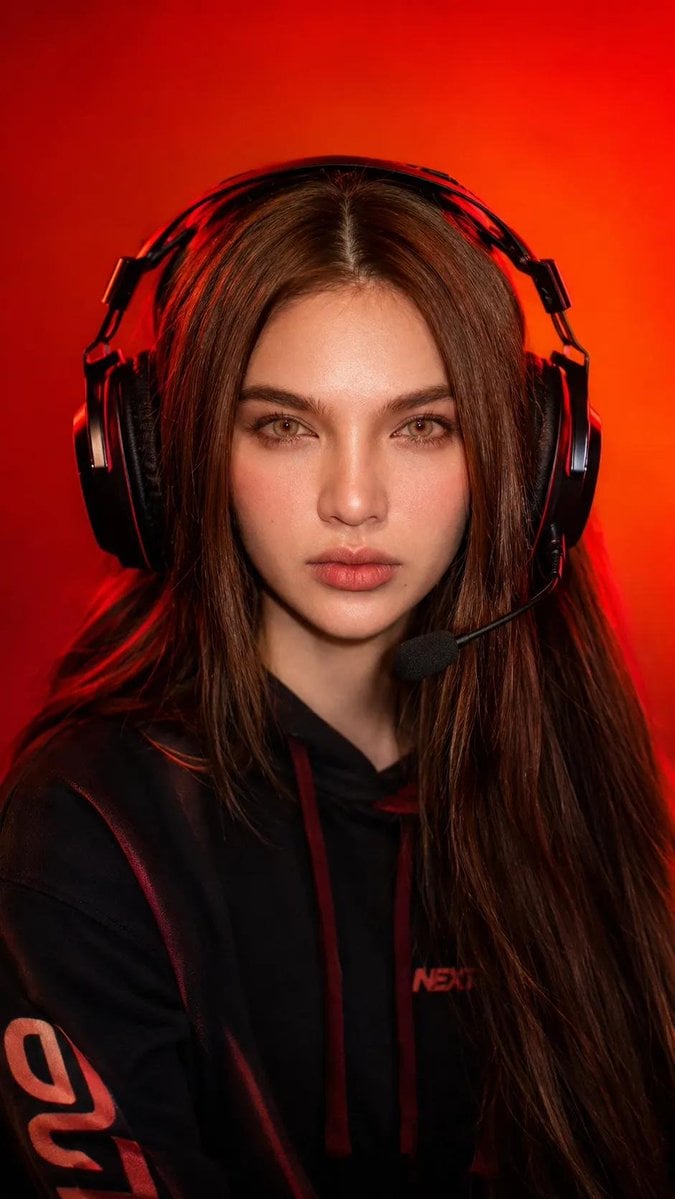
Esports Gamer Studio Portrait
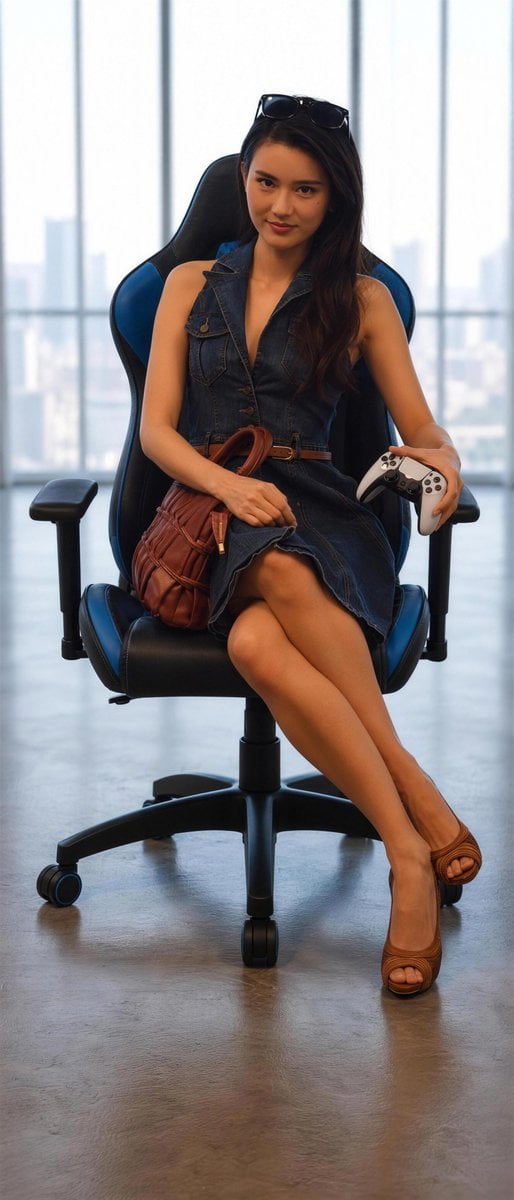
Stylish Gamer Portrait in High-Rise
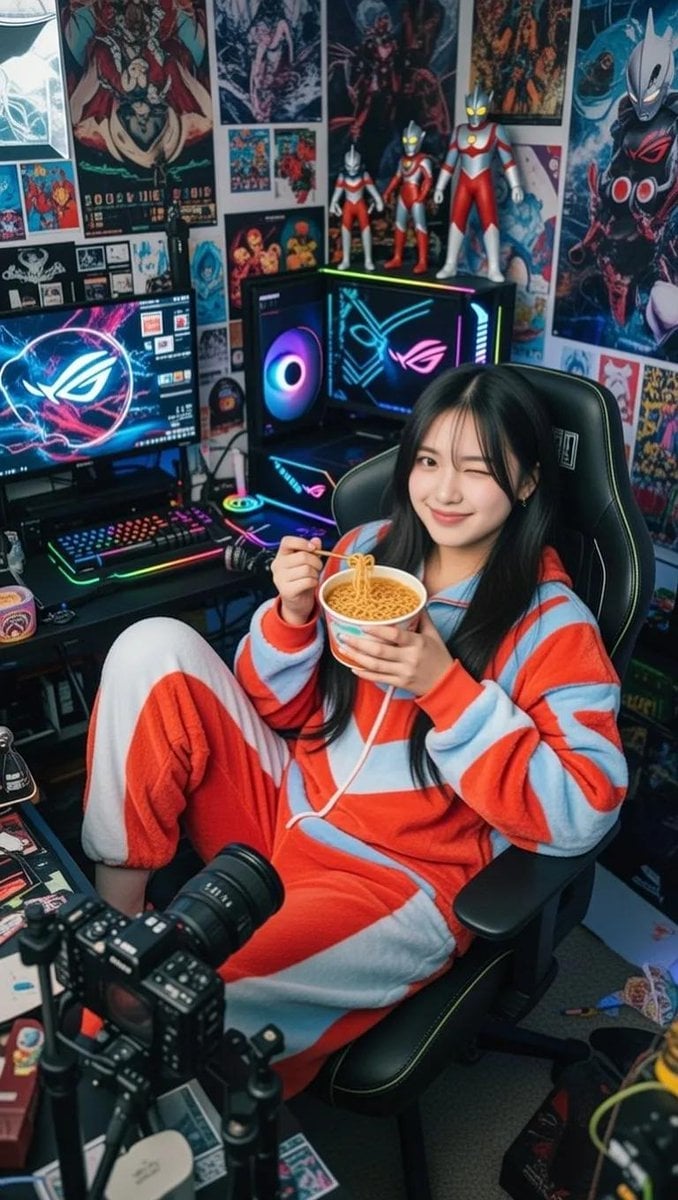
Cosy Gamer Girl Room Aesthetic
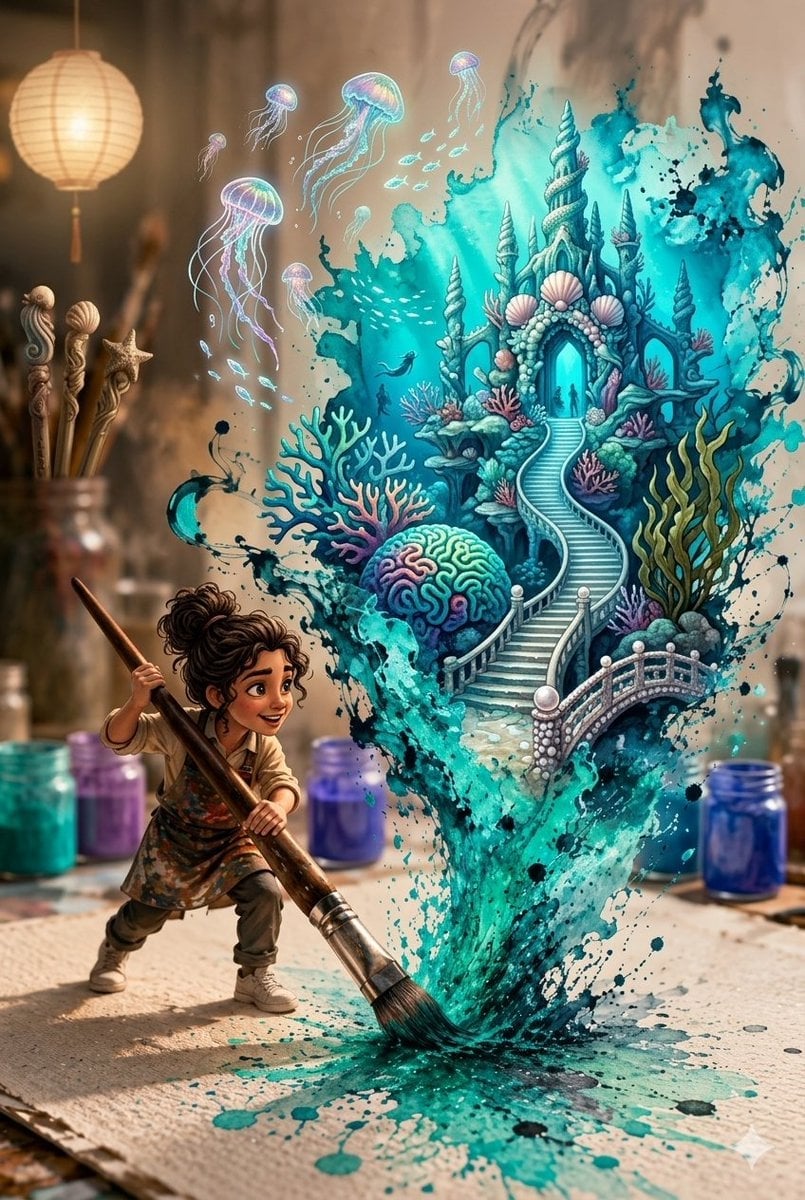
Magical Underwater Artist Studio
Make it yours
Underwater Gamer in Diving Helmet works as-is. These are the safest ways to change it without losing the look.
Change one field
Copy a single group, rewrite it, and generate again so you can see what that field is doing.
Keep the frame, change the subject
Hold the composition and light of Underwater Gamer in Diving Helmet, then swap wardrobe, props or the person for a new take.
| If the result… | Why | Fix |
|---|---|---|
| The result drifts from the preview | Too many fields changed at once. | Reuse Underwater Gamer in Diving Helmet as-is first, then change one group — subject, light, or setting. |
| The model over-stylizes the scene | The prose prompt leaves finish and camera underspecified. | Add one camera or lighting sentence and stay on GPT Image 2. |
More GPT Image 2 templates
Other prompts made for GPT Image 2.

Six VTuber Japanese Logo Sheet

Realistic Portrait of Woman and Deer

The Vista Modular Condo Poster

AI Model Routing Comparison Infographic

2.5D Anime Art Board

Isometric Productivity Desk Scene

New York Double Exposure Poster

Four-Panel AI Landscape Comparison

Japanese Tatami Lifestyle Magazine Cover

NESCAFÉ Coffee Map Poster
More image prompts
Fresh picks from across the catalog.
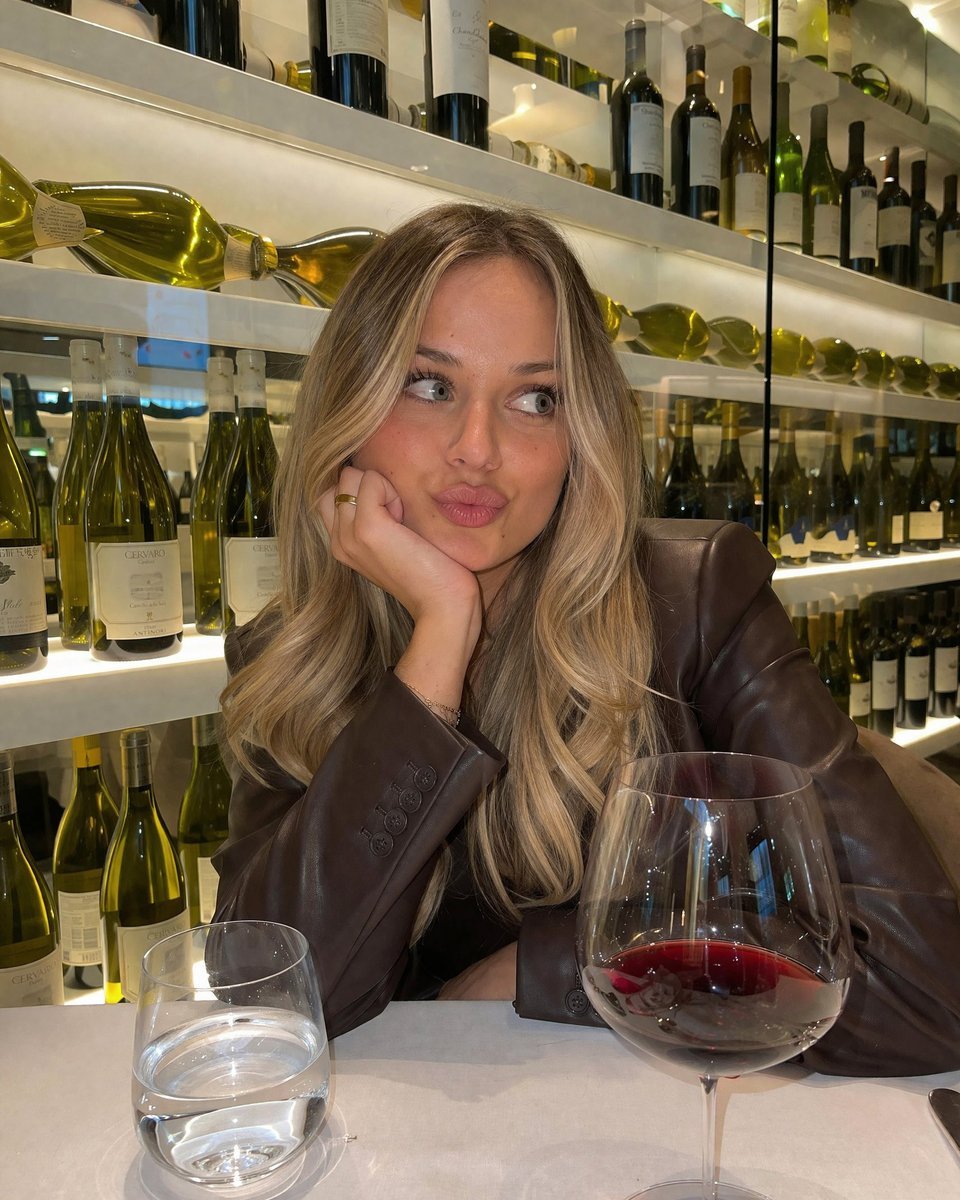
Casual Wine Bar Portrait
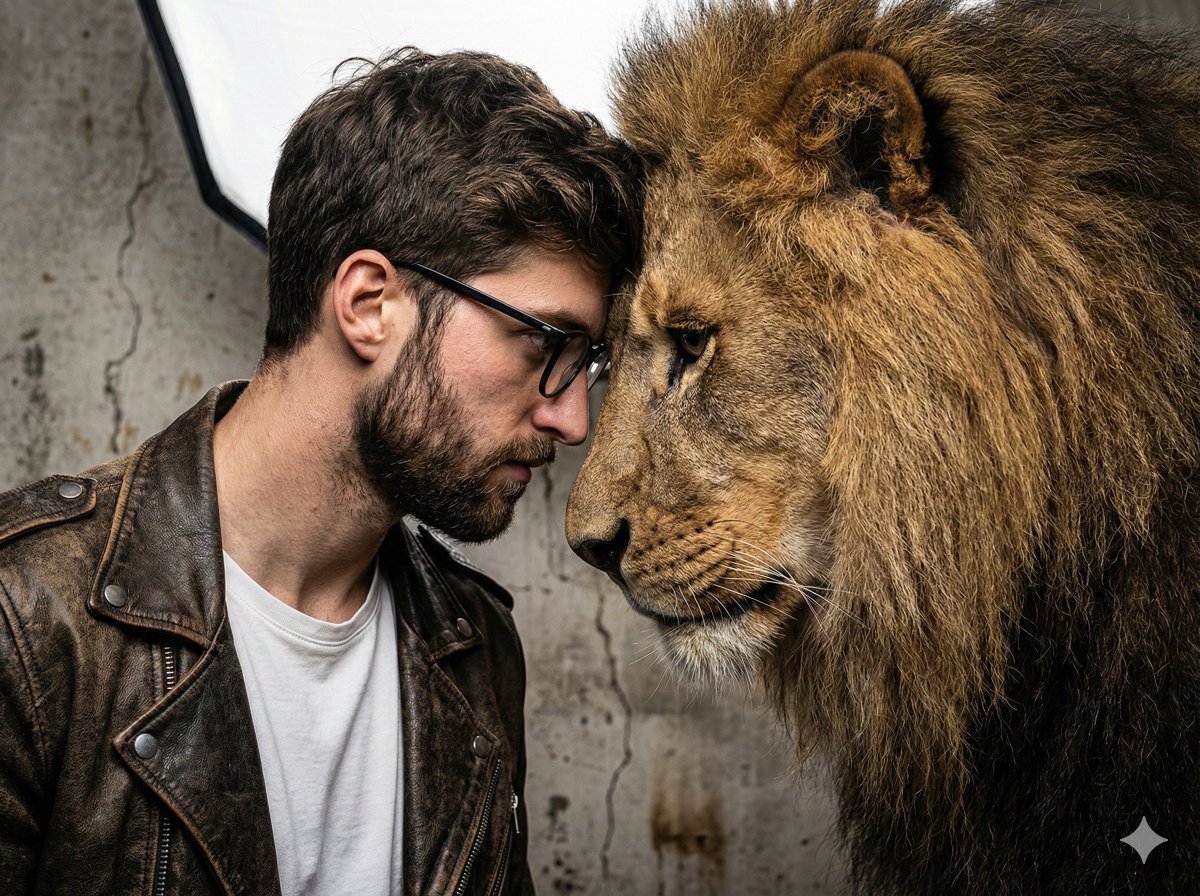
Hyper-Realistic Man and Lion Portrait (Face Preservation)
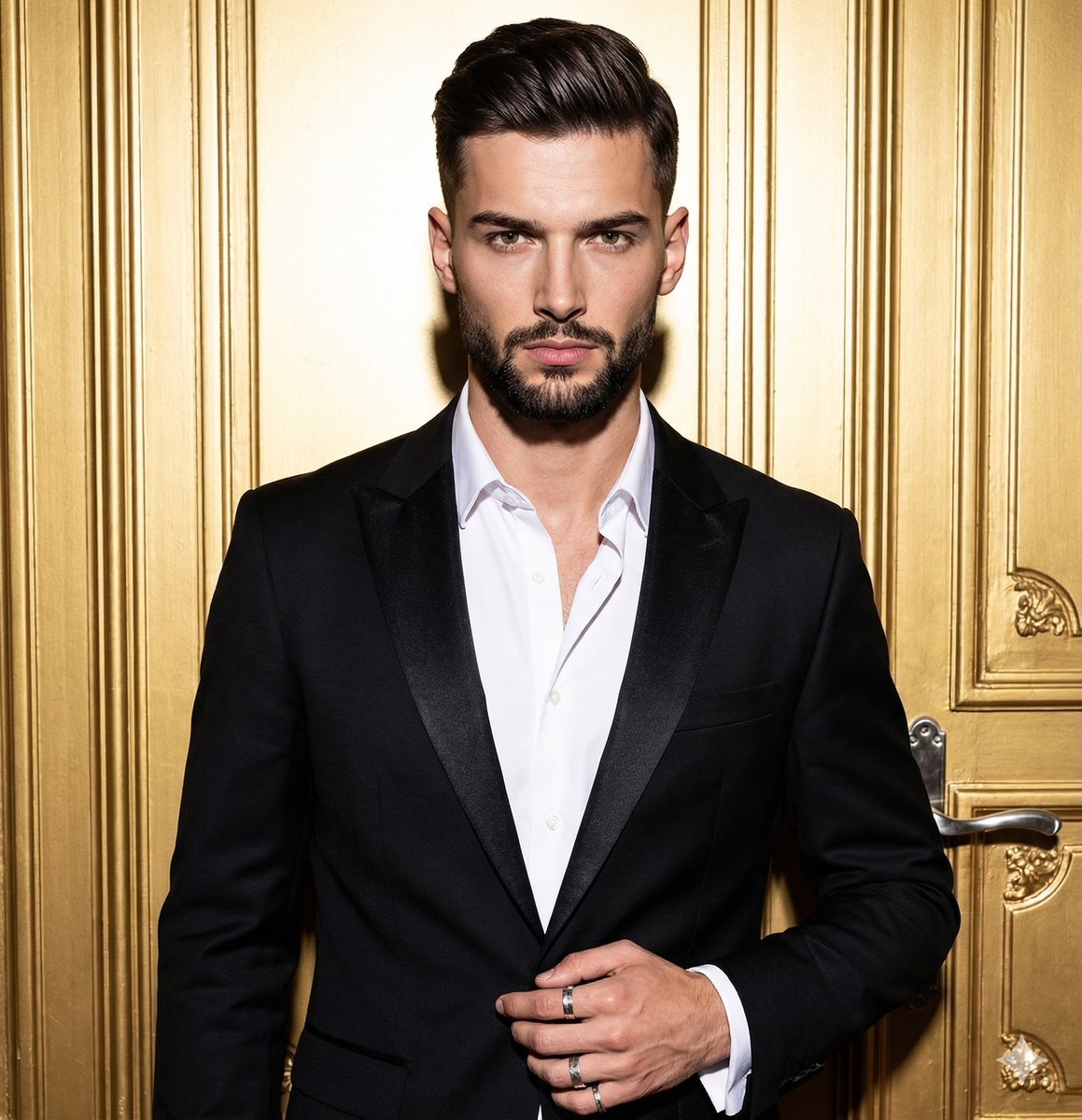
Structured JSON Prompt for Dramatic Editorial Portrait
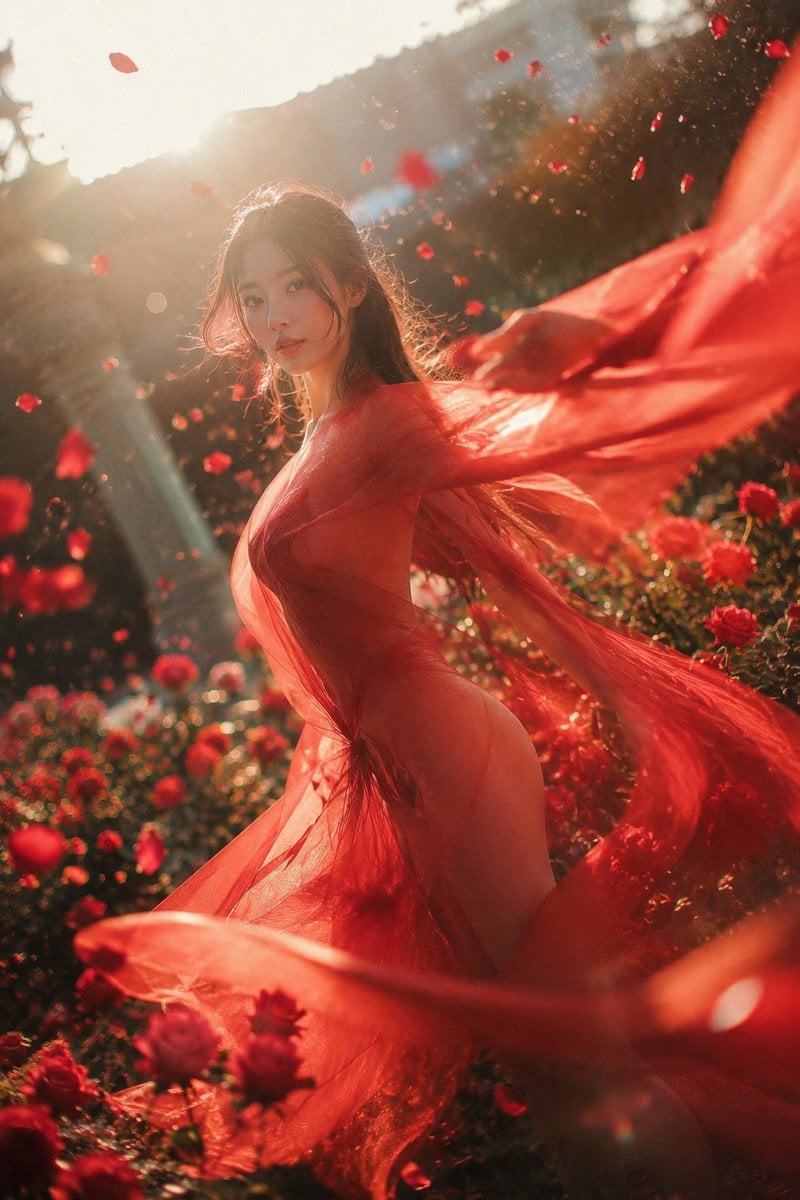
Crimson Rose Garden Fashion Portrait
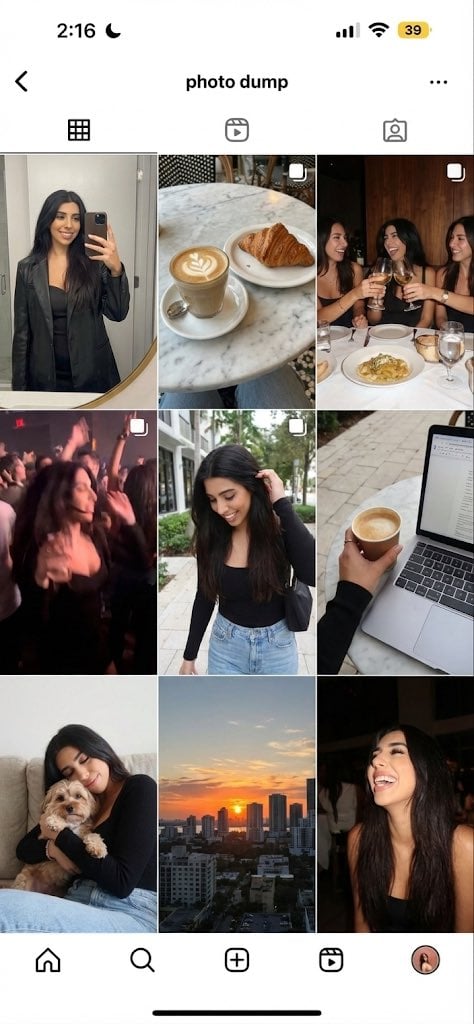
image Instagram-style weekend photo dump
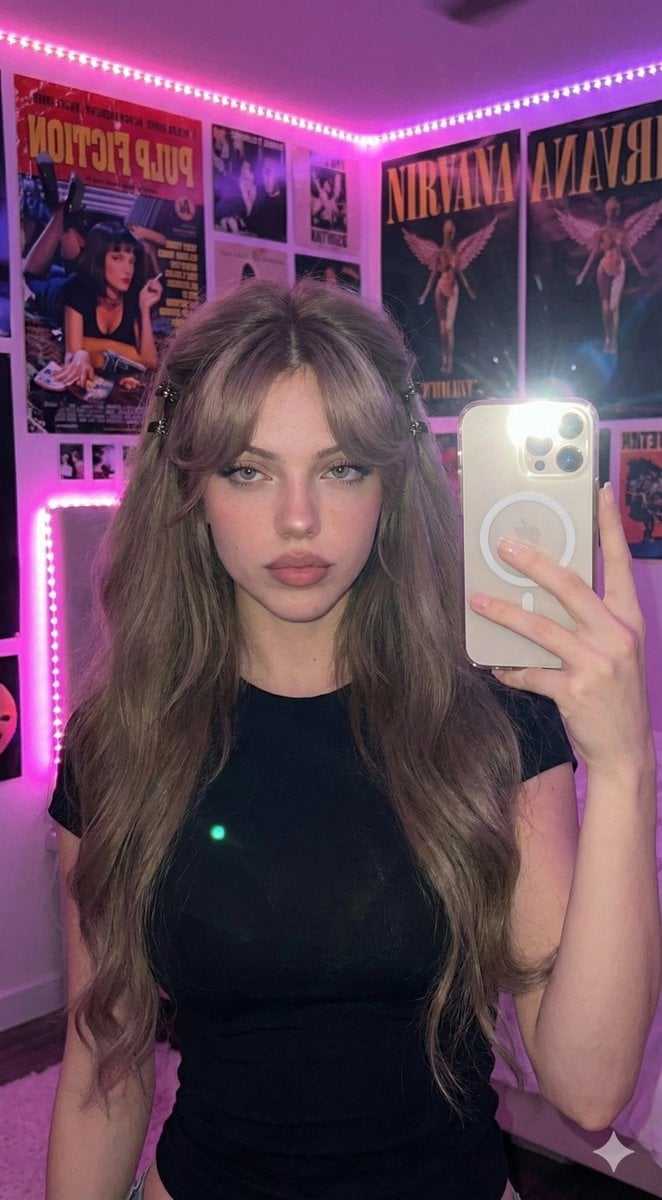
Ultra-Realistic 16K Smartphone Flash Selfie
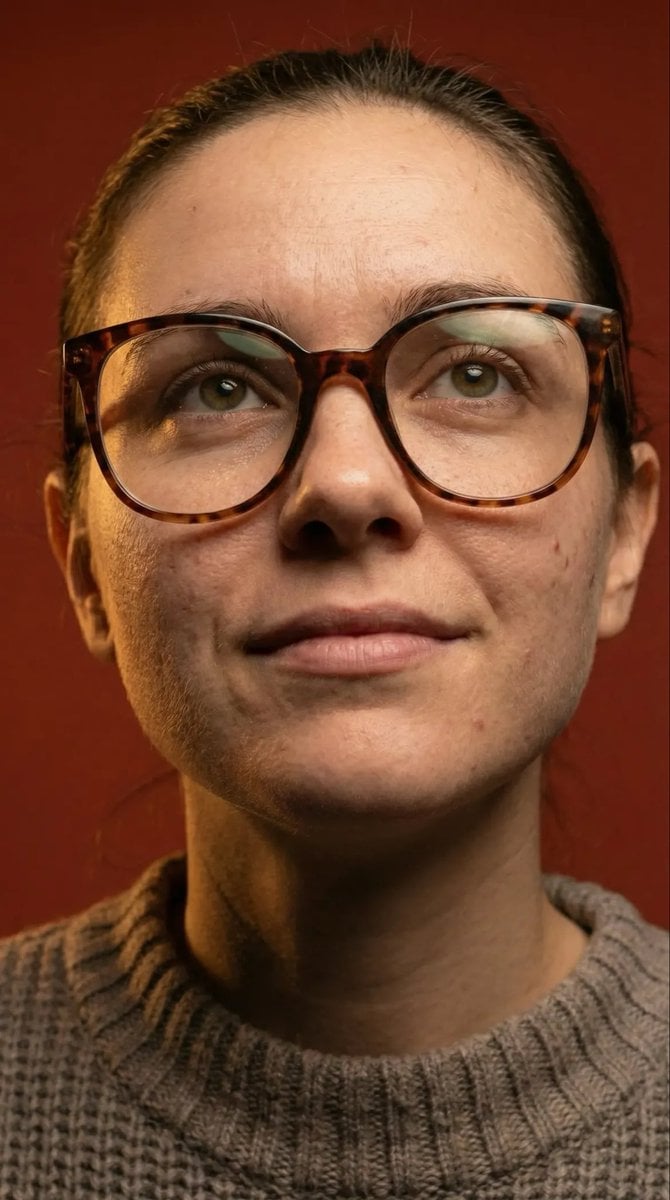
Macro Detail Portrait with Glasses and Skin Texture Prompt
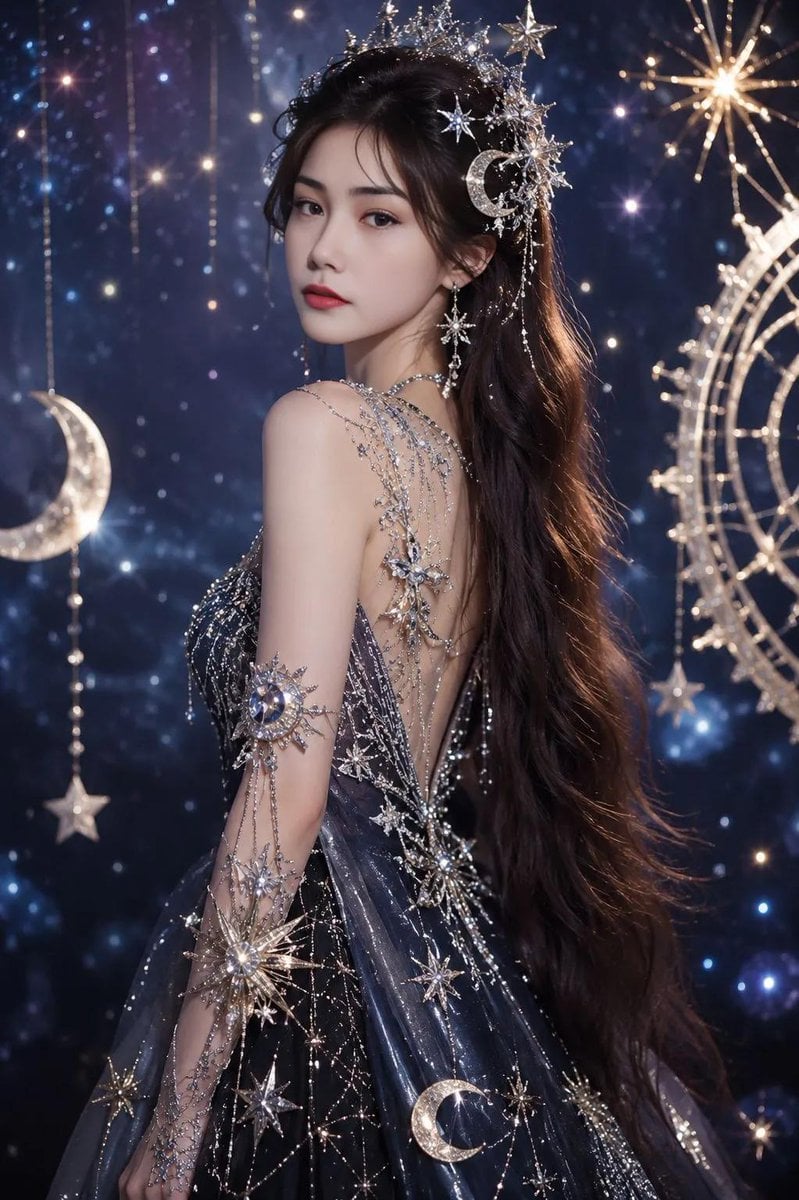
Celestial Fantasy Gown Portrait
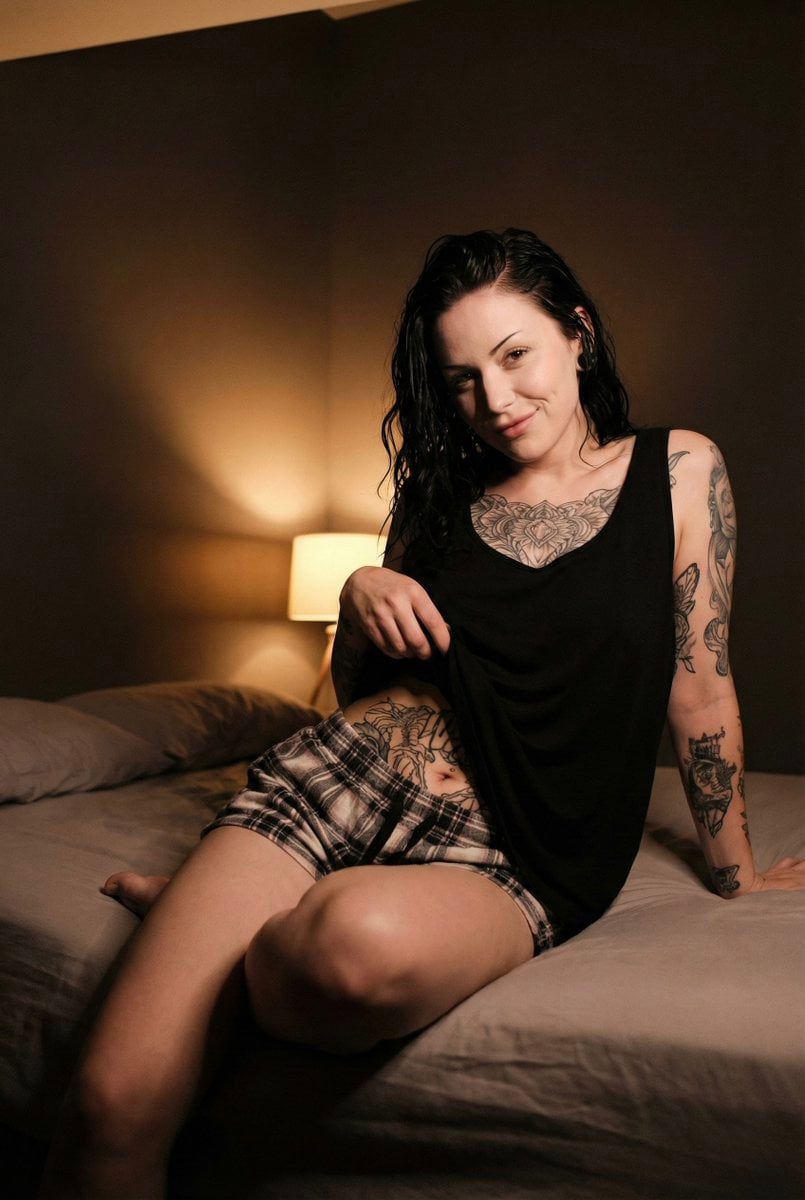
Low Light iPhone Realism Portrait
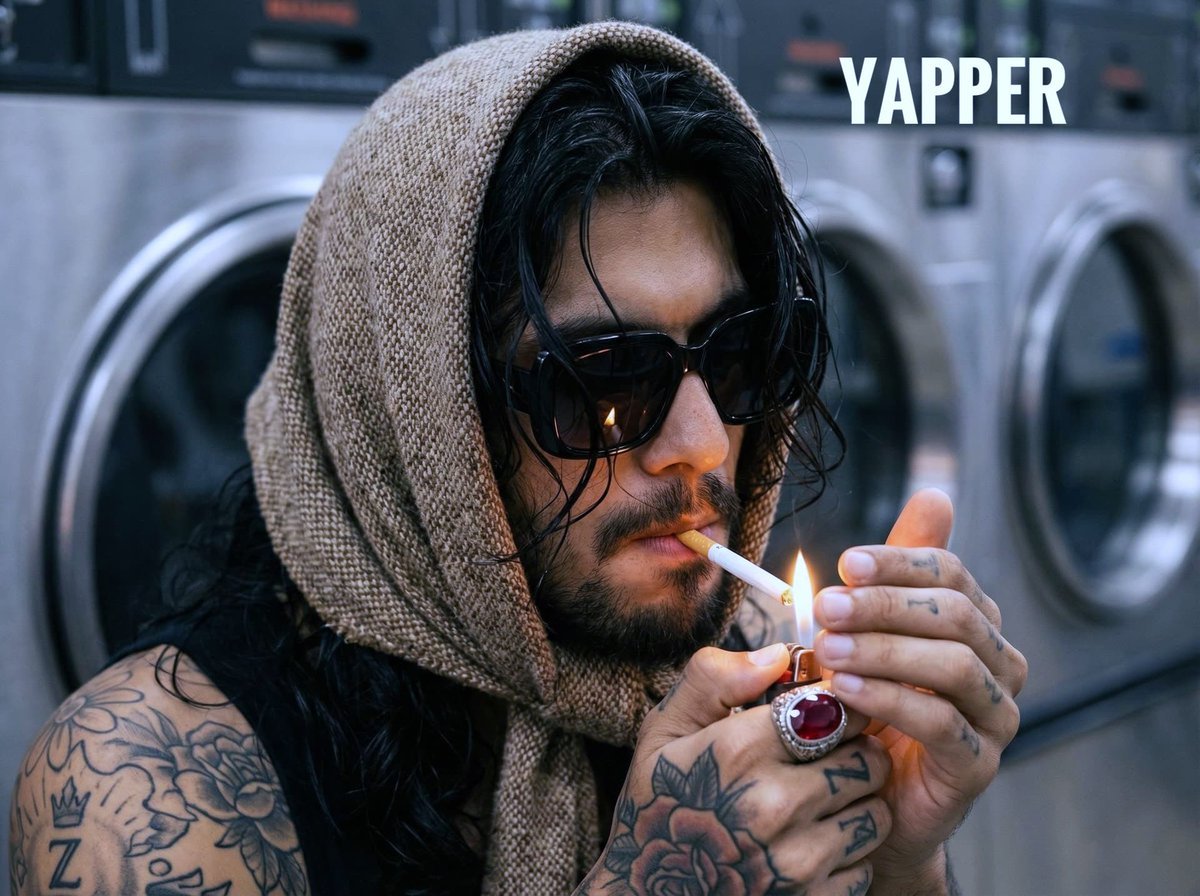
Hyperrealistic Portrait of Man Lighting Cigarette
Browse template categories
Underwater Gamer in Diving Helmet questions
How do I use the Underwater Gamer in Diving Helmet template?
Add your photo if the template asks for one, edit the prompt if you like — the template's model and format are already selected — and press Generate. Your version opens in PicX Studio.
Can I customize the Underwater Gamer in Diving Helmet template?
Yes. You can change the subject, setting, lighting, mood, format, and available model controls before creating your image.
Is the Underwater Gamer in Diving Helmet template free?
Opening and editing this template is free. Generating uses credits, shown on the Generate button when you are signed in.
Which AI model should I use?
Start with GPT Image 2, which is the model associated with this template. You can compare another compatible model for a different finish.
Looking for something else? Browse all templates.

Your photo, any look
Thousands of ready templates for every top image and video model, from one credit balance.