
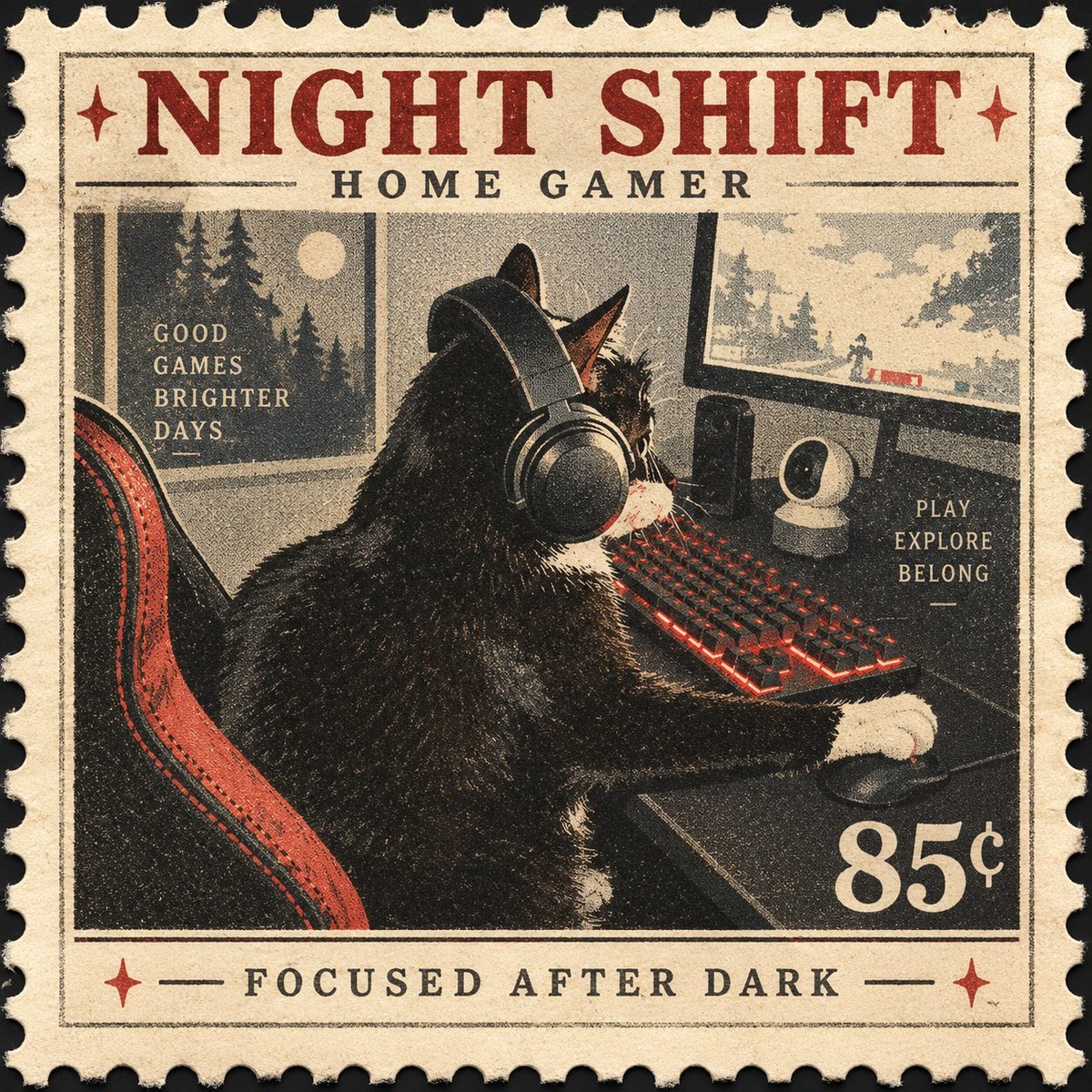
Vintage Night Shift Gamer Cat Stamp
A square vintage postage-stamp illustration of a tuxedo cat gaming at night, ideal for collectible poster-style artwork.
- Prompt included
- Model and format preset
- Free template
The prompt behind this image
Copy the exact prompt behind Vintage Night Shift Gamer Cat Stamp, or open it in the studio and make it yours.
Create a single square 1:1 collectible postage-stamp artwork with a vintage printed-poster aesthetic. The stamp shows a black-and-white tuxedo cat seen from behind and slightly in profile, seated in a red-and-black gaming chair at a desk during nighttime, wearing large over-ear headphones and playing on a glowing red mechanical keyboard with one white paw on a mouse. In front of the cat is a wide monitor showing a small snowy or forest game landscape, with a webcam-like round device and a speaker on the desk. At left, a window reveals a dark pine forest and a pale full moon, with stacked text reading “GOOD / GAMES / BRIGHTER / DAYS.” At right, include stacked text reading “PLAY / EXPLORE / BELONG.” Design the whole image as an aged cream paper postage stamp with perforated scalloped edges, distressed ink texture, halftone grain, slight misregistration, dark charcoal shadows, muted cream, black, gray, and deep red accents. Add a thin inner rectangular border. At the top, use large bold vintage slab-serif red lettering: {argument name="headline text" default="NIGHT SHIFT"}, with smaller spaced black text below: {argument name="subtitle text" default="HOME GAMER"}. At the bottom border, centered black text reads {argument name="bottom motto" default="FOCUSED AFTER DARK"}, flanked by red star ornaments and short horizontal rules. In the lower-right corner of the central illustration, add the denomination {argument name="stamp value" default="85¢"} in large cream numerals. Keep the composition like a mid-century commemorative stamp, cozy nocturnal gaming mood, crisp recognizable cat silhouette, no modern photorealism, no extra characters, no watermark.
How to use Vintage Night Shift Gamer Cat Stamp in 3 steps
- 1Upload ImagePNG, JPG or paste
Add your photo
Upload the photo the template builds on. The prompt, model and format are already set.
- 2…a portrait of your subject in softgolden-hour light, 85mm…
Personalize
Edit the subject and creative details for your destination.
- 3Generate
Generate
Press Generate — your image is created in PicX Studio, so you can compare it with the original and refine one variable at a time.
More like this
Templates with the same subject, style or setup. Open one to see its prompt.









Make it yours
Vintage Night Shift Gamer Cat Stamp works as-is. These are the safest ways to change it without losing the look.
Change one field
Copy a single group, rewrite it, and generate again so you can see what that field is doing.
Keep the frame, change the subject
Hold the composition and light of Vintage Night Shift Gamer Cat Stamp, then swap wardrobe, props or the person for a new take.
| If the result… | Why | Fix |
|---|---|---|
| The result drifts from the preview | Too many fields changed at once. | Reuse Vintage Night Shift Gamer Cat Stamp as-is first, then change one group — subject, light, or setting. |
| The model over-stylizes the scene | The prose prompt leaves finish and camera underspecified. | Add one camera or lighting sentence and stay on GPT Image 2. |
More GPT Image 2 templates
Other prompts made for GPT Image 2.

Six VTuber Japanese Logo Sheet

Realistic Portrait of Woman and Deer

The Vista Modular Condo Poster

AI Model Routing Comparison Infographic

2.5D Anime Art Board

Isometric Productivity Desk Scene

New York Double Exposure Poster

Four-Panel AI Landscape Comparison

Japanese Tatami Lifestyle Magazine Cover

NESCAFÉ Coffee Map Poster
More image prompts
Fresh picks from across the catalog.
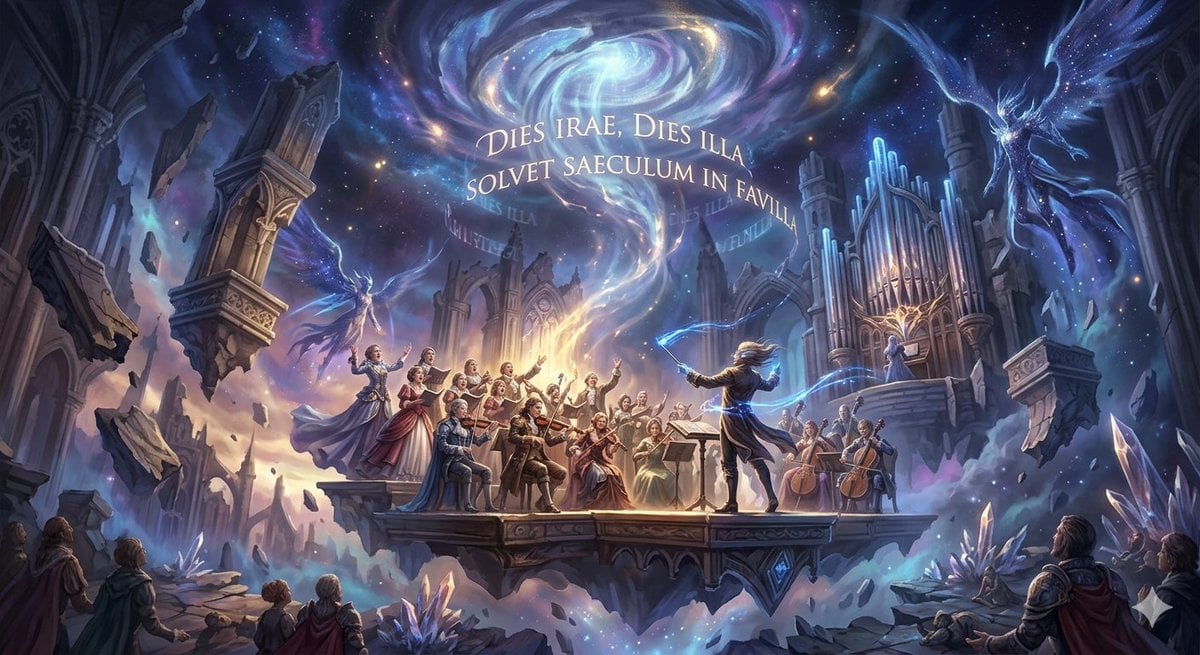
Mozart's Dies Irae Image Generation
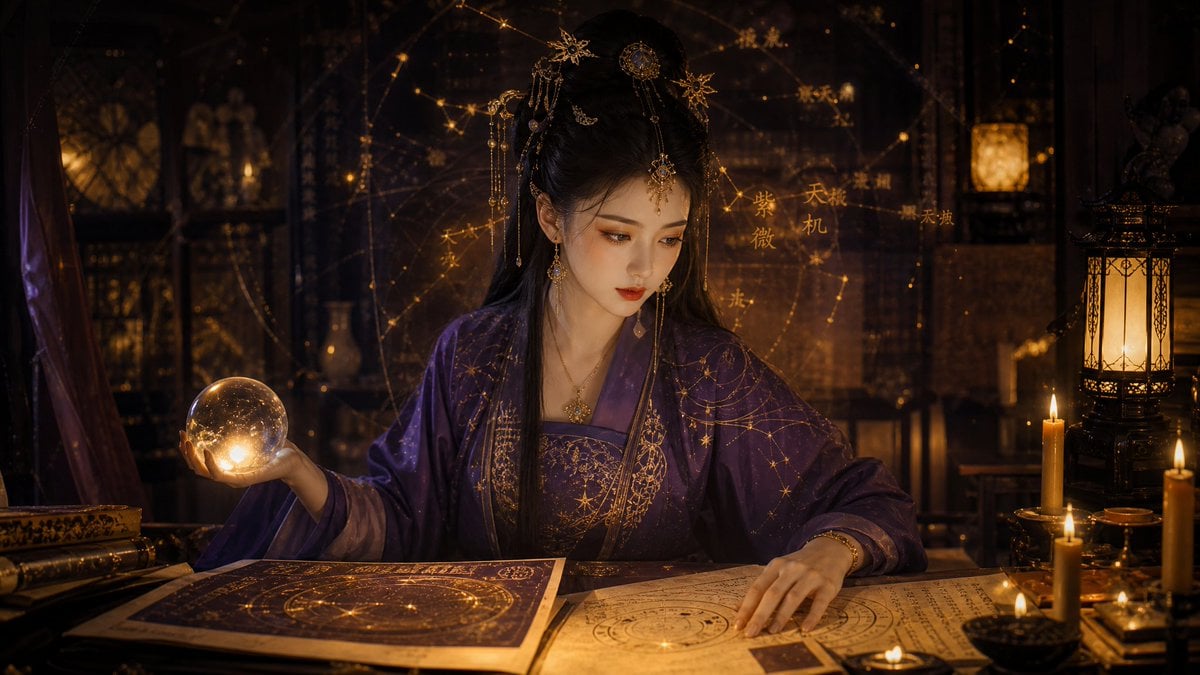
Classical Candlelight Hanfu Diviner

Stunning Photo Prompt for Gemini Nano Banana Creation
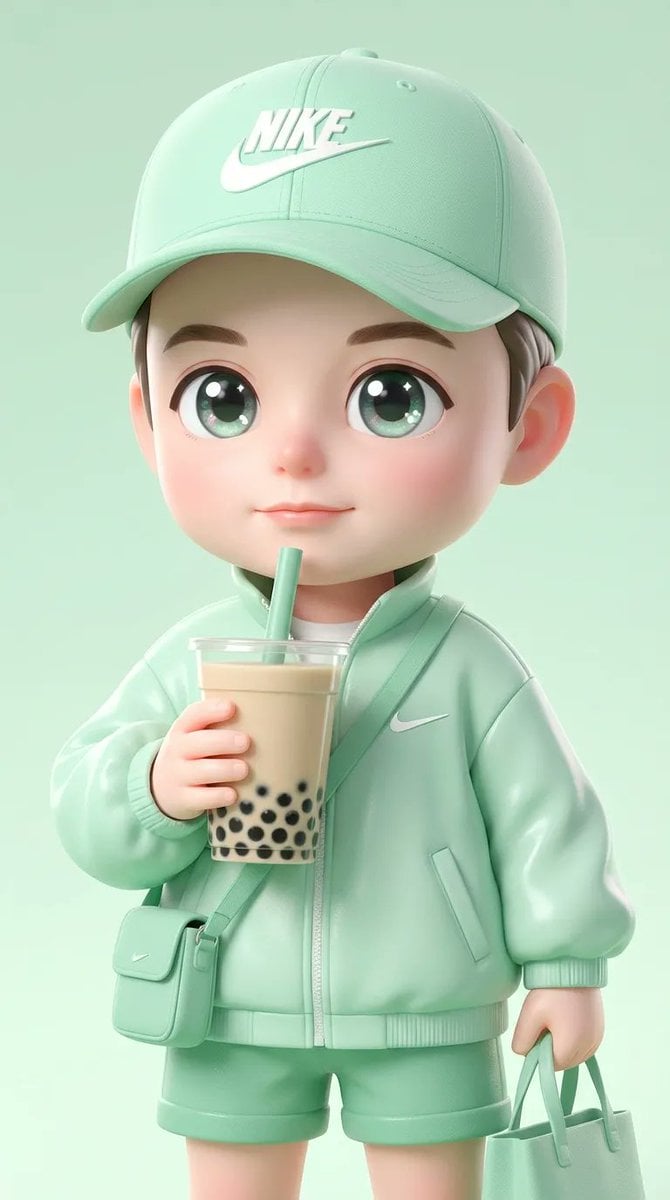
Ultra-Cute Chibi Character Prompt
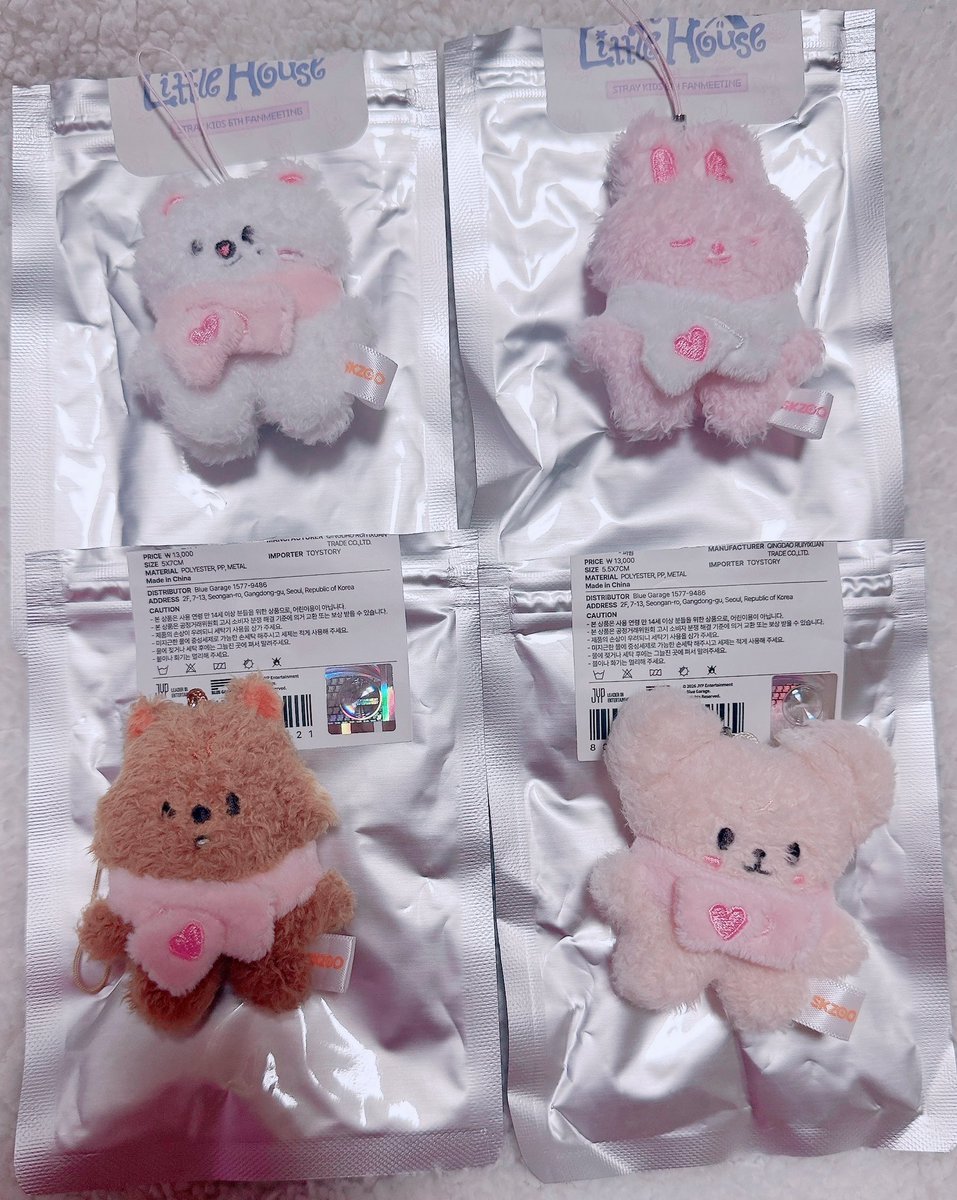
Micro Strawberry Rabbit
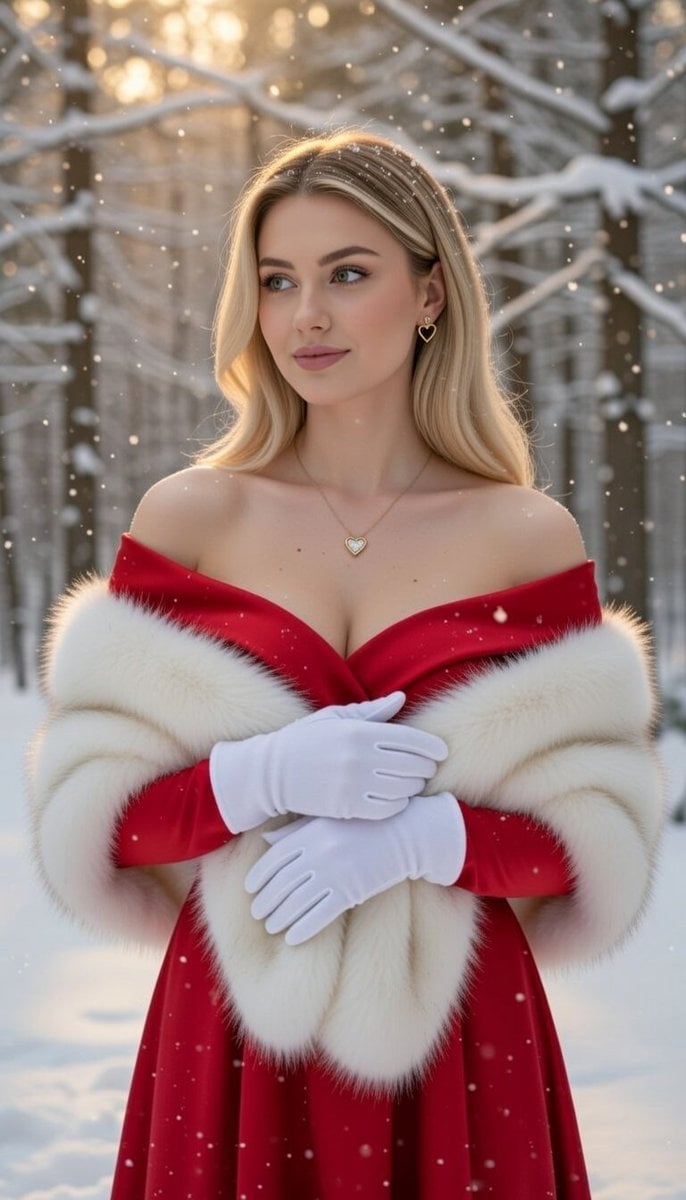
Luxurious Winter Portrait in Red and White
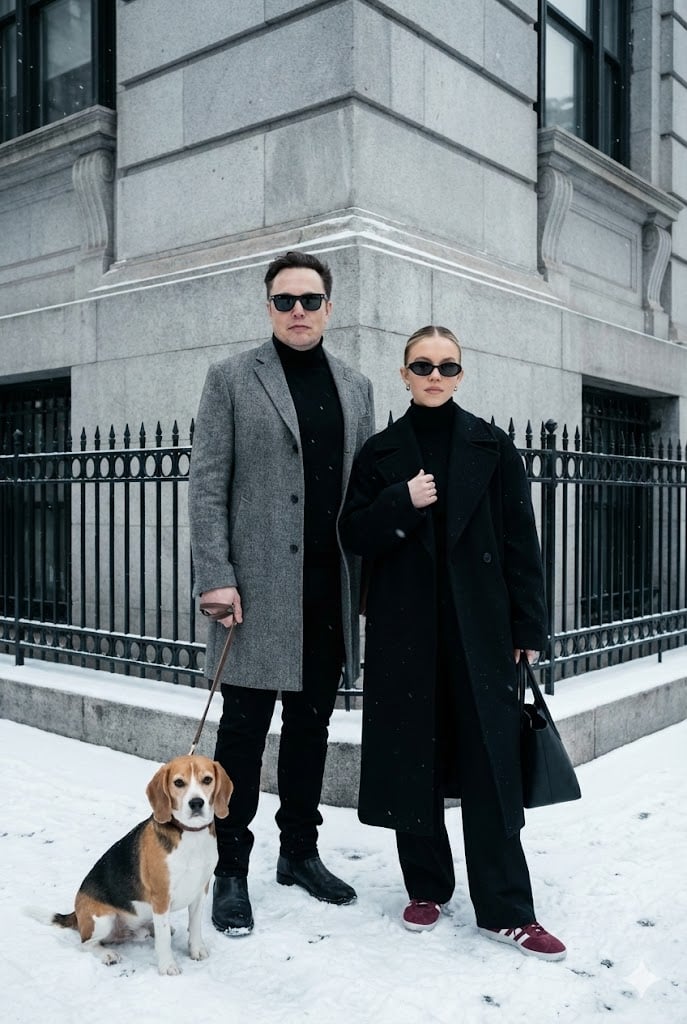
Sophisticated Urban Winter Couple Portrait
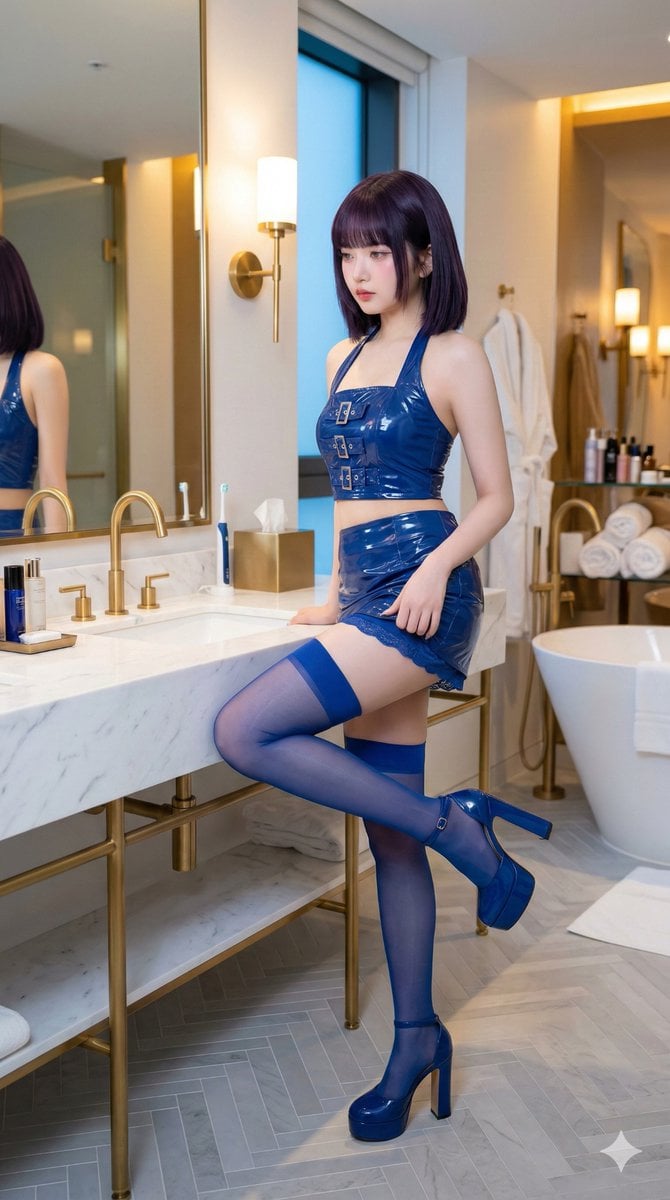
IVE's An Yujin in Luxury Bathroom
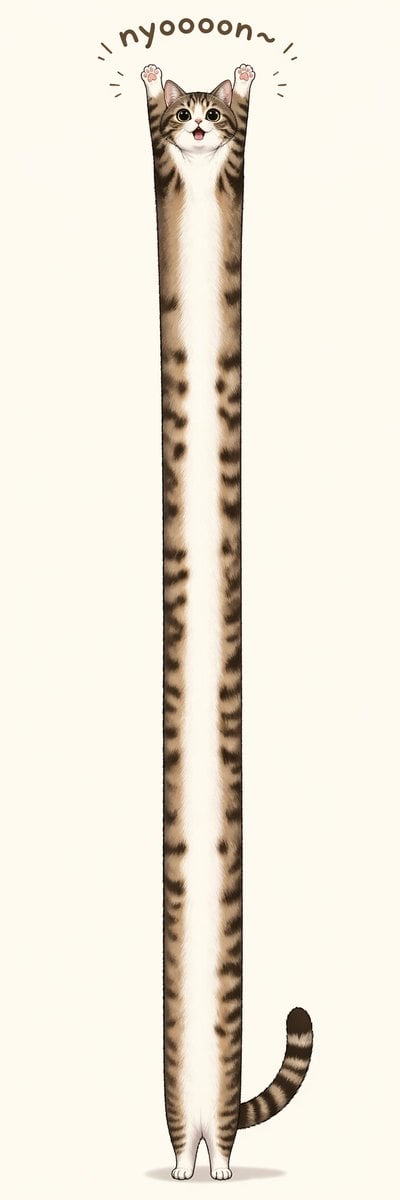
Long Stretching Tabby Cat
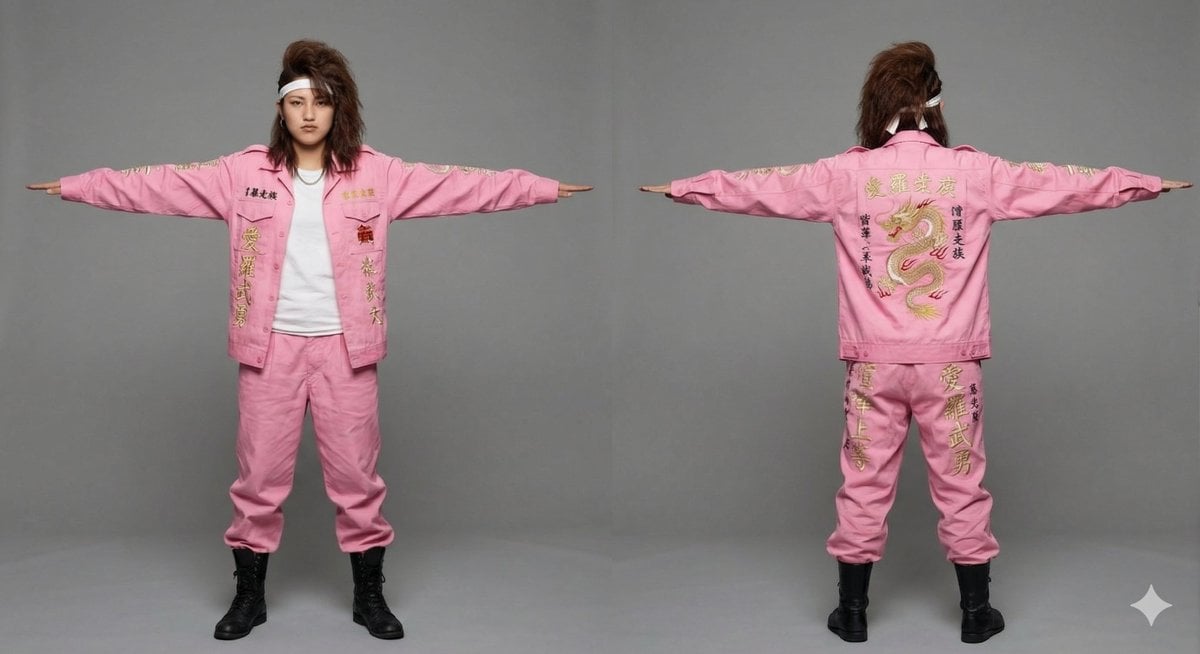
3D Model Asset Style: Classic Japanese Bosozoku (Female)
Browse template categories
Vintage Night Shift Gamer Cat Stamp questions
How do I use the Vintage Night Shift Gamer Cat Stamp template?
Add your photo if the template asks for one, edit the prompt if you like — the template's model and format are already selected — and press Generate. Your version opens in PicX Studio.
Can I customize the Vintage Night Shift Gamer Cat Stamp template?
Yes. You can change the subject, setting, lighting, mood, format, and available model controls before creating your image.
Is the Vintage Night Shift Gamer Cat Stamp template free?
Opening and editing this template is free. Generating uses credits, shown on the Generate button when you are signed in.
Which AI model should I use?
Start with GPT Image 2, which is the model associated with this template. You can compare another compatible model for a different finish.
Looking for something else? Browse all templates.

Your photo, any look
Thousands of ready templates for every top image and video model, from one credit balance.