
Cosy Gamer Girl Room Aesthetic
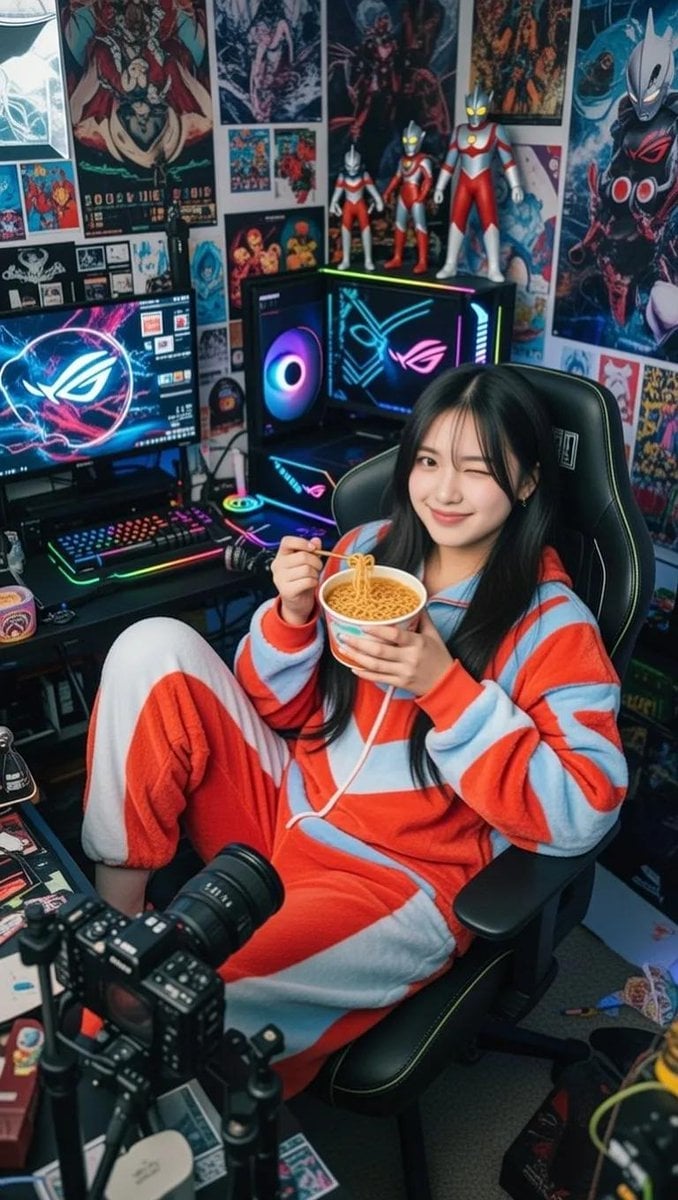
A detailed prompt for a spontaneous lifestyle photo of a woman in an oversized plush pajama set within a cluttered, neon-lit streaming setup.
- Prompt included
- Model and format preset
- Free template
The prompt behind this image
Copy the exact prompt behind Cosy Gamer Girl Room Aesthetic, or open it in the studio and make it yours.
A raw photograph capturing this subject, with a magnetically evocative presence, lounging in a statuesque fashion silhouette within a detail-rich gamer environment. She is draped in a {argument name="outfit" default="voluminous, oversized Ultraman plush pajama set"}, the high-tension soft textile covering her in long sleeves and pants, creating a cozy, avant-garde loungewear aesthetic. Her hair is styled with {argument name="hair style" default="loose, falling strands framing a face"} defined by natural skin-tone luminosity and authentic dermal texture. She is captured in a spontaneous moment, holding a {argument name="prop" default="cup of instant ramen"}, tilting her head with a charismatic smile and a single wink, engaging directly with the lens. The setting is a cluttered, atmospheric streaming sanctuary illuminated by the mixed neon glow of an Asus ROG PC set and ambient room lighting, revealing a professional live streaming kit with a Nikon DSLR optical apparatus. The background is a dense tapestry of visual culture, featuring visible multiple gaming posters, anime and tokusatsu wall art, and a collection of precision-sculpted Ultraman action figures. The image evokes an authentic film texture with subtle depth, mimicking the color science of a Fujifilm camera with optical precision and 35mm lens compression.
How to use Cosy Gamer Girl Room Aesthetic in 3 steps
- 1
Open
The prompt is already in the box next to the preview, with the template's model and format selected.
- 2…a portrait of your subject in softgolden-hour light, 85mm…
Personalize
Edit the subject and creative details for your destination.
- 3Generate
Generate
Press Generate — your image is created in PicX Studio, so you can compare it with the original and refine one variable at a time.
More like this
Templates with the same subject, style or setup. Open one to see its prompt.
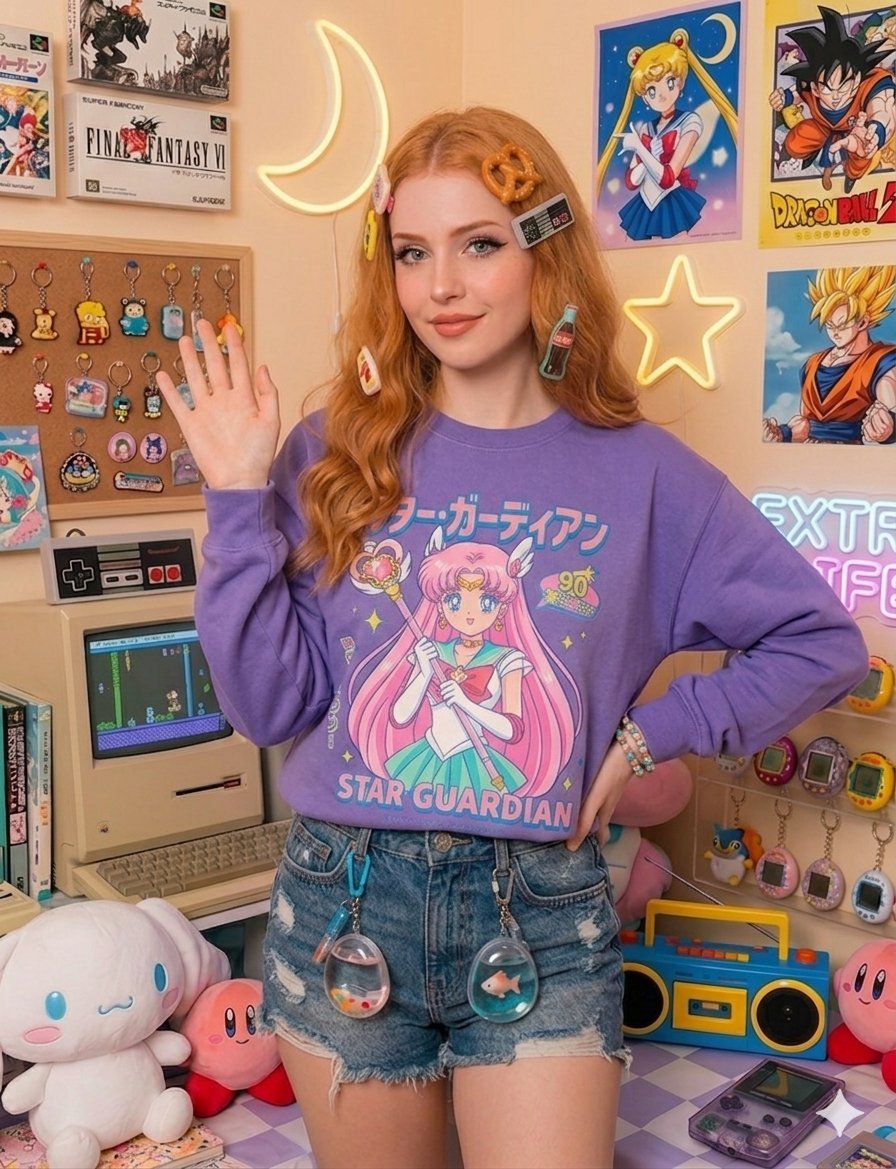
Nostalgic Gamer Girl Room Portrait
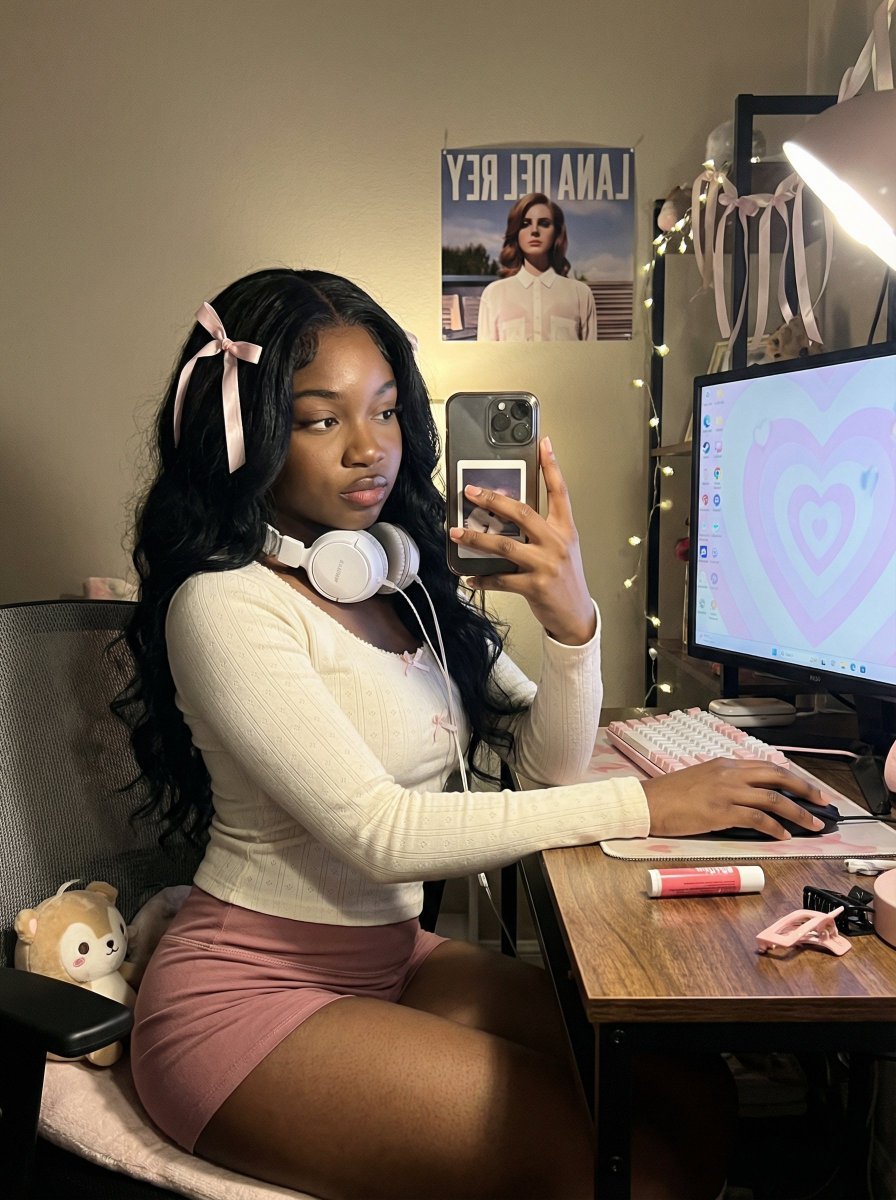
Coquette Gamer Girl Selfie in Bedroom

Teen Girl Alpine Lake Mountain View
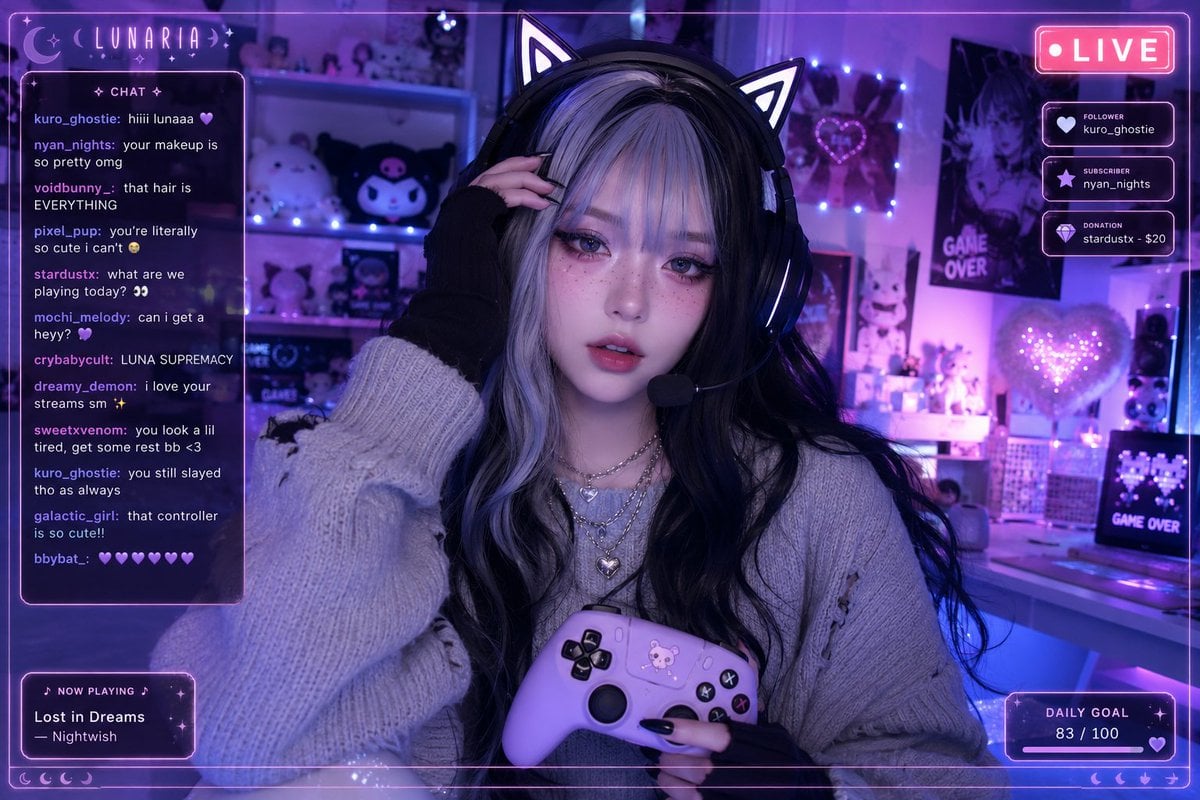
Aesthetic Gamer Girl Streamer

Anime AI Gamer Bookshelf Girl
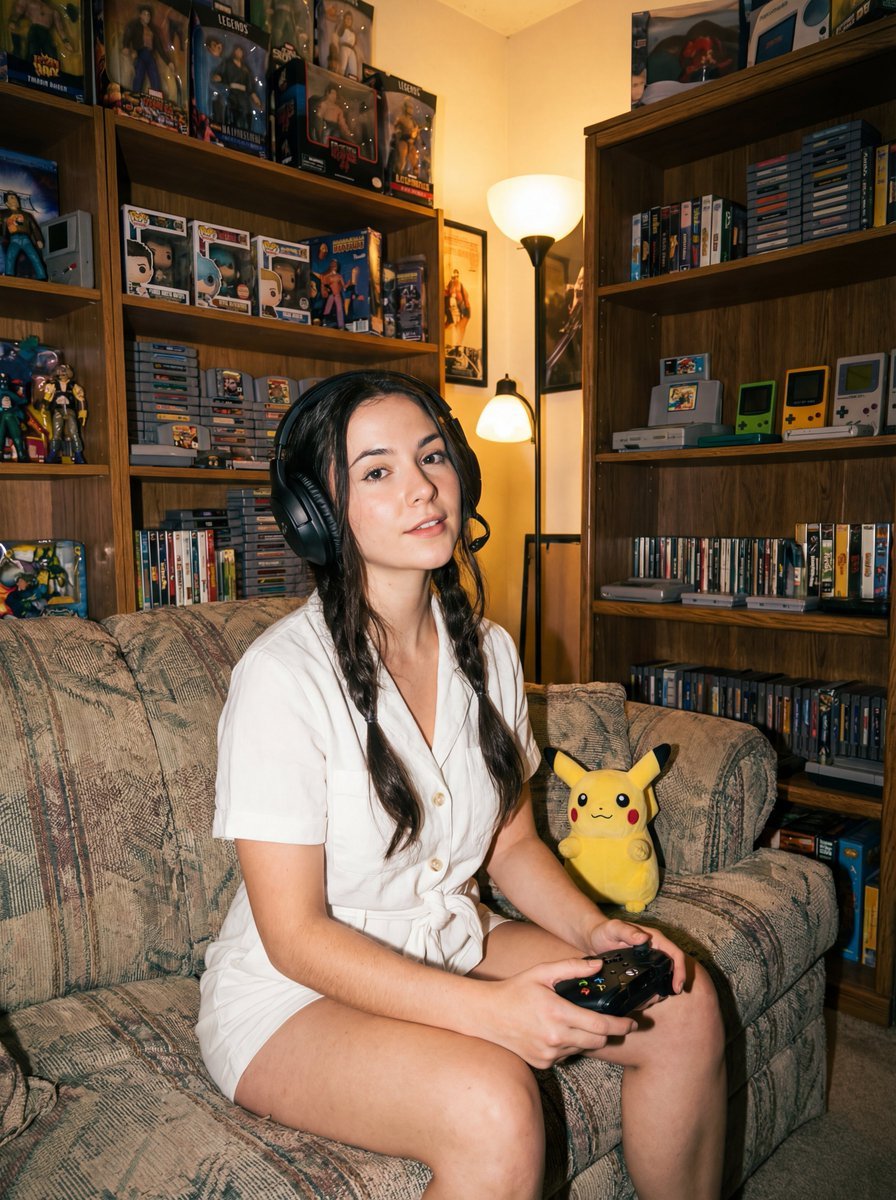
Direct flash gamer girl Nano Banana Pro JSON tag prompt
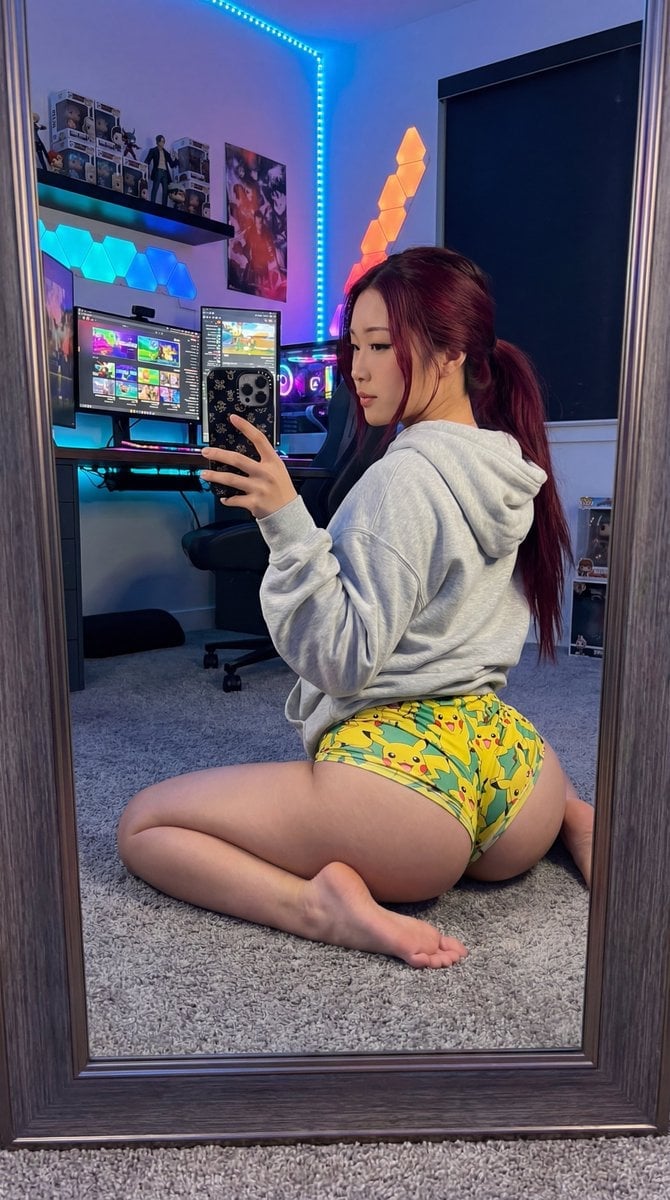
Exaggerated Gamer Girl Mirror Selfie Prompt
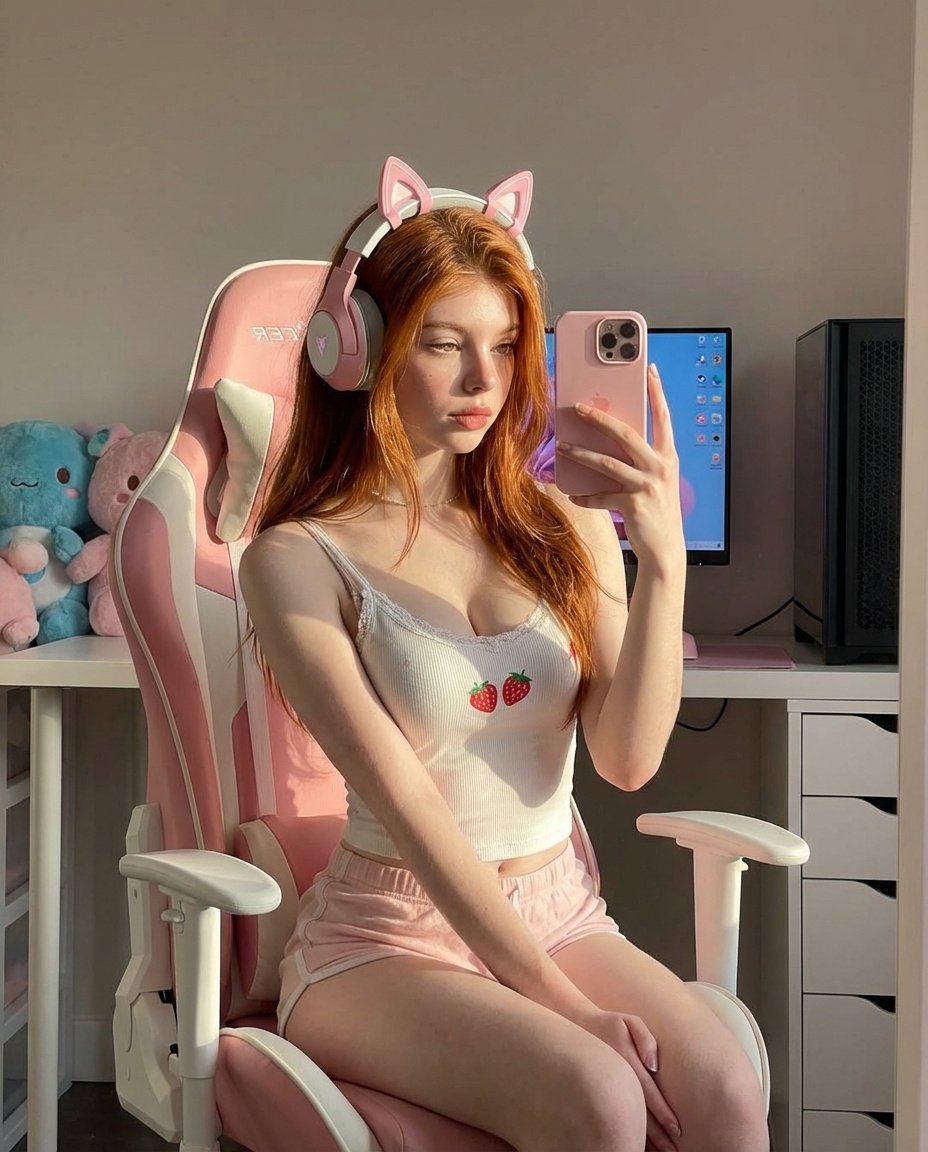
Ultra Realistic Kawaii Gamer Girl Mirror Selfie
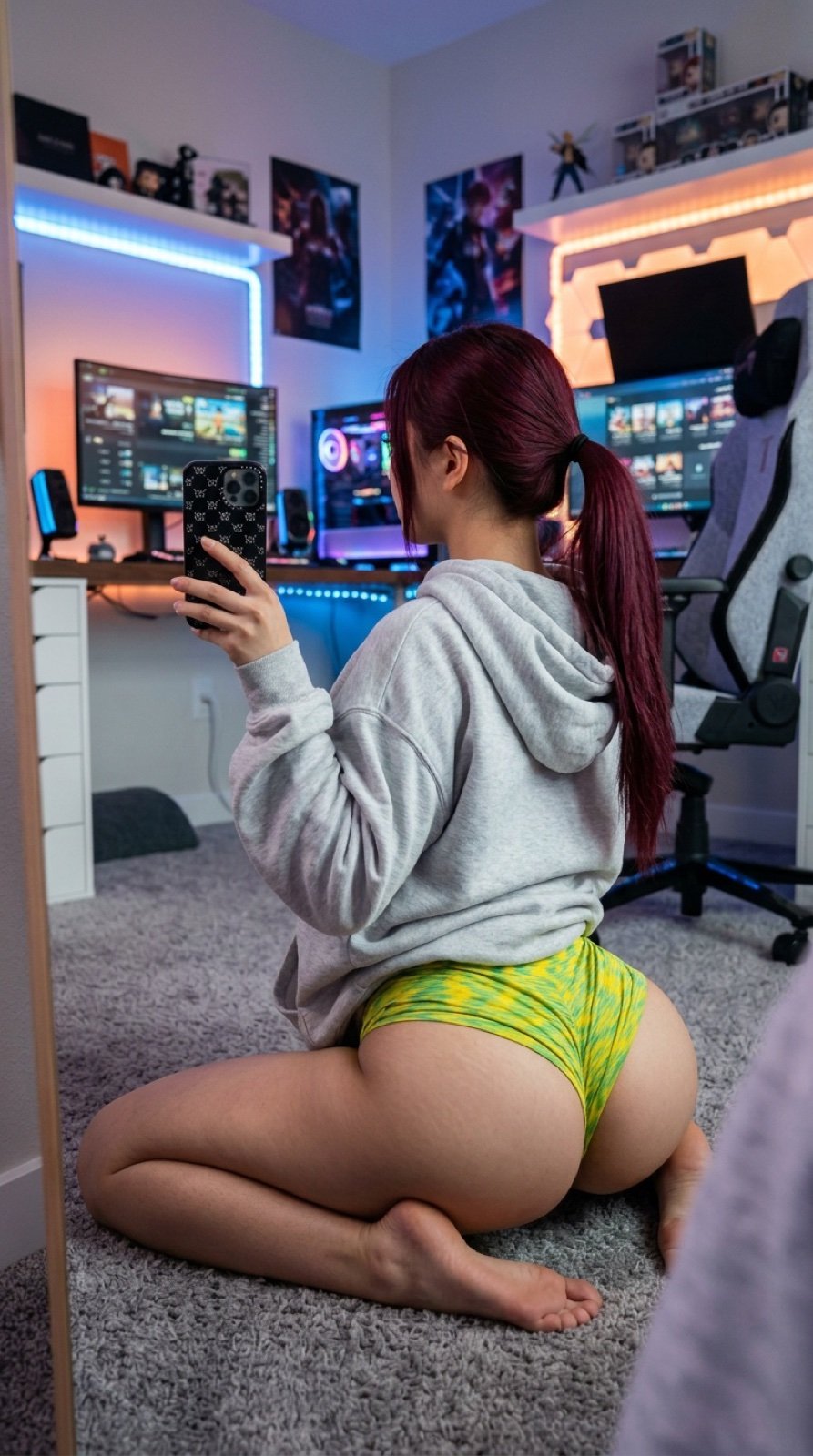
Detailed JSON Prompt for Gamer Girl Selfie
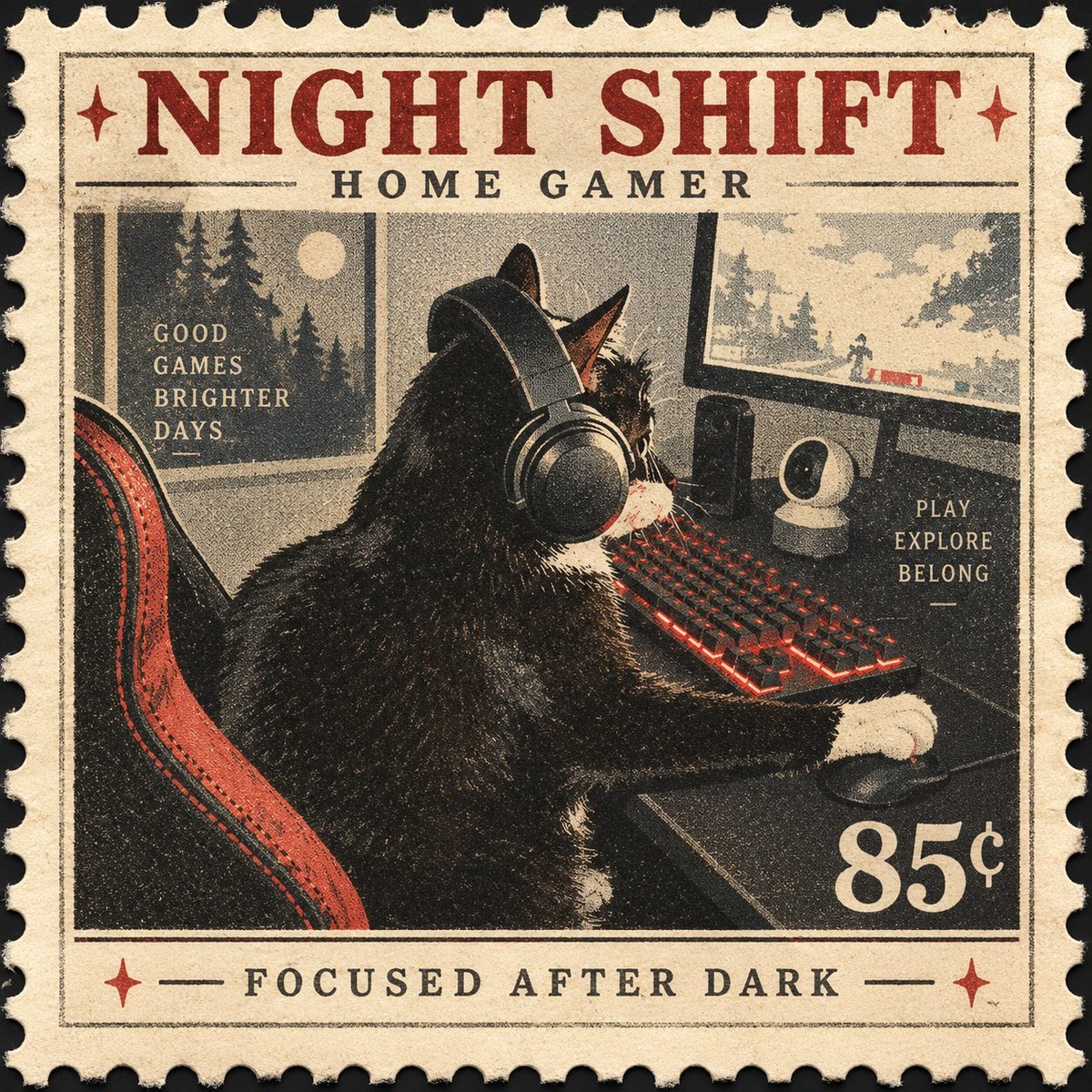
Vintage Night Shift Gamer Cat Stamp

White Wing Nurse Break Room Portrait
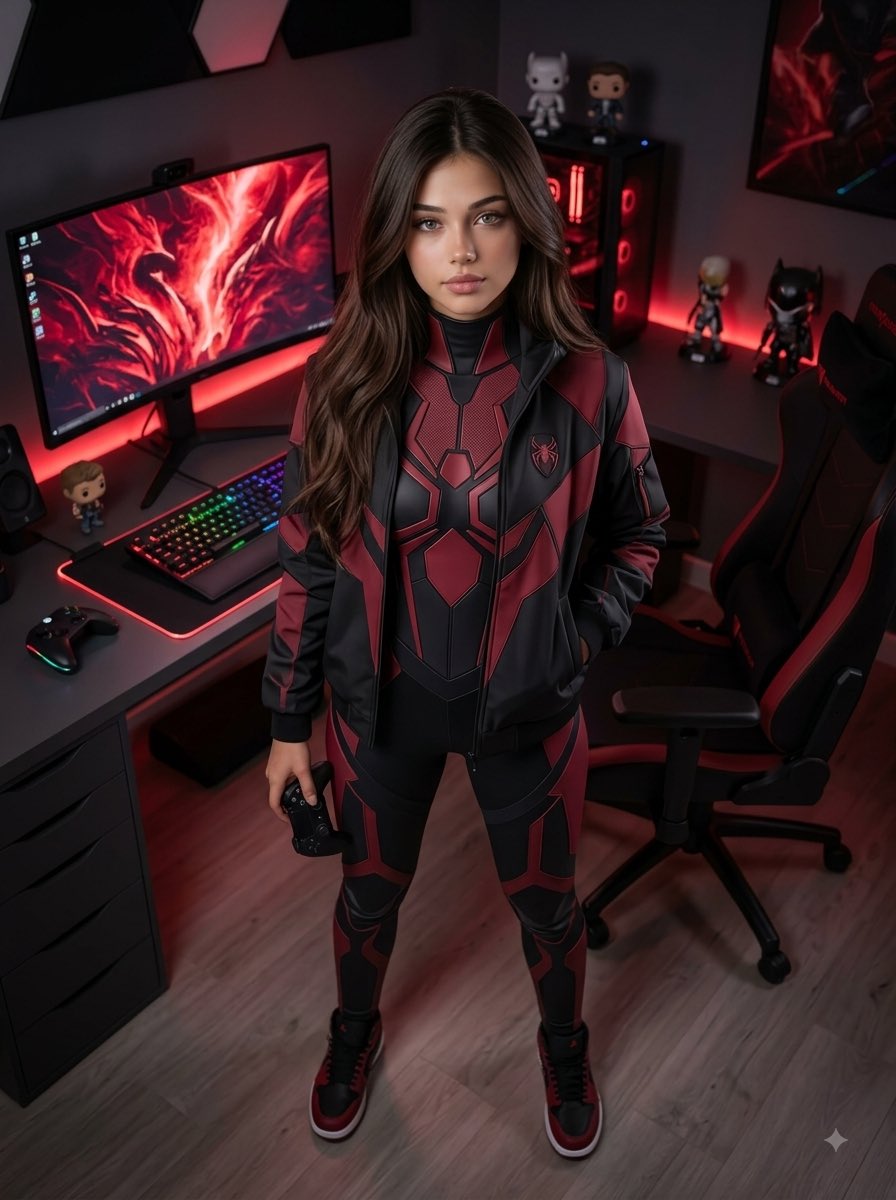
Futuristic Arachnid Gamer Persona
Make it yours
Cosy Gamer Girl Room Aesthetic works as-is. These are the safest ways to change it without losing the look.
Change one field
Copy a single group, rewrite it, and generate again so you can see what that field is doing.
Keep the frame, change the subject
Hold the composition and light of Cosy Gamer Girl Room Aesthetic, then swap wardrobe, props or the person for a new take.
| If the result… | Why | Fix |
|---|---|---|
| The result drifts from the preview | Too many fields changed at once. | Reuse Cosy Gamer Girl Room Aesthetic as-is first, then change one group — subject, light, or setting. |
| The model over-stylizes the scene | The prose prompt leaves finish and camera underspecified. | Add one camera or lighting sentence and stay on Nano Banana 2. |
More Nano Banana 2 templates
Other prompts made for Nano Banana 2.

Photorealistic Leaf Shaped Like a Dragon

K-Pop Idol Portrait Grid for Rapid Selection

Poetic Rain Forest Portrait During Golden Hour

Urban Street Portrait with Cartoon Inner Self Duo

Candid Nighttime Photo with Cat Prompt

High-Concept 3D Diorama Generation Prompt

Cinematic Futuristic Studio Portrait Template

Skincare Editorial Photography Collage Prompt

Hyper-Realistic Commercial Product Photography (Splash Effect)

Hyper-Realistic Nightclub Portrait Prompt
More image prompts
Fresh picks from across the catalog.
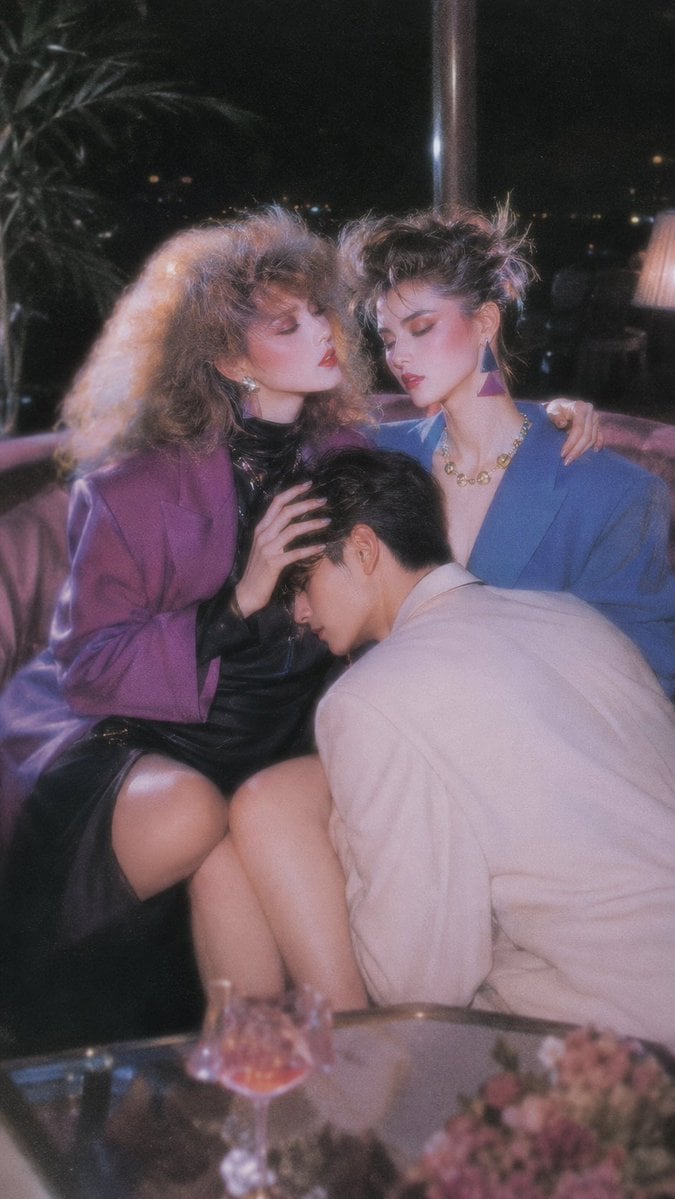
Retro Nightlife Flash Wallpaper

Urban Fashion Editorial Collage Poster
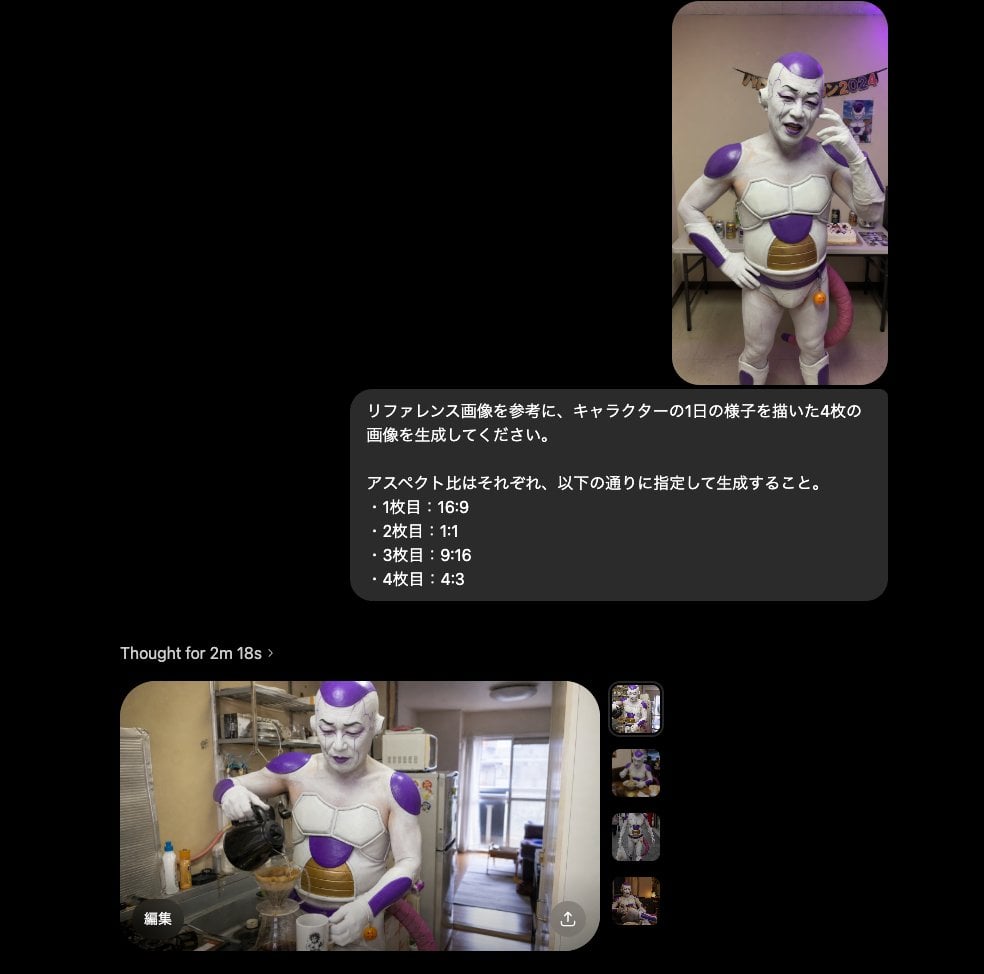
Multi-Aspect Character Life Sequence
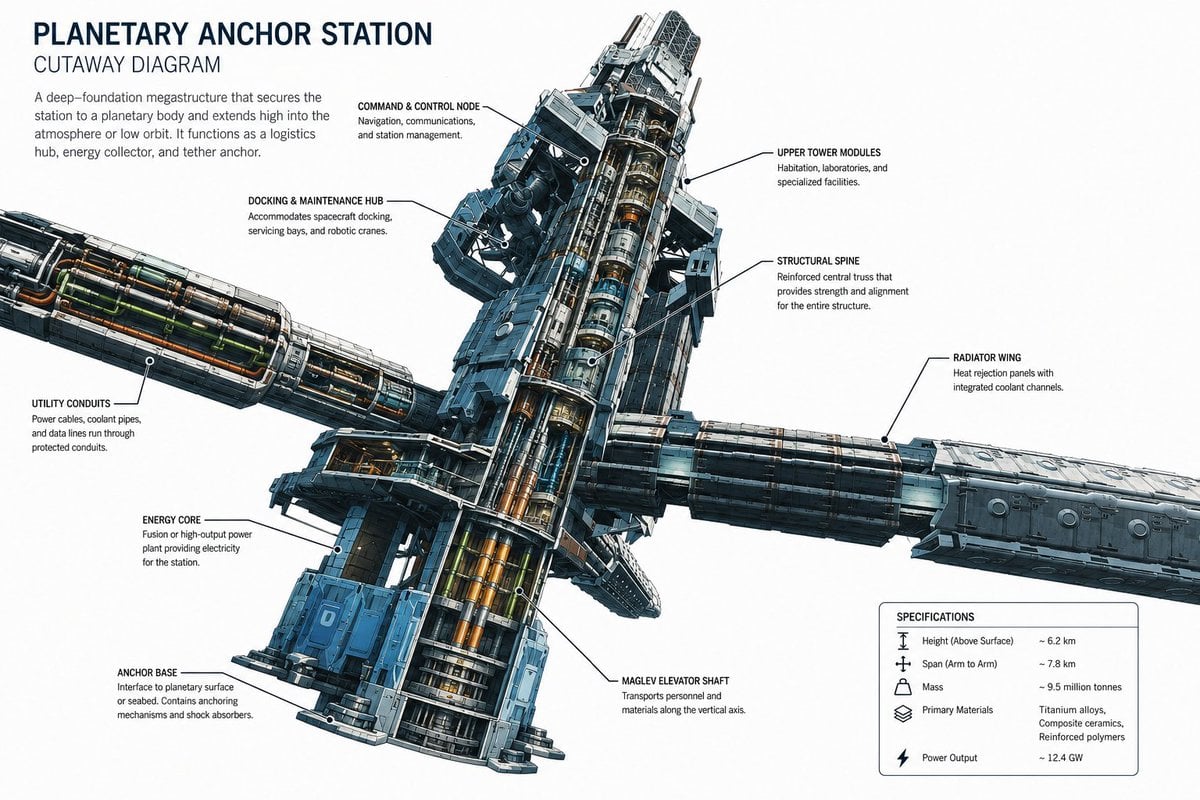
Planetary Anchor Station Cutaway
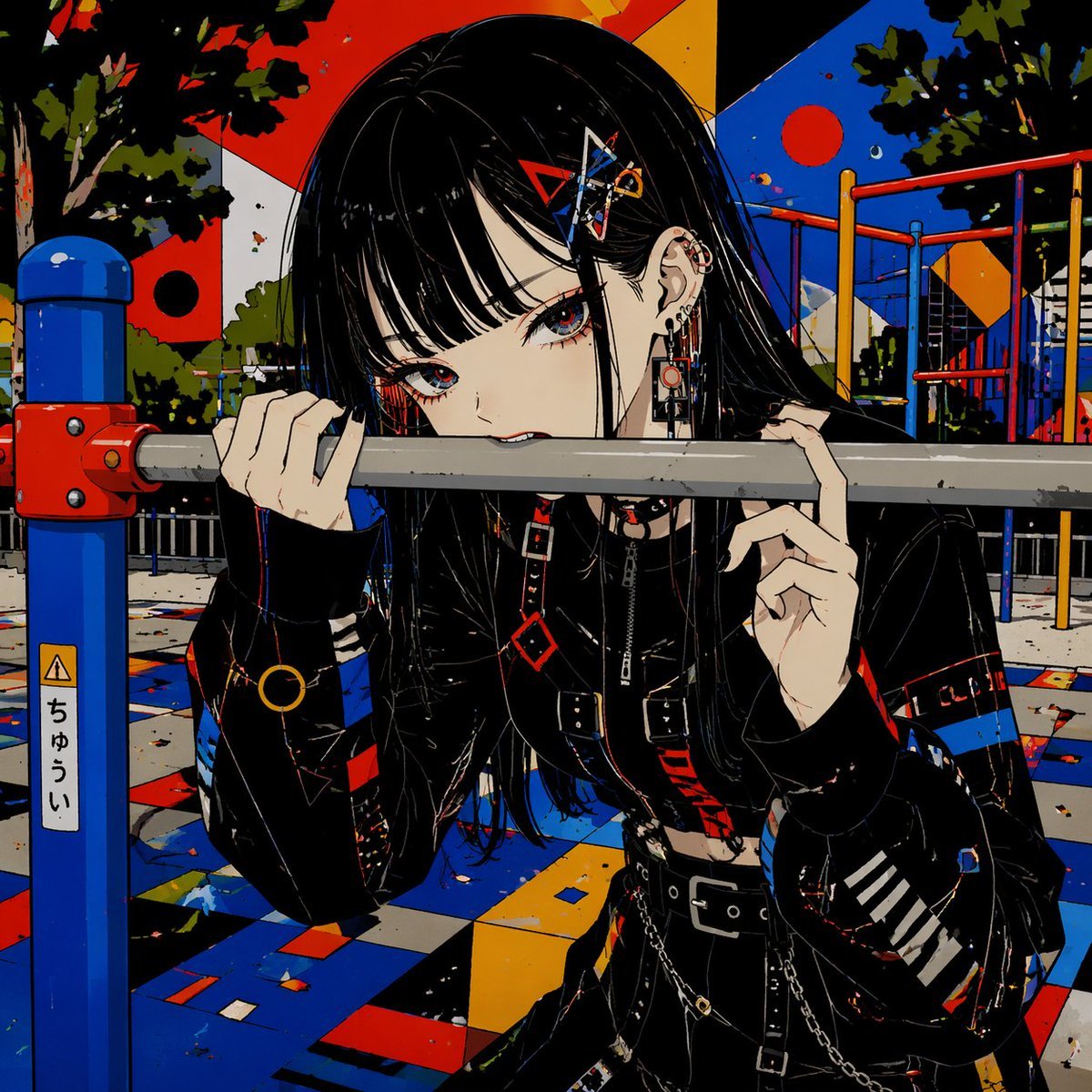
Goth Anime Girl at Playground Bar

E-commerce Tech Infographic

Fictional Hamster Engine Car Catalog
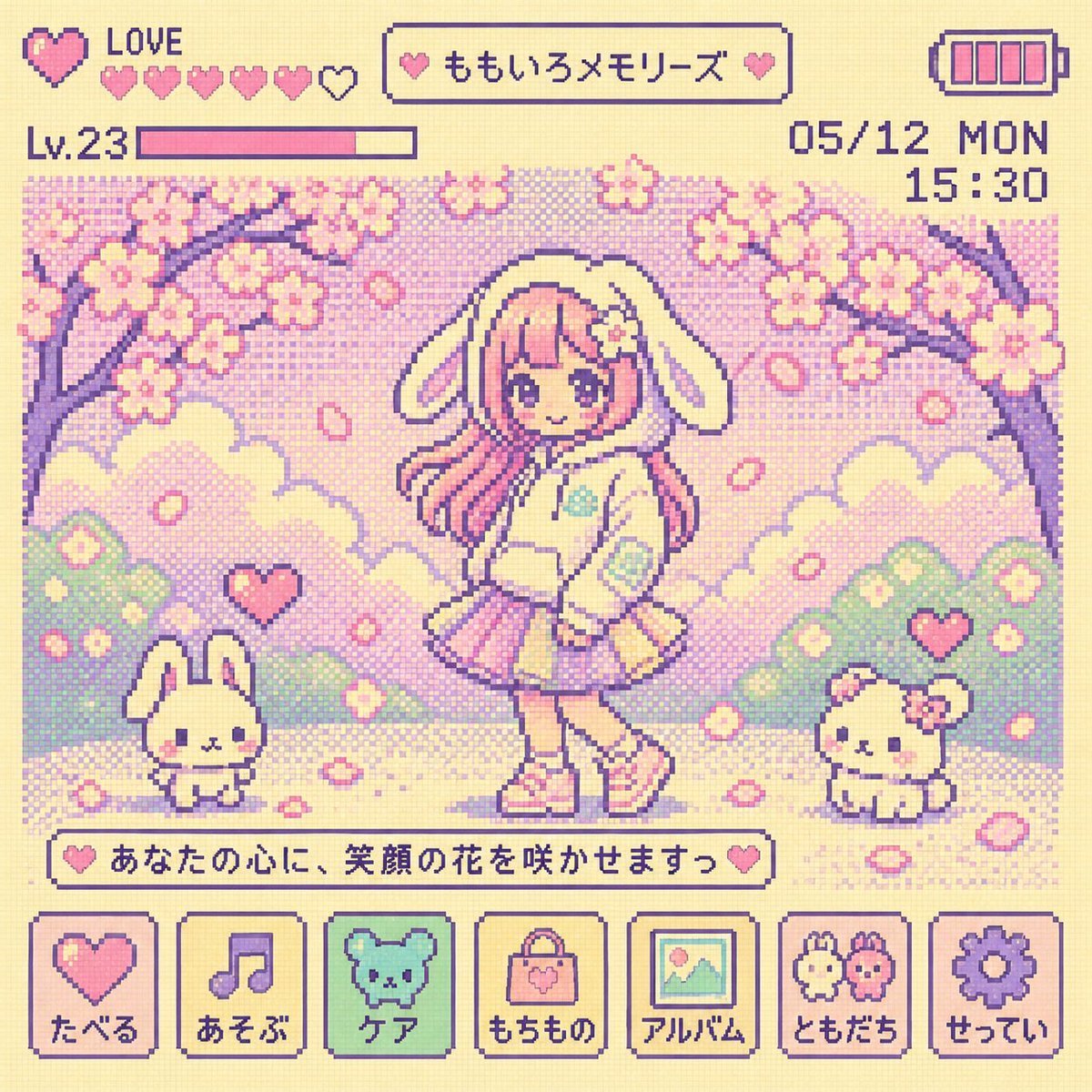
Y2K Tamagotchi LCD Filter

Stadium Crowd Sports Broadcast Portrait

X Ozayrr Irl Chatgpt Image 2 Vs Google
Browse template categories
Cosy Gamer Girl Room Aesthetic questions
How do I use the Cosy Gamer Girl Room Aesthetic template?
Add your photo if the template asks for one, edit the prompt if you like — the template's model and format are already selected — and press Generate. Your version opens in PicX Studio.
Can I customize the Cosy Gamer Girl Room Aesthetic template?
Yes. You can change the subject, setting, lighting, mood, format, and available model controls before creating your image.
Is the Cosy Gamer Girl Room Aesthetic template free?
Opening and editing this template is free. Generating uses credits, shown on the Generate button when you are signed in.
Which AI model should I use?
Start with Nano Banana 2, which is the model associated with this template. You can compare another compatible model for a different finish.
Looking for something else? Browse all templates.

Your photo, any look
Thousands of ready templates for every top image and video model, from one credit balance.