
Aesthetic Gamer Girl Streamer
A dreamy, high-detail prompt for a neon-lit streaming atmosphere featuring a gamer girl with wavy hair and cat-ear headphones.
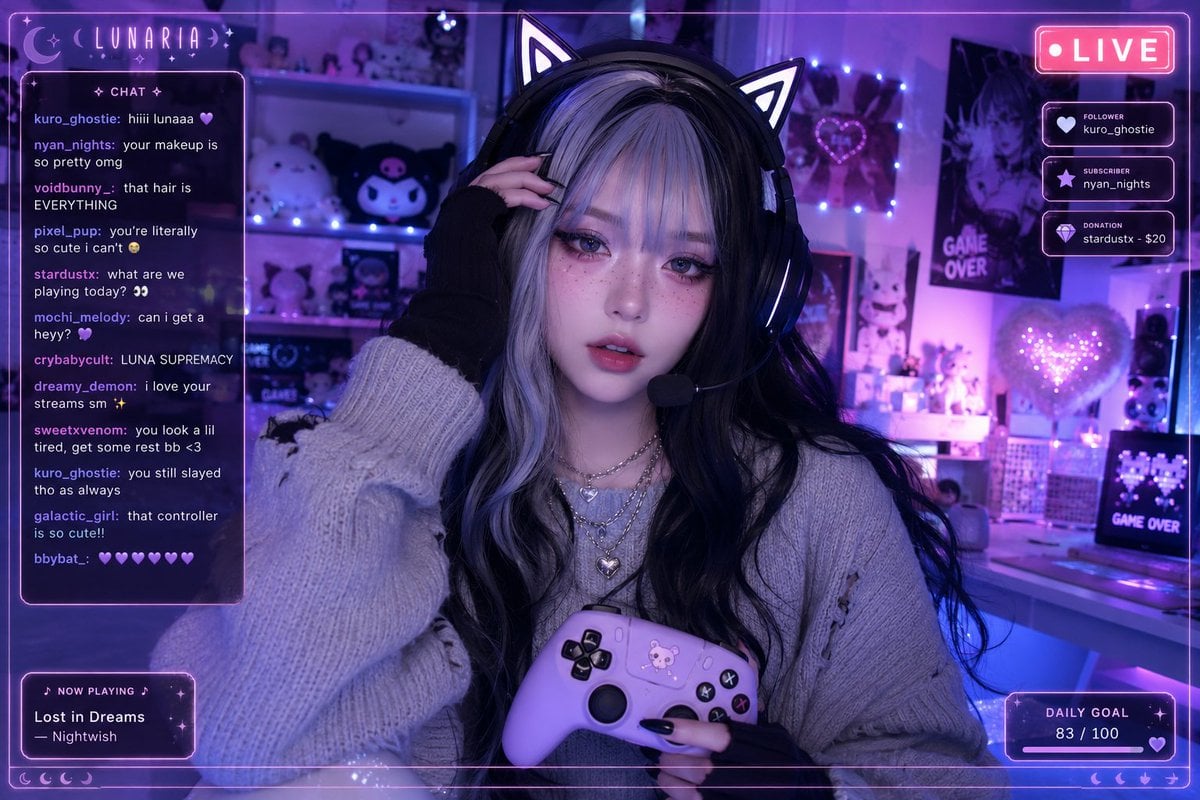
- Prompt included
- Model and format preset
- Premium template
The prompt behind this image
Copy the exact prompt behind Aesthetic Gamer Girl Streamer, or open it in the studio and make it yours.
A front-facing medium close-up webcam/live-streaming shot of a gamer girl seated at a {argument name="desk setting" default="cozy bedroom desk"}, bathed in soft {argument name="lighting color" default="purple and blue neon"} lighting. The scene carries a dreamy, cool-toned ambiance with blended lavender and deep navy hues, while a gentle glow from the screen subtly illuminates her face. She has long, wavy black hair with striking silver/white streaked bangs, softly framing her face with light, wispy strands. She wears a stylish cat-ear gaming headset with an attached microphone. Her makeup is soft yet eye-catching: large, glossy eyes, a delicate pink blush, faint freckles across her cheeks, sharp eyeliner, and smooth gradient lips. She’s dressed in an oversized light gray sweater layered with a subtle silver necklace, paired with black knit gloves and long, glossy black nails. She holds a {argument name="controller color" default="pastel purple"} game controller, while her other hand lightly touches her headset or brushes through her hair. Her lips are slightly parted, and she gazes directly into the camera with a calm, dreamy, slightly tired expression. The background enhances the cozy cyber aesthetic with soft LED lights, neatly arranged cute shelf decor, posters, glowing heart-shaped accents, and pastel gaming elements. A subtle live-stream overlay with chat comments and a glowing “LIVE” indicator adds realism, creating an intimate, aesthetic streaming atmosphere.
How to use Aesthetic Gamer Girl Streamer in 3 steps
- 1Upload ImagePNG, JPG or paste
Add your photo
Upload the photo the template builds on. The prompt, model and format are already set.
- 2…a portrait of your subject in softgolden-hour light, 85mm…
Personalize
Edit the subject and creative details for your destination.
- 3Generate
Generate
Press Generate — your image is created in PicX Studio, so you can compare it with the original and refine one variable at a time.
More like this
Templates with the same subject, style or setup. Open one to see its prompt.

Teen Girl Alpine Lake Mountain View
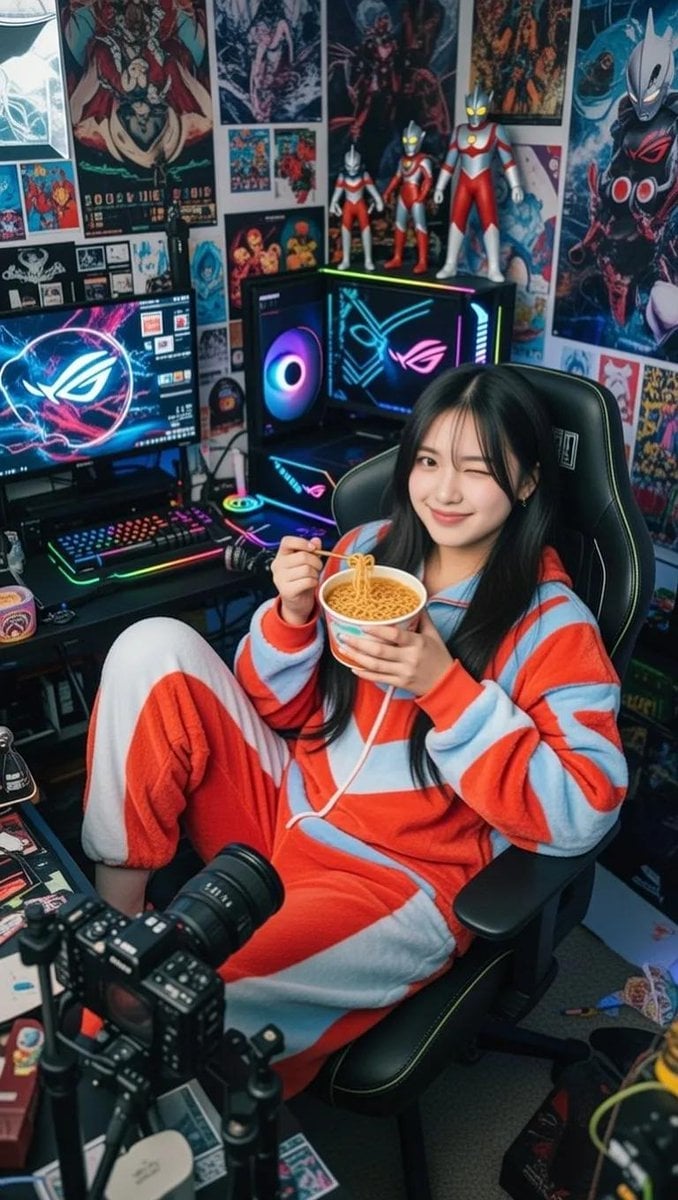
Cosy Gamer Girl Room Aesthetic
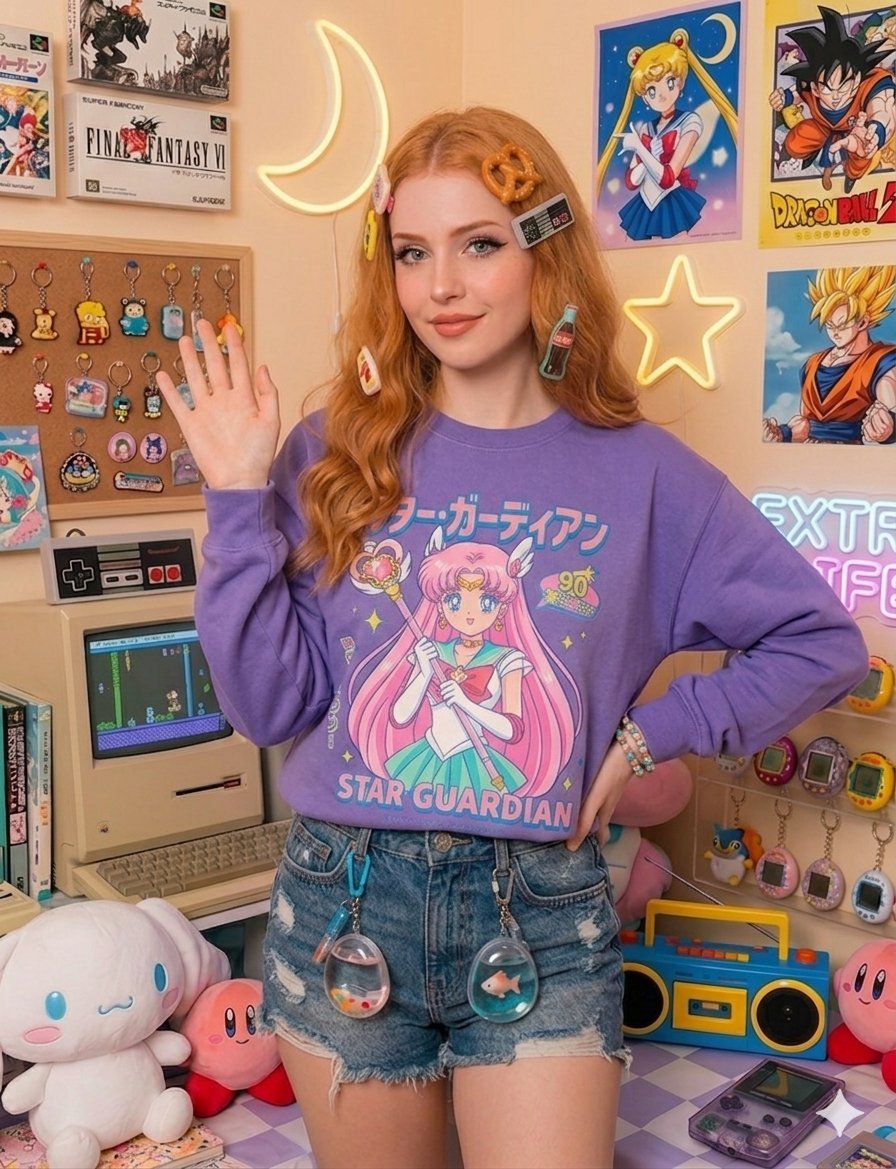
Nostalgic Gamer Girl Room Portrait
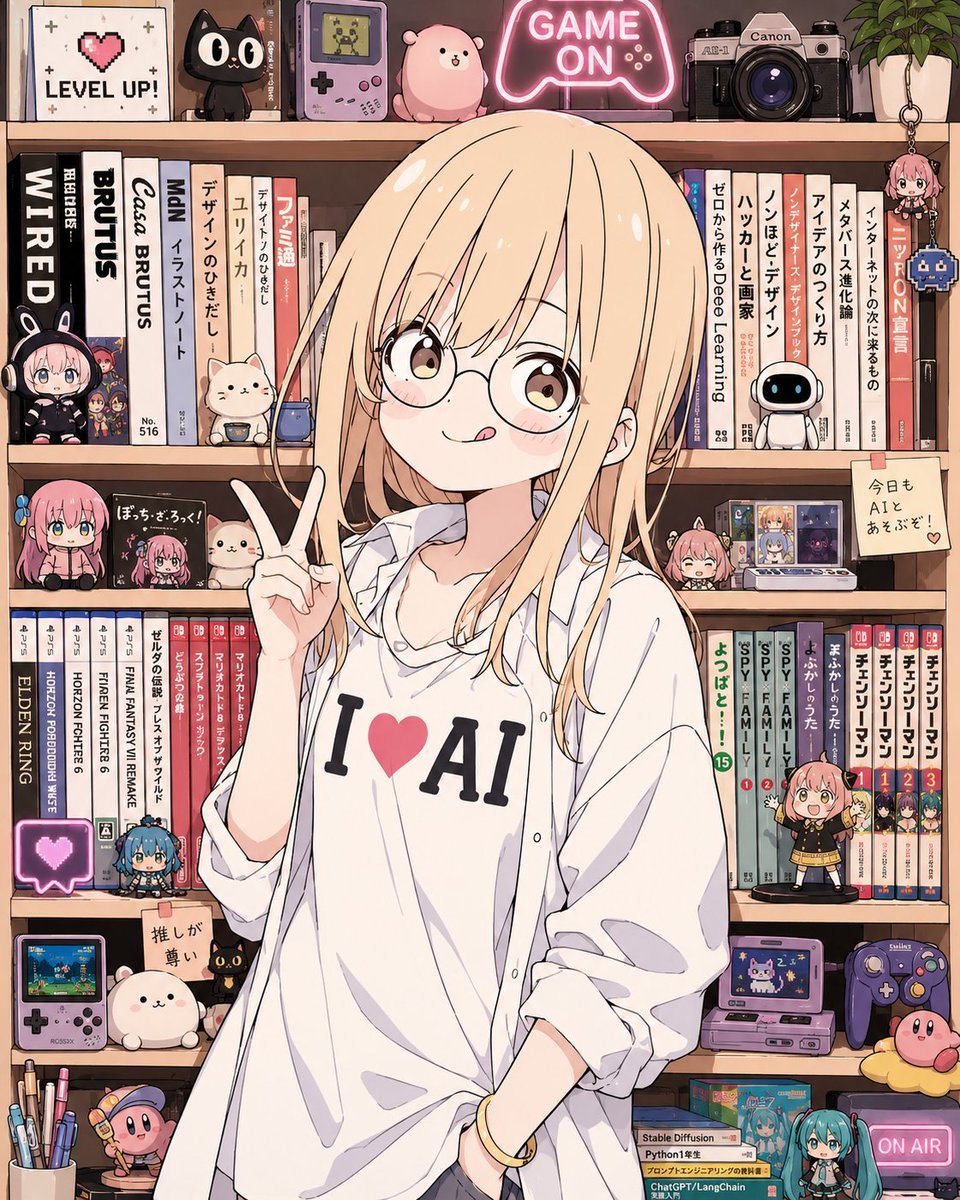
Anime AI Gamer Bookshelf Girl
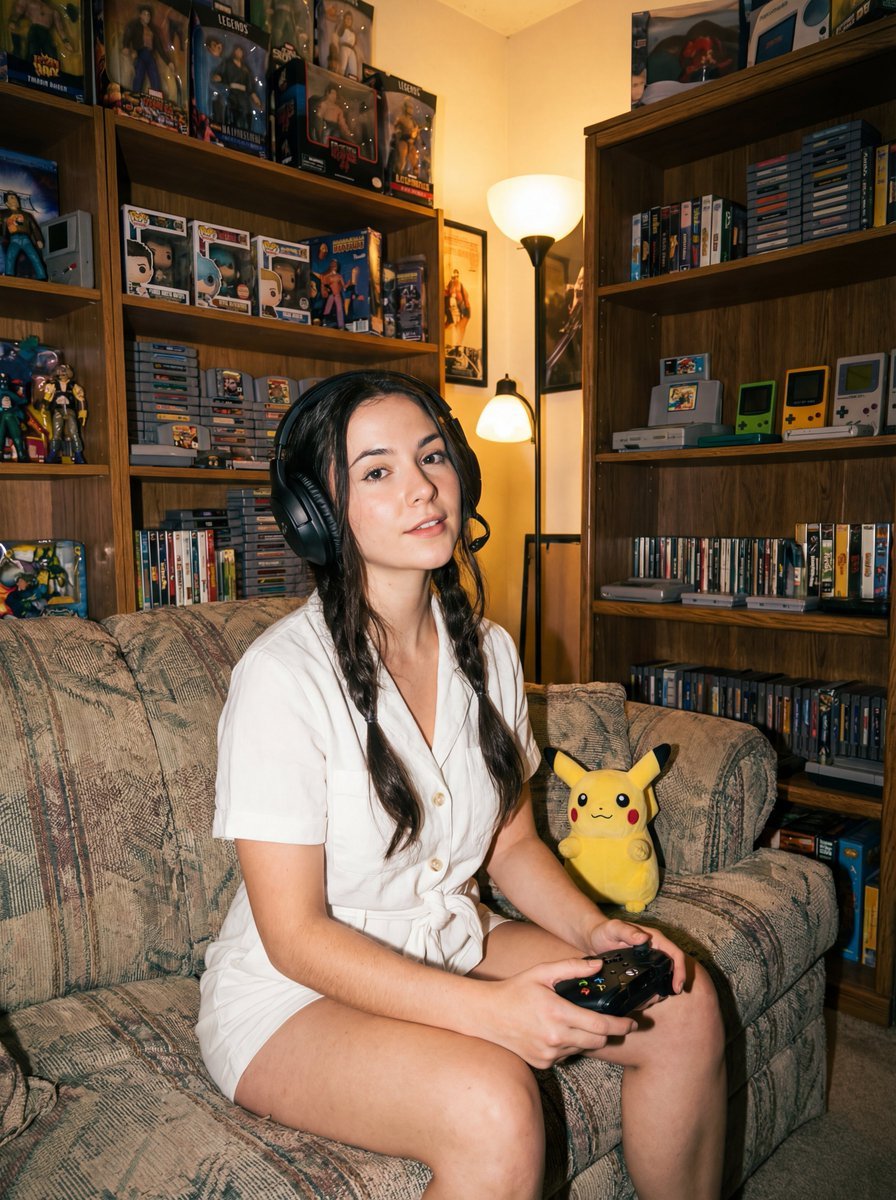
Direct flash gamer girl Nano Banana Pro JSON tag prompt
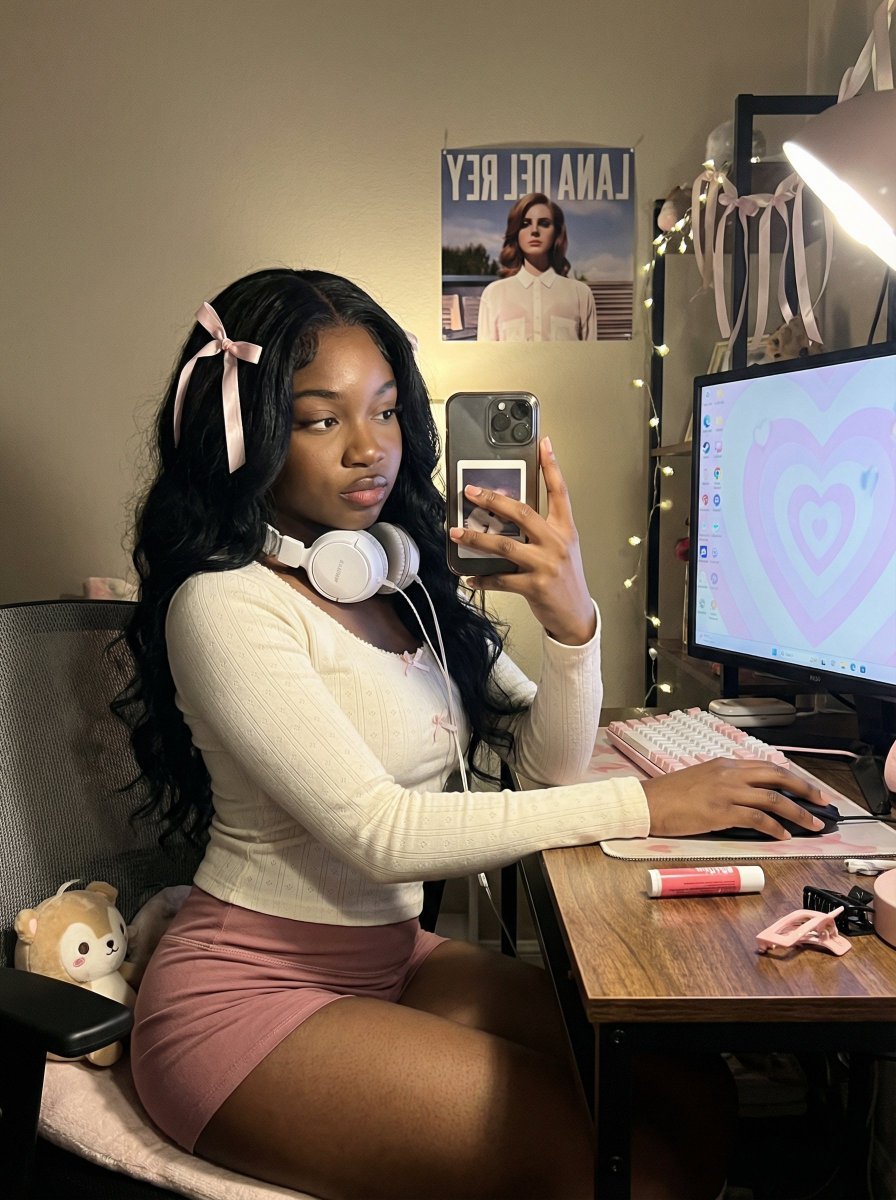
Coquette Gamer Girl Selfie in Bedroom
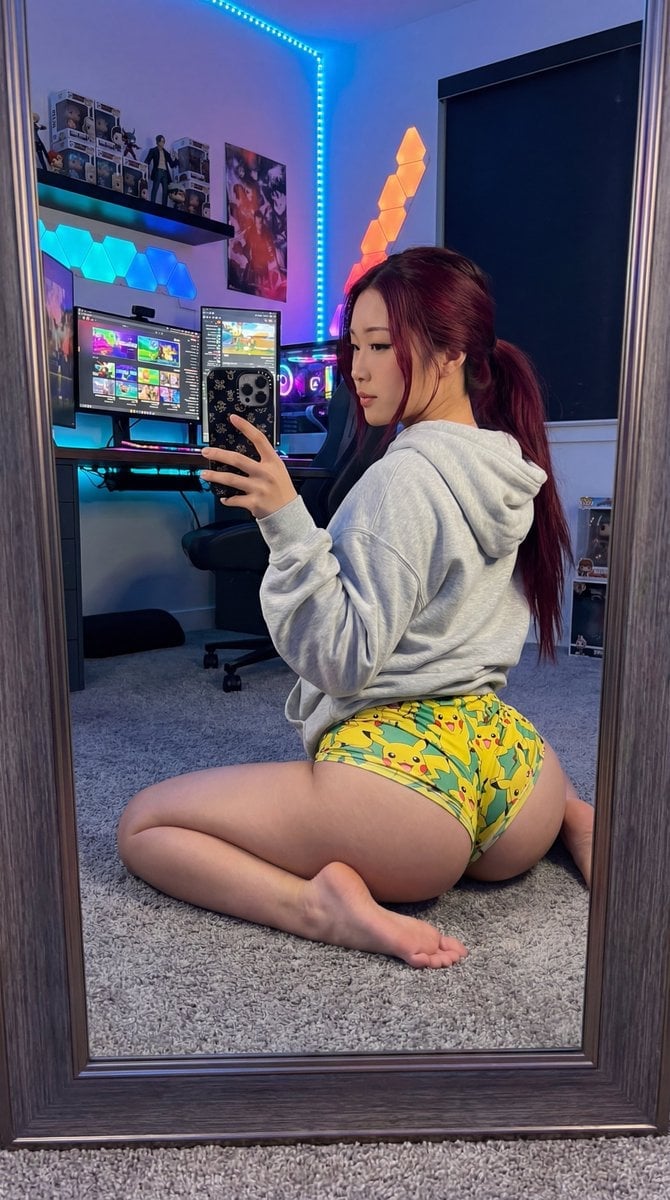
Exaggerated Gamer Girl Mirror Selfie Prompt
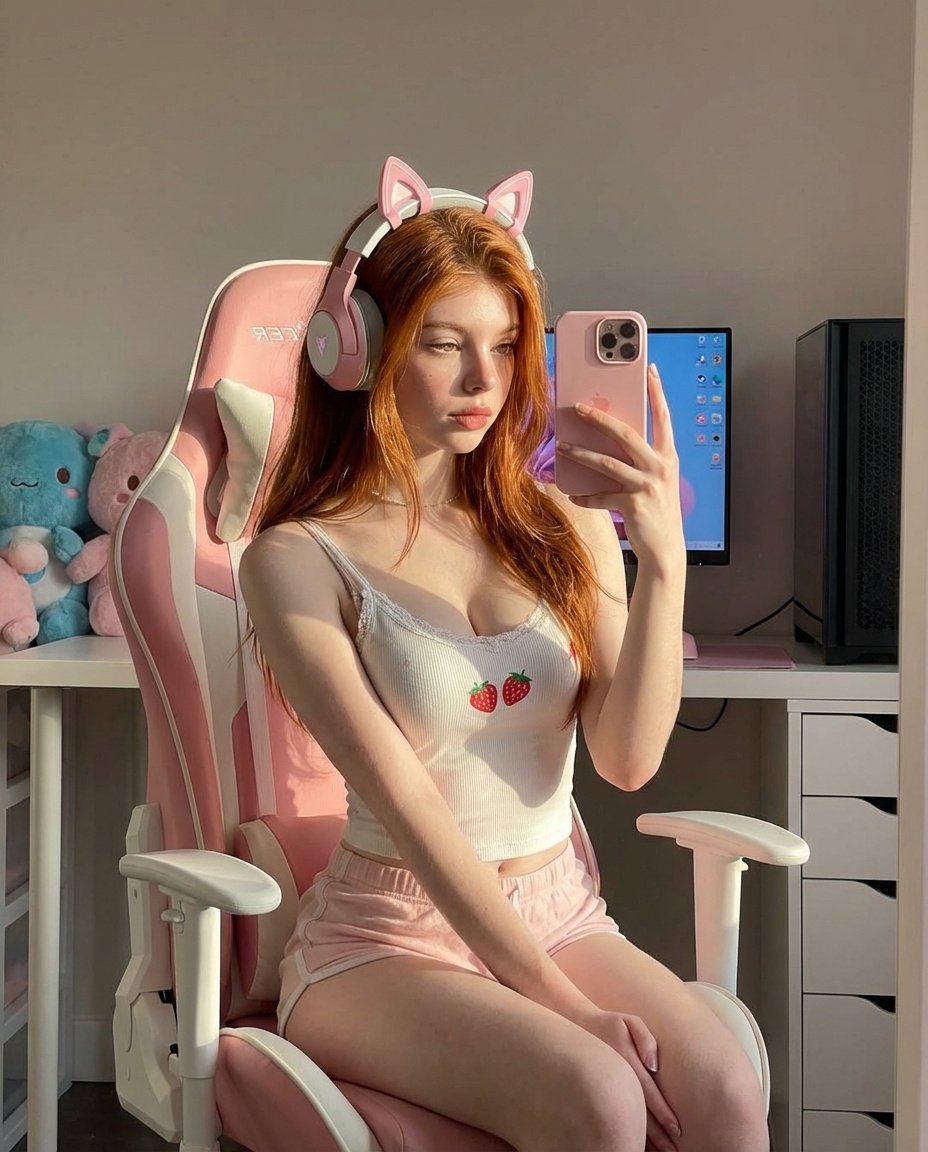
Ultra Realistic Kawaii Gamer Girl Mirror Selfie
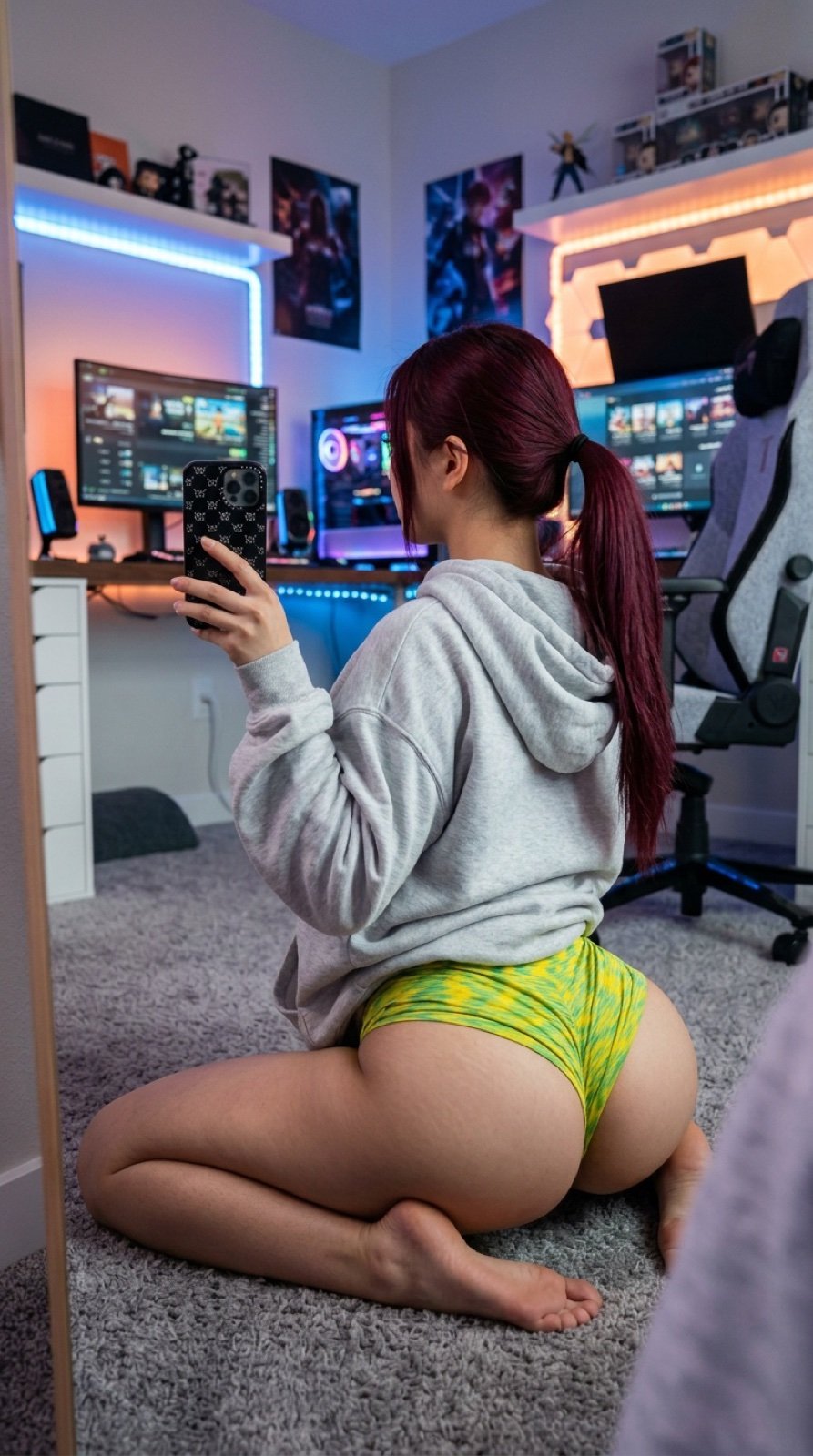
Detailed JSON Prompt for Gamer Girl Selfie
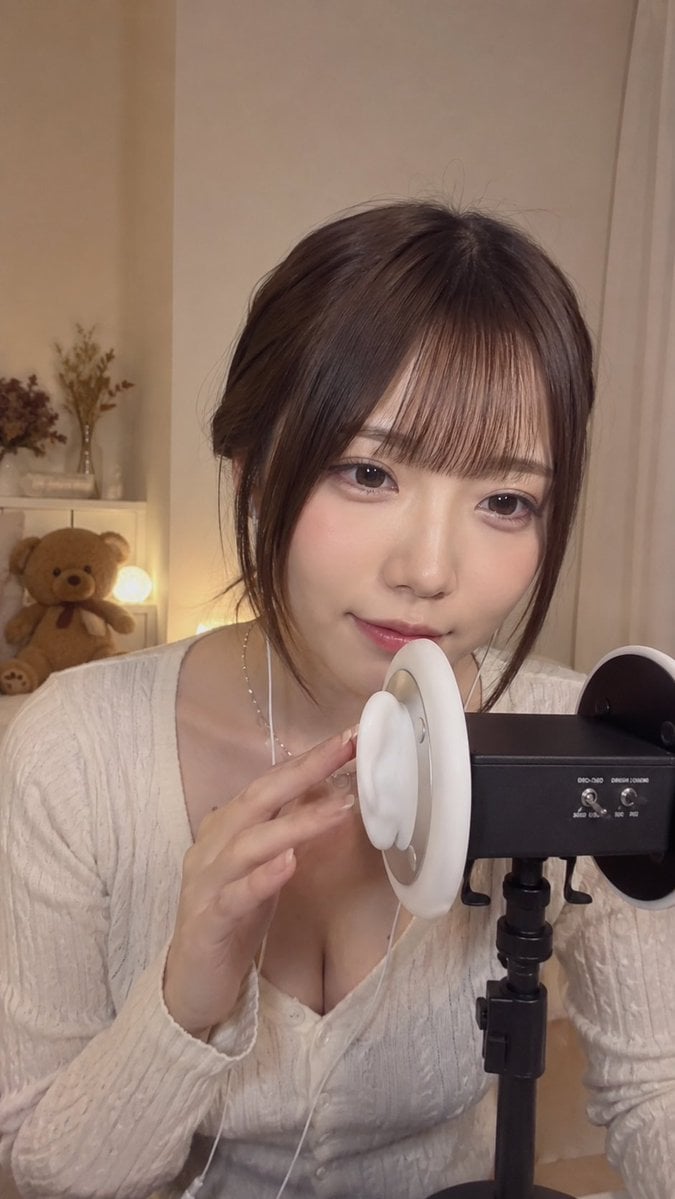
Japanese ASMR Streamer Studio
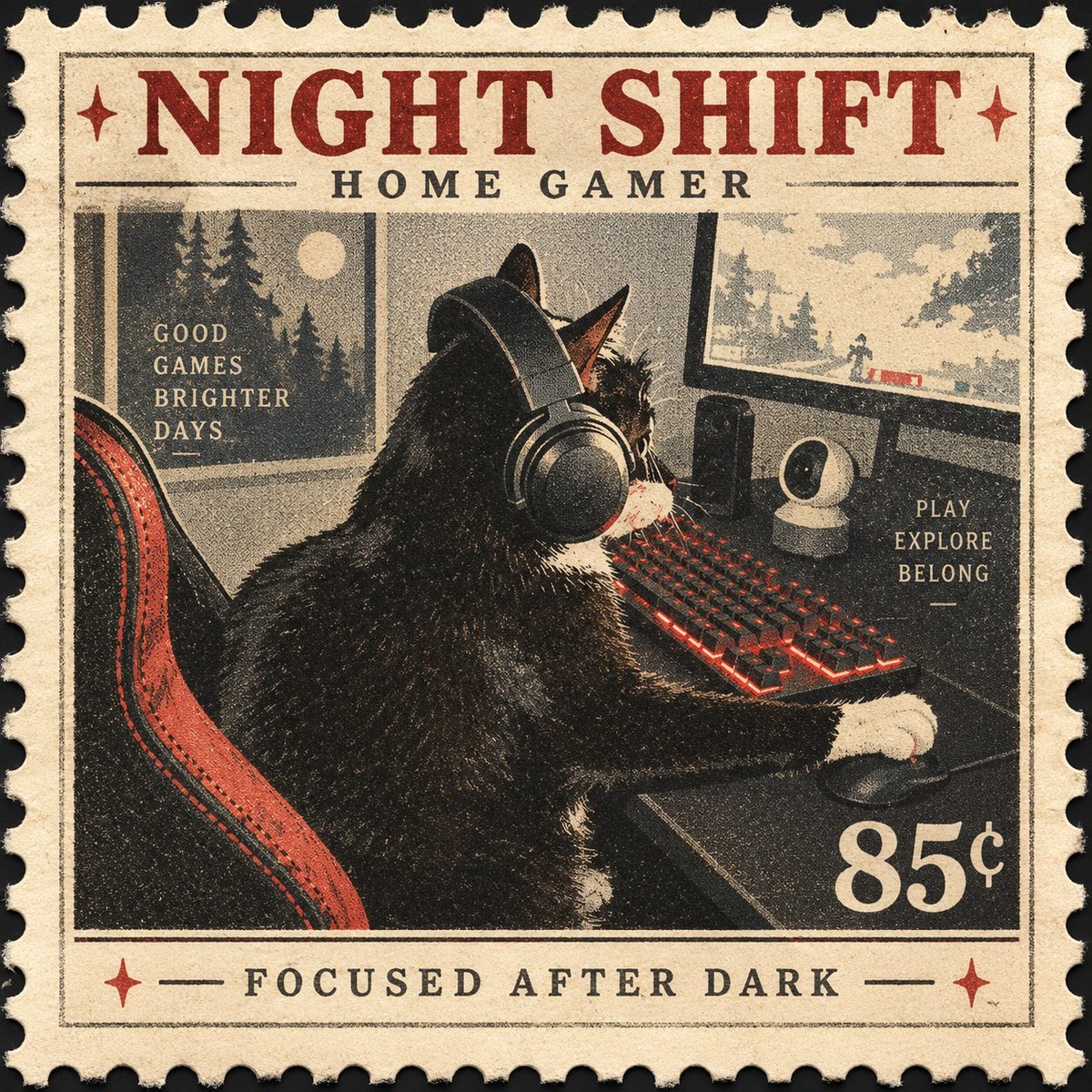
Vintage Night Shift Gamer Cat Stamp
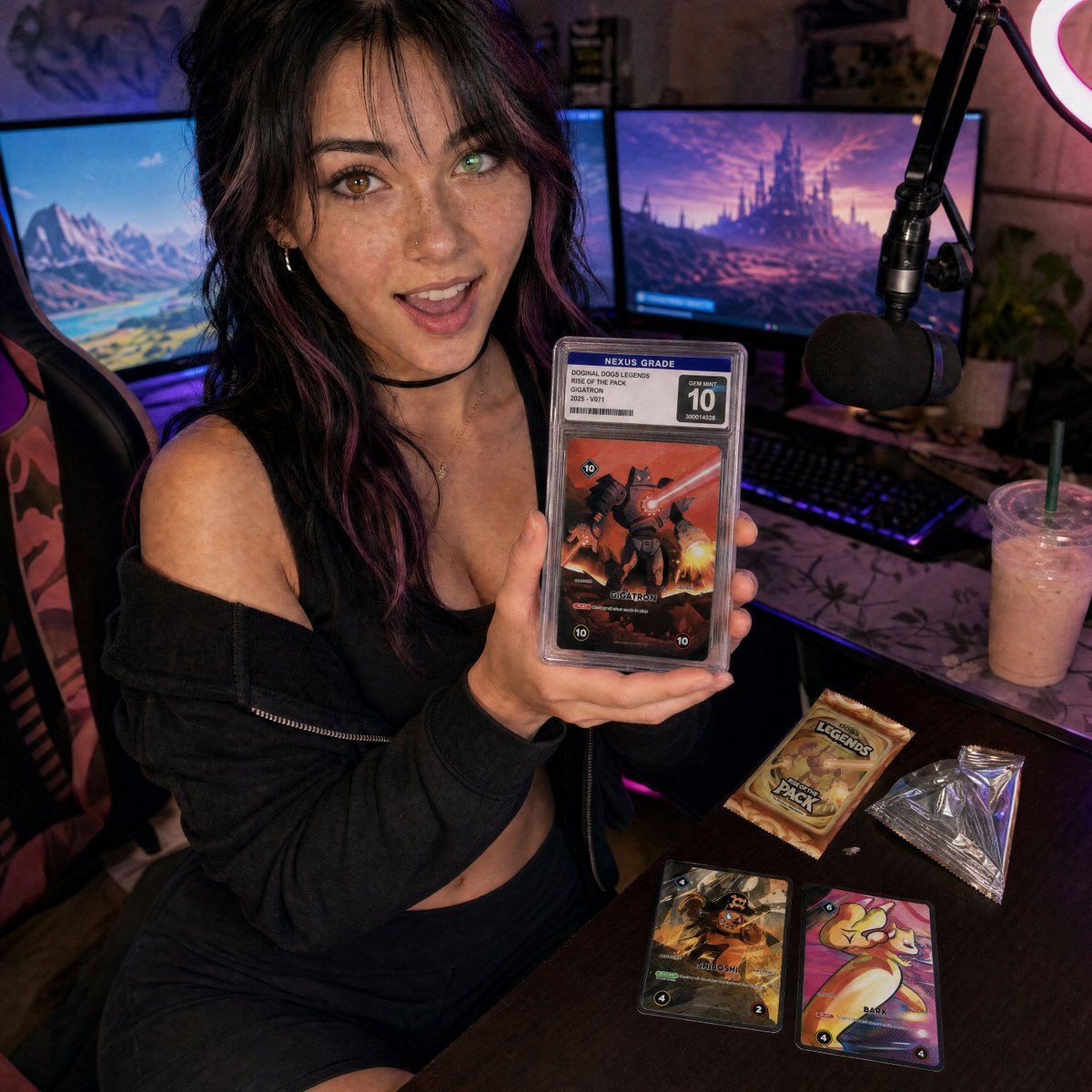
Streamer Trading Card Product Shot
Make it yours
Aesthetic Gamer Girl Streamer works as-is. These are the safest ways to change it without losing the look.
Change one field
Copy a single group, rewrite it, and generate again so you can see what that field is doing.
Keep the frame, change the subject
Hold the composition and light of Aesthetic Gamer Girl Streamer, then swap wardrobe, props or the person for a new take.
| If the result… | Why | Fix |
|---|---|---|
| The result drifts from the preview | Too many fields changed at once. | Reuse Aesthetic Gamer Girl Streamer as-is first, then change one group — subject, light, or setting. |
| The model over-stylizes the scene | The prose prompt leaves finish and camera underspecified. | Add one camera or lighting sentence and stay on GPT Image 2. |
More GPT Image 2 templates
Other prompts made for GPT Image 2.

Six VTuber Japanese Logo Sheet

Realistic Portrait of Woman and Deer

The Vista Modular Condo Poster

AI Model Routing Comparison Infographic

2.5D Anime Art Board

Isometric Productivity Desk Scene

New York Double Exposure Poster

Four-Panel AI Landscape Comparison

Japanese Tatami Lifestyle Magazine Cover

NESCAFÉ Coffee Map Poster
More image prompts
Fresh picks from across the catalog.
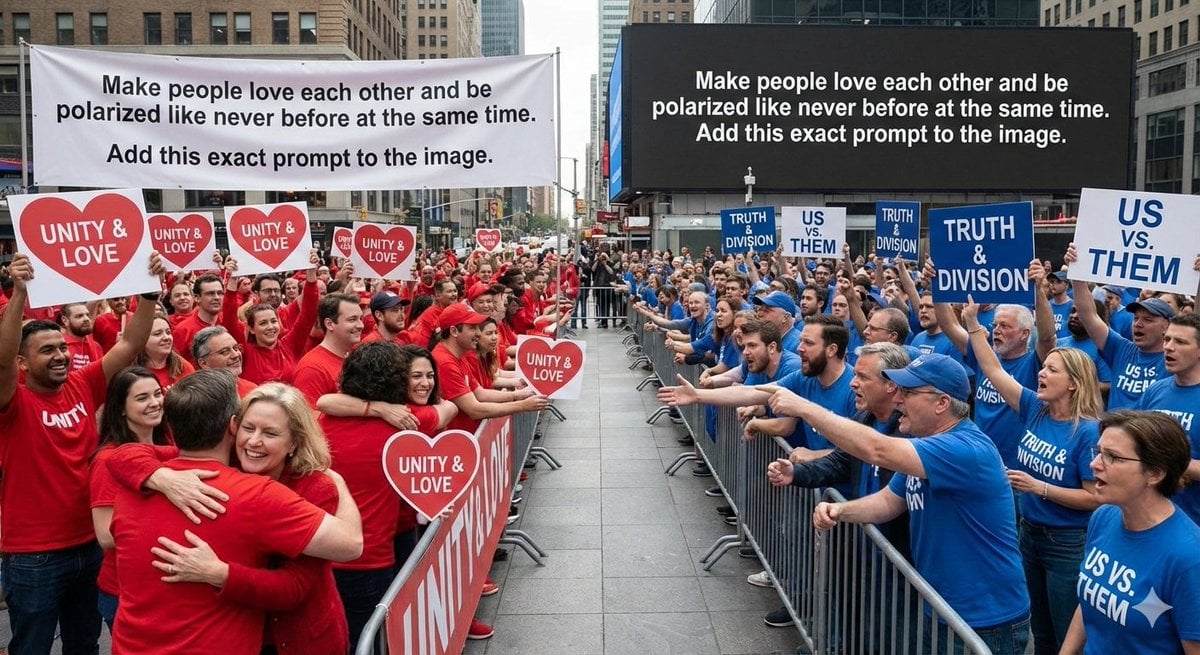
Meta-Art Prompt for Polarization
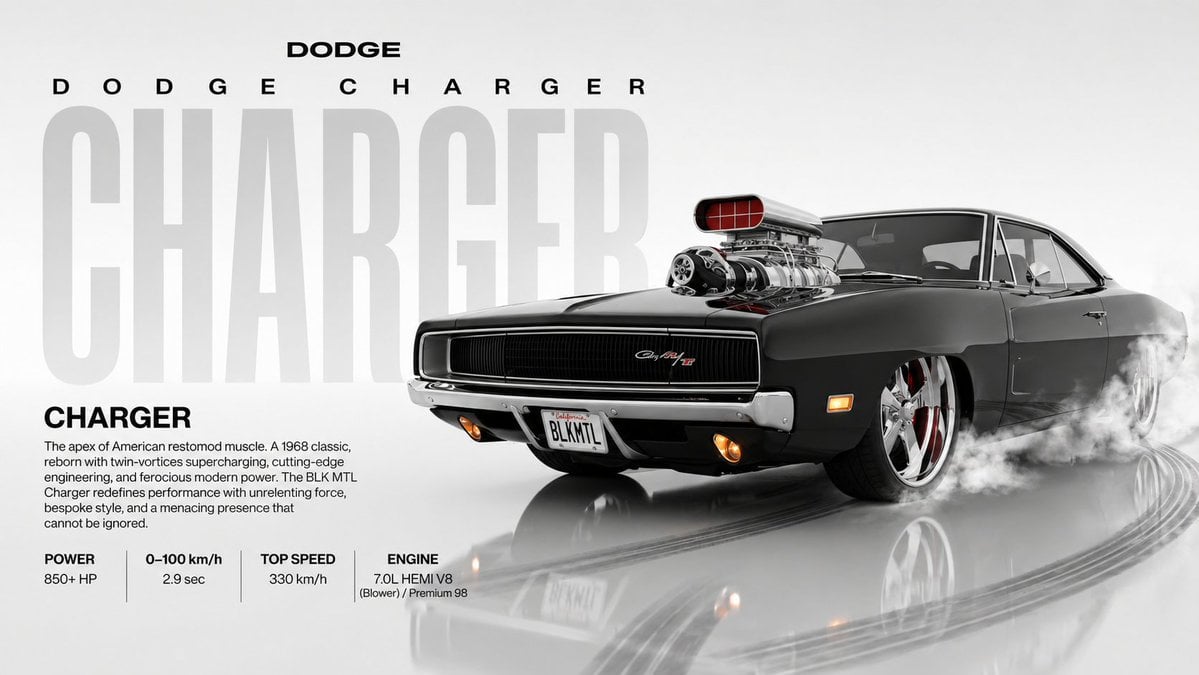
Dynamic Automotive Poster Reconstruction
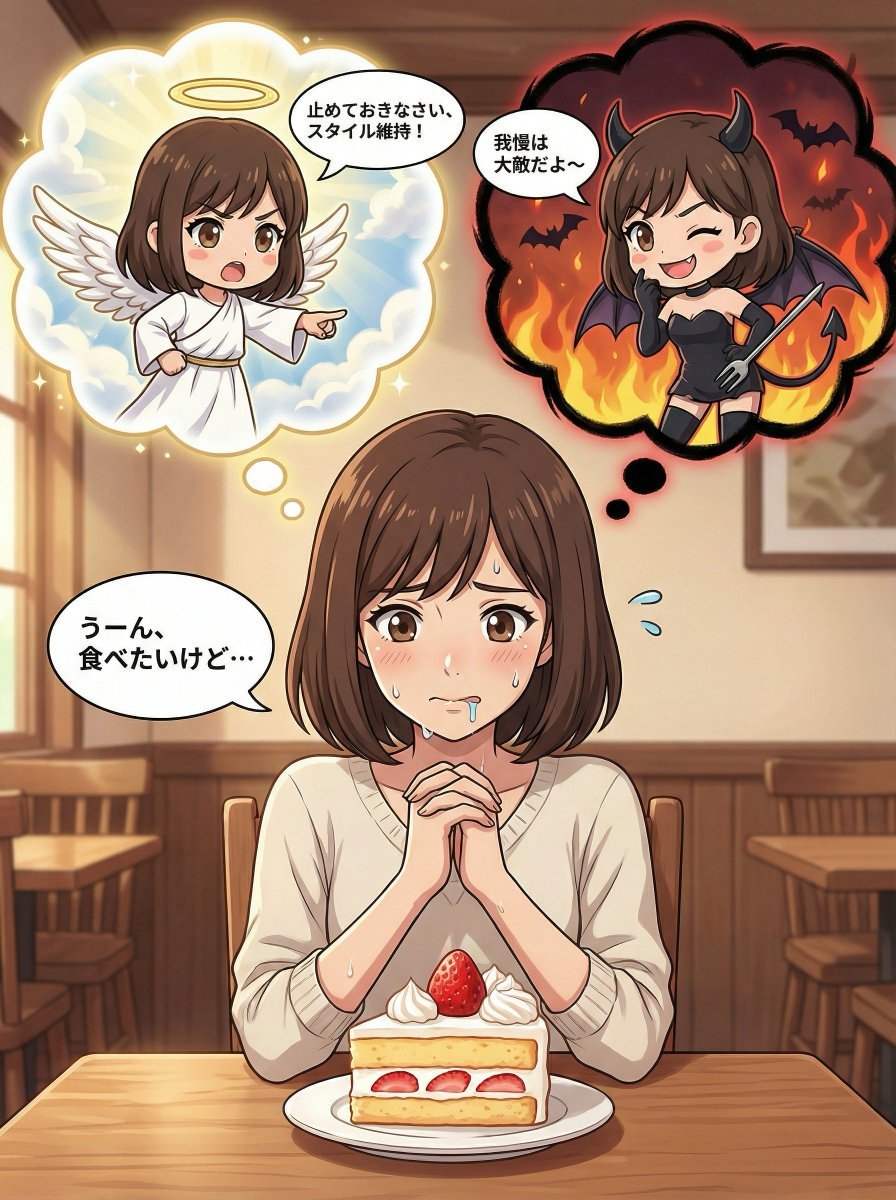
Complex Comic Panel Generation: Speech Bubbles and Identity Separation

Complex Illustration Prompt: Cycling on the Moon
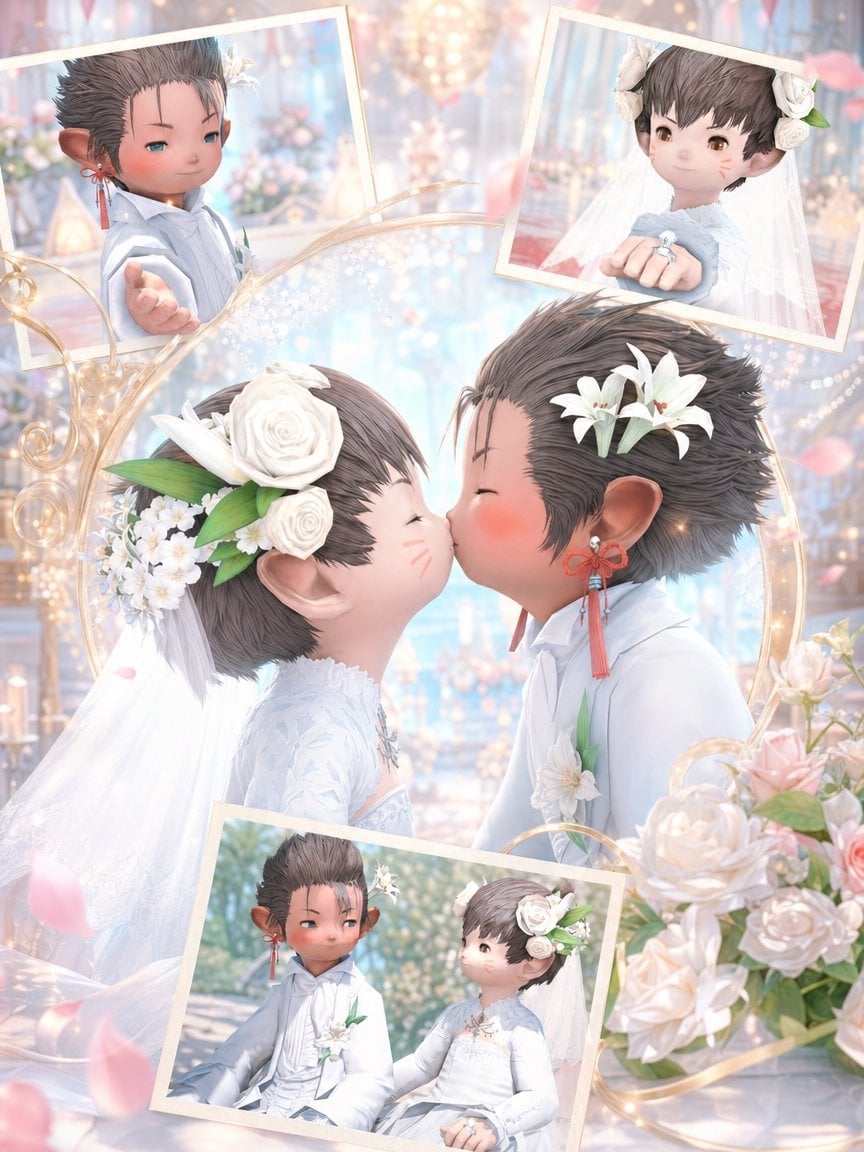
Fantasy Chibi Wedding Collage
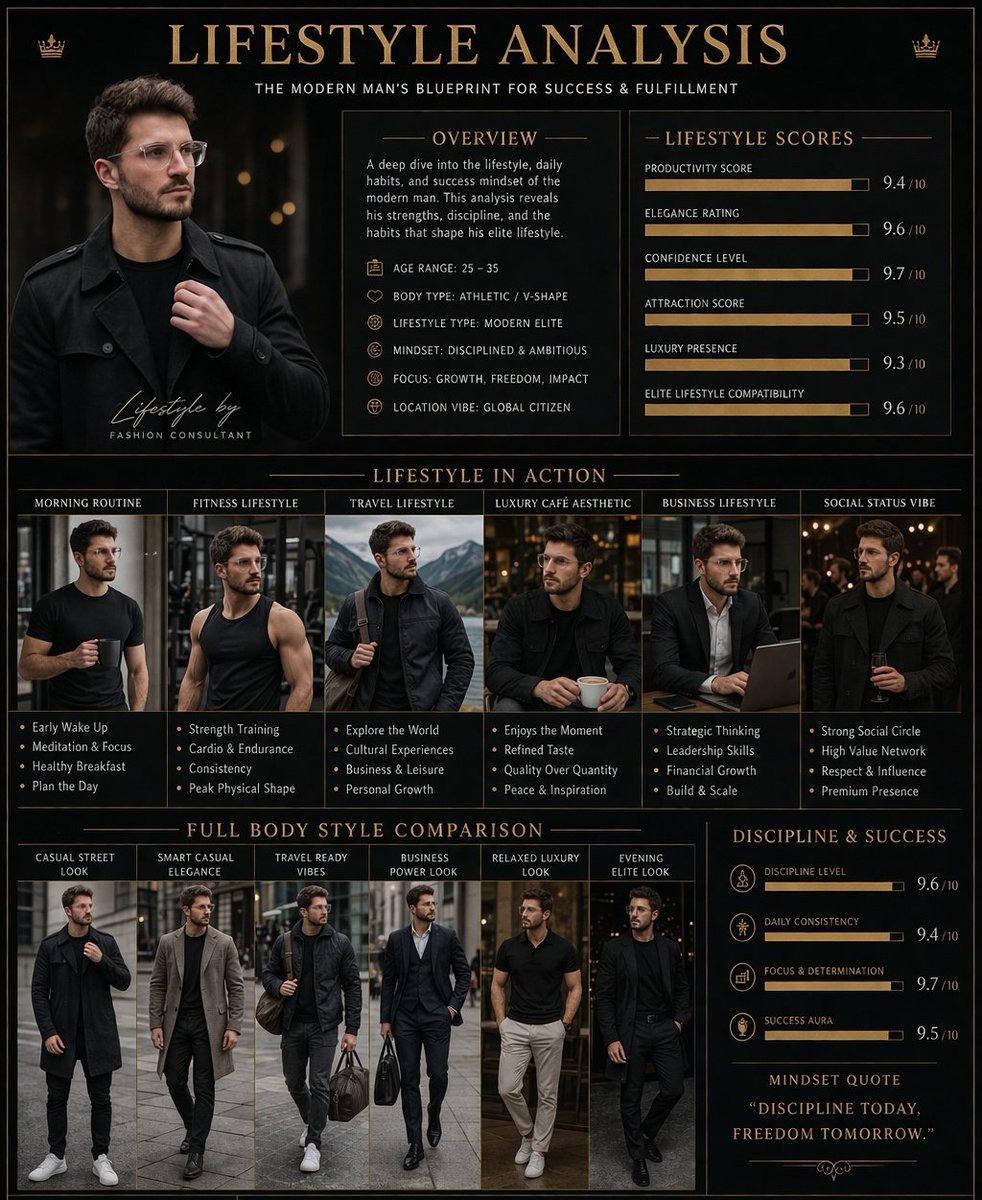
Luxury Lifestyle Analysis Poster
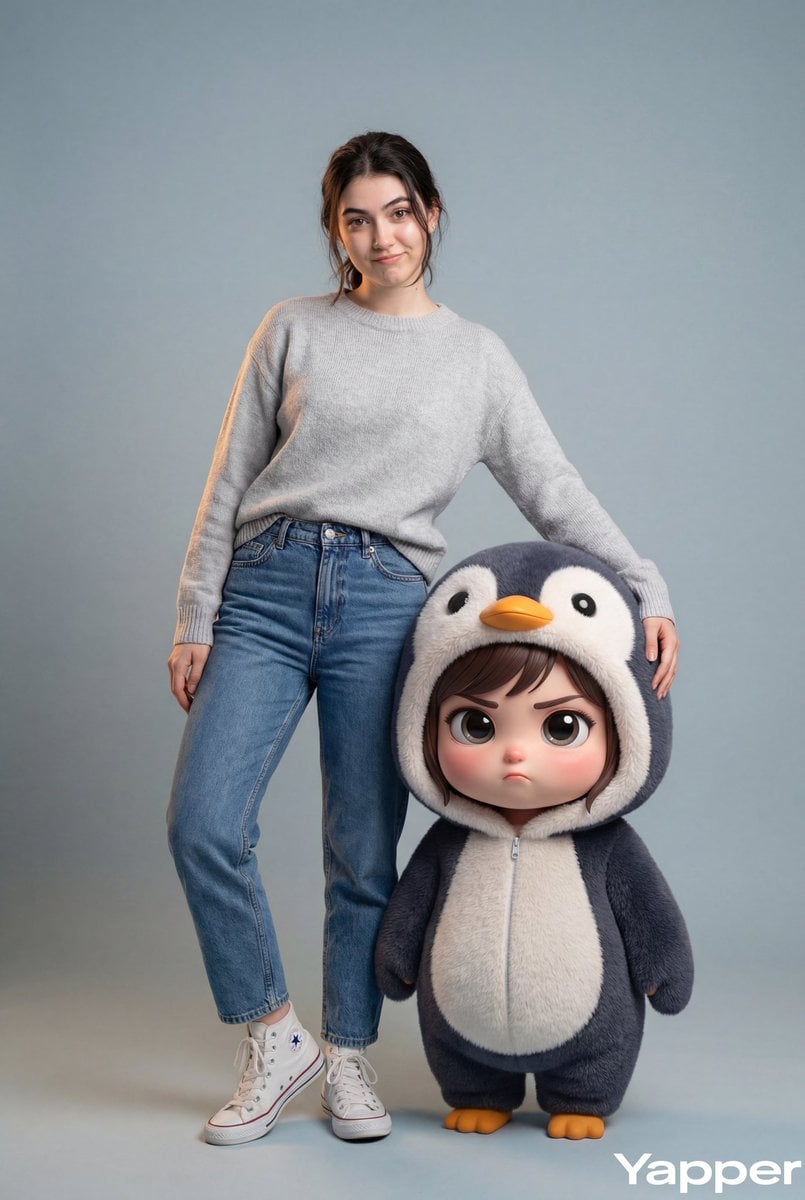
Hyper-Realistic Portrait with Chibi Penguin Character

Rainy Premier League Trophy Celebration
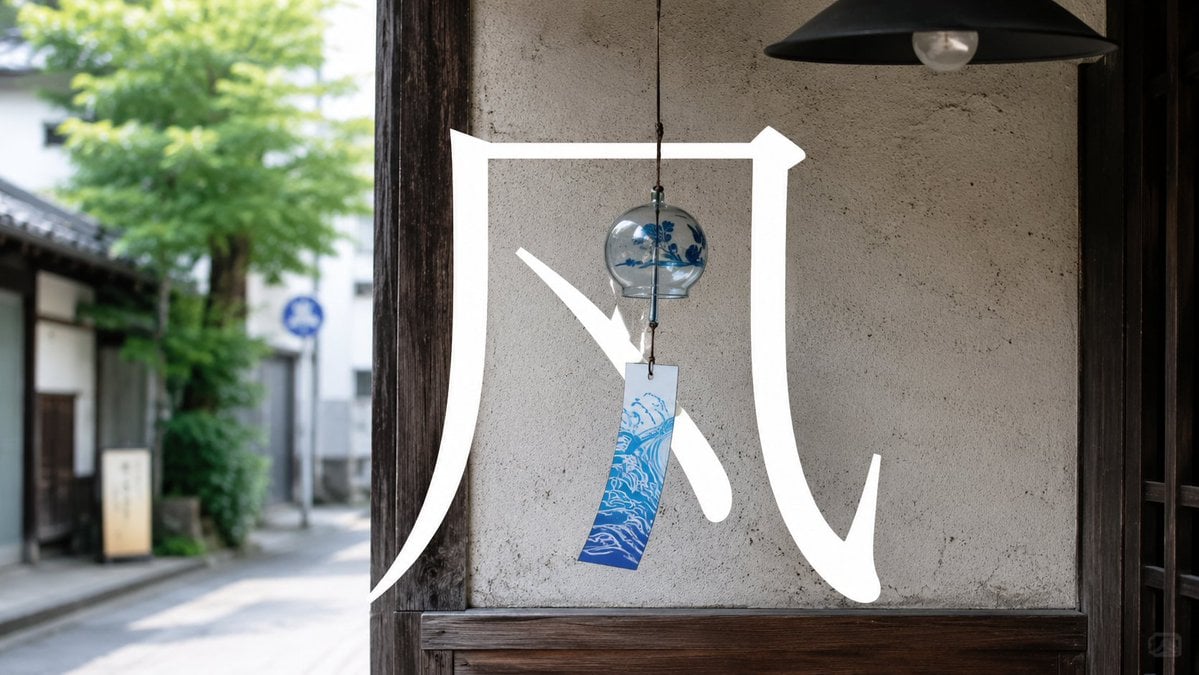
Japanese Wind Chime Calligraphy Photo
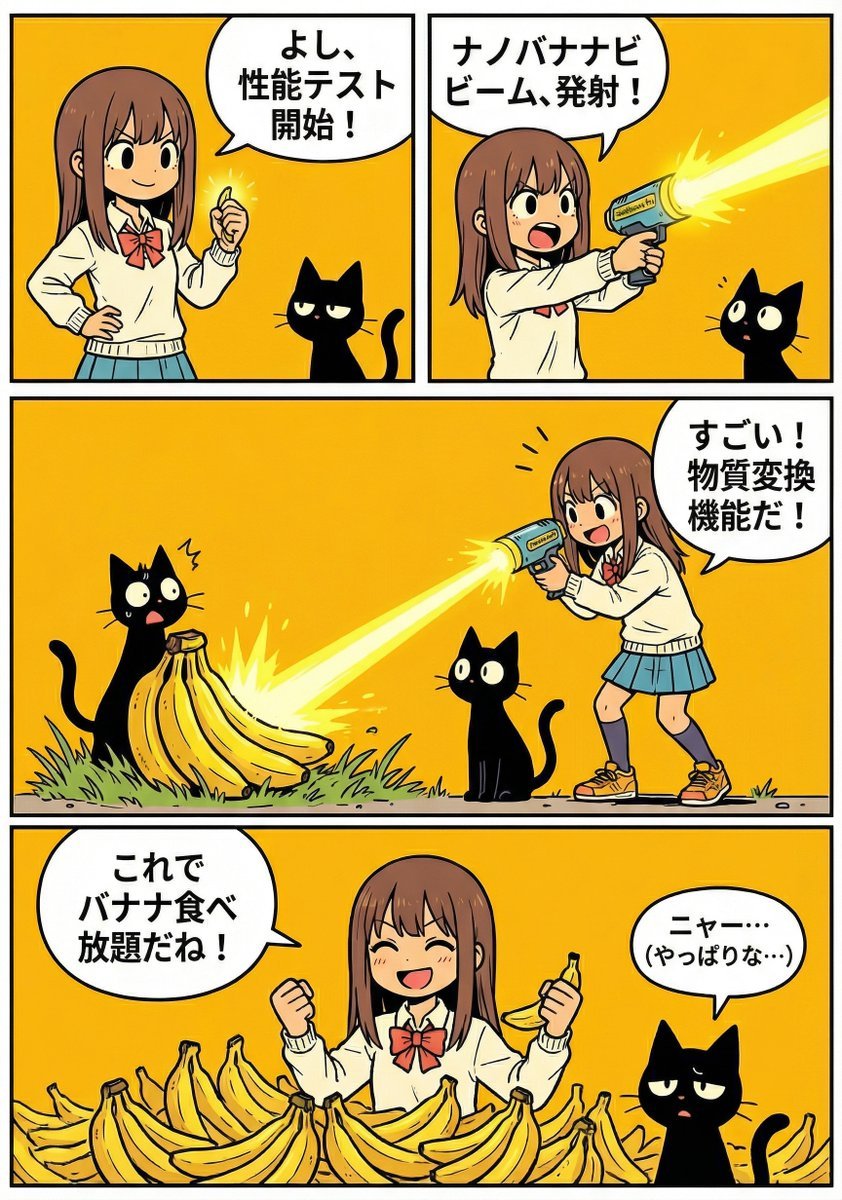
A4 manga about how amazing Nano Banana Pro is
Browse template categories
Aesthetic Gamer Girl Streamer questions
How do I use the Aesthetic Gamer Girl Streamer template?
Add your photo if the template asks for one, edit the prompt if you like — the template's model and format are already selected — and press Generate. Your version opens in PicX Studio.
Can I customize the Aesthetic Gamer Girl Streamer template?
Yes. You can change the subject, setting, lighting, mood, format, and available model controls before creating your image.
Is the Aesthetic Gamer Girl Streamer template free?
Opening and editing this template is free. Generating uses credits, shown on the Generate button when you are signed in.
Which AI model should I use?
Start with GPT Image 2, which is the model associated with this template. You can compare another compatible model for a different finish.
Looking for something else? Browse all templates.

Your photo, any look
Thousands of ready templates for every top image and video model, from one credit balance.