
Underwater Diving Tower Portal
A surreal cinematic underwater scene of a massive abandoned diving tower above a glowing square abyss on the ocean floor.
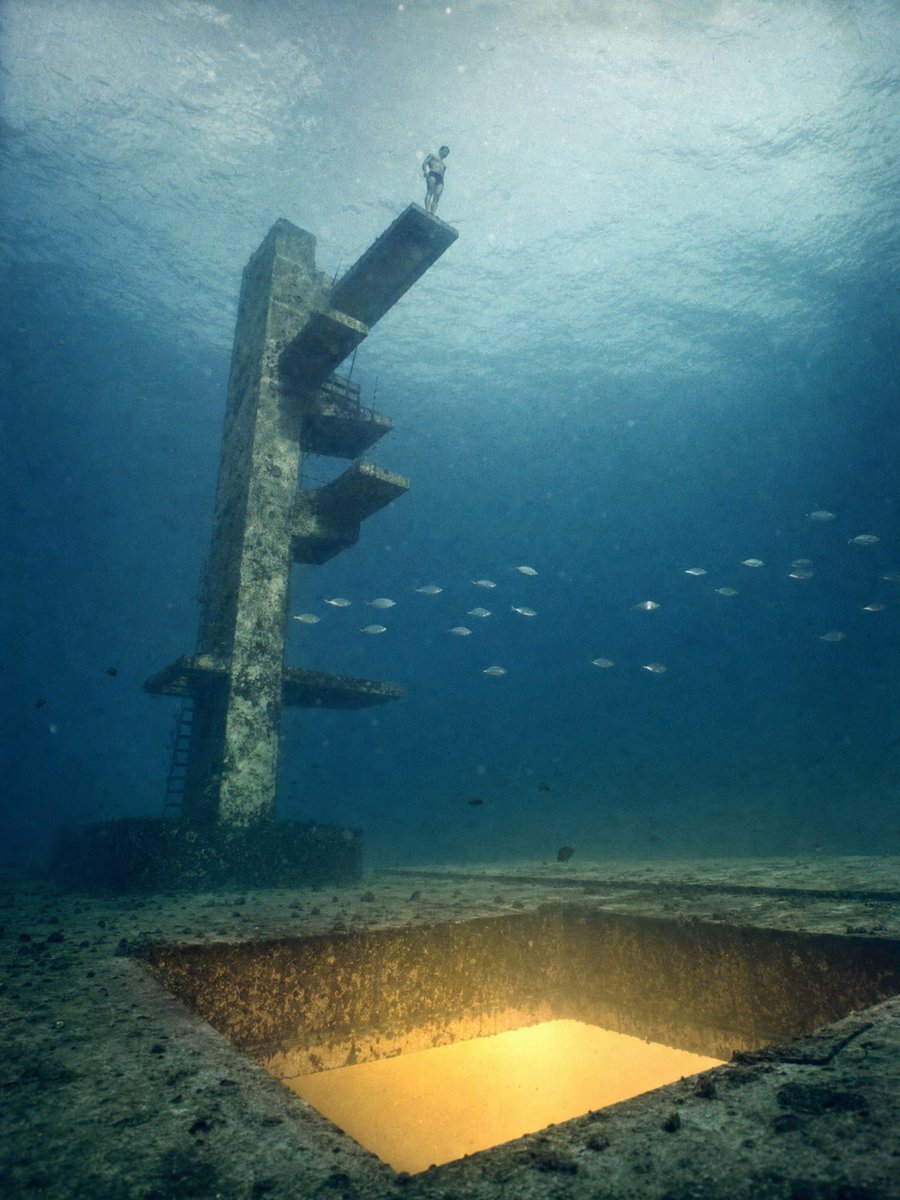
- Prompt included
- Model and format preset
- Free template
The prompt behind this image
Copy the exact prompt behind Underwater Diving Tower Portal, or open it in the studio and make it yours.
Create a vertical cinematic underwater surreal photograph of {argument name="subject" default="an abandoned concrete high diving tower"} standing on the ocean floor, seen from a low wide angle in murky blue-green water. The tower is tall, weathered, algae-stained, and monolithic, leaning slightly in perspective, with exactly 5 visible protruding structures: 1 long top diving board with a lone human diver standing at its very end, 1 small upper side platform, 1 middle platform with a thin railing, 1 lower platform, and 1 wide base-level platform with a ladder descending beside it. The diver is tiny compared with the structure, wearing swim trunks or a minimal diving suit, posed upright and contemplative as if about to dive. In the foreground, cut into the sandy seabed, place a large square shaft or portal glowing with warm golden-yellow light, as though it leads to another deeper ocean or impossible depth below; the square opening should have rough vertical concrete or rock walls and bright luminous water inside. Include exactly 24 small fish silhouettes scattered across the mid-right water column in loose groups, plus a few tiny dark particles and bubbles suspended throughout. The water surface is visible far above as a pale rippled ceiling with diffused sunlight, while the background fades into deep teal haze. Use {argument name="mood" default="eerie, dreamlike, quiet, monumental"} atmosphere, realistic underwater photography, soft volumetric light rays, suspended sediment, muted colors, high detail, no text, no logo, no watermark. Emphasize the impossible concept: the highest diving board in the world located at the bottom of the ocean, with even more depth glowing beneath it.
How to use Underwater Diving Tower Portal in 3 steps
- 1Upload ImagePNG, JPG or paste
Add your photo
Upload the photo the template builds on. The prompt, model and format are already set.
- 2…a portrait of your subject in softgolden-hour light, 85mm…
Personalize
Edit the subject and creative details for your destination.
- 3Generate
Generate
Press Generate — your image is created in PicX Studio, so you can compare it with the original and refine one variable at a time.
More like this
Templates with the same subject, style or setup. Open one to see its prompt.
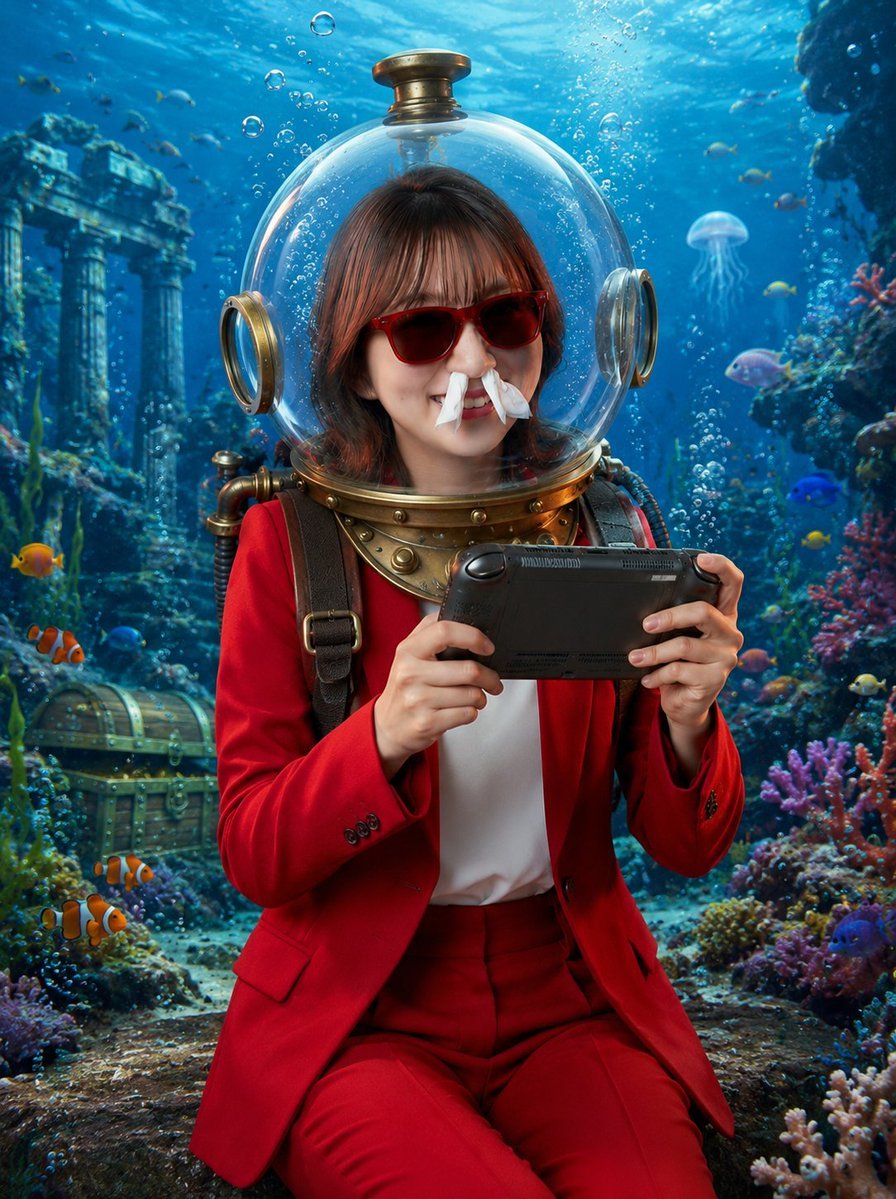
Underwater Gamer in Diving Helmet
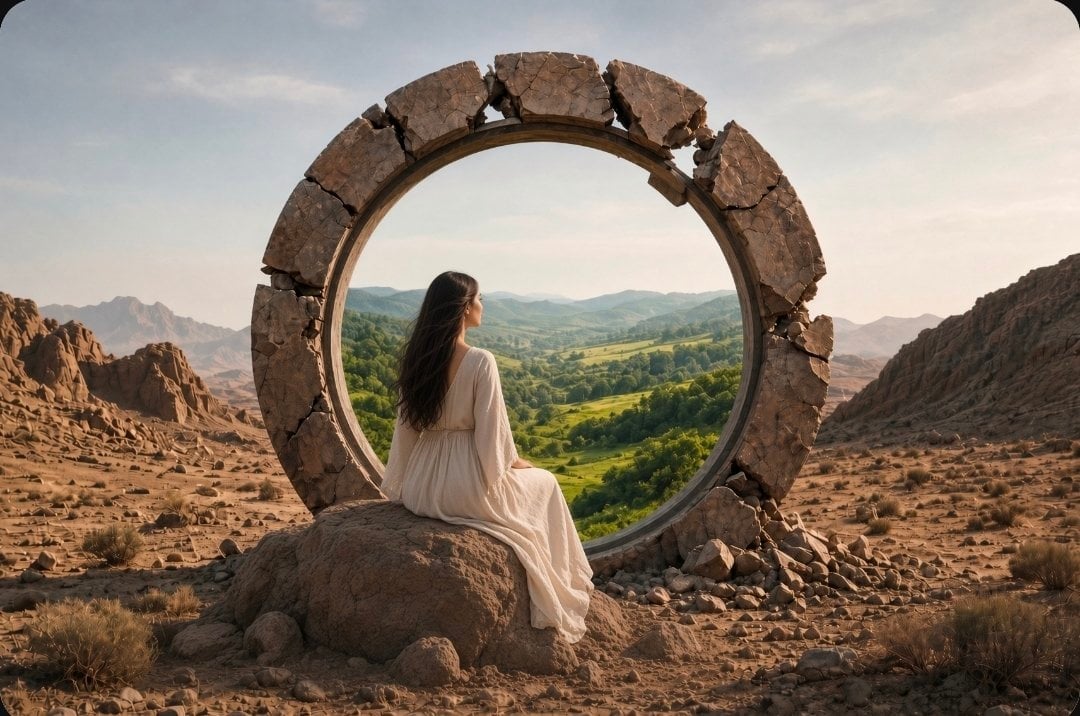
Fantasy Desert Portal Scene

Puppy and Robot Dog Cyber Portal
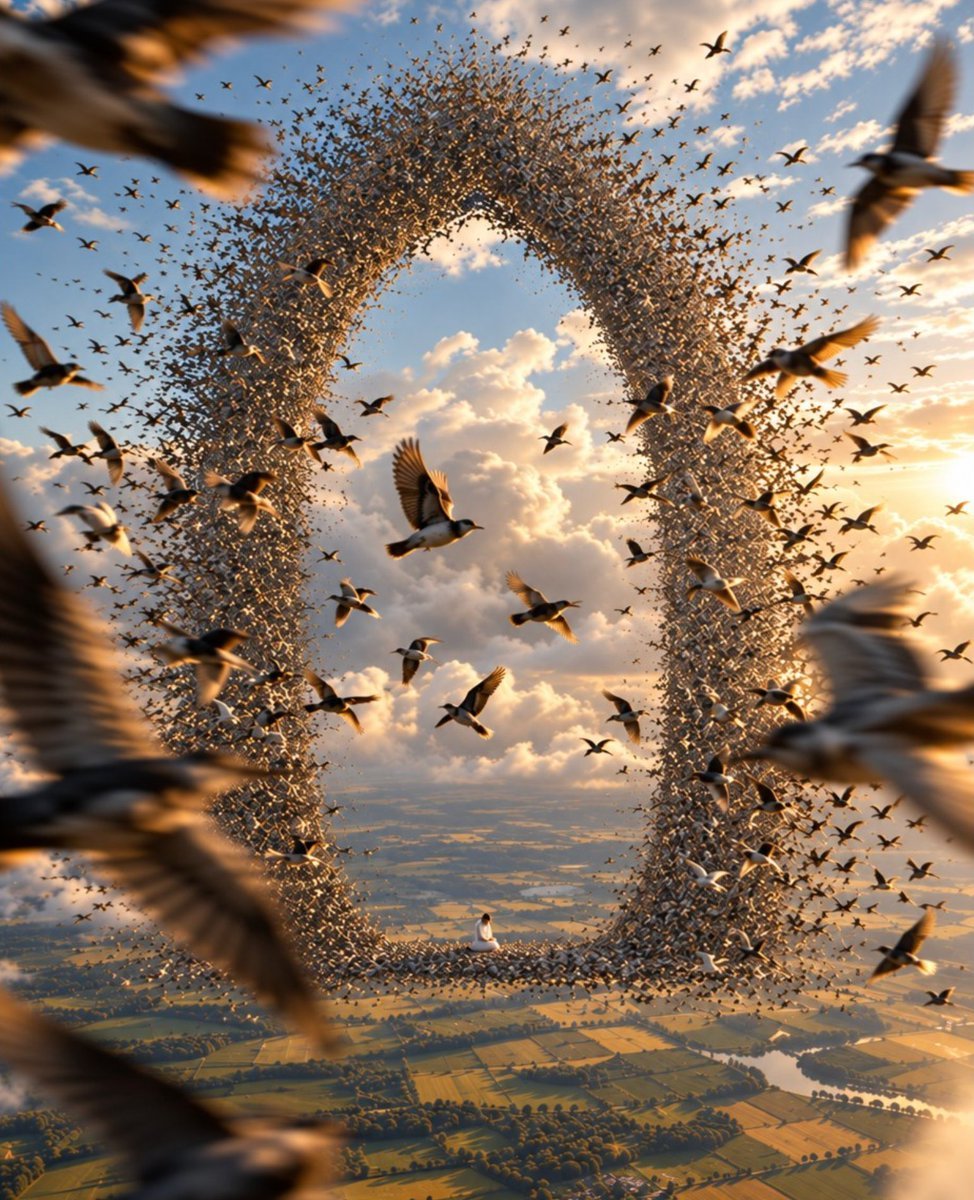
Giant Bird Portal in the Sky
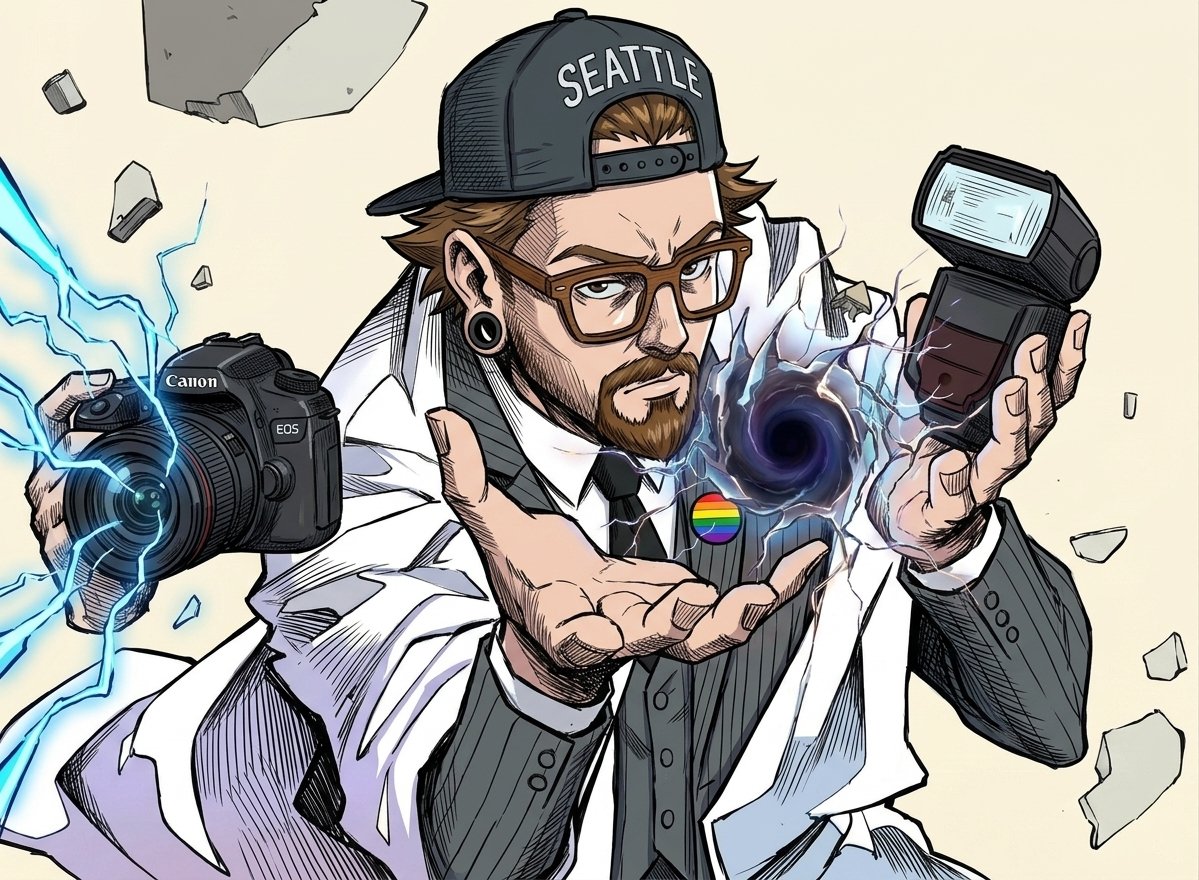
Comic Photographer Portal Action Scene
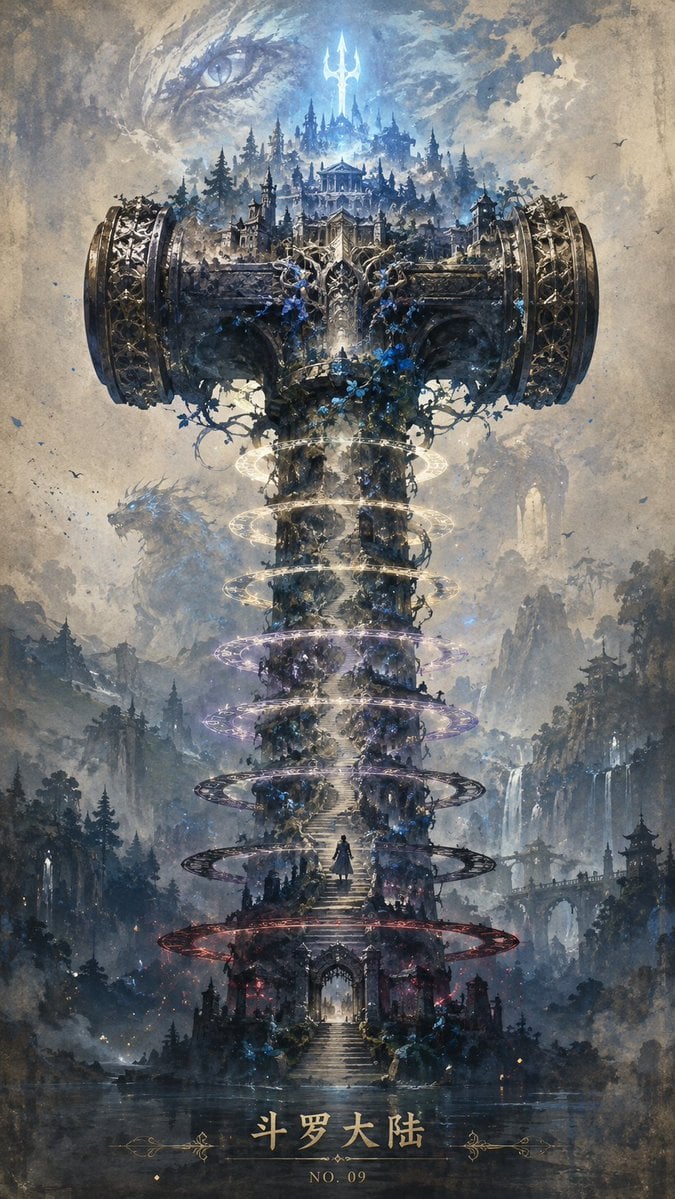
Epic Douluo Fantasy Tower Poster

Luxury Travel Glass Portal Poster
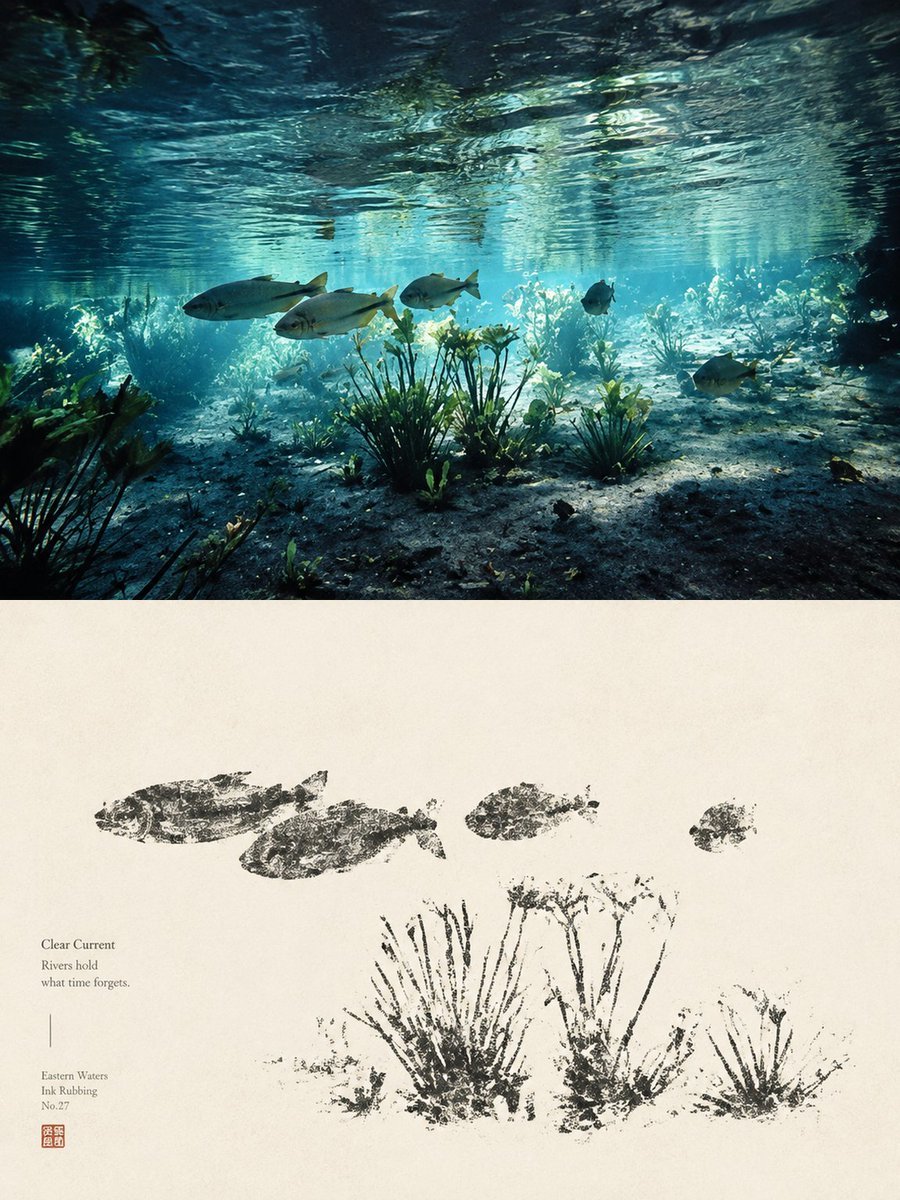
Underwater River Ink Rubbing Diptych

Underwater Macro Face Portrait
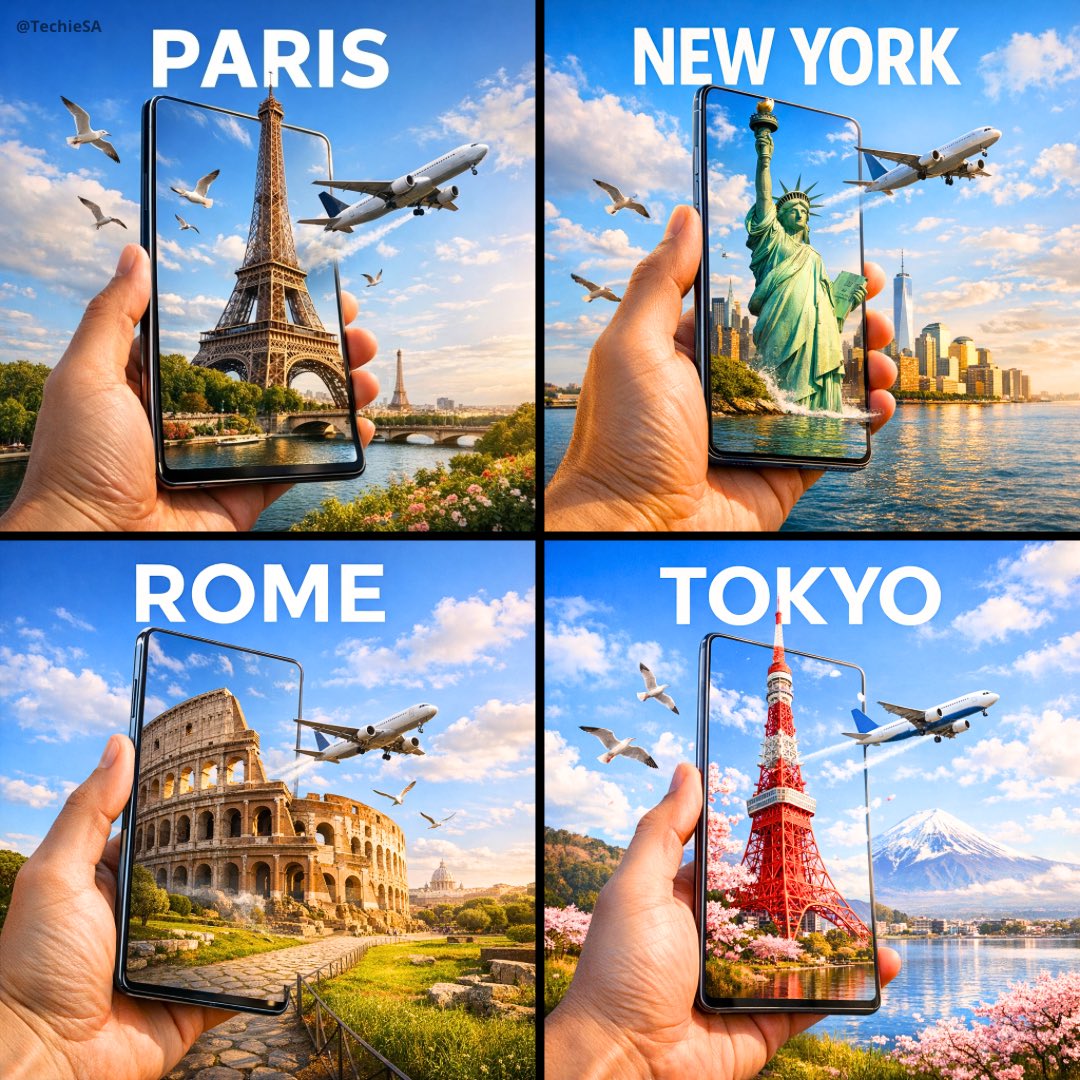
Travel Ad Phone Portal 3D Effect
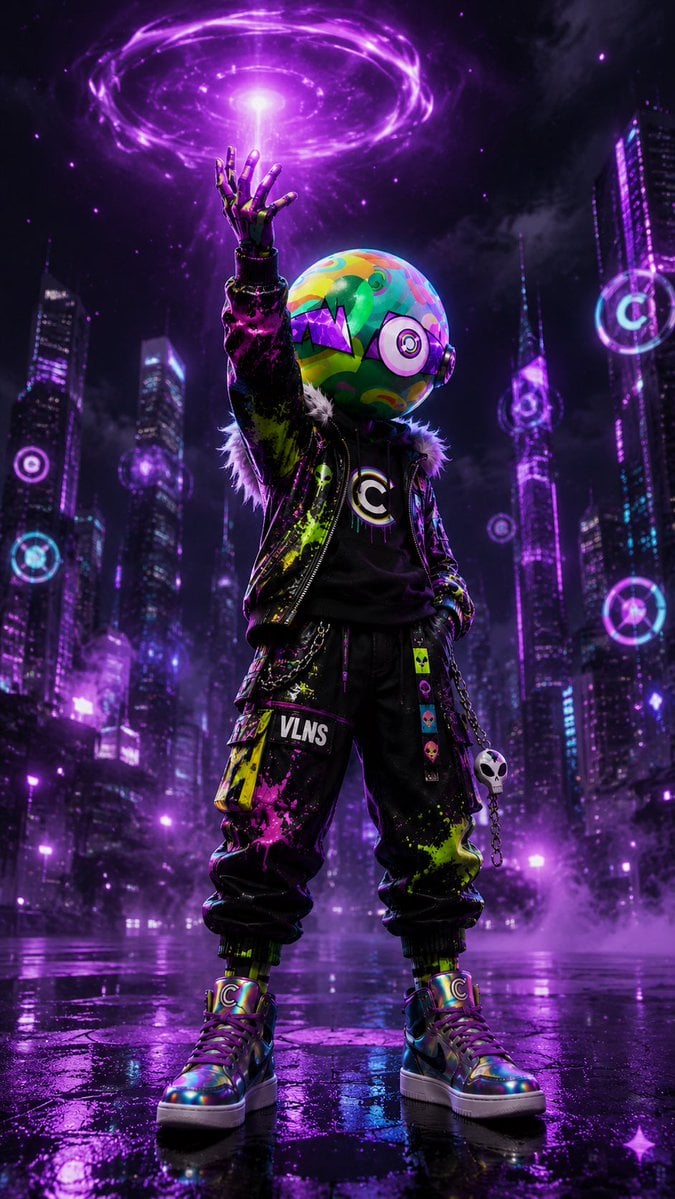
Cyberpunk Vinyl Character Summoning Portal

Surreal Marble Gallery Portals
Make it yours
Underwater Diving Tower Portal works as-is. These are the safest ways to change it without losing the look.
Change one field
Copy a single group, rewrite it, and generate again so you can see what that field is doing.
Keep the frame, change the subject
Hold the composition and light of Underwater Diving Tower Portal, then swap wardrobe, props or the person for a new take.
| If the result… | Why | Fix |
|---|---|---|
| The result drifts from the preview | Too many fields changed at once. | Reuse Underwater Diving Tower Portal as-is first, then change one group — subject, light, or setting. |
| The model over-stylizes the scene | The prose prompt leaves finish and camera underspecified. | Add one camera or lighting sentence and stay on GPT Image 2. |
More GPT Image 2 templates
Other prompts made for GPT Image 2.

Six VTuber Japanese Logo Sheet

Realistic Portrait of Woman and Deer

The Vista Modular Condo Poster

AI Model Routing Comparison Infographic

2.5D Anime Art Board

Isometric Productivity Desk Scene

New York Double Exposure Poster

Four-Panel AI Landscape Comparison

Japanese Tatami Lifestyle Magazine Cover

NESCAFÉ Coffee Map Poster
More image prompts
Fresh picks from across the catalog.
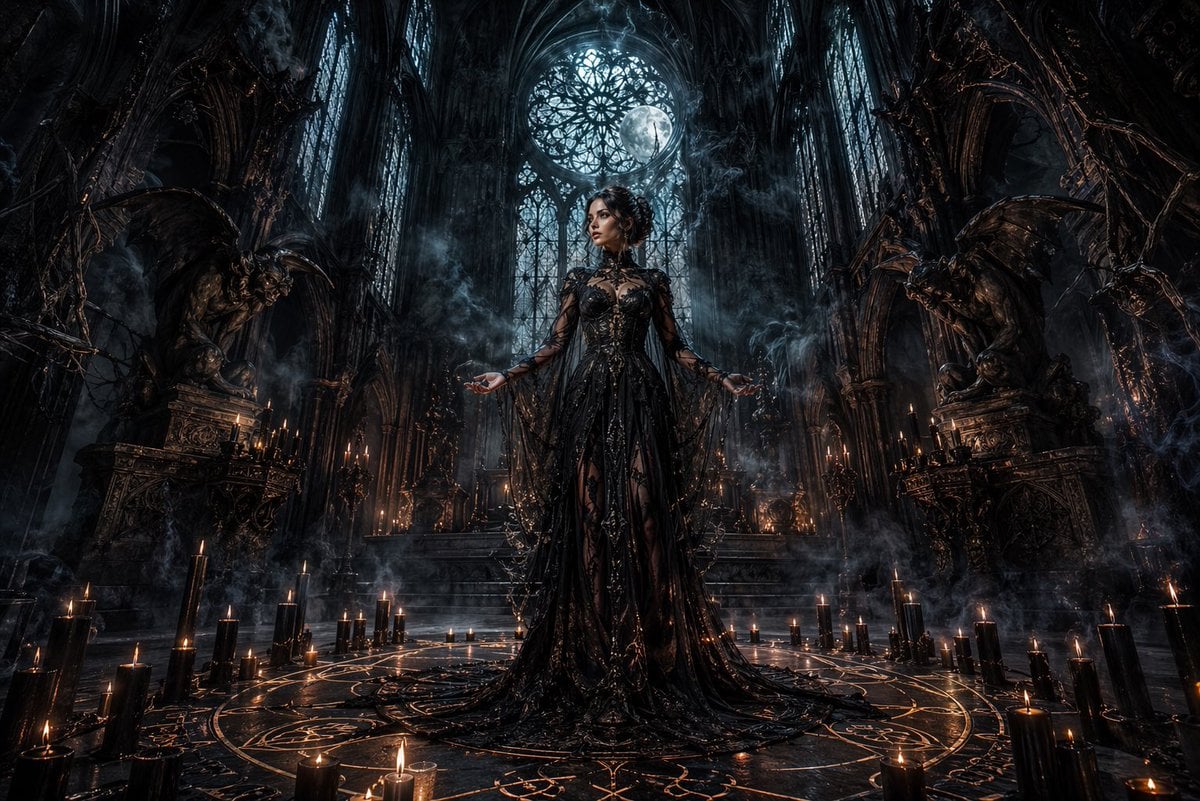
Dark Gothic Ritual in Cathedral
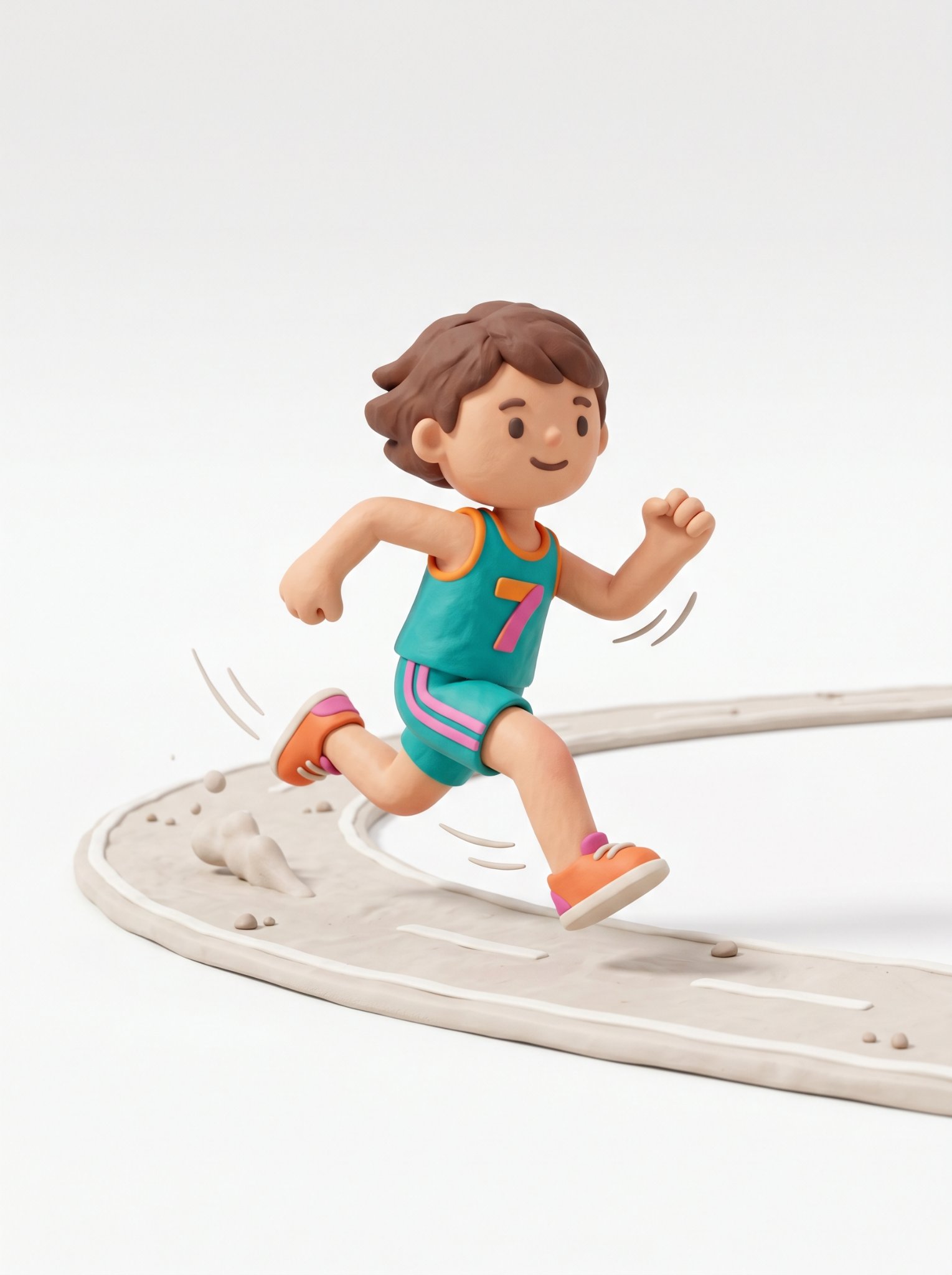
Cute 3d Stylized Runner in Clay Style
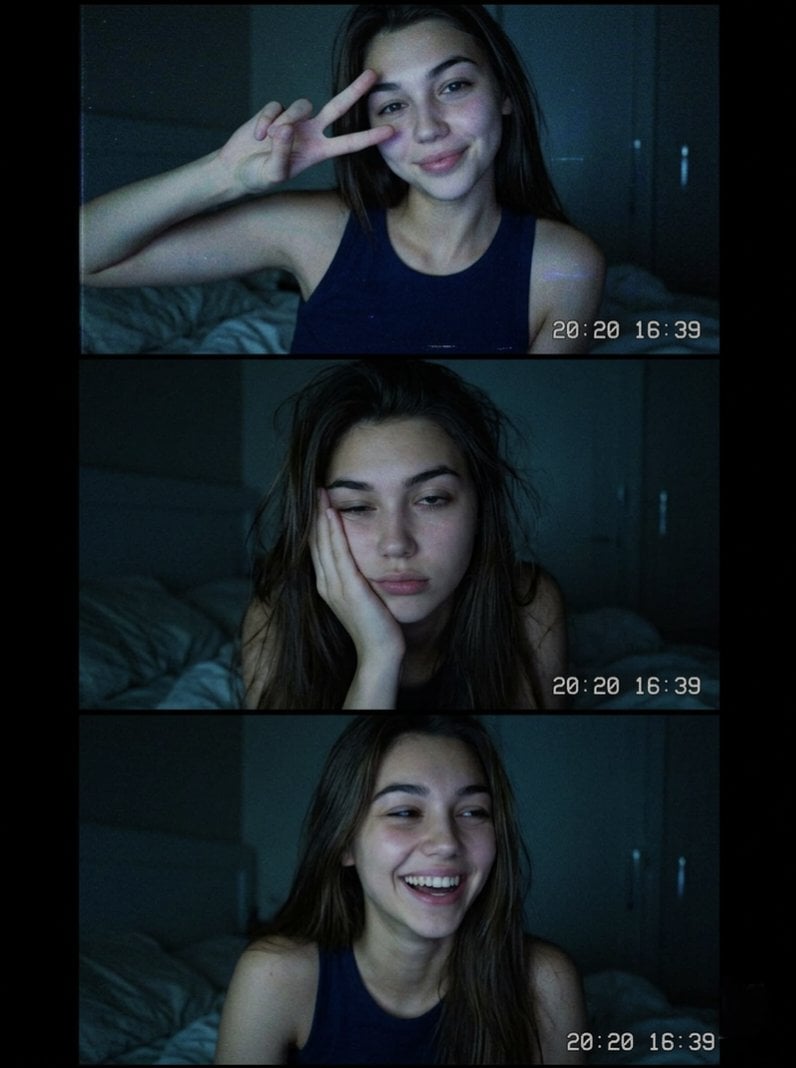
Vintage Webcam Photo Collage
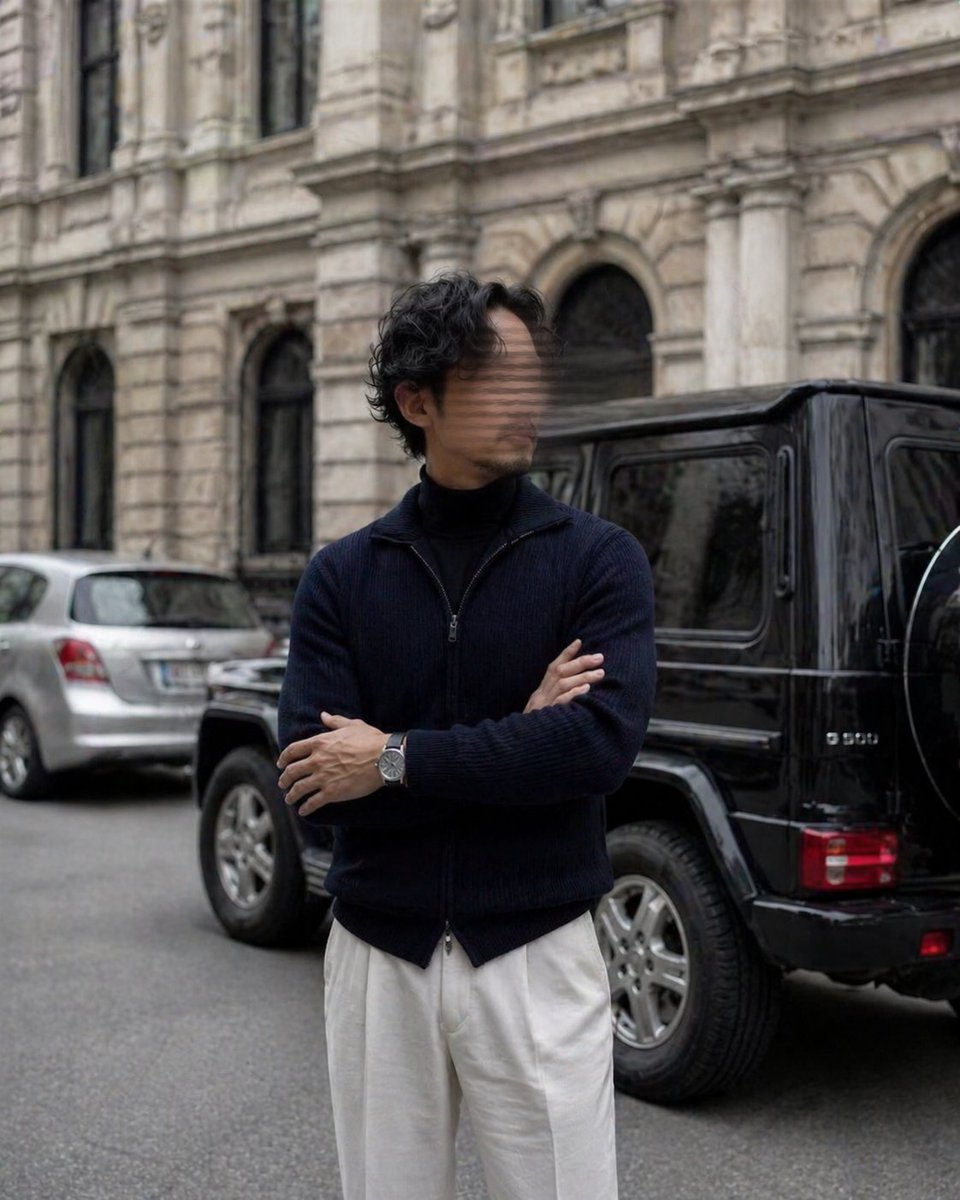
Luxury Street Style Portrait
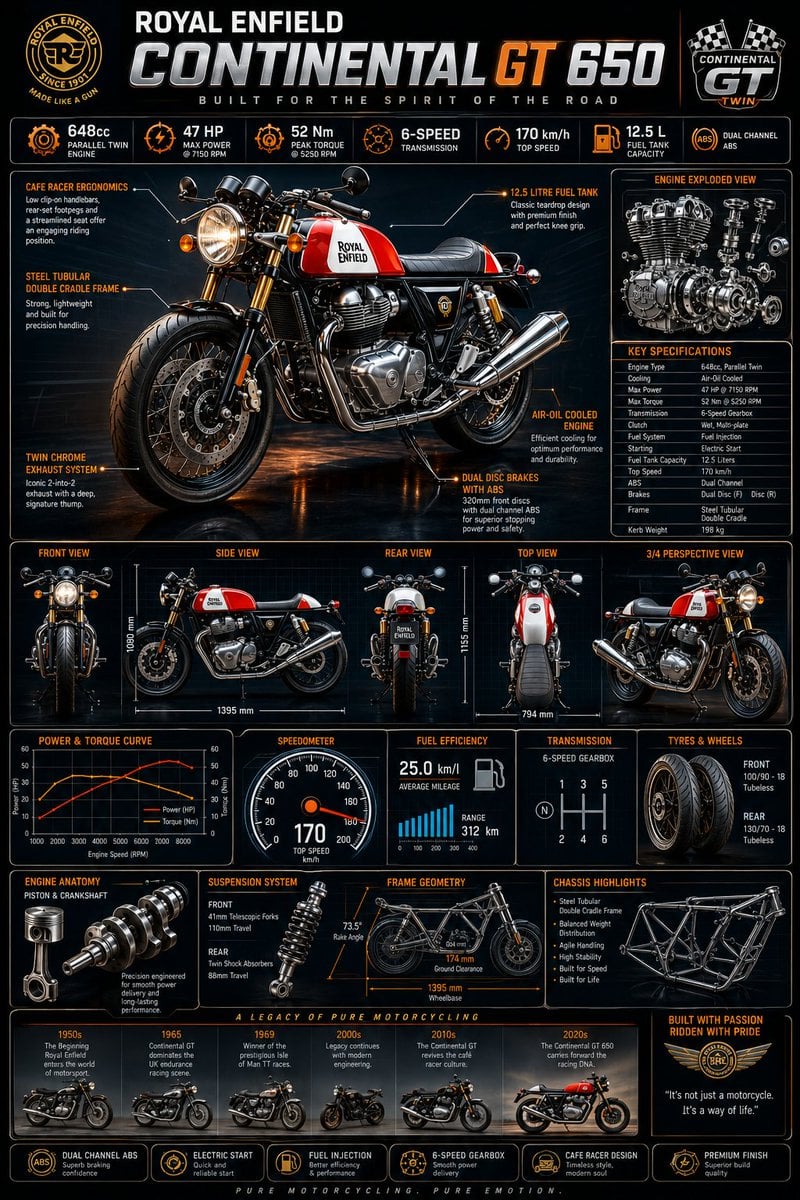
Motorcycle Engineering Infographic Poster

Generate an image in the style of a given moodboard

Carpet-Covered Vintage Car Fashion Shoot
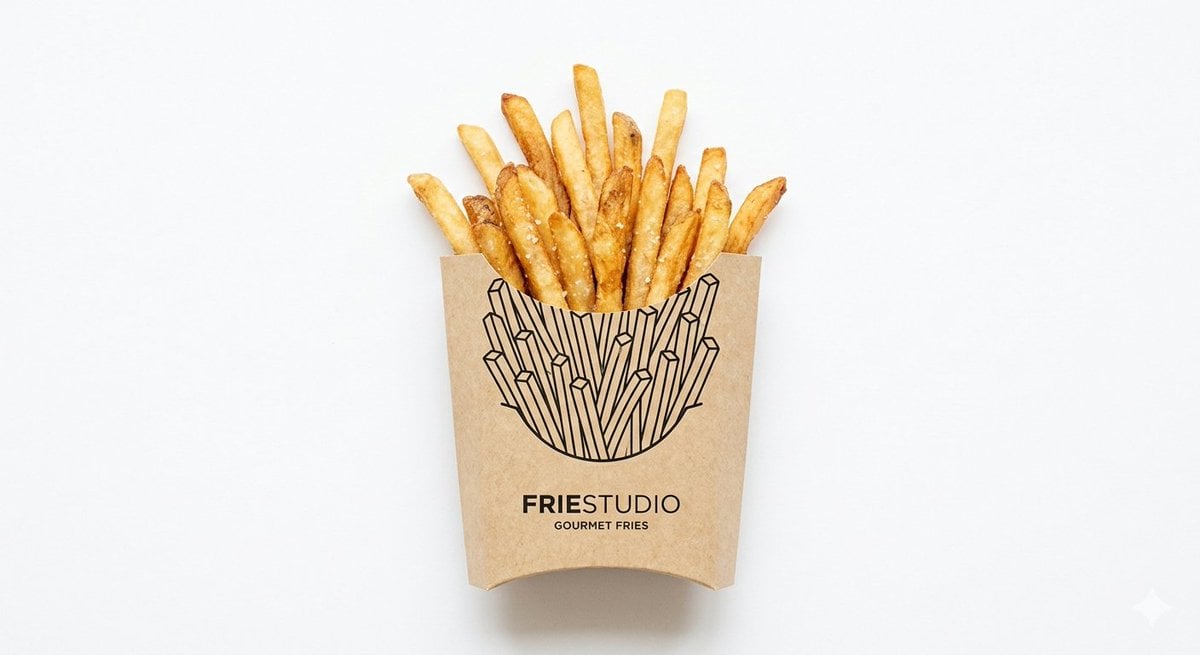
Minimalist Food Illustration and Photorealism Blend

Gemini Nano Banana 2

Photo-to-Realistic Anime Character Conversion
Browse template categories
Underwater Diving Tower Portal questions
How do I use the Underwater Diving Tower Portal template?
Add your photo if the template asks for one, edit the prompt if you like — the template's model and format are already selected — and press Generate. Your version opens in PicX Studio.
Can I customize the Underwater Diving Tower Portal template?
Yes. You can change the subject, setting, lighting, mood, format, and available model controls before creating your image.
Is the Underwater Diving Tower Portal template free?
Opening and editing this template is free. Generating uses credits, shown on the Generate button when you are signed in.
Which AI model should I use?
Start with GPT Image 2, which is the model associated with this template. You can compare another compatible model for a different finish.
Looking for something else? Browse all templates.

Your photo, any look
Thousands of ready templates for every top image and video model, from one credit balance.