
Surreal Marble Gallery Portals
A luxury fashion editorial scene of a bearded male model surrounded by floating marble portal portraits in a grand neoclassical gallery.
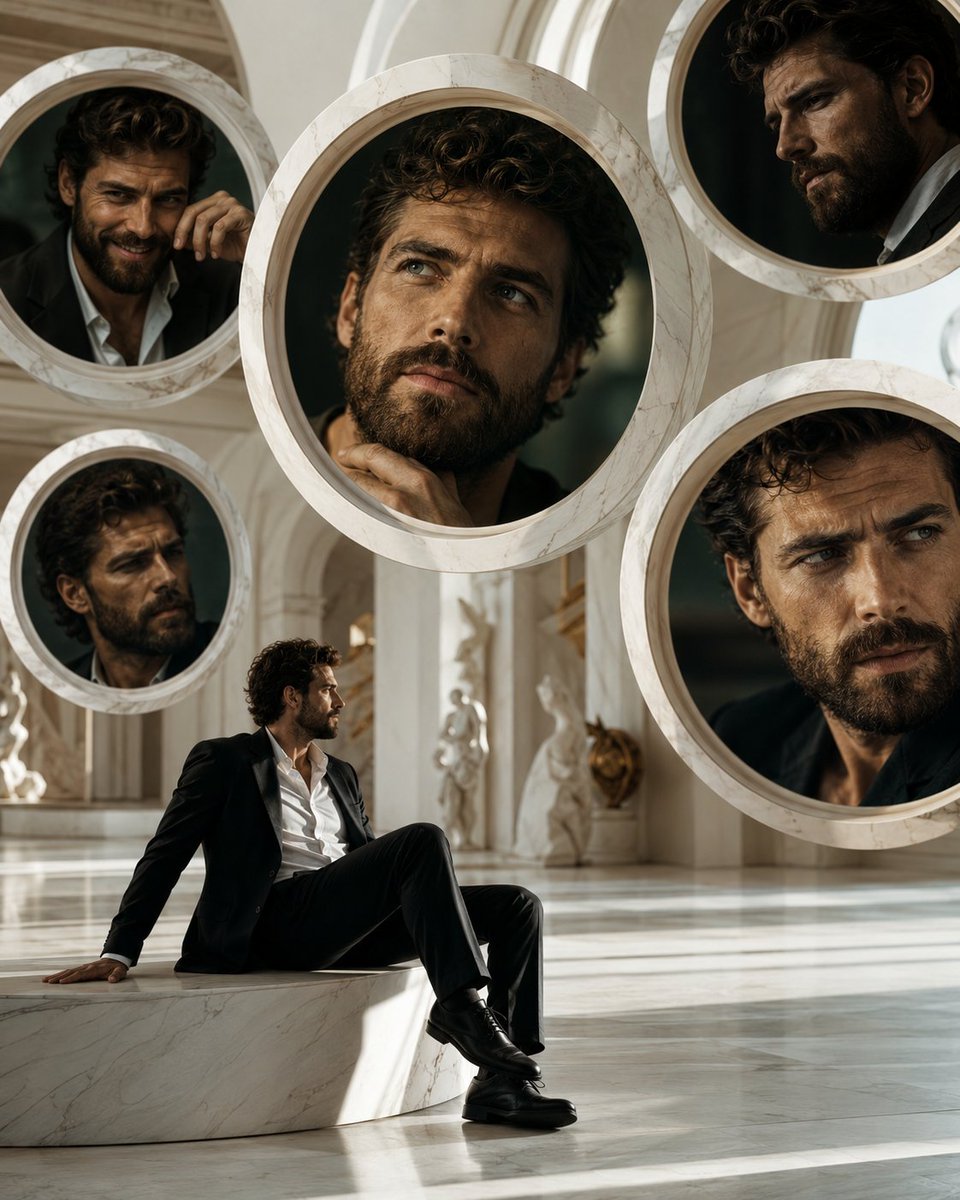
- Prompt included
- Model and format preset
- Premium template
The prompt behind this image
Copy the exact prompt behind Surreal Marble Gallery Portals, or open it in the studio and make it yours.
Create a hyper-realistic high-fashion editorial photograph in a vertical 4:5 frame set inside a grand surreal white marble gallery. The scene features a luxurious neoclassical interior with polished marble floors, tall cream-white arches, carved columns, soft daylight, subtle statues in the background, and warm cinematic shadows. In the lower left foreground, place one seated Hollywood-style male fashion model with curly dark hair, a thick beard, and a strong masculine presence, wearing a sharp black suit, open-collar white dress shirt, black trousers, and glossy black leather dress shoes; he sits casually on a low white marble plinth with one hand braced behind him and one leg bent, looking upward into the surreal installation. Around him, suspend exactly five large circular white marble portal frames like floating mirrors/windows, each with thick beveled stone rims and dark reflective interiors, showing close-up alternate versions of the same bearded male model with different poses and emotions: 1) upper left portal, small, the man leans forward with one hand near his face; 2) center portal, largest, dramatic close-up of curly hair, beard, and hand near chin; 3) upper right portal, partial close-up in profile wearing a dark suit; 4) lower left portal, smaller close-up with serious shadowed expression; 5) right side portal, large close-up cropped at the cheek and collarbone with intense moody lighting. Make the portals overlap the architecture and each other with believable depth, reflections, and occlusion, as if revealing parallel cinematic portraits. Visual style: hyper-realistic, luxury fashion campaign, masculine cinematic beauty, controlled surreal chaos, marble texture detail, shallow depth of field in the portraits, warm beige and ivory palette, black suit contrast, natural museum-gallery lighting, elegant editorial composition. Use no text, no logos, no watermark, no extra people, and keep the model’s face visible rather than covered. Optional customization: model identity can be described as {argument name="character name" default="an unnamed Hollywood-style bearded male model"}, outfit as {argument name="outfit" default="black suit with an open-collar white dress shirt"}, setting as {argument name="gallery material" default="white marble"}, mood as {argument name="emotional tone" default="surreal masculine cinematic perfection"}, and number of portals as {argument name="portal count" default="five"}.
How to use Surreal Marble Gallery Portals in 3 steps
- 1Upload ImagePNG, JPG or paste
Add your photo
Upload the photo the template builds on. The prompt, model and format are already set.
- 2…a portrait of your subject in softgolden-hour light, 85mm…
Personalize
Edit the subject and creative details for your destination.
- 3Generate
Generate
Press Generate — your image is created in PicX Studio, so you can compare it with the original and refine one variable at a time.
More like this
Templates with the same subject, style or setup. Open one to see its prompt.

Surreal Cat Astronaut — Humanoid Face Freefall
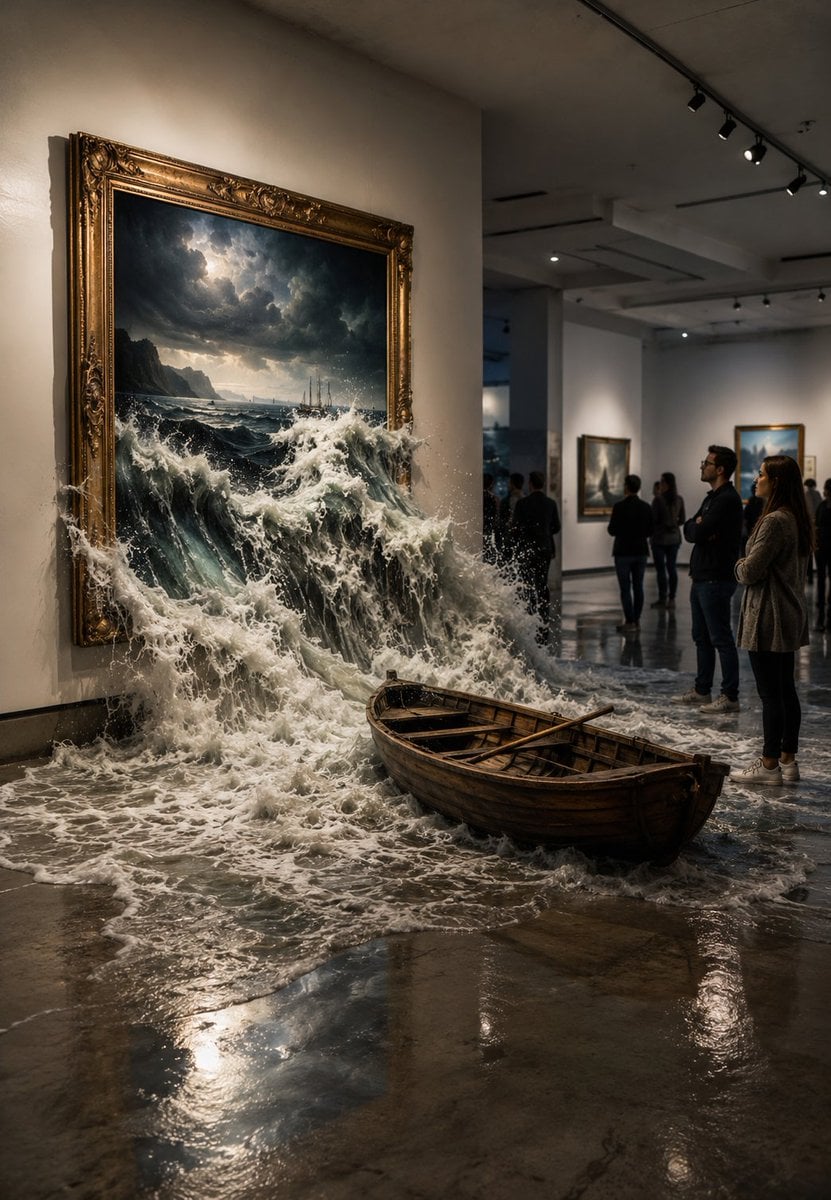
Flooded Art Gallery Surrealism

Bold Red Contrast Fashion Editorial Newspaper Room

Open Magazine Luxury Fashion Editorial Layout

Stylized Fashion Portrait Bold Color Contrast Editorial
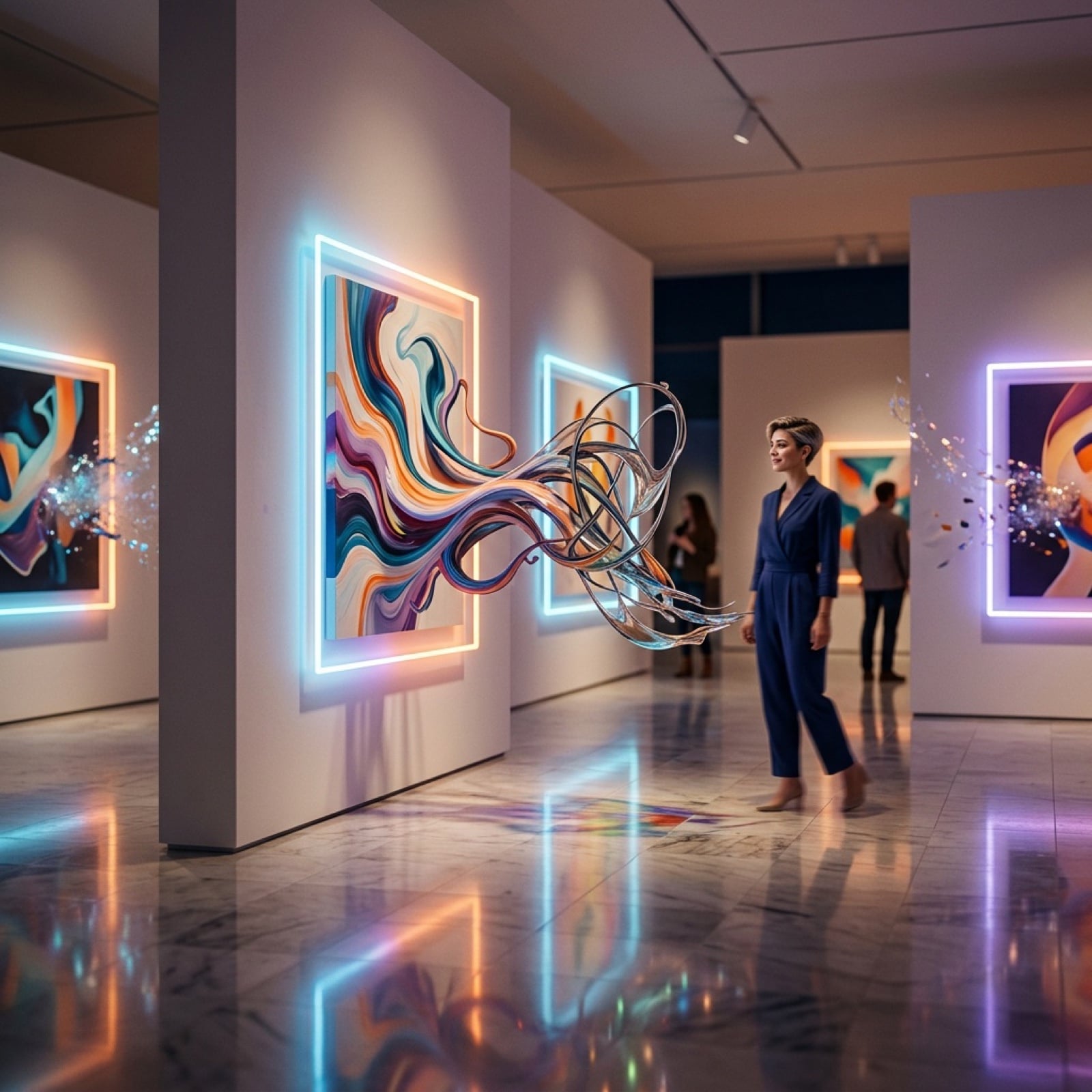
Surreal Art Gallery Concept Prompt for Nano Banana 2

Azed Double Exposure

Firefly Pixar Spill — Nano Banana Pro
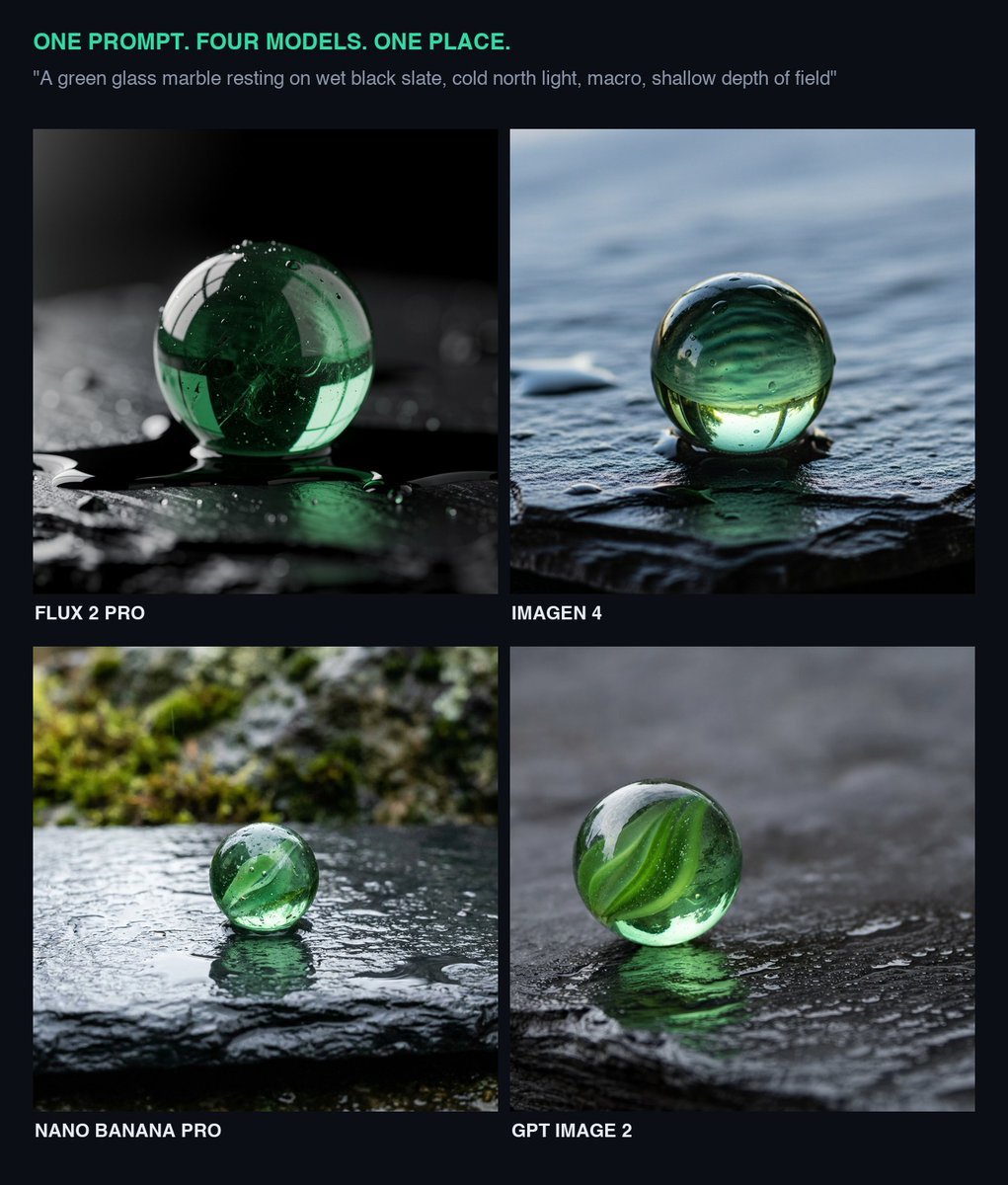
Glass Marble on Wet Slate
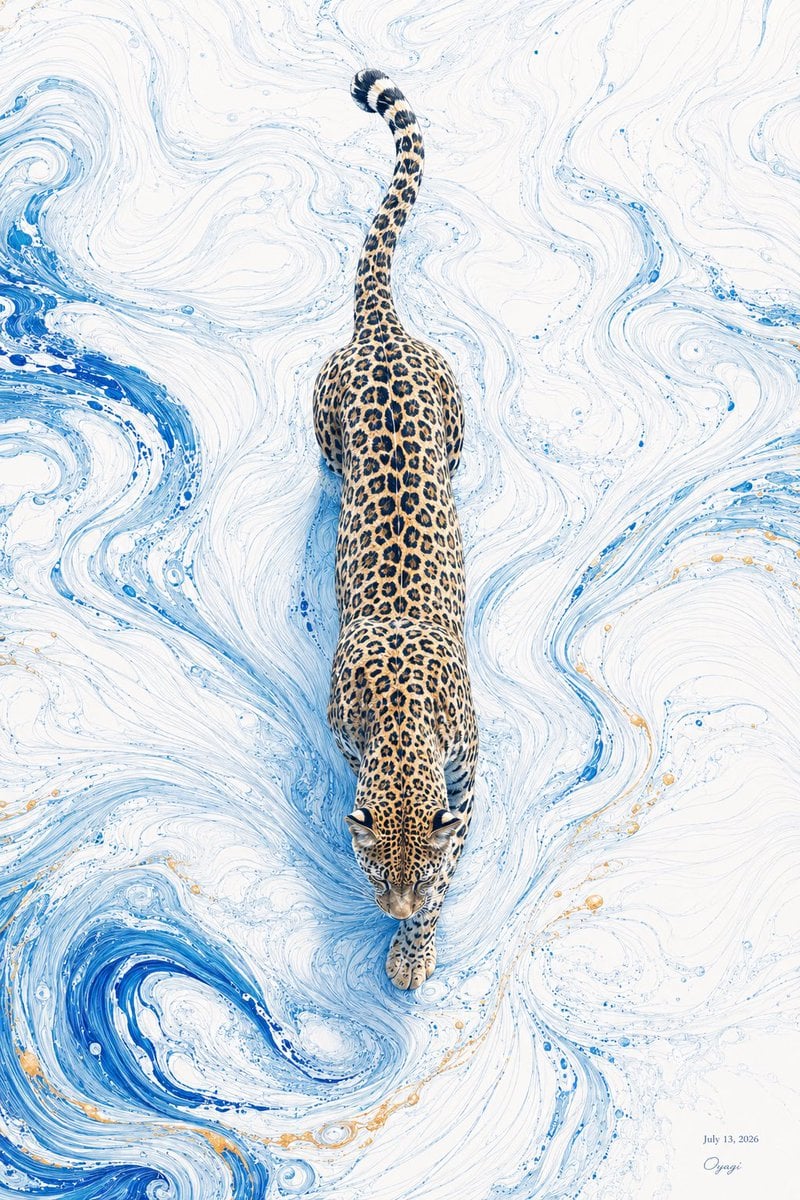
Overhead Leopard in Blue Marble Swirls
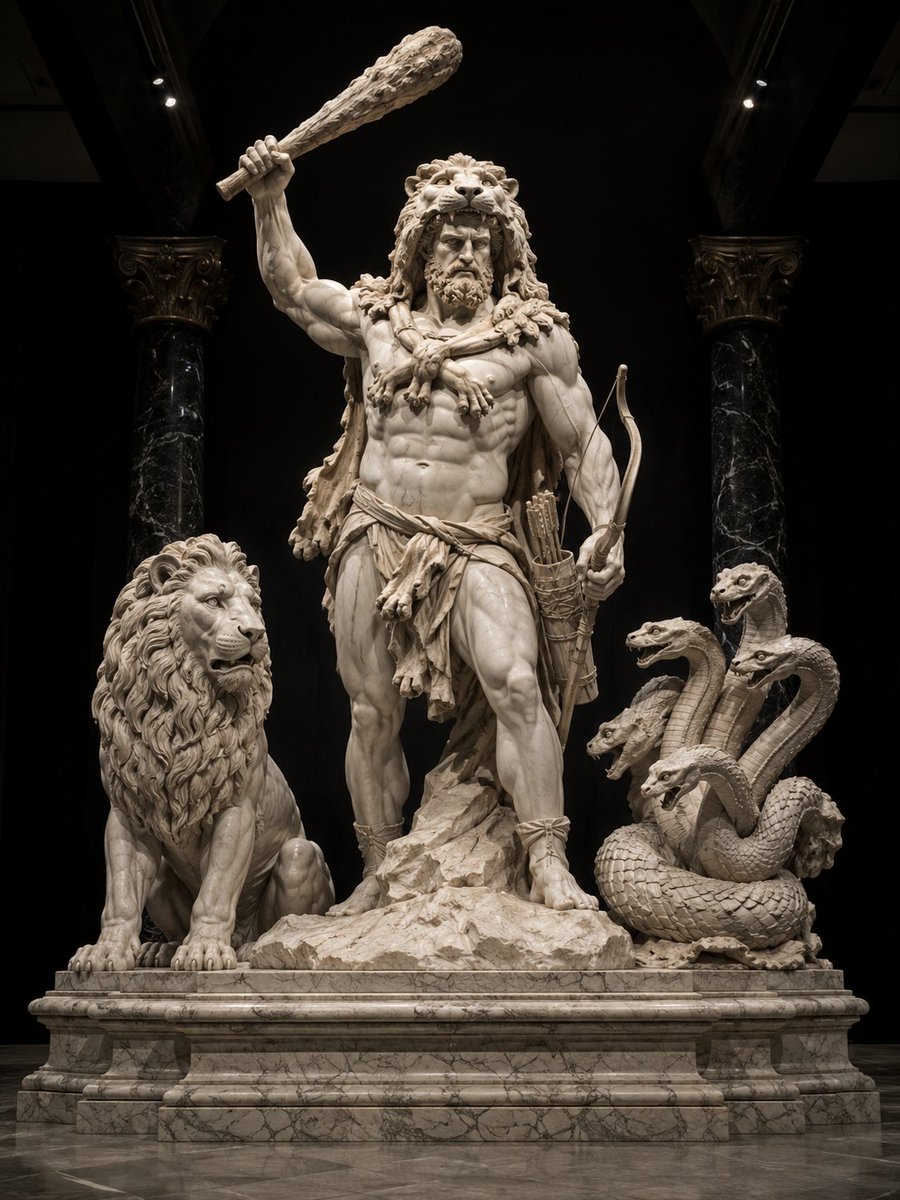
Heracles Marble Statue
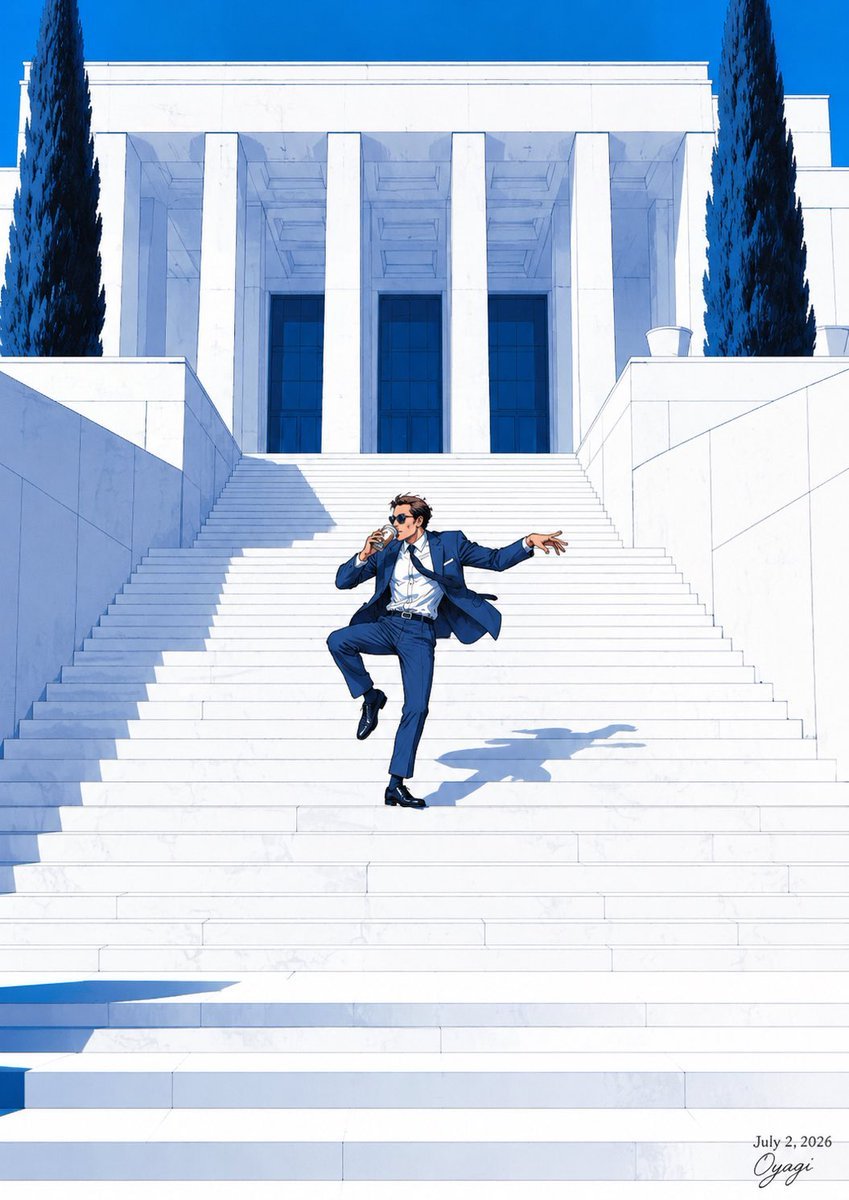
Tipsy Businessman on Marble Stairs
Make it yours
Surreal Marble Gallery Portals works as-is. These are the safest ways to change it without losing the look.
Change one field
Copy a single group, rewrite it, and generate again so you can see what that field is doing.
Keep the frame, change the subject
Hold the composition and light of Surreal Marble Gallery Portals, then swap wardrobe, props or the person for a new take.
| If the result… | Why | Fix |
|---|---|---|
| The result drifts from the preview | Too many fields changed at once. | Reuse Surreal Marble Gallery Portals as-is first, then change one group — subject, light, or setting. |
| The model over-stylizes the scene | The prose prompt leaves finish and camera underspecified. | Add one camera or lighting sentence and stay on GPT Image 2. |
More GPT Image 2 templates
Other prompts made for GPT Image 2.

Six VTuber Japanese Logo Sheet

Realistic Portrait of Woman and Deer

The Vista Modular Condo Poster

AI Model Routing Comparison Infographic

2.5D Anime Art Board

Isometric Productivity Desk Scene

New York Double Exposure Poster

Four-Panel AI Landscape Comparison

Japanese Tatami Lifestyle Magazine Cover

NESCAFÉ Coffee Map Poster
More image prompts
Fresh picks from across the catalog.

Split-Screen Cinematic Shot for Time Travel Comparison

Cinematic 3D Action Advertisement Prompt
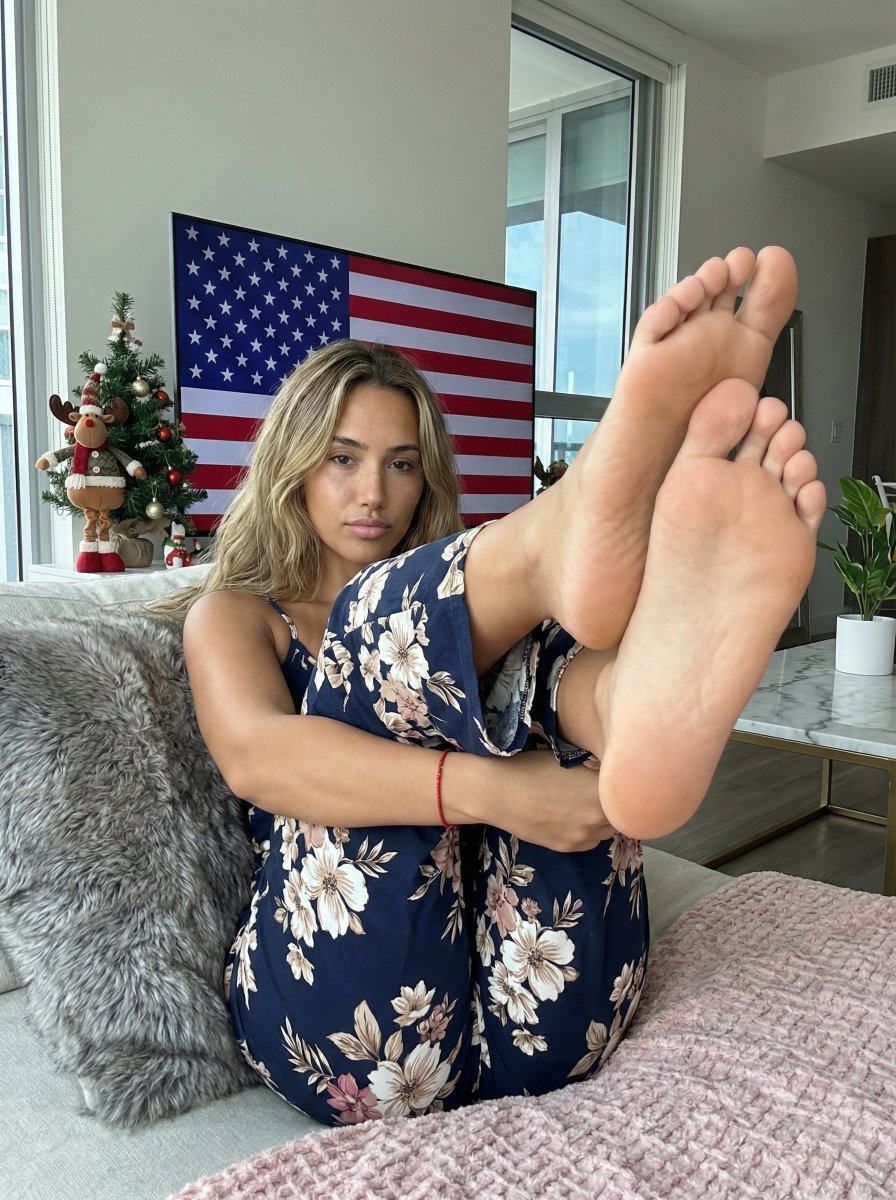
Extreme Foreshortening Portrait with Feet in Foreground
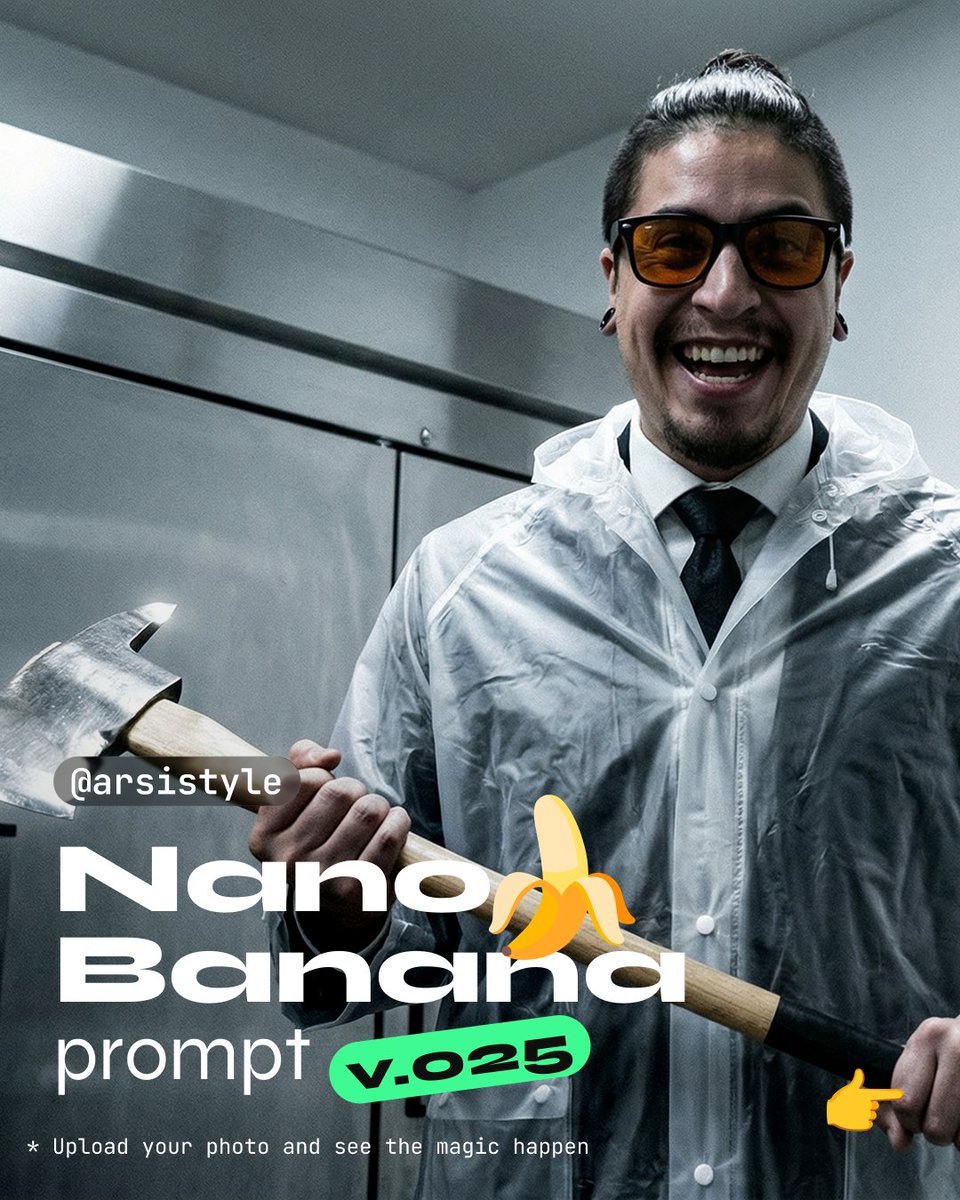
Clinical, High-Contrast Portrait with Axe and Raincoat Prompt
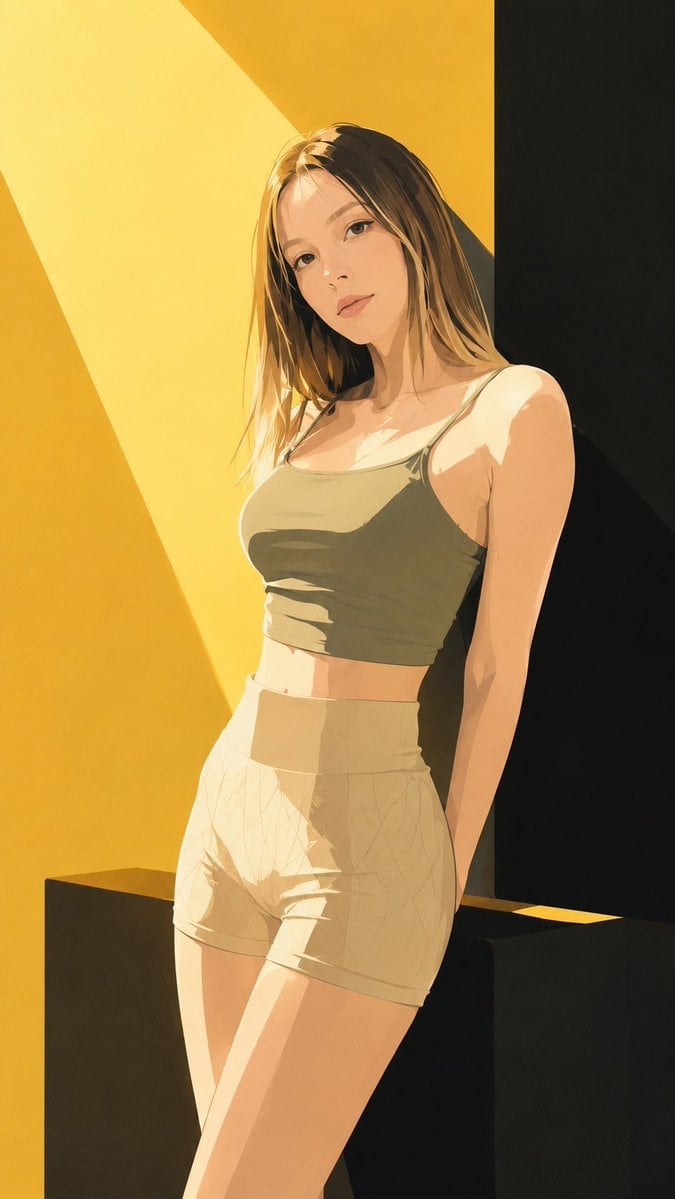
Japanese Fashion Magazine Anime Cover

Transformation the Bus Seedance 2 0 Robo
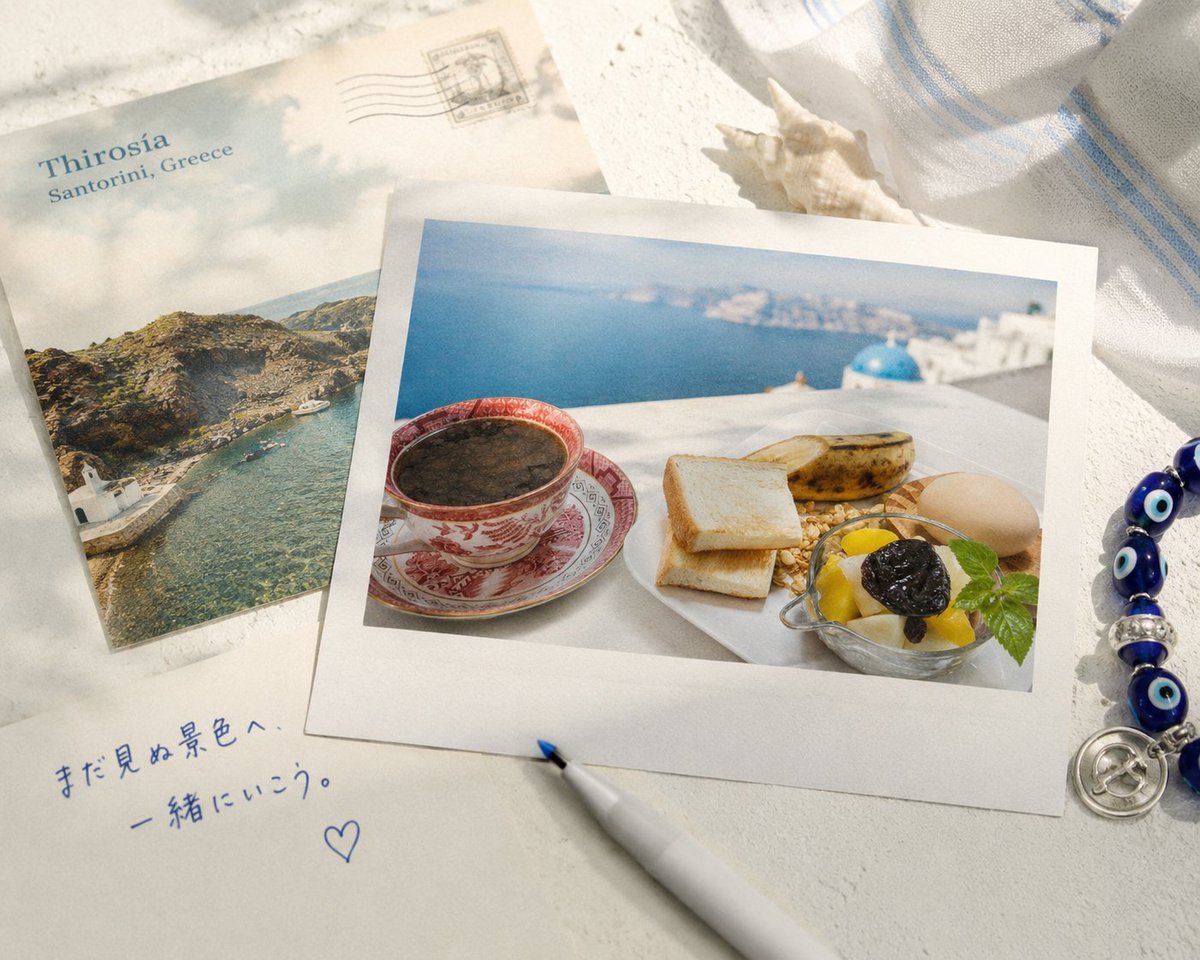
Santorini Breakfast Travel Flat Lay
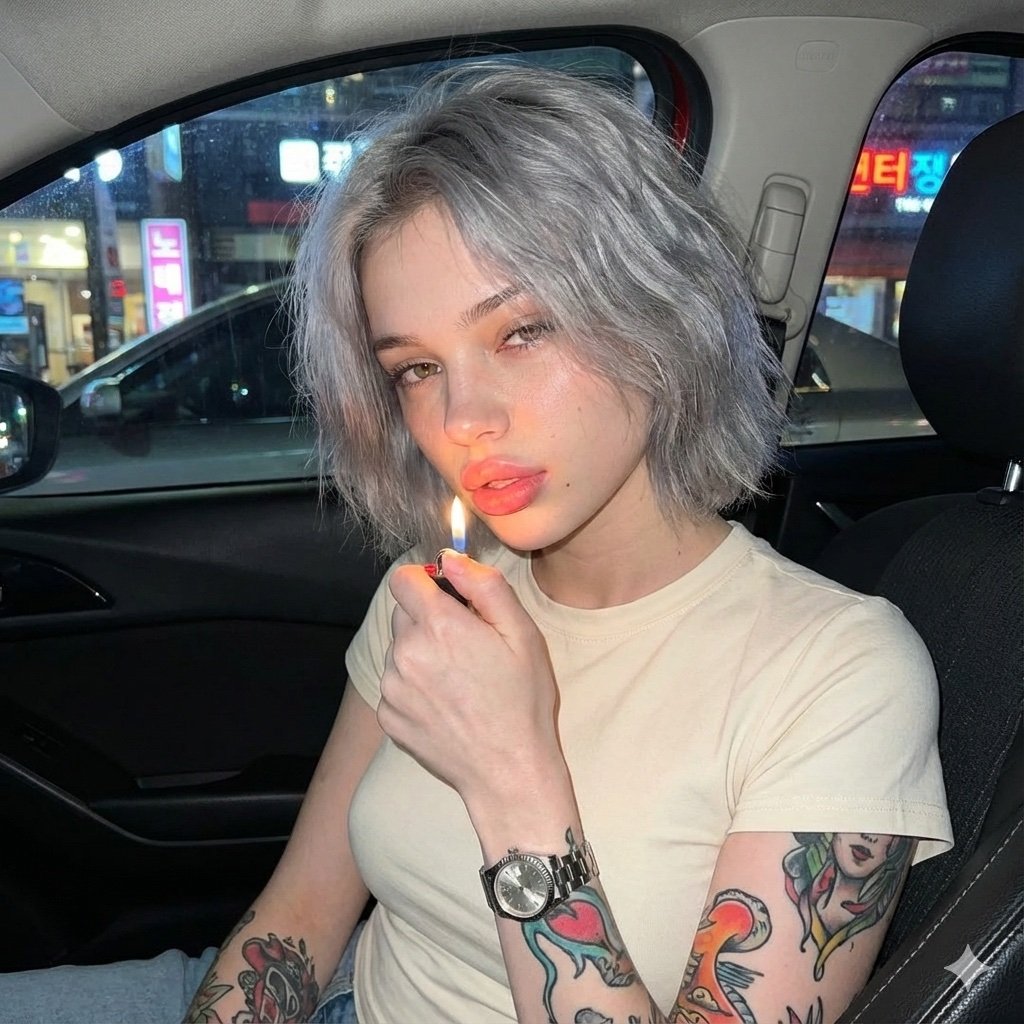
Candid Night Portrait in a Parked Car
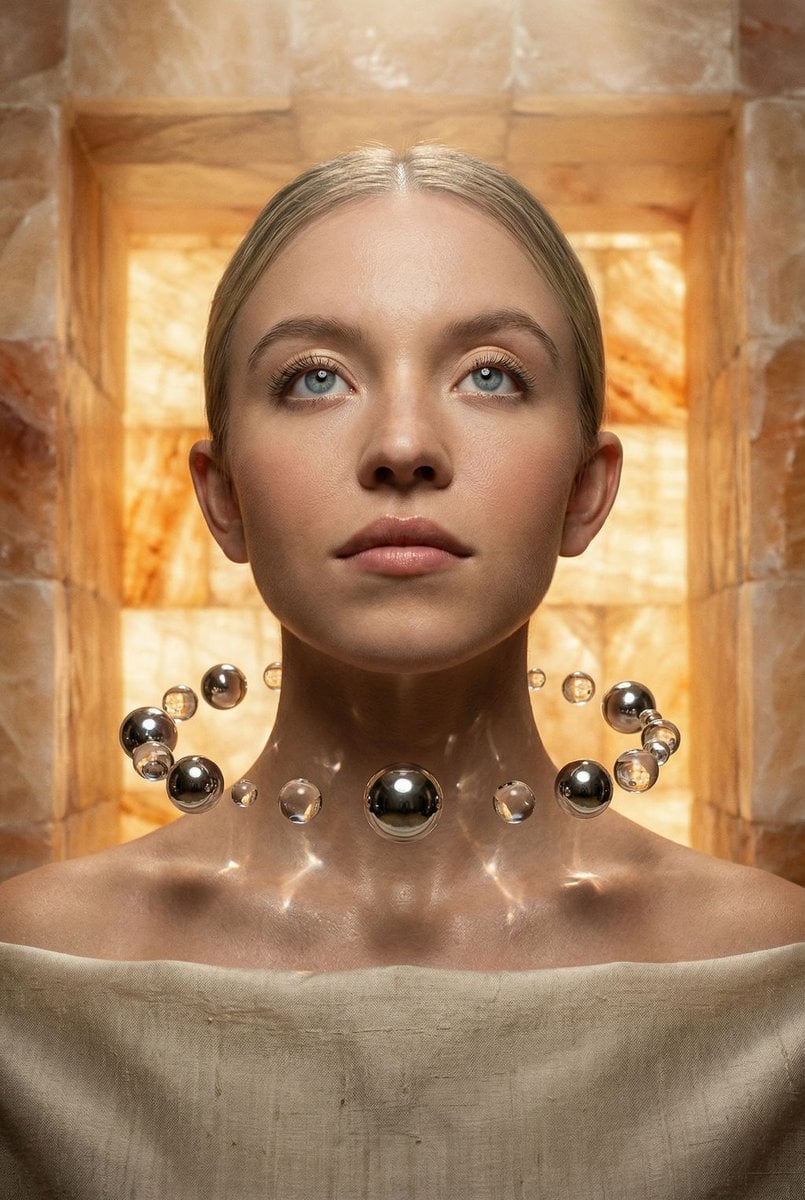
Sacred Alchemy Surreal Beauty Portrait Prompt
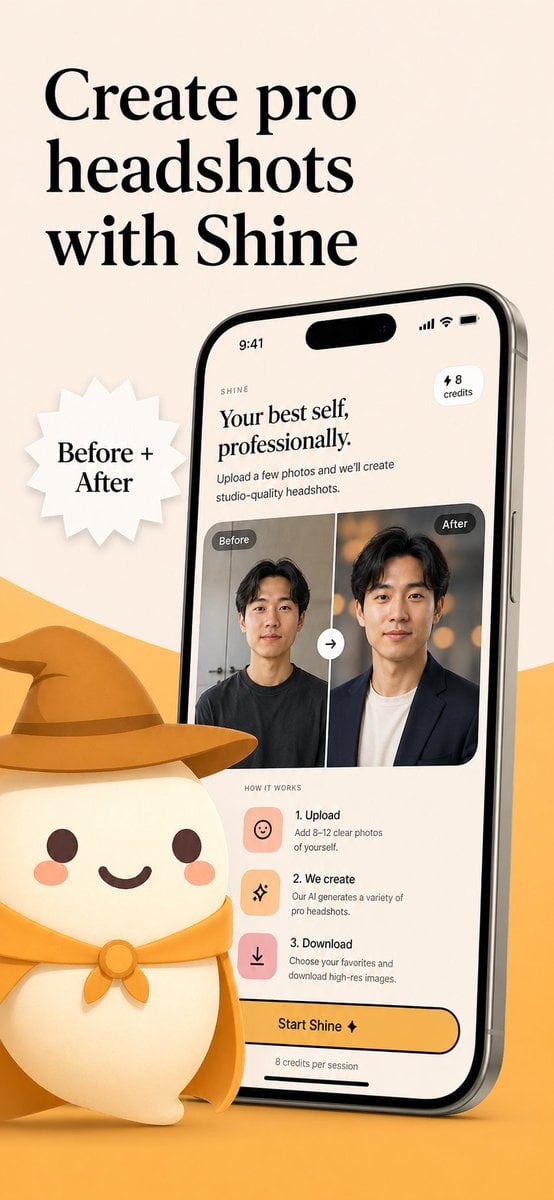
AI Headshot App Store Promo Poster
Browse template categories
Surreal Marble Gallery Portals questions
How do I use the Surreal Marble Gallery Portals template?
Add your photo if the template asks for one, edit the prompt if you like — the template's model and format are already selected — and press Generate. Your version opens in PicX Studio.
Can I customize the Surreal Marble Gallery Portals template?
Yes. You can change the subject, setting, lighting, mood, format, and available model controls before creating your image.
Is the Surreal Marble Gallery Portals template free?
Opening and editing this template is free. Generating uses credits, shown on the Generate button when you are signed in.
Which AI model should I use?
Start with GPT Image 2, which is the model associated with this template. You can compare another compatible model for a different finish.
Looking for something else? Browse all templates.

Your photo, any look
Thousands of ready templates for every top image and video model, from one credit balance.