
Heracles Marble Statue
A prompt for generating a dramatic museum-style marble sculpture of Heracles with a lion and hydra in a dark classical gallery.
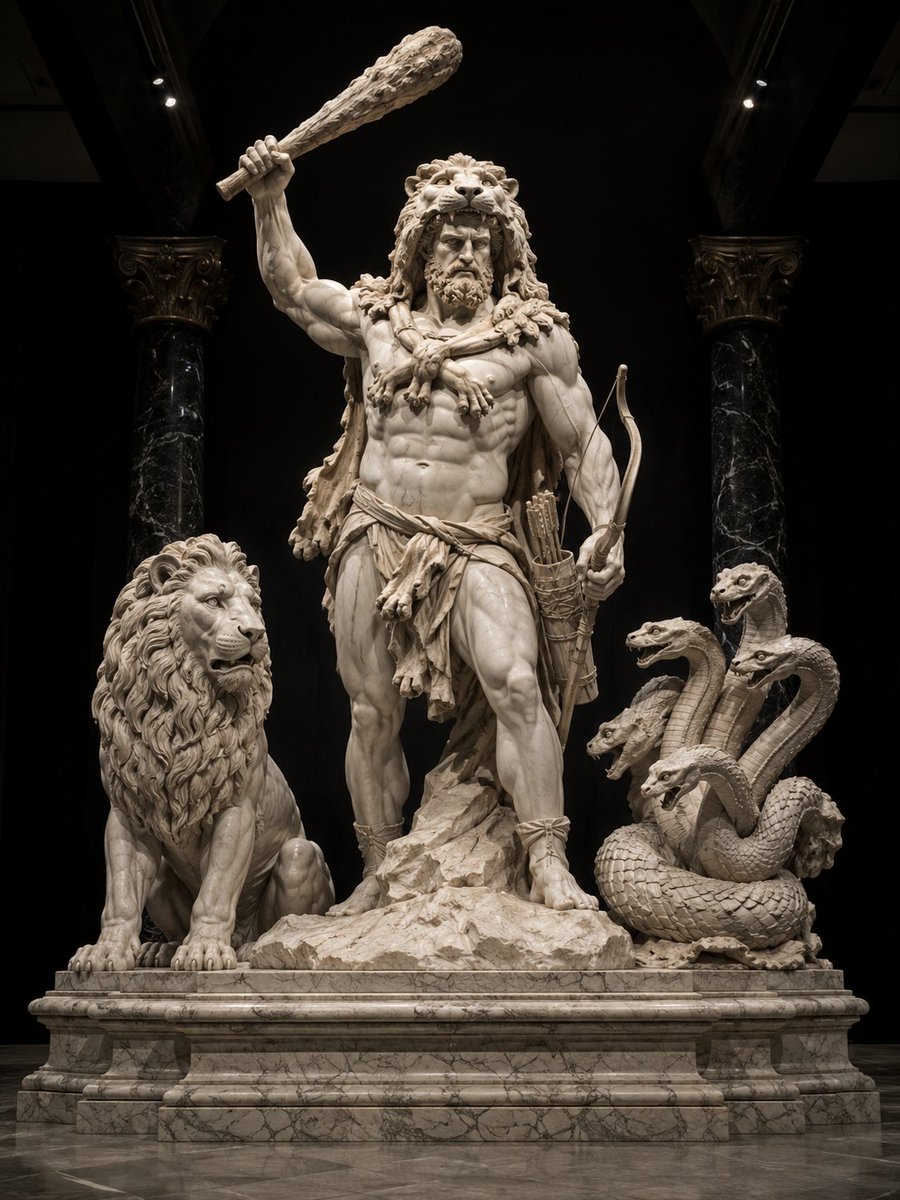
- Prompt included
- Model and format preset
- Free template
The prompt behind this image
Copy the exact prompt behind Heracles Marble Statue, or open it in the studio and make it yours.
Create a grand museum-quality marble statue scene of {argument name="character name" default="Heracles"}, the divine strongman of Greek mythology, standing heroically on a carved marble pedestal in a dark classical gallery. The central figure is an extremely muscular adult male with a stern bearded face, curly hair, and deeply carved anatomy, wearing the Nemean lion skin as a hood and cloak with the lion head resting over his head and the paws draped across his chest. He raises a massive rugged wooden club high above his head in his right hand, while his left hand holds a curved bow; a quiver of arrows hangs at his side. He wears a rough draped loincloth, sandals, and animal-hide details, with one foot planted forward on jagged rock. Include exactly 2 companion creatures flanking him: on the left, a seated majestic lion with a thick mane and alert expression; on the right, a coiled multi-headed hydra with exactly 5 visible serpent heads, open mouths, scaled bodies, and intertwined necks. Use pale veined marble for all figures and the base, with realistic chisel detail, cracks, polished highlights, and sculptural shadows. The setting is a dimly lit ancient temple or museum alcove with exactly 2 tall black marble columns in the background, ornate capitals, a black recessed backdrop, subtle overhead spotlights, and a reflective stone floor. Compose as a centered full-body vertical image, low-angle monumental perspective, symmetrical and dramatic, high contrast chiaroscuro lighting, ultra-detailed photorealistic classical sculpture, no modern objects, no text, no watermark.
How to use Heracles Marble Statue in 3 steps
- 1Upload ImagePNG, JPG or paste
Add your photo
Upload the photo the template builds on. The prompt, model and format are already set.
- 2…a portrait of your subject in softgolden-hour light, 85mm…
Personalize
Edit the subject and creative details for your destination.
- 3Generate
Generate
Press Generate — your image is created in PicX Studio, so you can compare it with the original and refine one variable at a time.
More like this
Templates with the same subject, style or setup. Open one to see its prompt.

Open Magazine Luxury Fashion Editorial Layout
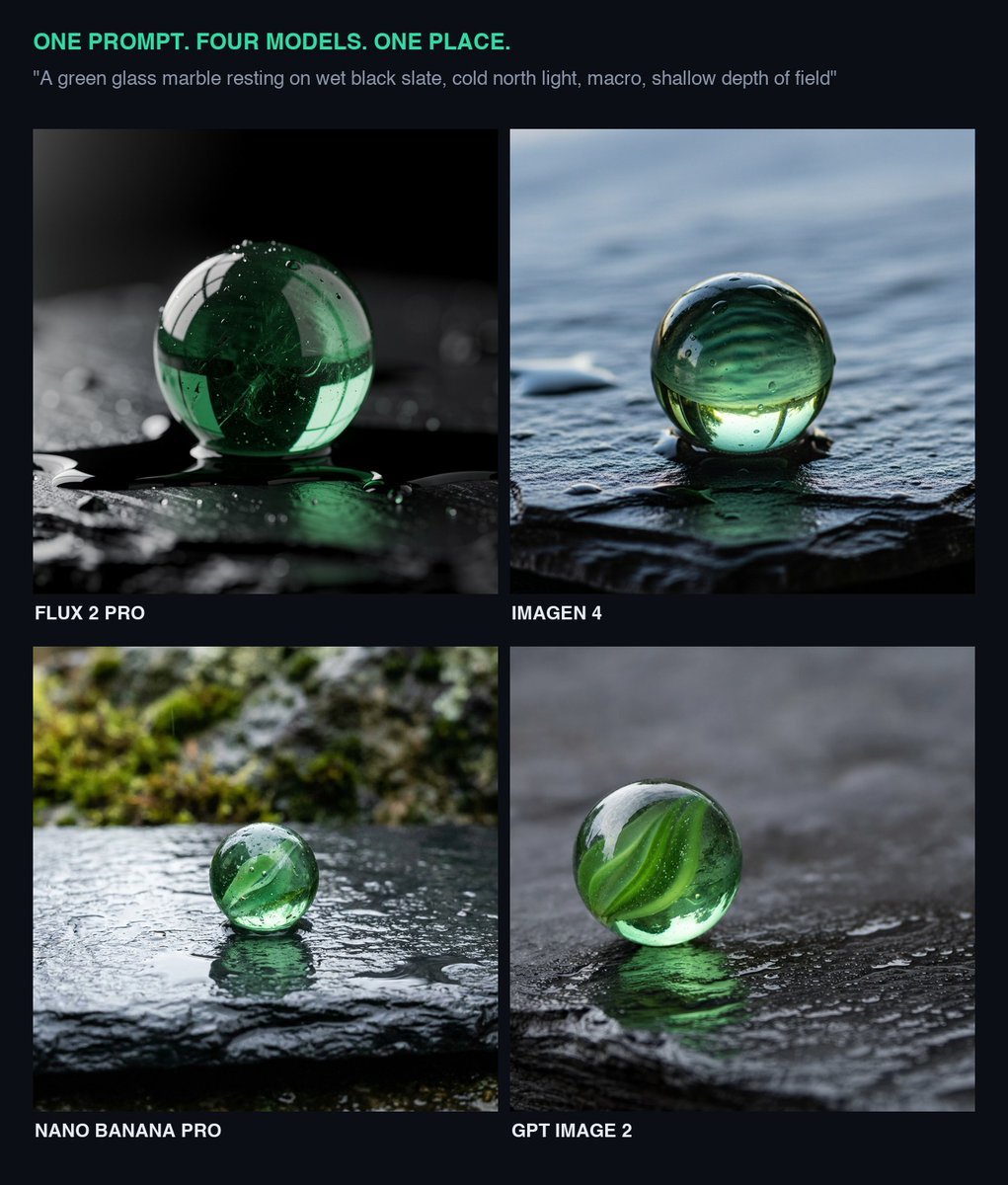
Glass Marble on Wet Slate
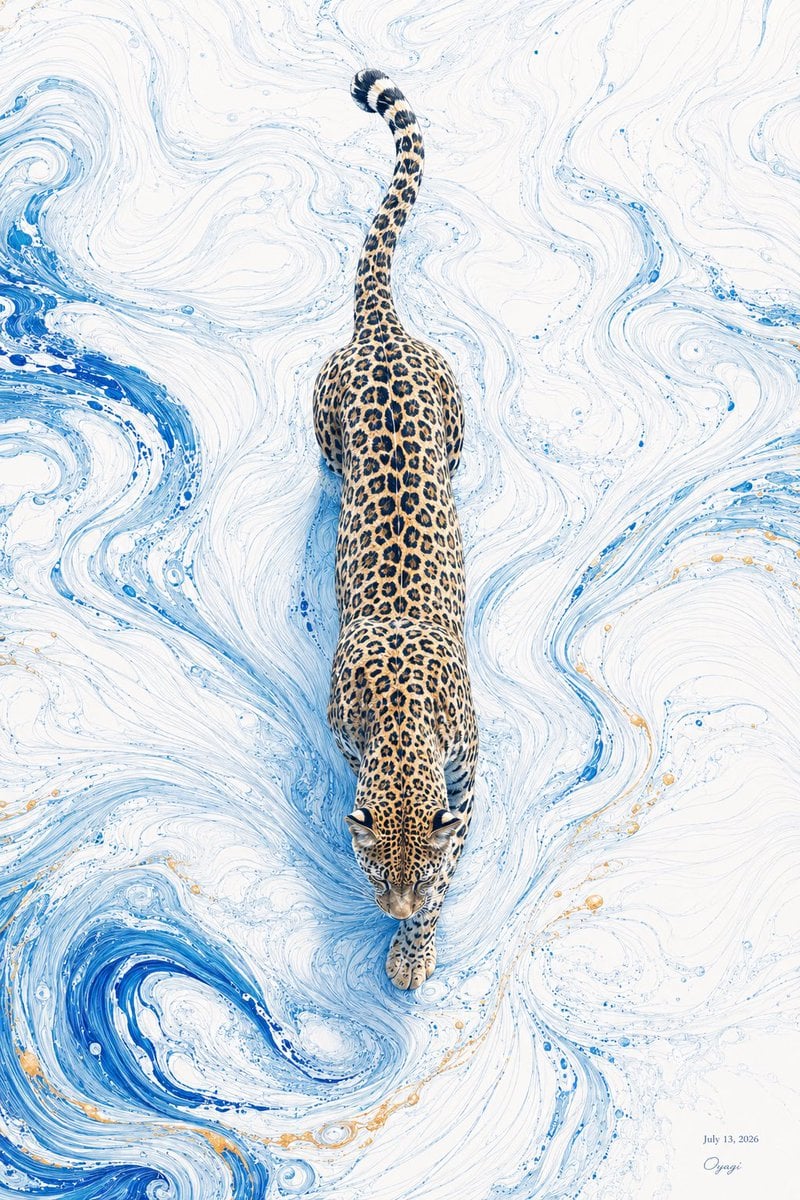
Overhead Leopard in Blue Marble Swirls
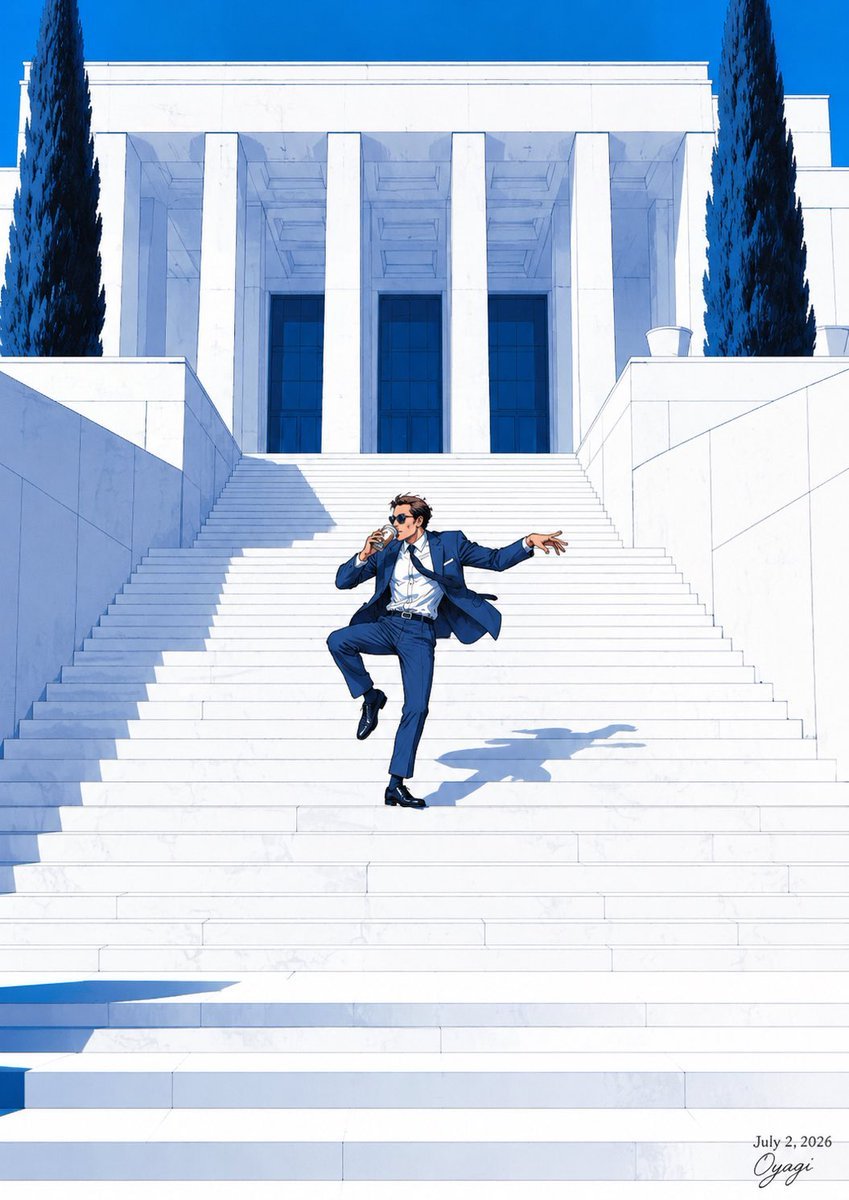
Tipsy Businessman on Marble Stairs
Surreal Marble Gallery Portals
Marble Courthouse Steps

Marble Staircase Fashion
Greek Column Marble Bust

Dark Marble Bathroom Racing Jacket Mirror Selfie
Ultra-Realistic iPhone Marble Structure Portrait
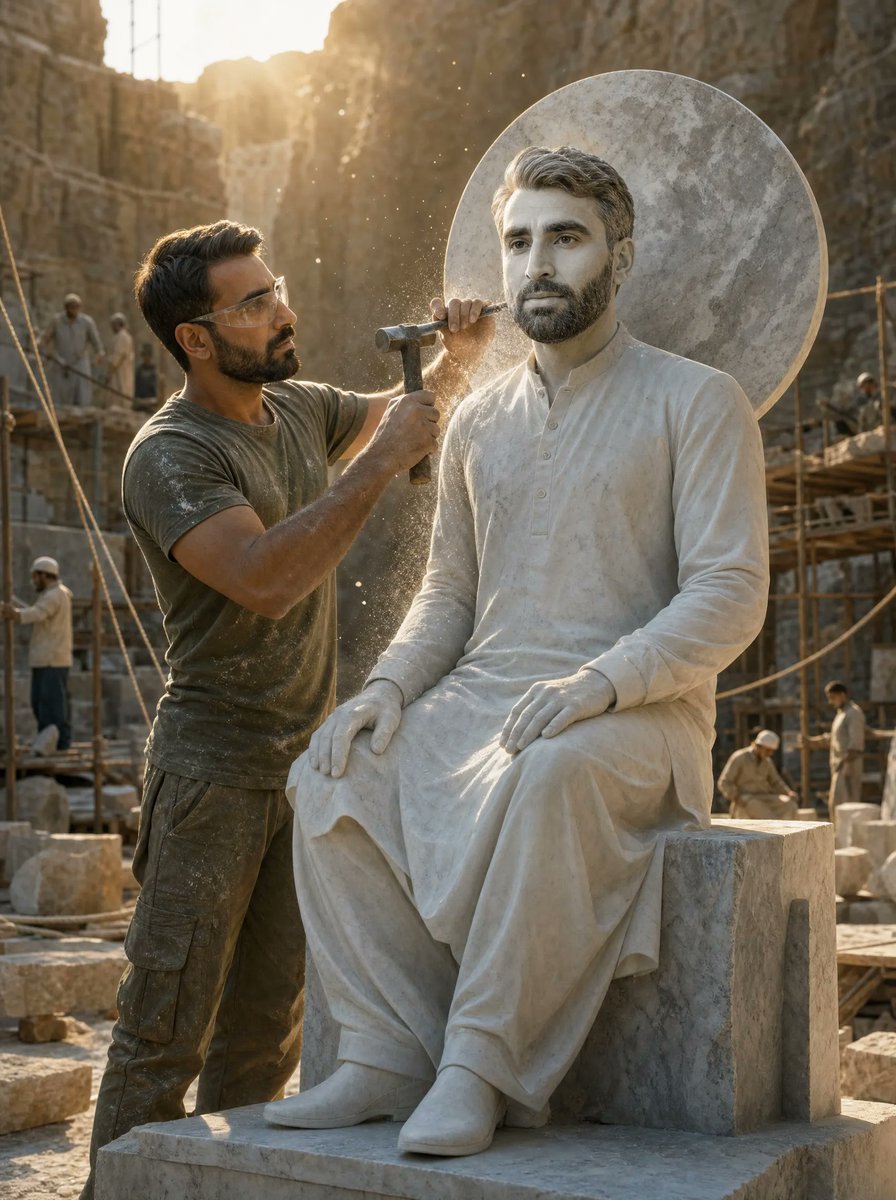
Sculptor Carving His Marble Double
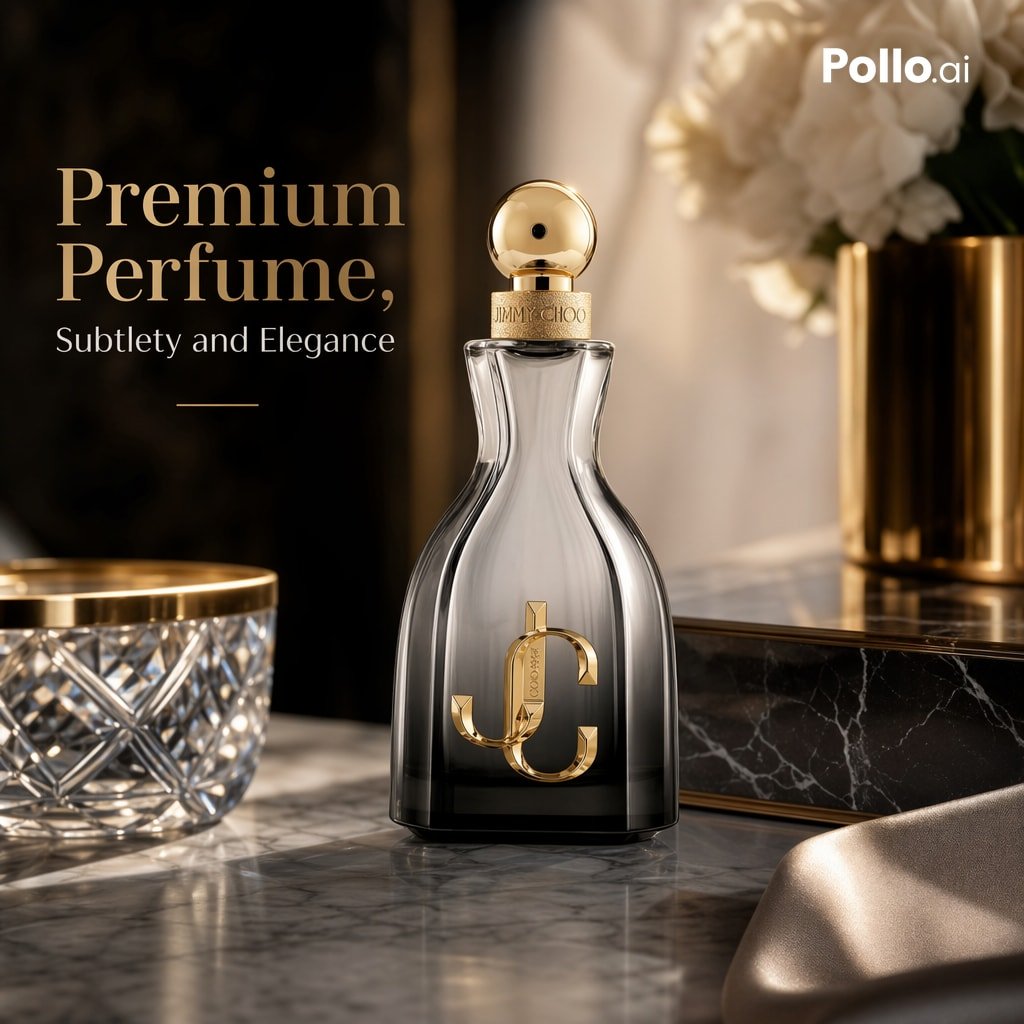
Luxury Perfume Ad on Marble Vanity
Make it yours
Heracles Marble Statue works as-is. These are the safest ways to change it without losing the look.
Change one field
Copy a single group, rewrite it, and generate again so you can see what that field is doing.
Keep the frame, change the subject
Hold the composition and light of Heracles Marble Statue, then swap wardrobe, props or the person for a new take.
| If the result… | Why | Fix |
|---|---|---|
| The result drifts from the preview | Too many fields changed at once. | Reuse Heracles Marble Statue as-is first, then change one group — subject, light, or setting. |
| The model over-stylizes the scene | The prose prompt leaves finish and camera underspecified. | Add one camera or lighting sentence and stay on GPT Image 2. |
More GPT Image 2 templates
Other prompts made for GPT Image 2.

Six VTuber Japanese Logo Sheet

Realistic Portrait of Woman and Deer

The Vista Modular Condo Poster

AI Model Routing Comparison Infographic

2.5D Anime Art Board

Isometric Productivity Desk Scene

New York Double Exposure Poster

Four-Panel AI Landscape Comparison

Japanese Tatami Lifestyle Magazine Cover

NESCAFÉ Coffee Map Poster
More image prompts
Fresh picks from across the catalog.
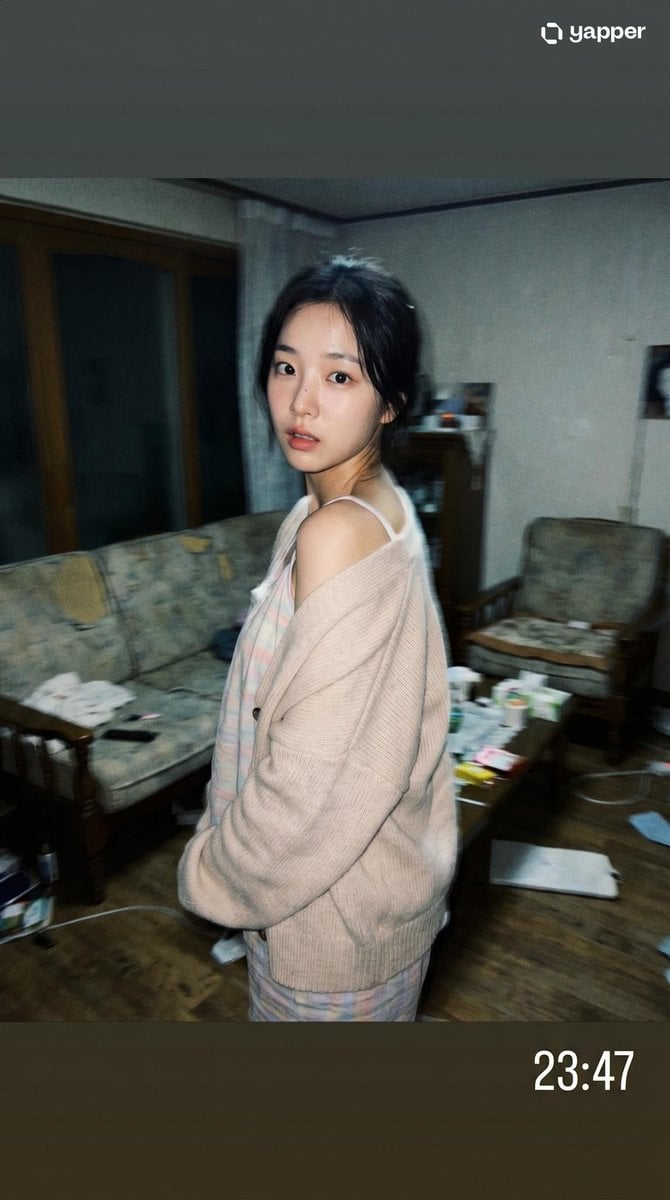
Korean Idol Candid Snapshot
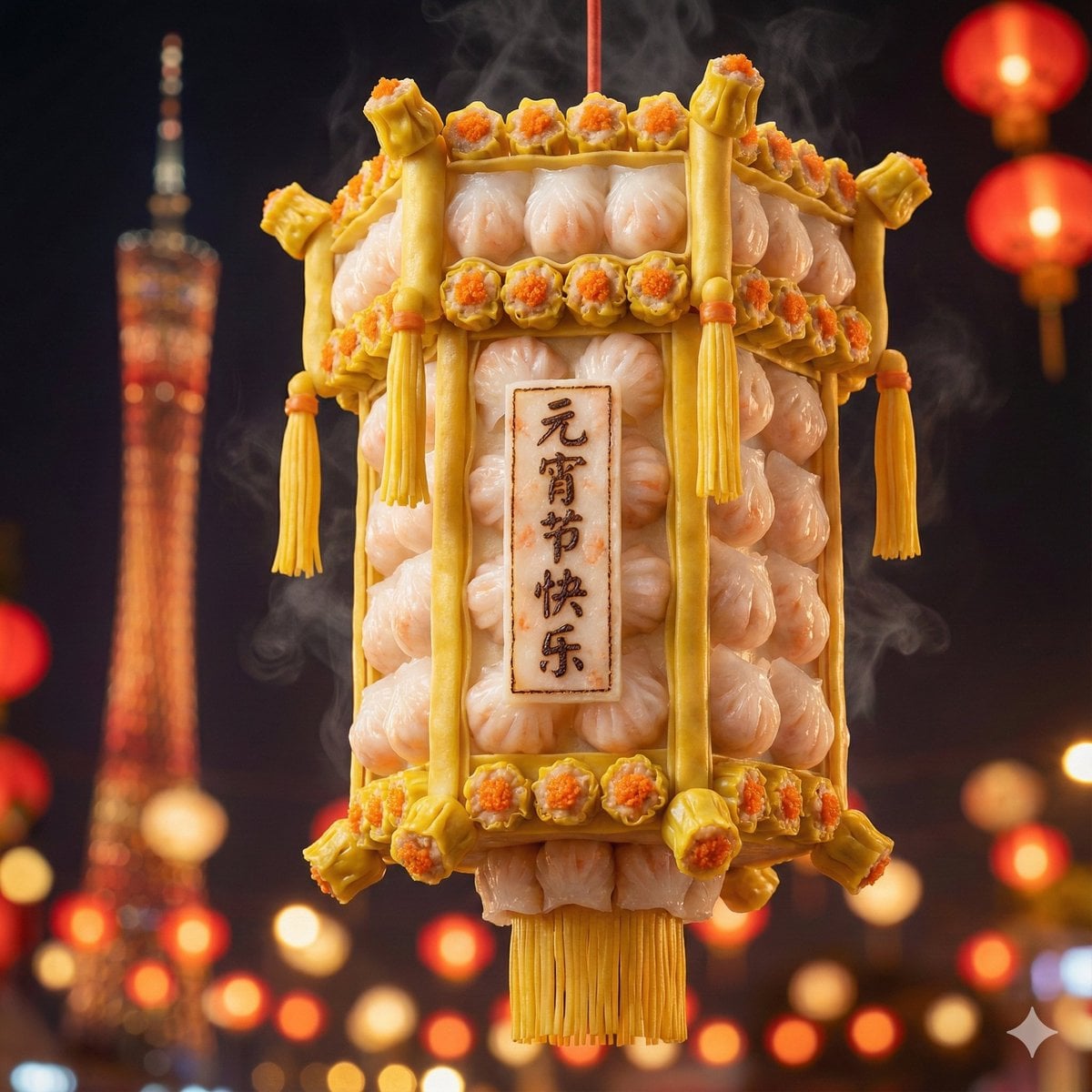
Food-Themed Festival Scene Generation Prompt (Iterative)
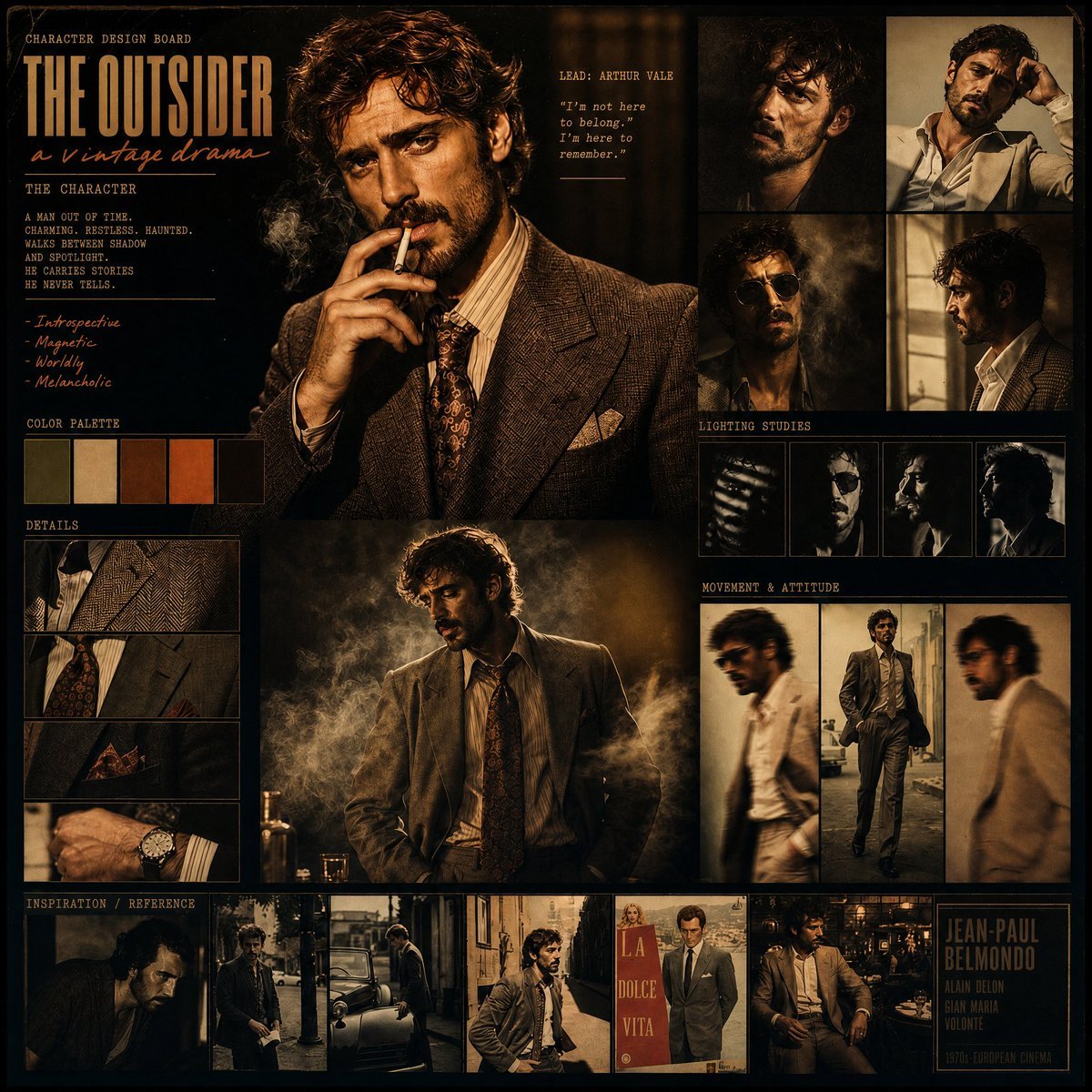
Vintage Drama Character Board
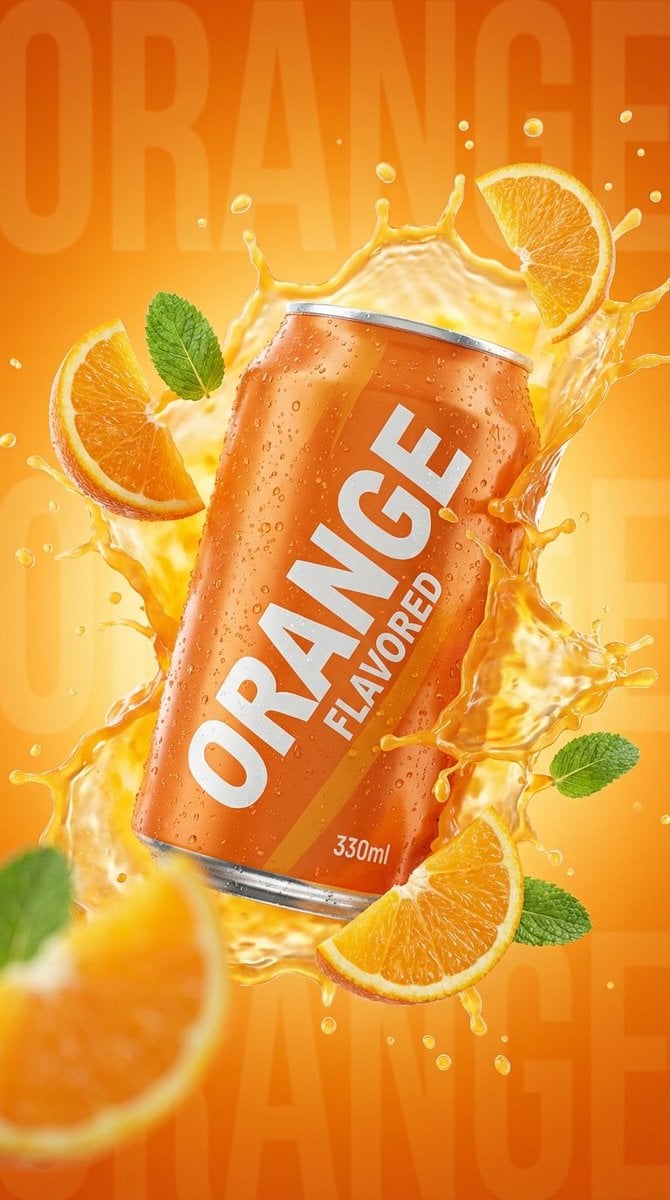
Commercial Product Photography: Orange Soda Can Splash

Japanese Train Comic Ad
Seedance - Anime Fighting Game Finisher

Japanese X Monetization Thumbnail
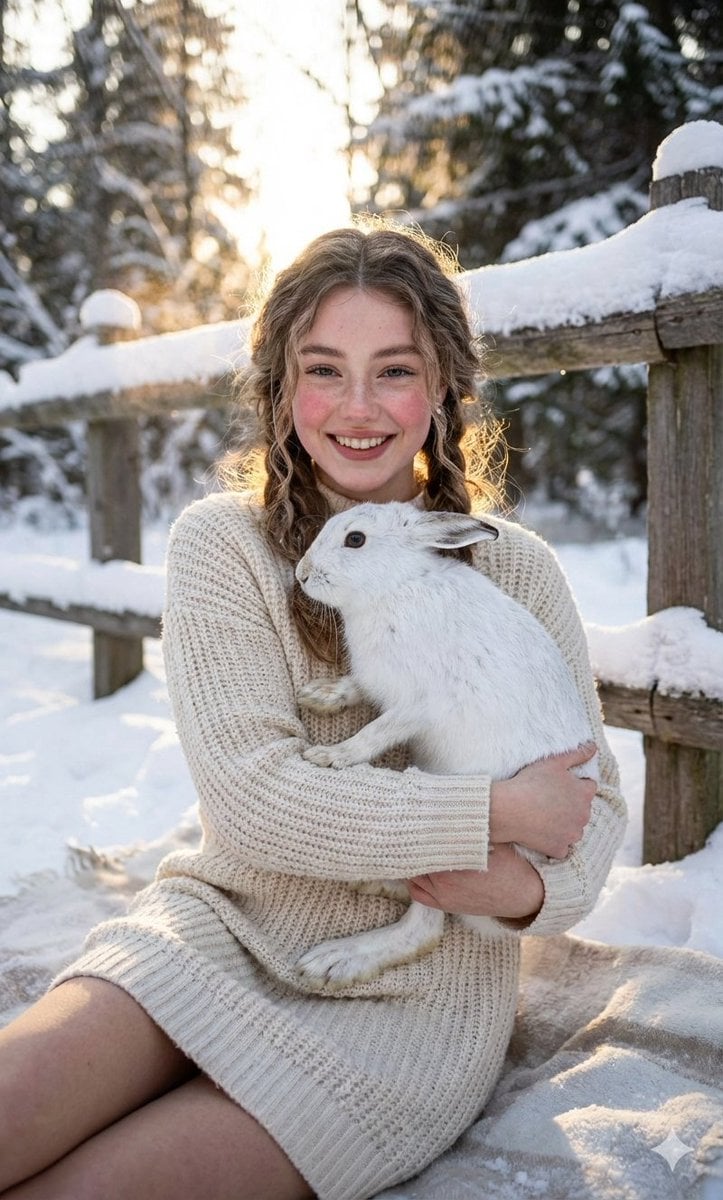
Cozy Winter Portrait with White Hare
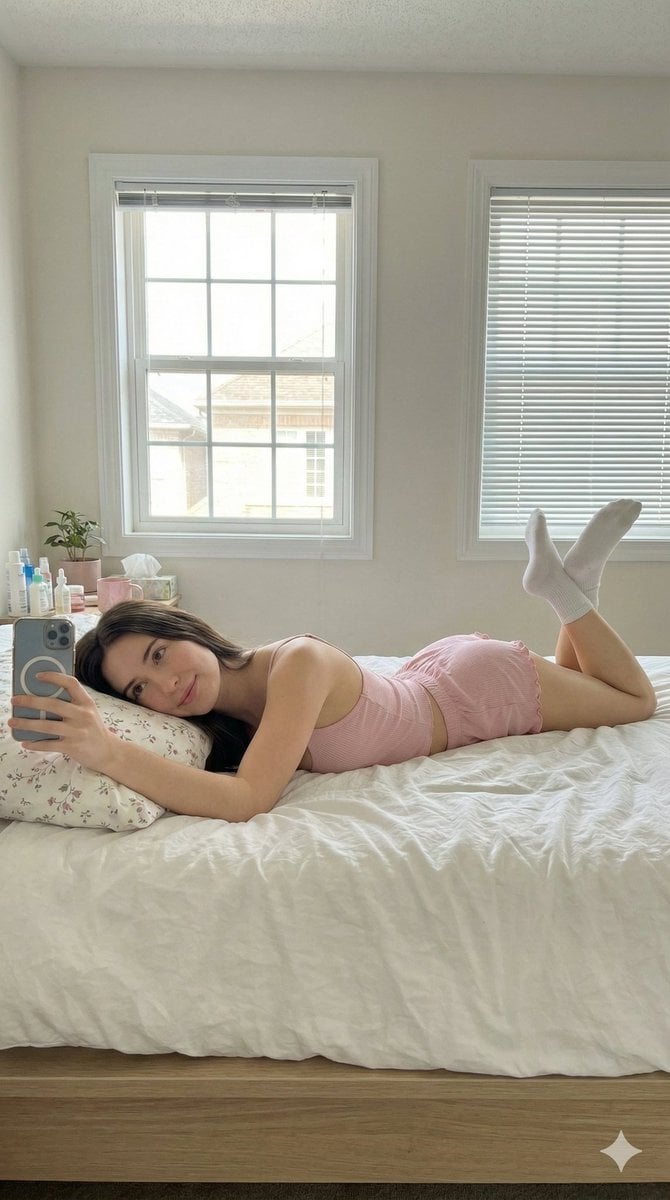
Lazy Sunday Morning Bedroom Selfie Prompt

Election Poster Style Prompt
Browse template categories
Heracles Marble Statue questions
How do I use the Heracles Marble Statue template?
Add your photo if the template asks for one, edit the prompt if you like — the template's model and format are already selected — and press Generate. Your version opens in PicX Studio.
Can I customize the Heracles Marble Statue template?
Yes. You can change the subject, setting, lighting, mood, format, and available model controls before creating your image.
Is the Heracles Marble Statue template free?
Opening and editing this template is free. Generating uses credits, shown on the Generate button when you are signed in.
Which AI model should I use?
Start with GPT Image 2, which is the model associated with this template. You can compare another compatible model for a different finish.
Looking for something else? Browse all templates.

Your photo, any look
Thousands of ready templates for every top image and video model, from one credit balance.