
Sculptor Carving His Marble Double
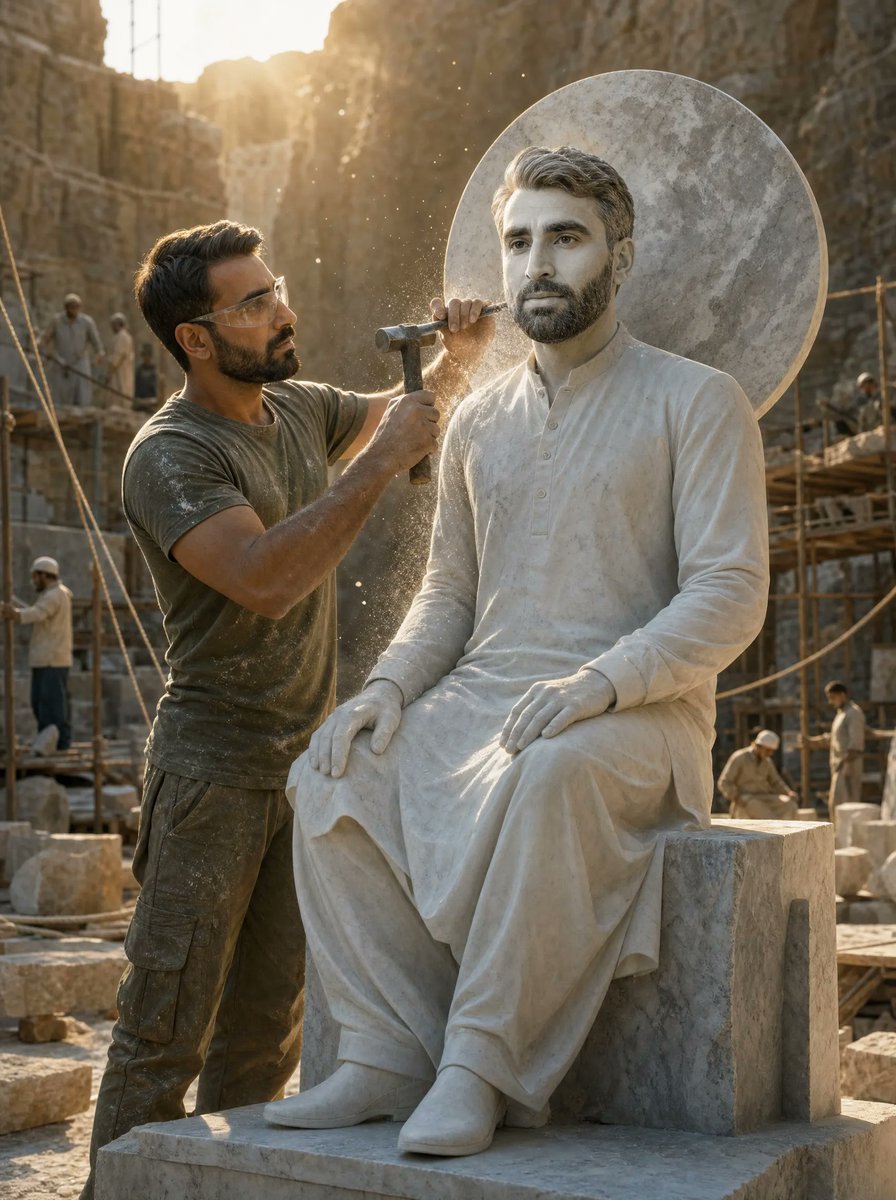
A cinematic quarry scene showing a dusty sculptor chiseling a life-sized seated marble statue of himself.
- Prompt included
- Model and format preset
- Free template
The prompt behind this image
Copy the exact prompt behind Sculptor Carving His Marble Double, or open it in the studio and make it yours.
Create a wide cinematic photorealistic scene in a sunlit stone quarry at golden hour, showing two versions of the same adult man: on the left, {argument name="character name" default="the sculptor"}, a dusty quarry worker in an olive-green t-shirt, dark cargo pants, work boots, and protective safety glasses, standing close to the statue while holding a hammer in one hand and a chisel in the other; on the right, a life-sized white marble statue of the same man seated on a rectangular stone block, wearing a long simple tunic or kurta-like robe with soft carved folds, hands resting on the knees, legs crossed at the ankles, and a large circular stone halo disk behind the head. The sculptor is actively chiseling the statue near the neck and shoulder, with bright marble dust particles exploding into the warm backlight. The quarry walls rise tall in the background, with scaffolding, ropes, stone blocks, and exactly 5 background quarry workers wearing light work clothes and helmets: one standing on left scaffolding, one farther behind him, one on the right scaffolding, one seated or crouched near the lower right, and one small figure walking at the far right. Use dramatic sunlight streaming from the upper left, volumetric dust, shallow depth of field, realistic stone texture, warm beige and gray color grading, rugged industrial atmosphere, high-detail cinema lighting, 3:4 vertical composition, medium-wide framing, no text, no watermark. The visible faces should be neutral and unobtrusive, with the sculptor and statue clearly sharing the same identity; use {argument name="sculptor outfit color" default="dusty olive green"} for the worker clothing and {argument name="statue material" default="white marble"} for the statue.
How to use Sculptor Carving His Marble Double in 3 steps
- 1Upload ImagePNG, JPG or paste
Add your photo
Upload the photo the template builds on. The prompt, model and format are already set.
- 2…a portrait of your subject in softgolden-hour light, 85mm…
Personalize
Edit the subject and creative details for your destination.
- 3Generate
Generate
Press Generate — your image is created in PicX Studio, so you can compare it with the original and refine one variable at a time.
More like this
Templates with the same subject, style or setup. Open one to see its prompt.

Open Magazine Luxury Fashion Editorial Layout
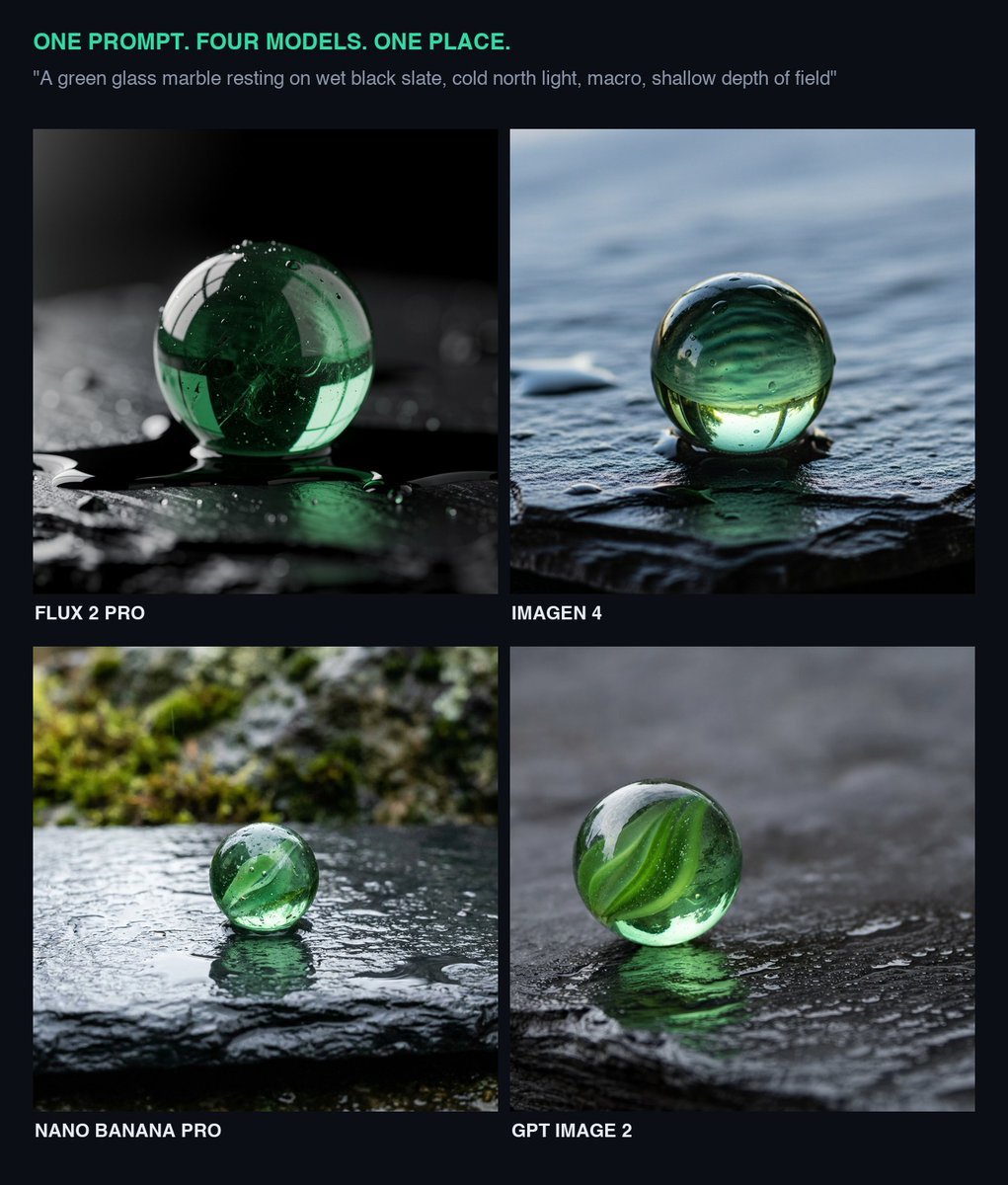
Glass Marble on Wet Slate
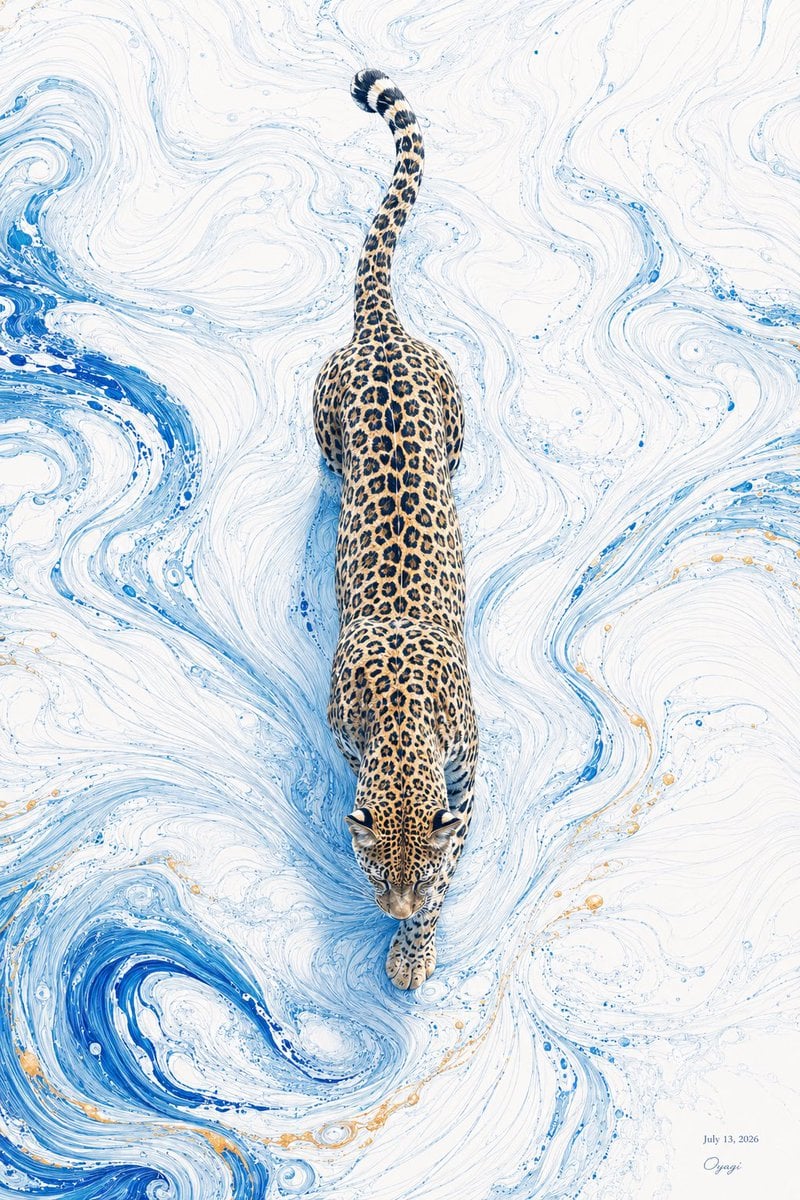
Overhead Leopard in Blue Marble Swirls
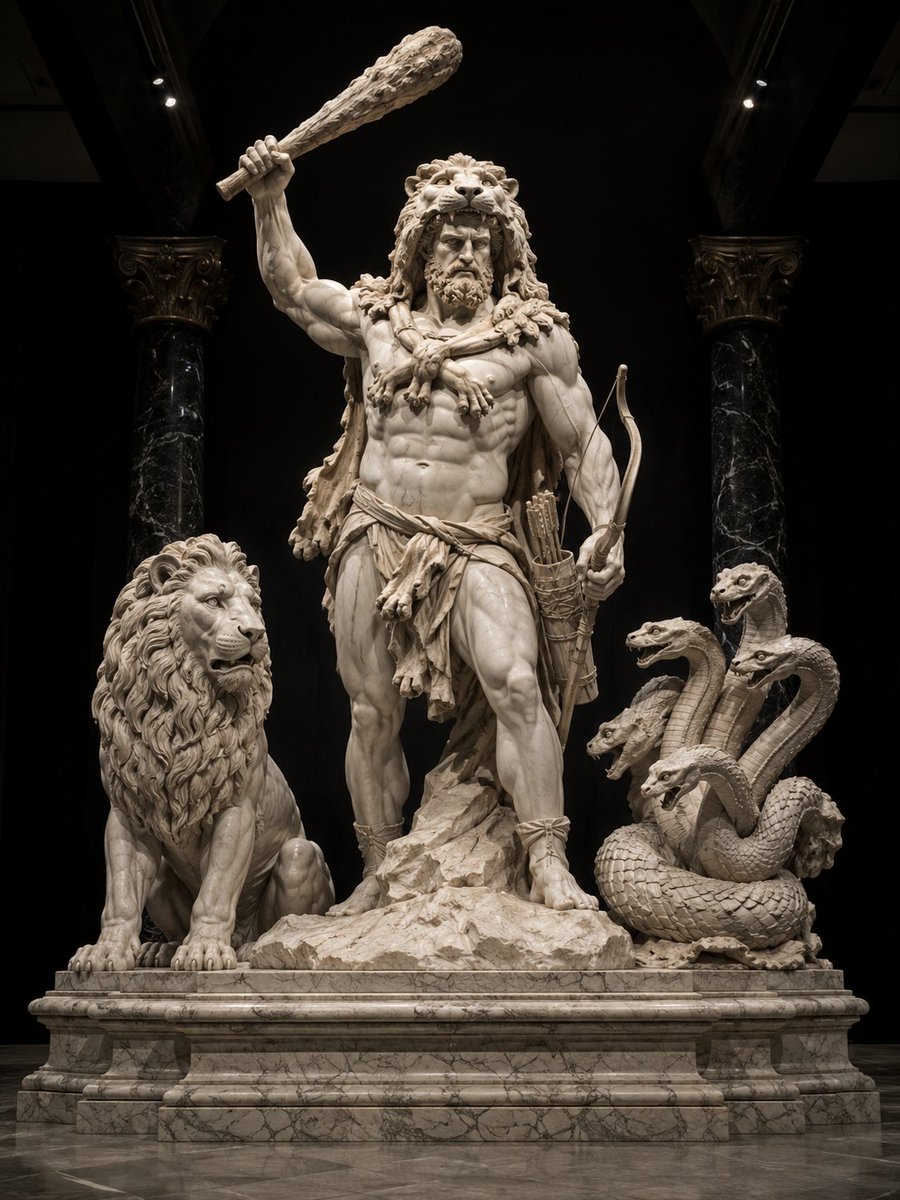
Heracles Marble Statue
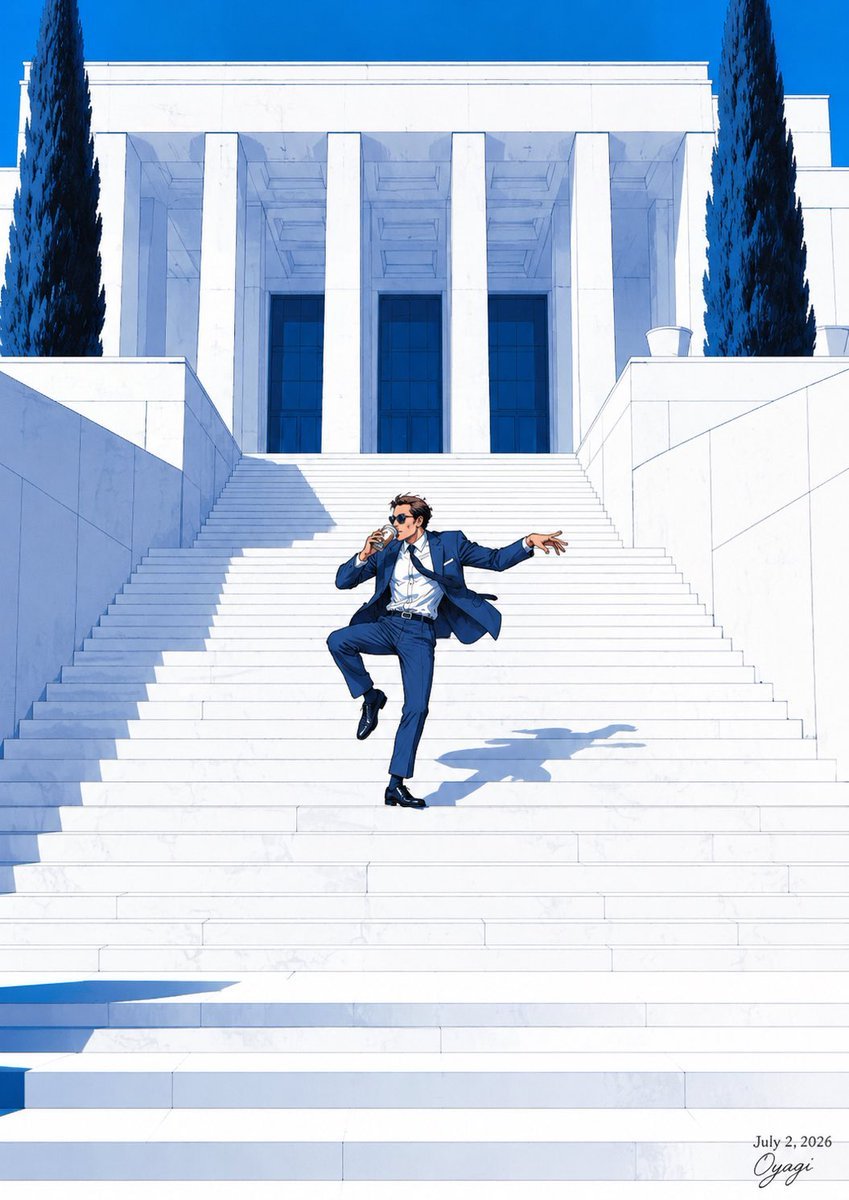
Tipsy Businessman on Marble Stairs
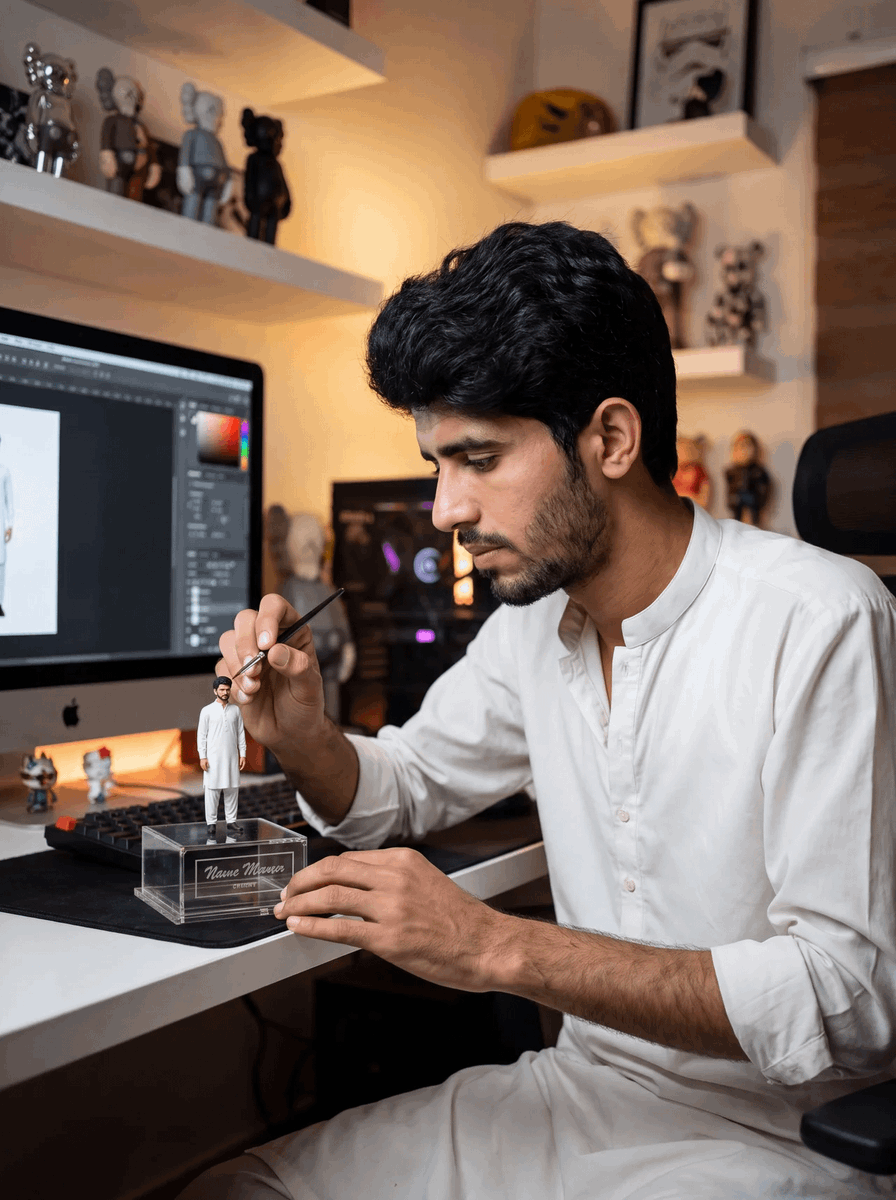
Master Sculptor Miniature Studio
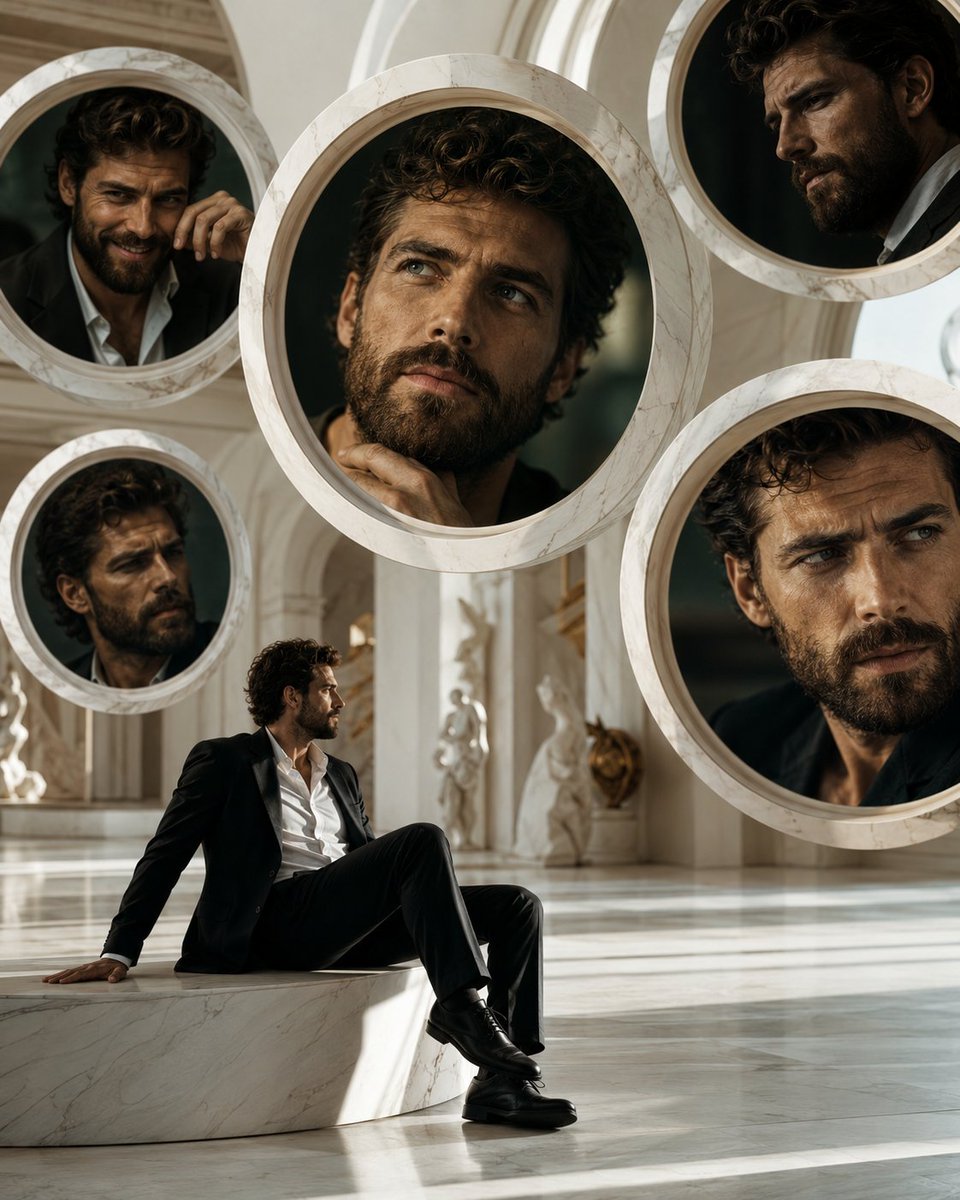
Surreal Marble Gallery Portals
Marble Courthouse Steps

Marble Staircase Fashion
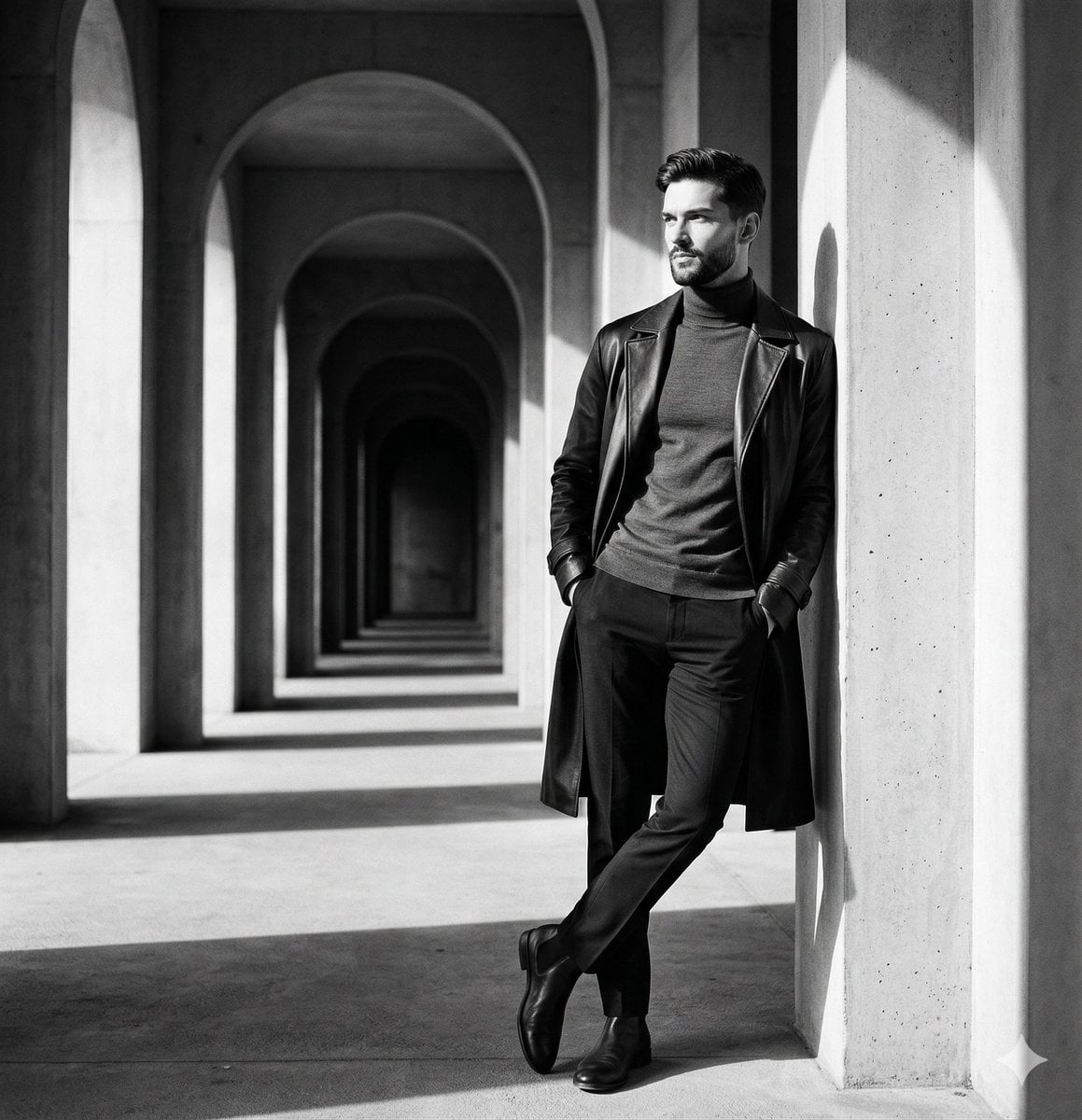
Greek Column Marble Bust
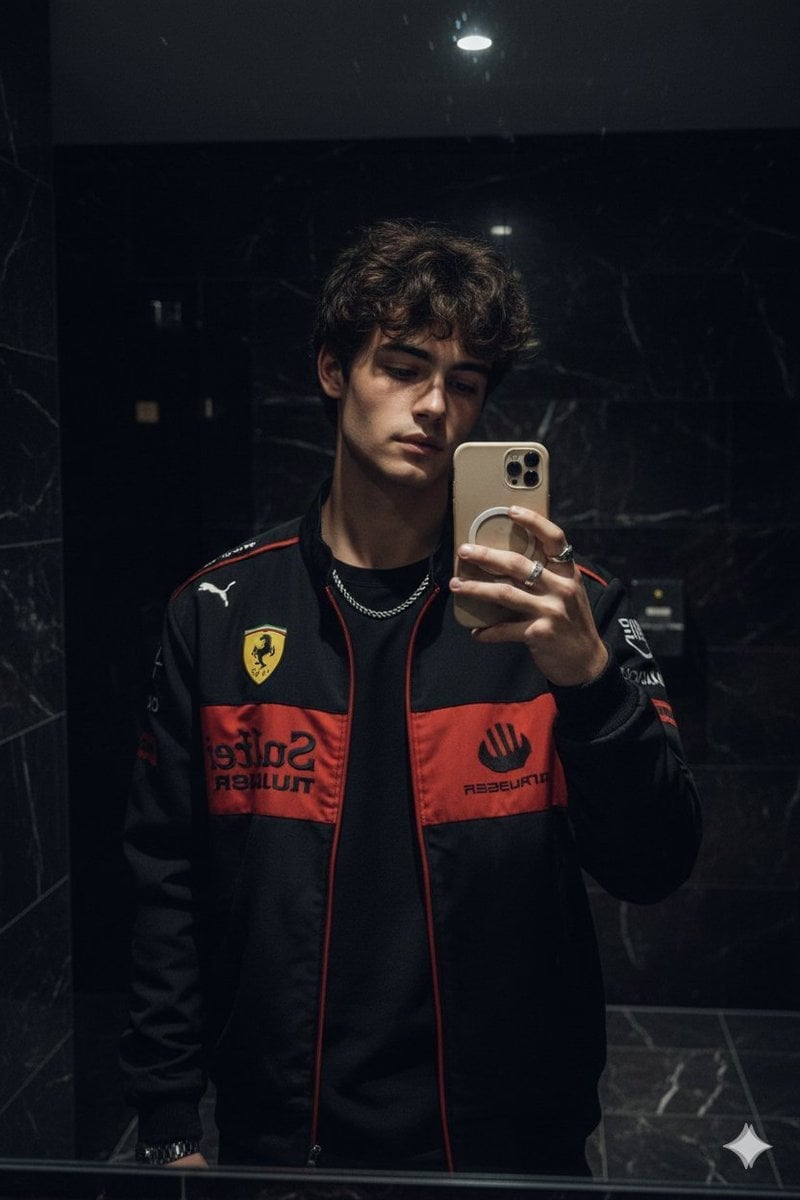
Dark Marble Bathroom Racing Jacket Mirror Selfie
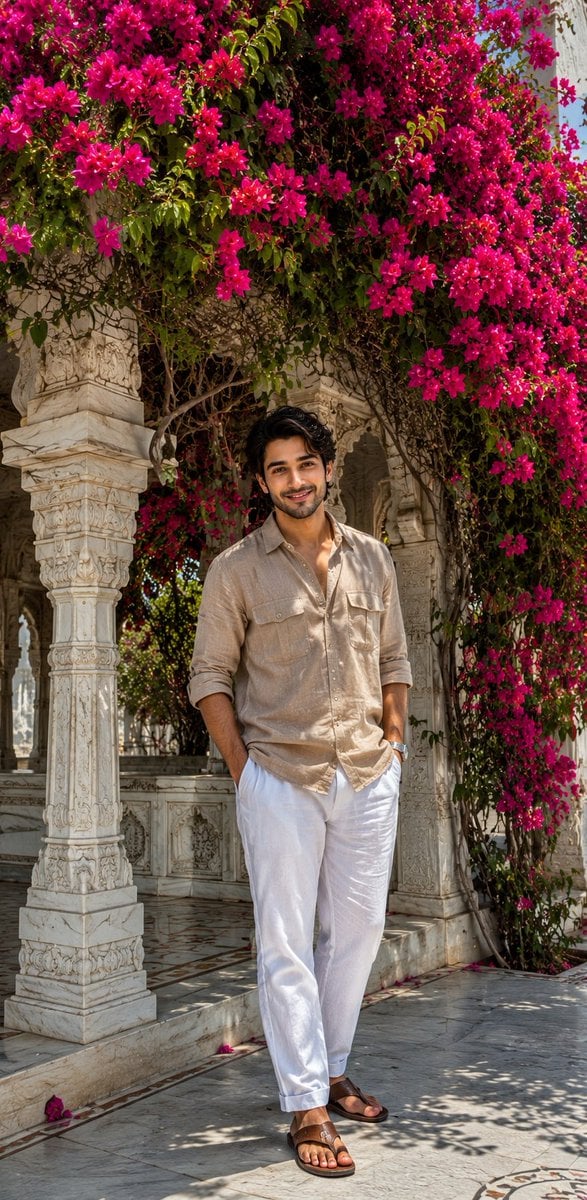
Ultra-Realistic iPhone Marble Structure Portrait
Make it yours
Sculptor Carving His Marble Double works as-is. These are the safest ways to change it without losing the look.
Change one field
Copy a single group, rewrite it, and generate again so you can see what that field is doing.
Keep the frame, change the subject
Hold the composition and light of Sculptor Carving His Marble Double, then swap wardrobe, props or the person for a new take.
| If the result… | Why | Fix |
|---|---|---|
| The result drifts from the preview | Too many fields changed at once. | Reuse Sculptor Carving His Marble Double as-is first, then change one group — subject, light, or setting. |
| The model over-stylizes the scene | The prose prompt leaves finish and camera underspecified. | Add one camera or lighting sentence and stay on GPT Image 2. |
More GPT Image 2 templates
Other prompts made for GPT Image 2.

Six VTuber Japanese Logo Sheet

Realistic Portrait of Woman and Deer

The Vista Modular Condo Poster

AI Model Routing Comparison Infographic

2.5D Anime Art Board

Isometric Productivity Desk Scene

New York Double Exposure Poster

Four-Panel AI Landscape Comparison

Japanese Tatami Lifestyle Magazine Cover

NESCAFÉ Coffee Map Poster
More image prompts
Fresh picks from across the catalog.
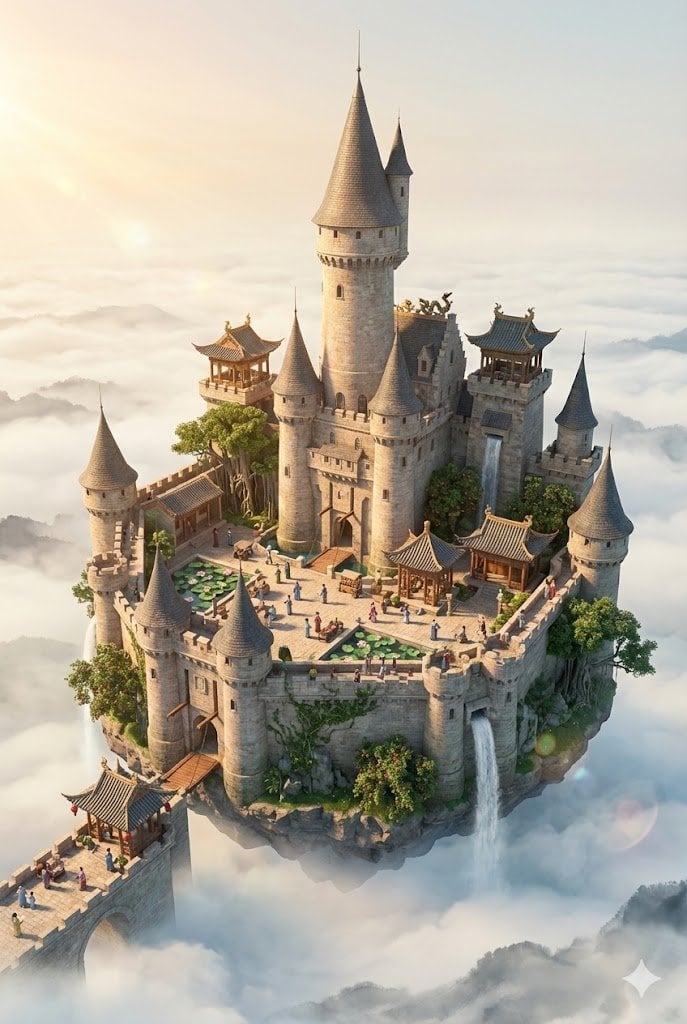
Floating Sky Castle Digital Art Poster Prompt
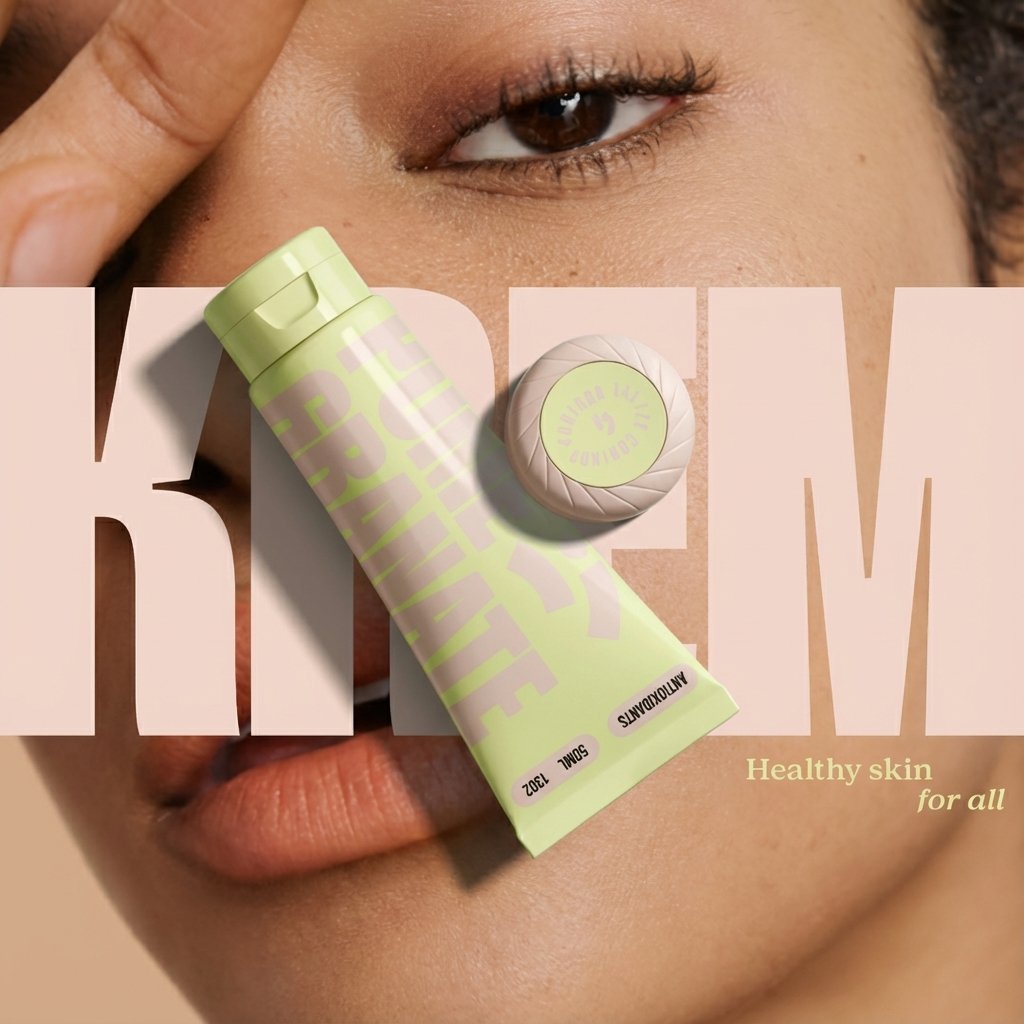
Ad recreation prompt using your product and brand aesthetics
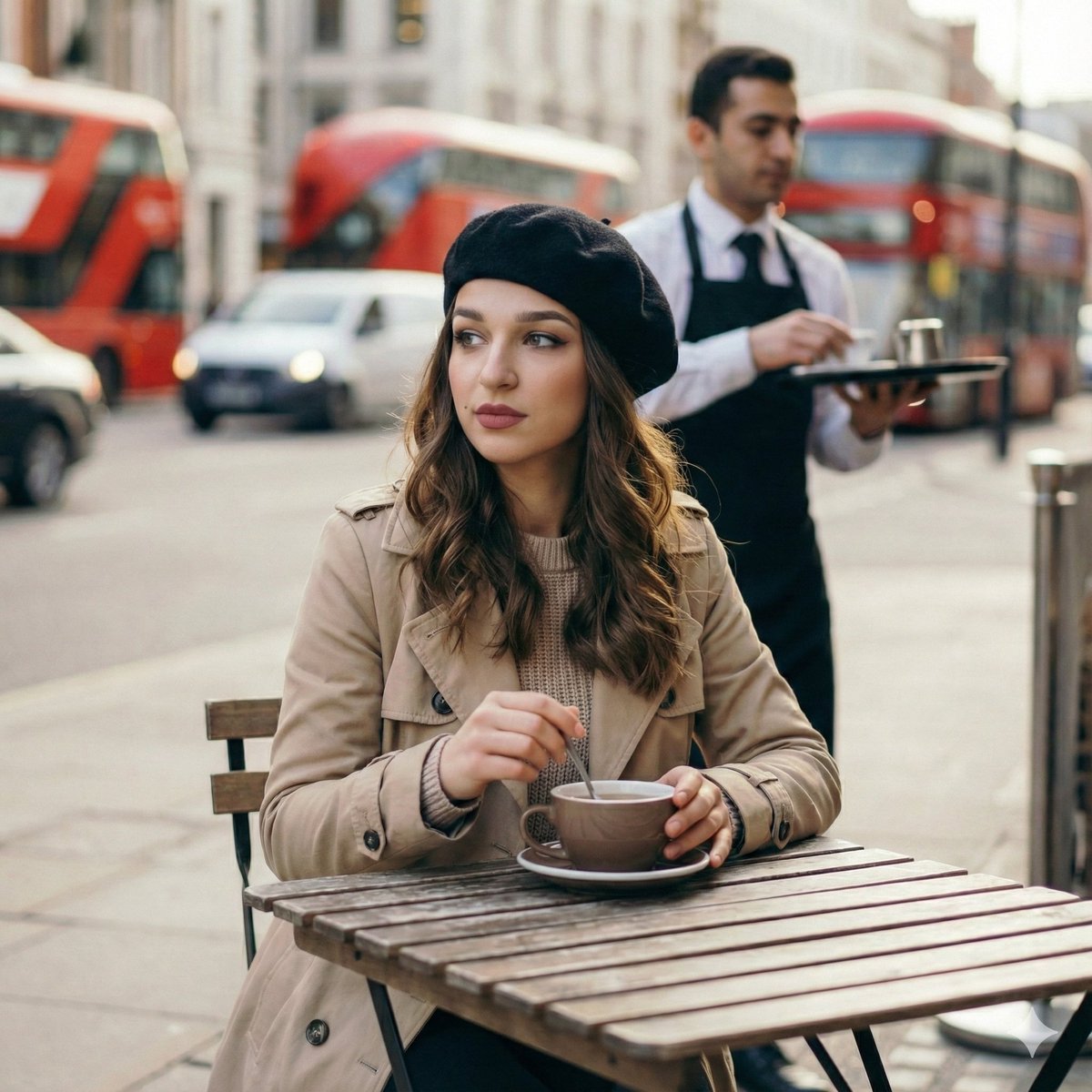
Candid London Cafe Morning Portrait (JSON)
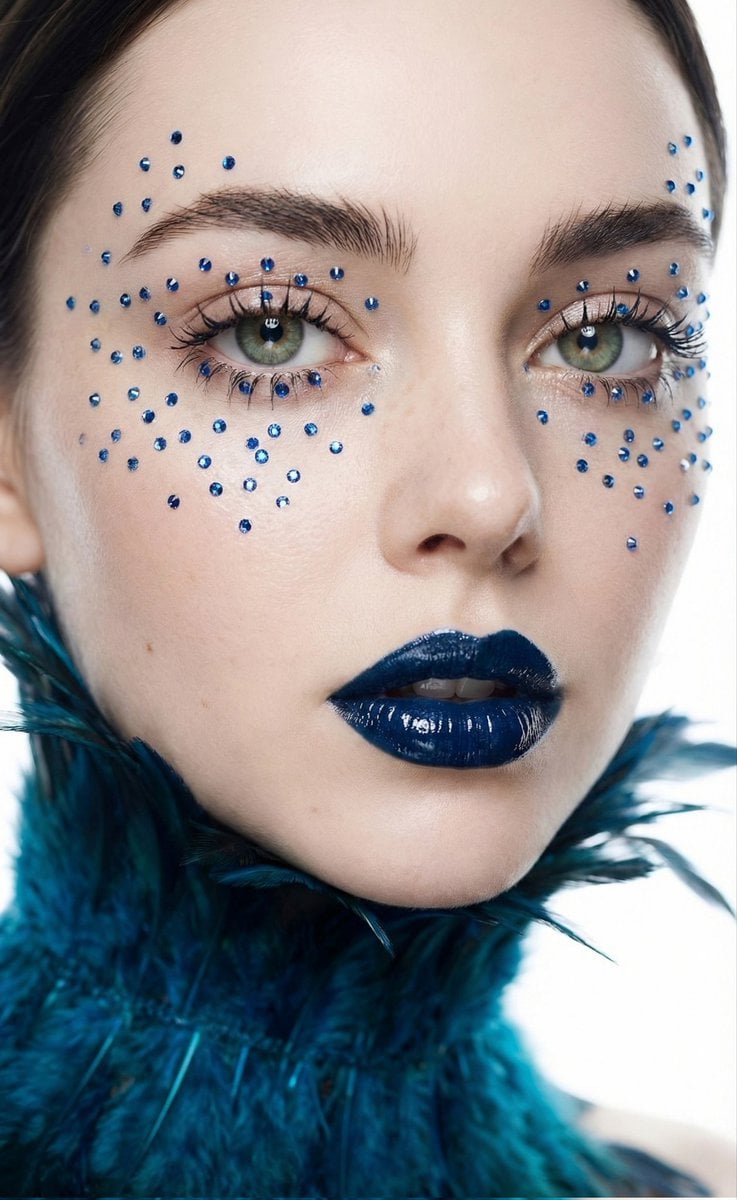
Cinematic Beauty Shot with Sapphire Crystals
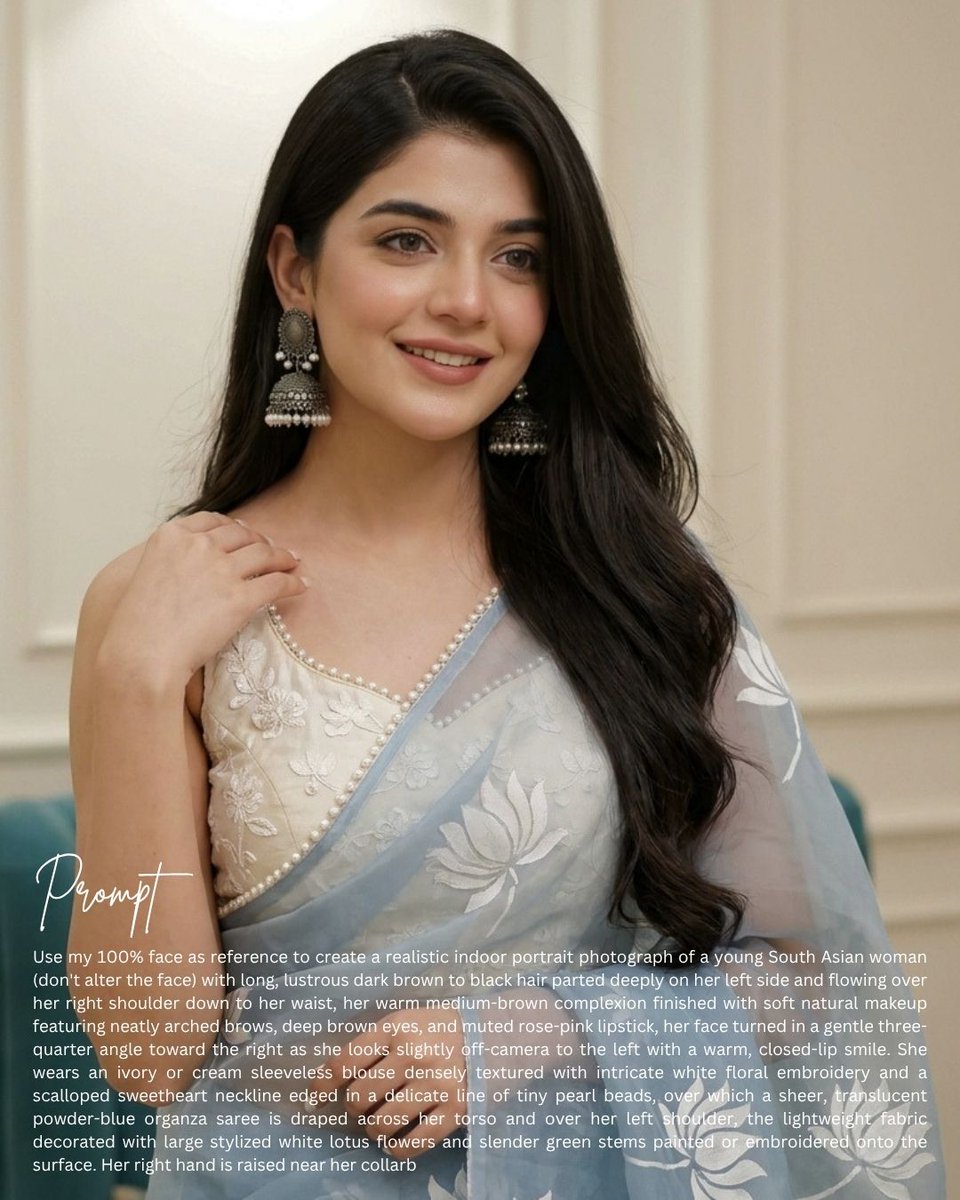
South Asian Saree Prompt Card
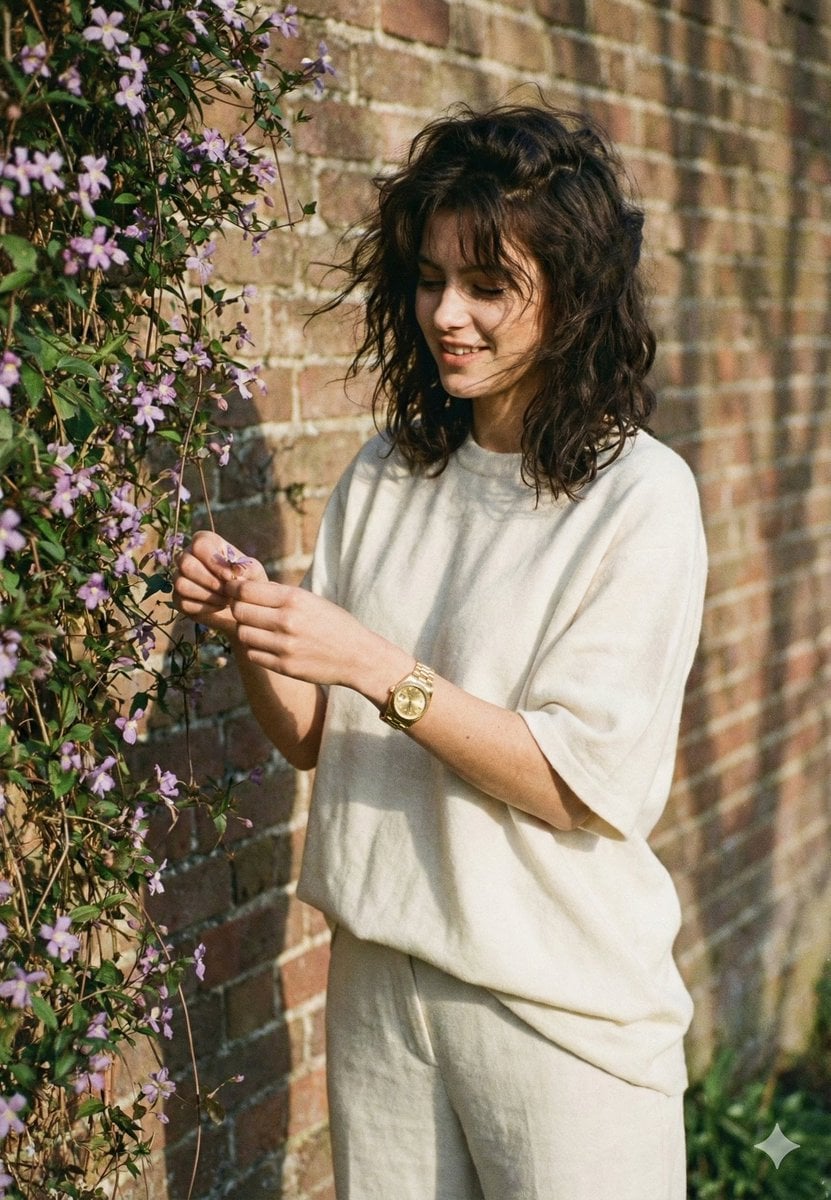
Intimate Film Aesthetic Garden Portrait
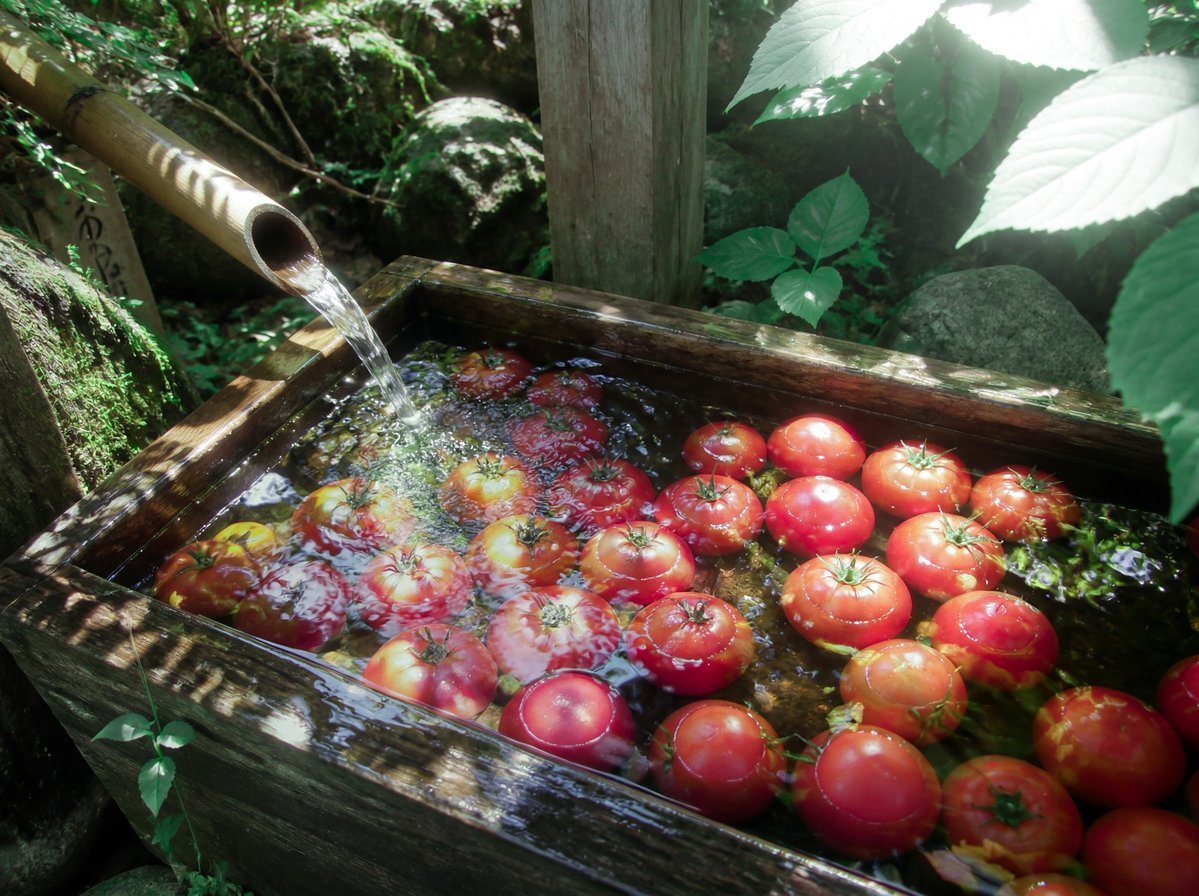
Forest Spring Tomatoes
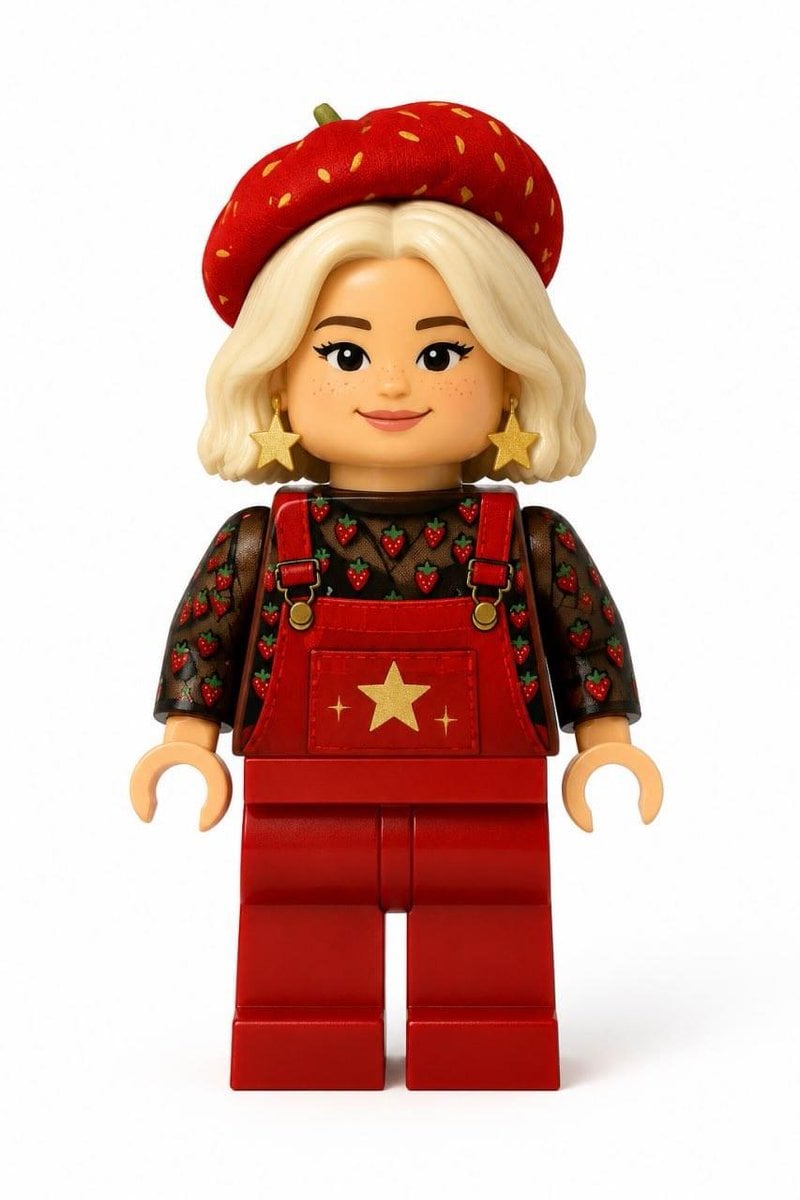
Realistic LEGO Minifigure Transformation
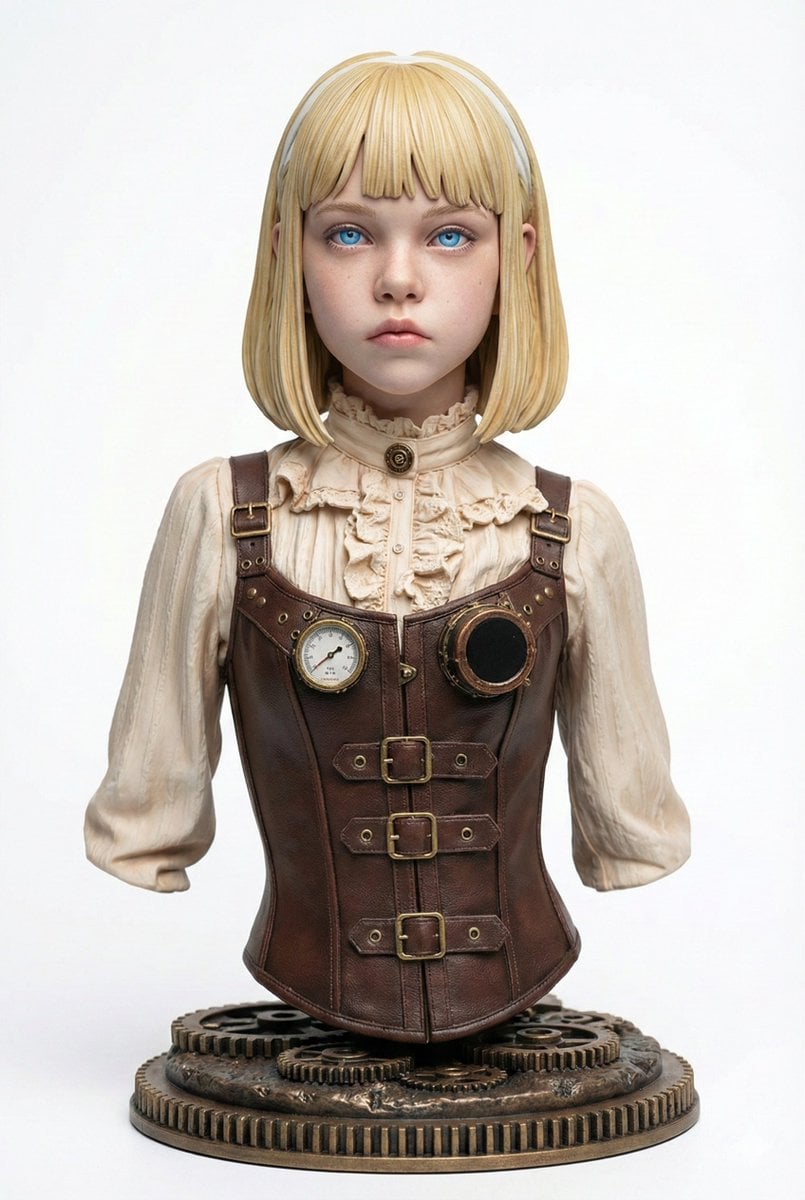
Generating Figure-Style Images from Still Photos

Cinematic Interior Shot of a Man on a Dimly Lit Bus
Browse template categories
Sculptor Carving His Marble Double questions
How do I use the Sculptor Carving His Marble Double template?
Add your photo if the template asks for one, edit the prompt if you like — the template's model and format are already selected — and press Generate. Your version opens in PicX Studio.
Can I customize the Sculptor Carving His Marble Double template?
Yes. You can change the subject, setting, lighting, mood, format, and available model controls before creating your image.
Is the Sculptor Carving His Marble Double template free?
Opening and editing this template is free. Generating uses credits, shown on the Generate button when you are signed in.
Which AI model should I use?
Start with GPT Image 2, which is the model associated with this template. You can compare another compatible model for a different finish.
Looking for something else? Browse all templates.

Your photo, any look
Thousands of ready templates for every top image and video model, from one credit balance.