
Master Sculptor Miniature Studio
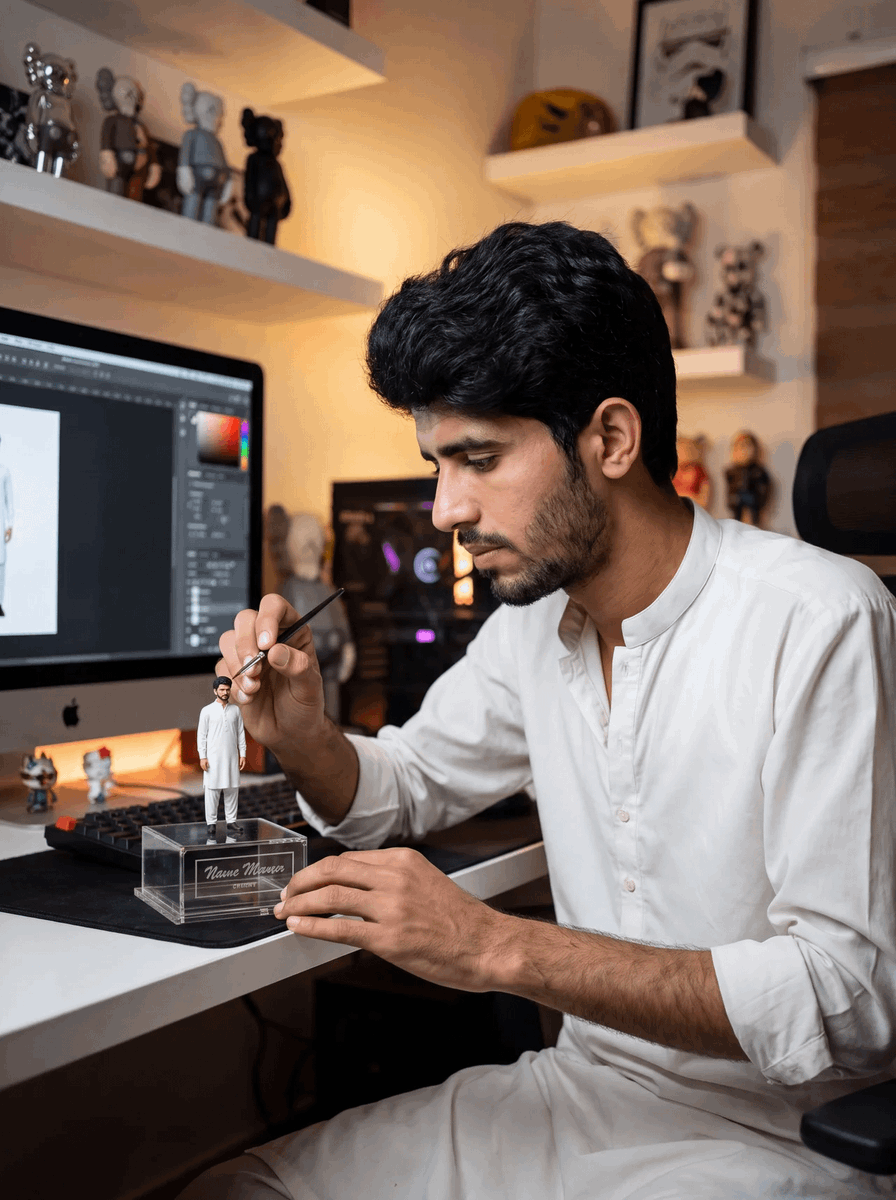
A photorealistic scene of an artist painting a miniature self-figure at a designer workstation, ideal for personal branding or creator studio visuals.
- Prompt included
- Model and format preset
- Premium template
The prompt behind this image
Copy the exact prompt behind Master Sculptor Miniature Studio, or open it in the studio and make it yours.
Create a realistic vertical photo of a young {argument name="artist identity" default="South Asian male artist"} seated at a modern desk in a warm, cozy collectible-figure studio, carefully hand-painting a miniature figurine modeled after himself. He wears a clean white kurta-style shirt and matching light trousers, has thick black wavy hair, medium brown skin, a short trimmed beard, and a focused calm expression in side profile. His right hand holds a fine black paintbrush touching the tiny figure’s face or hair, while his left hand steadies a clear acrylic display box on the desk. The miniature figure stands upright on top of the transparent rectangular display case and wears the same white outfit, creating a “master sculptor painting his own miniature” effect. Add an engraved dark nameplate on the front of the clear box reading {argument name="nameplate text" default="Name Mevoros"} in elegant cursive or serif lettering. The desk contains exactly 4 visible desktop items: the clear display box with the miniature, a black keyboard behind it, two tiny toy figures near the monitor base, and a large monitor at left. On the monitor, show a dark digital art or 3D modeling interface with a pale full-body character reference on a white canvas and UI panels along the side, suggesting professional design work. In the background, show white floating shelves with exactly 9 visible collectible art toys and figurines arranged as display decor, plus one framed poster and one yellow sculptural mask or helmet on the upper shelf. Include a black PC tower with soft purple/orange internal RGB glow behind the artist and a black office chair at right. Lighting should be warm amber from shelf lights mixed with soft monitor glow, shallow depth of field, high-end DSLR realism, natural skin texture, detailed fabric folds, realistic hands, accurate proportions, cinematic composition, 3:4 vertical framing, subject on the right and monitor on the left. Avoid extra people, avoid distorted fingers, avoid unreadable clutter, avoid logos except the small Apple-like monitor silhouette if natural, and keep the scene photorealistic rather than illustration.
How to use Master Sculptor Miniature Studio in 3 steps
- 1Upload ImagePNG, JPG or paste
Add your photo
Upload the photo the template builds on. The prompt, model and format are already set.
- 2…a portrait of your subject in softgolden-hour light, 85mm…
Personalize
Edit the subject and creative details for your destination.
- 3Generate
Generate
Press Generate — your image is created in PicX Studio, so you can compare it with the original and refine one variable at a time.
More like this
Templates with the same subject, style or setup. Open one to see its prompt.

80s Couple Studio Portrait

1985 Studio Portrait

Paper Tunnel Book Architecture
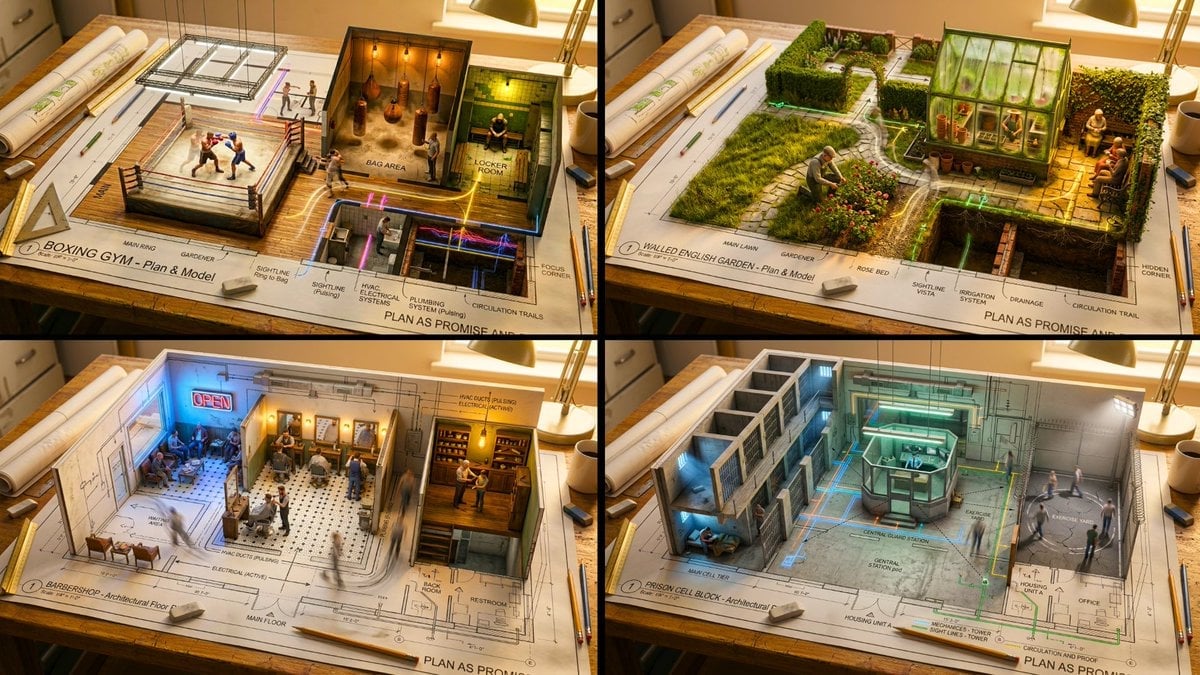
Master Architectural Paper Cut — Floor Plan Rising into Inhabitable Miniature
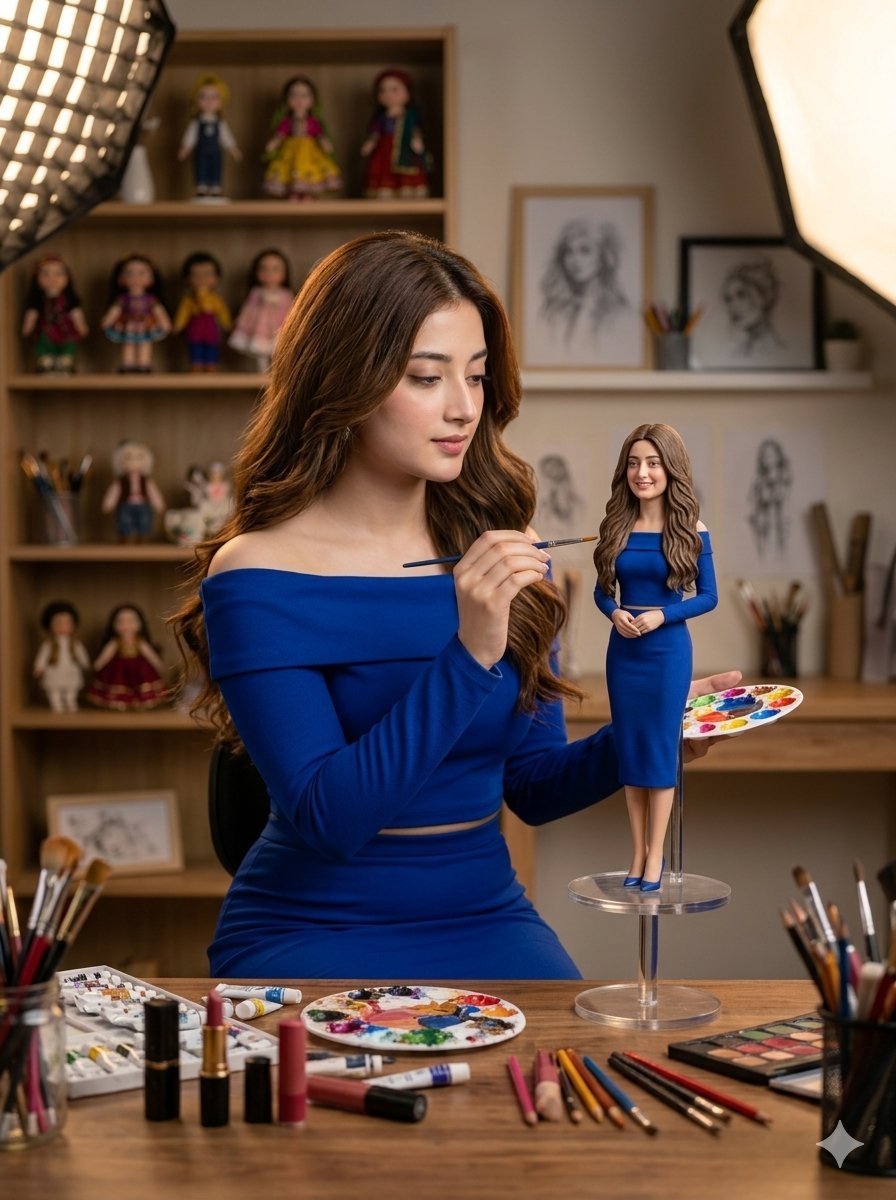
Miniature Art Studio Creator Portrait

Cinematic Low-Angle Fashion Portrait Smoke Editorial

Japanese Architectural Concrete Studio Fashion Campaign

Japanese Minimalist Concrete Studio Fashion Editorial
Cinematic Low-Angle Fashion Portrait Smoke Editorial
High-Fashion Bauhaus Geometric Cutout Editorial
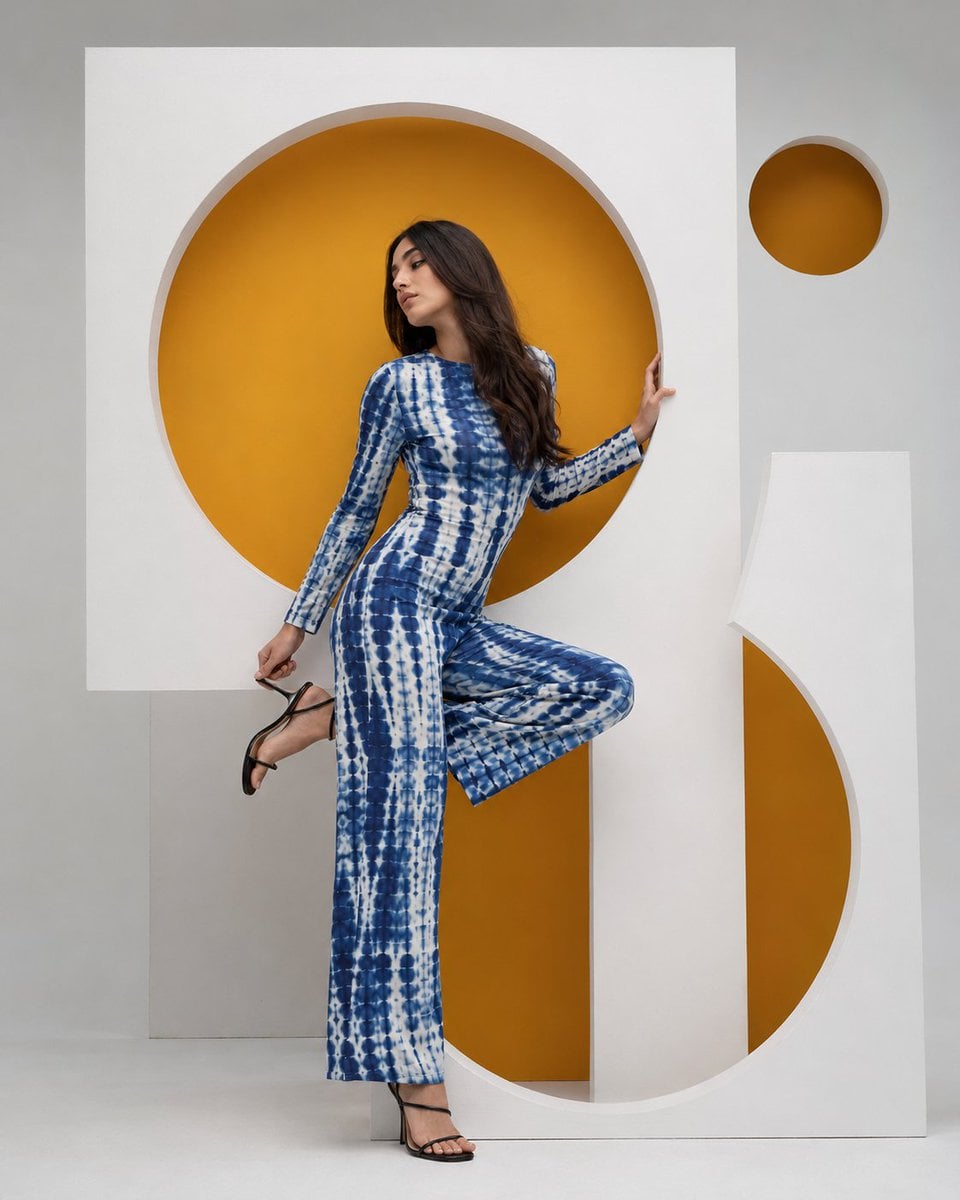
High-Fashion Bauhaus Geometric Cutout Editorial

Luxury Black-and-White Fashion Contact Sheet
Make it yours
Master Sculptor Miniature Studio works as-is. These are the safest ways to change it without losing the look.
Change one field
Copy a single group, rewrite it, and generate again so you can see what that field is doing.
Keep the frame, change the subject
Hold the composition and light of Master Sculptor Miniature Studio, then swap wardrobe, props or the person for a new take.
| If the result… | Why | Fix |
|---|---|---|
| The result drifts from the preview | Too many fields changed at once. | Reuse Master Sculptor Miniature Studio as-is first, then change one group — subject, light, or setting. |
| The model over-stylizes the scene | The prose prompt leaves finish and camera underspecified. | Add one camera or lighting sentence and stay on GPT Image 2. |
More GPT Image 2 templates
Other prompts made for GPT Image 2.

Six VTuber Japanese Logo Sheet

Realistic Portrait of Woman and Deer

The Vista Modular Condo Poster

AI Model Routing Comparison Infographic

2.5D Anime Art Board

Isometric Productivity Desk Scene

New York Double Exposure Poster

Four-Panel AI Landscape Comparison

Japanese Tatami Lifestyle Magazine Cover

NESCAFÉ Coffee Map Poster
More image prompts
Fresh picks from across the catalog.
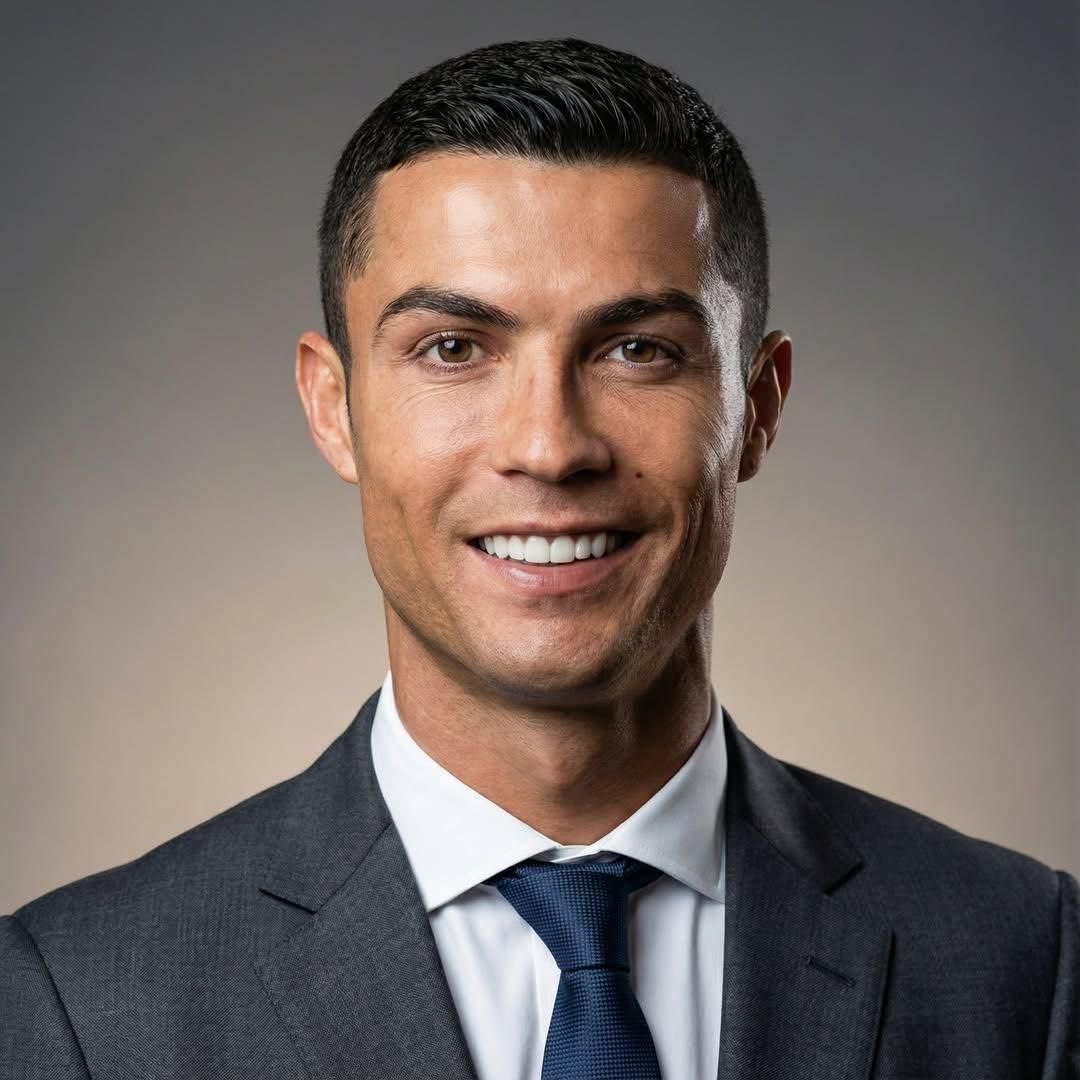
Professional Business Portrait Generation Prompt
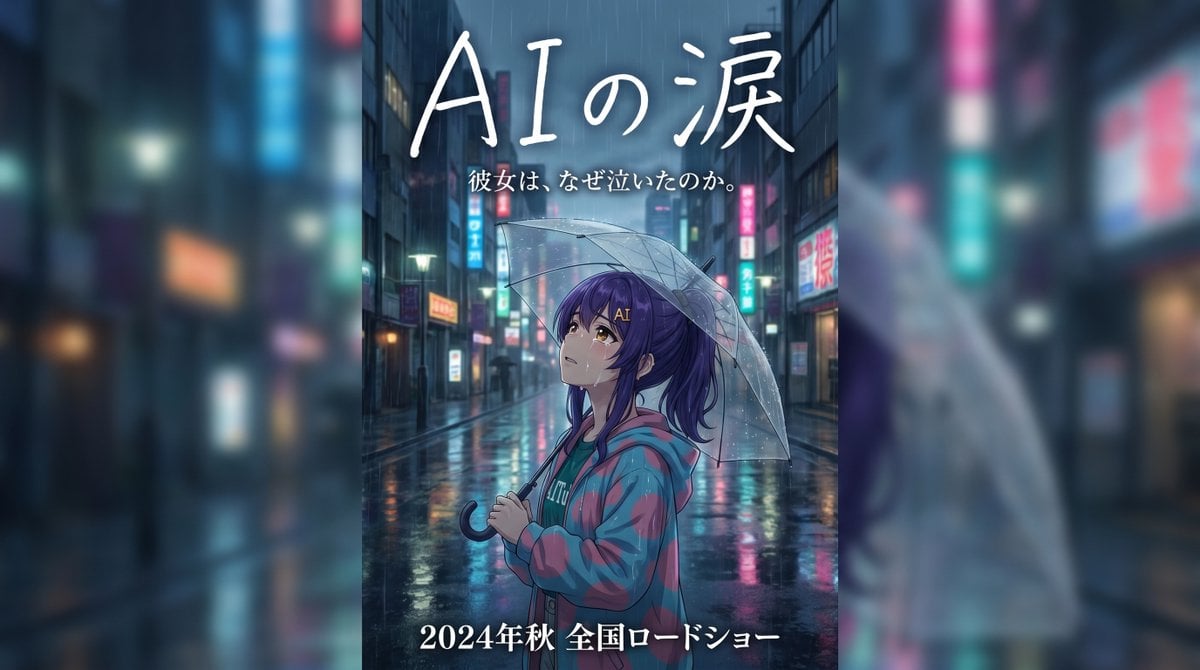
Rainy Japanese Movie Banner
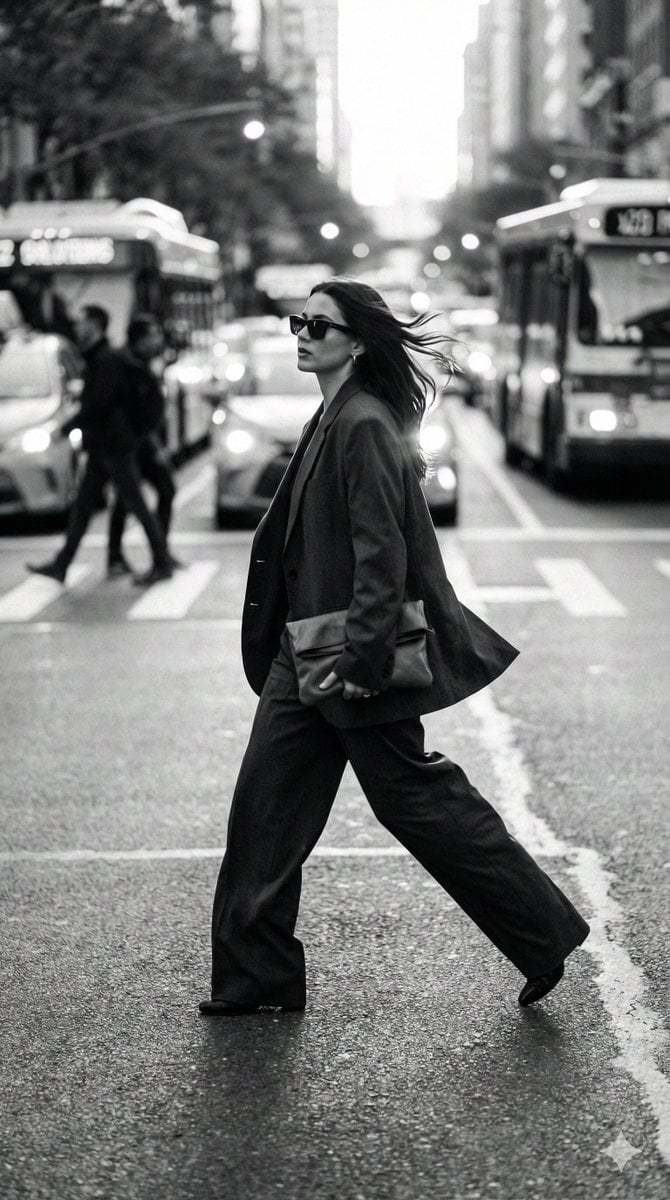
Dynamic Black and White Street Fashion Prompt
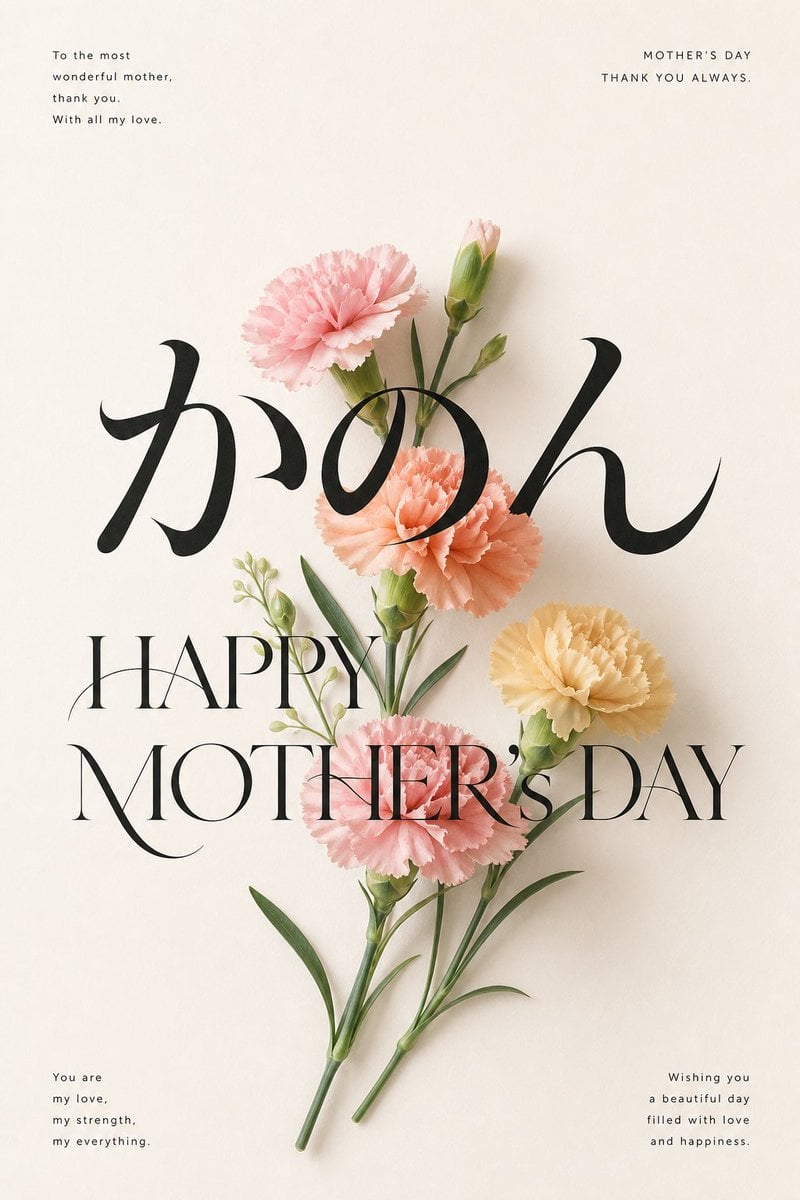
Elegant Carnation Mother's Day Wallpaper
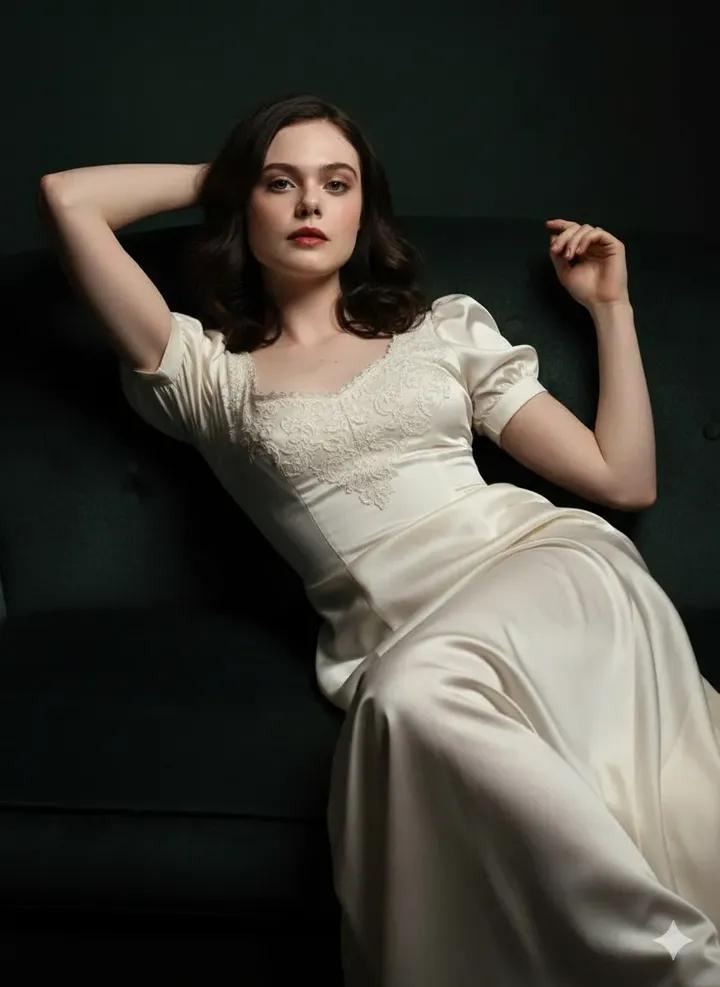
Fine Art Low-Key Portrait in Vintage Dress
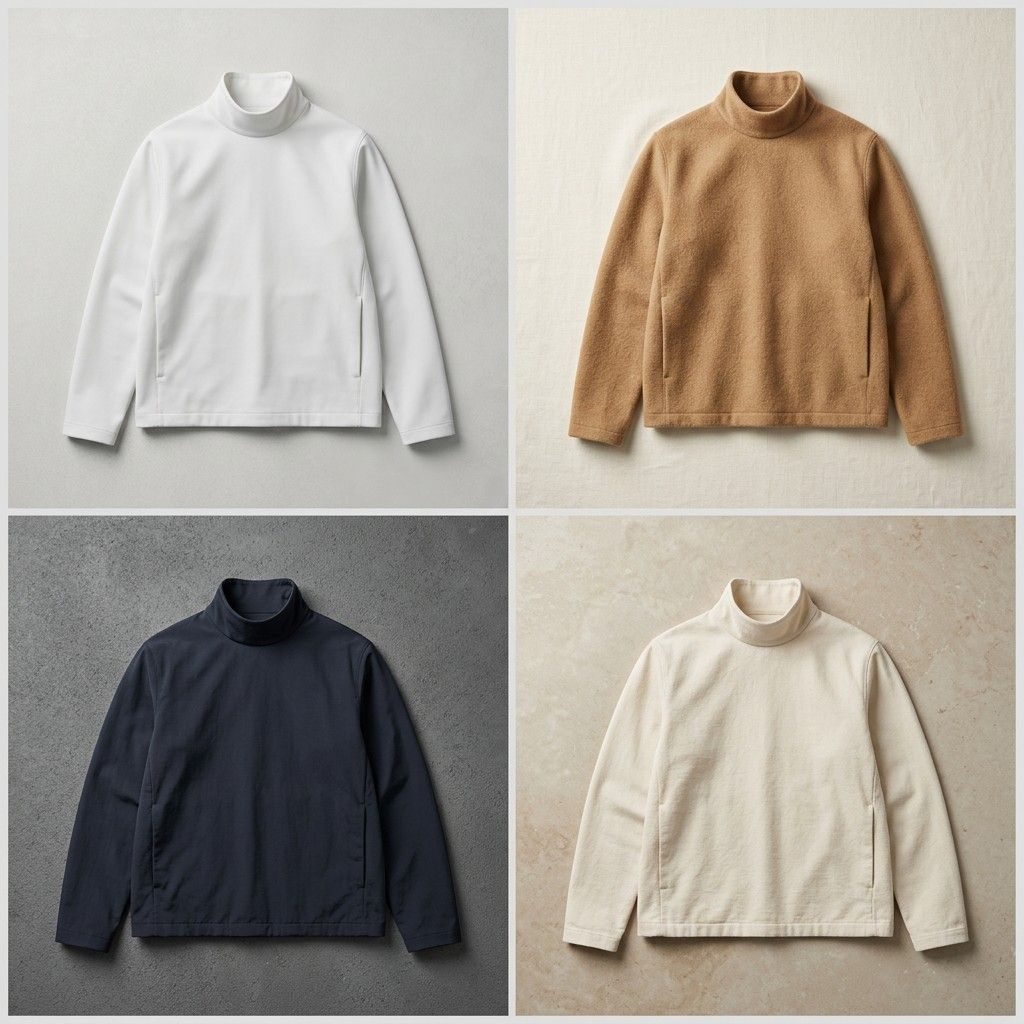
Seamless Jacket Design
Image Style Transfer: Converting Photo to Seurat's Pointillism
Cinematic Mirror Selfie: Batman and Catwoman Cosplay
Logo Variation Grid
Summer Street Lifestyle Photography
Browse template categories
Master Sculptor Miniature Studio questions
How do I use the Master Sculptor Miniature Studio template?
Add your photo if the template asks for one, edit the prompt if you like — the template's model and format are already selected — and press Generate. Your version opens in PicX Studio.
Can I customize the Master Sculptor Miniature Studio template?
Yes. You can change the subject, setting, lighting, mood, format, and available model controls before creating your image.
Is the Master Sculptor Miniature Studio template free?
Opening and editing this template is free. Generating uses credits, shown on the Generate button when you are signed in.
Which AI model should I use?
Start with GPT Image 2, which is the model associated with this template. You can compare another compatible model for a different finish.
Looking for something else? Browse all templates.

Your photo, any look
Thousands of ready templates for every top image and video model, from one credit balance.