
Rainy Japanese Movie Banner
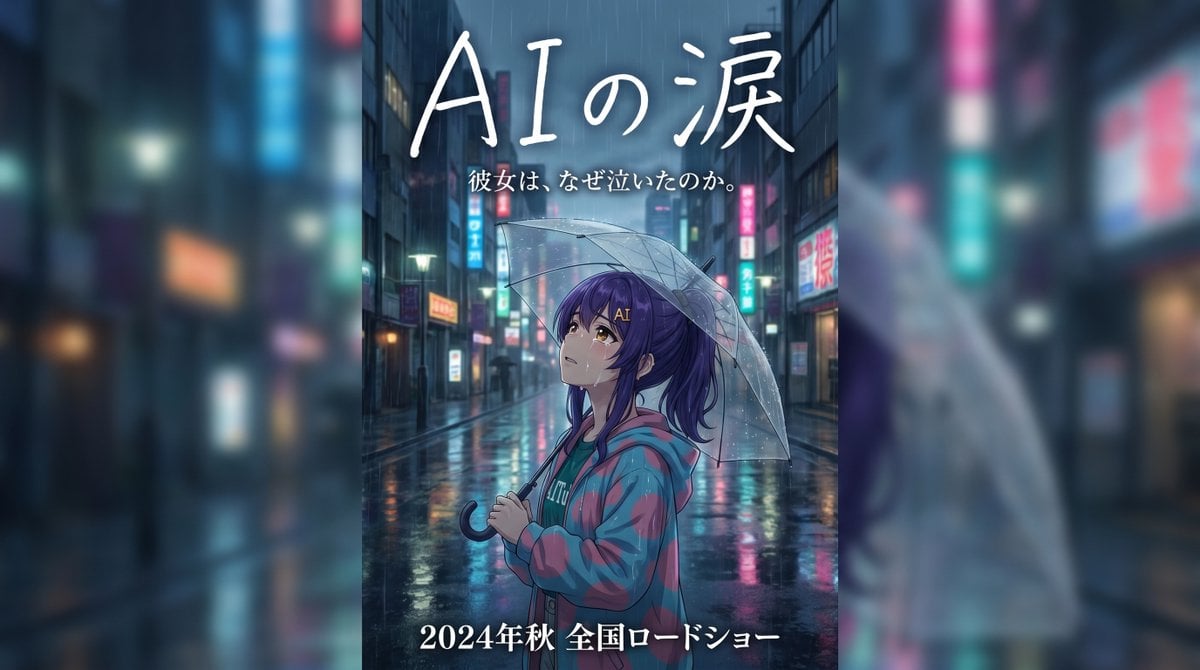
A vertical anime-style film banner showing a lone girl with an umbrella on a neon-lit rainy street, ideal for emotional Japanese movie poster or trailer key art.
- Prompt included
- Model and format preset
- Free template
The prompt behind this image
Copy the exact prompt behind Rainy Japanese Movie Banner, or open it in the studio and make it yours.
Create an emotional Japanese movie trailer banner poster in a tall vertical composition, cinematic anime illustration style, set on a rainy nighttime city street in Japan filled with wet asphalt reflections, neon shop signs, and softly blurred high-rise buildings receding into the distance. In the center foreground, show 1 young anime girl in side profile facing left, standing alone under 1 transparent plastic umbrella with visible raindrops. She has long dark purple hair tied in a high ponytail, a slightly melancholic expression, and wears an oversized teal hoodie layered under a loose pink-and-teal plaid jacket. The mood is lonely, wistful, and dramatic, like a heartfelt live-action Japanese film advertisement reimagined as anime key art. Use cool blue and cyan tones with pink neon accents, glossy rain reflections, shallow depth of field, soft atmospheric haze, and subtle rim lighting from street signs. Add large handwritten white Japanese title text at the top reading {argument name="title text" default="AIの涙"}, with 1 smaller white subtitle line beneath it reading {argument name="tagline text" default="彼女は、なぜ泣いたのか。"}. At the bottom, add 1 bold white release line reading {argument name="release text" default="2024年秋 全国ロードショー"}. Keep the character as the emotional focal point, framed mid-shot from about waist up, umbrella arcing over her head, with the empty rain-soaked street behind her emphasizing isolation and cinematic sadness.
How to use Rainy Japanese Movie Banner in 3 steps
- 1Upload ImagePNG, JPG or paste
Add your photo
Upload the photo the template builds on. The prompt, model and format are already set.
- 2…a portrait of your subject in softgolden-hour light, 85mm…
Personalize
Edit the subject and creative details for your destination.
- 3Generate
Generate
Press Generate — your image is created in PicX Studio, so you can compare it with the original and refine one variable at a time.
More like this
Templates with the same subject, style or setup. Open one to see its prompt.

Minecraft Japanese Research Lab Exploration
Rainy Double Exposure Movie Poster

Japanese Architectural Concrete Studio Fashion Campaign

Japanese Minimalist Concrete Studio Fashion Editorial

Blue Backdrop Luxury Fashion Portrait Campaign
Japanese Delivery Referral Banner
Japanese Women's Gym Hero Banner
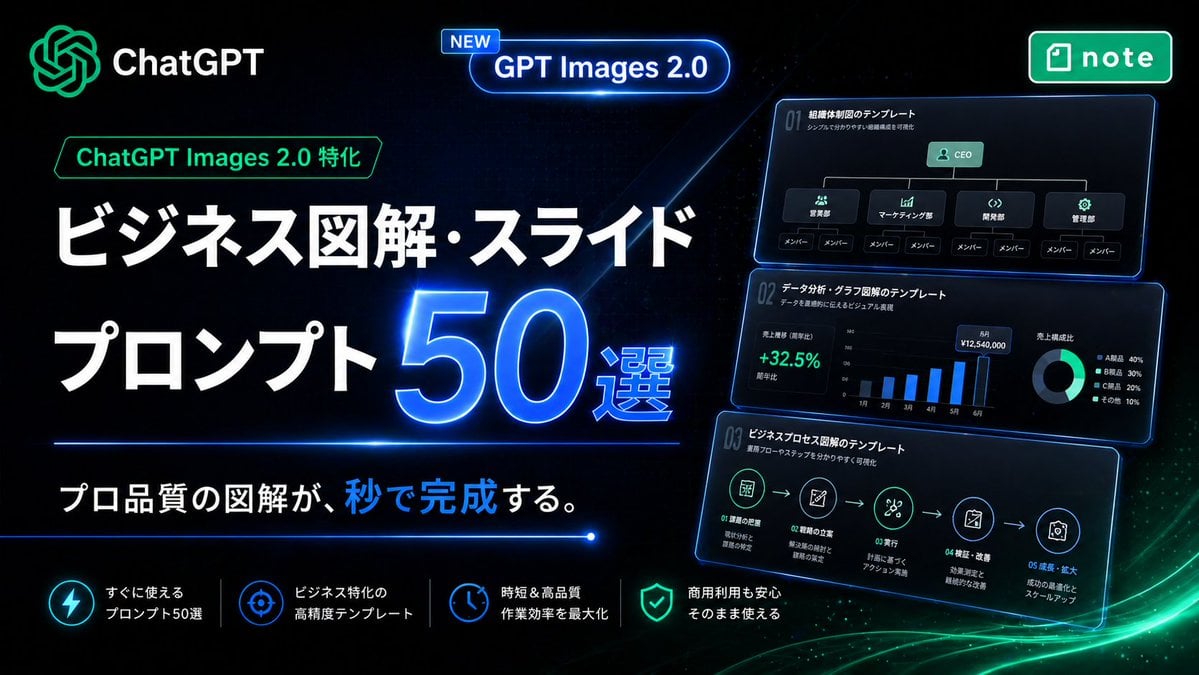
Neon Japanese AI Prompt Promo Banner

Japanese SaaS Ad Banner at Night
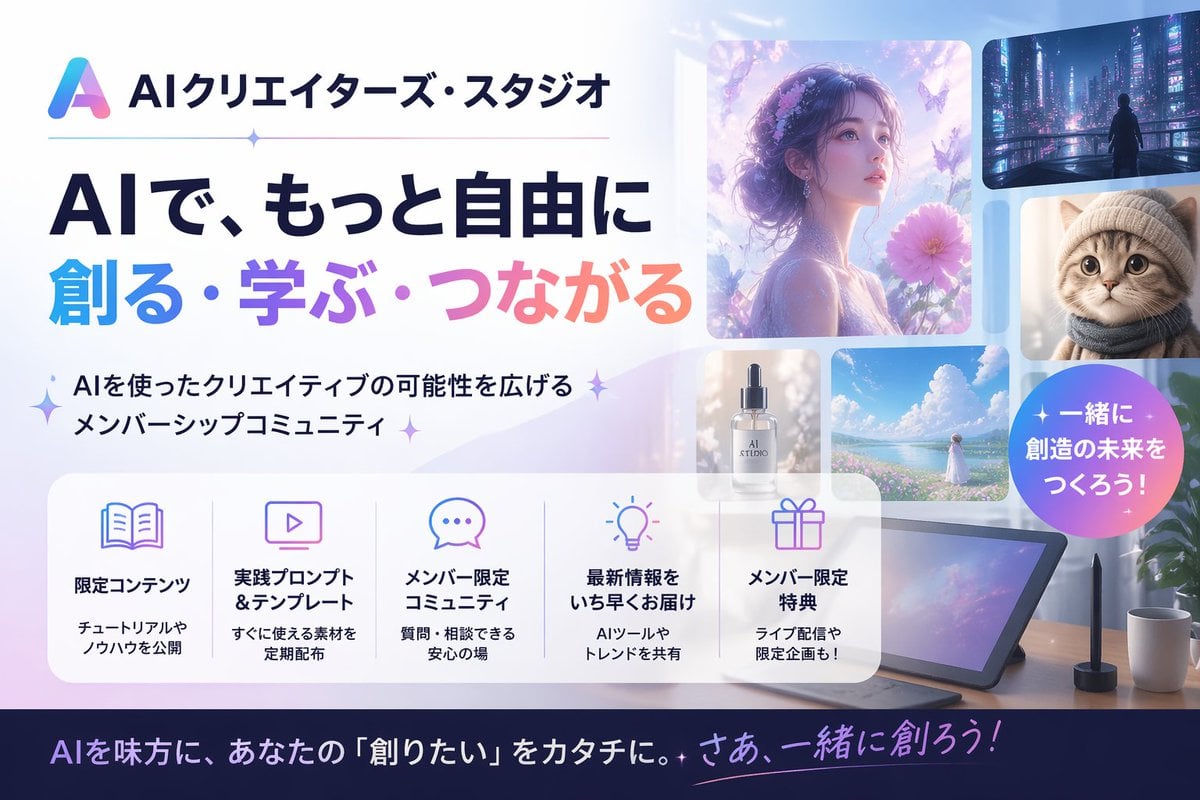
Japanese AI Creator Studio Banner

Japanese AI Consulting OGP Banner
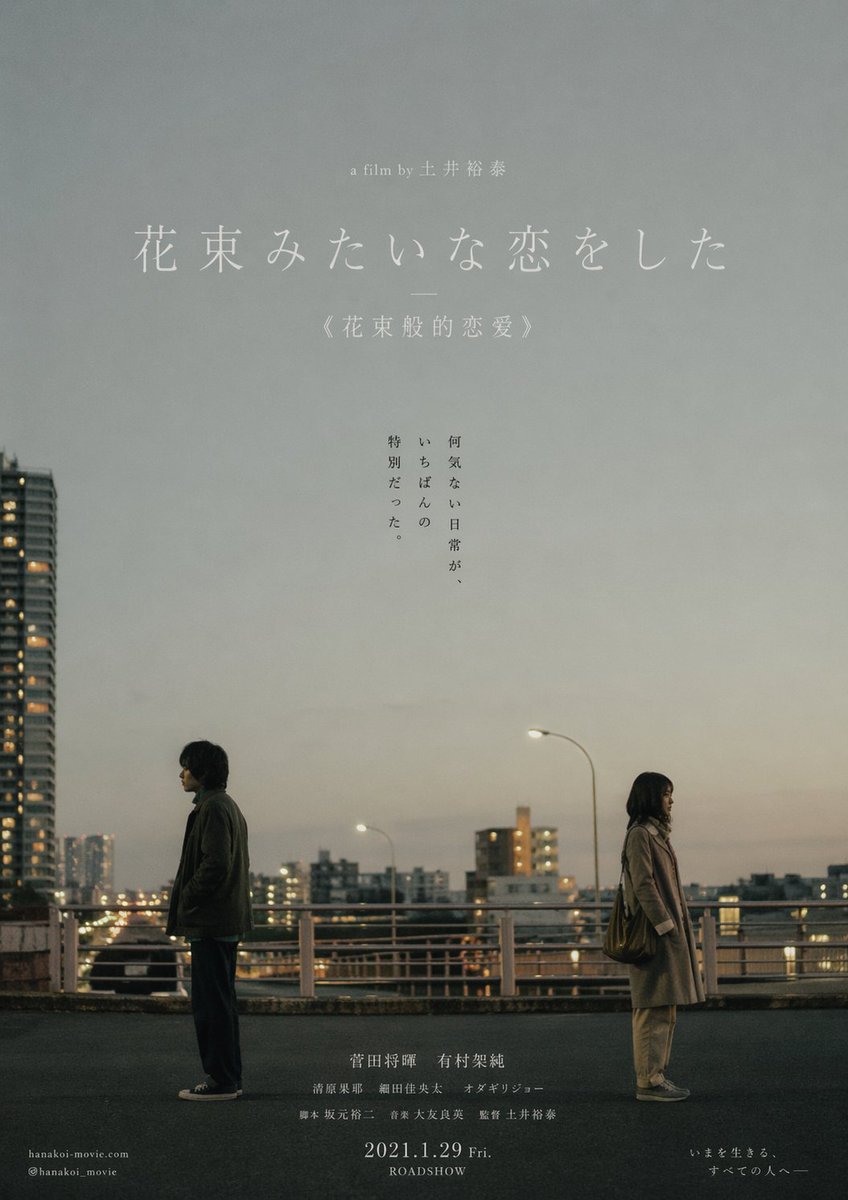
Japanese Realist Romance Movie Poster
Make it yours
Rainy Japanese Movie Banner works as-is. These are the safest ways to change it without losing the look.
Change one field
Copy a single group, rewrite it, and generate again so you can see what that field is doing.
Keep the frame, change the subject
Hold the composition and light of Rainy Japanese Movie Banner, then swap wardrobe, props or the person for a new take.
| If the result… | Why | Fix |
|---|---|---|
| The result drifts from the preview | Too many fields changed at once. | Reuse Rainy Japanese Movie Banner as-is first, then change one group — subject, light, or setting. |
| The model over-stylizes the scene | The prose prompt leaves finish and camera underspecified. | Add one camera or lighting sentence and stay on GPT Image 2. |
More GPT Image 2 templates
Other prompts made for GPT Image 2.

Realistic Portrait of Woman and Deer

The Vista Modular Condo Poster

AI Model Routing Comparison Infographic

2.5D Anime Art Board

Isometric Productivity Desk Scene

New York Double Exposure Poster

Four-Panel AI Landscape Comparison

Japanese Tatami Lifestyle Magazine Cover

NESCAFÉ Coffee Map Poster

Brutalist Cogito Chinese Typography Poster
More image prompts
Fresh picks from across the catalog.
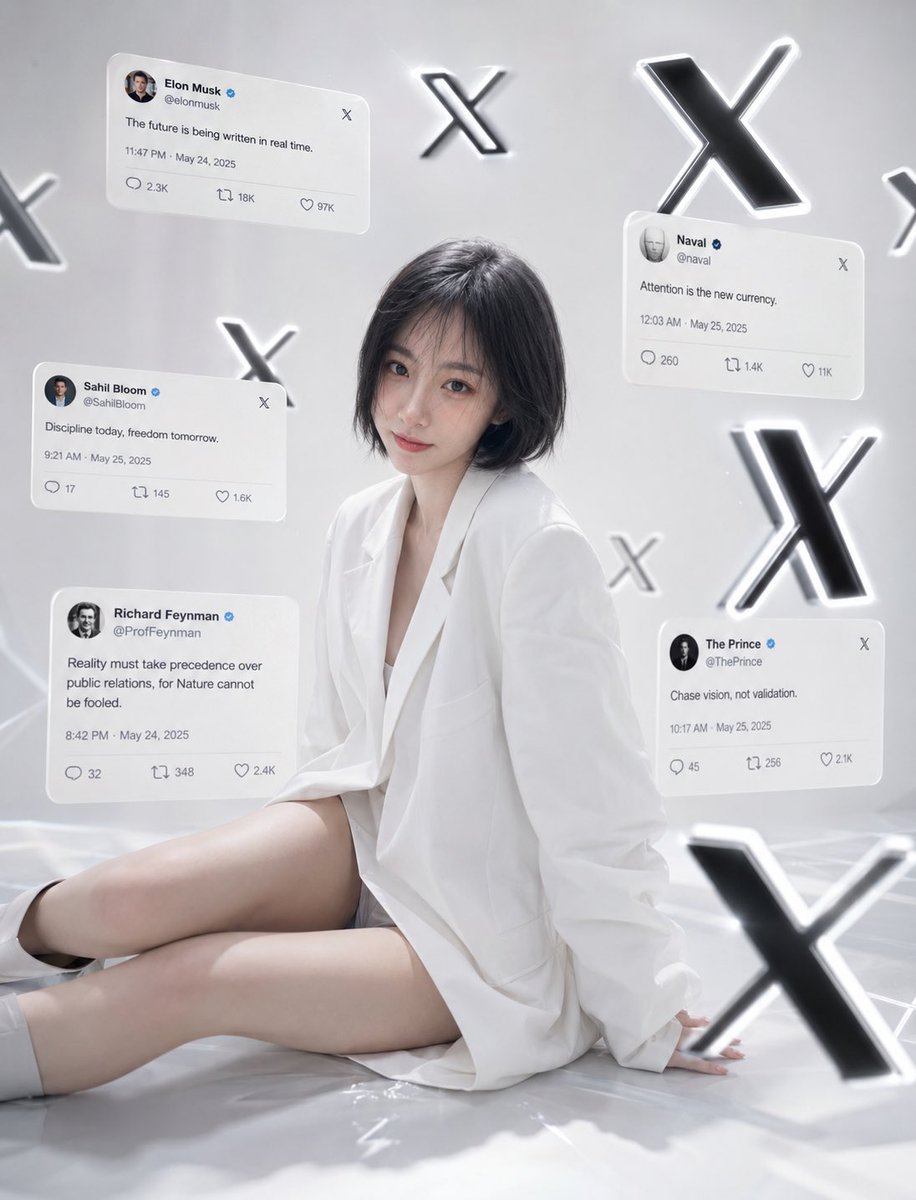
Minimalist Luxury Social Media Portrait
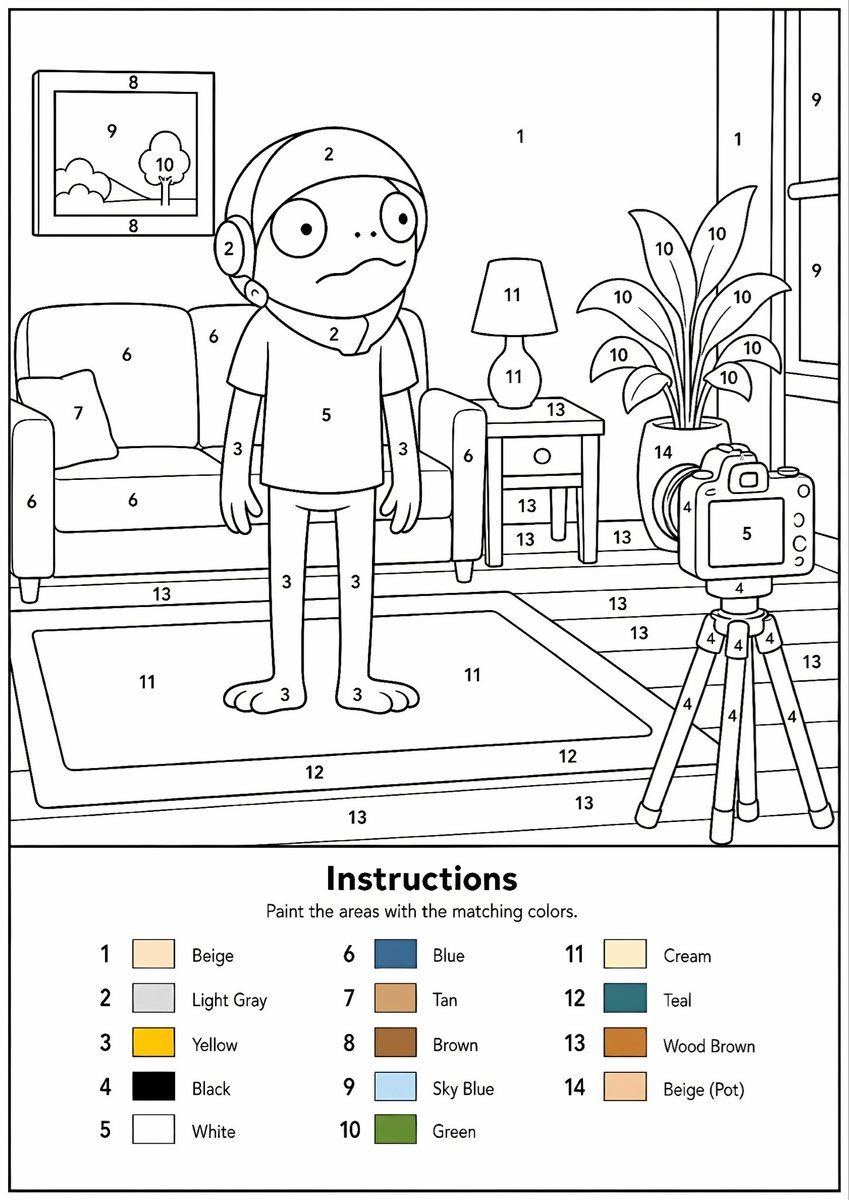
Printable Paint by Numbers Generator
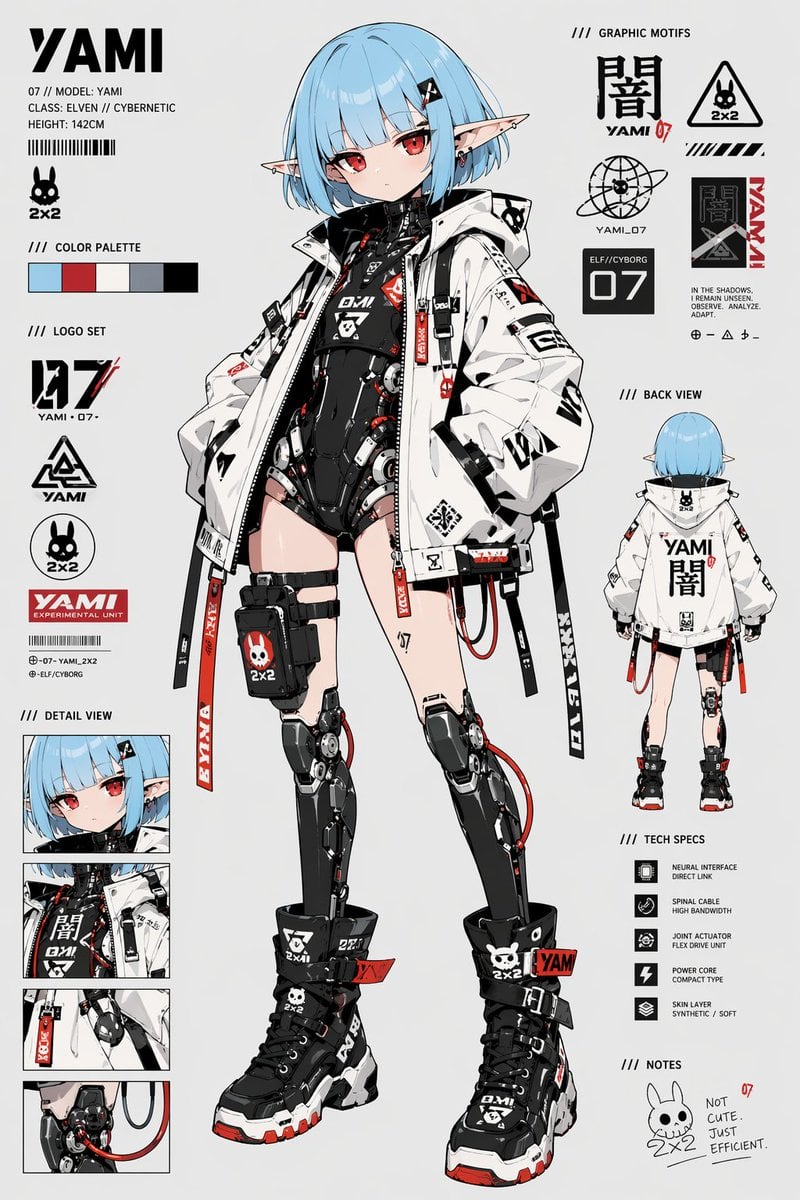
Cyberpunk Elf Android Reference Sheet
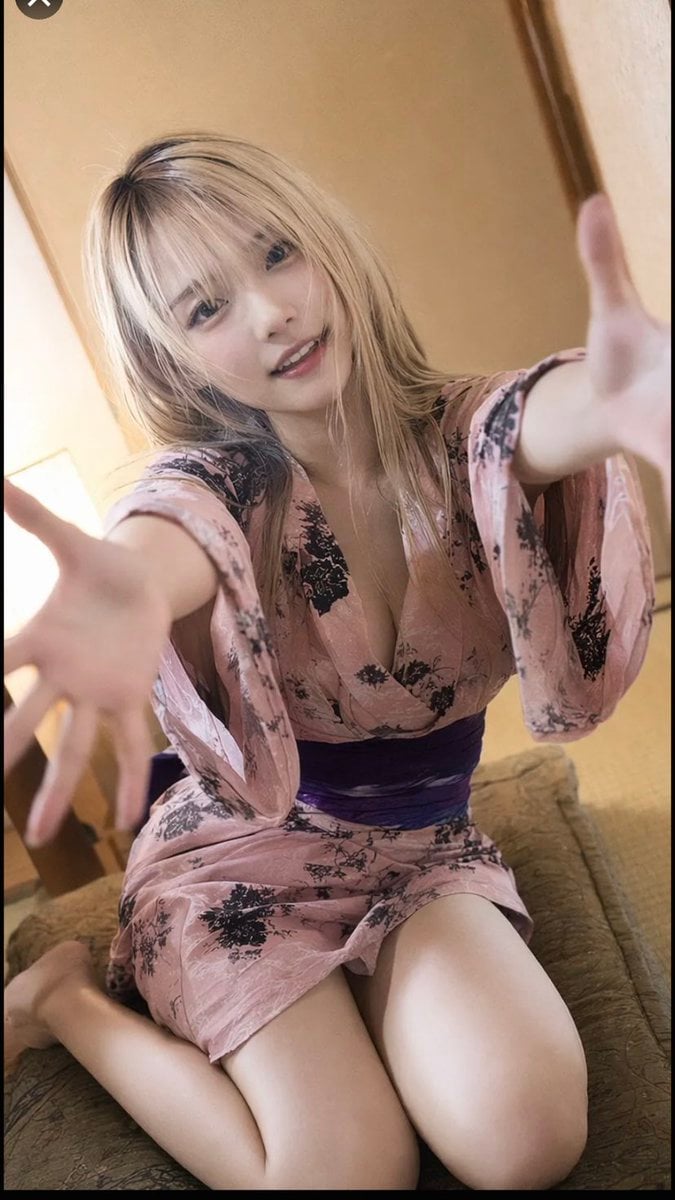
Photorealistic Yukata Portrait
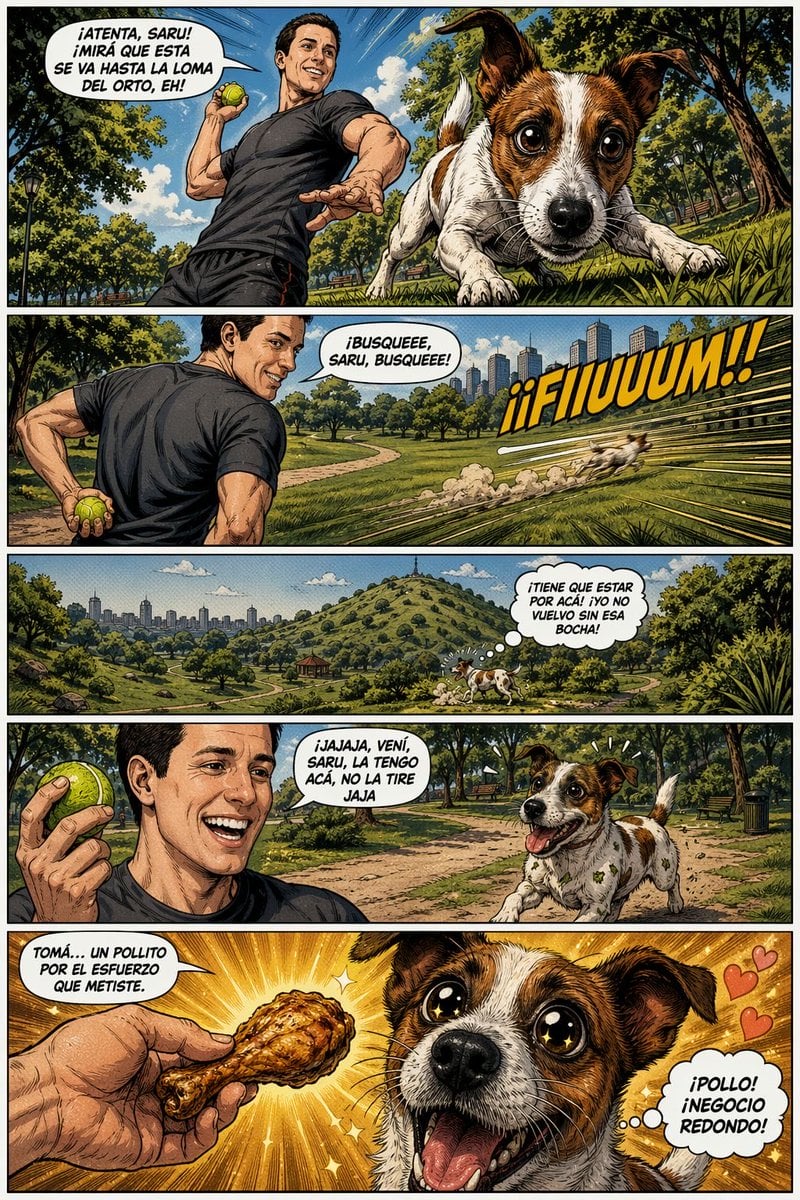
Funny Dog Park Comic Page
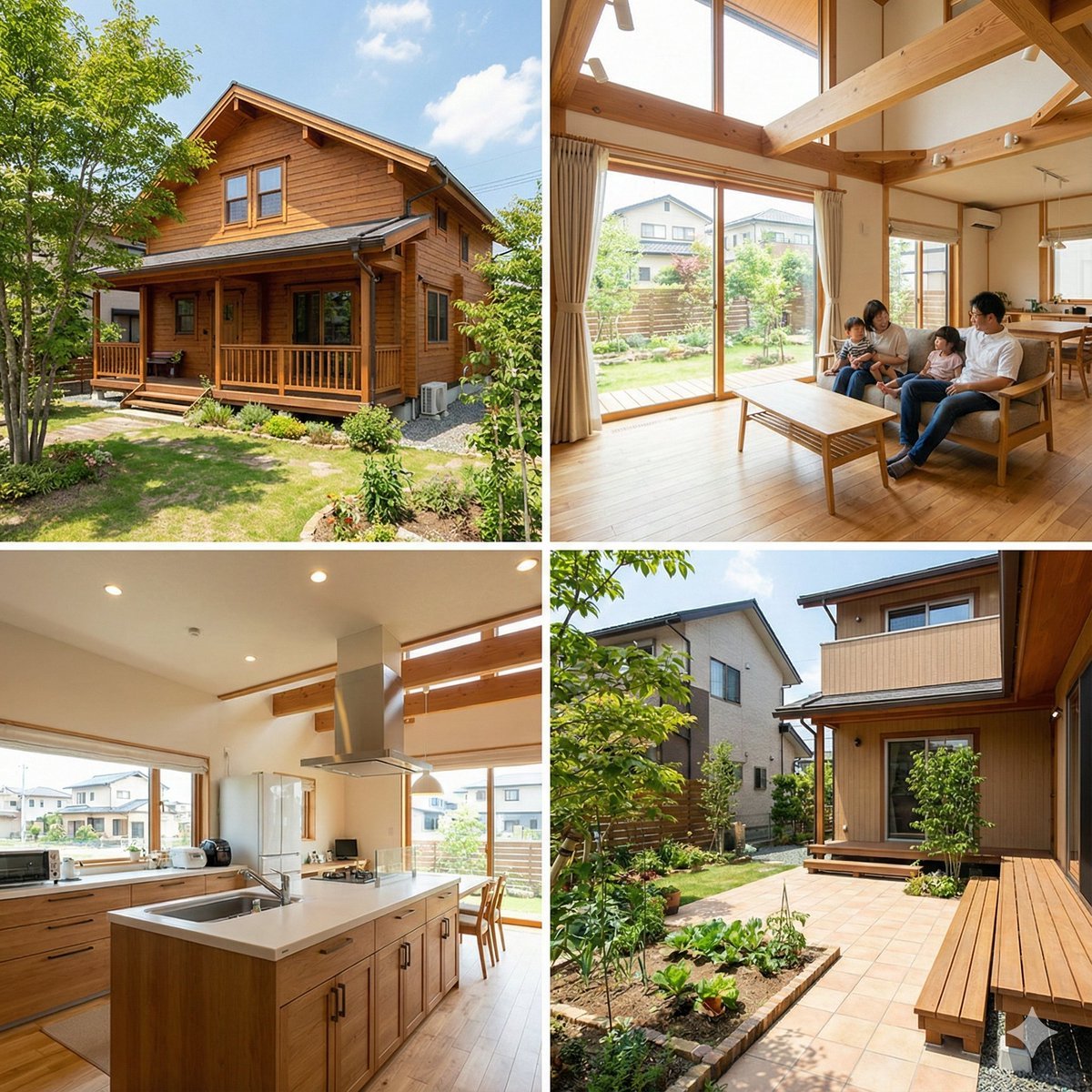
Generating Real Estate Flyers with Nano Banana Pro

Blue Neon Denial ASMR Anime Portrait
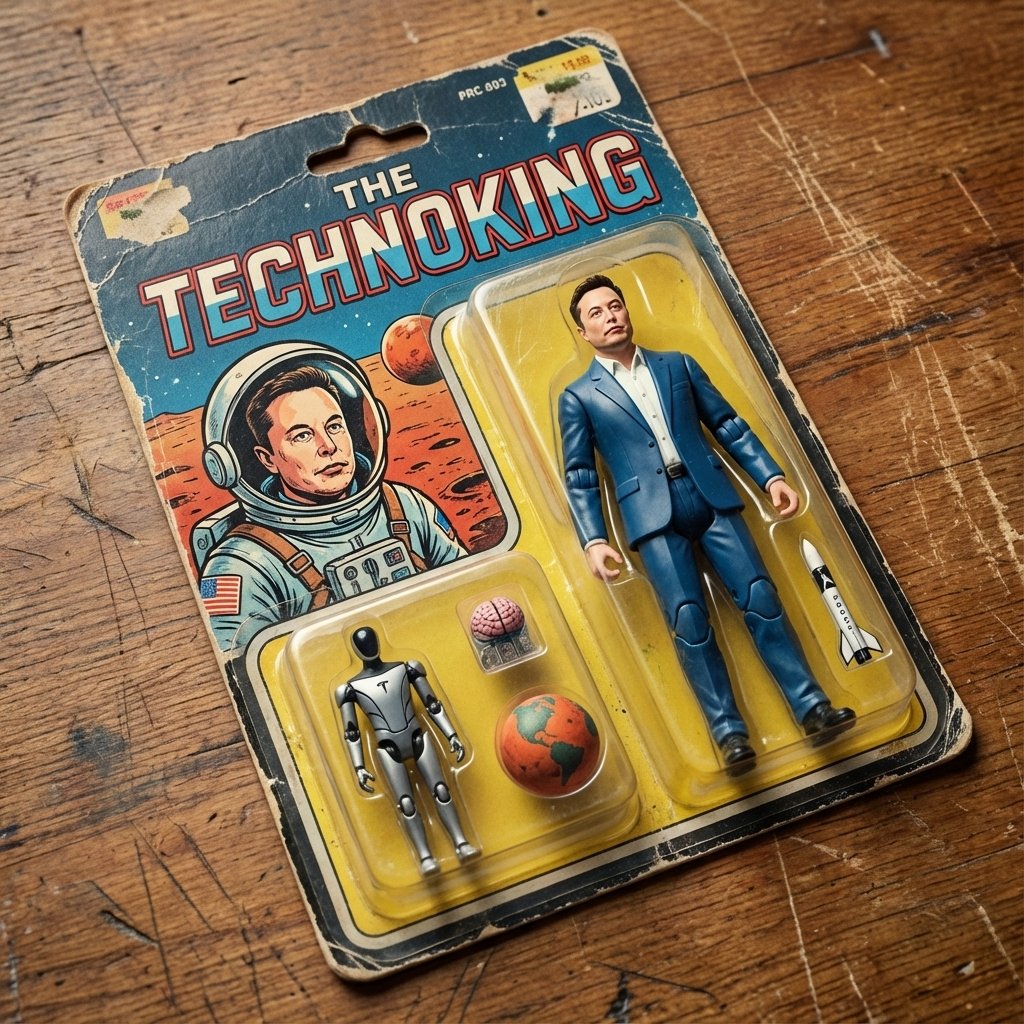
Vintage Action Figure Packaging Generator
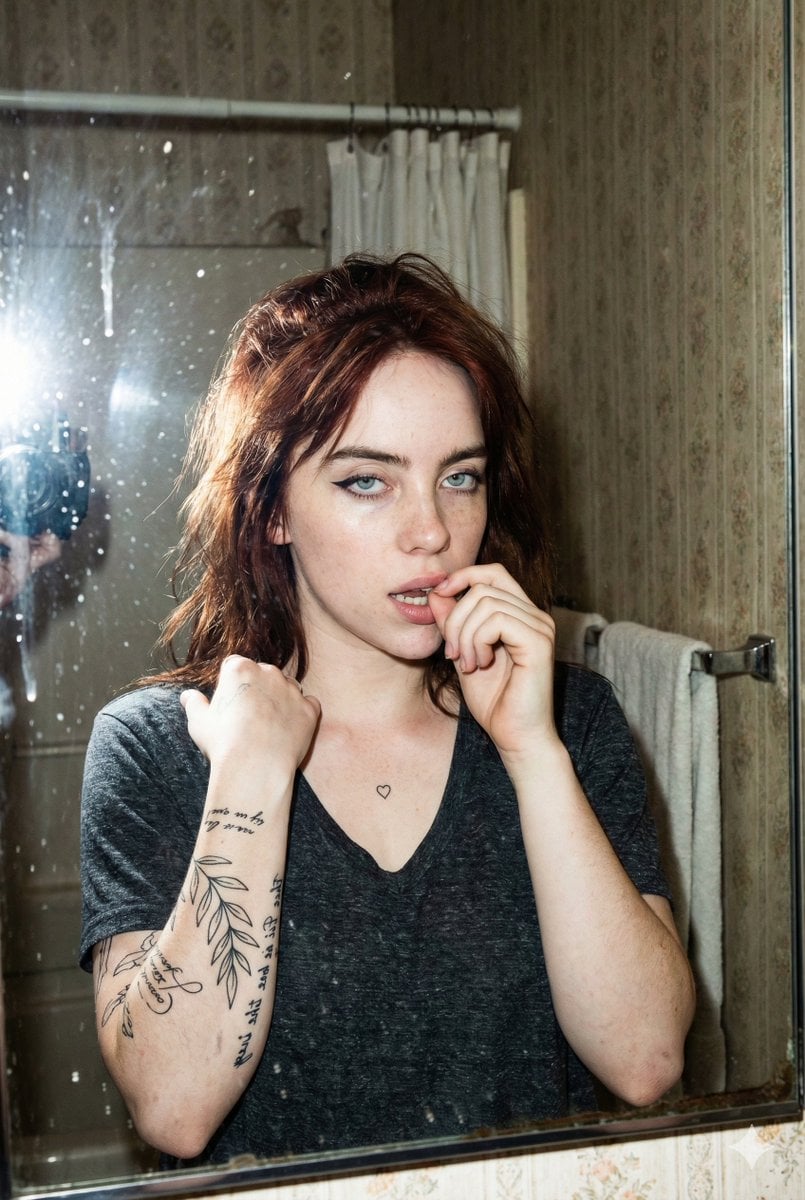
Grungy Flash Mirror Selfie with Tattoos

Minimalist Luxury Brand Advertisement
Browse template categories
Rainy Japanese Movie Banner questions
How do I use the Rainy Japanese Movie Banner template?
Add your photo if the template asks for one, edit the prompt if you like — the template's model and format are already selected — and press Generate. Your version opens in PicX Studio.
Can I customize the Rainy Japanese Movie Banner template?
Yes. You can change the subject, setting, lighting, mood, format, and available model controls before creating your image.
Is the Rainy Japanese Movie Banner template free?
Opening and editing this template is free. Generating uses credits, shown on the Generate button when you are signed in.
Which AI model should I use?
Start with GPT Image 2, which is the model associated with this template. You can compare another compatible model for a different finish.
Looking for something else? Browse all templates.

Your photo, any look
Thousands of ready templates for every top image and video model, from one credit balance.