
Overhead Leopard in Blue Marble Swirls
Generates a serene vertical fine-art image of a single leopard walking through abstract blue-and-white marbled currents, suitable for inspirational AI art posts.
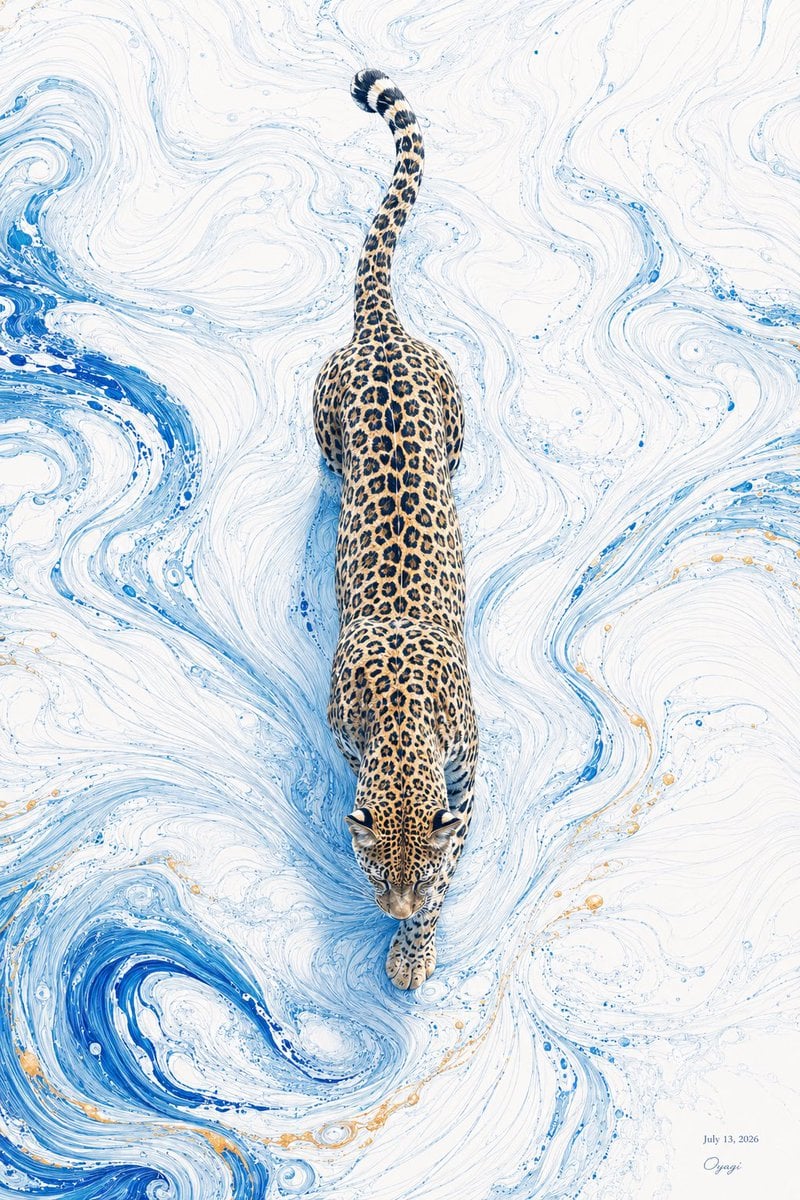
- Prompt included
- Model and format preset
- Free template
The prompt behind this image
Copy the exact prompt behind Overhead Leopard in Blue Marble Swirls, or open it in the studio and make it yours.
Create a vertical fine-art illustration of exactly 1 leopard viewed from directly overhead, walking steadily downward through a luminous abstract marbled surface. The leopard should be centered on the canvas, full body visible from tail to front paws, with its head near the lower middle and its long tail curling upward toward the top; realistic golden fur with dense black rosettes, muscular back, small rounded ears, focused downward gaze, and one front paw stepping forward. Surround the animal with a white marble-like background filled with fluid ink swirls and eddies in pale sky blue, vivid cobalt blue, and a few tiny warm gold speckles, as if the leopard is moving through swirling water, paint, or cloudlike currents. Use a clean high-key palette, delicate linework, elegant negative space, crisp detail on the leopard, soft painterly motion in the marbling, and a serene inspirational mood. Add small unobtrusive text in the bottom-right corner reading {argument name="date text" default="July 13, 2026"} with a tiny cursive signature beneath it reading {argument name="signature" default="Oyogi"}. The subject is {argument name="animal" default="leopard"}; the main accent color in the marbled currents is {argument name="accent color" default="cobalt blue"}. No border, no frame, no extra animals, no large typography, no photorealistic environment.
How to use Overhead Leopard in Blue Marble Swirls in 3 steps
- 1Upload ImagePNG, JPG or paste
Add your photo
Upload the photo the template builds on. The prompt, model and format are already set.
- 2…a portrait of your subject in softgolden-hour light, 85mm…
Personalize
Edit the subject and creative details for your destination.
- 3Generate
Generate
Press Generate — your image is created in PicX Studio, so you can compare it with the original and refine one variable at a time.
More like this
Templates with the same subject, style or setup. Open one to see its prompt.

Open Magazine Luxury Fashion Editorial Layout

Monochrome Portrait Jersey Accent Poster

Cosmetic Tube Product — Nano Banana 2

Nano Banana - Evening Champagne Blue
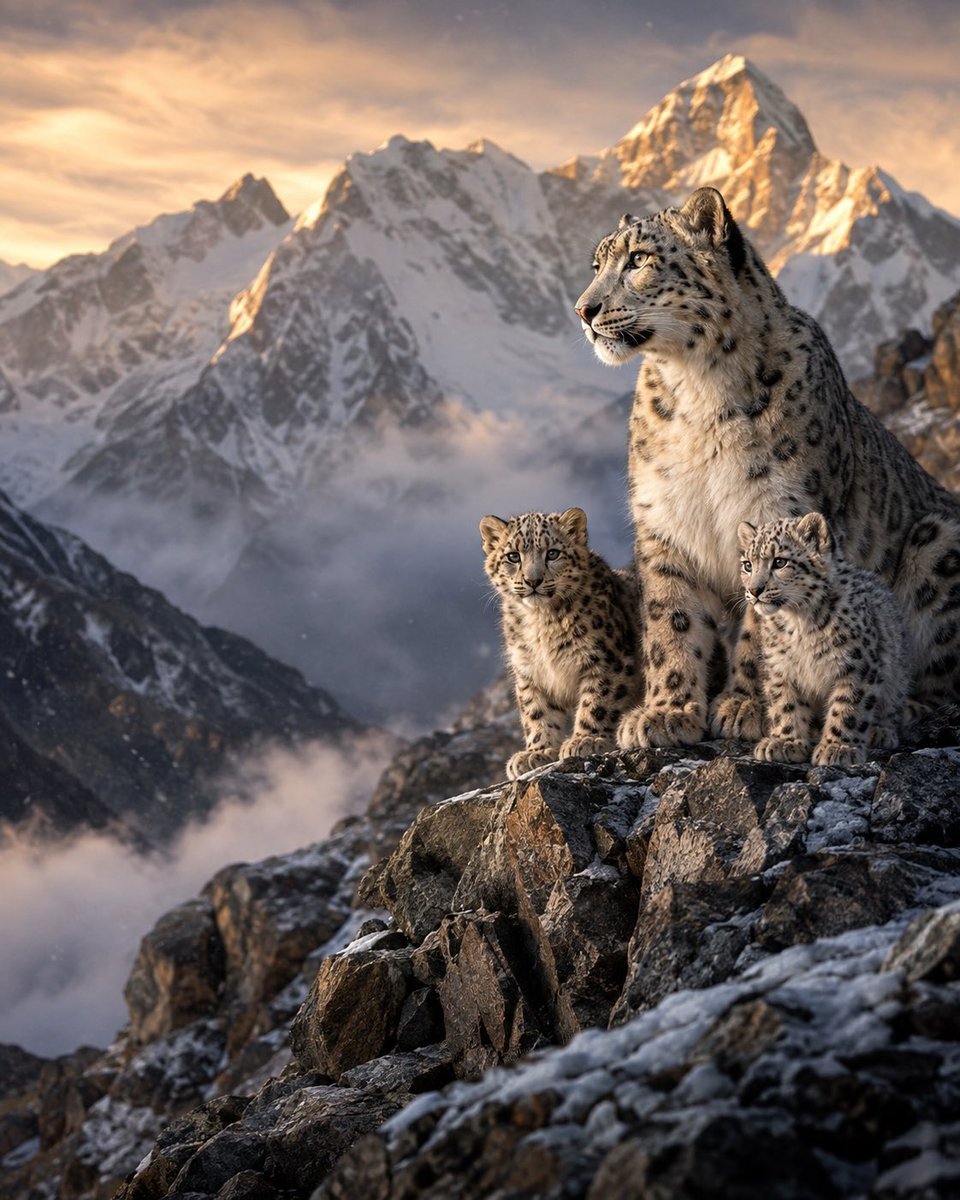
Snow Leopards in Himalayan Mountains
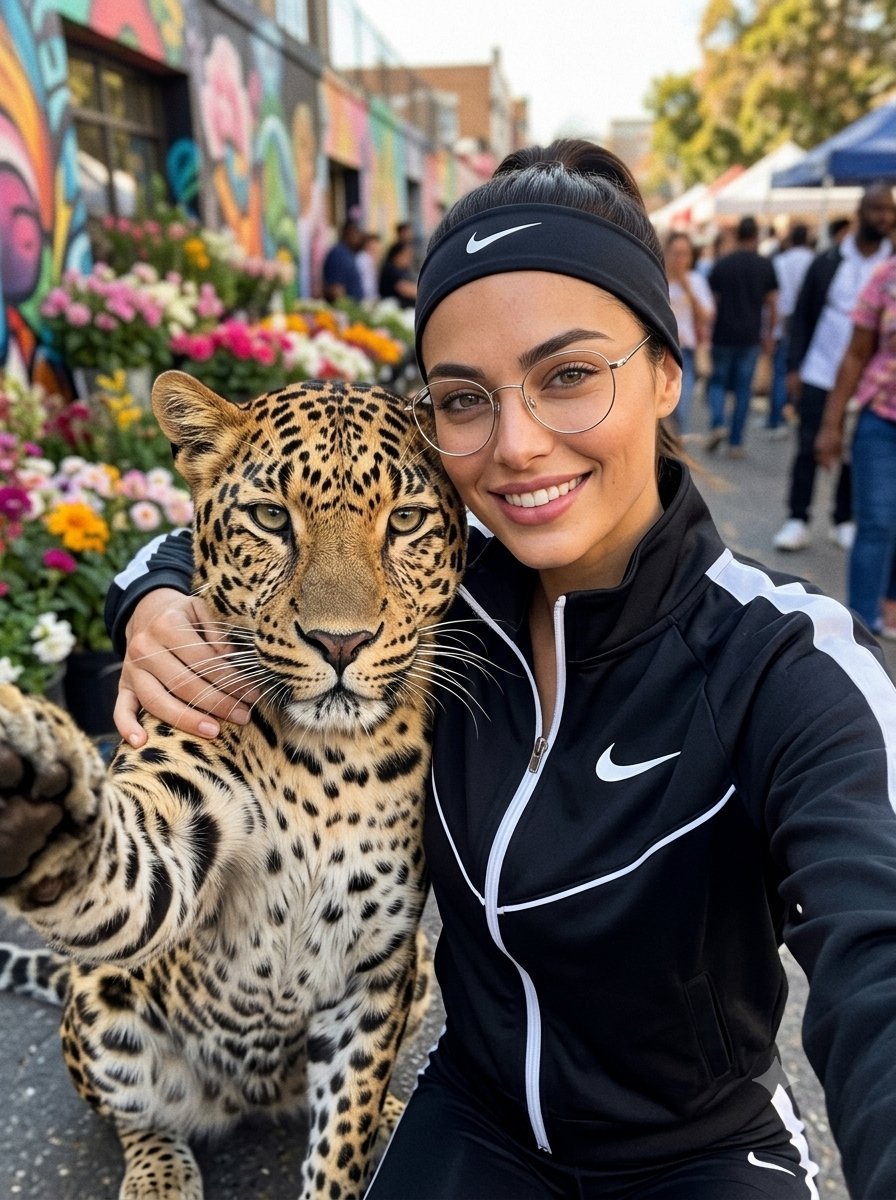
Leopard Selfie Street Market Portrait
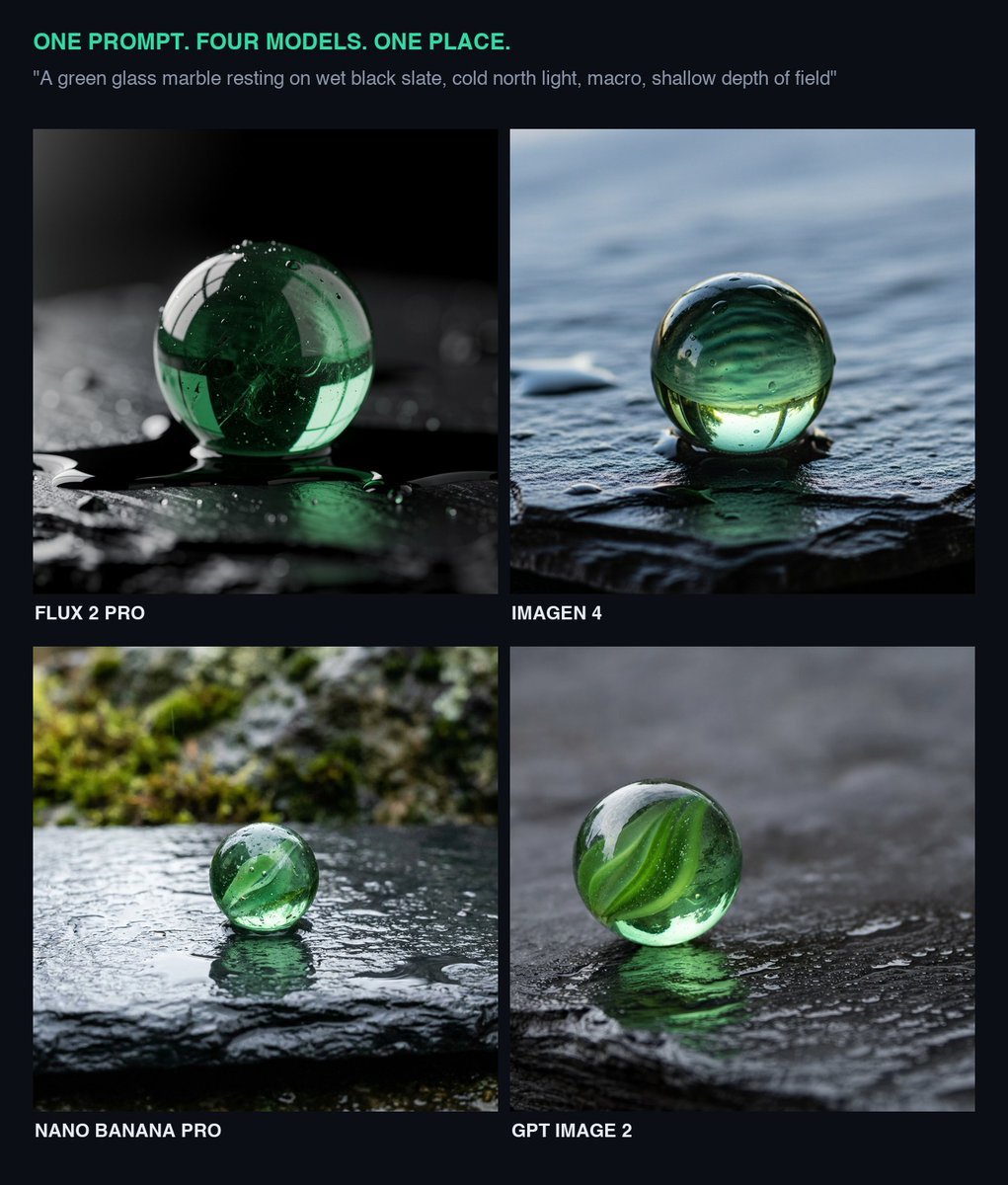
Glass Marble on Wet Slate
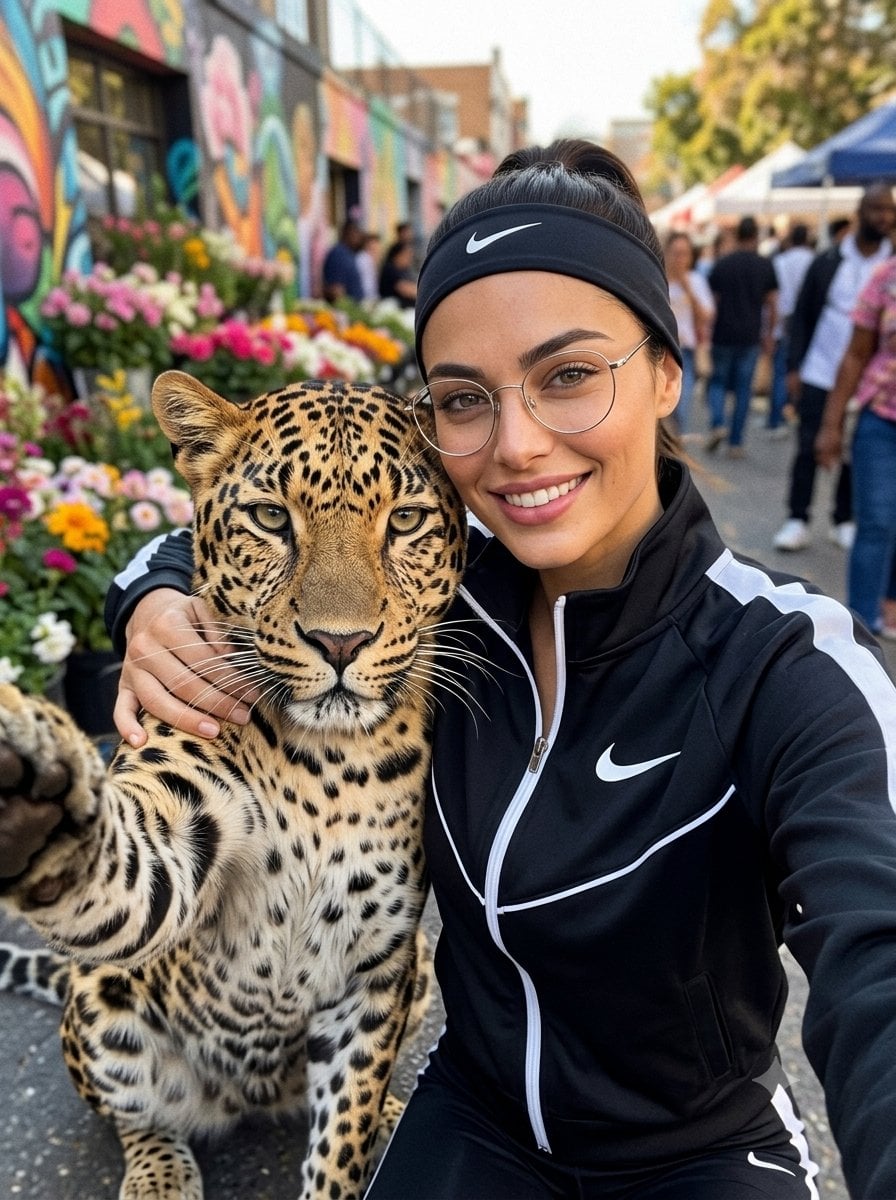
Leopard Selfie Streetwear Portrait
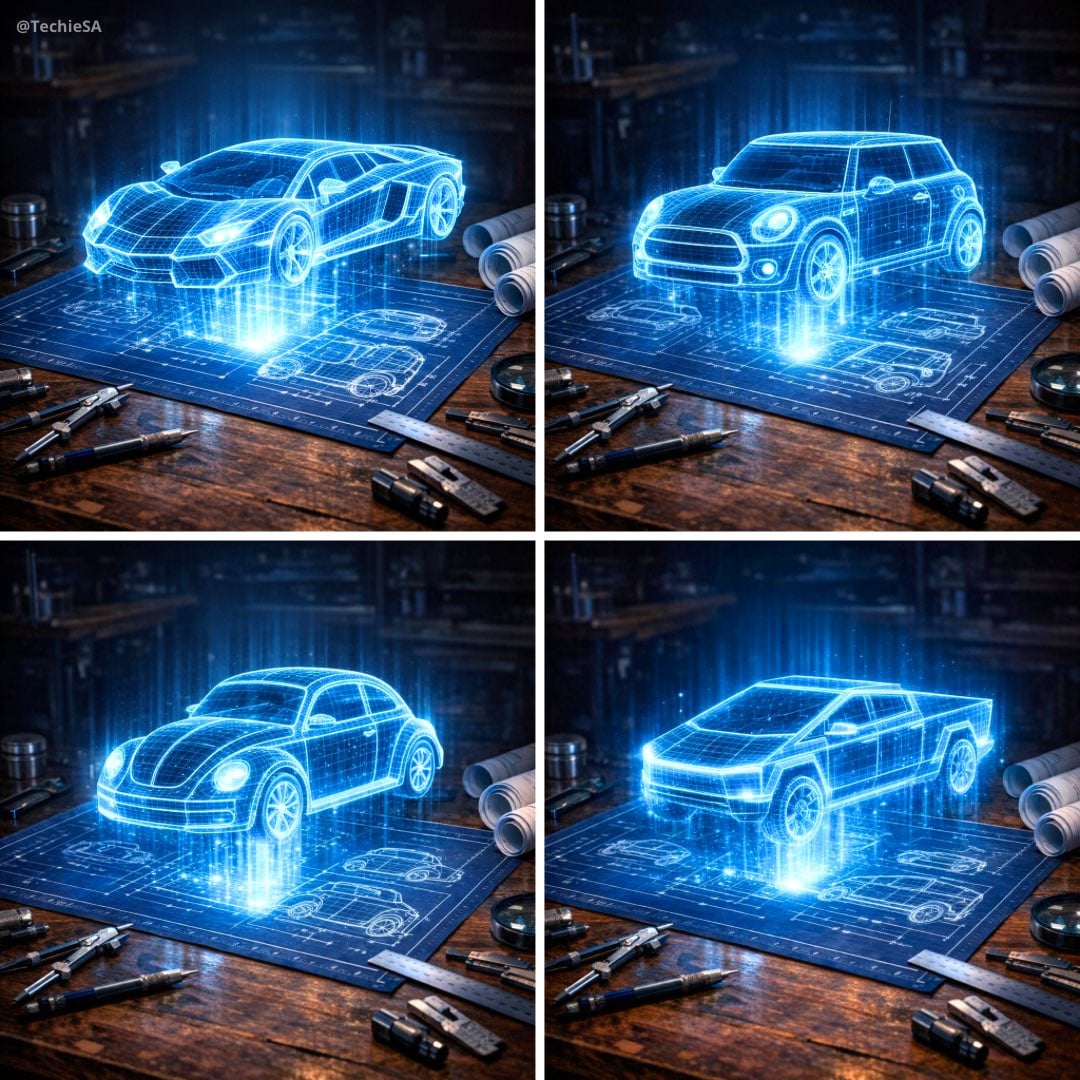
Holographic Car Blueprint Wireframe
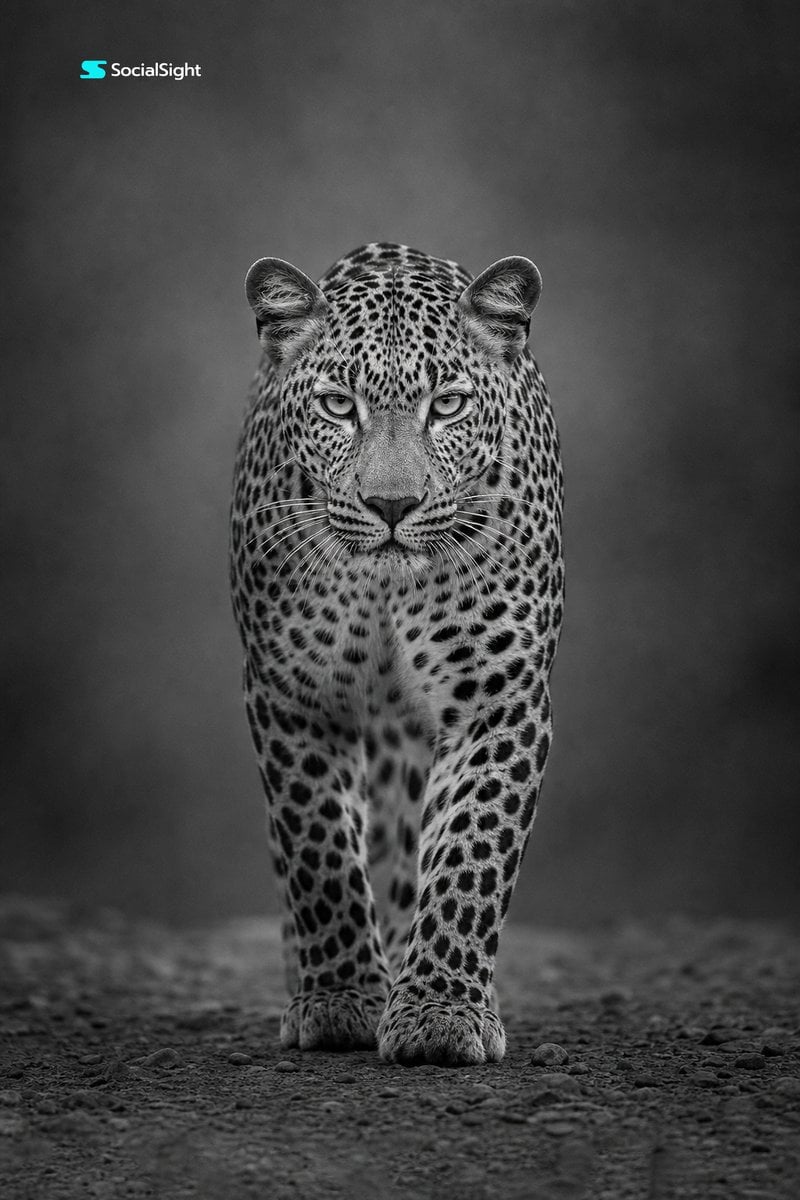
Monochrome Leopard Wildlife Portrait
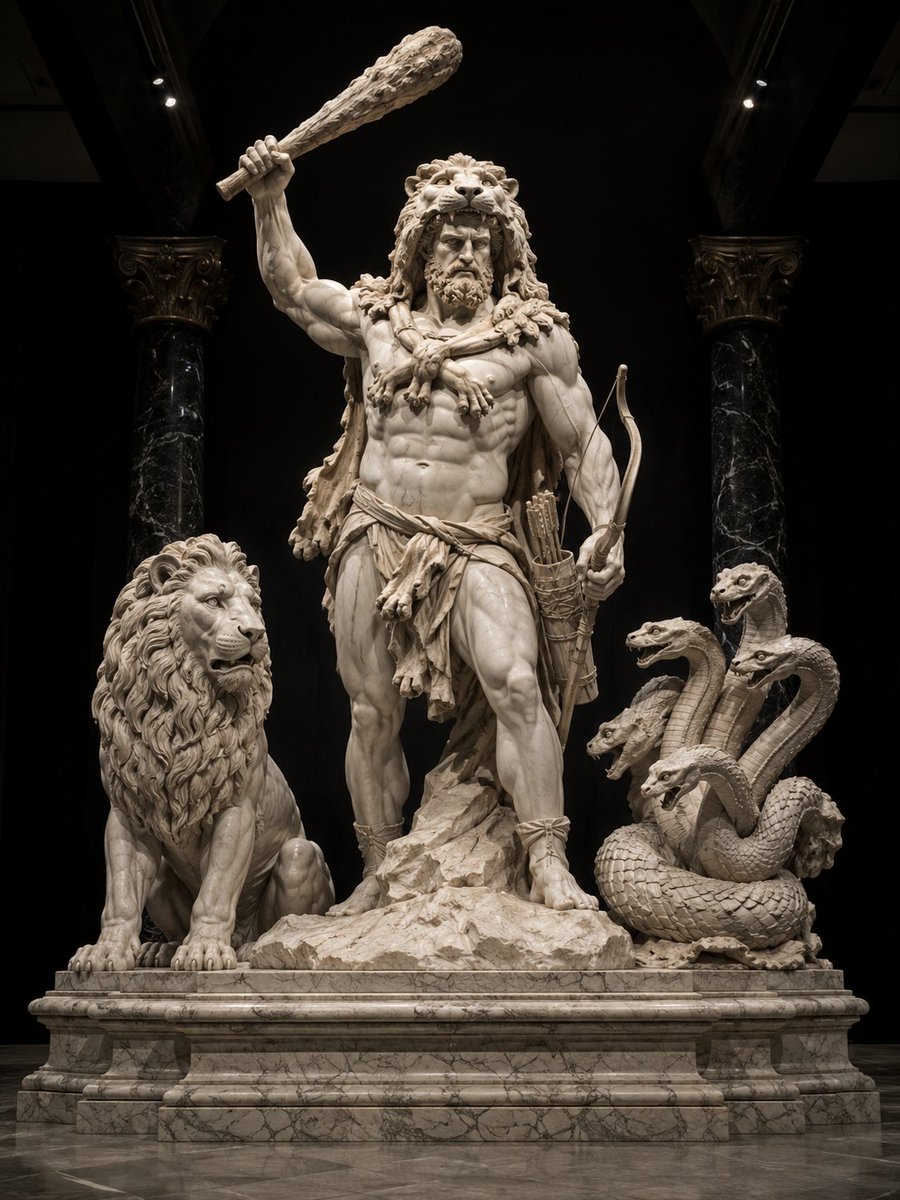
Heracles Marble Statue
Red and Blue Fantasy Sword Clash
Make it yours
Overhead Leopard in Blue Marble Swirls works as-is. These are the safest ways to change it without losing the look.
Change one field
Copy a single group, rewrite it, and generate again so you can see what that field is doing.
Keep the frame, change the subject
Hold the composition and light of Overhead Leopard in Blue Marble Swirls, then swap wardrobe, props or the person for a new take.
| If the result… | Why | Fix |
|---|---|---|
| The result drifts from the preview | Too many fields changed at once. | Reuse Overhead Leopard in Blue Marble Swirls as-is first, then change one group — subject, light, or setting. |
| The model over-stylizes the scene | The prose prompt leaves finish and camera underspecified. | Add one camera or lighting sentence and stay on GPT Image 2. |
More GPT Image 2 templates
Other prompts made for GPT Image 2.

Six VTuber Japanese Logo Sheet

Realistic Portrait of Woman and Deer

The Vista Modular Condo Poster

AI Model Routing Comparison Infographic

2.5D Anime Art Board

Isometric Productivity Desk Scene

New York Double Exposure Poster

Four-Panel AI Landscape Comparison

Japanese Tatami Lifestyle Magazine Cover

NESCAFÉ Coffee Map Poster
More image prompts
Fresh picks from across the catalog.
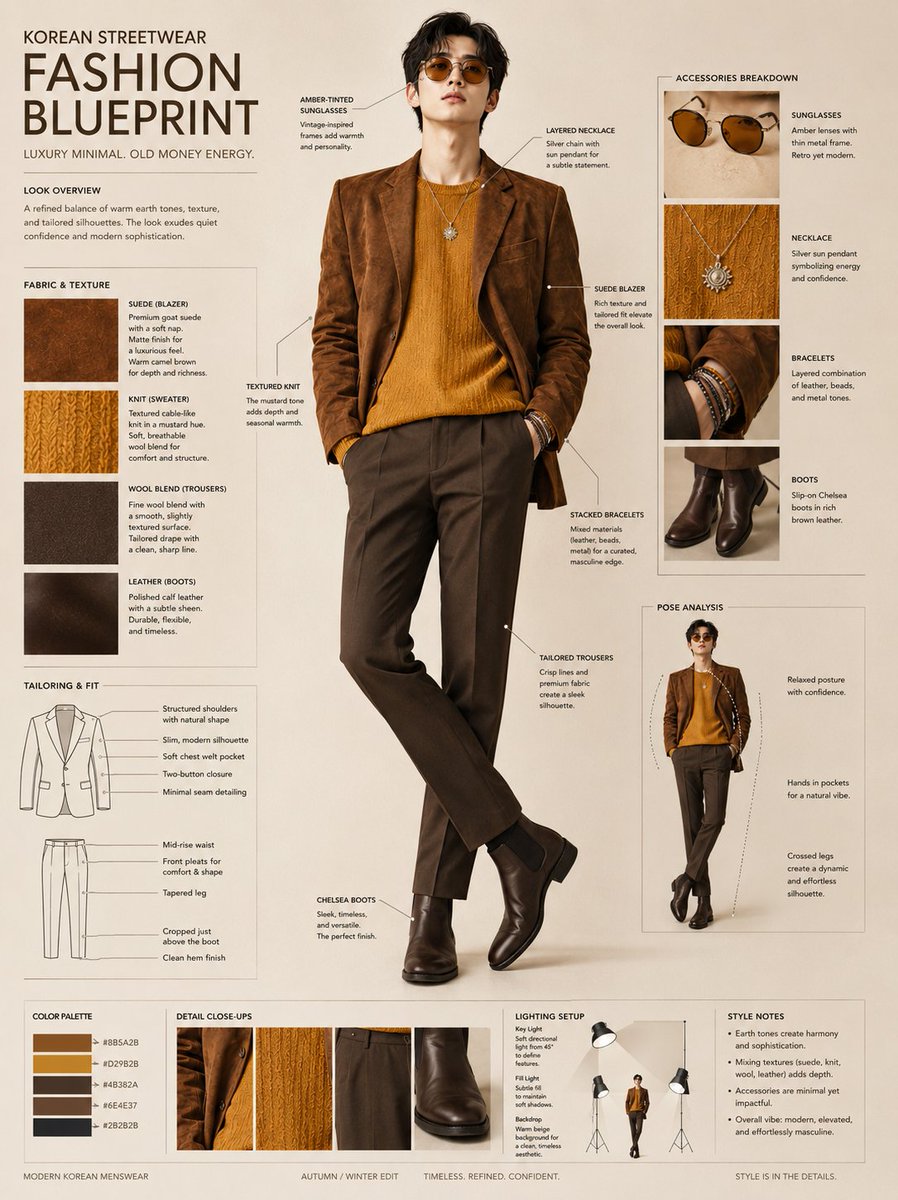
Korean Streetwear Fashion Blueprint
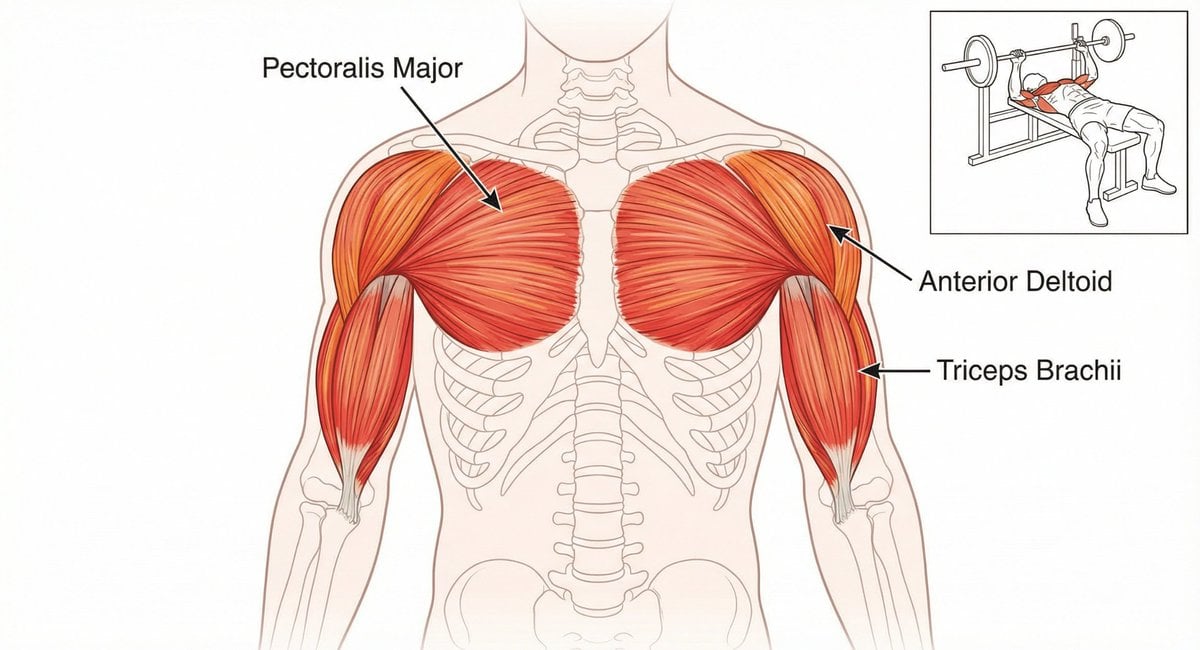
Bench press muscle diagram
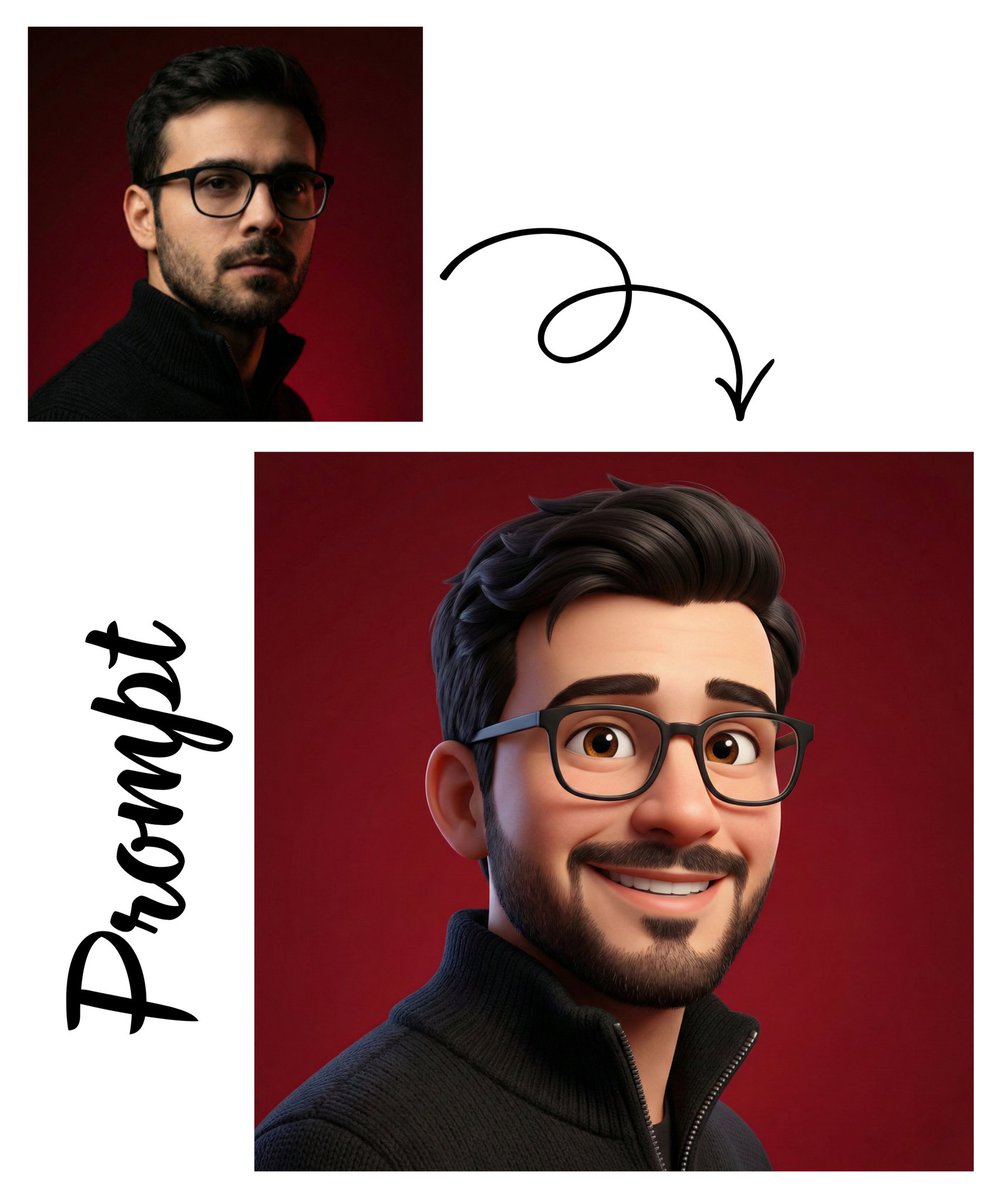
Detailed Pixar Style 3D Avatar Generation Prompt
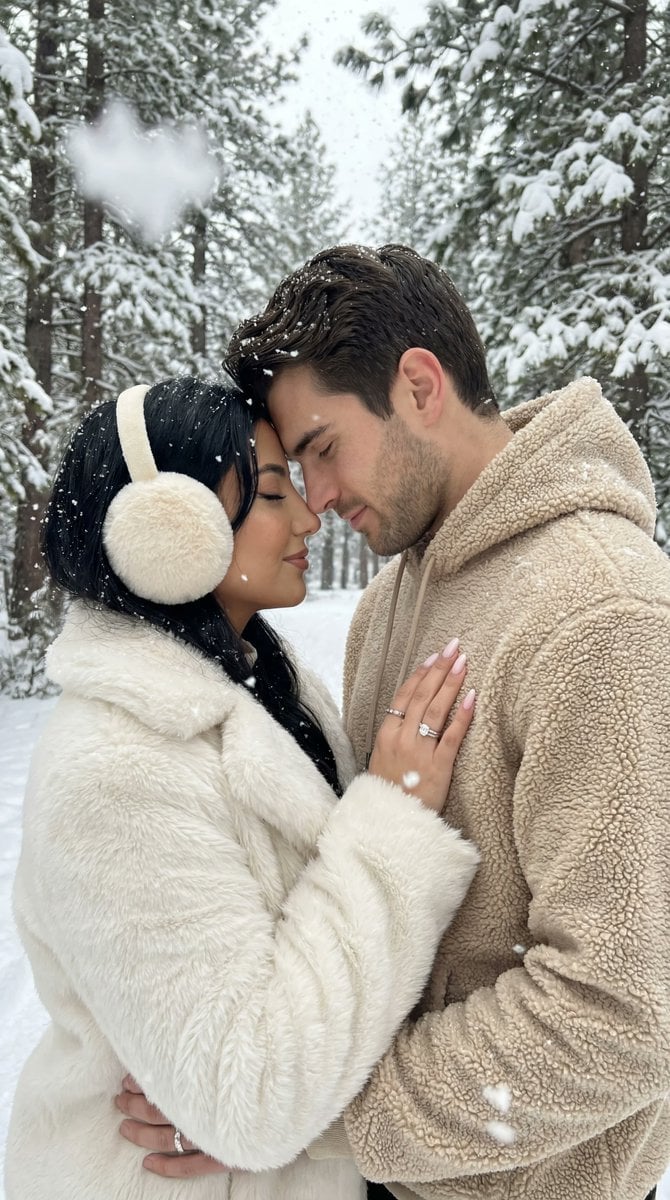
Ultra-Photorealistic Winter Romance Portrait (JSON Format)
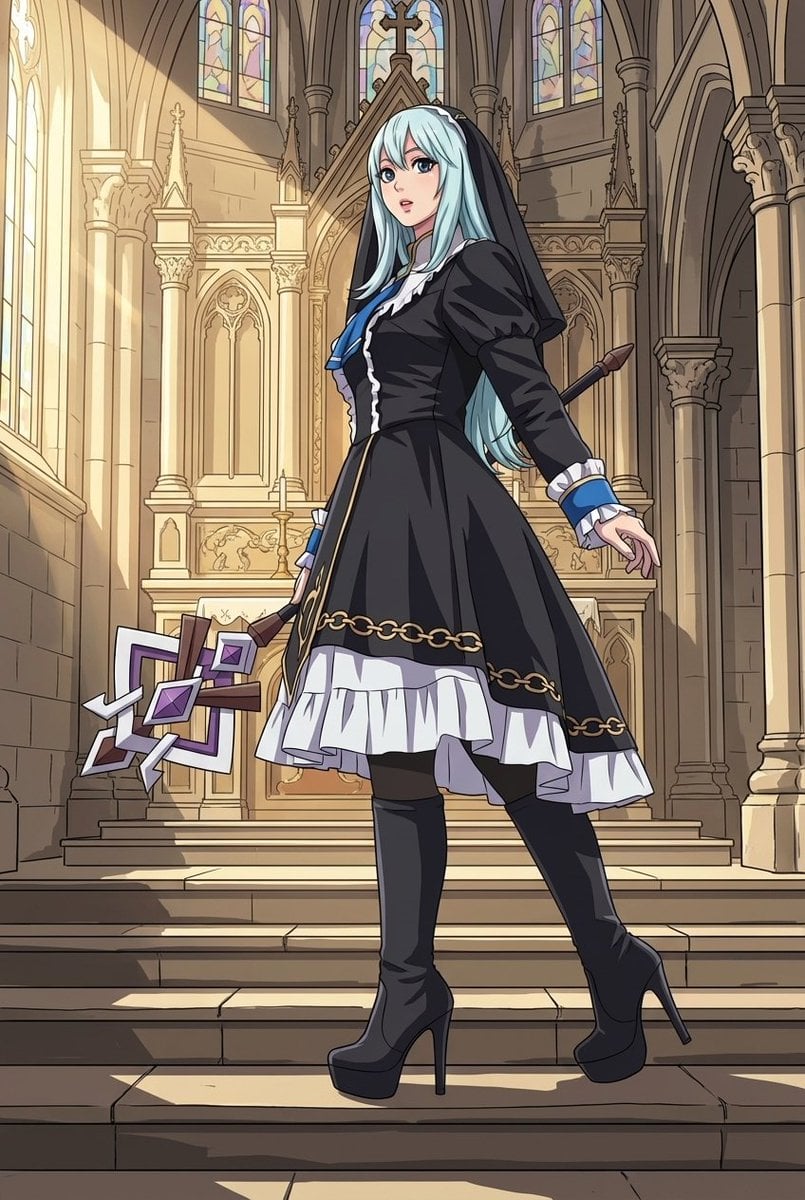
Nano Banana Pro Mixed Style Coloring Study Prompt
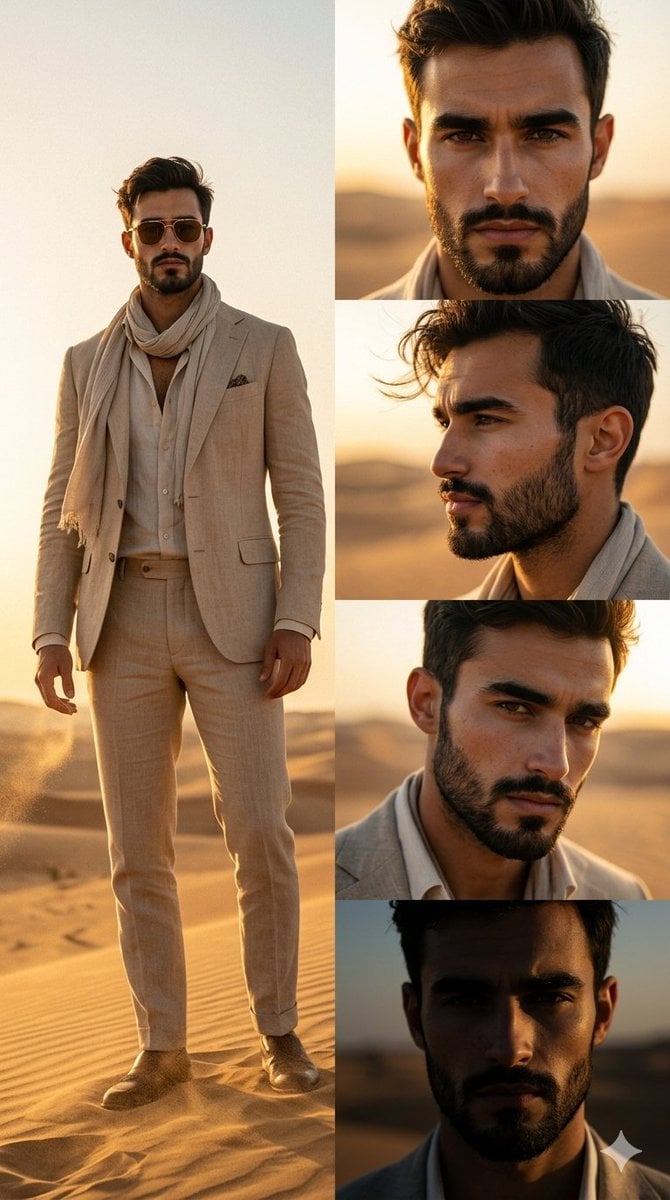
Desert Fashion Magazine Layout
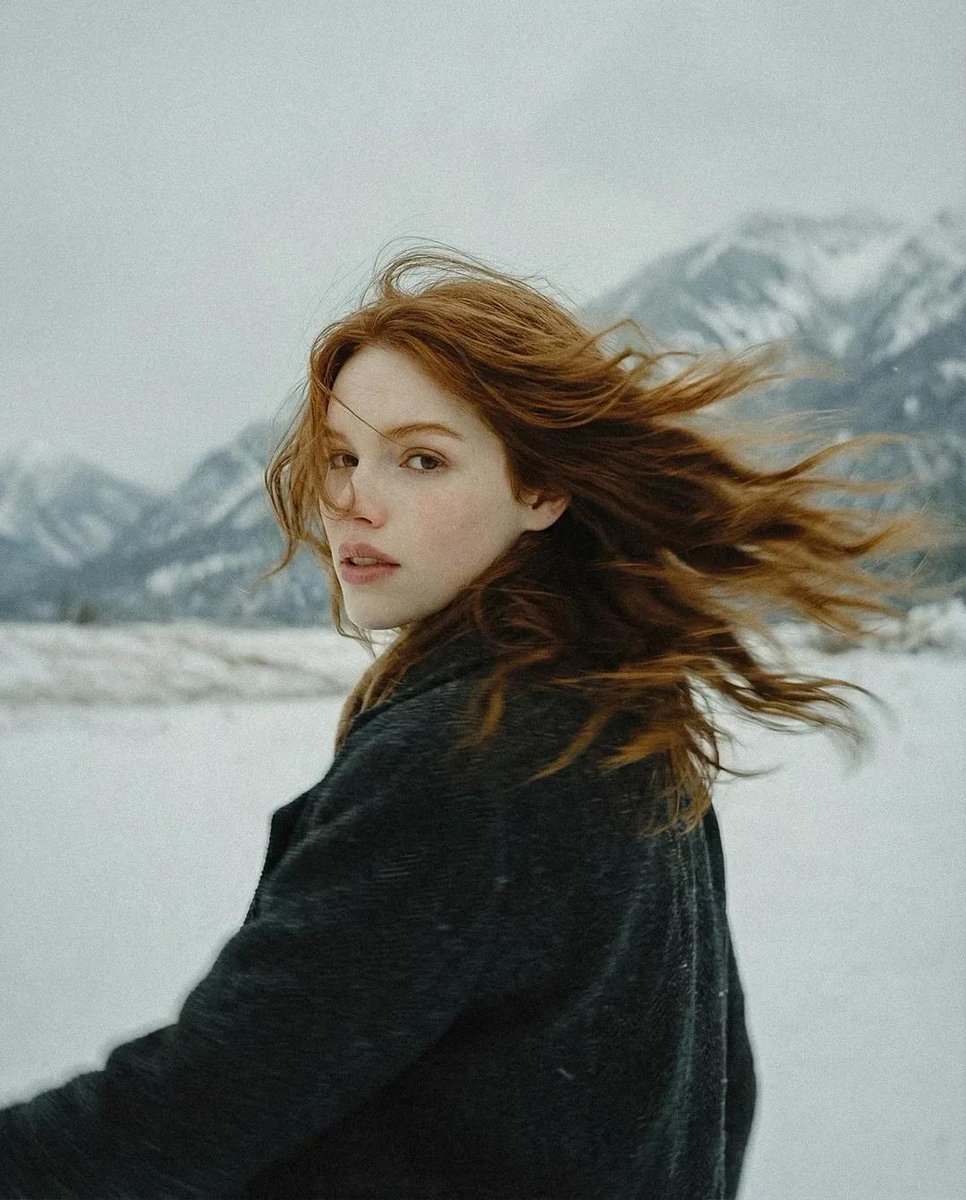
Poetic Cinematic Winter Portrait
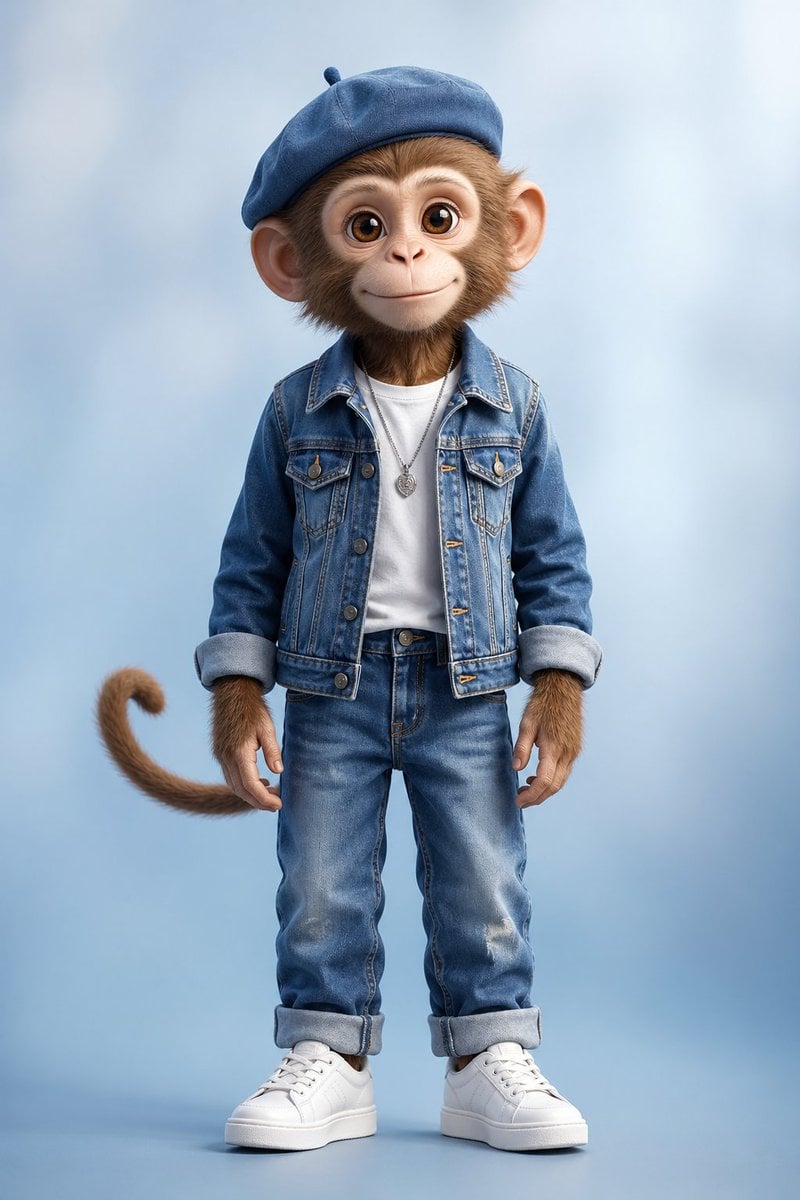
Censored Monkey Kid in Denim
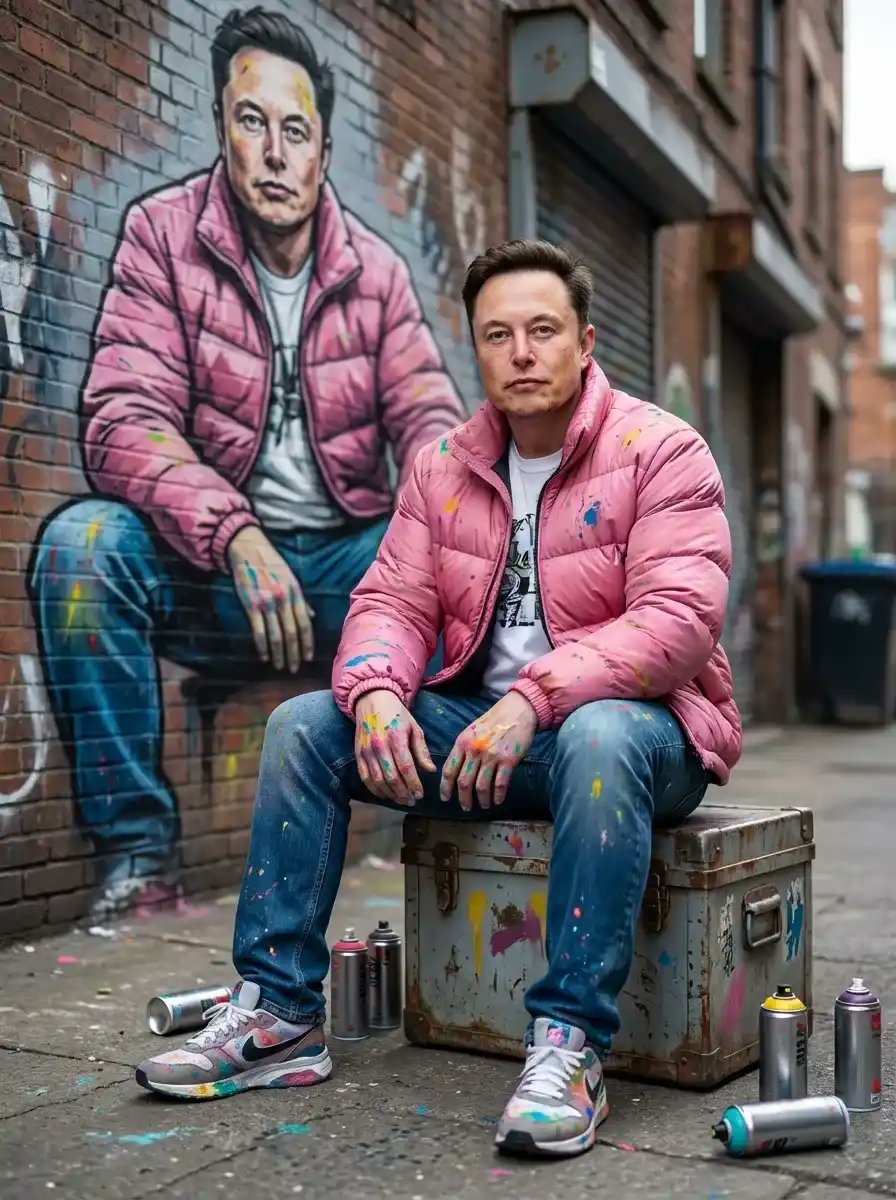
Photorealistic Cinematic Street Portrait with Exact Facial Reference
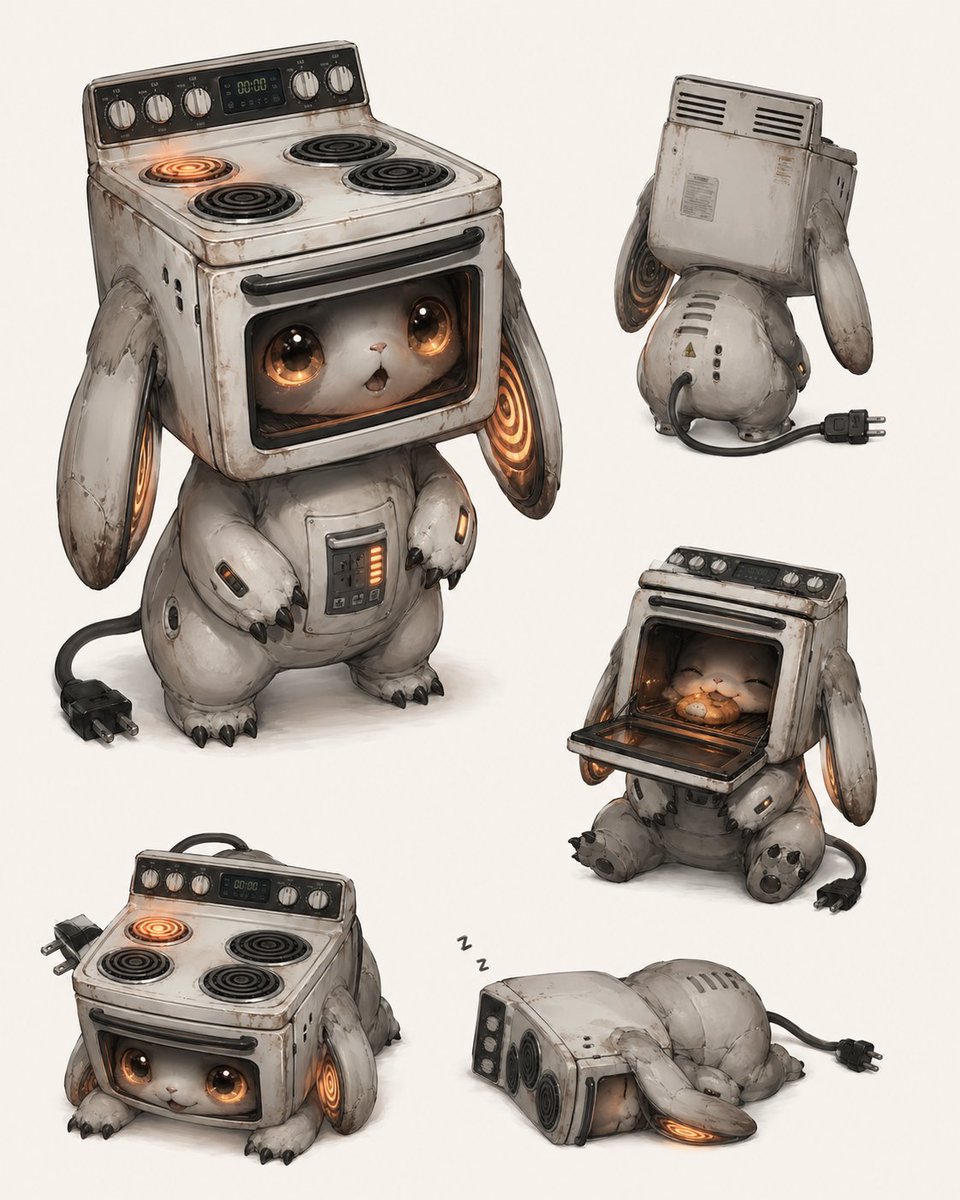
Vintage Stove Bunny Creature Sheet
Browse template categories
Overhead Leopard in Blue Marble Swirls questions
How do I use the Overhead Leopard in Blue Marble Swirls template?
Add your photo if the template asks for one, edit the prompt if you like — the template's model and format are already selected — and press Generate. Your version opens in PicX Studio.
Can I customize the Overhead Leopard in Blue Marble Swirls template?
Yes. You can change the subject, setting, lighting, mood, format, and available model controls before creating your image.
Is the Overhead Leopard in Blue Marble Swirls template free?
Opening and editing this template is free. Generating uses credits, shown on the Generate button when you are signed in.
Which AI model should I use?
Start with GPT Image 2, which is the model associated with this template. You can compare another compatible model for a different finish.
Looking for something else? Browse all templates.

Your photo, any look
Thousands of ready templates for every top image and video model, from one credit balance.