
Ultra-Photorealistic Winter Romance Portrait (JSON Format)
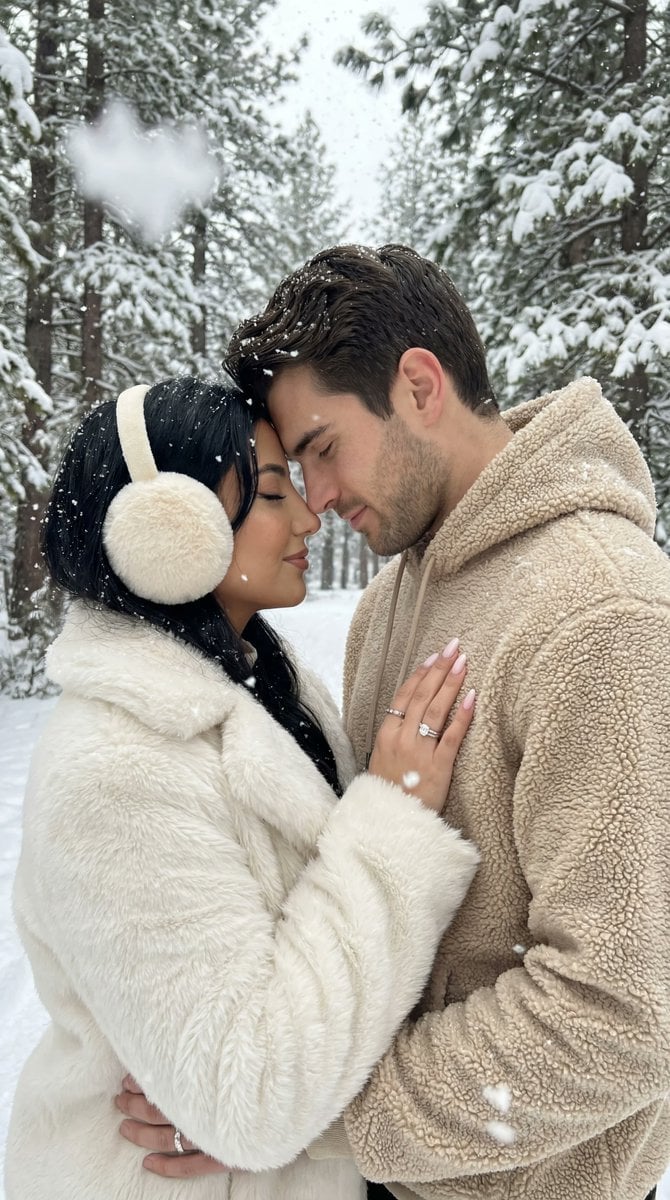
A highly detailed JSON prompt for generating an ultra-photorealistic, cinematic lifestyle portrait of a couple embracing in a snowy winter forest.
- Prompt included
- Model and format preset
- Free template
The prompt behind this image
Copy the exact prompt behind Ultra-Photorealistic Winter Romance Portrait (JSON Format), or open it in the studio and make it yours.
{ "generation_request": { "meta_data": { "task_type": "photoreal_winter_romance_forest_couple", "version": "v1.0_SNOWY_FOREST_COUPLE_EMBRACE_NO_TEXT_EN", "priority": "highest", "language": "en" }, "output_settings": { "aspect_ratio": "4:5", "orientation": "portrait", "resolution_target": "ultra_high_res", "render_style": "ultra_photoreal_cinematic_lifestyle", "sharpness": "crisp_but_natural", "film_grain": "subtle", "color_grade": "soft_neutral_winter", "dynamic_range": "natural_not_hdr", "skin_rendering": "real_texture_no_retouch", "no_text": true, "no_logos": true, "no_watermarks": true, "no_ui": true }, "creative_prompt": { "scene_summary": "Ultra-photorealistic winter romance portrait in a snowy forest. A couple stands close, hugging warmly and touching foreheads/noses in an intimate moment. Light snowfall is visible with layered depth: larger flakes softly blurred in the foreground and smaller flakes sharp in the mid/background. Snow rests naturally on tree branches and lightly on clothing. Cozy, soft, cinematic mood. No text.", "environment": { "location_feel": "dense winter forest with tall trunks and snow-covered evergreens", "ground": "fresh snow with subtle footprints and natural texture", "weather": "light active snowfall", "lighting": "overcast winter daylight, diffused and soft, natural shadows" }, "subjects": { "couple": { "female_adult": { "wardrobe": "white fluffy faux-fur coat, warm earmuffs/headband, winter pants, winter boots", "pose": "standing close in the man's arms, one arm around his back/waist, face tilted up toward him", "expression": "soft smile, eyes gently closed or half-closed" }, "male_adult": { "wardrobe": "cream/beige sherpa hoodie or fleece jacket, winter pants", "pose": "arms around the woman, head tilted down, forehead/nose touching hers", "expression": "tender, calm" } } }, "camera_and_composition": { "shot_type": "lifestyle portrait, eye-level, intimate medium shot", "lens_look": "50mm equivalent, shallow depth of field, gentle background separation", "framing": "couple centered, forest creates natural vertical lines, minimal distractions", "focus": "faces and hands sharp, background softly blurred" }, "physical_realism": { "snow_interaction": "realistic snow accumulation on branches; subtle snow specks on shoulders and hair; correct contact shadows at boots and ground", "fabric_detail": "visible fuzzy coat fibers and sherpa texture, realistic folds and tension where arms hug" }, "anatomy_constraints": { "priority": "maximum", "requirements": [ "natural facial proportions "
How to use Ultra-Photorealistic Winter Romance Portrait (JSON Format) in 3 steps
- 1
Open
The prompt is already in the box next to the preview, with the template's model and format selected.
- 2…a portrait of your subject in softgolden-hour light, 85mm…
Personalize
Edit the subject and creative details for your destination.
- 3Generate
Generate
Press Generate — your image is created in PicX Studio, so you can compare it with the original and refine one variable at a time.
More like this
Templates with the same subject, style or setup. Open one to see its prompt.
Ultra-Realistic Nighttime Winter Portrait in JSON Format
Cinematic Chiaroscuro Portrait Prompt in JSON Format
Cyber Projector Numbers Beauty Portrait Prompt (JSON format)
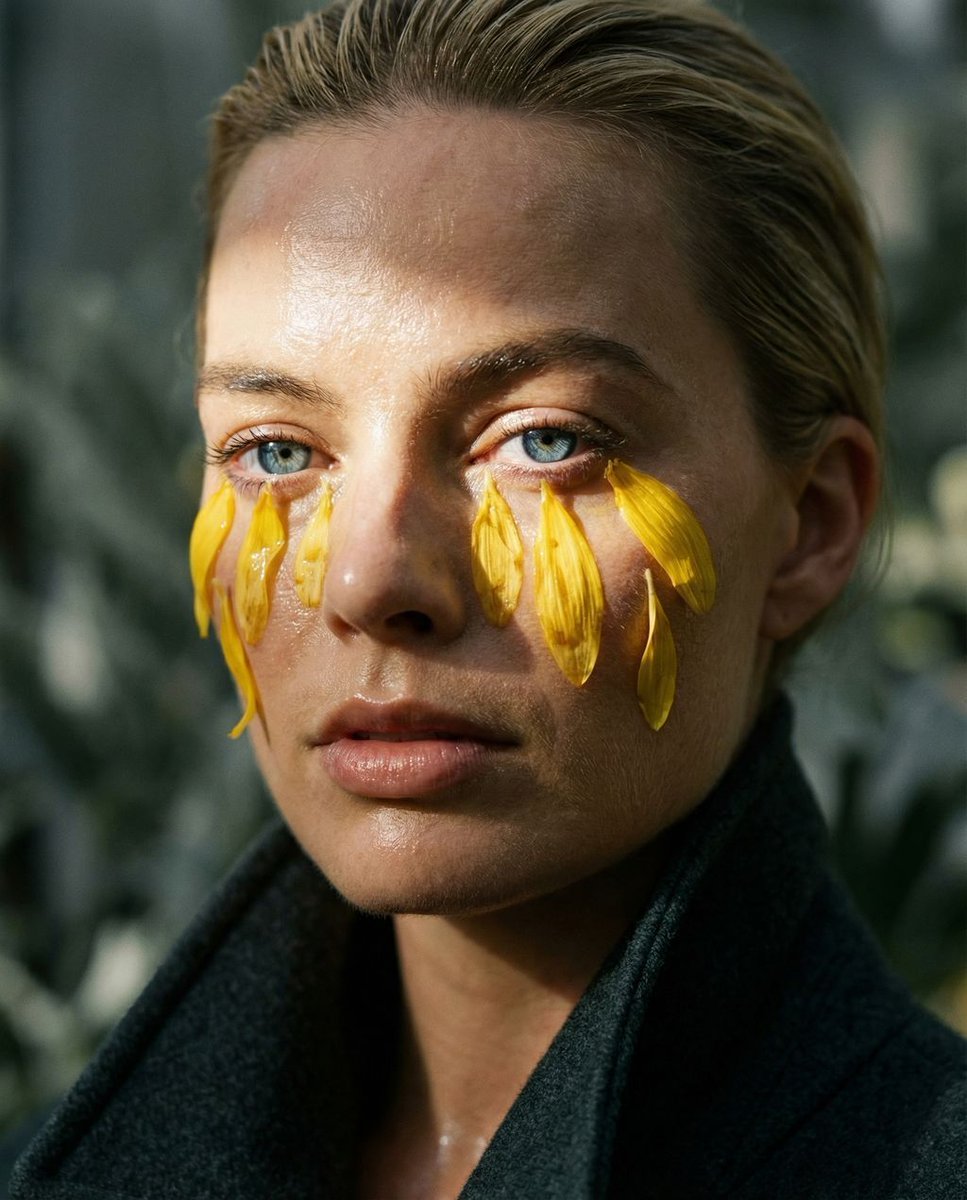
Macro Portrait with Organic Melancholy Aesthetic (JSON Format)

Japanese Romance Short Film Seedance 2 0
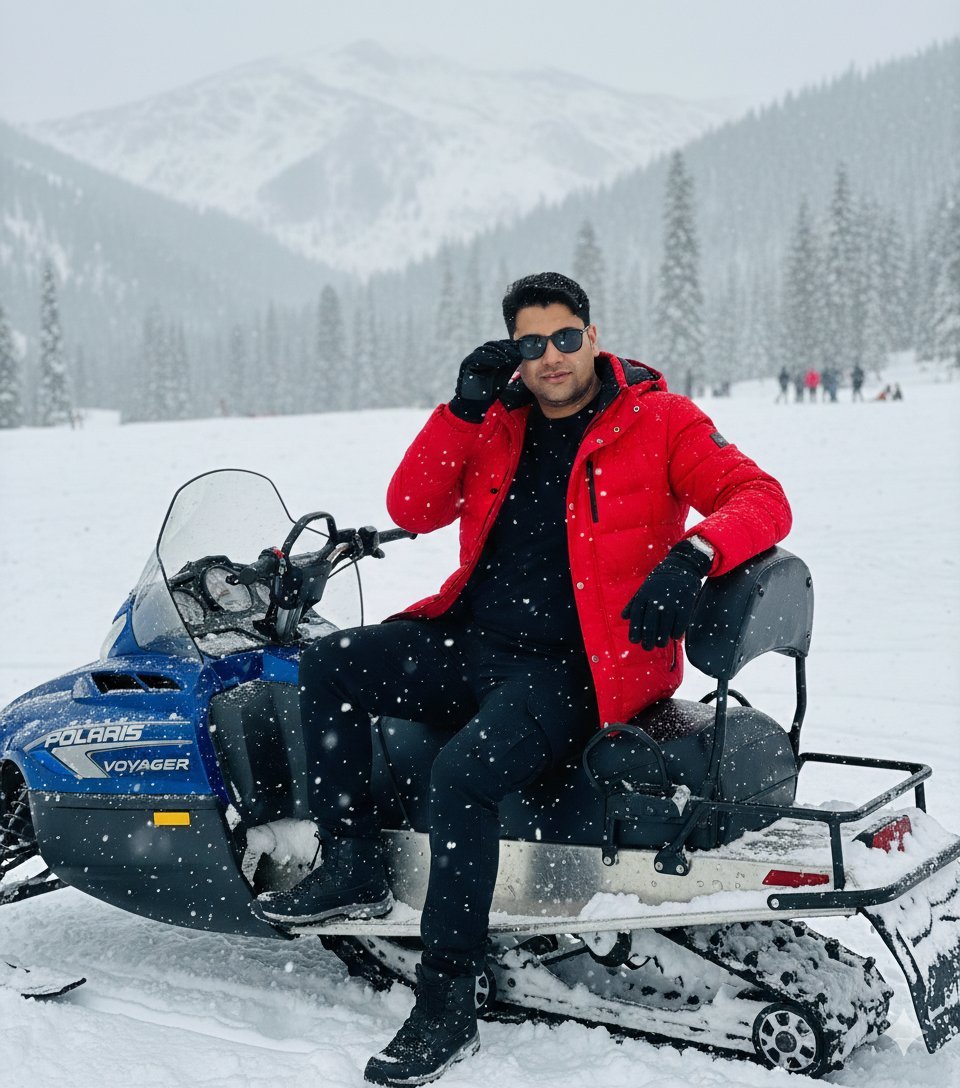
Snowy Locations Views Winter Special
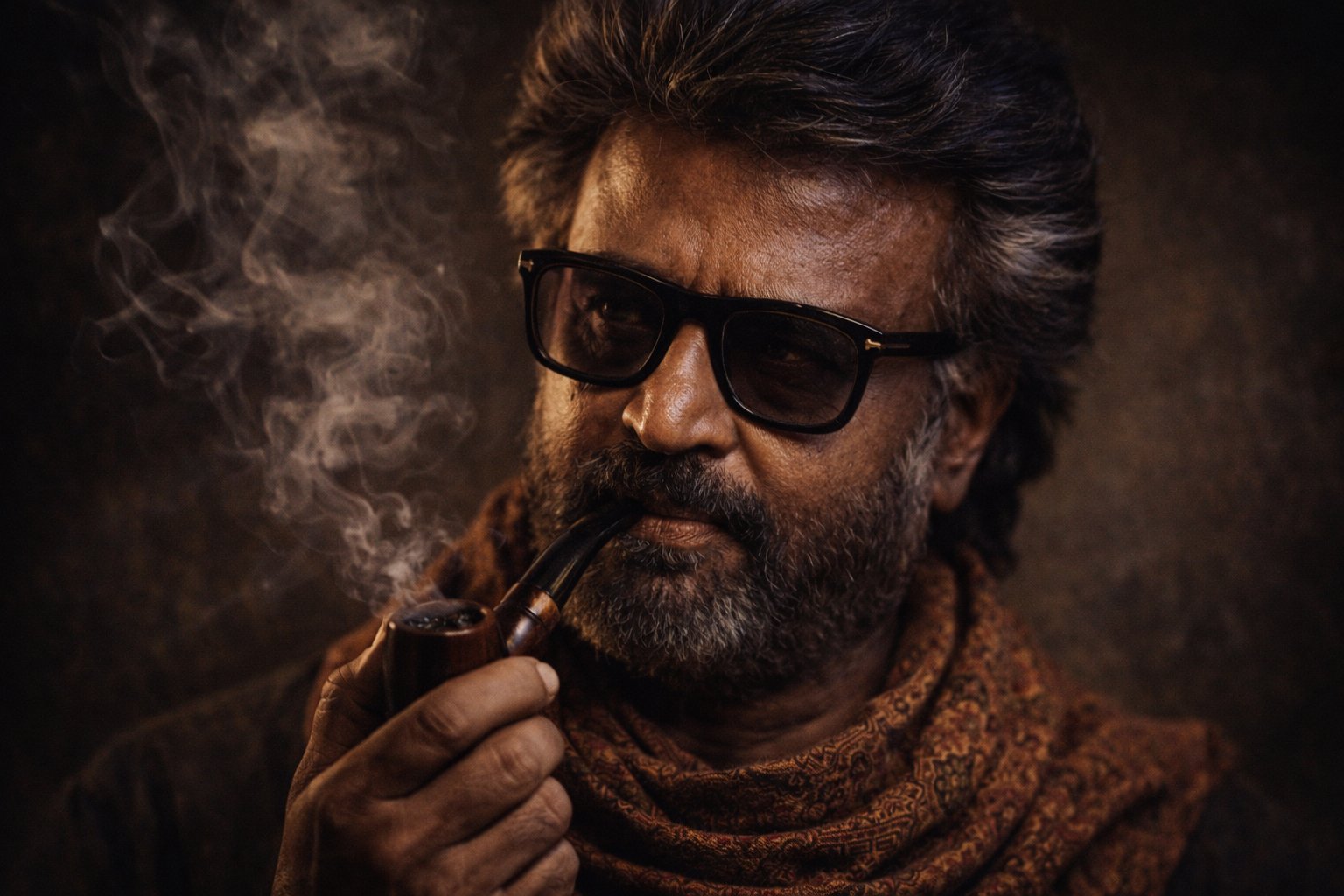
Cinematic Portrait Transformation

Two Tickets, One Night

If We Met in 1985

Found Photograph: Us, 1970

Before We said Goodbye

Our Song was on a Cassette
Make it yours
Ultra-Photorealistic Winter Romance Portrait (JSON Format) works as-is. These are the safest ways to change it without losing the look.
Change one field
Copy a single group, rewrite it, and generate again so you can see what that field is doing.
Keep the frame, change the subject
Hold the composition and light of Ultra-Photorealistic Winter Romance Portrait (JSON Format), then swap wardrobe, props or the person for a new take.
| If the result… | Why | Fix |
|---|---|---|
| The result drifts from the preview | Too many fields changed at once. | Reuse Ultra-Photorealistic Winter Romance Portrait (JSON Format) as-is first, then change one group — subject, light, or setting. |
| The model over-stylizes the scene | The prose prompt leaves finish and camera underspecified. | Add one camera or lighting sentence and stay on Nano Banana 2. |
More Nano Banana 2 templates
Other prompts made for Nano Banana 2.

Photorealistic Leaf Shaped Like a Dragon

K-Pop Idol Portrait Grid for Rapid Selection

Poetic Rain Forest Portrait During Golden Hour

Urban Street Portrait with Cartoon Inner Self Duo

Candid Nighttime Photo with Cat Prompt

High-Concept 3D Diorama Generation Prompt

Cinematic Futuristic Studio Portrait Template

Skincare Editorial Photography Collage Prompt

Hyper-Realistic Commercial Product Photography (Splash Effect)

Hyper-Realistic Nightclub Portrait Prompt
More image prompts
Fresh picks from across the catalog.
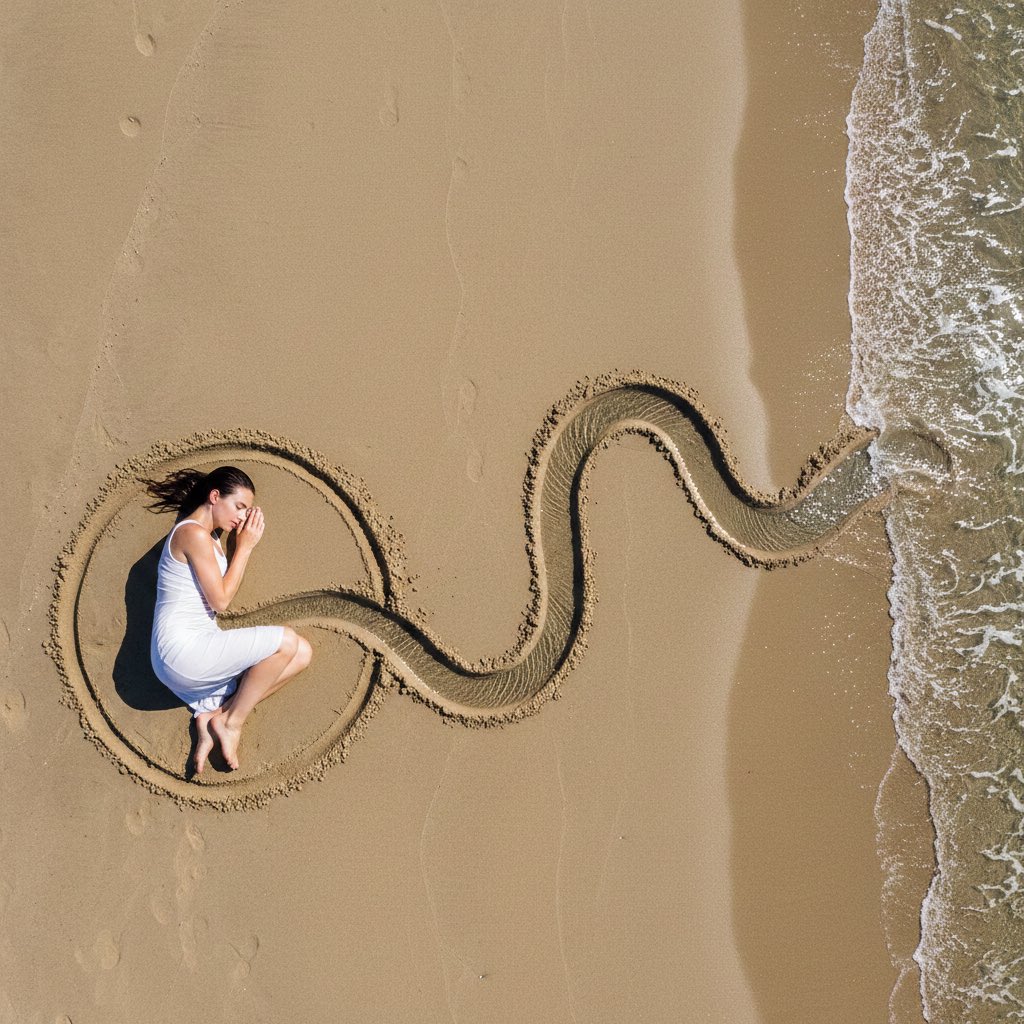
Conceptual Land Art Photography of Woman Connected to the Sea
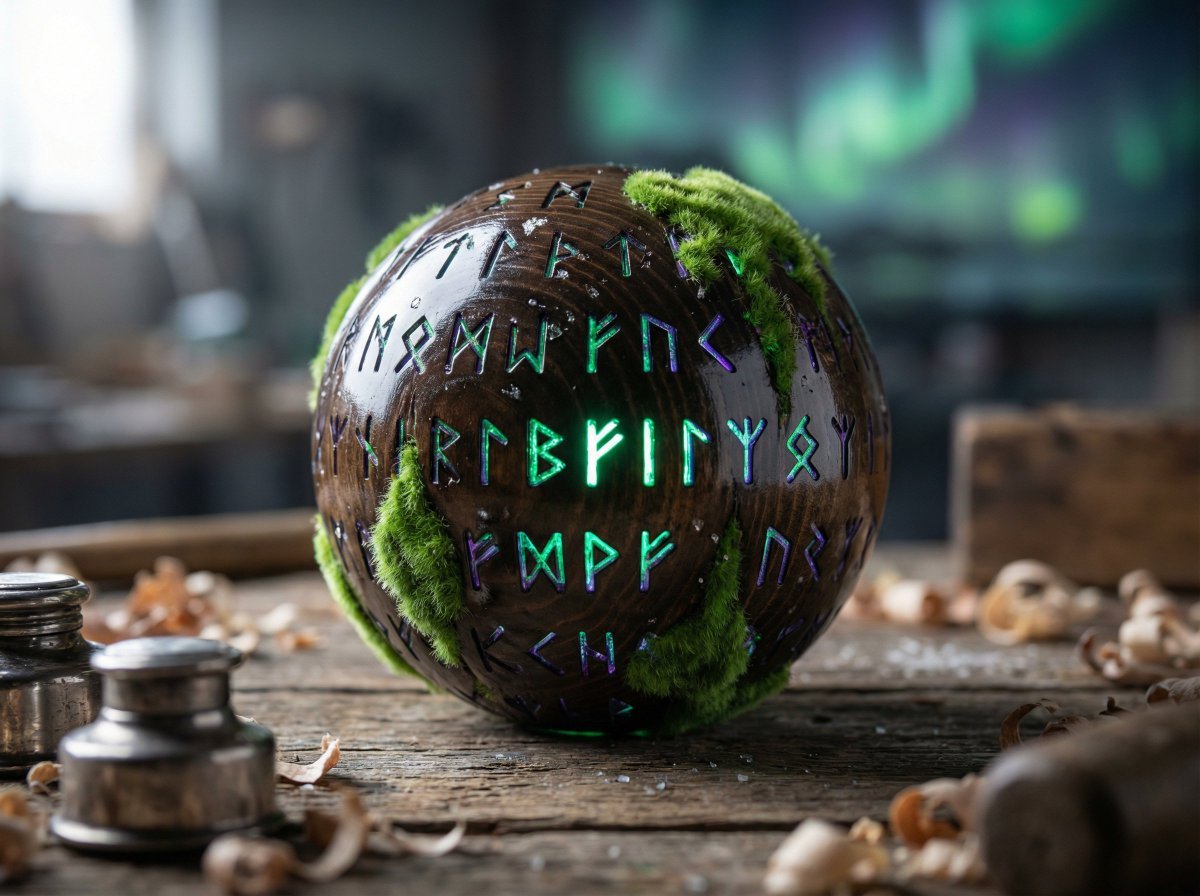
Artisan Toy Product Photography Prompt
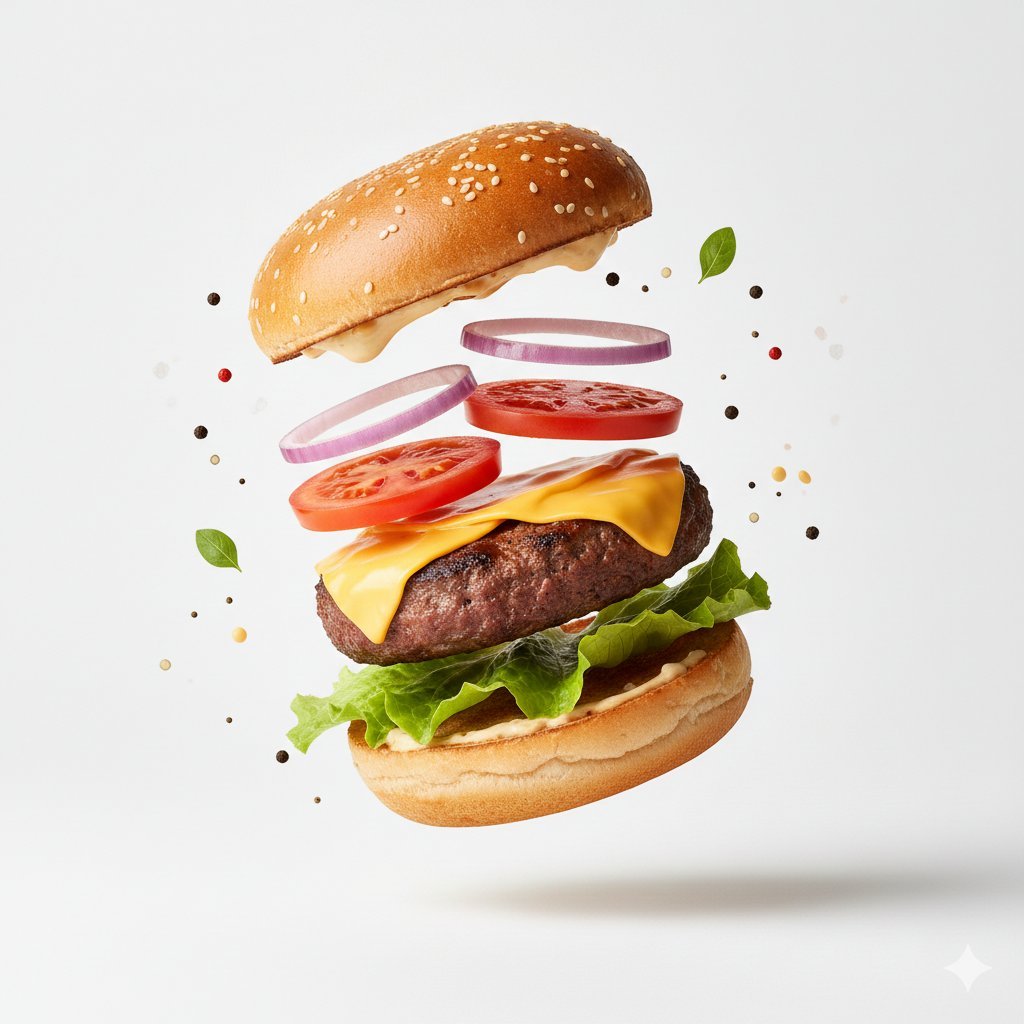
Macro Product Photography for Floating Food
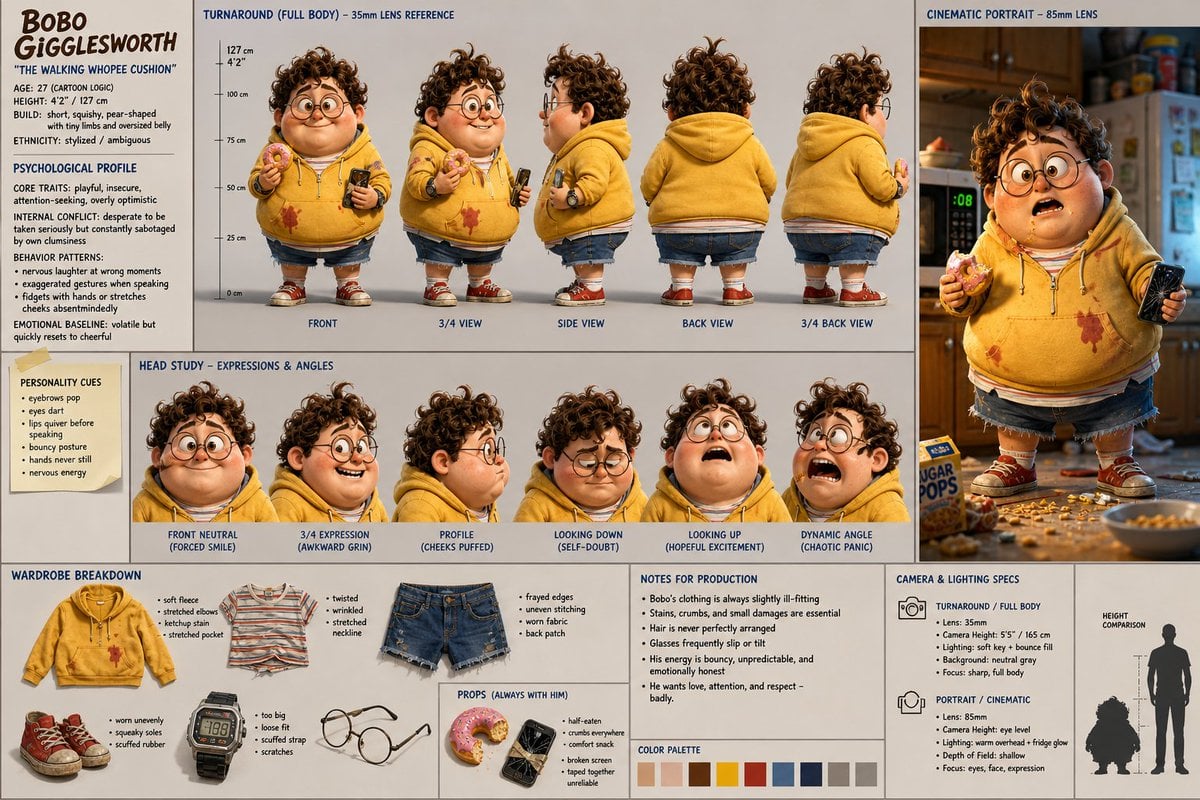
Cinematic Character Design Sheet

Gpt2 Infographic Edu Visual Biomimetic Skyray Aircraft Poster
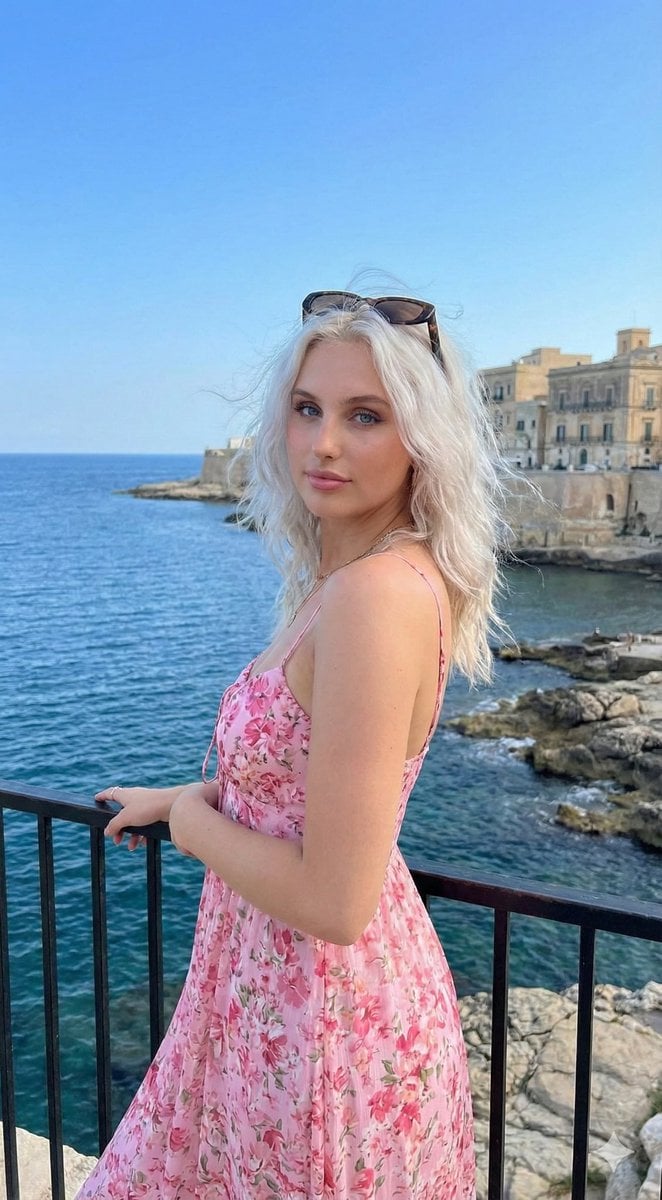
Coastal Lifestyle Portrait with Identity Preservation
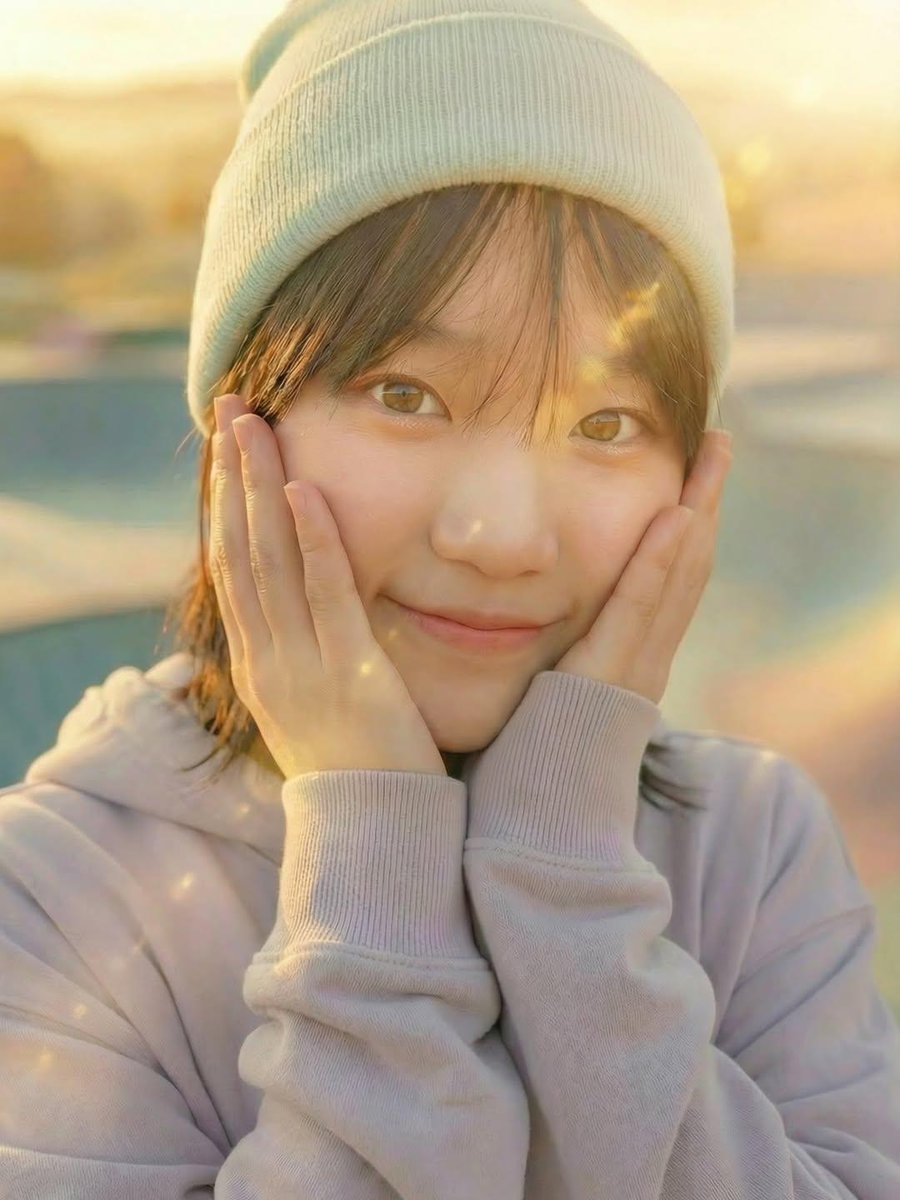
Three Nano Banana Pro prompts for lifestyle and product photography
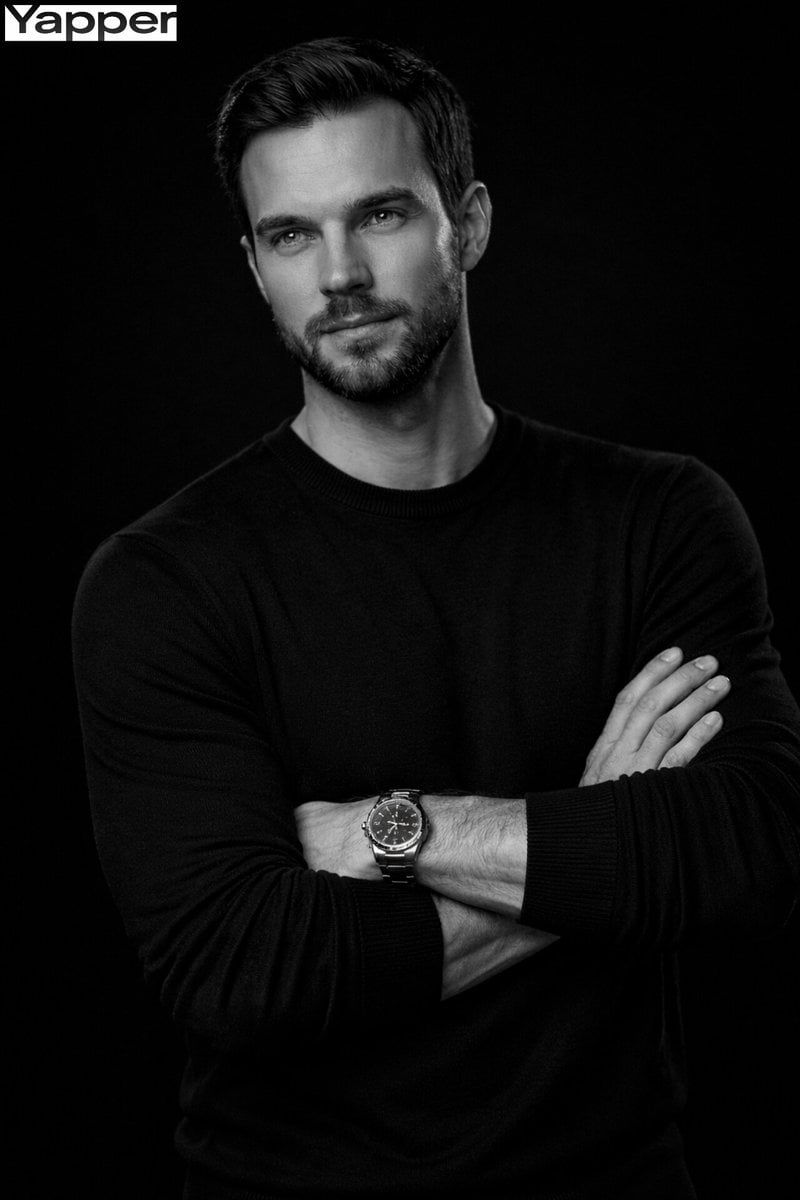
Cinematic Monochrome Male Portrait
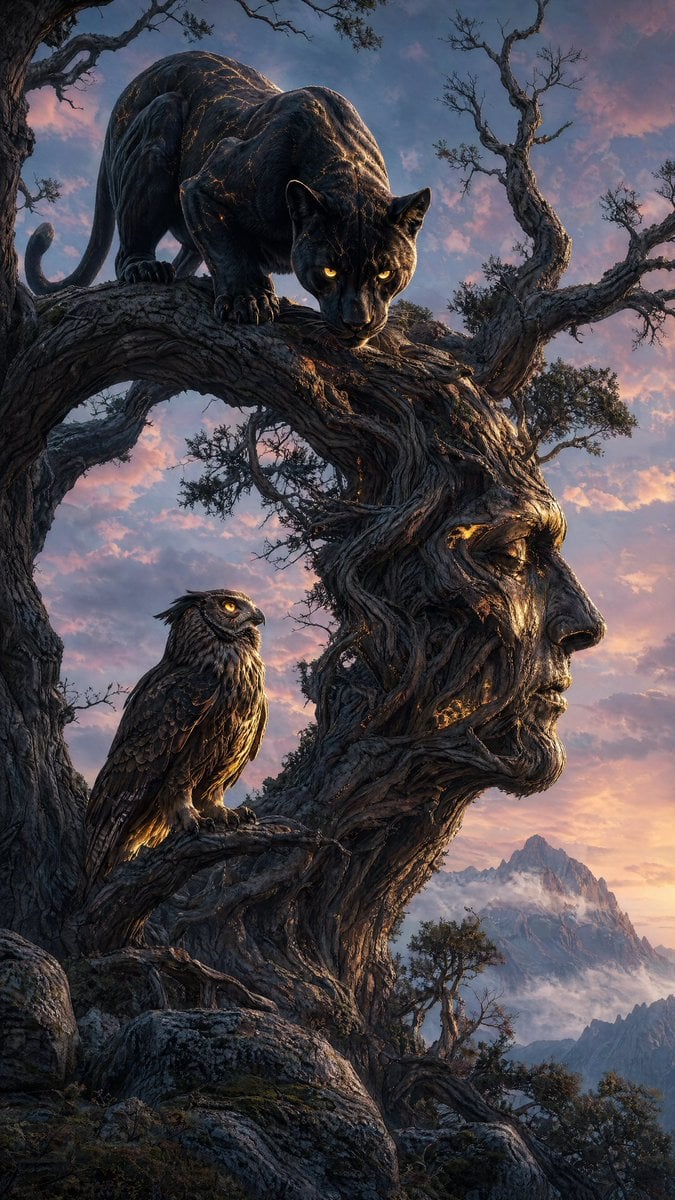
Majestic Panther Fantasy Scene
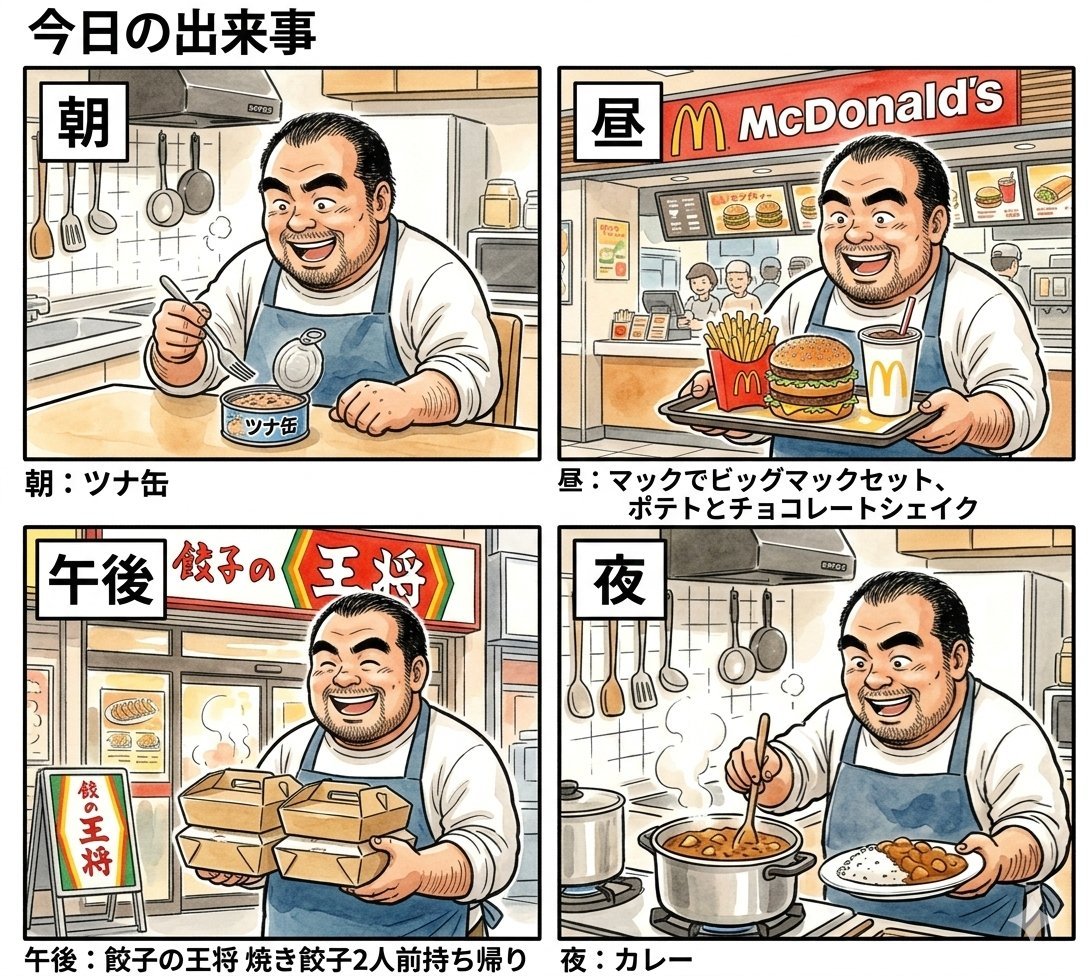
Panel Manga Prompt: A Day's Meals
Browse template categories
Ultra-Photorealistic Winter Romance Portrait (JSON Format) questions
How do I use the Ultra-Photorealistic Winter Romance Portrait (JSON Format) template?
Add your photo if the template asks for one, edit the prompt if you like — the template's model and format are already selected — and press Generate. Your version opens in PicX Studio.
Can I customize the Ultra-Photorealistic Winter Romance Portrait (JSON Format) template?
Yes. You can change the subject, setting, lighting, mood, format, and available model controls before creating your image.
Is the Ultra-Photorealistic Winter Romance Portrait (JSON Format) template free?
Opening and editing this template is free. Generating uses credits, shown on the Generate button when you are signed in.
Which AI model should I use?
Start with Nano Banana 2, which is the model associated with this template. You can compare another compatible model for a different finish.
Looking for something else? Browse all templates.

Your photo, any look
Thousands of ready templates for every top image and video model, from one credit balance.