
Snow Leopards in Himalayan Mountains
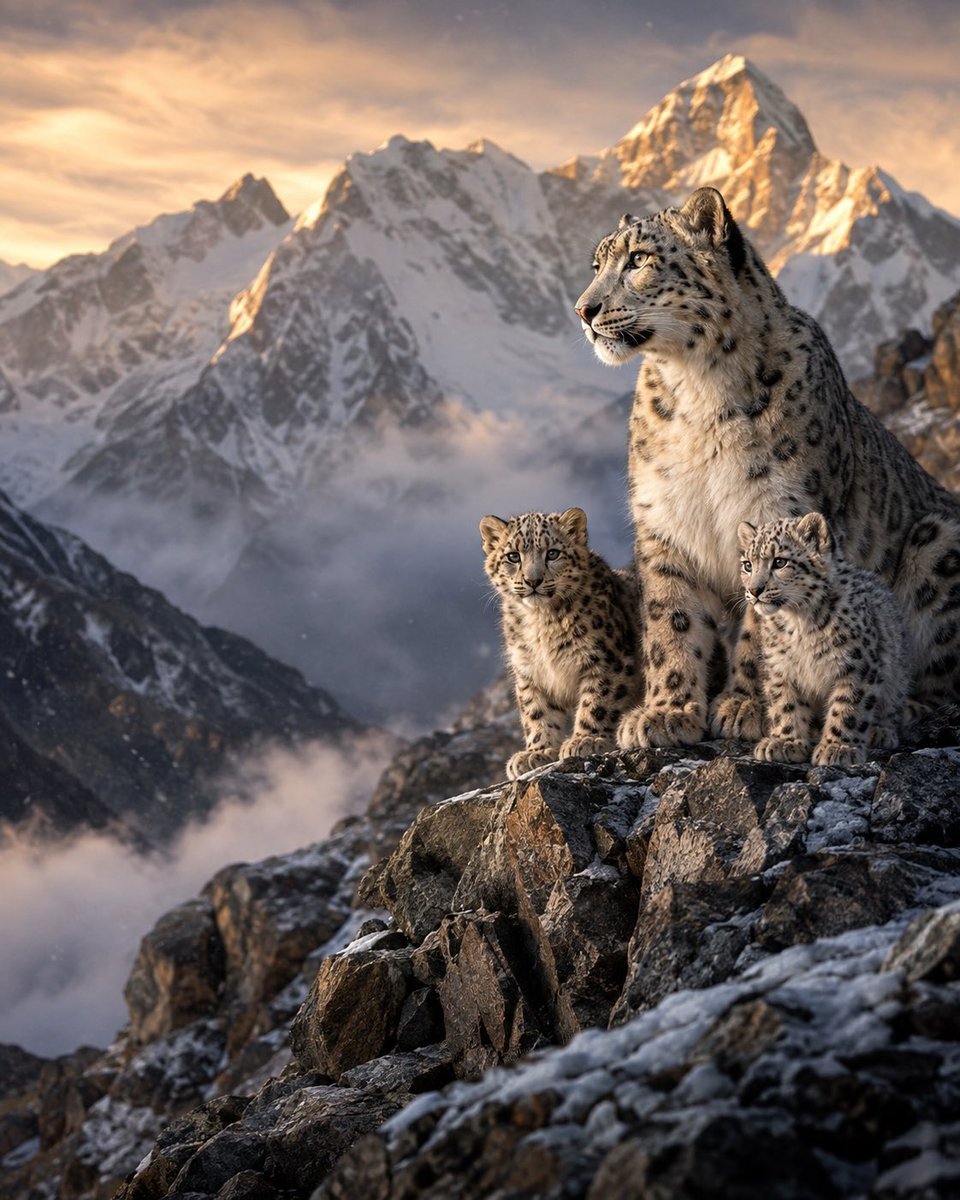
A cinematic photorealistic wildlife scene of a snow leopard family on a snowy mountain ledge at golden hour, ideal for nature photography generation.
- Prompt included
- Model and format preset
- Free template
The prompt behind this image
Copy the exact prompt behind Snow Leopards in Himalayan Mountains, or open it in the studio and make it yours.
Create a photorealistic wildlife nature photograph of exactly three snow leopards perched on a rugged, snow-dusted rocky ledge high in the Himalayas: one large adult {argument name="animal species" default="snow leopard"} sitting upright on the right, facing left in a calm alert pose, with two smaller cubs seated beside it, one cub centered and looking toward the camera and the other cub on the far right looking left. Show thick pale gray-beige fur with dark rosettes, sharp whiskers, bright reflective eyes, and realistic winter texture. The foreground rocks are jagged dark brown and charcoal with patches of white snow and ice. Behind them, create a vast dramatic mountain range with towering snow-covered peaks, deep valleys, drifting low clouds and mist, and a warm golden-hour sky at sunrise or sunset. The tallest peak should glow with orange sunlight while the valleys remain cool blue-gray, creating cinematic contrast. Use shallow depth of field with the leopards crisp and the distant mountains softly atmospheric, natural telephoto composition, realistic lighting, fine fur detail, no text, no watermark, no human presence.
How to use Snow Leopards in Himalayan Mountains in 3 steps
- 1Upload ImagePNG, JPG or paste
Add your photo
Upload the photo the template builds on. The prompt, model and format are already set.
- 2…a portrait of your subject in softgolden-hour light, 85mm…
Personalize
Edit the subject and creative details for your destination.
- 3Generate
Generate
Press Generate — your image is created in PicX Studio, so you can compare it with the original and refine one variable at a time.
More like this
Templates with the same subject, style or setup. Open one to see its prompt.

Photoreal Snow Biome Name Tag UI

Boardwalk Fashion Portrait
Canada Goalkeeper Twilight Editorial Portrait

Minecraft You Died Winter Death Screen
The sweetest feeling of winter.
Cinematic Editorial in Snowy Mountains

Black Outfit Portrait in Snowy Mountains
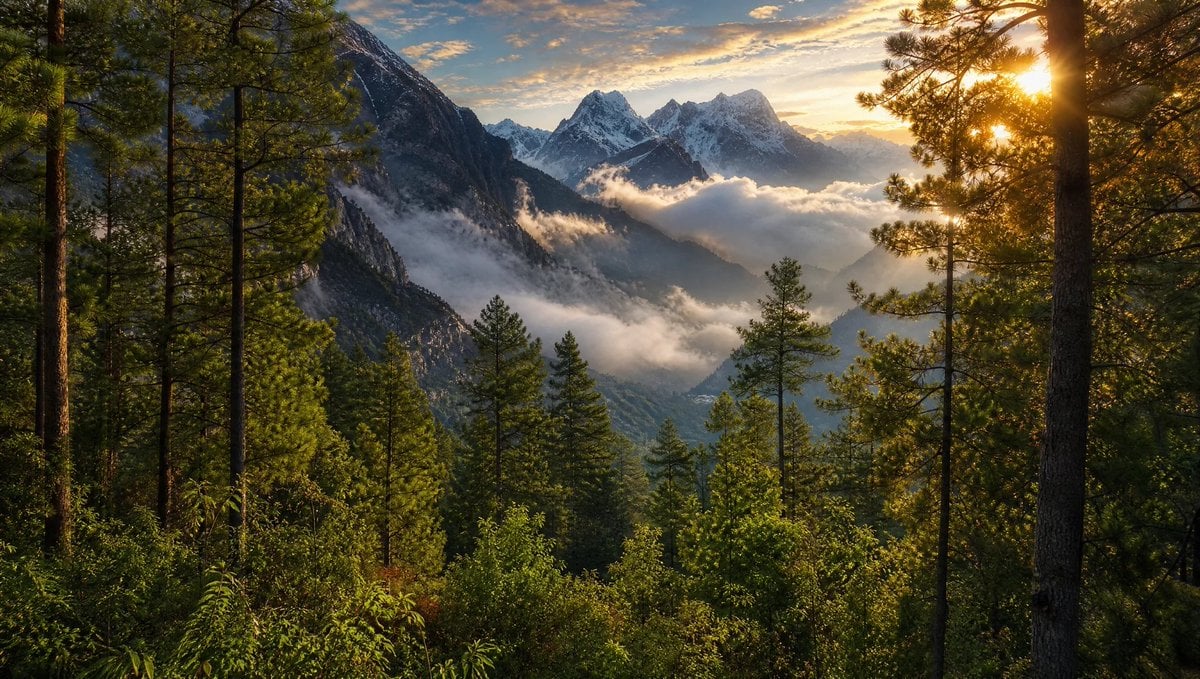
Himalayan Sunrise Mountain Wallpaper
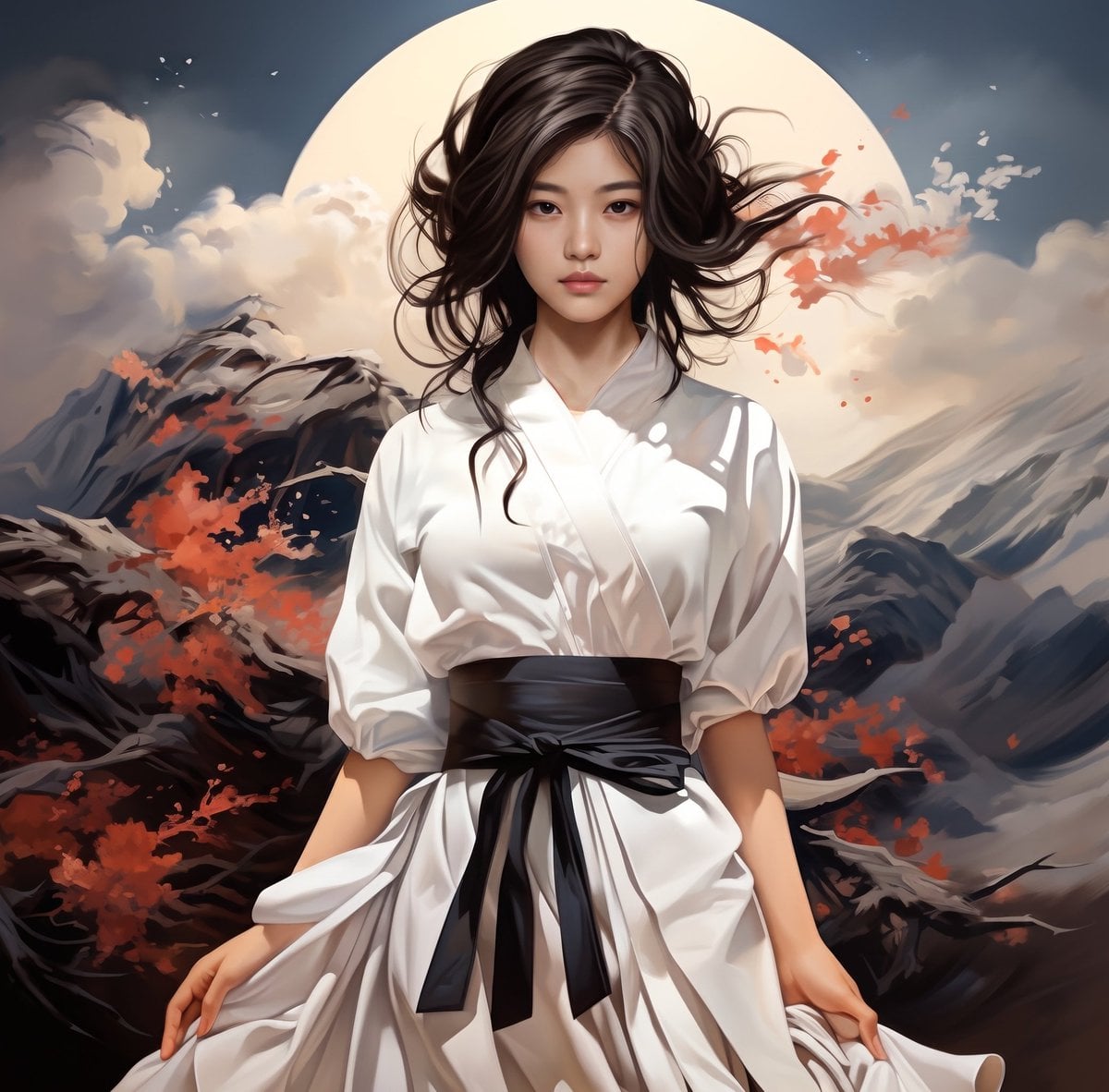
Anime Fine Art Moonlight Mountains
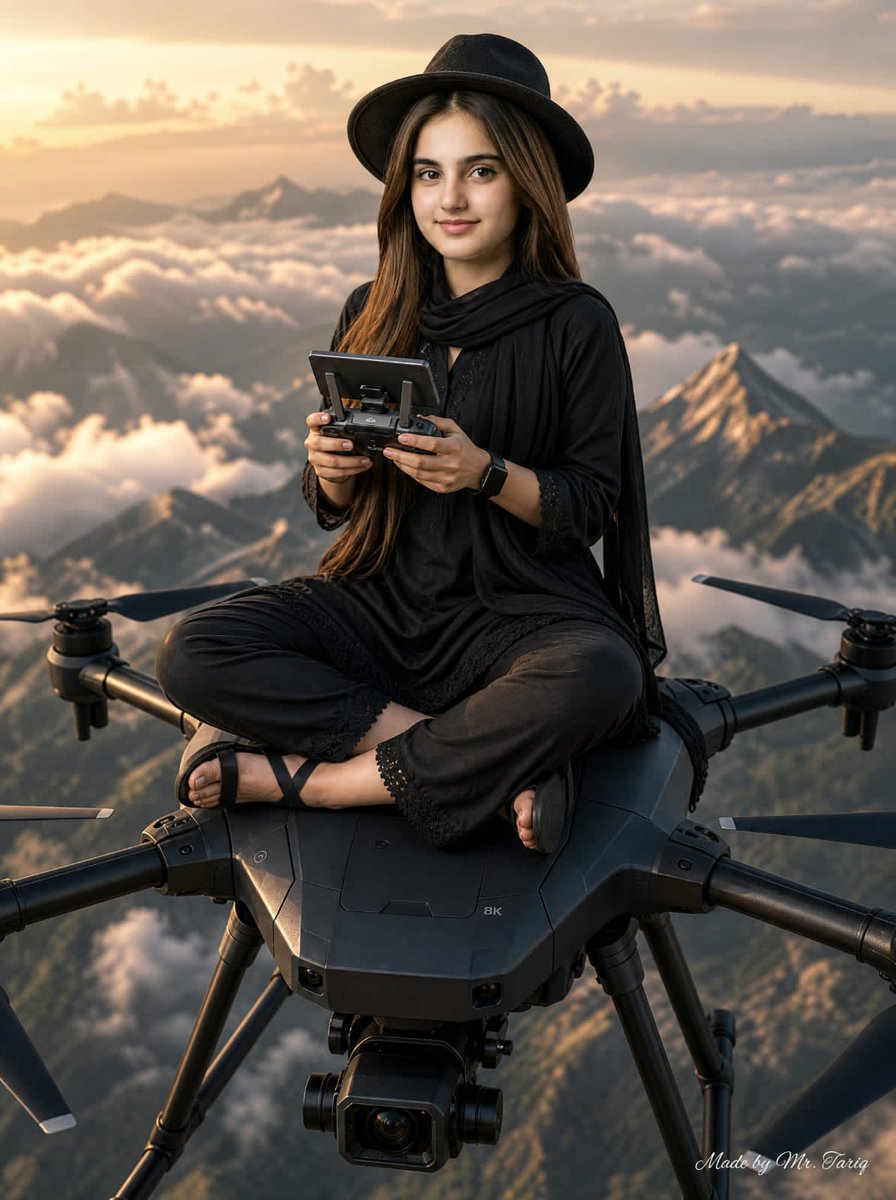
Woman Riding Giant Drone Above Mountains
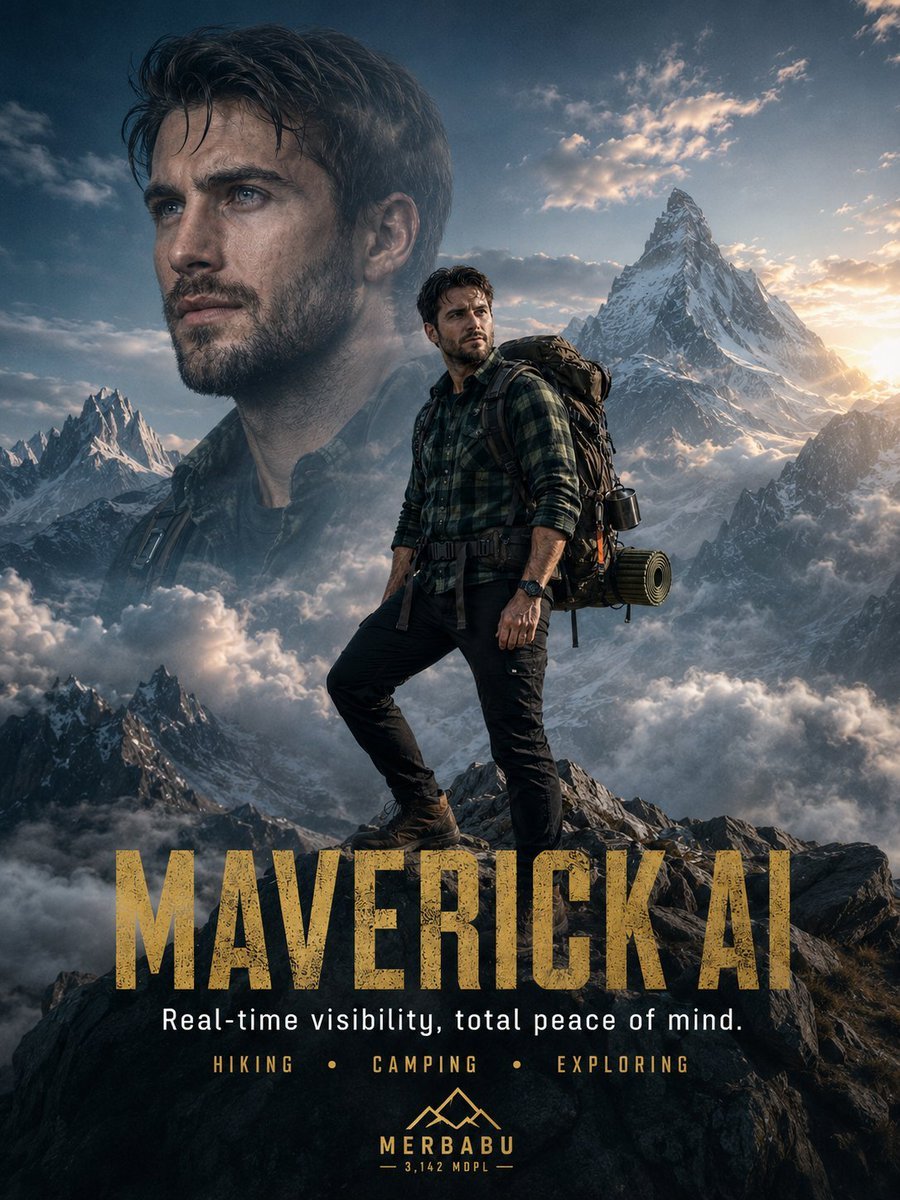
Himalayan Hiker Adventure Poster
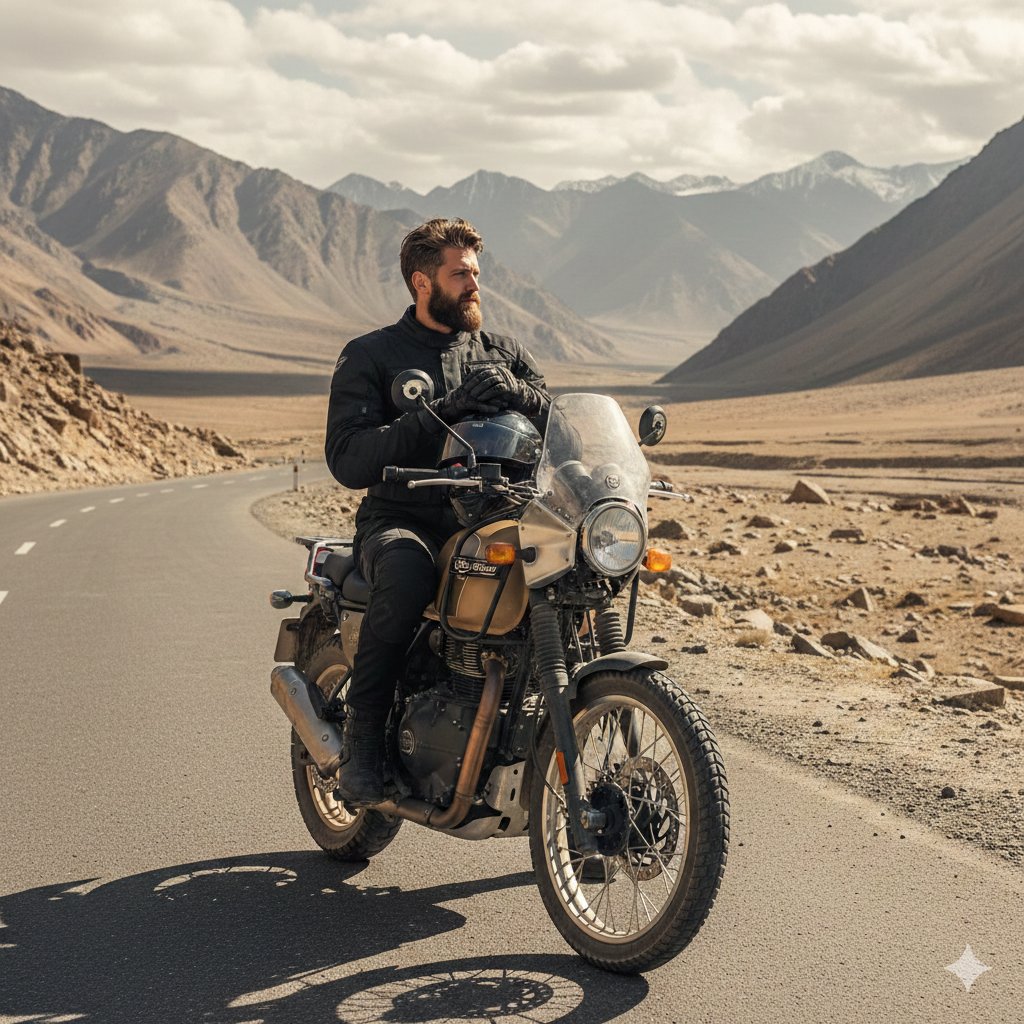
Himalayan Motorcycle Travel Photography
Make it yours
Snow Leopards in Himalayan Mountains works as-is. These are the safest ways to change it without losing the look.
Change one field
Copy a single group, rewrite it, and generate again so you can see what that field is doing.
Keep the frame, change the subject
Hold the composition and light of Snow Leopards in Himalayan Mountains, then swap wardrobe, props or the person for a new take.
| If the result… | Why | Fix |
|---|---|---|
| The result drifts from the preview | Too many fields changed at once. | Reuse Snow Leopards in Himalayan Mountains as-is first, then change one group — subject, light, or setting. |
| The model over-stylizes the scene | The prose prompt leaves finish and camera underspecified. | Add one camera or lighting sentence and stay on GPT Image 2. |
More GPT Image 2 templates
Other prompts made for GPT Image 2.

Six VTuber Japanese Logo Sheet

Realistic Portrait of Woman and Deer

The Vista Modular Condo Poster

AI Model Routing Comparison Infographic

2.5D Anime Art Board

Isometric Productivity Desk Scene

New York Double Exposure Poster

Four-Panel AI Landscape Comparison

Japanese Tatami Lifestyle Magazine Cover

NESCAFÉ Coffee Map Poster
More image prompts
Fresh picks from across the catalog.

Luxury High-Speed Commercial Shake Photography Prompt
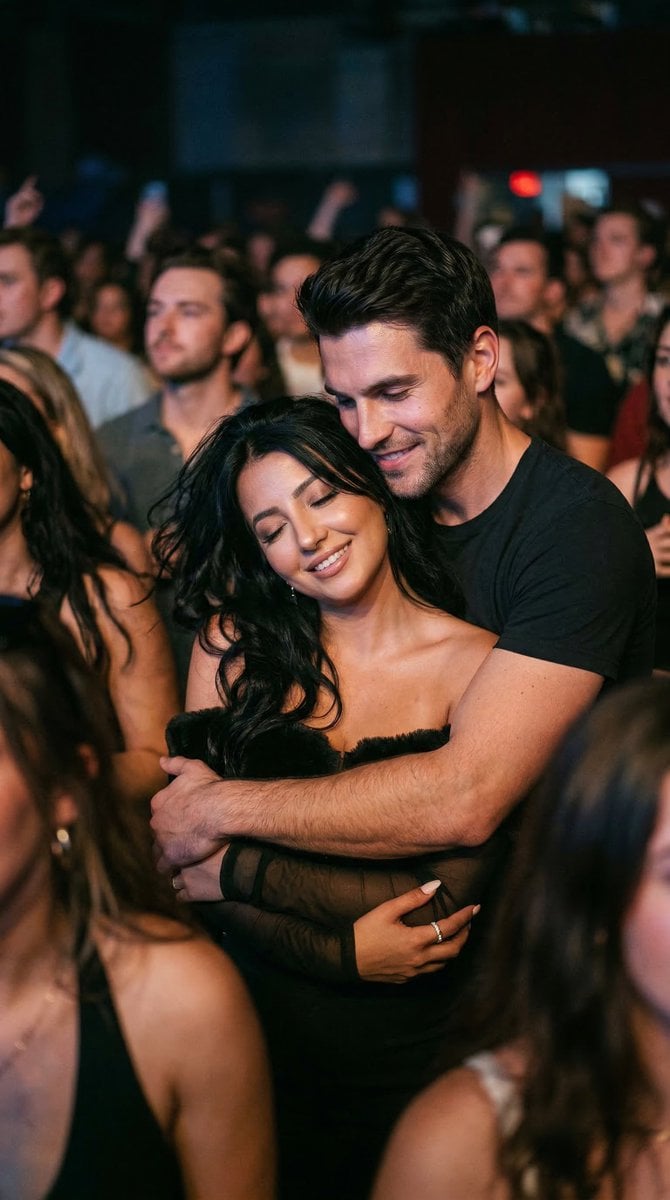
Photorealistic Concert Embrace Scene
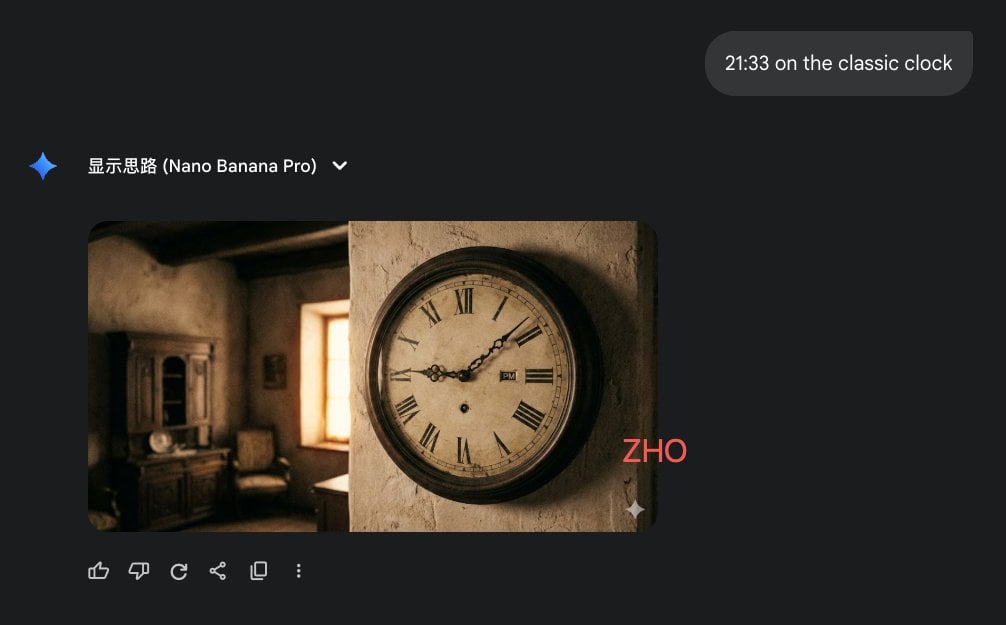
Clock face time rendering test
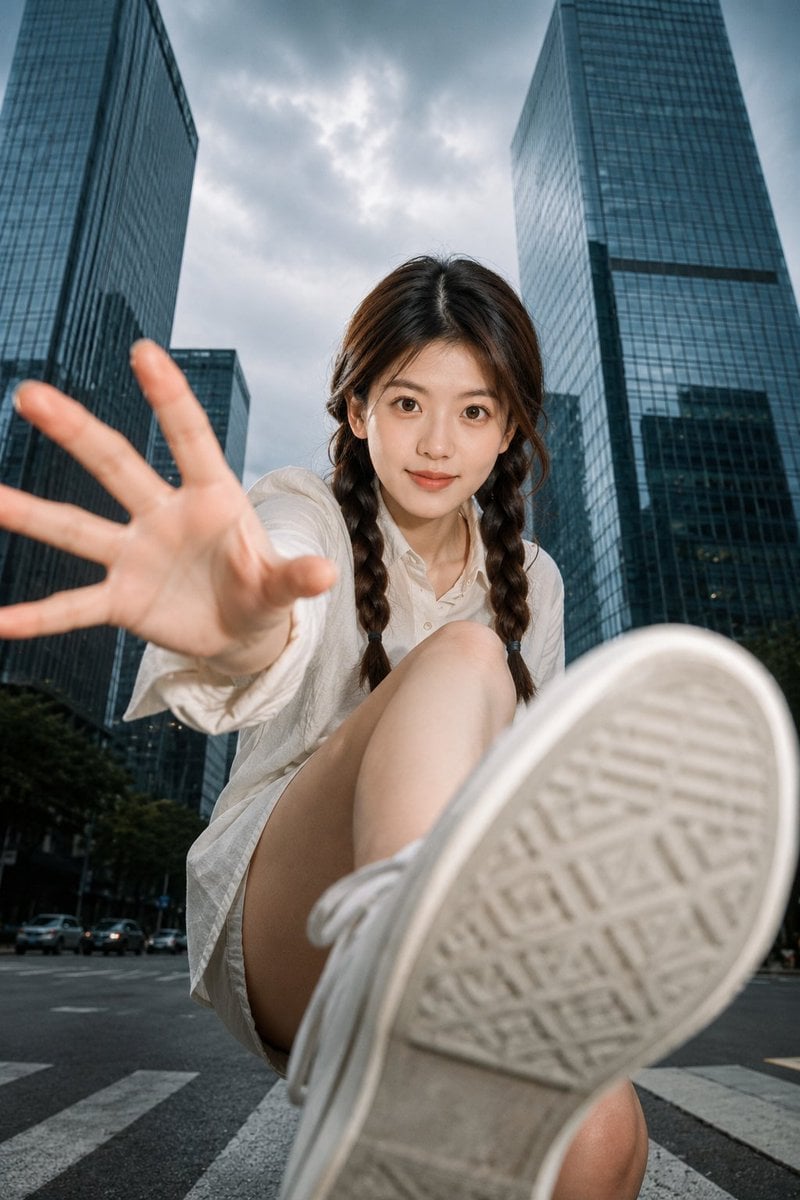
Ultra-Wide Urban Sneaker Portrait
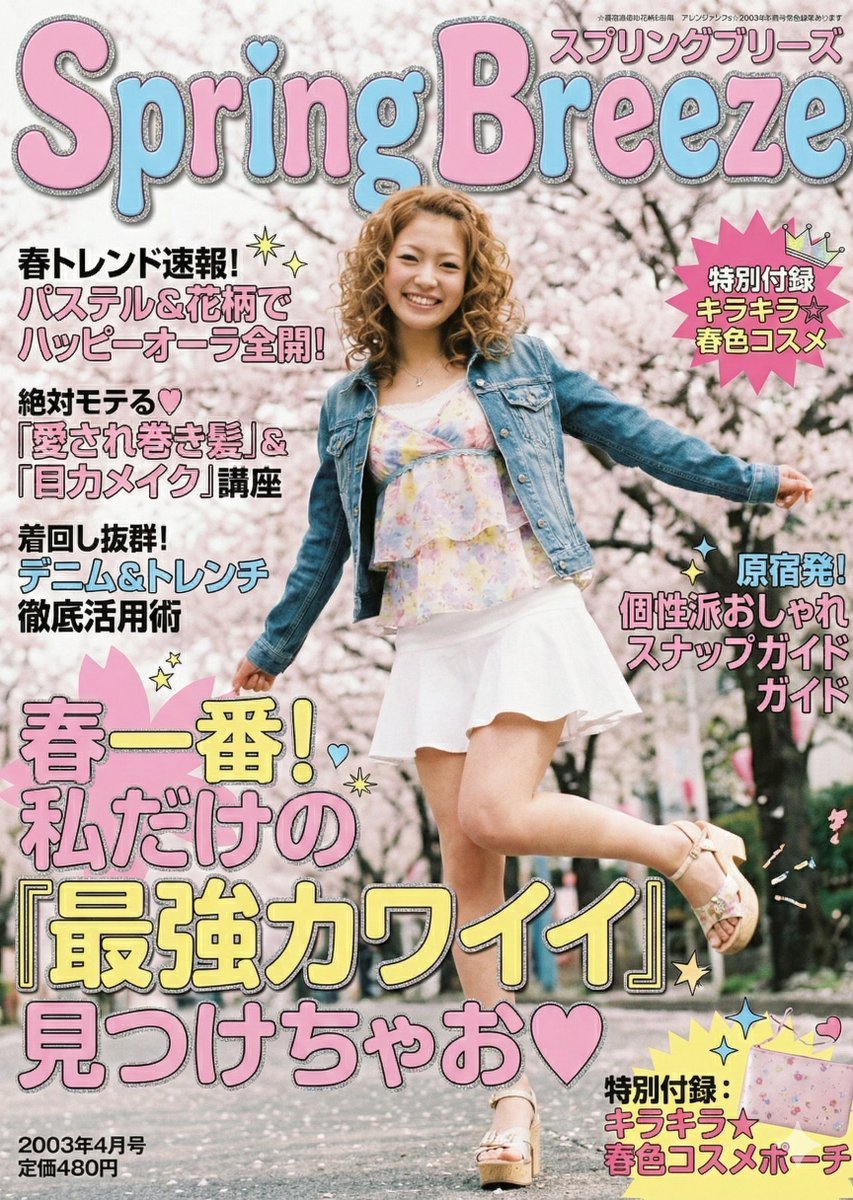
2000s Fashion Magazine Cover Prompt
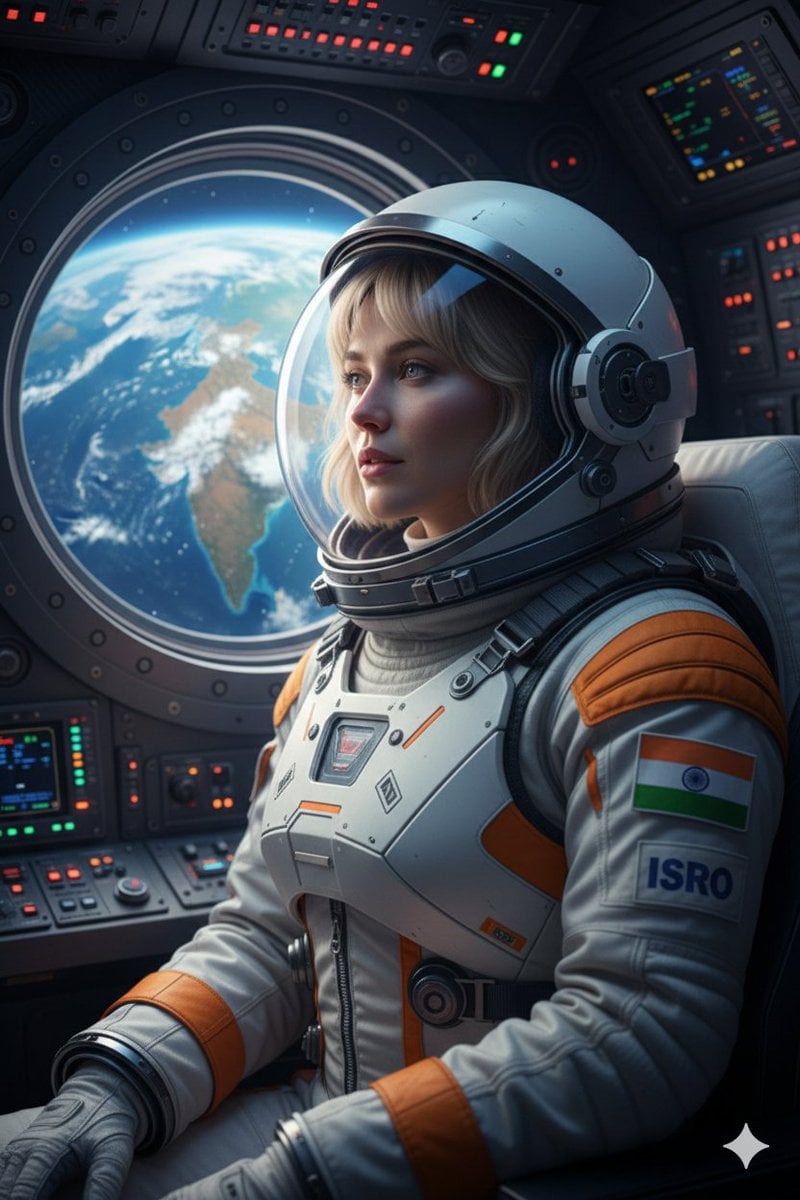
Cinematic Portrait of Indian Astronaut in ISRO Spacesuit
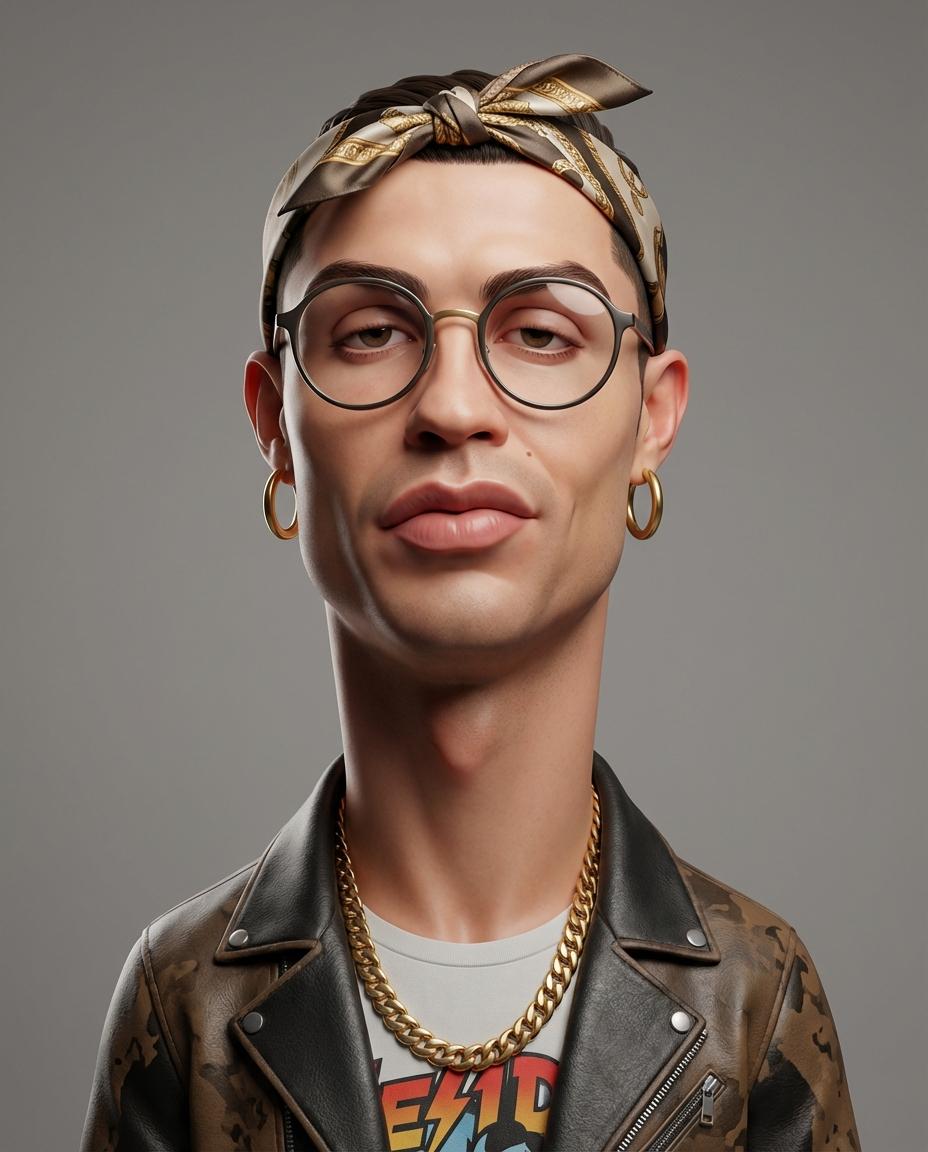
Stylized 3D Caricature Portrait Prompt

Avant-garde Fashion Advertisement Prompt
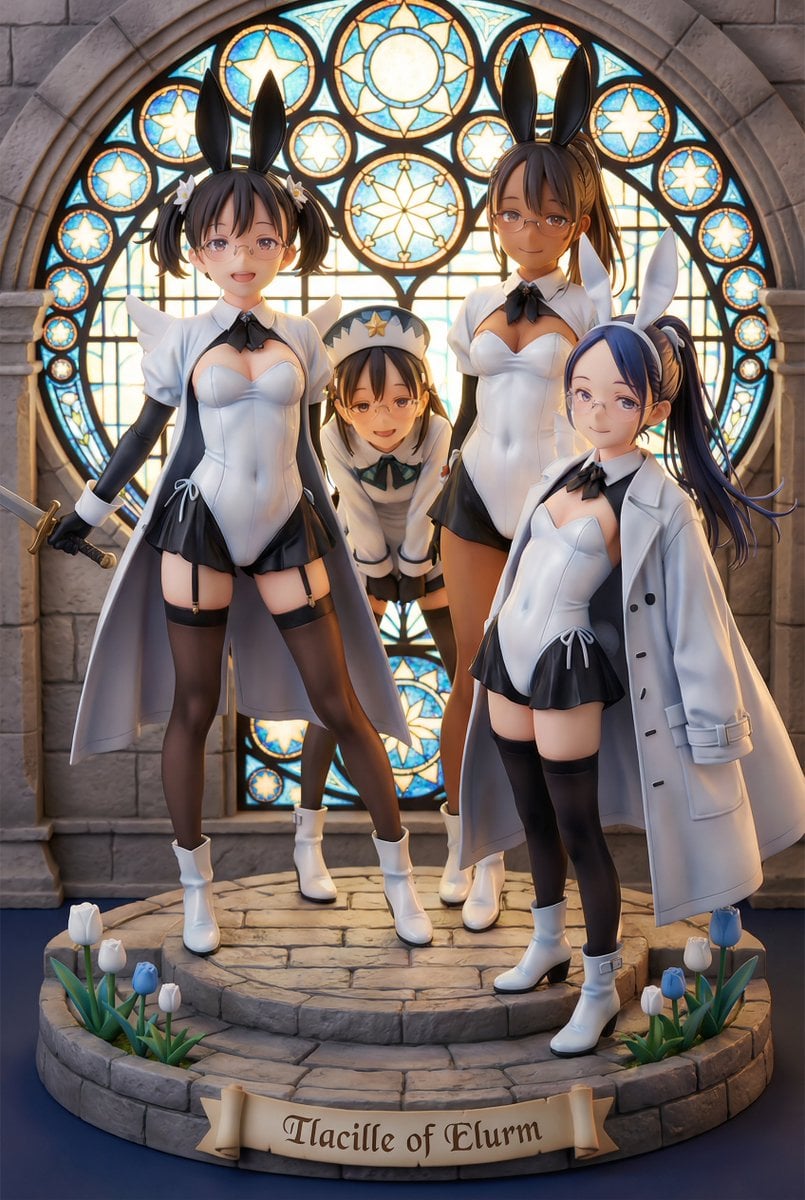
White Fairy Party Figurine Generation
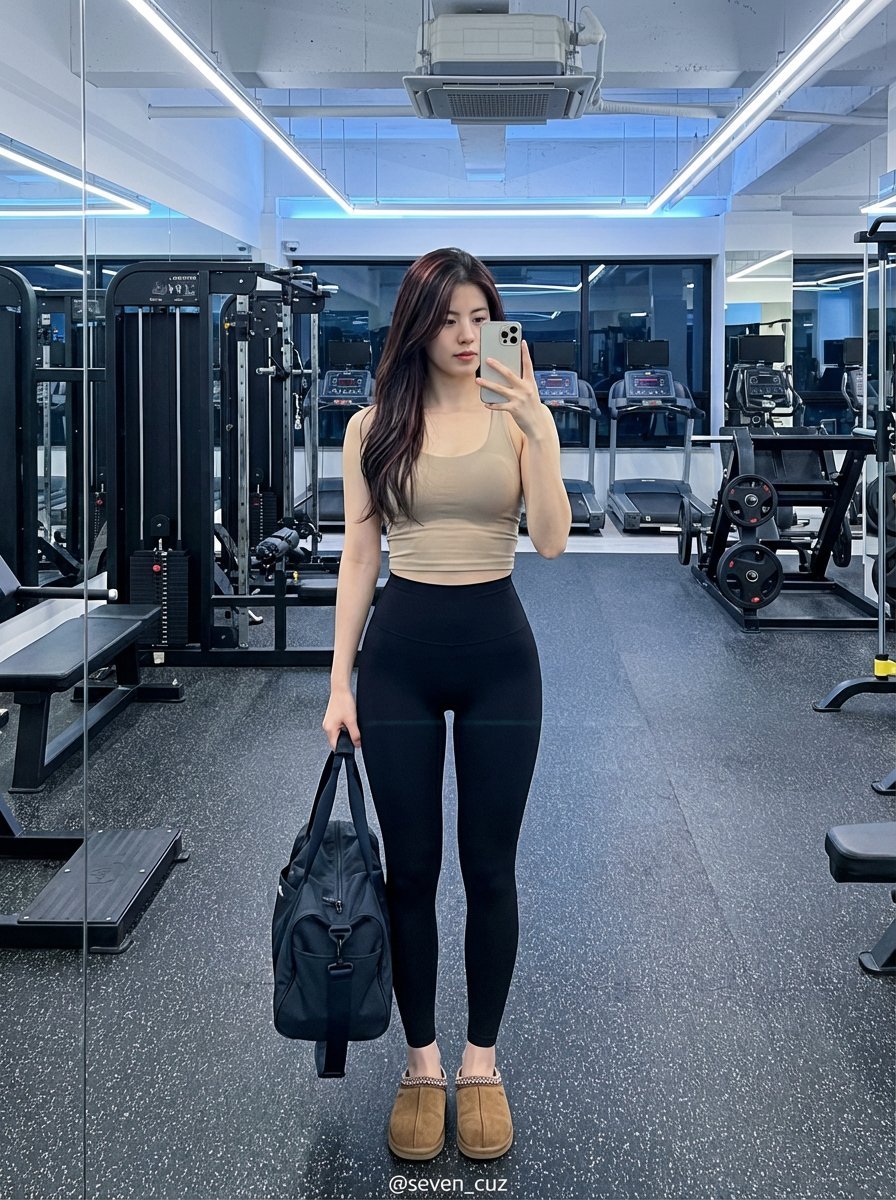
Photorealistic Gym Selfie Portrait (Classic B&W Sportswear)
Browse template categories
Snow Leopards in Himalayan Mountains questions
How do I use the Snow Leopards in Himalayan Mountains template?
Add your photo if the template asks for one, edit the prompt if you like — the template's model and format are already selected — and press Generate. Your version opens in PicX Studio.
Can I customize the Snow Leopards in Himalayan Mountains template?
Yes. You can change the subject, setting, lighting, mood, format, and available model controls before creating your image.
Is the Snow Leopards in Himalayan Mountains template free?
Opening and editing this template is free. Generating uses credits, shown on the Generate button when you are signed in.
Which AI model should I use?
Start with GPT Image 2, which is the model associated with this template. You can compare another compatible model for a different finish.
Looking for something else? Browse all templates.

Your photo, any look
Thousands of ready templates for every top image and video model, from one credit balance.