
Woman Riding Giant Drone Above Mountains
A cinematic photorealistic portrait prompt for creating a modestly dressed woman seated on a huge flying drone over mountains and clouds.
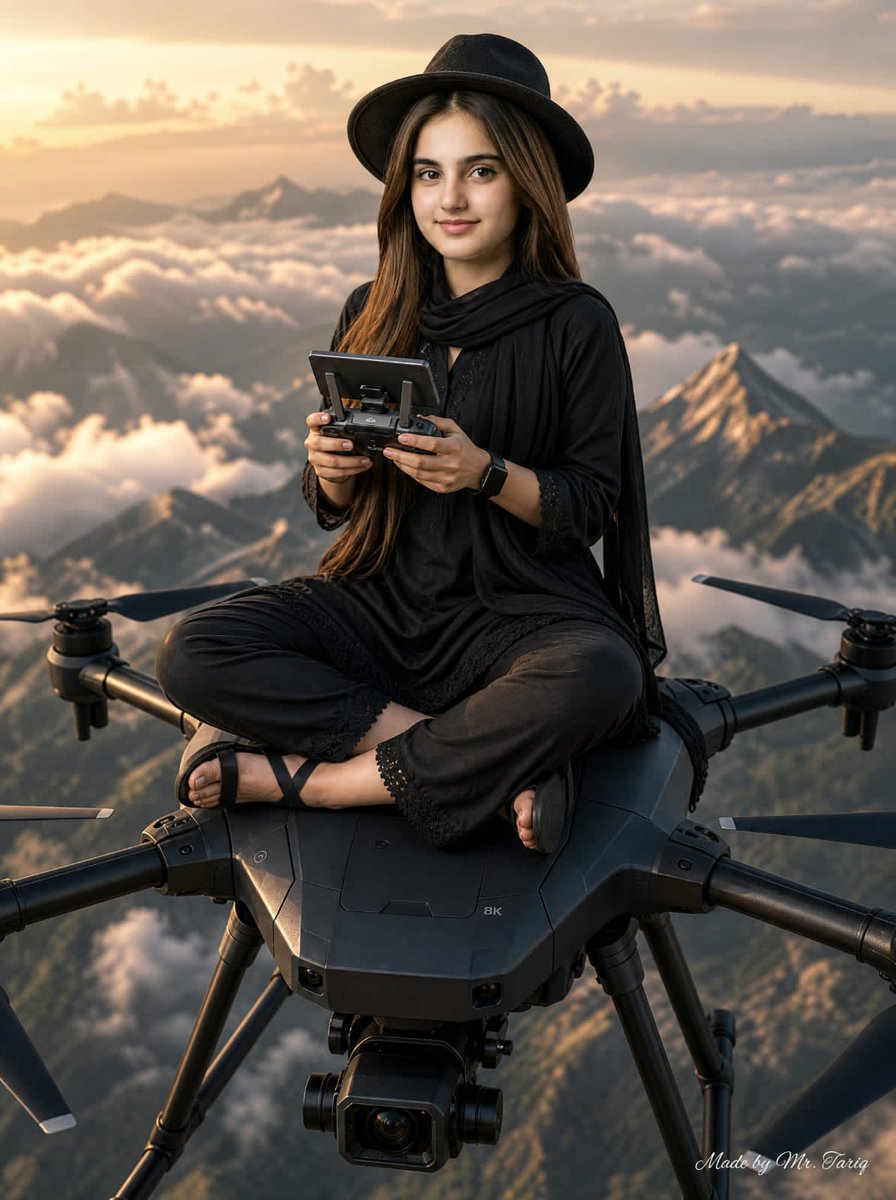
- Prompt included
- Model and format preset
- Free template
The prompt behind this image
Copy the exact prompt behind Woman Riding Giant Drone Above Mountains, or open it in the studio and make it yours.
Create a photorealistic cinematic portrait of {argument name="character description" default="a Pakistani woman"} sitting cross-legged on top of an enormous professional flying camera drone high above a dramatic mountain range and a sea of clouds at golden-hour sunrise. Keep the subject centered and full-body from the knees up, with a strict face-reference portrait look if a reference is provided, natural realistic proportions, and confident calm posture. She wears a fully black modest outfit: long flowing tunic, loose trousers with subtle lace-trim cuffs, draped black scarf/shawl, black sandals, and a black wide-brim hat; long brown hair falls over her shoulders. She holds a drone remote controller with a screen in both hands, looking forward. The drone is oversized, matte black, rugged and futuristic, with a central octagonal body, visible front gimbal camera, landing struts, and exactly four visible arms with four propeller assemblies extending around her. Background: epic alpine peaks, valleys, thick cloud layers below, warm sunlight from the left, orange and peach sky, atmospheric haze, strong depth of field, cinematic contrast. Style: ultra-realistic photography, high detail fabric texture, realistic hands and feet, sharp subject, softly blurred distant mountains, premium adventure-fashion editorial mood. Add a small elegant cursive watermark in the bottom-right corner reading {argument name="watermark text" default="Made by Mr. Tariq"}. No extra people, no city, no text besides the watermark, no cartoon style, no distorted limbs, no extra propellers, no duplicate controllers.
How to use Woman Riding Giant Drone Above Mountains in 3 steps
- 1Upload ImagePNG, JPG or paste
Add your photo
Upload the photo the template builds on. The prompt, model and format are already set.
- 2…a portrait of your subject in softgolden-hour light, 85mm…
Personalize
Edit the subject and creative details for your destination.
- 3Generate
Generate
Press Generate — your image is created in PicX Studio, so you can compare it with the original and refine one variable at a time.
More like this
Templates with the same subject, style or setup. Open one to see its prompt.

Floating Woman Above Cityscape with Notifications
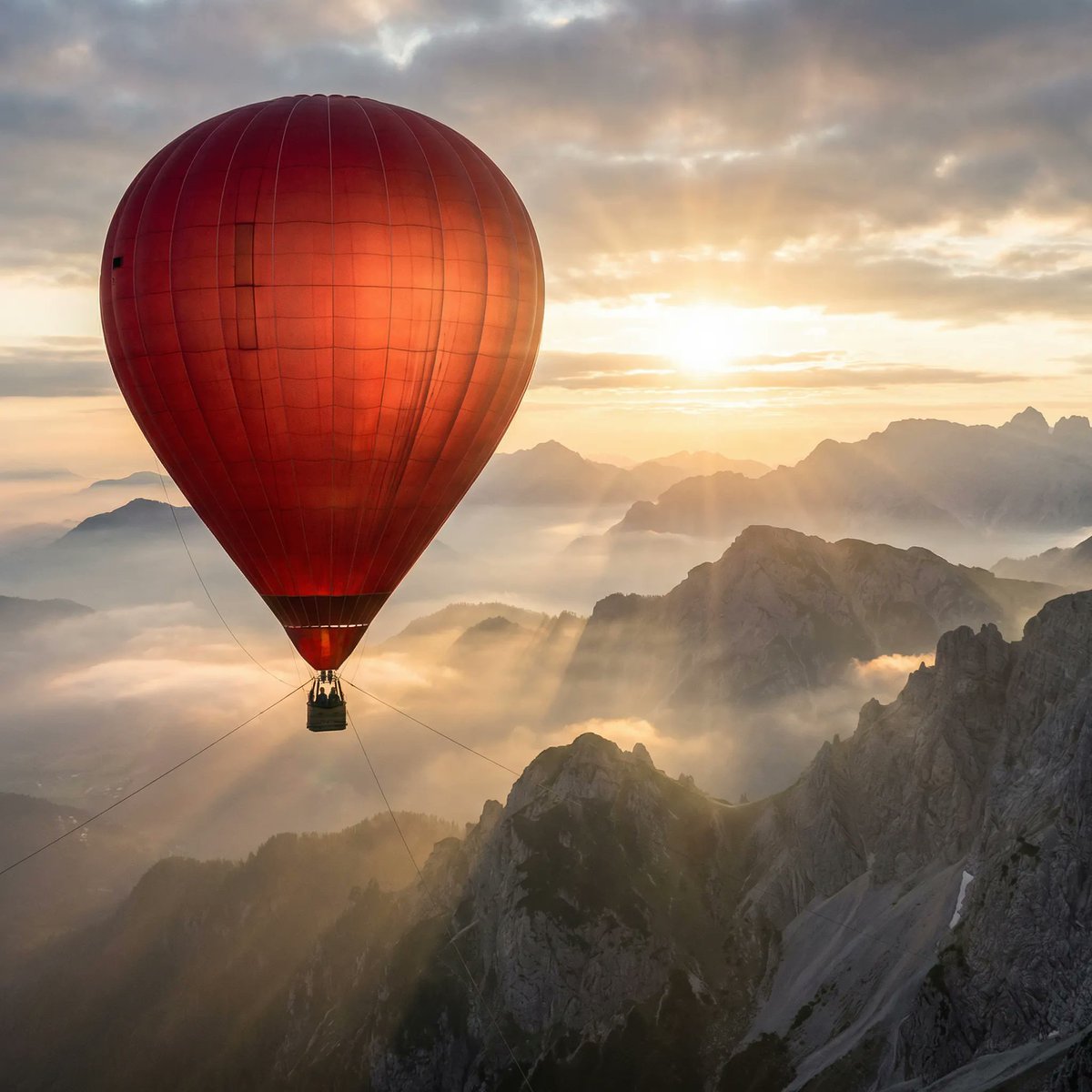
Giant Red Balloon Above Misty Mountains
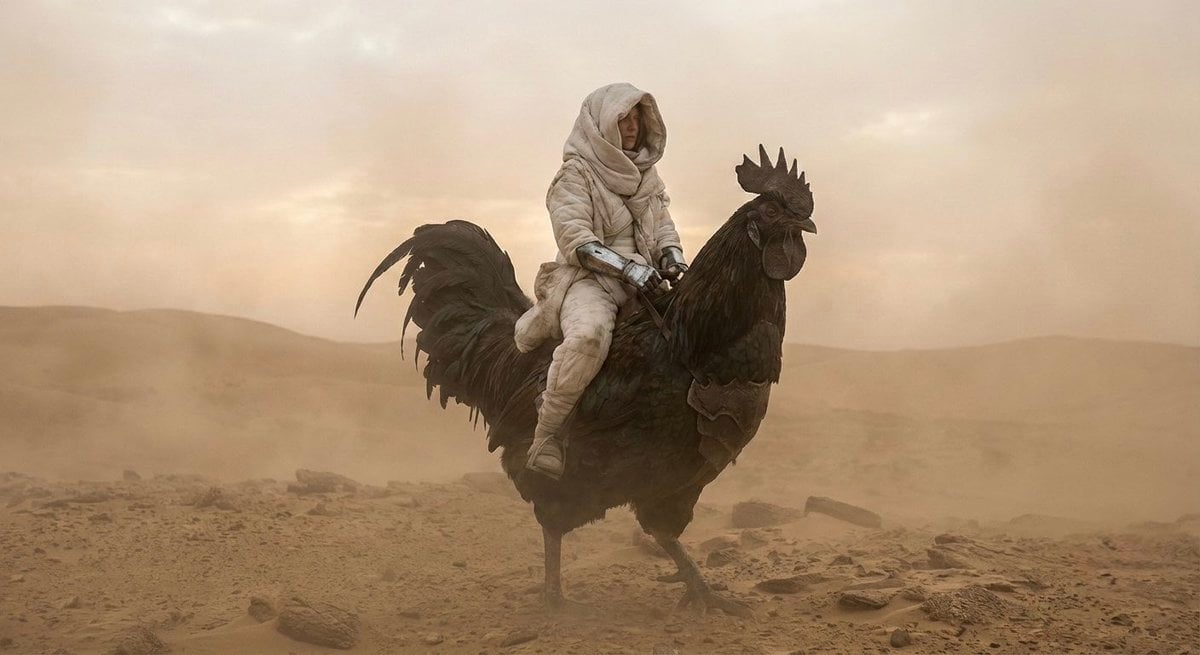
Dune-Inspired Epic Scene with Woman Riding a Giant Rooster
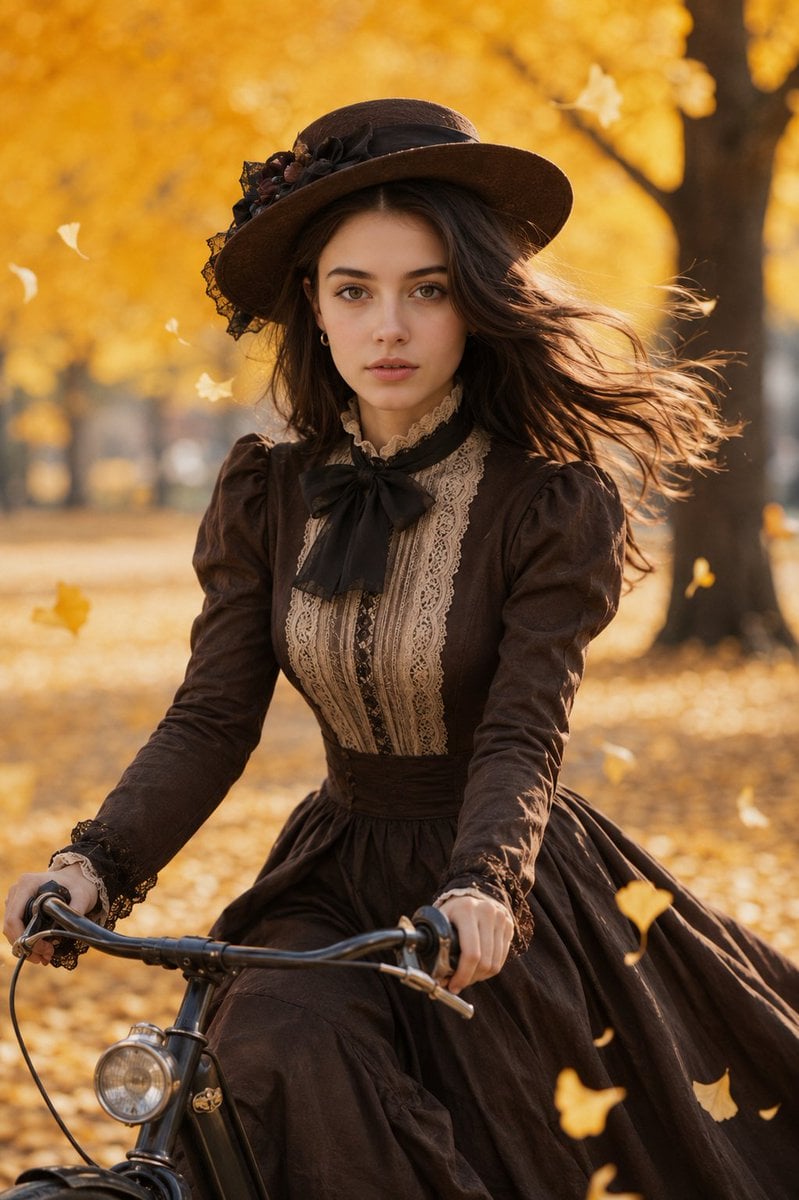
Victorian Woman Riding Vintage Bicycle
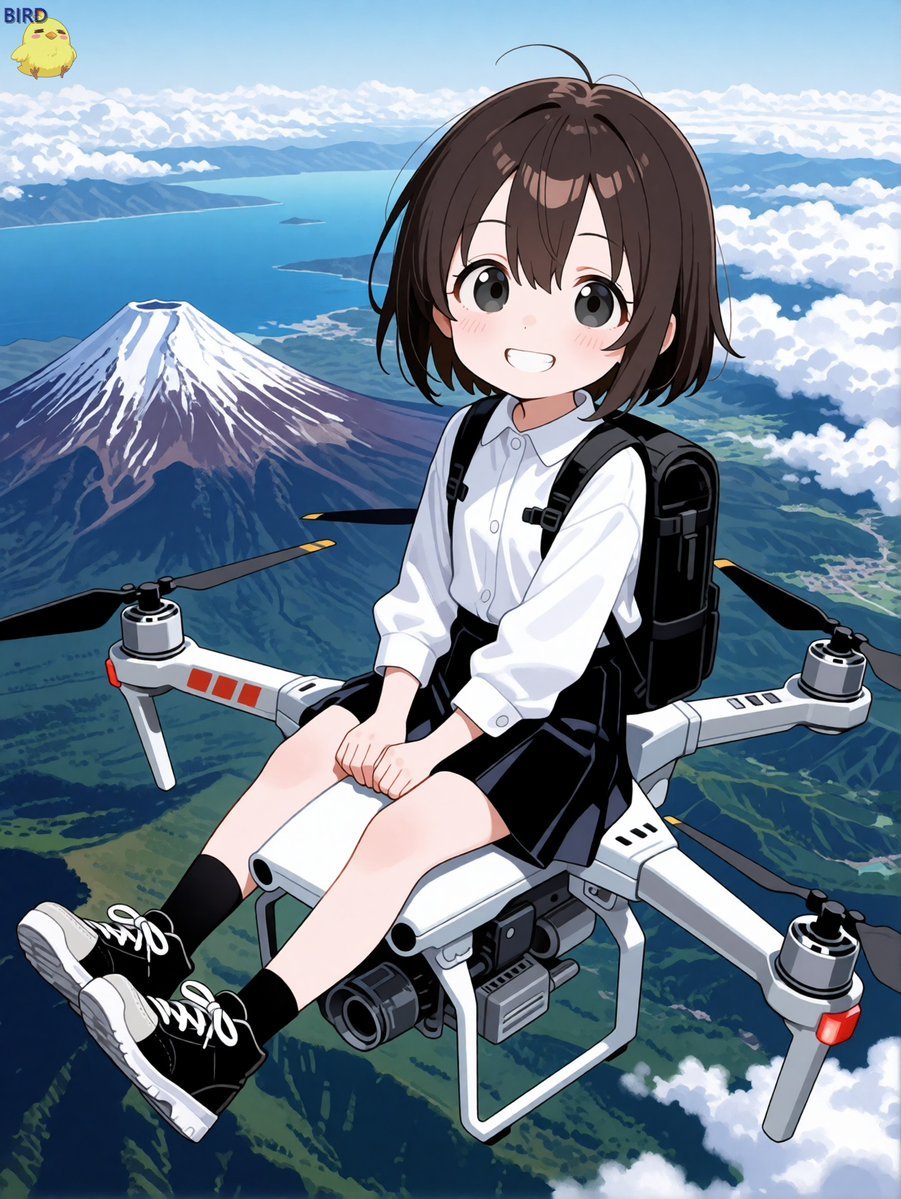
Anime Girl Riding Drone Over Mount Fuji

Giant Woman Forced Perspective Street Photo

Photoreal Snow Biome Name Tag UI
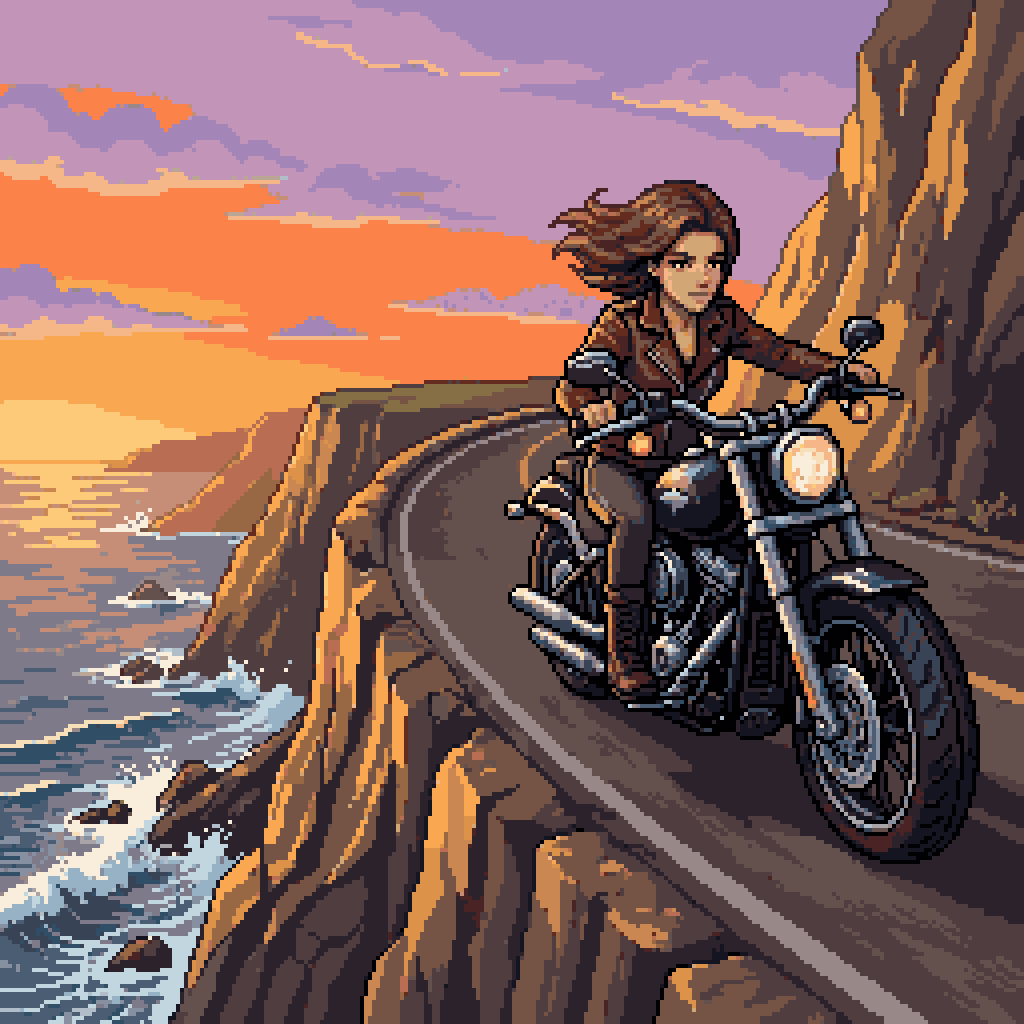
Woman Riding Motorcycle on Cliff Road

Woman in Mall with Chanel Bag - Heart Gesture

Cinematic Giant Cat Chasing Tiny Woman
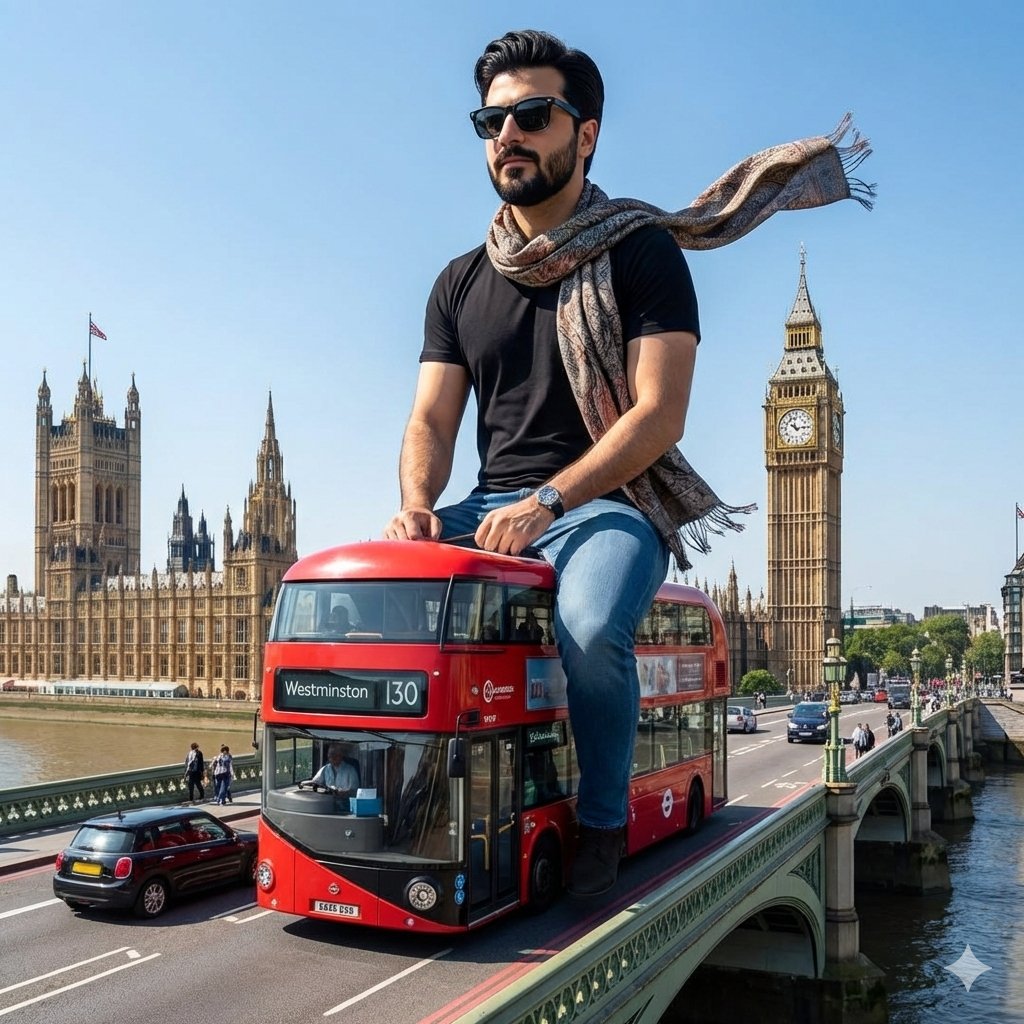
Surreal Giant Man Riding Miniature London Bus
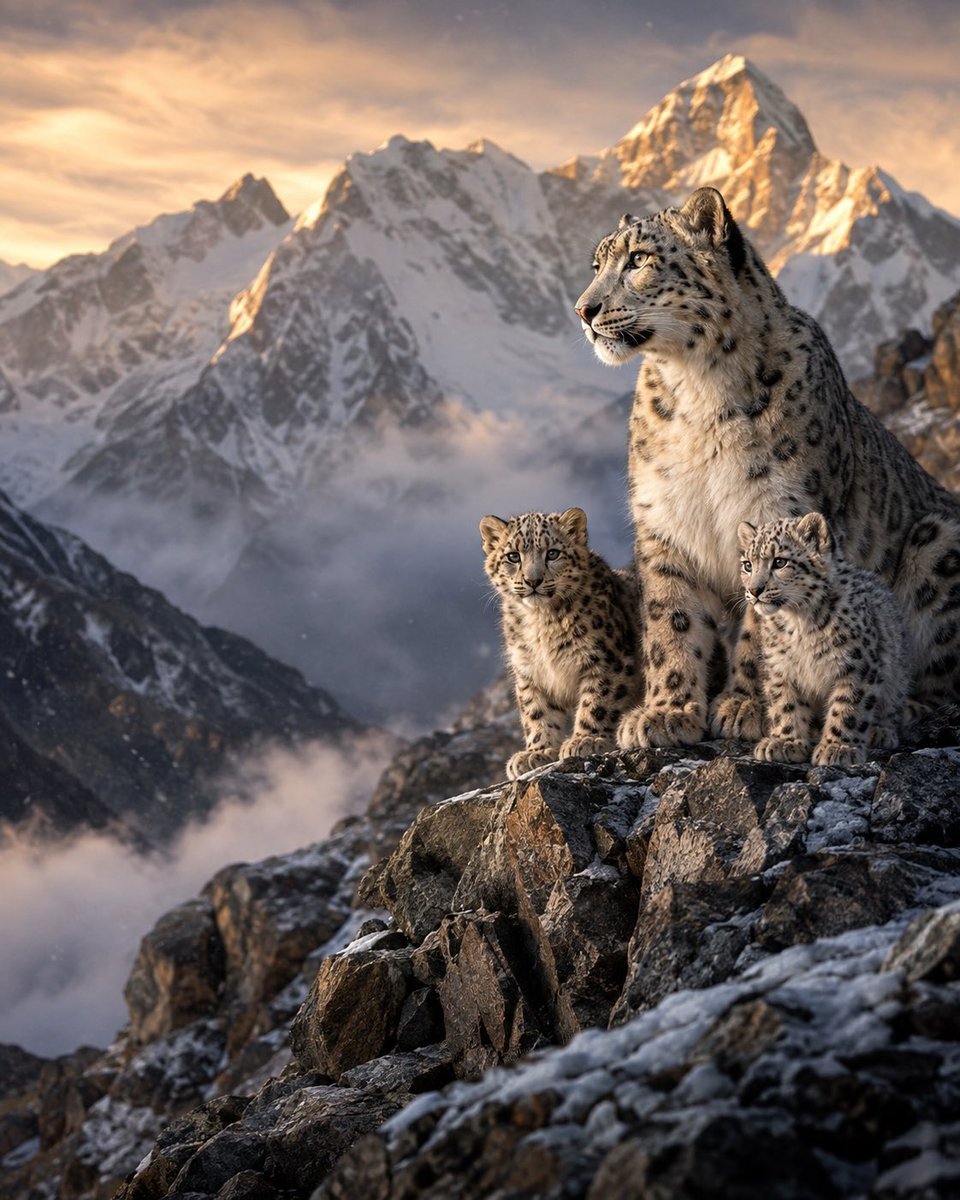
Snow Leopards in Himalayan Mountains
Make it yours
Woman Riding Giant Drone Above Mountains works as-is. These are the safest ways to change it without losing the look.
Change one field
Copy a single group, rewrite it, and generate again so you can see what that field is doing.
Keep the frame, change the subject
Hold the composition and light of Woman Riding Giant Drone Above Mountains, then swap wardrobe, props or the person for a new take.
| If the result… | Why | Fix |
|---|---|---|
| The result drifts from the preview | Too many fields changed at once. | Reuse Woman Riding Giant Drone Above Mountains as-is first, then change one group — subject, light, or setting. |
| The model over-stylizes the scene | The prose prompt leaves finish and camera underspecified. | Add one camera or lighting sentence and stay on GPT Image 2. |
More GPT Image 2 templates
Other prompts made for GPT Image 2.

Six VTuber Japanese Logo Sheet

Realistic Portrait of Woman and Deer

The Vista Modular Condo Poster

AI Model Routing Comparison Infographic

2.5D Anime Art Board

Isometric Productivity Desk Scene

New York Double Exposure Poster

Four-Panel AI Landscape Comparison

Japanese Tatami Lifestyle Magazine Cover

NESCAFÉ Coffee Map Poster
More image prompts
Fresh picks from across the catalog.
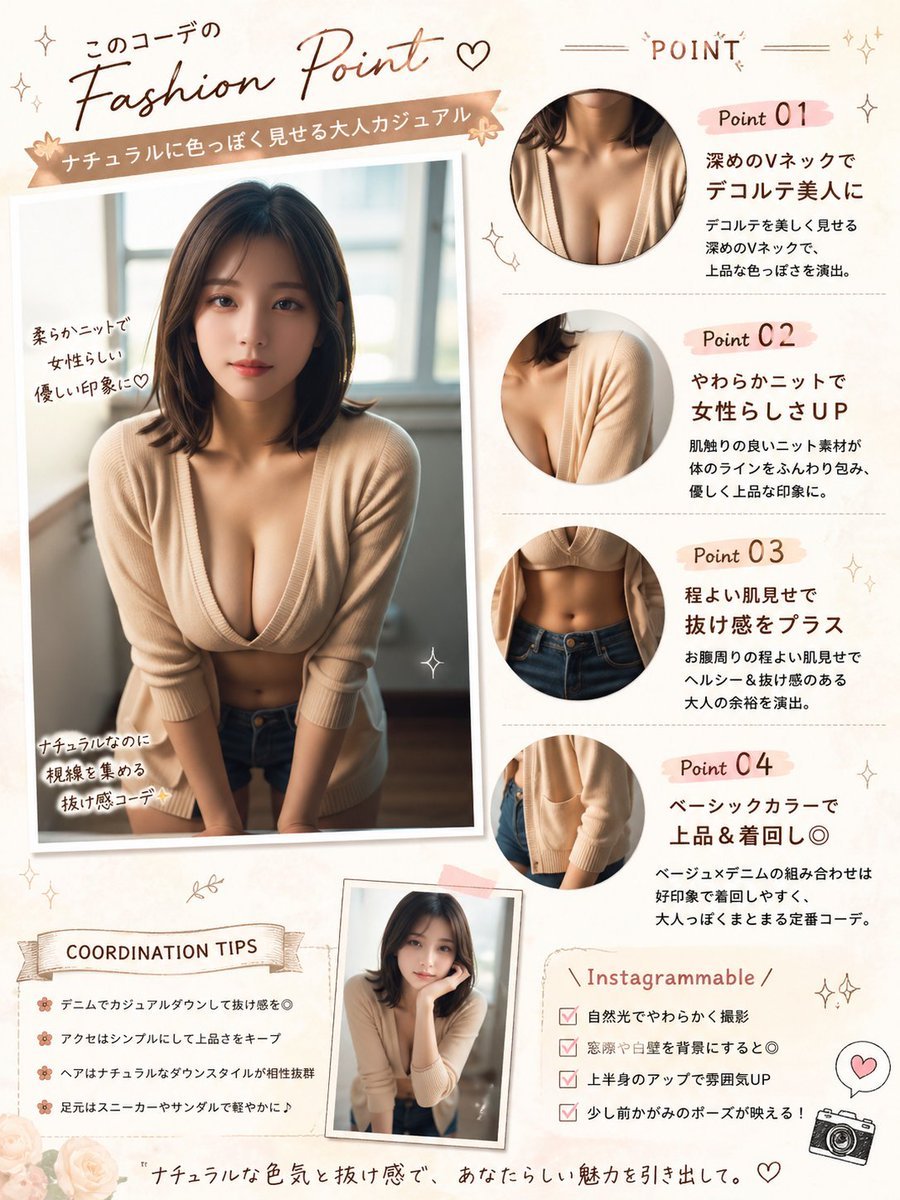
Japanese Fashion Point Poster Edit

Luxury High-Speed Shake Commercial Photography Prompt
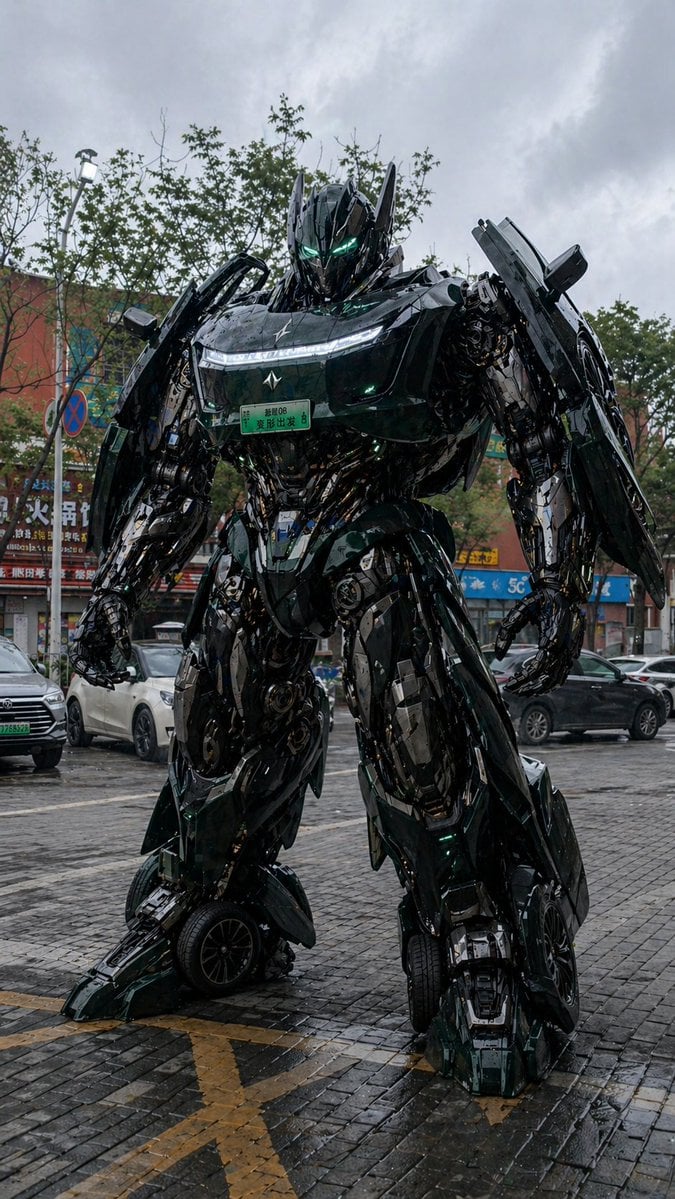
Car Transformation Prompt

Japanese AI Design Webinar Thumbnail

Dual Luxury Perfume Product Photography Prompts
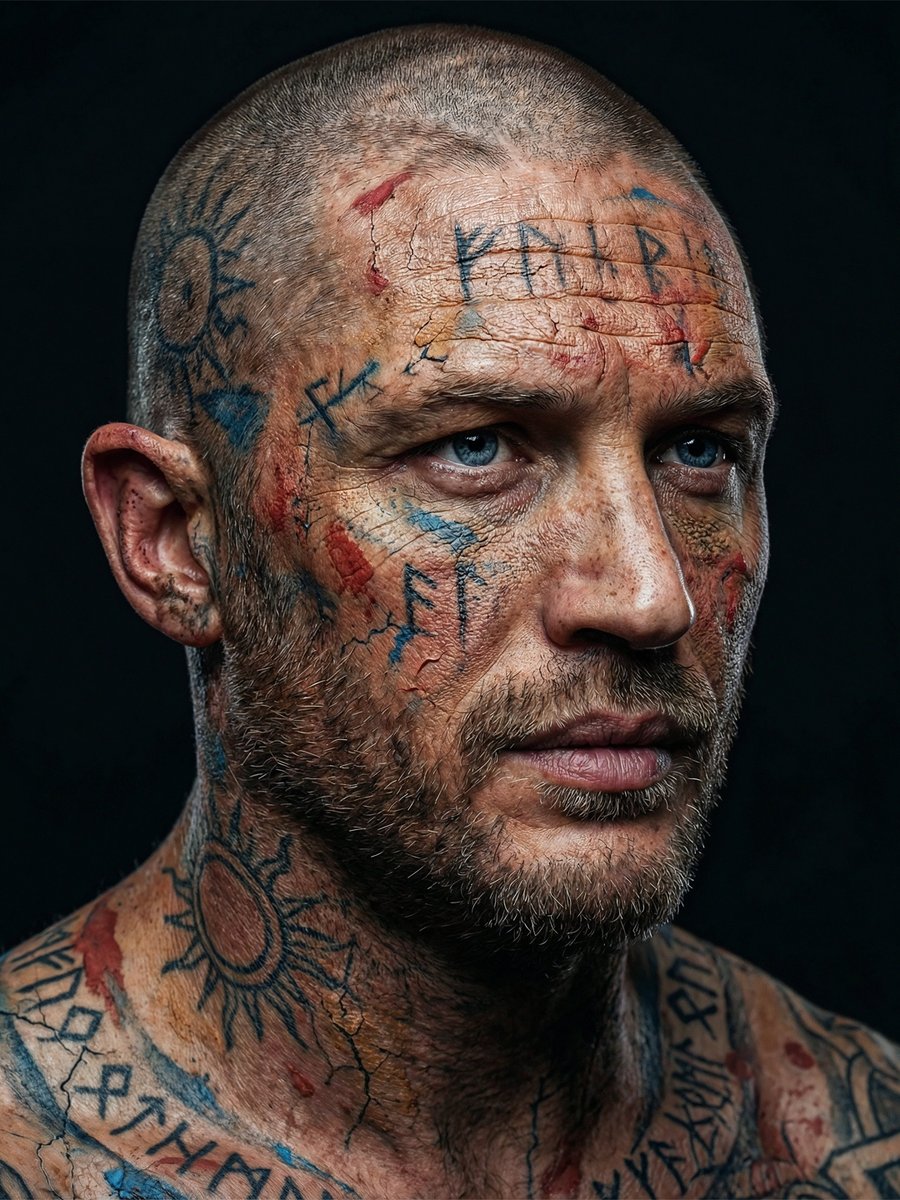
Ultra-Realistic Viking-Inspired Cracked Paint Portrait
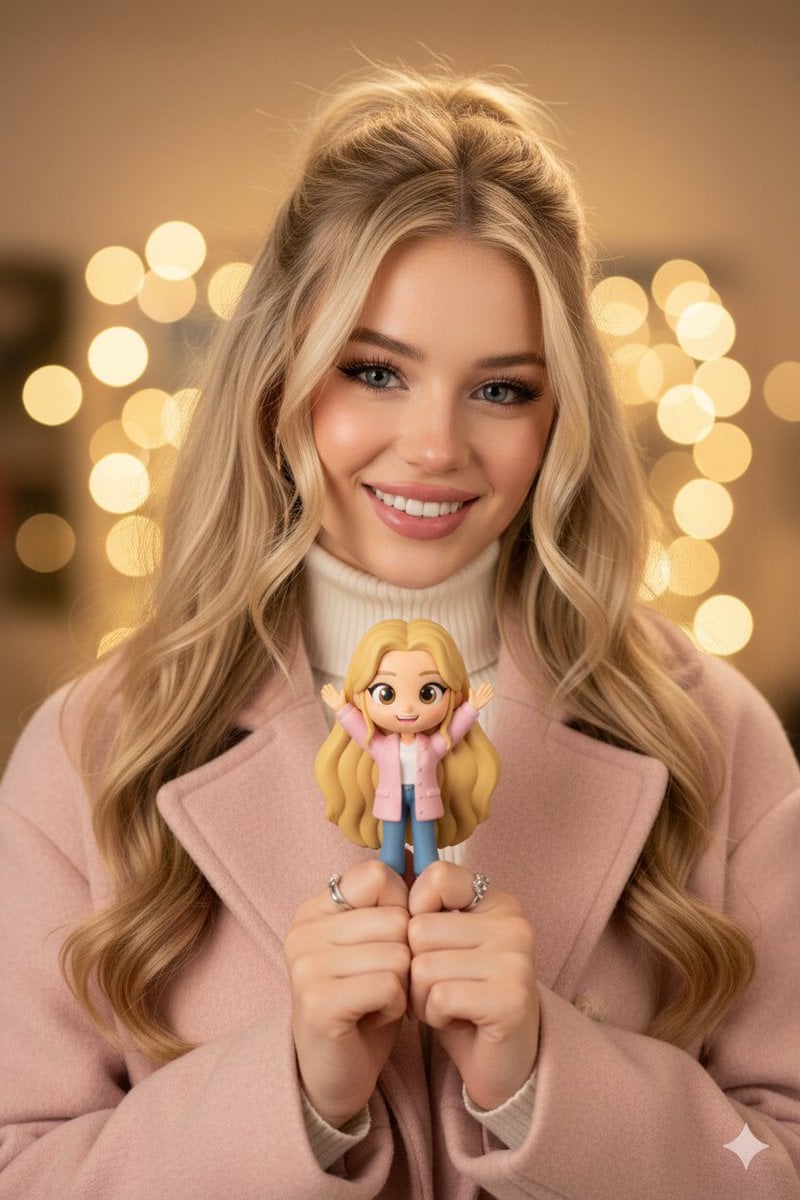
Hyper-realistic Portrait with Chibi Figurine Prompt
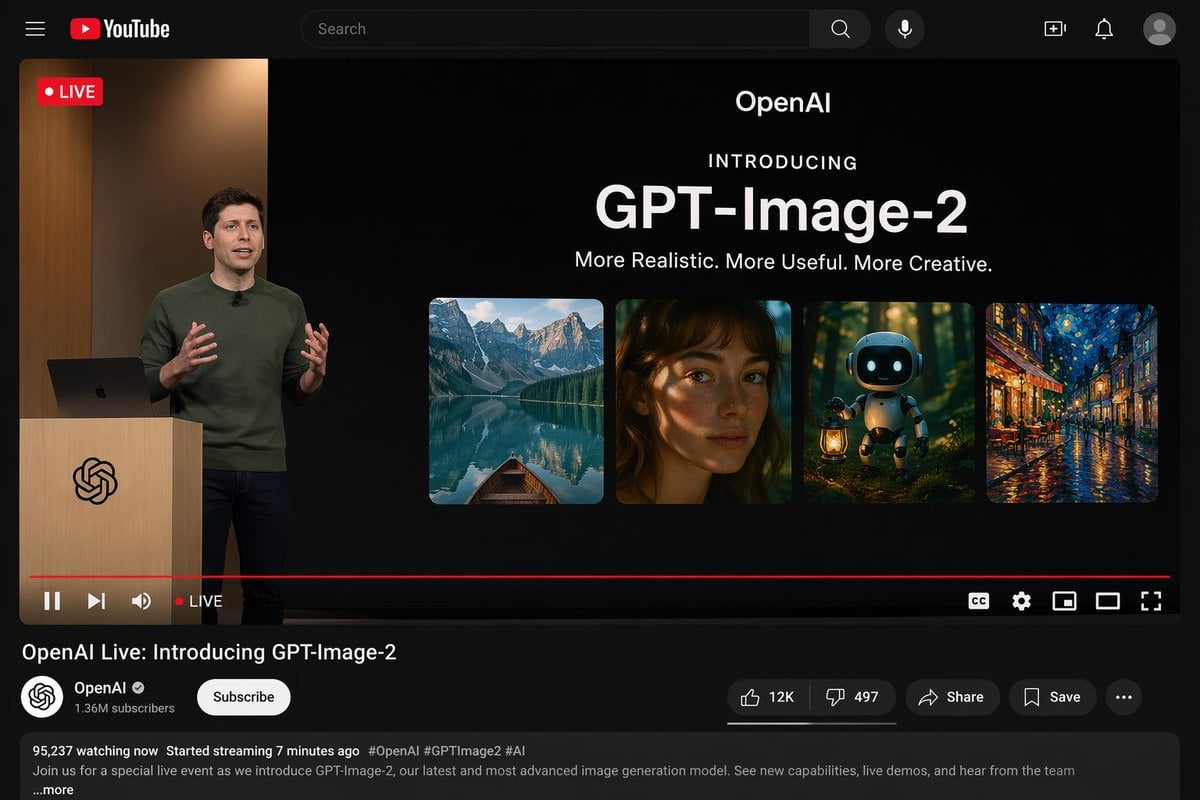
YouTube Live Presentation UI Mockup
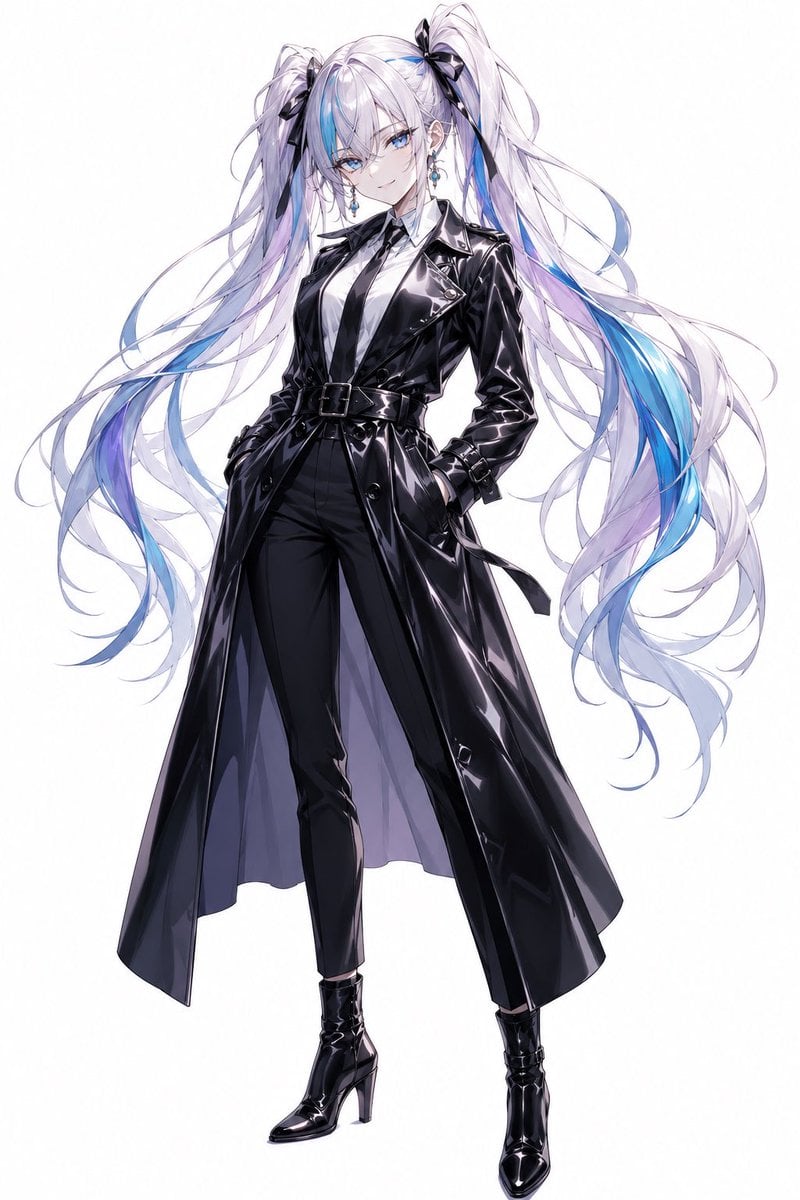
Anime Twin-Tail Patent Trench Fashion

Ultra-Clean Modern Recipe Infographic for Focaccia
Browse template categories
Woman Riding Giant Drone Above Mountains questions
How do I use the Woman Riding Giant Drone Above Mountains template?
Add your photo if the template asks for one, edit the prompt if you like — the template's model and format are already selected — and press Generate. Your version opens in PicX Studio.
Can I customize the Woman Riding Giant Drone Above Mountains template?
Yes. You can change the subject, setting, lighting, mood, format, and available model controls before creating your image.
Is the Woman Riding Giant Drone Above Mountains template free?
Opening and editing this template is free. Generating uses credits, shown on the Generate button when you are signed in.
Which AI model should I use?
Start with GPT Image 2, which is the model associated with this template. You can compare another compatible model for a different finish.
Looking for something else? Browse all templates.

Your photo, any look
Thousands of ready templates for every top image and video model, from one credit balance.