
Anime Girl Riding Drone Over Mount Fuji
Generates a whimsical anime aerial scene of a schoolgirl sitting on a quadcopter drone above Mount Fuji, useful for fantasy travel or tech-themed illustrations.
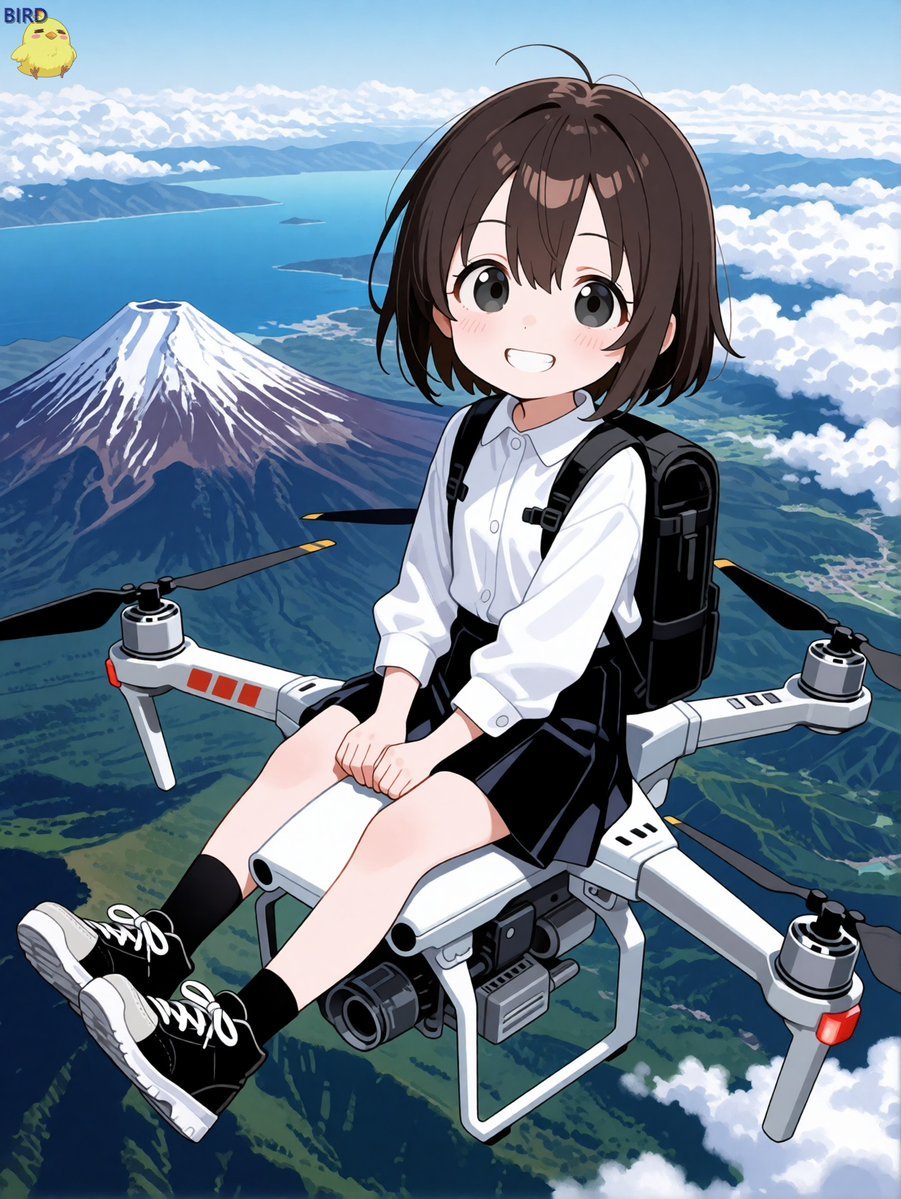
- Prompt included
- Model and format preset
- Free template
The prompt behind this image
Copy the exact prompt behind Anime Girl Riding Drone Over Mount Fuji, or open it in the studio and make it yours.
Create a bright anime-style illustration of a cheerful schoolgirl riding on top of a large quadcopter drone high above Japan, with Mount Fuji and a blue ocean coastline visible far below. The girl is {argument name="character age and style" default="a cute young anime schoolgirl"} with short dark brown bobbed hair, large gray-brown eyes, rosy cheeks, and a wide friendly smile. She wears a crisp white long-sleeve button-up shirt, a black pleated skirt, black socks, black lace-up sneakers with white soles, and a black backpack; she sits side-saddle on the drone body with both hands resting on her knees and her legs dangling forward. The drone is a white industrial quadcopter with exactly four arms, four visible propeller motors, black propeller blades with yellow tips, red accent panels, landing gear, and a front-mounted camera gimbal beneath the body. The background is an expansive aerial panorama: snow-capped {argument name="landmark" default="Mount Fuji"} on the left, deep blue ocean and coastline in the distance, green valleys and ridges below, fluffy white clouds at multiple heights, and a clear pale blue sky. Add a tiny cute yellow chick mascot in the upper-left corner with the label {argument name="corner label" default="BIRD"}. Use polished Japanese anime key visual rendering, clean line art, soft cel shading, vivid colors, dynamic wide-angle perspective from slightly above and in front, whimsical adventurous mood, no monochrome, no photorealism, no extra characters, no watermark.
How to use Anime Girl Riding Drone Over Mount Fuji in 3 steps
- 1Upload ImagePNG, JPG or paste
Add your photo
Upload the photo the template builds on. The prompt, model and format are already set.
- 2…a portrait of your subject in softgolden-hour light, 85mm…
Personalize
Edit the subject and creative details for your destination.
- 3Generate
Generate
Press Generate — your image is created in PicX Studio, so you can compare it with the original and refine one variable at a time.
More like this
Templates with the same subject, style or setup. Open one to see its prompt.

Teen Girl Alpine Lake Mountain View

Cel 2D Mountain Summit

Anime Splash Mountain Drop
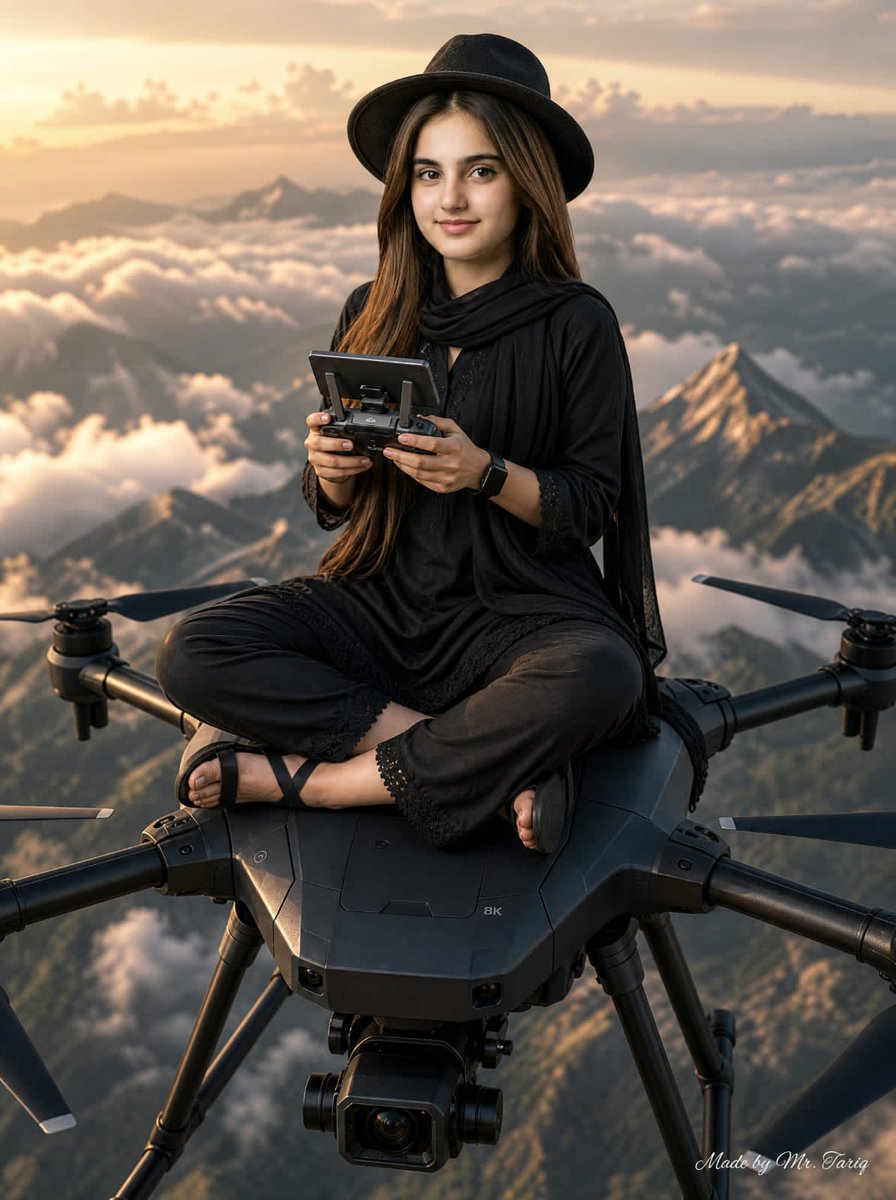
Woman Riding Giant Drone Above Mountains
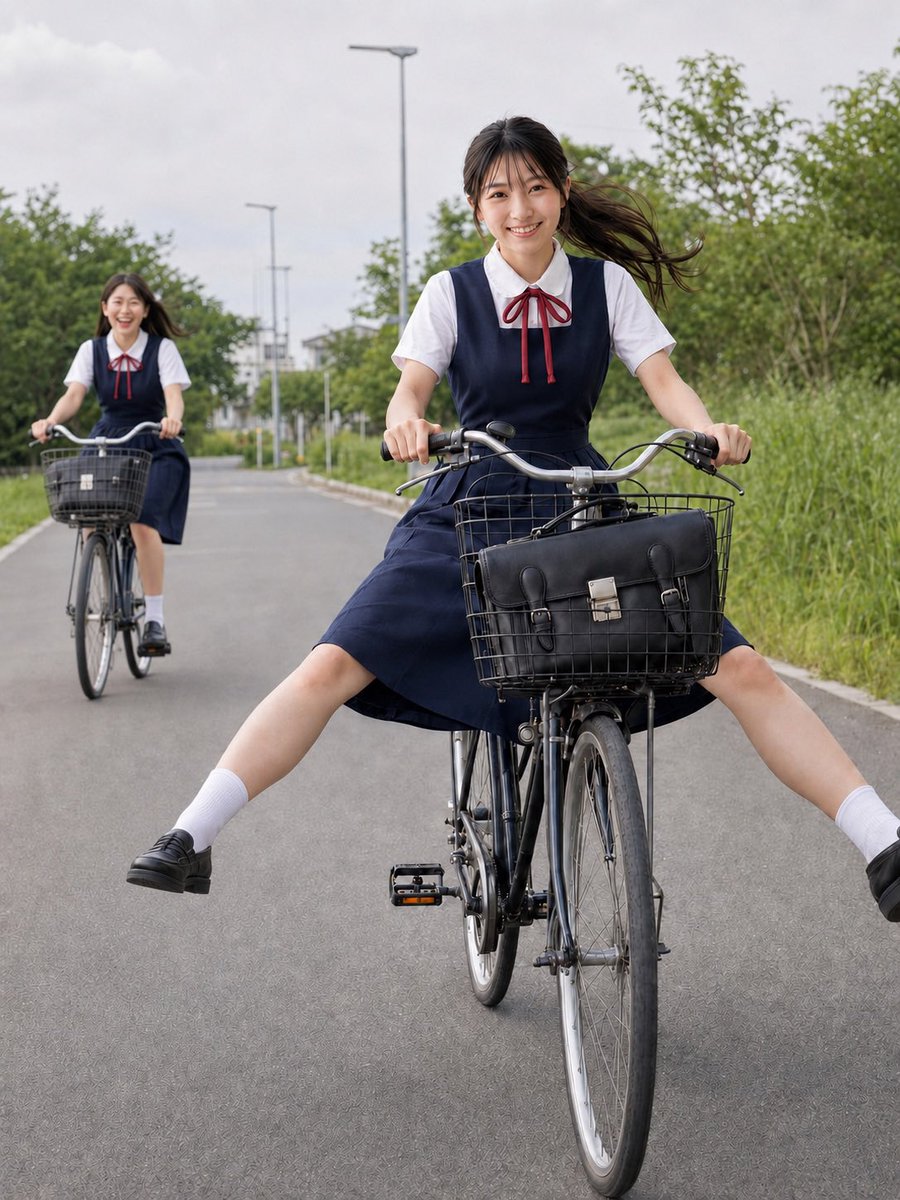
Schoolgirls Riding Bicycles
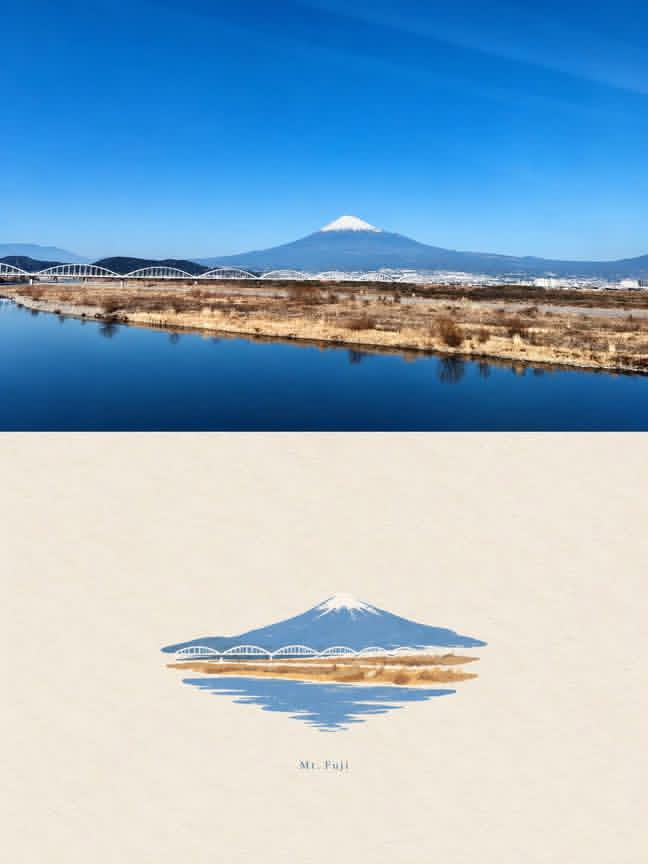
Mount Fuji Watercolor Transformation

Framed Quilling Anime Girl

Anime Lantern Girl Character Sheet

Anime Girl Generation Grid

Chaotic Anime Schoolgirl Fan Collage

Cel 2D Finale Fireworks

Cel 2D Garden Maze
Make it yours
Anime Girl Riding Drone Over Mount Fuji works as-is. These are the safest ways to change it without losing the look.
Change one field
Copy a single group, rewrite it, and generate again so you can see what that field is doing.
Keep the frame, change the subject
Hold the composition and light of Anime Girl Riding Drone Over Mount Fuji, then swap wardrobe, props or the person for a new take.
| If the result… | Why | Fix |
|---|---|---|
| The result drifts from the preview | Too many fields changed at once. | Reuse Anime Girl Riding Drone Over Mount Fuji as-is first, then change one group — subject, light, or setting. |
| The model over-stylizes the scene | The prose prompt leaves finish and camera underspecified. | Add one camera or lighting sentence and stay on GPT Image 2. |
More GPT Image 2 templates
Other prompts made for GPT Image 2.

Six VTuber Japanese Logo Sheet

Realistic Portrait of Woman and Deer

The Vista Modular Condo Poster

AI Model Routing Comparison Infographic

2.5D Anime Art Board

Isometric Productivity Desk Scene

New York Double Exposure Poster

Four-Panel AI Landscape Comparison

Japanese Tatami Lifestyle Magazine Cover

NESCAFÉ Coffee Map Poster
More image prompts
Fresh picks from across the catalog.
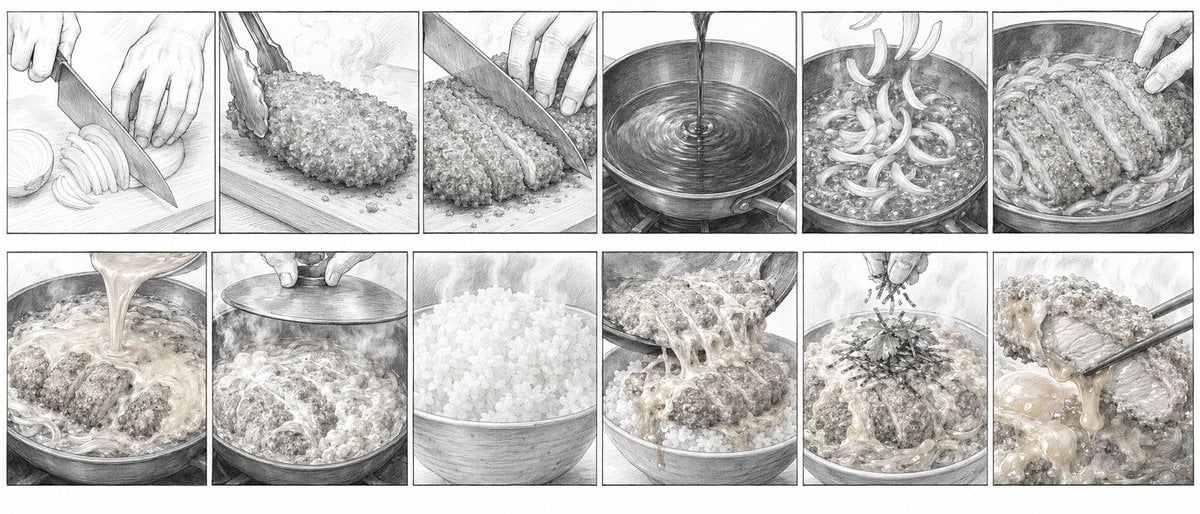
Katsudon Cooking Storyboard
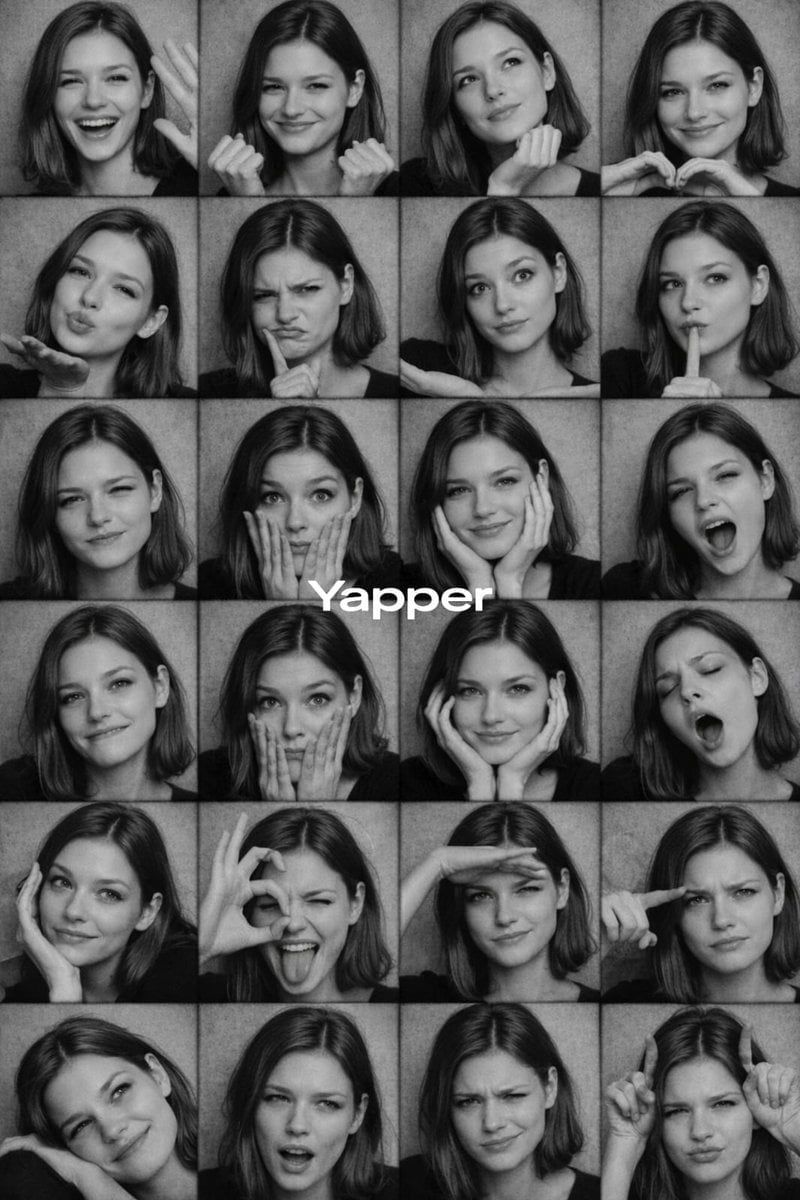
Black and White Photobooth Expression Grid Prompt
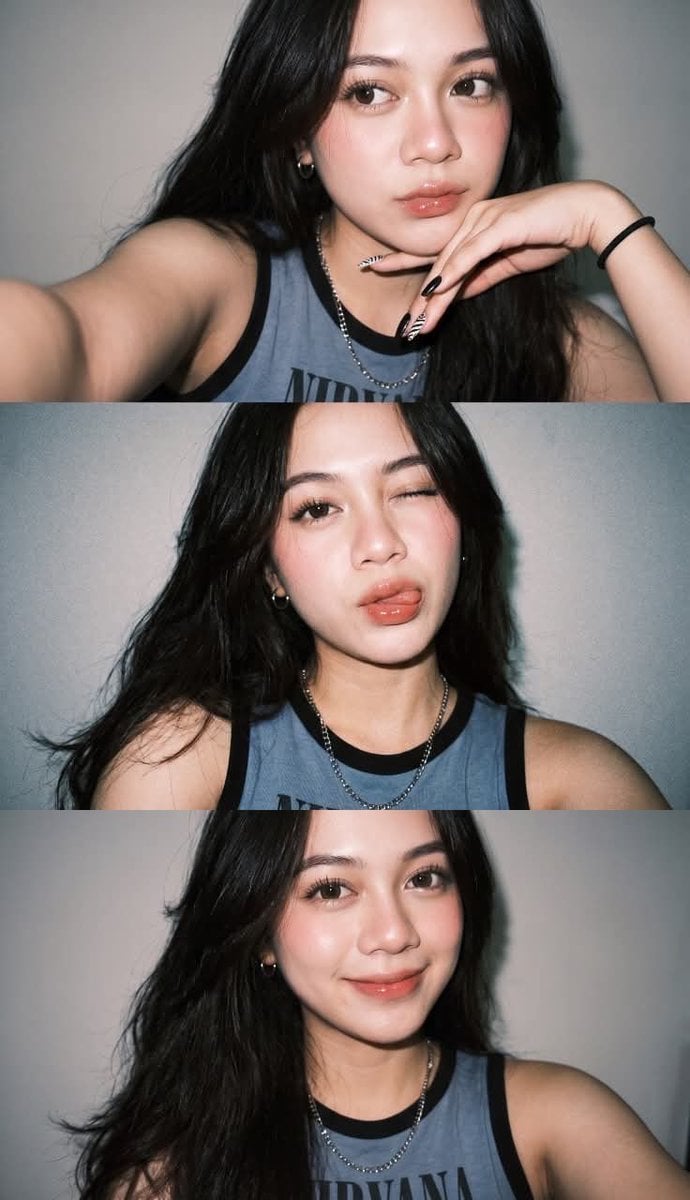
Y2K Instagram Flash Selfie Collage
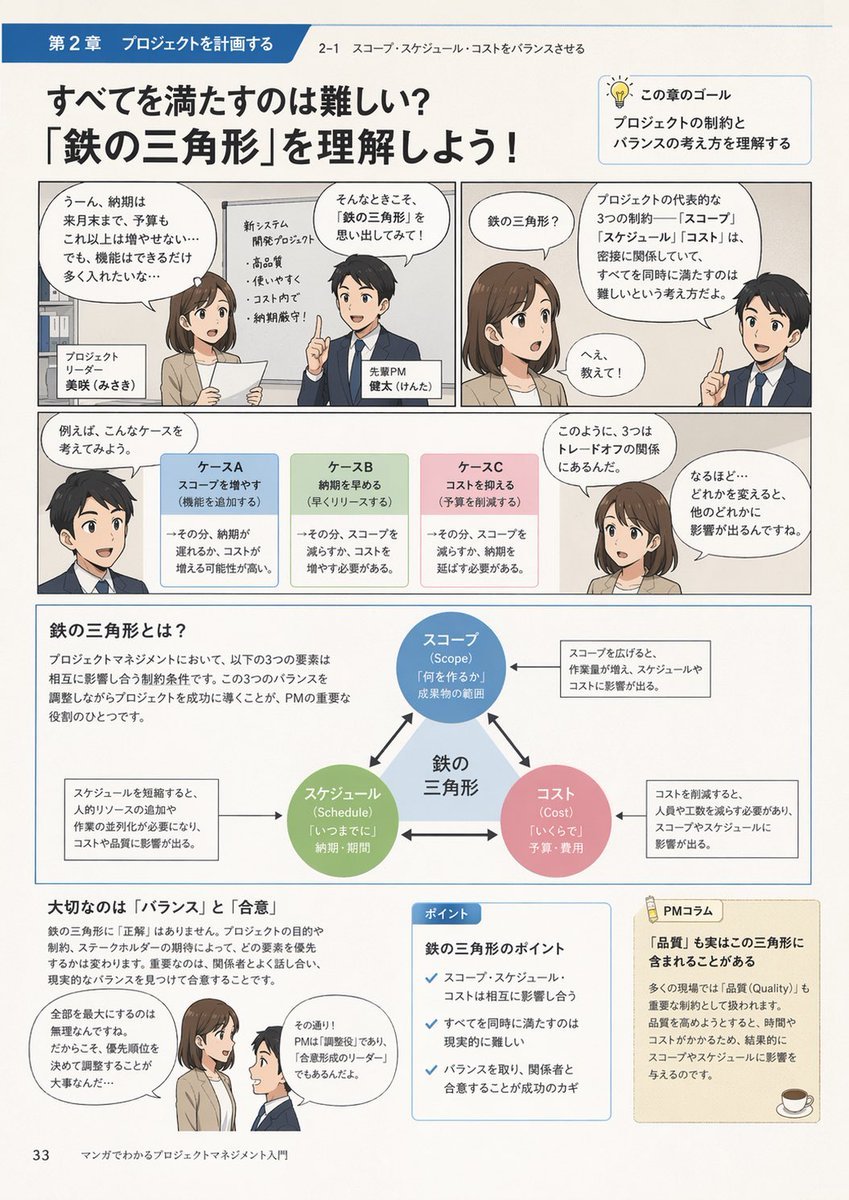
Manga Style Project Management Intro
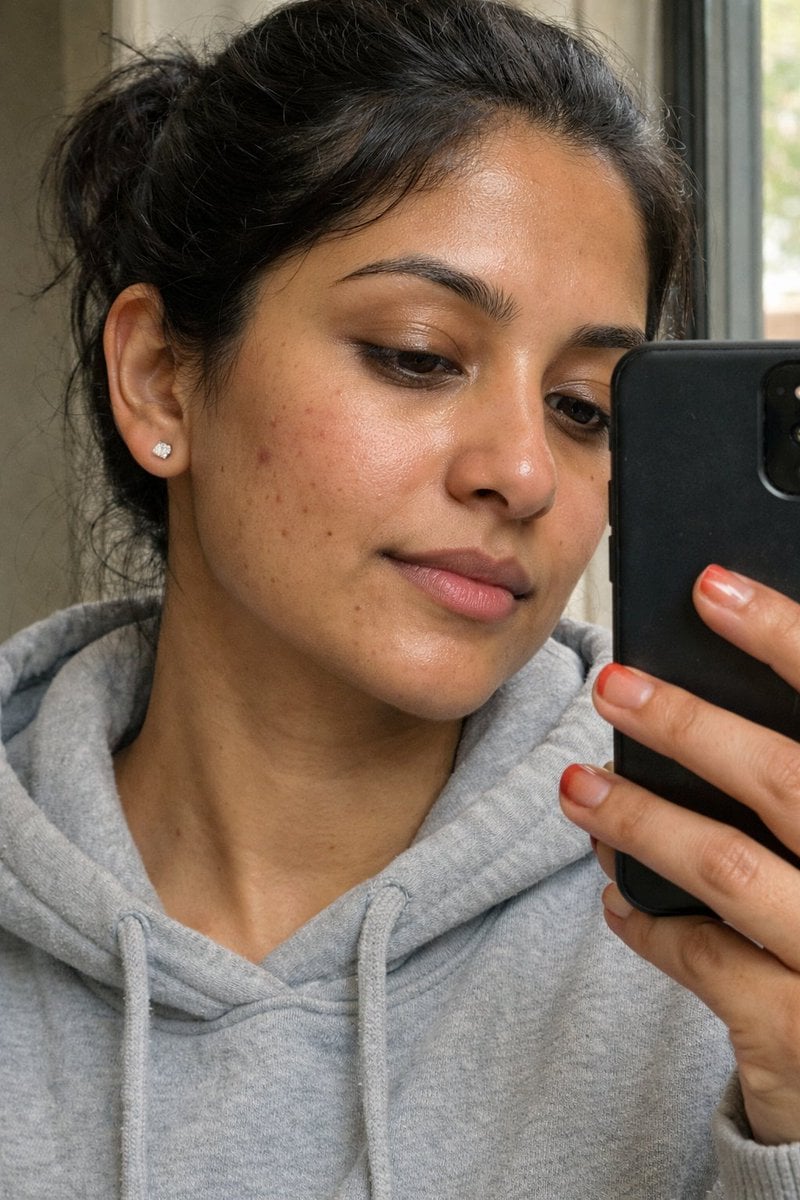
Ultra-Realistic Portrait Prompt (from ALT text)
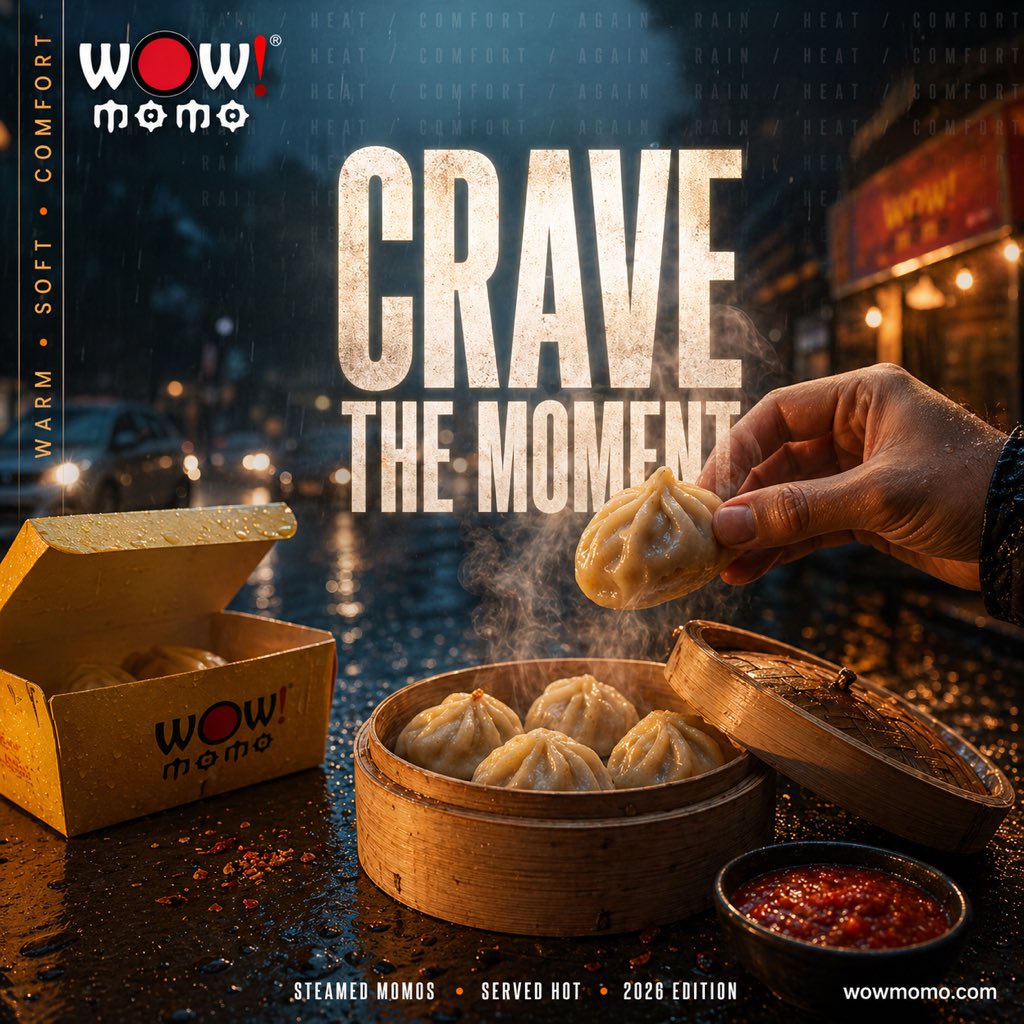
Cinematic Rainy Street Food Ad
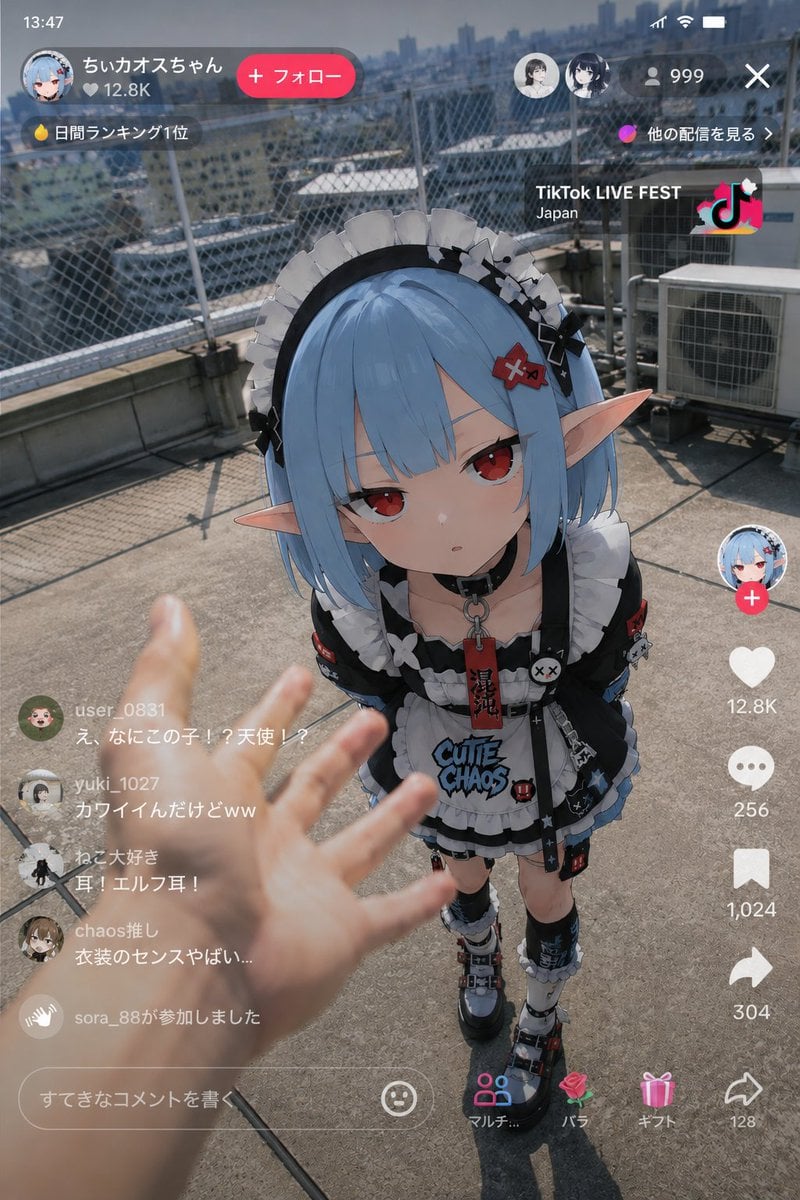
Anime Character Real-World Stream i2i
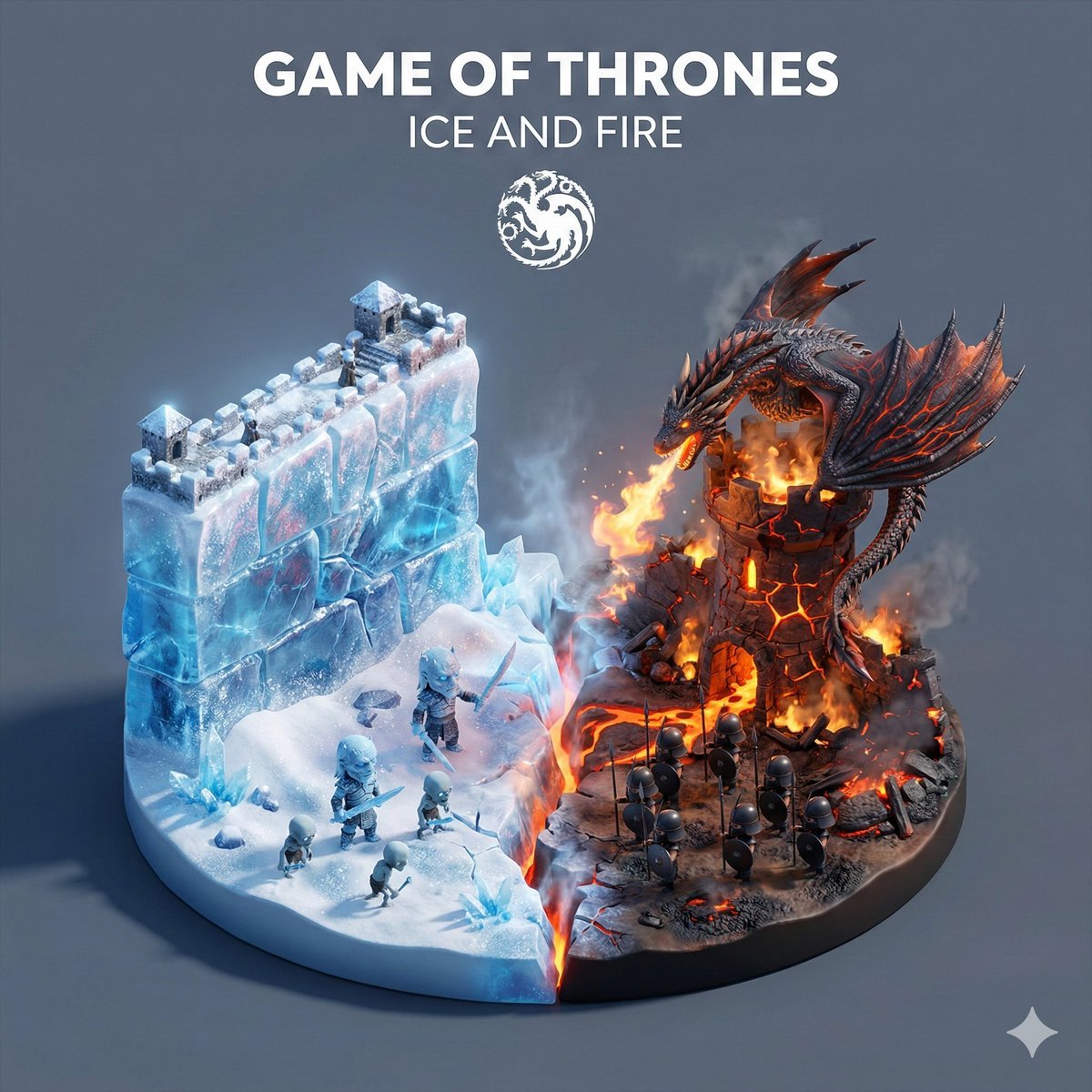
Game of Thrones Ice and Fire Isometric Diorama
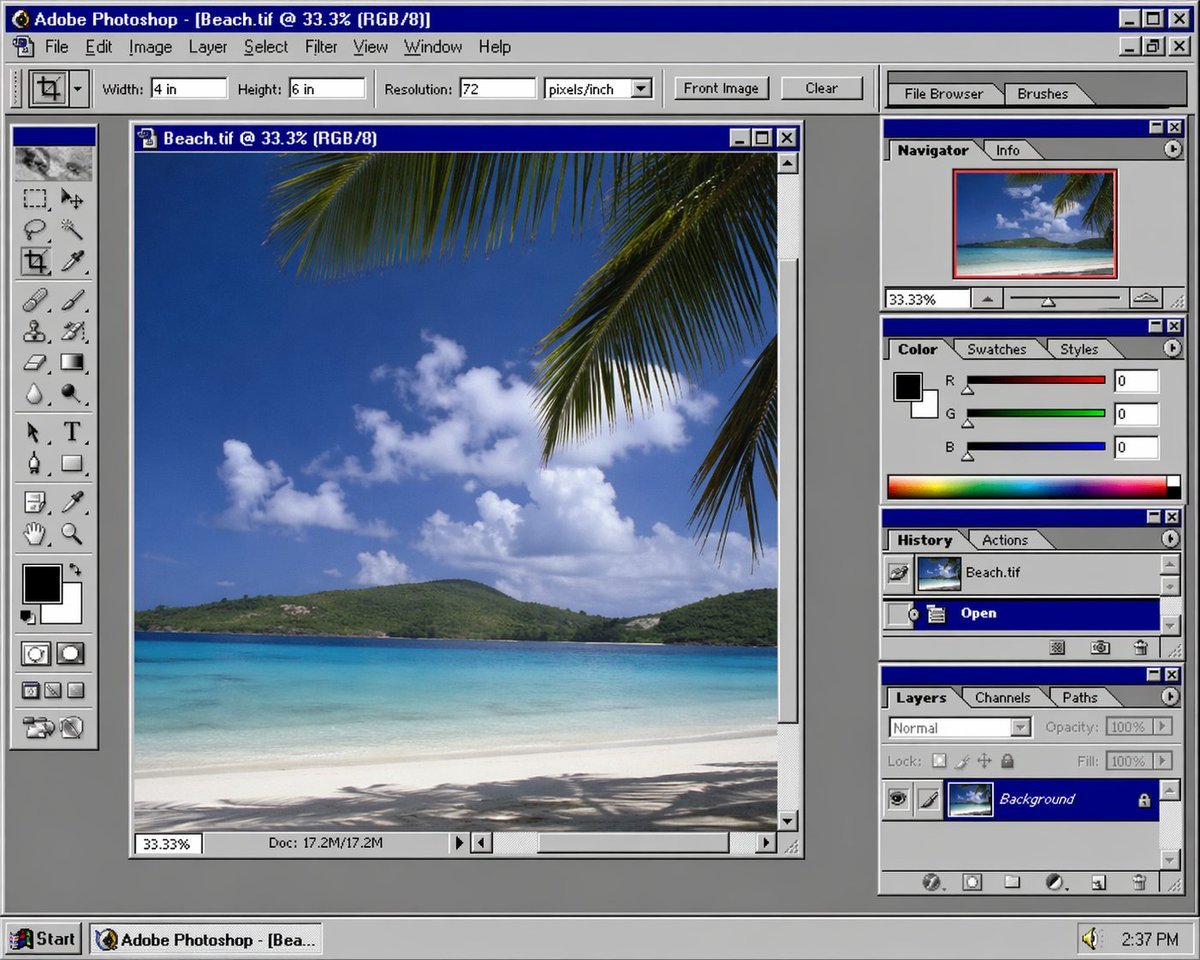
Nostalgic Software Interface
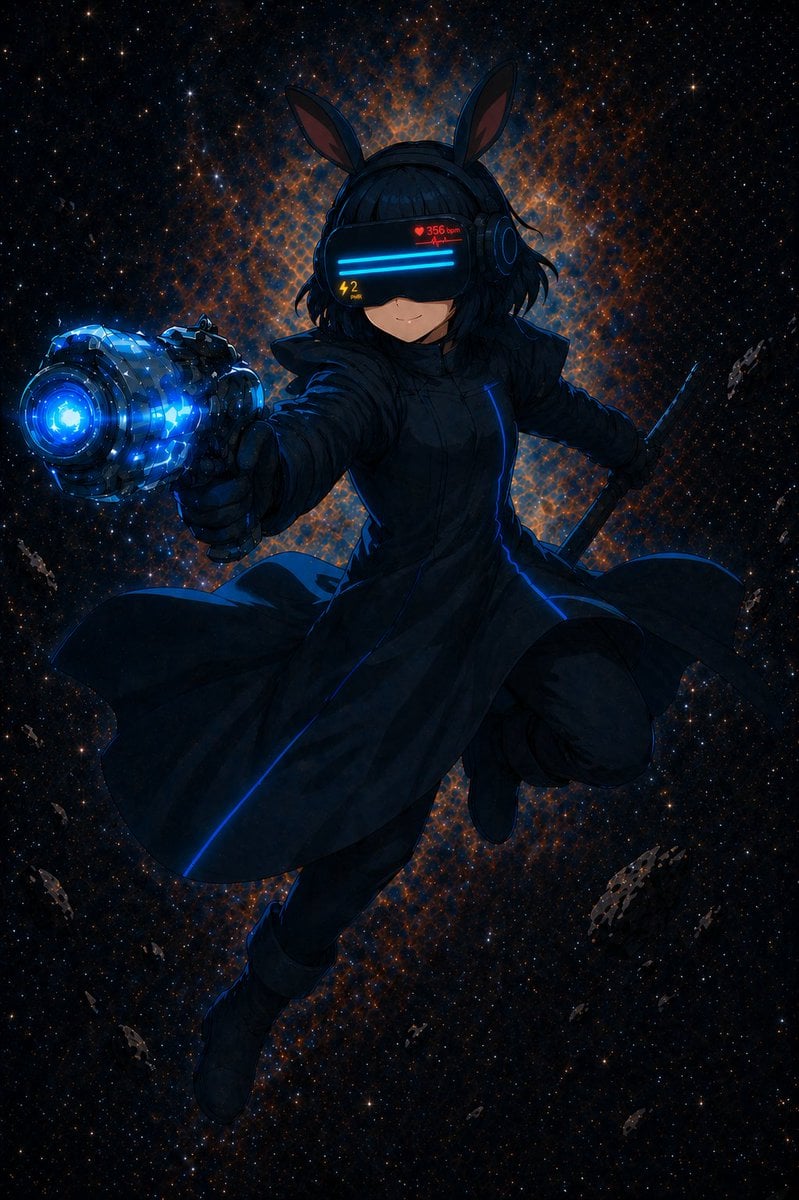
Cyber Bunny Visor Space Warrior
Browse template categories
Anime Girl Riding Drone Over Mount Fuji questions
How do I use the Anime Girl Riding Drone Over Mount Fuji template?
Add your photo if the template asks for one, edit the prompt if you like — the template's model and format are already selected — and press Generate. Your version opens in PicX Studio.
Can I customize the Anime Girl Riding Drone Over Mount Fuji template?
Yes. You can change the subject, setting, lighting, mood, format, and available model controls before creating your image.
Is the Anime Girl Riding Drone Over Mount Fuji template free?
Opening and editing this template is free. Generating uses credits, shown on the Generate button when you are signed in.
Which AI model should I use?
Start with GPT Image 2, which is the model associated with this template. You can compare another compatible model for a different finish.
Looking for something else? Browse all templates.

Your photo, any look
Thousands of ready templates for every top image and video model, from one credit balance.