
Cyber Bunny Visor Space Warrior
This prompt generates a dynamic anime-style sci-fi heroine floating in space with a glowing energy gun and visor, ideal for character posters and futuristic action art.
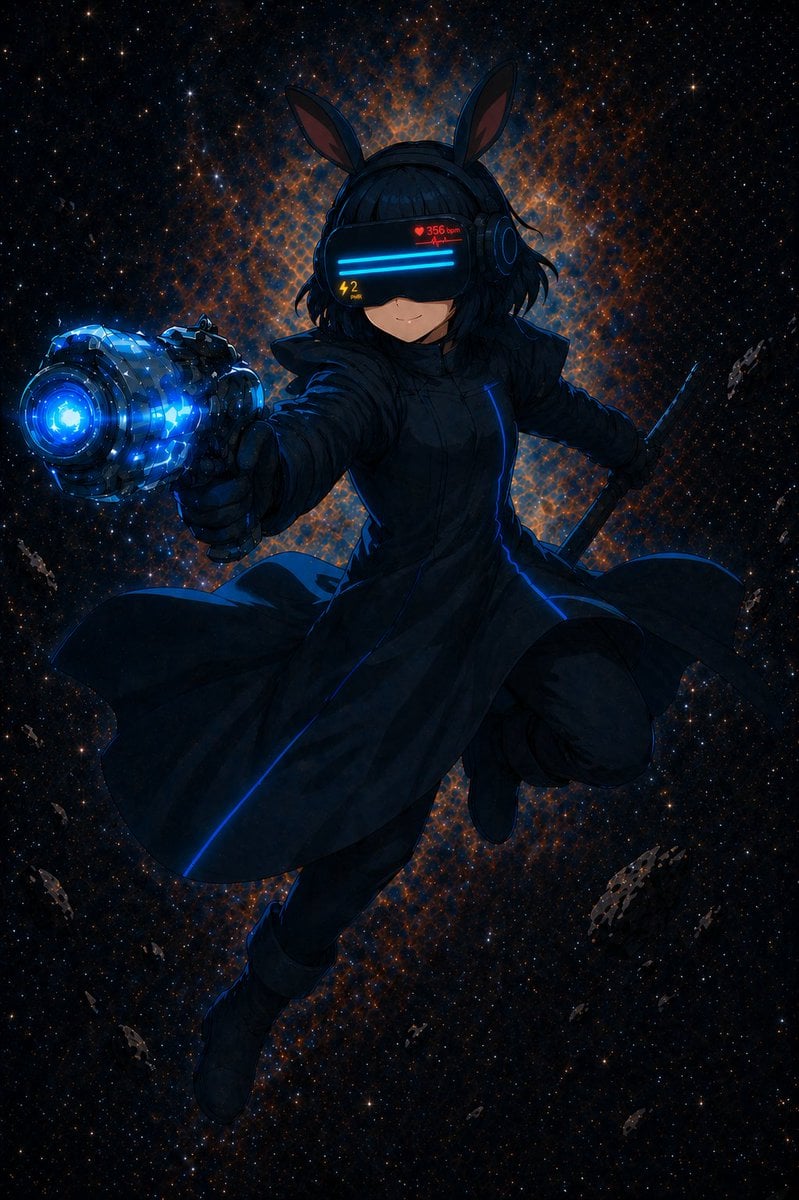
- Prompt included
- Model and format preset
- Free template
The prompt behind this image
Copy the exact prompt behind Cyber Bunny Visor Space Warrior, or open it in the studio and make it yours.
A dramatic anime sci-fi action illustration of a floating girl in deep space, centered in a full-body dynamic pose as if lunging toward the viewer. She has {argument name="hair color" default="black"} short slightly messy bob hair and wears a sleek black futuristic visor headset with 2 glowing horizontal cyan display bars across the eyes, a small red HUD readout showing a heart icon and “356 bpm,” and a small yellow “42” indicator on the lower left of the visor. The headset has 2 upright bunny-ear antennae and round ear-cover side modules. Her expression is calm and confident with only the lower half of her face visible. She wears a long dark high-collar coat with a fitted silhouette, subtle armored folds, and 1 thin glowing blue seam running vertically down the front, along with black gloves and black boots. Her left arm is thrust toward the camera holding 1 oversized futuristic energy pistol with a massive barrel, faceted mechanical body, and intense electric-blue glowing core and muzzle, rendered with strong foreshortening. In her right hand she holds 1 dark katana-like sword angled backward. The coat flares outward in motion, creating a sense of zero gravity and speed. Background is a star-filled cosmic field with a bright orange-and-blue nebula halo directly behind her head and torso, plus several small rocky asteroids scattered around the frame. Dark palette overall with neon blue highlights, high contrast rim lighting, cinematic composition, ultra-detailed anime painting, sharp linework, glossy tech surfaces, action poster energy, vertical portrait format.
How to use Cyber Bunny Visor Space Warrior in 3 steps
- 1Upload ImagePNG, JPG or paste
Add your photo
Upload the photo the template builds on. The prompt, model and format are already set.
- 2…a portrait of your subject in softgolden-hour light, 85mm…
Personalize
Edit the subject and creative details for your destination.
- 3Generate
Generate
Press Generate — your image is created in PicX Studio, so you can compare it with the original and refine one variable at a time.
More like this
Templates with the same subject, style or setup. Open one to see its prompt.

Miniature Travel Diorama Postcard
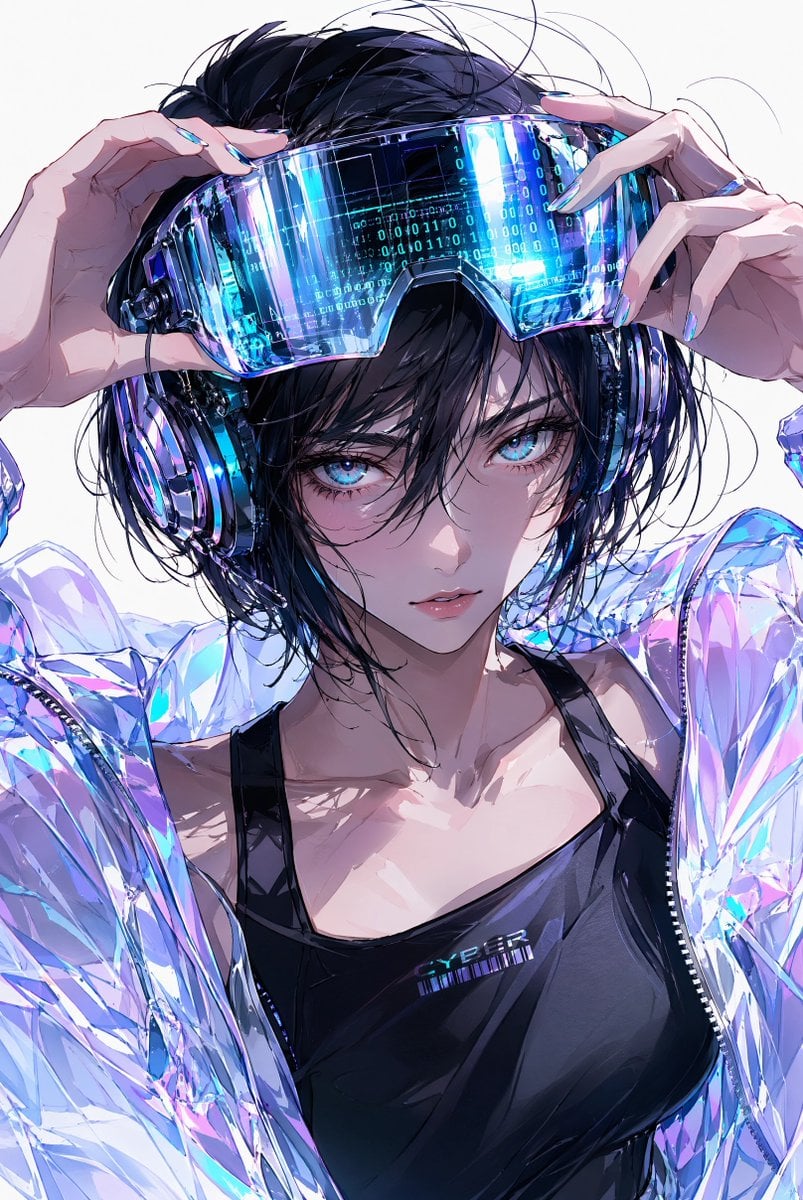
Cyberpunk Anime AR Visor Portrait
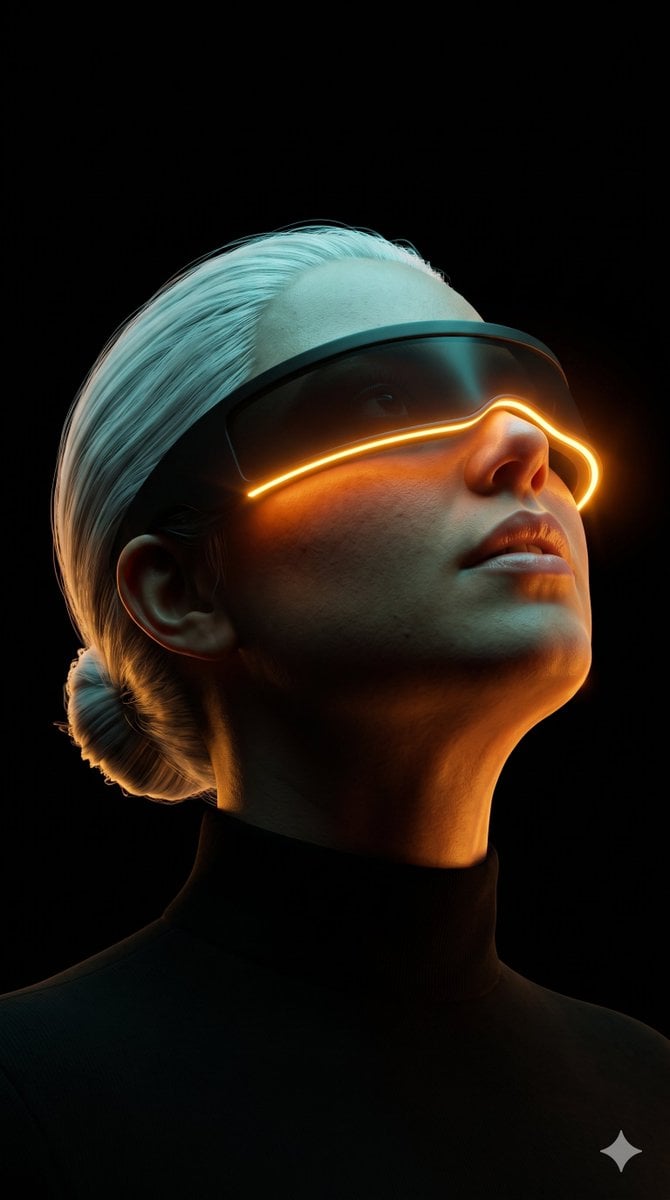
Cyberpunk Futuristic Visor Portrait

Astronaut Zero-Gravity Coffee Splash
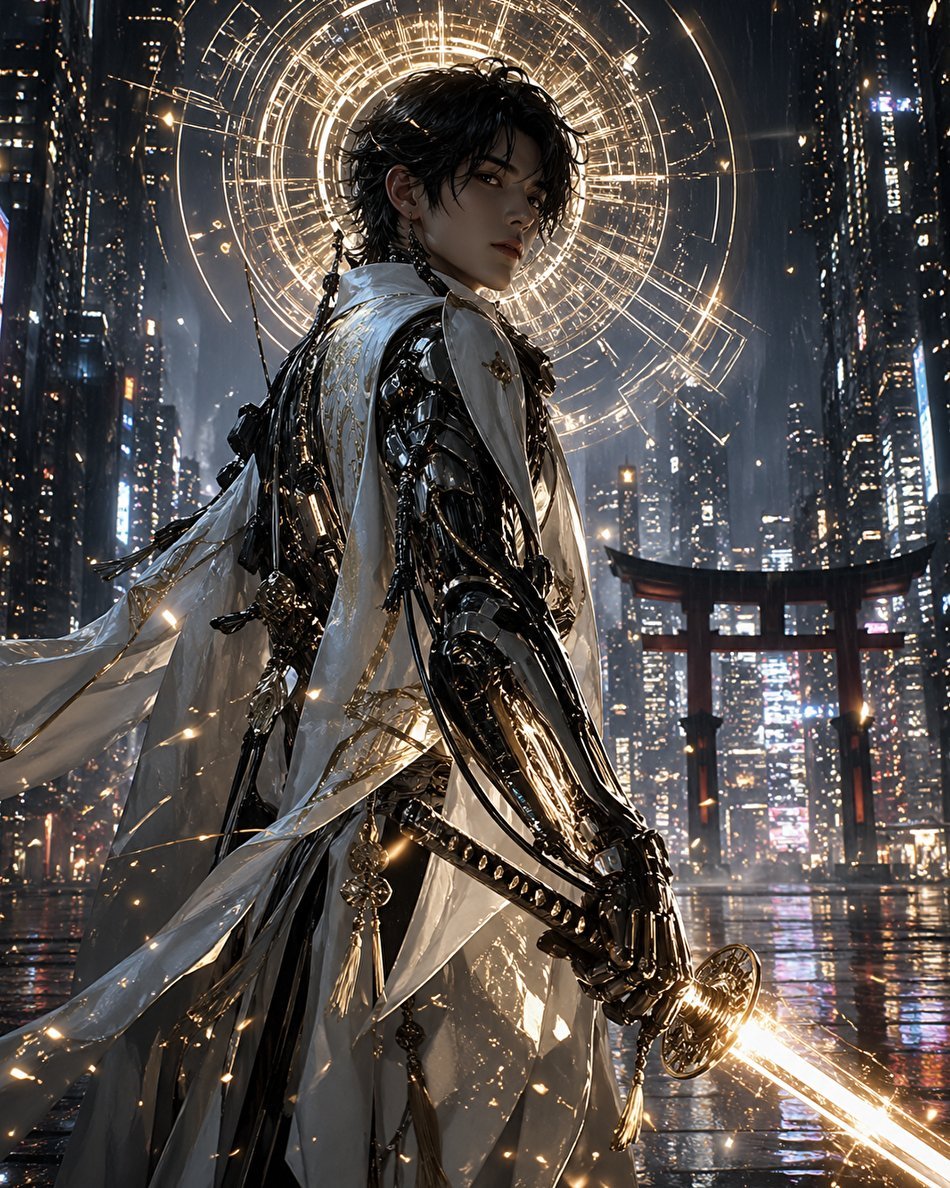
Cyberpunk Izanagi Divine Warrior
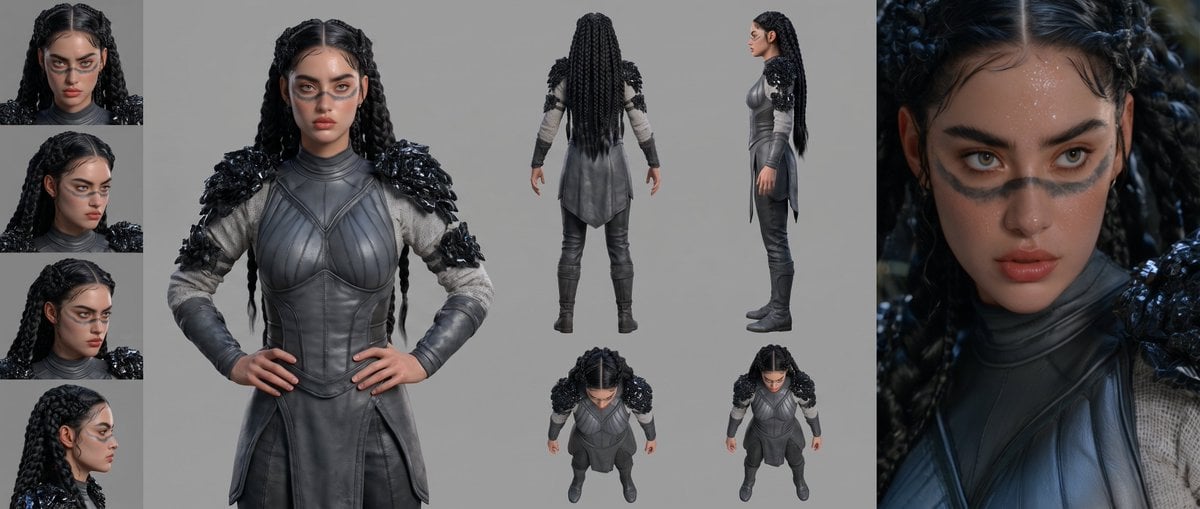
Mesoamerican Warrior Character Sheet

Tribal Fantasy Warrior with Guardian Owl
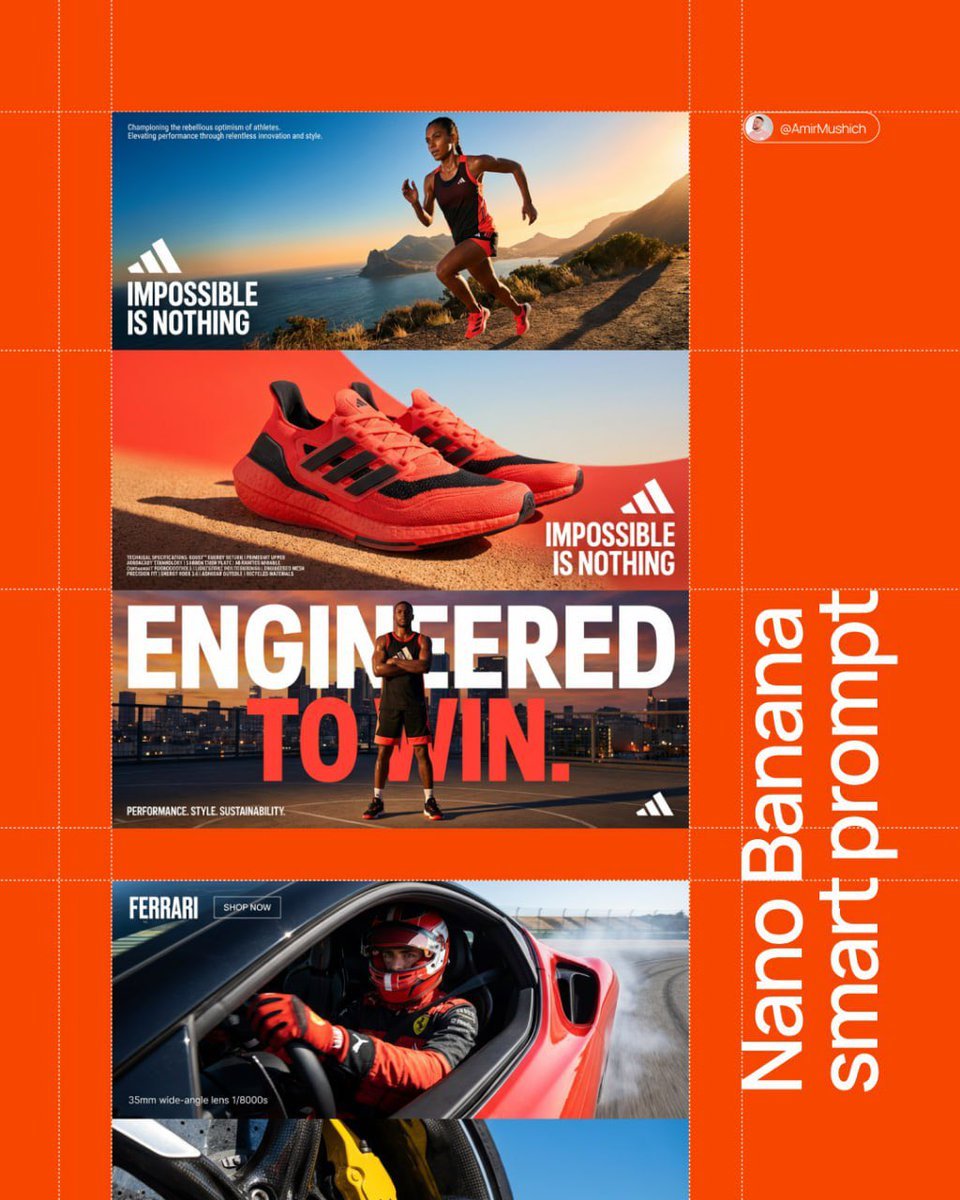
Aesthetic and fill the negative space

Cyber Samurai Empress Portrait
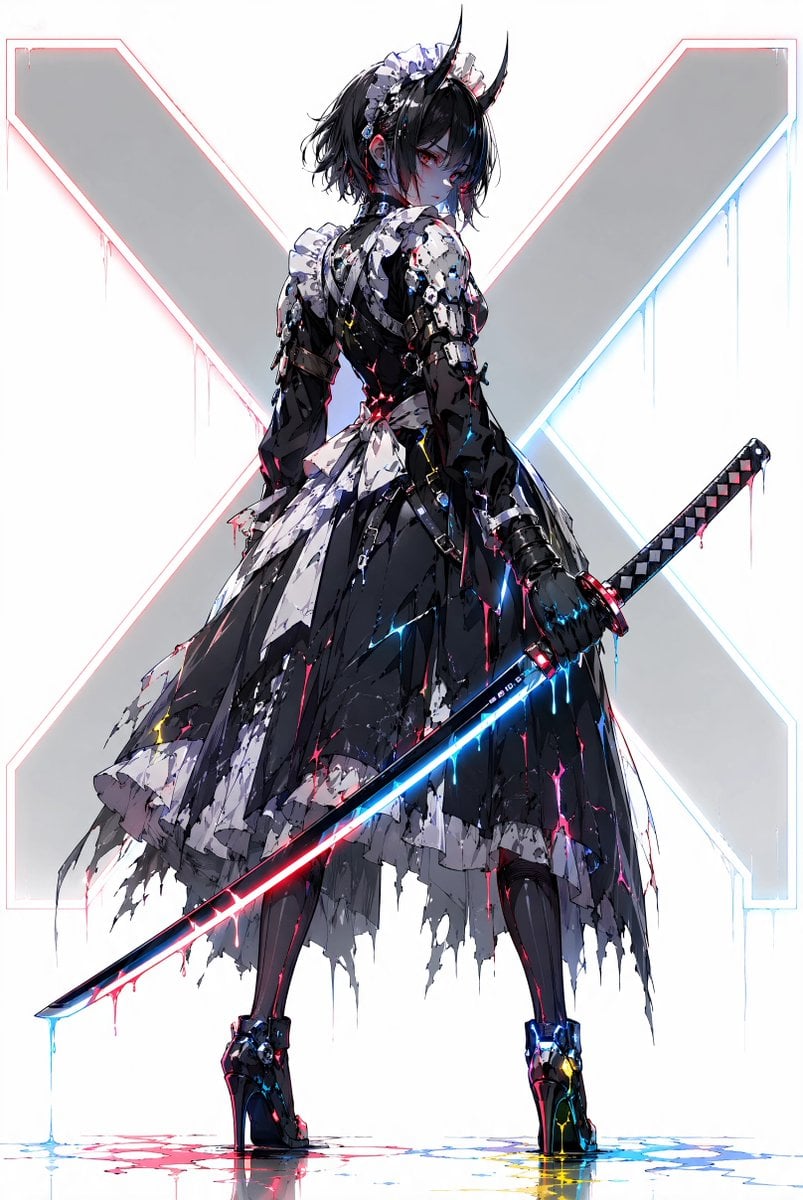
Cyber Demon Maid Katana
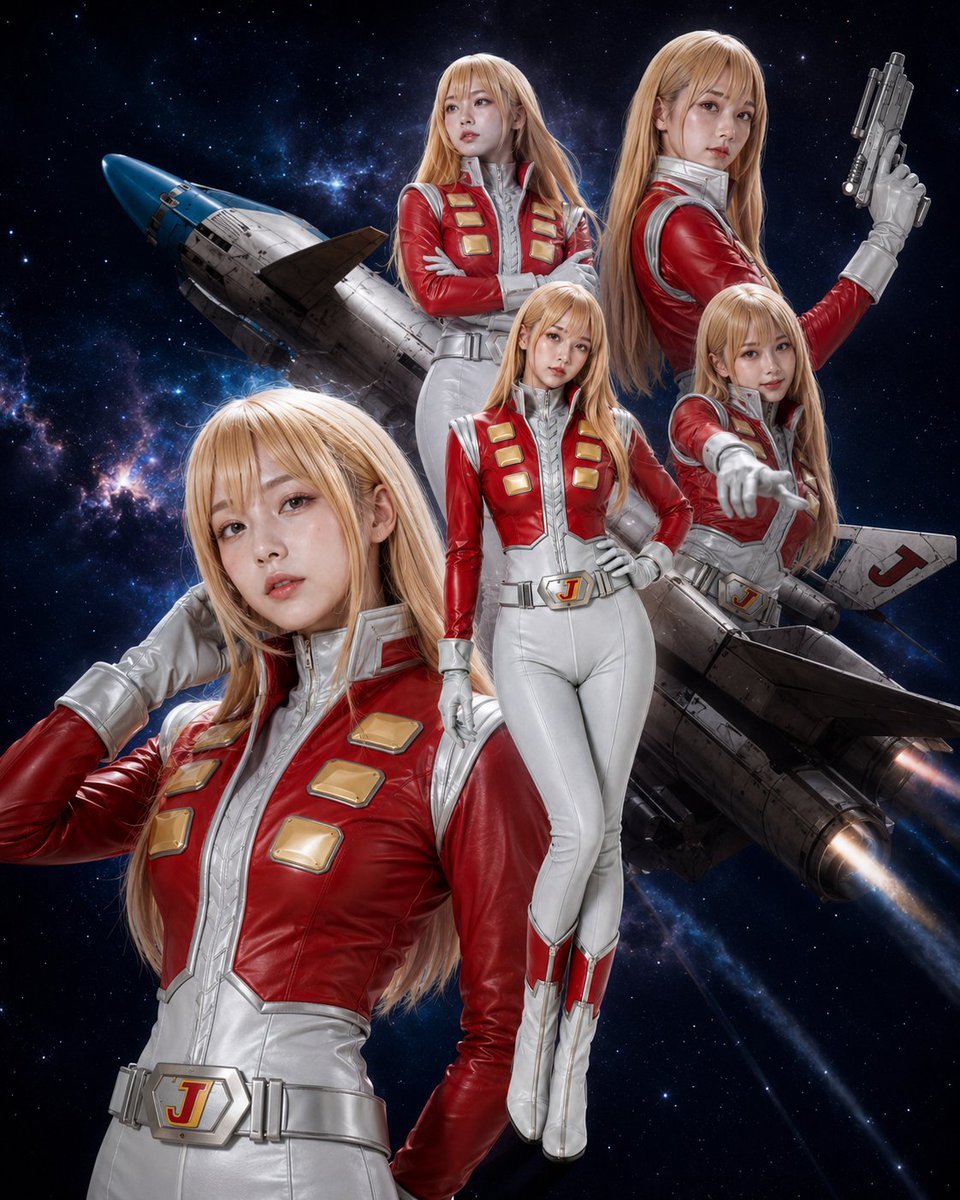
Alfin Space Anime Cosplay Composite

Gothic Mecha Sword Warrior
Make it yours
Cyber Bunny Visor Space Warrior works as-is. These are the safest ways to change it without losing the look.
Change one field
Copy a single group, rewrite it, and generate again so you can see what that field is doing.
Keep the frame, change the subject
Hold the composition and light of Cyber Bunny Visor Space Warrior, then swap wardrobe, props or the person for a new take.
| If the result… | Why | Fix |
|---|---|---|
| The result drifts from the preview | Too many fields changed at once. | Reuse Cyber Bunny Visor Space Warrior as-is first, then change one group — subject, light, or setting. |
| The model over-stylizes the scene | The prose prompt leaves finish and camera underspecified. | Add one camera or lighting sentence and stay on GPT Image 2. |
More GPT Image 2 templates
Other prompts made for GPT Image 2.

Six VTuber Japanese Logo Sheet

Realistic Portrait of Woman and Deer

The Vista Modular Condo Poster

AI Model Routing Comparison Infographic

2.5D Anime Art Board

Isometric Productivity Desk Scene

New York Double Exposure Poster

Four-Panel AI Landscape Comparison

Japanese Tatami Lifestyle Magazine Cover

NESCAFÉ Coffee Map Poster
More image prompts
Fresh picks from across the catalog.
Intentional Low Quality MS Paint Redraw

Thumbnail Editing Prompt: Replacing a Person
Crusader propaganda fresco (variant)
Summery Beach Portrait
Photorealistic render from illustration
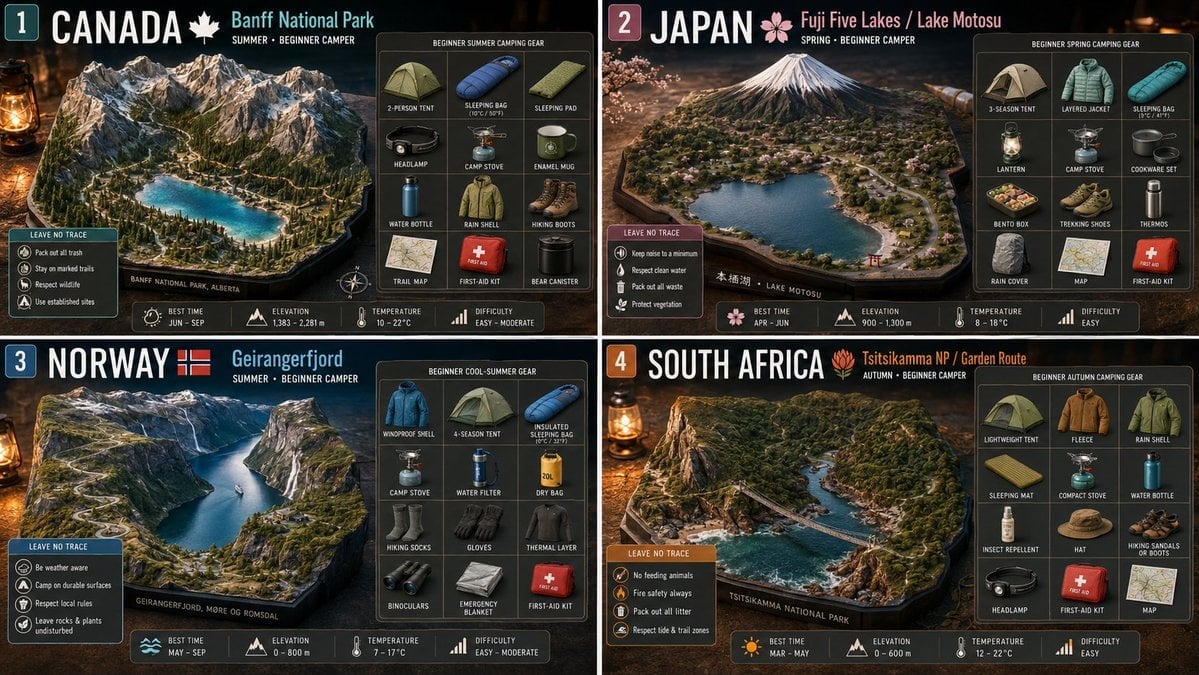
Beginner Camping Infographic Template
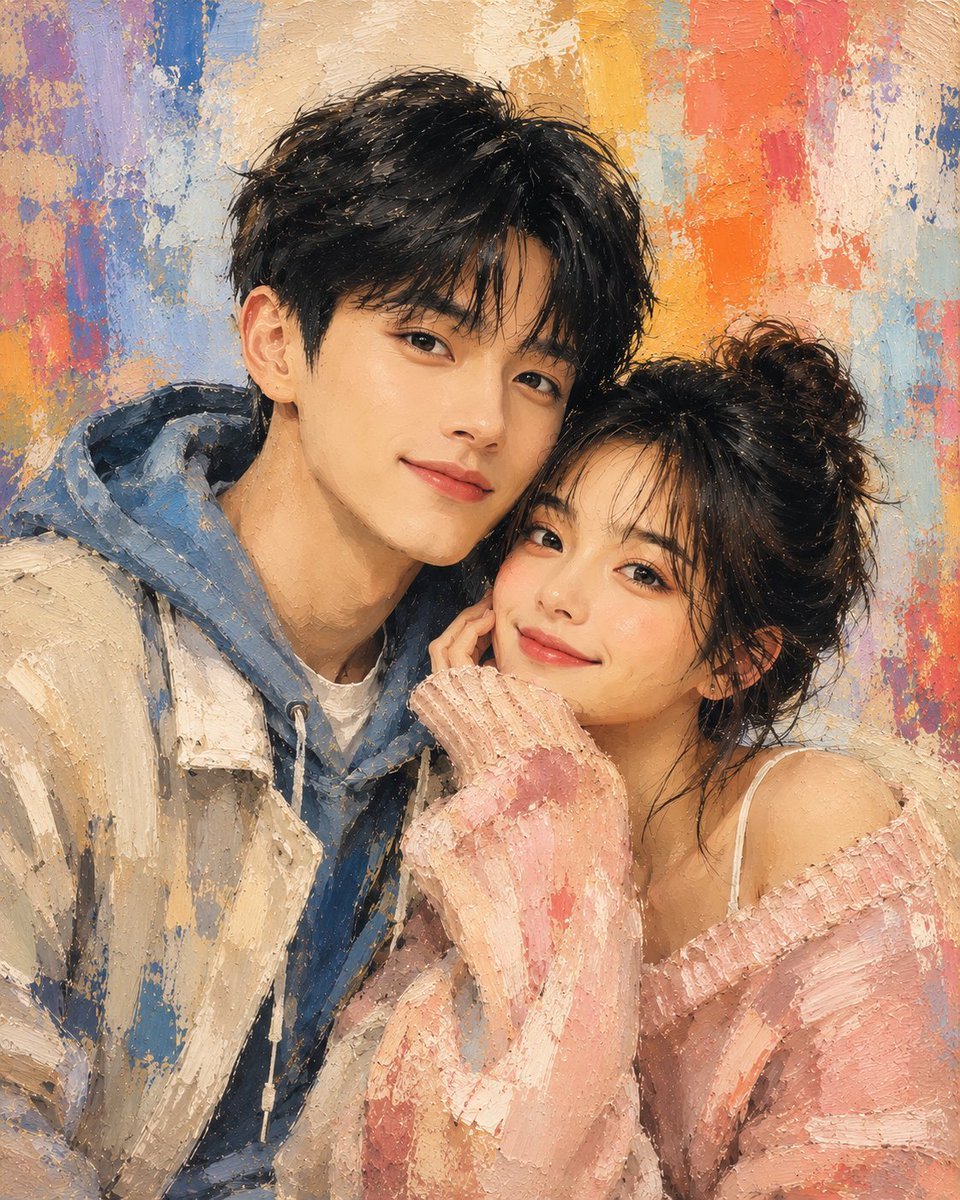
Traditional Dry Brush Artistic Portrait
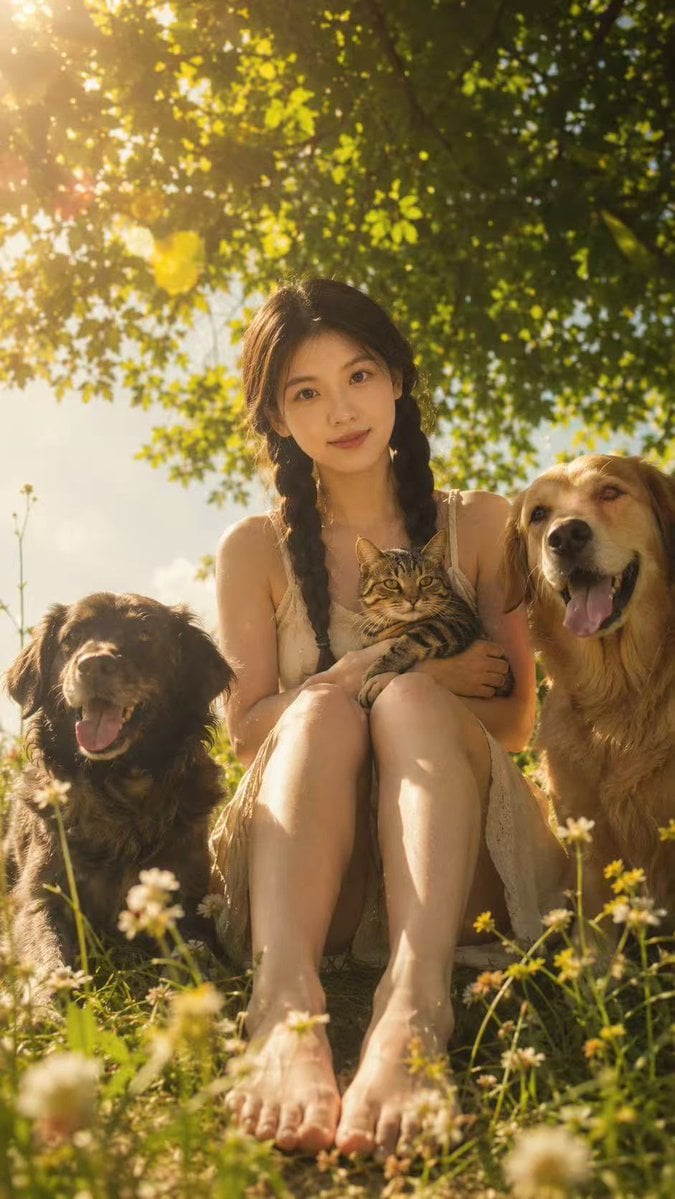
Golden Meadow Portrait with Pets

Indian Village Cattle Herding — Nano Banana

Couple Goals from the Google Gemini Nano
Browse template categories
Cyber Bunny Visor Space Warrior questions
How do I use the Cyber Bunny Visor Space Warrior template?
Add your photo if the template asks for one, edit the prompt if you like — the template's model and format are already selected — and press Generate. Your version opens in PicX Studio.
Can I customize the Cyber Bunny Visor Space Warrior template?
Yes. You can change the subject, setting, lighting, mood, format, and available model controls before creating your image.
Is the Cyber Bunny Visor Space Warrior template free?
Opening and editing this template is free. Generating uses credits, shown on the Generate button when you are signed in.
Which AI model should I use?
Start with GPT Image 2, which is the model associated with this template. You can compare another compatible model for a different finish.
Looking for something else? Browse all templates.

Your photo, any look
Thousands of ready templates for every top image and video model, from one credit balance.