
Alfin Space Anime Cosplay Composite
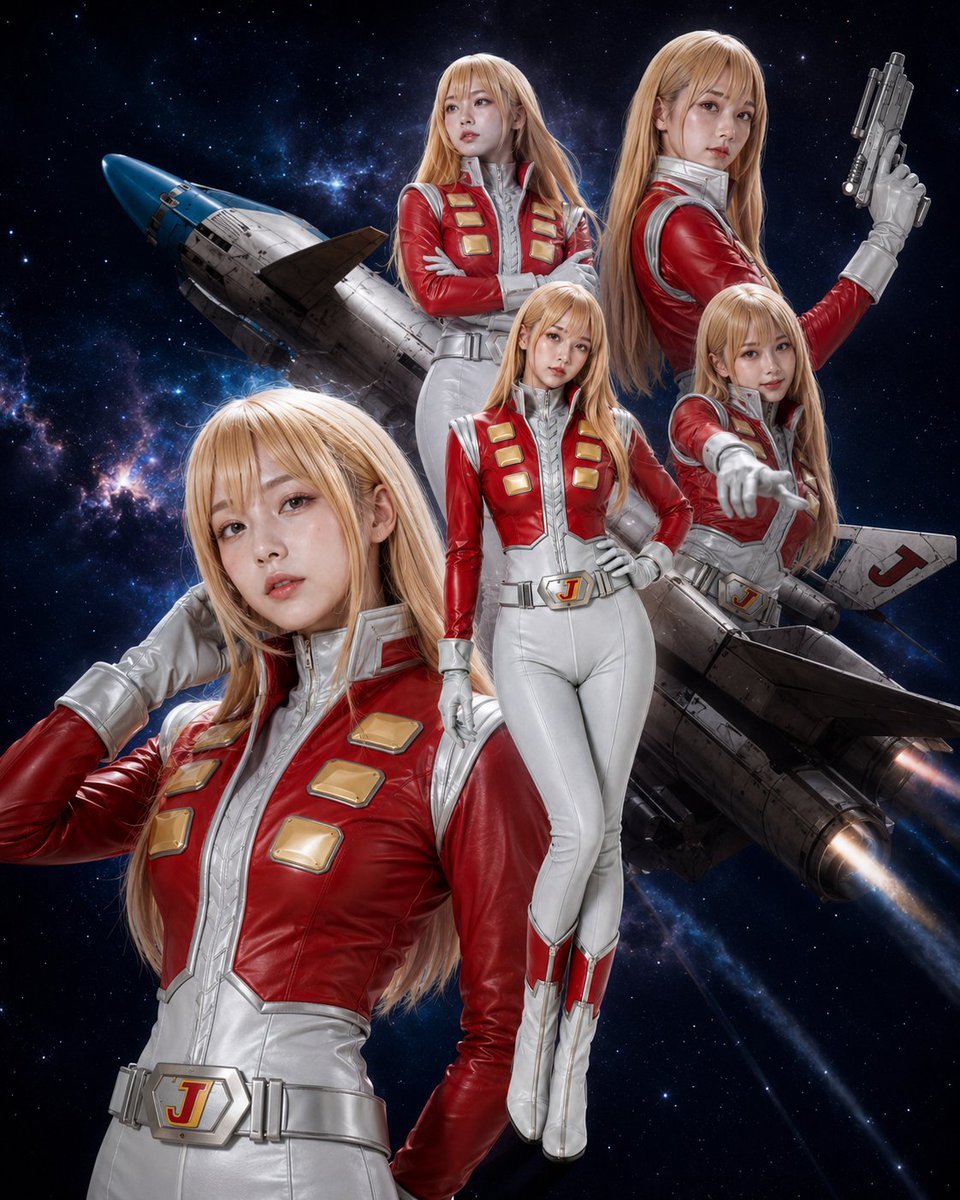
A photorealistic retro space-anime cosplay poster with five poses of the same blonde pilot character and a rocket ship backdrop.
- Prompt included
- Model and format preset
- Free template
The prompt behind this image
Copy the exact prompt behind Alfin Space Anime Cosplay Composite, or open it in the studio and make it yours.
Create a polished sci-fi anime cosplay promotional composite featuring {argument name="character name" default="Alfin from Crusher Joe"} portrayed by the same tall young female cosplayer in exactly 5 separate poses, layered over a deep outer-space background. The character has long straight {argument name="hair color" default="honey-blonde hair"} with bangs, fair skin, soft idol-like makeup, and a serious-to-confident expression style. She wears a glossy retro space-pilot costume: a red leather cropped jacket integrated into a white-and-silver fitted flight suit, high metallic silver collar, silver gloves, white slim pants, red-and-white boots, a wide silver belt with a central buckle marked with a red “J”, and gold rectangular chest plates on the red jacket. Include exactly 5 visible character instances: 1) a large close-up figure in the lower left foreground, hand raised near her ear, looking toward the viewer; 2) an upper center figure with arms crossed, gazing off to the side; 3) an upper right back-turned three-quarter figure holding a futuristic silver pistol upright; 4) a full-body center figure standing with one hand on her hip; 5) a mid-right figure leaning forward and pointing directly toward the viewer. Behind them place a detailed retro rocket spaceship angled diagonally from left to right, with a blue nose cone, weathered metal hull panels, fins, engine glow, and a visible red “J” marking on one wing. Background is a dramatic starfield with blue nebula clouds, scattered bright stars, and cinematic space lighting. Style should look like high-end photorealistic cosplay photography blended with Japanese 1980s space-anime poster composition, sharp faces, glossy costume reflections, realistic fabric and leather texture, crisp cutout layering, dramatic rim light, no text captions, no watermark, no extra characters, and no additional repeated poses.
How to use Alfin Space Anime Cosplay Composite in 3 steps
- 1Upload ImagePNG, JPG or paste
Add your photo
Upload the photo the template builds on. The prompt, model and format are already set.
- 2…a portrait of your subject in softgolden-hour light, 85mm…
Personalize
Edit the subject and creative details for your destination.
- 3Generate
Generate
Press Generate — your image is created in PicX Studio, so you can compare it with the original and refine one variable at a time.
More like this
Templates with the same subject, style or setup. Open one to see its prompt.

Cel 2D Space Dock
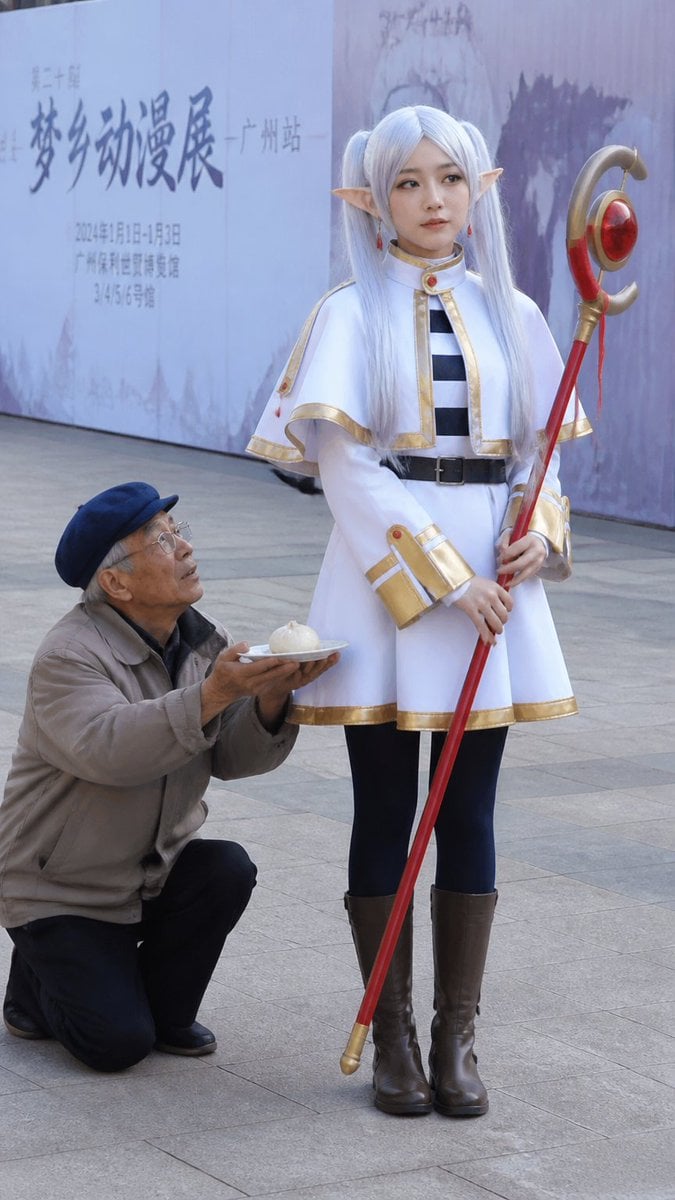
Anime Cosplayer Convention Photography
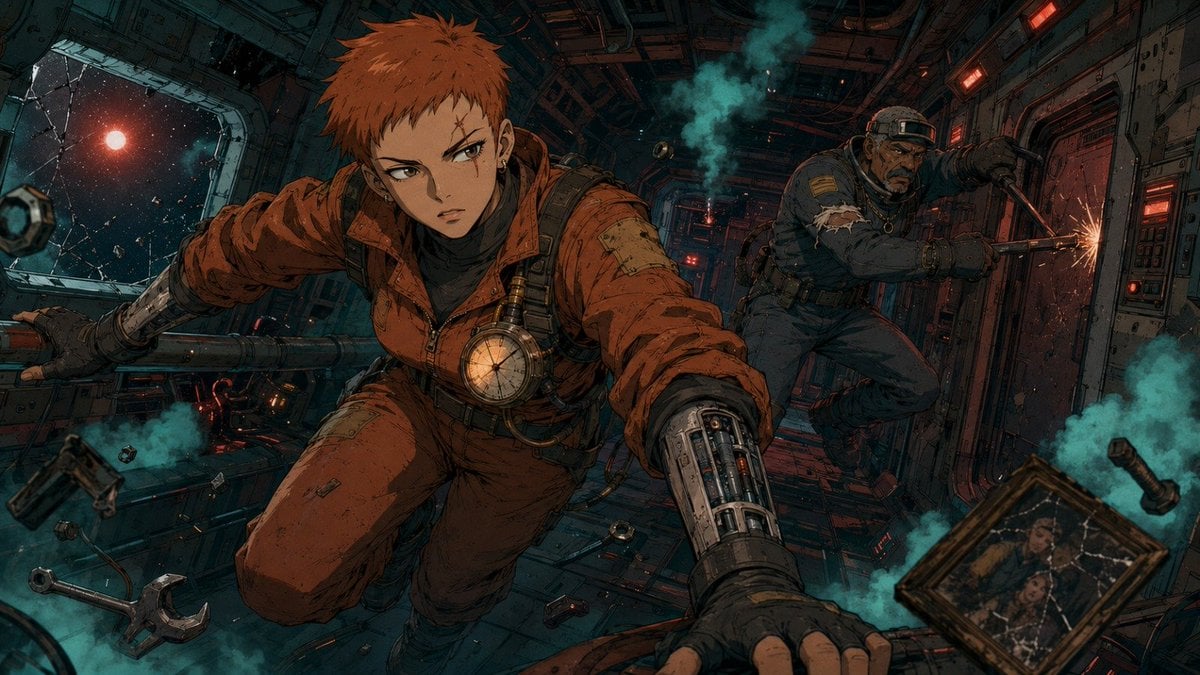
Zero-Gravity Anime Spaceship Escape
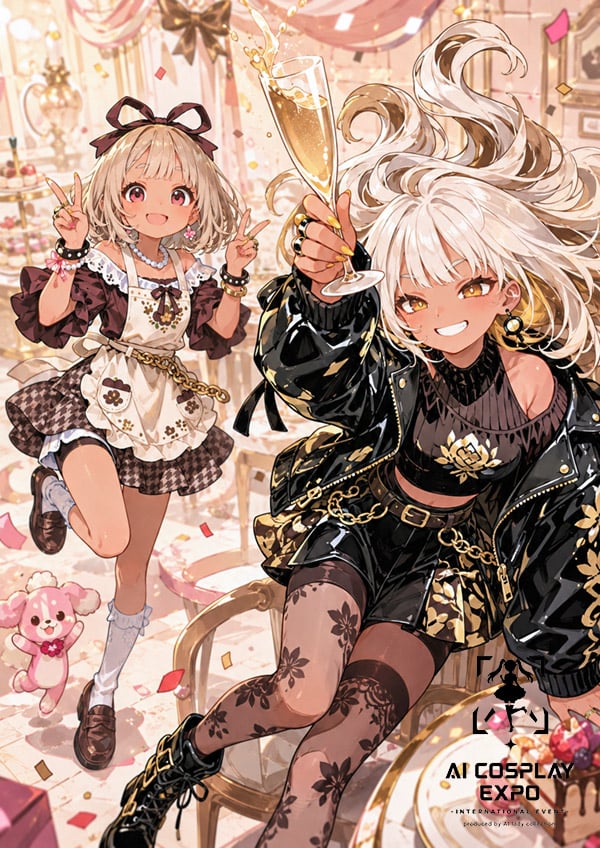
Faceless Anime Cosplay Expo Duo

Real-Life and Anime Character Composite

Cel 2D Finale Fireworks

Cel 2D Garden Maze

Cel 2D Rooftop Concert

Cel 2D Bicycle Coast

Cel 2D Castle Gate

Cel 2D Kitchen Chaos

Cel 2D Carnival Ride
Make it yours
Alfin Space Anime Cosplay Composite works as-is. These are the safest ways to change it without losing the look.
Change one field
Copy a single group, rewrite it, and generate again so you can see what that field is doing.
Keep the frame, change the subject
Hold the composition and light of Alfin Space Anime Cosplay Composite, then swap wardrobe, props or the person for a new take.
| If the result… | Why | Fix |
|---|---|---|
| The result drifts from the preview | Too many fields changed at once. | Reuse Alfin Space Anime Cosplay Composite as-is first, then change one group — subject, light, or setting. |
| The model over-stylizes the scene | The prose prompt leaves finish and camera underspecified. | Add one camera or lighting sentence and stay on GPT Image 2. |
More GPT Image 2 templates
Other prompts made for GPT Image 2.

Six VTuber Japanese Logo Sheet

Realistic Portrait of Woman and Deer

The Vista Modular Condo Poster

AI Model Routing Comparison Infographic

2.5D Anime Art Board

Isometric Productivity Desk Scene

New York Double Exposure Poster

Four-Panel AI Landscape Comparison

Japanese Tatami Lifestyle Magazine Cover

NESCAFÉ Coffee Map Poster
More image prompts
Fresh picks from across the catalog.
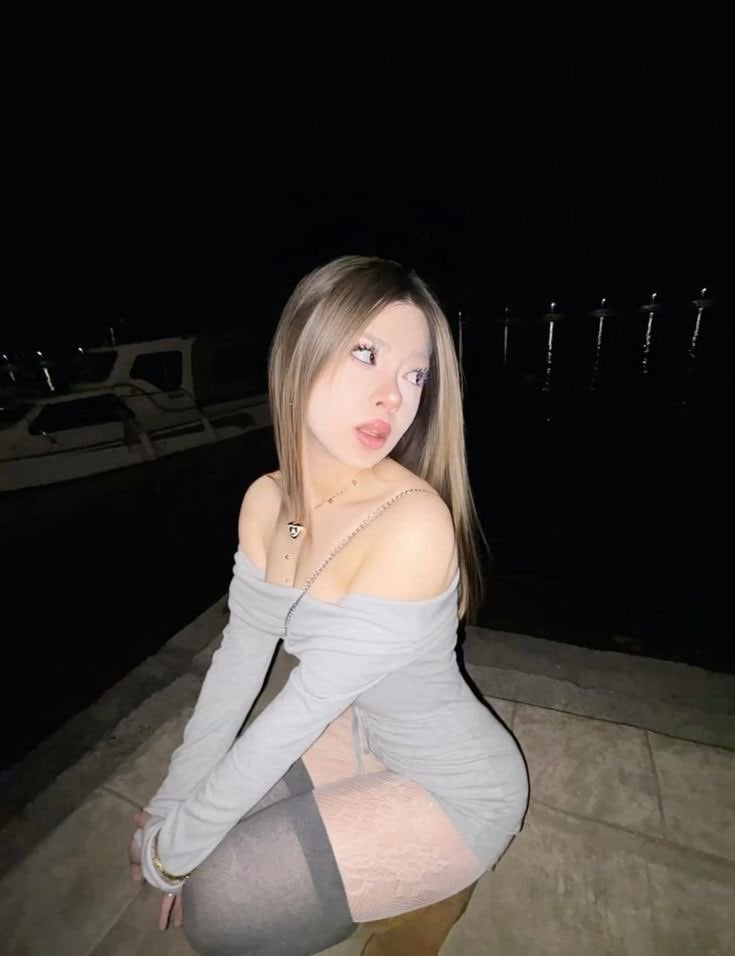
High-Fidelity Night Marina Flash Photo
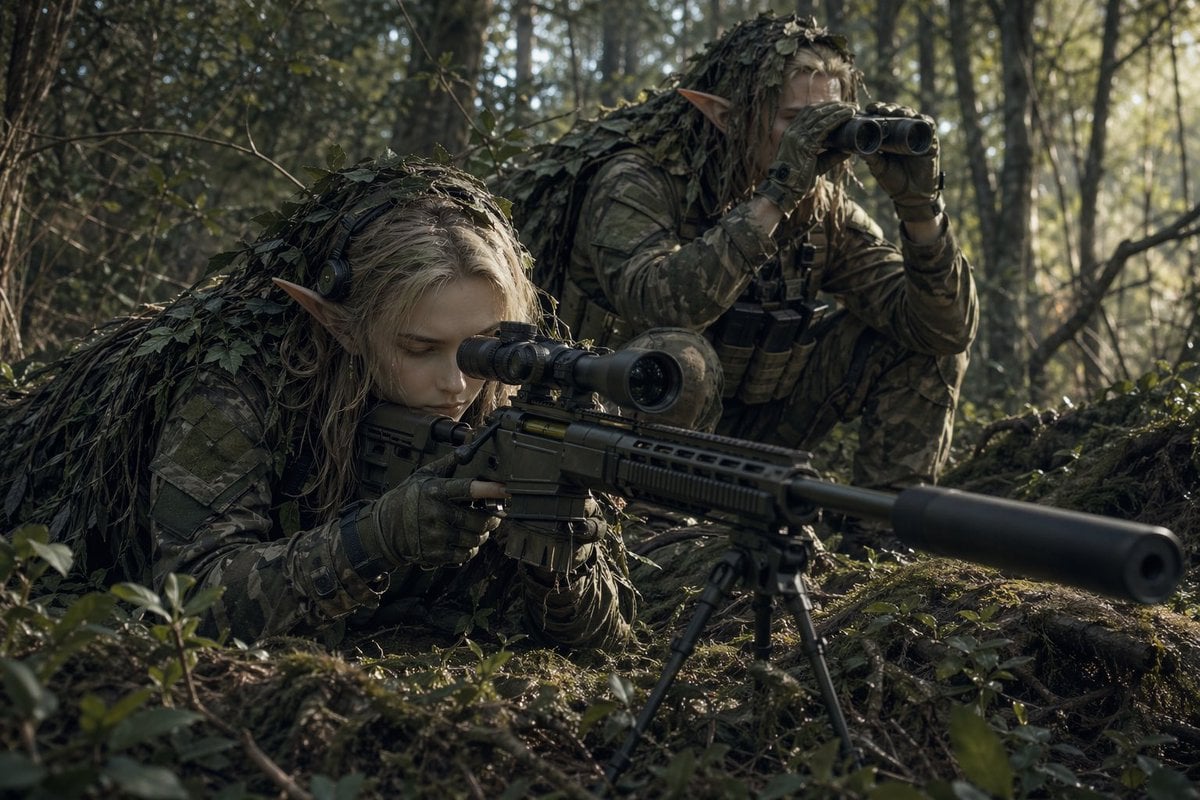
Elf Sniper Team in Forest Ambush

Blue AI Influencer 3D Poster
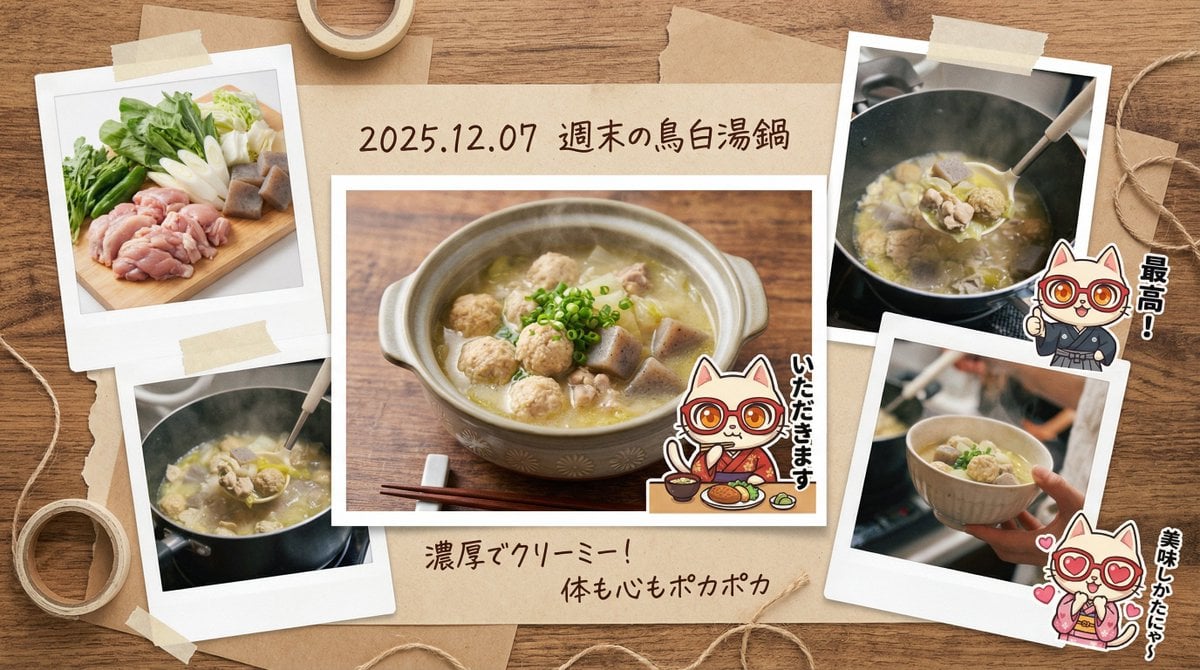
Japanese prompt for transforming a cooking photo into a scrapbook collage
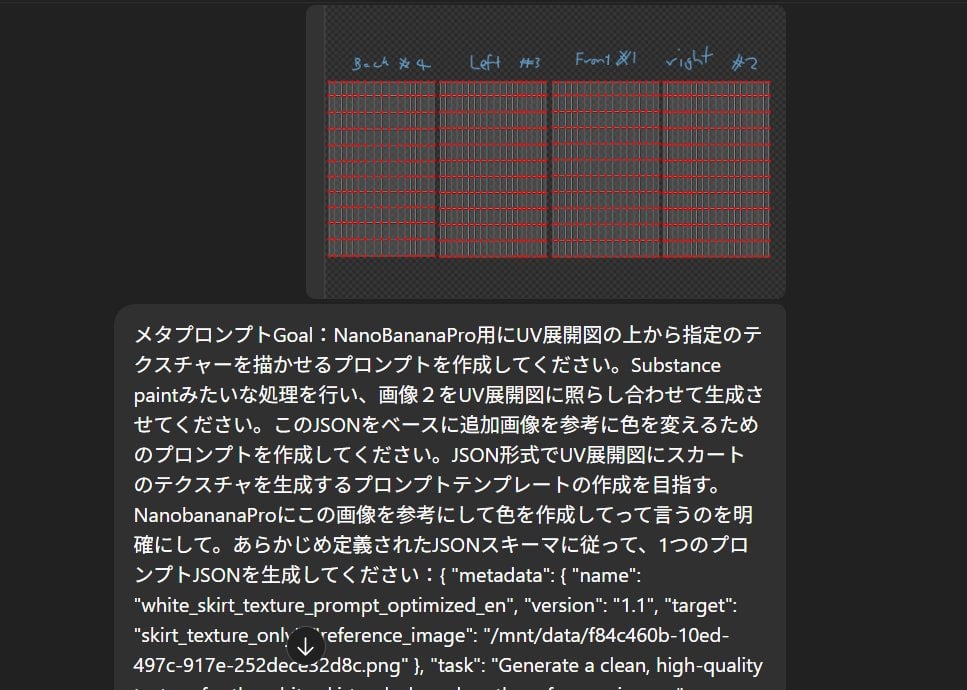
Texture Creation via JSON and UV Map Metaprompt
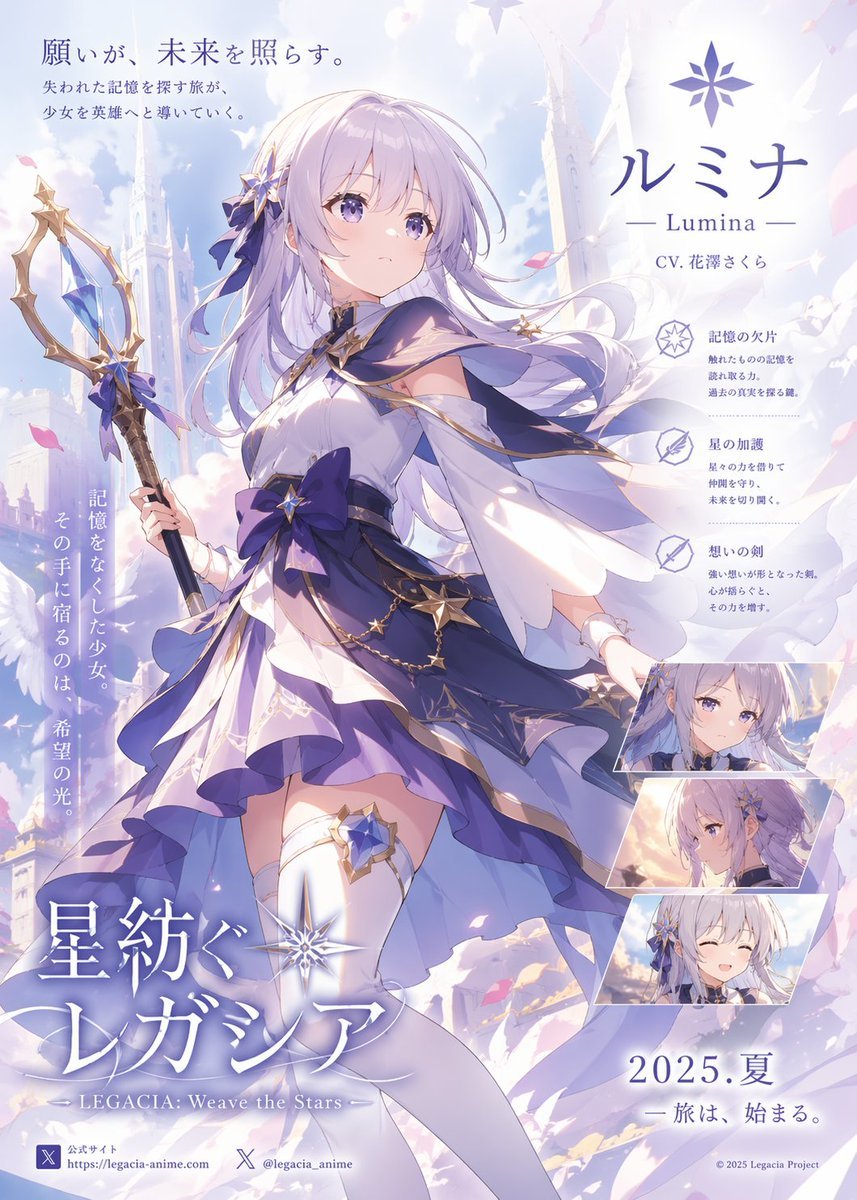
Pastel Anime Fantasy Poster with Heroine
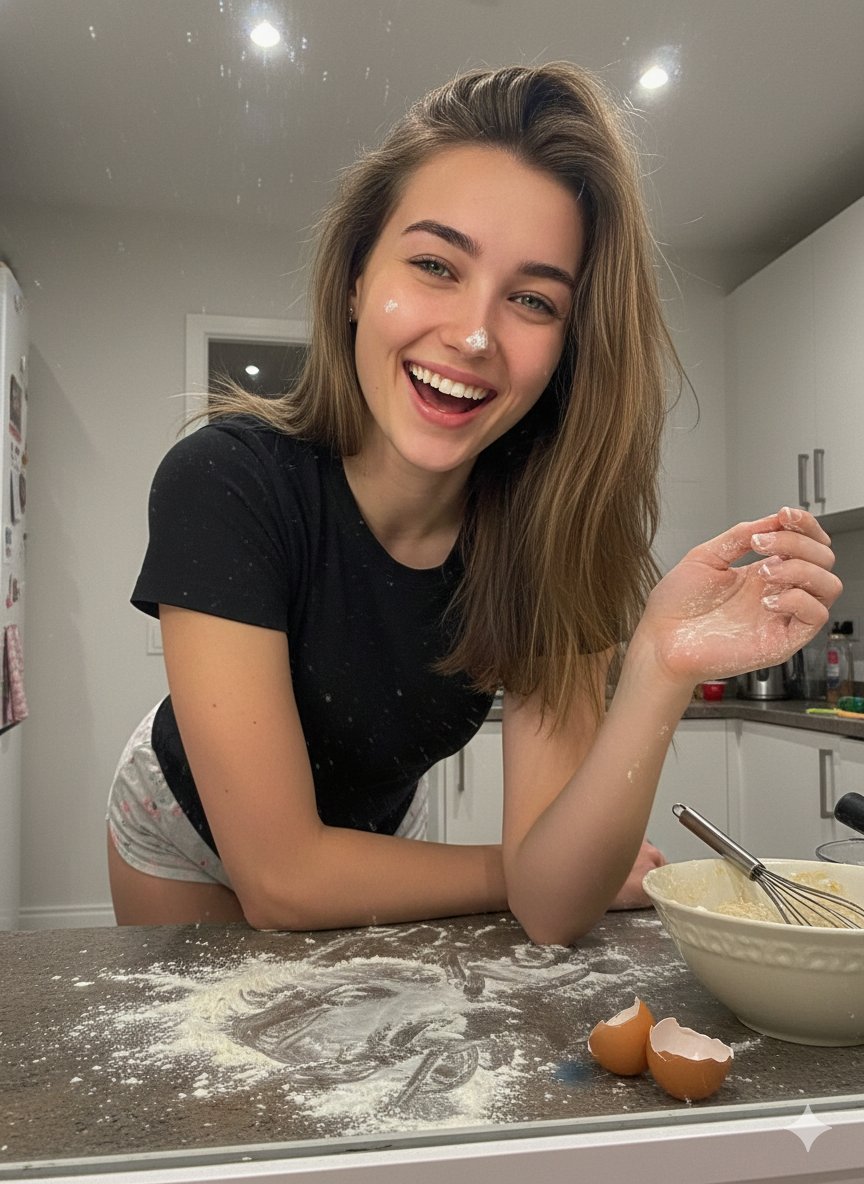
Ultra-Realistic Mirror Selfie Portrait in a Messy Kitchen

Tea Brand Product Advertisement Mockup
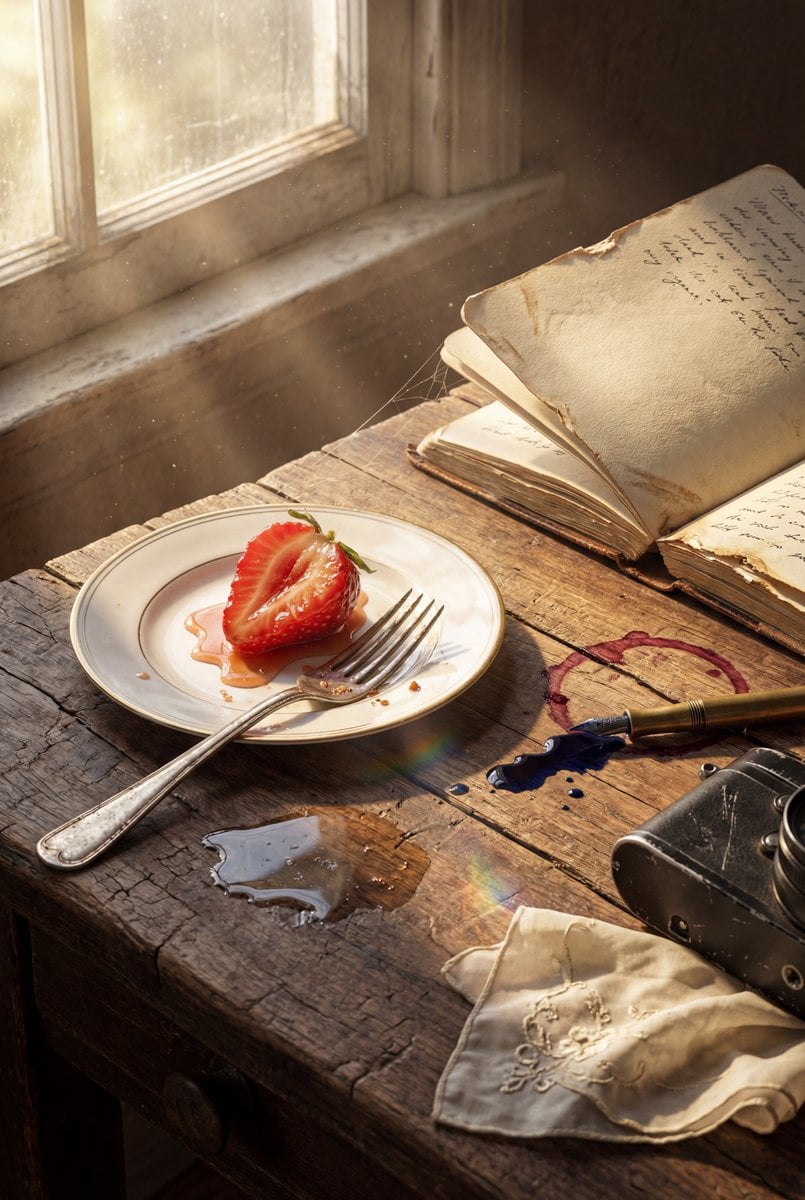
Highly detailed 8K morning still life desk scene prompt
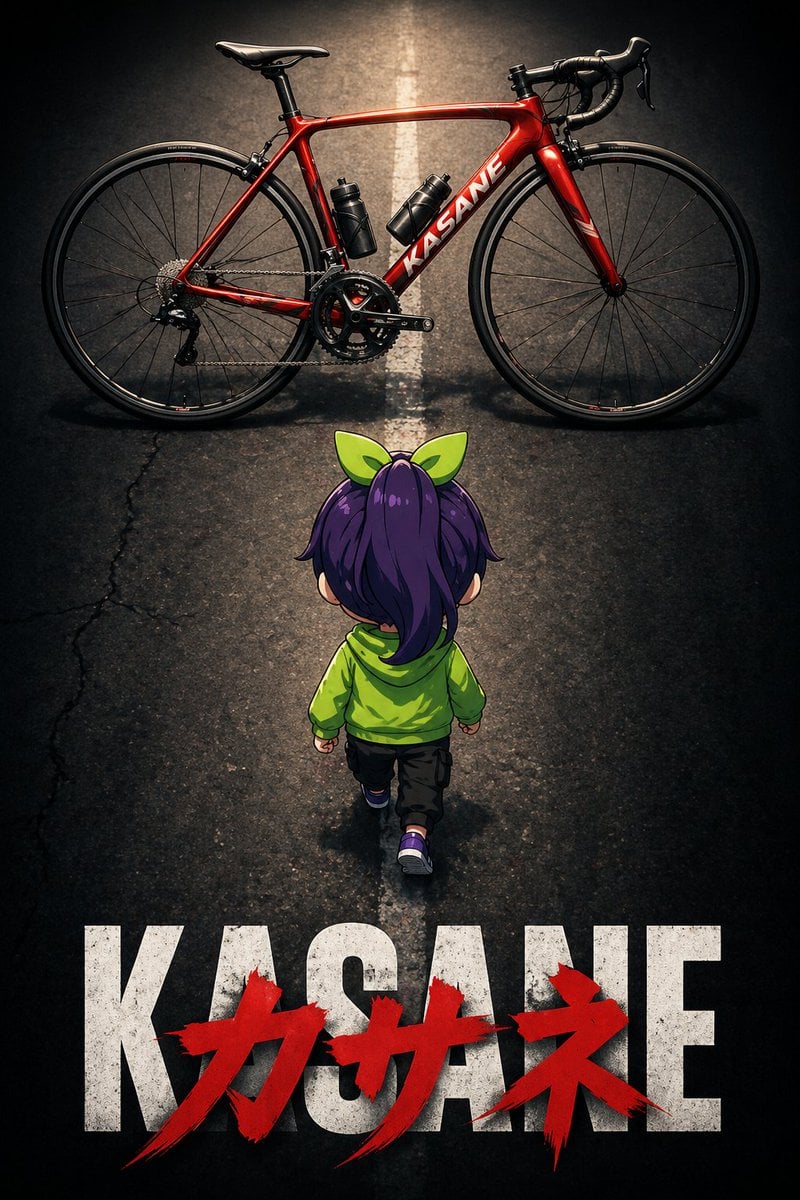
Dramatic Chibi Anime Poster
Browse template categories
Alfin Space Anime Cosplay Composite questions
How do I use the Alfin Space Anime Cosplay Composite template?
Add your photo if the template asks for one, edit the prompt if you like — the template's model and format are already selected — and press Generate. Your version opens in PicX Studio.
Can I customize the Alfin Space Anime Cosplay Composite template?
Yes. You can change the subject, setting, lighting, mood, format, and available model controls before creating your image.
Is the Alfin Space Anime Cosplay Composite template free?
Opening and editing this template is free. Generating uses credits, shown on the Generate button when you are signed in.
Which AI model should I use?
Start with GPT Image 2, which is the model associated with this template. You can compare another compatible model for a different finish.
Looking for something else? Browse all templates.

Your photo, any look
Thousands of ready templates for every top image and video model, from one credit balance.