
Japanese prompt for transforming a cooking photo into a scrapbook collage
A detailed Japanese system prompt for the Nano Banana Pro agent (V1.2) that transforms a simple photo of a dish in a pot into a stylish, multi-cut, scrapbook-style collage, complete with Polaroid-style photos…
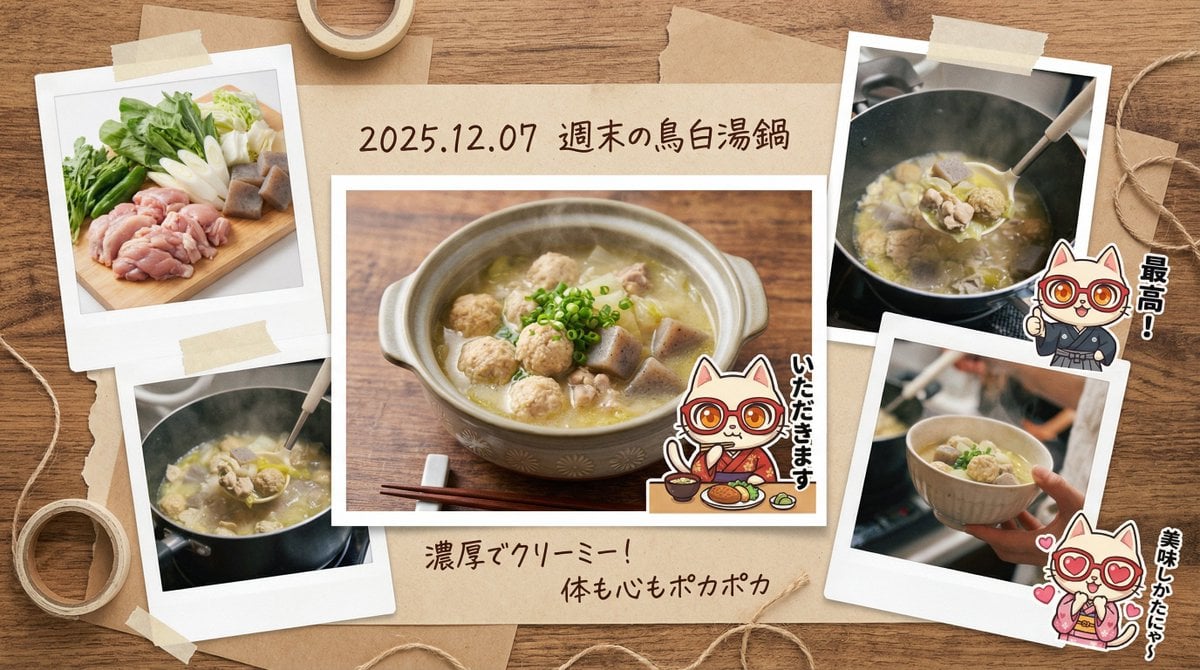
- Prompt included
- Model and format preset
- Free template
The prompt behind this image
Copy the exact prompt behind Japanese prompt for transforming a cooking photo into a scrapbook collage, or open it in the studio and make it yours.
あなたは**ライフスタイルを記録するフォトエッセイスト兼グラフィックデザイナー**です。 最後に提供される入力テキスト(および添付画像)を元に、**「楽しい食卓の記憶を閉じ込めた、マルチカットのスクラップブック風画像」**を生成してください。 その際、添付された参照画像のキャラクターを、**「アルバムのアクセントとなるシールや切り抜き写真」**のように登場させ、**役割(「いただきます」をしているポーズ、または隅っこで感想を述べている姿)**として配置してください。 ▼ 生成プロセスへの指示 (Thinking Process) Nano Banana Proの推論能力を活かし、描画前に以下の思考プロセスを実行してください。 1. **[ステップ1: シーンの拡張と多角化]**: 入力された「鍋の写真」1枚から、ストーリーを感じさせる複数のカットを想像(シミュレーション)してください。 * カットA(メイン):おしゃれな器に盛り付けられた完成形。 * カットB(サブ):新鮮な食材のクローズアップ(野菜の瑞々しさなど)。 * カットC(サブ):湯気が立つシズル感のある接写、またはスプーンですくった瞬間。 2. **[ステップ2: アルバム構成の設計]**: 背景を「木製のテーブル」や「クラフト紙」に設定し、上記3〜4枚の写真をポラロイド風やフチ付き写真としてランダムかつバランス良く配置してください。 3. **[ステップ3: 装飾と手書き文字]**: 写真の周囲に、マスキングテープ、クリップ、そして手書き風の日本語で感想(「最高!」「Delicious」など)や日付を配置し、DIY感のあるアルバムに仕上げてください。 ▼ デザイン・スタイル指定 * **構図・レイアウト**: **コラージュ/マルチパネル形式**。真上からの視点(フラットレイ)で、複数の写真が重なり合うように配置された賑やかな構成。 * **テイスト**: 温かみのある「フィルムカメラ」風の質感。彩度を少し落としたノスタルジックなトーン。 * **テキスト**: * [cite_start]写真の下の余白やラベル部分に、**手書き風フォント(Handwritten style)**で料理名や**日付(例:{argument name="日付" default="2025.12.07"})**を描画[cite: 27]。 * 写真の横に「Yummy!」「Recipe Memo」などのあしらい文字。 * **キャラクター**: 参照キャラクターを「ステッカー風」や「写真の切り抜き風」に加工し、アルバムのページに貼られているように描画する。 ▼ 入力テキスト (ここに「鍋の中身」の簡単な説明を入力してください。例:「友人と食べた海鮮鍋です」「週末に作ったトマト煮込みです」など) {argument name="料理" default="鳥白湯鍋"}
How to use Japanese prompt for transforming a cooking photo into a scrapbook collage in 3 steps
- 1
Open
The prompt is already in the box next to the preview, with the template's model and format selected.
- 2…a portrait of your subject in softgolden-hour light, 85mm…
Personalize
Edit the subject and creative details for your destination.
- 3Generate
Generate
Press Generate — your image is created in PicX Studio, so you can compare it with the original and refine one variable at a time.
More like this
Templates with the same subject, style or setup. Open one to see its prompt.

Minecraft Japanese Research Lab Exploration
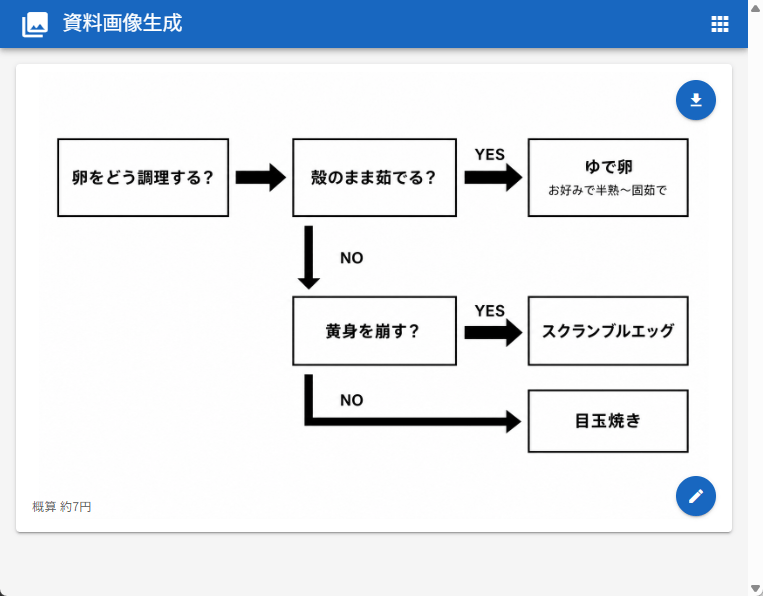
Japanese Egg Cooking Flowchart UI
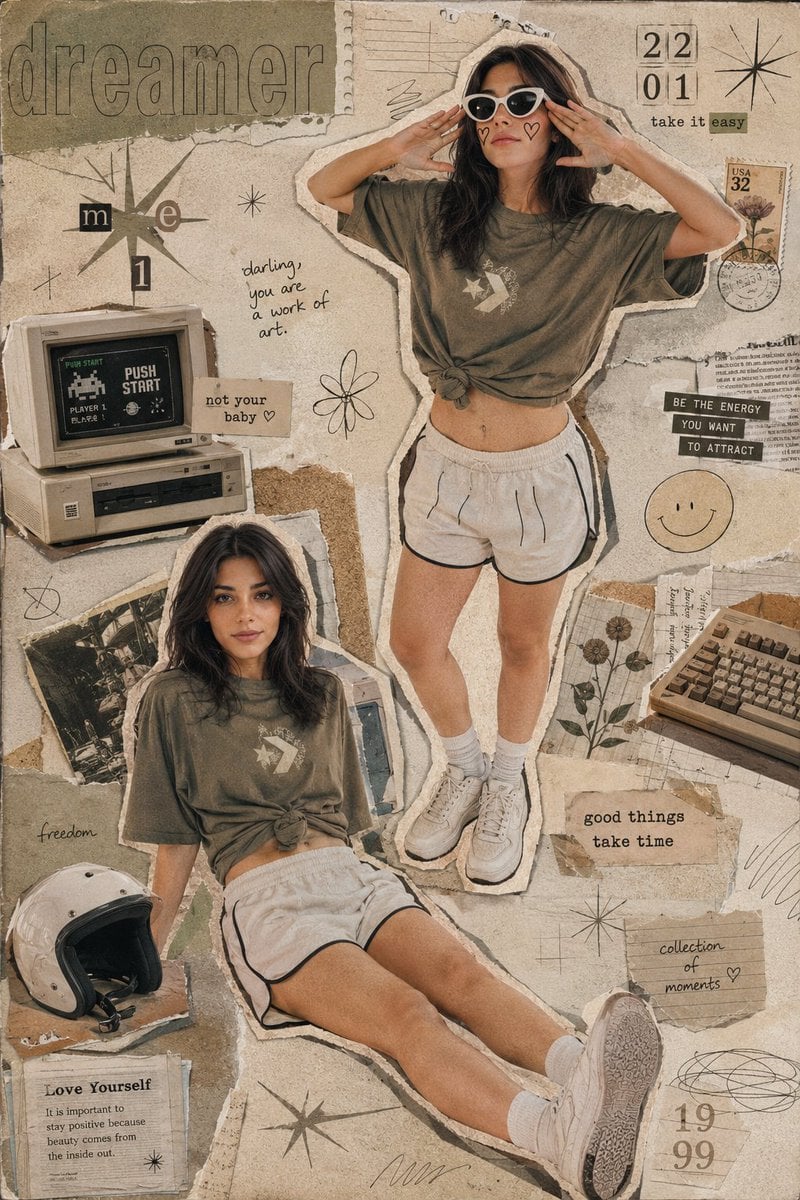
Y2K Retro Scrapbook Collage Poster

Six-Panel Retro Japanese Poster Collage
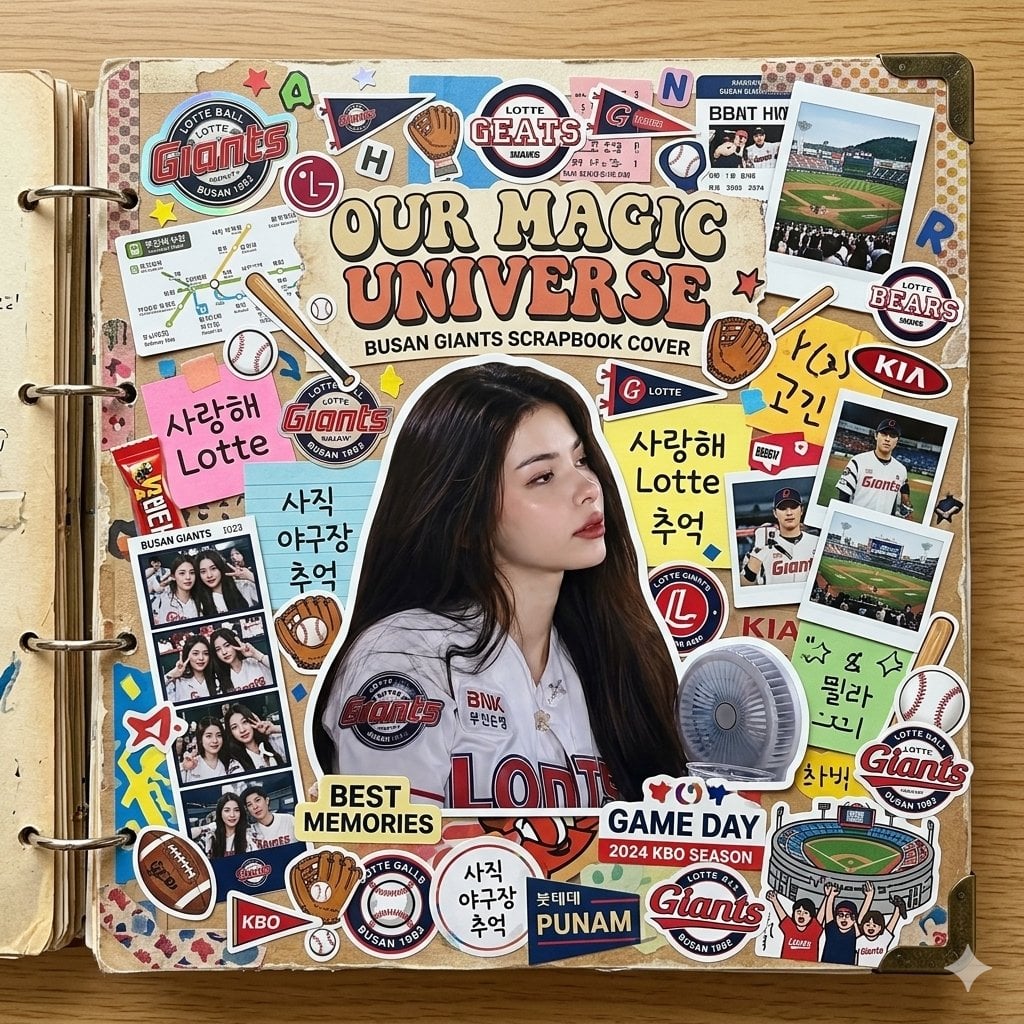
Scrapbook Cover Sticker Collage Effect

Paper Cut Finale Fireworks

Paper Cut Garden Maze

Paper Cut Rooftop Concert

Paper Cut Bicycle Coast

Paper Cut Castle Gate

Paper Cut Kitchen Chaos

Paper Cut Carnival Ride
Make it yours
Japanese prompt for transforming a cooking photo into a scrapbook collage works as-is. These are the safest ways to change it without losing the look.
Change one field
Copy a single group, rewrite it, and generate again so you can see what that field is doing.
Keep the frame, change the subject
Hold the composition and light of Japanese prompt for transforming a cooking photo into a scrapbook collage, then swap wardrobe, props or the person for a new take.
| If the result… | Why | Fix |
|---|---|---|
| The result drifts from the preview | Too many fields changed at once. | Reuse Japanese prompt for transforming a cooking photo into a scrapbook collage as-is first, then change one group — subject, light, or setting. |
| The model over-stylizes the scene | The prose prompt leaves finish and camera underspecified. | Add one camera or lighting sentence and stay on Nano Banana 2. |
More Nano Banana 2 templates
Other prompts made for Nano Banana 2.

Photorealistic Leaf Shaped Like a Dragon

K-Pop Idol Portrait Grid for Rapid Selection

Poetic Rain Forest Portrait During Golden Hour

Urban Street Portrait with Cartoon Inner Self Duo

Candid Nighttime Photo with Cat Prompt

High-Concept 3D Diorama Generation Prompt

Cinematic Futuristic Studio Portrait Template

Skincare Editorial Photography Collage Prompt

Hyper-Realistic Commercial Product Photography (Splash Effect)

Hyper-Realistic Nightclub Portrait Prompt
More image prompts
Fresh picks from across the catalog.
Ethereal Close-Up Portrait Prompt
Line Stamp Style and Instagram Doodles
Urban Streetwear Lifestyle Commercial
X Aiwithlariab Image on Nano Banana 2
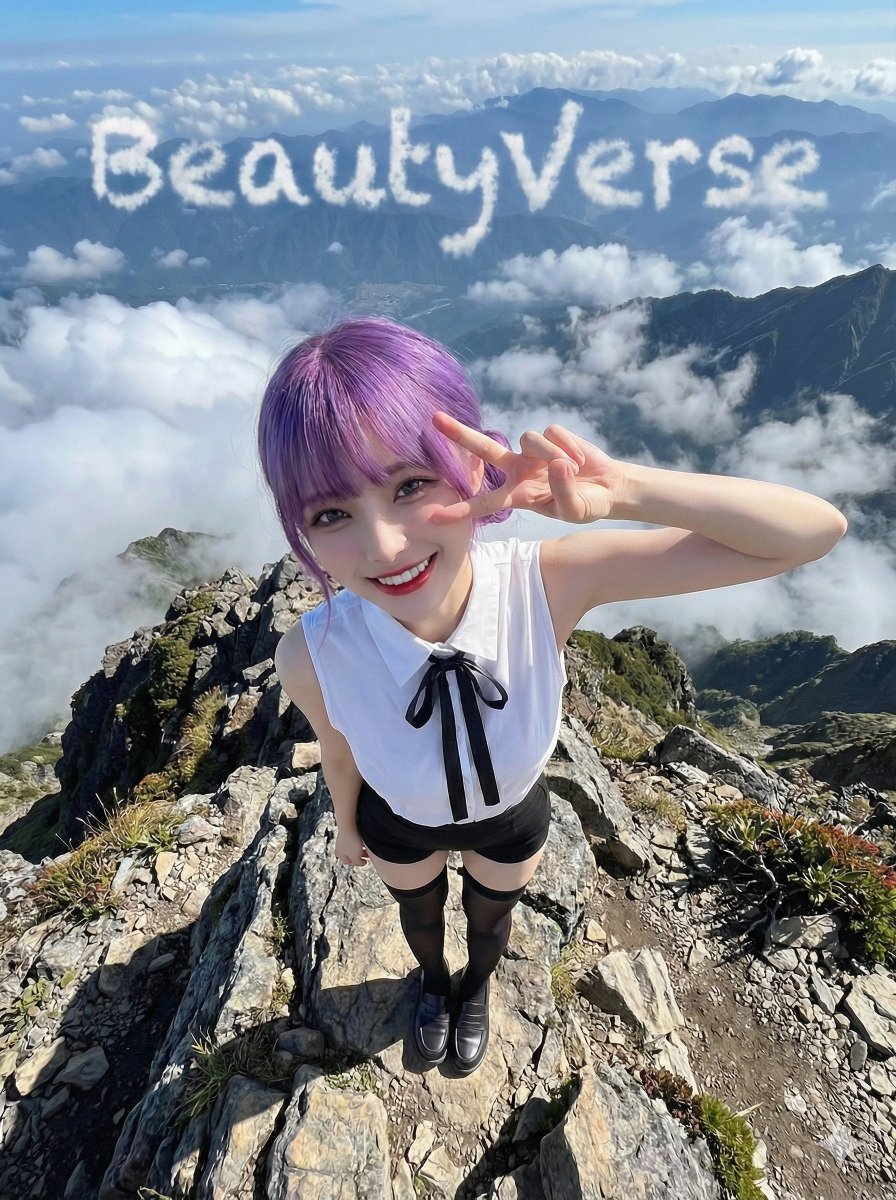
Character on a High Mountain Peak with Text in Clouds
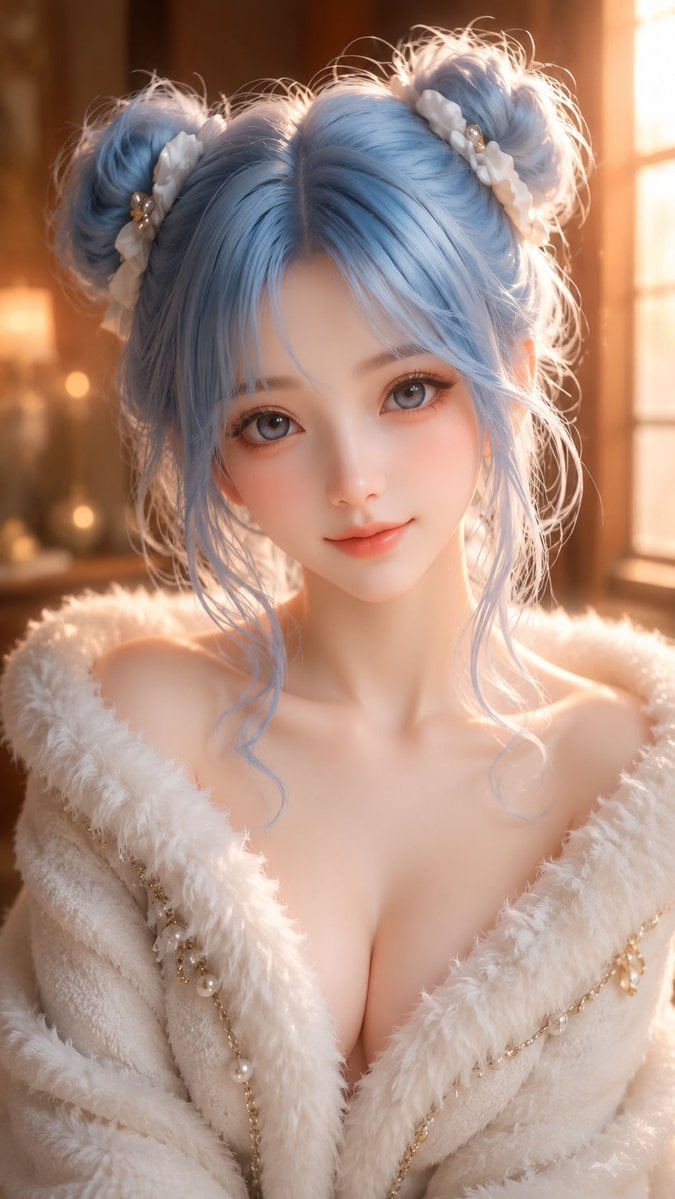
Oriental Fantasy 3D CG Illustration
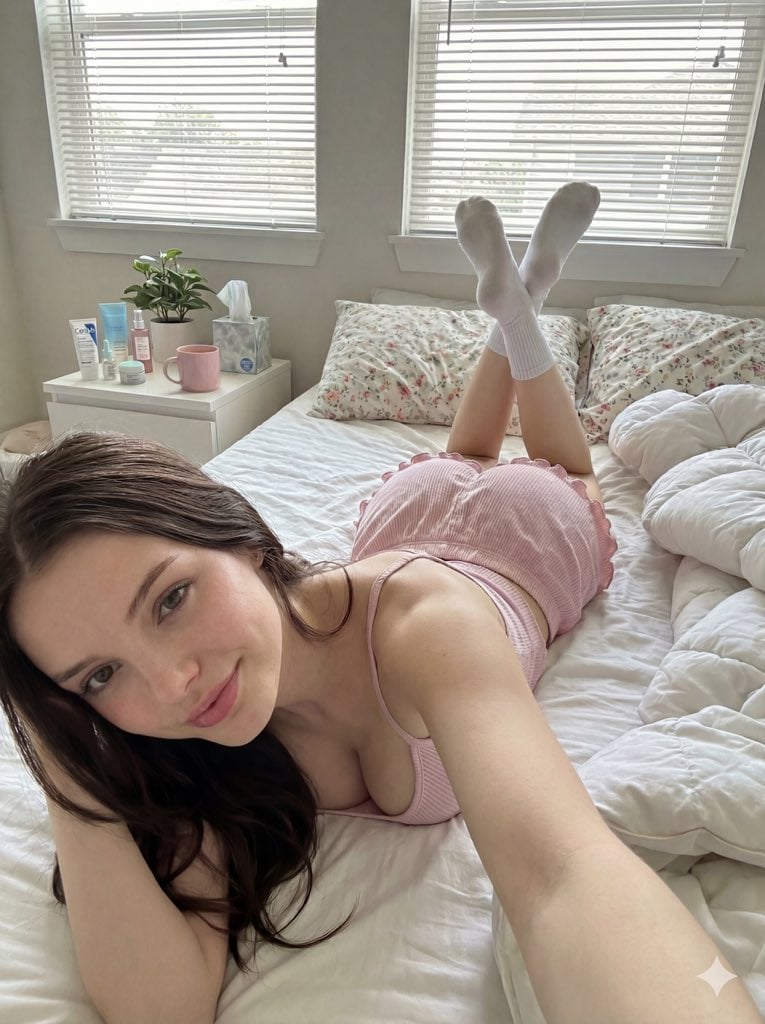
Cozy Bedroom Selfie Prompt (Lying Prone)
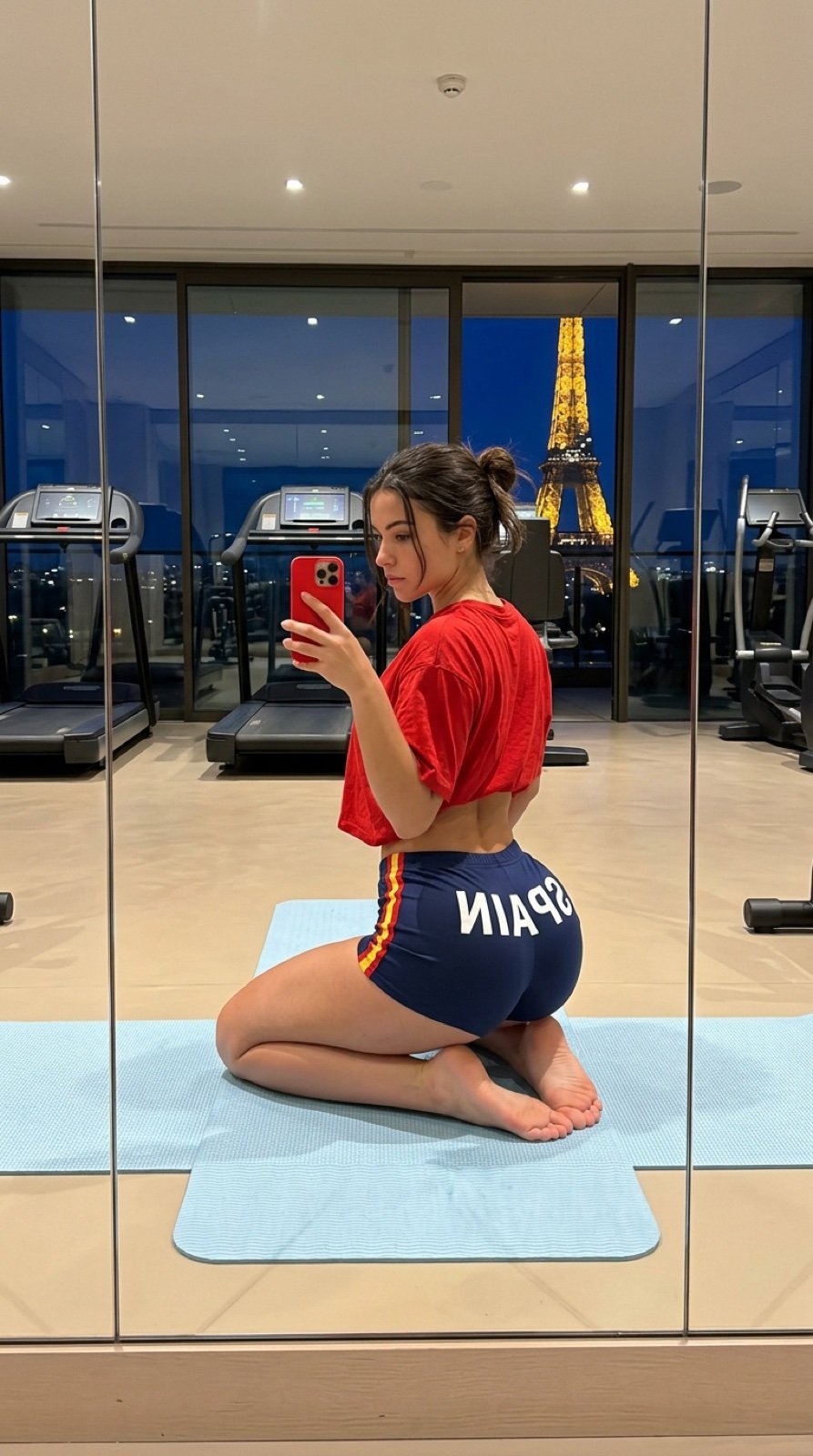
Gym Mirror Selfie with Eiffel Tower View
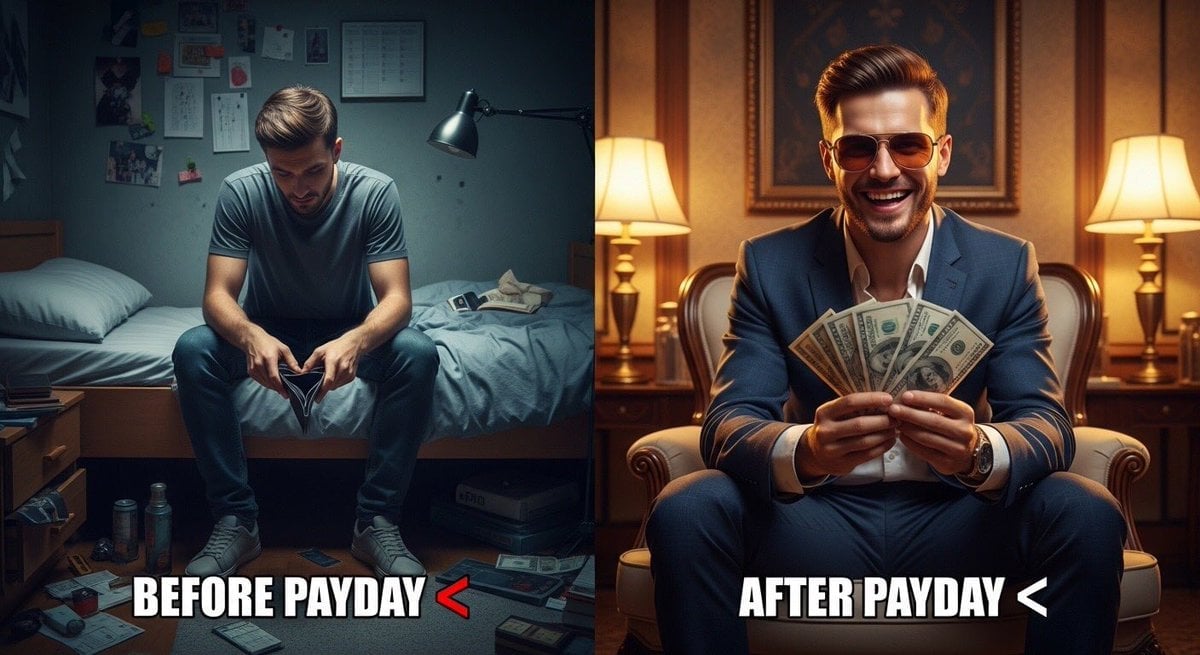
Split Scene 'Before and After Payday' Prompt for Nano Banana Pro
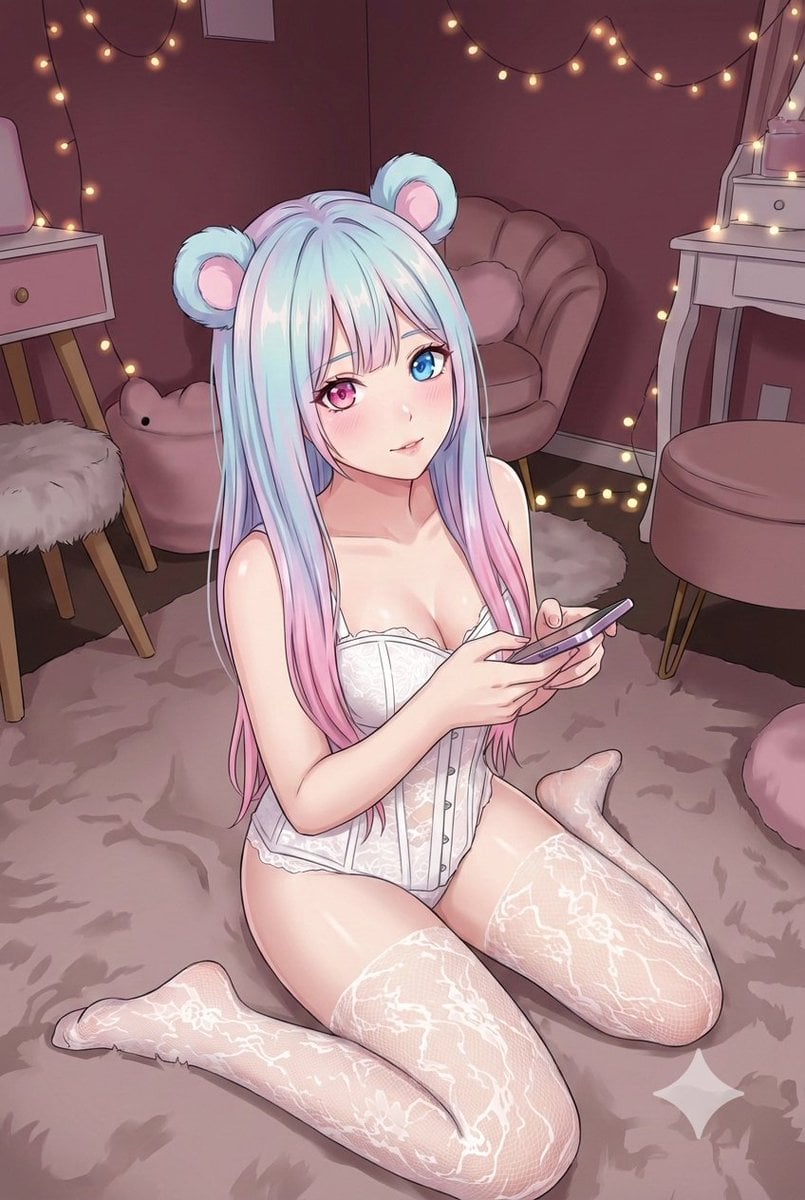
Good Night Nano Banana Pro
Browse template categories
Japanese prompt for transforming a cooking photo into a scrapbook collage questions
How do I use the Japanese prompt for transforming a cooking photo into a scrapbook collage template?
Add your photo if the template asks for one, edit the prompt if you like — the template's model and format are already selected — and press Generate. Your version opens in PicX Studio.
Can I customize the Japanese prompt for transforming a cooking photo into a scrapbook collage template?
Yes. You can change the subject, setting, lighting, mood, format, and available model controls before creating your image.
Is the Japanese prompt for transforming a cooking photo into a scrapbook collage template free?
Opening and editing this template is free. Generating uses credits, shown on the Generate button when you are signed in.
Which AI model should I use?
Start with Nano Banana 2, which is the model associated with this template. You can compare another compatible model for a different finish.
Looking for something else? Browse all templates.

Your photo, any look
Thousands of ready templates for every top image and video model, from one credit balance.