
Ethereal Close-Up Portrait Prompt
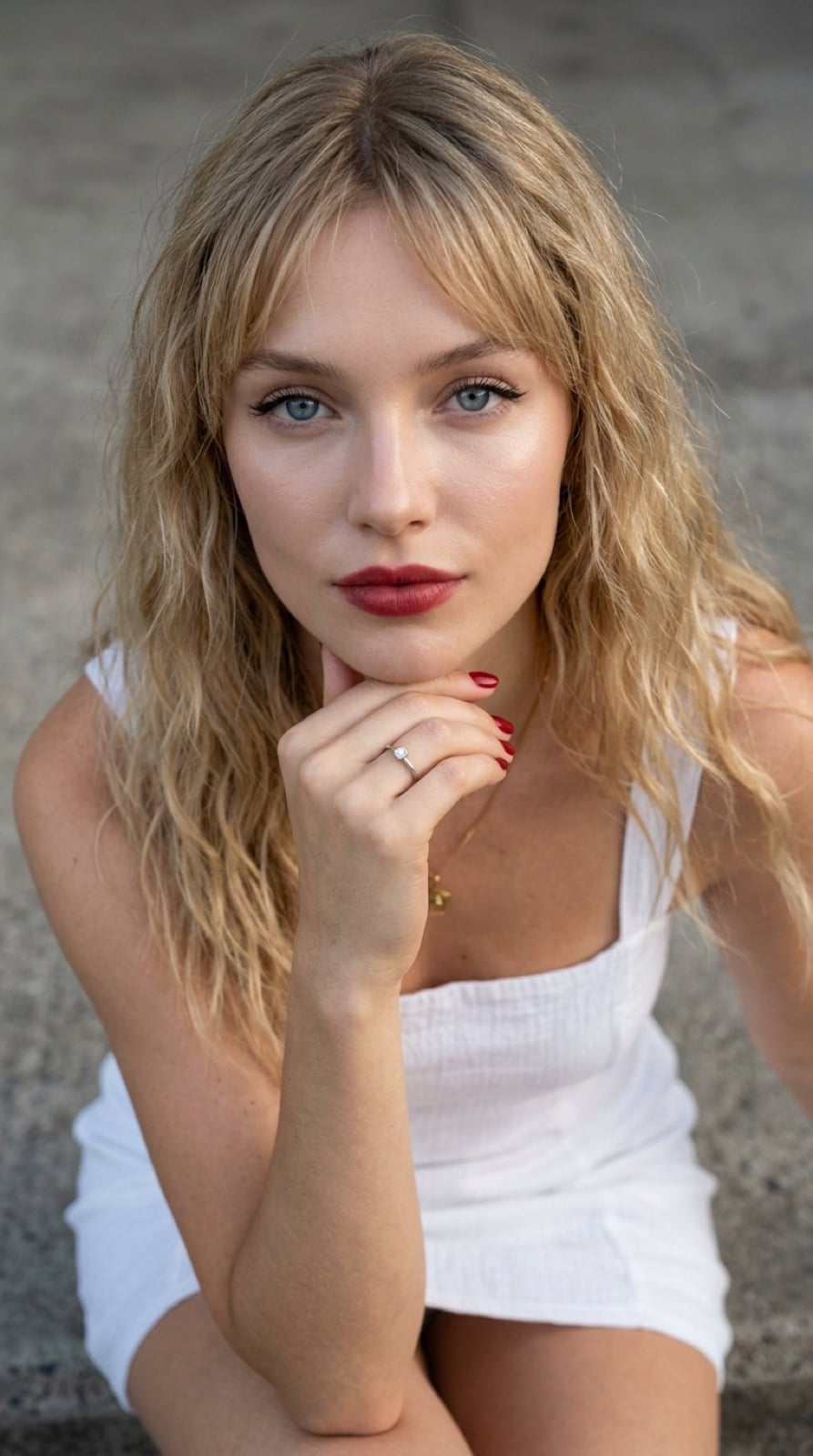
A detailed prompt for generating an ultra close-up, vertical portrait of a stunning young woman with porcelain skin and blonde hair.
- Prompt included
- Model and format preset
- Free template
The prompt behind this image
Copy the exact prompt behind Ethereal Close-Up Portrait Prompt, or open it in the studio and make it yours.
In a vertical composition defined by a 9:16 aspect ratio, the perspective gazes downward upon a scene of intimate proximity and striking visual harmony. The subject is a breathtaking, stunning young woman, appearing in the dewy freshness of her early twenties, supermodel face, whose upward gaze anchors the frame with mesmerizing elegance. Her skin radiates a porcelain fairness, smooth and luminous, contrasting starkly with the blonde, long spaghetti waves of hair that frame her face and the fringe that rests lightly upon her brow. Her features possess a flawless symmetry akin to high-fashion portraiture, characterized by high cheekbones and a delicate jawline. Her eyes are a piercing, translucent blue, profound in depth and accentuated by sharp, winged eyeliner and long lashes, while her big natural lips are full, red-hued, and relaxed in a soft pout. One of her hand adorned with a simple diamond ring on the ring finger and red nails, gently cups her chin and jaw, tilting her face upward to meet the lens. She appears slender and lithe, her physique draped in a white minidress that exposes her shoulders, arms and deep necklace. The background is a muted, out-of-focus surface of speckled grey concrete, ensuring that the viewer's attention remains fixed solely on the ethereal beauty and captivating expression of the subject. Super close up.
How to use Ethereal Close-Up Portrait Prompt in 3 steps
- 1
Open
The prompt is already in the box next to the preview, with the template's model and format selected.
- 2…a portrait of your subject in softgolden-hour light, 85mm…
Personalize
Edit the subject and creative details for your destination.
- 3Generate
Generate
Press Generate — your image is created in PicX Studio, so you can compare it with the original and refine one variable at a time.
More like this
Templates with the same subject, style or setup. Open one to see its prompt.

Found Photograph: Us, 1970

80s Couple Studio Portrait

80s Bollywood Star

80s Golden Hour Cinema

Me in 1985

1985 Studio Portrait

Hyper-Realistic Minecraft POV Portrait

Rooftop Fisheye — Cat-Ear Balaclava at Golden Hour

Rainy Café Window Moody Portrait

untitled

2025 Aesthetic Photography

Nano Banana Is So Addictive
Make it yours
Ethereal Close-Up Portrait Prompt works as-is. These are the safest ways to change it without losing the look.
Change one field
Copy a single group, rewrite it, and generate again so you can see what that field is doing.
Keep the frame, change the subject
Hold the composition and light of Ethereal Close-Up Portrait Prompt, then swap wardrobe, props or the person for a new take.
| If the result… | Why | Fix |
|---|---|---|
| The result drifts from the preview | Too many fields changed at once. | Reuse Ethereal Close-Up Portrait Prompt as-is first, then change one group — subject, light, or setting. |
| The model over-stylizes the scene | The prose prompt leaves finish and camera underspecified. | Add one camera or lighting sentence and stay on Nano Banana 2. |
More Nano Banana 2 templates
Other prompts made for Nano Banana 2.

Photorealistic Leaf Shaped Like a Dragon

K-Pop Idol Portrait Grid for Rapid Selection

Poetic Rain Forest Portrait During Golden Hour

Urban Street Portrait with Cartoon Inner Self Duo

Candid Nighttime Photo with Cat Prompt

High-Concept 3D Diorama Generation Prompt

Cinematic Futuristic Studio Portrait Template

Skincare Editorial Photography Collage Prompt

Hyper-Realistic Commercial Product Photography (Splash Effect)

Hyper-Realistic Nightclub Portrait Prompt
More image prompts
Fresh picks from across the catalog.
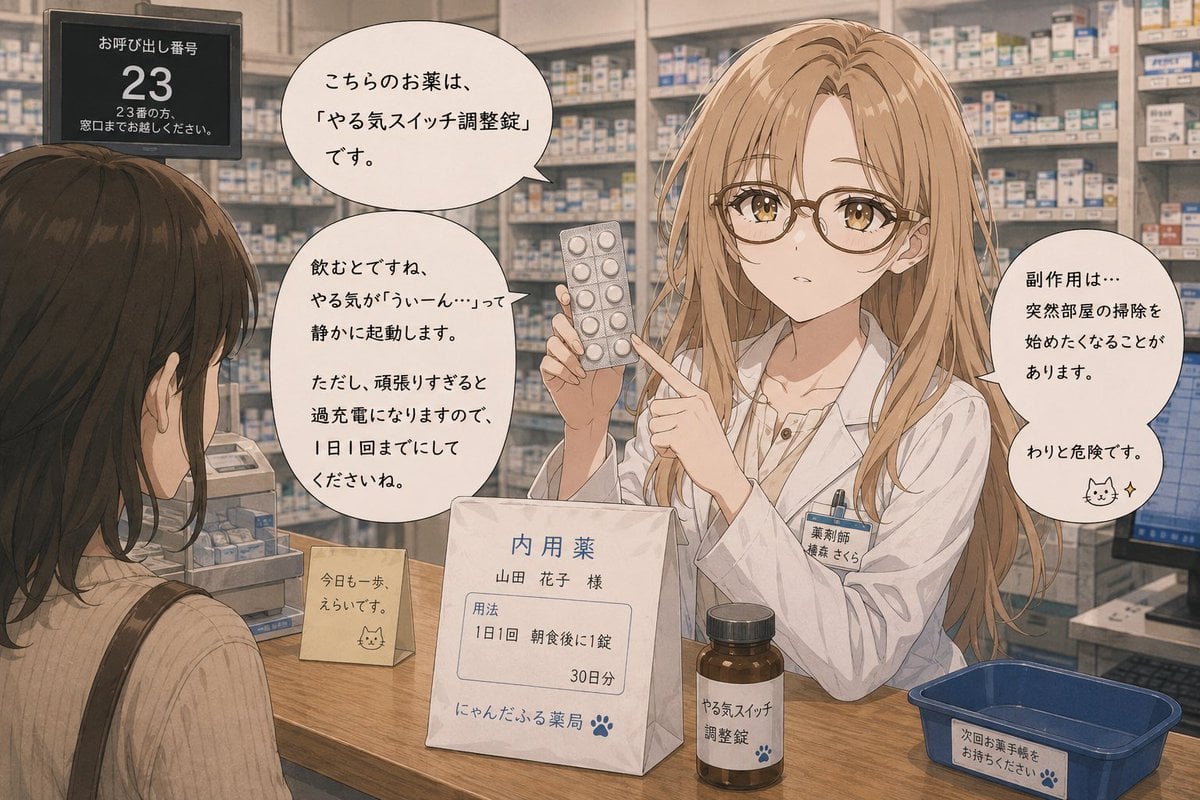
Anime Character Pharmacist Reimagining
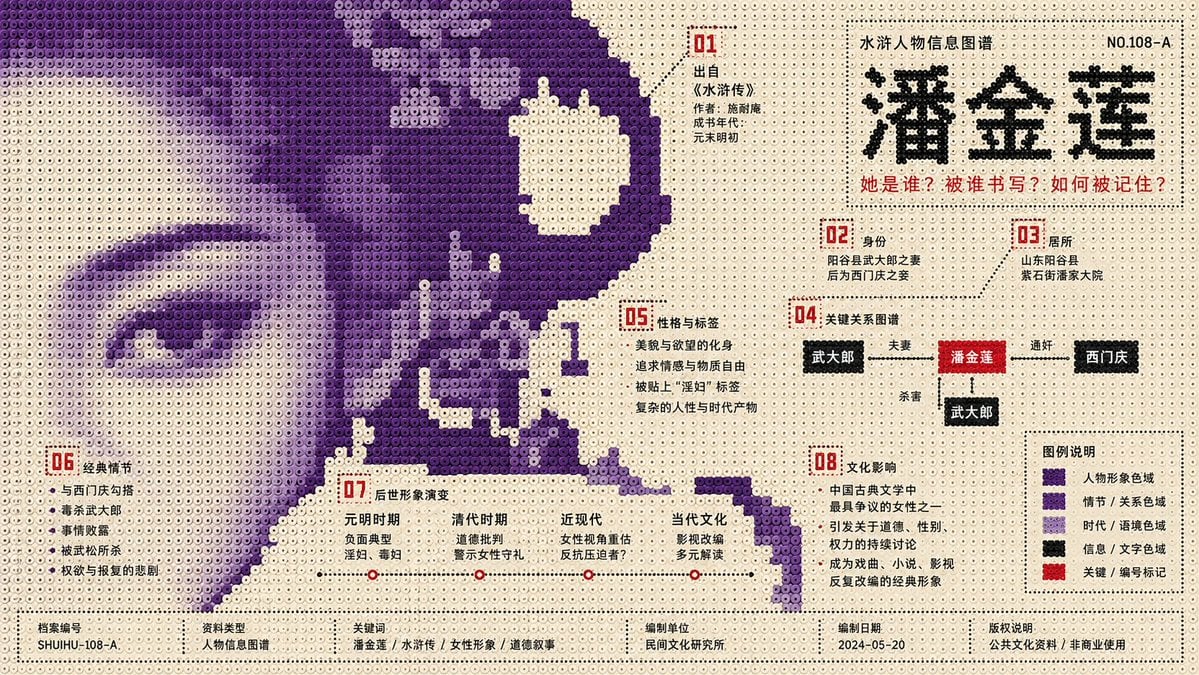
Perler Beads Style Structural Poster
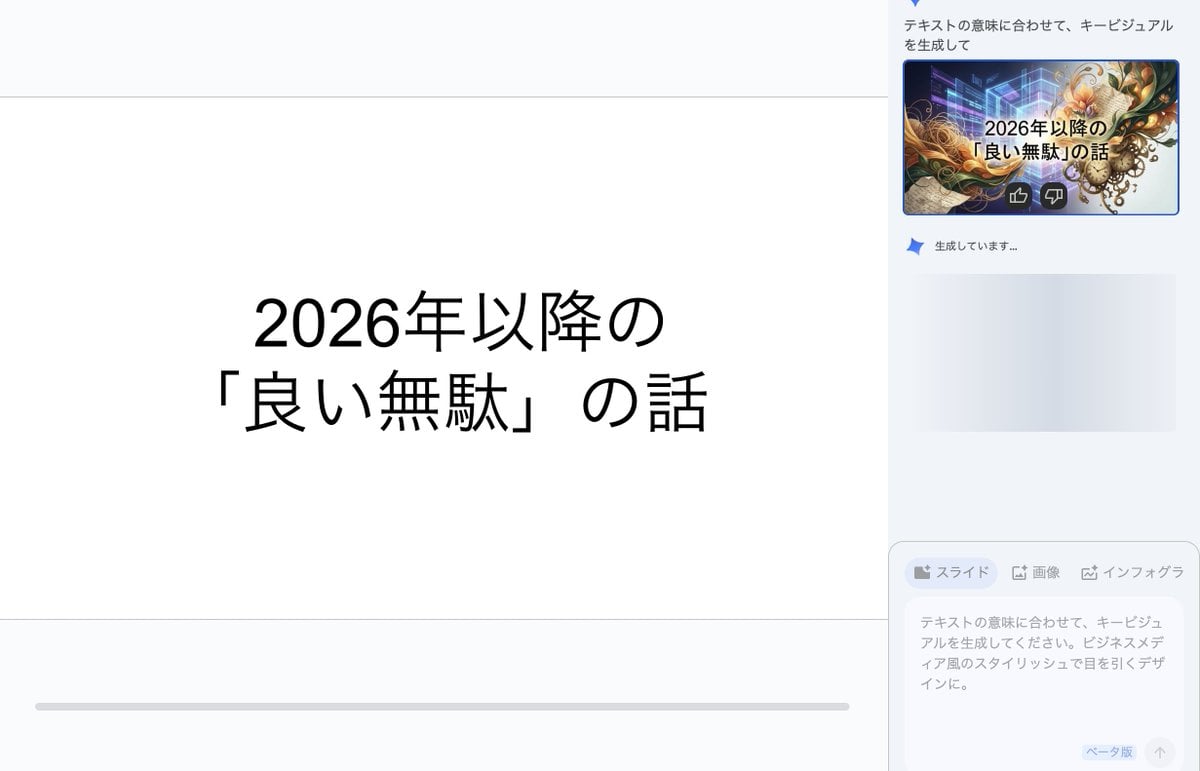
Key Visual Generation for Slides (Nano Banana Pro)
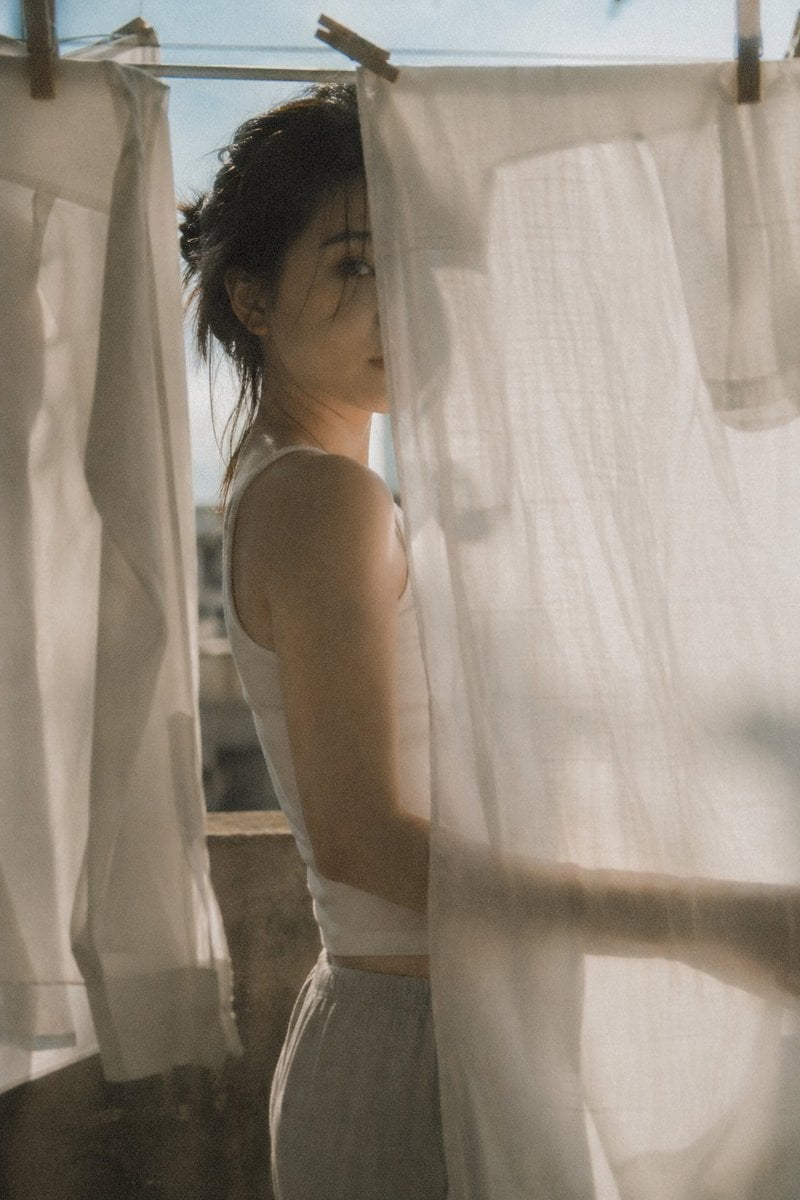
Japanese negative film aesthetic prompt
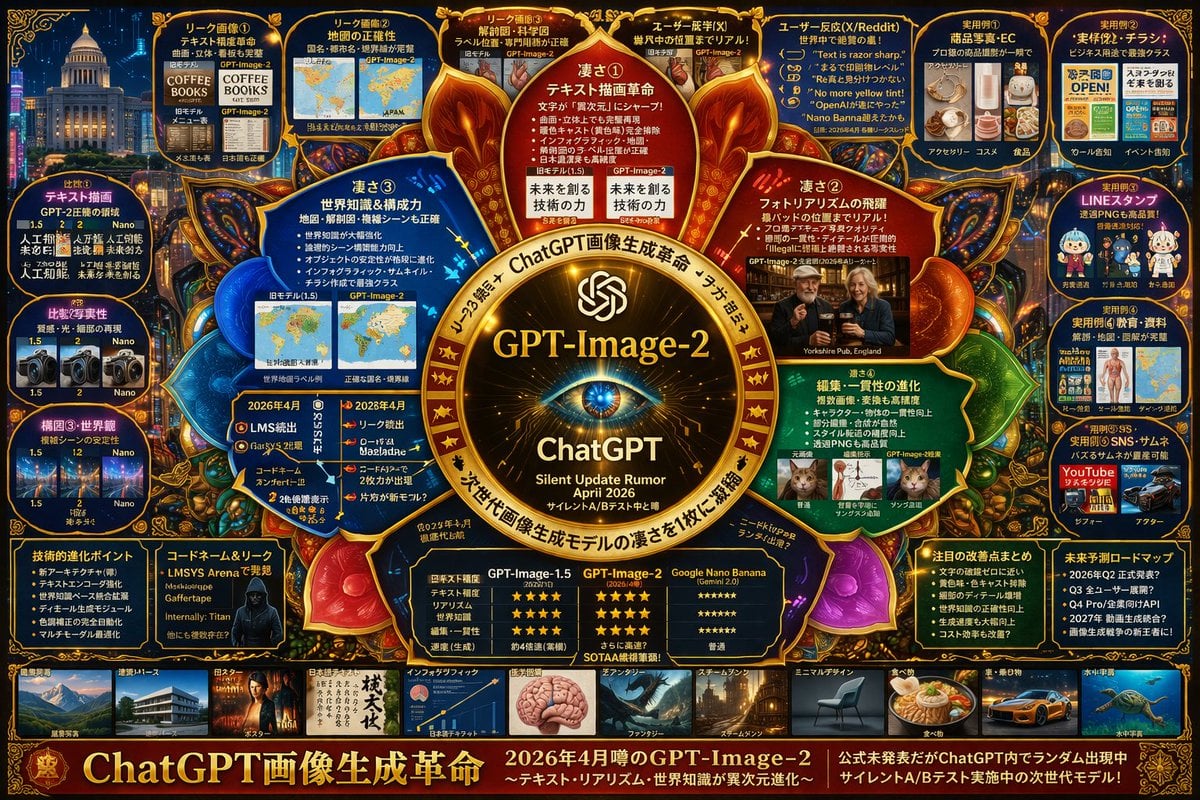
Complex Tech Speculation Infographic
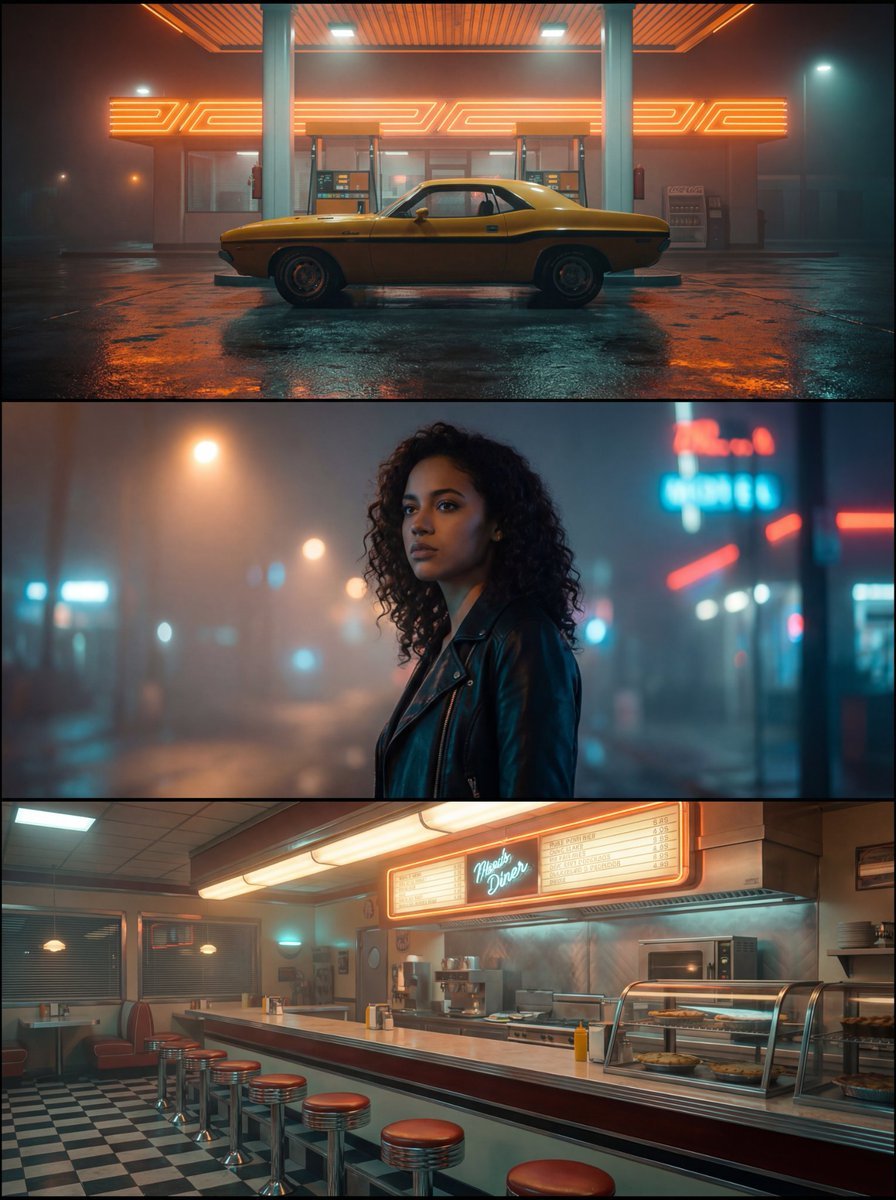
Neo-Noir Synthwave Triptych Montage
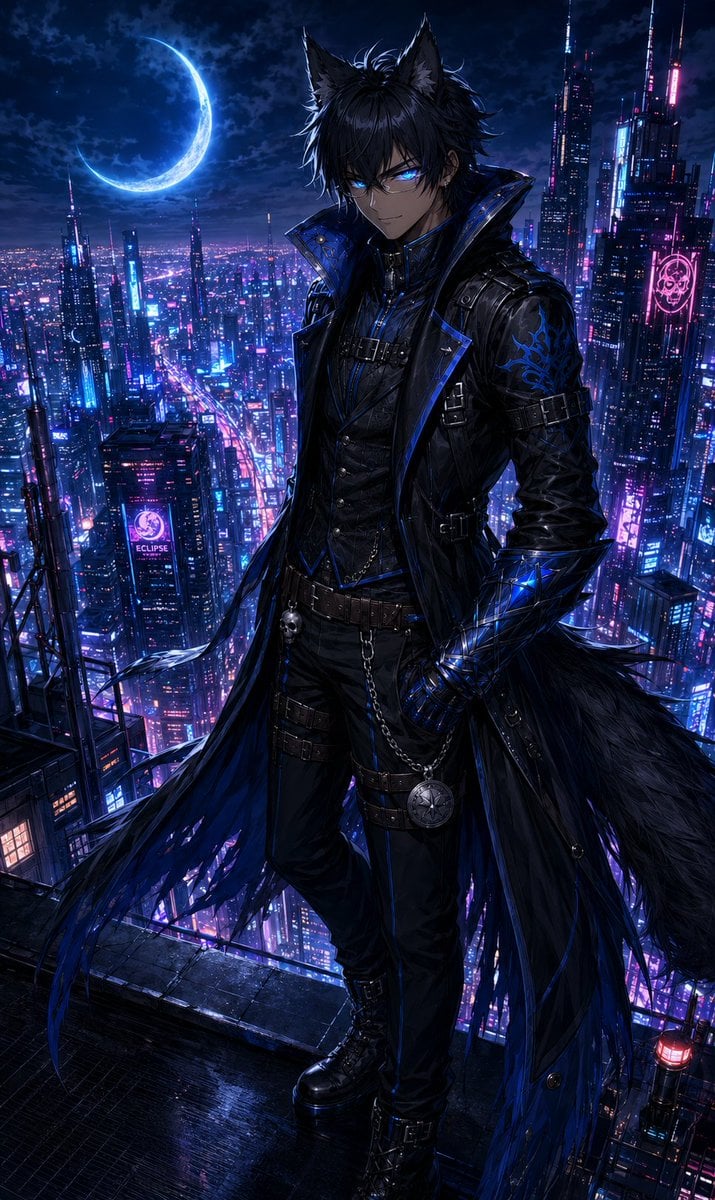
Neon Rooftop Character Portrait
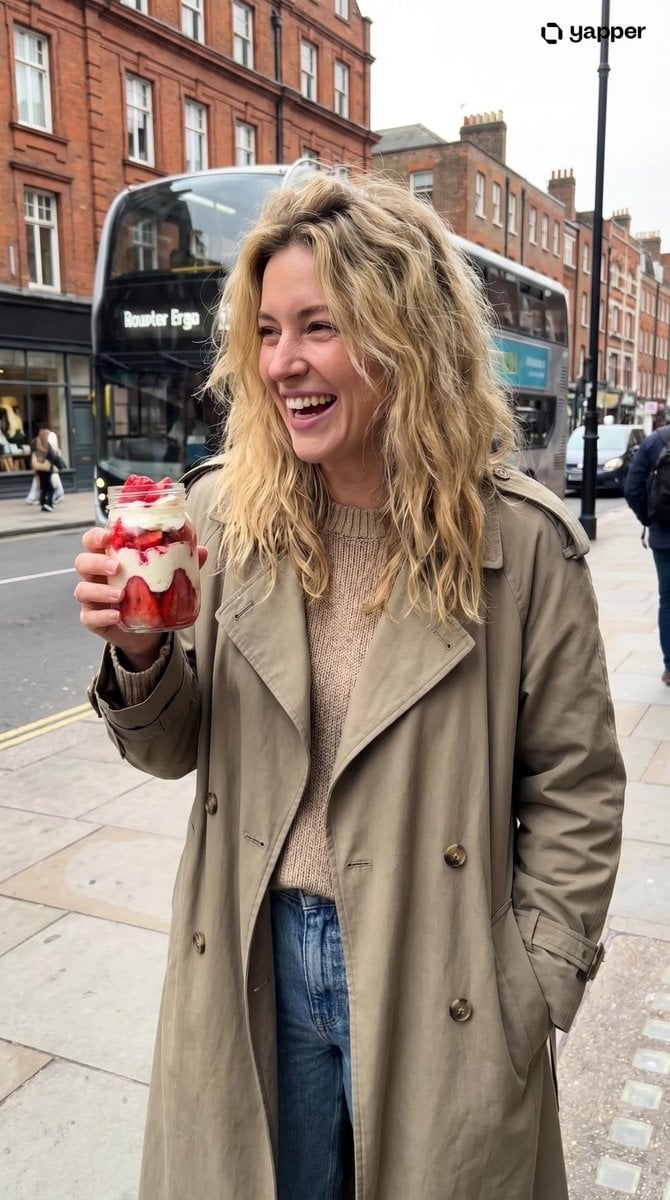
Urban Lifestyle Portrait
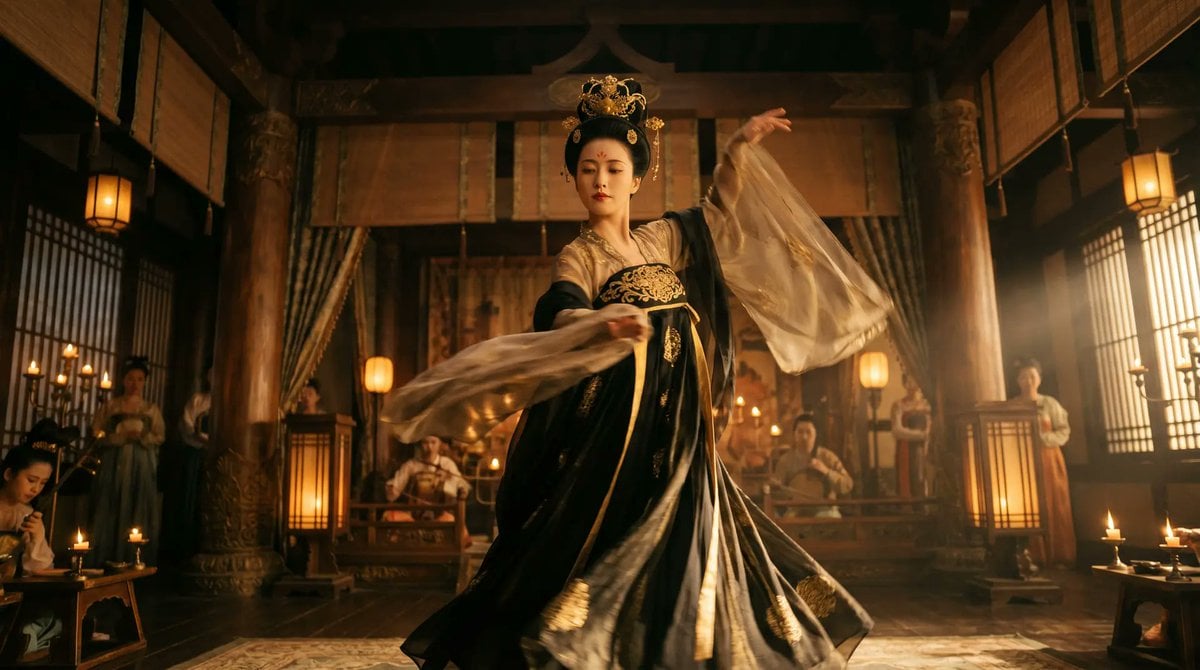
Cinematic Tang Court Dancer at Night

untitled
Browse template categories
Ethereal Close-Up Portrait Prompt questions
How do I use the Ethereal Close-Up Portrait Prompt template?
Add your photo if the template asks for one, edit the prompt if you like — the template's model and format are already selected — and press Generate. Your version opens in PicX Studio.
Can I customize the Ethereal Close-Up Portrait Prompt template?
Yes. You can change the subject, setting, lighting, mood, format, and available model controls before creating your image.
Is the Ethereal Close-Up Portrait Prompt template free?
Opening and editing this template is free. Generating uses credits, shown on the Generate button when you are signed in.
Which AI model should I use?
Start with Nano Banana 2, which is the model associated with this template. You can compare another compatible model for a different finish.
Looking for something else? Browse all templates.

Your photo, any look
Thousands of ready templates for every top image and video model, from one credit balance.