
Japanese Egg Cooking Flowchart UI
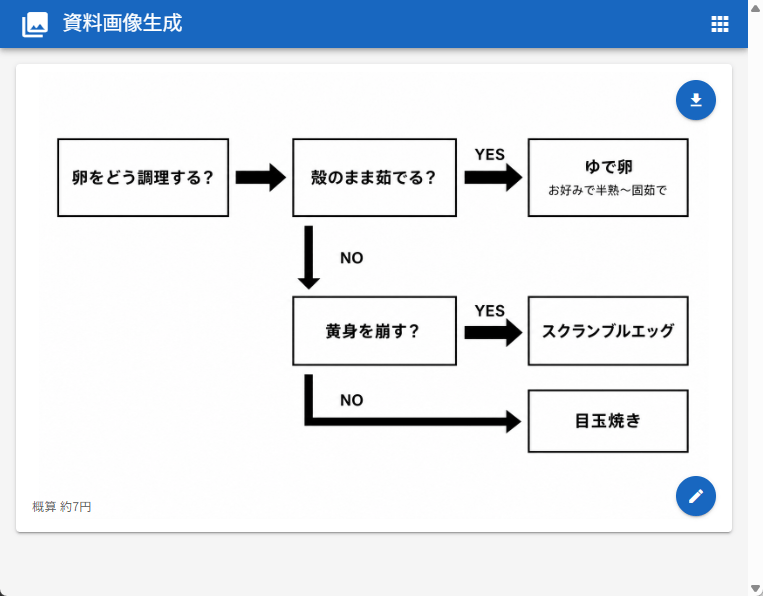
Generates a clean web-app screenshot containing a Japanese decision flowchart for choosing an egg cooking method.
- Prompt included
- Model and format preset
- Premium template
The prompt behind this image
Copy the exact prompt behind Japanese Egg Cooking Flowchart UI, or open it in the studio and make it yours.
Goal: Create a clean web-app screenshot showing a generated document image: a simple Japanese decision flowchart for how to cook eggs. Canvas: 762×596 px desktop browser/app view. Light gray page background with a bright blue top app bar spanning the full width. The app bar contains a small white image icon at far left, the Japanese title {argument name="app title" default="資料画像生成"} in white, and a small white grid/menu icon at the far right. A subtle scrollbar is visible on the right edge. Main card layout: Center a large white rounded rectangle card with a faint drop shadow, about 718×468 px, starting below the blue header. Inside the card is a black-and-white flowchart on a white field, leaving generous margins. Add two floating circular blue action buttons on the right side of the card: one near the upper-right with a white download arrow icon, and one near the lower-right with a white pencil/edit icon. Flowchart elements: Use exactly 6 rectangular outlined boxes with white fill and black borders, connected by exactly 5 thick black arrows. All text is Japanese and bold black unless noted. 1. Left box: 「卵をどう調理する?」 2. Top middle box: 「殻のまま茹でる?」 3. Top right box: main text 「ゆで卵」 with smaller subtitle 「お好みで半熟〜固茹で」 4. Middle lower box: 「黄身を崩す?」 5. Middle right box: 「スクランブルエッグ」 6. Bottom right box: 「目玉焼き」 Flowchart connections and labels: A right-pointing arrow connects box 1 to box 2. From box 2, a right-pointing arrow labeled 「YES」 above it connects to box 3. From box 2, a downward arrow labeled 「NO」 to the right descends to box 4. From box 4, a right-pointing arrow labeled 「YES」 above it connects to box 5. From box 4, a thick path goes downward then right, labeled 「NO」 near the turn, ending with a right-pointing arrow into box 6. Footer text: At the lower-left inside the card, add small gray Japanese text {argument name="cost note" default="概算 約7円"}. Visual style: Minimal monochrome flowchart, clean sans-serif Japanese UI font, thick black arrows, crisp rectangular outlines, lots of white space, realistic screenshot-like UI rendering. Avoid extra boxes, extra icons, decorative colors inside the chart, watermarks, or additional explanatory text.
How to use Japanese Egg Cooking Flowchart UI in 3 steps
- 1Upload ImagePNG, JPG or paste
Add your photo
Upload the photo the template builds on. The prompt, model and format are already set.
- 2…a portrait of your subject in softgolden-hour light, 85mm…
Personalize
Edit the subject and creative details for your destination.
- 3Generate
Generate
Press Generate — your image is created in PicX Studio, so you can compare it with the original and refine one variable at a time.
More like this
Templates with the same subject, style or setup. Open one to see its prompt.
Anime Girl Cooking Bacon and Eggs

Minecraft Japanese Research Lab Exploration
Japanese Golden Egg Design Slide

Japanese Architectural Concrete Studio Fashion Campaign

Japanese Minimalist Concrete Studio Fashion Editorial

Blue Backdrop Luxury Fashion Portrait Campaign
Minimal Japanese Cooking Class Hero Image
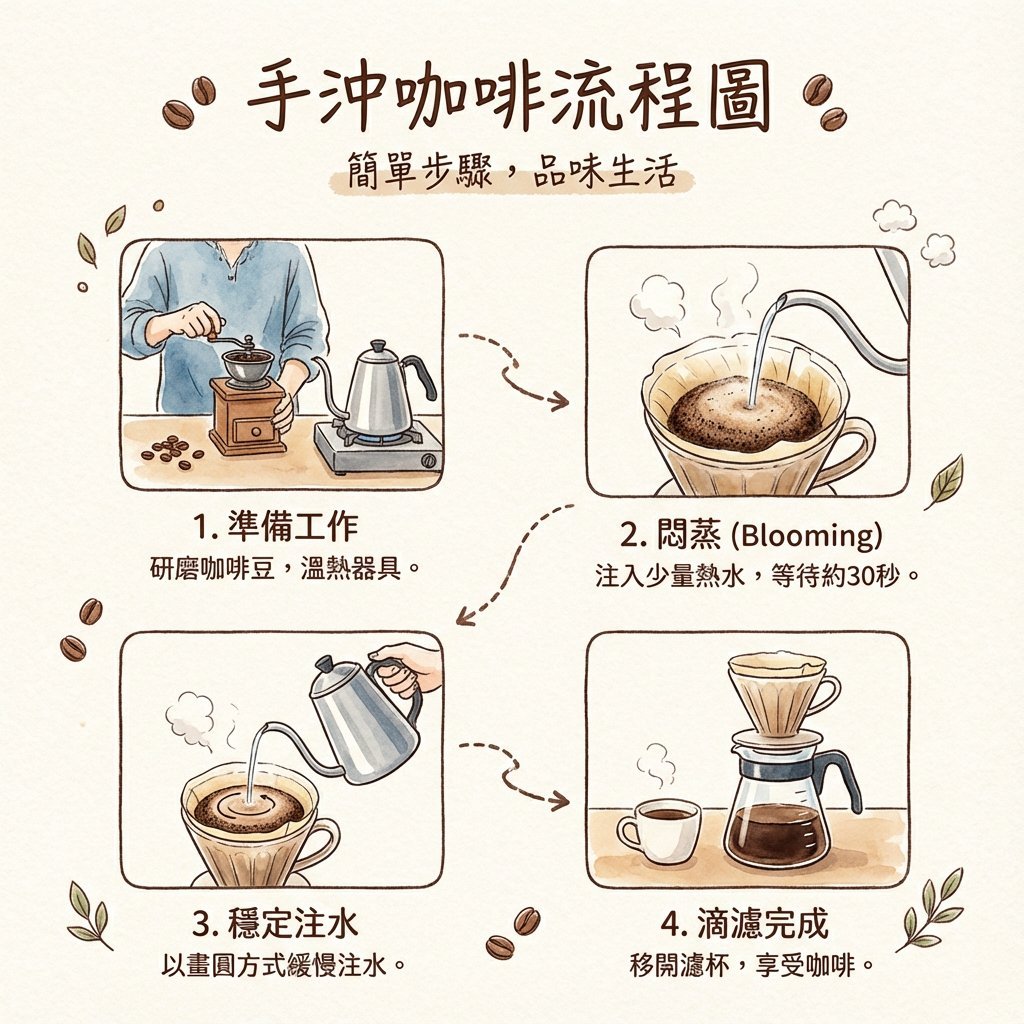
Hand drip coffee flowchart in Japanese magazine style
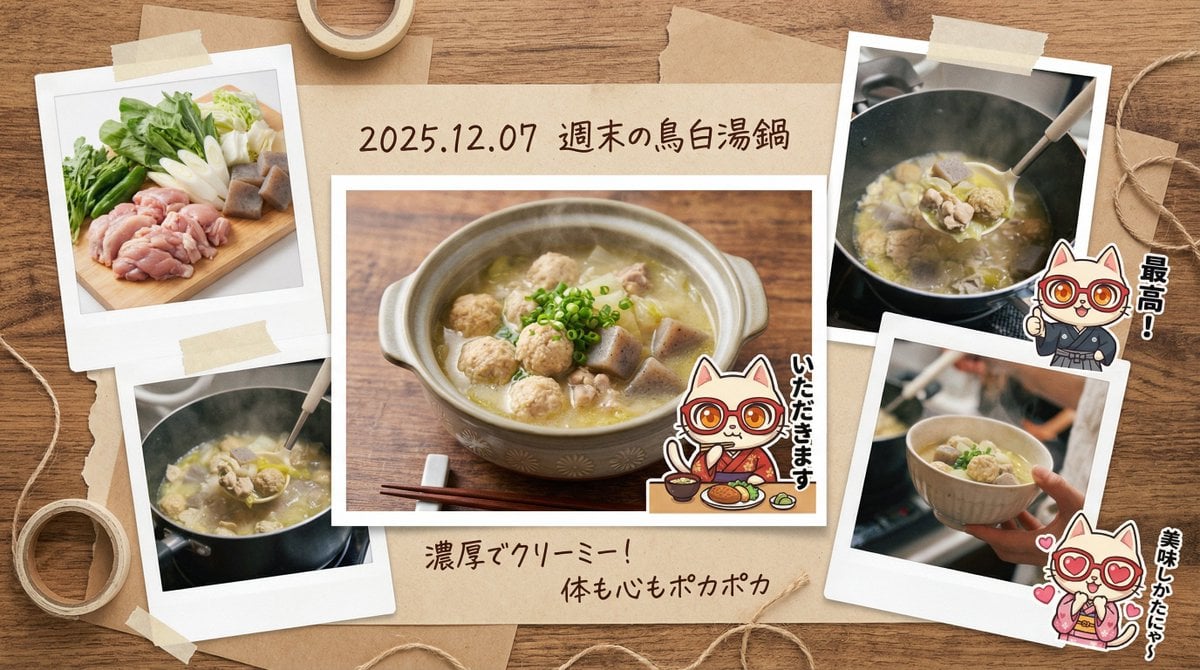
Japanese prompt for transforming a cooking photo into a scrapbook collage

Japanese Film Reflection Idol
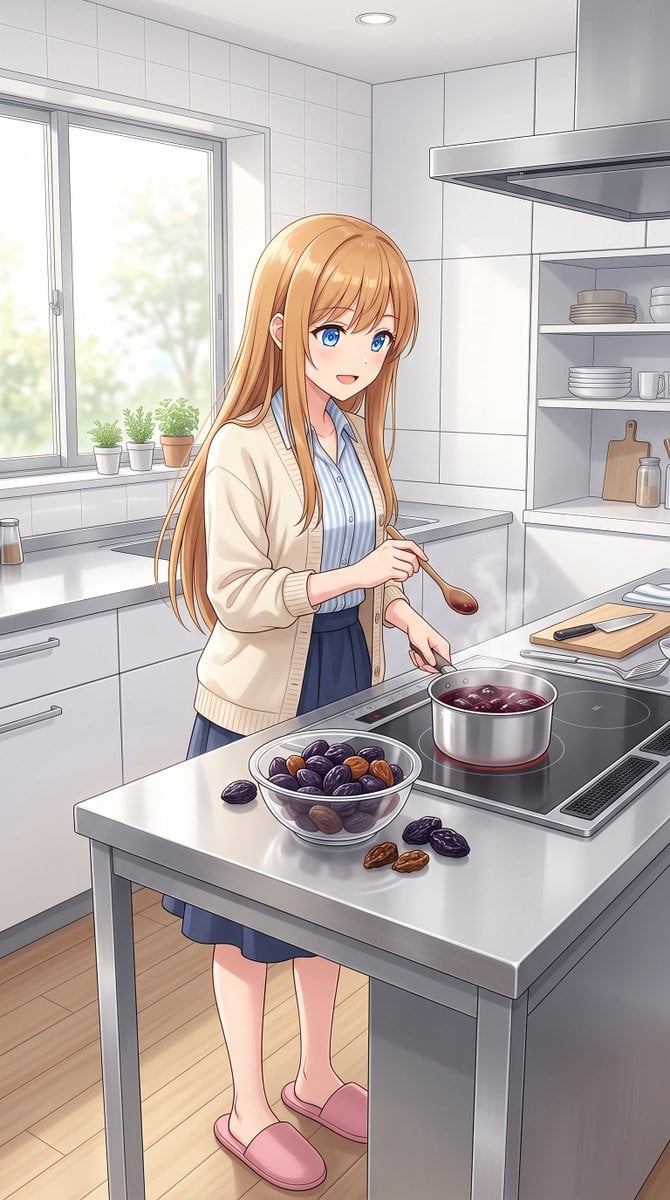
Anime Girl Cooking Prunes
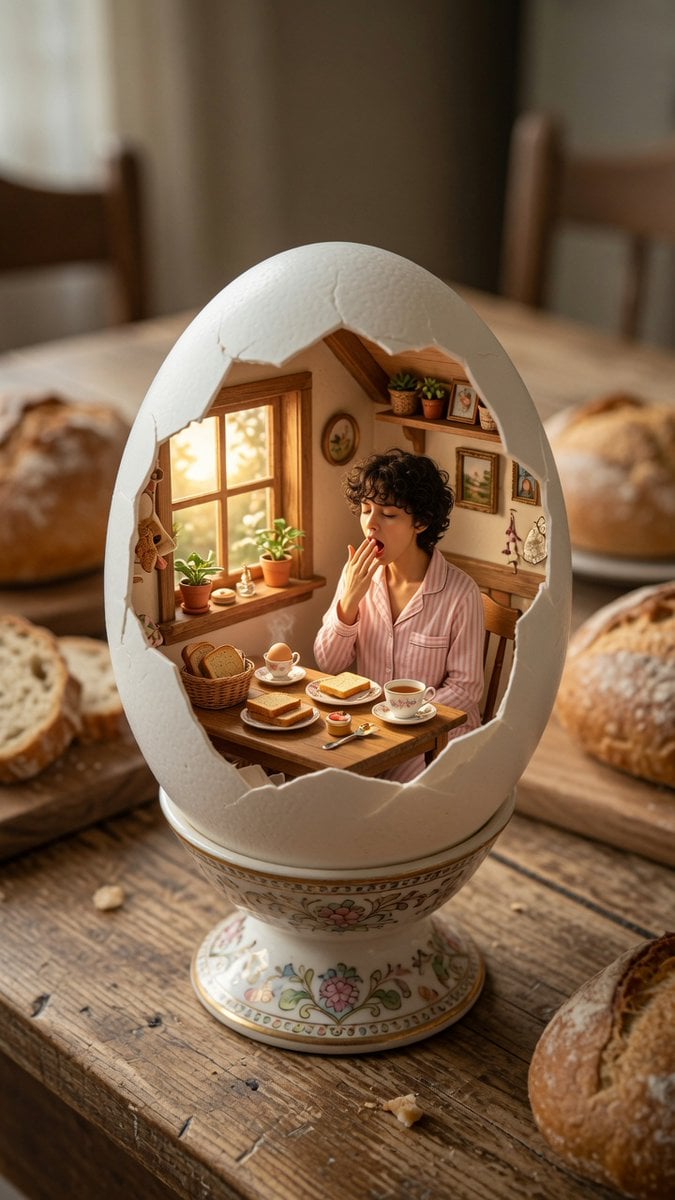
Miniature Breakfast Room Inside Eggshell
Make it yours
Japanese Egg Cooking Flowchart UI works as-is. These are the safest ways to change it without losing the look.
Change one field
Copy a single group, rewrite it, and generate again so you can see what that field is doing.
Keep the frame, change the subject
Hold the composition and light of Japanese Egg Cooking Flowchart UI, then swap wardrobe, props or the person for a new take.
| If the result… | Why | Fix |
|---|---|---|
| The result drifts from the preview | Too many fields changed at once. | Reuse Japanese Egg Cooking Flowchart UI as-is first, then change one group — subject, light, or setting. |
| The model over-stylizes the scene | The prose prompt leaves finish and camera underspecified. | Add one camera or lighting sentence and stay on GPT Image 2. |
More GPT Image 2 templates
Other prompts made for GPT Image 2.

Realistic Portrait of Woman and Deer

The Vista Modular Condo Poster

AI Model Routing Comparison Infographic

2.5D Anime Art Board

Isometric Productivity Desk Scene

New York Double Exposure Poster

Four-Panel AI Landscape Comparison

NESCAFÉ Coffee Map Poster

Brutalist Cogito Chinese Typography Poster

Cinematic Luxury Terrace Portrait
More image prompts
Fresh picks from across the catalog.
Convention Cosplay Outfit Prompt
Moonlit Yuri Wedding Poster
Sci-Fi VTOL Aircraft Technical Spec Sheet
Surreal Pepsi Pour Phone Composite
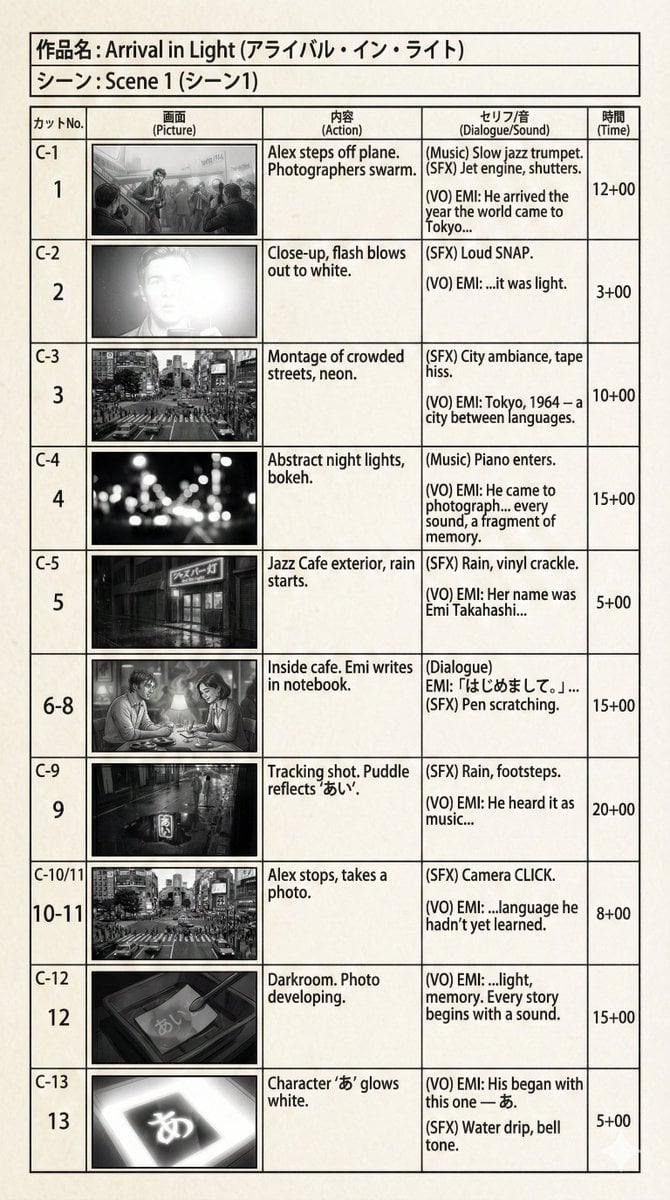
E-Konte (Japanese Storyboard) Generation
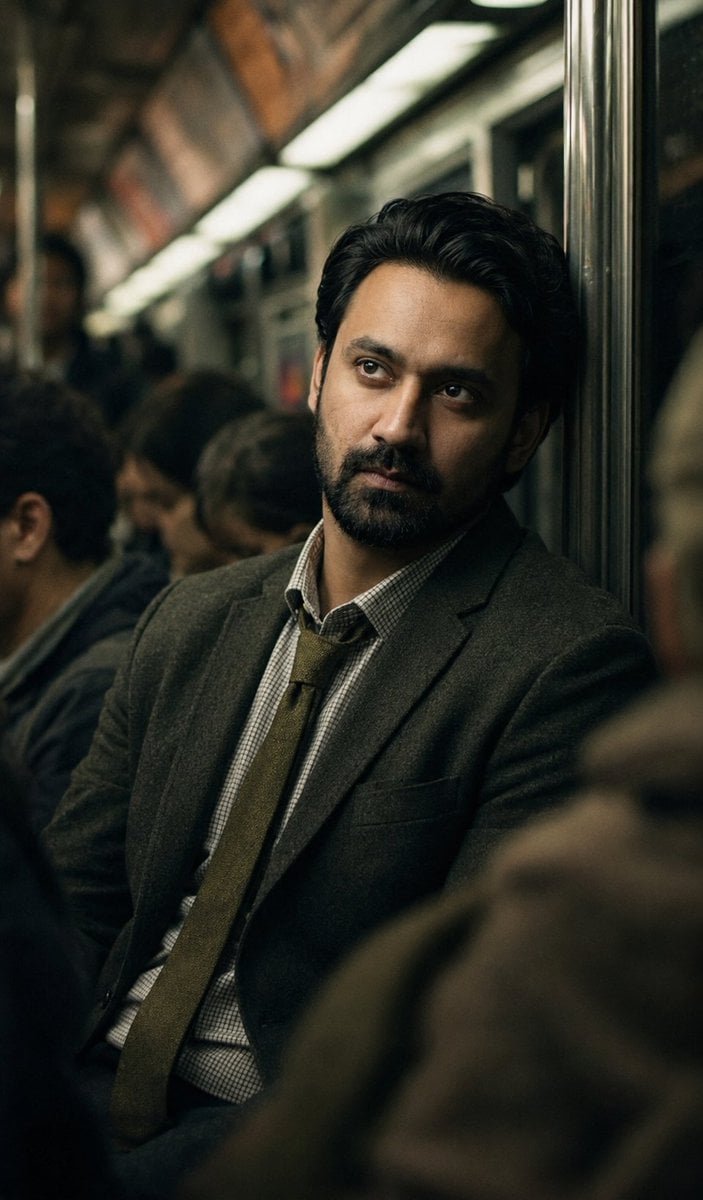
Melancholic Subway Commuter Portrait
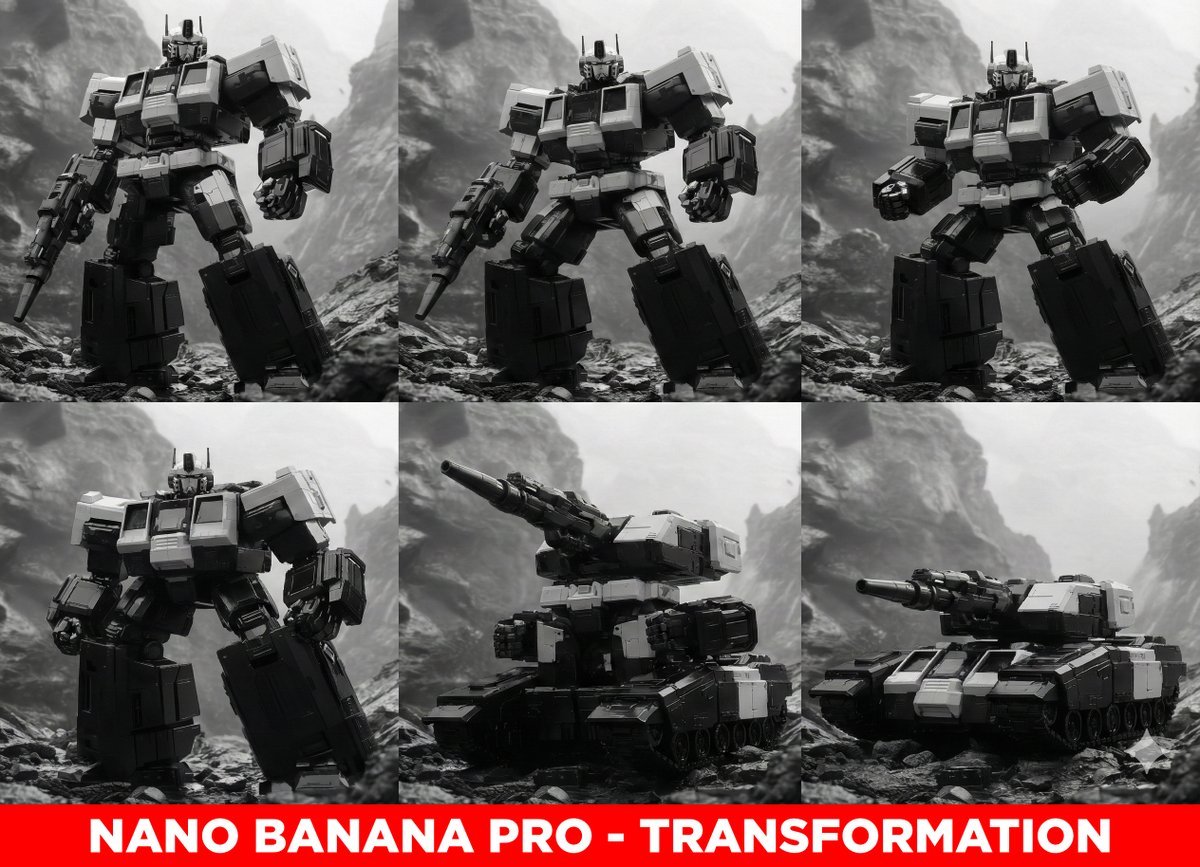
Midjourney Prompt for Transformers
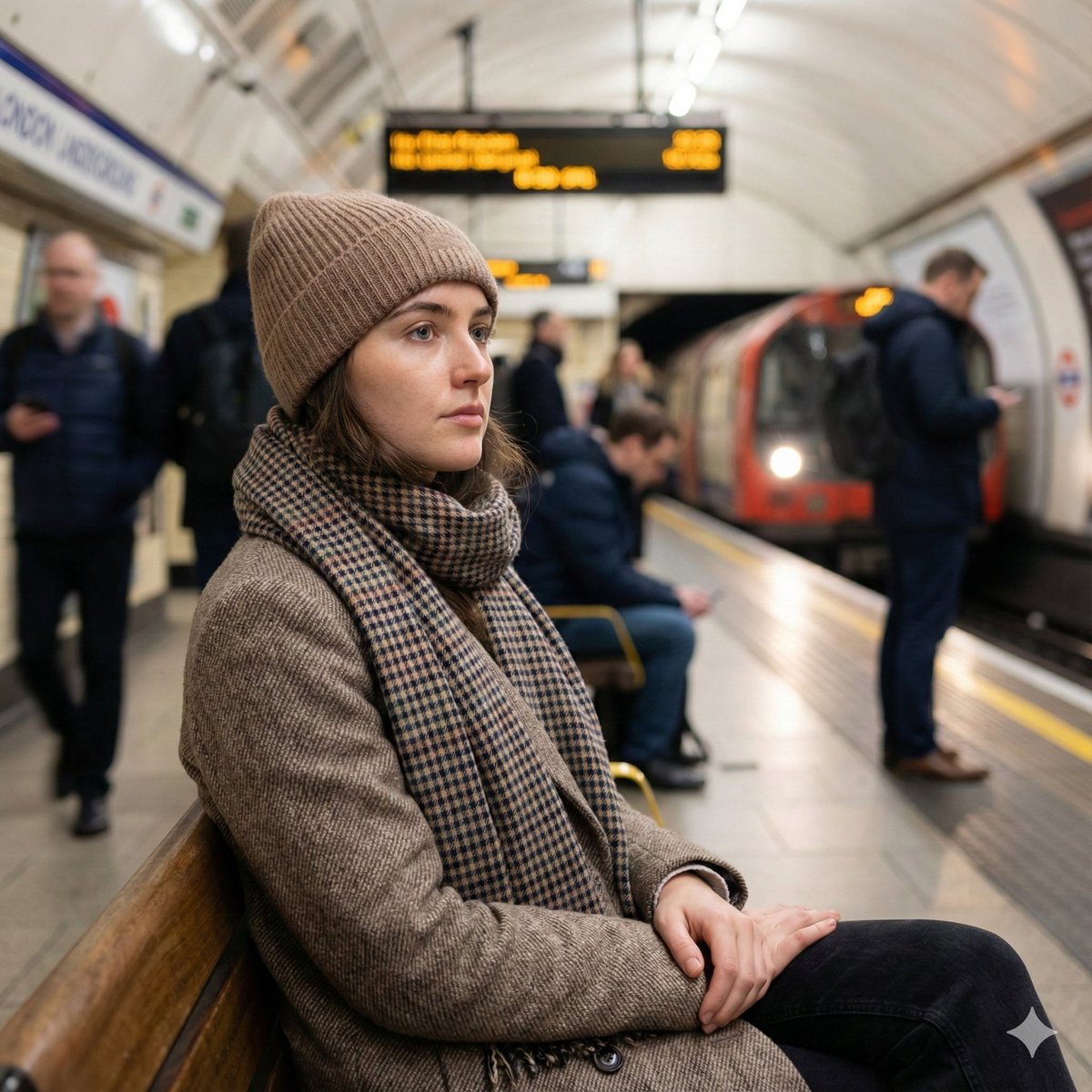
Introspective London Underground Portrait
Penrose Impossible Triangle Structure
Minimalist Symbolic Illustration in Handala Style
Browse template categories
Japanese Egg Cooking Flowchart UI questions
How do I use the Japanese Egg Cooking Flowchart UI template?
Add your photo if the template asks for one, edit the prompt if you like — the template's model and format are already selected — and press Generate. Your version opens in PicX Studio.
Can I customize the Japanese Egg Cooking Flowchart UI template?
Yes. You can change the subject, setting, lighting, mood, format, and available model controls before creating your image.
Is the Japanese Egg Cooking Flowchart UI template free?
Opening and editing this template is free. Generating uses credits, shown on the Generate button when you are signed in.
Which AI model should I use?
Start with GPT Image 2, which is the model associated with this template. You can compare another compatible model for a different finish.
Looking for something else? Browse all templates.

Your photo, any look
Thousands of ready templates for every top image and video model, from one credit balance.