
Convention Cosplay Outfit Prompt
A highly detailed, structured prompt for generating an image of a young woman posing confidently in an elaborate black lace and leather-inspired outfit at an indoor convention hall.
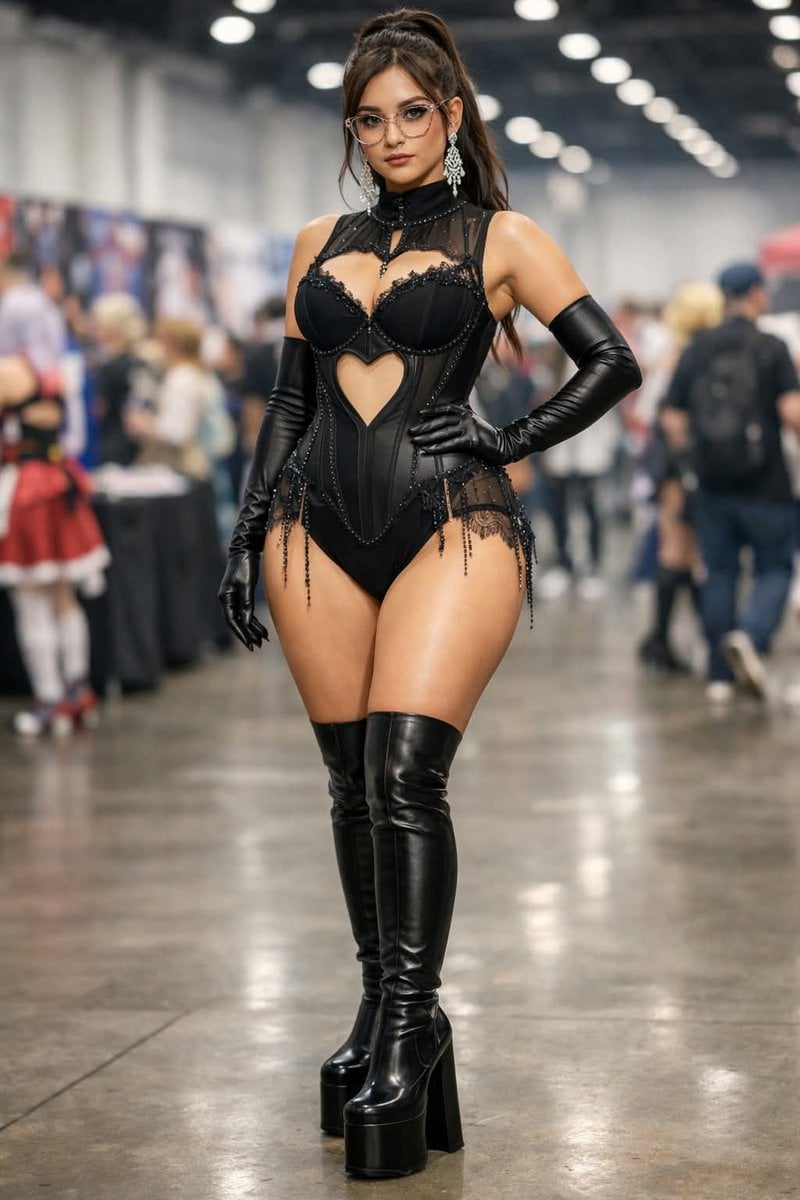
- Prompt included
- Model and format preset
- Free template
The prompt behind this image
Copy the exact prompt behind Convention Cosplay Outfit Prompt, or open it in the studio and make it yours.
{ "scene_description": "A young woman posing confidently at what appears to be a convention or expo hall, wearing an elaborate black lace and leather-inspired outfit with thigh-high platform boots and long gloves. She stands in the center of a large indoor venue with blurred attendees and booths in the background.", "characters": [ { "name": "Unknown", "age": "Early to mid 20s", "gender": "Female", "ethnicity": "Unclear (possibly Latina or mixed ethnicity)", "skin_tone": "Light to medium tan", "hair": { "style": "Long, straight hair pulled into a high ponytail with volume at the crown", "color": "Dark brown" }, "clothing": { "head": "No hat; wearing large clear-framed eyeglasses", "torso": "Black lace and mesh bodysuit with structured bra cups, high neckline collar detail, heart-shaped cutout at the midriff, decorative beading and lace trim", "legs": "Sheer black lace panels at hips with dangling bead accents", "feet": "Black thigh-high platform boots with very high chunky heels", "materials": ["lace", "mesh", "leather or faux leather", "synthetic stretch fabric", "metal beading"] }, "pose": "Standing upright with one hand resting on her hip and the other relaxed at her side, legs slightly apart in a confident stance", "facial_expression": "Neutral to confident expression, lips slightly pursed, direct eye contact with the camera", "accessories": [ "Large dangling silver chandelier earrings", "Clear-framed eyeglasses", "Long black opera gloves extending above the elbows" ], "held_objects": [], "position_in_scene": "Foreground, center", "emotions": ["confident", "poised", "self-assured"] } ], "environment": { "setting": "Indoor convention or expo hall", "background_elements": [ "Blurred crowd of attendees walking", "Vendor booths with banners and posters", "Tables covered with cloths", "Large open walkway" ], "architectural_features": [ "High industrial ceiling", "Rows of ceiling lights", "Polished concrete floor" ], "weather": "Not visible (indoor setting)", "lighting": { "type": "Artificial", "sources": ["Overhead ceiling lights"], "shadows": "Soft and diffused beneath subject", "reflections": "Subtle reflections on polished floor and glossy boots" }, "atmosphere": "Busy but blurred, convention ambiance with shallow depth of field" }, "objects": [ { "name": "Convention Booths", "type": "Furniture/Display", "position": "Background, left and right", "appearance": "Tables with banners and vertical posters behind them", "materials": ["fabric tablecloth", "vinyl banners", "paper posters"], "interaction": "No direct interaction" }, { "name": "Overhead Lights", "typ
How to use Convention Cosplay Outfit Prompt in 3 steps
- 1
Open
The prompt is already in the box next to the preview, with the template's model and format selected.
- 2…a portrait of your subject in softgolden-hour light, 85mm…
Personalize
Edit the subject and creative details for your destination.
- 3Generate
Generate
Press Generate — your image is created in PicX Studio, so you can compare it with the original and refine one variable at a time.
More like this
Templates with the same subject, style or setup. Open one to see its prompt.
Anime Cosplayer Convention Photography
Cosplayer Portrait at Convention
Seedance - Character Transition
Cosplay Girl with Manga Graffiti Shadow
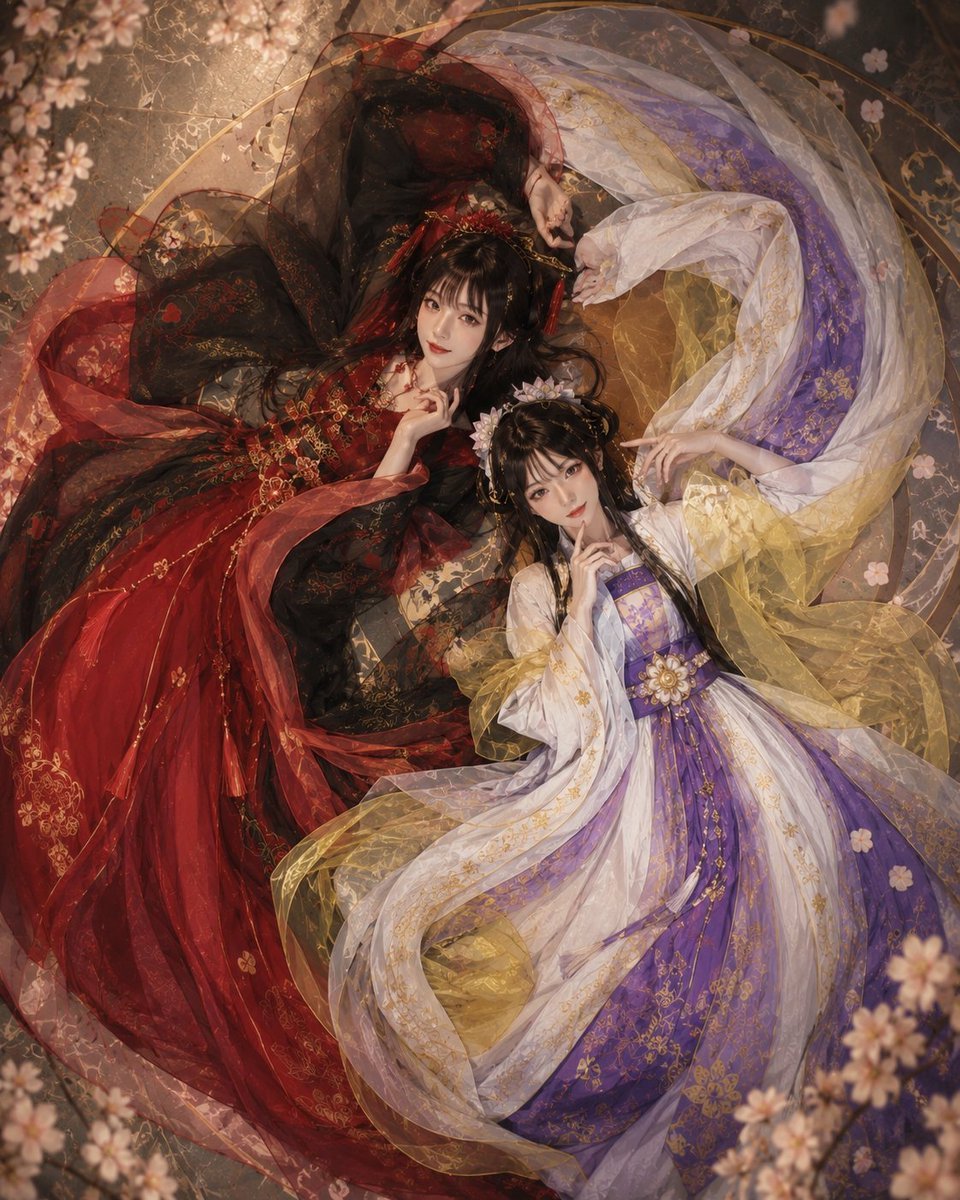
Overhead Fantasy Hanfu Cosplay Duo
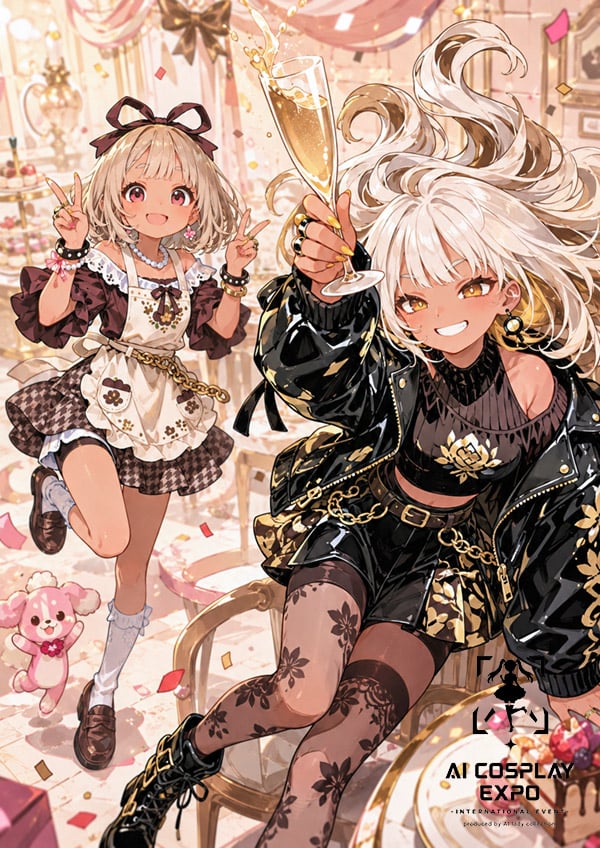
Faceless Anime Cosplay Expo Duo
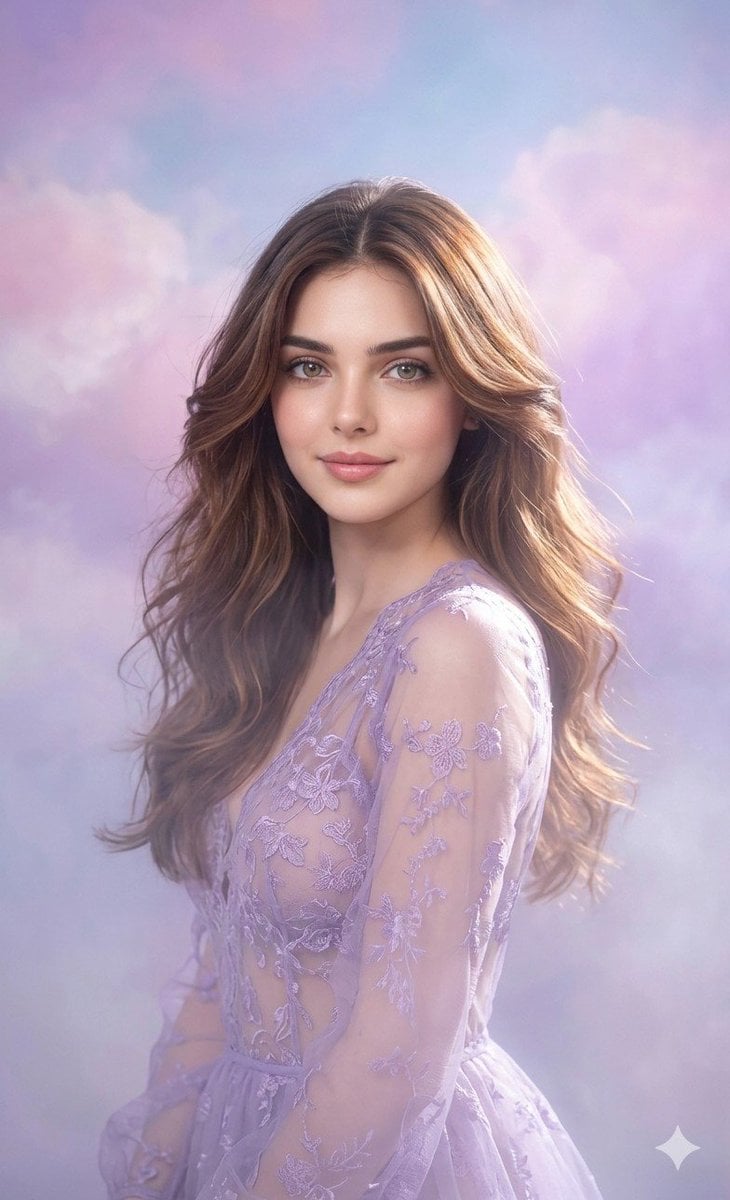
Lavender Outfit Fine-Art Portrait
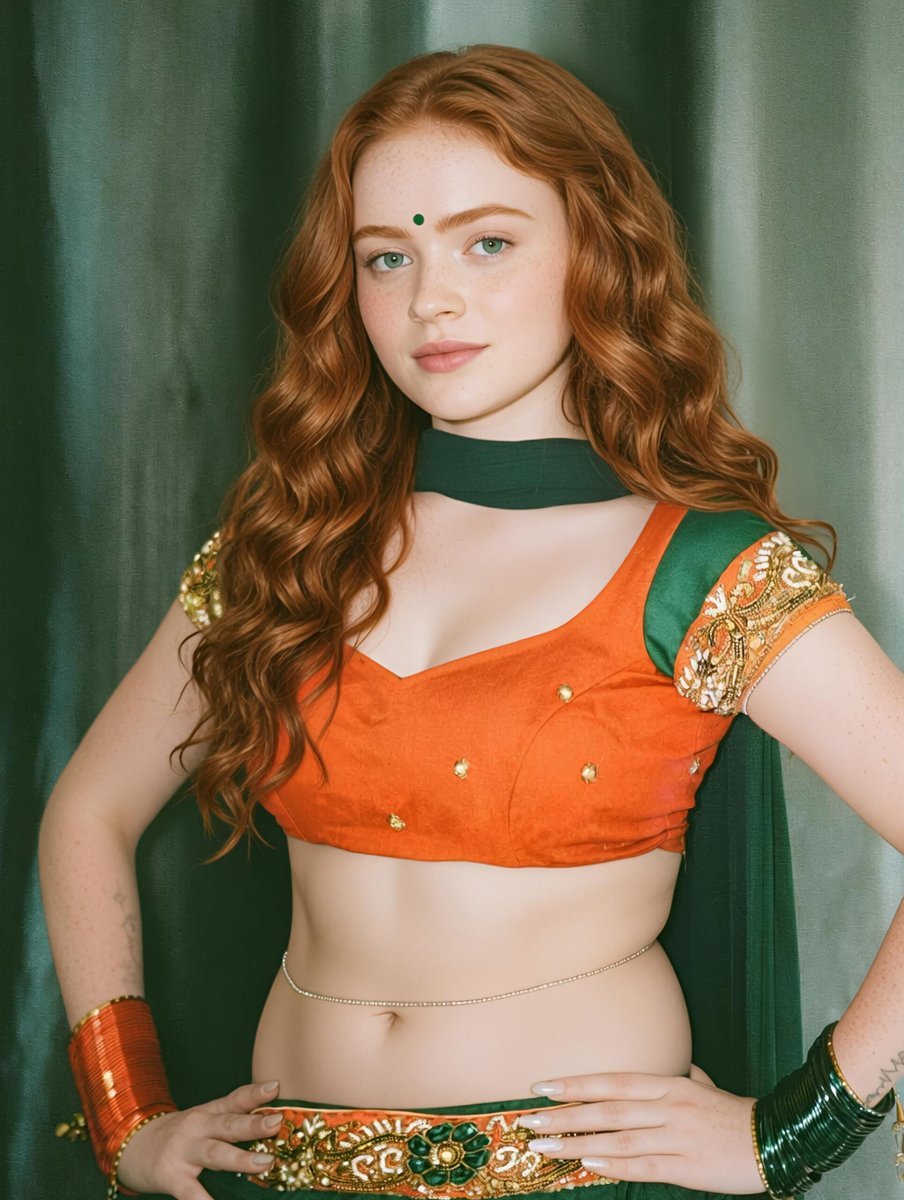
Traditional Indian Outfit Portrait
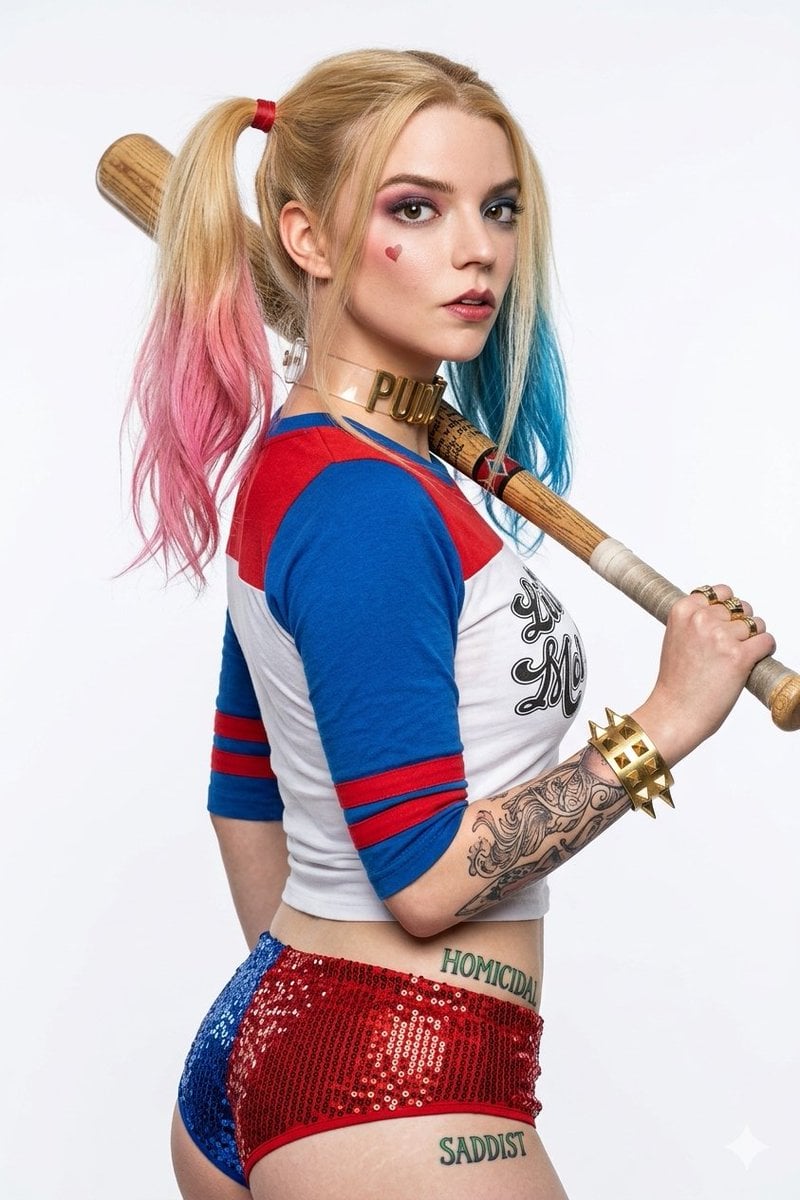
Harley Quinn Cosplay Enhancer
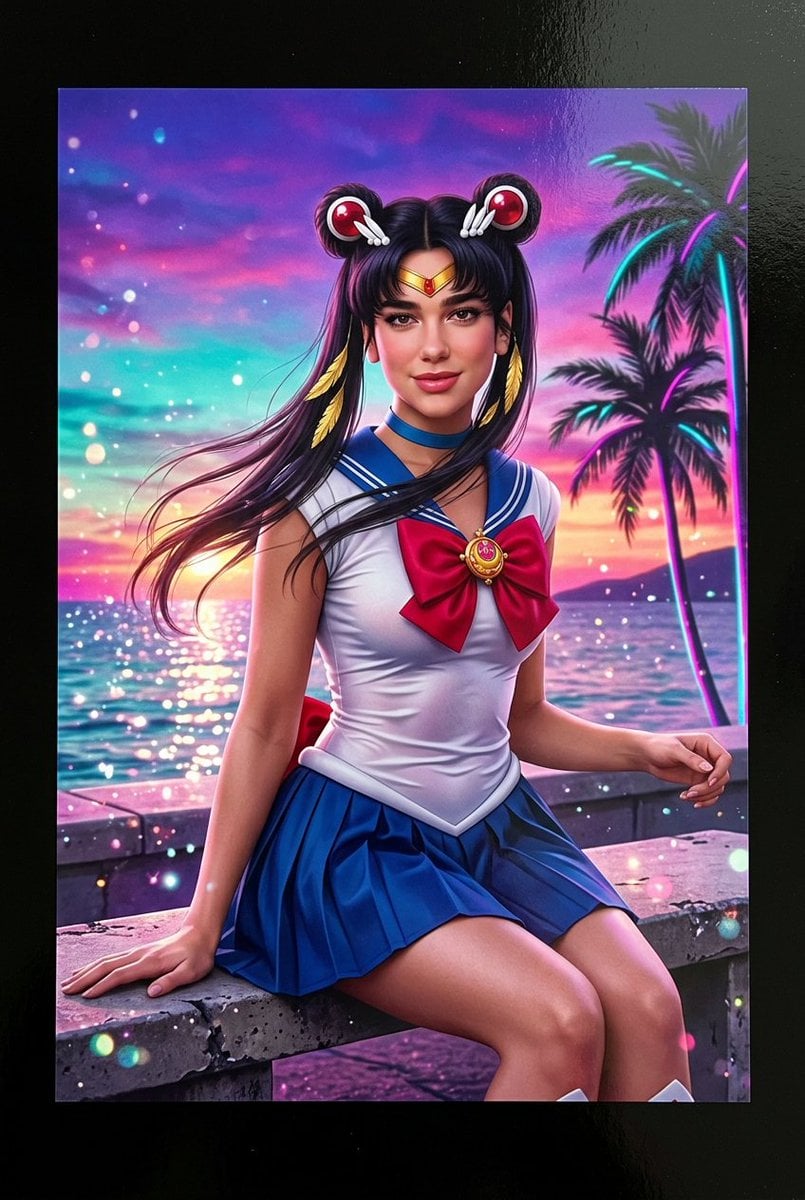
Lifelike Sailor Moon Cosplay
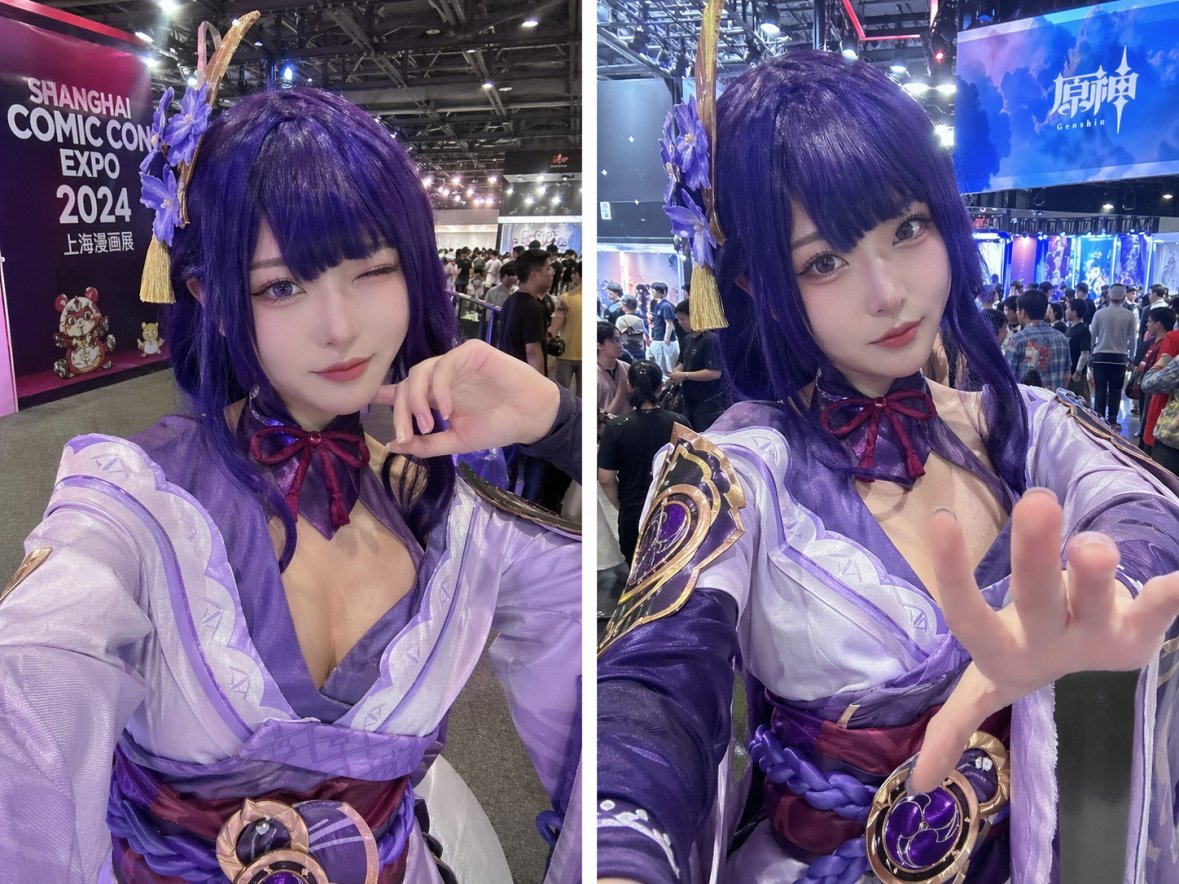
Cosplay Selfie Prompt
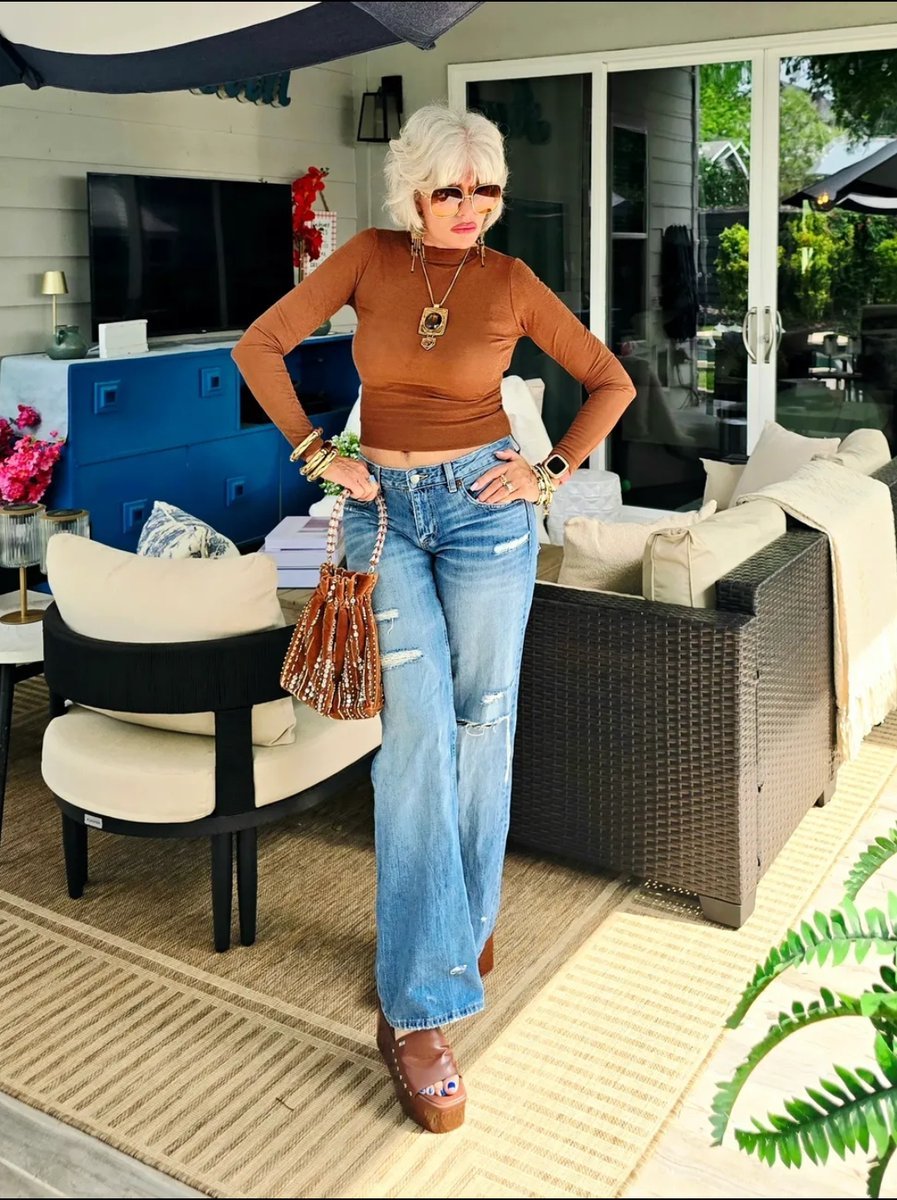
Chic Patio Outfit Photo
Make it yours
Convention Cosplay Outfit Prompt works as-is. These are the safest ways to change it without losing the look.
Change one field
Copy a single group, rewrite it, and generate again so you can see what that field is doing.
Keep the frame, change the subject
Hold the composition and light of Convention Cosplay Outfit Prompt, then swap wardrobe, props or the person for a new take.
| If the result… | Why | Fix |
|---|---|---|
| The result drifts from the preview | Too many fields changed at once. | Reuse Convention Cosplay Outfit Prompt as-is first, then change one group — subject, light, or setting. |
| The model over-stylizes the scene | The prose prompt leaves finish and camera underspecified. | Add one camera or lighting sentence and stay on Nano Banana 2. |
More Nano Banana 2 templates
Other prompts made for Nano Banana 2.

Photorealistic Leaf Shaped Like a Dragon

K-Pop Idol Portrait Grid for Rapid Selection

Poetic Rain Forest Portrait During Golden Hour

Urban Street Portrait with Cartoon Inner Self Duo

Candid Nighttime Photo with Cat Prompt

High-Concept 3D Diorama Generation Prompt

Cinematic Futuristic Studio Portrait Template

Skincare Editorial Photography Collage Prompt

Hyper-Realistic Commercial Product Photography (Splash Effect)

Hyper-Realistic Nightclub Portrait Prompt
More image prompts
Fresh picks from across the catalog.

Iridescent Bubble Object Generation
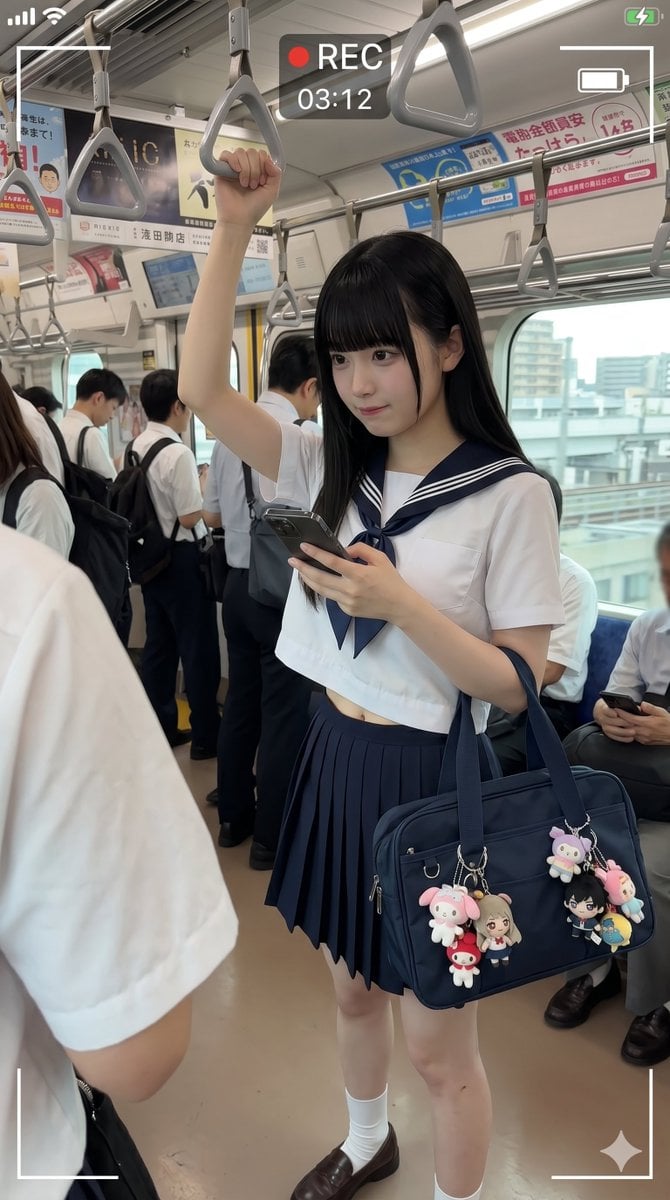
Japanese Train Schoolgirl Phone Recording
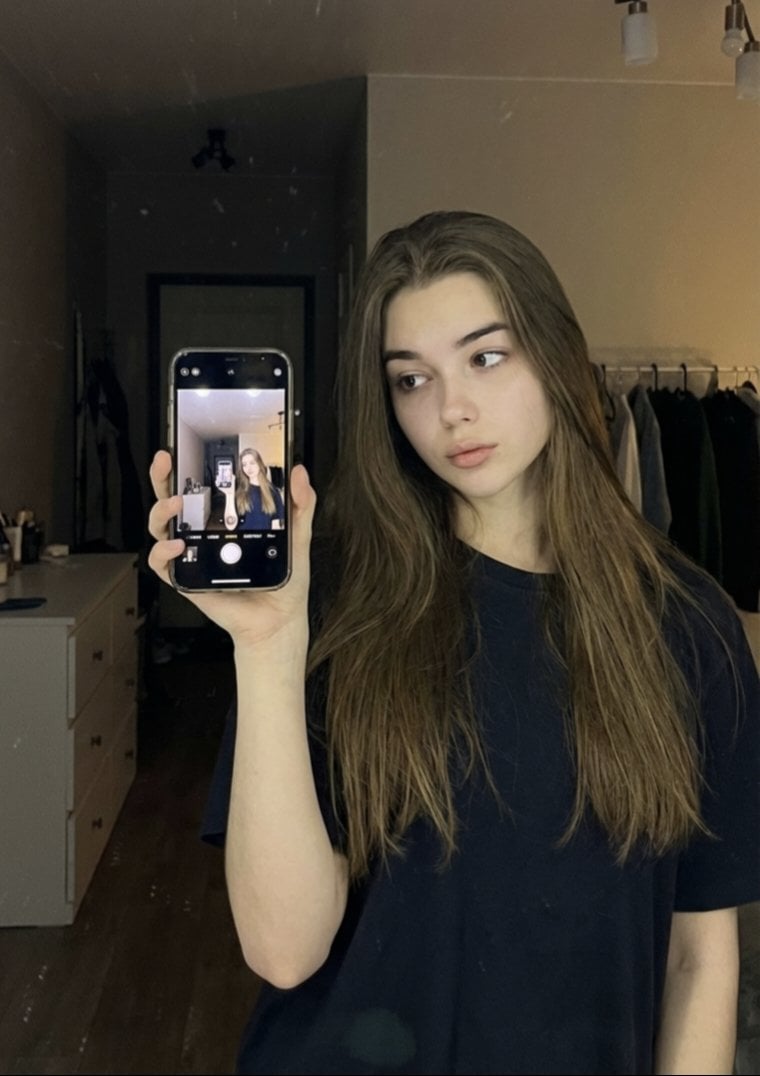
Detailed JSON Prompt for Mirror Selfie Portrait
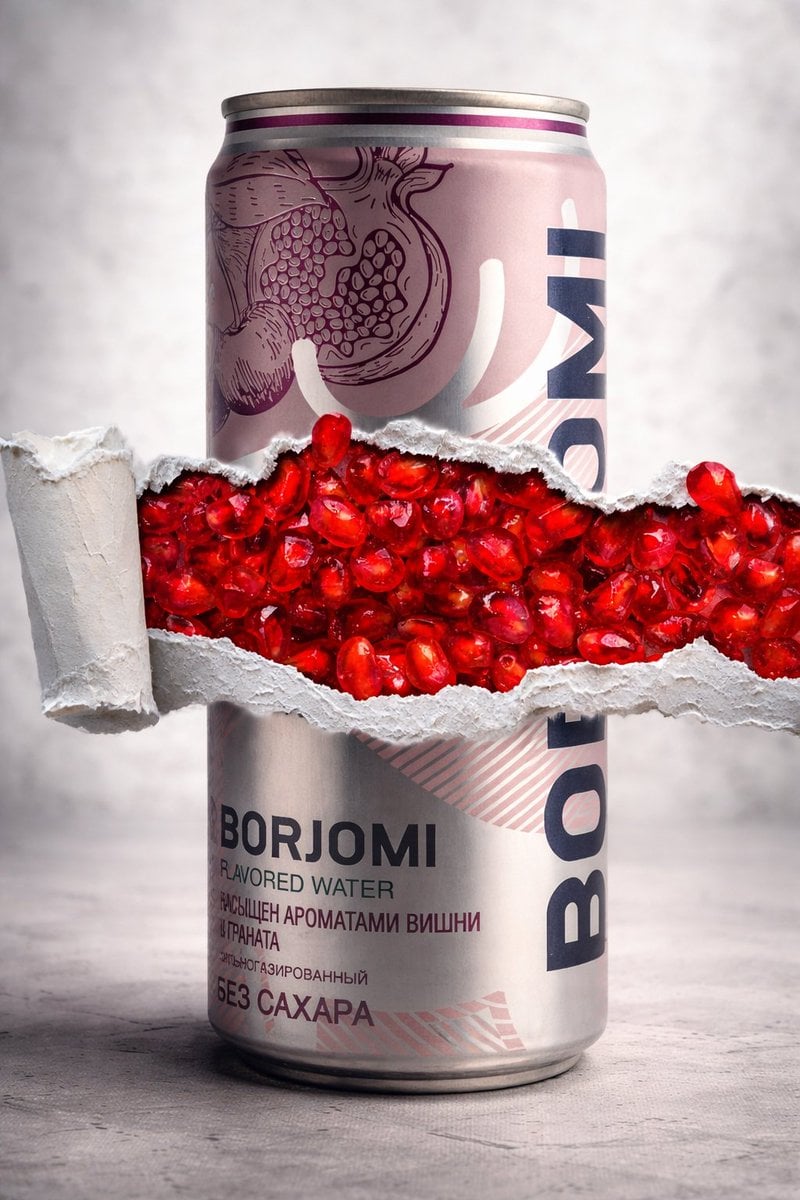
8K Product Photography with Conceptual Cutaway (Borjomi)
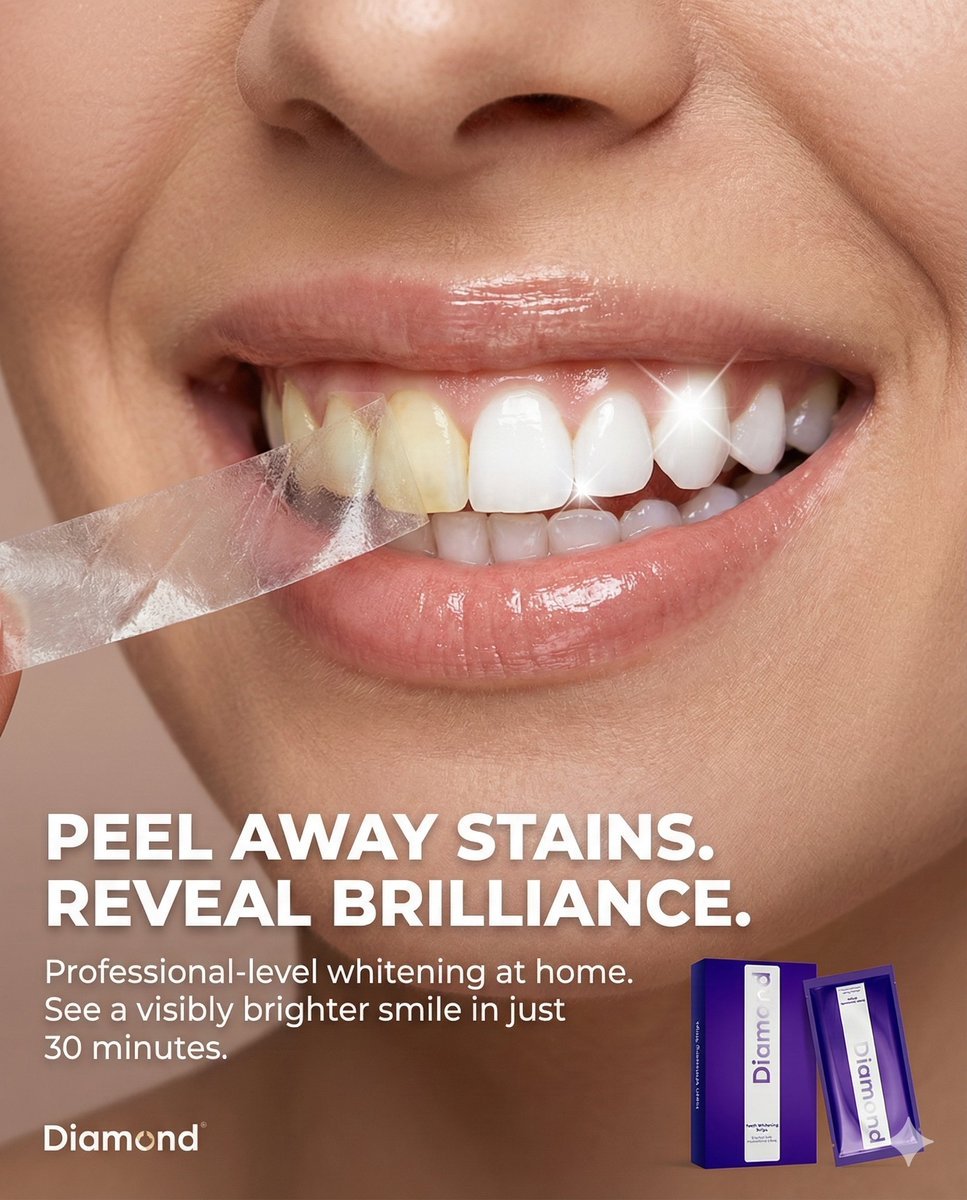
Macro Beauty Ad for Teeth Whitening Strips with Peeling Effect
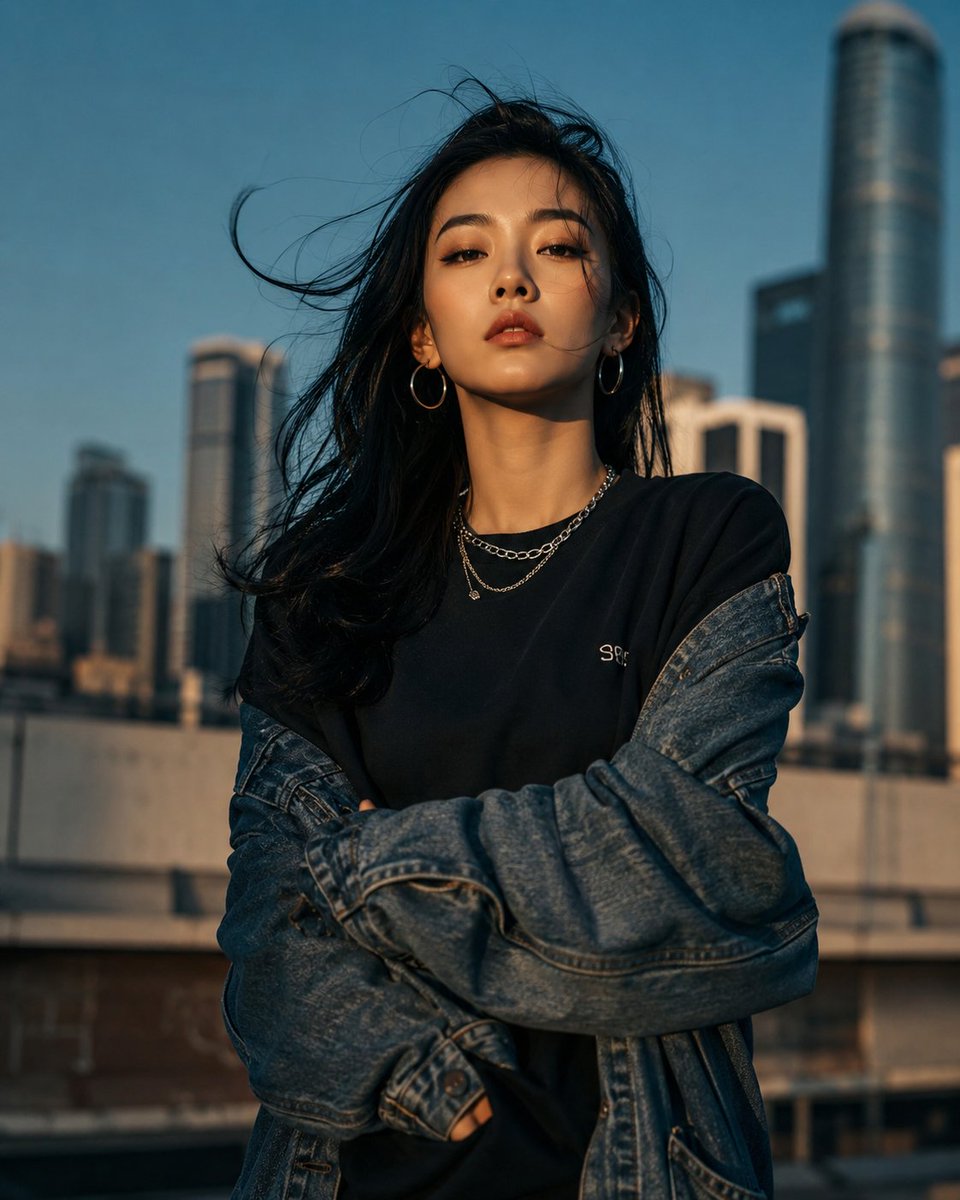
Urban Urban Fashion Cinematic Portrait
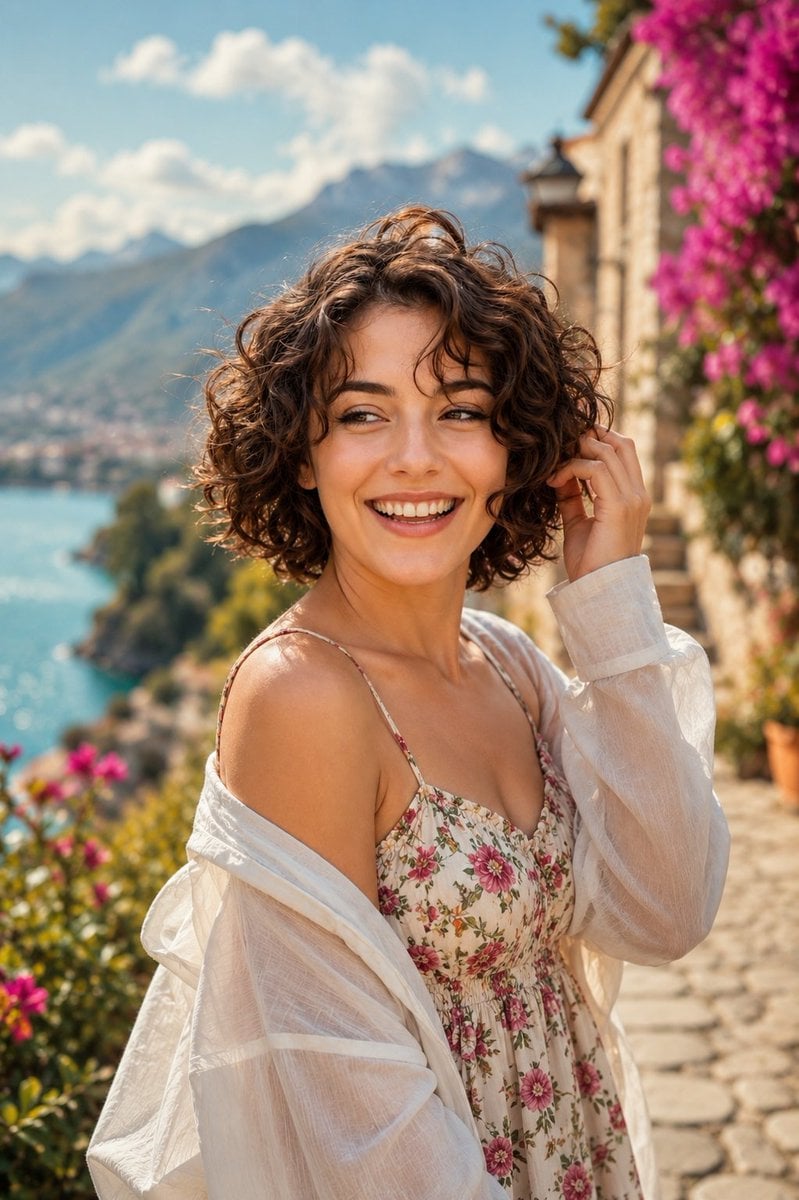
Mediterranean Lakeside Travel Editorial
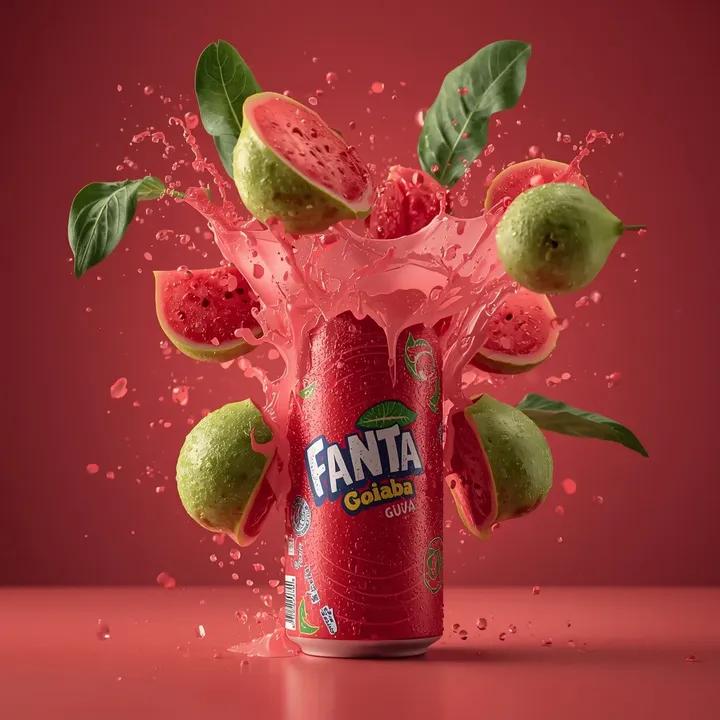
Exploding Fanta Goiaba Soda Can Product Shot
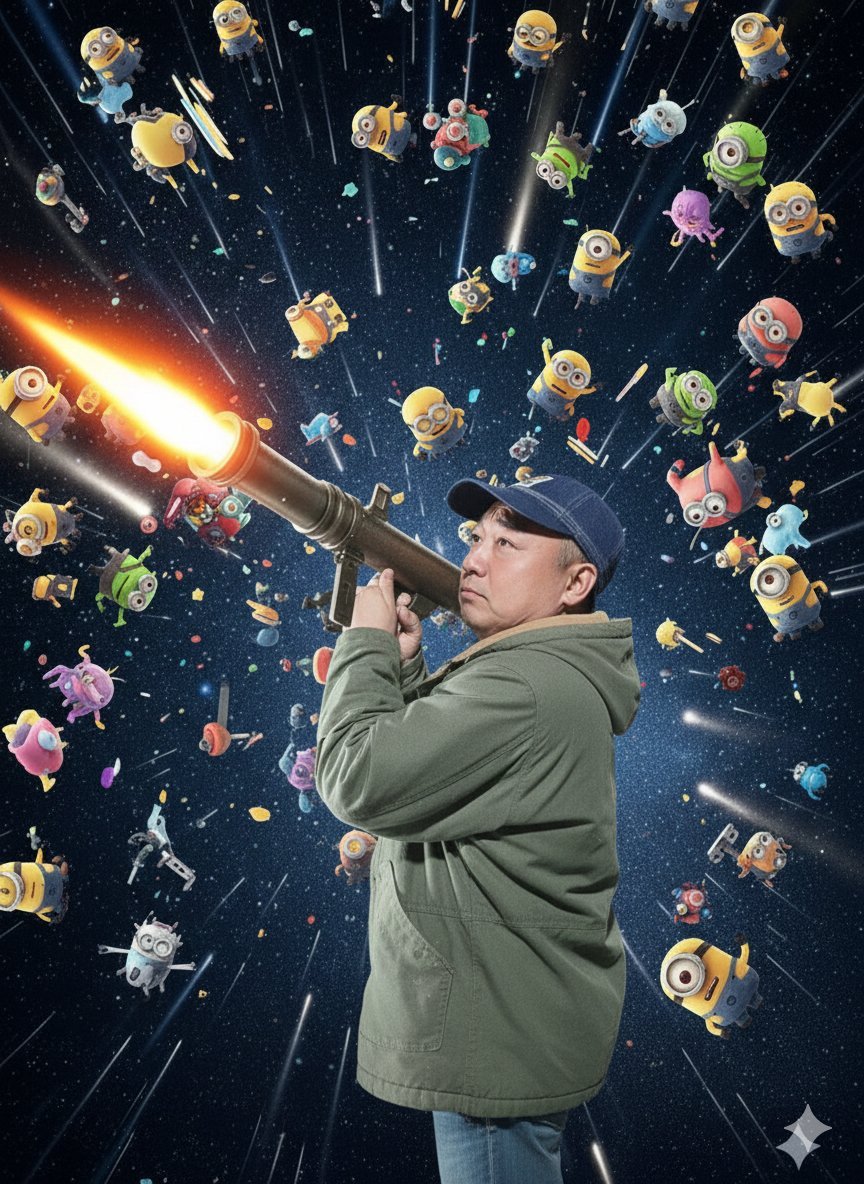
Nano Banana Pro Rocket Launcher Action Prompt
Surreal Physics Dystopia Image Generation Prompt
Browse template categories
Convention Cosplay Outfit Prompt questions
How do I use the Convention Cosplay Outfit Prompt template?
Add your photo if the template asks for one, edit the prompt if you like — the template's model and format are already selected — and press Generate. Your version opens in PicX Studio.
Can I customize the Convention Cosplay Outfit Prompt template?
Yes. You can change the subject, setting, lighting, mood, format, and available model controls before creating your image.
Is the Convention Cosplay Outfit Prompt template free?
Opening and editing this template is free. Generating uses credits, shown on the Generate button when you are signed in.
Which AI model should I use?
Start with Nano Banana 2, which is the model associated with this template. You can compare another compatible model for a different finish.
Looking for something else? Browse all templates.

Your photo, any look
Thousands of ready templates for every top image and video model, from one credit balance.