
Japanese Train Schoolgirl Phone Recording
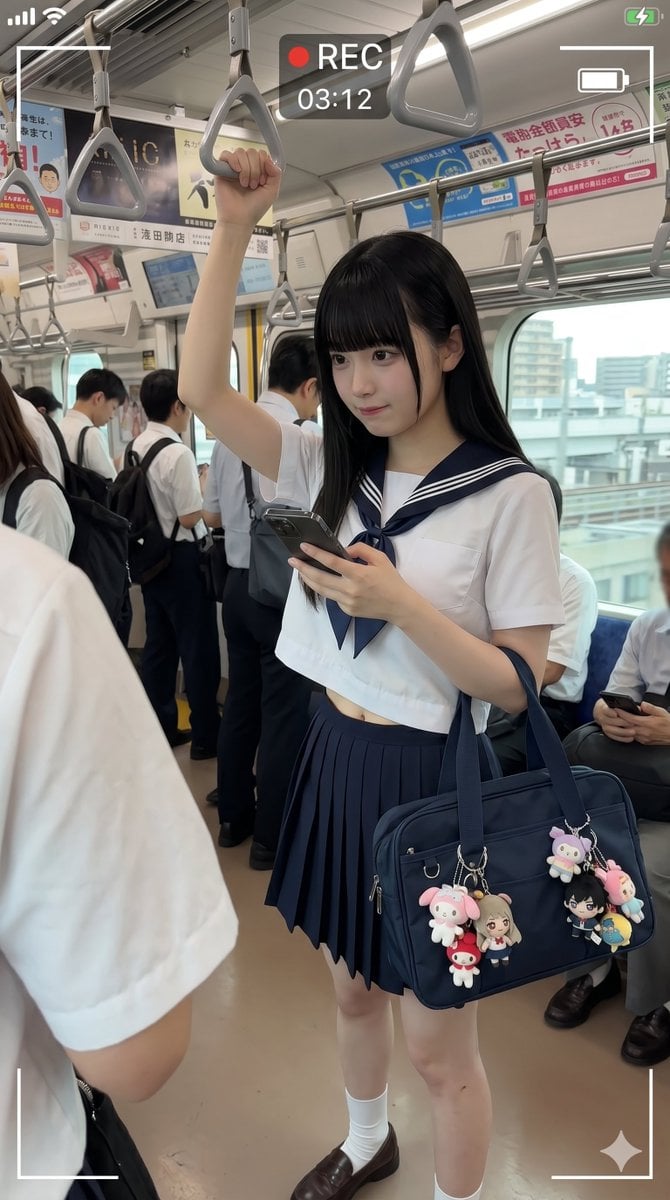
Generates a realistic vertical smartphone-style recording still of a censored schoolgirl commuter inside a crowded Japanese train.
- Prompt included
- Model and format preset
- Free template
The prompt behind this image
Copy the exact prompt behind Japanese Train Schoolgirl Phone Recording, or open it in the studio and make it yours.
Create a photorealistic vertical smartphone candid photo inside a busy Japanese commuter train, shot from standing passenger height with a wide-angle phone lens. The main subject is {argument name="character description" default="a Japanese high school girl with long straight black hair"} standing in the aisle, wearing a classic navy-and-white sailor school uniform: short-sleeve white cropped sailor blouse with navy collar and double white stripes, navy neckerchief, navy pleated skirt, white crew socks, and brown loafers. Her face is intentionally hidden by a centered soft-edged square pixel blur/mosaic censor block. She raises her left arm to hold one gray triangular overhead train strap and looks downward while holding a dark smartphone in her right hand. On her shoulder is {argument name="bag description" default="a navy rectangular school shoulder bag"} decorated with exactly 5 visible dangling character charms: a pink bunny plush, a small red mushroom-like mascot, a blonde anime girl doll, a black-haired anime boy doll, and a pink-and-blue pastel plush on the far right. Surround her with other commuters in white shirts and school uniforms, some standing and some seated, with their faces blurred; include train windows showing an urban city view outside, metal poles, fluorescent ceiling lights, Japanese ad posters above the windows, and many gray triangular hanging straps receding into the background. Add a realistic phone video recording overlay: white corner frame brackets, a red dot and “REC” at the top center, timer text {argument name="recording time" default="03:12"}, small phone status icons at the top corners, and a small sparkle icon near the bottom right. Lighting should be natural daylight mixed with train interior fluorescent light, highly realistic, slightly compressed social-media photo quality, candid documentary mood, no glamour posing, no watermark.
How to use Japanese Train Schoolgirl Phone Recording in 3 steps
- 1Upload ImagePNG, JPG or paste
Add your photo
Upload the photo the template builds on. The prompt, model and format are already set.
- 2…a portrait of your subject in softgolden-hour light, 85mm…
Personalize
Edit the subject and creative details for your destination.
- 3Generate
Generate
Press Generate — your image is created in PicX Studio, so you can compare it with the original and refine one variable at a time.
More like this
Templates with the same subject, style or setup. Open one to see its prompt.

Minecraft Japanese Research Lab Exploration
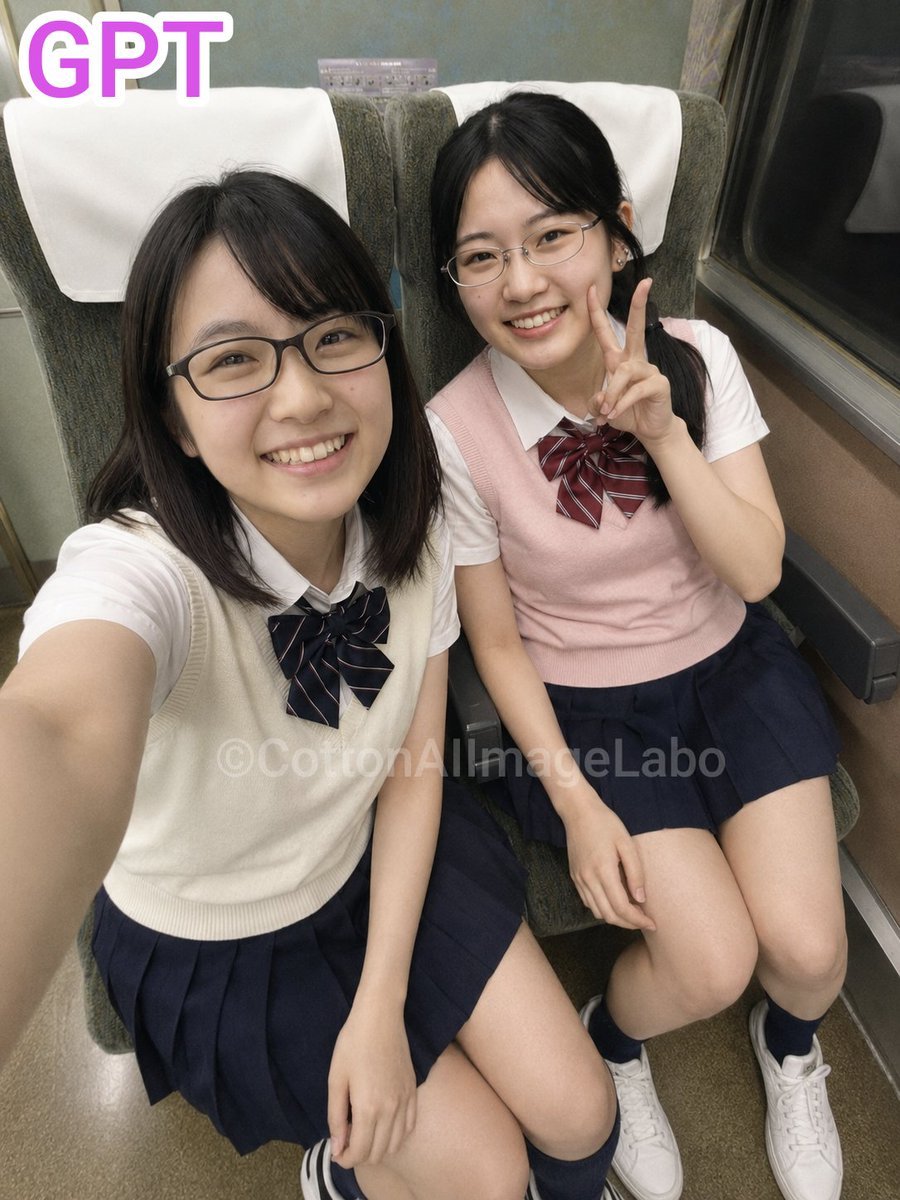
Japanese Train Selfie Girls

Japanese Architectural Concrete Studio Fashion Campaign

Japanese Minimalist Concrete Studio Fashion Editorial

Blue Backdrop Luxury Fashion Portrait Campaign
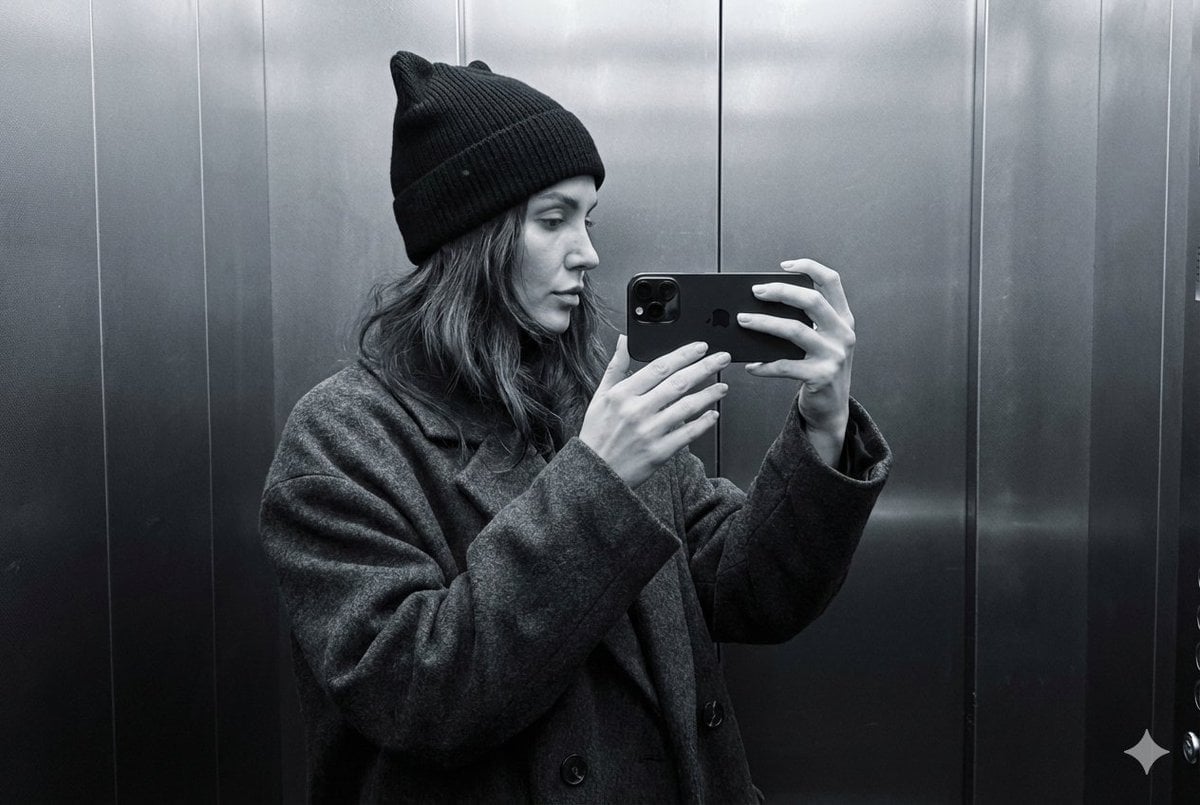
Monochrome Elevator Profile Cat Ear Selfie

Dark Marble Bathroom Racing Jacket Mirror Selfie
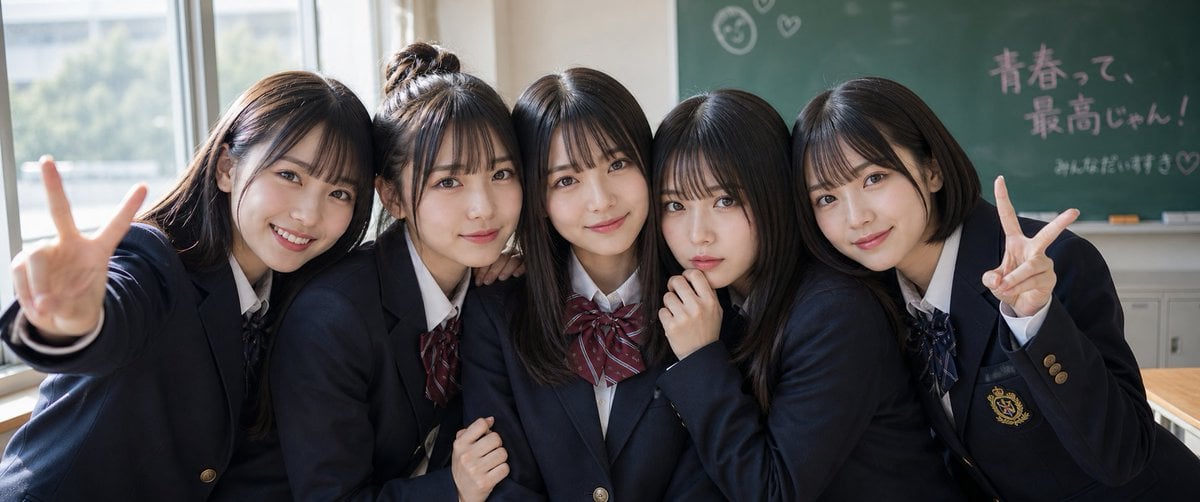
Japanese Schoolgirls Ultra Wide Wallpaper
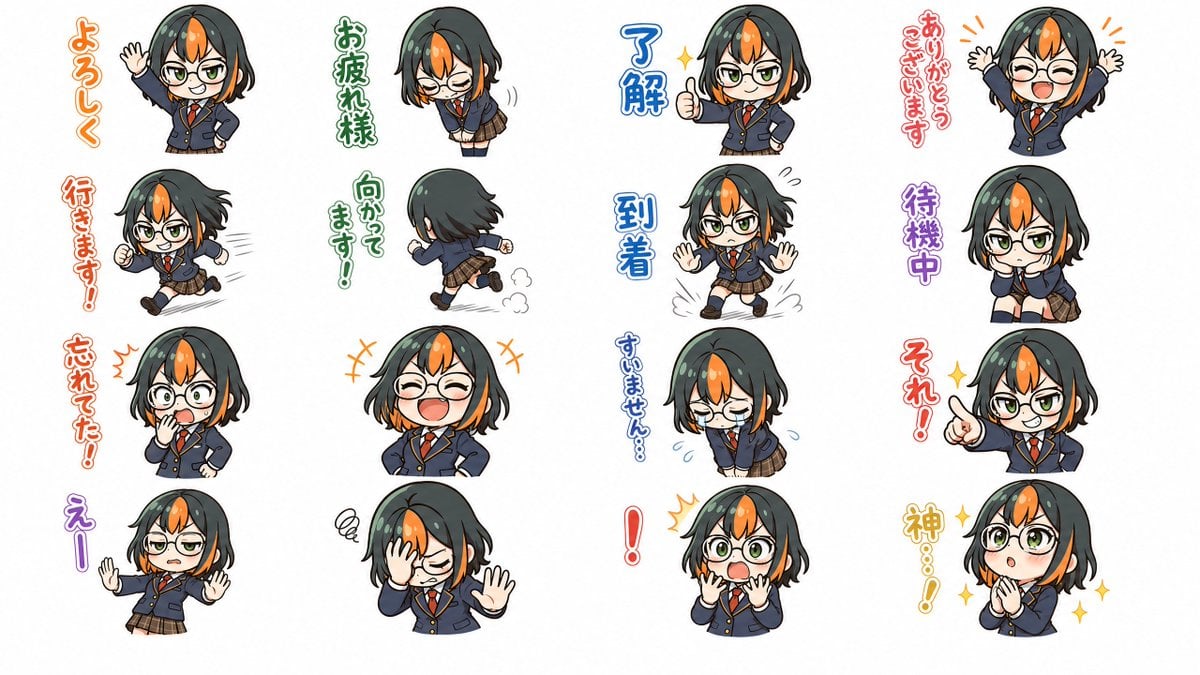
Chibi Japanese Schoolgirl Sticker Sheet
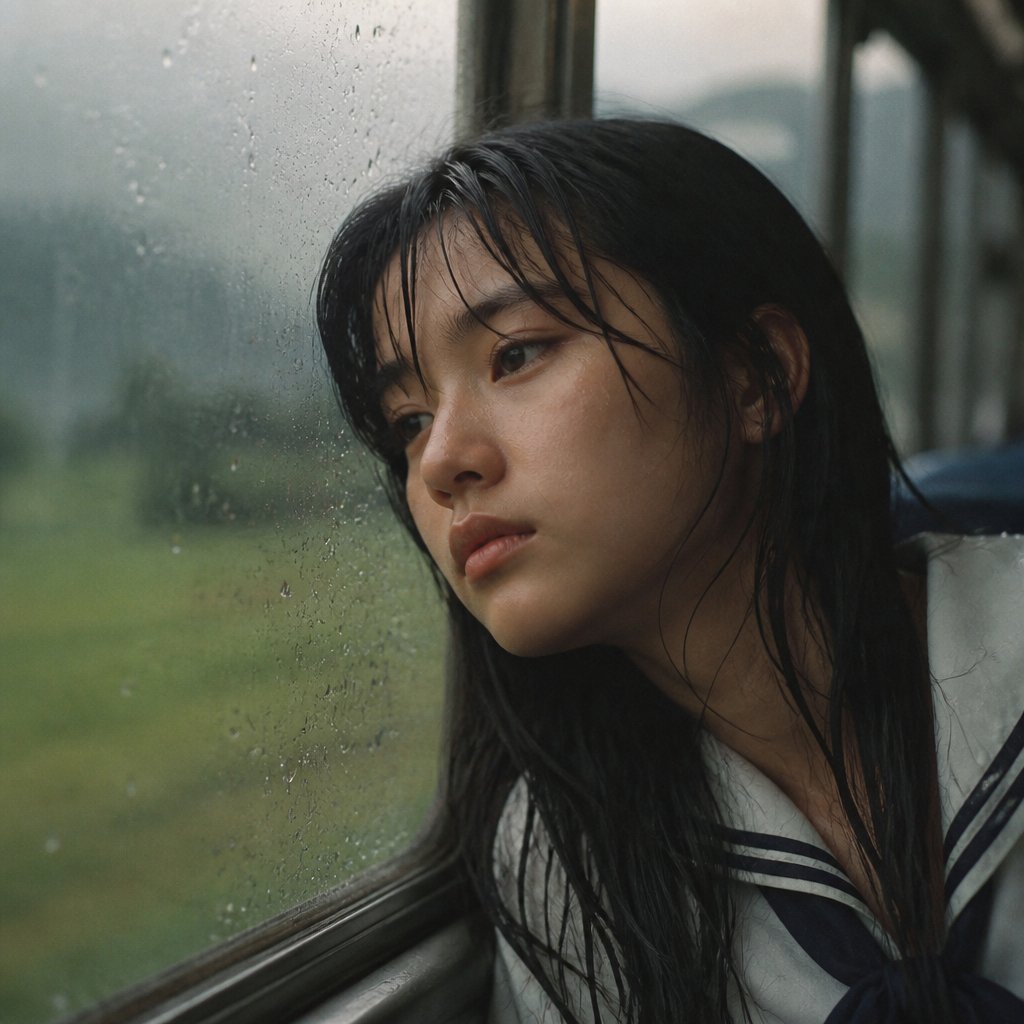
Rainy Train Schoolgirl Portrait
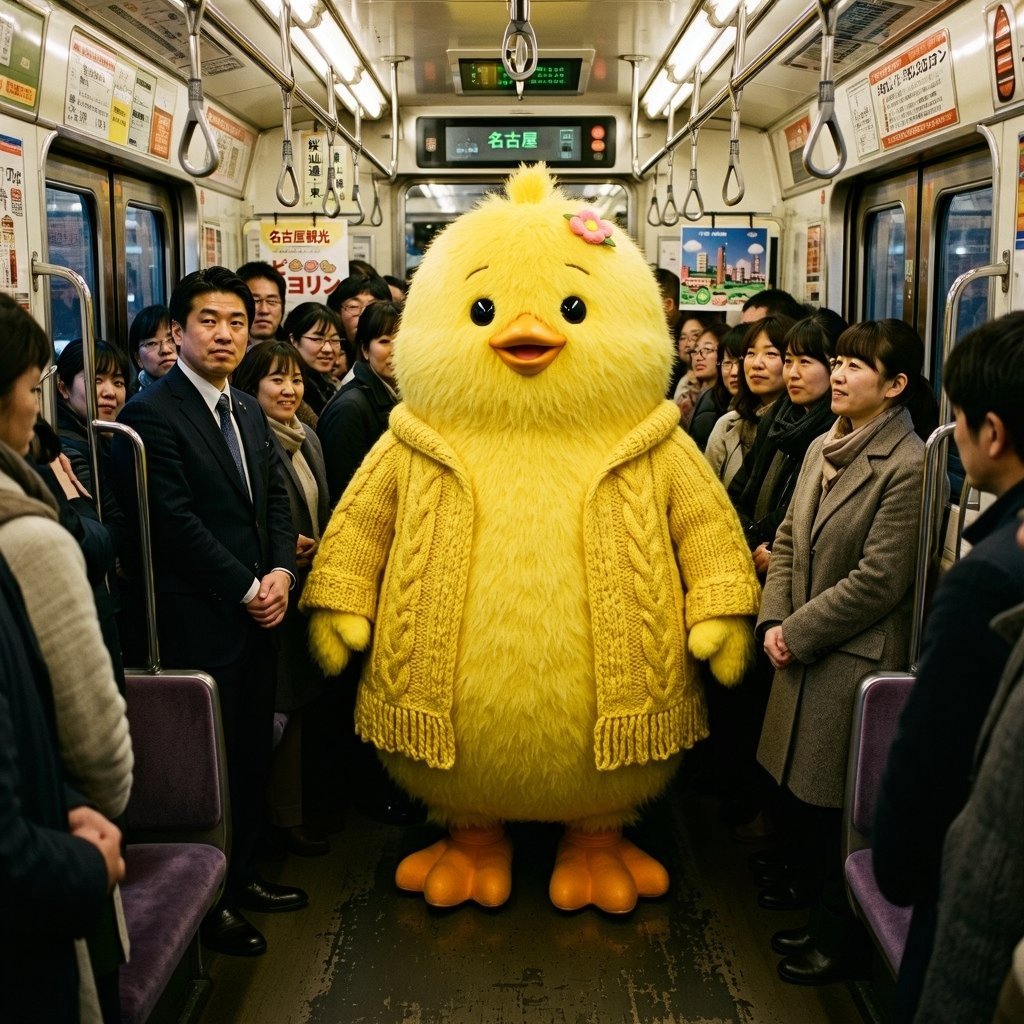
Yellow Chick Mascot on Japanese Train
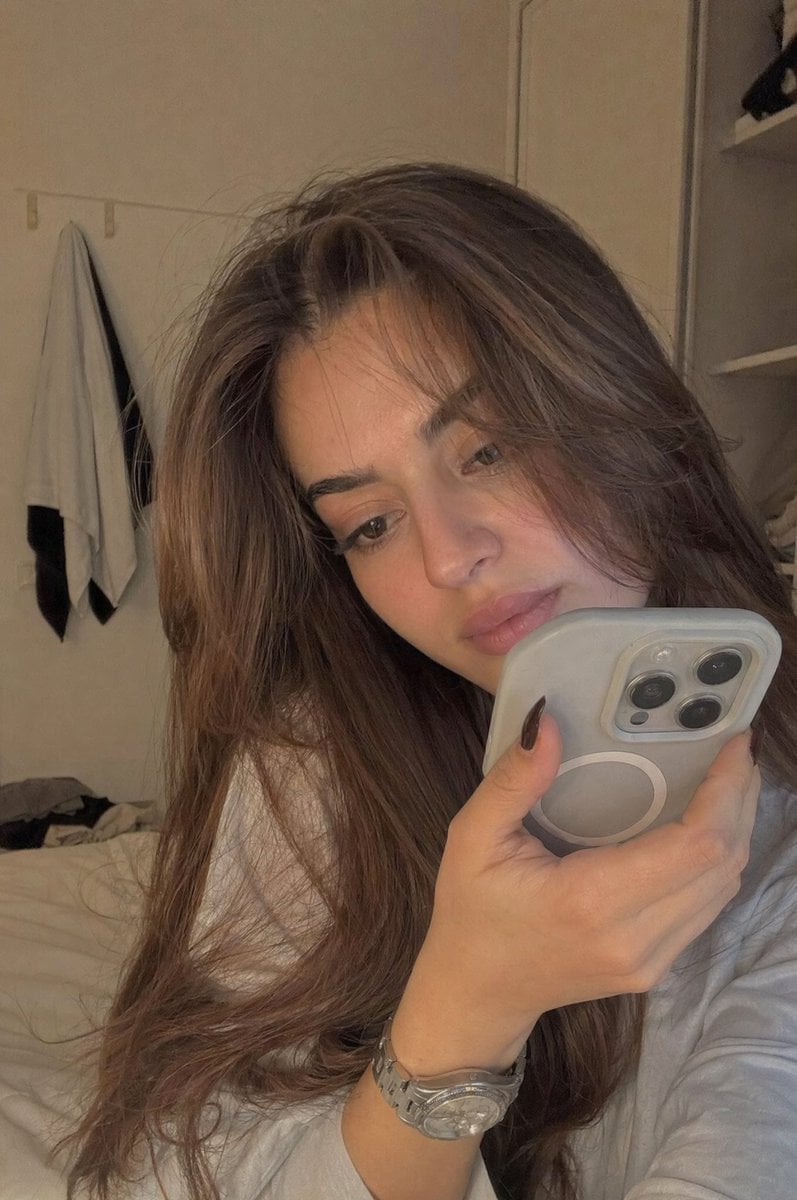
Realistic Bedroom Phone Recording Style
Make it yours
Japanese Train Schoolgirl Phone Recording works as-is. These are the safest ways to change it without losing the look.
Change one field
Copy a single group, rewrite it, and generate again so you can see what that field is doing.
Keep the frame, change the subject
Hold the composition and light of Japanese Train Schoolgirl Phone Recording, then swap wardrobe, props or the person for a new take.
| If the result… | Why | Fix |
|---|---|---|
| The result drifts from the preview | Too many fields changed at once. | Reuse Japanese Train Schoolgirl Phone Recording as-is first, then change one group — subject, light, or setting. |
| The model over-stylizes the scene | The prose prompt leaves finish and camera underspecified. | Add one camera or lighting sentence and stay on GPT Image 2. |
More GPT Image 2 templates
Other prompts made for GPT Image 2.

Realistic Portrait of Woman and Deer

The Vista Modular Condo Poster

AI Model Routing Comparison Infographic

2.5D Anime Art Board

Isometric Productivity Desk Scene

New York Double Exposure Poster

Four-Panel AI Landscape Comparison

Japanese Tatami Lifestyle Magazine Cover

NESCAFÉ Coffee Map Poster

Brutalist Cogito Chinese Typography Poster
More image prompts
Fresh picks from across the catalog.

Isometric Figurine from Photo Prompt

Dark Fantasy Route Map

Chibi Bunny Mascot Illustration
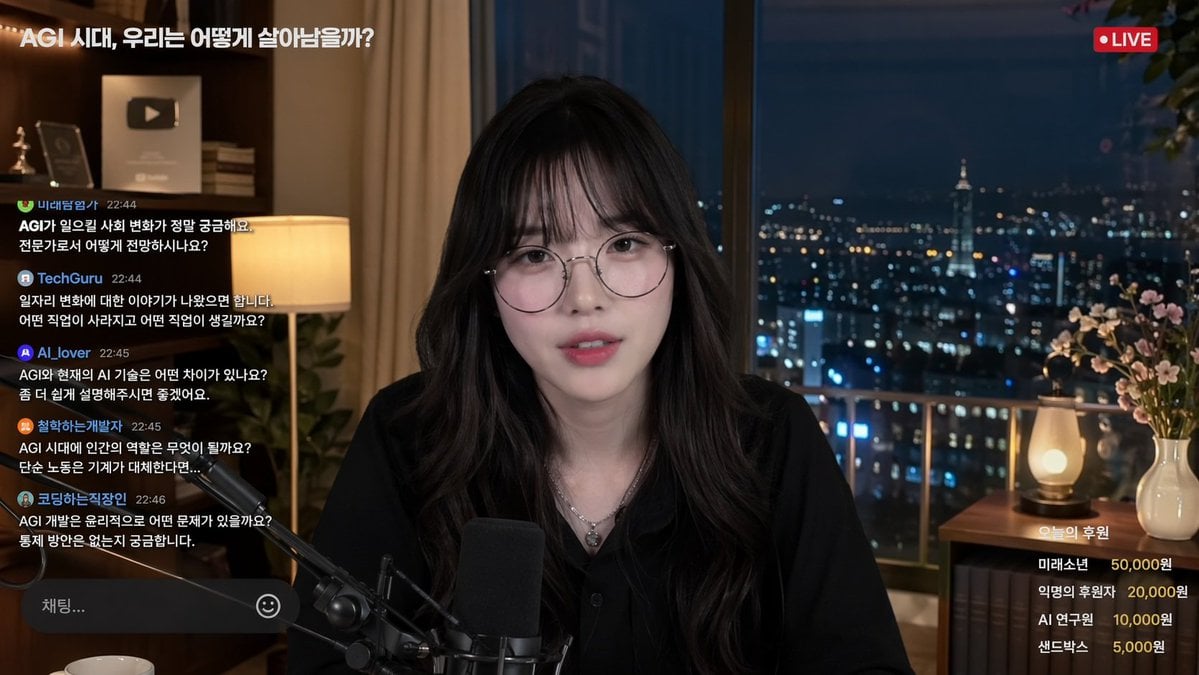
Livestream Interface Mockup

Ultra-Realistic Skincare Product Photography Prompt
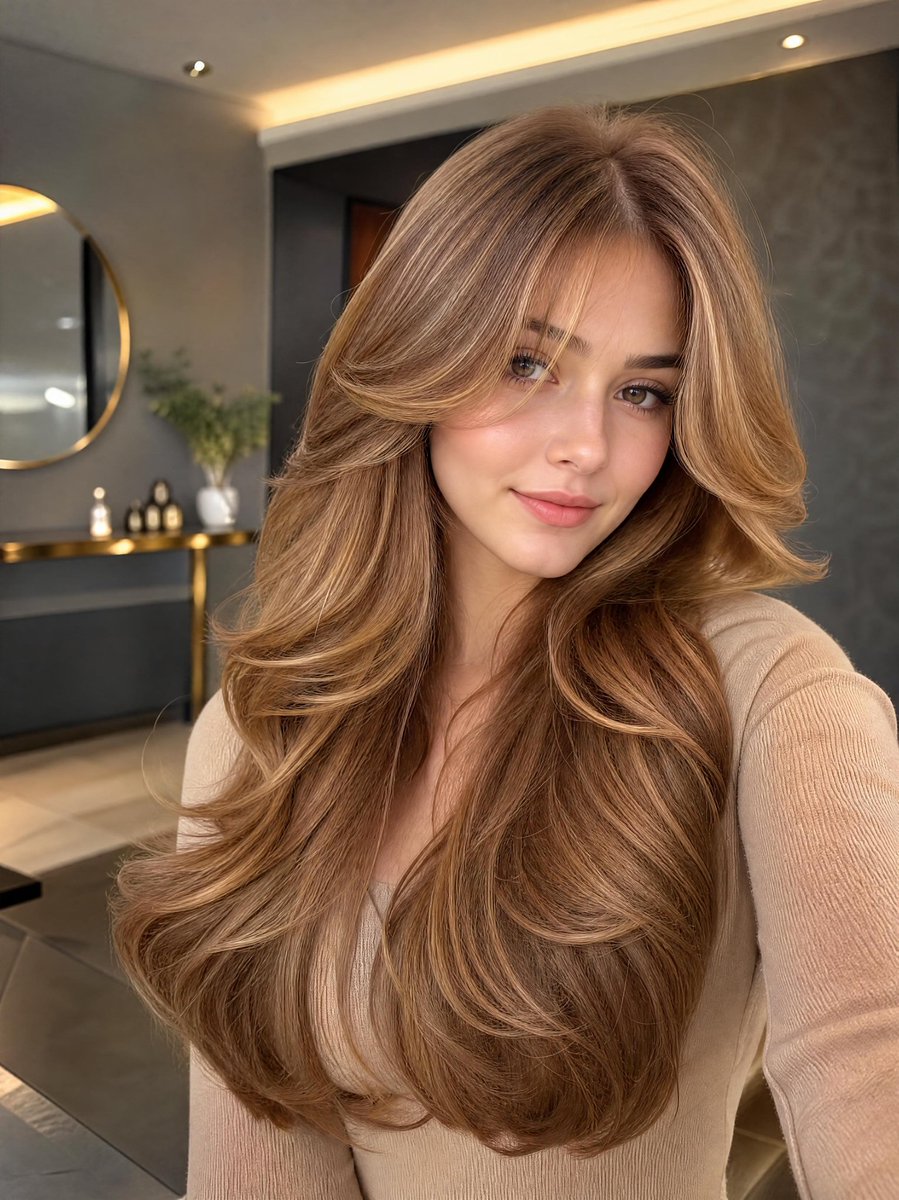
Golden Hour Selfie Portrait
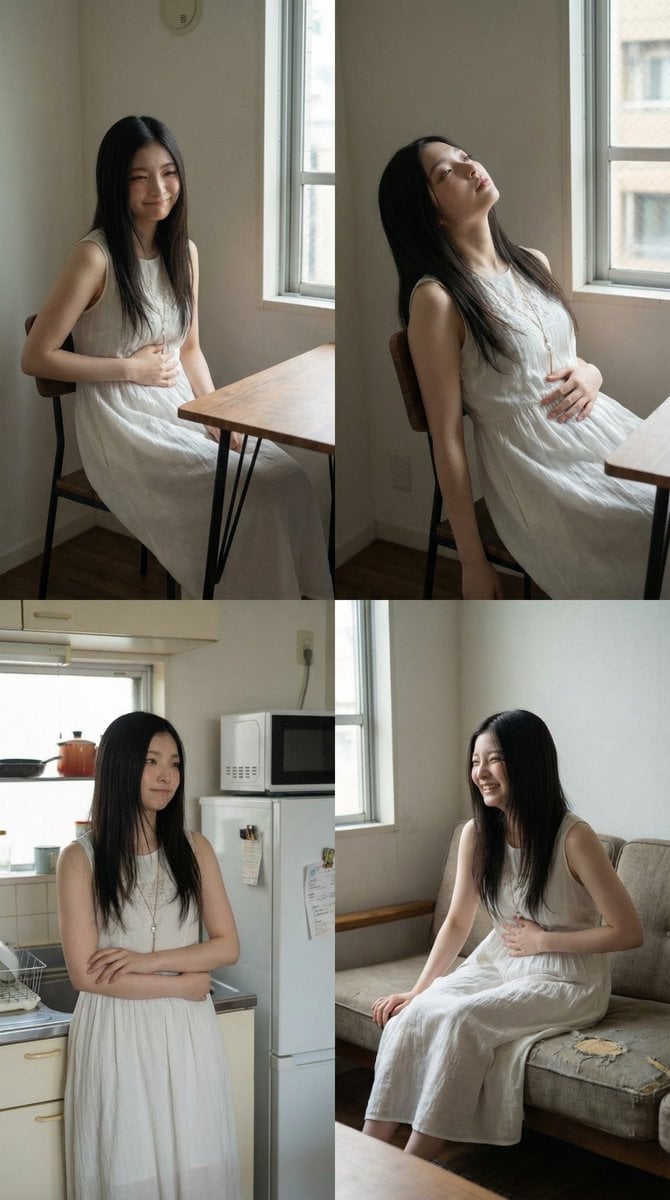
2x2 Grid Character Consistency Prompt (JSON)
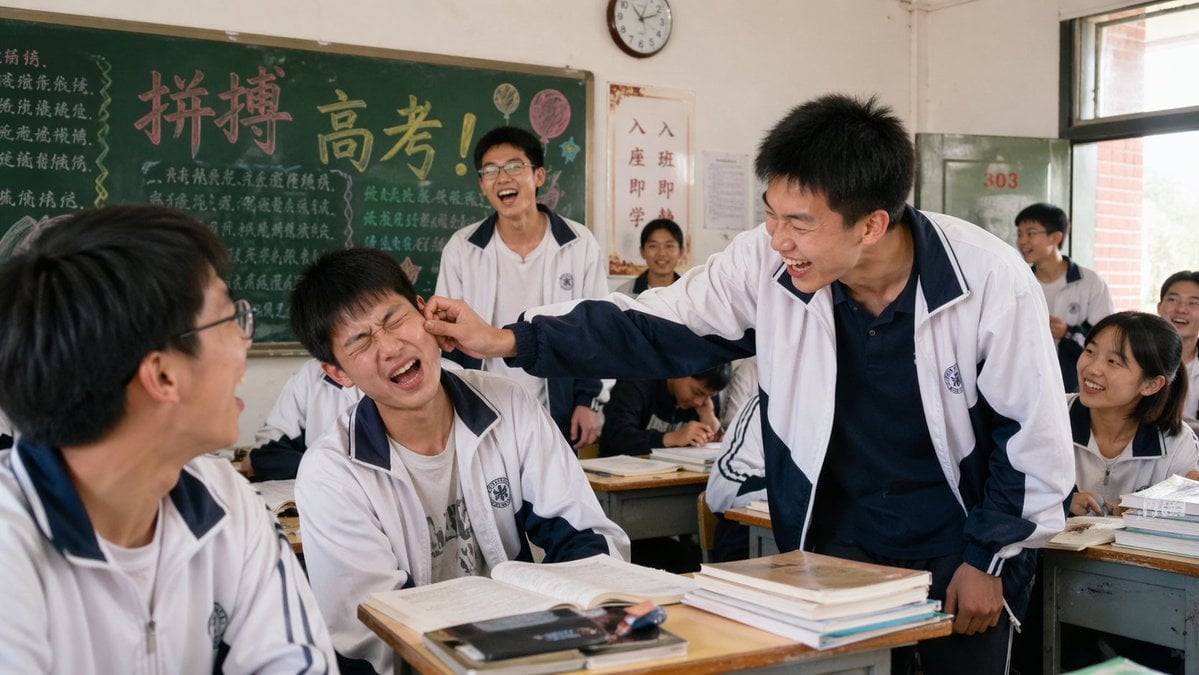
2000s High School Comedy Scene

Japanese New Year Kirie-Style Icon Set Generation
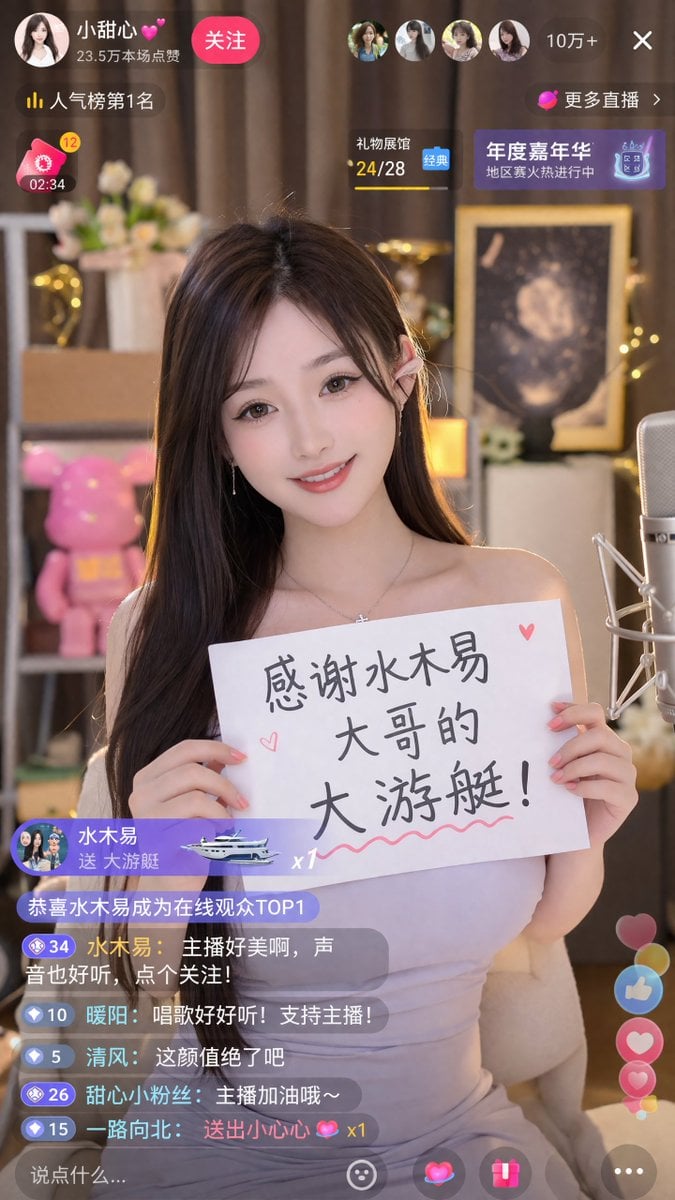
Livestream Screenshot Prompt
Browse template categories
Japanese Train Schoolgirl Phone Recording questions
How do I use the Japanese Train Schoolgirl Phone Recording template?
Add your photo if the template asks for one, edit the prompt if you like — the template's model and format are already selected — and press Generate. Your version opens in PicX Studio.
Can I customize the Japanese Train Schoolgirl Phone Recording template?
Yes. You can change the subject, setting, lighting, mood, format, and available model controls before creating your image.
Is the Japanese Train Schoolgirl Phone Recording template free?
Opening and editing this template is free. Generating uses credits, shown on the Generate button when you are signed in.
Which AI model should I use?
Start with GPT Image 2, which is the model associated with this template. You can compare another compatible model for a different finish.
Looking for something else? Browse all templates.

Your photo, any look
Thousands of ready templates for every top image and video model, from one credit balance.